DJANGO SIMPLIFIED:
About Django: In-brief
1.It’s a free and open-source Python web framework developed to ease process
of developing a web application.
2.Based on a “DON’T REPEAT YOURSELF” by emphasising reusability &
“pluggability” of components, rapid development.(HOW AWESOME?!)
3.Born on 2003 at Lawrence -Journal Newspaper by Adrian Holovaty & Simon
Willison to date maintained by Django Software foundation (DSF)
Requirements: Get started
1.Good standard PC :( i know you know…. lol ..)
- Works on Windows | Linux | OSX
2. Install python packages. (It’s a python web framework remember)
-Biased to 3.0 & above, Django does not support python 2.0
Download Django
After dealing with requirements……..
A.Open your command shell | CMD (windows users) and terminal for UNIX
users (Linux & OS
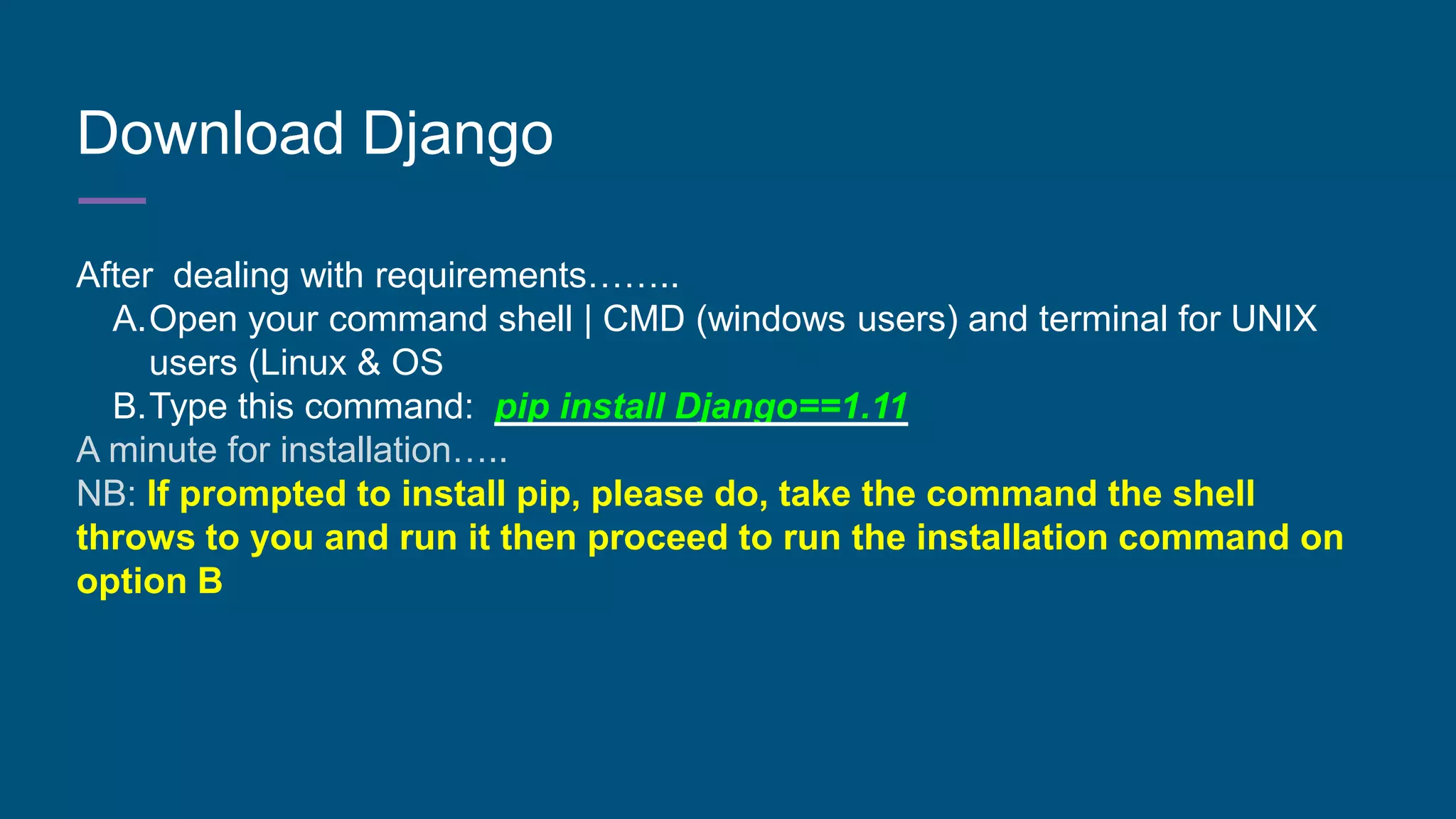
B.Type this command: pip install Django==1.11
A minute for installation…..
NB: If prompted to install pip, please do, take the command the shell
throws to you and run it then proceed to run the installation command on
option B
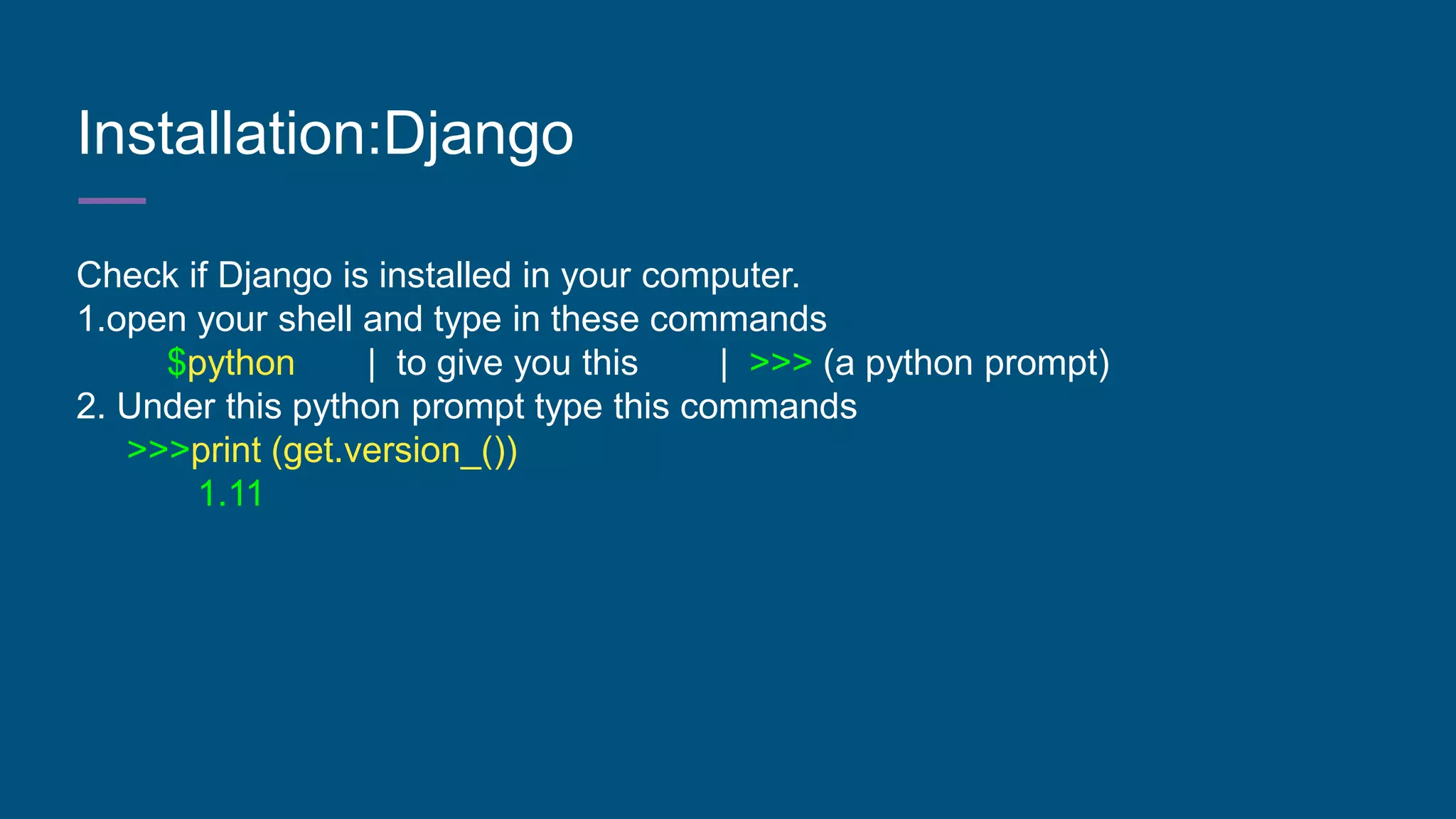
Installation:Django
Check if Django is installed in your computer.
1.open your shell and type in these commands
$python | to give you this | >>> (a python prompt)
2. Under this python prompt type this commands
>>>print (get.version_())
1.11
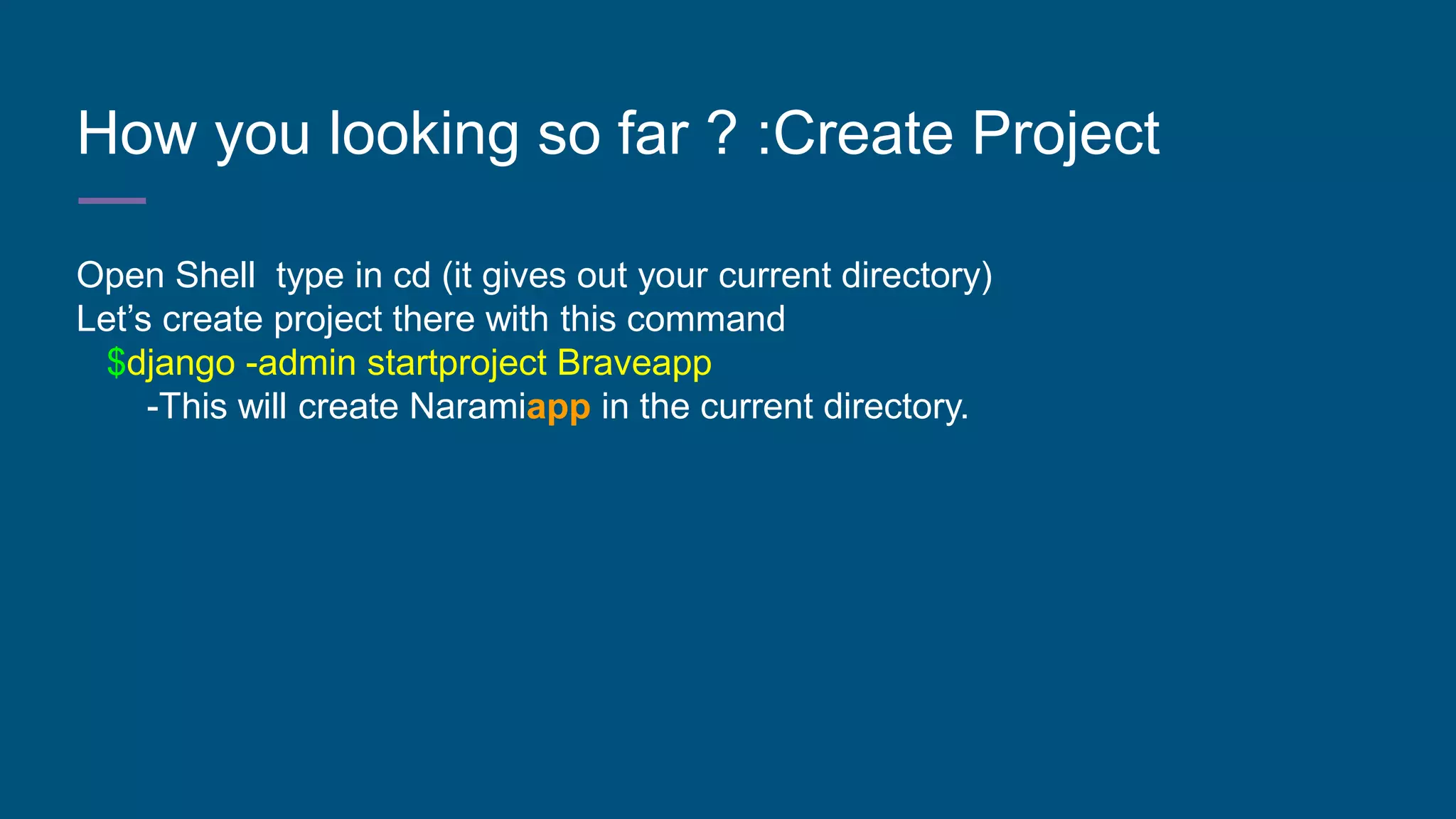
How you looking so far ? :Create Project
Open Shell type in cd (it gives out your current directory)
Let’s create project there with this command
$django -admin startproject Braveapp
-This will create Naramiapp in the current directory.
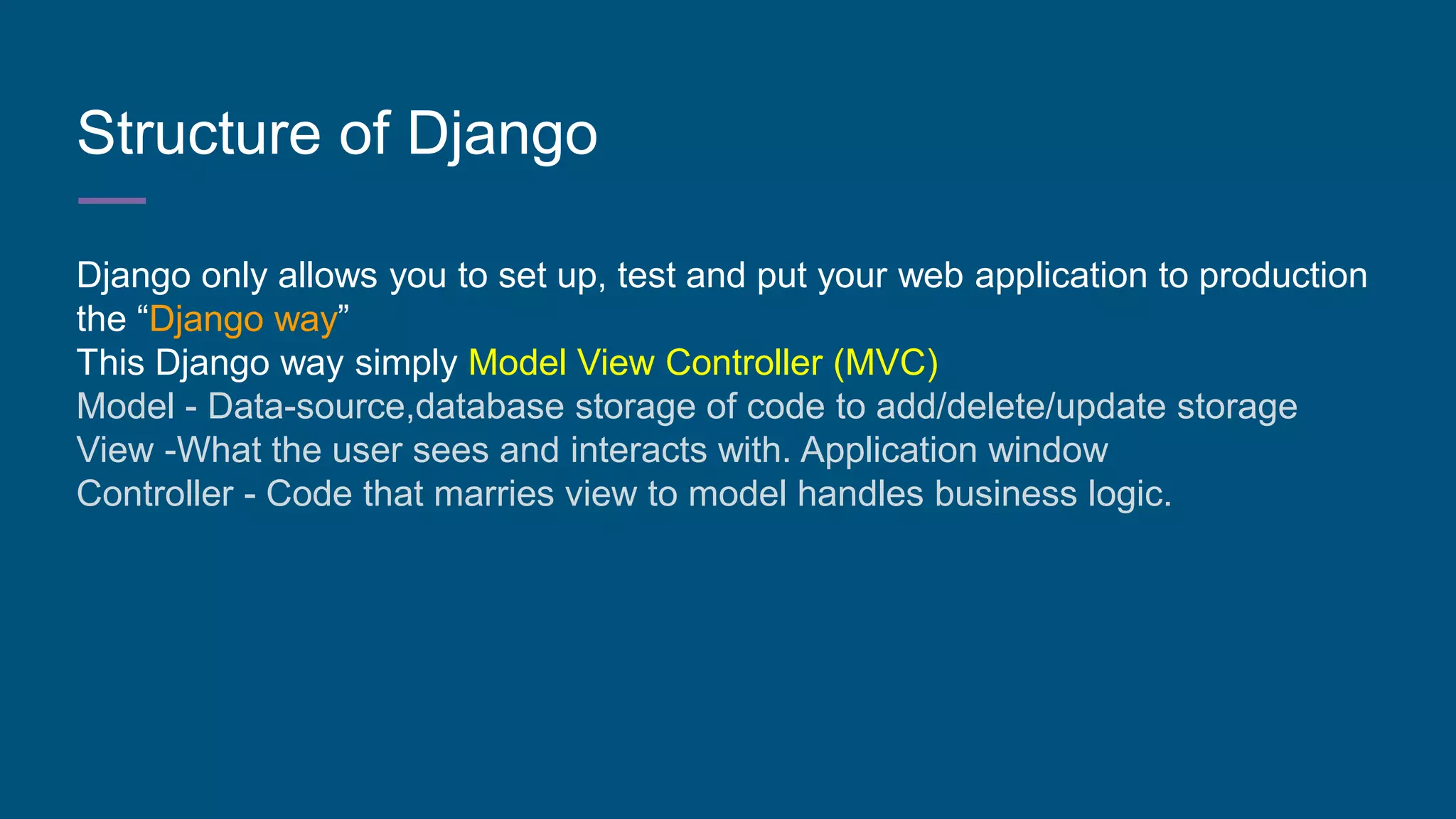
Structure of Django
Django only allows you to set up, test and put your web application to production
the “Django way”
This Django way simply Model View Controller (MVC)
Model - Data-source,database storage of code to add/delete/update storage
View -What the user sees and interacts with. Application window
Controller - Code that marries view to model handles business logic.
Ideology of Django: Projects/site & Apps
For Django Projects/site & Apps are 2 different things.
MVC lets you create an overall project/site that can include different apps in it &
you can limit or allow any of them to run.
You can have same application(s) in different projects.
Project - umbrella to applications for its intended purpose
App - code and business logic that satisfies the project’s intention.
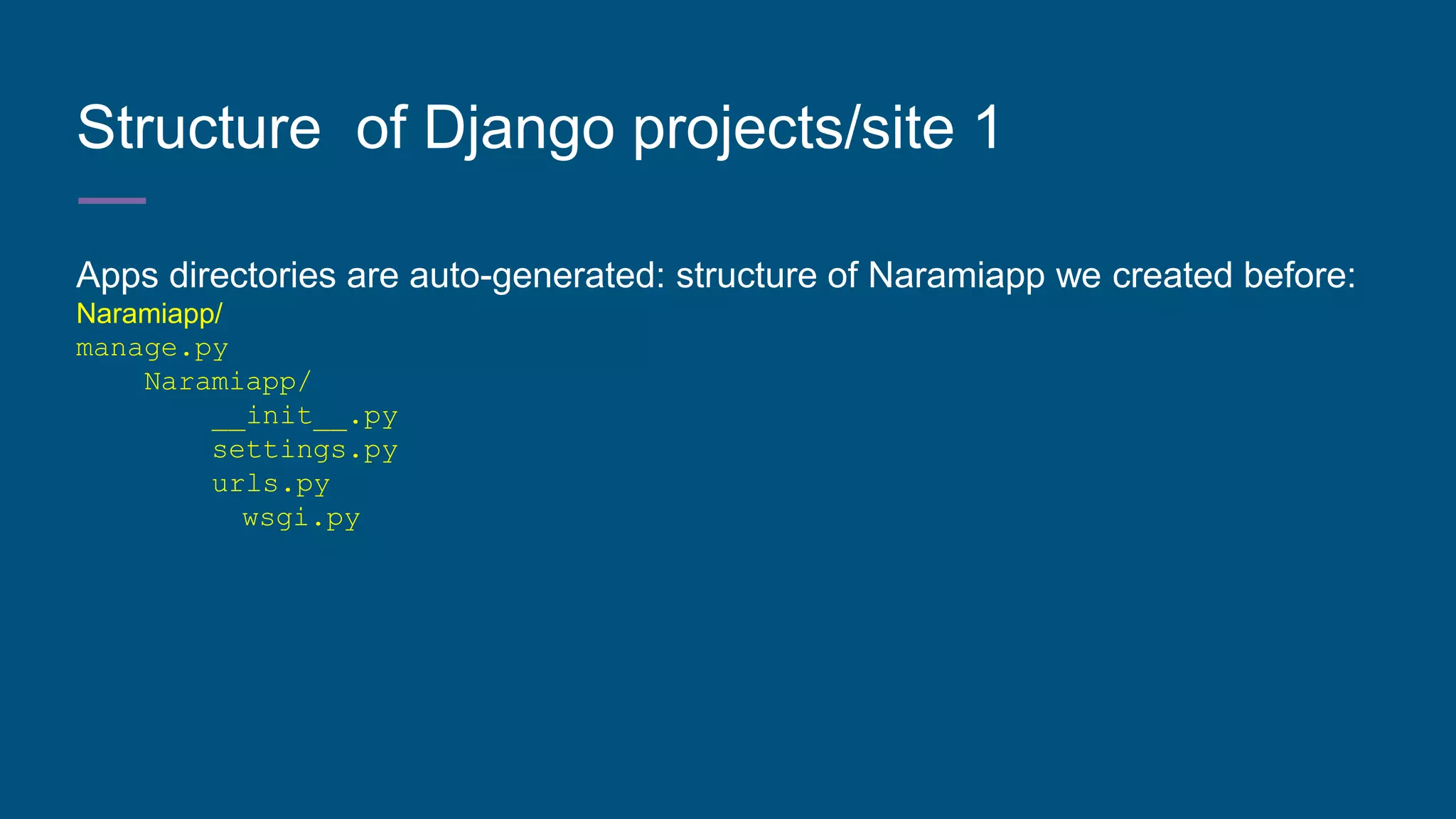
Structure of Django projects/site 1
Apps directories are auto-generated: structure of Naramiapp we created before:
Naramiapp/
manage.py
Naramiapp/
__init__.py
settings.py
urls.py
wsgi.py
Structure of Django projects/site 2
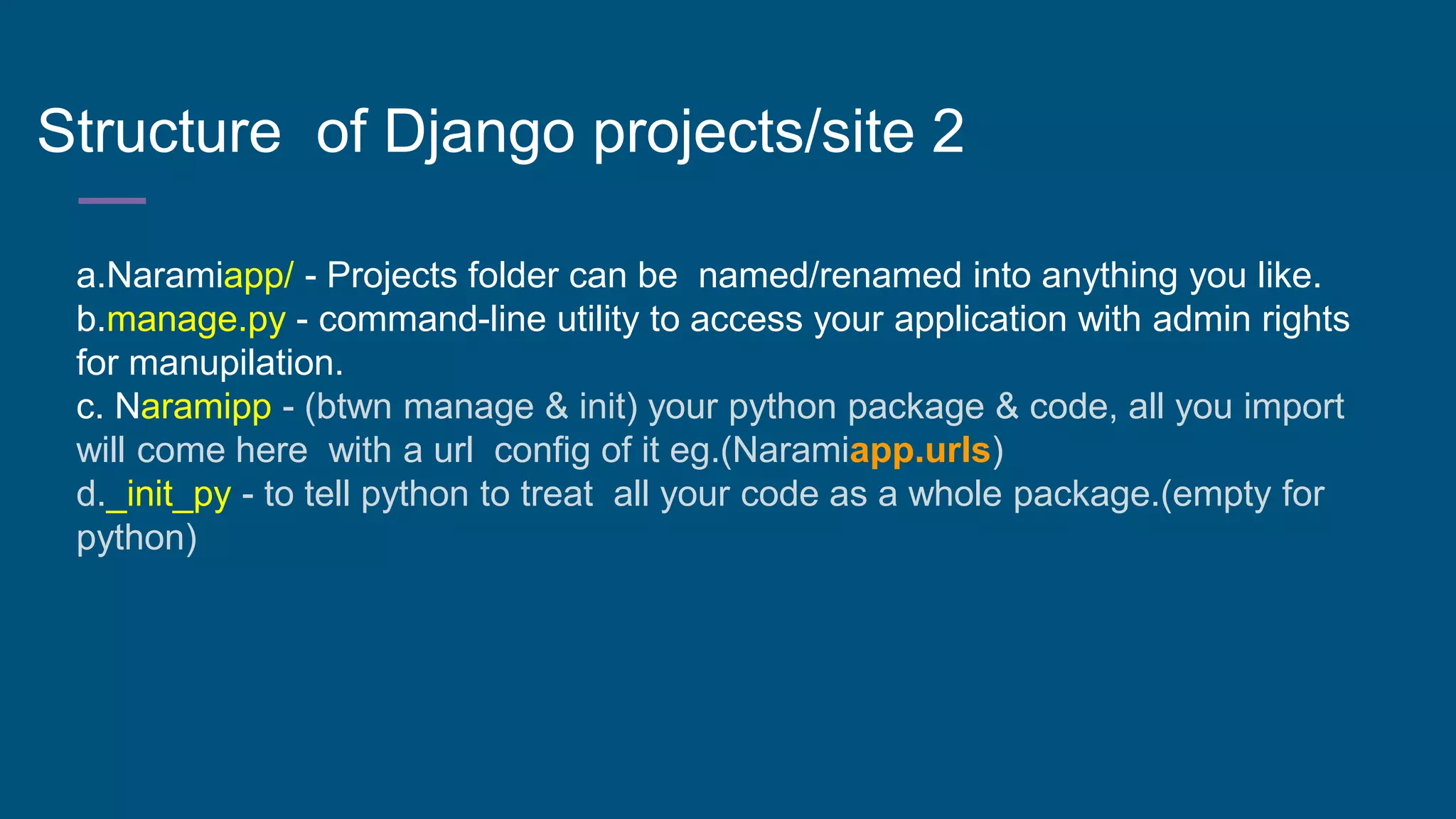
a.Naramiapp/ - Projects folder can be named/renamed into anything you like.
b.manage.py - command-line utility to access your application with admin rights
for manupilation.
c. Naramipp - (btwn manage & init) your python package & code, all you import
will come here with a url config of it eg.(Naramiapp.urls)
d._init_py - to tell python to treat all your code as a whole package.(empty for
python)
Structure of Django projects/site 3
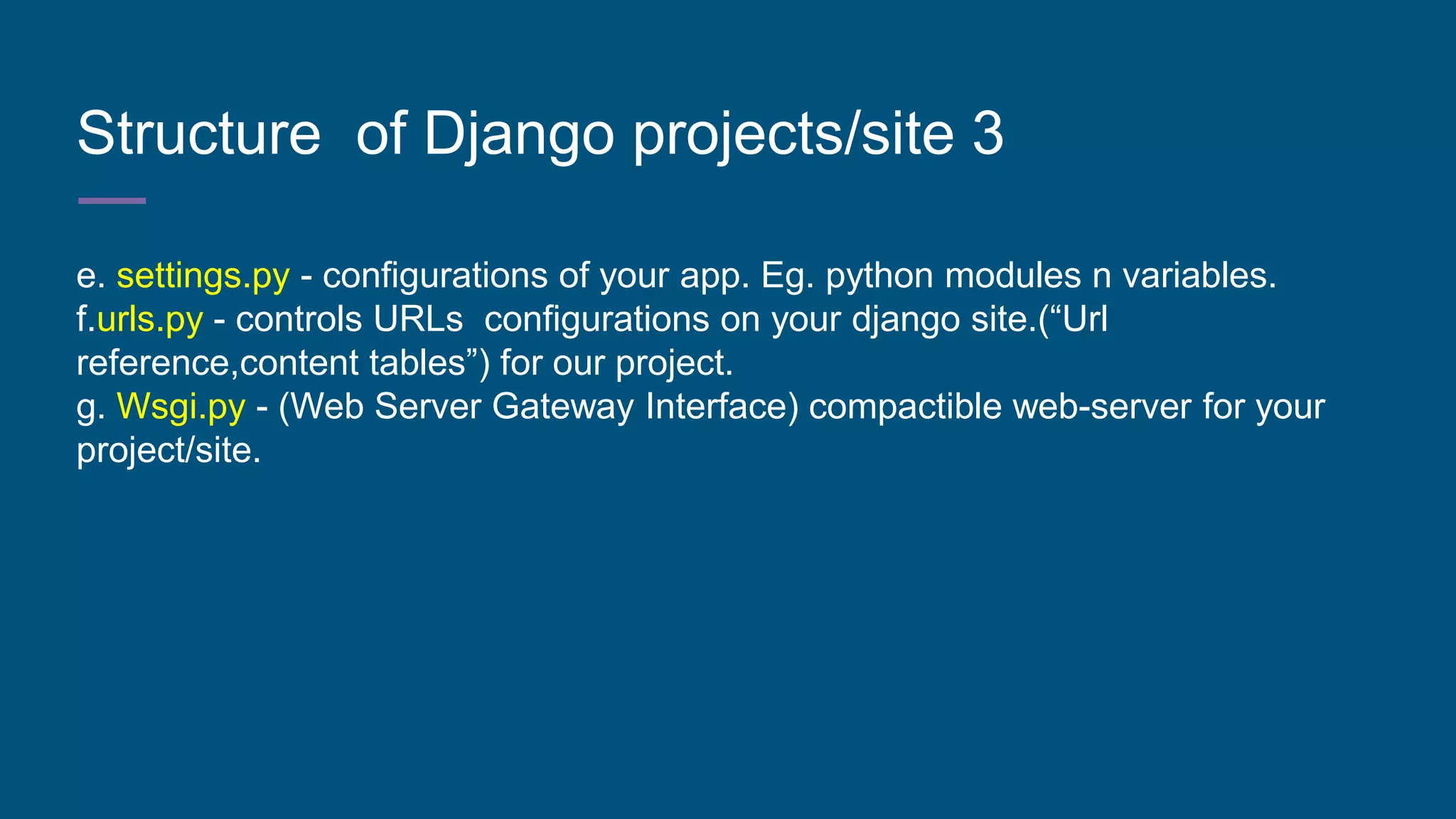
e. settings.py - configurations of your app. Eg. python modules n variables.
f.urls.py - controls URLs configurations on your django site.(“Url
reference,content tables”) for our project.
g. Wsgi.py - (Web Server Gateway Interface) compactible web-server for your
project/site.
Test our Project/server 1
ALL GOOD UP TO HERE?
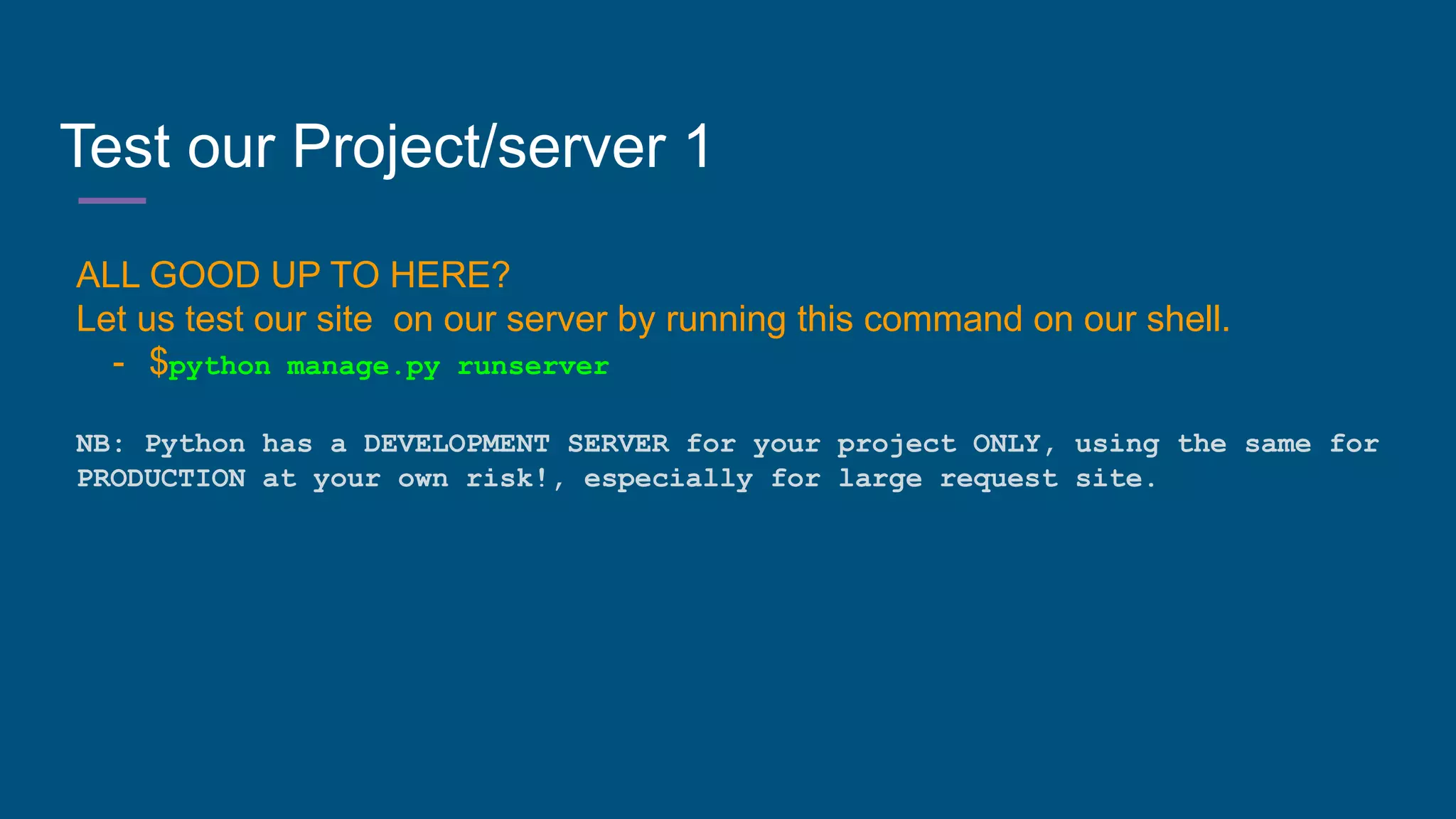
Let us test our site on our server by running this command on our shell.
- $python manage.py runserver
NB: Python has a DEVELOPMENT SERVER for your project ONLY, using the same for
PRODUCTION at your own risk!, especially for large request site.
Test our Project/server 2
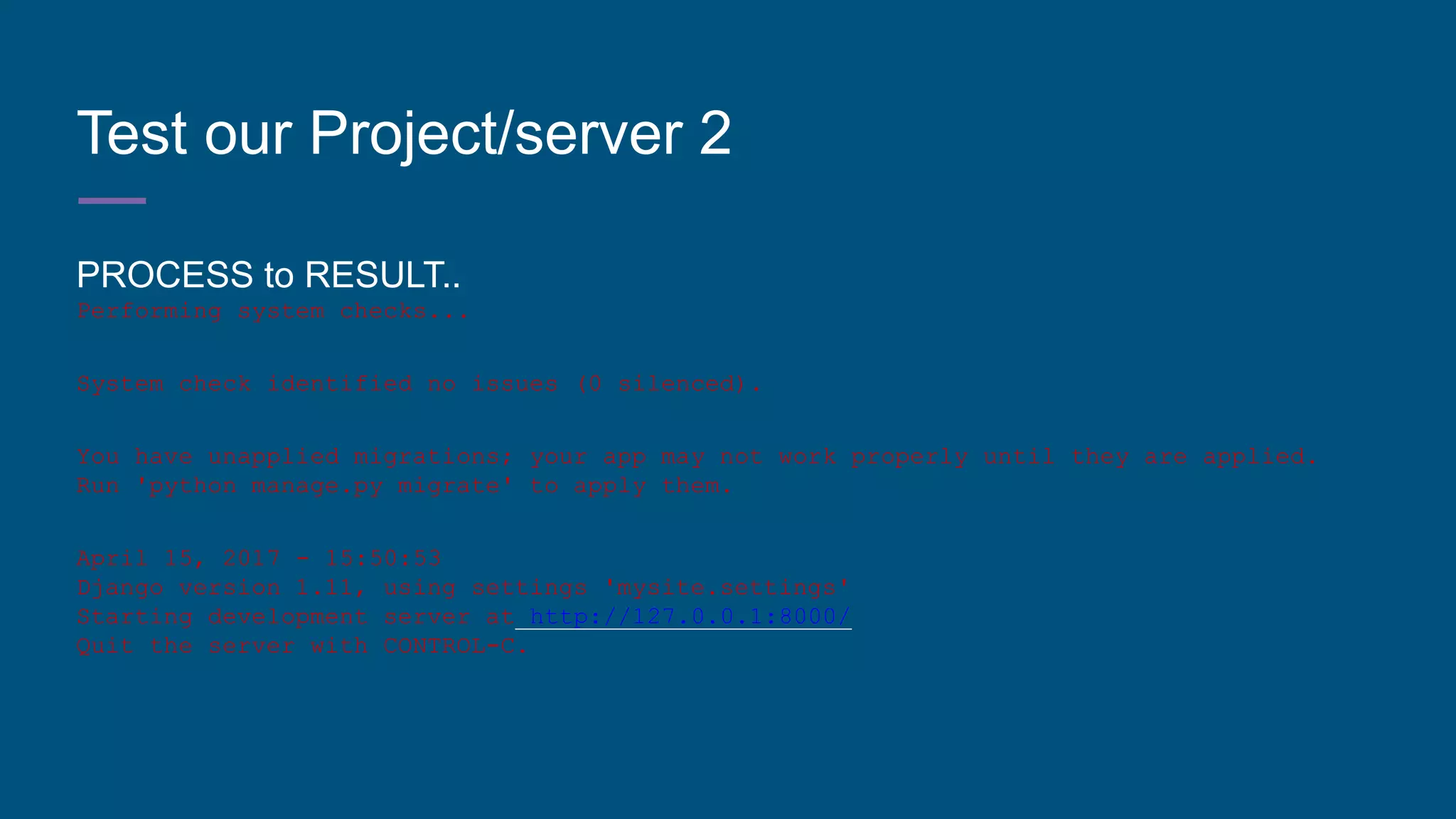
PROCESS to RESULT..
Performing system checks...
System check identified no issues (0 silenced).
You have unapplied migrations; your app may not work properly until they are applied.
Run 'python manage.py migrate' to apply them.
April 15, 2017 - 15:50:53
Django version 1.11, using settings 'mysite.settings'
Starting development server at http://127.0.0.1:8000/
Quit the server with CONTROL-C.
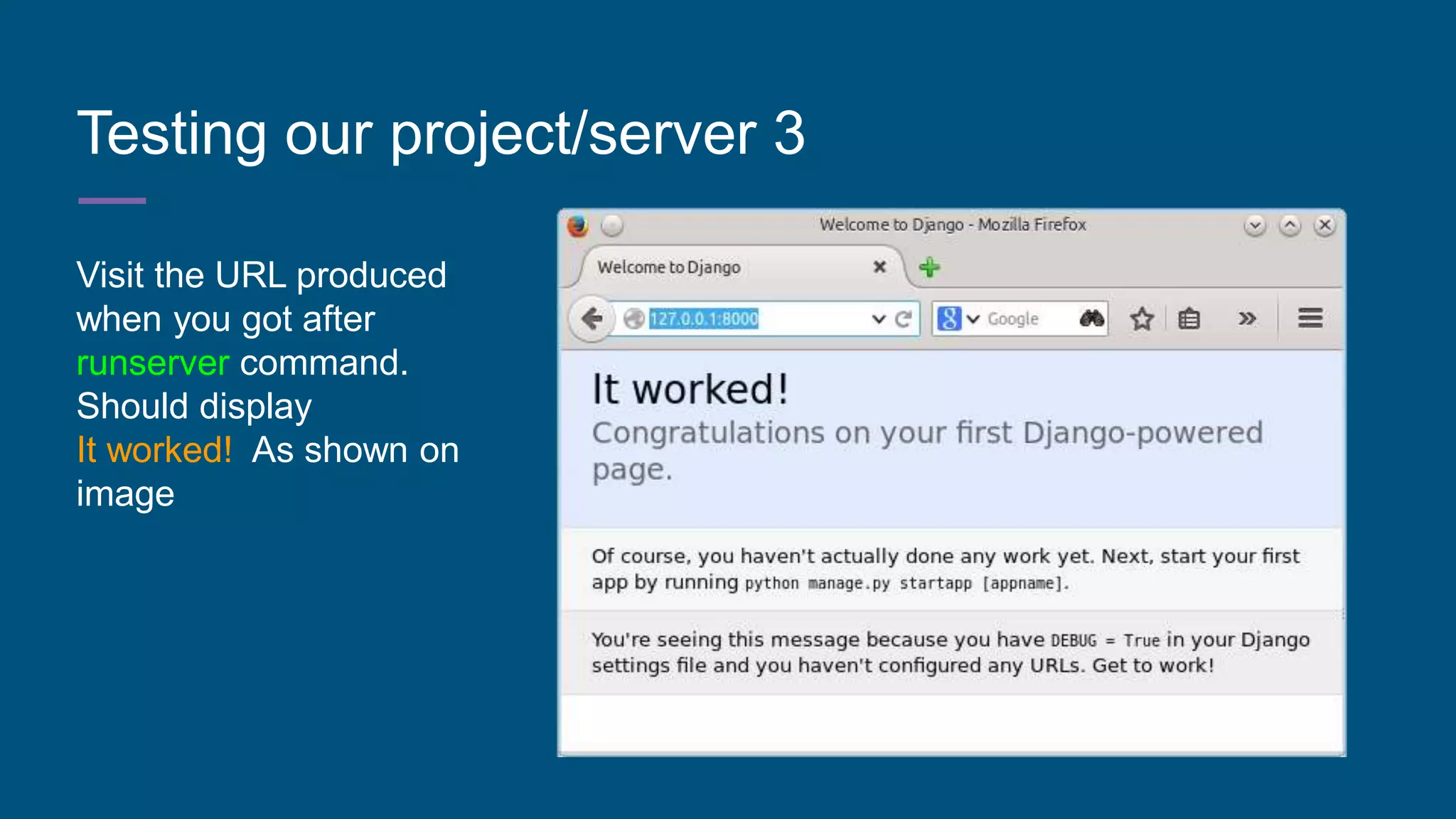
Testing our project/server 3
Visit the URL produced
when you got after
runserver command.
Should display
It worked! As shown on
image
Django App 1
Remember the difference between Project & Site right?
To create an application run the following command:
$ python manage.py startapp Narami
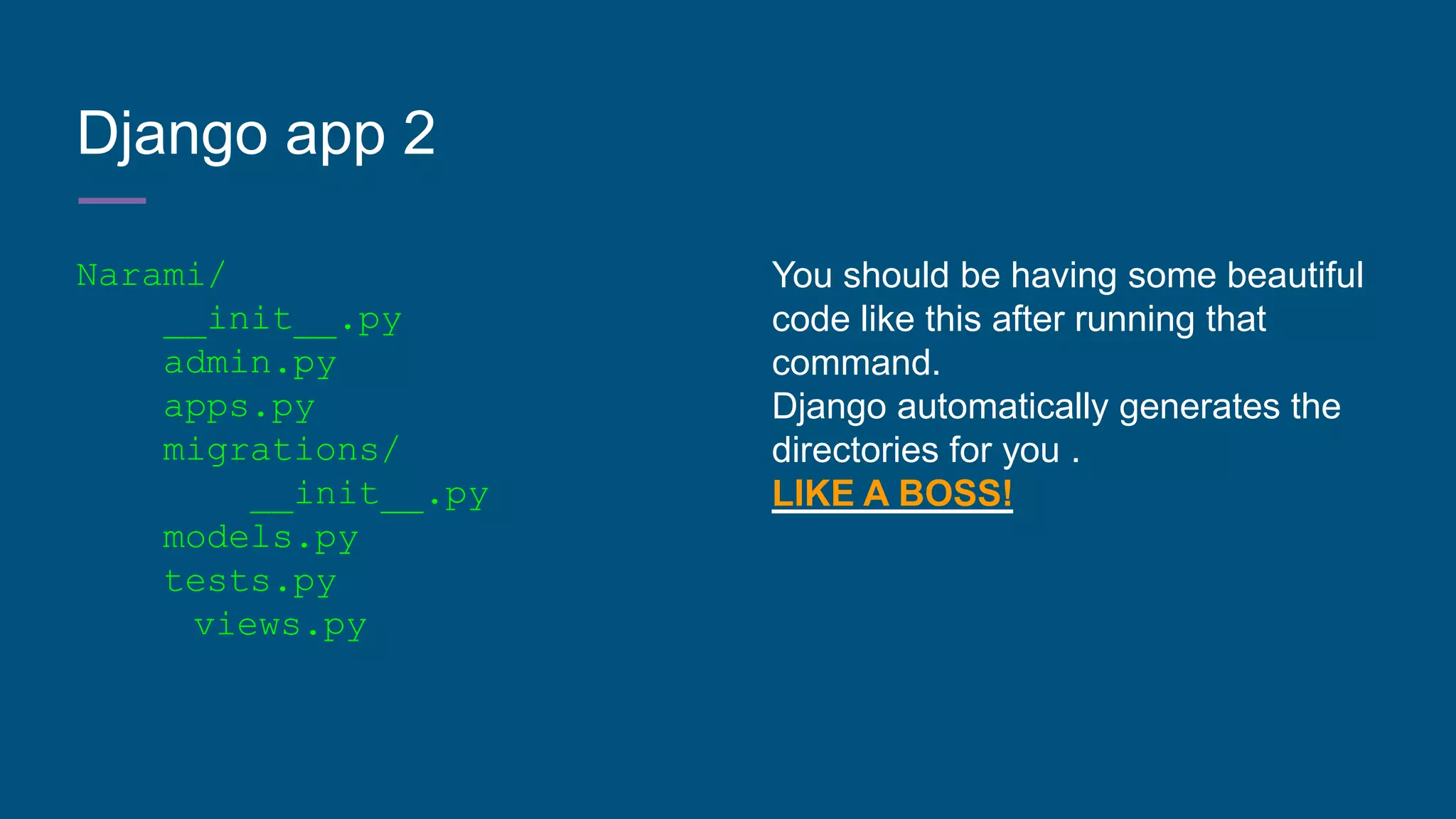
Django app 2
Narami/
__init__.py
admin.py
apps.py
migrations/
__init__.py
models.py
tests.py
views.py
You should be having some beautiful
code like this after running that
command.
Django automatically generates the
directories for you .
LIKE A BOSS!
DJANGO SIMPLIFIED: Part 1 Conclusion
Hello there, This is just part 1 to get you up to speed on how Django is
structured, i will release Part 2 that is extensive on Django Application and get
use to development of a simple django application.
Buzz Me:
Mail: weevermbakaya@gmail.com

Django simplified : by weever mbakaya

  • 1.
  • 2.
    About Django: In-brief 1.It’sa free and open-source Python web framework developed to ease process of developing a web application. 2.Based on a “DON’T REPEAT YOURSELF” by emphasising reusability & “pluggability” of components, rapid development.(HOW AWESOME?!) 3.Born on 2003 at Lawrence -Journal Newspaper by Adrian Holovaty & Simon Willison to date maintained by Django Software foundation (DSF)
  • 3.
    Requirements: Get started 1.Goodstandard PC :( i know you know…. lol ..) - Works on Windows | Linux | OSX 2. Install python packages. (It’s a python web framework remember) -Biased to 3.0 & above, Django does not support python 2.0
  • 4.
    Download Django After dealingwith requirements…….. A.Open your command shell | CMD (windows users) and terminal for UNIX users (Linux & OS B.Type this command: pip install Django==1.11 A minute for installation….. NB: If prompted to install pip, please do, take the command the shell throws to you and run it then proceed to run the installation command on option B
  • 5.
    Installation:Django Check if Djangois installed in your computer. 1.open your shell and type in these commands $python | to give you this | >>> (a python prompt) 2. Under this python prompt type this commands >>>print (get.version_()) 1.11
  • 6.
    How you lookingso far ? :Create Project Open Shell type in cd (it gives out your current directory) Let’s create project there with this command $django -admin startproject Braveapp -This will create Naramiapp in the current directory.
  • 7.
    Structure of Django Djangoonly allows you to set up, test and put your web application to production the “Django way” This Django way simply Model View Controller (MVC) Model - Data-source,database storage of code to add/delete/update storage View -What the user sees and interacts with. Application window Controller - Code that marries view to model handles business logic.
  • 8.
    Ideology of Django:Projects/site & Apps For Django Projects/site & Apps are 2 different things. MVC lets you create an overall project/site that can include different apps in it & you can limit or allow any of them to run. You can have same application(s) in different projects. Project - umbrella to applications for its intended purpose App - code and business logic that satisfies the project’s intention.
  • 9.
    Structure of Djangoprojects/site 1 Apps directories are auto-generated: structure of Naramiapp we created before: Naramiapp/ manage.py Naramiapp/ __init__.py settings.py urls.py wsgi.py
  • 10.
    Structure of Djangoprojects/site 2 a.Naramiapp/ - Projects folder can be named/renamed into anything you like. b.manage.py - command-line utility to access your application with admin rights for manupilation. c. Naramipp - (btwn manage & init) your python package & code, all you import will come here with a url config of it eg.(Naramiapp.urls) d._init_py - to tell python to treat all your code as a whole package.(empty for python)
  • 11.
    Structure of Djangoprojects/site 3 e. settings.py - configurations of your app. Eg. python modules n variables. f.urls.py - controls URLs configurations on your django site.(“Url reference,content tables”) for our project. g. Wsgi.py - (Web Server Gateway Interface) compactible web-server for your project/site.
  • 12.
    Test our Project/server1 ALL GOOD UP TO HERE? Let us test our site on our server by running this command on our shell. - $python manage.py runserver NB: Python has a DEVELOPMENT SERVER for your project ONLY, using the same for PRODUCTION at your own risk!, especially for large request site.
  • 13.
    Test our Project/server2 PROCESS to RESULT.. Performing system checks... System check identified no issues (0 silenced). You have unapplied migrations; your app may not work properly until they are applied. Run 'python manage.py migrate' to apply them. April 15, 2017 - 15:50:53 Django version 1.11, using settings 'mysite.settings' Starting development server at http://127.0.0.1:8000/ Quit the server with CONTROL-C.
  • 14.
    Testing our project/server3 Visit the URL produced when you got after runserver command. Should display It worked! As shown on image
  • 15.
    Django App 1 Rememberthe difference between Project & Site right? To create an application run the following command: $ python manage.py startapp Narami
  • 16.
    Django app 2 Narami/ __init__.py admin.py apps.py migrations/ __init__.py models.py tests.py views.py Youshould be having some beautiful code like this after running that command. Django automatically generates the directories for you . LIKE A BOSS!
  • 17.
    DJANGO SIMPLIFIED: Part1 Conclusion Hello there, This is just part 1 to get you up to speed on how Django is structured, i will release Part 2 that is extensive on Django Application and get use to development of a simple django application. Buzz Me: Mail: weevermbakaya@gmail.com