Introduction to Django
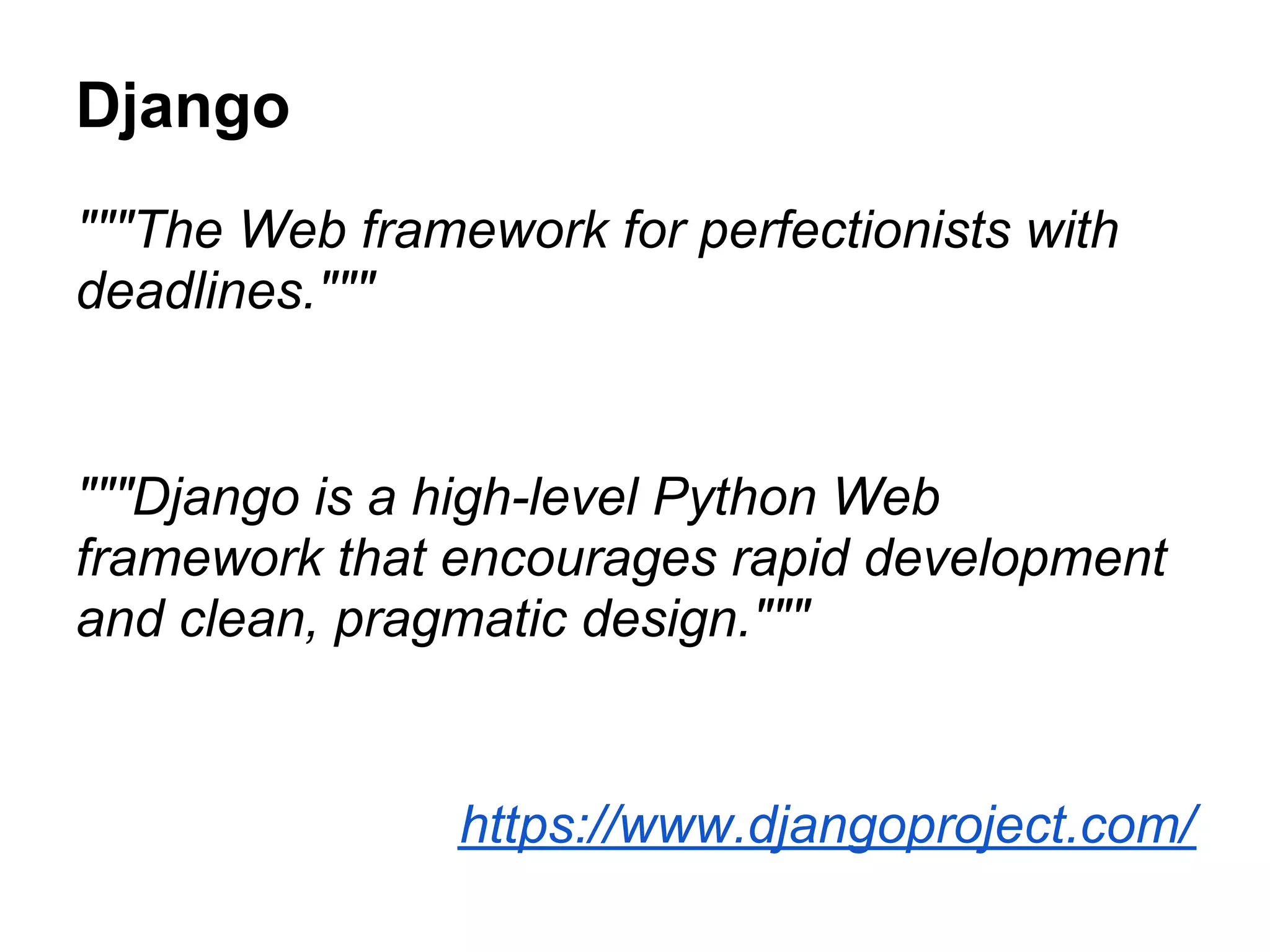
Django
"""The Web framework for perfectionists with
deadlines."""


"""Django is a high-level Python Web
framework that encourages rapid development
and clean, pragmatic design."""


                https://www.djangoproject.com/
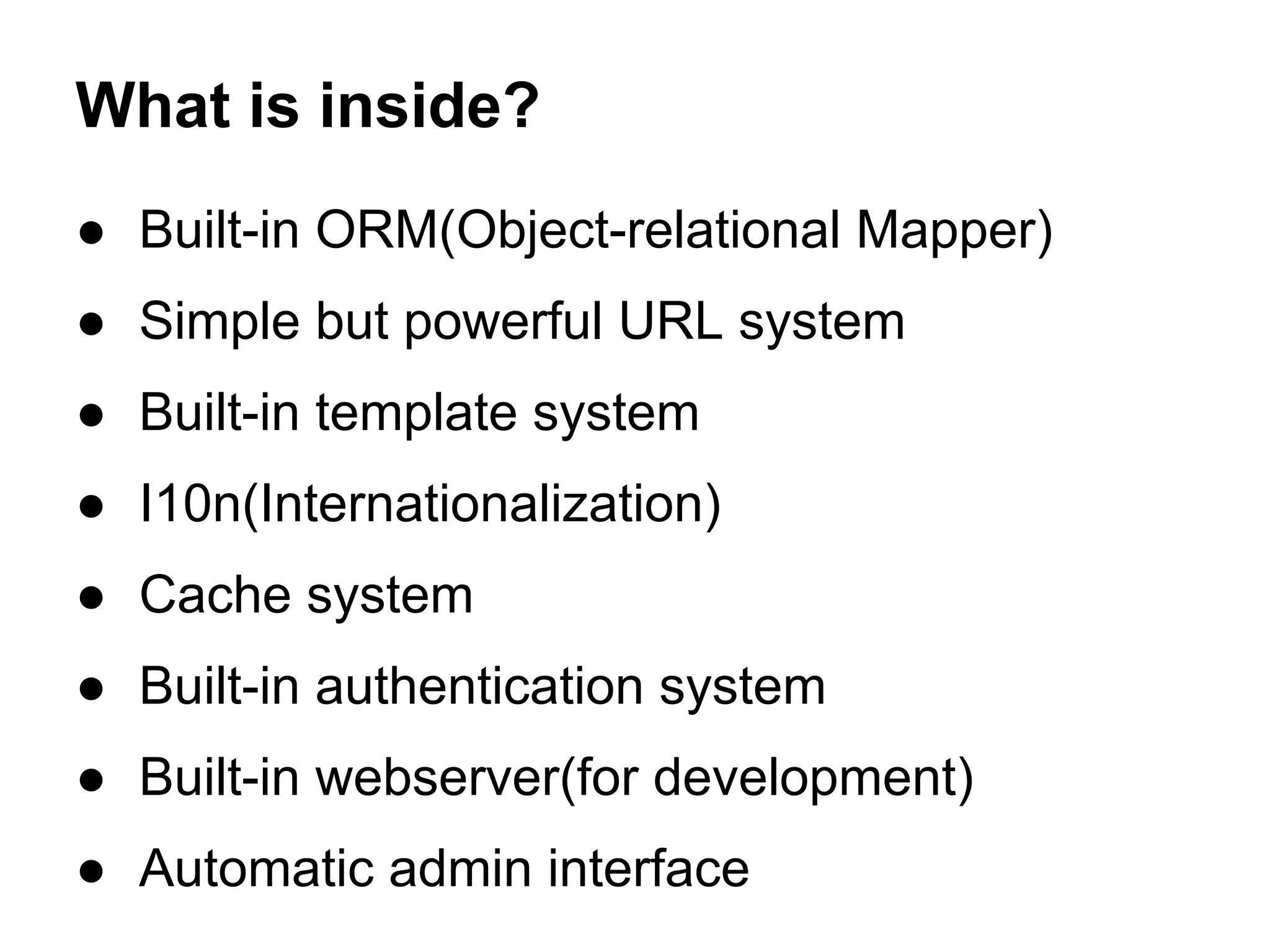
What is inside?
● Built-in ORM(Object-relational Mapper)
● Simple but powerful URL system
● Built-in template system
● I10n(Internationalization)
● Cache system
● Built-in authentication system
● Built-in webserver(for development)
● Automatic admin interface
MVT not MVC
● Model
  ○ defines the data structure
  ○ takes care for querying the database
● View
  ○ defines what data should be presented
  ○ returns HTTP response
● Template
  ○ renders the data in suitable format - HTML/XML/etc.
The live of request
Project structure
To start new project run:
    django-admin.py startproject my_project
The following structure will be created

         my_project/
           manage.py
           my_project/
             __init__.py
             settings.py # project settings reside here
             urls.py
             wsgi.py

This is the default created and good for learning the basics but this way the
settings may be hard to maintain for project in production. Alternative approach
is available at http://ilian.i-n-i.org/django-project-file-structure/.
Application structure
To create new application in you project just run the following command
in the shell:
     python manage.py startapp app
The following structure will be created

    app/
      __init__.py
      admin.py # not created automatically before 1.5
      models.py
      tests.py
      views.py


There is no urls.py file but most developer find it useful to keep the application
specific URLs inside it and include them in the main URLs configuration file.
Models
# models.py
from django.db import models
from django.utils.translation import ugettext_lazy as _

class News(models.Model):
   title = models.CharField(_('Title'), max_length=255)
   slug = models.SlugField(_('Slug'))
   content = models.TextField()

To create the tables for the define models just run:
    python manage.py syncdb
URLs dispatcher
# urls.py
from django.conf.urls import patterns, url, include

urlpatterns = patterns('',
   url(r'^$', 'app.home', name='home'), # give the specific URL meaningful
name
   url(r'offers/', include('offers.urls')), # include URLs from another app
   (r'^news/$', 'news.views.offers'), # point to specific view
   (r'^news/(d{4})/$', 'news.views.year_archive'), # pass arg(s)
   (r'^news/(d{4})/(d{2})/$', 'news.views.month_archive'), # pass arg(s)
   (r'^news/(?P<slug>[-w]+)/$', 'news.views.single_news'), # pass named args
)

●   URLs dispatcher uses regular expression
●   The first match found is called
●   All arguments are passed as unicode strings
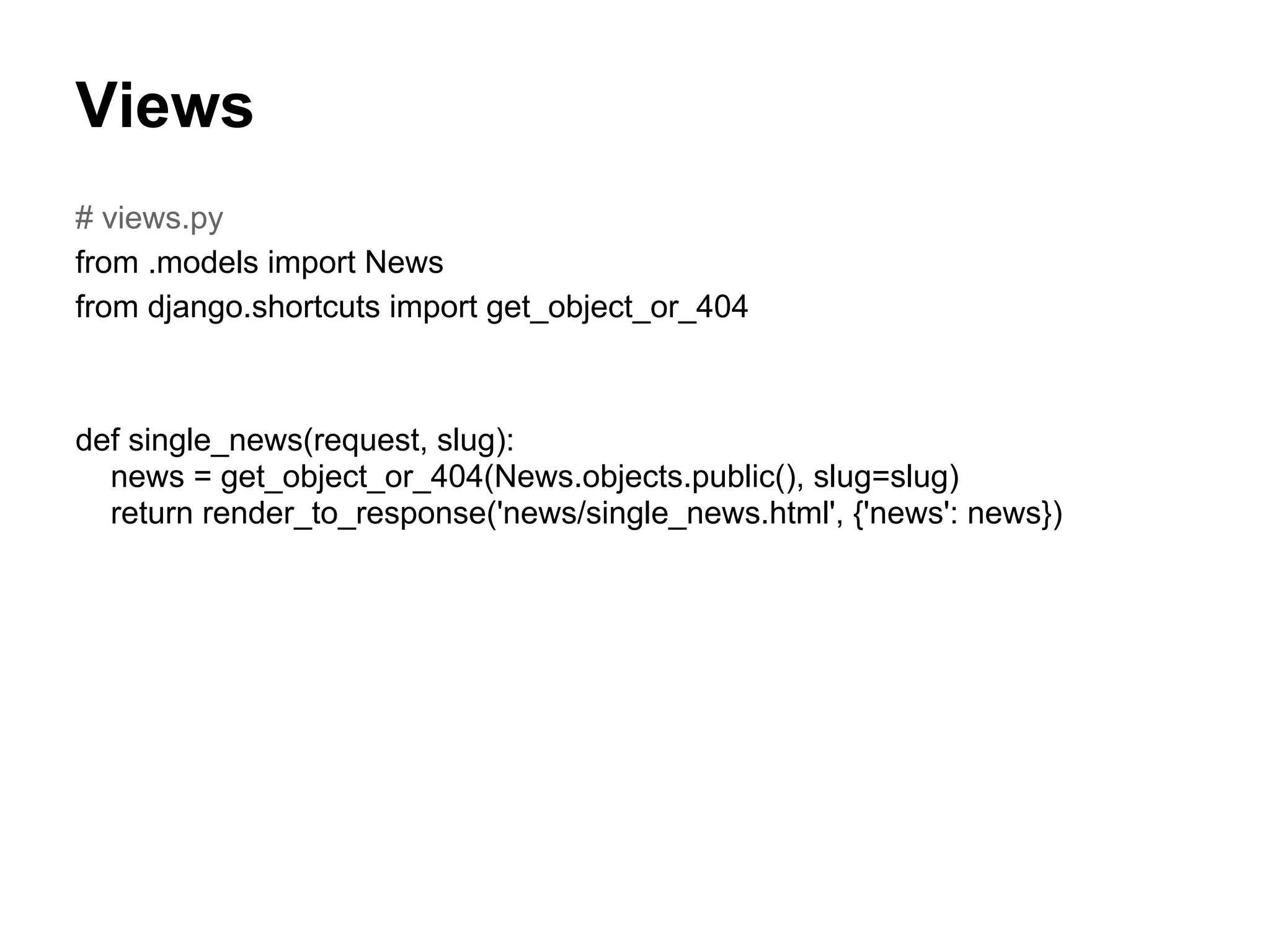
Views
# views.py
from .models import News
from django.shortcuts import get_object_or_404


def single_news(request, slug):
  news = get_object_or_404(News.objects.public(), slug=slug)
  return render_to_response('news/single_news.html', {'news': news})
Templates
# template.html

{% extends 'my_project/base.html' %}

<h1>{{ news.title }}</h1>
<div class="news-content">
     {{ news.content|safe }}
</div>
About Me
eng. Ilian Iliev

● Web Developer for 9+ years
● Python/Django fan for 3+ years
● ilian@i-n-i.org
● http://ilian.i-n-i.org
● https://github.com/IlianIliev/

Introduction to django

  • 1.
  • 2.
    Django """The Web frameworkfor perfectionists with deadlines.""" """Django is a high-level Python Web framework that encourages rapid development and clean, pragmatic design.""" https://www.djangoproject.com/
  • 3.
    What is inside? ●Built-in ORM(Object-relational Mapper) ● Simple but powerful URL system ● Built-in template system ● I10n(Internationalization) ● Cache system ● Built-in authentication system ● Built-in webserver(for development) ● Automatic admin interface
  • 4.
    MVT not MVC ●Model ○ defines the data structure ○ takes care for querying the database ● View ○ defines what data should be presented ○ returns HTTP response ● Template ○ renders the data in suitable format - HTML/XML/etc.
  • 5.
    The live ofrequest
  • 6.
    Project structure To startnew project run: django-admin.py startproject my_project The following structure will be created my_project/ manage.py my_project/ __init__.py settings.py # project settings reside here urls.py wsgi.py This is the default created and good for learning the basics but this way the settings may be hard to maintain for project in production. Alternative approach is available at http://ilian.i-n-i.org/django-project-file-structure/.
  • 7.
    Application structure To createnew application in you project just run the following command in the shell: python manage.py startapp app The following structure will be created app/ __init__.py admin.py # not created automatically before 1.5 models.py tests.py views.py There is no urls.py file but most developer find it useful to keep the application specific URLs inside it and include them in the main URLs configuration file.
  • 8.
    Models # models.py from django.dbimport models from django.utils.translation import ugettext_lazy as _ class News(models.Model): title = models.CharField(_('Title'), max_length=255) slug = models.SlugField(_('Slug')) content = models.TextField() To create the tables for the define models just run: python manage.py syncdb
  • 9.
    URLs dispatcher # urls.py fromdjango.conf.urls import patterns, url, include urlpatterns = patterns('', url(r'^$', 'app.home', name='home'), # give the specific URL meaningful name url(r'offers/', include('offers.urls')), # include URLs from another app (r'^news/$', 'news.views.offers'), # point to specific view (r'^news/(d{4})/$', 'news.views.year_archive'), # pass arg(s) (r'^news/(d{4})/(d{2})/$', 'news.views.month_archive'), # pass arg(s) (r'^news/(?P<slug>[-w]+)/$', 'news.views.single_news'), # pass named args ) ● URLs dispatcher uses regular expression ● The first match found is called ● All arguments are passed as unicode strings
  • 10.
    Views # views.py from .modelsimport News from django.shortcuts import get_object_or_404 def single_news(request, slug): news = get_object_or_404(News.objects.public(), slug=slug) return render_to_response('news/single_news.html', {'news': news})
  • 11.
    Templates # template.html {% extends'my_project/base.html' %} <h1>{{ news.title }}</h1> <div class="news-content"> {{ news.content|safe }} </div>
  • 12.
    About Me eng. IlianIliev ● Web Developer for 9+ years ● Python/Django fan for 3+ years ● ilian@i-n-i.org ● http://ilian.i-n-i.org ● https://github.com/IlianIliev/