Downloaded 17 times


![>> git config --global user.name “[NAME HERE]” >> git config --global user.email “[EMAIL HERE]” Identify Yourself](https://image.slidesharecdn.com/introtogit-100517085253-phpapp01/85/Distributed-Source-Control-with-Git-7-320.jpg)
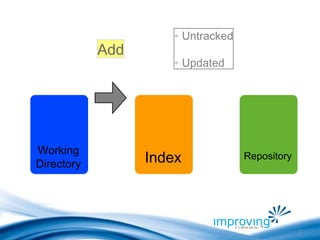
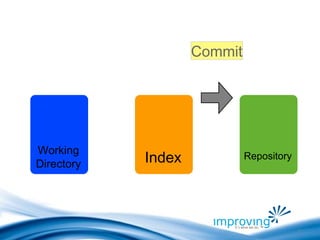
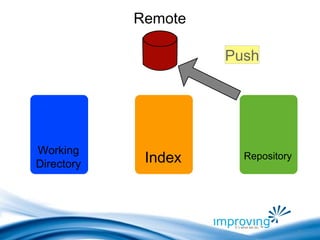
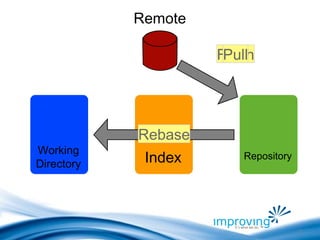
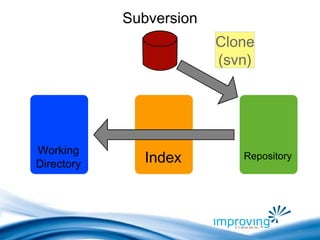
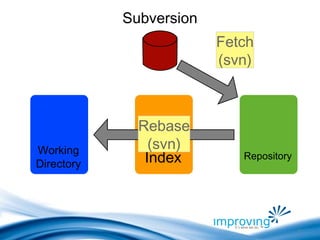
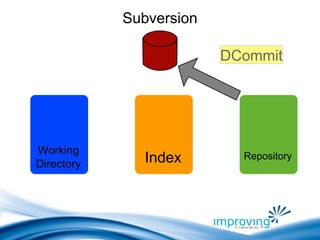

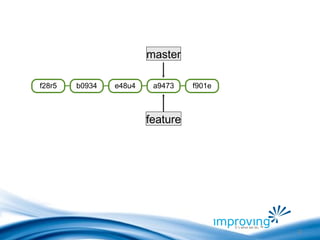


![Resources http://tinyurl.com/getgit http://progit.org http://github.com [email_address]](https://image.slidesharecdn.com/introtogit-100517085253-phpapp01/85/Distributed-Source-Control-with-Git-27-320.jpg)

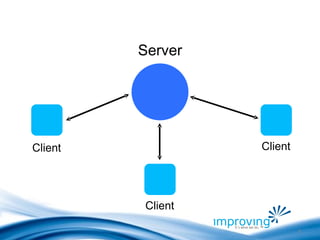
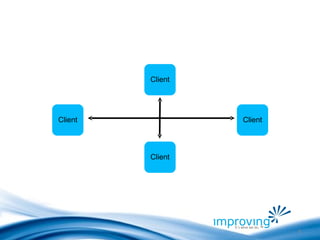
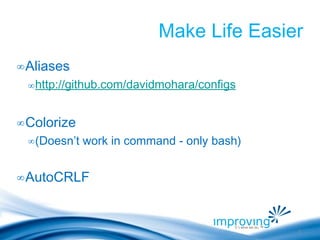
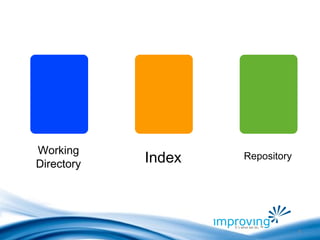
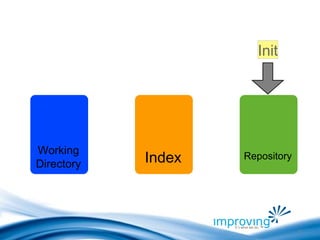
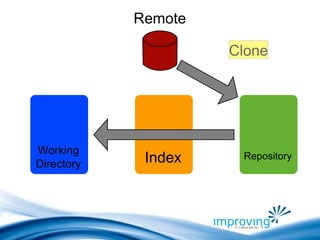
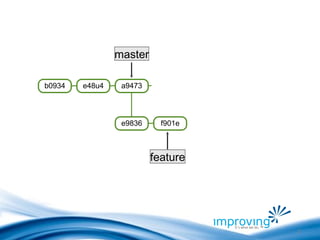
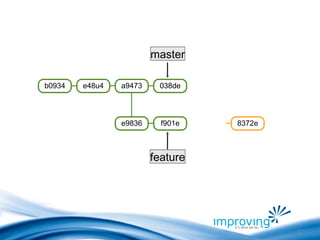
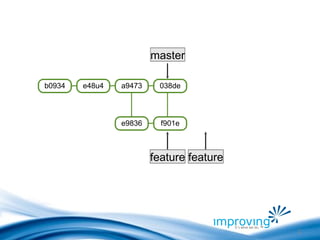
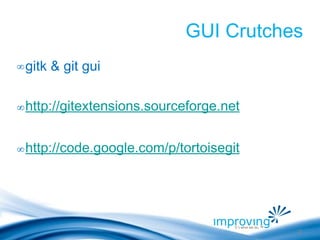
The document discusses distributed version control with Git. It introduces Git as a distributed version control system where every client has a full copy of the code repository. It then covers configuring Git with your identity, using aliases to make commands easier, and colorizing output. The rest of the document demonstrates common Git commands and concepts like initializing a repository, adding and committing files, pushing to and pulling from remote repositories, showing commit histories and branching.


