Desbravando Web 
Components 
@mteusor)z
mateusor3z 
@mteusor3z
Como "criar" um componente 
hoje
Google! plugin jQuery
Copie e cole o código do plugin
Funcionou? Beleza
Web Components
<gdg-­‐recife> 
h"ps://github.com/mateusor3z/gdg-­‐light
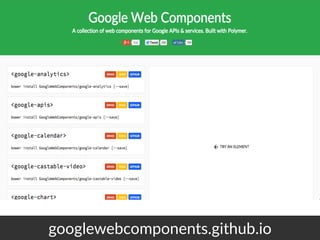
googlewebcomponents.github.io
Live demo
<google-­‐map> 
h"ps://github.com/GoogleWebComponents/google-­‐map
<google-­‐chart> 
h"ps://github.com/GoogleWebComponents/google-­‐chart
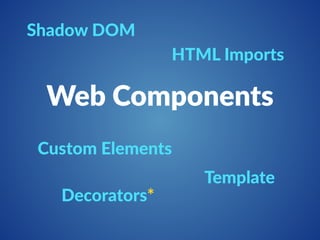
Shadow DOM 
HTML Imports 
Web Components 
Template 
Custom Elements 
Decorators*
Custom Elements 
Define novos elementos HTML/DOM
Criar Novos Elementos
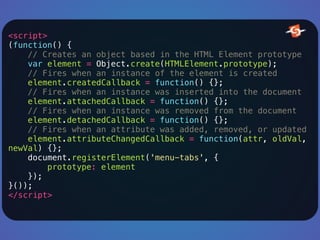
<script> 
(function() { 
// Creates an object based in the HTML Element prototype 
var element = Object.create(HTMLElement.prototype); 
// Fires when an instance of the element is created 
element.createdCallback = function() {}; 
// Fires when an instance was inserted into the document 
element.attachedCallback = function() {}; 
// Fires when an instance was removed from the document 
element.detachedCallback = function() {}; 
// Fires when an attribute was added, removed, or updated 
element.attributeChangedCallback = function(attr, oldVal, 
newVal) {}; 
document.registerElement('menu-tabs', { 
prototype: element 
}); 
}()); 
</script>
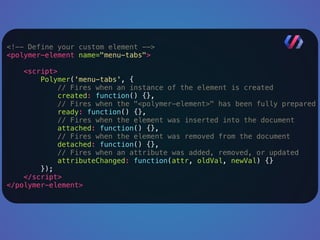
<!-- Define your custom element --> 

<polymer-element name="menu-tabs"> 
<script> 
Polymer('menu-tabs', { 
// Fires when an instance of the element is created 
created: function() {}, 
// Fires when the "<polymer-element>" has been fully prepared 
ready: function() {}, 
// Fires when the element was inserted into the document 
attached: function() {}, 
// Fires when the element was removed from the document 
detached: function() {}, 
// Fires when an attribute was added, removed, or updated 
attributeChanged: function(attr, oldVal, newVal) {} 
}); 
</script> 
</polymer-element>
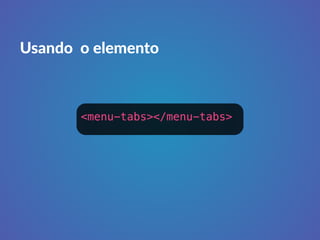
Usando o elemento 
<menu-tabs></menu-tabs>
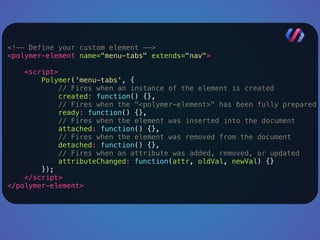
Estendendo elementos existes
<!-- Define your custom element --> 
<polymer-element name="menu-tabs" extends="nav"> 
<script> 
Polymer('menu-tabs', { 
// Fires when an instance of the element is created 
created: function() {}, 
// Fires when the "<polymer-element>" has been fully prepared 
ready: function() {}, 
// Fires when the element was inserted into the document 
attached: function() {}, 
// Fires when the element was removed from the document 
detached: function() {}, 
// Fires when an attribute was added, removed, or updated 
attributeChanged: function(attr, oldVal, newVal) {} 
}); 
</script> 
</polymer-element>
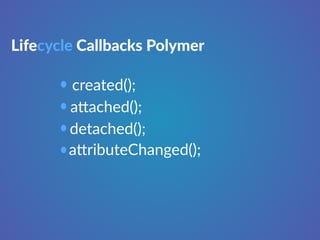
Lifecycle Callbacks Polymer 
created(); 
a"ached(); 
detached(); 
a"ributeChanged();
Template 
Template client-­‐side na3vo
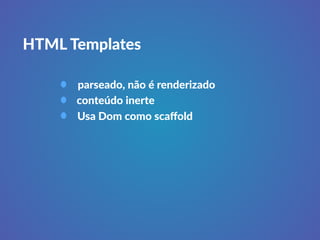
HTML Templates 
parseado, não é renderizado 
conteúdo inerte 
Usa Dom como scaffold
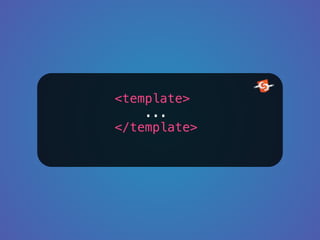
<template> 
... 
</template>
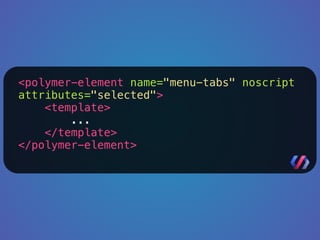
<polymer-element name="menu-tabs" noscript 
attributes="selected"> 
<template> 
... 
</template> 
</polymer-element>
Shadow Dom 
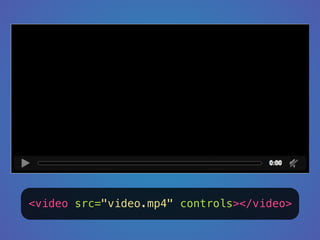
Esconder Detalhes de implementação
<video src="video.mp4" controls></video>
Encapsula style, 
marcação e script
HTML Imports 
Carregar Web Components
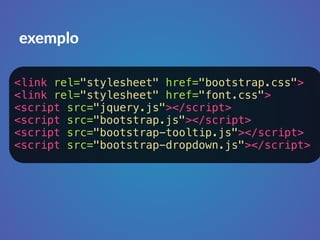
exemplo 
<link rel="stylesheet" href="bootstrap.css"> 
<link rel="stylesheet" href="font.css"> 
<script src="jquery.js"></script> 
<script src="bootstrap.js"></script> 
<script src="bootstrap-tooltip.js"></script> 
<script src="bootstrap-dropdown.js"></script>
exemplo 
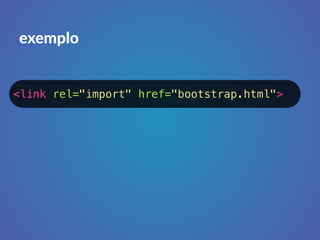
<link rel="import" href="bootstrap.html">
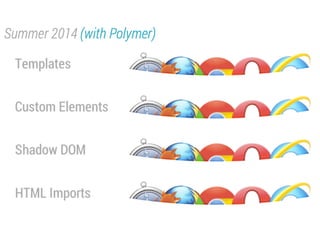
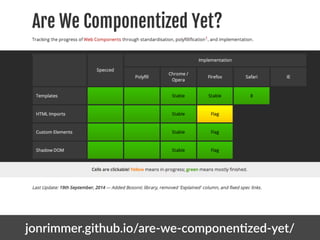
Suporte a 
Web Components
jonrimmer.github.io/are-­‐twe-­‐componen4zed-­‐yet/
polymer-­‐ptroject.org
Google
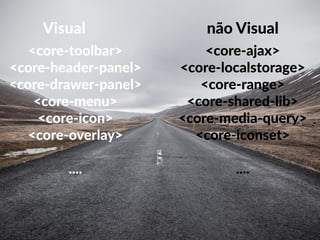
core-­‐elements
Visual 
<core-­‐toolbar> 
<core-­‐header-­‐panel> 
<core-­‐drawer-­‐panel> 
<core-­‐menu> 
<core-­‐icon> 
<core-­‐overlay> 
.... 
não Visual 
<core-­‐ajax> 
<core-­‐localstorage> 
<core-­‐range> 
<core-­‐shared-­‐lib> 
<core-­‐media-­‐query> 
<core-­‐iconset> 
....
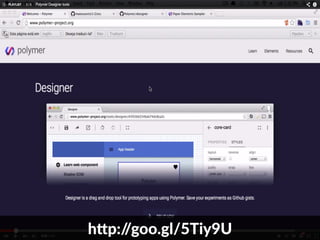
hbp://goo.gl/5Tiy9U
paper-­‐elements
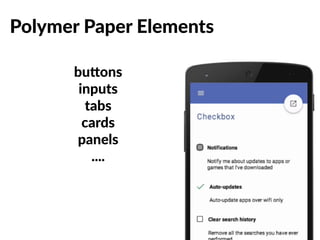
Polymer Paper Elements 
bubons 
inputs 
tabs 
cards 
panels 
....
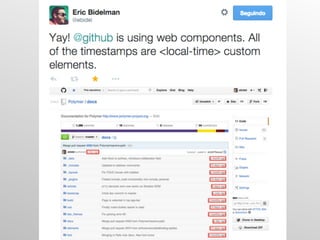
Quem 
está 
Usando
Açúcar Sintá3co 
Custom Elements
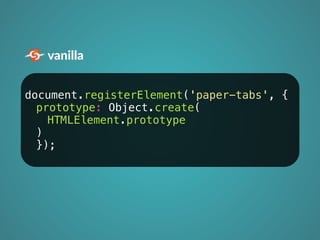
vanilla 
document.registerElement('paper-tabs', { 
prototype: Object.create( 
HTMLElement.prototype 
) 
});
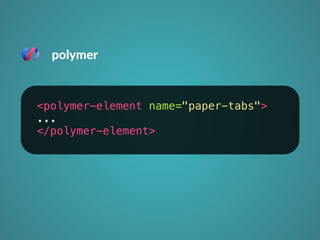
polymer 
<polymer-element name="paper-tabs"> 
... 
</polymer-element>
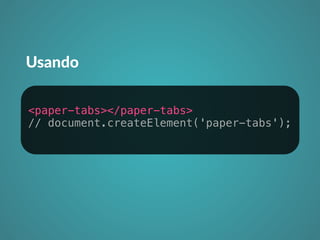
Usando 
<paper-tabs></paper-tabs> 
// document.createElement('paper-tabs');
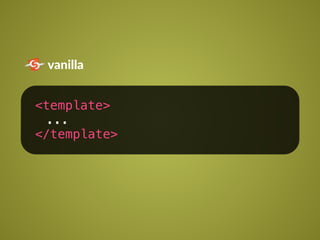
Açúcar Sintá3co 
Template
vanilla 
<template> 
... 
</template>
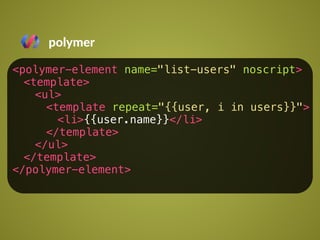
polymer 
<polymer-element name="list-users" noscript> 
<template> 
<ul> 
<template repeat="{{user, i in users}}"> 
<li>{{user.name}}</li> 
</template> 
</ul> 
</template> 
</polymer-element>
Açúcar Sintá3co 
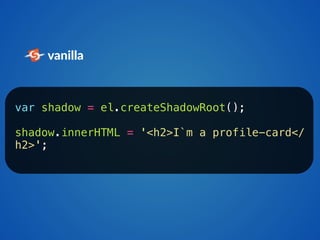
Shadow Dom
vanilla 
var shadow = el.createShadowRoot(); 
shadow.innerHTML = '<h2>I`m a profile-card</ 
h2>';
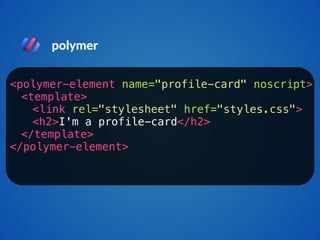
polymer 
<polymer-element name="profile-card" noscript> 
<template> 
<link rel="stylesheet" href="styles.css"> 
<h2>I'm a profile-card</h2> 
</template> 
</polymer-element>
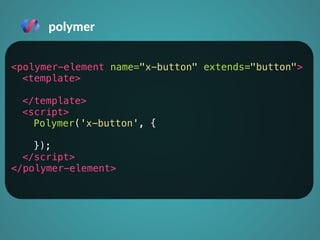
Você ainda pode Estender 
elementos já existentes
polymer 
<polymer-element name="x-button" extends="button"> 
<template> 
</template> 
<script> 
Polymer('x-button', { 
}); 
</script> 
</polymer-element>
como não se 
tornar um zumbi
algumas coisas que podem 
Ajudar
h,p://webcomt ponents.org/
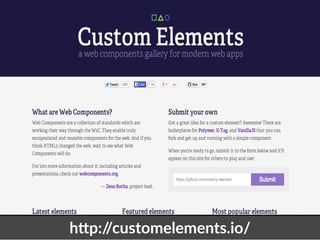
h,p://customt elements.io/
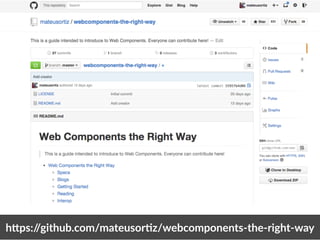
h,ps://github.com/mateusor)z/twebcomponents-­‐the-­‐right-­‐way
como começar um 
component
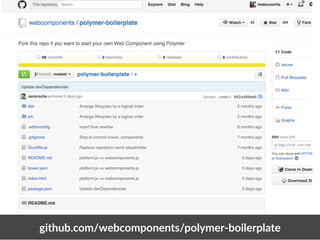
github.com/webcomponet nts/polymer-­‐boilerplate
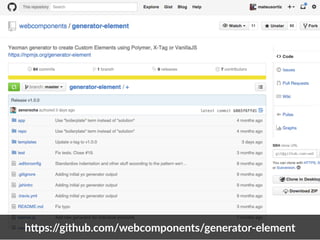
h,ps://github.com/webcomtponents/generator-­‐element
Em poucas 
palavras...
encapsulamento e 
reaproveitamento de 
código de verdade
Inventa o Futuro
Obrigado 
TWITTER.COM/MTEUSORTIZ 
GITHUB.COM/MATEUSORTIZ

Desbravando Web Components