TESTING, DEBUGGING
6.00.1X LECTURE 1
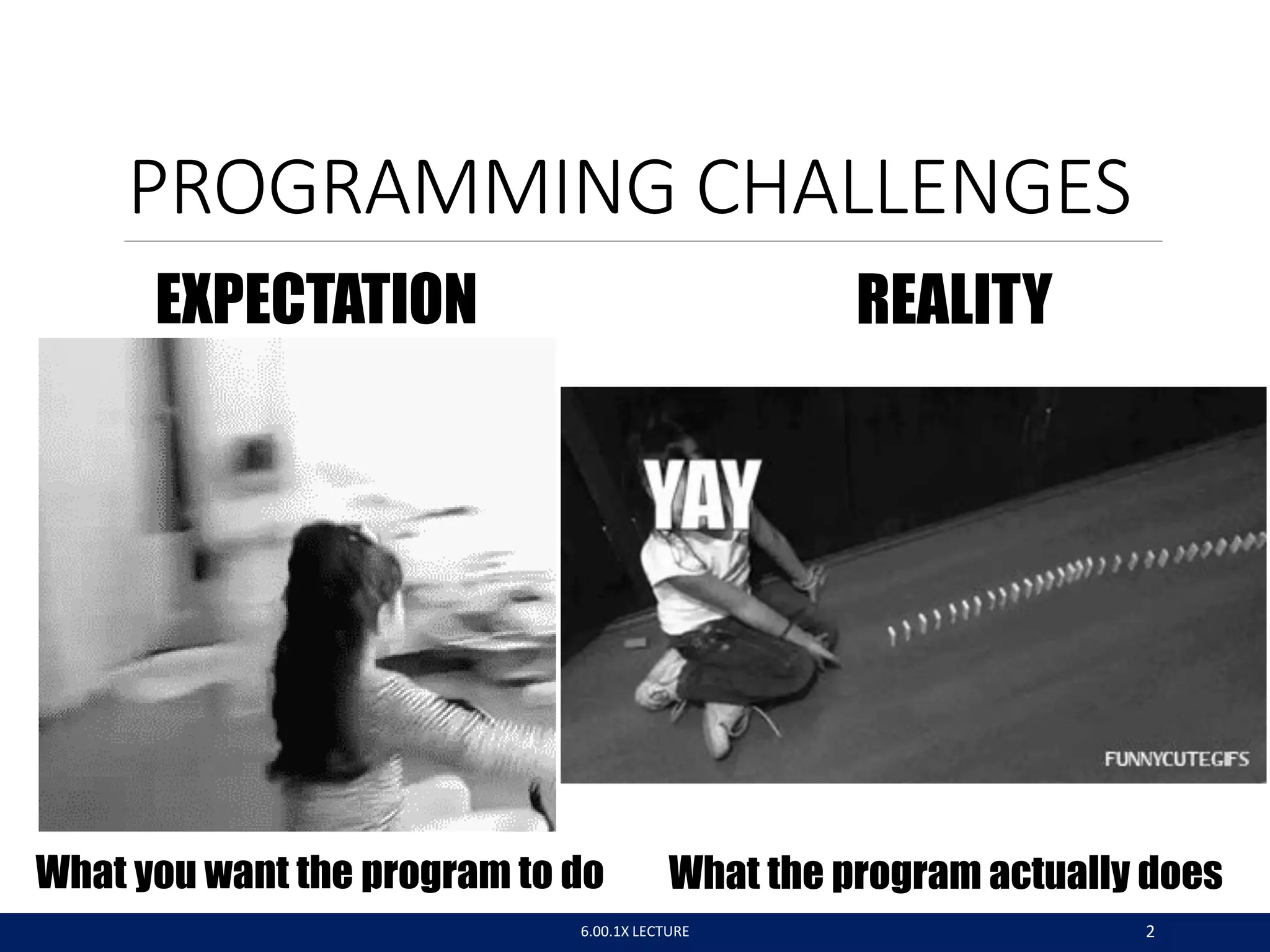
PROGRAMMING CHALLENGES
What you want the program to do What the program actually does
EXPECTATION REALITY
6.00.1X LECTURE 2
WE AIM FOR HIGH QUALITY –
AN ANALOGY WITH SOUP
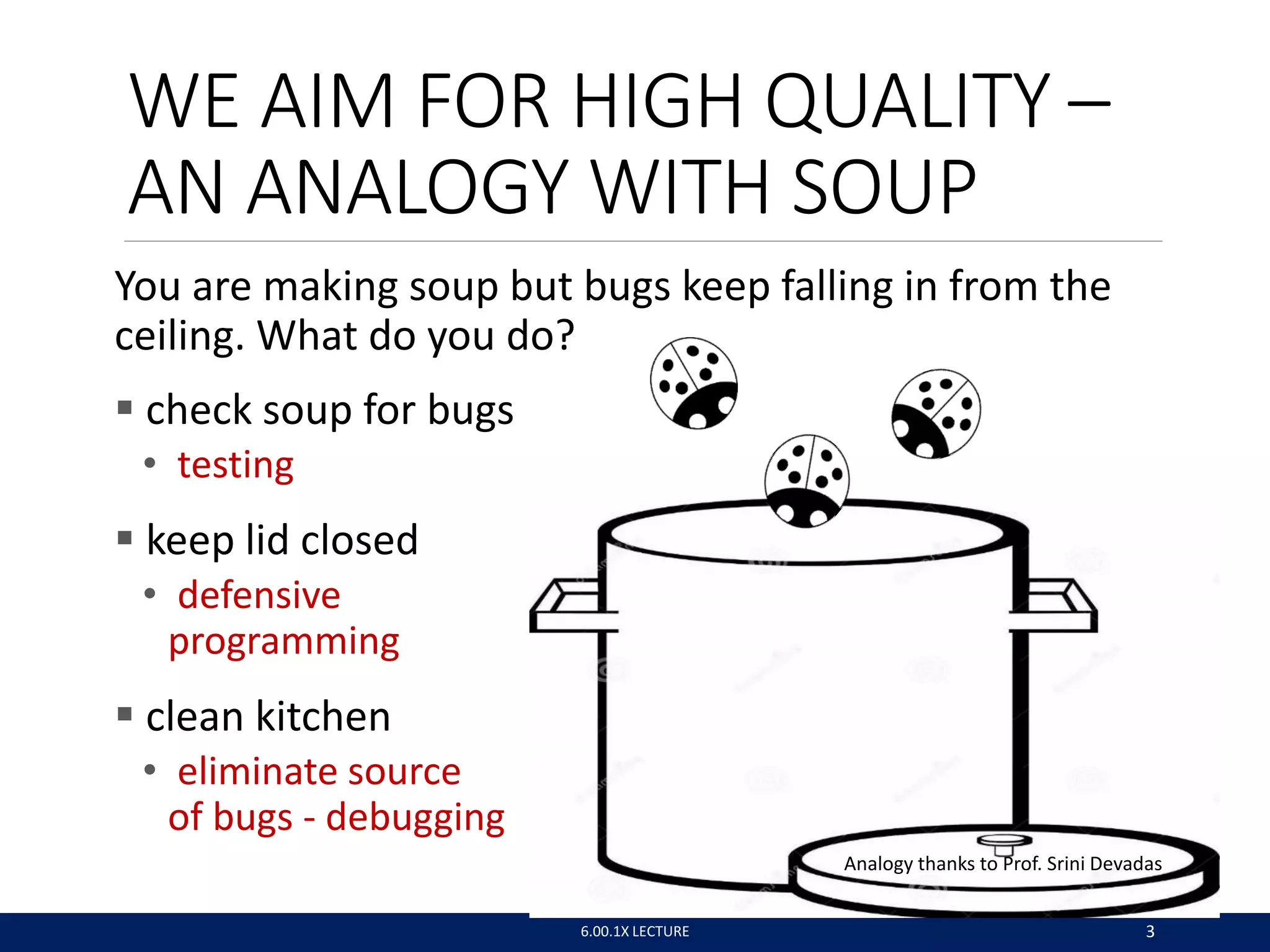
You are making soup but bugs keep falling in from the
ceiling. What do you do?
 check soup for bugs
• testing
 keep lid closed
• defensive
programming
 clean kitchen
• eliminate source
of bugs - debugging
Analogy thanks to Prof. Srini Devadas
6.00.1X LECTURE 3
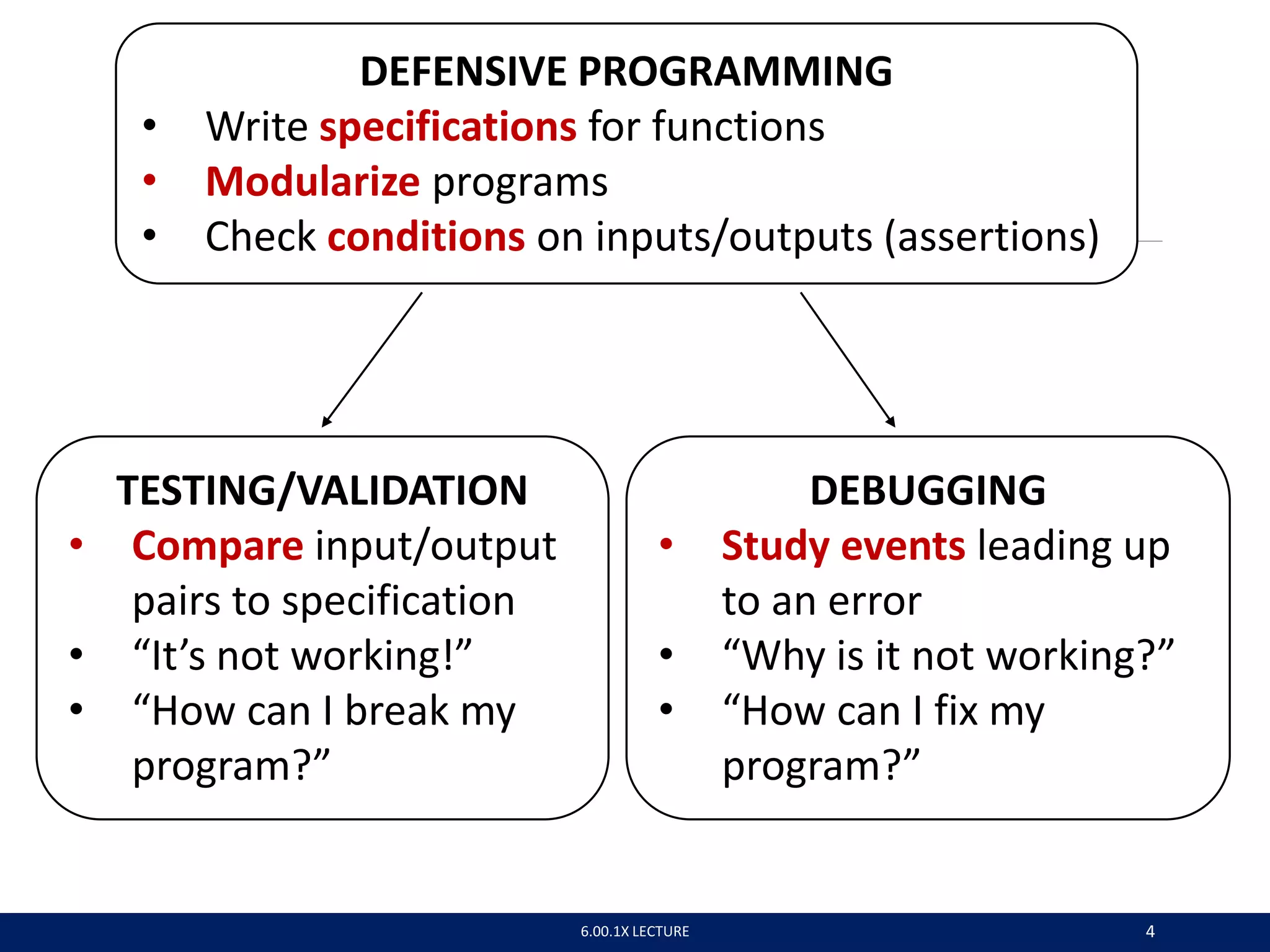
DEFENSIVE PROGRAMMING
• Write specifications for functions
• Modularize programs
• Check conditions on inputs/outputs (assertions)
TESTING/VALIDATION
• Compare input/output
pairs to specification
• “It’s not working!”
• “How can I break my
program?”
DEBUGGING
• Study events leading up
to an error
• “Why is it not working?”
• “How can I fix my
program?”
6.00.1X LECTURE 4
6.00.1X LECTURE 5
SET YOURSELF UP FOR EASY
TESTING AND DEBUGGING
 from the start, design code to ease this part
 break program into modules that can be tested and
debugged individually
 document constraints on modules
• what do you expect the input to be? the output to be?
 document assumptions behind code design
6.00.1X LECTURE 6
“Motherhood and apple pie” approach:
Something that cannot be questioned
because it appeals to universally-held,
wholesome values
WHEN ARE YOU READY TO
TEST?
 ensure code runs
• remove syntax errors
• remove static semantic errors
• Python interpreter can usually find these for you
 have a set of expected results
• an input set
• for each input, the expected output
6.00.1X LECTURE 7
CLASSES OF TESTS
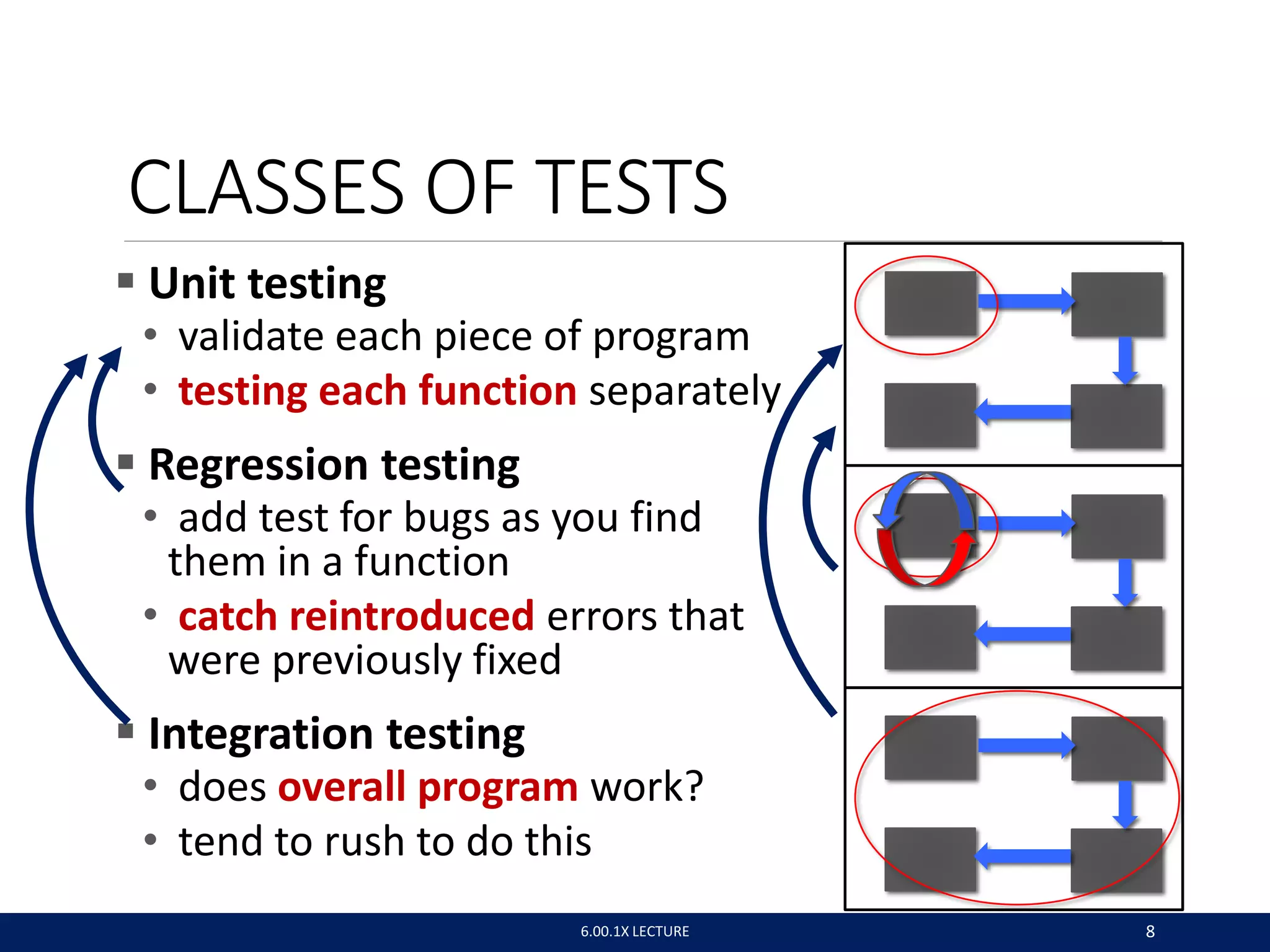
 Unit testing
• validate each piece of program
• testing each function separately
 Regression testing
• add test for bugs as you find
them in a function
• catch reintroduced errors that
were previously fixed
 Integration testing
• does overall program work?
• tend to rush to do this
6.00.1X LECTURE 8
TESTING APPROACHES
 intuition about natural boundaries to the problem
def is_bigger(x, y):
""" Assumes x and y are ints
Returns True if y is less than x, else False """
• can you come up with some natural partitions?
 if no natural partitions, might do random testing
• probability that code is correct increases with more tests
• better options below
 black box testing
• explore paths through specification
 glass box testing
• explore paths through code
6.00.1X LECTURE 9
def sqrt(x, eps):
""" Assumes x, eps floats, x >= 0, eps > 0
Returns res such that x-eps <= res*res <= x+eps """
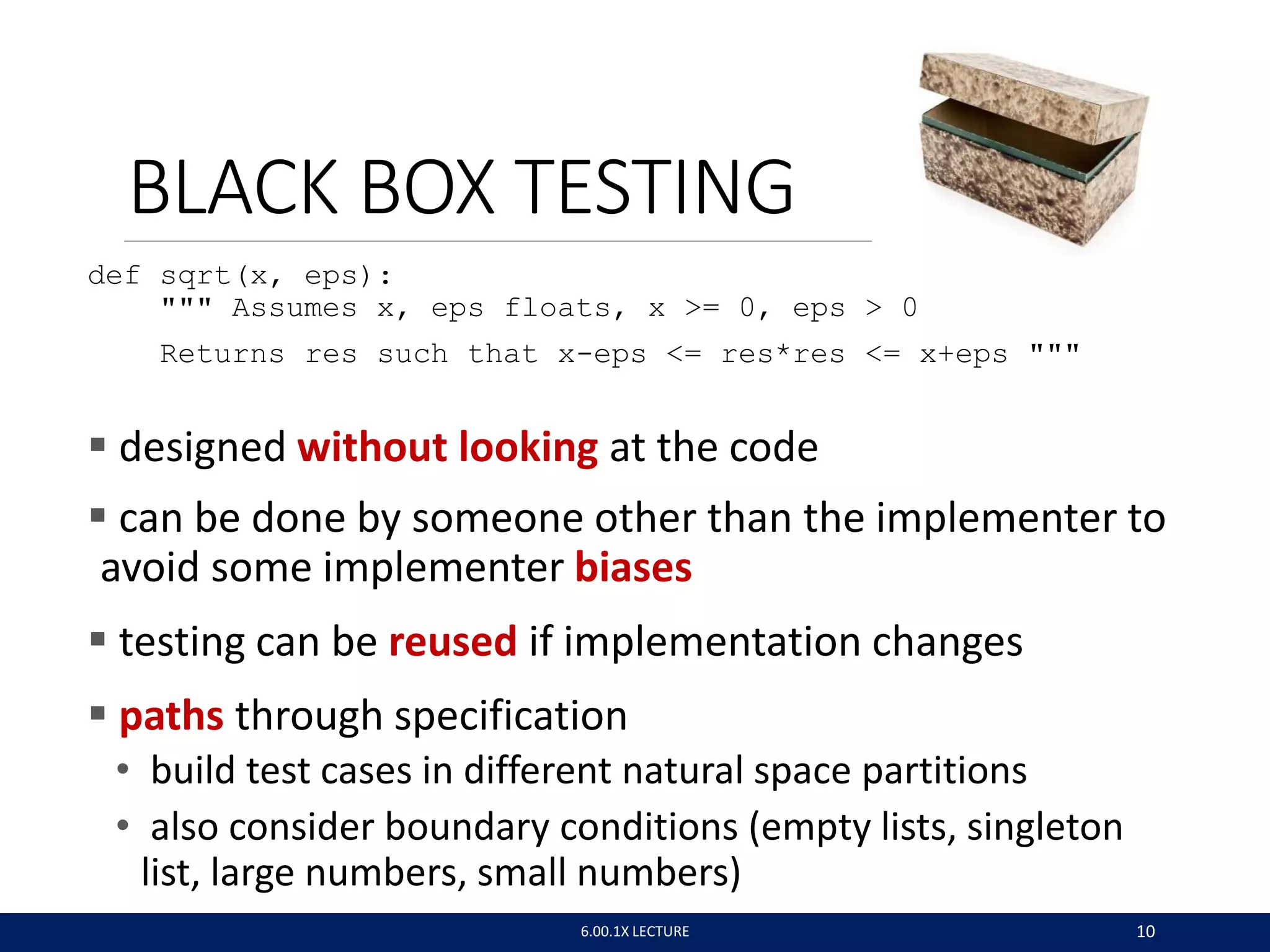
 designed without looking at the code
 can be done by someone other than the implementer to
avoid some implementer biases
 testing can be reused if implementation changes
 paths through specification
• build test cases in different natural space partitions
• also consider boundary conditions (empty lists, singleton
list, large numbers, small numbers)
BLACK BOX TESTING
6.00.1X LECTURE 10
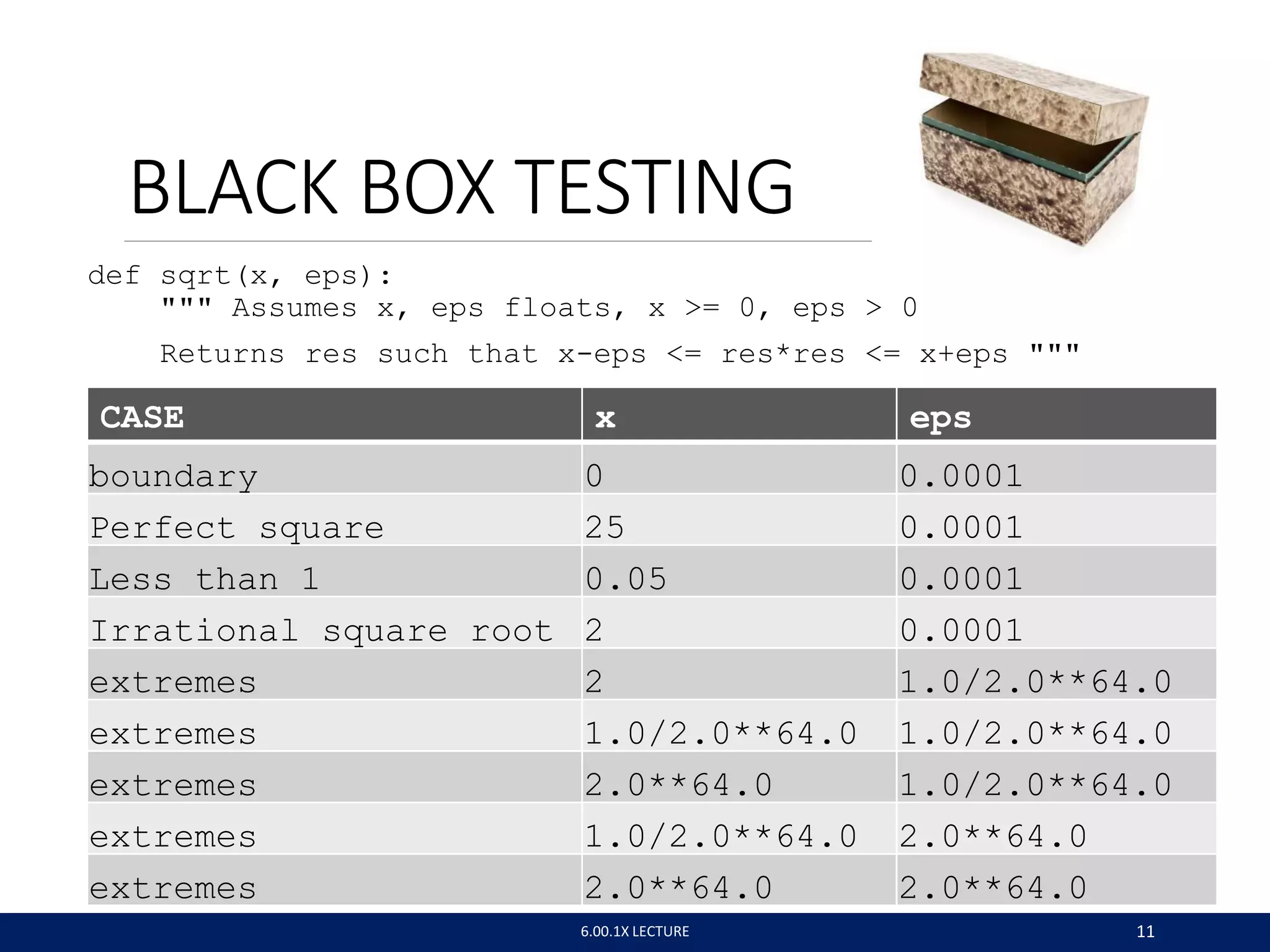
def sqrt(x, eps):
""" Assumes x, eps floats, x >= 0, eps > 0
Returns res such that x-eps <= res*res <= x+eps """
BLACK BOX TESTING
6.00.1X LECTURE 11
CASE x eps
boundary 0 0.0001
Perfect square 25 0.0001
Less than 1 0.05 0.0001
Irrational square root 2 0.0001
extremes 2 1.0/2.0**64.0
extremes 1.0/2.0**64.0 1.0/2.0**64.0
extremes 2.0**64.0 1.0/2.0**64.0
extremes 1.0/2.0**64.0 2.0**64.0
extremes 2.0**64.0 2.0**64.0
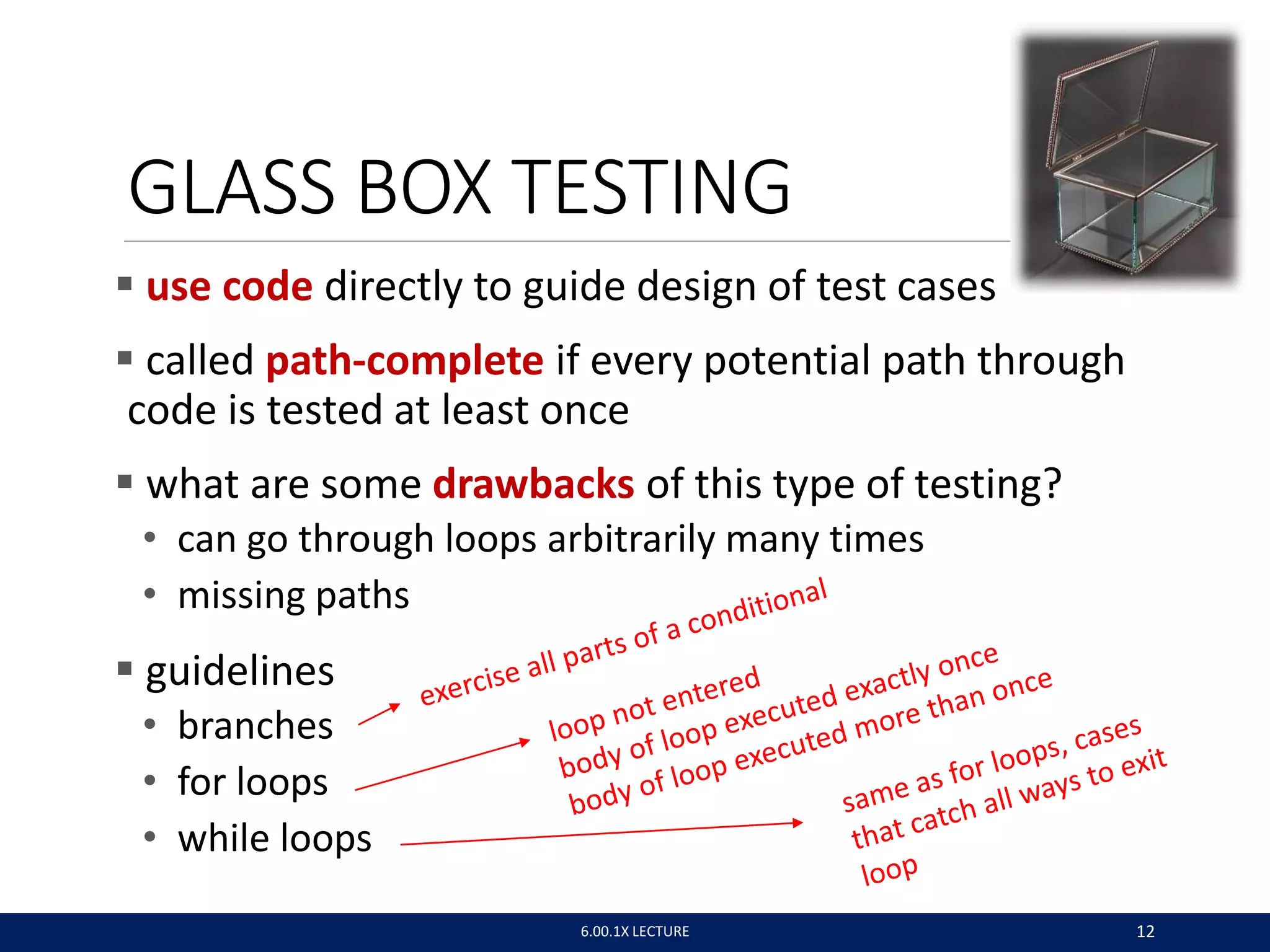
GLASS BOX TESTING
 use code directly to guide design of test cases
 called path-complete if every potential path through
code is tested at least once
 what are some drawbacks of this type of testing?
• can go through loops arbitrarily many times
• missing paths
 guidelines
• branches
• for loops
• while loops
6.00.1X LECTURE 12
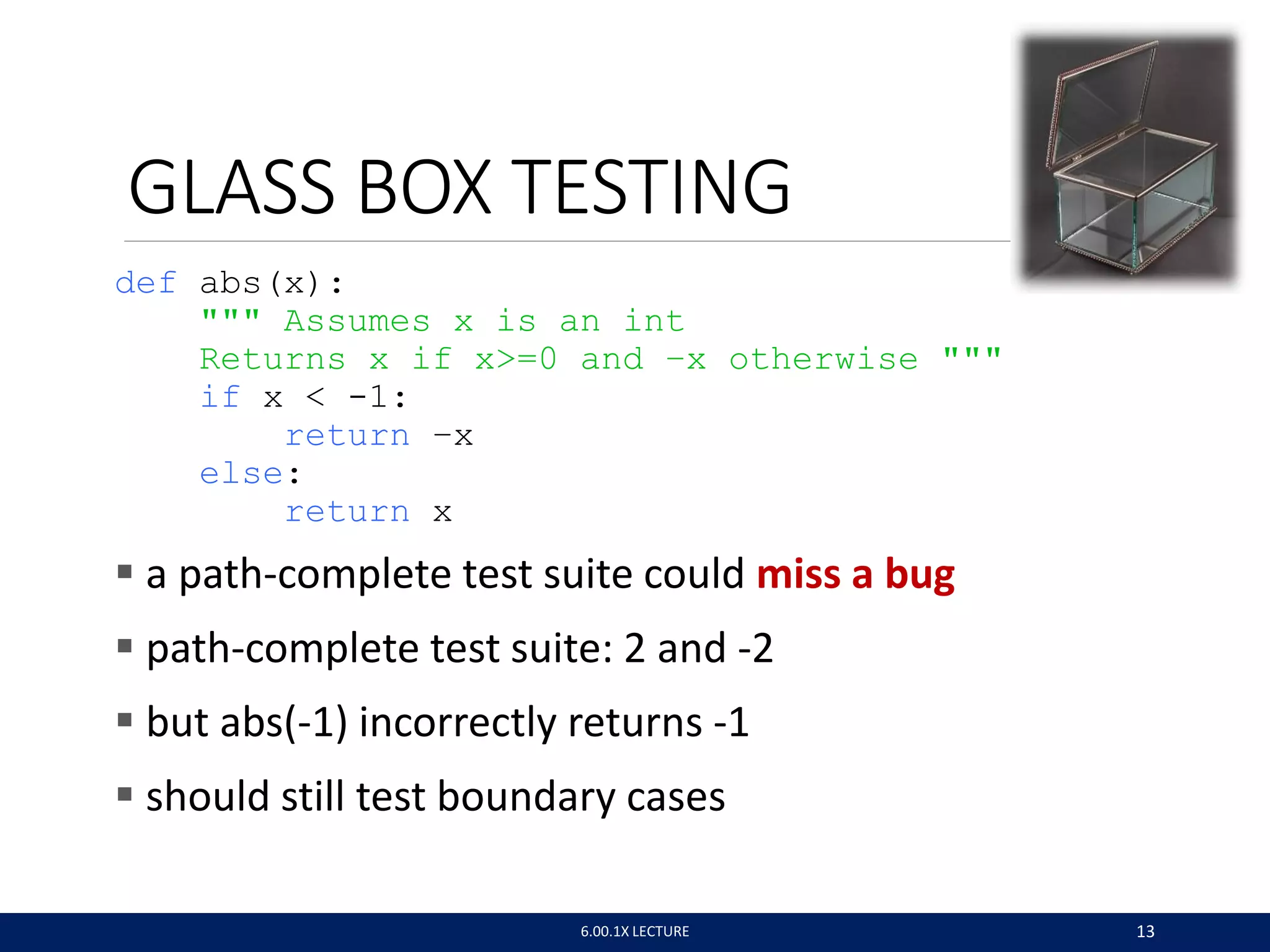
GLASS BOX TESTING
def abs(x):
""" Assumes x is an int
Returns x if x>=0 and –x otherwise """
if x < -1:
return –x
else:
return x
 a path-complete test suite could miss a bug
 path-complete test suite: 2 and -2
 but abs(-1) incorrectly returns -1
 should still test boundary cases
6.00.1X LECTURE 13
6.00.1X LECTURE 14
BUGS
 once you have discovered that your code does not run
properly, you want to:
◦ isolate the bug(s)
◦ eradicate the bug(s)
◦ retest until code runs correctly
6.00.1X LECTURE 15
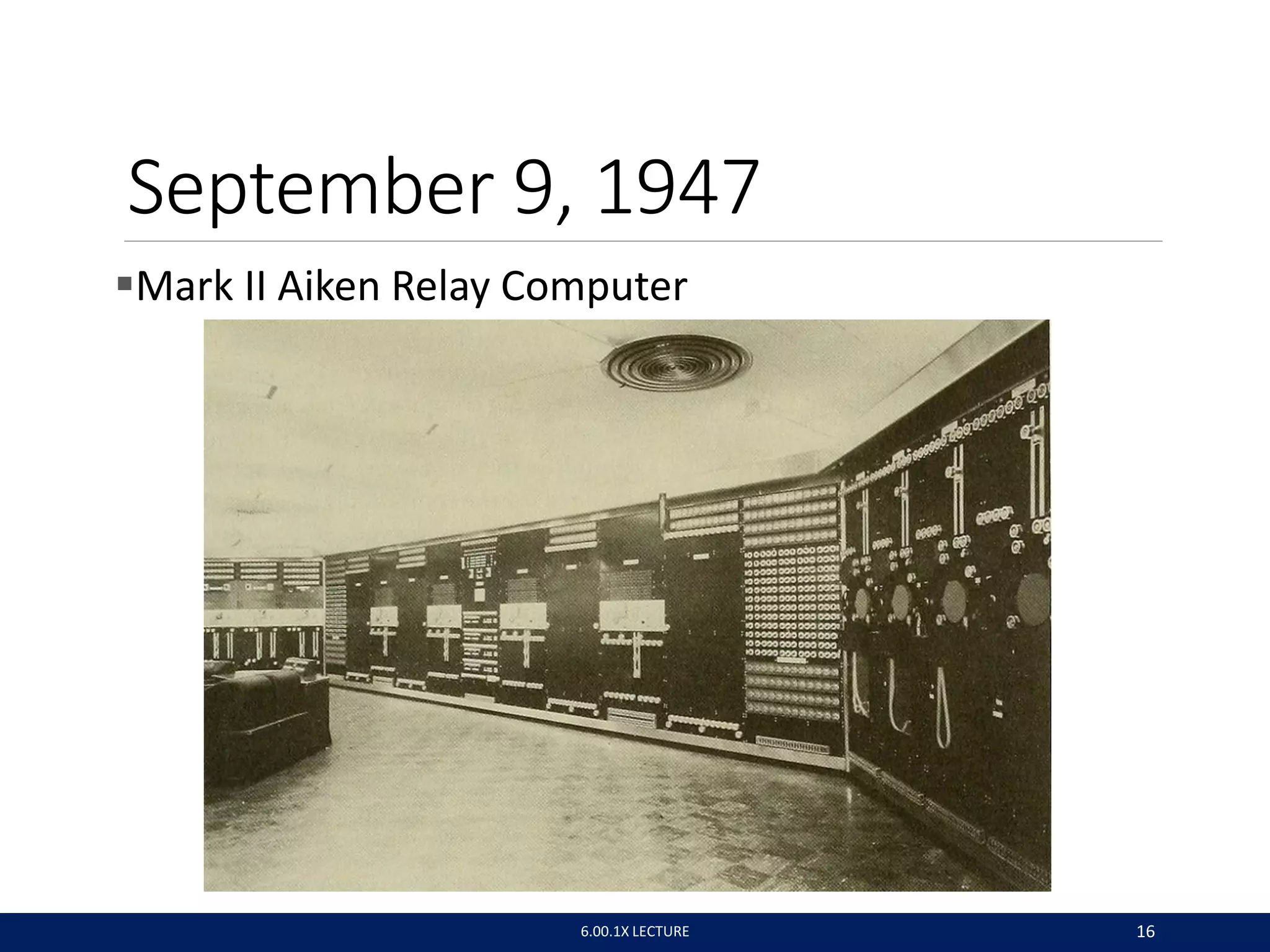
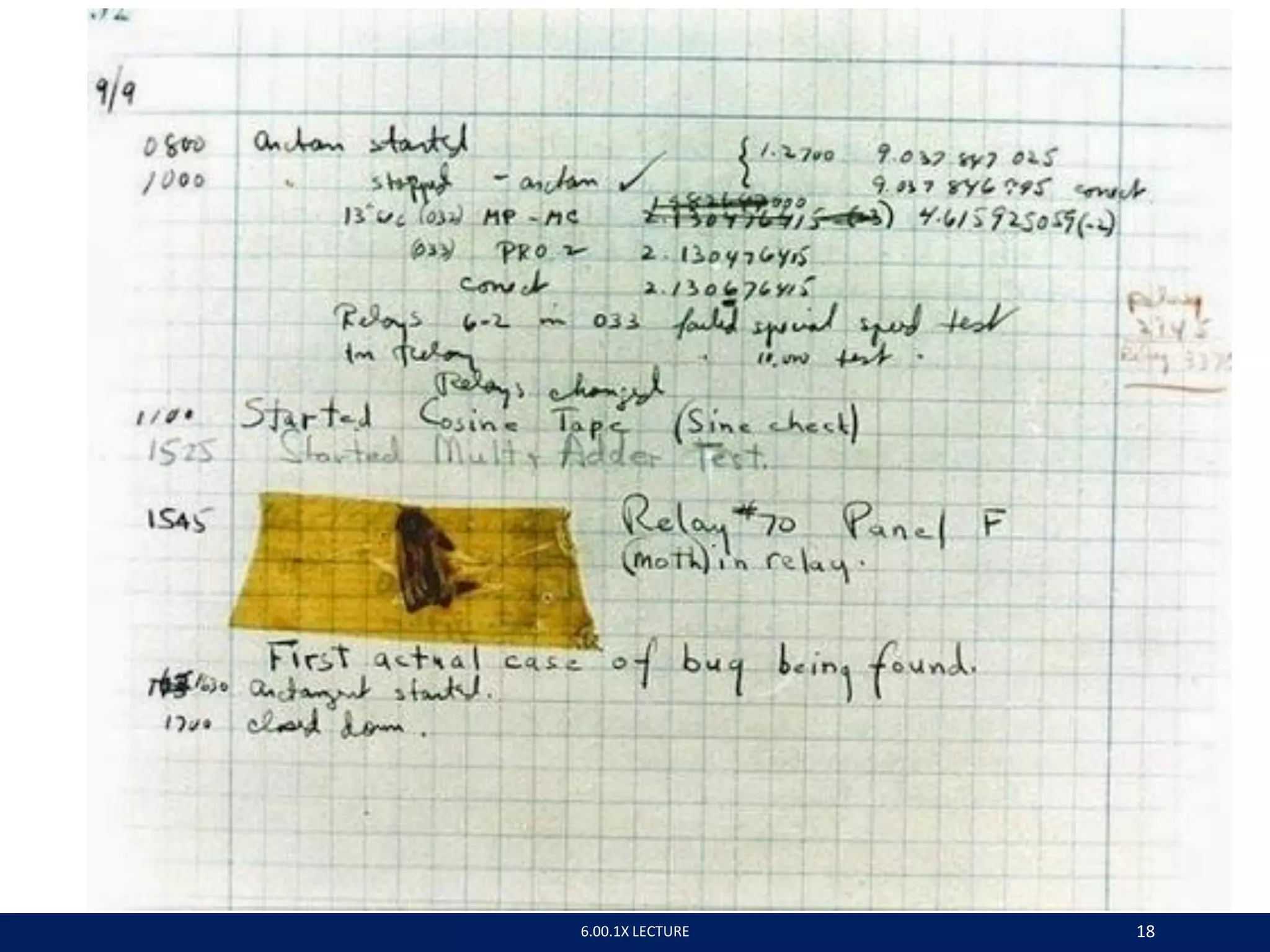
September 9, 1947
Mark II Aiken Relay Computer
6.00.1X LECTURE 16
6.00.1X LECTURE 17
Admiral Grace Murray Hopper
Jan Arkesteijn CC-BY 2.0
6.00.1X LECTURE 18
RUNTIME BUGS
 Overt vs. covert:
◦ Overt has an obvious manifestation – code crashes or
runs forever
◦ Covert has no obvious manifestation – code returns a
value, which may be incorrect but hard to determine
 Persistent vs. intermittent:
◦ Persistent occurs every time code is run
◦ Intermittent only occurs some times, even if run on same
input
CATEGORIES OF BUGS
 Overt and persistent
◦ Obvious to detect
◦ Good programmers use defensive programming to try to
ensure that if error is made, bug will fall into this category
 Overt and intermittent
◦ More frustrating, can be harder to debug, but if
conditions that prompt bug can be reproduced, can be
handled
 Covert
◦ Highly dangerous, as users may not realize answers are
incorrect until code has been run for long period
6.00.1X LECTURE 21
DEBUGGING
 steep learning curve
 goal is to have a bug-free program
 tools
• built in to IDLE and Anaconda
• Python Tutor
• print statement
• use your brain, be systematic in your hunt
6.00.1X LECTURE 22
PRINT STATEMENTS
 good way to test hypothesis
 when to print
• enter function
• parameters
• function results
 use bisection method
• put print halfway in code
• decide where bug may be depending on values
6.00.1X LECTURE 23
ERROR MESSAGES - EASY
 trying to access beyond the limits of a list
test = [1,2,3] then test[4]  IndexError
 trying to convert an inappropriate type
int(test)  TypeError
 referencing a non-existent variable
a  NameError
 mixing data types without appropriate coercion
'3'/4  TypeError
 forgetting to close parenthesis, quotation, etc.
a = len([1,2,3]
print a  SyntaxError
6.00.1X LECTURE 24
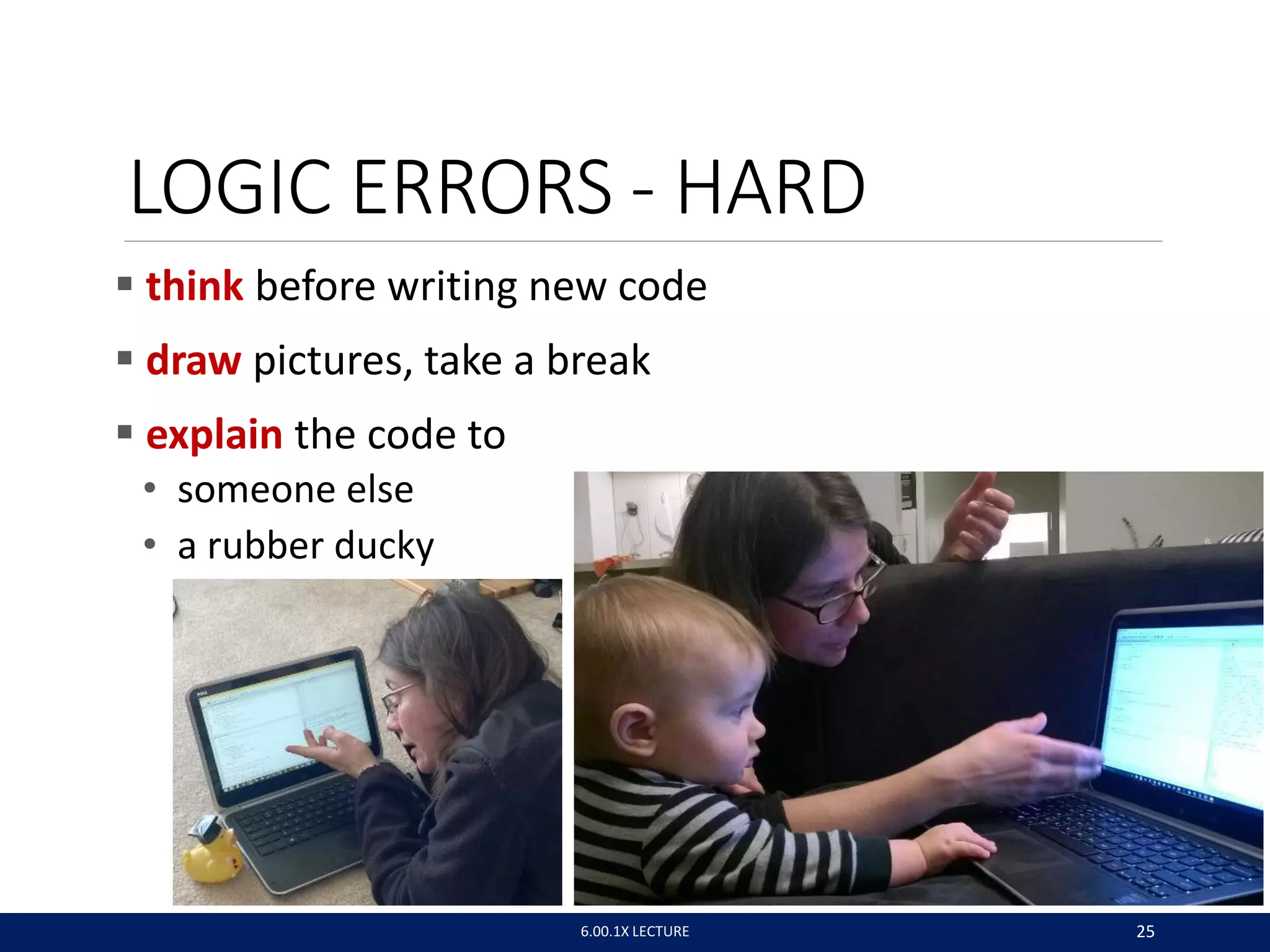
LOGIC ERRORS - HARD
 think before writing new code
 draw pictures, take a break
 explain the code to
• someone else
• a rubber ducky
6.00.1X LECTURE 25
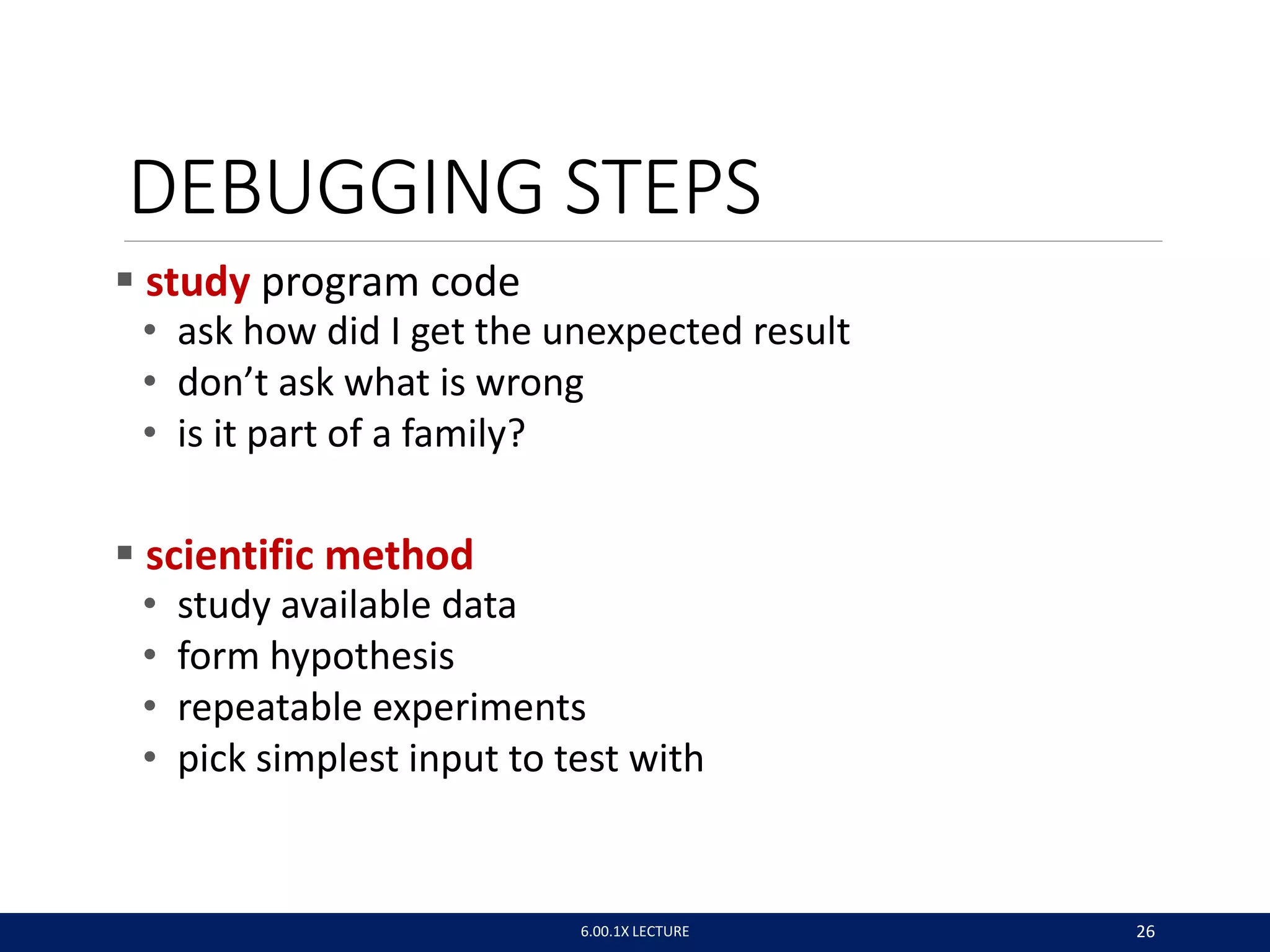
DEBUGGING STEPS
 study program code
• ask how did I get the unexpected result
• don’t ask what is wrong
• is it part of a family?
 scientific method
• study available data
• form hypothesis
• repeatable experiments
• pick simplest input to test with
6.00.1X LECTURE 26
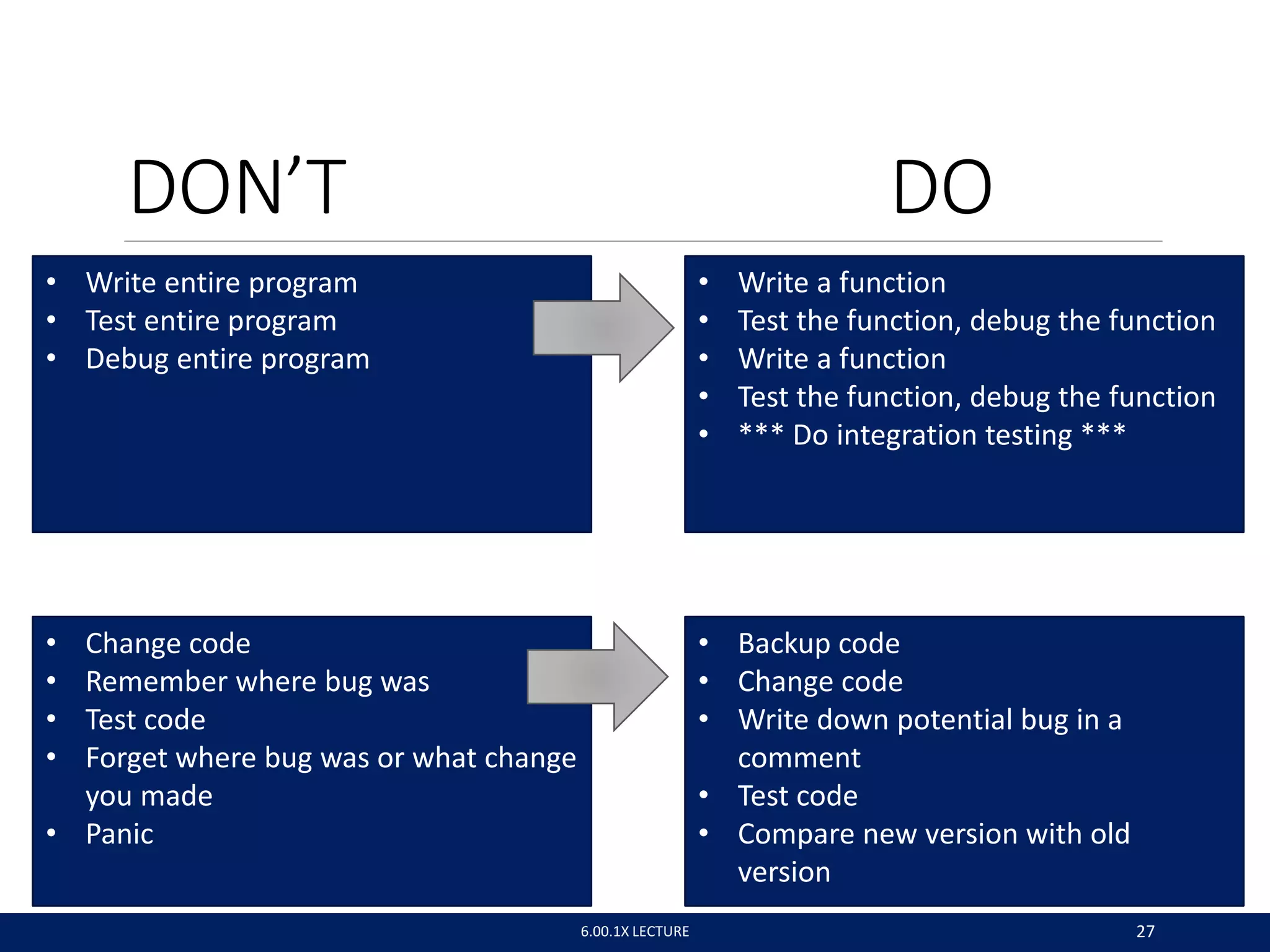
DON’T DO
• Write entire program
• Test entire program
• Debug entire program
• Write a function
• Test the function, debug the function
• Write a function
• Test the function, debug the function
• *** Do integration testing ***
• Change code
• Remember where bug was
• Test code
• Forget where bug was or what change
you made
• Panic
• Backup code
• Change code
• Write down potential bug in a
comment
• Test code
• Compare new version with old
version
6.00.1X LECTURE 27
6.00.1X LECTURE 28
DEBUGGING SKILLS
 treat as a search problem: looking for explanation for
incorrect behavior
◦ study available data – both correct test cases and
incorrect ones
◦ form an hypothesis consistent with the data
◦ design and run a repeatable experiment with potential to
refute the hypothesis
◦ keep record of experiments performed: use narrow range
of hypotheses
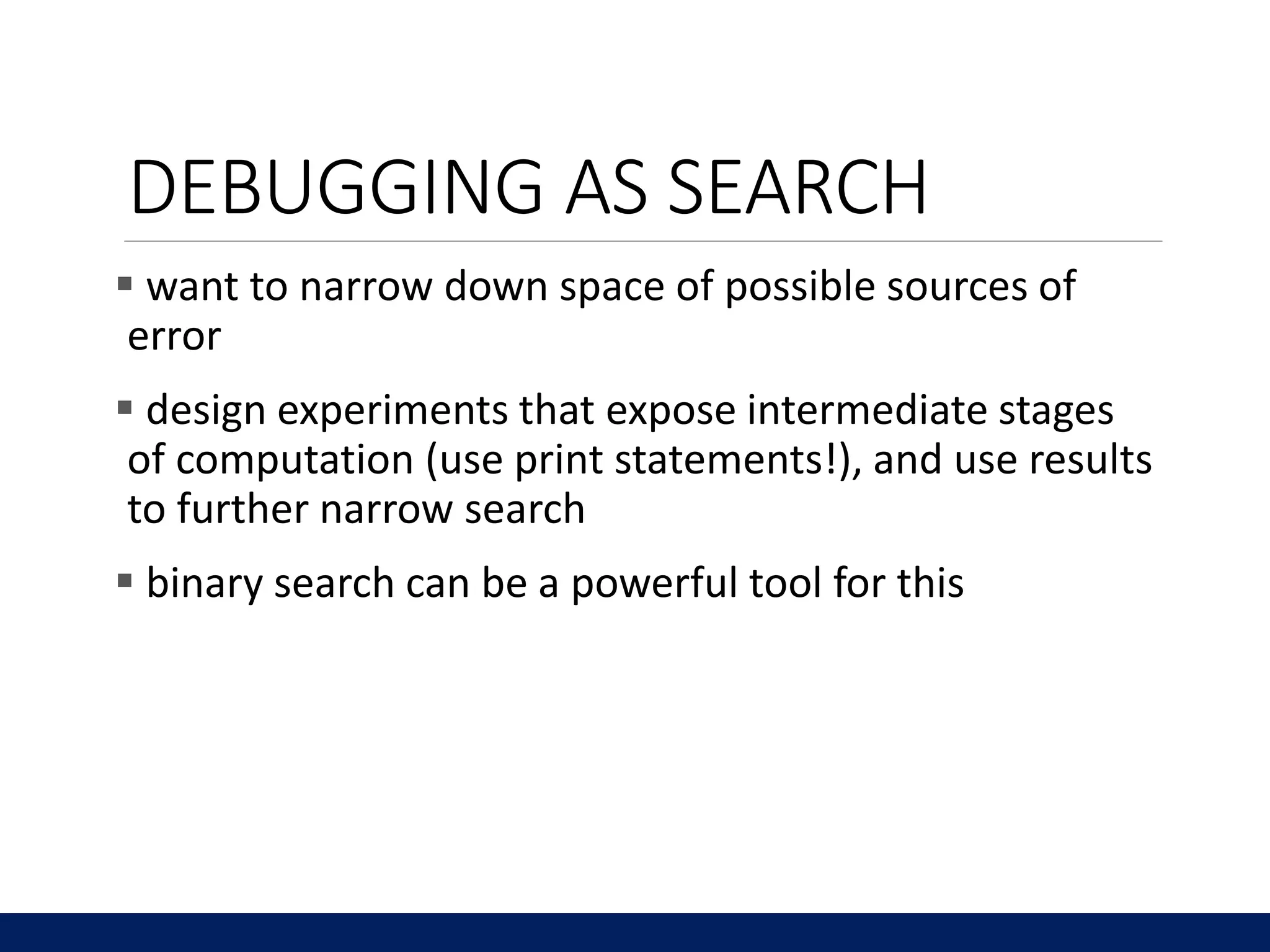
DEBUGGING AS SEARCH
 want to narrow down space of possible sources of
error
 design experiments that expose intermediate stages
of computation (use print statements!), and use results
to further narrow search
 binary search can be a powerful tool for this
def isPal(x):
assert type(x) == list
temp = x
temp.reverse
if temp == x:
return True
else:
return False
def silly(n):
for i in range(n):
result = []
elem = input('Enter element: ')
result.append(elem)
if isPal(result):
print('Yes')
else:
print('No')
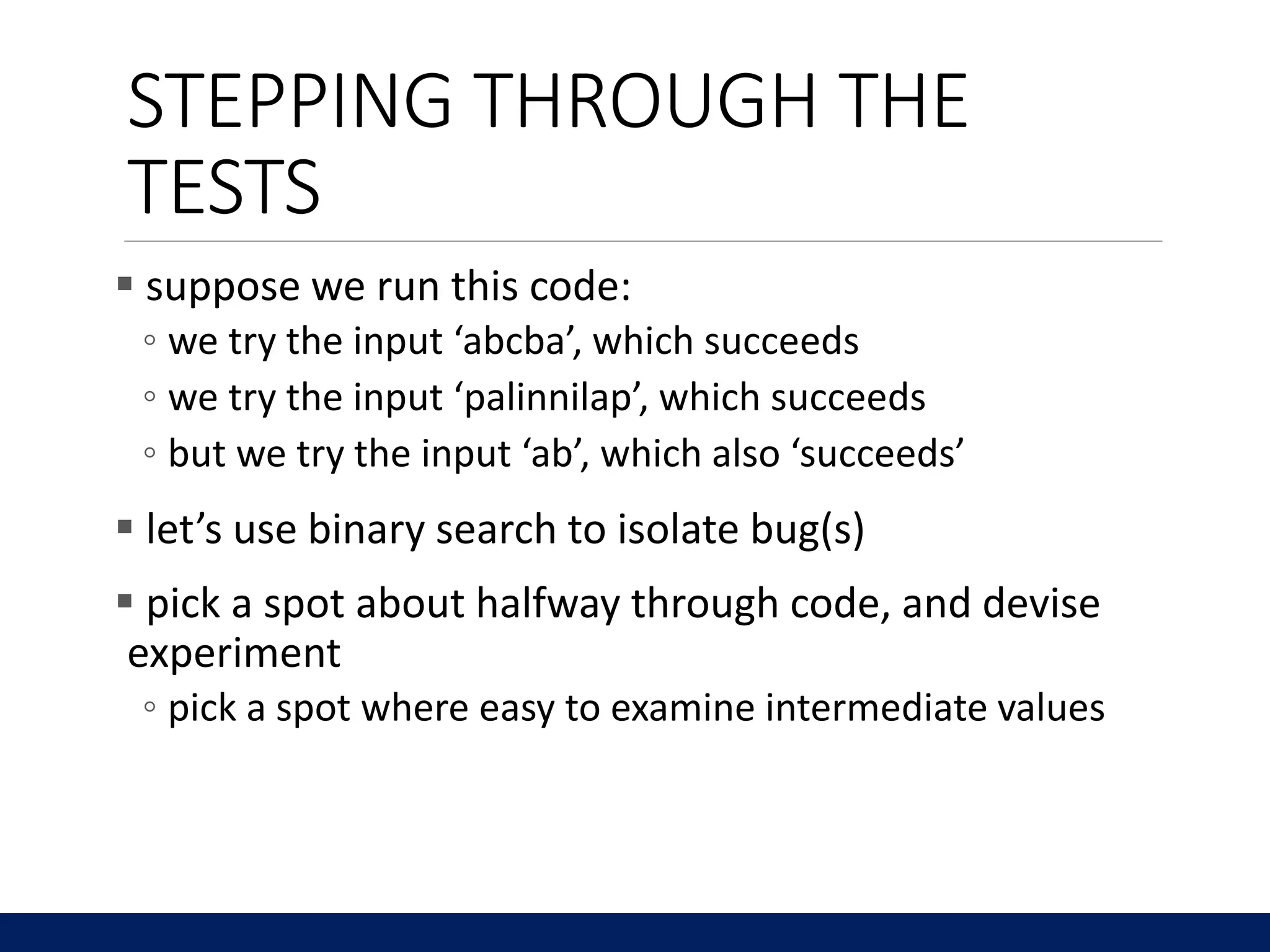
STEPPING THROUGH THE
TESTS
 suppose we run this code:
◦ we try the input ‘abcba’, which succeeds
◦ we try the input ‘palinnilap’, which succeeds
◦ but we try the input ‘ab’, which also ‘succeeds’
 let’s use binary search to isolate bug(s)
 pick a spot about halfway through code, and devise
experiment
◦ pick a spot where easy to examine intermediate values
def isPal(x):
assert type(x) == list
temp = x
temp.reverse
if temp == x:
return True
else:
return False
def silly(n):
for i in range(n):
result = []
elem = input('Enter element: ')
result.append(elem)
print(result)
if isPal(result):
print('Yes')
else:
print('No')
STEPPING THROUGH THE
TESTS
 at this point in the code, we expect (for our test case
of ‘ab’), that result should be a list [‘a’, ‘b’]
 we run the code, and get [‘b’].
 because of binary search, we know that at least one
bug must be present earlier in the code
 so we add a second print, this time inside the loop
def isPal(x):
assert type(x) == list
temp = x
temp.reverse
if temp == x:
return True
else:
return False
def silly(n):
for i in range(n):
result = []
elem = input('Enter element: ')
result.append(elem)
print(result)
if isPal(result):
print('Yes')
else:
print('No')
STEPPING THROUGH
 when we run with our example, the print statement
returns
◦ [‘a’]
◦ [‘b’]
 this suggests that result is not keeping all elements
◦ so let’s move the initialization of result outside the loop
and retry
def isPal(x):
assert type(x) == list
temp = x
temp.reverse
if temp == x:
return True
else:
return False
def silly(n):
result = []
for i in range(n):
elem = input('Enter element: ')
result.append(elem)
print(result)
if isPal(result):
print('Yes')
else:
print('No')
STEPPING THROUGH
 this now shows we are getting the data structure
result properly set up, but we still have a bug
somewhere
◦ a reminder that there may be more than one problem!
◦ this suggests second bug must lie below print statement;
let’s look at isPal
◦ pick a point in middle of code, and add print statement
again; remove the earlier print statement
def isPal(x):
assert type(x) == list
temp = x
temp.reverse
print(temp, x)
if temp == x:
return True
else:
return False
def silly(n):
result = []
for i in range(n):
elem = input('Enter element: ')
result.append(elem)
if isPal(result):
print('Yes')
else:
print('No')
STEPPING THROUGH
 at this point in the code, we expect (for our example
of ‘ab’) that x should be [‘a’, ‘b’], but temp should be
[‘b’, ‘a’], however they both have the value [‘a’, ‘b’]
 so let’s add another print statement, earlier in the
code
def isPal(x):
assert type(x) == list
temp = x
print(‘before reverse’, temp, x)
temp.reverse
print(‘after reverser’, temp, x)
if temp == x:
return True
else:
return False
def silly(n):
result = []
for i in range(n):
elem = input('Enter element: ')
result.append(elem)
if isPal(result):
print('Yes')
else:
print('No')
STEPPING THROUGH
 we see that temp has the same value before and after
the call to reverse
 if we look at our code, we realize we have committed
a standard bug – we forgot to actually invoke the
reverse method
◦ need temp.reverse()
 so let’s make that change and try again
def isPal(x):
assert type(x) == list
temp = x
print(‘before reverse’, temp, x)
temp.reverse()
print(‘after reverse’, temp, x)
if temp == x:
return True
else:
return False
def silly(n):
result = []
for i in range(n):
elem = input('Enter element: ')
result.append(elem)
if isPal(result):
print('Yes')
else:
print('No')
STEPPING THROUGH
 but now when we run on our simple example, both x
and temp have been reversed!!
 we have also narrowed down this bug to a single line.
The error must be in the reverse step
 in fact, we have an aliasing bug – reversing temp has
also caused x to be reversed
◦ because they are referring to the same object
def isPal(x):
assert type(x) == list
temp = x[:]
print(‘before reverse’, temp, x)
temp.reverse()
print(‘after reverse’, temp, x)
if temp == x:
return True
else:
return False
def silly(n):
result = []
for i in range(n):
elem = input('Enter element: ')
result.append(elem)
if isPal(result):
print('Yes')
else:
print('No')
STEPPING THROUGH
 now running this shows that before the reverse step,
the two variables have the same form, but afterwards
only temp is reversed.
 we can now go back and check that our other tests
cases still work correctly
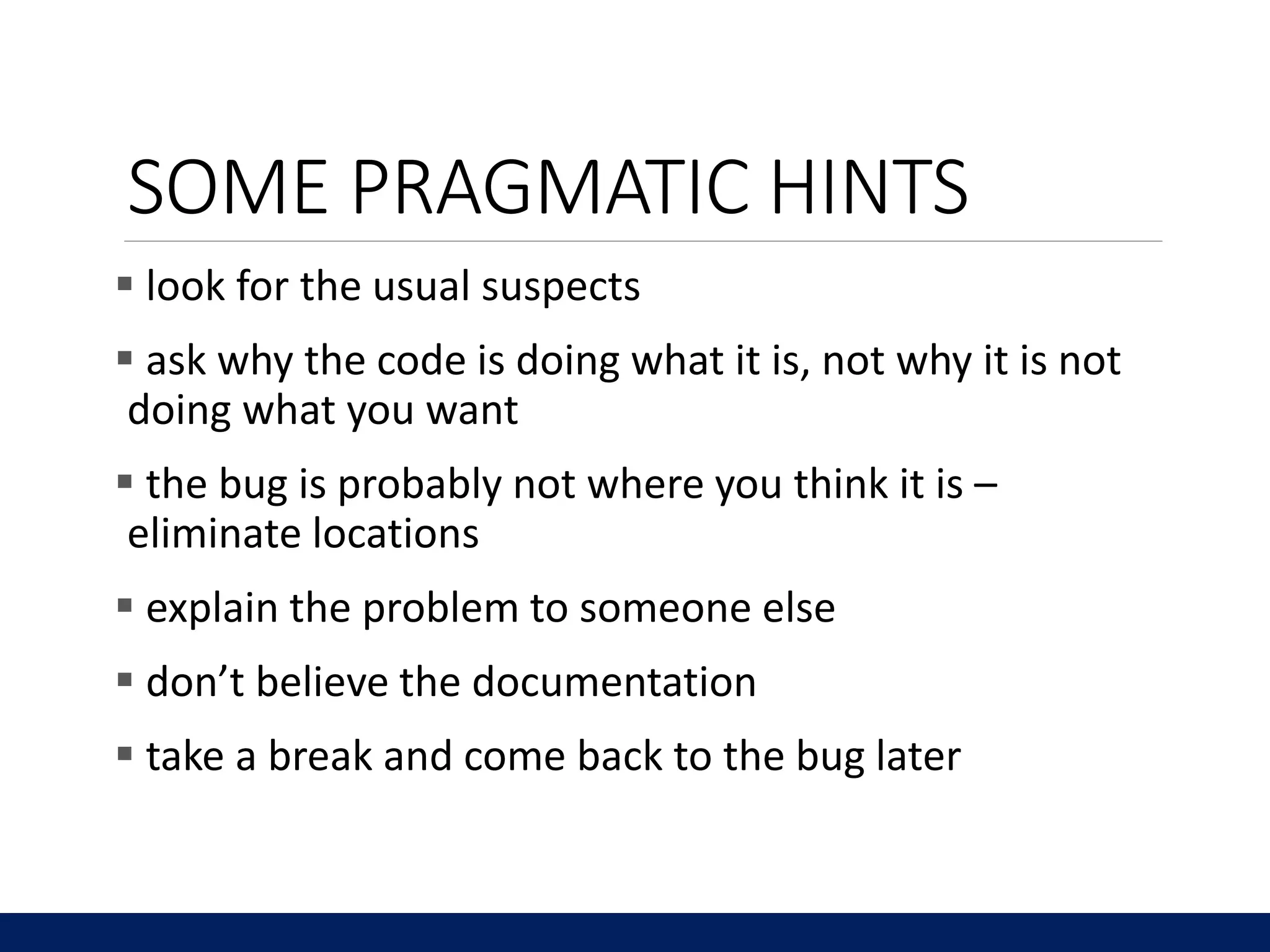
SOME PRAGMATIC HINTS
 look for the usual suspects
 ask why the code is doing what it is, not why it is not
doing what you want
 the bug is probably not where you think it is –
eliminate locations
 explain the problem to someone else
 don’t believe the documentation
 take a break and come back to the bug later

Debug - MITX60012016-V005100

  • 1.
  • 2.
    PROGRAMMING CHALLENGES What youwant the program to do What the program actually does EXPECTATION REALITY 6.00.1X LECTURE 2
  • 3.
    WE AIM FORHIGH QUALITY – AN ANALOGY WITH SOUP You are making soup but bugs keep falling in from the ceiling. What do you do?  check soup for bugs • testing  keep lid closed • defensive programming  clean kitchen • eliminate source of bugs - debugging Analogy thanks to Prof. Srini Devadas 6.00.1X LECTURE 3
  • 4.
    DEFENSIVE PROGRAMMING • Writespecifications for functions • Modularize programs • Check conditions on inputs/outputs (assertions) TESTING/VALIDATION • Compare input/output pairs to specification • “It’s not working!” • “How can I break my program?” DEBUGGING • Study events leading up to an error • “Why is it not working?” • “How can I fix my program?” 6.00.1X LECTURE 4
  • 5.
  • 6.
    SET YOURSELF UPFOR EASY TESTING AND DEBUGGING  from the start, design code to ease this part  break program into modules that can be tested and debugged individually  document constraints on modules • what do you expect the input to be? the output to be?  document assumptions behind code design 6.00.1X LECTURE 6 “Motherhood and apple pie” approach: Something that cannot be questioned because it appeals to universally-held, wholesome values
  • 7.
    WHEN ARE YOUREADY TO TEST?  ensure code runs • remove syntax errors • remove static semantic errors • Python interpreter can usually find these for you  have a set of expected results • an input set • for each input, the expected output 6.00.1X LECTURE 7
  • 8.
    CLASSES OF TESTS Unit testing • validate each piece of program • testing each function separately  Regression testing • add test for bugs as you find them in a function • catch reintroduced errors that were previously fixed  Integration testing • does overall program work? • tend to rush to do this 6.00.1X LECTURE 8
  • 9.
    TESTING APPROACHES  intuitionabout natural boundaries to the problem def is_bigger(x, y): """ Assumes x and y are ints Returns True if y is less than x, else False """ • can you come up with some natural partitions?  if no natural partitions, might do random testing • probability that code is correct increases with more tests • better options below  black box testing • explore paths through specification  glass box testing • explore paths through code 6.00.1X LECTURE 9
  • 10.
    def sqrt(x, eps): """Assumes x, eps floats, x >= 0, eps > 0 Returns res such that x-eps <= res*res <= x+eps """  designed without looking at the code  can be done by someone other than the implementer to avoid some implementer biases  testing can be reused if implementation changes  paths through specification • build test cases in different natural space partitions • also consider boundary conditions (empty lists, singleton list, large numbers, small numbers) BLACK BOX TESTING 6.00.1X LECTURE 10
  • 11.
    def sqrt(x, eps): """Assumes x, eps floats, x >= 0, eps > 0 Returns res such that x-eps <= res*res <= x+eps """ BLACK BOX TESTING 6.00.1X LECTURE 11 CASE x eps boundary 0 0.0001 Perfect square 25 0.0001 Less than 1 0.05 0.0001 Irrational square root 2 0.0001 extremes 2 1.0/2.0**64.0 extremes 1.0/2.0**64.0 1.0/2.0**64.0 extremes 2.0**64.0 1.0/2.0**64.0 extremes 1.0/2.0**64.0 2.0**64.0 extremes 2.0**64.0 2.0**64.0
  • 12.
    GLASS BOX TESTING use code directly to guide design of test cases  called path-complete if every potential path through code is tested at least once  what are some drawbacks of this type of testing? • can go through loops arbitrarily many times • missing paths  guidelines • branches • for loops • while loops 6.00.1X LECTURE 12
  • 13.
    GLASS BOX TESTING defabs(x): """ Assumes x is an int Returns x if x>=0 and –x otherwise """ if x < -1: return –x else: return x  a path-complete test suite could miss a bug  path-complete test suite: 2 and -2  but abs(-1) incorrectly returns -1  should still test boundary cases 6.00.1X LECTURE 13
  • 14.
  • 15.
    BUGS  once youhave discovered that your code does not run properly, you want to: ◦ isolate the bug(s) ◦ eradicate the bug(s) ◦ retest until code runs correctly 6.00.1X LECTURE 15
  • 16.
    September 9, 1947 MarkII Aiken Relay Computer 6.00.1X LECTURE 16
  • 17.
    6.00.1X LECTURE 17 AdmiralGrace Murray Hopper Jan Arkesteijn CC-BY 2.0
  • 18.
  • 19.
    RUNTIME BUGS  Overtvs. covert: ◦ Overt has an obvious manifestation – code crashes or runs forever ◦ Covert has no obvious manifestation – code returns a value, which may be incorrect but hard to determine  Persistent vs. intermittent: ◦ Persistent occurs every time code is run ◦ Intermittent only occurs some times, even if run on same input
  • 20.
    CATEGORIES OF BUGS Overt and persistent ◦ Obvious to detect ◦ Good programmers use defensive programming to try to ensure that if error is made, bug will fall into this category  Overt and intermittent ◦ More frustrating, can be harder to debug, but if conditions that prompt bug can be reproduced, can be handled  Covert ◦ Highly dangerous, as users may not realize answers are incorrect until code has been run for long period
  • 21.
  • 22.
    DEBUGGING  steep learningcurve  goal is to have a bug-free program  tools • built in to IDLE and Anaconda • Python Tutor • print statement • use your brain, be systematic in your hunt 6.00.1X LECTURE 22
  • 23.
    PRINT STATEMENTS  goodway to test hypothesis  when to print • enter function • parameters • function results  use bisection method • put print halfway in code • decide where bug may be depending on values 6.00.1X LECTURE 23
  • 24.
    ERROR MESSAGES -EASY  trying to access beyond the limits of a list test = [1,2,3] then test[4]  IndexError  trying to convert an inappropriate type int(test)  TypeError  referencing a non-existent variable a  NameError  mixing data types without appropriate coercion '3'/4  TypeError  forgetting to close parenthesis, quotation, etc. a = len([1,2,3] print a  SyntaxError 6.00.1X LECTURE 24
  • 25.
    LOGIC ERRORS -HARD  think before writing new code  draw pictures, take a break  explain the code to • someone else • a rubber ducky 6.00.1X LECTURE 25
  • 26.
    DEBUGGING STEPS  studyprogram code • ask how did I get the unexpected result • don’t ask what is wrong • is it part of a family?  scientific method • study available data • form hypothesis • repeatable experiments • pick simplest input to test with 6.00.1X LECTURE 26
  • 27.
    DON’T DO • Writeentire program • Test entire program • Debug entire program • Write a function • Test the function, debug the function • Write a function • Test the function, debug the function • *** Do integration testing *** • Change code • Remember where bug was • Test code • Forget where bug was or what change you made • Panic • Backup code • Change code • Write down potential bug in a comment • Test code • Compare new version with old version 6.00.1X LECTURE 27
  • 28.
  • 29.
    DEBUGGING SKILLS  treatas a search problem: looking for explanation for incorrect behavior ◦ study available data – both correct test cases and incorrect ones ◦ form an hypothesis consistent with the data ◦ design and run a repeatable experiment with potential to refute the hypothesis ◦ keep record of experiments performed: use narrow range of hypotheses
  • 30.
    DEBUGGING AS SEARCH want to narrow down space of possible sources of error  design experiments that expose intermediate stages of computation (use print statements!), and use results to further narrow search  binary search can be a powerful tool for this
  • 31.
    def isPal(x): assert type(x)== list temp = x temp.reverse if temp == x: return True else: return False def silly(n): for i in range(n): result = [] elem = input('Enter element: ') result.append(elem) if isPal(result): print('Yes') else: print('No')
  • 32.
    STEPPING THROUGH THE TESTS suppose we run this code: ◦ we try the input ‘abcba’, which succeeds ◦ we try the input ‘palinnilap’, which succeeds ◦ but we try the input ‘ab’, which also ‘succeeds’  let’s use binary search to isolate bug(s)  pick a spot about halfway through code, and devise experiment ◦ pick a spot where easy to examine intermediate values
  • 33.
    def isPal(x): assert type(x)== list temp = x temp.reverse if temp == x: return True else: return False def silly(n): for i in range(n): result = [] elem = input('Enter element: ') result.append(elem) print(result) if isPal(result): print('Yes') else: print('No')
  • 34.
    STEPPING THROUGH THE TESTS at this point in the code, we expect (for our test case of ‘ab’), that result should be a list [‘a’, ‘b’]  we run the code, and get [‘b’].  because of binary search, we know that at least one bug must be present earlier in the code  so we add a second print, this time inside the loop
  • 35.
    def isPal(x): assert type(x)== list temp = x temp.reverse if temp == x: return True else: return False def silly(n): for i in range(n): result = [] elem = input('Enter element: ') result.append(elem) print(result) if isPal(result): print('Yes') else: print('No')
  • 36.
    STEPPING THROUGH  whenwe run with our example, the print statement returns ◦ [‘a’] ◦ [‘b’]  this suggests that result is not keeping all elements ◦ so let’s move the initialization of result outside the loop and retry
  • 37.
    def isPal(x): assert type(x)== list temp = x temp.reverse if temp == x: return True else: return False def silly(n): result = [] for i in range(n): elem = input('Enter element: ') result.append(elem) print(result) if isPal(result): print('Yes') else: print('No')
  • 38.
    STEPPING THROUGH  thisnow shows we are getting the data structure result properly set up, but we still have a bug somewhere ◦ a reminder that there may be more than one problem! ◦ this suggests second bug must lie below print statement; let’s look at isPal ◦ pick a point in middle of code, and add print statement again; remove the earlier print statement
  • 39.
    def isPal(x): assert type(x)== list temp = x temp.reverse print(temp, x) if temp == x: return True else: return False def silly(n): result = [] for i in range(n): elem = input('Enter element: ') result.append(elem) if isPal(result): print('Yes') else: print('No')
  • 40.
    STEPPING THROUGH  atthis point in the code, we expect (for our example of ‘ab’) that x should be [‘a’, ‘b’], but temp should be [‘b’, ‘a’], however they both have the value [‘a’, ‘b’]  so let’s add another print statement, earlier in the code
  • 41.
    def isPal(x): assert type(x)== list temp = x print(‘before reverse’, temp, x) temp.reverse print(‘after reverser’, temp, x) if temp == x: return True else: return False def silly(n): result = [] for i in range(n): elem = input('Enter element: ') result.append(elem) if isPal(result): print('Yes') else: print('No')
  • 42.
    STEPPING THROUGH  wesee that temp has the same value before and after the call to reverse  if we look at our code, we realize we have committed a standard bug – we forgot to actually invoke the reverse method ◦ need temp.reverse()  so let’s make that change and try again
  • 43.
    def isPal(x): assert type(x)== list temp = x print(‘before reverse’, temp, x) temp.reverse() print(‘after reverse’, temp, x) if temp == x: return True else: return False def silly(n): result = [] for i in range(n): elem = input('Enter element: ') result.append(elem) if isPal(result): print('Yes') else: print('No')
  • 44.
    STEPPING THROUGH  butnow when we run on our simple example, both x and temp have been reversed!!  we have also narrowed down this bug to a single line. The error must be in the reverse step  in fact, we have an aliasing bug – reversing temp has also caused x to be reversed ◦ because they are referring to the same object
  • 45.
    def isPal(x): assert type(x)== list temp = x[:] print(‘before reverse’, temp, x) temp.reverse() print(‘after reverse’, temp, x) if temp == x: return True else: return False def silly(n): result = [] for i in range(n): elem = input('Enter element: ') result.append(elem) if isPal(result): print('Yes') else: print('No')
  • 46.
    STEPPING THROUGH  nowrunning this shows that before the reverse step, the two variables have the same form, but afterwards only temp is reversed.  we can now go back and check that our other tests cases still work correctly
  • 47.
    SOME PRAGMATIC HINTS look for the usual suspects  ask why the code is doing what it is, not why it is not doing what you want  the bug is probably not where you think it is – eliminate locations  explain the problem to someone else  don’t believe the documentation  take a break and come back to the bug later