Just another Powerpoint  How to. . . Deactivate the “Mouse Click” Feature
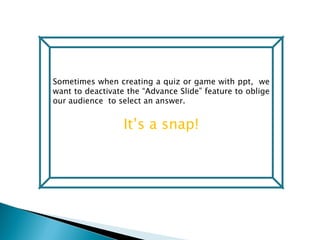
Sometimes when creating a quiz or game with ppt,  we want to deactivate the “Advance Slide” feature to oblige our audience  to select an answer. It’s a snap!
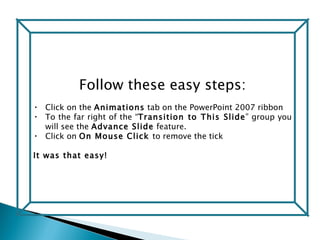
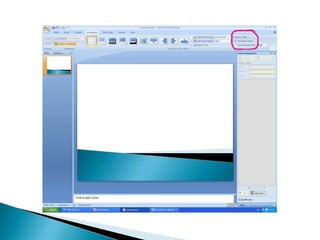
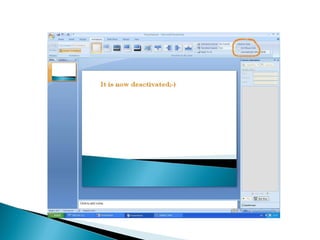
Follow these easy steps: Click on the  Animations  tab on the PowerPoint 2007 ribbon To the far right of the “ Transition to This Slide ” group you will see the  Advance Slide  feature.  Click on  On Mouse Click  to remove the tick  It was that easy!
 
 
Now  Now you need to create a hyperlink  or action to proceed.

Deactivate On Mouse Click

  • 1.
    Just another Powerpoint How to. . . Deactivate the “Mouse Click” Feature
  • 2.
    Sometimes when creatinga quiz or game with ppt, we want to deactivate the “Advance Slide” feature to oblige our audience to select an answer. It’s a snap!
  • 3.
    Follow these easysteps: Click on the Animations tab on the PowerPoint 2007 ribbon To the far right of the “ Transition to This Slide ” group you will see the Advance Slide feature. Click on On Mouse Click to remove the tick It was that easy!
  • 4.
  • 5.
  • 6.
    Now Nowyou need to create a hyperlink or action to proceed.