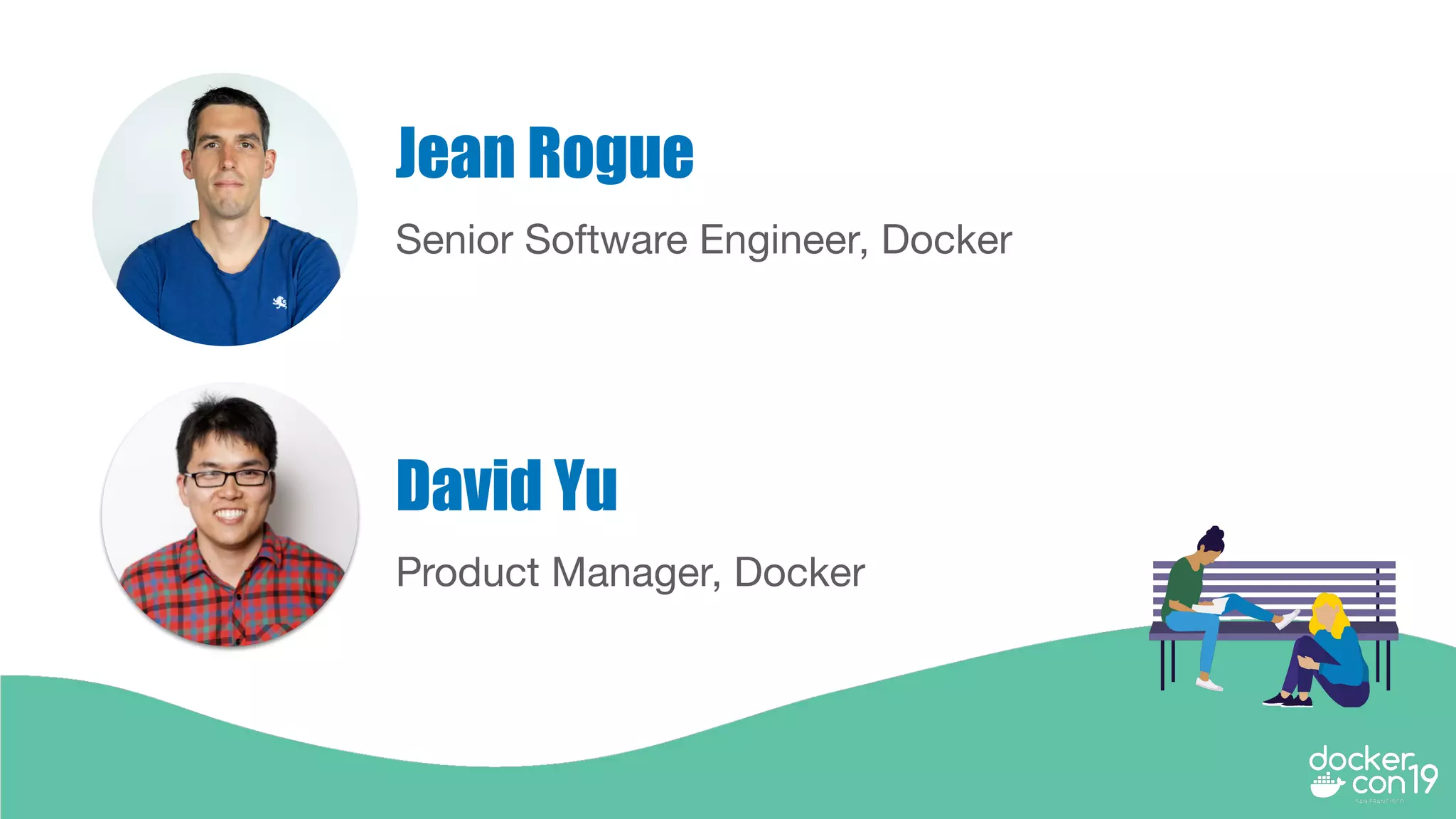
Senior Software Engineer, Docker
Jean Rogue
Product Manager, Docker
David Yu
How Docker Simplifies
Kubernetes for the
Masses
Agenda
● Getting Started with Kubernetes
● Lifecycle Management
○ Day 1 considerations
○ Day 2 considerations
● Security
● Developer Tooling and Platform Integrations
● Kubernetes Support and Maintenance
● Next Steps
Getting Started with Kubernetes
Questions to ask yourself
○ Do you have the right people involved to make the platform
successful?
○ Have you picked the right use case for using Kubernetes?
○ Have you decided on the infrastructure and type of
environment?
○ Do you have experience with Kubernetes and containers at
scale?
Roll Your Own (RYO) Kubernetes
Areas to consider and make decisions on:
● Automated Cluster Ops
○ Provisioning Infra and Container Infrastructure (Day 1)
○ Lifecycle Management (Day 2)
● Security
● End to End platform integrations
○ Developer Tooling
○ Applications and Kube-compose
○ Registry integration
● Kubernetes Support
Lifecycle Management - Day 1 considerations
● Day 1 may seem very straightforward for most Kubernetes users,
however critical best practices can be missed
● Storage and Networking plugins that are certified and tested end to
end
● Integrations with existing IT systems will take lots of engineering
work to make it a reality across organizations
● Deploy container infrastructure for running services like a Registry
RYO Kubernetes - Container Infrastructure
● Install Kubernetes and provision nodes on your own
infrastructure via scripts and kubeadm
● Manage networking on your own (Calico, Flannel) in addition
to Kubernetes
● Deploy your own Ingress Controller
● Manage and monitor kubernetes components in case they
fail (view logs and ability to keep components alive)
● Wire Prometheus with cluster for collecting and aggregating
metrics
Docker Enterprise - Container Infrastructure
● Automatically provision nodes on AWS, Azure, VMware, and installs
Kubernetes software across nodes
● Built in multi-host networking with IPAM and network policies for
Kubernetes
● Packaged Ingress Controller
● Manage and monitor kubernetes components and keeps them alive
in-case they fail (self-healing capabilities)
● Built-in Prometheus for collecting and aggregating metrics
● Deploy and secure Private Registry
Demo - Lifecycle
Management Day 1
demo
Lifecycle Management - Day 2
considerations
● Day 2 is extremely difficult, if done incorrectly it could result in you
tearing down your Kubernetes cluster and starting over again
● Support for mission critical production Kubernetes clusters are a
challenge
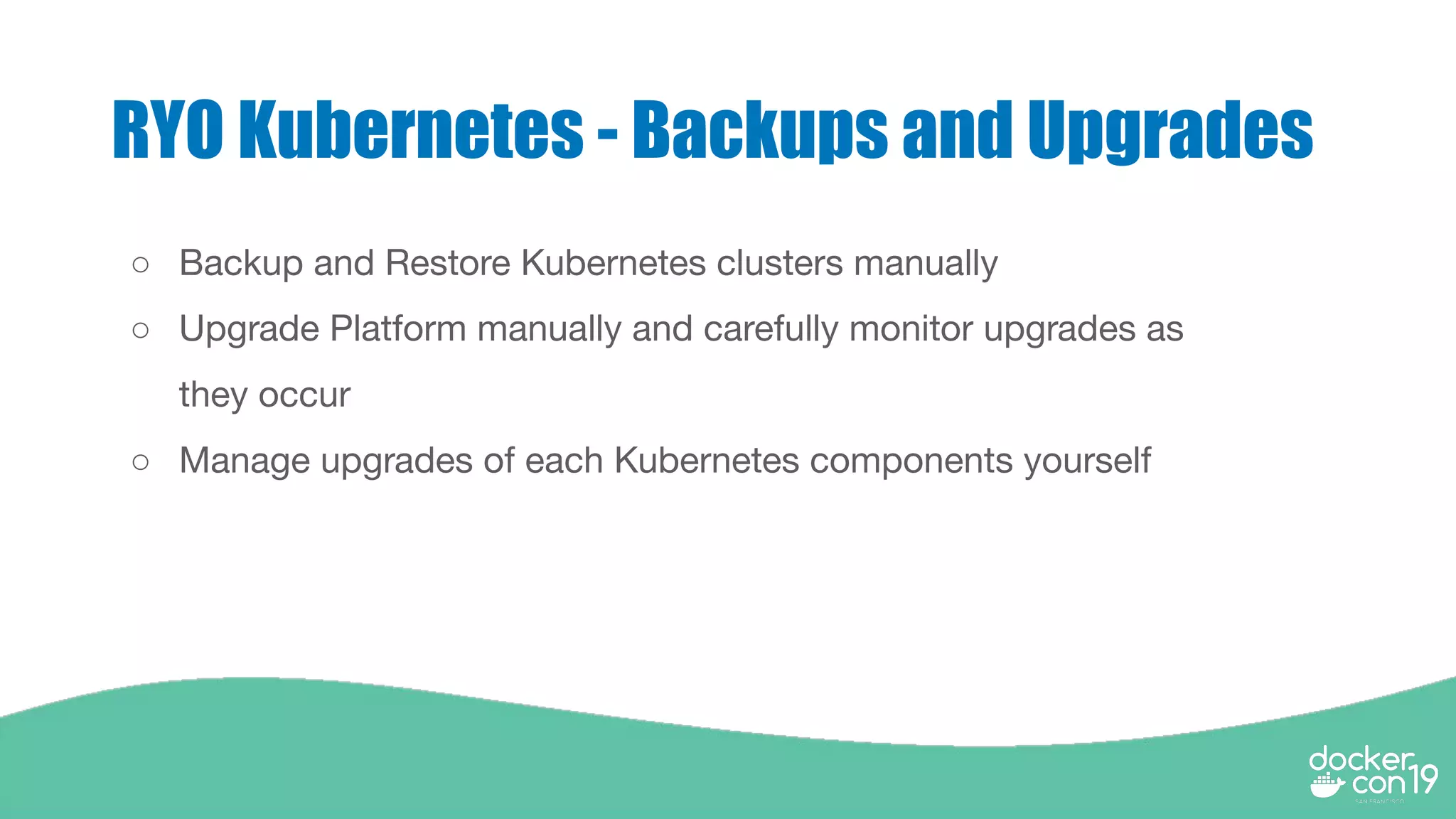
RYO Kubernetes - Backups and Upgrades
○ Backup and Restore Kubernetes clusters manually
○ Upgrade Platform manually and carefully monitor upgrades as
they occur
○ Manage upgrades of each Kubernetes components yourself
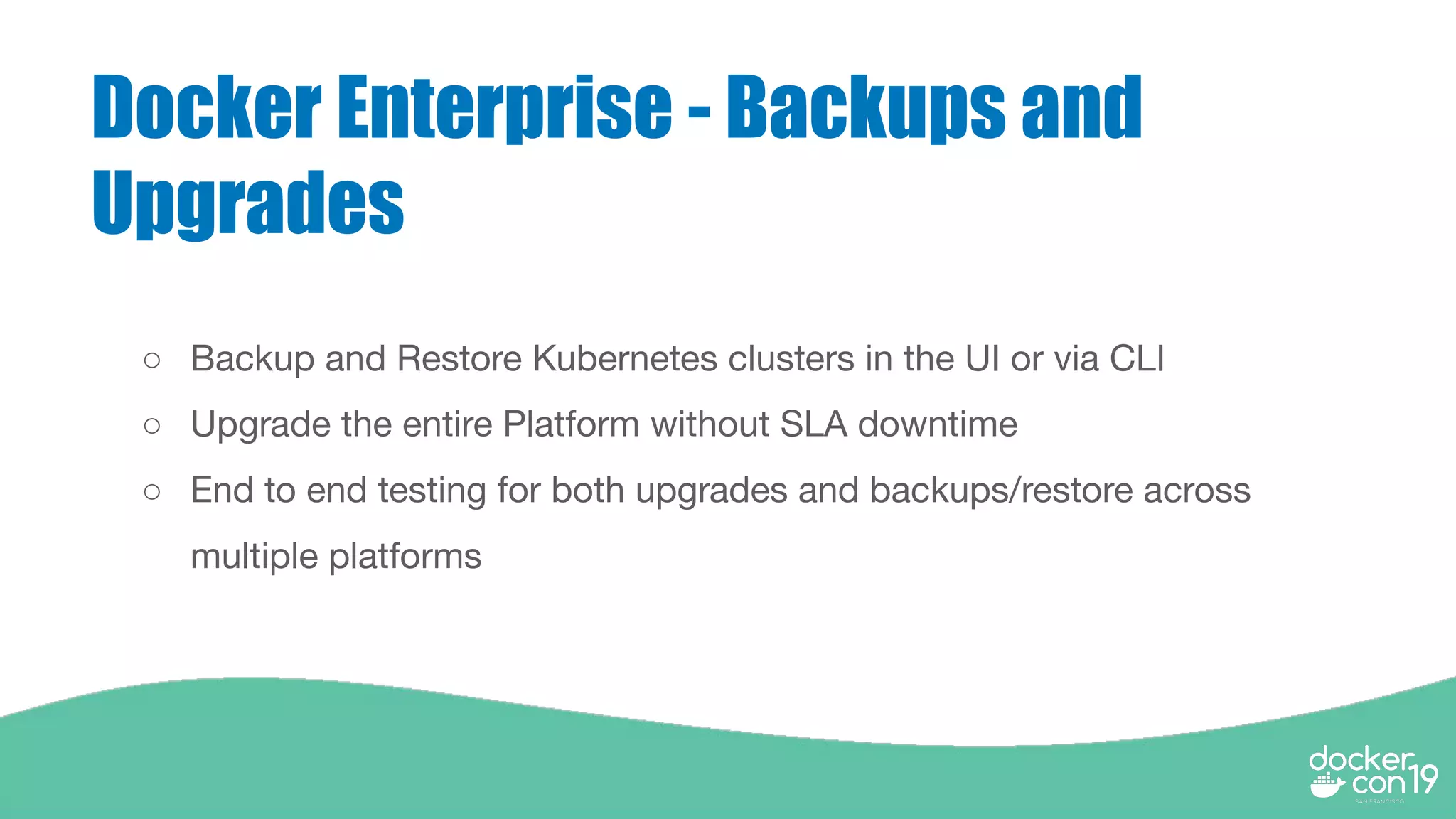
Docker Enterprise - Backups and
Upgrades
○ Backup and Restore Kubernetes clusters in the UI or via CLI
○ Upgrade the entire Platform without SLA downtime
○ End to end testing for both upgrades and backups/restore across
multiple platforms
Demo - Lifecycle
Management Day 2
demo
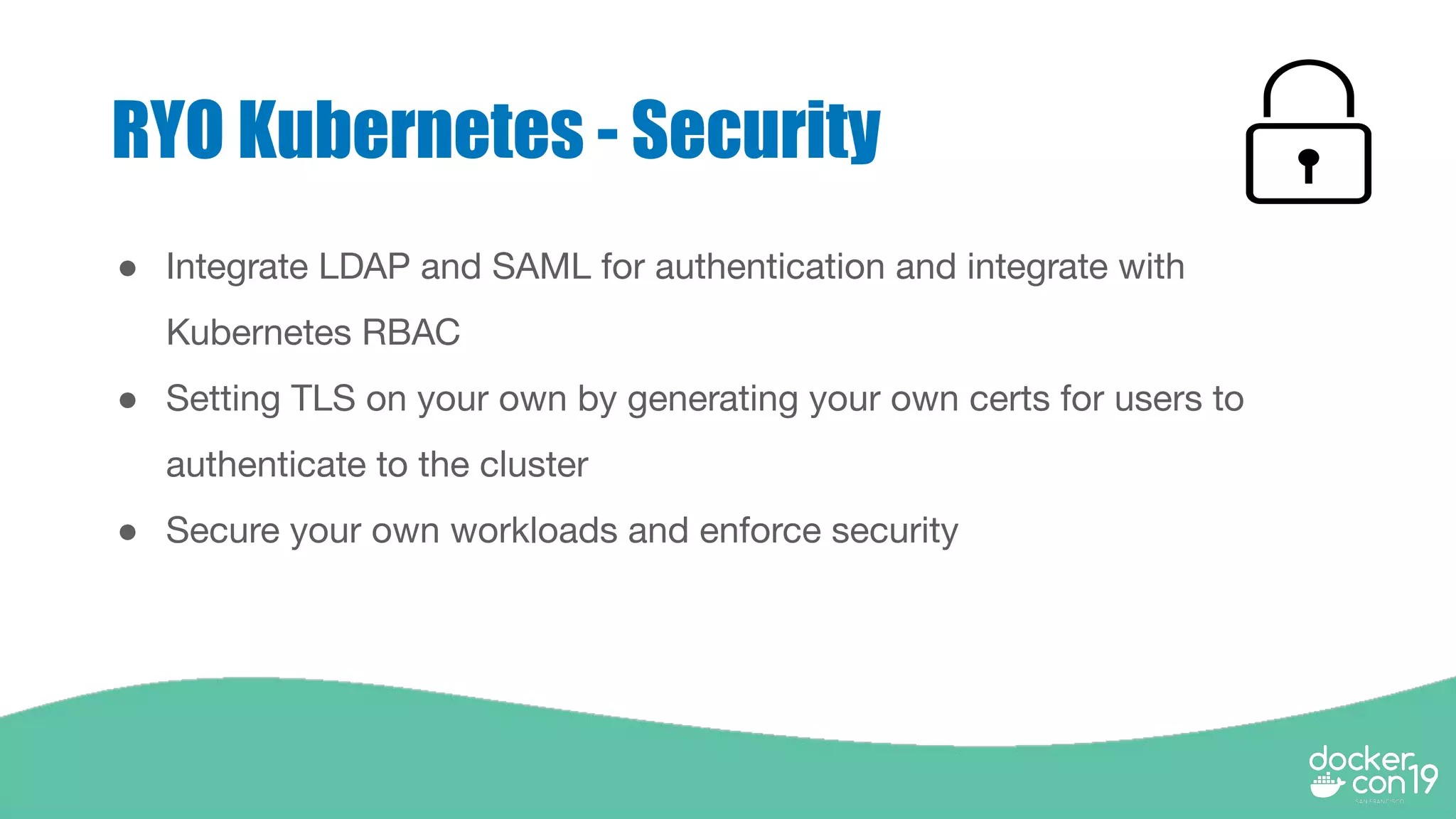
RYO Kubernetes - Security
● Integrate LDAP and SAML for authentication and integrate with
Kubernetes RBAC
● Setting TLS on your own by generating your own certs for users to
authenticate to the cluster
● Secure your own workloads and enforce security
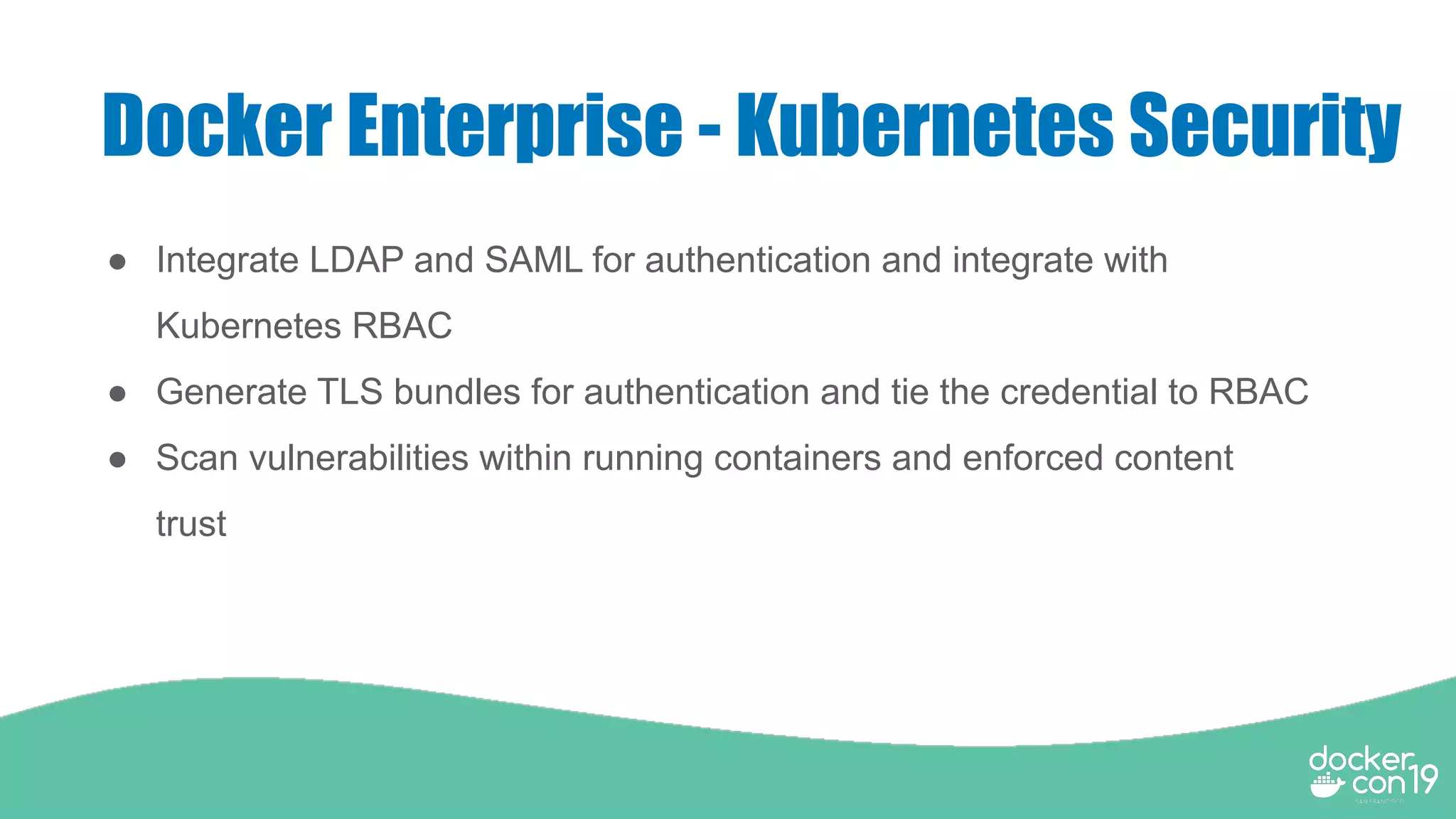
Docker Enterprise - Kubernetes Security
● Integrate LDAP and SAML for authentication and integrate with
Kubernetes RBAC
● Generate TLS bundles for authentication and tie the credential to RBAC
● Scan vulnerabilities within running containers and enforced content
trust
Demo - Kubernetes
Security
RYO Kubernetes - Developer Tooling
● Install VirtualBox, Vagrant, kubectl and deploy
miniKube
● Deploy Helm and Tiller to deploy Helm charts
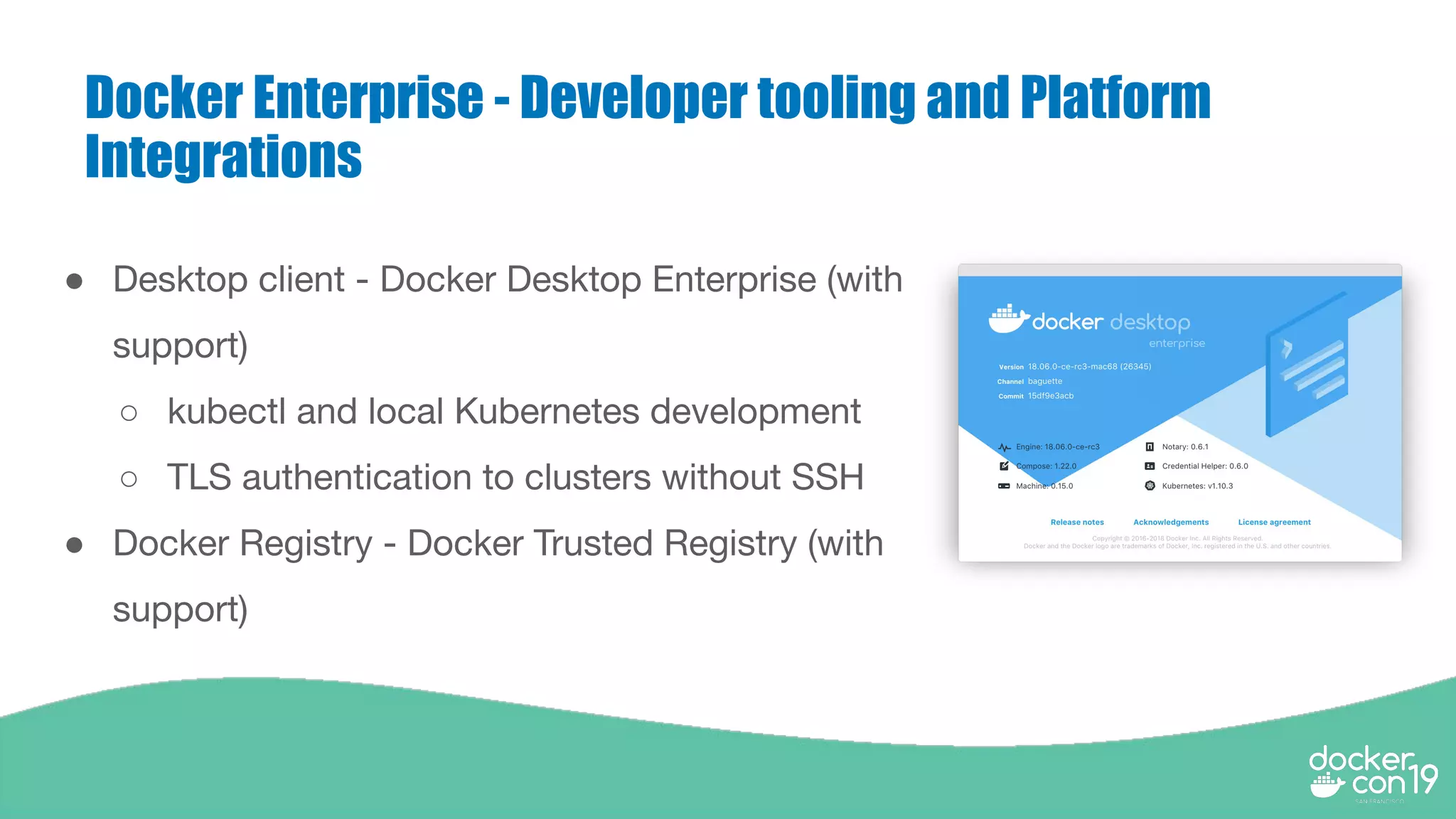
Docker Enterprise - Developer tooling and Platform
Integrations
● Desktop client - Docker Desktop Enterprise (with
support)
○ kubectl and local Kubernetes development
○ TLS authentication to clusters without SSH
● Docker Registry - Docker Trusted Registry (with
support)
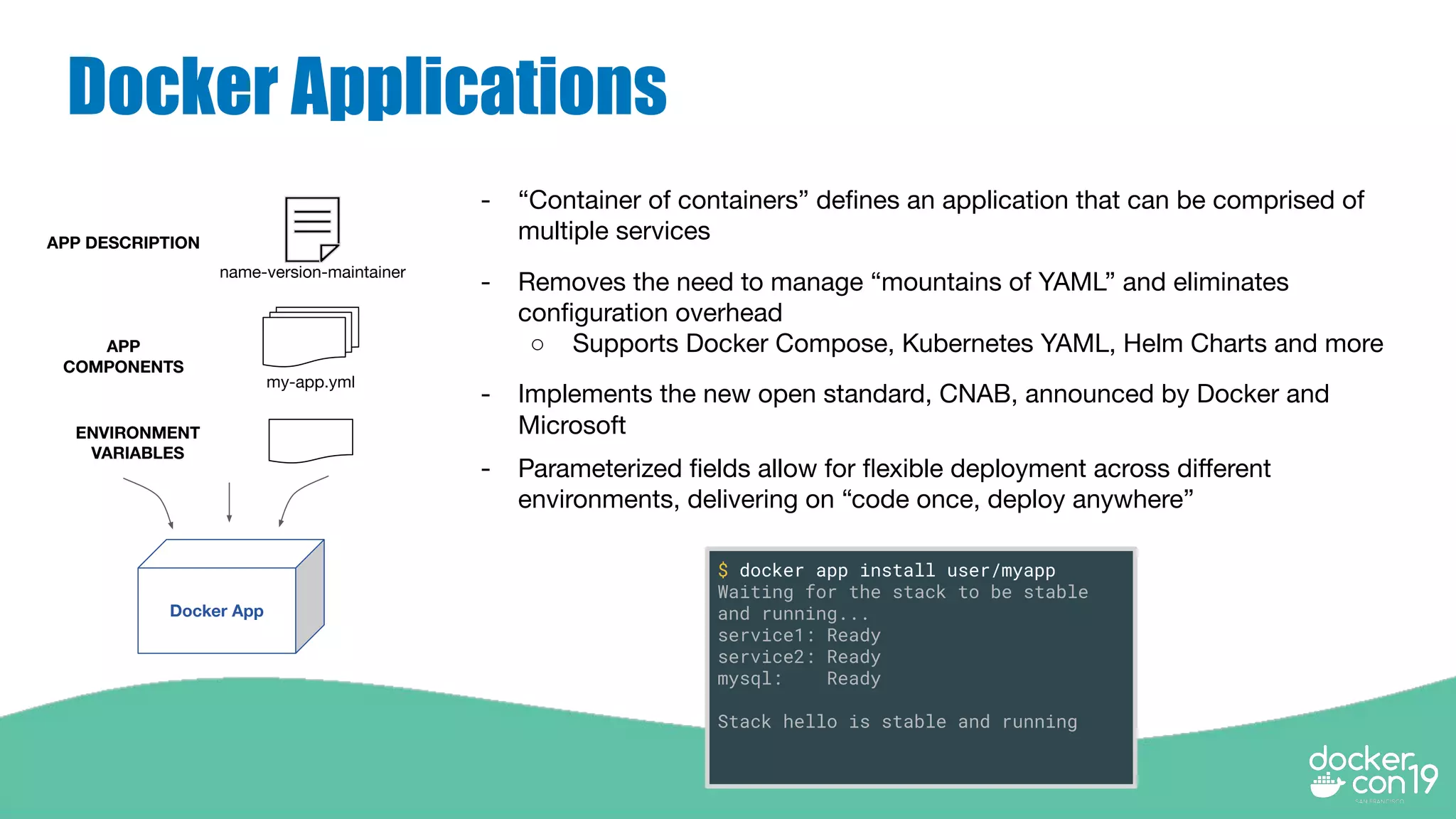
Docker Applications
$ docker app install user/myapp
Waiting for the stack to be stable
and running...
service1: Ready
service2: Ready
mysql: Ready
Stack hello is stable and running
- “Container of containers” defines an application that can be comprised of
multiple services
- Removes the need to manage “mountains of YAML” and eliminates
configuration overhead
○ Supports Docker Compose, Kubernetes YAML, Helm Charts and more
- Implements the new open standard, CNAB, announced by Docker and
Microsoft
- Parameterized fields allow for flexible deployment across different
environments, delivering on “code once, deploy anywhere”
my-app.yml
Docker App
APP DESCRIPTION
name-version-maintainer
APP
COMPONENTS
ENVIRONMENT
VARIABLES
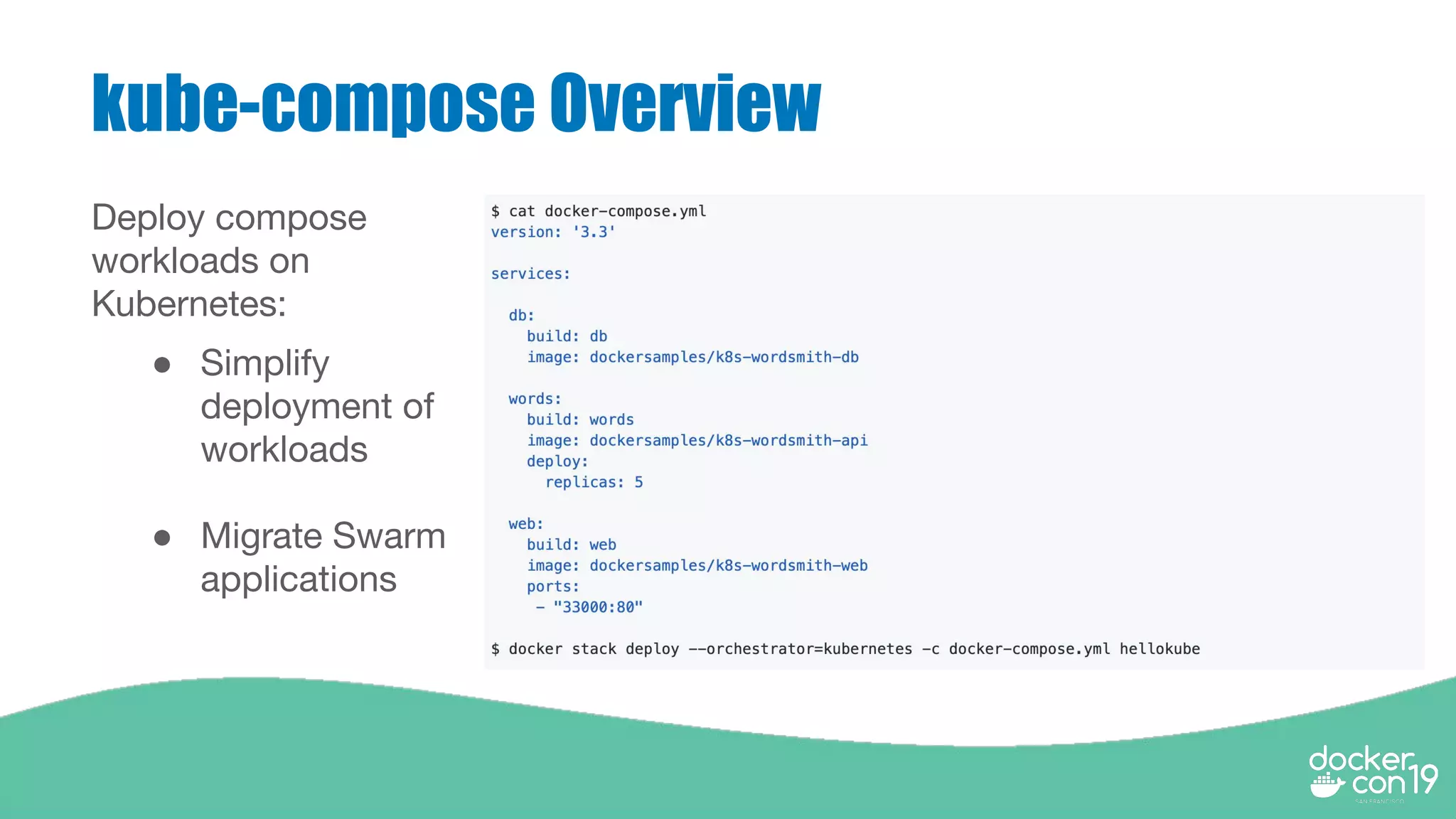
kube-compose Overview
Deploy compose
workloads on
Kubernetes:
● Simplify
deployment of
workloads
● Migrate Swarm
applications
Demo - Docker
Applications and
Kubernetes Compose
RYO Kubernetes Support and
Maintenance
● Patch Kubernetes yourself
● Patch Golang yourself
● Perform upgrades manually for all of the components - etcd,
containerd, Calico, etc
● Continuous end to end testing with new plugins and drivers (i.e. CSI
drivers)
● Professional expertise with your Kubernetes platform
Can Docker Simplify Kubernetes?
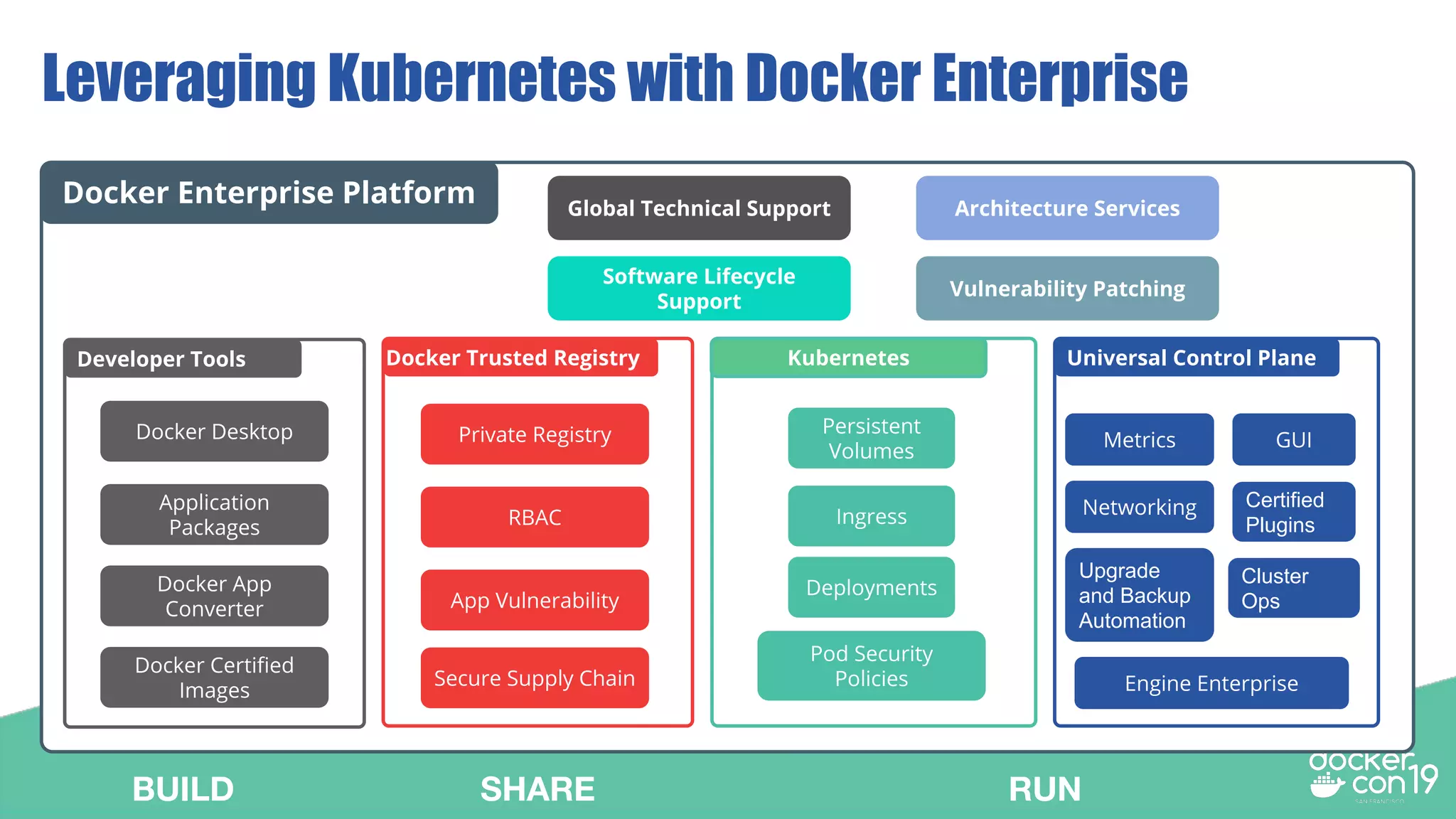
Universal Control Plane
Networking
Metrics GUI
Docker Enterprise Platform Global Technical Support
Software Lifecycle
Support
Vulnerability Patching
Architecture Services
Leveraging Kubernetes with Docker Enterprise
Docker Trusted Registry
Private Registry
RBAC
App Vulnerability
Secure Supply Chain
Developer Tools
Docker Desktop
Application
Packages
Docker App
Converter
Docker Certified
Images
Upgrade
and Backup
Automation
Certified
Plugins
Cluster
Ops
Engine Enterprise
Kubernetes
Deployments
Persistent
Volumes
Ingress
Pod Security
Policies
BUILD SHARE RUN
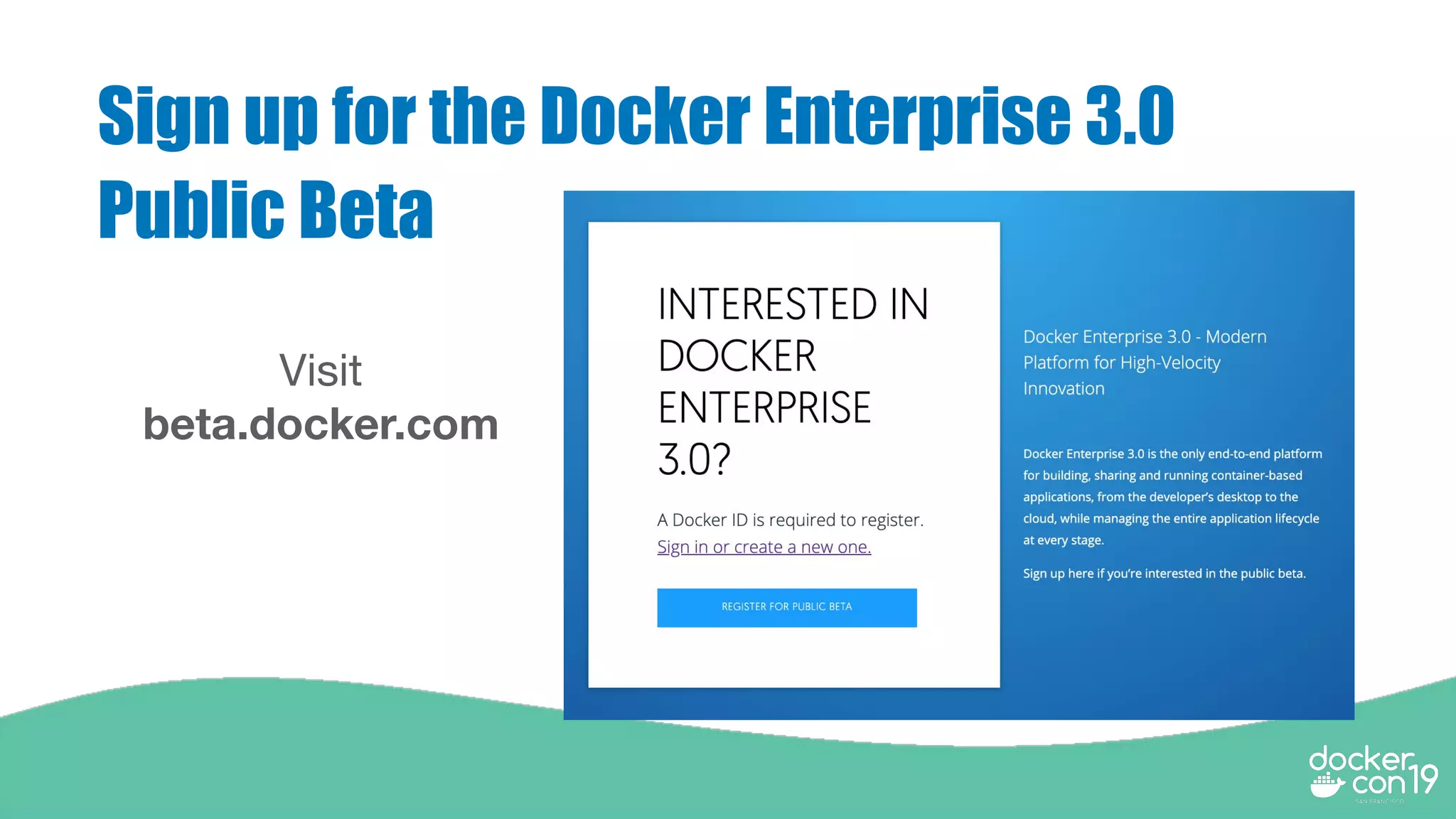
Sign up for the Docker Enterprise 3.0
Public Beta
Visit
beta.docker.com
Thank you

DCSF19 How Docker Simplifies Kubernetes for the Masses

  • 1.
    Senior Software Engineer,Docker Jean Rogue Product Manager, Docker David Yu
  • 2.
  • 3.
    Agenda ● Getting Startedwith Kubernetes ● Lifecycle Management ○ Day 1 considerations ○ Day 2 considerations ● Security ● Developer Tooling and Platform Integrations ● Kubernetes Support and Maintenance ● Next Steps
  • 4.
    Getting Started withKubernetes Questions to ask yourself ○ Do you have the right people involved to make the platform successful? ○ Have you picked the right use case for using Kubernetes? ○ Have you decided on the infrastructure and type of environment? ○ Do you have experience with Kubernetes and containers at scale?
  • 5.
    Roll Your Own(RYO) Kubernetes Areas to consider and make decisions on: ● Automated Cluster Ops ○ Provisioning Infra and Container Infrastructure (Day 1) ○ Lifecycle Management (Day 2) ● Security ● End to End platform integrations ○ Developer Tooling ○ Applications and Kube-compose ○ Registry integration ● Kubernetes Support
  • 6.
    Lifecycle Management -Day 1 considerations ● Day 1 may seem very straightforward for most Kubernetes users, however critical best practices can be missed ● Storage and Networking plugins that are certified and tested end to end ● Integrations with existing IT systems will take lots of engineering work to make it a reality across organizations ● Deploy container infrastructure for running services like a Registry
  • 7.
    RYO Kubernetes -Container Infrastructure ● Install Kubernetes and provision nodes on your own infrastructure via scripts and kubeadm ● Manage networking on your own (Calico, Flannel) in addition to Kubernetes ● Deploy your own Ingress Controller ● Manage and monitor kubernetes components in case they fail (view logs and ability to keep components alive) ● Wire Prometheus with cluster for collecting and aggregating metrics
  • 8.
    Docker Enterprise -Container Infrastructure ● Automatically provision nodes on AWS, Azure, VMware, and installs Kubernetes software across nodes ● Built in multi-host networking with IPAM and network policies for Kubernetes ● Packaged Ingress Controller ● Manage and monitor kubernetes components and keeps them alive in-case they fail (self-healing capabilities) ● Built-in Prometheus for collecting and aggregating metrics ● Deploy and secure Private Registry
  • 9.
  • 10.
    Lifecycle Management -Day 2 considerations ● Day 2 is extremely difficult, if done incorrectly it could result in you tearing down your Kubernetes cluster and starting over again ● Support for mission critical production Kubernetes clusters are a challenge
  • 11.
    RYO Kubernetes -Backups and Upgrades ○ Backup and Restore Kubernetes clusters manually ○ Upgrade Platform manually and carefully monitor upgrades as they occur ○ Manage upgrades of each Kubernetes components yourself
  • 12.
    Docker Enterprise -Backups and Upgrades ○ Backup and Restore Kubernetes clusters in the UI or via CLI ○ Upgrade the entire Platform without SLA downtime ○ End to end testing for both upgrades and backups/restore across multiple platforms
  • 13.
  • 14.
    RYO Kubernetes -Security ● Integrate LDAP and SAML for authentication and integrate with Kubernetes RBAC ● Setting TLS on your own by generating your own certs for users to authenticate to the cluster ● Secure your own workloads and enforce security
  • 15.
    Docker Enterprise -Kubernetes Security ● Integrate LDAP and SAML for authentication and integrate with Kubernetes RBAC ● Generate TLS bundles for authentication and tie the credential to RBAC ● Scan vulnerabilities within running containers and enforced content trust
  • 16.
  • 17.
    RYO Kubernetes -Developer Tooling ● Install VirtualBox, Vagrant, kubectl and deploy miniKube ● Deploy Helm and Tiller to deploy Helm charts
  • 18.
    Docker Enterprise -Developer tooling and Platform Integrations ● Desktop client - Docker Desktop Enterprise (with support) ○ kubectl and local Kubernetes development ○ TLS authentication to clusters without SSH ● Docker Registry - Docker Trusted Registry (with support)
  • 19.
    Docker Applications $ dockerapp install user/myapp Waiting for the stack to be stable and running... service1: Ready service2: Ready mysql: Ready Stack hello is stable and running - “Container of containers” defines an application that can be comprised of multiple services - Removes the need to manage “mountains of YAML” and eliminates configuration overhead ○ Supports Docker Compose, Kubernetes YAML, Helm Charts and more - Implements the new open standard, CNAB, announced by Docker and Microsoft - Parameterized fields allow for flexible deployment across different environments, delivering on “code once, deploy anywhere” my-app.yml Docker App APP DESCRIPTION name-version-maintainer APP COMPONENTS ENVIRONMENT VARIABLES
  • 20.
    kube-compose Overview Deploy compose workloadson Kubernetes: ● Simplify deployment of workloads ● Migrate Swarm applications
  • 21.
    Demo - Docker Applicationsand Kubernetes Compose
  • 22.
    RYO Kubernetes Supportand Maintenance ● Patch Kubernetes yourself ● Patch Golang yourself ● Perform upgrades manually for all of the components - etcd, containerd, Calico, etc ● Continuous end to end testing with new plugins and drivers (i.e. CSI drivers) ● Professional expertise with your Kubernetes platform
  • 23.
  • 24.
    Universal Control Plane Networking MetricsGUI Docker Enterprise Platform Global Technical Support Software Lifecycle Support Vulnerability Patching Architecture Services Leveraging Kubernetes with Docker Enterprise Docker Trusted Registry Private Registry RBAC App Vulnerability Secure Supply Chain Developer Tools Docker Desktop Application Packages Docker App Converter Docker Certified Images Upgrade and Backup Automation Certified Plugins Cluster Ops Engine Enterprise Kubernetes Deployments Persistent Volumes Ingress Pod Security Policies BUILD SHARE RUN
  • 25.
    Sign up forthe Docker Enterprise 3.0 Public Beta Visit beta.docker.com
  • 26.