Data Viz for Data Discovery
xAPI Camp Learning Solutions 2017
First things first. Here’s a little
context to get us started.
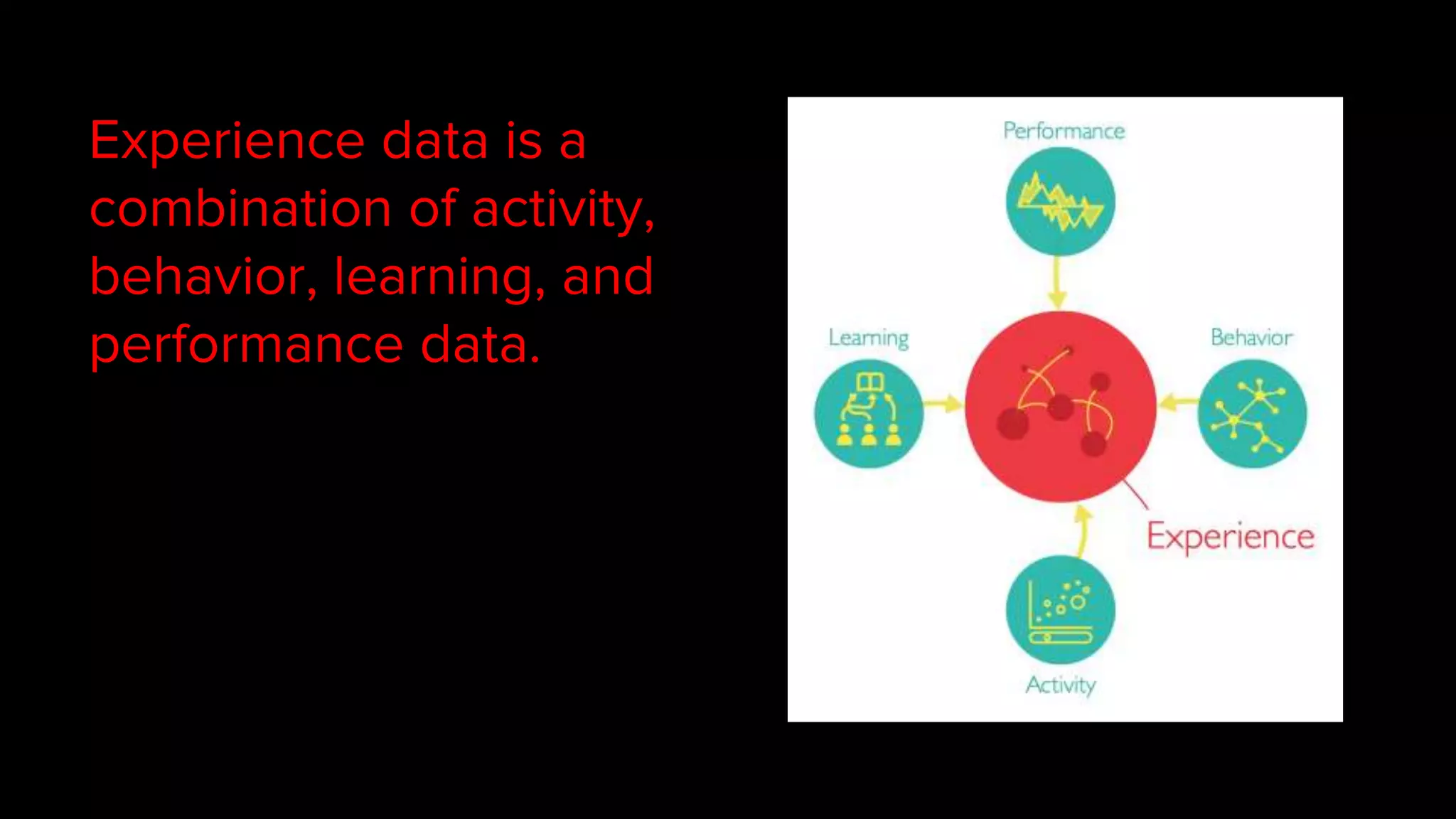
Experience data is a
combination of activity,
behavior, learning, and
performance data.
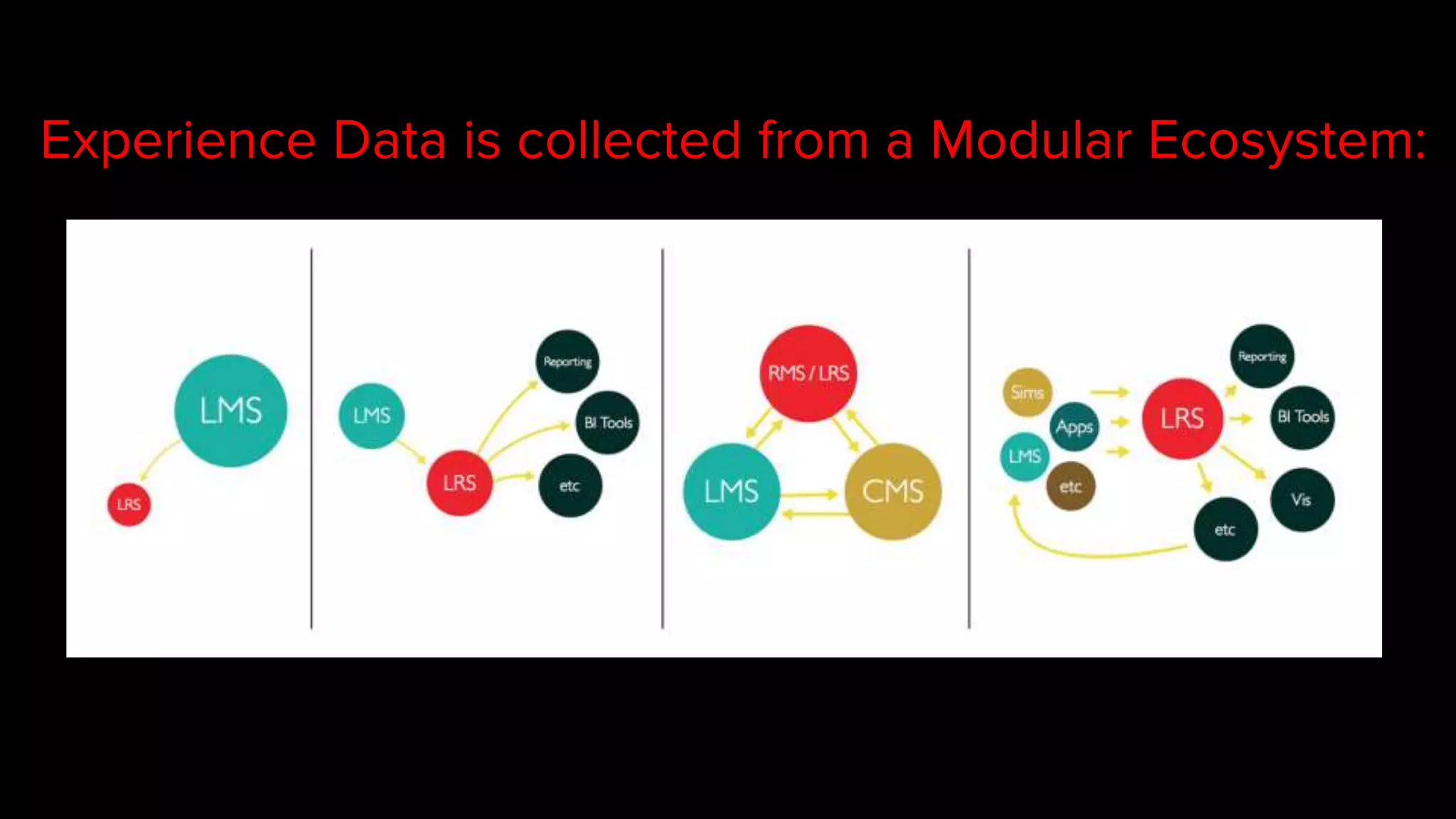
Experience Data is collected from a Modular Ecosystem:
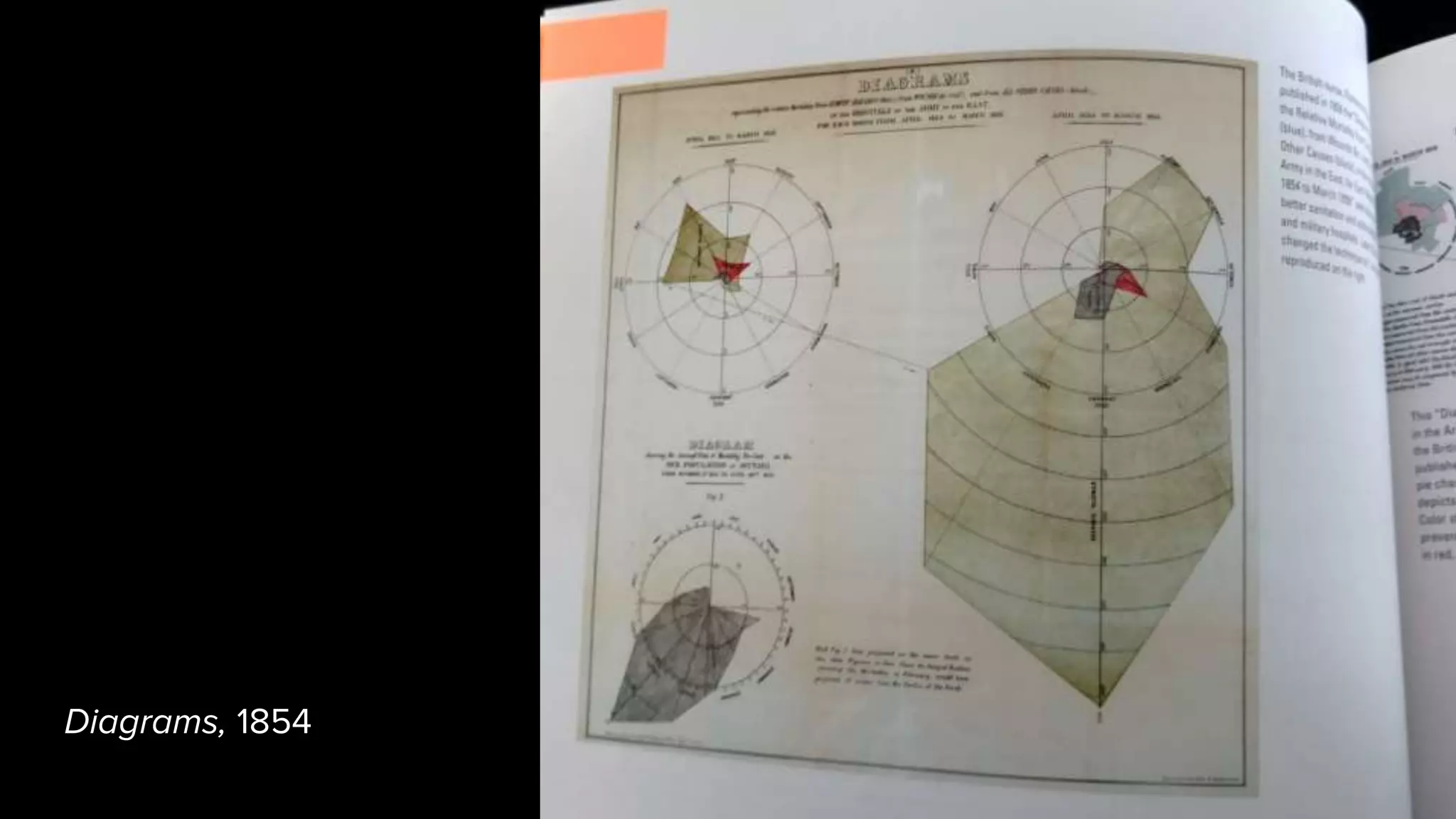
We’ve been visualizing
data for hundreds of years.
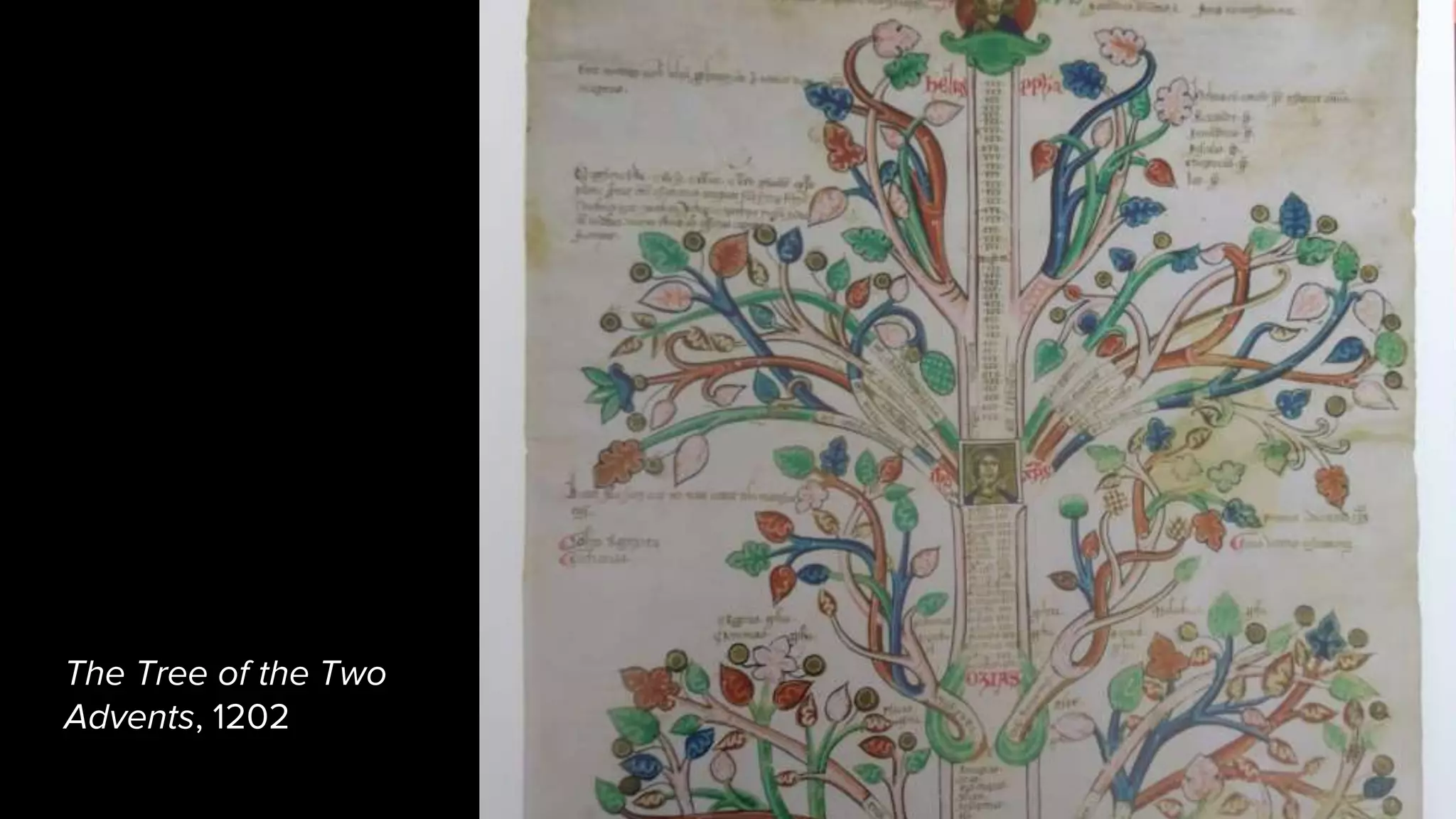
The Tree of the Two
Advents, 1202
Geometry, 1587
Diagrams, 1854
We visualize data so that we
can literally see patterns.
So what qualities make a
visualization good for data
discovery?
1. Interactive
Let the user ask questions.
When you’re designing the interface, consider how users will
be able to ask questions.
Build interaction tools directly into the visual display where
possible; intuitive interaction allows for more fluid
discovery.
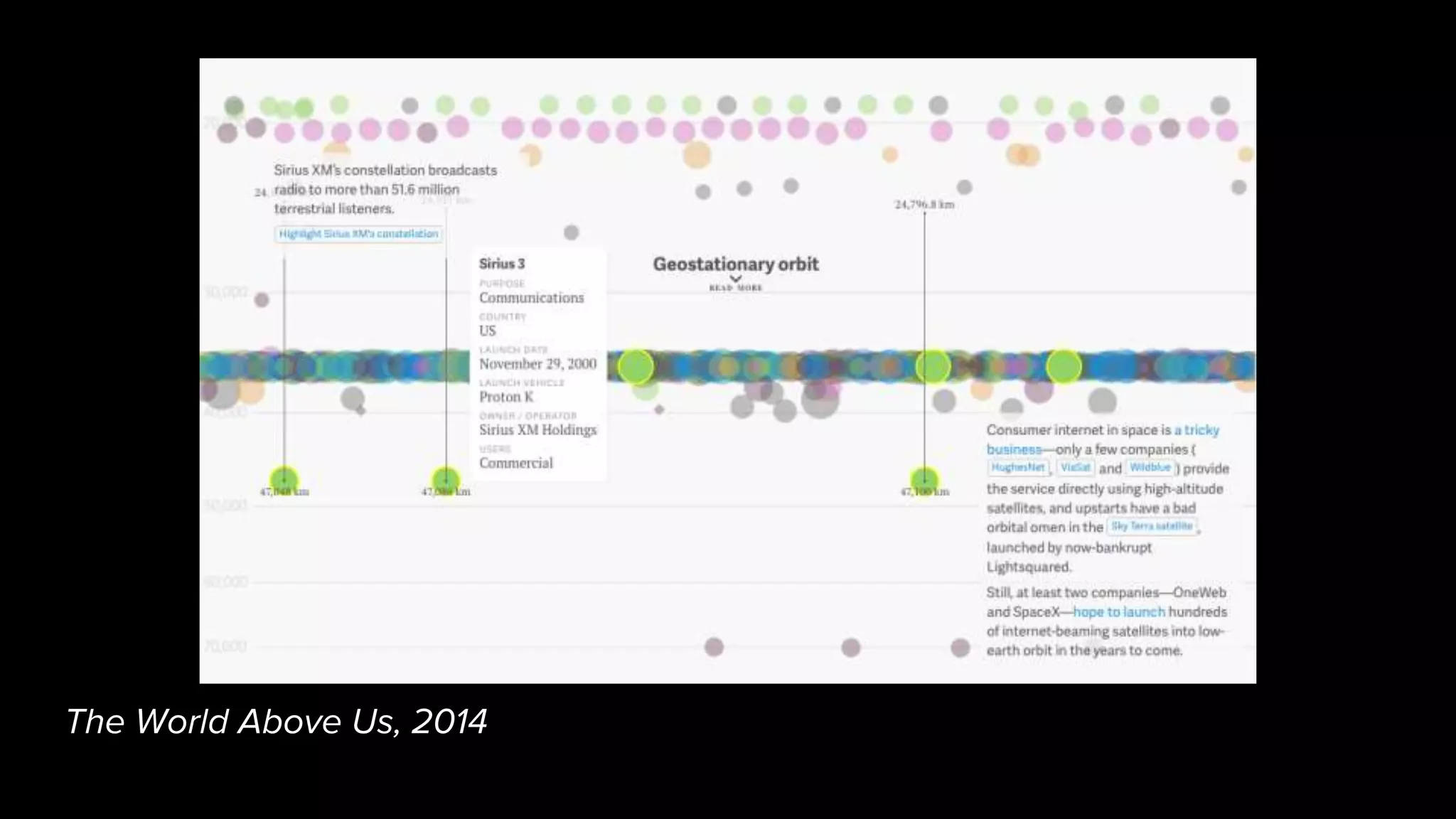
The World Above Us, 2014
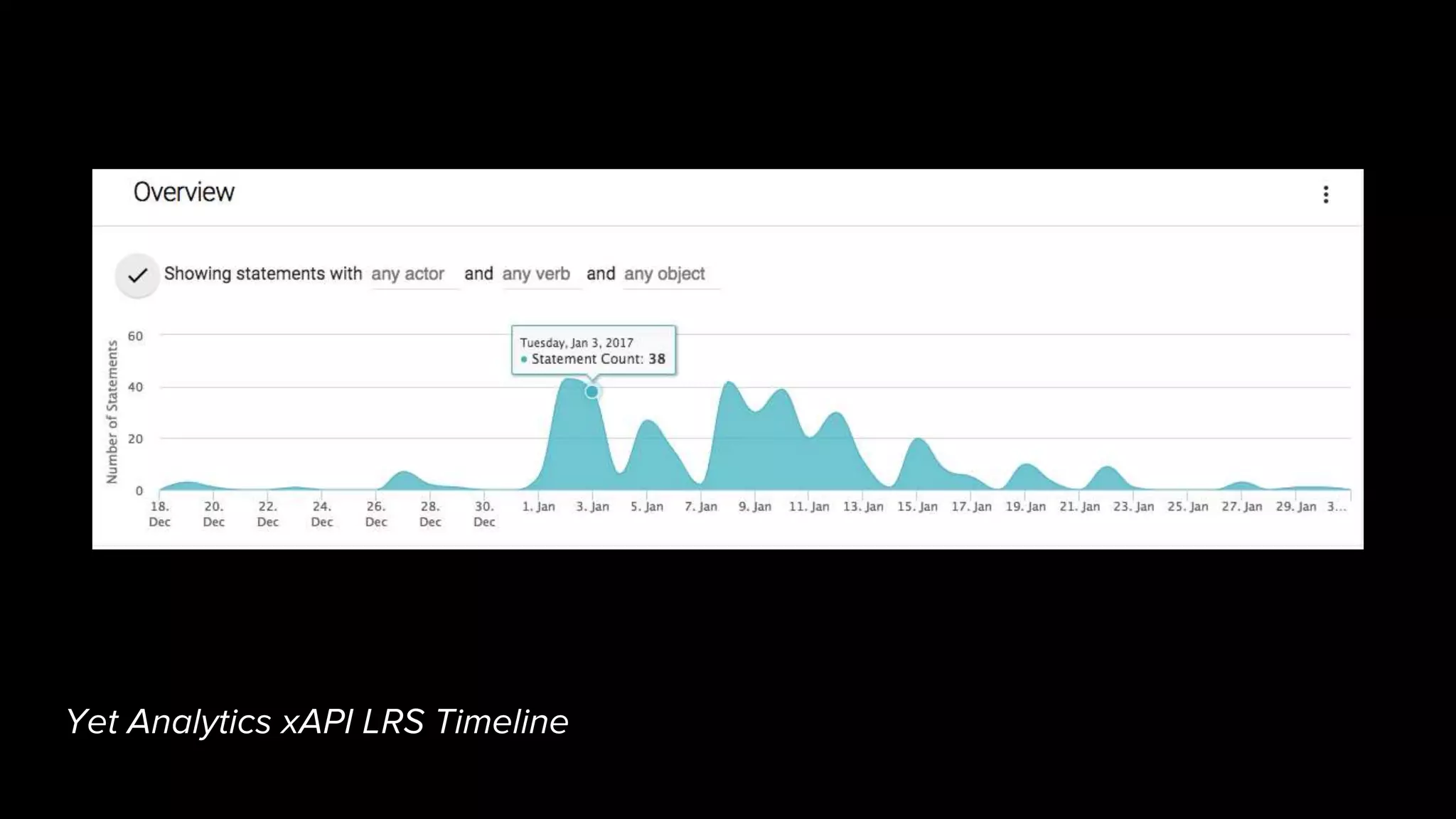
Yet Analytics xAPI LRS Timeline
2. Multidimensional
Help the user see relationships
between different variables.
Consider the visual space and all the visual dimensions you
can use to convey information.
Color, shape, size, spatial organization, line thickness, hover
/ interactive detail.
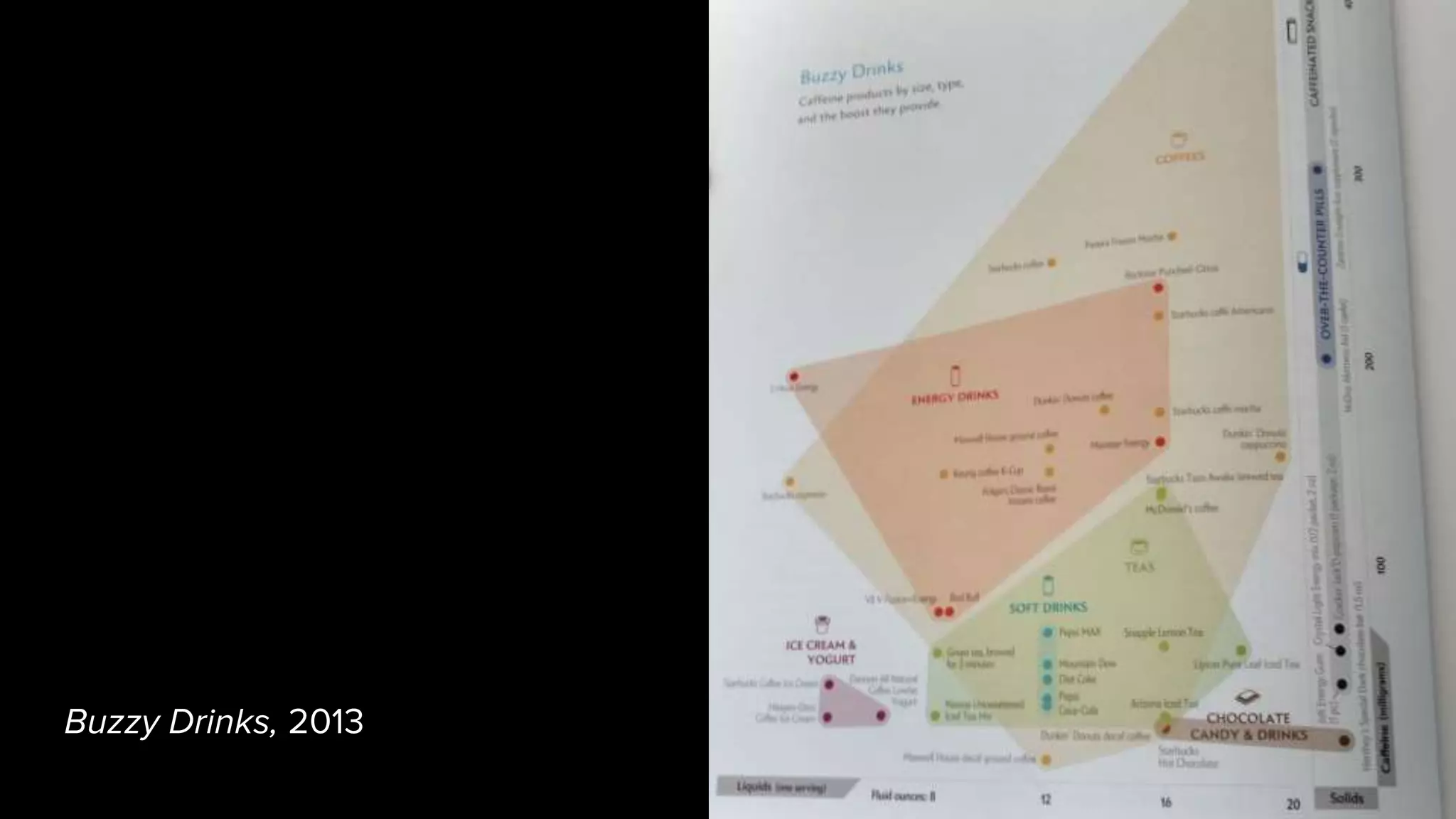
Buzzy Drinks, 2013
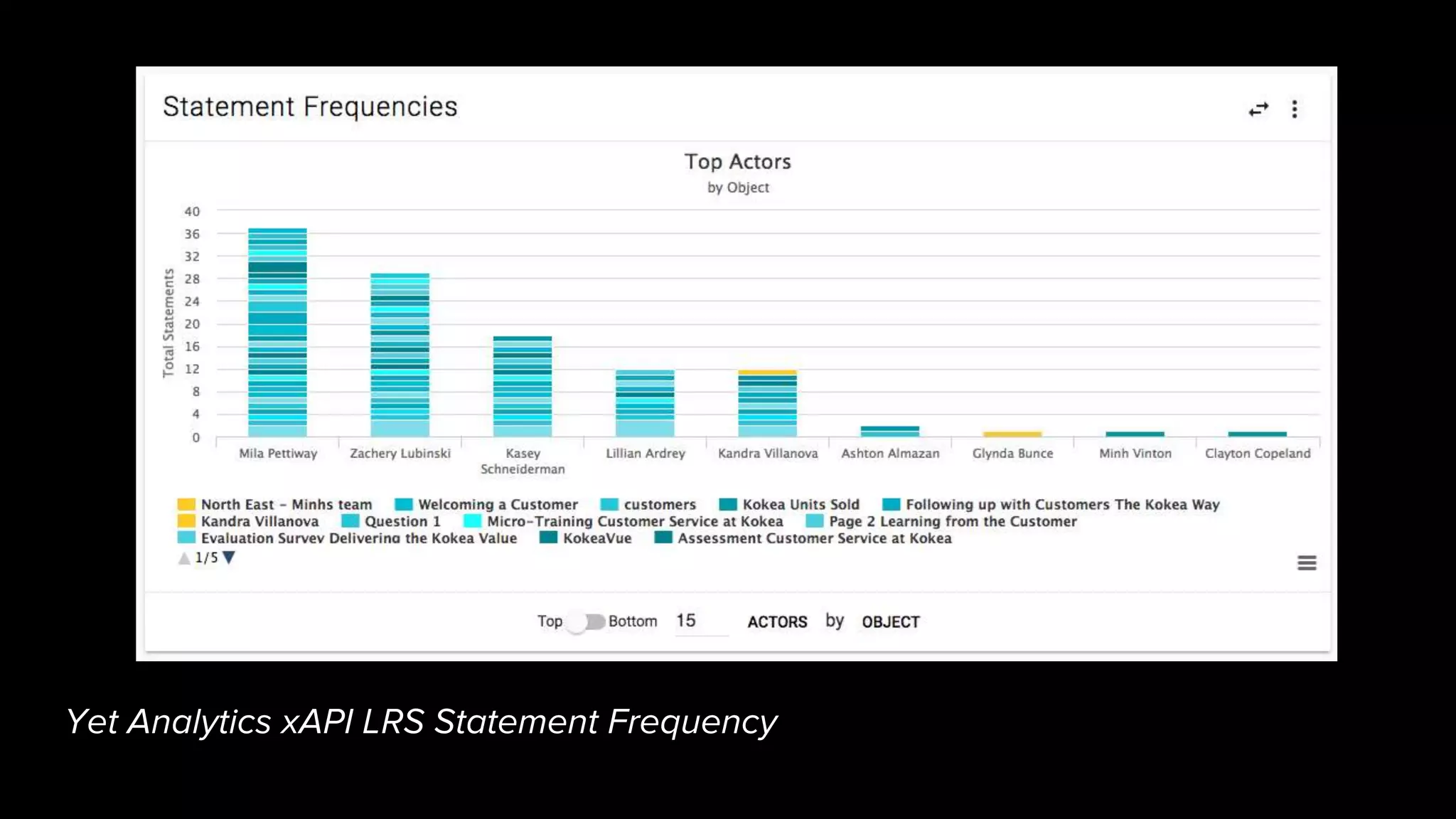
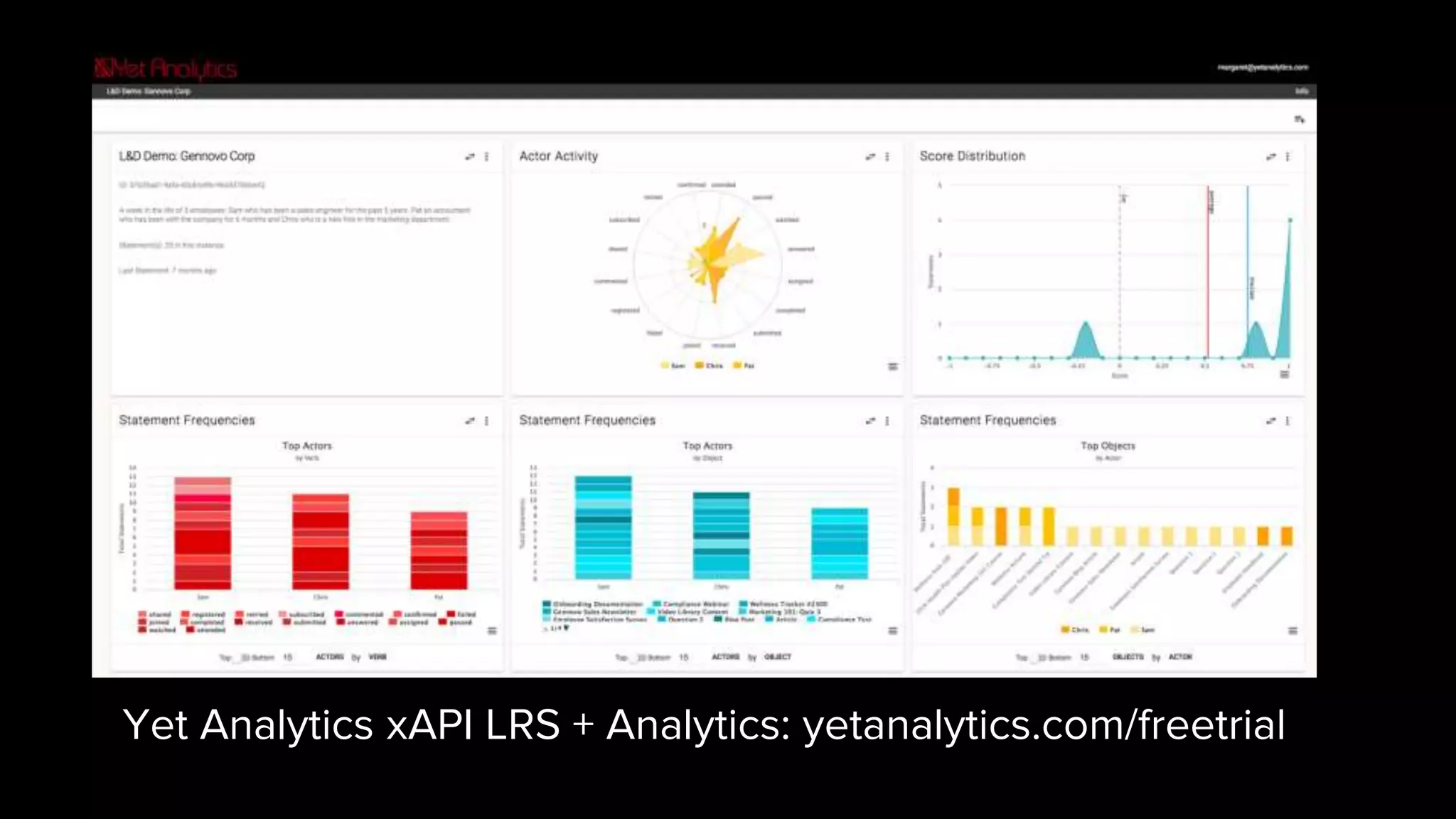
Yet Analytics xAPI LRS Statement Frequency
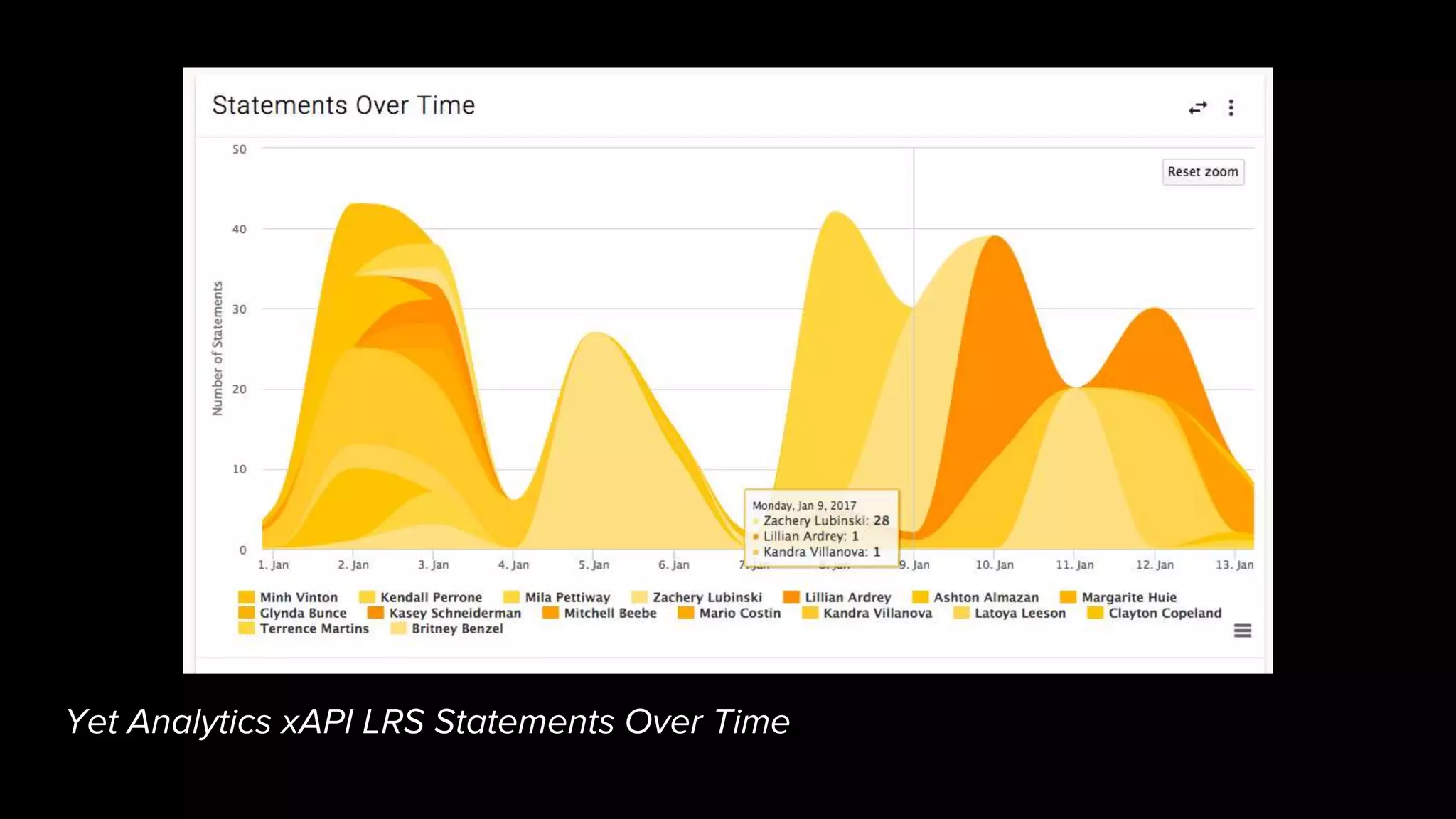
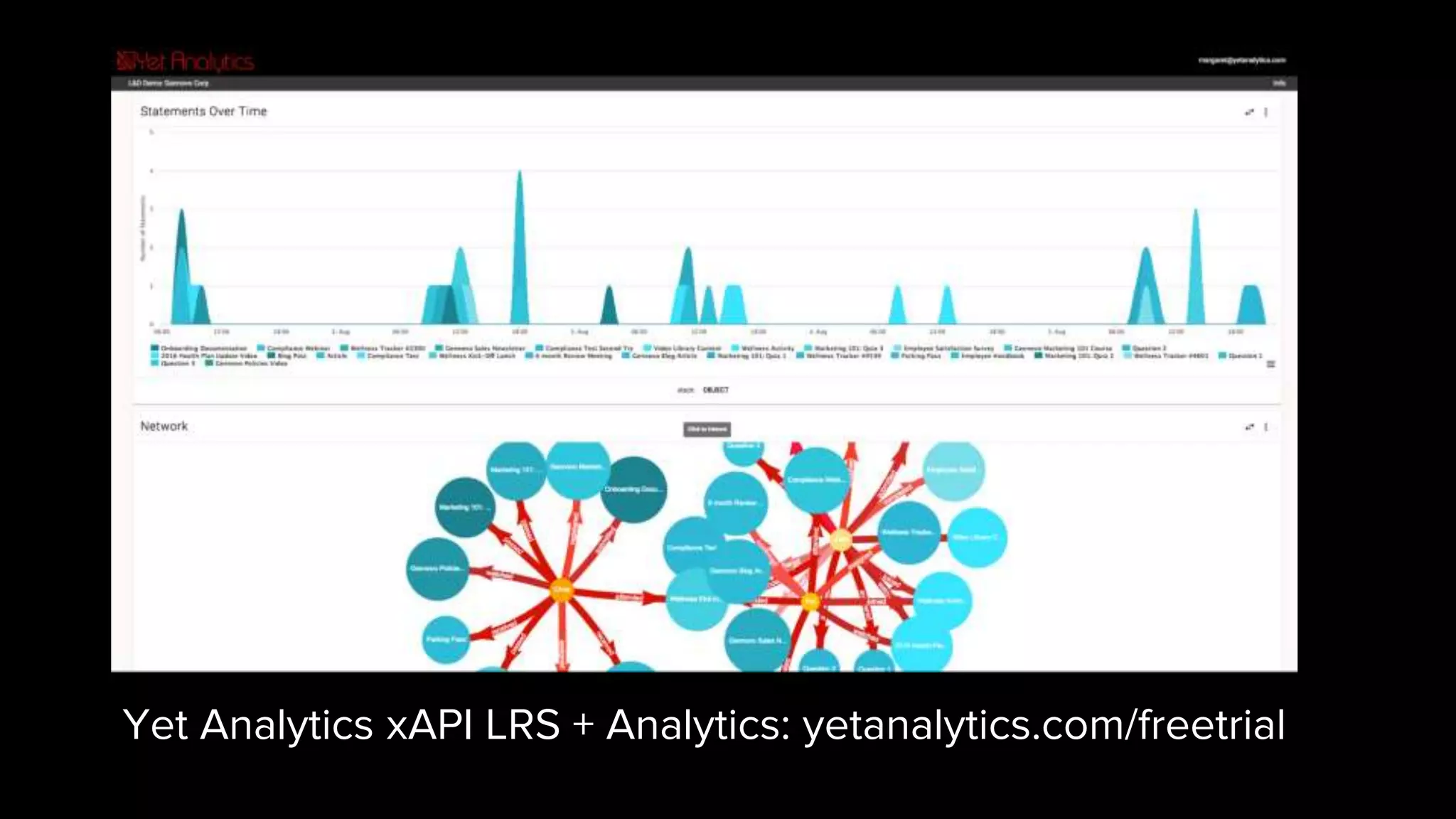
Yet Analytics xAPI LRS Statements Over Time
3. Visually Efficient
Use visualization types that match
your data sets.
A good visualization conveys information in a dramatically
smaller footprint than the same data presented tabularly.
Different graph types imply different kinds of relationships –
use the ones that work with your data, not against it.
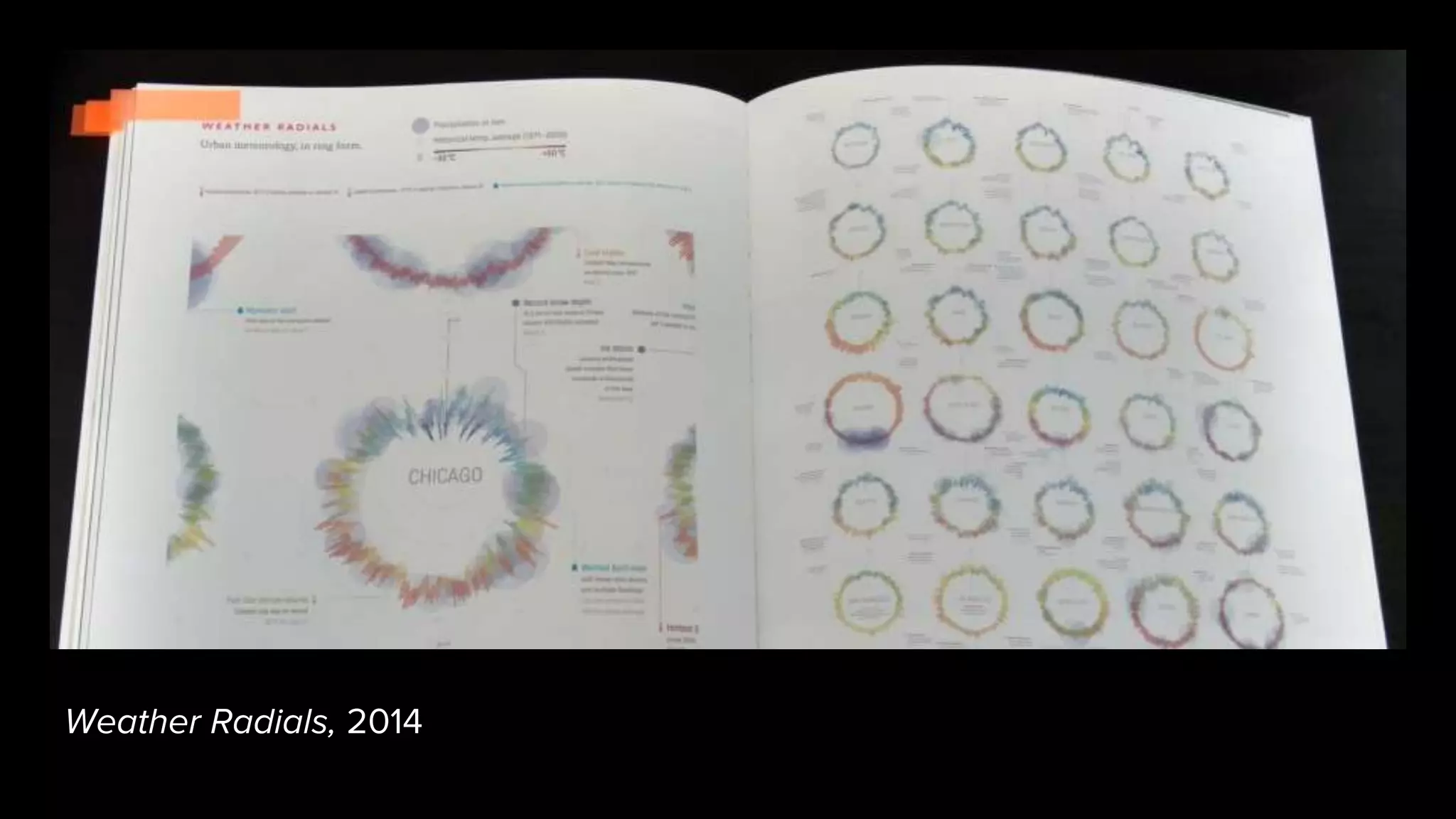
Weather Radials, 2014
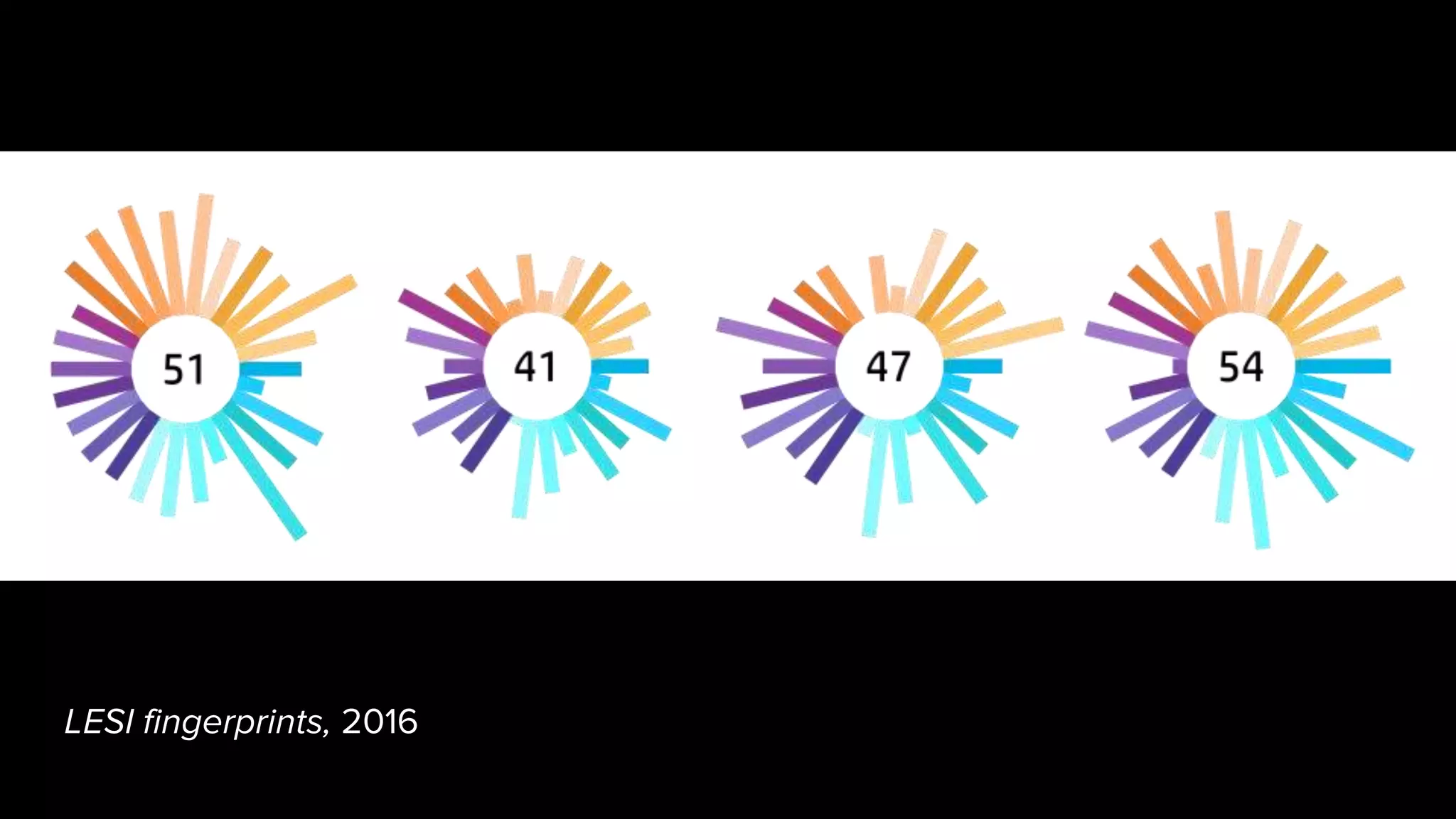
LESI fingerprints, 2016
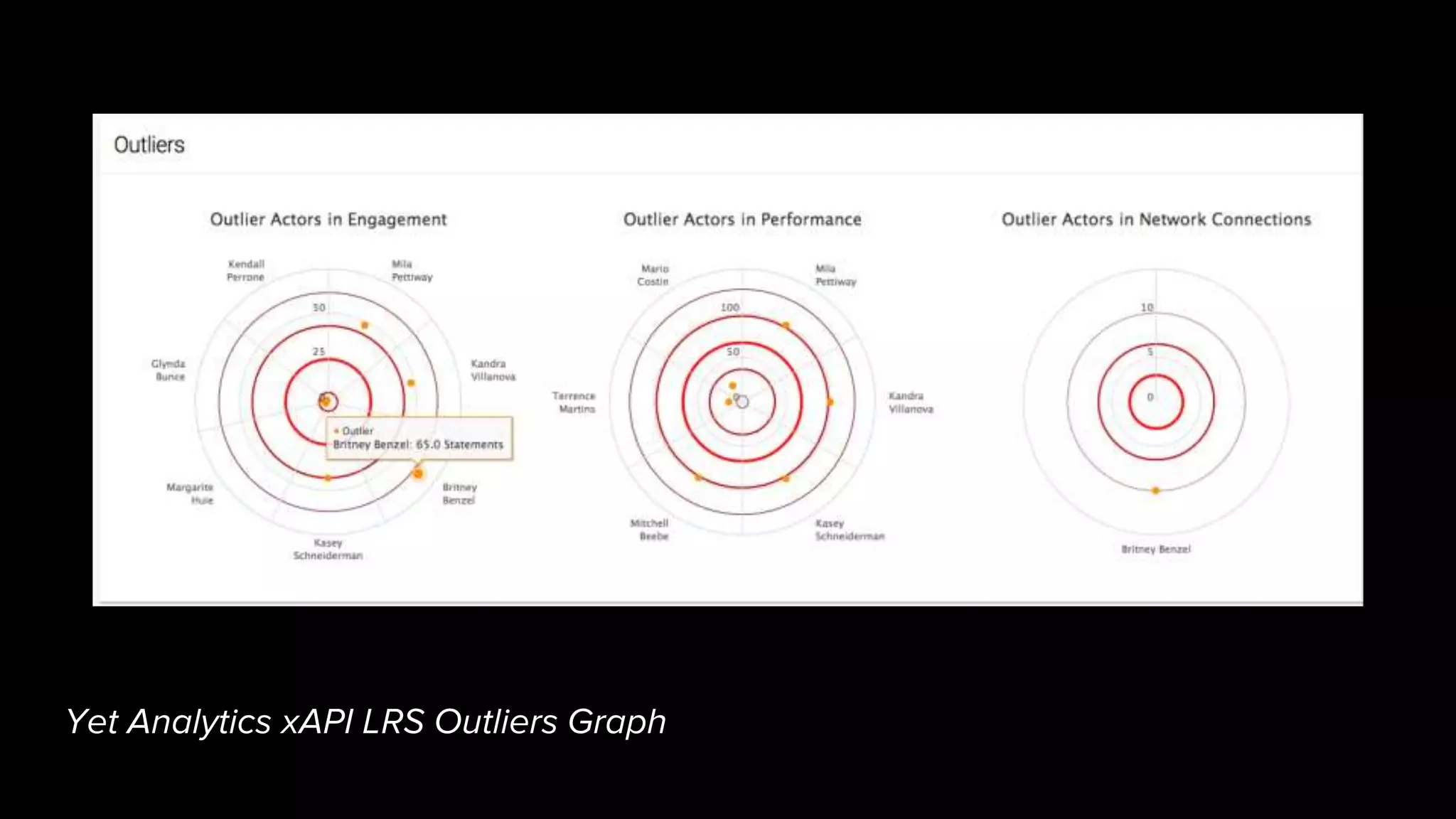
Yet Analytics xAPI LRS Outliers Graph
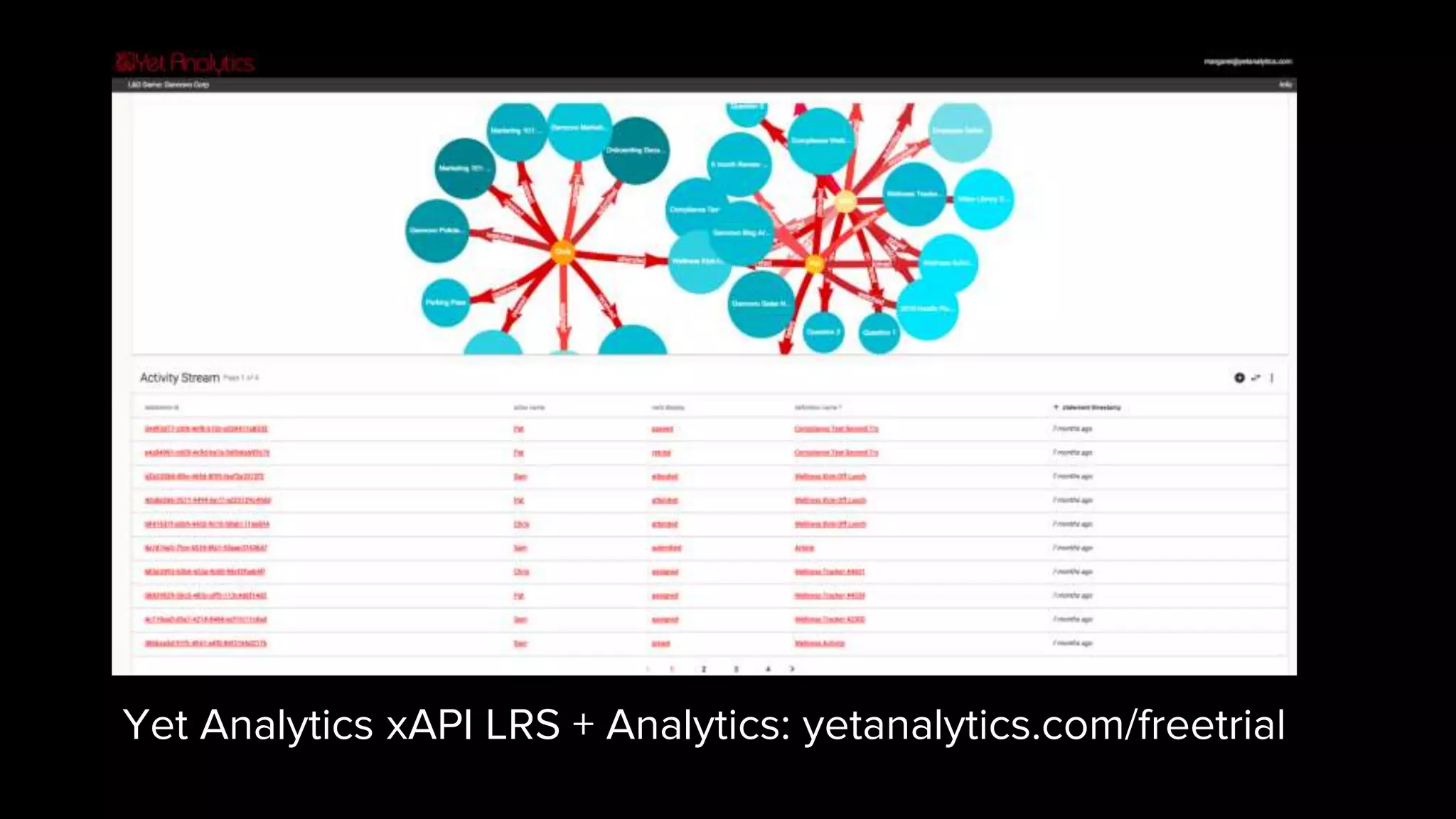
Yet Analytics xAPI LRS + Analytics: yetanalytics.com/freetrial
Click for video: https://youtu.be/Mbff6czckEU
Help people answer questions. Give them the
tools to discover patterns in their people data.
Use your data.
Get others involved. Use these as guiding
principles to design yours – or use ours.
Make people care.
Sign up for LRS:
yetanalytics.com/freetrial
Email me for access to demo:
margaret@yetanalytics.com
Yet Analytics xAPI LRS
yetanalytics.com
Interactive viz tools:
rawgraphs.io/
d3js.org/
Reference:
This is every active satellite orbiting earth
Best American Infographics 2014, 2015
Design for Information
Visual Complexity: Mapping Patterns of
Information
Resources
Margaret Roth
@margaret_h_r
margaret@yetanalytics.com
Yet Analytics • yetanalytics.com
Experience Intelligence in Human Capital
Analytics
Yet Analytics xAPI LRS + Analytics: yetanalytics.com/freetrial

Data Viz for Data Discovery

Editor's Notes

  • #7 Example of data visualization from the 1200s. This is a classic tree data structure representing genealogy. Joachim of Fiore
  • #8 Another example of old data visualization, this one from the 1500s, mapping the relationships between geometric shapes Christoph de Savigny
  • #9 This visualization from the mid 1800s represents mortality rates by cause in military hospitals Florence Nightingale
  • #13 This is an interactive visualization from Quartz from 2014, representing every active satellite orbiting the earth. Here we’re seeing a view where satellites are color coded by launch vehicle. The visualization continuously represents spatial arrangement, and allows the user to view different contextual information like launch vehicle, purpose, operator, etc displayed as color.
  • #14 Here we’ve got several interactions built into the timeline Drag to scope time window Scope to actors, verbs, objects Hover to get date and statement count detail on the visualization Use the visualization as the control interface
  • #16 Here we can see that this visual is using spatial placement, color, and shape groupings to convey information about caffeine density in different consumables Dirk Aschoff and Klaas Neumann for Scientific American
  • #17 Here we’re conveying frequency statement by actor, with internal breakdown by object. An interesting detail here is that with the color system Yet uses – yellow for actors, red for verbs, and blue for objects – you can see that there are Actors (yellow) showing up here as Objects in statements
  • #18 Here we’ve got a graph showing stacked statements over time - note the visualization provides high level information, revealing details on mouse-over; this is a good way to keep your visuals from getting overly cluttered The insight we get here is when team members were most active; we can see in this hover detail that on this particular date, three team members were active, and one of them was by far more active than the other two
  • #20 This is an example of an extremely space-efficient visualization representing high and low temperatures and precipitation over time across different cities Timm Kekeritz, weather-radials.com
  • #21 This is a custom visualization that we designed for the 2016 HP Global Learning, Economic, and Social Index as a summary indicator for each country. Each bar represents a scaled indicator in a larger group – Learning indicators are blue, Economic indicators are purple, Social indicators are orange. The center number is the coutry’s weighted score.
  • #22 Here we’re looking at a graph of outliers; we’re using a radial space to efficiently display outliers relative to standard deviation You can see we’ve got a relatively clean interface with names placed near their respective dots; on hover we get more information. We can also see the high level shape of the score distributions in the way the standard deviations are arranged (how close, far, etc) in each graph. Answers the question: who are my outliers?
  • #25 Use these as guiding principles to design yours, or use ours.