SQL isa language to specify queries in
structured manner.
Strutured means relational data.
SQL is a language to specify queries in a
relational database.
It is a computer language for storing ,
manipulating & retrieving data stored in
relational database.
3.
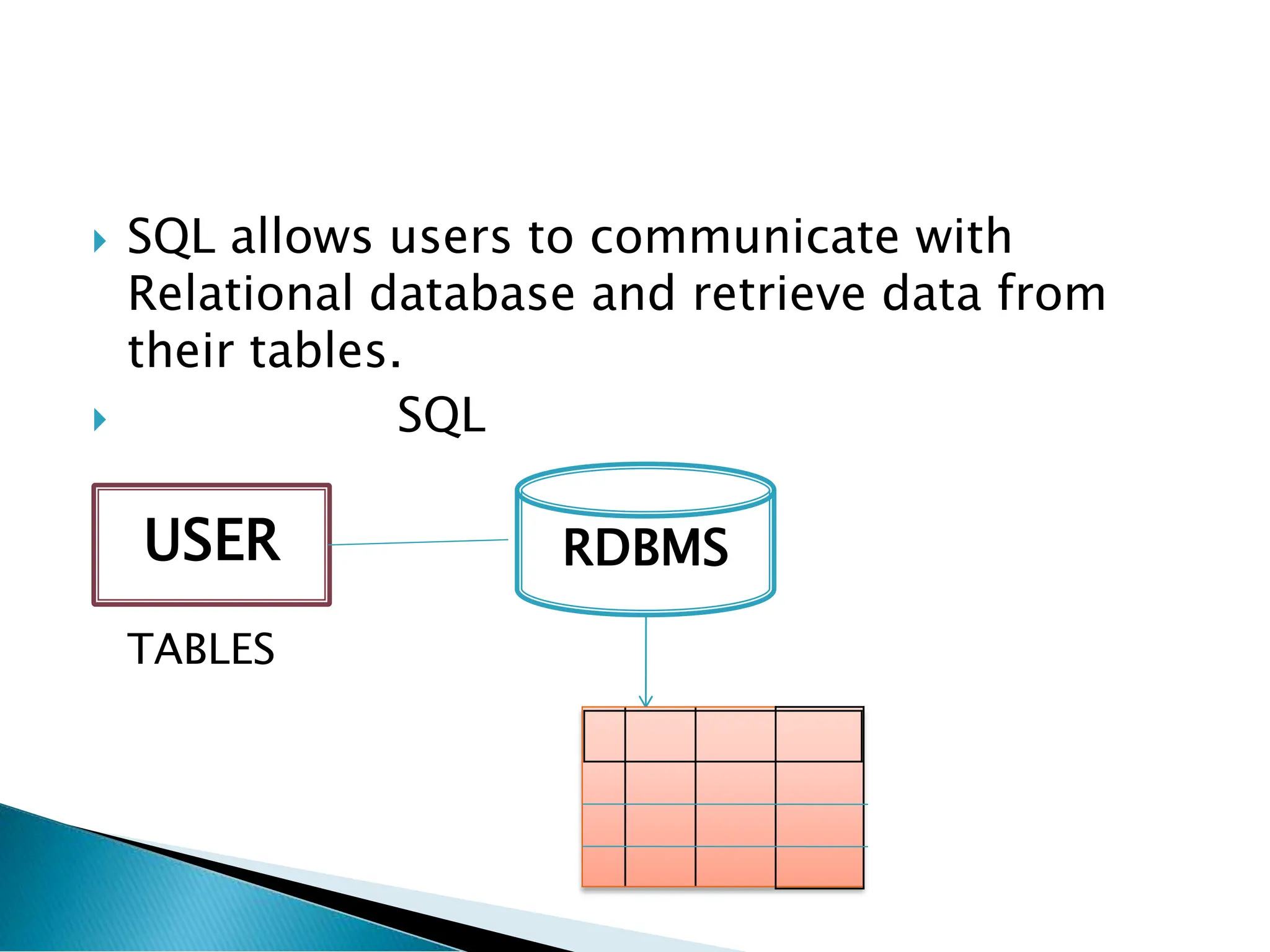
SQL allowsusers to communicate with
Relational database and retrieve data from
their tables.
SQL
TABLES
USER RDBMS
4.
Dr. E.F.Coddpublished a paper on Relational
model in 1969 in ACM Journal.
IBM implemented the SQL language, originally
called SEQUEL (Structured English Query
Language).
5.
SQL isDeclarative language i.e. a non-
procedural language.
Question: How the query actually performed in SQL?
The database/SQL engine is very powerful.
When we write SQL query, it first parses it,
then it figures out its internal algorithms and
it tries to select an algorithm which will be
the best for that particular query. So, then it
applies that algorithm, finds the answer and
returns it.
6.
SQL providesmany built-in functions to
perform operation on data.
These functions are useful while performing
mathematical calculation , string
concatenations , sub-strings etc.
SQL functions divided into 2 types:
1. Aggregate functions
2. Scalar Functions
7.
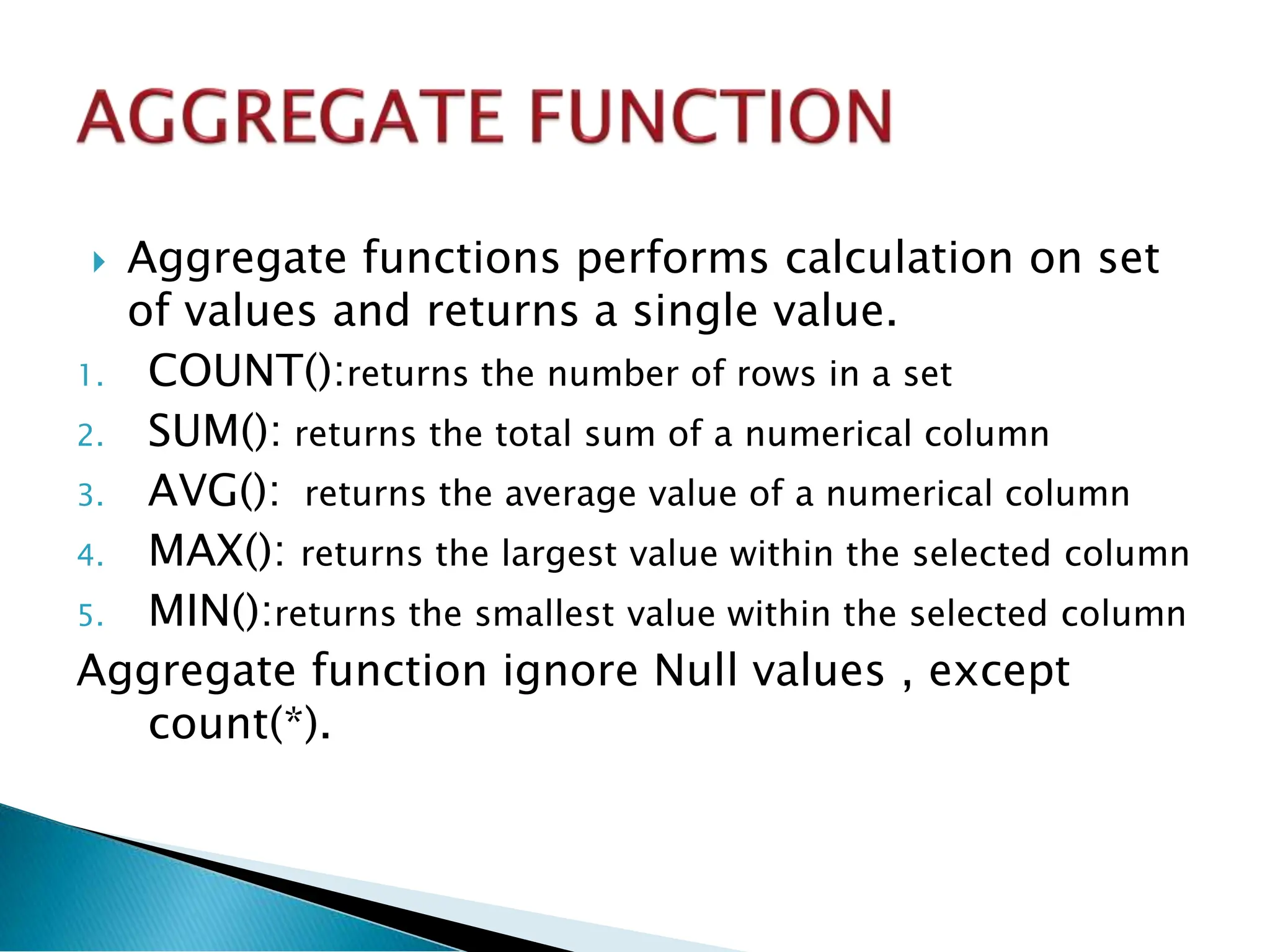
Aggregate functionsperforms calculation on set
of values and returns a single value.
1. COUNT():returns the number of rows in a set
2. SUM(): returns the total sum of a numerical column
3. AVG(): returns the average value of a numerical column
4. MAX(): returns the largest value within the selected column
5. MIN():returns the smallest value within the selected column
Aggregate function ignore Null values , except
count(*).
8.
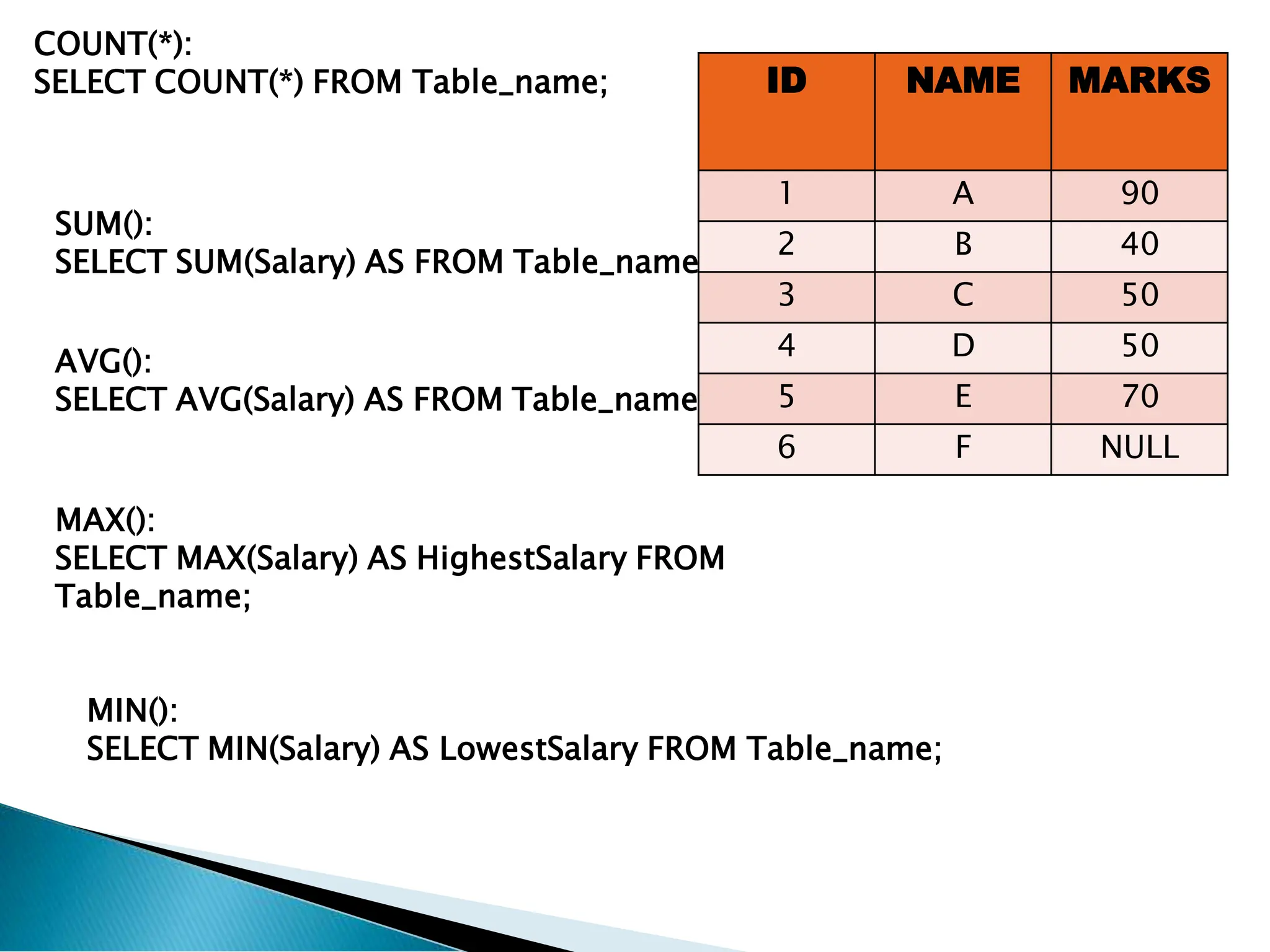
COUNT(*):
SELECT COUNT(*) FROMTable_name;
SUM():
SELECT SUM(Salary) AS FROM Table_name;
AVG():
SELECT AVG(Salary) AS FROM Table_name;
MAX():
SELECT MAX(Salary) AS HighestSalary FROM
Table_name;
MIN():
SELECT MIN(Salary) AS LowestSalary FROM Table_name;
ID NAME MARKS
1 A 90
2 B 40
3 C 50
4 D 50
5 E 70
6 F NULL
9.
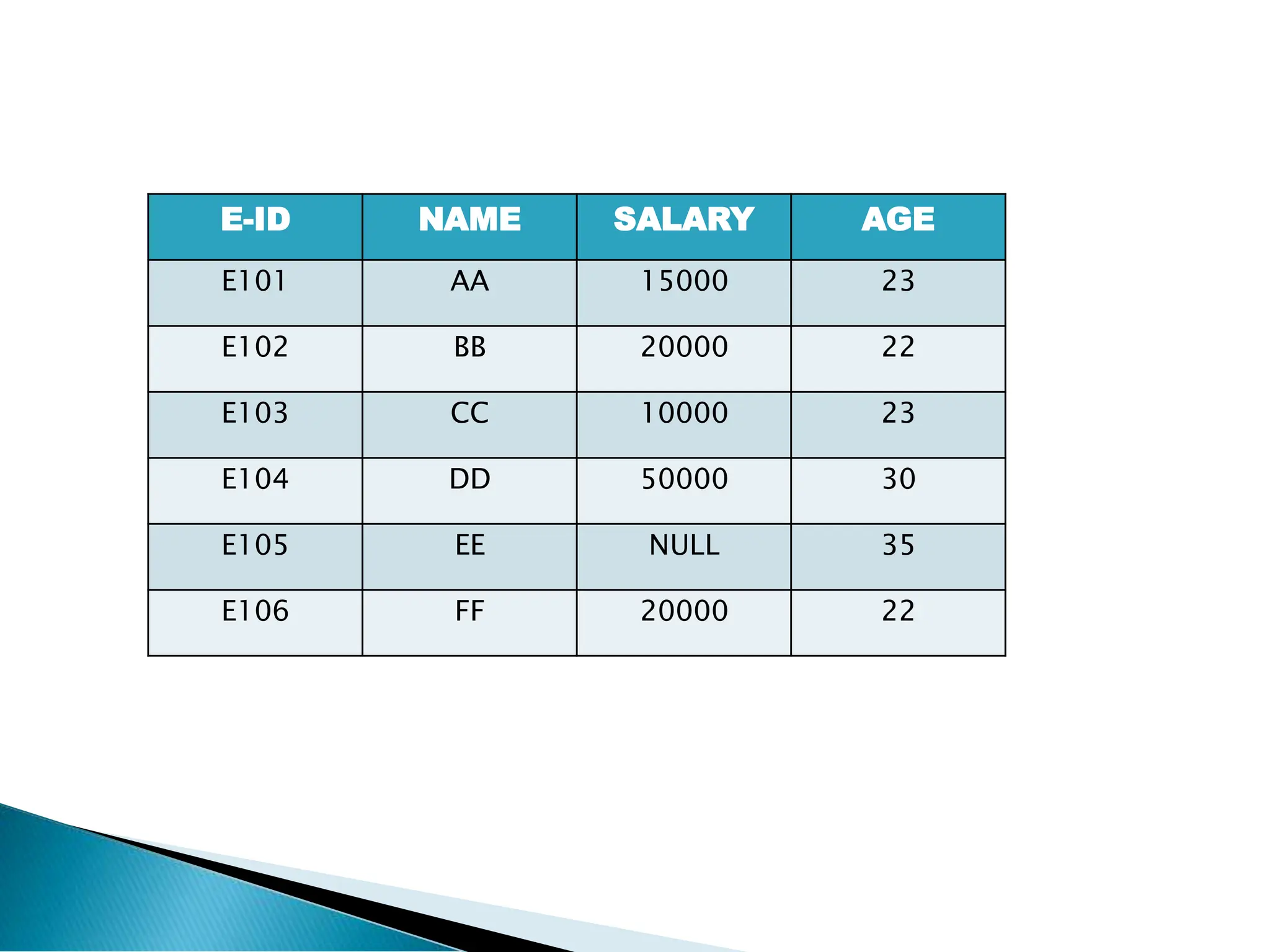
E-ID NAME SALARYAGE
E101 AA 15000 23
E102 BB 20000 22
E103 CC 10000 23
E104 DD 50000 30
E105 EE NULL 35
E106 FF 20000 22
10.
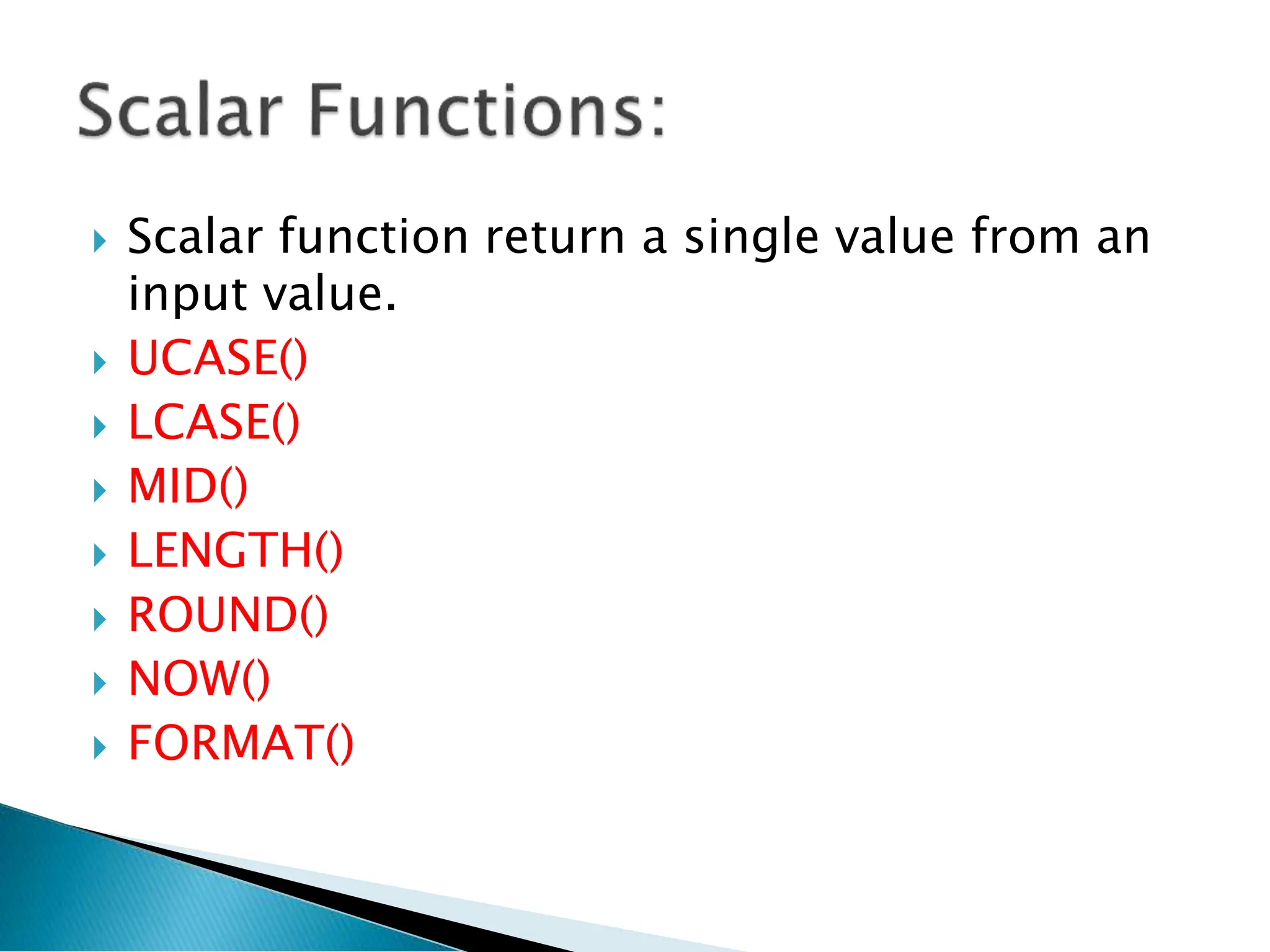
Scalar functionreturn a single value from an
input value.
UCASE()
LCASE()
MID()
LENGTH()
ROUND()
NOW()
FORMAT()
11.
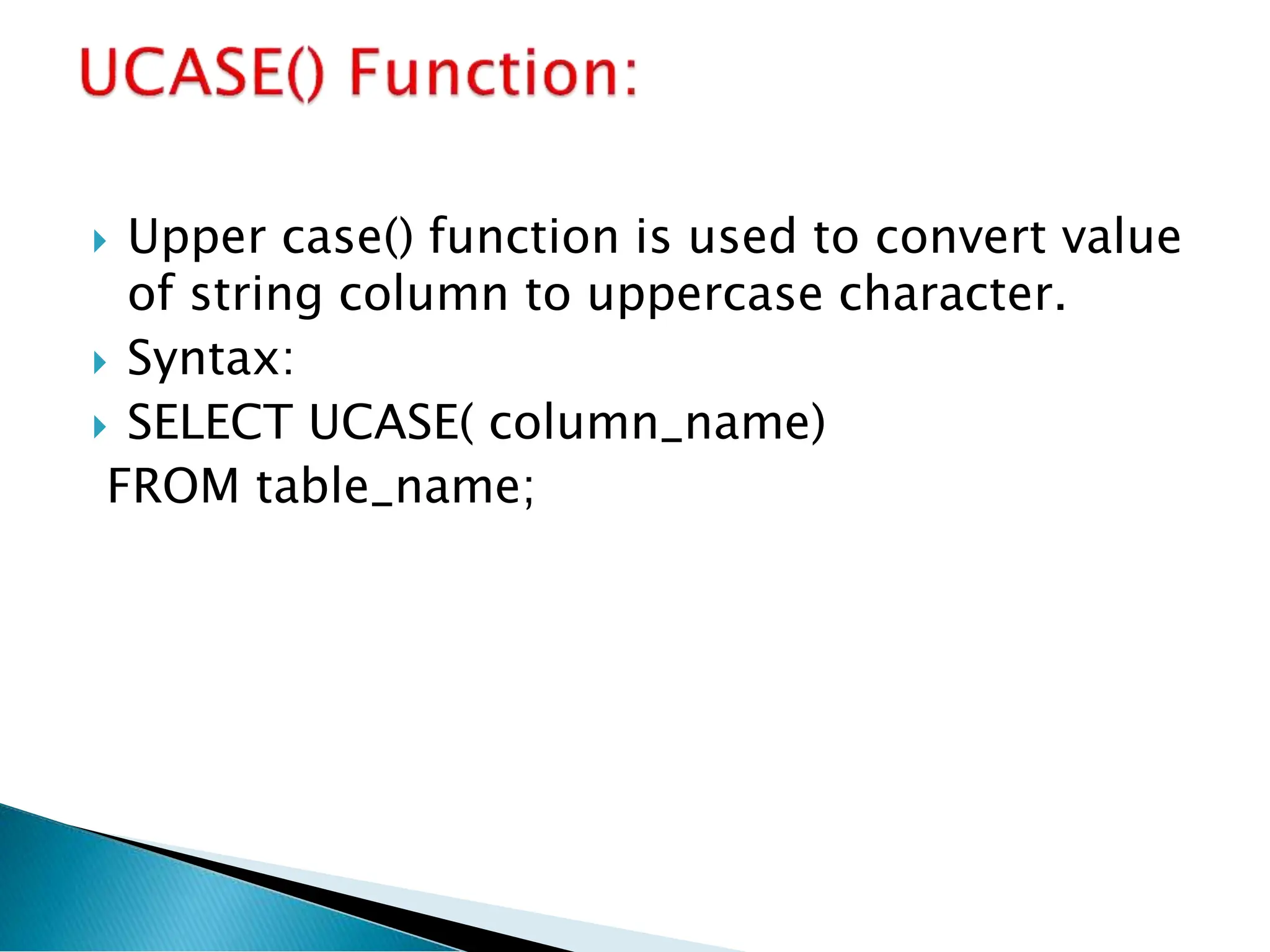
Upper case()function is used to convert value
of string column to uppercase character.
Syntax:
SELECT UCASE( column_name)
FROM table_name;
12.
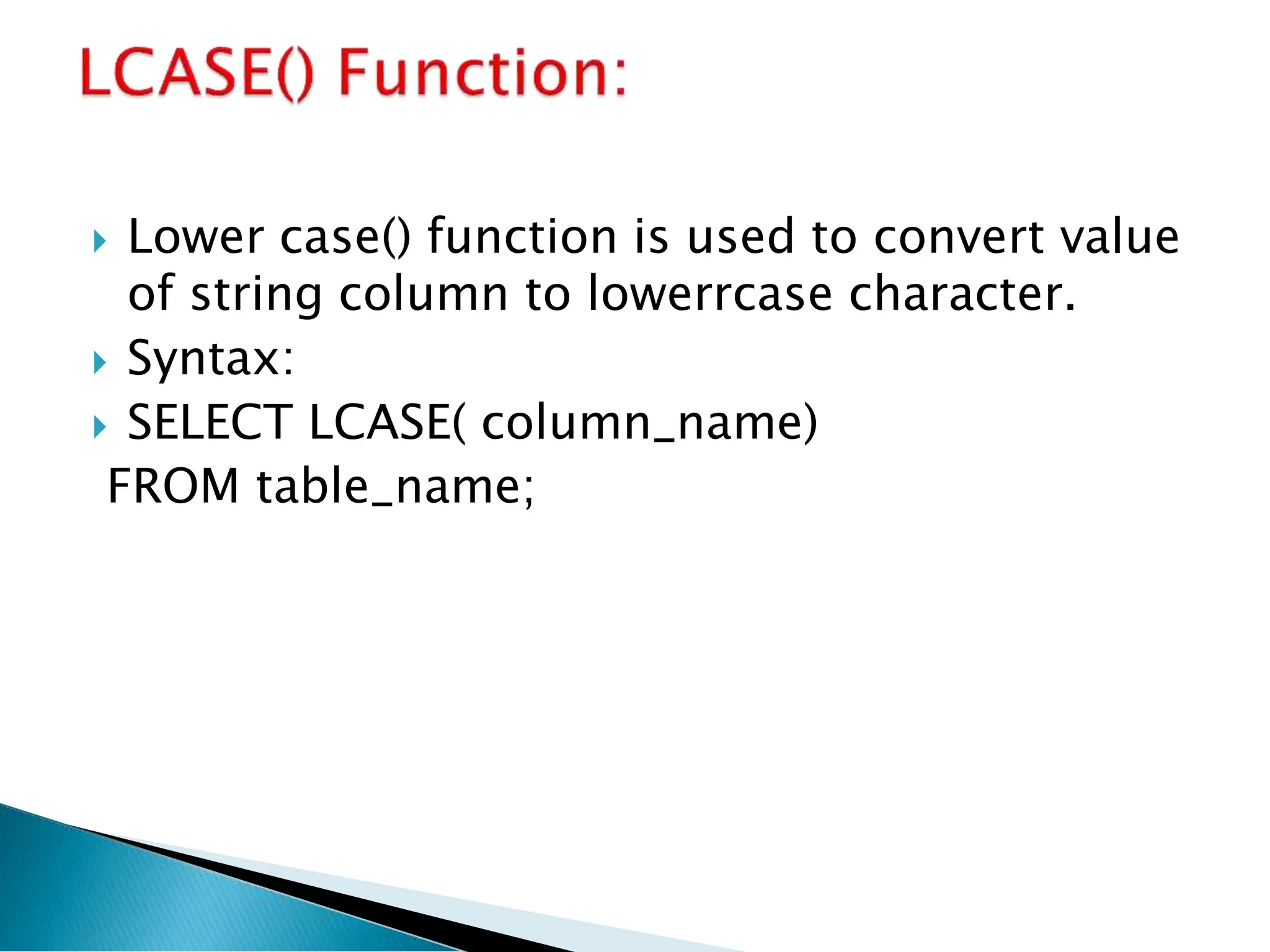
Lower case()function is used to convert value
of string column to lowerrcase character.
Syntax:
SELECT LCASE( column_name)
FROM table_name;
13.
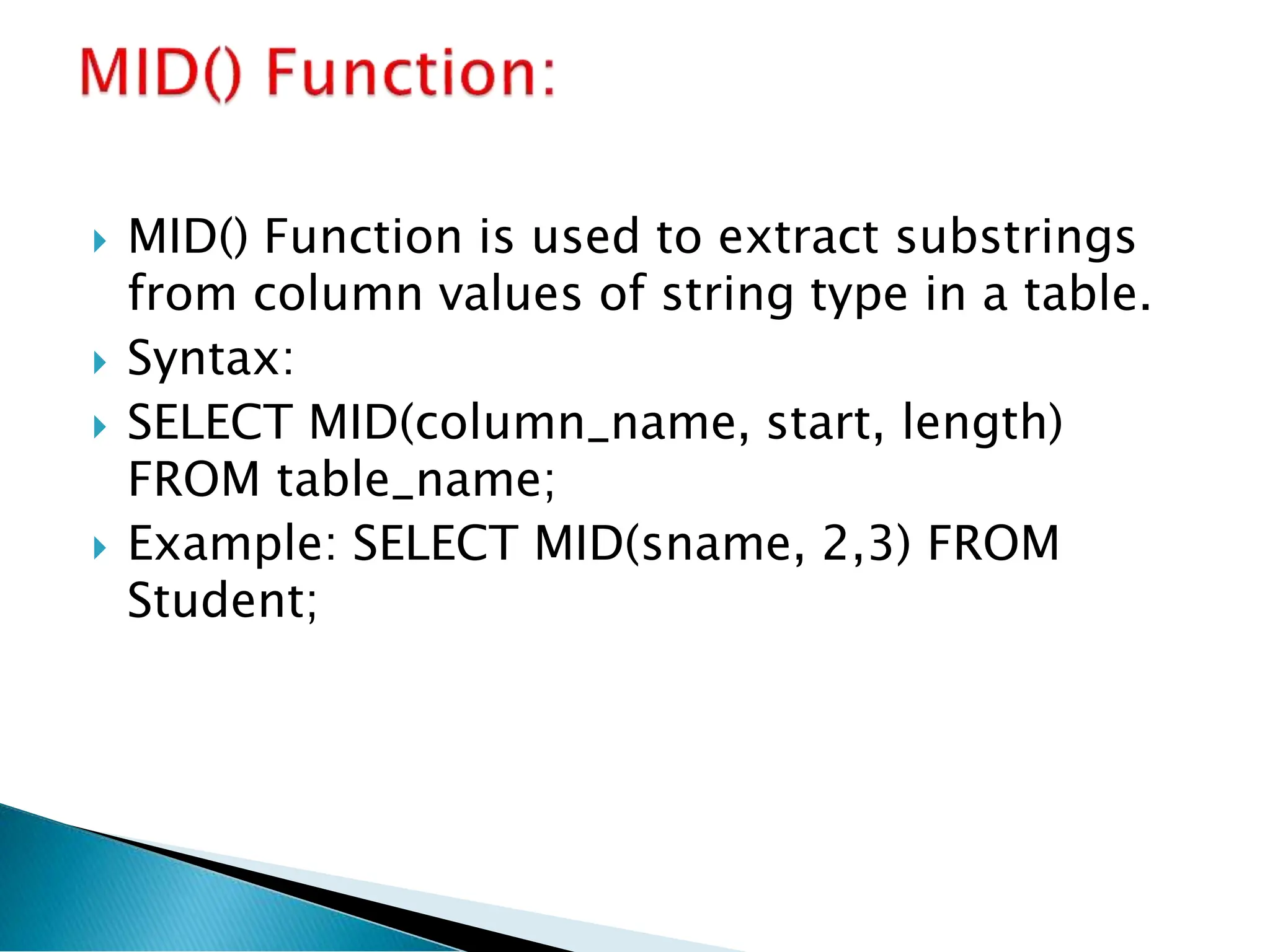
MID() Functionis used to extract substrings
from column values of string type in a table.
Syntax:
SELECT MID(column_name, start, length)
FROM table_name;
Example: SELECT MID(sname, 2,3) FROM
Student;
14.
It returnsthe length of a string in the column
Syntax:
SELECT LENGTH (column_name) FROM
table_name;
15.
It isused to round a numeric column to the
number of decimals specified.
Syntax:
SELECT ROUND(column_name, decimals)
FROM table_name;
16.
This functionreturns the current system date
& time.
Syntax:
SELECT NOW() FROM table_name;
17.
SQL clausesare built-in functions that define
specific conditions within an SQL statement to
retrieve, update, or manipulate data
from a database.
Key Functions of SQL Clauses
Filter and retrieve specific records from a
database.
Group data based on certain attributes.
Sort query results in ascending or descending
order.
Limit the number of records displayed in a query
result.
18.
WHERE CLAUSE
GROUP BY CLAUSE
ORDER BY
HAVING
LIMIT
LIKE
FROM
AND
OR
19.
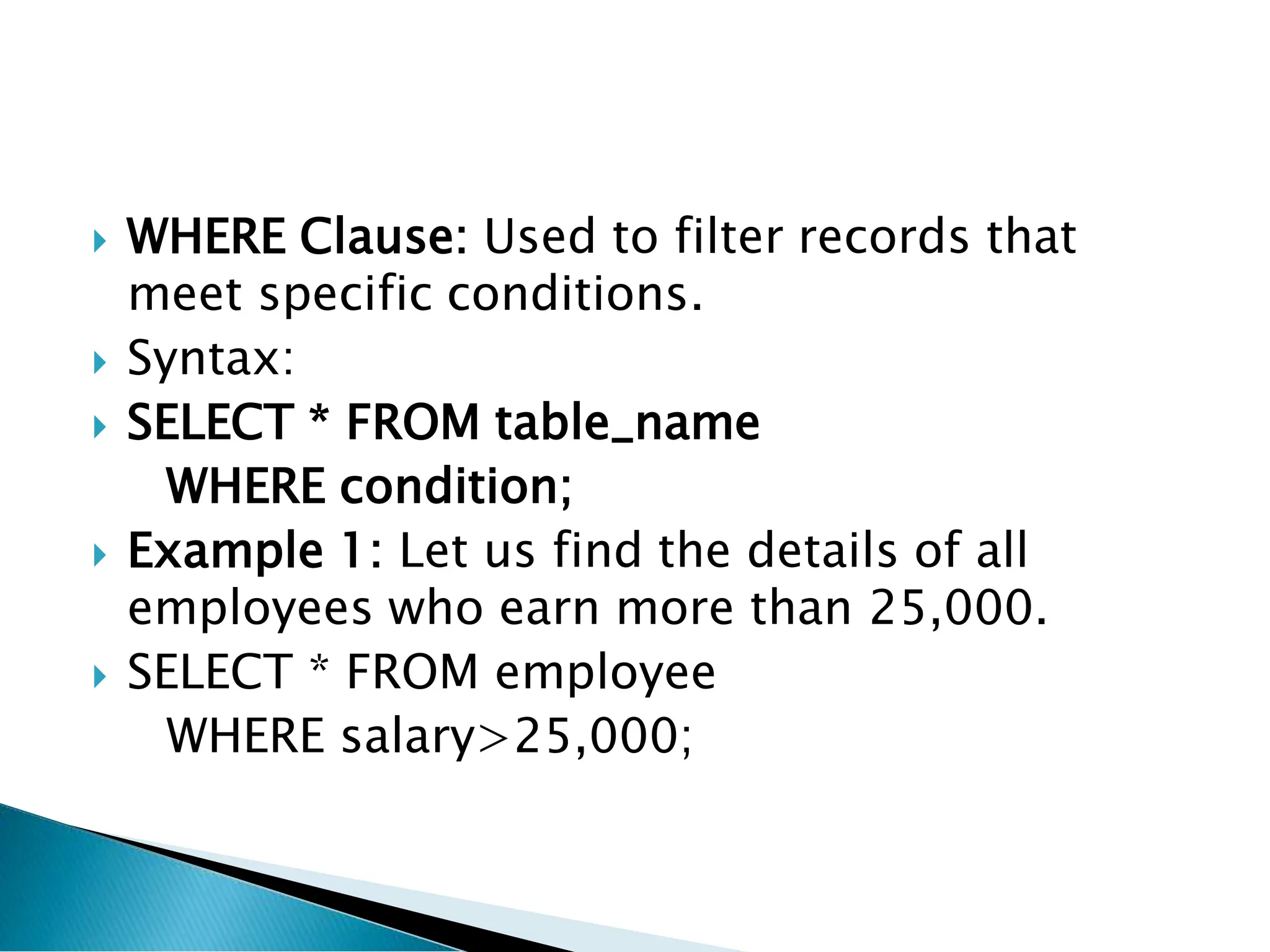
WHERE Clause:Used to filter records that
meet specific conditions.
Syntax:
SELECT * FROM table_name
WHERE condition;
Example 1: Let us find the details of all
employees who earn more than 25,000.
SELECT * FROM employee
WHERE salary>25,000;
20.
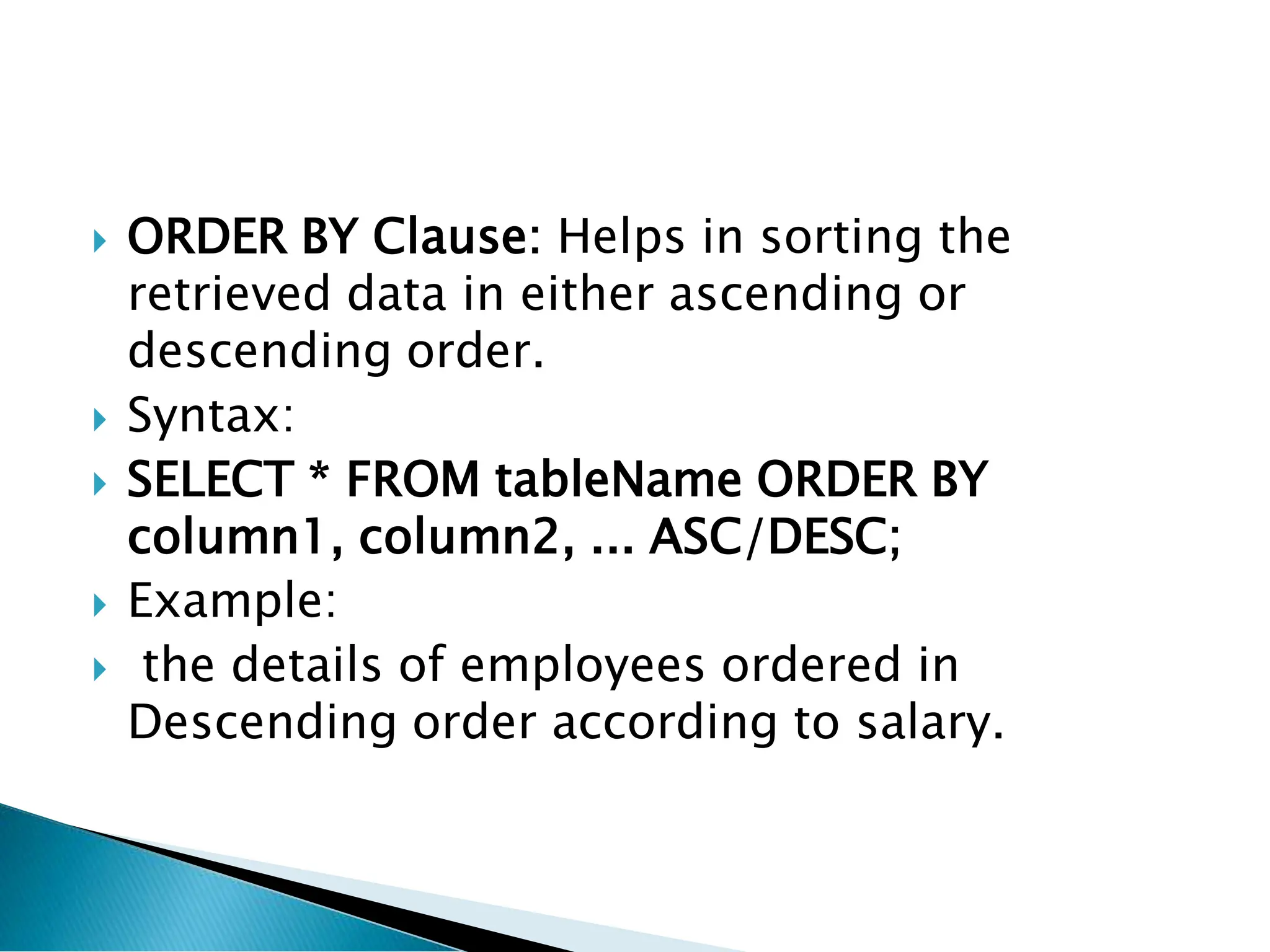
ORDER BYClause: Helps in sorting the
retrieved data in either ascending or
descending order.
Syntax:
SELECT * FROM tableName ORDER BY
column1, column2, ... ASC/DESC;
Example:
the details of employees ordered in
Descending order according to salary.
21.
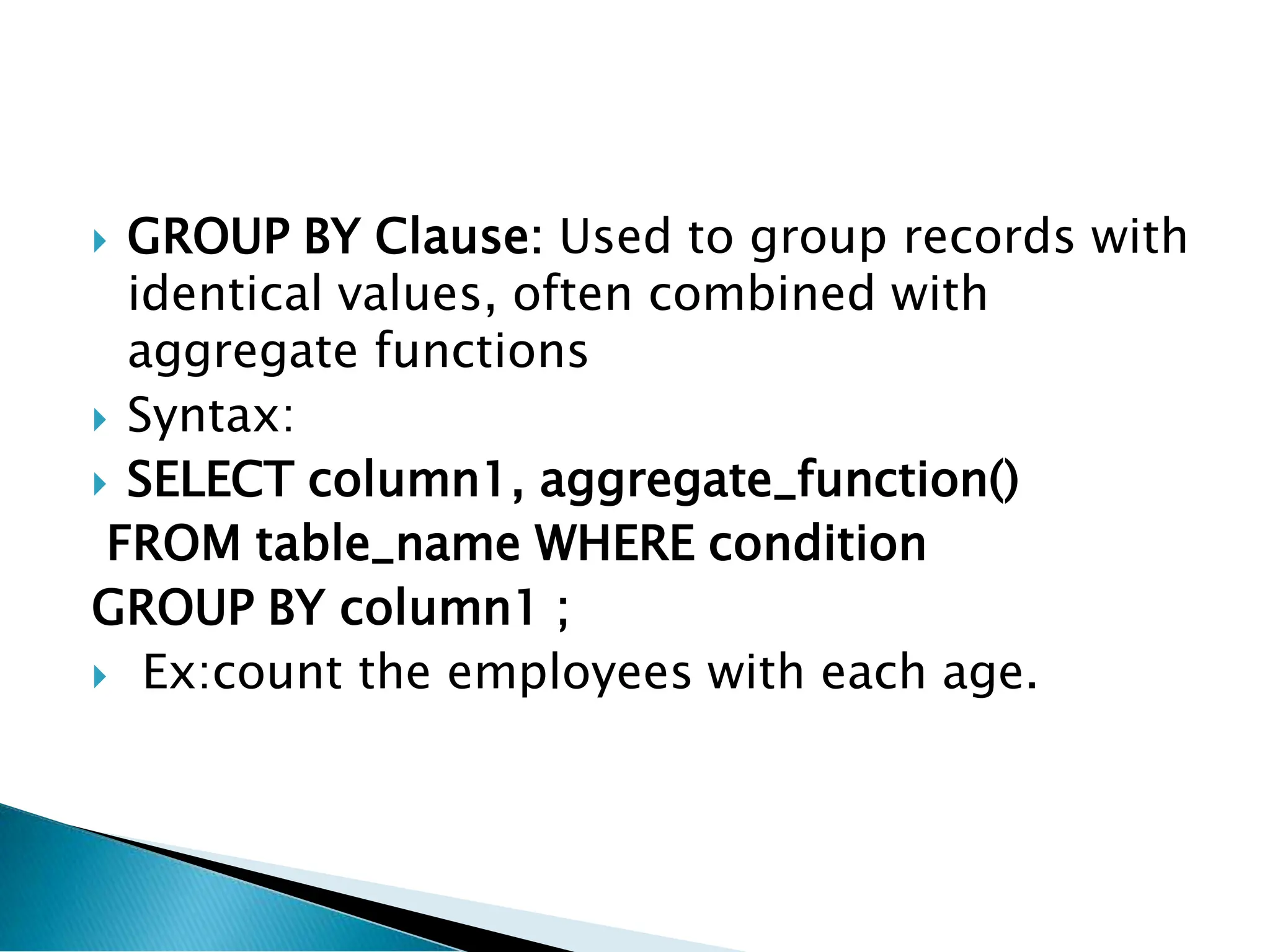
GROUP BYClause: Used to group records with
identical values, often combined with
aggregate functions
Syntax:
SELECT column1, aggregate_function()
FROM table_name WHERE condition
GROUP BY column1 ;
Ex:count the employees with each age.
22.
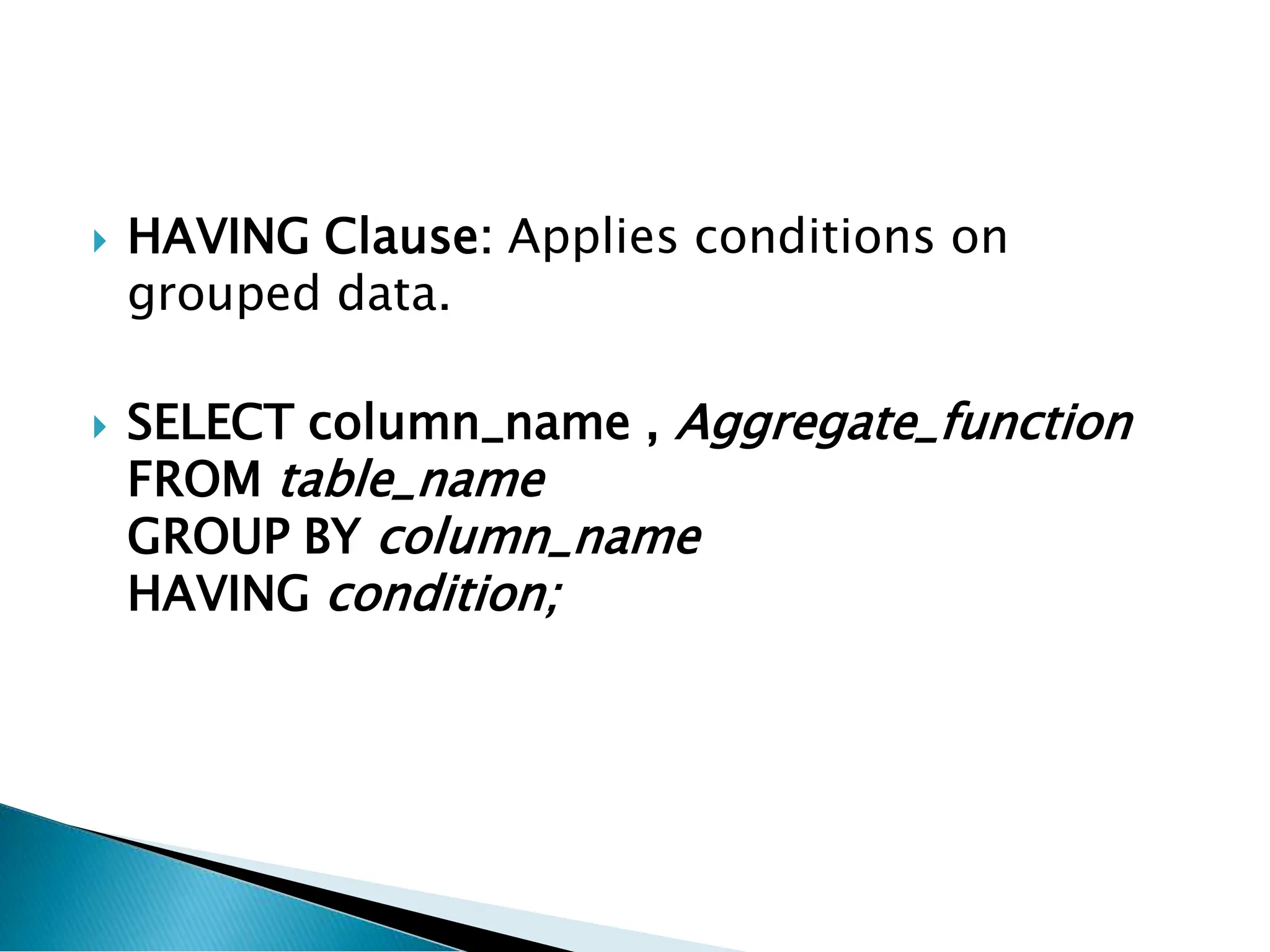
HAVING Clause:Applies conditions on
grouped data.
SELECT column_name , Aggregate_function
FROM table_name
GROUP BY column_name
HAVING condition;
23.
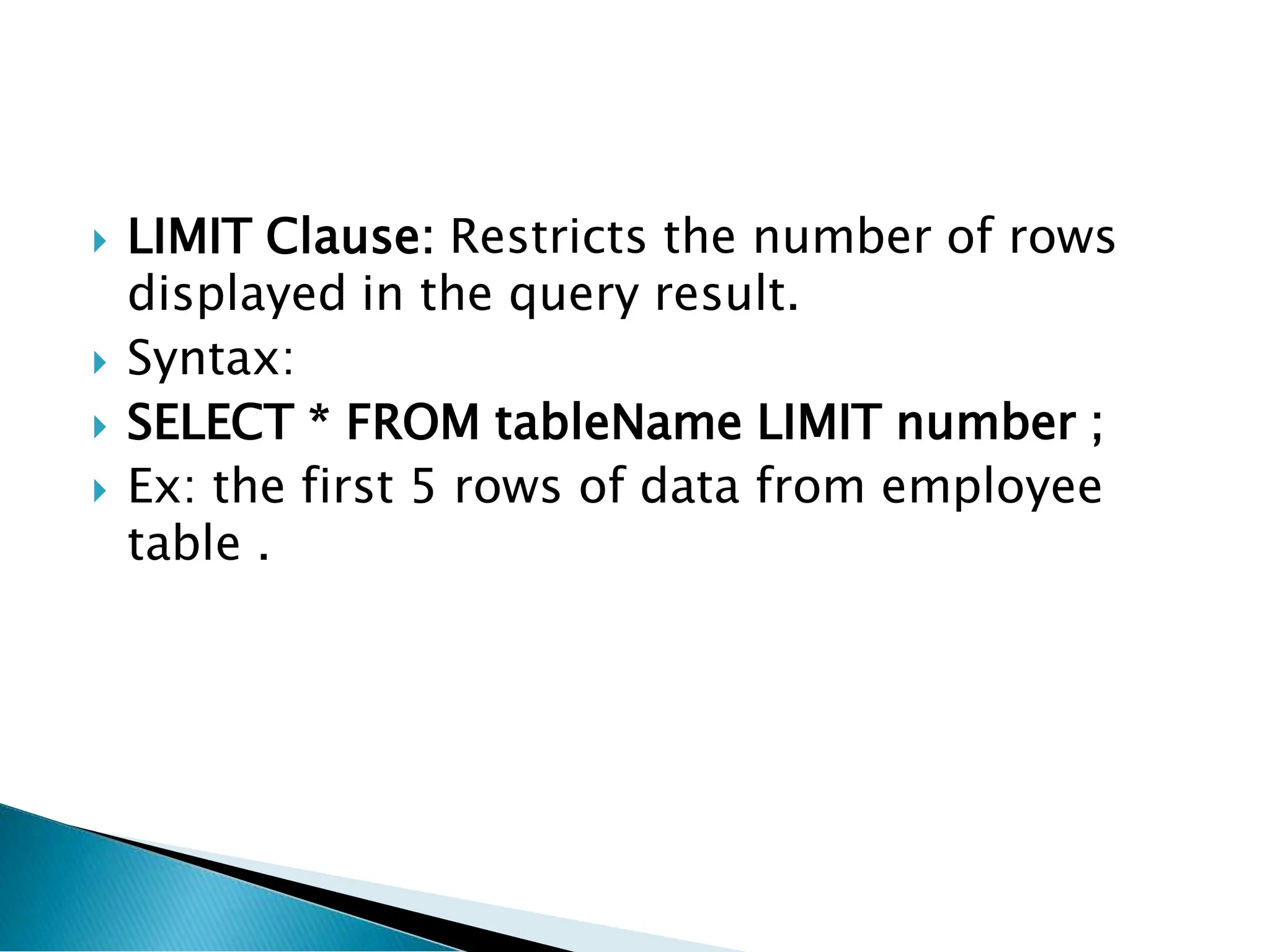
LIMIT Clause:Restricts the number of rows
displayed in the query result.
Syntax:
SELECT * FROM tableName LIMIT number ;
Ex: the first 5 rows of data from employee
table .
24.
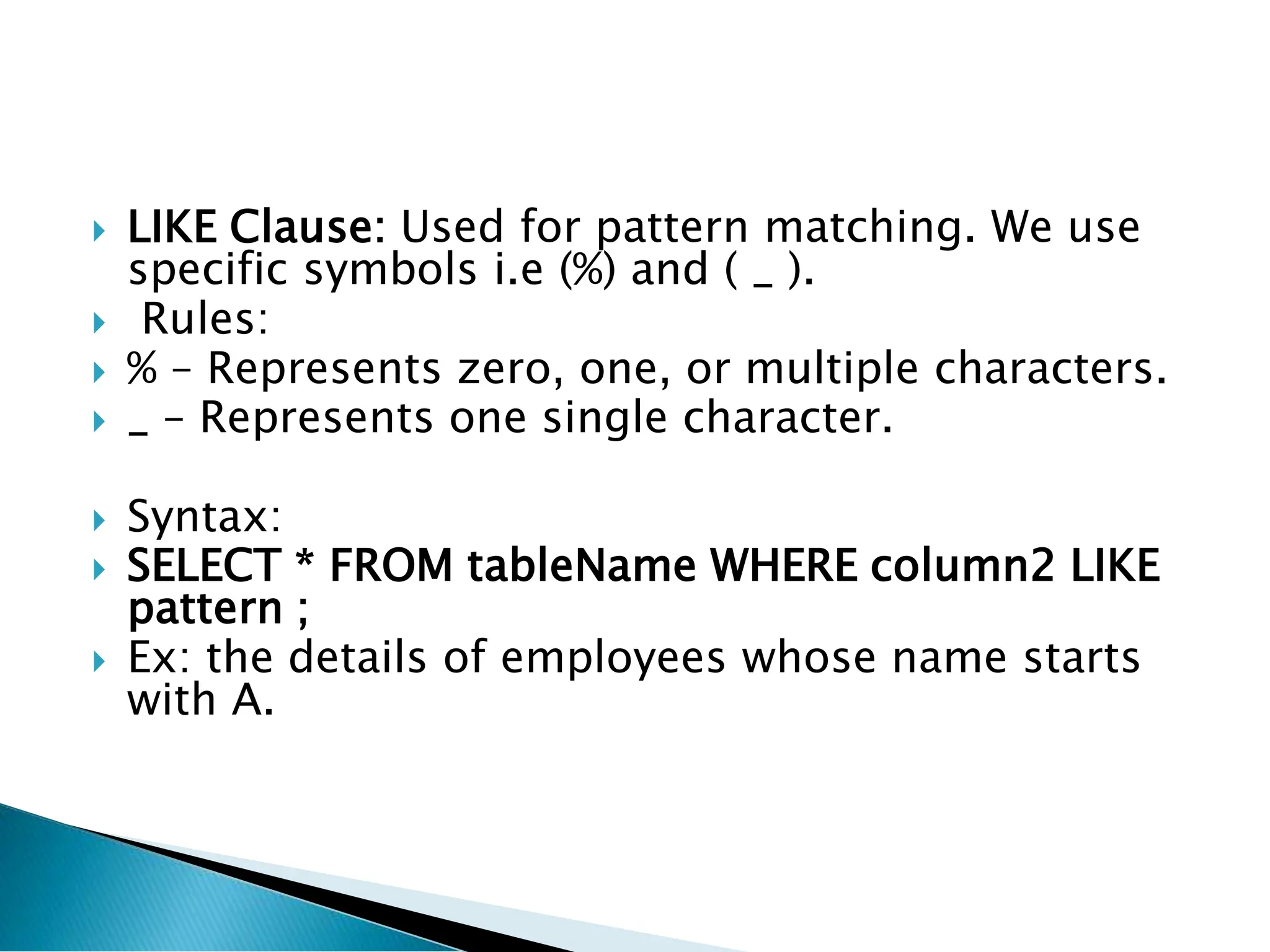
LIKE Clause:Used for pattern matching. We use
specific symbols i.e (%) and ( _ ).
Rules:
% – Represents zero, one, or multiple characters.
_ – Represents one single character.
Syntax:
SELECT * FROM tableName WHERE column2 LIKE
pattern ;
Ex: the details of employees whose name starts
with A.
25.
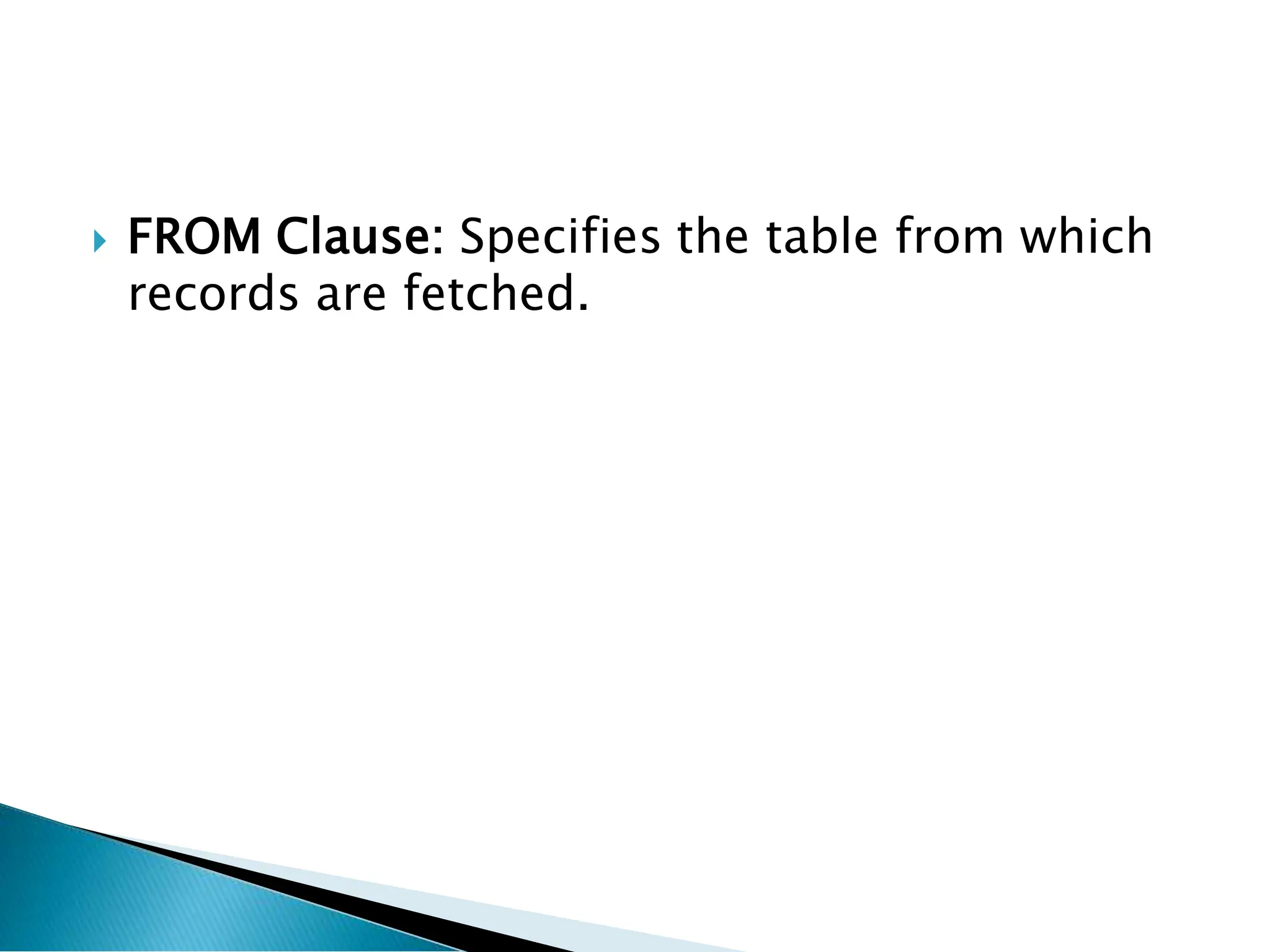
FROM Clause:Specifies the table from which
records are fetched.
26.
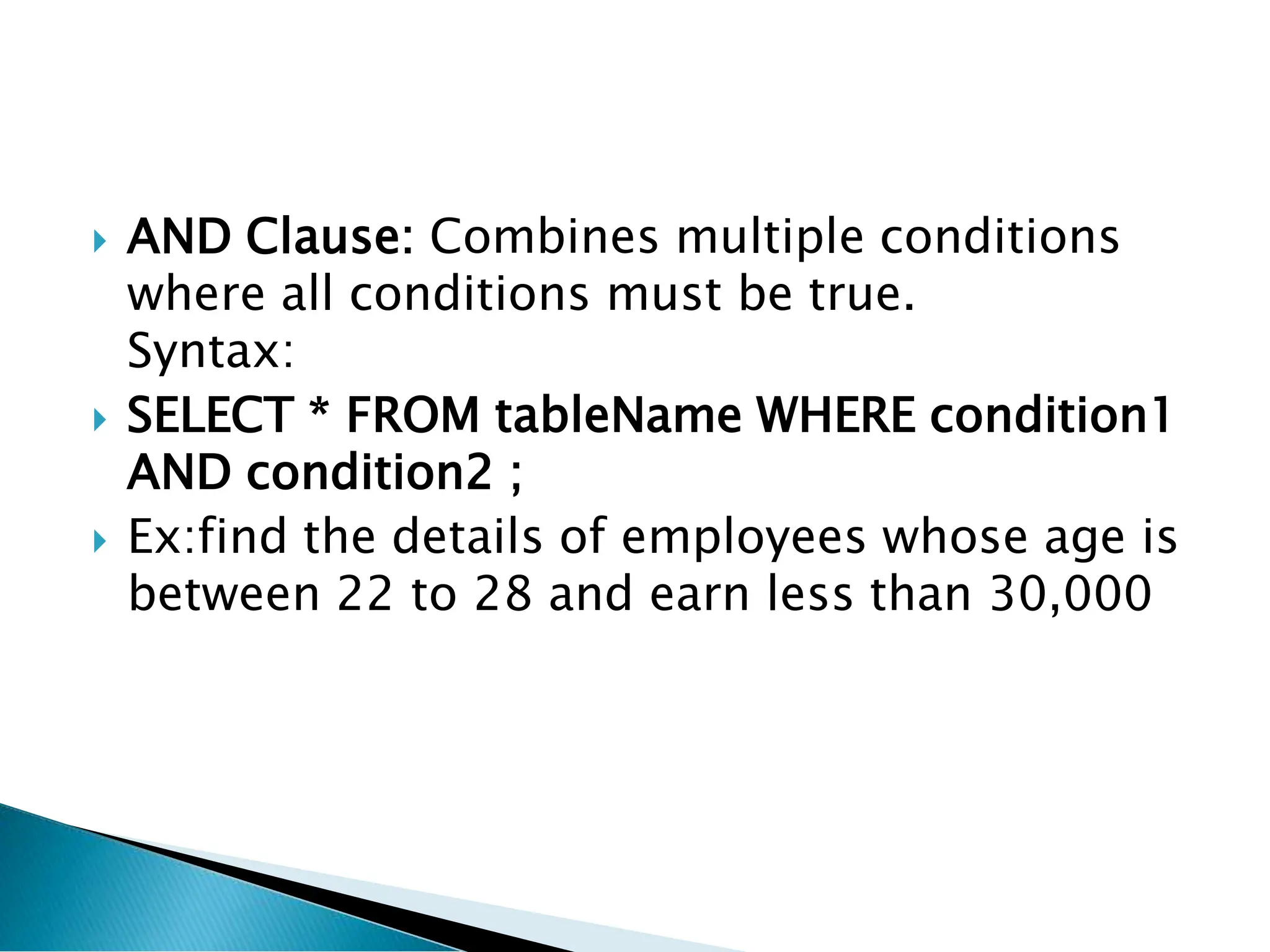
AND Clause:Combines multiple conditions
where all conditions must be true.
Syntax:
SELECT * FROM tableName WHERE condition1
AND condition2 ;
Ex:find the details of employees whose age is
between 22 to 28 and earn less than 30,000
27.
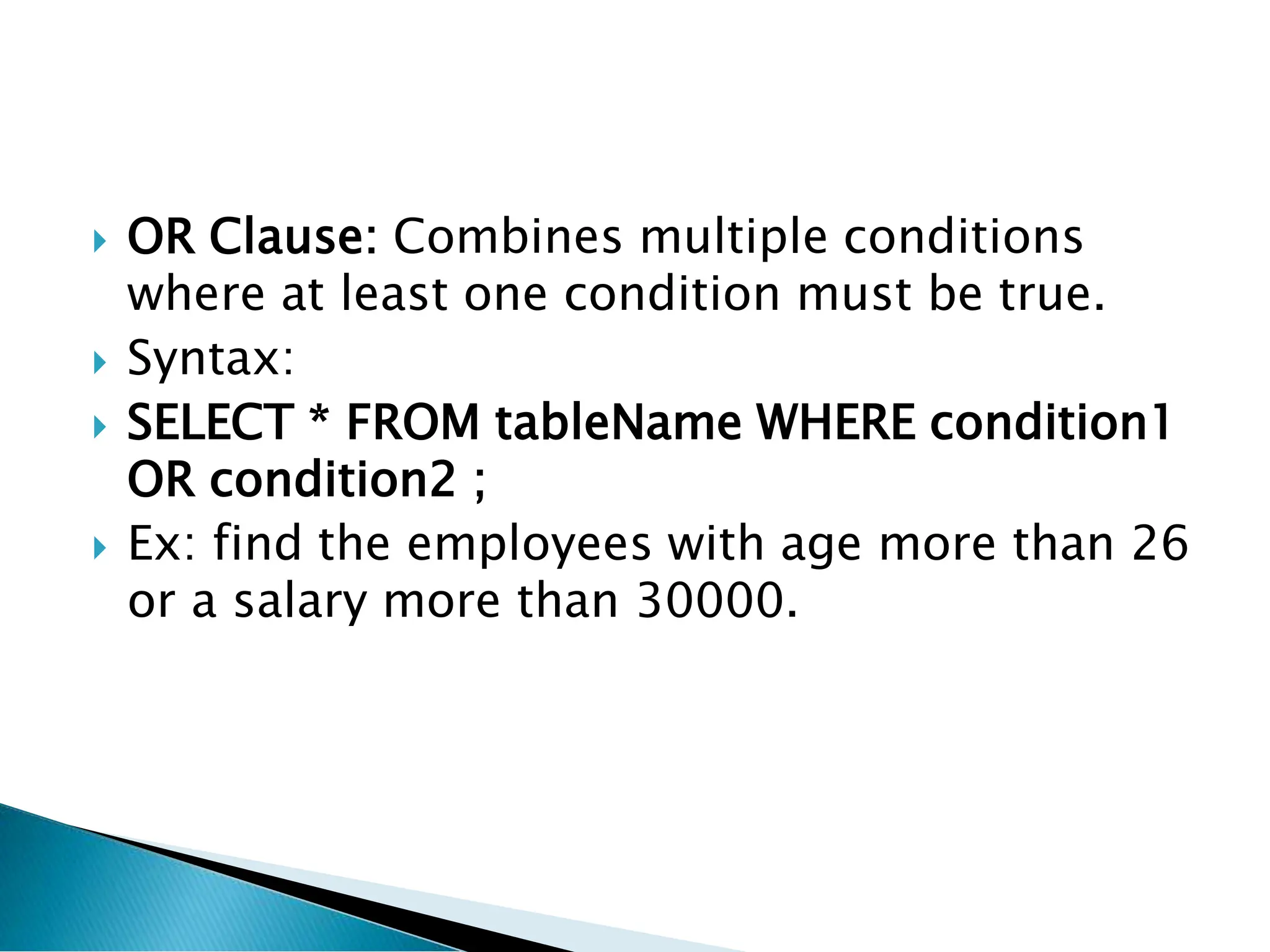
OR Clause:Combines multiple conditions
where at least one condition must be true.
Syntax:
SELECT * FROM tableName WHERE condition1
OR condition2 ;
Ex: find the employees with age more than 26
or a salary more than 30000.
28.
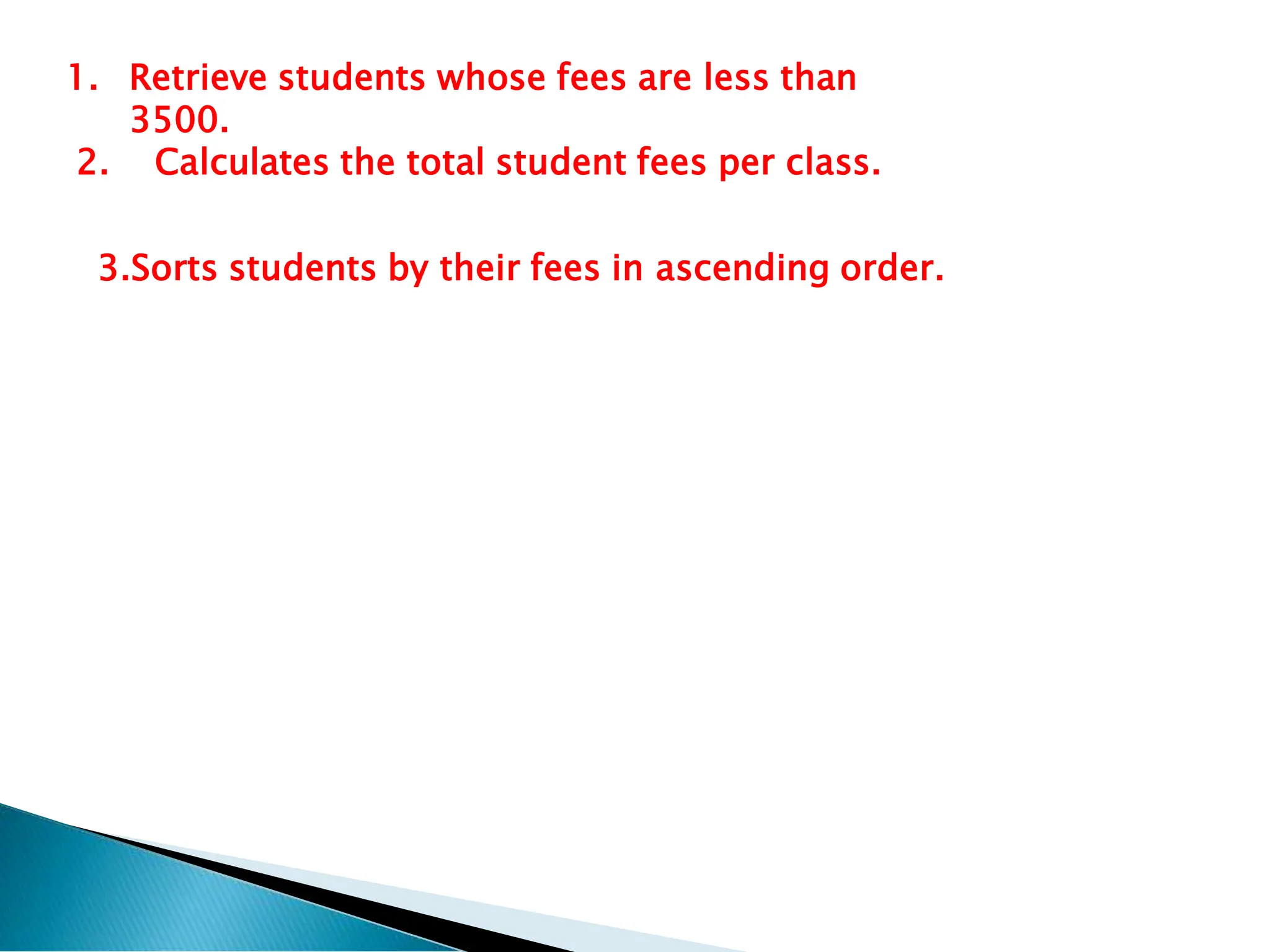
1. Retrieve studentswhose fees are less than
3500.
2. Calculates the total student fees per class.
3.Sorts students by their fees in ascending order.
29.
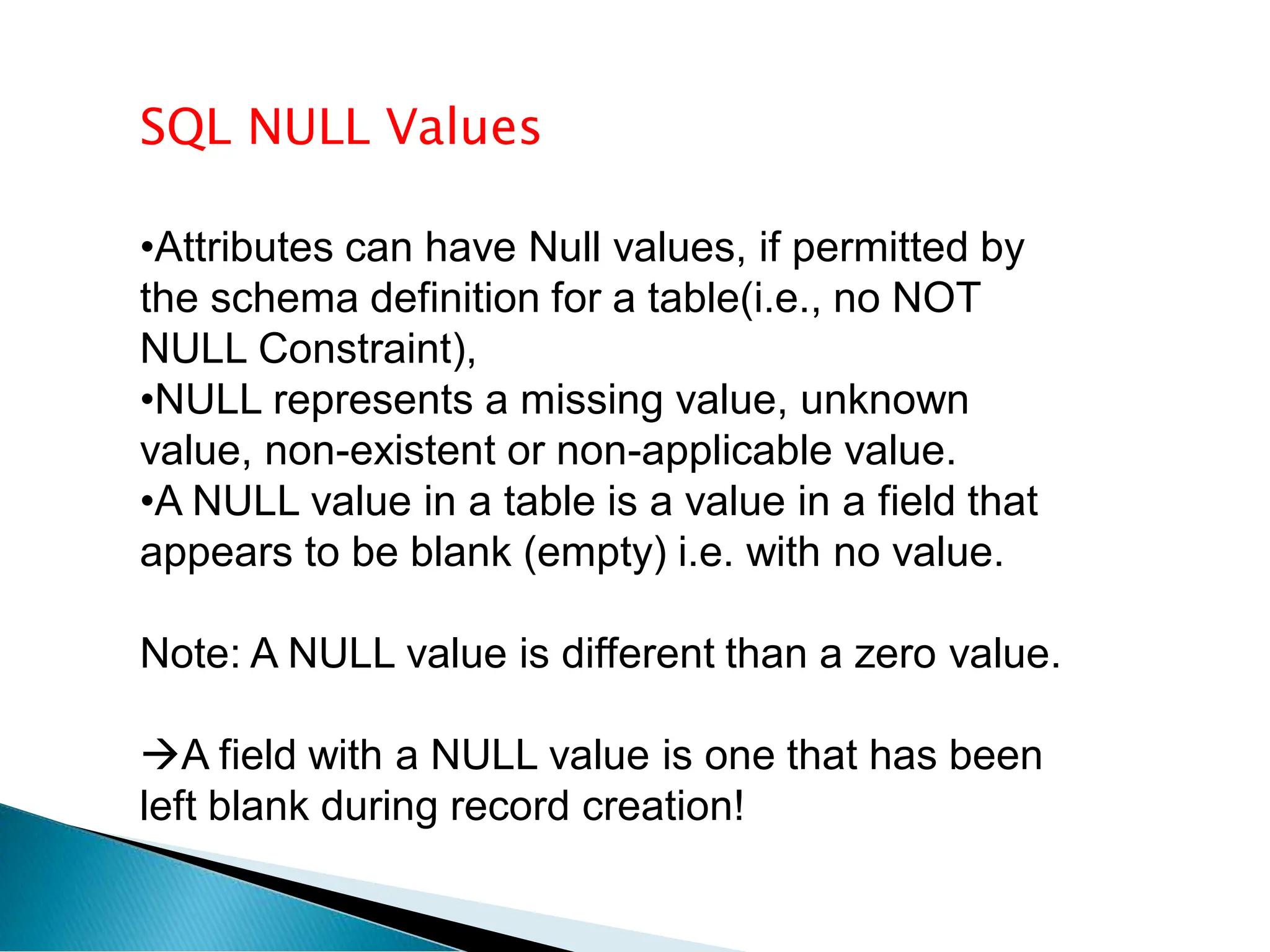
SQL NULL Values
•Attributescan have Null values, if permitted by
the schema definition for a table(i.e., no NOT
NULL Constraint),
•NULL represents a missing value, unknown
value, non-existent or non-applicable value.
•A NULL value in a table is a value in a field that
appears to be blank (empty) i.e. with no value.
Note: A NULL value is different than a zero value.
A field with a NULL value is one that has been
left blank during record creation!
30.
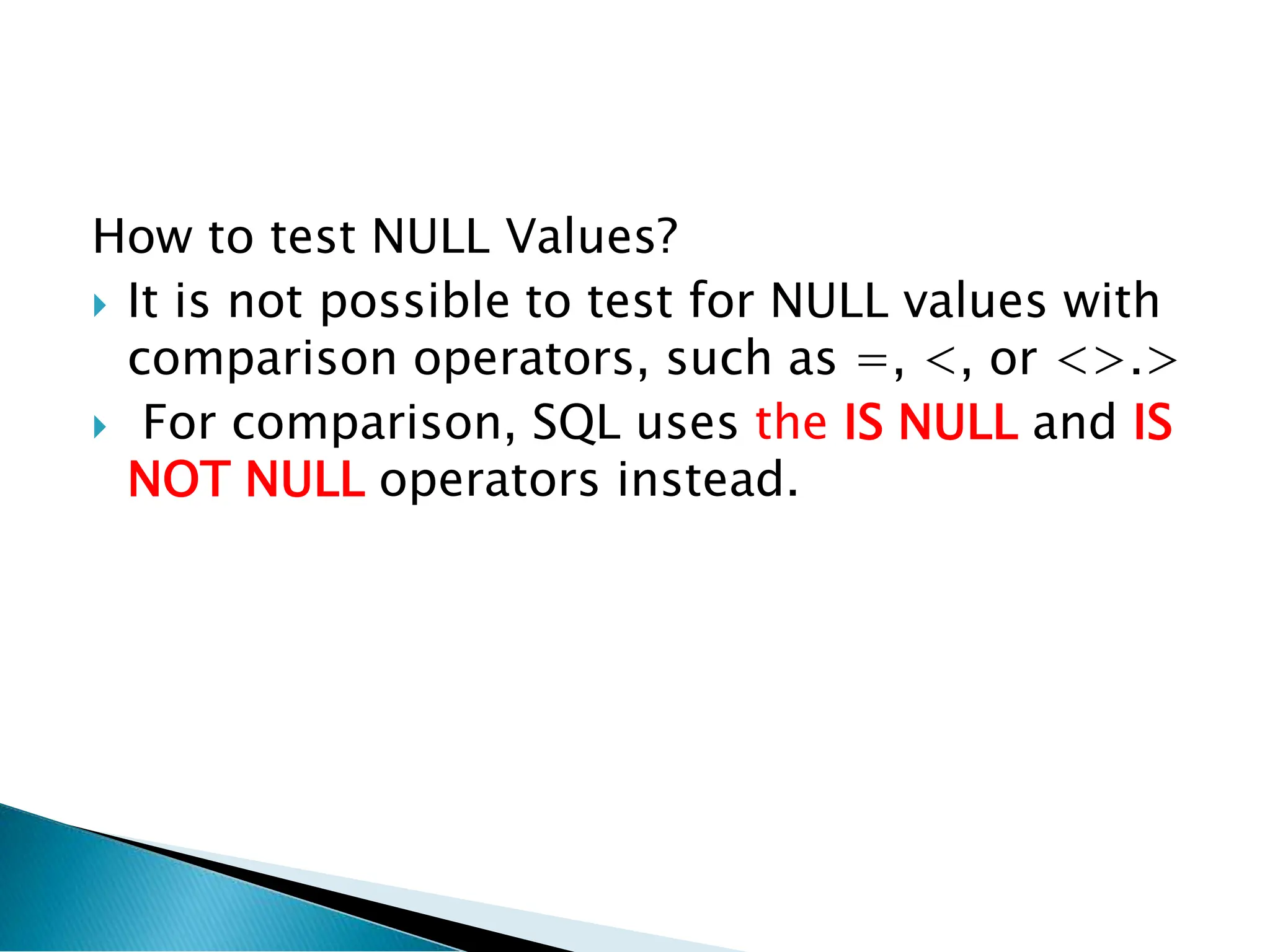
How to testNULL Values?
It is not possible to test for NULL values with
comparison operators, such as =, <, or <>.>
For comparison, SQL uses the IS NULL and IS
NOT NULL operators instead.
31.
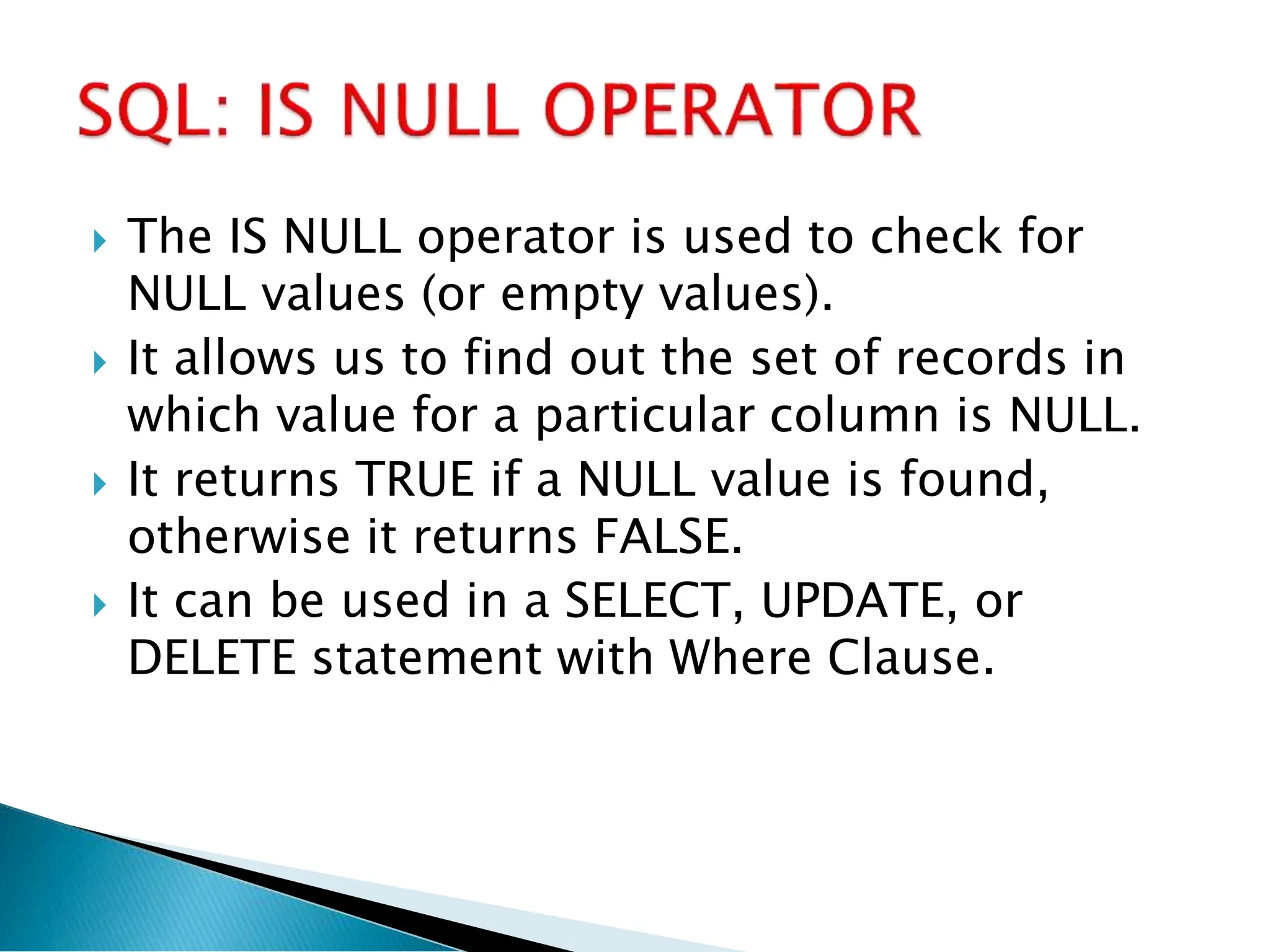
The ISNULL operator is used to check for
NULL values (or empty values).
It allows us to find out the set of records in
which value for a particular column is NULL.
It returns TRUE if a NULL value is found,
otherwise it returns FALSE.
It can be used in a SELECT, UPDATE, or
DELETE statement with Where Clause.
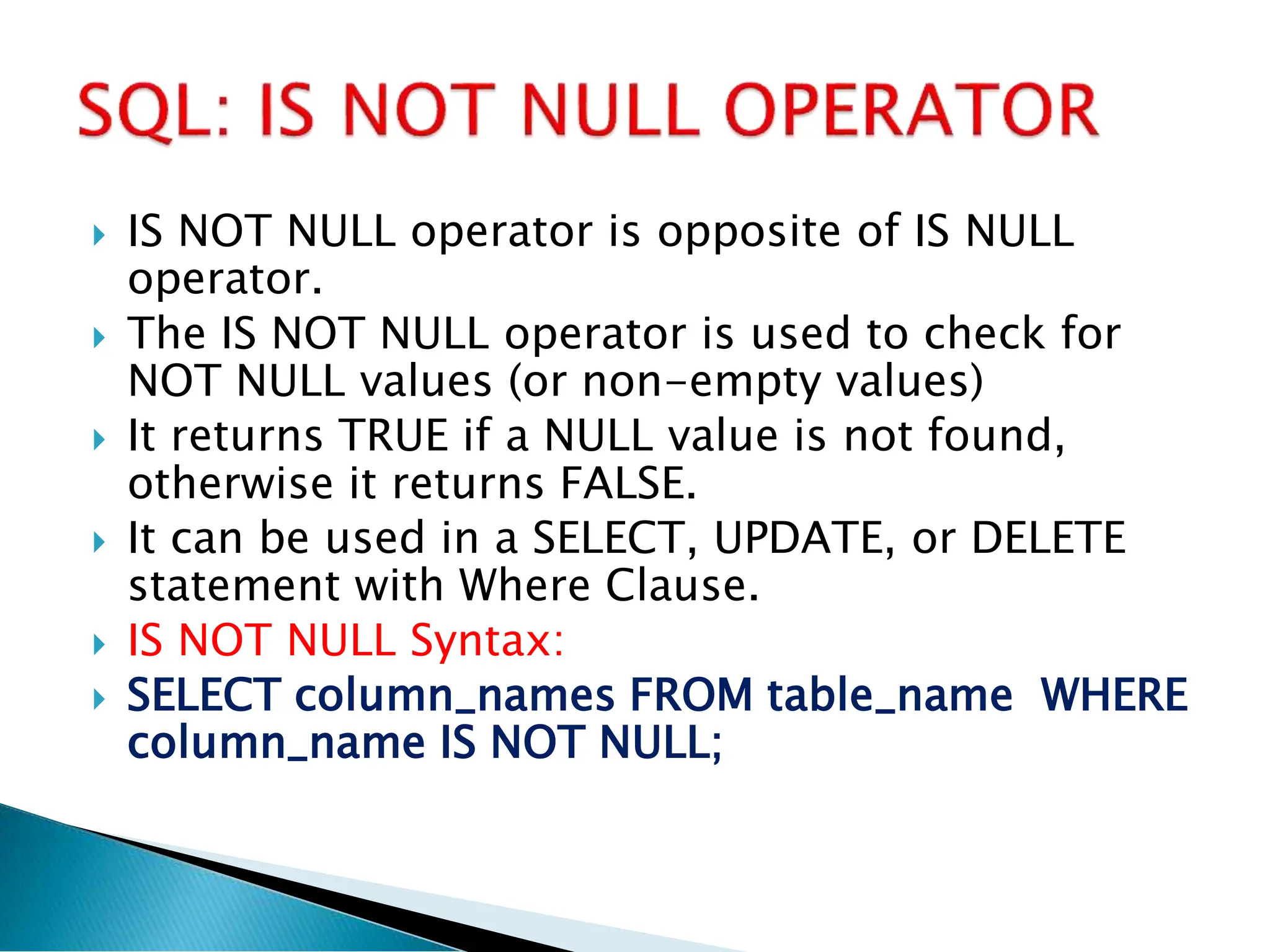
IS NOTNULL operator is opposite of IS NULL
operator.
The IS NOT NULL operator is used to check for
NOT NULL values (or non-empty values)
It returns TRUE if a NULL value is not found,
otherwise it returns FALSE.
It can be used in a SELECT, UPDATE, or DELETE
statement with Where Clause.
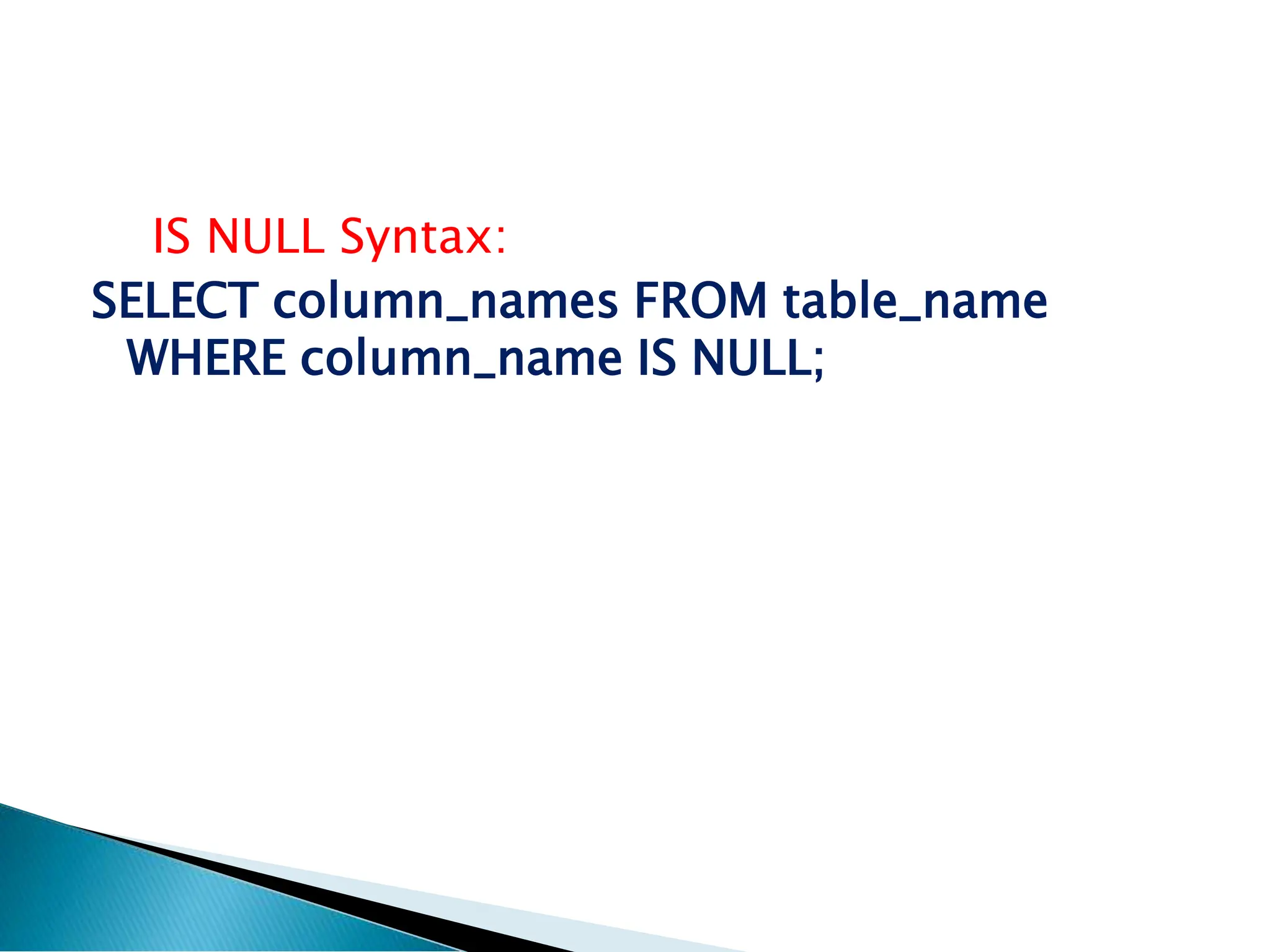
IS NOT NULL Syntax:
SELECT column_names FROM table_name WHERE
column_name IS NOT NULL;
34.
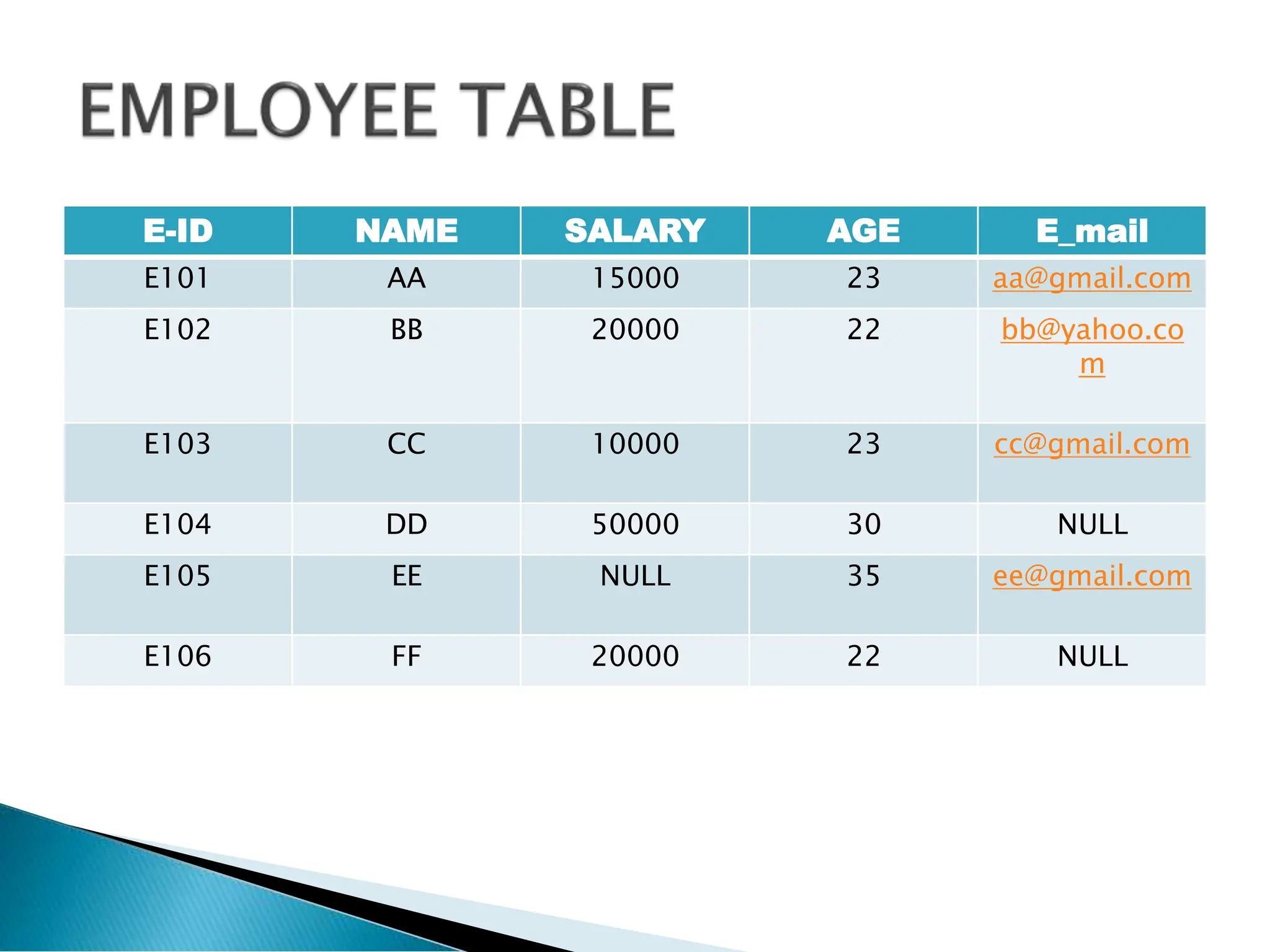
E-ID NAME SALARYAGE E_mail
E101 AA 15000 23 aa@gmail.com
E102 BB 20000 22 bb@yahoo.co
m
E103 CC 10000 23 cc@gmail.com
E104 DD 50000 30 NULL
E105 EE NULL 35 ee@gmail.com
E106 FF 20000 22 NULL
35.
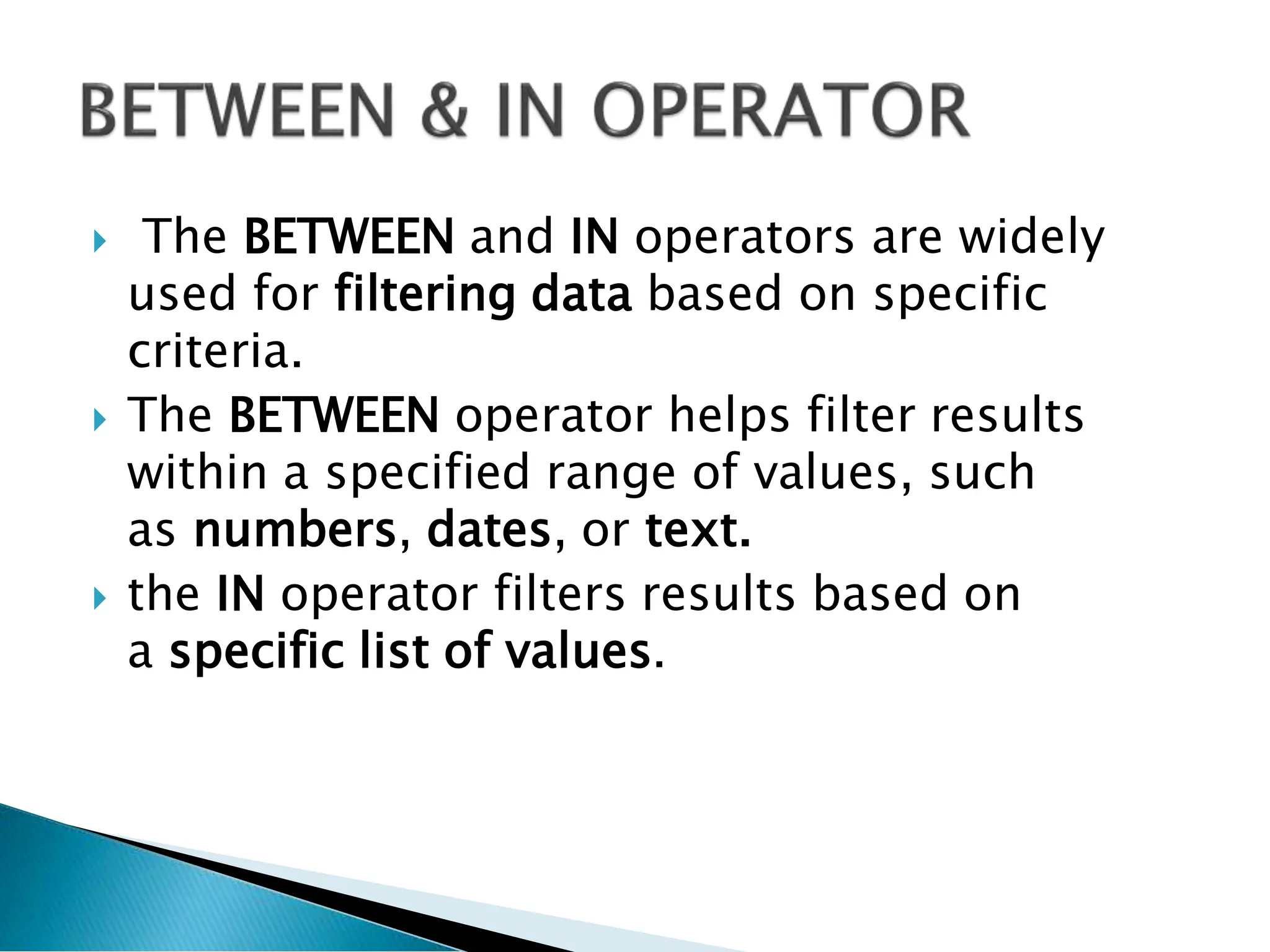
The BETWEENand IN operators are widely
used for filtering data based on specific
criteria.
The BETWEEN operator helps filter results
within a specified range of values, such
as numbers, dates, or text.
the IN operator filters results based on
a specific list of values.
36.
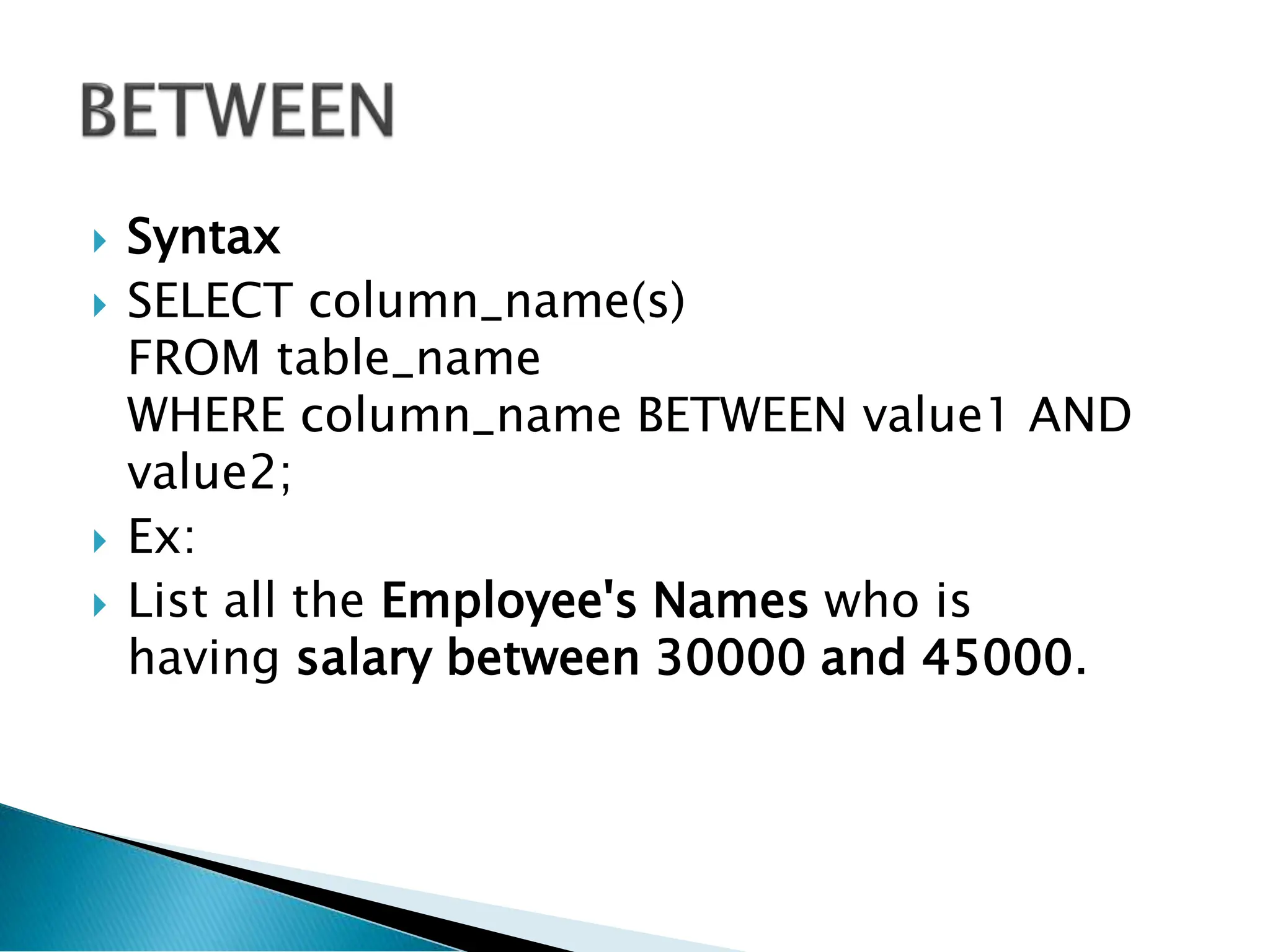
Syntax
SELECTcolumn_name(s)
FROM table_name
WHERE column_name BETWEEN value1 AND
value2;
Ex:
List all the Employee's Names who is
having salary between 30000 and 45000.
37.
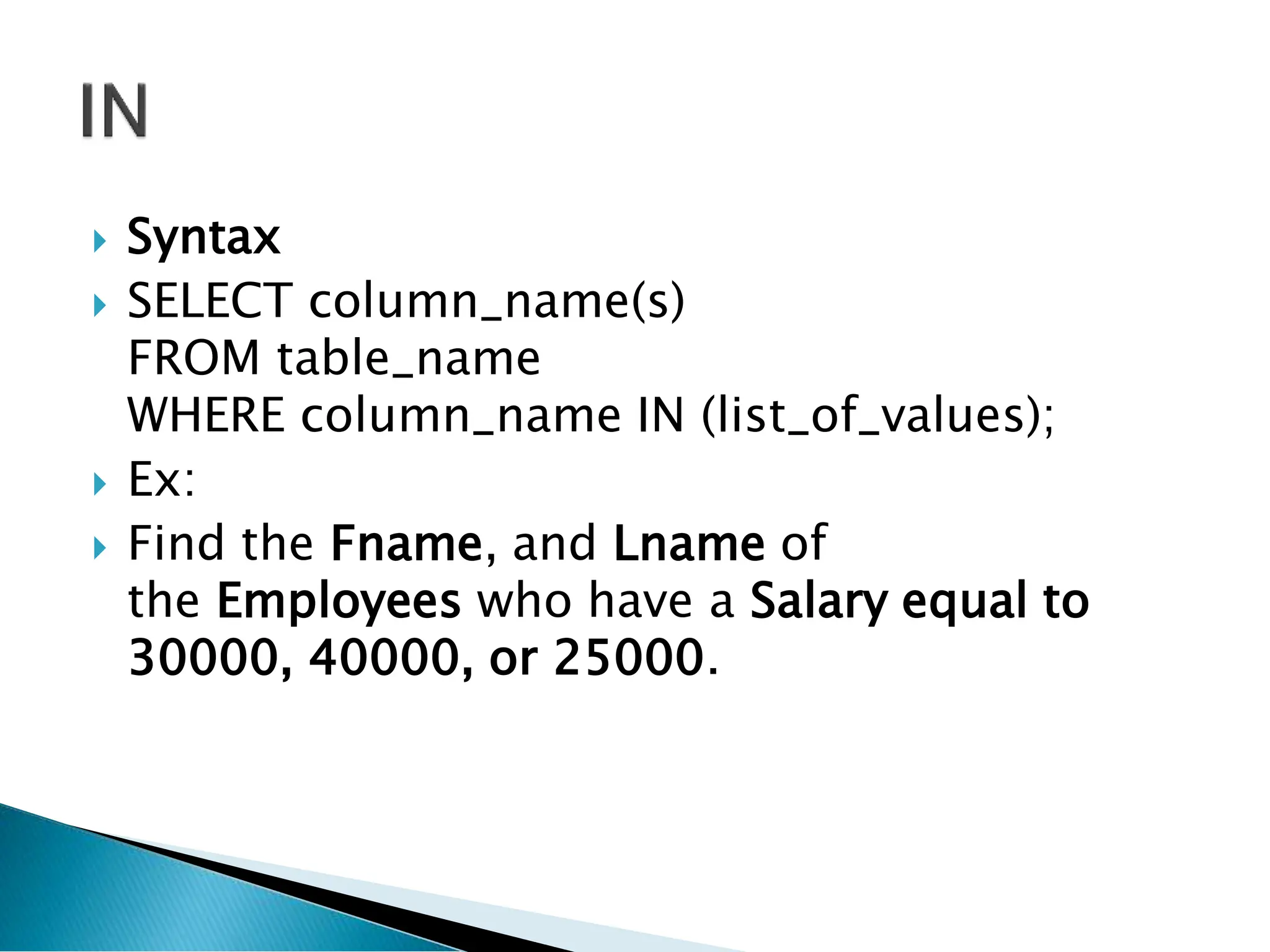
Syntax
SELECTcolumn_name(s)
FROM table_name
WHERE column_name IN (list_of_values);
Ex:
Find the Fname, and Lname of
the Employees who have a Salary equal to
30000, 40000, or 25000.