Writing your first Drupal 8
module with Router and
Block plugin
Vinay Abhang
(vinay.abhang@iksulaops.com)
Vinay Abhang
•I am a Drupal developer at Iksula
Services Pvt Ltd, based in
Mumbai, India.
•I have 2 years of experience in
building websites in Drupal.
Router
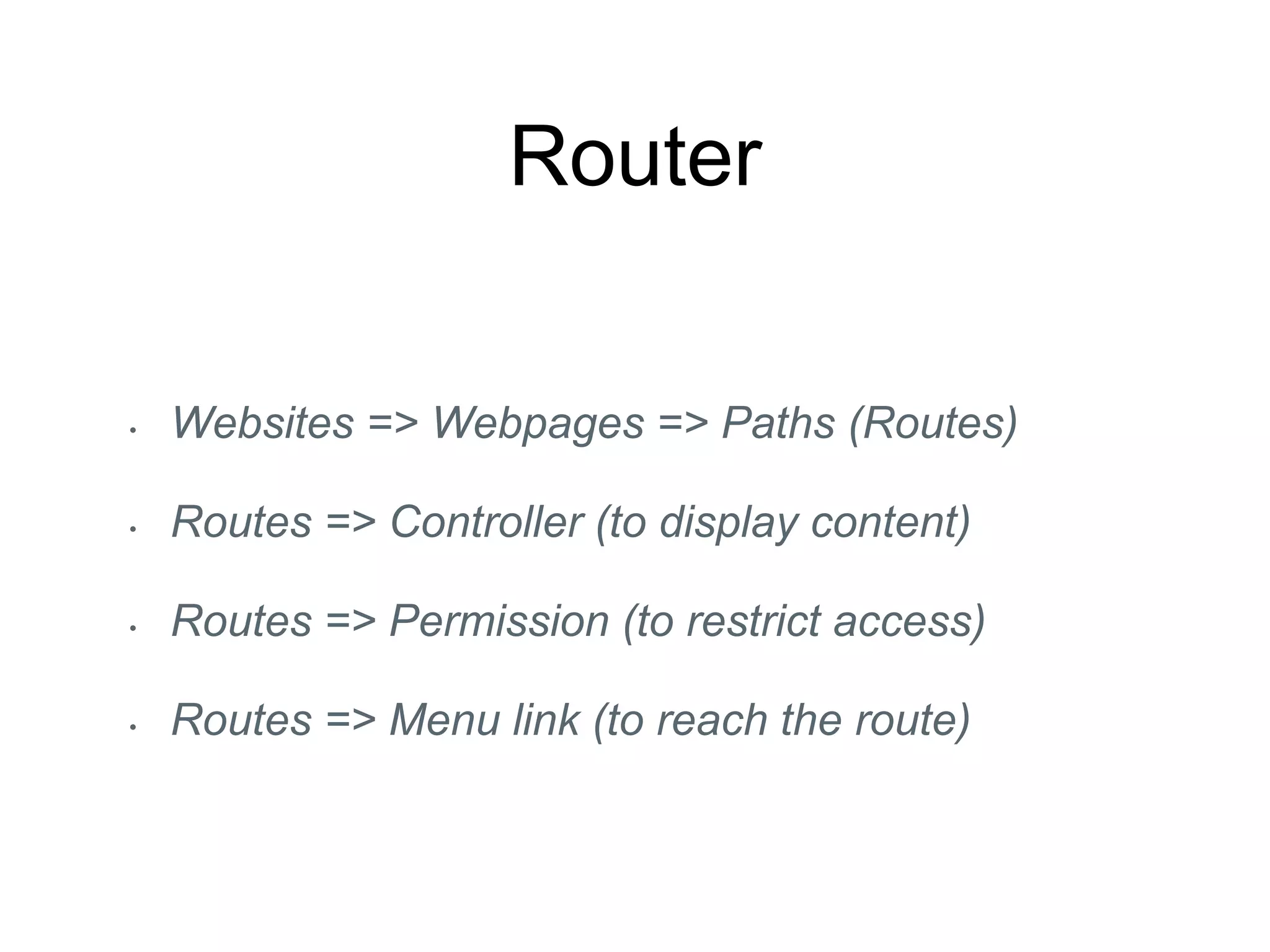
• Websites => Webpages => Paths (Routes)
• Routes => Controller (to display content)
• Routes => Permission (to restrict access)
• Routes => Menu link (to reach the route)
Naming and placing your D8
module
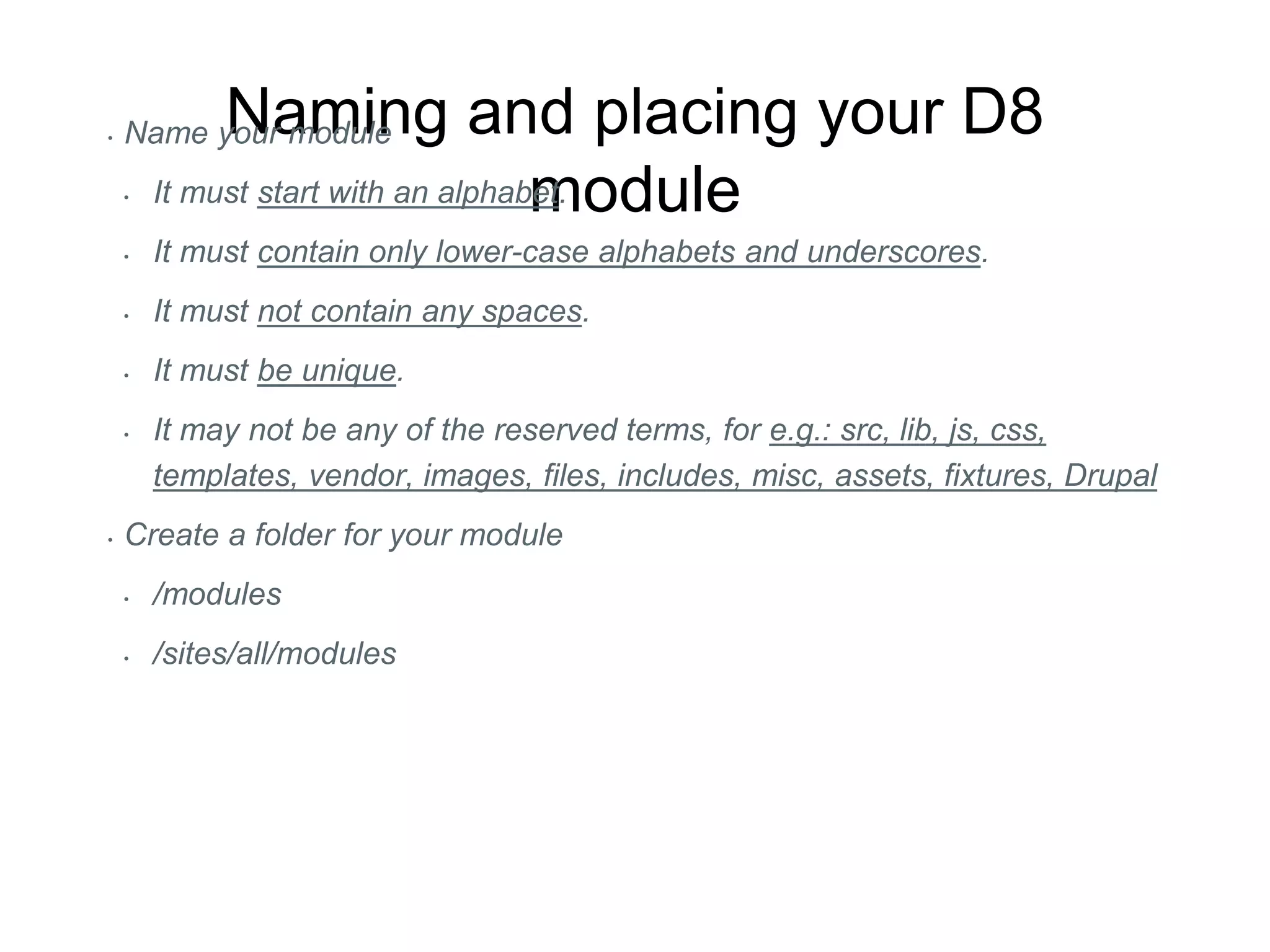
• Name your module
• It must start with an alphabet.
• It must contain only lower-case alphabets and underscores.
• It must not contain any spaces.
• It must be unique.
• It may not be any of the reserved terms, for e.g.: src, lib, js, css,
templates, vendor, images, files, includes, misc, assets, fixtures, Drupal
• Create a folder for your module
• /modules
• /sites/all/modules
Let D8 know about your
module
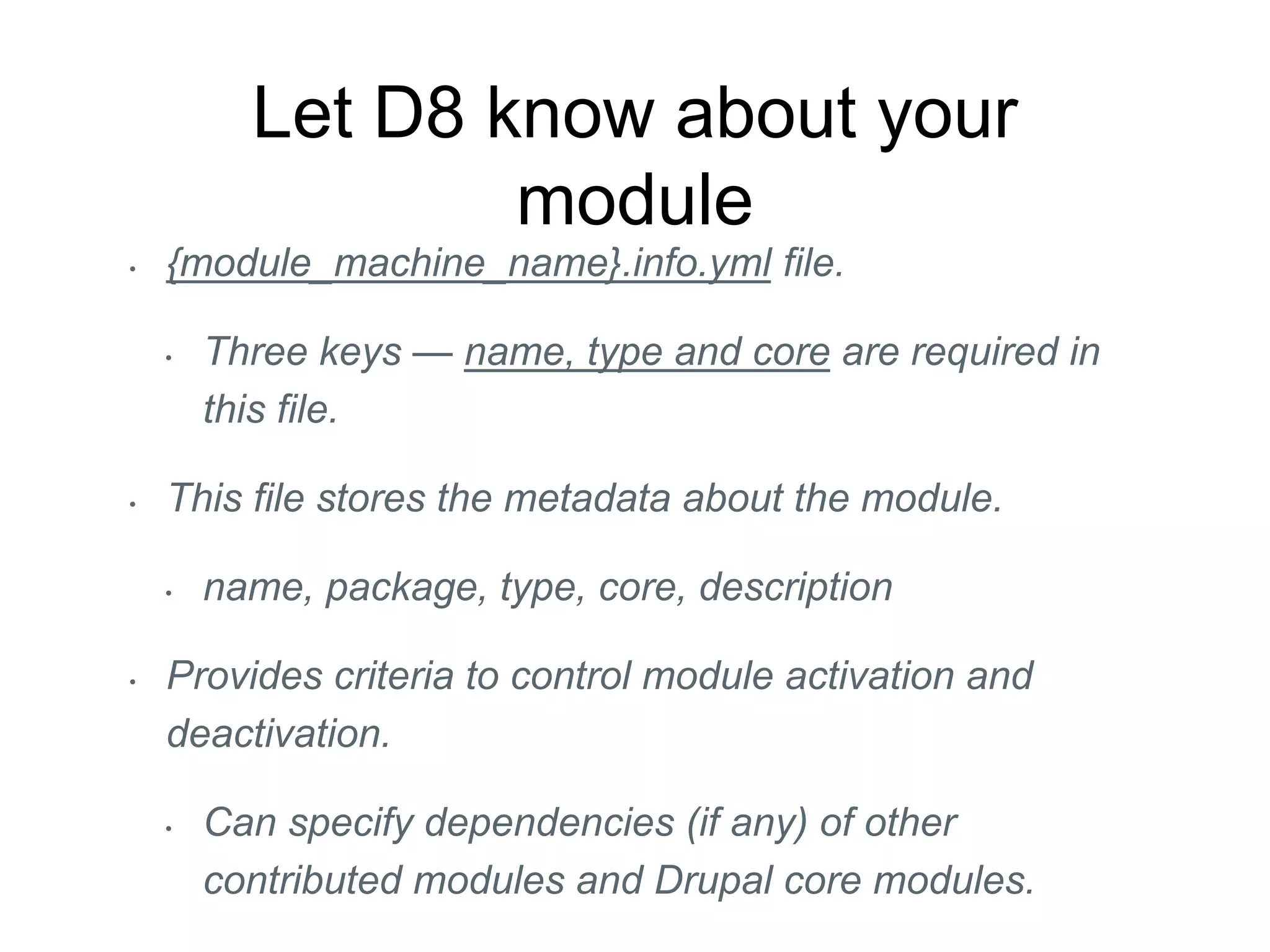
• {module_machine_name}.info.yml file.
• Three keys — name, type and core are required in
this file.
• This file stores the metadata about the module.
• name, package, type, core, description
• Provides criteria to control module activation and
deactivation.
• Can specify dependencies (if any) of other
contributed modules and Drupal core modules.
Debugging .info.yml files
• Module is not listed on ‘Extend’ page
• Ensure the file is named correctly
{module_machine_name}.info.yml and is located in
module’s root.
• Ensure that file has the line: “type: module”
• Module is listed but its checkbox is disabled
• Ensure that core compatibility is set to “core: 8.x”
• Ensure that all module dependencies are available
Adding a basic Controller
• Within your module folder, you should have the PSR-4
standard folder structure /src/Controller and inside this
folder you should have your BasicController.php
controller file.
• /src/Controller/BasicController.php
• Adding the Controller first, is part of a general D8
philosophy of, “Build a tool first, then wire it up”
• For wiring it up, we need to add a routing.yml file in
our module.
Add routing file
• In module’s root folder, where .info.yml file is
located, add a new file with following naming
convention:
• {module_machine_name}.routing.yml
• Required properties in defining a route.
• path, defaults and requirements
Traits
• Traits help you embed a set of properties and
methods in several independent classes that
could be living in different hierarchies.
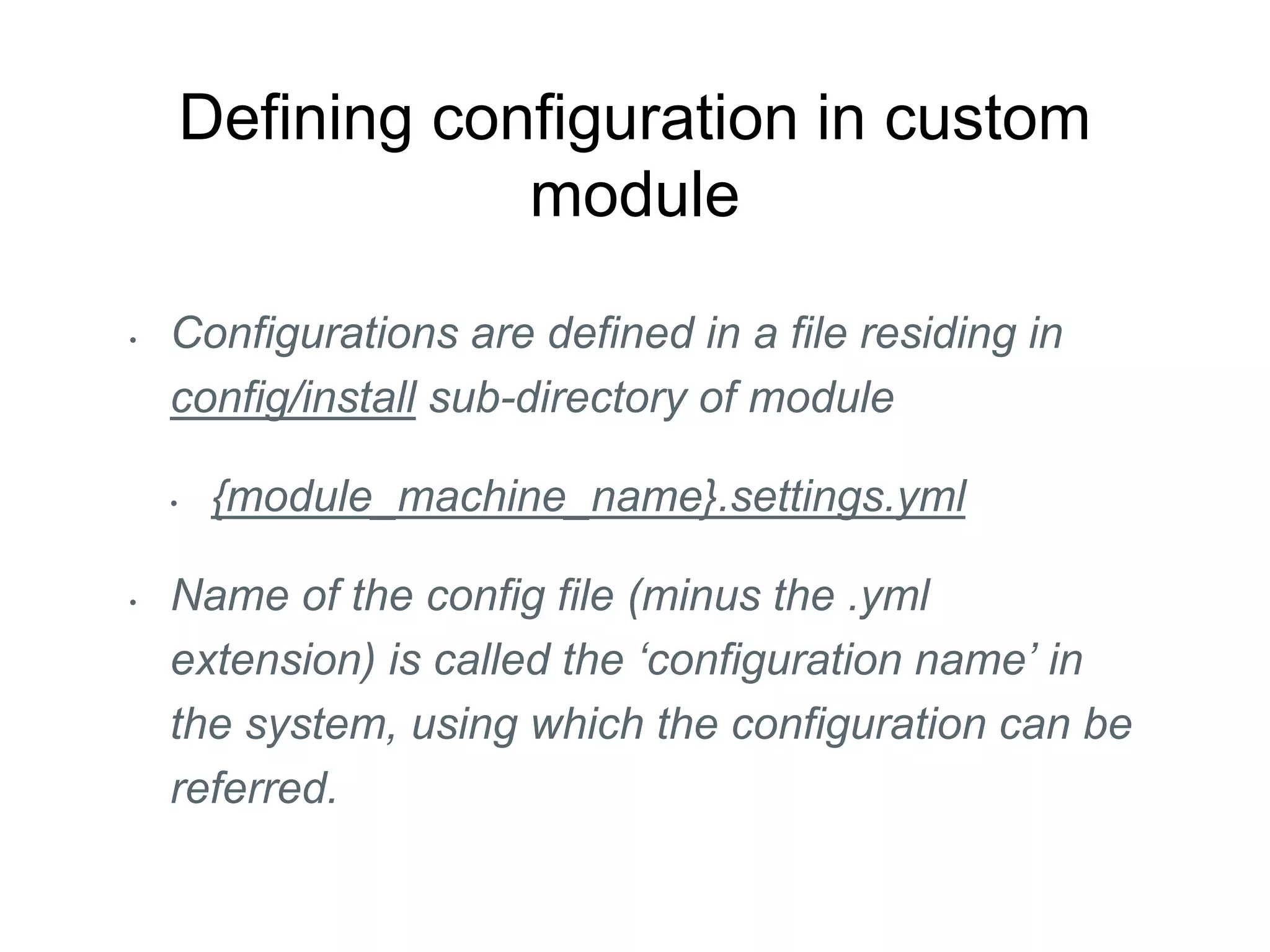
Defining configuration in custom
module
• Configurations are defined in a file residing in
config/install sub-directory of module
• {module_machine_name}.settings.yml
• Name of the config file (minus the .yml
extension) is called the ‘configuration name’ in
the system, using which the configuration can be
referred.
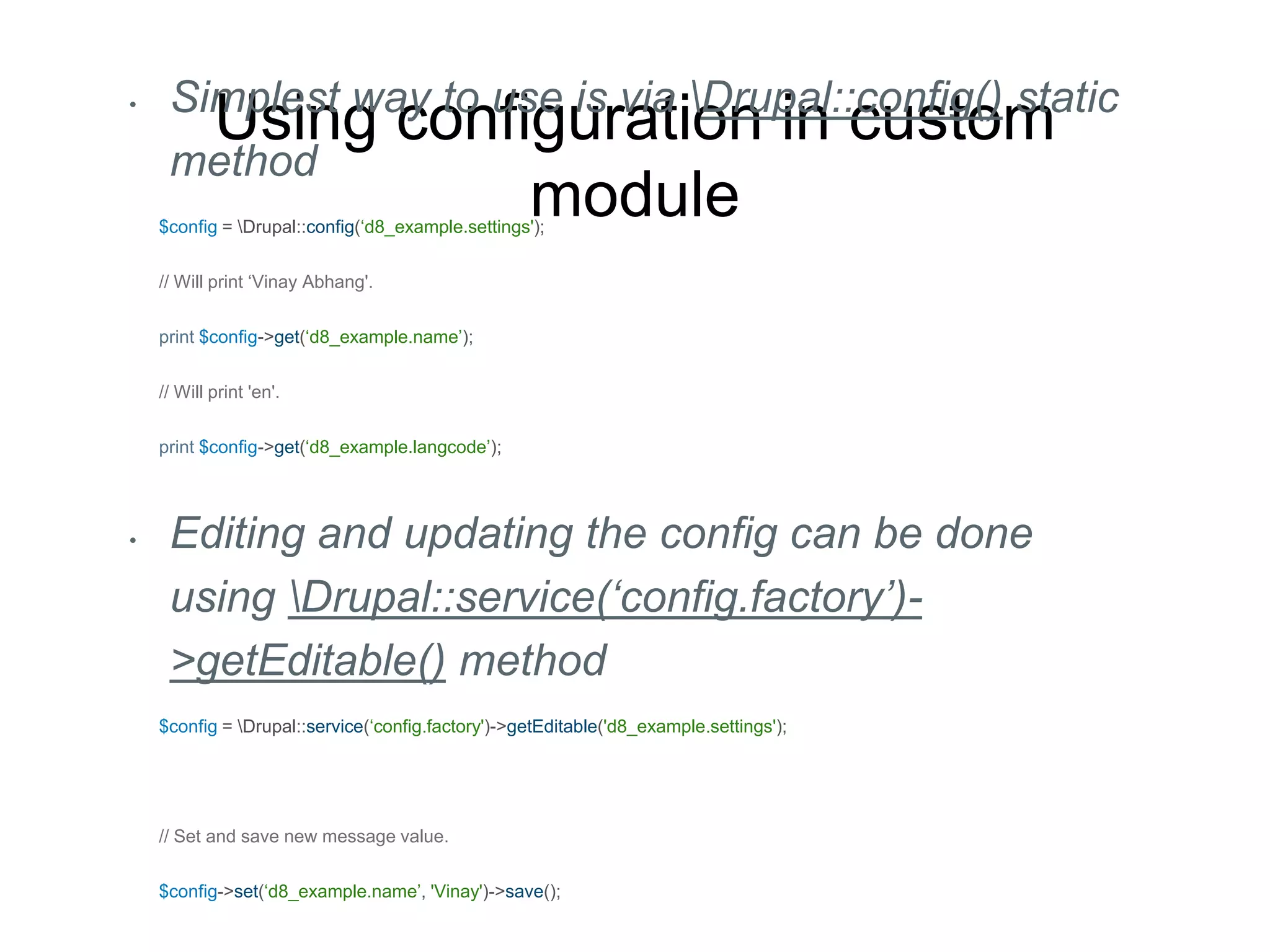
Using configuration in custom
module
• Simplest way to use is via Drupal::config() static
method
$config = Drupal::config(‘d8_example.settings');
// Will print ‘Vinay Abhang'.
print $config->get(‘d8_example.name’);
// Will print 'en'.
print $config->get(‘d8_example.langcode’);
• Editing and updating the config can be done
using Drupal::service(‘config.factory’)-
>getEditable() method
$config = Drupal::service(‘config.factory')->getEditable('d8_example.settings');
// Set and save new message value.
$config->set(‘d8_example.name’, 'Vinay')->save();
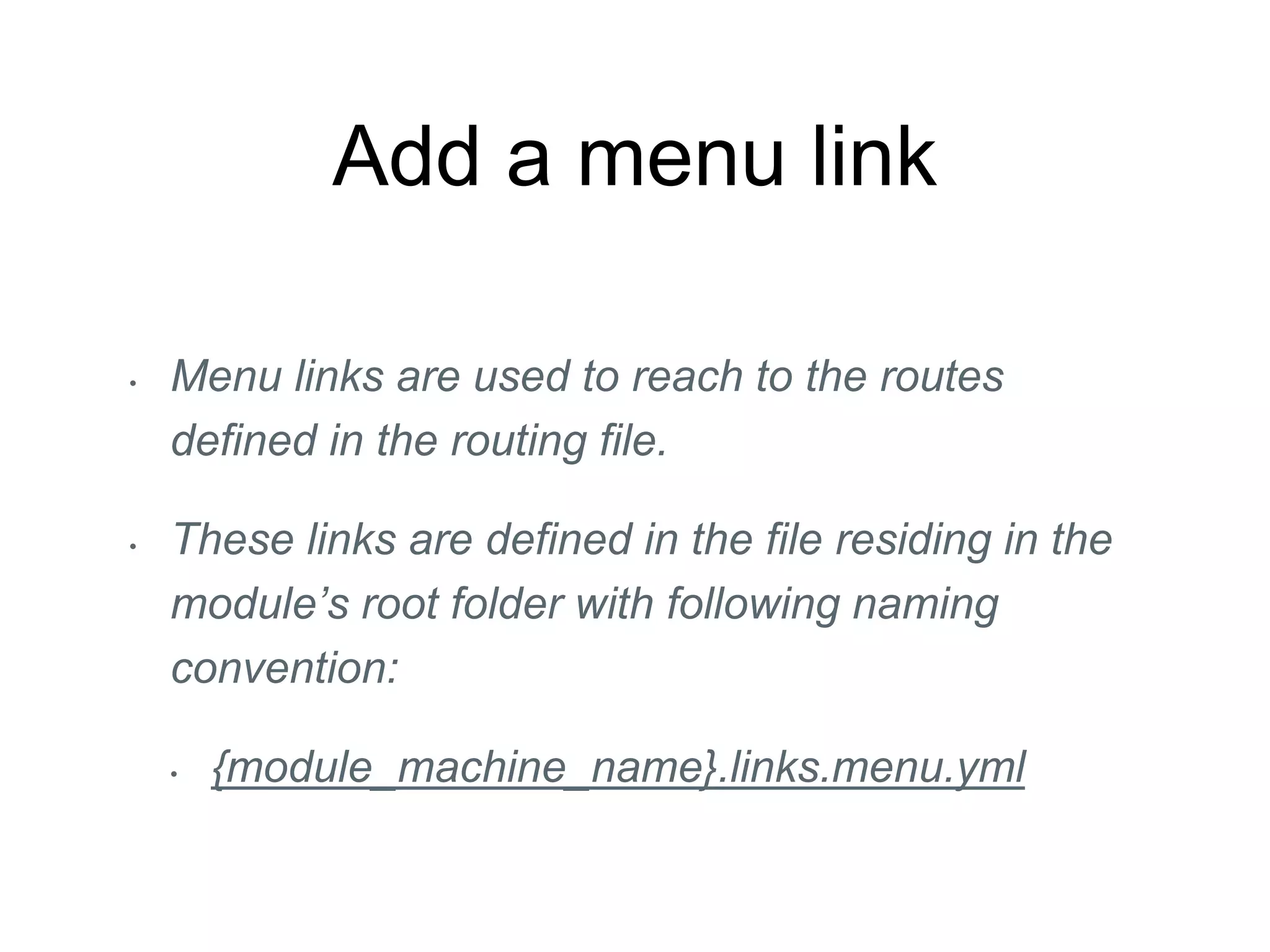
Add a menu link
• Menu links are used to reach to the routes
defined in the routing file.
• These links are defined in the file residing in the
module’s root folder with following naming
convention:
• {module_machine_name}.links.menu.yml
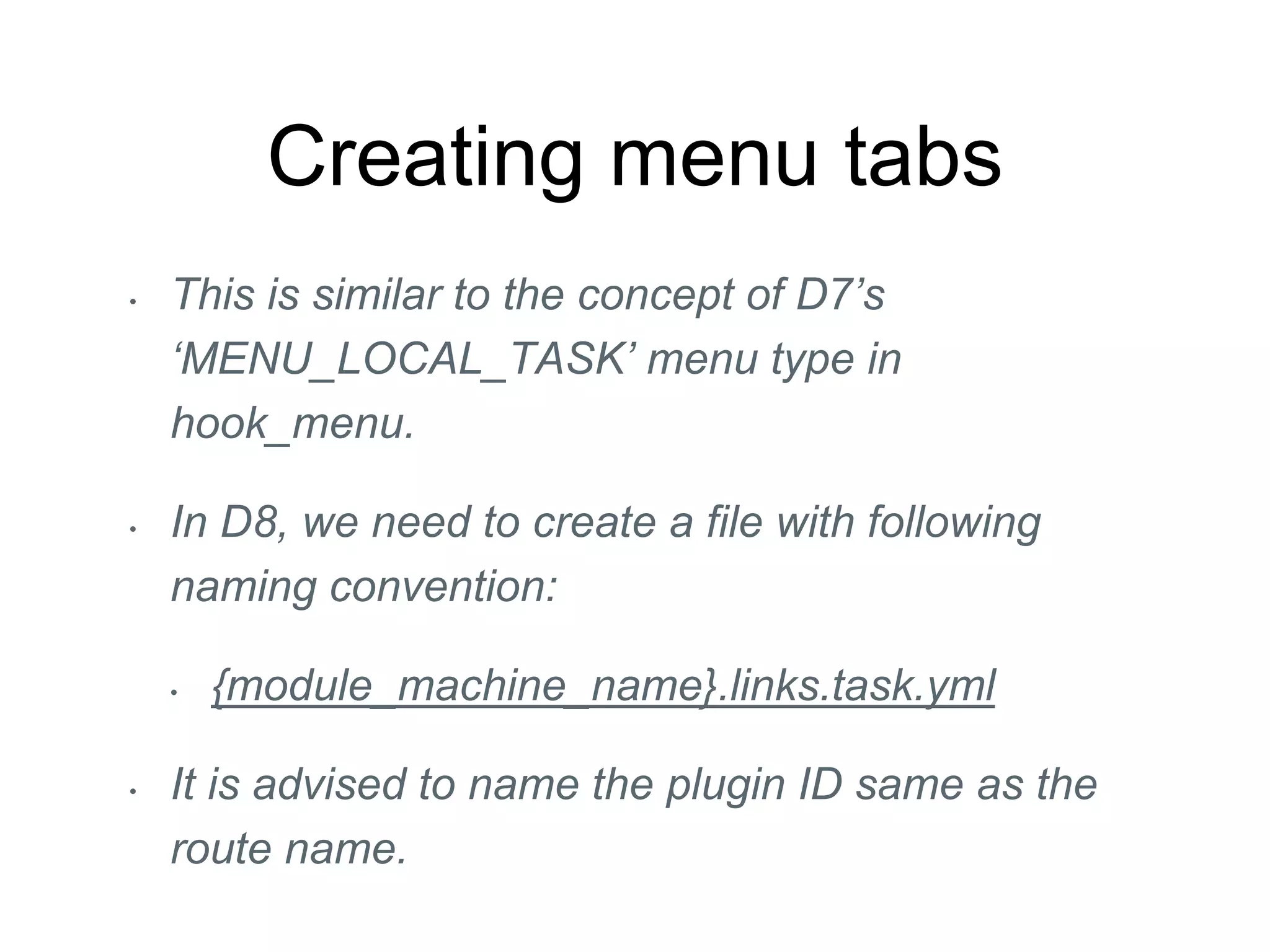
Creating menu tabs
• This is similar to the concept of D7’s
‘MENU_LOCAL_TASK’ menu type in
hook_menu.
• In D8, we need to create a file with following
naming convention:
• {module_machine_name}.links.task.yml
• It is advised to name the plugin ID same as the
route name.
Block Plugin
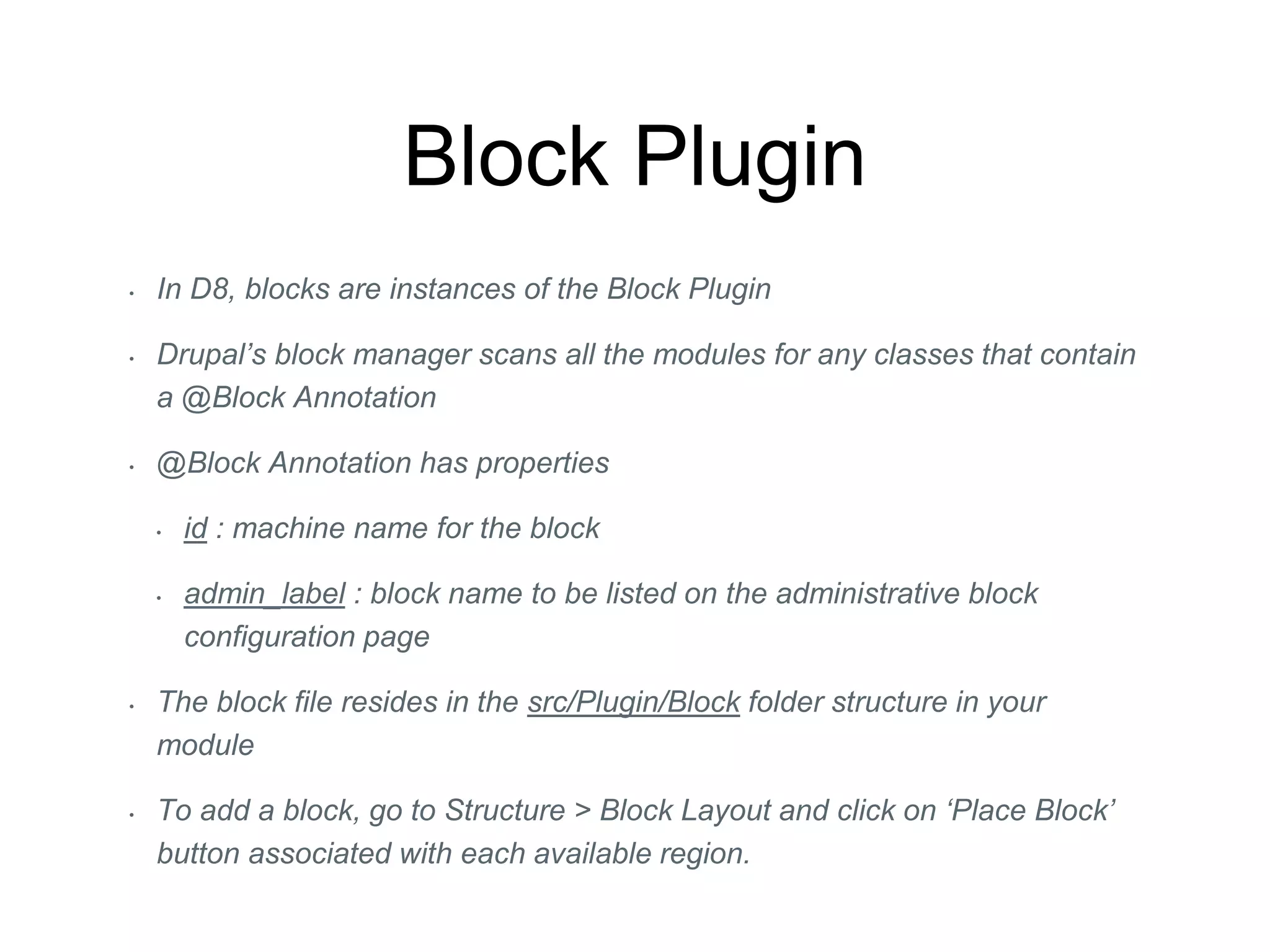
• In D8, blocks are instances of the Block Plugin
• Drupal’s block manager scans all the modules for any classes that contain
a @Block Annotation
• @Block Annotation has properties
• id : machine name for the block
• admin_label : block name to be listed on the administrative block
configuration page
• The block file resides in the src/Plugin/Block folder structure in your
module
• To add a block, go to Structure > Block Layout and click on ‘Place Block’
button associated with each available region.
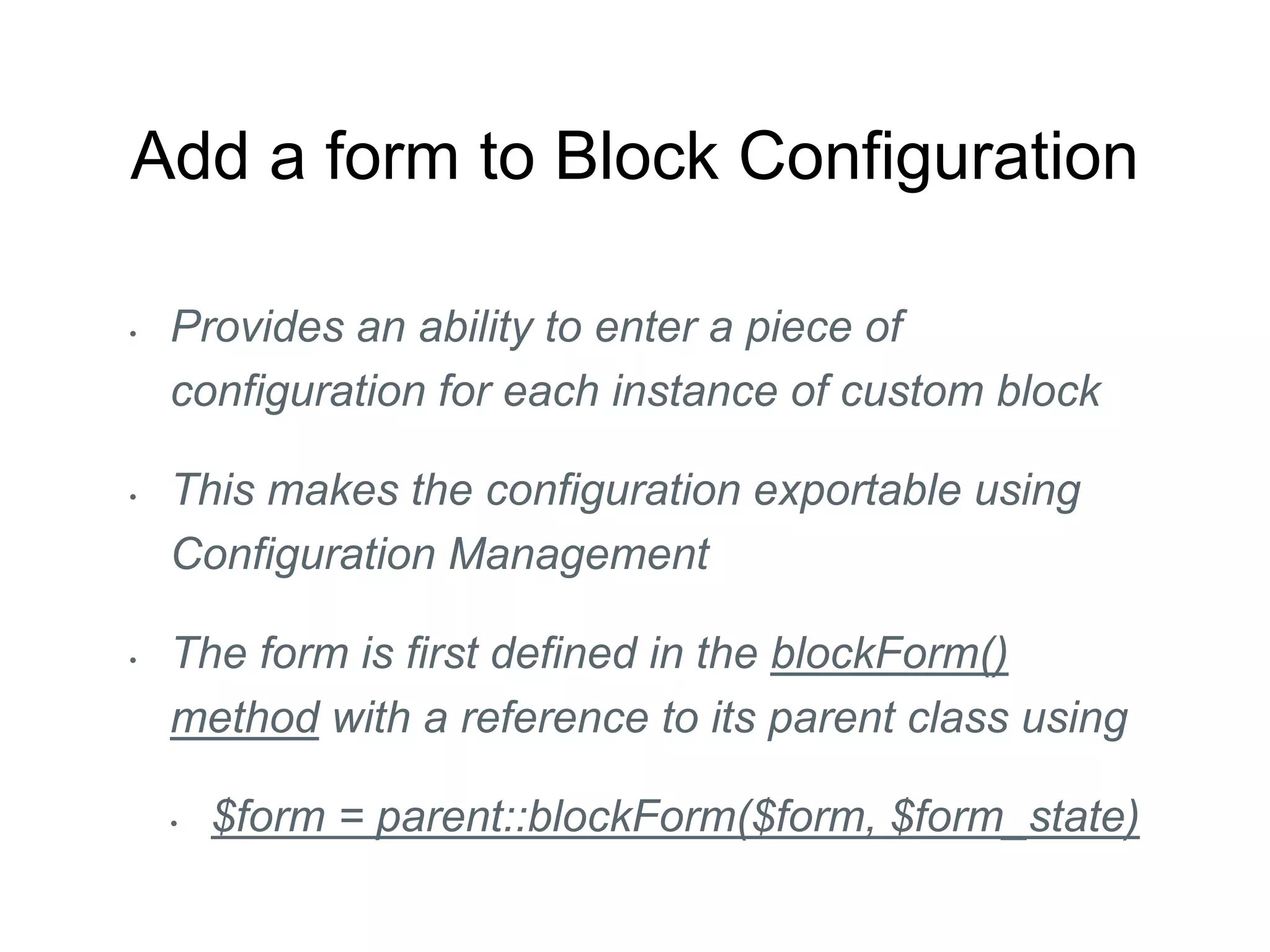
Add a form to Block Configuration
• Provides an ability to enter a piece of
configuration for each instance of custom block
• This makes the configuration exportable using
Configuration Management
• The form is first defined in the blockForm()
method with a reference to its parent class using
• $form = parent::blockForm($form, $form_state)
Process the Block Config
Form
• Adding following method means that the form will
process and the input to the form will be saved in
the configuration for that instance of the block.
/**
* {@inheritdoc}
*/
public function blockSubmit($form, FormStateInterface $form_state) {
$this->configuration['hello_name'] = $form_state->getValue('example_block_name');
}
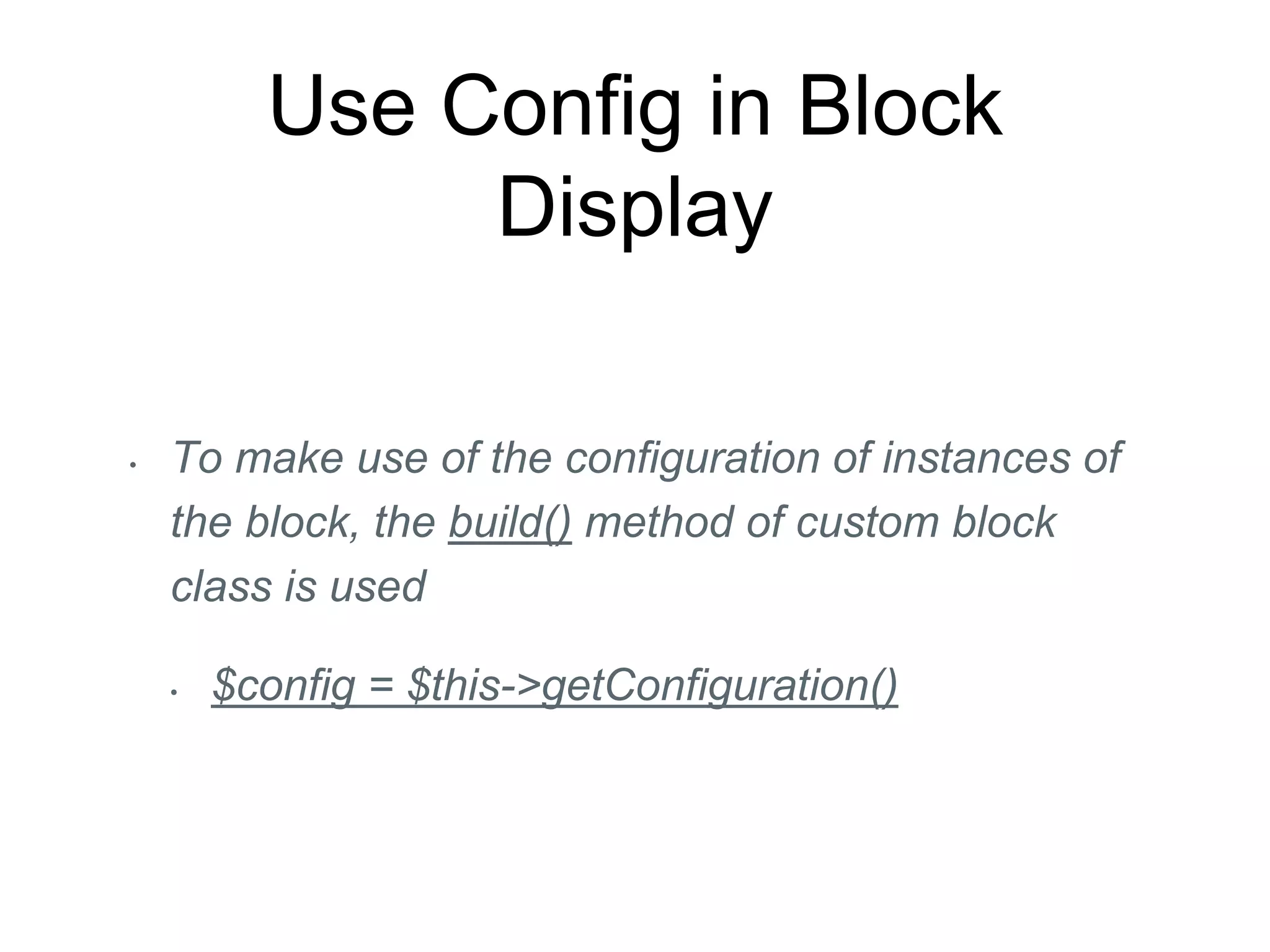
Use Config in Block
Display
• To make use of the configuration of instances of
the block, the build() method of custom block
class is used
• $config = $this->getConfiguration()
Questions?
Thank You!

D8 training

  • 1.
    Writing your firstDrupal 8 module with Router and Block plugin Vinay Abhang (vinay.abhang@iksulaops.com)
  • 2.
    Vinay Abhang •I ama Drupal developer at Iksula Services Pvt Ltd, based in Mumbai, India. •I have 2 years of experience in building websites in Drupal.
  • 3.
    Router • Websites =>Webpages => Paths (Routes) • Routes => Controller (to display content) • Routes => Permission (to restrict access) • Routes => Menu link (to reach the route)
  • 4.
    Naming and placingyour D8 module • Name your module • It must start with an alphabet. • It must contain only lower-case alphabets and underscores. • It must not contain any spaces. • It must be unique. • It may not be any of the reserved terms, for e.g.: src, lib, js, css, templates, vendor, images, files, includes, misc, assets, fixtures, Drupal • Create a folder for your module • /modules • /sites/all/modules
  • 5.
    Let D8 knowabout your module • {module_machine_name}.info.yml file. • Three keys — name, type and core are required in this file. • This file stores the metadata about the module. • name, package, type, core, description • Provides criteria to control module activation and deactivation. • Can specify dependencies (if any) of other contributed modules and Drupal core modules.
  • 6.
    Debugging .info.yml files •Module is not listed on ‘Extend’ page • Ensure the file is named correctly {module_machine_name}.info.yml and is located in module’s root. • Ensure that file has the line: “type: module” • Module is listed but its checkbox is disabled • Ensure that core compatibility is set to “core: 8.x” • Ensure that all module dependencies are available
  • 7.
    Adding a basicController • Within your module folder, you should have the PSR-4 standard folder structure /src/Controller and inside this folder you should have your BasicController.php controller file. • /src/Controller/BasicController.php • Adding the Controller first, is part of a general D8 philosophy of, “Build a tool first, then wire it up” • For wiring it up, we need to add a routing.yml file in our module.
  • 8.
    Add routing file •In module’s root folder, where .info.yml file is located, add a new file with following naming convention: • {module_machine_name}.routing.yml • Required properties in defining a route. • path, defaults and requirements
  • 9.
    Traits • Traits helpyou embed a set of properties and methods in several independent classes that could be living in different hierarchies.
  • 10.
    Defining configuration incustom module • Configurations are defined in a file residing in config/install sub-directory of module • {module_machine_name}.settings.yml • Name of the config file (minus the .yml extension) is called the ‘configuration name’ in the system, using which the configuration can be referred.
  • 11.
    Using configuration incustom module • Simplest way to use is via Drupal::config() static method $config = Drupal::config(‘d8_example.settings'); // Will print ‘Vinay Abhang'. print $config->get(‘d8_example.name’); // Will print 'en'. print $config->get(‘d8_example.langcode’); • Editing and updating the config can be done using Drupal::service(‘config.factory’)- >getEditable() method $config = Drupal::service(‘config.factory')->getEditable('d8_example.settings'); // Set and save new message value. $config->set(‘d8_example.name’, 'Vinay')->save();
  • 12.
    Add a menulink • Menu links are used to reach to the routes defined in the routing file. • These links are defined in the file residing in the module’s root folder with following naming convention: • {module_machine_name}.links.menu.yml
  • 13.
    Creating menu tabs •This is similar to the concept of D7’s ‘MENU_LOCAL_TASK’ menu type in hook_menu. • In D8, we need to create a file with following naming convention: • {module_machine_name}.links.task.yml • It is advised to name the plugin ID same as the route name.
  • 14.
    Block Plugin • InD8, blocks are instances of the Block Plugin • Drupal’s block manager scans all the modules for any classes that contain a @Block Annotation • @Block Annotation has properties • id : machine name for the block • admin_label : block name to be listed on the administrative block configuration page • The block file resides in the src/Plugin/Block folder structure in your module • To add a block, go to Structure > Block Layout and click on ‘Place Block’ button associated with each available region.
  • 15.
    Add a formto Block Configuration • Provides an ability to enter a piece of configuration for each instance of custom block • This makes the configuration exportable using Configuration Management • The form is first defined in the blockForm() method with a reference to its parent class using • $form = parent::blockForm($form, $form_state)
  • 16.
    Process the BlockConfig Form • Adding following method means that the form will process and the input to the form will be saved in the configuration for that instance of the block. /** * {@inheritdoc} */ public function blockSubmit($form, FormStateInterface $form_state) { $this->configuration['hello_name'] = $form_state->getValue('example_block_name'); }
  • 17.
    Use Config inBlock Display • To make use of the configuration of instances of the block, the build() method of custom block class is used • $config = $this->getConfiguration()
  • 18.
  • 19.