Bill Tyler
Sr. Digital Accessibility Engineer
Optum Technology, A11y Center of Excellence
CSUN 2018 March 23, 2017
Benefits of Analyzing &
Extending WCAG 2.0

Beyond Three Digits
Experience
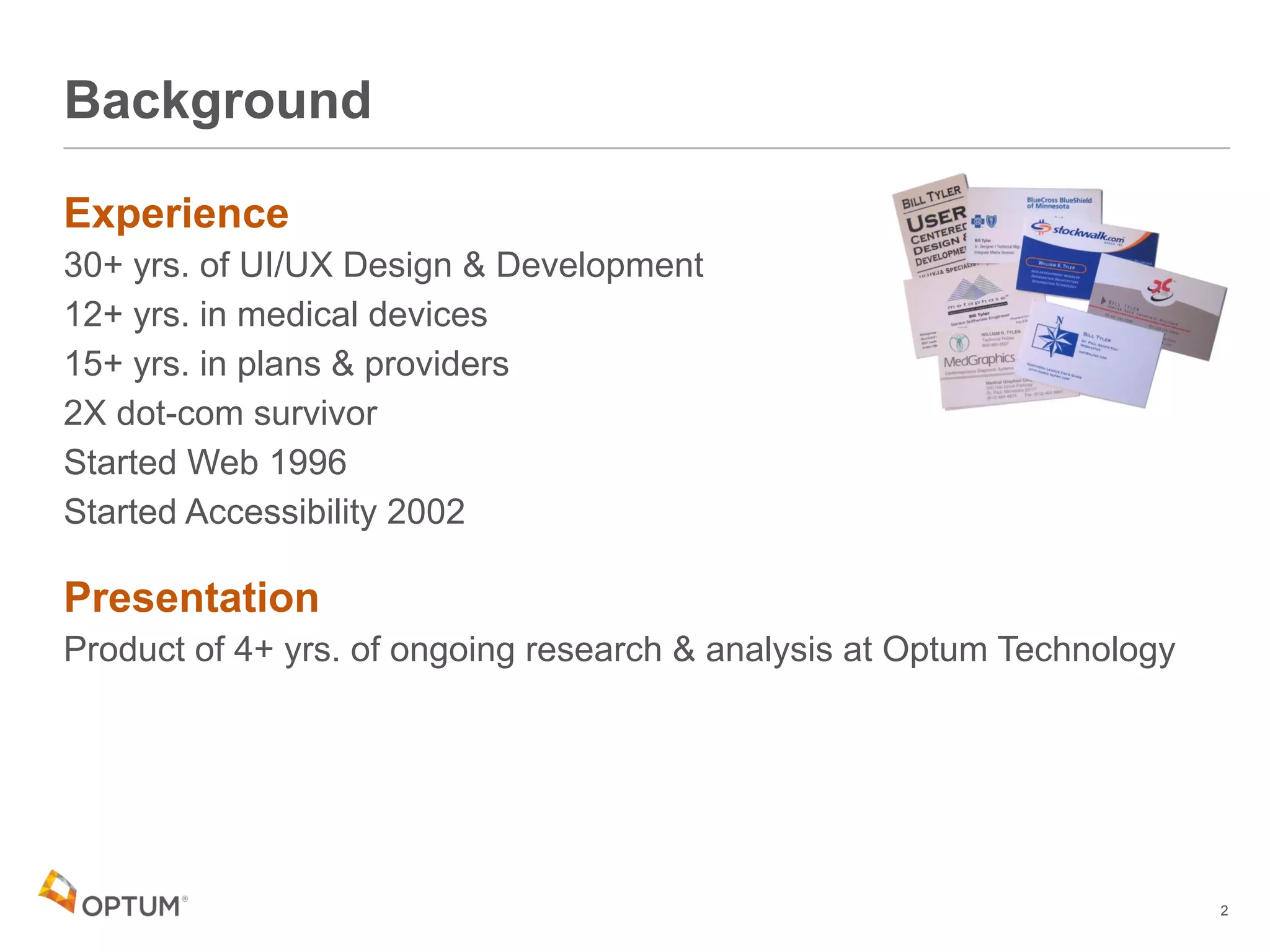
30+ yrs. of UI/UX Design & Development
12+ yrs. in medical devices
15+ yrs. in plans & providers
2X dot-com survivor
Started Web 1996
Started Accessibility 2002
Presentation
Product of 4+ yrs. of ongoing research & analysis at Optum Technology
Background
2
Agenda
What’s up with WCAG 2.0 Success Criteria?
Analysis
• Define Sub-Cases
• Map Relationships
– Discover “Meta-Rules?”
• Extend Indexing to Track Sub-Cases
Rules & Benefits
Also WCAG 2.1 Implications
What’s Up with
WCAG 2.0
Success
Criteria?
SC3.1.1 Language of Page
SC1.1.1 Non-Text Content
A Tale of

Two Crits
5
SC3.1.1 Language of Page
Single sentence of just 12 words:
“The default human language of each Web page can be programmatically determined.”
1 Example
4 Sufficient Techniques
• 1 – HTML (H57)
– addressable by adding 10 characters to the <html> tag: [space]lang=”en”
• 1 – Flash (FLASH13)
• 2 – PDF (PDF16, PDF19)
2 Advisory bullet points
“No Failures”
SC1.1.1 Non-Text Content
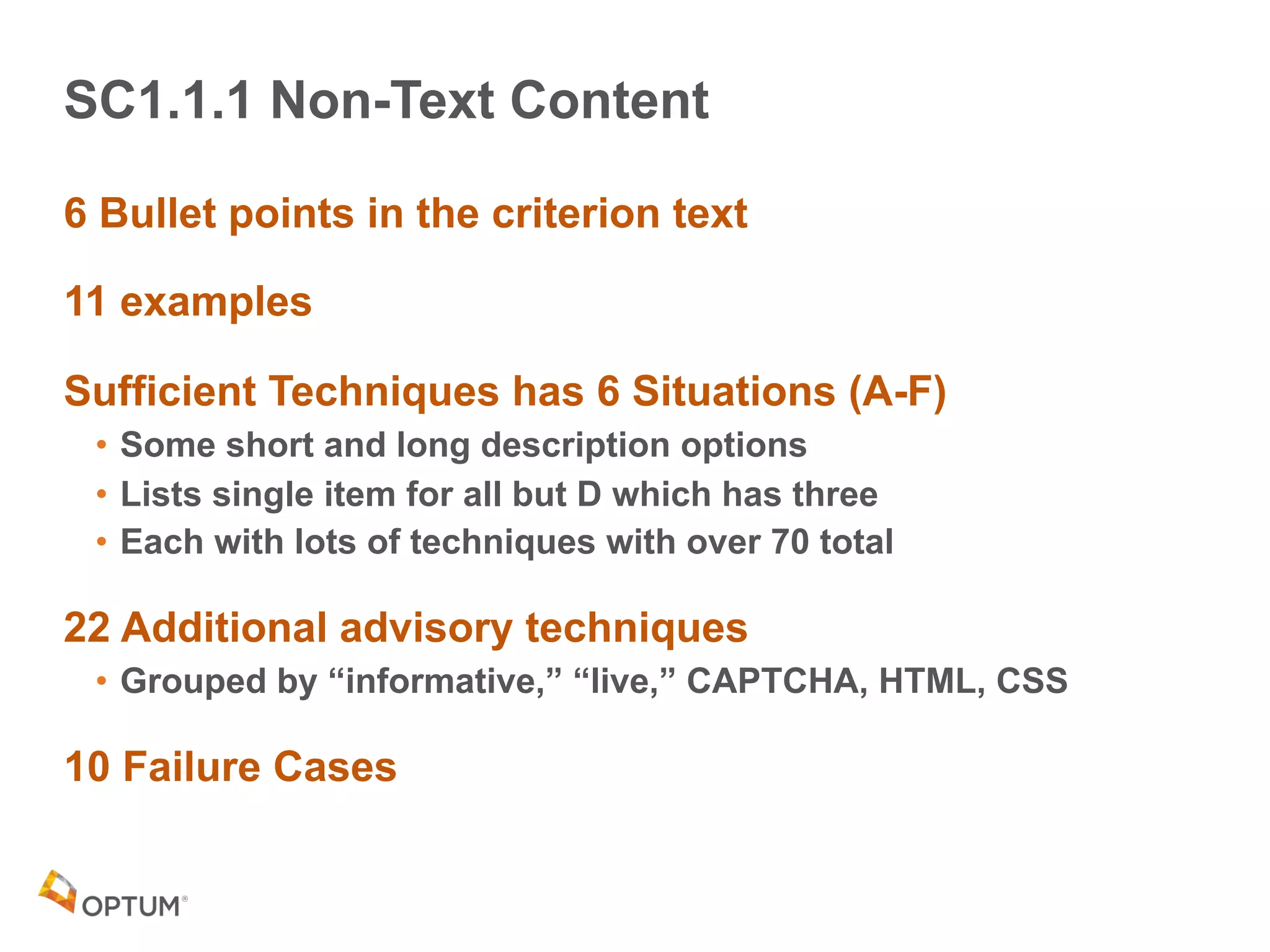
6 Bullet points in the criterion text
11 examples
Sufficient Techniques has 6 Situations (A-F)
• Some short and long description options
• Lists single item for all but D which has three
• Each with lots of techniques with over 70 total
22 Additional advisory techniques
• Grouped by “informative,” “live,” CAPTCHA, HTML, CSS
10 Failure Cases
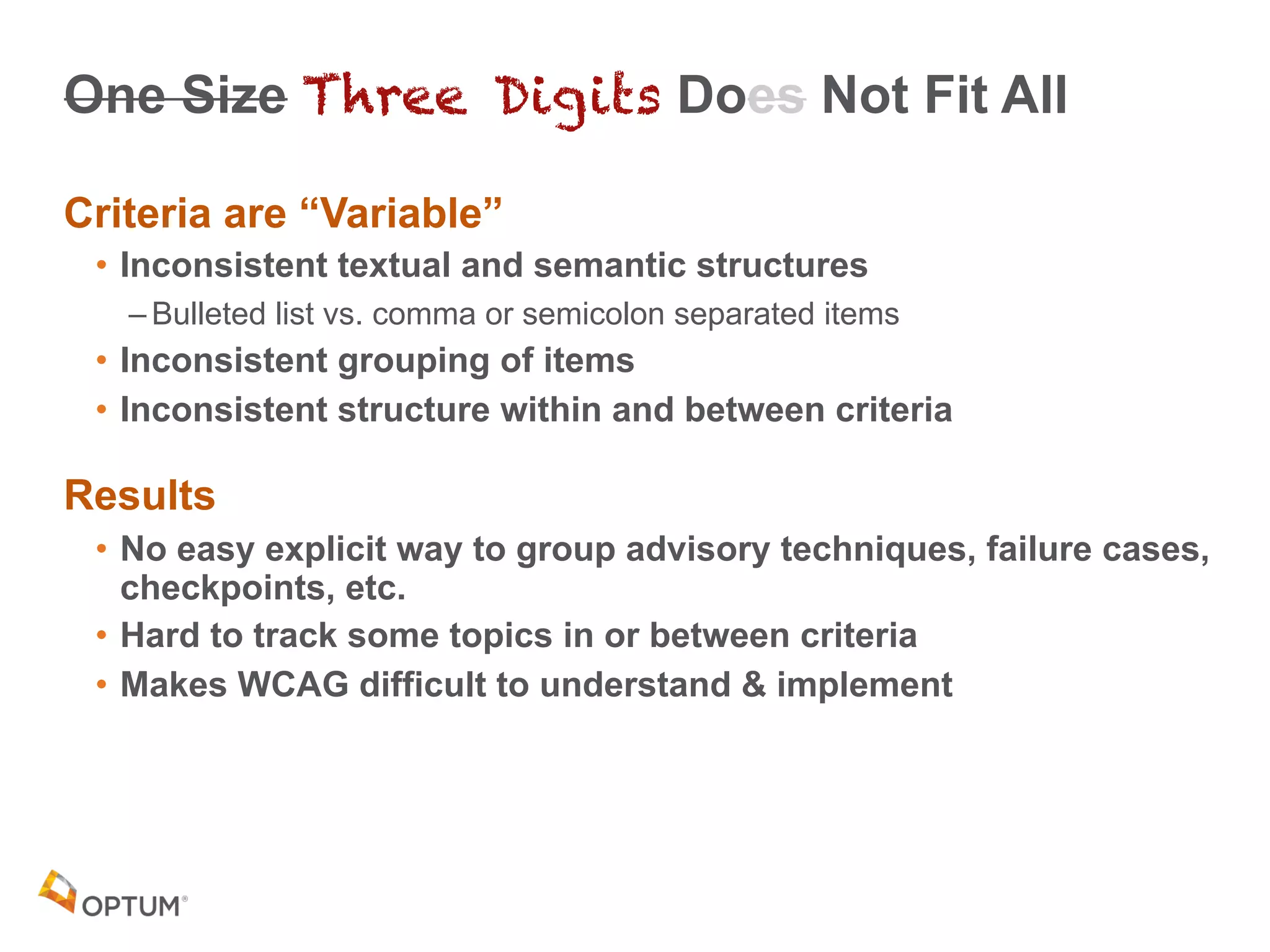
One Size Three Digits Does Not Fit All
Criteria are “Variable”
• Inconsistent textual and semantic structures
– Bulleted list vs. comma or semicolon separated items
• Inconsistent grouping of items
• Inconsistent structure within and between criteria
Results
• No easy explicit way to group advisory techniques, failure cases,
checkpoints, etc.
• Hard to track some topics in or between criteria
• Makes WCAG difficult to understand & implement
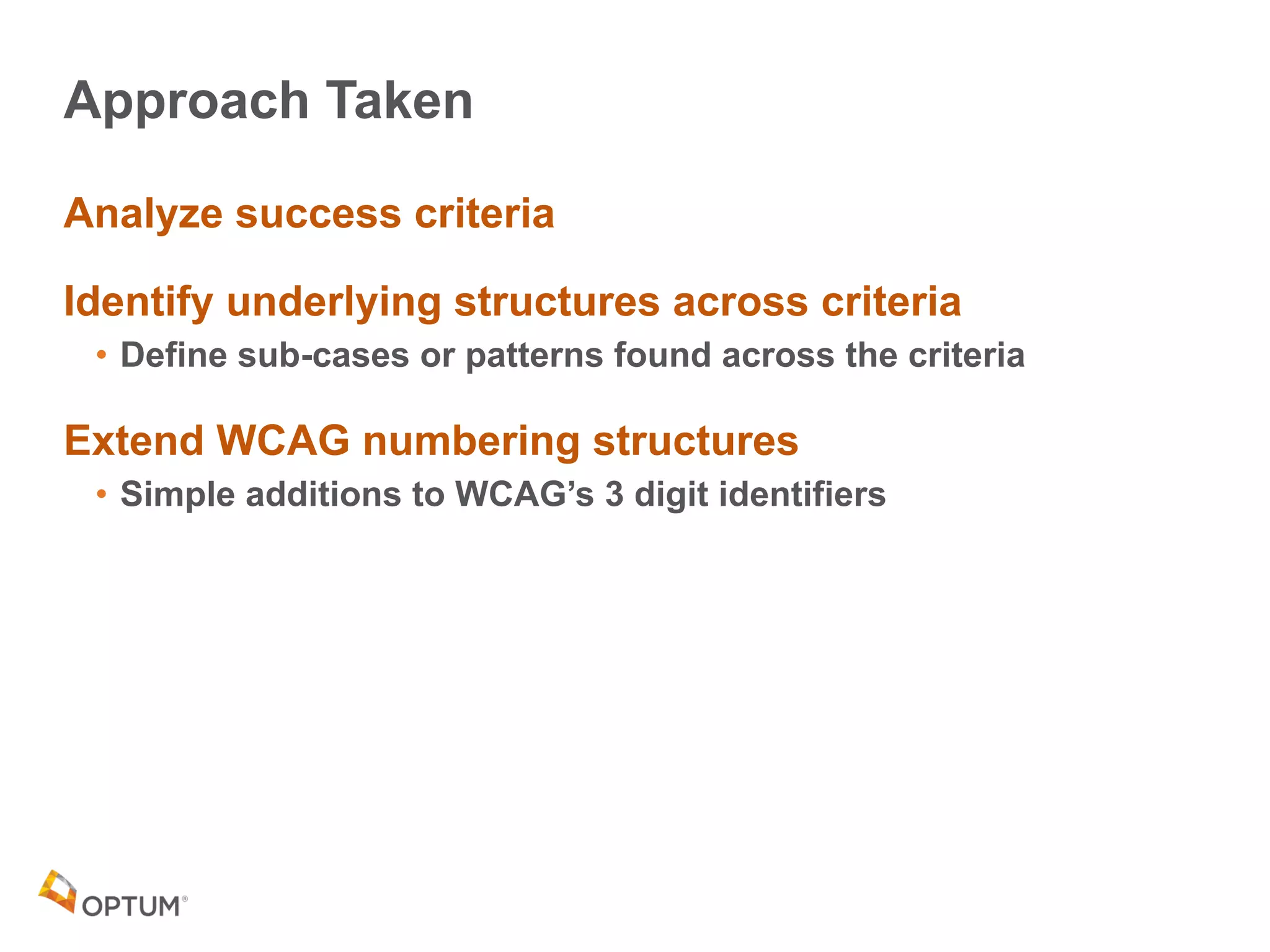
Approach Taken
Analyze success criteria
Identify underlying structures across criteria
• Define sub-cases or patterns found across the criteria
Extend WCAG numbering structures
• Simple additions to WCAG’s 3 digit identifiers
WCAG 2.0
Analysis
Results
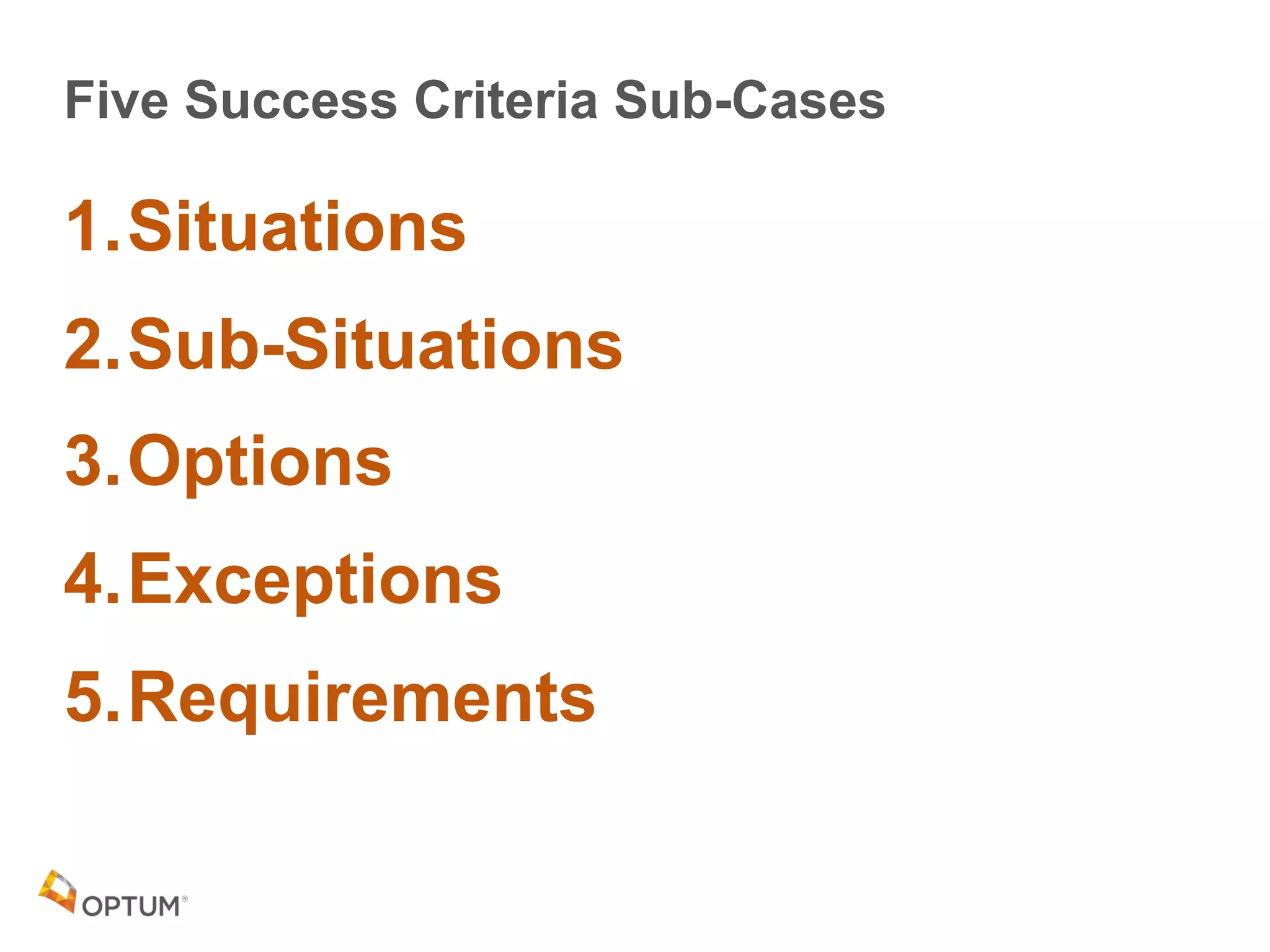
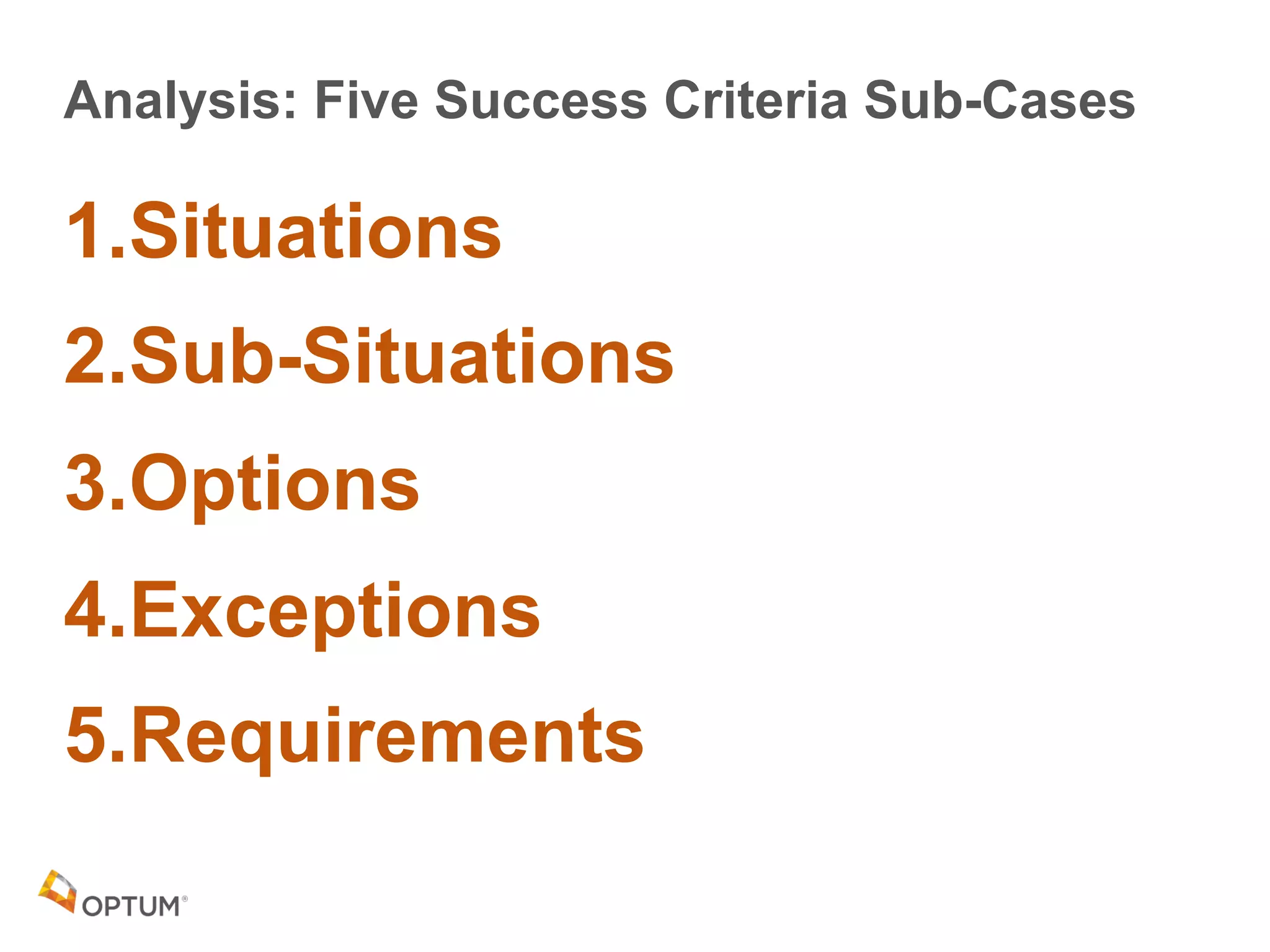
Five Success Criteria Sub-Cases
1.Situations
2.Sub-Situations
3.Options
4.Exceptions
5.Requirements
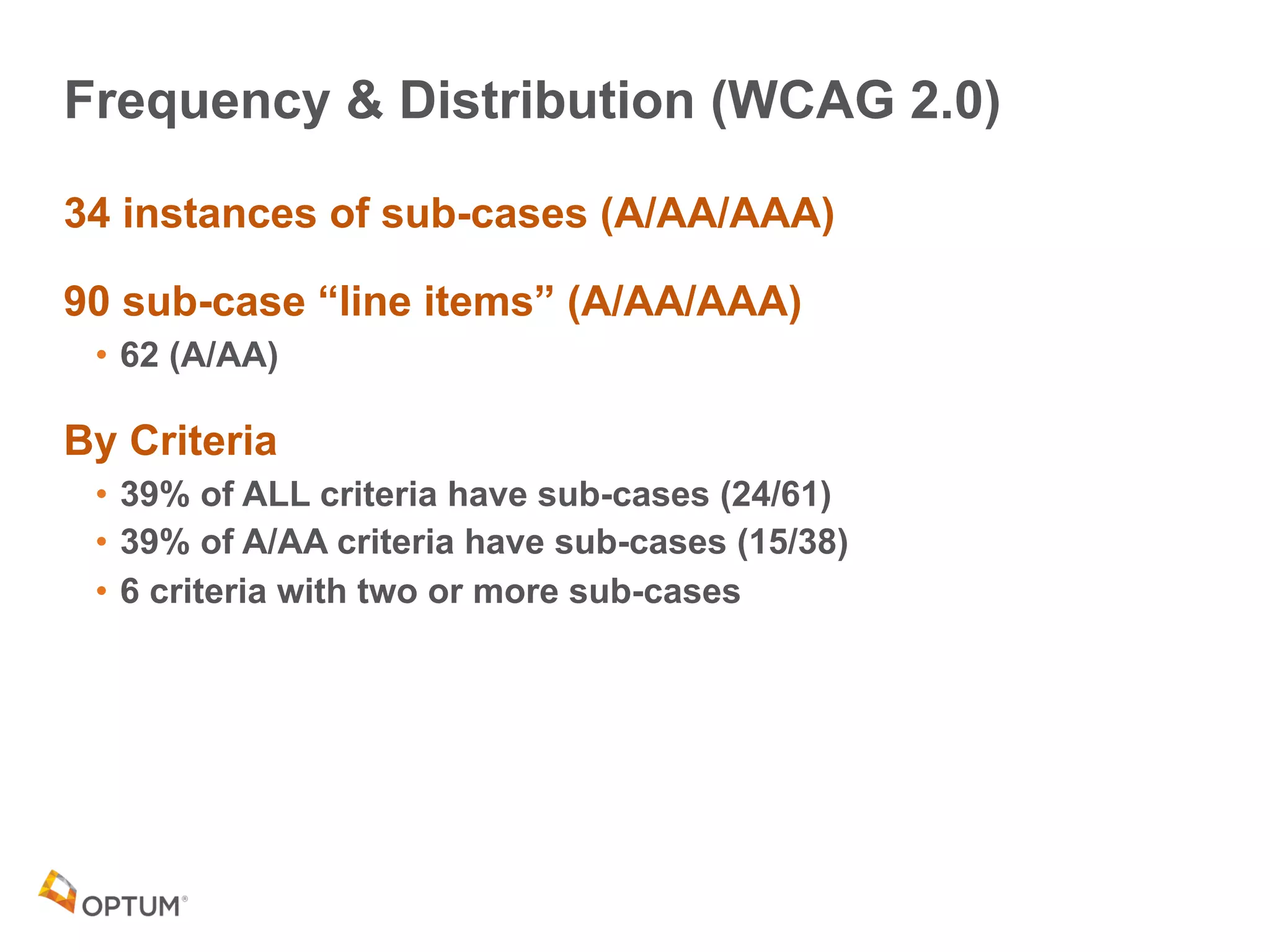
Frequency & Distribution (WCAG 2.0)
34 instances of sub-cases (A/AA/AAA)
90 sub-case “line items” (A/AA/AAA)
• 62 (A/AA)
By Criteria
• 39% of ALL criteria have sub-cases (24/61)
• 39% of A/AA criteria have sub-cases (15/38)
• 6 criteria with two or more sub-cases
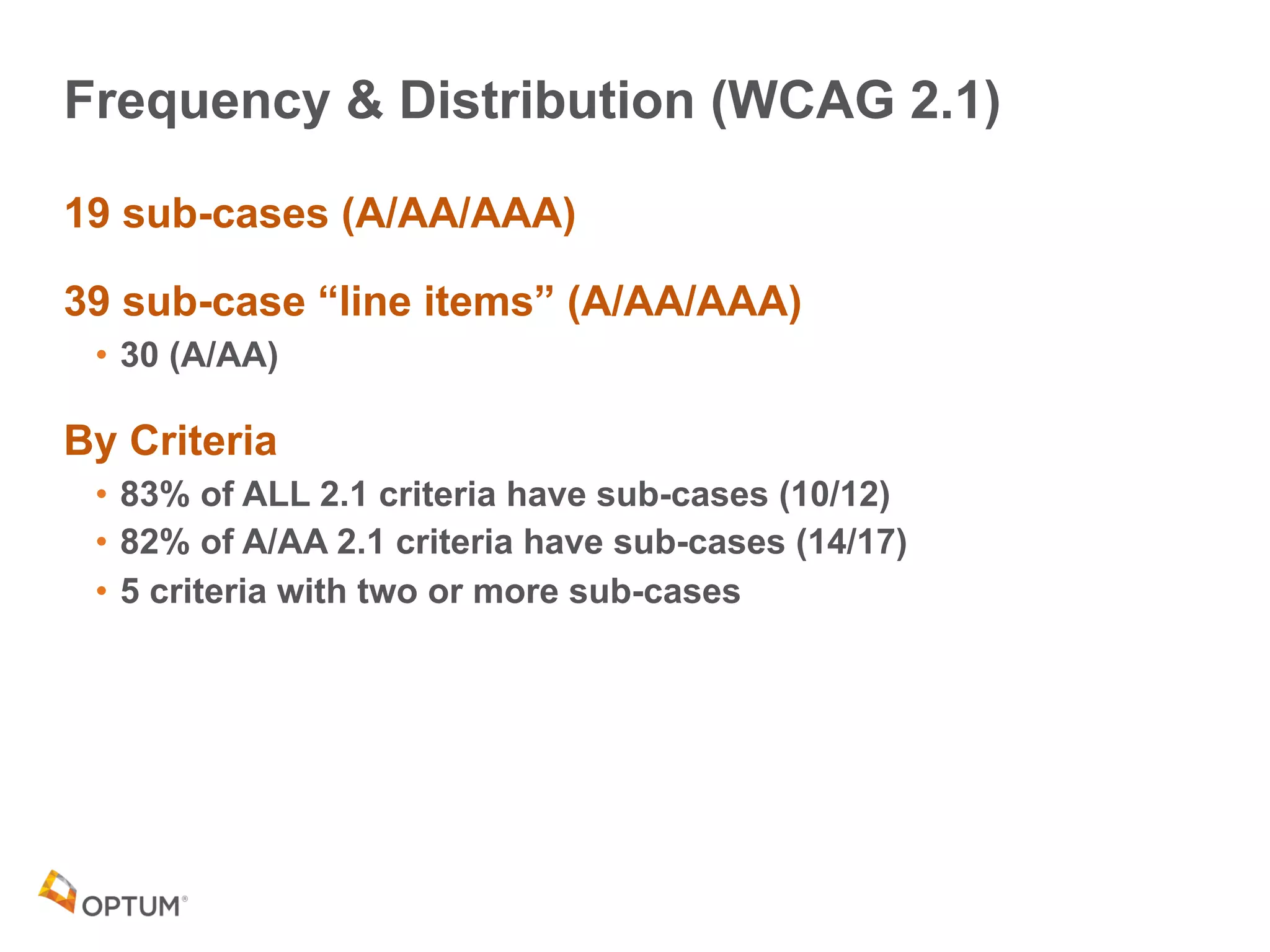
Frequency & Distribution (WCAG 2.1)
19 sub-cases (A/AA/AAA)
39 sub-case “line items” (A/AA/AAA)
• 30 (A/AA)
By Criteria
• 83% of ALL 2.1 criteria have sub-cases (10/12)
• 82% of A/AA 2.1 criteria have sub-cases (14/17)
• 5 criteria with two or more sub-cases
Sub-Cases
Definitions
Situations &
Sub-Situations
15
What is a “Situation?”
• A typical case of web content for a success criterion
• Defined in the sufficient techniques section by the WCAG authors
Situations
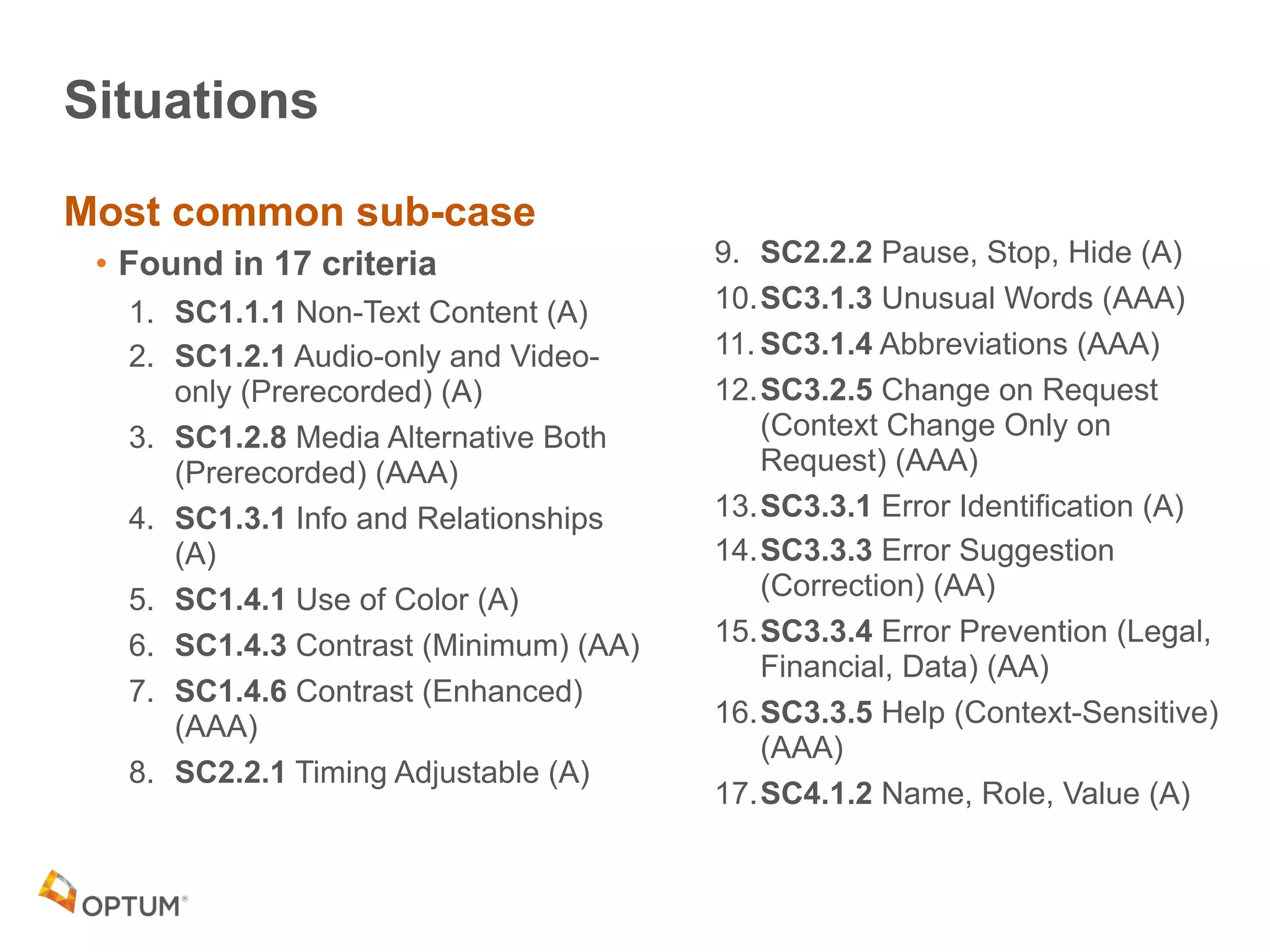
Most common sub-case
• Found in 17 criteria
1. SC1.1.1 Non-Text Content (A)
2. SC1.2.1 Audio-only and Video-
only (Prerecorded) (A)
3. SC1.2.8 Media Alternative Both
(Prerecorded) (AAA)
4. SC1.3.1 Info and Relationships
(A)
5. SC1.4.1 Use of Color (A)
6. SC1.4.3 Contrast (Minimum) (AA)
7. SC1.4.6 Contrast (Enhanced)
(AAA)
8. SC2.2.1 Timing Adjustable (A)
9. SC2.2.2 Pause, Stop, Hide (A)
10.SC3.1.3 Unusual Words (AAA)
11. SC3.1.4 Abbreviations (AAA)
12.SC3.2.5 Change on Request
(Context Change Only on
Request) (AAA)
13.SC3.3.1 Error Identification (A)
14.SC3.3.3 Error Suggestion
(Correction) (AA)
15.SC3.3.4 Error Prevention (Legal,
Financial, Data) (AA)
16.SC3.3.5 Help (Context-Sensitive)
(AAA)
17.SC4.1.2 Name, Role, Value (A)
How to Recognize Situations
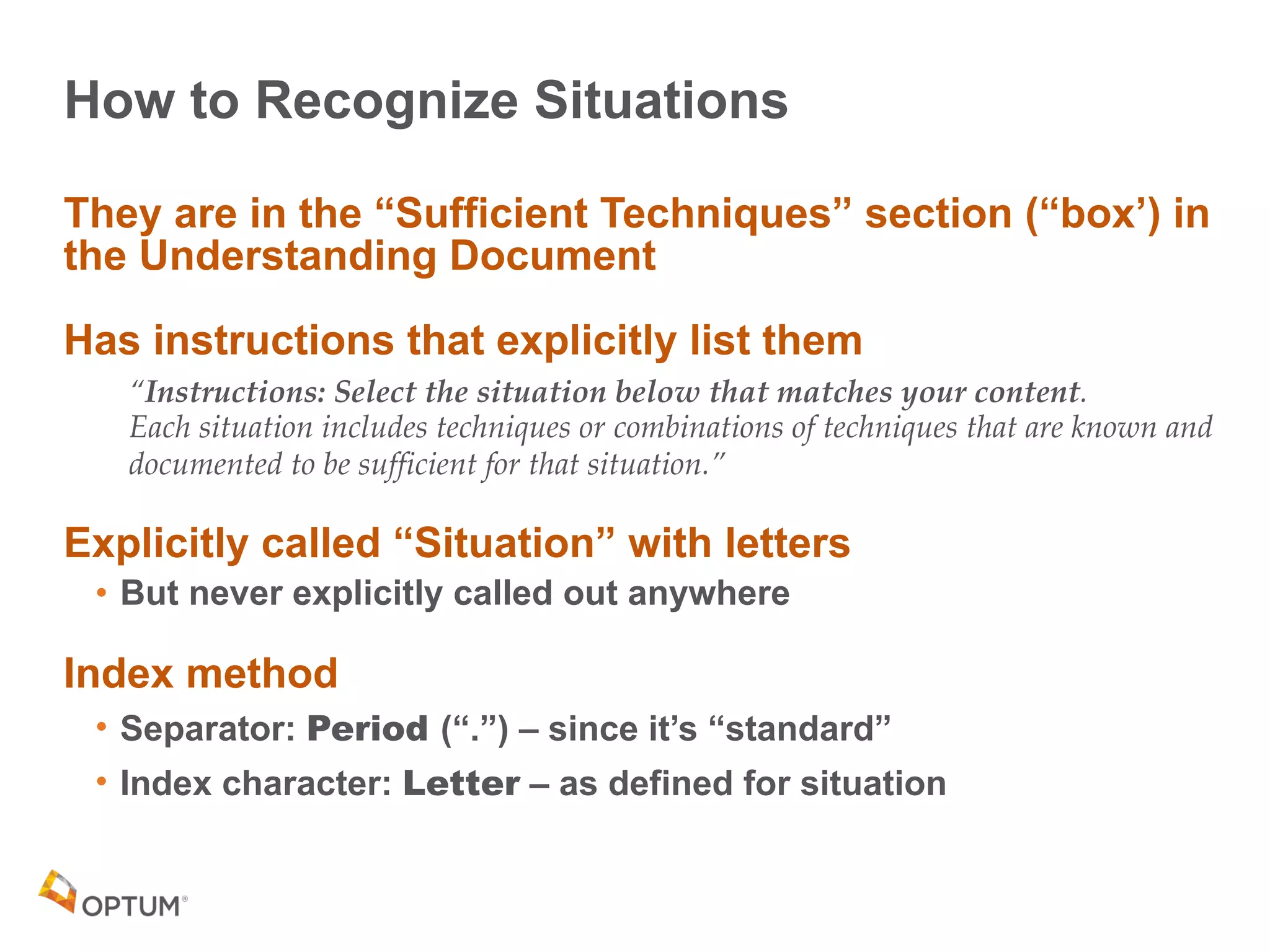
They are in the “Sufficient Techniques” section (“box’) in
the Understanding Document
Has instructions that explicitly list them
“Instructions: Select the situation below that matches your content.

Each situation includes techniques or combinations of techniques that are known and
documented to be sufficient for that situation.”
Explicitly called “Situation” with letters
• But never explicitly called out anywhere
Index method
• Separator: Period (“.”) – since it’s “standard”
• Index character: Letter – as defined for situation
Sub-Situations
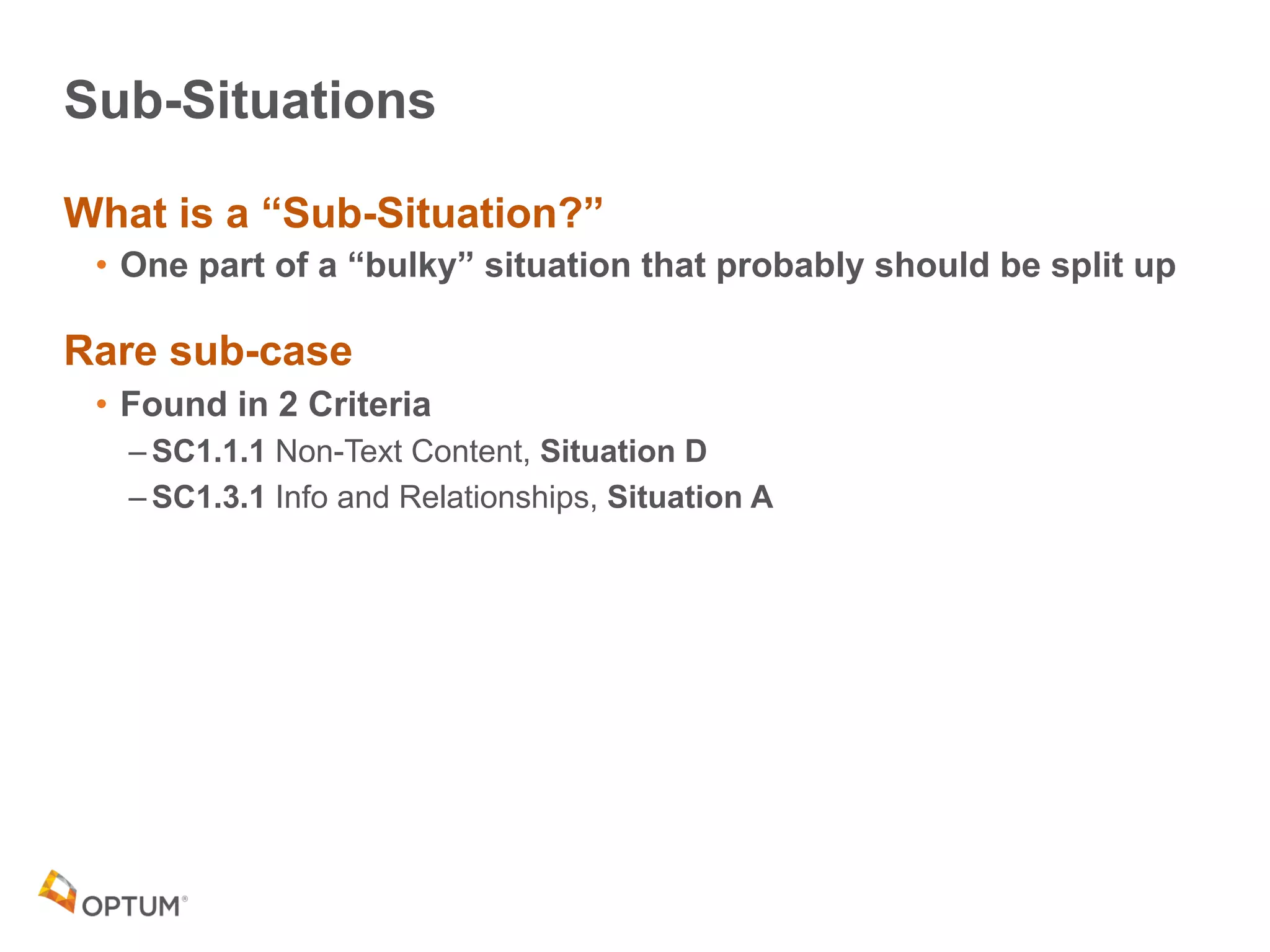
What is a “Sub-Situation?”
• One part of a “bulky” situation that probably should be split up
Rare sub-case
• Found in 2 Criteria
– SC1.1.1 Non-Text Content, Situation D
– SC1.3.1 Info and Relationships, Situation A
How to Recognize Sub-Situations
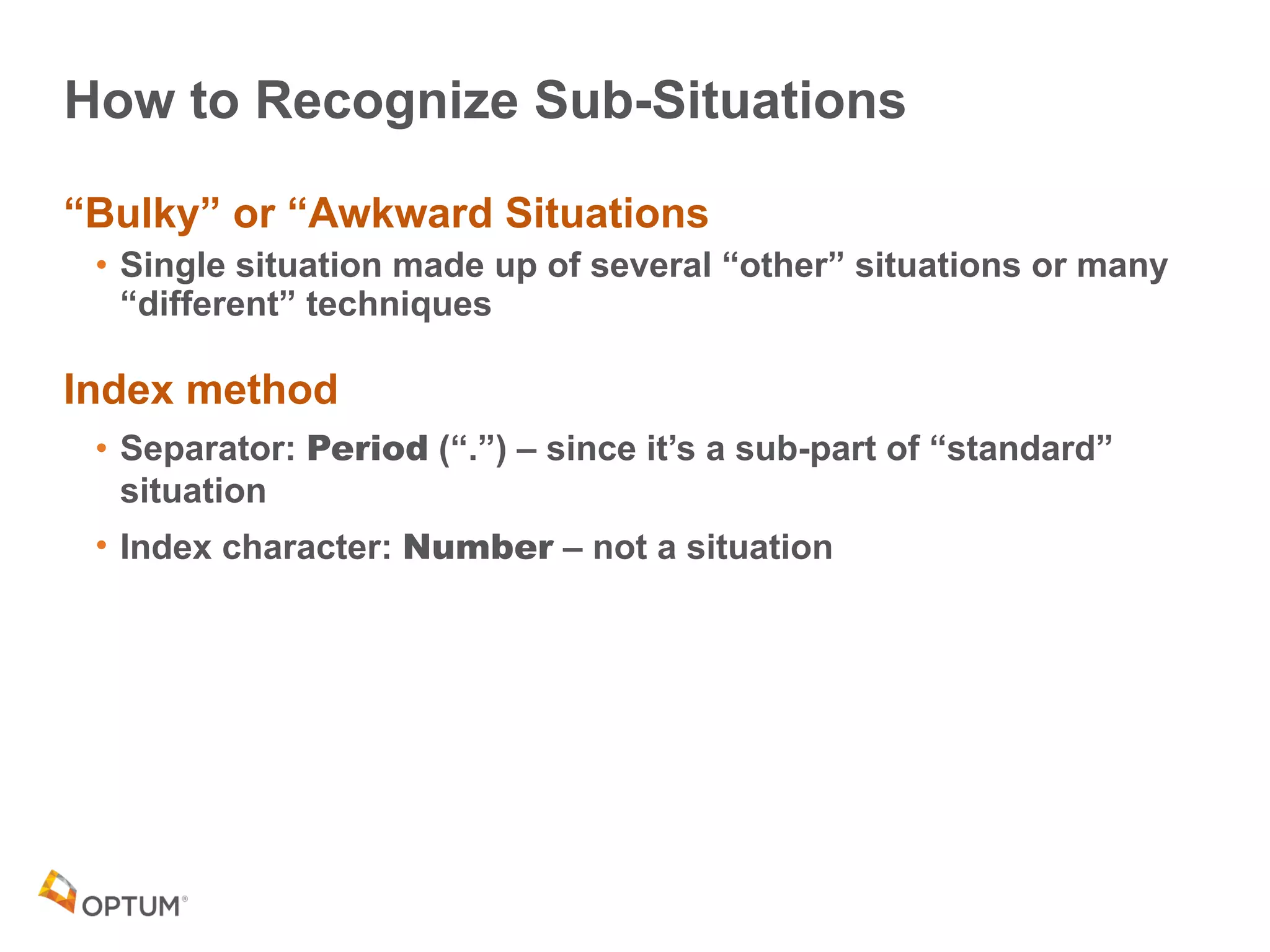
“Bulky” or “Awkward Situations
• Single situation made up of several “other” situations or many
“different” techniques
Index method
• Separator: Period (“.”) – since it’s a sub-part of “standard”
situation
• Index character: Number – not a situation
Situation: SC1.1.1 Non-Text Content
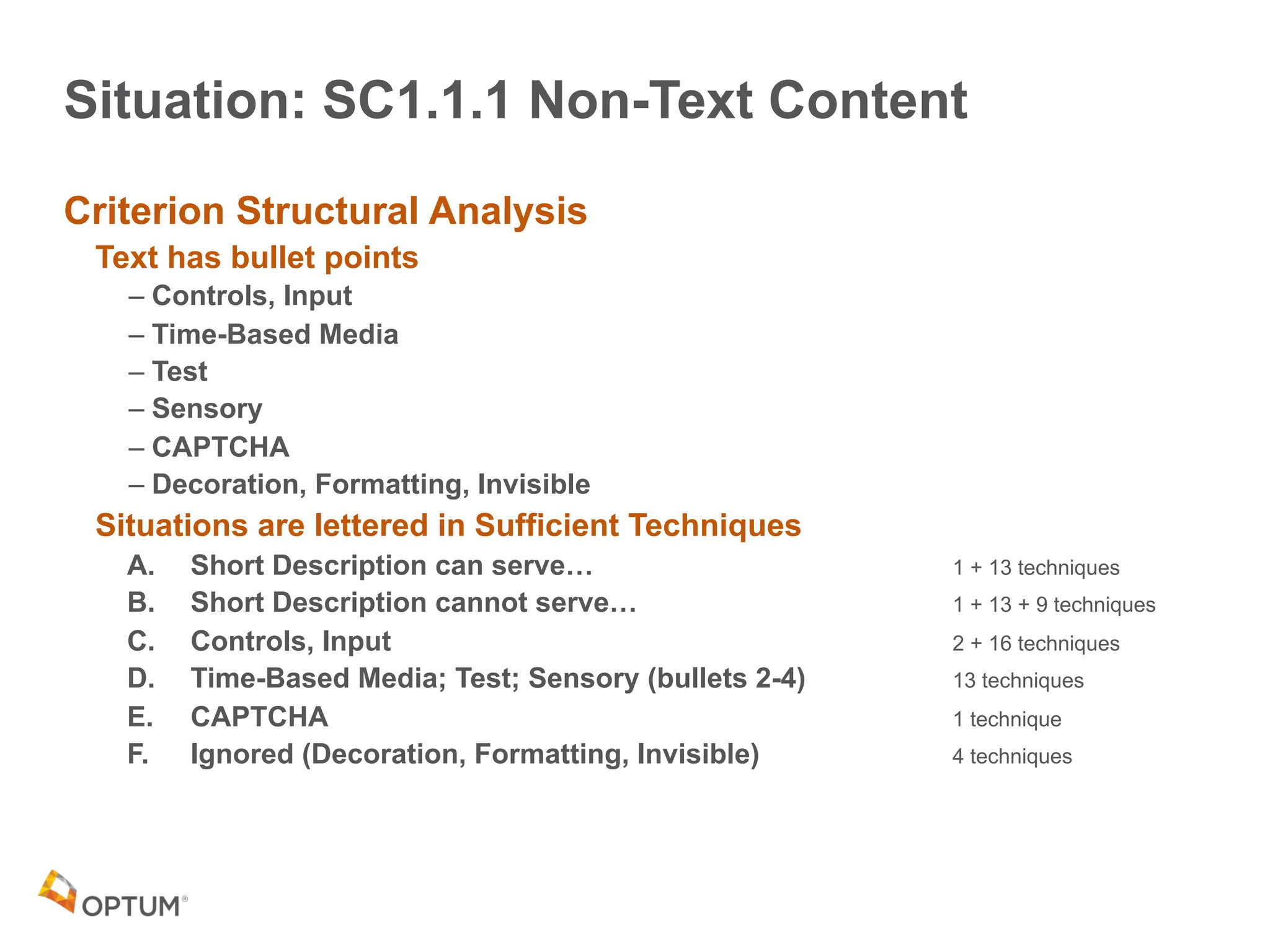
Criterion Structural Analysis
Text has bullet points
– Controls, Input
– Time-Based Media
– Test
– Sensory
– CAPTCHA
– Decoration, Formatting, Invisible
Situations are lettered in Sufficient Techniques
A. Short Description can serve… 1 + 13 techniques
B. Short Description cannot serve… 1 + 13 + 9 techniques
C. Controls, Input 2 + 16 techniques
D. Time-Based Media; Test; Sensory (bullets 2-4) 13 techniques
E. CAPTCHA 1 technique
F. Ignored (Decoration, Formatting, Invisible) 4 techniques
Sub-Situation: SC1.1.1 Non-Text Content, Situation D
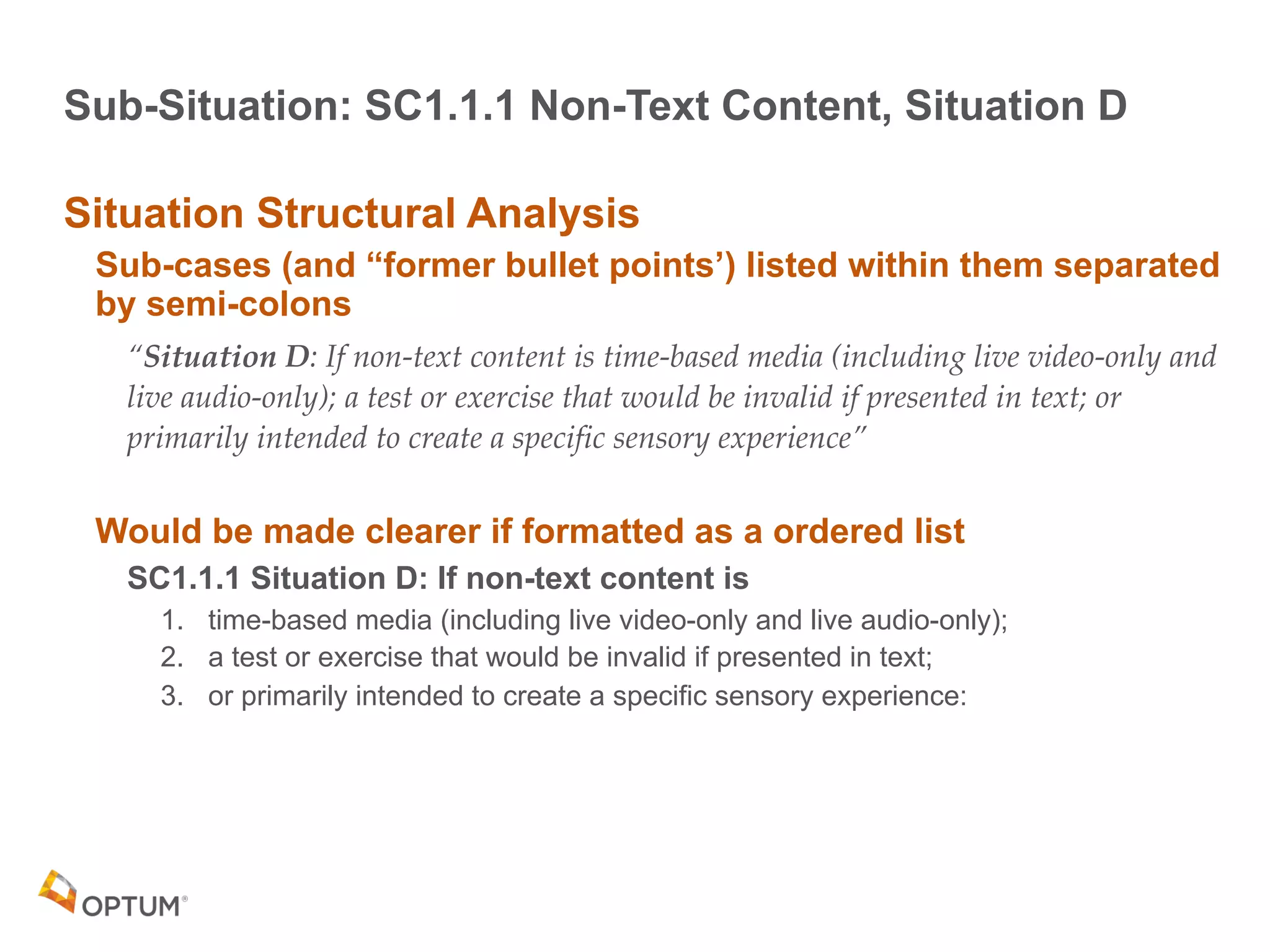
Situation Structural Analysis
Sub-cases (and “former bullet points’) listed within them separated
by semi-colons
“Situation D: If non-text content is time-based media (including live video-only and
live audio-only); a test or exercise that would be invalid if presented in text; or
primarily intended to create a specific sensory experience”
Would be made clearer if formatted as a ordered list
SC1.1.1 Situation D: If non-text content is
1. time-based media (including live video-only and live audio-only);
2. a test or exercise that would be invalid if presented in text;
3. or primarily intended to create a specific sensory experience:
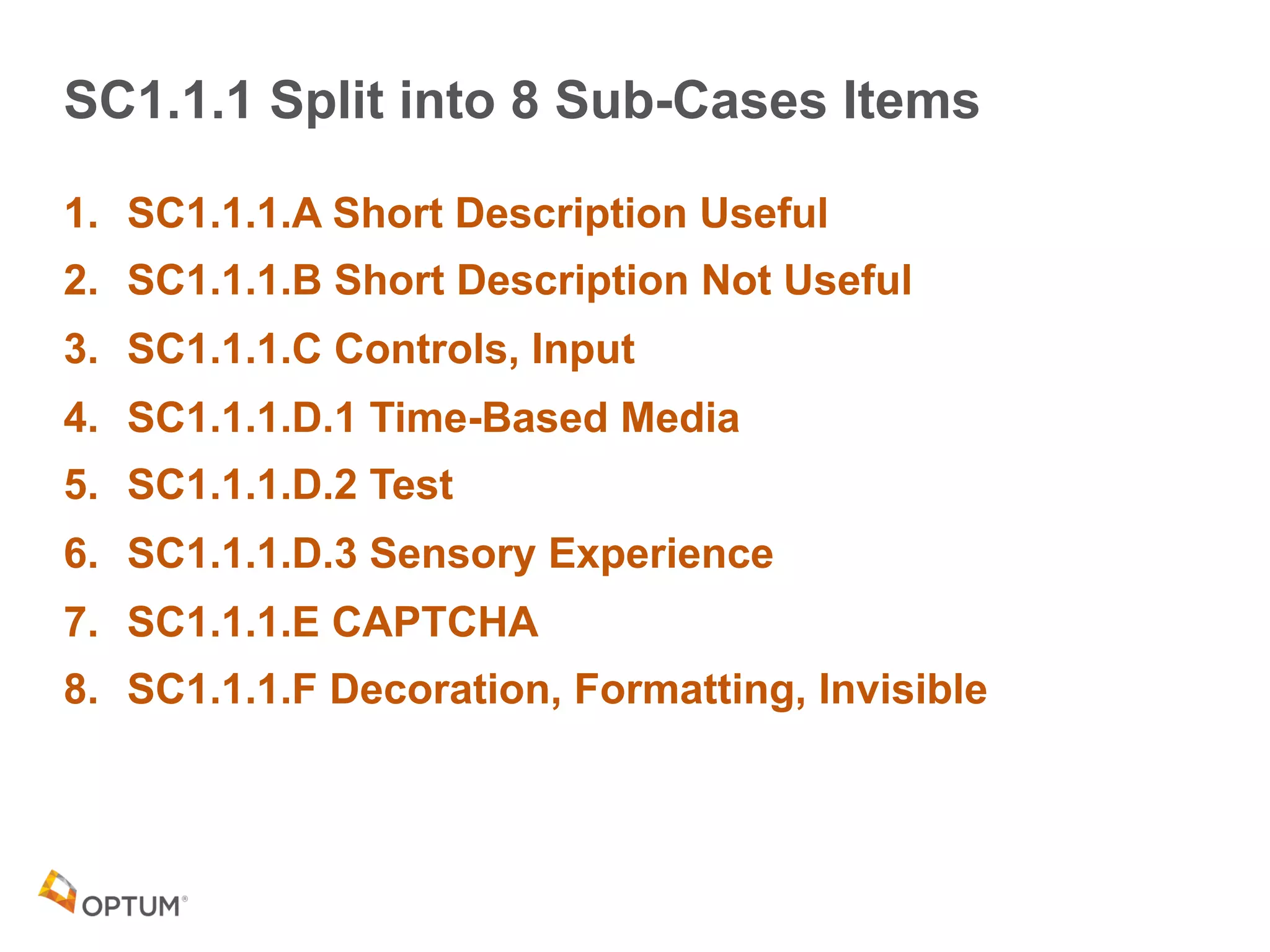
SC1.1.1 Split into 8 Sub-Cases Items
1. SC1.1.1.A Short Description Useful
2. SC1.1.1.B Short Description Not Useful
3. SC1.1.1.C Controls, Input
4. SC1.1.1.D.1 Time-Based Media
5. SC1.1.1.D.2 Test
6. SC1.1.1.D.3 Sensory Experience
7. SC1.1.1.E CAPTCHA
8. SC1.1.1.F Decoration, Formatting, Invisible
Sub-Situation: SC1.3.1 Info and Relationships
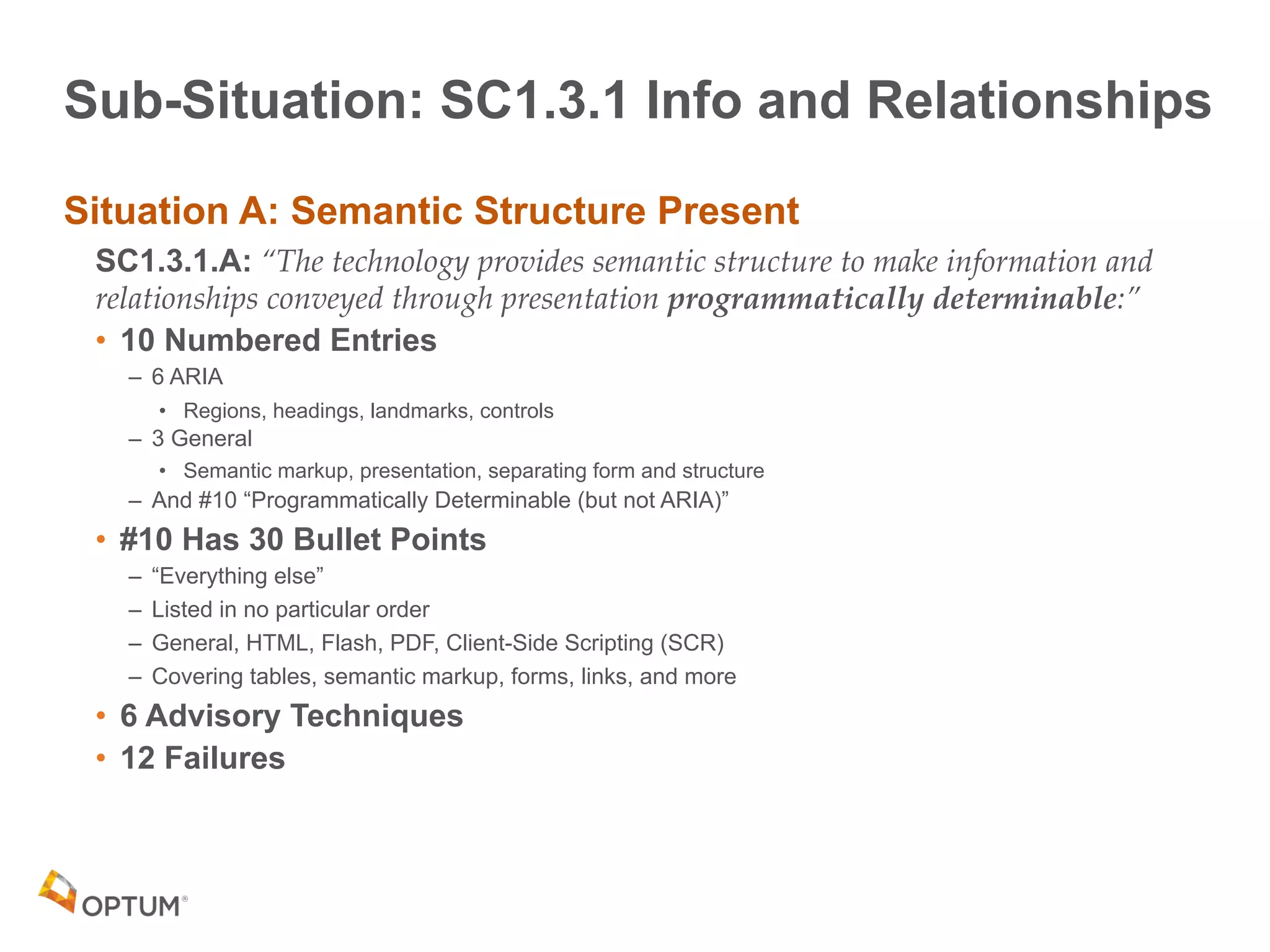
Situation A: Semantic Structure Present
SC1.3.1.A: “The technology provides semantic structure to make information and
relationships conveyed through presentation programmatically determinable:”
• 10 Numbered Entries
– 6 ARIA
• Regions, headings, landmarks, controls
– 3 General
• Semantic markup, presentation, separating form and structure
– And #10 “Programmatically Determinable (but not ARIA)”
• #10 Has 30 Bullet Points
– “Everything else”
– Listed in no particular order
– General, HTML, Flash, PDF, Client-Side Scripting (SCR)
– Covering tables, semantic markup, forms, links, and more
• 6 Advisory Techniques
• 12 Failures
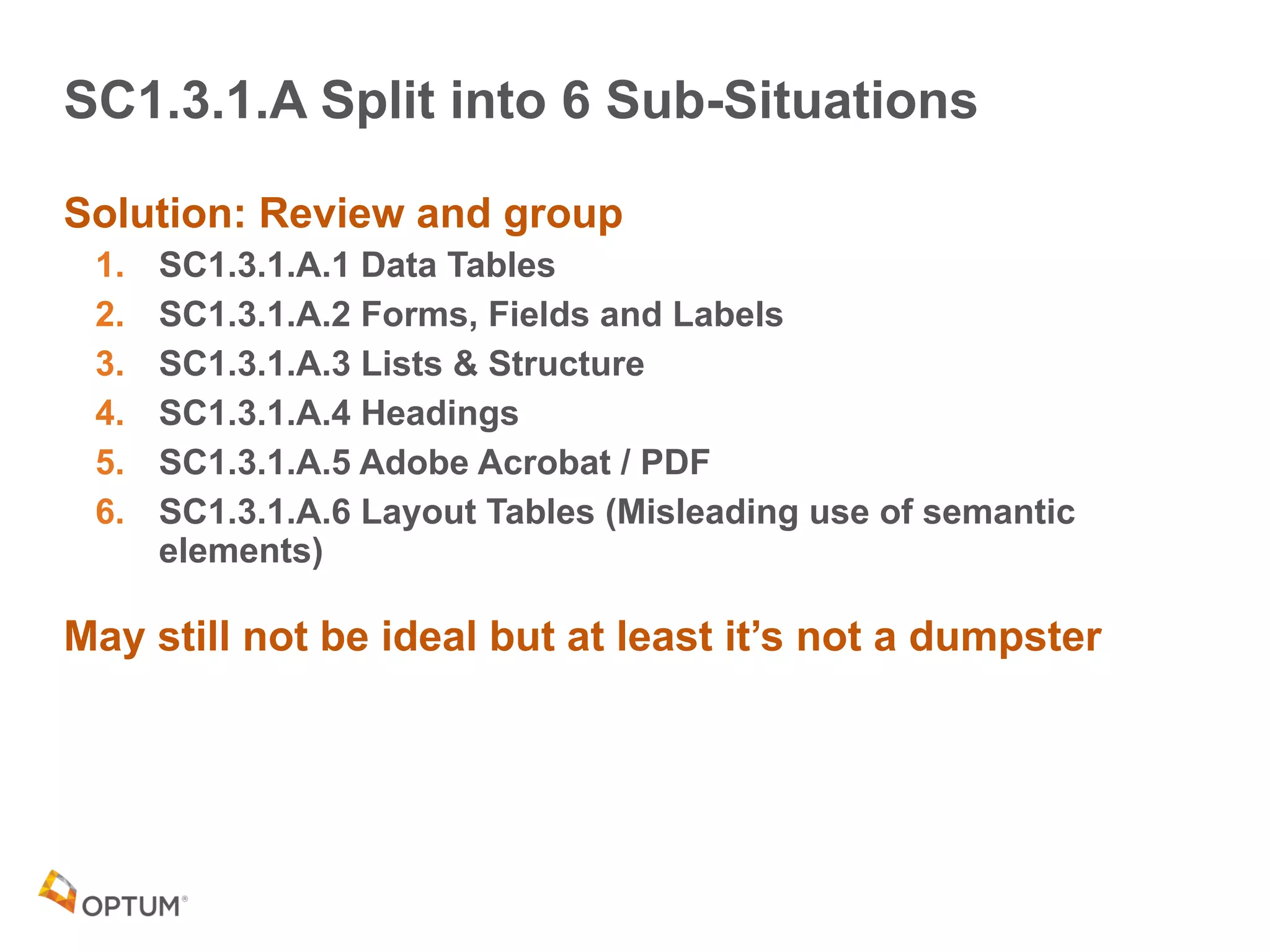
SC1.3.1.A Split into 6 Sub-Situations
Solution: Review and group
1. SC1.3.1.A.1 Data Tables
2. SC1.3.1.A.2 Forms, Fields and Labels
3. SC1.3.1.A.3 Lists & Structure
4. SC1.3.1.A.4 Headings
5. SC1.3.1.A.5 Adobe Acrobat / PDF
6. SC1.3.1.A.6 Layout Tables (Misleading use of semantic
elements)
May still not be ideal but at least it’s not a dumpster
Options &
Exceptions
26
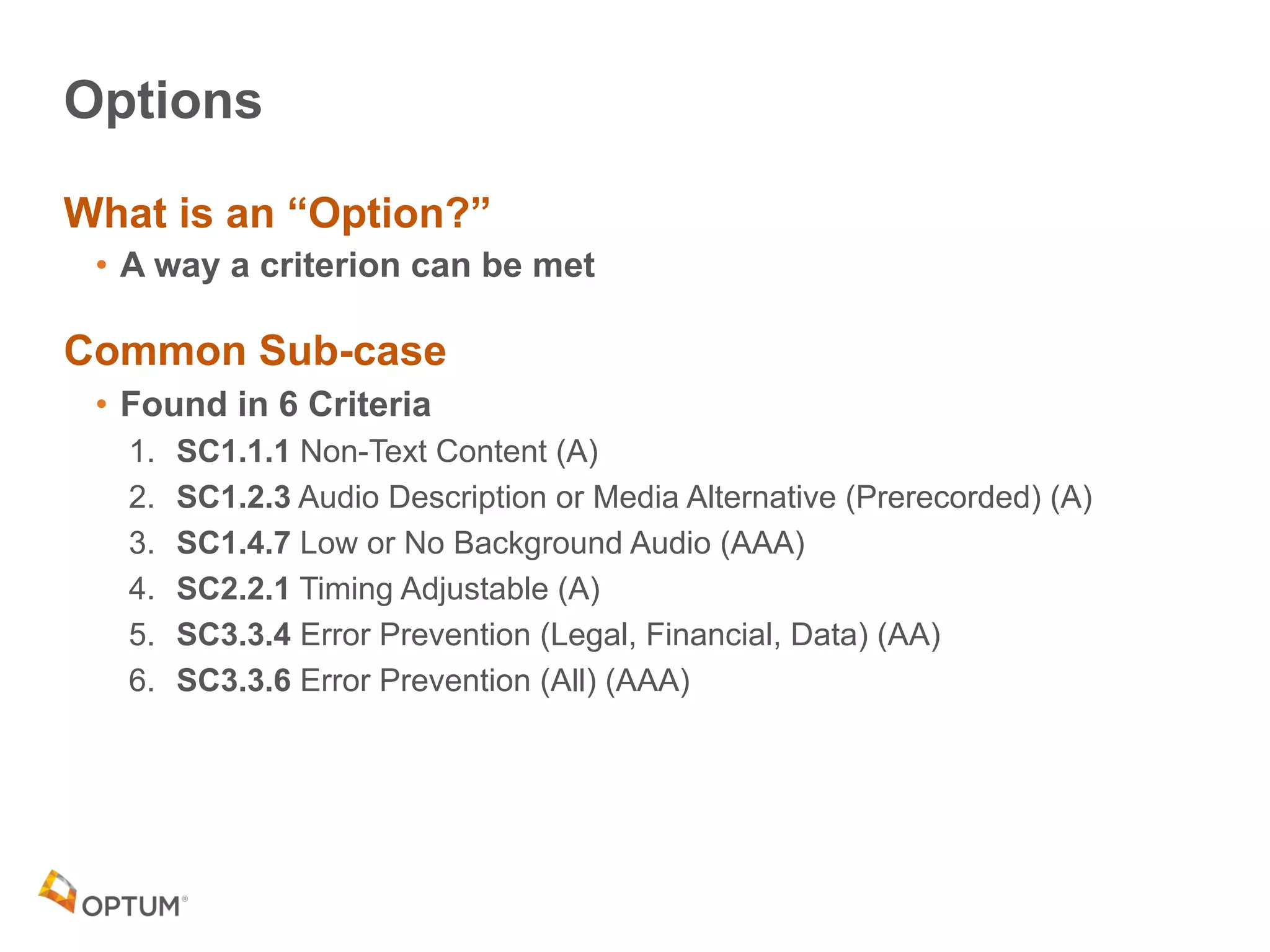
Options
What is an “Option?”
• A way a criterion can be met
Common Sub-case
• Found in 6 Criteria
1. SC1.1.1 Non-Text Content (A)
2. SC1.2.3 Audio Description or Media Alternative (Prerecorded) (A)
3. SC1.4.7 Low or No Background Audio (AAA)
4. SC2.2.1 Timing Adjustable (A)
5. SC3.3.4 Error Prevention (Legal, Financial, Data) (AA)
6. SC3.3.6 Error Prevention (All) (AAA)
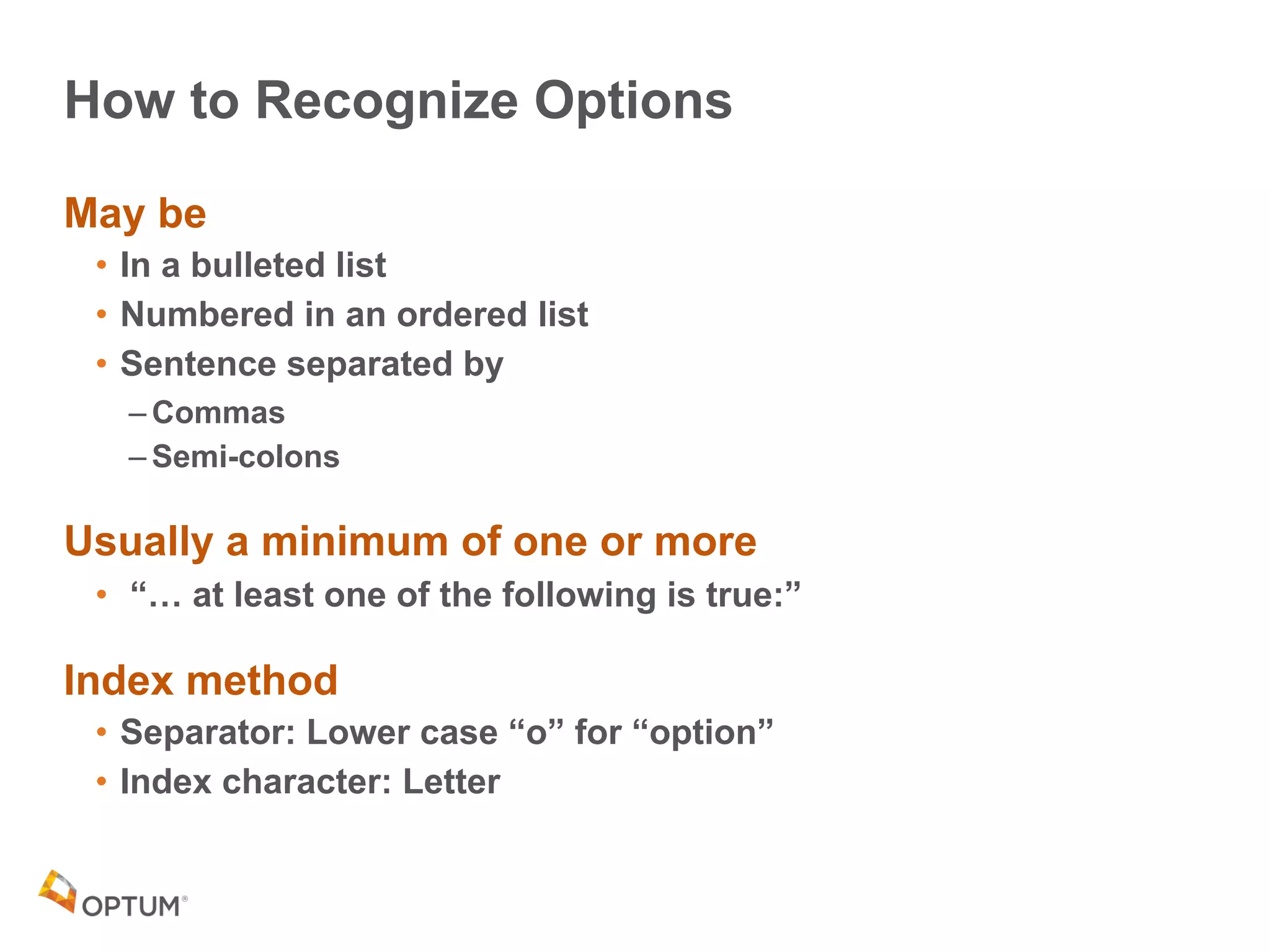
How to Recognize Options
May be
• In a bulleted list
• Numbered in an ordered list
• Sentence separated by
– Commas
– Semi-colons
Usually a minimum of one or more
• “… at least one of the following is true:”
Index method
• Separator: Lower case “o” for “option”
• Index character: Letter
Exceptions
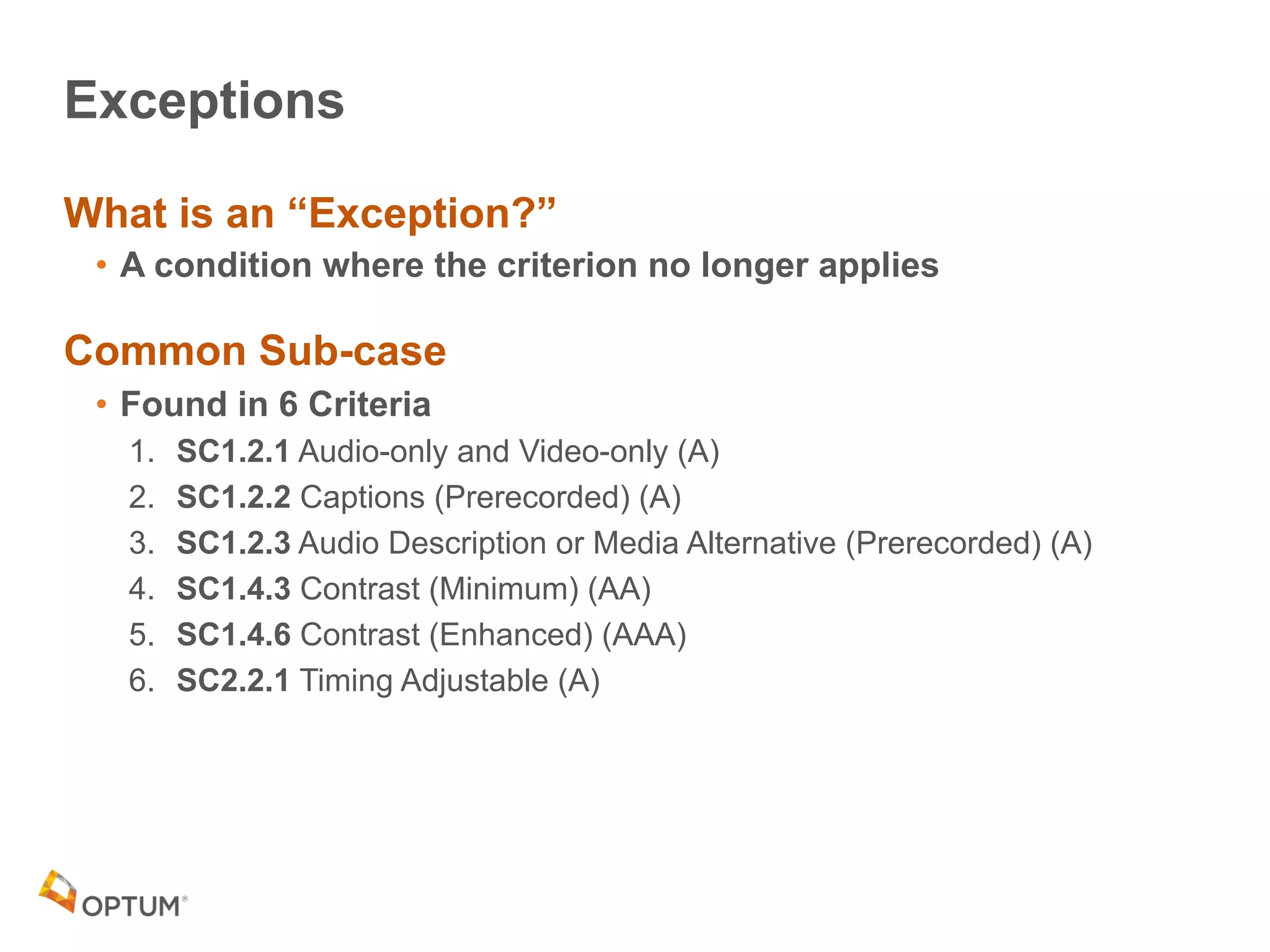
What is an “Exception?”
• A condition where the criterion no longer applies
Common Sub-case
• Found in 6 Criteria
1. SC1.2.1 Audio-only and Video-only (A)
2. SC1.2.2 Captions (Prerecorded) (A)
3. SC1.2.3 Audio Description or Media Alternative (Prerecorded) (A)
4. SC1.4.3 Contrast (Minimum) (AA)
5. SC1.4.6 Contrast (Enhanced) (AAA)
6. SC2.2.1 Timing Adjustable (A)
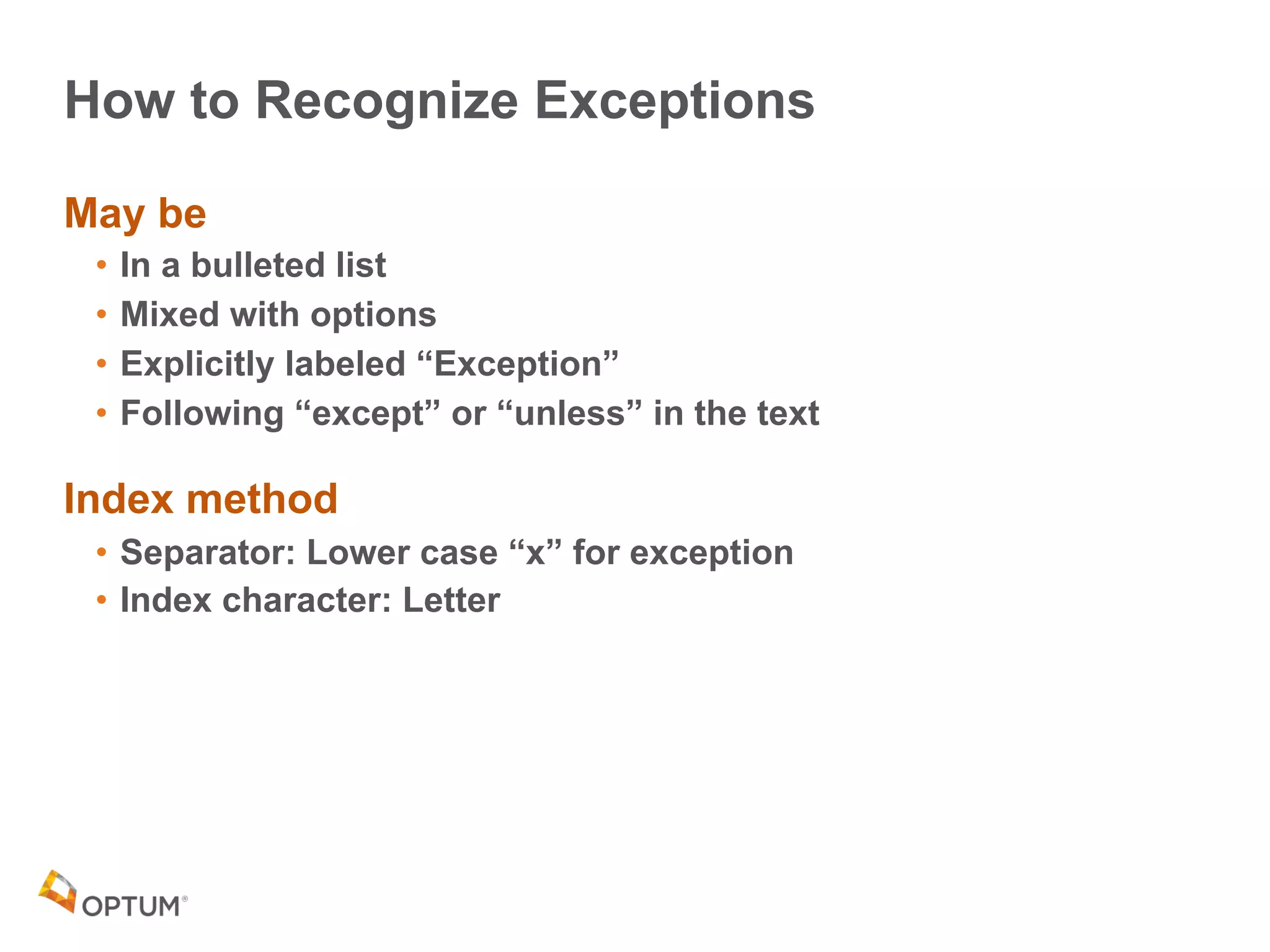
How to Recognize Exceptions
May be
• In a bulleted list
• Mixed with options
• Explicitly labeled “Exception”
• Following “except” or “unless” in the text
Index method
• Separator: Lower case “x” for exception
• Index character: Letter
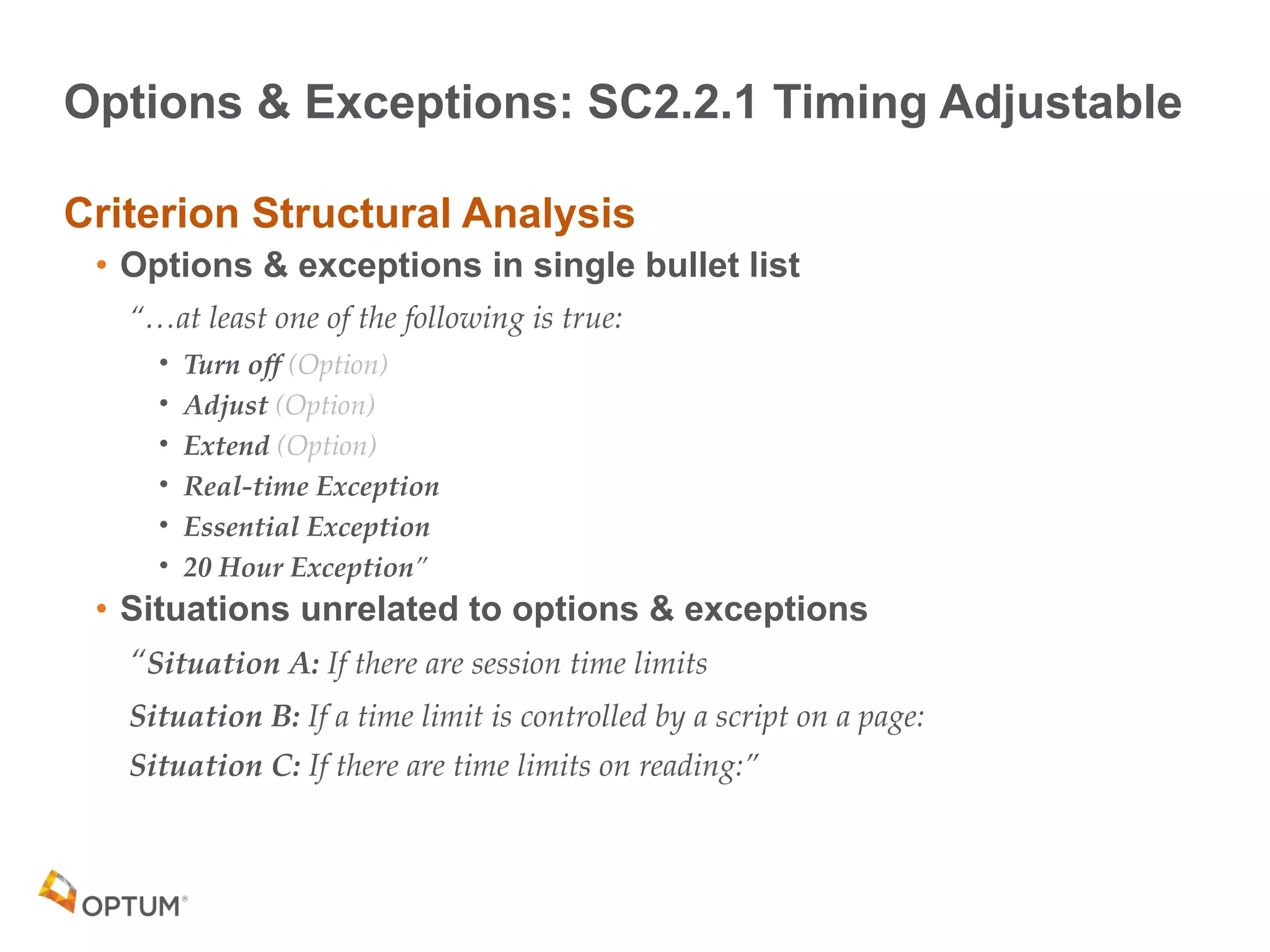
Options & Exceptions: SC2.2.1 Timing Adjustable
Criterion Structural Analysis
• Options & exceptions in single bullet list
“…at least one of the following is true:
• Turn off (Option)
• Adjust (Option)
• Extend (Option)
• Real-time Exception
• Essential Exception
• 20 Hour Exception”
• Situations unrelated to options & exceptions
“Situation A: If there are session time limits
Situation B: If a time limit is controlled by a script on a page:
Situation C: If there are time limits on reading:”
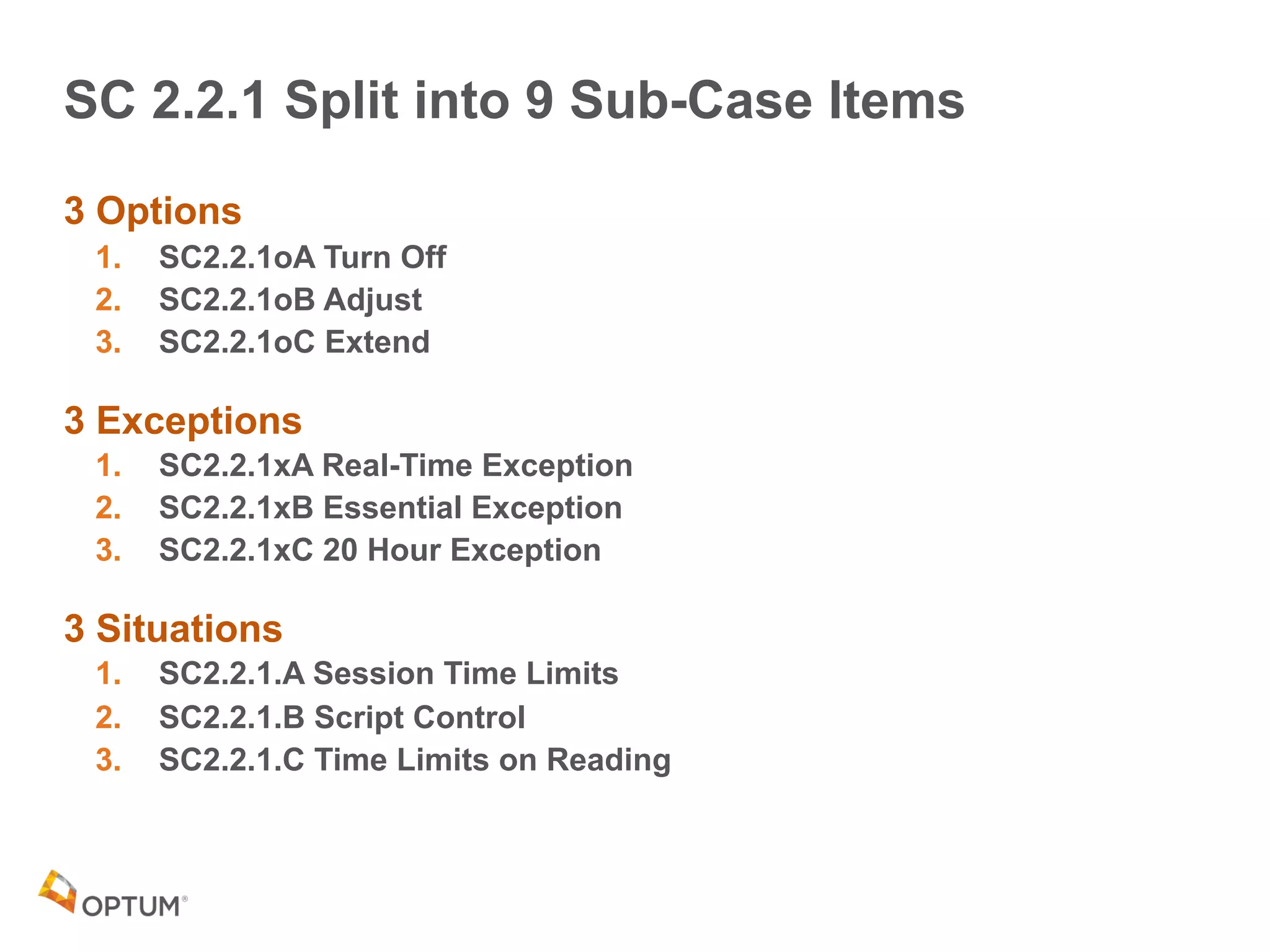
SC 2.2.1 Split into 9 Sub-Case Items
3 Options
1. SC2.2.1oA Turn Off
2. SC2.2.1oB Adjust
3. SC2.2.1oC Extend
3 Exceptions
1. SC2.2.1xA Real-Time Exception
2. SC2.2.1xB Essential Exception
3. SC2.2.1xC 20 Hour Exception
3 Situations
1. SC2.2.1.A Session Time Limits
2. SC2.2.1.B Script Control
3. SC2.2.1.C Time Limits on Reading
Requirements
& ...
33
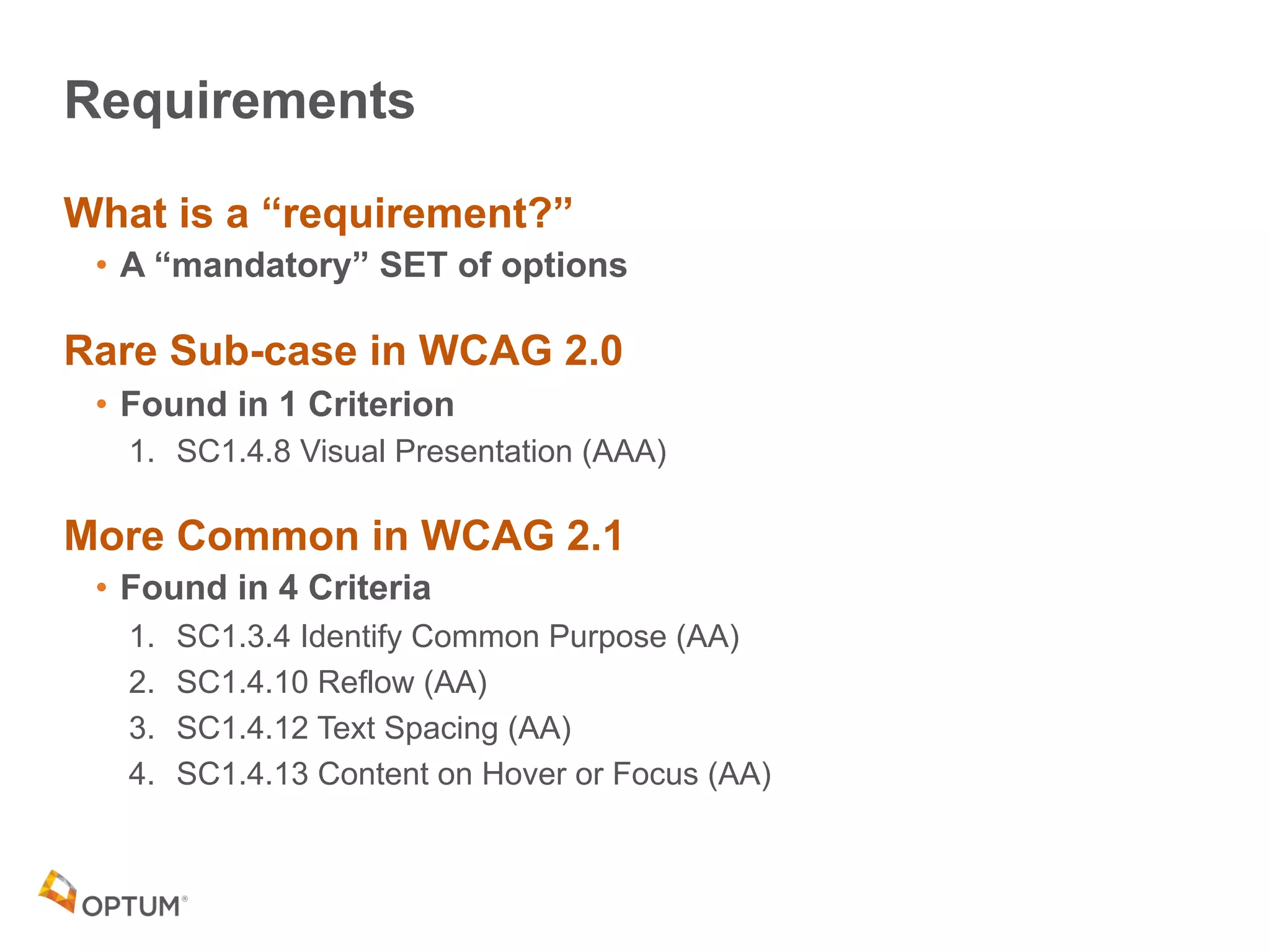
Requirements
What is a “requirement?”
• A “mandatory” SET of options
Rare Sub-case in WCAG 2.0
• Found in 1 Criterion
1. SC1.4.8 Visual Presentation (AAA)
More Common in WCAG 2.1
• Found in 4 Criteria
1. SC1.3.4 Identify Common Purpose (AA)
2. SC1.4.10 Reflow (AA)
3. SC1.4.12 Text Spacing (AA)
4. SC1.4.13 Content on Hover or Focus (AA)
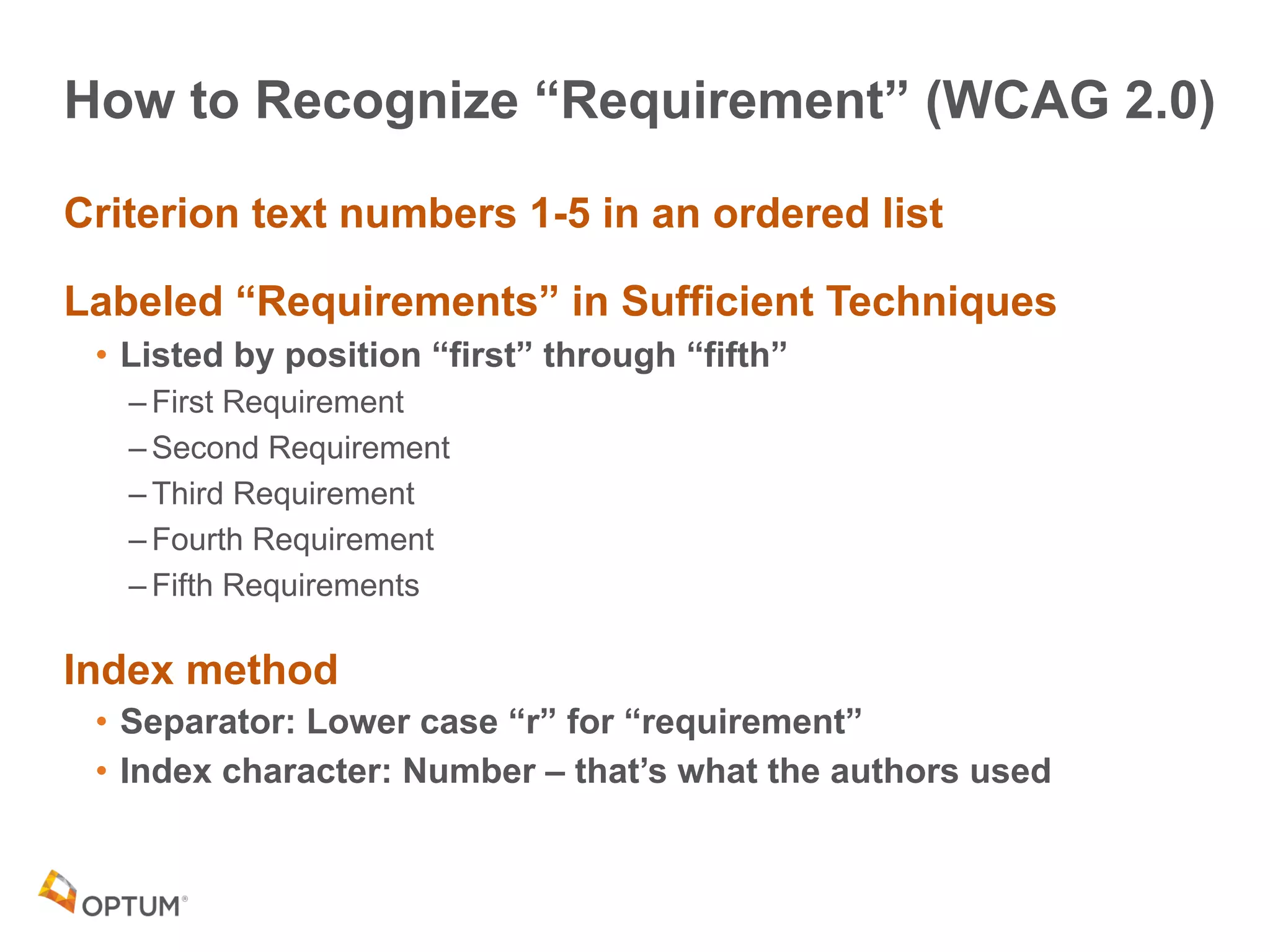
How to Recognize “Requirement” (WCAG 2.0)
Criterion text numbers 1-5 in an ordered list
Labeled “Requirements” in Sufficient Techniques
• Listed by position “first” through “fifth”
– First Requirement
– Second Requirement
– Third Requirement
– Fourth Requirement
– Fifth Requirements
Index method
• Separator: Lower case “r” for “requirement”
• Index character: Number – that’s what the authors used
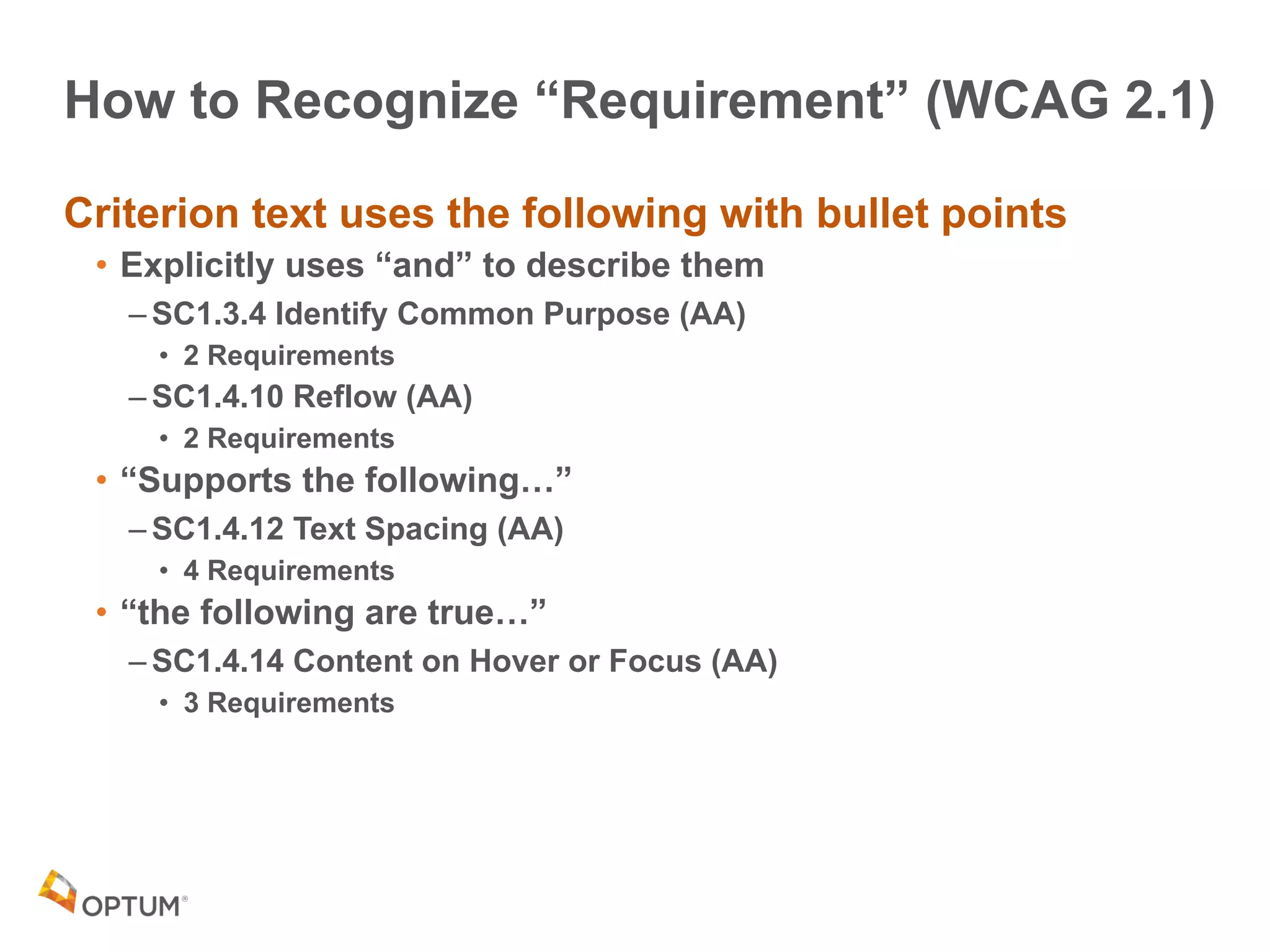
How to Recognize “Requirement” (WCAG 2.1)
Criterion text uses the following with bullet points
• Explicitly uses “and” to describe them
– SC1.3.4 Identify Common Purpose (AA)
• 2 Requirements
– SC1.4.10 Reflow (AA)
• 2 Requirements
• “Supports the following…”
– SC1.4.12 Text Spacing (AA)
• 4 Requirements
• “the following are true…”
– SC1.4.14 Content on Hover or Focus (AA)
• 3 Requirements
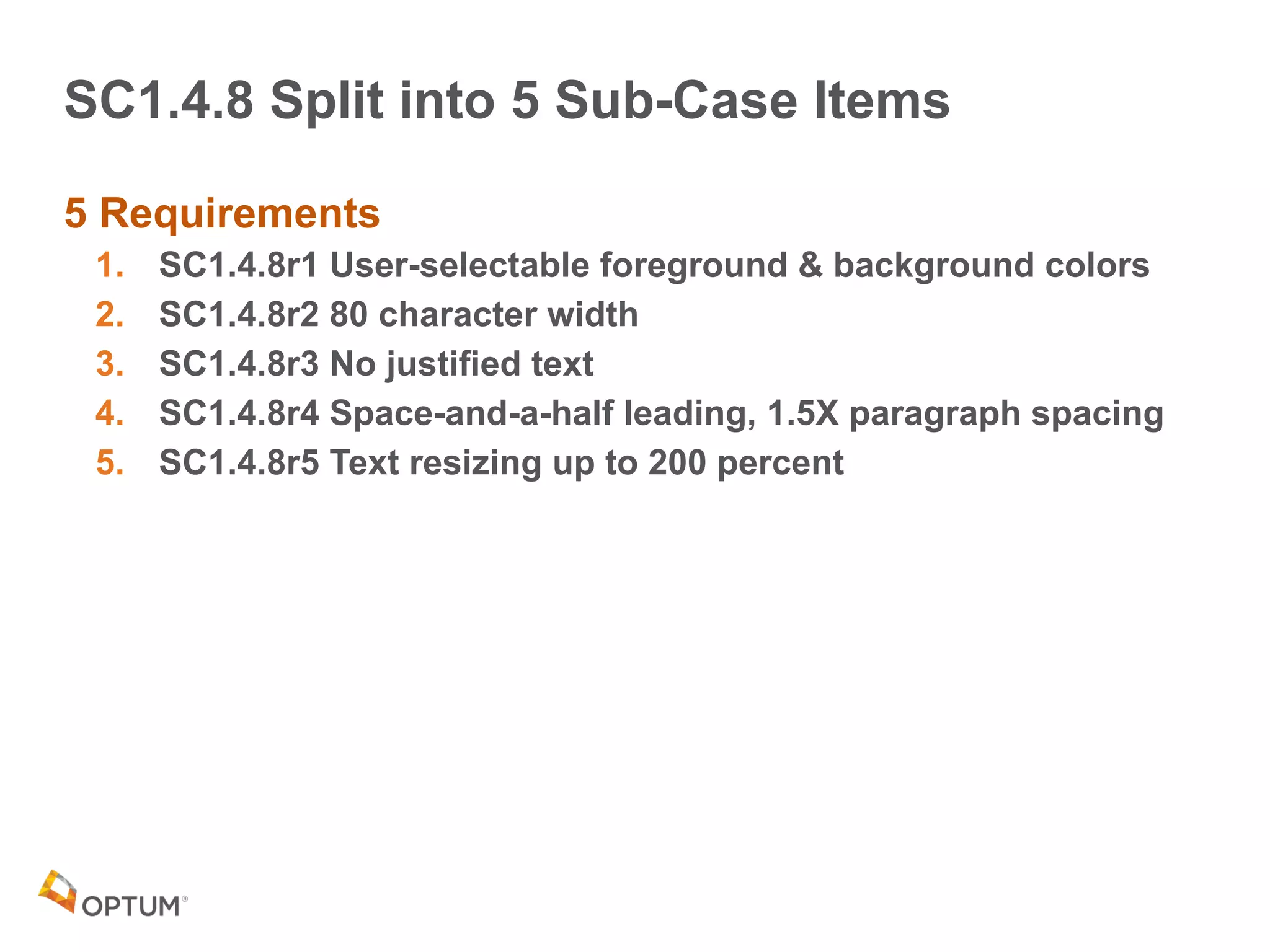
SC1.4.8 Split into 5 Sub-Case Items
5 Requirements
1. SC1.4.8r1 User-selectable foreground & background colors
2. SC1.4.8r2 80 character width
3. SC1.4.8r3 No justified text
4. SC1.4.8r4 Space-and-a-half leading, 1.5X paragraph spacing
5. SC1.4.8r5 Text resizing up to 200 percent
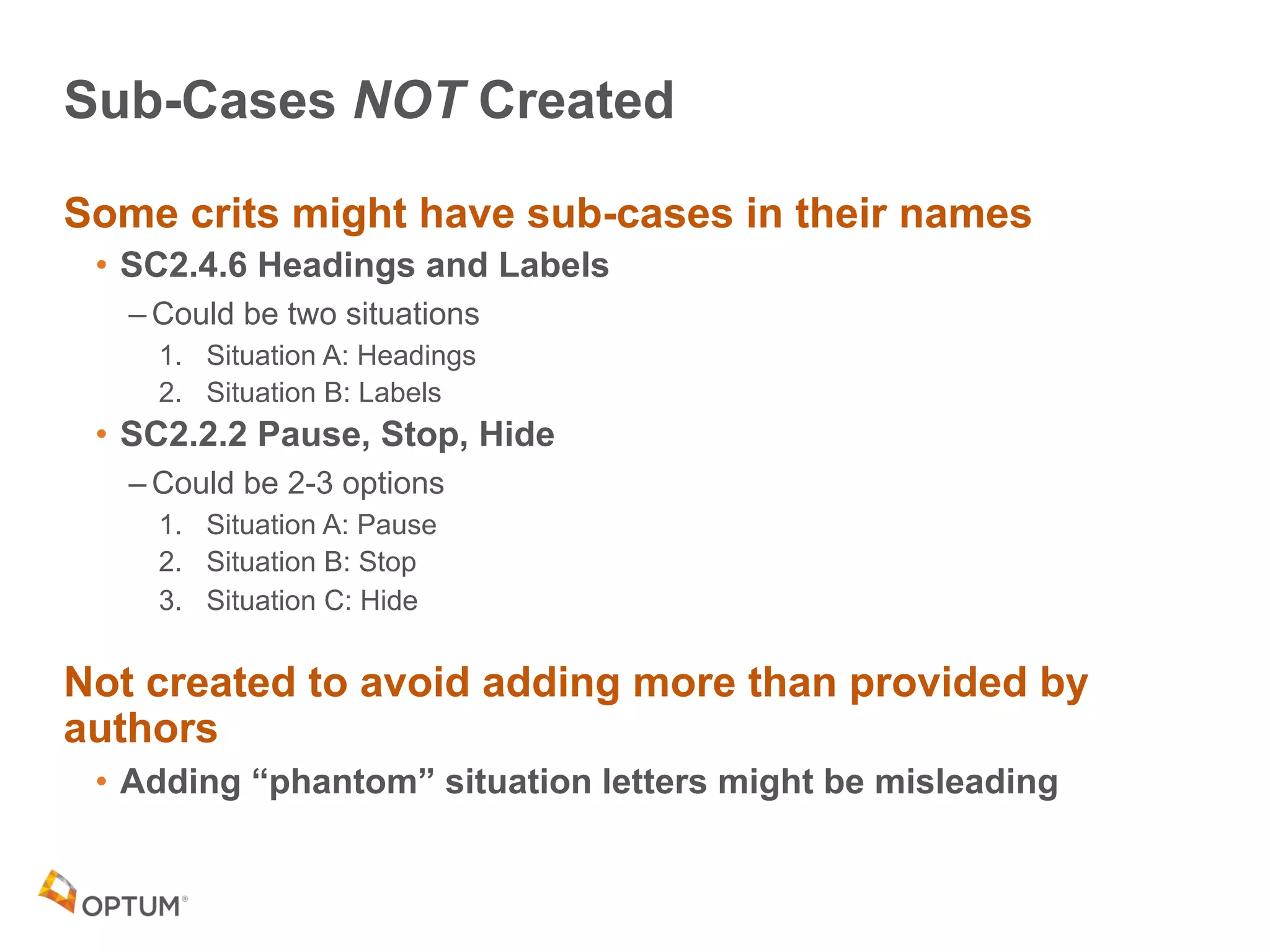
Sub-Cases NOT Created
Some crits might have sub-cases in their names
• SC2.4.6 Headings and Labels
– Could be two situations
1. Situation A: Headings
2. Situation B: Labels
• SC2.2.2 Pause, Stop, Hide
– Could be 2-3 options
1. Situation A: Pause
2. Situation B: Stop
3. Situation C: Hide
Not created to avoid adding more than provided by
authors
• Adding “phantom” situation letters might be misleading
Applying

Sub-Cases &
Extended
Indexing
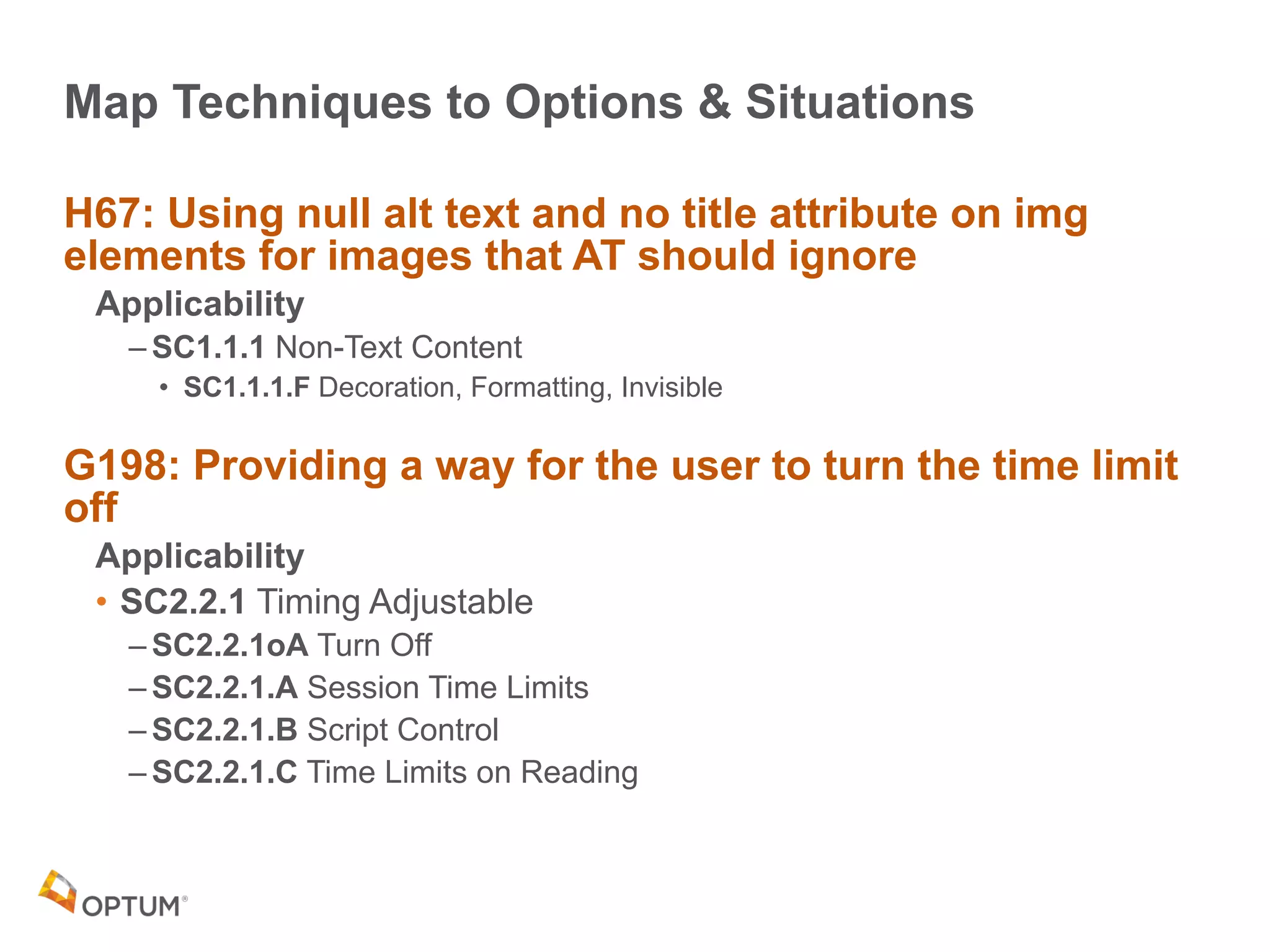
Map Techniques to Options & Situations
H67: Using null alt text and no title attribute on img
elements for images that AT should ignore
Applicability
– SC1.1.1 Non-Text Content
• SC1.1.1.F Decoration, Formatting, Invisible
G198: Providing a way for the user to turn the time limit
off
Applicability
• SC2.2.1 Timing Adjustable
– SC2.2.1oA Turn Off
– SC2.2.1.A Session Time Limits
– SC2.2.1.B Script Control
– SC2.2.1.C Time Limits on Reading
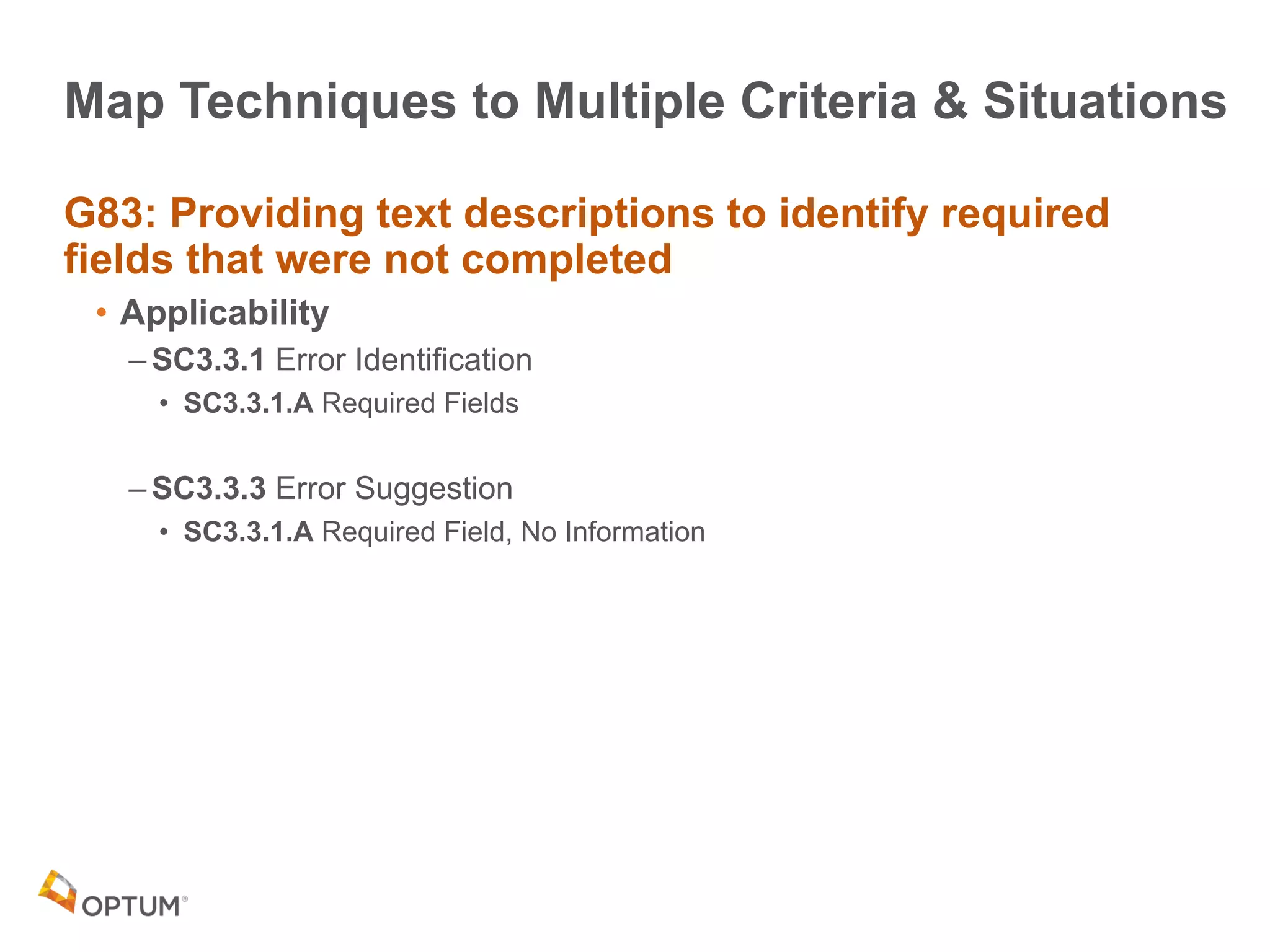
Map Techniques to Multiple Criteria & Situations
G83: Providing text descriptions to identify required
fields that were not completed
• Applicability
– SC3.3.1 Error Identification
• SC3.3.1.A Required Fields
– SC3.3.3 Error Suggestion
• SC3.3.1.A Required Field, No Information
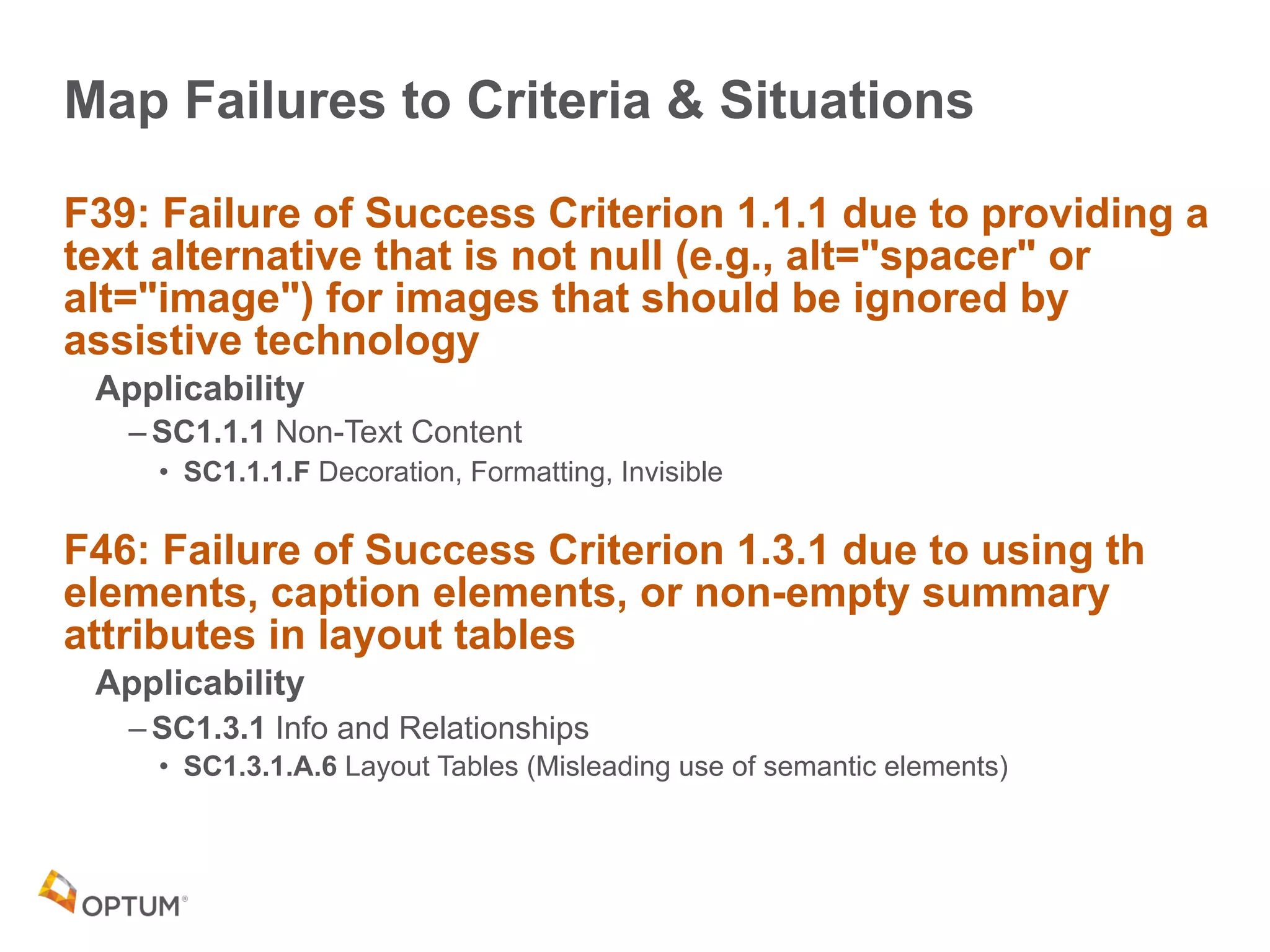
Map Failures to Criteria & Situations
F39: Failure of Success Criterion 1.1.1 due to providing a
text alternative that is not null (e.g., alt="spacer" or
alt="image") for images that should be ignored by
assistive technology
Applicability
– SC1.1.1 Non-Text Content
• SC1.1.1.F Decoration, Formatting, Invisible
F46: Failure of Success Criterion 1.3.1 due to using th
elements, caption elements, or non-empty summary
attributes in layout tables
Applicability
– SC1.3.1 Info and Relationships
• SC1.3.1.A.6 Layout Tables (Misleading use of semantic elements)
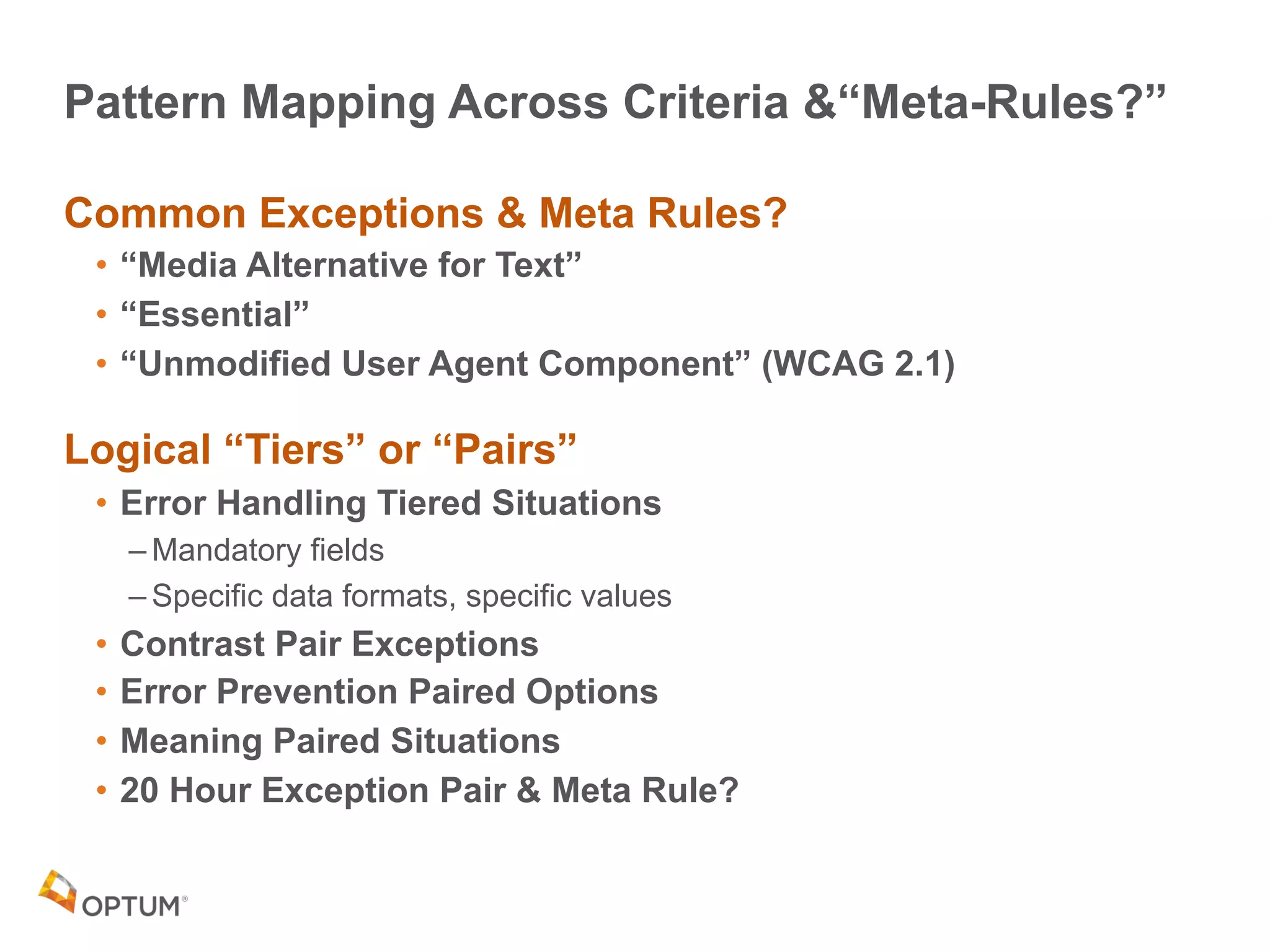
Pattern Mapping Across Criteria &“Meta-Rules?”
Common Exceptions & Meta Rules?
• “Media Alternative for Text”
• “Essential”
• “Unmodified User Agent Component” (WCAG 2.1)
Logical “Tiers” or “Pairs”
• Error Handling Tiered Situations
– Mandatory fields
– Specific data formats, specific values
• Contrast Pair Exceptions
• Error Prevention Paired Options
• Meaning Paired Situations
• 20 Hour Exception Pair & Meta Rule?
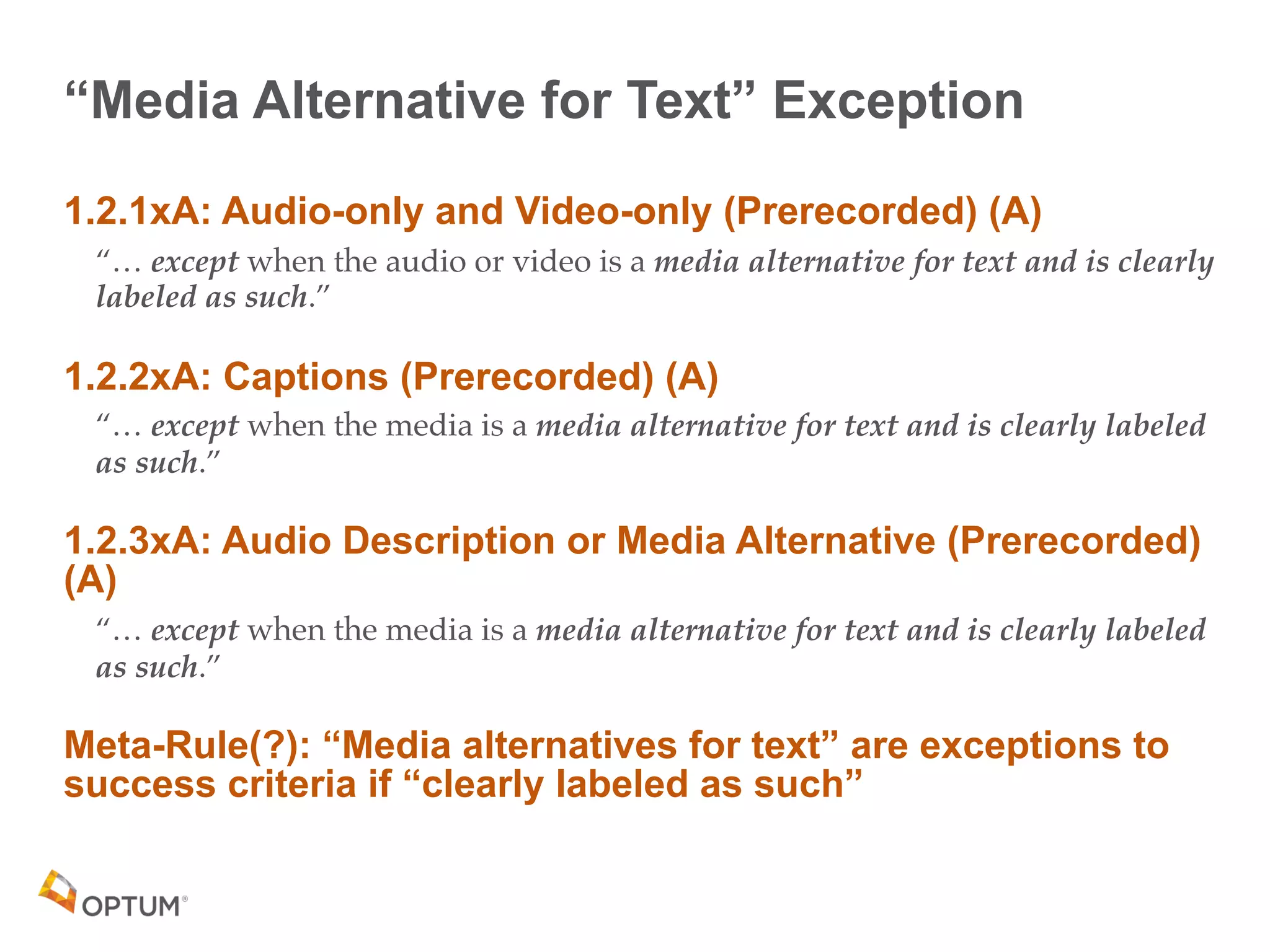
“Media Alternative for Text” Exception
1.2.1xA: Audio-only and Video-only (Prerecorded) (A)
“… except when the audio or video is a media alternative for text and is clearly
labeled as such.”
1.2.2xA: Captions (Prerecorded) (A)
“… except when the media is a media alternative for text and is clearly labeled
as such.”
1.2.3xA: Audio Description or Media Alternative (Prerecorded)
(A)
“… except when the media is a media alternative for text and is clearly labeled
as such.”
Meta-Rule(?): “Media alternatives for text” are exceptions to
success criteria if “clearly labeled as such”
“Essential” Exceptions WCAG 2.0
WCAG 2.0 has 2 Essential Exceptions
• SC2.2.1xB: Timing Adjustable (A)
“of the following is true: […]

Essential Exception The time limit is essential and extending it would invalidate
the activity”
• SC1.4.5xB: Images of Text (AA)
“except for the following […] A particular presentation of text is essential to the
information being conveyed

Note: Logotypes (text that is part of a logo or brand name) are considered essential.”
“Essential” Exceptions WCAG 2.1
WCAG 2.1 CR has 7 Essential Exceptions
• SC1.4.10xA: Reflow (AA)
“Except for parts of the content which require two-dimensional layout for usage or meaning.”
• SC1.4.11xC: Non-Text Contrast (AA)
“except when a particular presentation of graphics is essential to the information being
conveyed.”
• SC2.2.7xA: Animations from Interactions (AAA)
“unless the animation is essential to the functionality or the information being conveyed..”
• SC2.5.3xD: Target Size (AAA)
“except when: […] A particular presentation of the target is essential to the information being
conveyed;”
• SC2.5.4xA: Concurrent Input Mechanisms (AAA)
“except where the restriction is essential,”
• SC2.6.1xA: Motion Actuation (AA)
“Except when […] The motion is essential for the function and doing so would invalidate the
activity
• SC2.6.2xA: Orientation (AA)
“unless a specific display orientation is essential.”
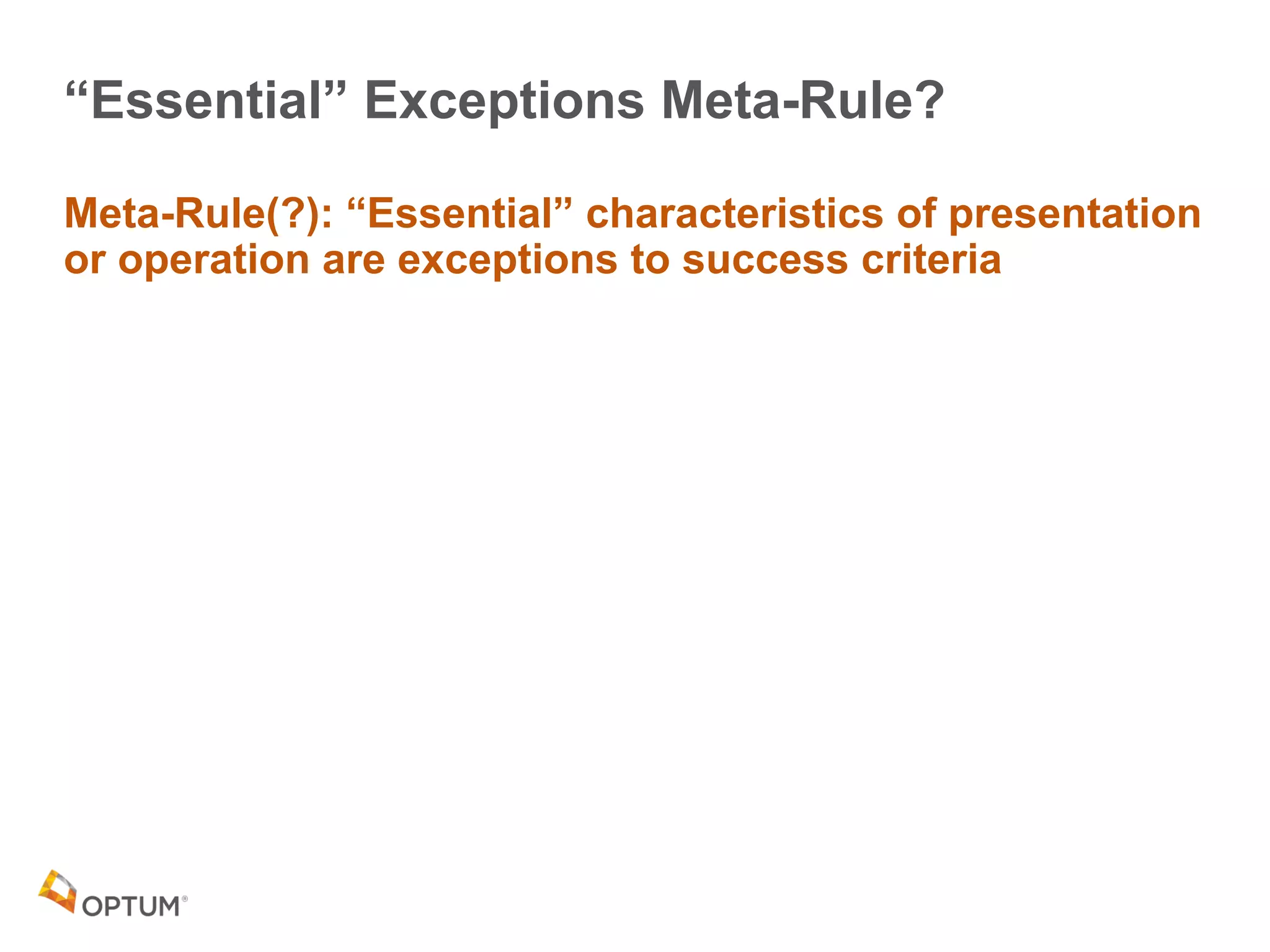
“Essential” Exceptions Meta-Rule?
Meta-Rule(?): “Essential” characteristics of presentation
or operation are exceptions to success criteria
“Unmodified User Agent Component” Exception
SC1.4.11xB: Non-Text Content (AA)
“except […] where the appearance of the component is determined by the user
agent and not modified by the author;”
SC1.4.13xA: Content on Hover or Focus (AA)
“Exception: The visual presentation of the additional content is controlled by the
user agent and is not modified by the author.”
SC2.5.3xC: Target Size (AAA)
“… except when:

The size of the target is determined by the user agent and is not modified by the
author.”
SC2.5.4xC: Concurrent Input Mechanisms (AAA)
“…except … or required to respect user settings.”
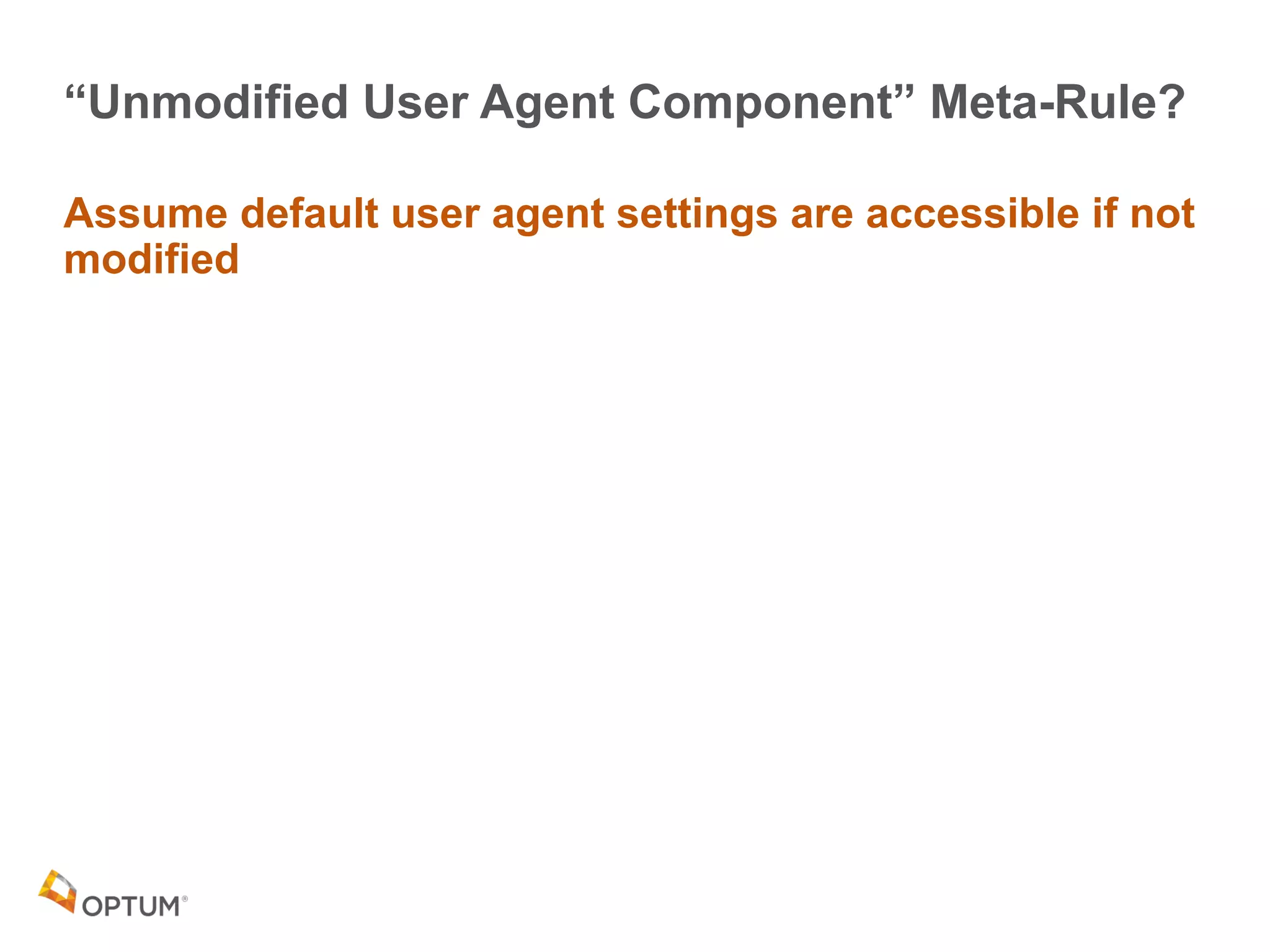
“Unmodified User Agent Component” Meta-Rule?
Assume default user agent settings are accessible if not
modified
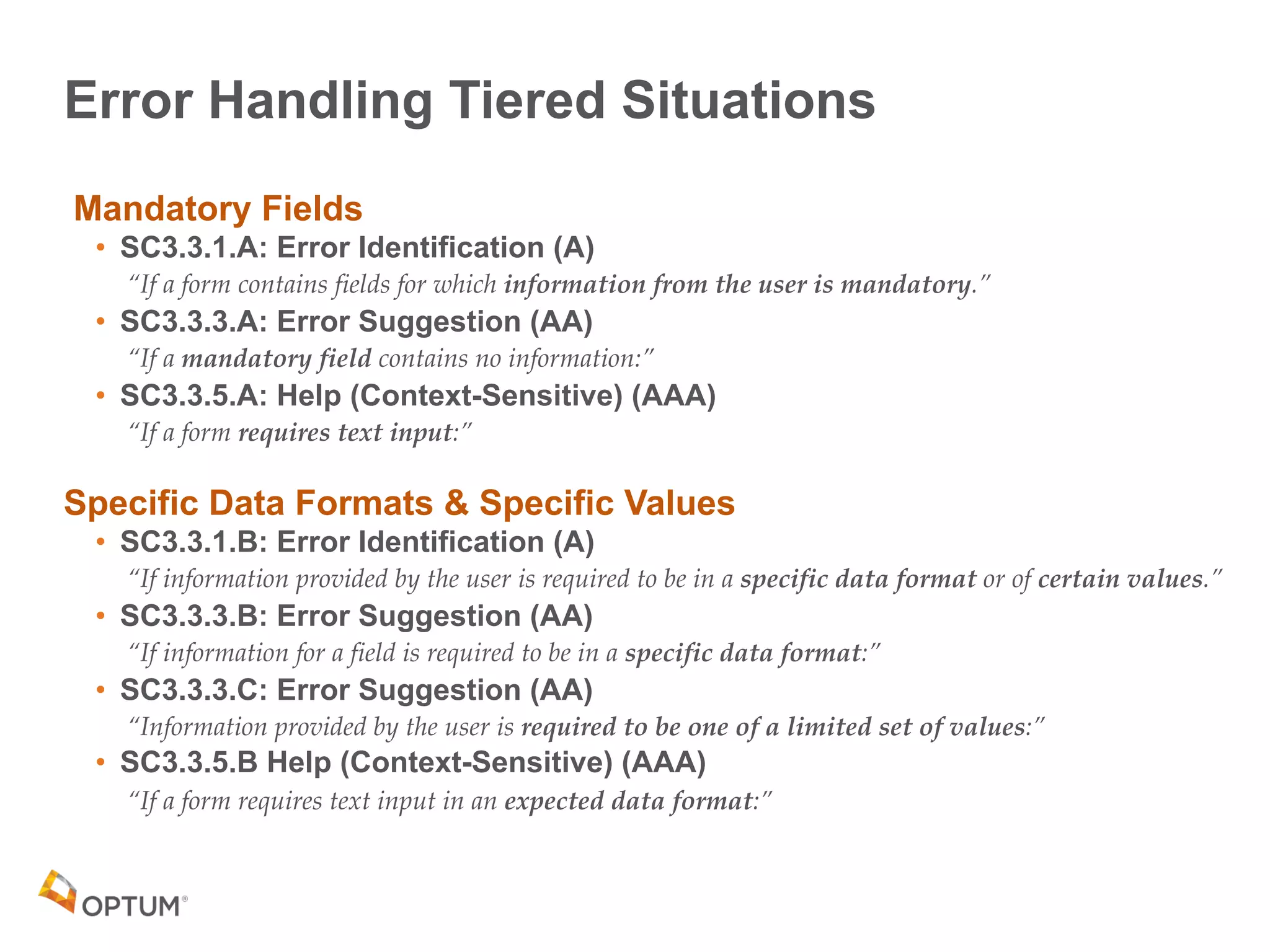
Error Handling Tiered Situations
Mandatory Fields
• SC3.3.1.A: Error Identification (A)
“If a form contains fields for which information from the user is mandatory.”
• SC3.3.3.A: Error Suggestion (AA)
“If a mandatory field contains no information:”
• SC3.3.5.A: Help (Context-Sensitive) (AAA)
“If a form requires text input:”
Specific Data Formats & Specific Values
• SC3.3.1.B: Error Identification (A)
“If information provided by the user is required to be in a specific data format or of certain values.”
• SC3.3.3.B: Error Suggestion (AA)
“If information for a field is required to be in a specific data format:”
• SC3.3.3.C: Error Suggestion (AA)
“Information provided by the user is required to be one of a limited set of values:”
• SC3.3.5.B Help (Context-Sensitive) (AAA)
“If a form requires text input in an expected data format:”
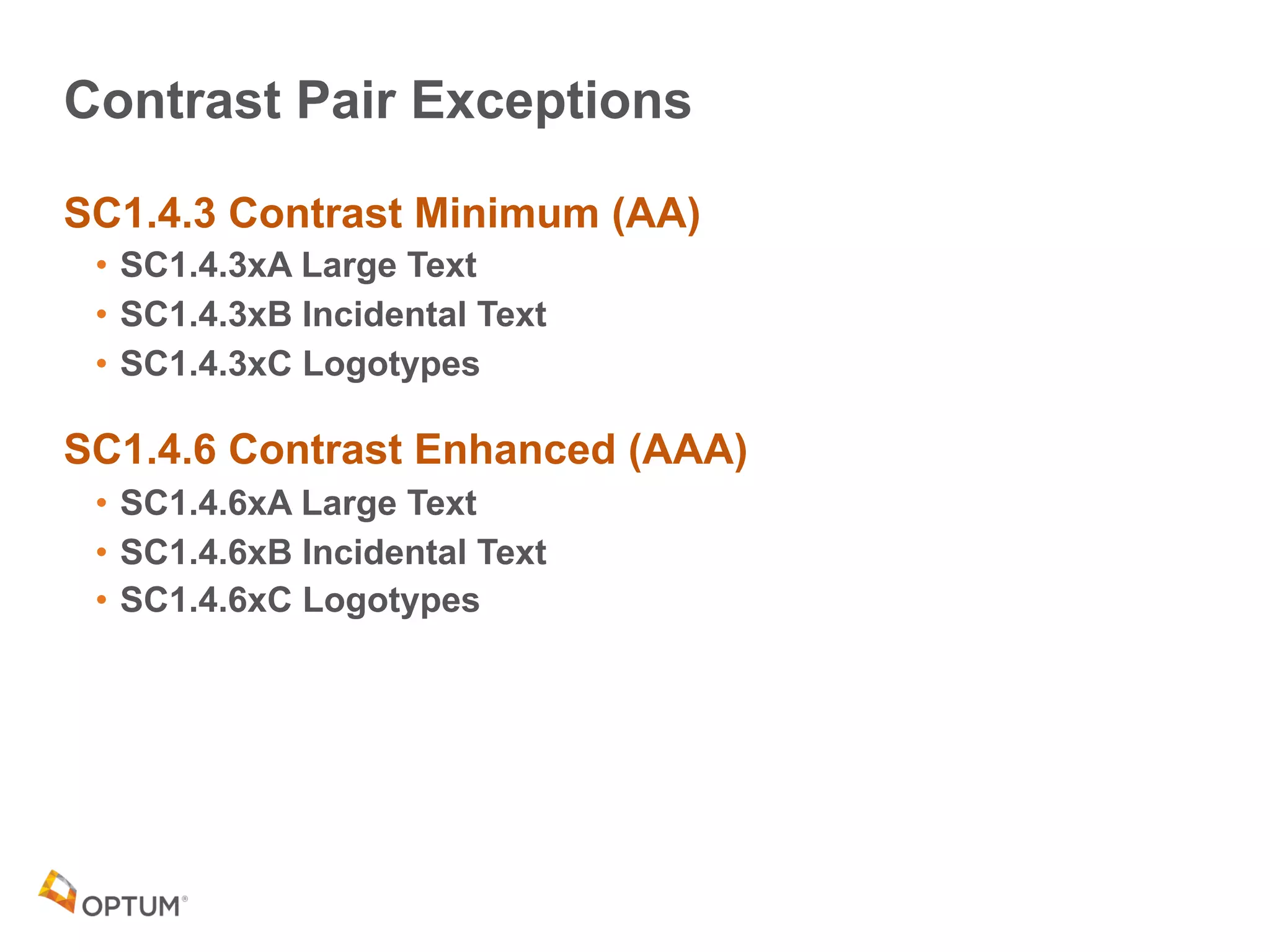
Contrast Pair Exceptions
SC1.4.3 Contrast Minimum (AA)
• SC1.4.3xA Large Text
• SC1.4.3xB Incidental Text
• SC1.4.3xC Logotypes
SC1.4.6 Contrast Enhanced (AAA)
• SC1.4.6xA Large Text
• SC1.4.6xB Incidental Text
• SC1.4.6xC Logotypes
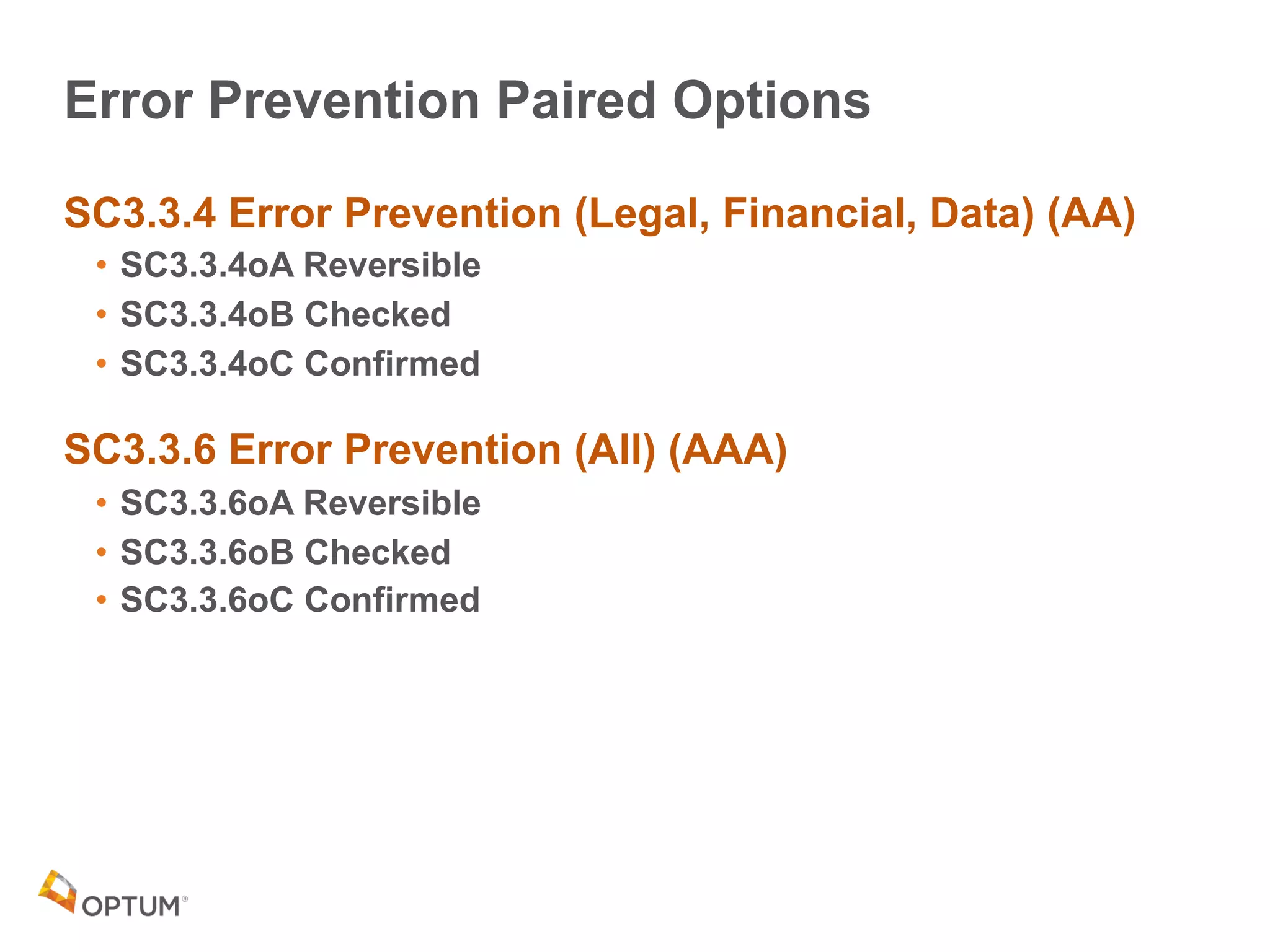
Error Prevention Paired Options
SC3.3.4 Error Prevention (Legal, Financial, Data) (AA)
• SC3.3.4oA Reversible
• SC3.3.4oB Checked
• SC3.3.4oC Confirmed
SC3.3.6 Error Prevention (All) (AAA)
• SC3.3.6oA Reversible
• SC3.3.6oB Checked
• SC3.3.6oC Confirmed
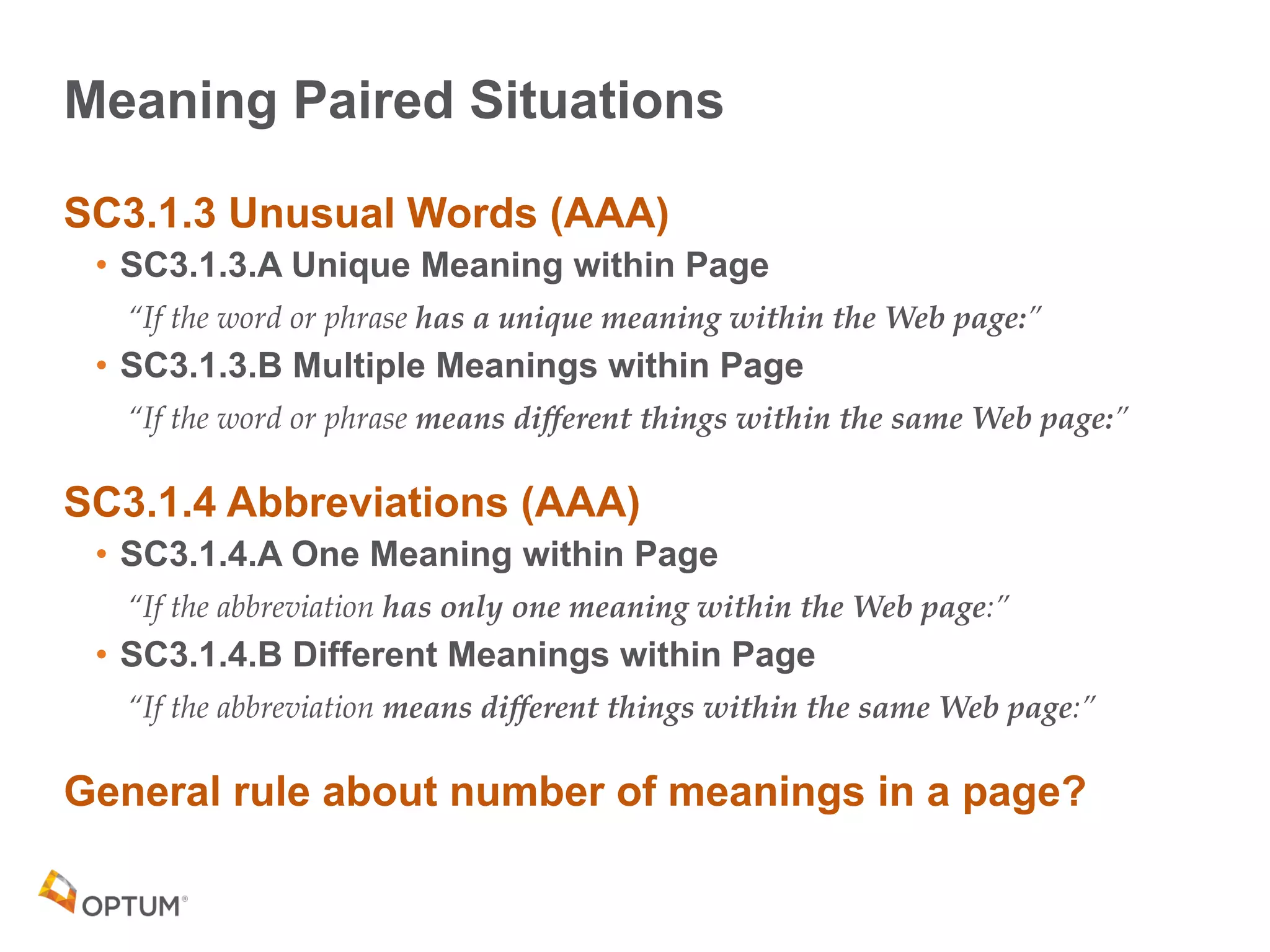
Meaning Paired Situations
SC3.1.3 Unusual Words (AAA)
• SC3.1.3.A Unique Meaning within Page
“If the word or phrase has a unique meaning within the Web page:”
• SC3.1.3.B Multiple Meanings within Page
“If the word or phrase means different things within the same Web page:”
SC3.1.4 Abbreviations (AAA)
• SC3.1.4.A One Meaning within Page
“If the abbreviation has only one meaning within the Web page:”
• SC3.1.4.B Different Meanings within Page
“If the abbreviation means different things within the same Web page:”
General rule about number of meanings in a page?
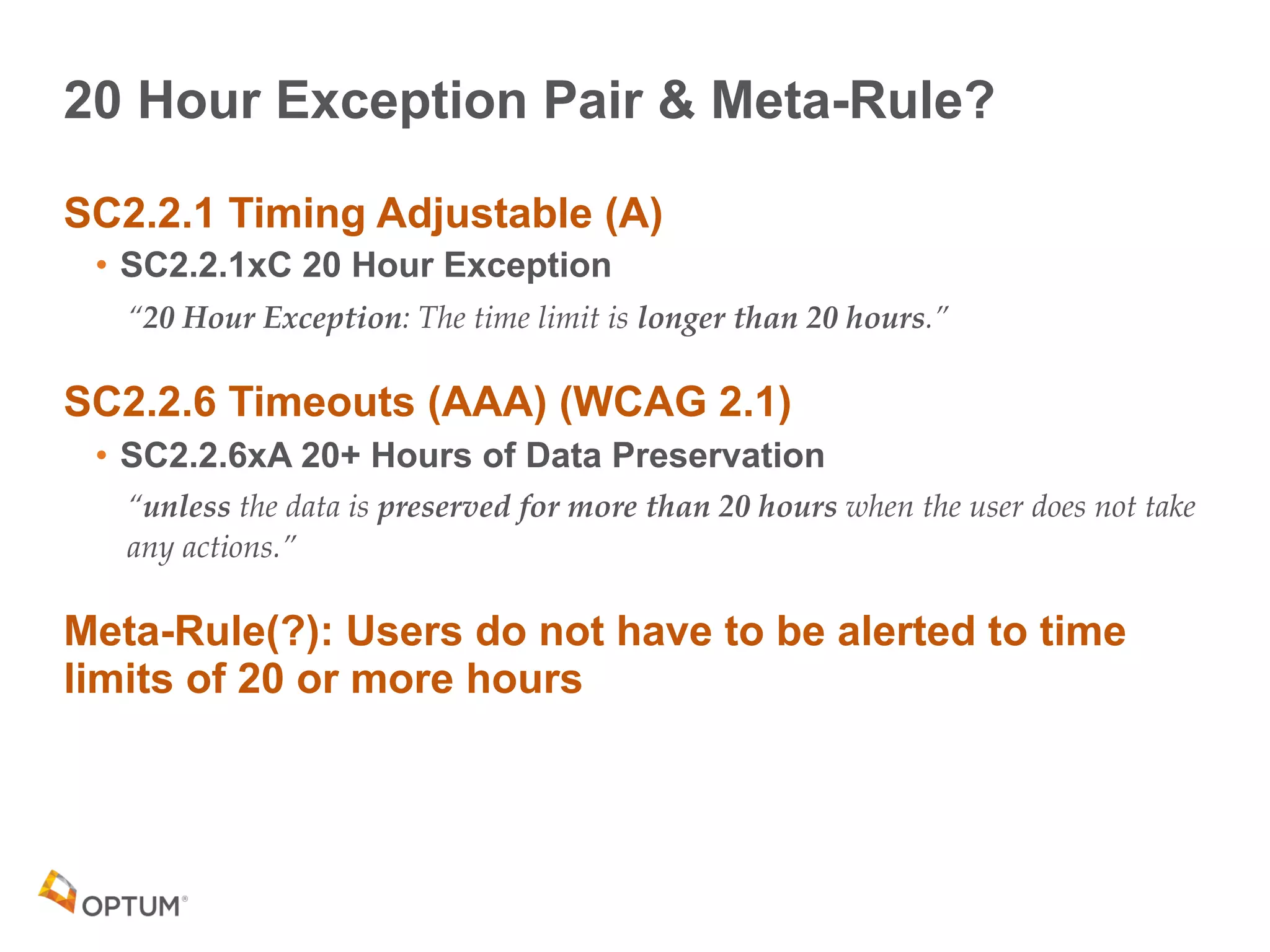
20 Hour Exception Pair & Meta-Rule?
SC2.2.1 Timing Adjustable (A)
• SC2.2.1xC 20 Hour Exception
“20 Hour Exception: The time limit is longer than 20 hours.”
SC2.2.6 Timeouts (AAA) (WCAG 2.1)
• SC2.2.6xA 20+ Hours of Data Preservation
“unless the data is preserved for more than 20 hours when the user does not take
any actions.”
Meta-Rule(?): Users do not have to be alerted to time
limits of 20 or more hours
Summing Up...
Analysis: Five Success Criteria Sub-Cases
1.Situations
2.Sub-Situations
3.Options
4.Exceptions
5.Requirements
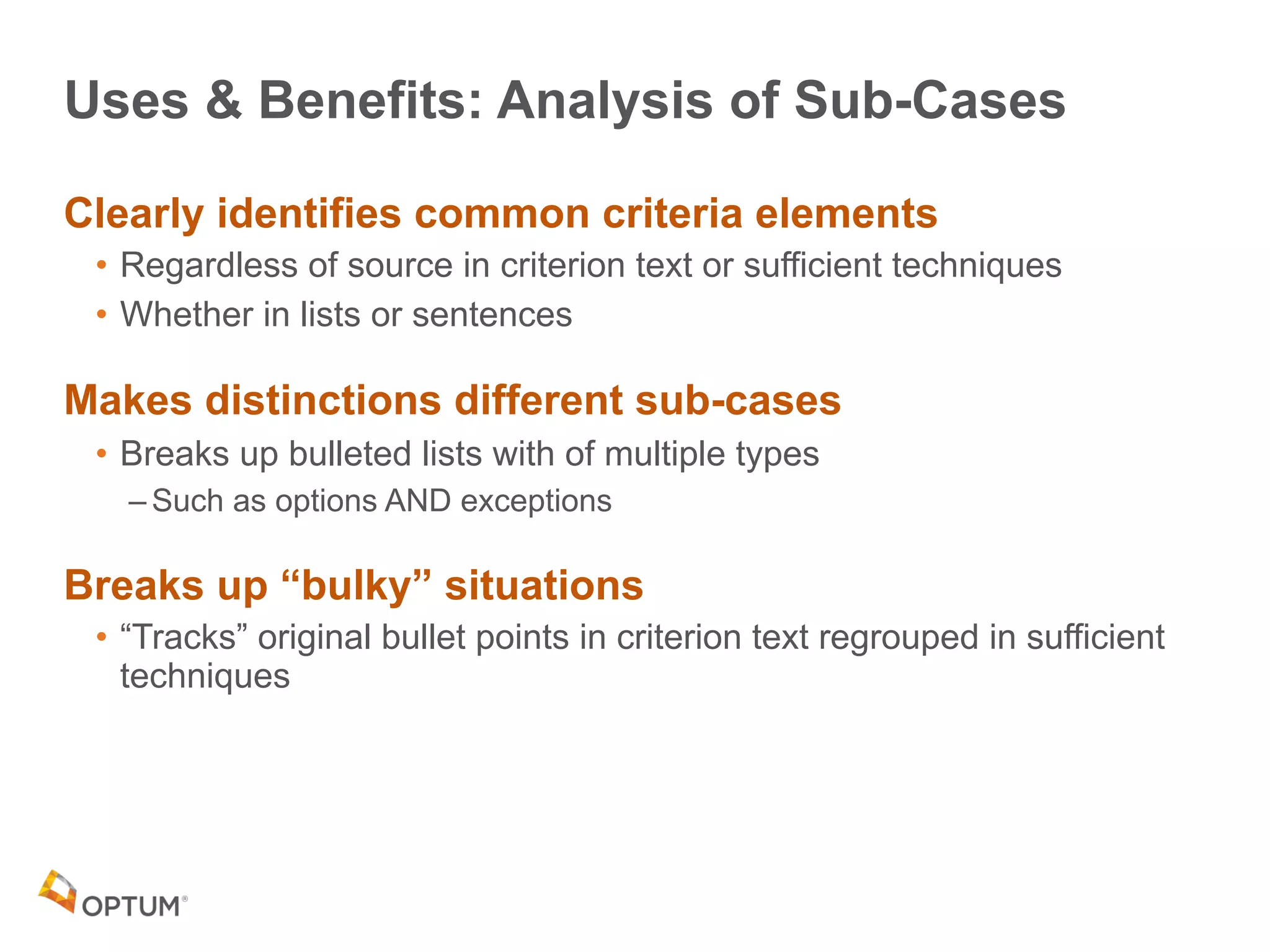
Uses & Benefits: Analysis of Sub-Cases
Clearly identifies common criteria elements
• Regardless of source in criterion text or sufficient techniques
• Whether in lists or sentences
Makes distinctions different sub-cases
• Breaks up bulleted lists with of multiple types
– Such as options AND exceptions
Breaks up “bulky” situations
• “Tracks” original bullet points in criterion text regrouped in sufficient
techniques
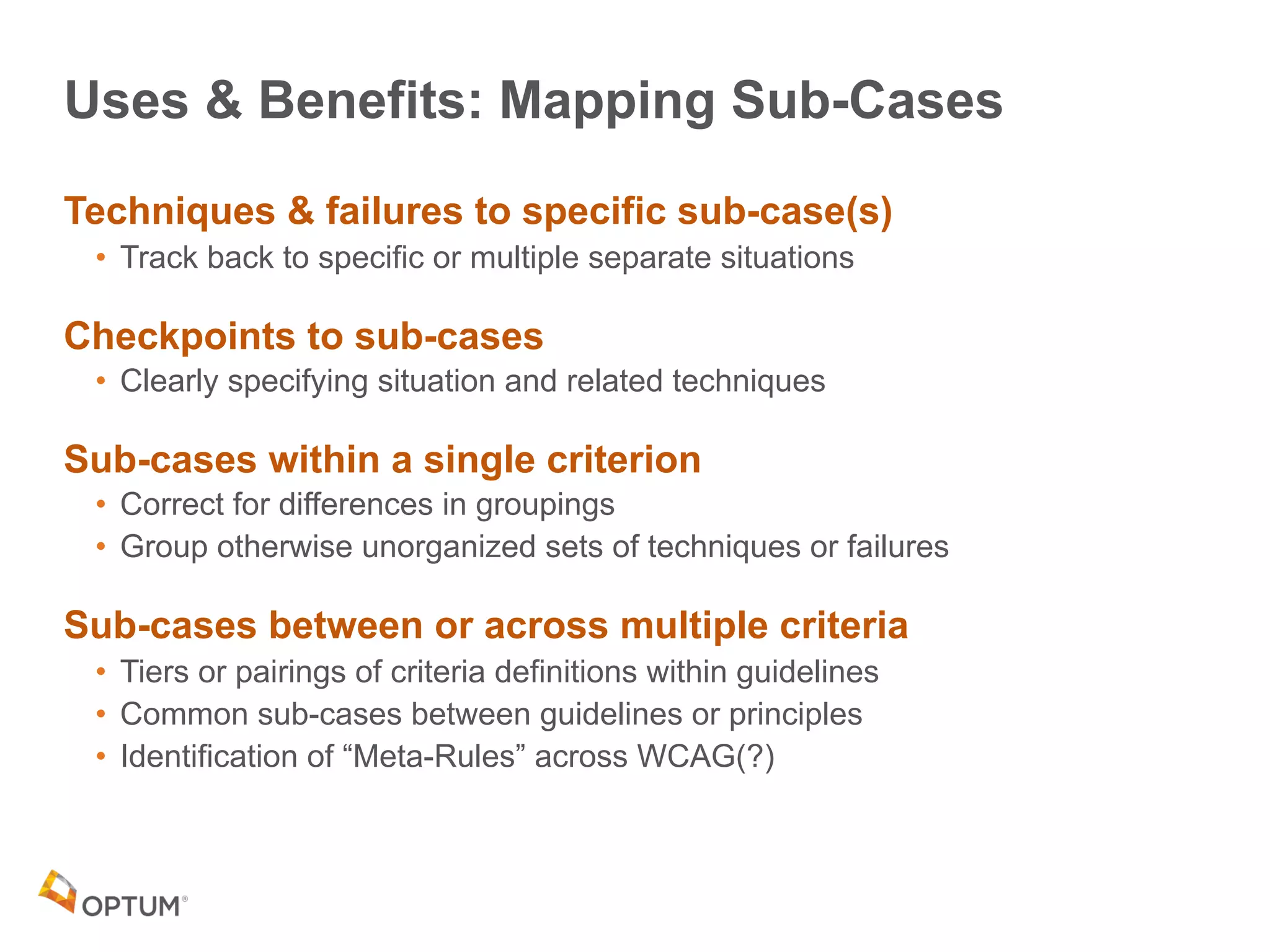
Uses & Benefits: Mapping Sub-Cases
Techniques & failures to specific sub-case(s)
• Track back to specific or multiple separate situations
Checkpoints to sub-cases
• Clearly specifying situation and related techniques
Sub-cases within a single criterion
• Correct for differences in groupings
• Group otherwise unorganized sets of techniques or failures
Sub-cases between or across multiple criteria
• Tiers or pairings of criteria definitions within guidelines
• Common sub-cases between guidelines or principles
• Identification of “Meta-Rules” across WCAG(?)
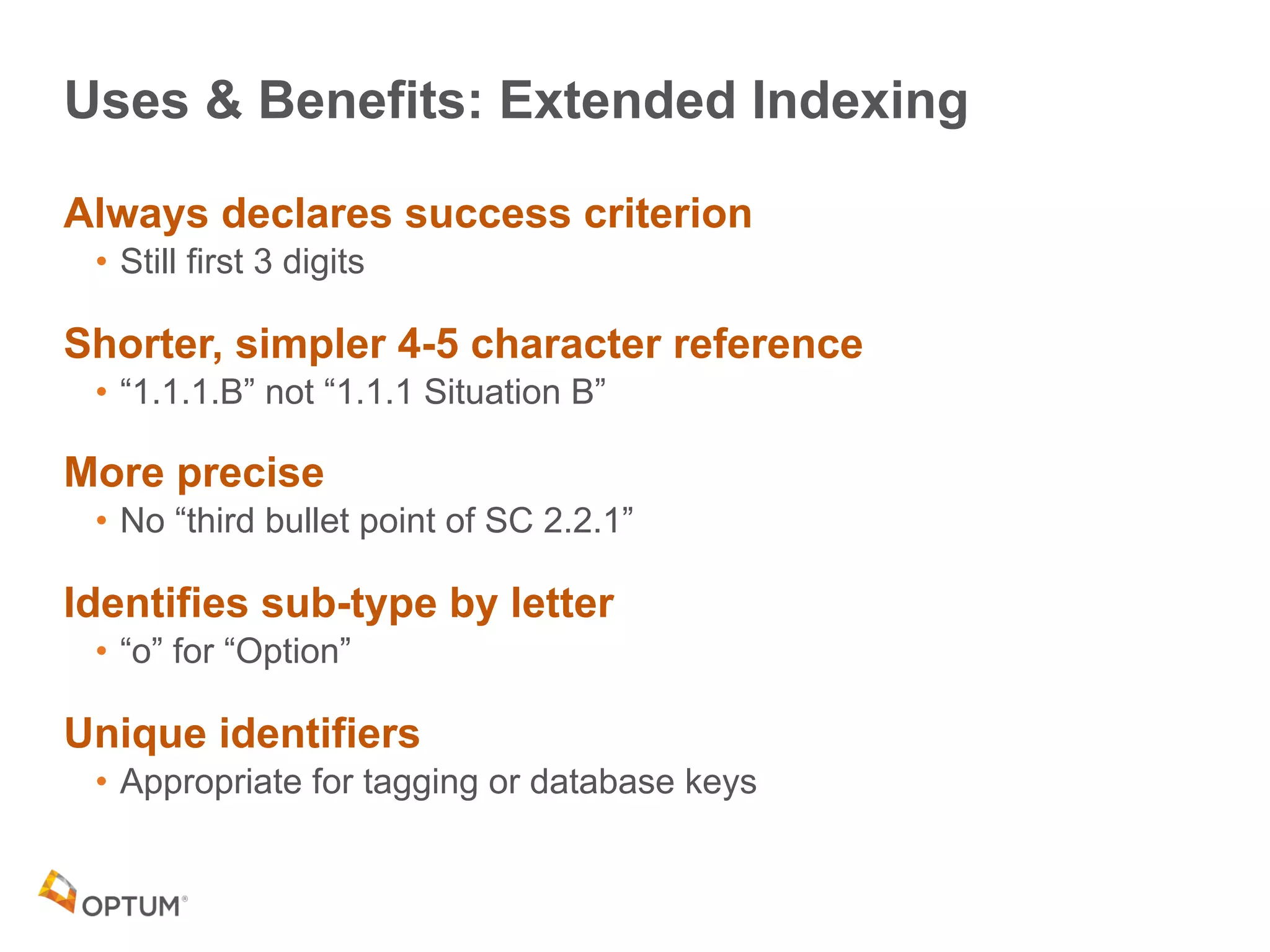
Uses & Benefits: Extended Indexing
Always declares success criterion
• Still first 3 digits
Shorter, simpler 4-5 character reference
• “1.1.1.B” not “1.1.1 Situation B”
More precise
• No “third bullet point of SC 2.2.1”
Identifies sub-type by letter
• “o” for “Option”
Unique identifiers
• Appropriate for tagging or database keys
60
Thank you
Bill Tyler
Sr. Digital Accessibility Engineer
btyler@optum.com
@billtyler
61

CSUN 2018 Analyzing and Extending WCAG Beyond 3 Digits

  • 1.
    Bill Tyler Sr. DigitalAccessibility Engineer Optum Technology, A11y Center of Excellence CSUN 2018 March 23, 2017 Benefits of Analyzing & Extending WCAG 2.0
 Beyond Three Digits
  • 2.
    Experience 30+ yrs. ofUI/UX Design & Development 12+ yrs. in medical devices 15+ yrs. in plans & providers 2X dot-com survivor Started Web 1996 Started Accessibility 2002 Presentation Product of 4+ yrs. of ongoing research & analysis at Optum Technology Background 2
  • 3.
    Agenda What’s up withWCAG 2.0 Success Criteria? Analysis • Define Sub-Cases • Map Relationships – Discover “Meta-Rules?” • Extend Indexing to Track Sub-Cases Rules & Benefits Also WCAG 2.1 Implications
  • 4.
    What’s Up with WCAG2.0 Success Criteria?
  • 5.
    SC3.1.1 Language ofPage SC1.1.1 Non-Text Content A Tale of
 Two Crits 5
  • 6.
    SC3.1.1 Language ofPage Single sentence of just 12 words: “The default human language of each Web page can be programmatically determined.” 1 Example 4 Sufficient Techniques • 1 – HTML (H57) – addressable by adding 10 characters to the <html> tag: [space]lang=”en” • 1 – Flash (FLASH13) • 2 – PDF (PDF16, PDF19) 2 Advisory bullet points “No Failures”
  • 7.
    SC1.1.1 Non-Text Content 6Bullet points in the criterion text 11 examples Sufficient Techniques has 6 Situations (A-F) • Some short and long description options • Lists single item for all but D which has three • Each with lots of techniques with over 70 total 22 Additional advisory techniques • Grouped by “informative,” “live,” CAPTCHA, HTML, CSS 10 Failure Cases
  • 8.
    One Size ThreeDigits Does Not Fit All Criteria are “Variable” • Inconsistent textual and semantic structures – Bulleted list vs. comma or semicolon separated items • Inconsistent grouping of items • Inconsistent structure within and between criteria Results • No easy explicit way to group advisory techniques, failure cases, checkpoints, etc. • Hard to track some topics in or between criteria • Makes WCAG difficult to understand & implement
  • 9.
    Approach Taken Analyze successcriteria Identify underlying structures across criteria • Define sub-cases or patterns found across the criteria Extend WCAG numbering structures • Simple additions to WCAG’s 3 digit identifiers
  • 10.
  • 11.
    Five Success CriteriaSub-Cases 1.Situations 2.Sub-Situations 3.Options 4.Exceptions 5.Requirements
  • 12.
    Frequency & Distribution(WCAG 2.0) 34 instances of sub-cases (A/AA/AAA) 90 sub-case “line items” (A/AA/AAA) • 62 (A/AA) By Criteria • 39% of ALL criteria have sub-cases (24/61) • 39% of A/AA criteria have sub-cases (15/38) • 6 criteria with two or more sub-cases
  • 13.
    Frequency & Distribution(WCAG 2.1) 19 sub-cases (A/AA/AAA) 39 sub-case “line items” (A/AA/AAA) • 30 (A/AA) By Criteria • 83% of ALL 2.1 criteria have sub-cases (10/12) • 82% of A/AA 2.1 criteria have sub-cases (14/17) • 5 criteria with two or more sub-cases
  • 14.
  • 15.
  • 16.
    What is a“Situation?” • A typical case of web content for a success criterion • Defined in the sufficient techniques section by the WCAG authors
  • 17.
    Situations Most common sub-case •Found in 17 criteria 1. SC1.1.1 Non-Text Content (A) 2. SC1.2.1 Audio-only and Video- only (Prerecorded) (A) 3. SC1.2.8 Media Alternative Both (Prerecorded) (AAA) 4. SC1.3.1 Info and Relationships (A) 5. SC1.4.1 Use of Color (A) 6. SC1.4.3 Contrast (Minimum) (AA) 7. SC1.4.6 Contrast (Enhanced) (AAA) 8. SC2.2.1 Timing Adjustable (A) 9. SC2.2.2 Pause, Stop, Hide (A) 10.SC3.1.3 Unusual Words (AAA) 11. SC3.1.4 Abbreviations (AAA) 12.SC3.2.5 Change on Request (Context Change Only on Request) (AAA) 13.SC3.3.1 Error Identification (A) 14.SC3.3.3 Error Suggestion (Correction) (AA) 15.SC3.3.4 Error Prevention (Legal, Financial, Data) (AA) 16.SC3.3.5 Help (Context-Sensitive) (AAA) 17.SC4.1.2 Name, Role, Value (A)
  • 18.
    How to RecognizeSituations They are in the “Sufficient Techniques” section (“box’) in the Understanding Document Has instructions that explicitly list them “Instructions: Select the situation below that matches your content.
 Each situation includes techniques or combinations of techniques that are known and documented to be sufficient for that situation.” Explicitly called “Situation” with letters • But never explicitly called out anywhere Index method • Separator: Period (“.”) – since it’s “standard” • Index character: Letter – as defined for situation
  • 19.
    Sub-Situations What is a“Sub-Situation?” • One part of a “bulky” situation that probably should be split up Rare sub-case • Found in 2 Criteria – SC1.1.1 Non-Text Content, Situation D – SC1.3.1 Info and Relationships, Situation A
  • 20.
    How to RecognizeSub-Situations “Bulky” or “Awkward Situations • Single situation made up of several “other” situations or many “different” techniques Index method • Separator: Period (“.”) – since it’s a sub-part of “standard” situation • Index character: Number – not a situation
  • 21.
    Situation: SC1.1.1 Non-TextContent Criterion Structural Analysis Text has bullet points – Controls, Input – Time-Based Media – Test – Sensory – CAPTCHA – Decoration, Formatting, Invisible Situations are lettered in Sufficient Techniques A. Short Description can serve… 1 + 13 techniques B. Short Description cannot serve… 1 + 13 + 9 techniques C. Controls, Input 2 + 16 techniques D. Time-Based Media; Test; Sensory (bullets 2-4) 13 techniques E. CAPTCHA 1 technique F. Ignored (Decoration, Formatting, Invisible) 4 techniques
  • 22.
    Sub-Situation: SC1.1.1 Non-TextContent, Situation D Situation Structural Analysis Sub-cases (and “former bullet points’) listed within them separated by semi-colons “Situation D: If non-text content is time-based media (including live video-only and live audio-only); a test or exercise that would be invalid if presented in text; or primarily intended to create a specific sensory experience” Would be made clearer if formatted as a ordered list SC1.1.1 Situation D: If non-text content is 1. time-based media (including live video-only and live audio-only); 2. a test or exercise that would be invalid if presented in text; 3. or primarily intended to create a specific sensory experience:
  • 23.
    SC1.1.1 Split into8 Sub-Cases Items 1. SC1.1.1.A Short Description Useful 2. SC1.1.1.B Short Description Not Useful 3. SC1.1.1.C Controls, Input 4. SC1.1.1.D.1 Time-Based Media 5. SC1.1.1.D.2 Test 6. SC1.1.1.D.3 Sensory Experience 7. SC1.1.1.E CAPTCHA 8. SC1.1.1.F Decoration, Formatting, Invisible
  • 24.
    Sub-Situation: SC1.3.1 Infoand Relationships Situation A: Semantic Structure Present SC1.3.1.A: “The technology provides semantic structure to make information and relationships conveyed through presentation programmatically determinable:” • 10 Numbered Entries – 6 ARIA • Regions, headings, landmarks, controls – 3 General • Semantic markup, presentation, separating form and structure – And #10 “Programmatically Determinable (but not ARIA)” • #10 Has 30 Bullet Points – “Everything else” – Listed in no particular order – General, HTML, Flash, PDF, Client-Side Scripting (SCR) – Covering tables, semantic markup, forms, links, and more • 6 Advisory Techniques • 12 Failures
  • 25.
    SC1.3.1.A Split into6 Sub-Situations Solution: Review and group 1. SC1.3.1.A.1 Data Tables 2. SC1.3.1.A.2 Forms, Fields and Labels 3. SC1.3.1.A.3 Lists & Structure 4. SC1.3.1.A.4 Headings 5. SC1.3.1.A.5 Adobe Acrobat / PDF 6. SC1.3.1.A.6 Layout Tables (Misleading use of semantic elements) May still not be ideal but at least it’s not a dumpster
  • 26.
  • 27.
    Options What is an“Option?” • A way a criterion can be met Common Sub-case • Found in 6 Criteria 1. SC1.1.1 Non-Text Content (A) 2. SC1.2.3 Audio Description or Media Alternative (Prerecorded) (A) 3. SC1.4.7 Low or No Background Audio (AAA) 4. SC2.2.1 Timing Adjustable (A) 5. SC3.3.4 Error Prevention (Legal, Financial, Data) (AA) 6. SC3.3.6 Error Prevention (All) (AAA)
  • 28.
    How to RecognizeOptions May be • In a bulleted list • Numbered in an ordered list • Sentence separated by – Commas – Semi-colons Usually a minimum of one or more • “… at least one of the following is true:” Index method • Separator: Lower case “o” for “option” • Index character: Letter
  • 29.
    Exceptions What is an“Exception?” • A condition where the criterion no longer applies Common Sub-case • Found in 6 Criteria 1. SC1.2.1 Audio-only and Video-only (A) 2. SC1.2.2 Captions (Prerecorded) (A) 3. SC1.2.3 Audio Description or Media Alternative (Prerecorded) (A) 4. SC1.4.3 Contrast (Minimum) (AA) 5. SC1.4.6 Contrast (Enhanced) (AAA) 6. SC2.2.1 Timing Adjustable (A)
  • 30.
    How to RecognizeExceptions May be • In a bulleted list • Mixed with options • Explicitly labeled “Exception” • Following “except” or “unless” in the text Index method • Separator: Lower case “x” for exception • Index character: Letter
  • 31.
    Options & Exceptions:SC2.2.1 Timing Adjustable Criterion Structural Analysis • Options & exceptions in single bullet list “…at least one of the following is true: • Turn off (Option) • Adjust (Option) • Extend (Option) • Real-time Exception • Essential Exception • 20 Hour Exception” • Situations unrelated to options & exceptions “Situation A: If there are session time limits Situation B: If a time limit is controlled by a script on a page: Situation C: If there are time limits on reading:”
  • 32.
    SC 2.2.1 Splitinto 9 Sub-Case Items 3 Options 1. SC2.2.1oA Turn Off 2. SC2.2.1oB Adjust 3. SC2.2.1oC Extend 3 Exceptions 1. SC2.2.1xA Real-Time Exception 2. SC2.2.1xB Essential Exception 3. SC2.2.1xC 20 Hour Exception 3 Situations 1. SC2.2.1.A Session Time Limits 2. SC2.2.1.B Script Control 3. SC2.2.1.C Time Limits on Reading
  • 33.
  • 34.
    Requirements What is a“requirement?” • A “mandatory” SET of options Rare Sub-case in WCAG 2.0 • Found in 1 Criterion 1. SC1.4.8 Visual Presentation (AAA) More Common in WCAG 2.1 • Found in 4 Criteria 1. SC1.3.4 Identify Common Purpose (AA) 2. SC1.4.10 Reflow (AA) 3. SC1.4.12 Text Spacing (AA) 4. SC1.4.13 Content on Hover or Focus (AA)
  • 35.
    How to Recognize“Requirement” (WCAG 2.0) Criterion text numbers 1-5 in an ordered list Labeled “Requirements” in Sufficient Techniques • Listed by position “first” through “fifth” – First Requirement – Second Requirement – Third Requirement – Fourth Requirement – Fifth Requirements Index method • Separator: Lower case “r” for “requirement” • Index character: Number – that’s what the authors used
  • 36.
    How to Recognize“Requirement” (WCAG 2.1) Criterion text uses the following with bullet points • Explicitly uses “and” to describe them – SC1.3.4 Identify Common Purpose (AA) • 2 Requirements – SC1.4.10 Reflow (AA) • 2 Requirements • “Supports the following…” – SC1.4.12 Text Spacing (AA) • 4 Requirements • “the following are true…” – SC1.4.14 Content on Hover or Focus (AA) • 3 Requirements
  • 37.
    SC1.4.8 Split into5 Sub-Case Items 5 Requirements 1. SC1.4.8r1 User-selectable foreground & background colors 2. SC1.4.8r2 80 character width 3. SC1.4.8r3 No justified text 4. SC1.4.8r4 Space-and-a-half leading, 1.5X paragraph spacing 5. SC1.4.8r5 Text resizing up to 200 percent
  • 38.
    Sub-Cases NOT Created Somecrits might have sub-cases in their names • SC2.4.6 Headings and Labels – Could be two situations 1. Situation A: Headings 2. Situation B: Labels • SC2.2.2 Pause, Stop, Hide – Could be 2-3 options 1. Situation A: Pause 2. Situation B: Stop 3. Situation C: Hide Not created to avoid adding more than provided by authors • Adding “phantom” situation letters might be misleading
  • 39.
  • 40.
    Map Techniques toOptions & Situations H67: Using null alt text and no title attribute on img elements for images that AT should ignore Applicability – SC1.1.1 Non-Text Content • SC1.1.1.F Decoration, Formatting, Invisible G198: Providing a way for the user to turn the time limit off Applicability • SC2.2.1 Timing Adjustable – SC2.2.1oA Turn Off – SC2.2.1.A Session Time Limits – SC2.2.1.B Script Control – SC2.2.1.C Time Limits on Reading
  • 41.
    Map Techniques toMultiple Criteria & Situations G83: Providing text descriptions to identify required fields that were not completed • Applicability – SC3.3.1 Error Identification • SC3.3.1.A Required Fields – SC3.3.3 Error Suggestion • SC3.3.1.A Required Field, No Information
  • 42.
    Map Failures toCriteria & Situations F39: Failure of Success Criterion 1.1.1 due to providing a text alternative that is not null (e.g., alt="spacer" or alt="image") for images that should be ignored by assistive technology Applicability – SC1.1.1 Non-Text Content • SC1.1.1.F Decoration, Formatting, Invisible F46: Failure of Success Criterion 1.3.1 due to using th elements, caption elements, or non-empty summary attributes in layout tables Applicability – SC1.3.1 Info and Relationships • SC1.3.1.A.6 Layout Tables (Misleading use of semantic elements)
  • 43.
    Pattern Mapping AcrossCriteria &“Meta-Rules?” Common Exceptions & Meta Rules? • “Media Alternative for Text” • “Essential” • “Unmodified User Agent Component” (WCAG 2.1) Logical “Tiers” or “Pairs” • Error Handling Tiered Situations – Mandatory fields – Specific data formats, specific values • Contrast Pair Exceptions • Error Prevention Paired Options • Meaning Paired Situations • 20 Hour Exception Pair & Meta Rule?
  • 44.
    “Media Alternative forText” Exception 1.2.1xA: Audio-only and Video-only (Prerecorded) (A) “… except when the audio or video is a media alternative for text and is clearly labeled as such.” 1.2.2xA: Captions (Prerecorded) (A) “… except when the media is a media alternative for text and is clearly labeled as such.” 1.2.3xA: Audio Description or Media Alternative (Prerecorded) (A) “… except when the media is a media alternative for text and is clearly labeled as such.” Meta-Rule(?): “Media alternatives for text” are exceptions to success criteria if “clearly labeled as such”
  • 45.
    “Essential” Exceptions WCAG2.0 WCAG 2.0 has 2 Essential Exceptions • SC2.2.1xB: Timing Adjustable (A) “of the following is true: […]
 Essential Exception The time limit is essential and extending it would invalidate the activity” • SC1.4.5xB: Images of Text (AA) “except for the following […] A particular presentation of text is essential to the information being conveyed
 Note: Logotypes (text that is part of a logo or brand name) are considered essential.”
  • 46.
    “Essential” Exceptions WCAG2.1 WCAG 2.1 CR has 7 Essential Exceptions • SC1.4.10xA: Reflow (AA) “Except for parts of the content which require two-dimensional layout for usage or meaning.” • SC1.4.11xC: Non-Text Contrast (AA) “except when a particular presentation of graphics is essential to the information being conveyed.” • SC2.2.7xA: Animations from Interactions (AAA) “unless the animation is essential to the functionality or the information being conveyed..” • SC2.5.3xD: Target Size (AAA) “except when: […] A particular presentation of the target is essential to the information being conveyed;” • SC2.5.4xA: Concurrent Input Mechanisms (AAA) “except where the restriction is essential,” • SC2.6.1xA: Motion Actuation (AA) “Except when […] The motion is essential for the function and doing so would invalidate the activity • SC2.6.2xA: Orientation (AA) “unless a specific display orientation is essential.”
  • 47.
    “Essential” Exceptions Meta-Rule? Meta-Rule(?):“Essential” characteristics of presentation or operation are exceptions to success criteria
  • 48.
    “Unmodified User AgentComponent” Exception SC1.4.11xB: Non-Text Content (AA) “except […] where the appearance of the component is determined by the user agent and not modified by the author;” SC1.4.13xA: Content on Hover or Focus (AA) “Exception: The visual presentation of the additional content is controlled by the user agent and is not modified by the author.” SC2.5.3xC: Target Size (AAA) “… except when:
 The size of the target is determined by the user agent and is not modified by the author.” SC2.5.4xC: Concurrent Input Mechanisms (AAA) “…except … or required to respect user settings.”
  • 49.
    “Unmodified User AgentComponent” Meta-Rule? Assume default user agent settings are accessible if not modified
  • 50.
    Error Handling TieredSituations Mandatory Fields • SC3.3.1.A: Error Identification (A) “If a form contains fields for which information from the user is mandatory.” • SC3.3.3.A: Error Suggestion (AA) “If a mandatory field contains no information:” • SC3.3.5.A: Help (Context-Sensitive) (AAA) “If a form requires text input:” Specific Data Formats & Specific Values • SC3.3.1.B: Error Identification (A) “If information provided by the user is required to be in a specific data format or of certain values.” • SC3.3.3.B: Error Suggestion (AA) “If information for a field is required to be in a specific data format:” • SC3.3.3.C: Error Suggestion (AA) “Information provided by the user is required to be one of a limited set of values:” • SC3.3.5.B Help (Context-Sensitive) (AAA) “If a form requires text input in an expected data format:”
  • 51.
    Contrast Pair Exceptions SC1.4.3Contrast Minimum (AA) • SC1.4.3xA Large Text • SC1.4.3xB Incidental Text • SC1.4.3xC Logotypes SC1.4.6 Contrast Enhanced (AAA) • SC1.4.6xA Large Text • SC1.4.6xB Incidental Text • SC1.4.6xC Logotypes
  • 52.
    Error Prevention PairedOptions SC3.3.4 Error Prevention (Legal, Financial, Data) (AA) • SC3.3.4oA Reversible • SC3.3.4oB Checked • SC3.3.4oC Confirmed SC3.3.6 Error Prevention (All) (AAA) • SC3.3.6oA Reversible • SC3.3.6oB Checked • SC3.3.6oC Confirmed
  • 53.
    Meaning Paired Situations SC3.1.3Unusual Words (AAA) • SC3.1.3.A Unique Meaning within Page “If the word or phrase has a unique meaning within the Web page:” • SC3.1.3.B Multiple Meanings within Page “If the word or phrase means different things within the same Web page:” SC3.1.4 Abbreviations (AAA) • SC3.1.4.A One Meaning within Page “If the abbreviation has only one meaning within the Web page:” • SC3.1.4.B Different Meanings within Page “If the abbreviation means different things within the same Web page:” General rule about number of meanings in a page?
  • 54.
    20 Hour ExceptionPair & Meta-Rule? SC2.2.1 Timing Adjustable (A) • SC2.2.1xC 20 Hour Exception “20 Hour Exception: The time limit is longer than 20 hours.” SC2.2.6 Timeouts (AAA) (WCAG 2.1) • SC2.2.6xA 20+ Hours of Data Preservation “unless the data is preserved for more than 20 hours when the user does not take any actions.” Meta-Rule(?): Users do not have to be alerted to time limits of 20 or more hours
  • 55.
  • 56.
    Analysis: Five SuccessCriteria Sub-Cases 1.Situations 2.Sub-Situations 3.Options 4.Exceptions 5.Requirements
  • 57.
    Uses & Benefits:Analysis of Sub-Cases Clearly identifies common criteria elements • Regardless of source in criterion text or sufficient techniques • Whether in lists or sentences Makes distinctions different sub-cases • Breaks up bulleted lists with of multiple types – Such as options AND exceptions Breaks up “bulky” situations • “Tracks” original bullet points in criterion text regrouped in sufficient techniques
  • 58.
    Uses & Benefits:Mapping Sub-Cases Techniques & failures to specific sub-case(s) • Track back to specific or multiple separate situations Checkpoints to sub-cases • Clearly specifying situation and related techniques Sub-cases within a single criterion • Correct for differences in groupings • Group otherwise unorganized sets of techniques or failures Sub-cases between or across multiple criteria • Tiers or pairings of criteria definitions within guidelines • Common sub-cases between guidelines or principles • Identification of “Meta-Rules” across WCAG(?)
  • 59.
    Uses & Benefits:Extended Indexing Always declares success criterion • Still first 3 digits Shorter, simpler 4-5 character reference • “1.1.1.B” not “1.1.1 Situation B” More precise • No “third bullet point of SC 2.2.1” Identifies sub-type by letter • “o” for “Option” Unique identifiers • Appropriate for tagging or database keys
  • 60.
  • 61.
    Thank you Bill Tyler Sr.Digital Accessibility Engineer btyler@optum.com @billtyler 61