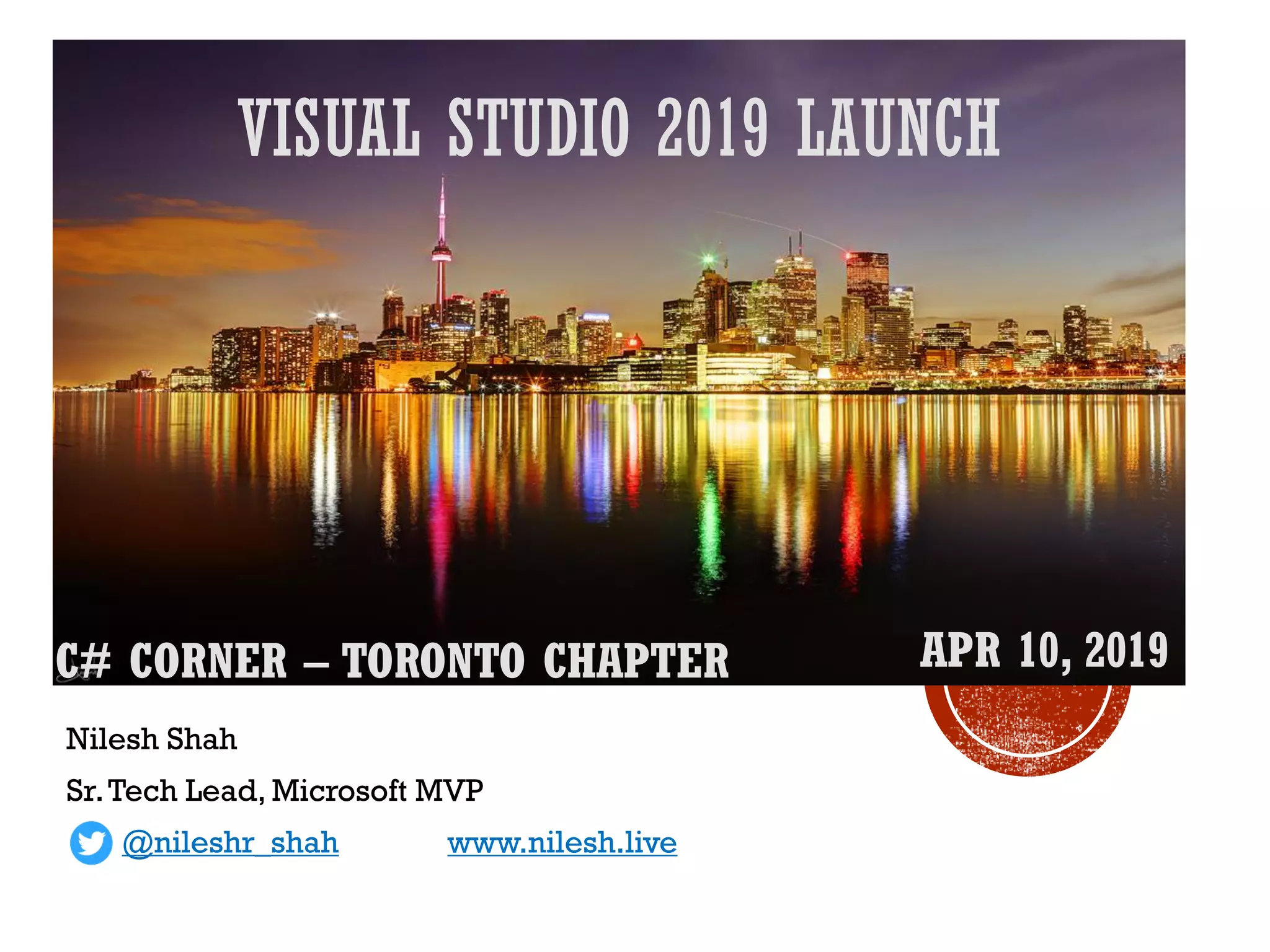
VISUAL STUDIO 2019 LAUNCH
Nilesh Shah
Sr.Tech Lead, Microsoft MVP
@nileshr_shah www.nilesh.live
C# CORNER – TORONTO CHAPTER APR 10, 2019
2
C# Corner Toronto Chapter
Sponsored By:
▪ Nilesh Shah
▪ Sr.Tech Lead, RN Design
▪ Microsoft MVP
▪ C# Corner MVP
▪ https://www.linkedin.com/in/nileshshah9/
3
▪ Visual Studio 2019 editions & comparison
▪ UX Improvements
▪ Tooling Improvements
▪ Live Share
▪ IntelliCode
▪ Development support
▪ .Net / .Net Core
▪ Azure development
▪ Office 365 development
▪ Visual Studio Subscriptions
4
5
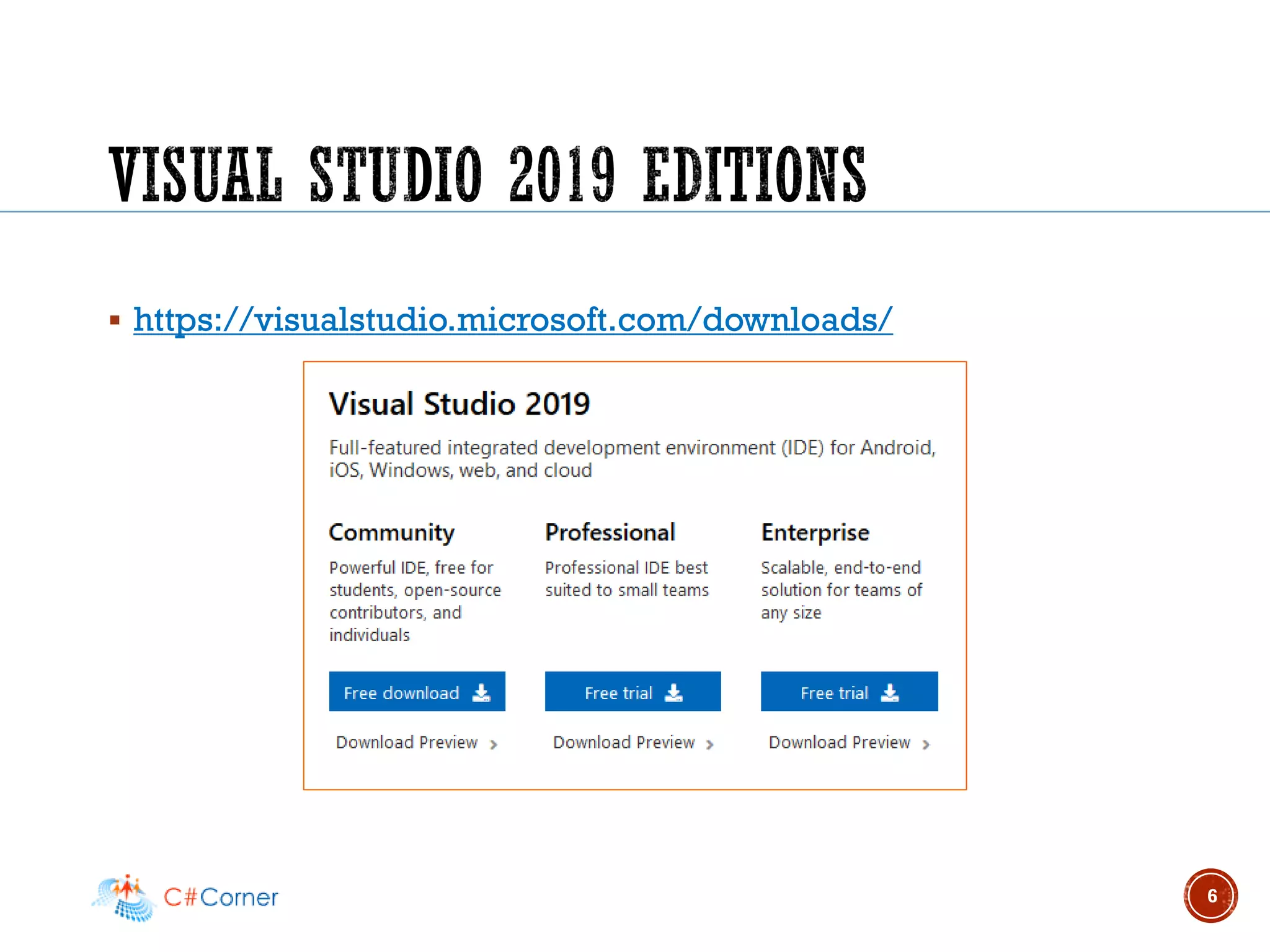
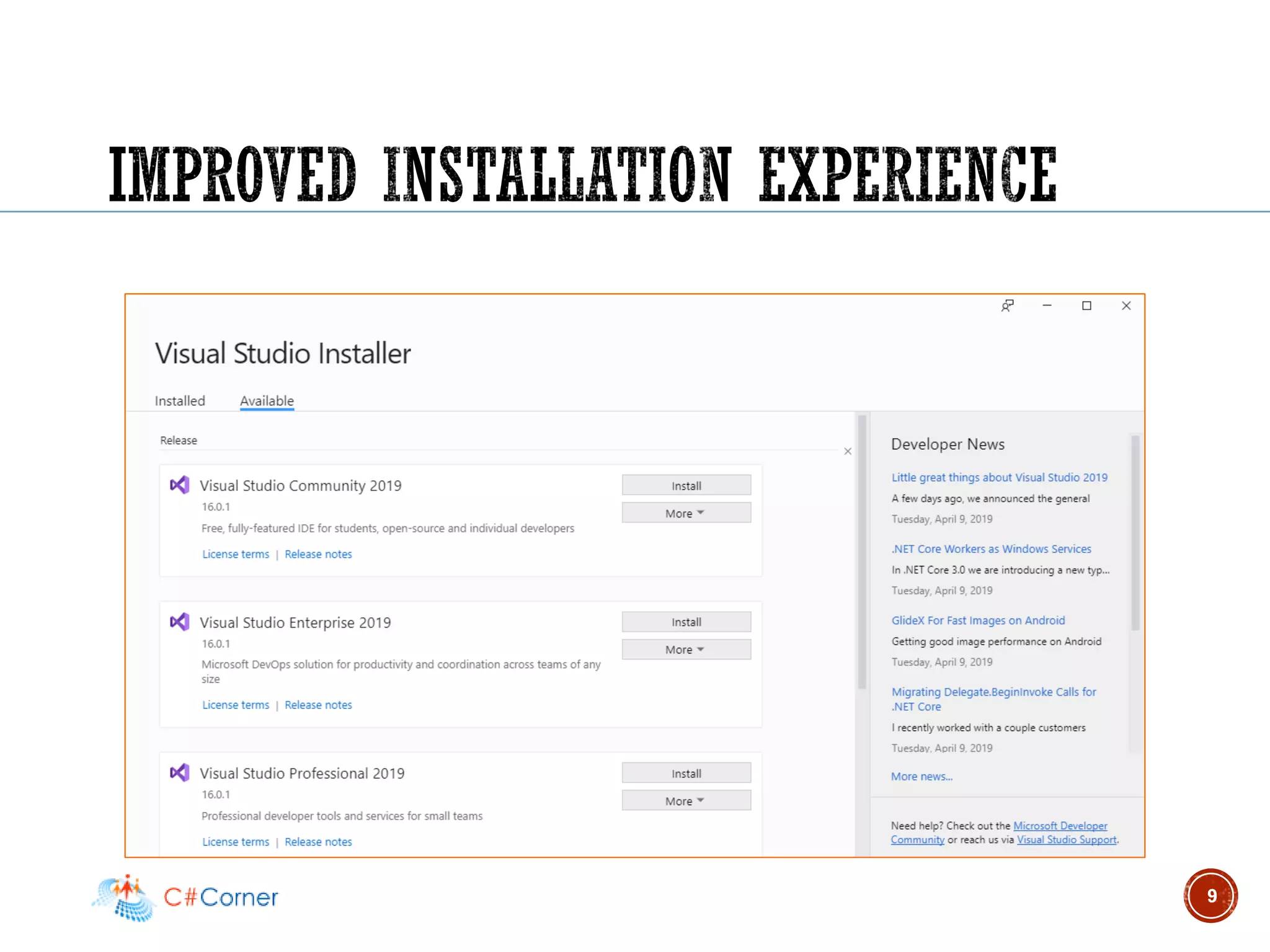
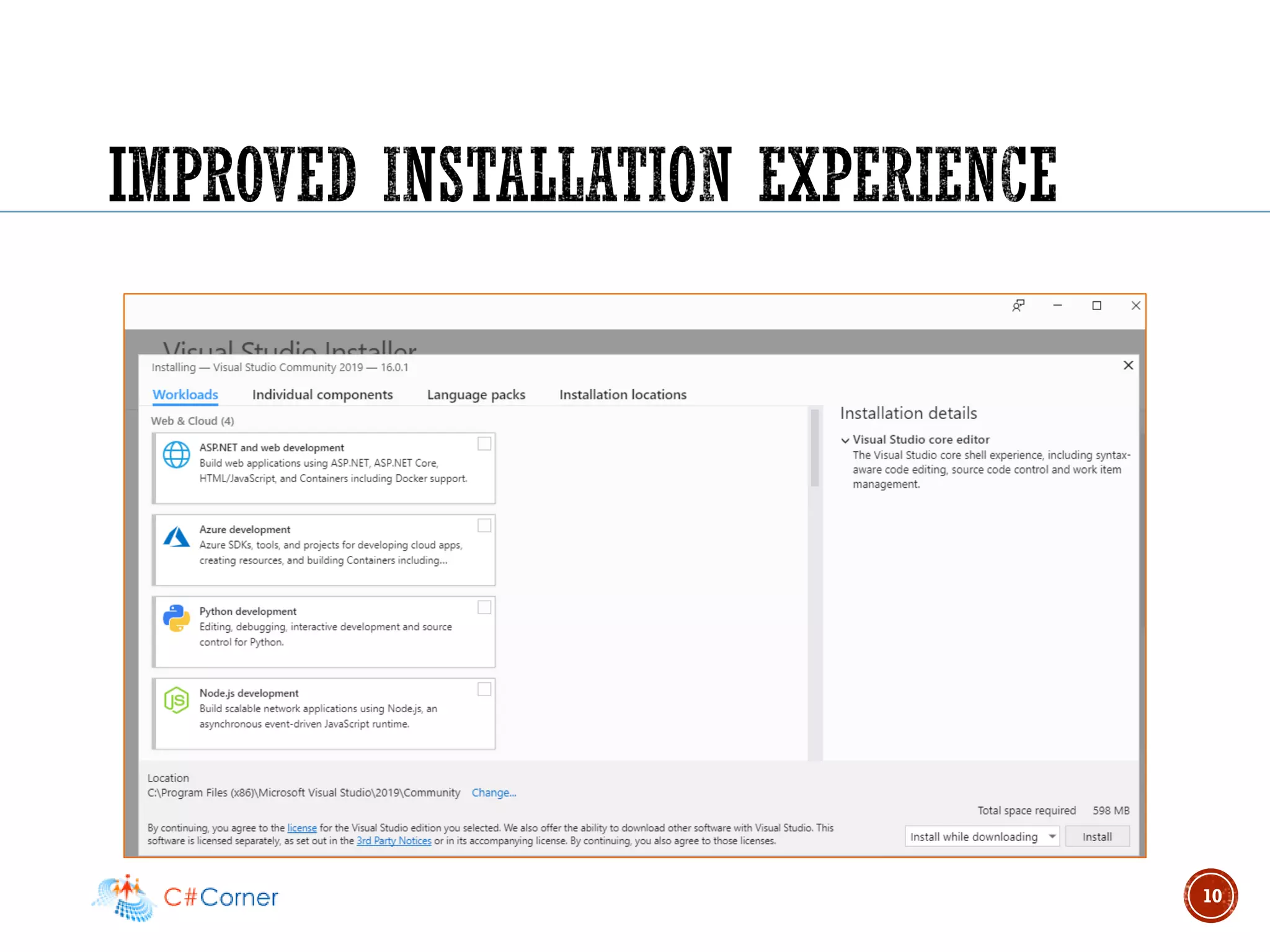
▪ https://visualstudio.microsoft.com/downloads/
6
7
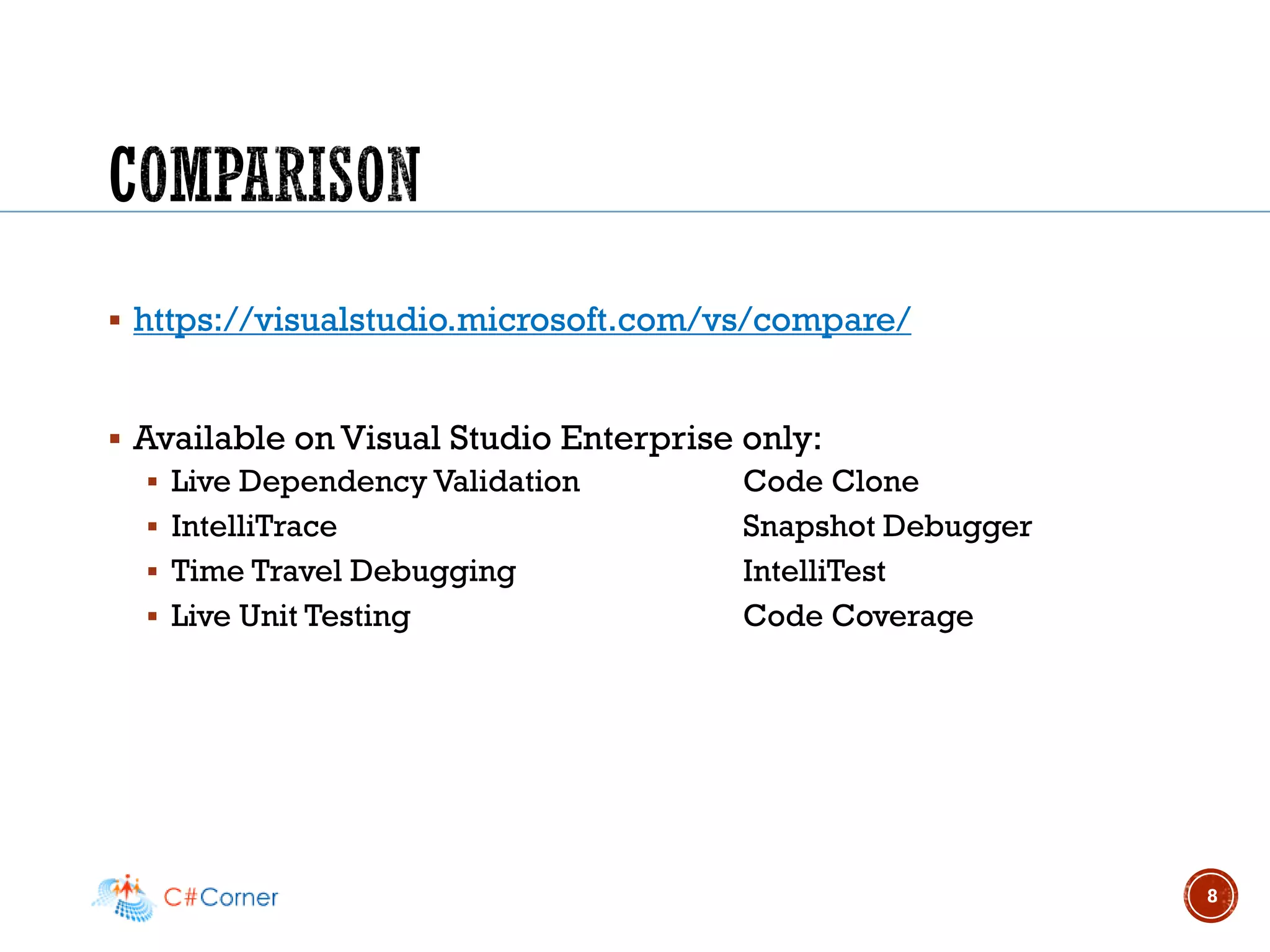
▪ https://visualstudio.microsoft.com/vs/compare/
▪ Available on Visual Studio Enterprise only:
▪ Live Dependency Validation Code Clone
▪ IntelliTrace Snapshot Debugger
▪ Time Travel Debugging IntelliTest
▪ Live Unit Testing Code Coverage
8
9
10
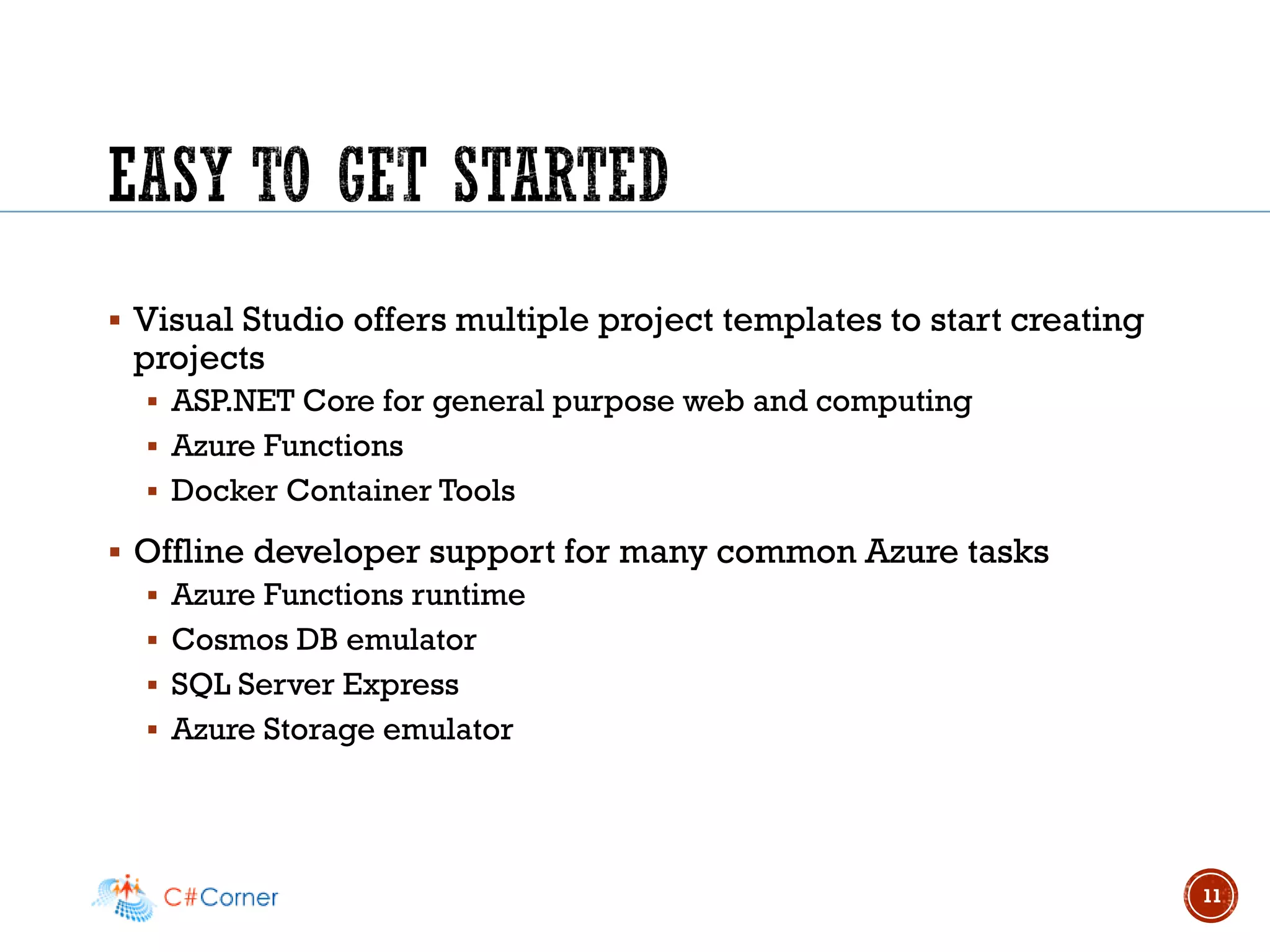
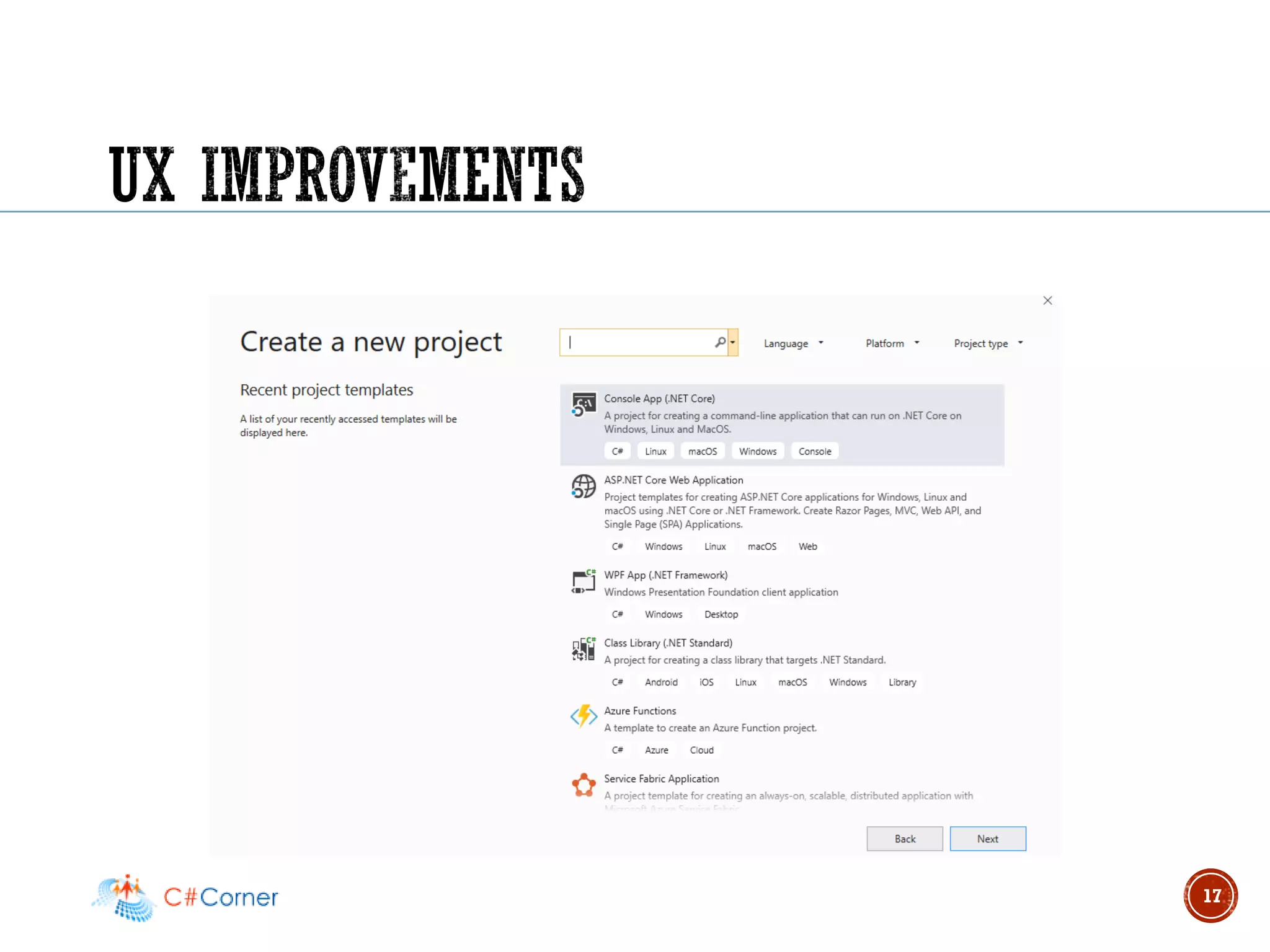
▪ Visual Studio offers multiple project templates to start creating
projects
▪ ASP.NET Core for general purpose web and computing
▪ Azure Functions
▪ Docker Container Tools
▪ Offline developer support for many common Azure tasks
▪ Azure Functions runtime
▪ Cosmos DB emulator
▪ SQL Server Express
▪ Azure Storage emulator
11
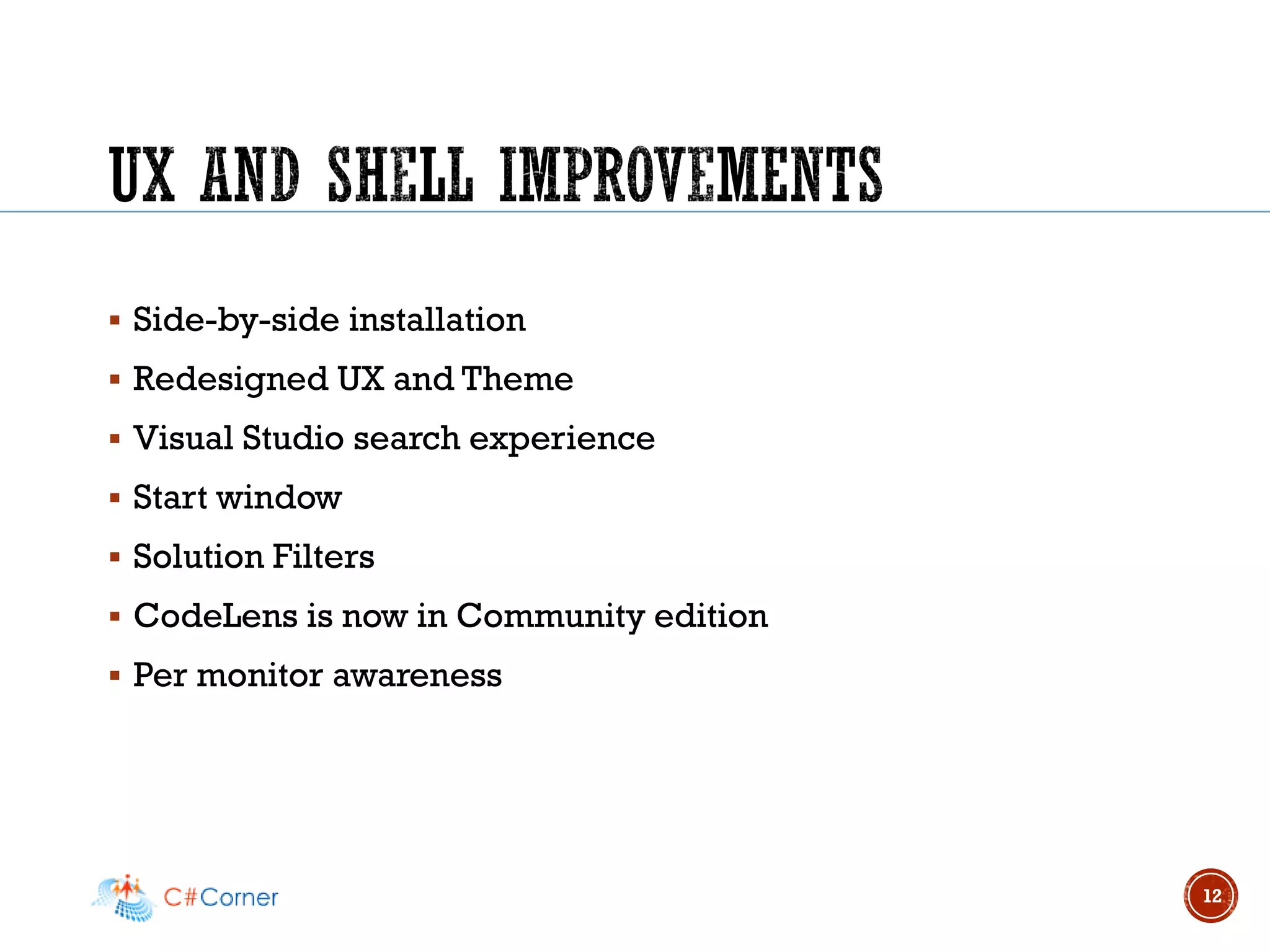
▪ Side-by-side installation
▪ Redesigned UX and Theme
▪ Visual Studio search experience
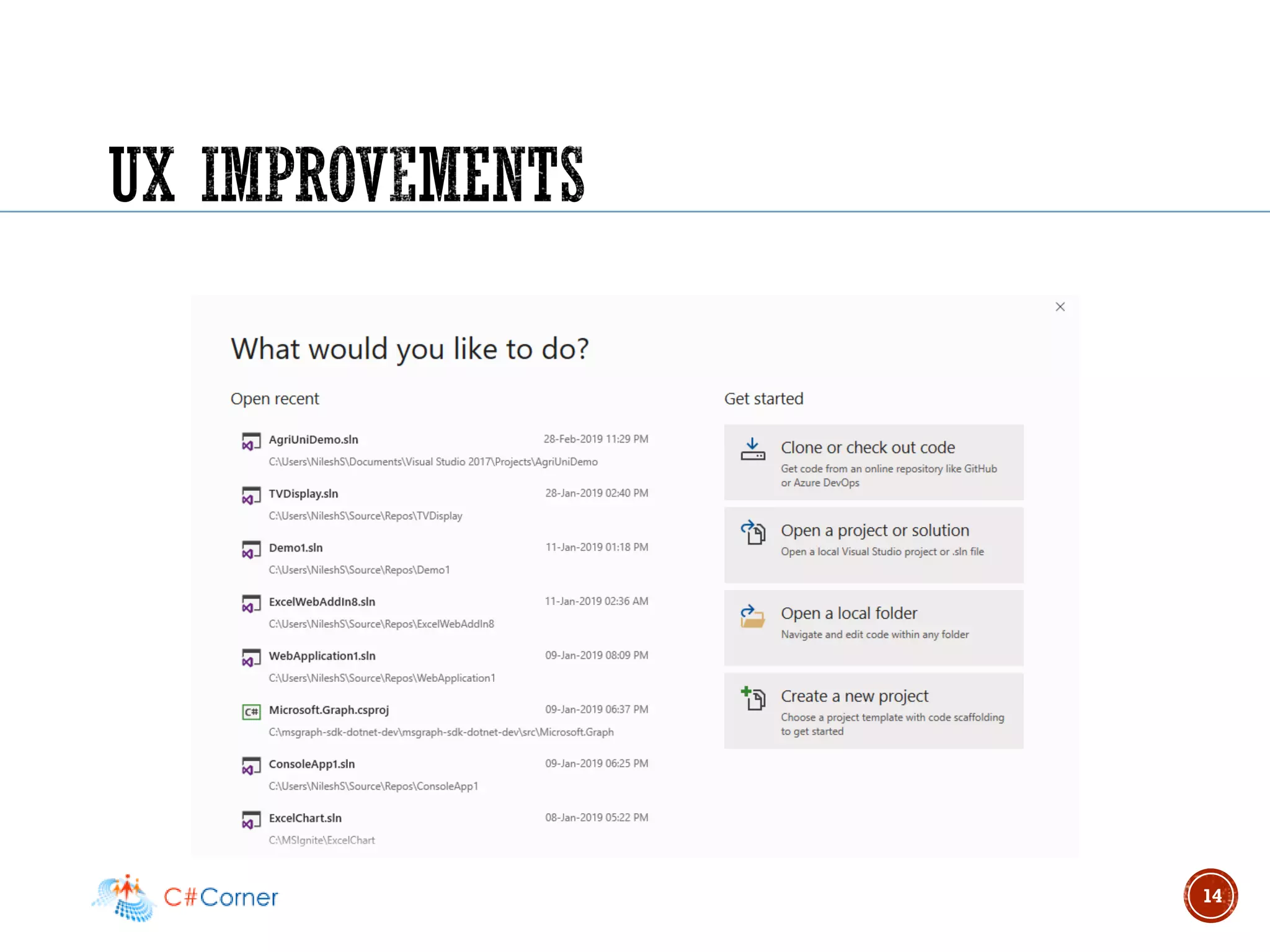
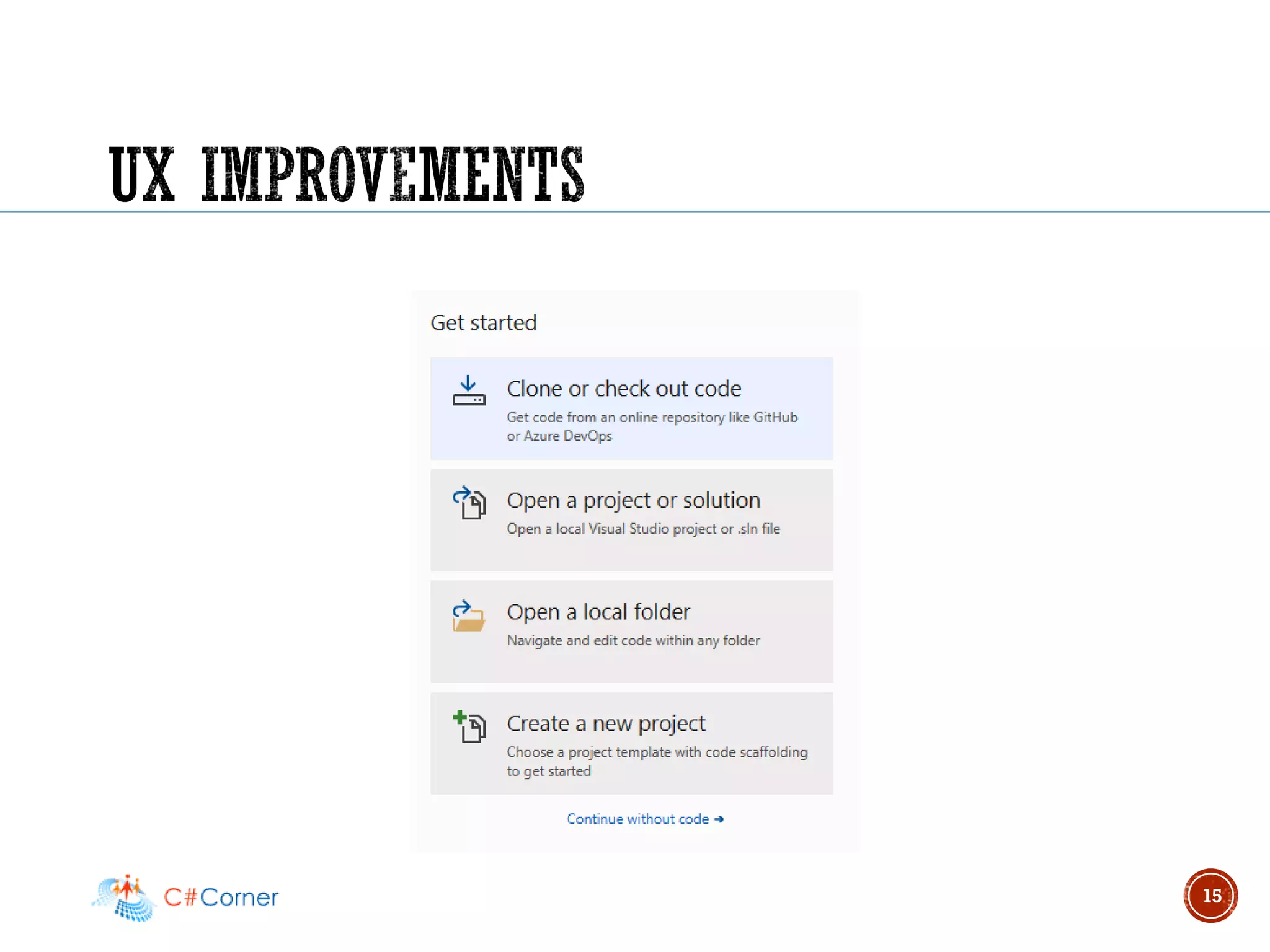
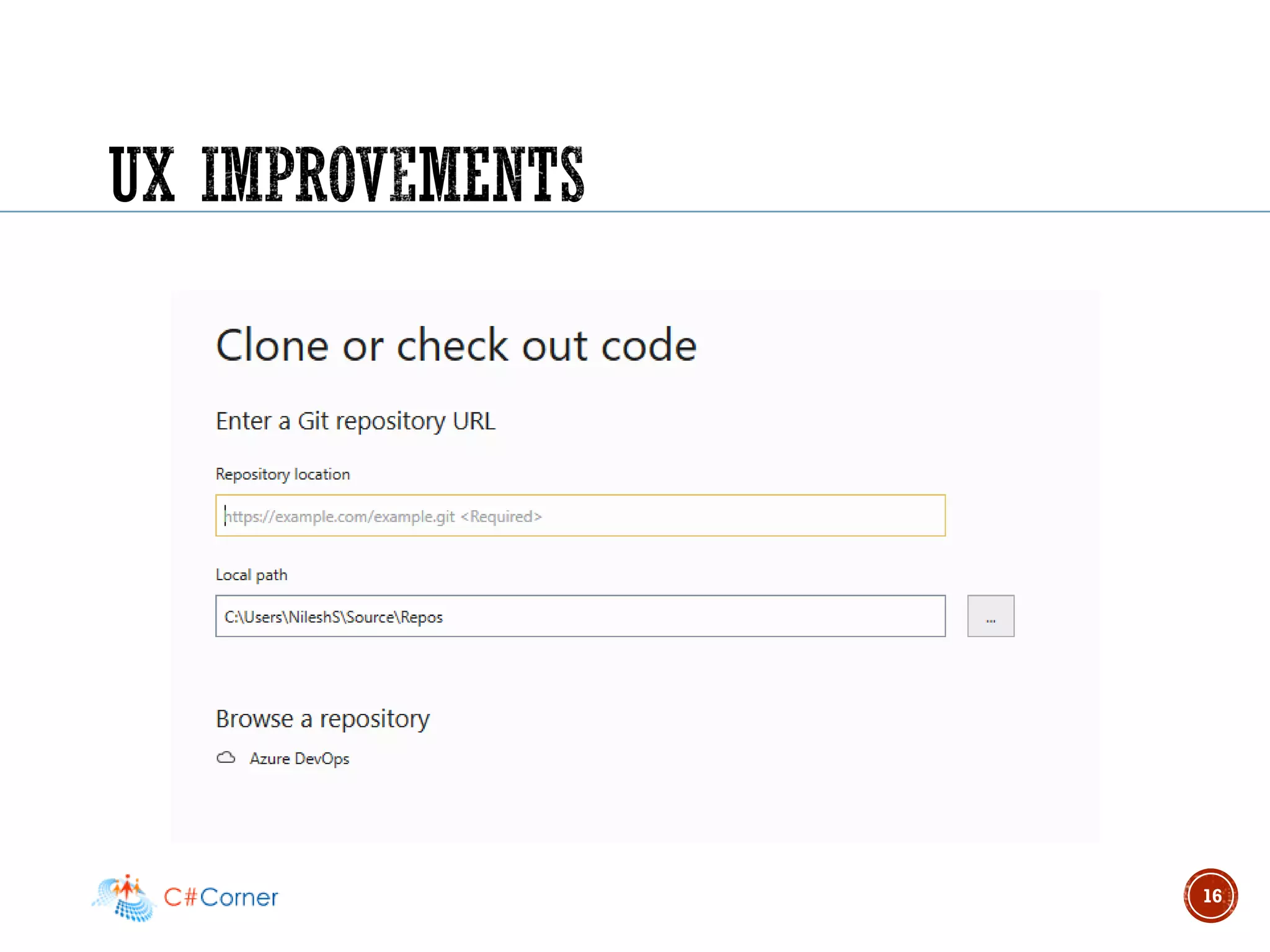
▪ Start window
▪ Solution Filters
▪ CodeLens is now in Community edition
▪ Per monitor awareness
12
13
14
15
16
17
▪ New classification colors
▪ IntelliCode (soon to be on by default!)
▪ Find all references improvements
▪ Search local/watch windows during debugging
▪ Export code style in Tools > Options to .editorconfig
18
▪ Most VS windows are now async (i.e. watch, call stack)
▪ UI delays in most windows down by 70%
▪ Stepping block time is down by more than half compared to VS
2017
▪ C++ Out-of-Proc → 84% memory reduction for devenv.exe
19
▪ Easy to test your applications in Azure
▪ Direct publish to many Azure hosting services
▪ Ability to create common Azure service dependencies
▪ Cloud debugging and diagnostics integration
▪ Azure DevOps integration for Continuous Delivery workflows
20
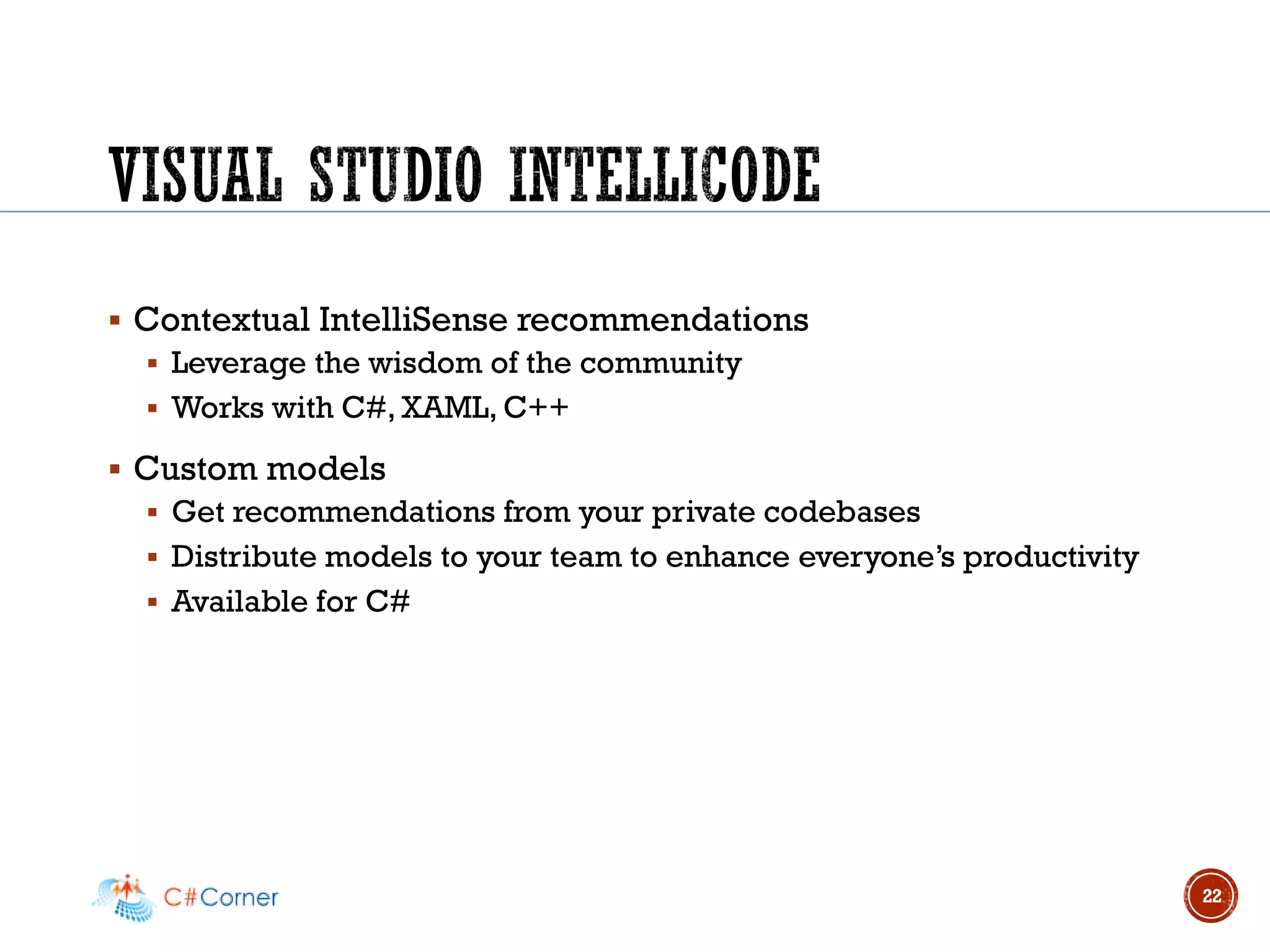
▪ Contextual IntelliSense recommendations
▪ Leverage the wisdom of the community
▪ Works with C#, XAML, C++
▪ Custom models
▪ Get recommendations from your private codebases
▪ Distribute models to your team to enhance everyone’s productivity
▪ Available for C#
22
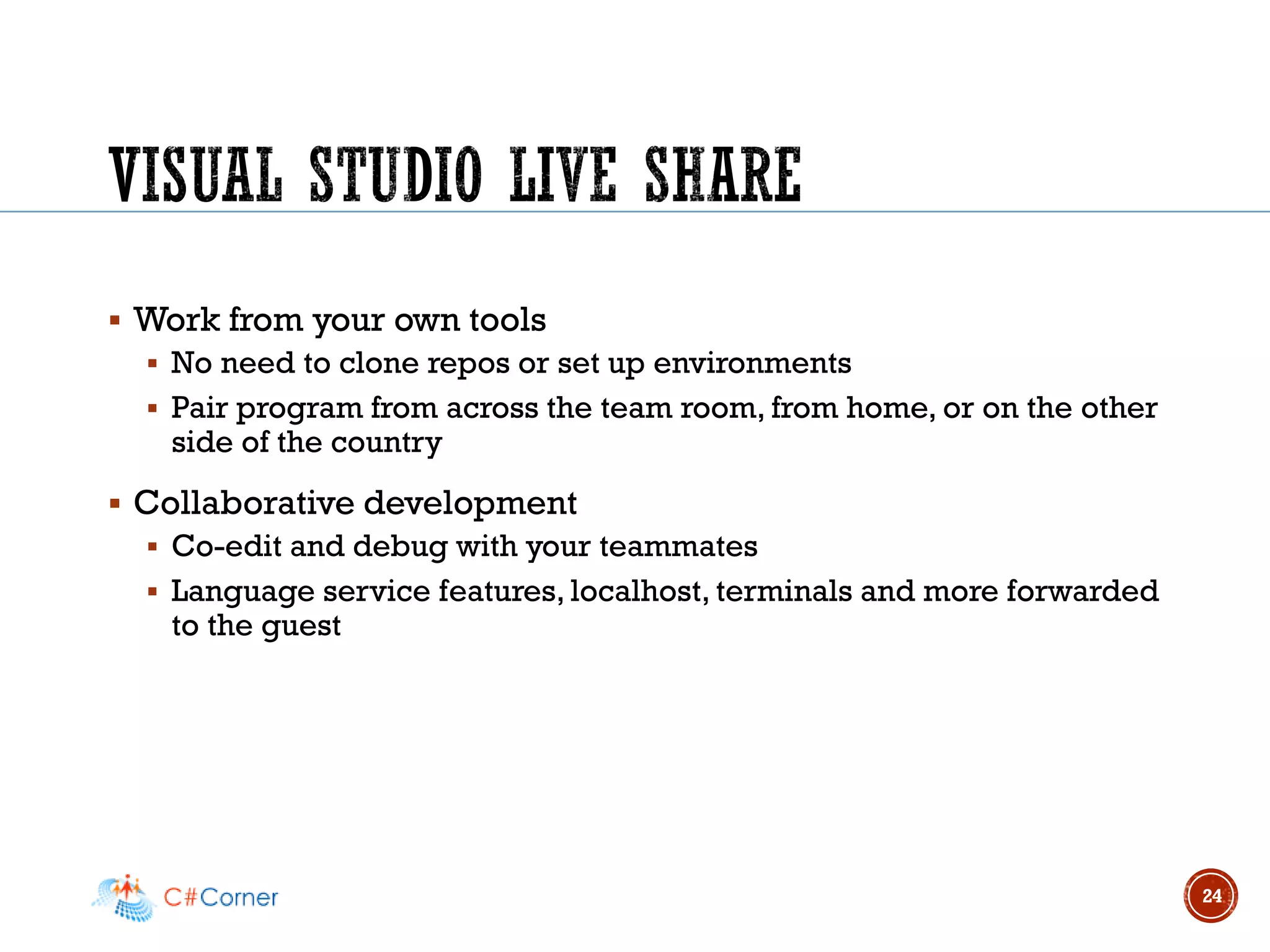
▪ Work from your own tools
▪ No need to clone repos or set up environments
▪ Pair program from across the team room, from home, or on the other
side of the country
▪ Collaborative development
▪ Co-edit and debug with your teammates
▪ Language service features, localhost, terminals and more forwarded
to the guest
24
▪ .NET Core 2.2 included
▪ Simplified ASP.NET Core templates:
▪ Bootstrap 4, Angular 6
▪ API analyzer & conventions
▪ HTTP/2
▪ IIS in-process hosting
▪ Health checks
▪ Endpoint routing
25
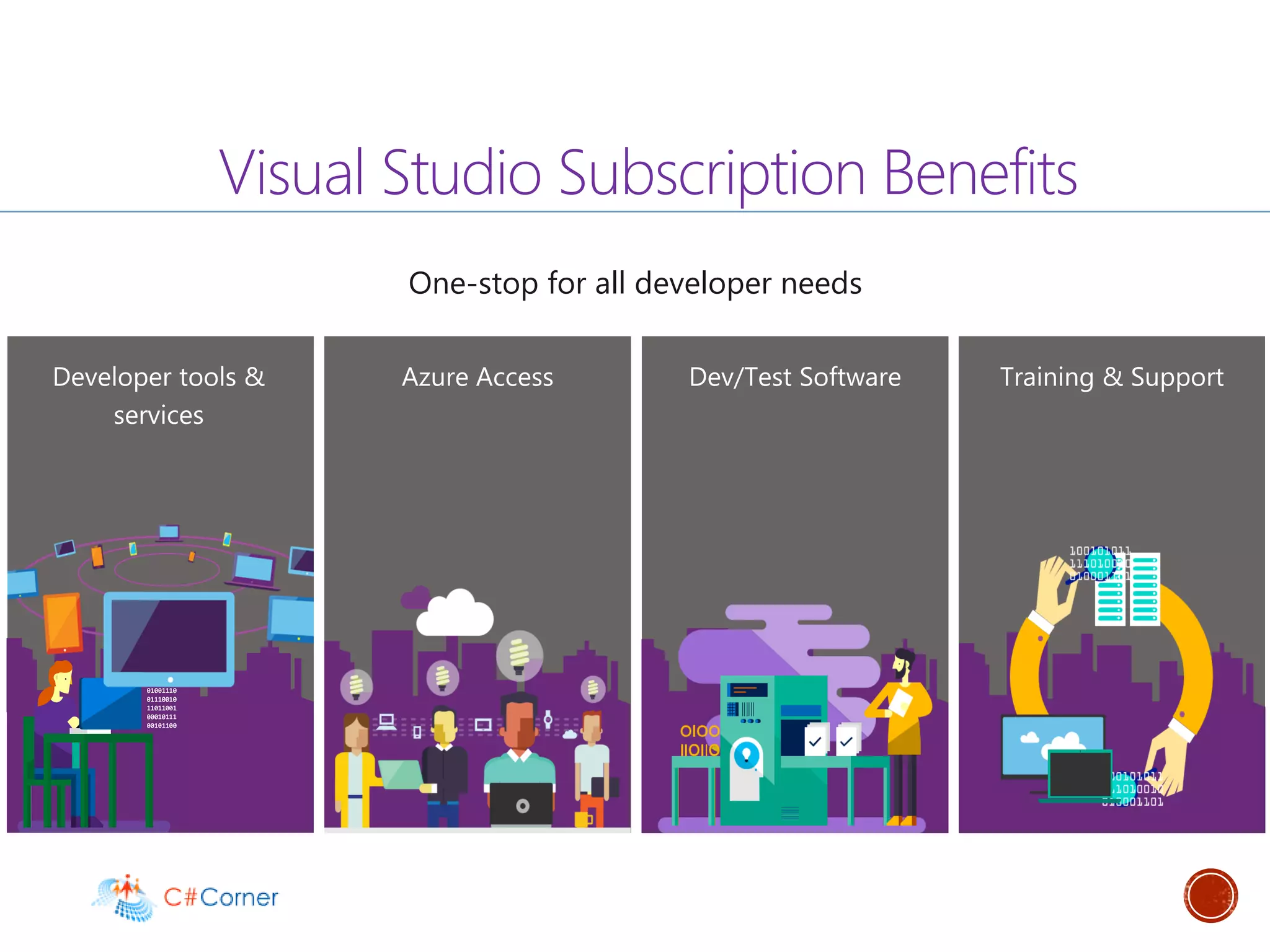
Azure Access Dev/Test Software Training & SupportDeveloper tools &
services
Visual Studio Subscription Benefits
One-stop for all developer needs
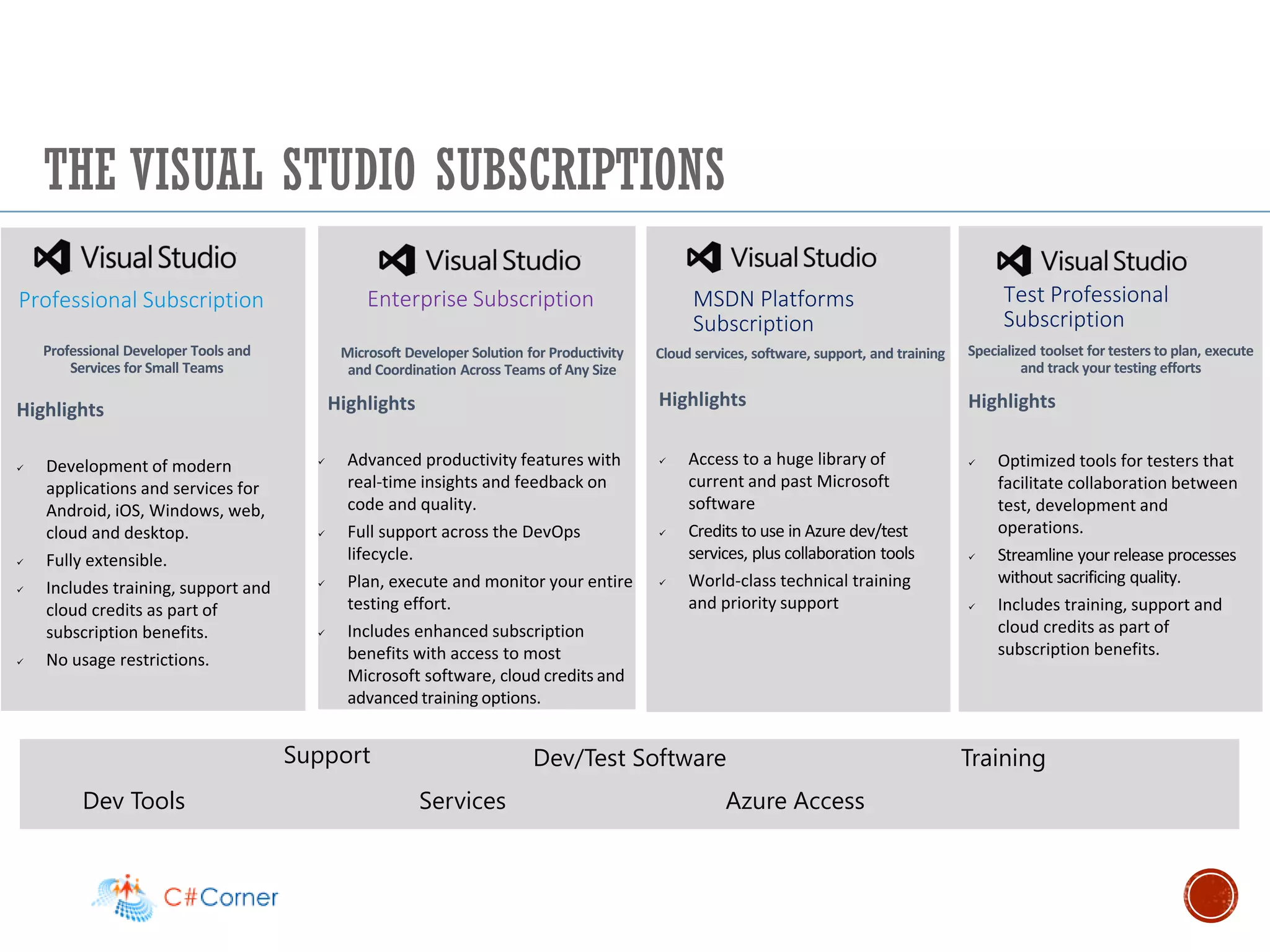
THE VISUAL STUDIO SUBSCRIPTIONS
Test Professional
Subscription
Professional Subscription
Highlights
✓ Development of modern
applications and services for
Android, iOS, Windows, web,
cloud and desktop.
✓ Fully extensible.
✓ Includes training, support and
cloud credits as part of
subscription benefits.
✓ No usage restrictions.
Highlights
✓ Advanced productivity features with
real-time insights and feedback on
code and quality.
✓ Full support across the DevOps
lifecycle.
✓ Plan, execute and monitor your entire
testing effort.
✓ Includes enhanced subscription
benefits with access to most
Microsoft software, cloud credits and
advanced training options.
Professional Developer Tools and
Services for Small Teams
Microsoft Developer Solution for Productivity
and Coordination Across Teams of Any Size
Enterprise Subscription
Training
Dev Tools Services Azure Access
Dev/Test Software
Highlights
✓ Optimized tools for testers that
facilitate collaboration between
test, development and
operations.
✓ Streamline your release processes
without sacrificing quality.
✓ Includes training, support and
cloud credits as part of
subscription benefits.
Specialized toolset for testers to plan, execute
and track your testing efforts
Support
Cloud services, software, support, and training
Highlights
✓ Access to a huge library of
current and past Microsoft
software
✓ Credits to use in Azure dev/test
services, plus collaboration tools
✓ World-class technical training
and priority support
MSDN Platforms
Subscription
Test Professional
Subscription
▪ Visual Studio 2019 for Mac
▪ Build Tools for Visual Studio 2019
▪ Agents for Visual Studio 2019
▪ IntelliTrace Standalone Collector for Visual Studio 2019
▪ Performance Tools for Visual Studio 2019
▪ Remote Tools for Visual Studio 2019
28
29
▪ Downloads
▪ https://visualstudio.microsoft.com/downloads/
▪ Learning
▪ https://www.linkedin.com/learning/first-look-visual-studio-2019
▪ https://www.pluralsight.com/courses/visual-studio-whats-new
30
31
www.nilesh.live
nileshr_shah
nileshshah9
https://www.meetup.com/C-Corner-Toronto-Chapter-Meetup/

Csharp corner toronto vs2019 post launch 10 apr 2019 nilesh shah

  • 1.
    VISUAL STUDIO 2019LAUNCH Nilesh Shah Sr.Tech Lead, Microsoft MVP @nileshr_shah www.nilesh.live C# CORNER – TORONTO CHAPTER APR 10, 2019
  • 2.
    2 C# Corner TorontoChapter Sponsored By:
  • 3.
    ▪ Nilesh Shah ▪Sr.Tech Lead, RN Design ▪ Microsoft MVP ▪ C# Corner MVP ▪ https://www.linkedin.com/in/nileshshah9/ 3
  • 4.
    ▪ Visual Studio2019 editions & comparison ▪ UX Improvements ▪ Tooling Improvements ▪ Live Share ▪ IntelliCode ▪ Development support ▪ .Net / .Net Core ▪ Azure development ▪ Office 365 development ▪ Visual Studio Subscriptions 4
  • 5.
  • 6.
  • 7.
  • 8.
    ▪ https://visualstudio.microsoft.com/vs/compare/ ▪ Availableon Visual Studio Enterprise only: ▪ Live Dependency Validation Code Clone ▪ IntelliTrace Snapshot Debugger ▪ Time Travel Debugging IntelliTest ▪ Live Unit Testing Code Coverage 8
  • 9.
  • 10.
  • 11.
    ▪ Visual Studiooffers multiple project templates to start creating projects ▪ ASP.NET Core for general purpose web and computing ▪ Azure Functions ▪ Docker Container Tools ▪ Offline developer support for many common Azure tasks ▪ Azure Functions runtime ▪ Cosmos DB emulator ▪ SQL Server Express ▪ Azure Storage emulator 11
  • 12.
    ▪ Side-by-side installation ▪Redesigned UX and Theme ▪ Visual Studio search experience ▪ Start window ▪ Solution Filters ▪ CodeLens is now in Community edition ▪ Per monitor awareness 12
  • 13.
  • 14.
  • 15.
  • 16.
  • 17.
  • 18.
    ▪ New classificationcolors ▪ IntelliCode (soon to be on by default!) ▪ Find all references improvements ▪ Search local/watch windows during debugging ▪ Export code style in Tools > Options to .editorconfig 18
  • 19.
    ▪ Most VSwindows are now async (i.e. watch, call stack) ▪ UI delays in most windows down by 70% ▪ Stepping block time is down by more than half compared to VS 2017 ▪ C++ Out-of-Proc → 84% memory reduction for devenv.exe 19
  • 20.
    ▪ Easy totest your applications in Azure ▪ Direct publish to many Azure hosting services ▪ Ability to create common Azure service dependencies ▪ Cloud debugging and diagnostics integration ▪ Azure DevOps integration for Continuous Delivery workflows 20
  • 22.
    ▪ Contextual IntelliSenserecommendations ▪ Leverage the wisdom of the community ▪ Works with C#, XAML, C++ ▪ Custom models ▪ Get recommendations from your private codebases ▪ Distribute models to your team to enhance everyone’s productivity ▪ Available for C# 22
  • 24.
    ▪ Work fromyour own tools ▪ No need to clone repos or set up environments ▪ Pair program from across the team room, from home, or on the other side of the country ▪ Collaborative development ▪ Co-edit and debug with your teammates ▪ Language service features, localhost, terminals and more forwarded to the guest 24
  • 25.
    ▪ .NET Core2.2 included ▪ Simplified ASP.NET Core templates: ▪ Bootstrap 4, Angular 6 ▪ API analyzer & conventions ▪ HTTP/2 ▪ IIS in-process hosting ▪ Health checks ▪ Endpoint routing 25
  • 26.
    Azure Access Dev/TestSoftware Training & SupportDeveloper tools & services Visual Studio Subscription Benefits One-stop for all developer needs
  • 27.
    THE VISUAL STUDIOSUBSCRIPTIONS Test Professional Subscription Professional Subscription Highlights ✓ Development of modern applications and services for Android, iOS, Windows, web, cloud and desktop. ✓ Fully extensible. ✓ Includes training, support and cloud credits as part of subscription benefits. ✓ No usage restrictions. Highlights ✓ Advanced productivity features with real-time insights and feedback on code and quality. ✓ Full support across the DevOps lifecycle. ✓ Plan, execute and monitor your entire testing effort. ✓ Includes enhanced subscription benefits with access to most Microsoft software, cloud credits and advanced training options. Professional Developer Tools and Services for Small Teams Microsoft Developer Solution for Productivity and Coordination Across Teams of Any Size Enterprise Subscription Training Dev Tools Services Azure Access Dev/Test Software Highlights ✓ Optimized tools for testers that facilitate collaboration between test, development and operations. ✓ Streamline your release processes without sacrificing quality. ✓ Includes training, support and cloud credits as part of subscription benefits. Specialized toolset for testers to plan, execute and track your testing efforts Support Cloud services, software, support, and training Highlights ✓ Access to a huge library of current and past Microsoft software ✓ Credits to use in Azure dev/test services, plus collaboration tools ✓ World-class technical training and priority support MSDN Platforms Subscription Test Professional Subscription
  • 28.
    ▪ Visual Studio2019 for Mac ▪ Build Tools for Visual Studio 2019 ▪ Agents for Visual Studio 2019 ▪ IntelliTrace Standalone Collector for Visual Studio 2019 ▪ Performance Tools for Visual Studio 2019 ▪ Remote Tools for Visual Studio 2019 28
  • 29.
  • 30.
    ▪ Downloads ▪ https://visualstudio.microsoft.com/downloads/ ▪Learning ▪ https://www.linkedin.com/learning/first-look-visual-studio-2019 ▪ https://www.pluralsight.com/courses/visual-studio-whats-new 30
  • 31.