Foundations of Security
Module 1
Simplifying Security.
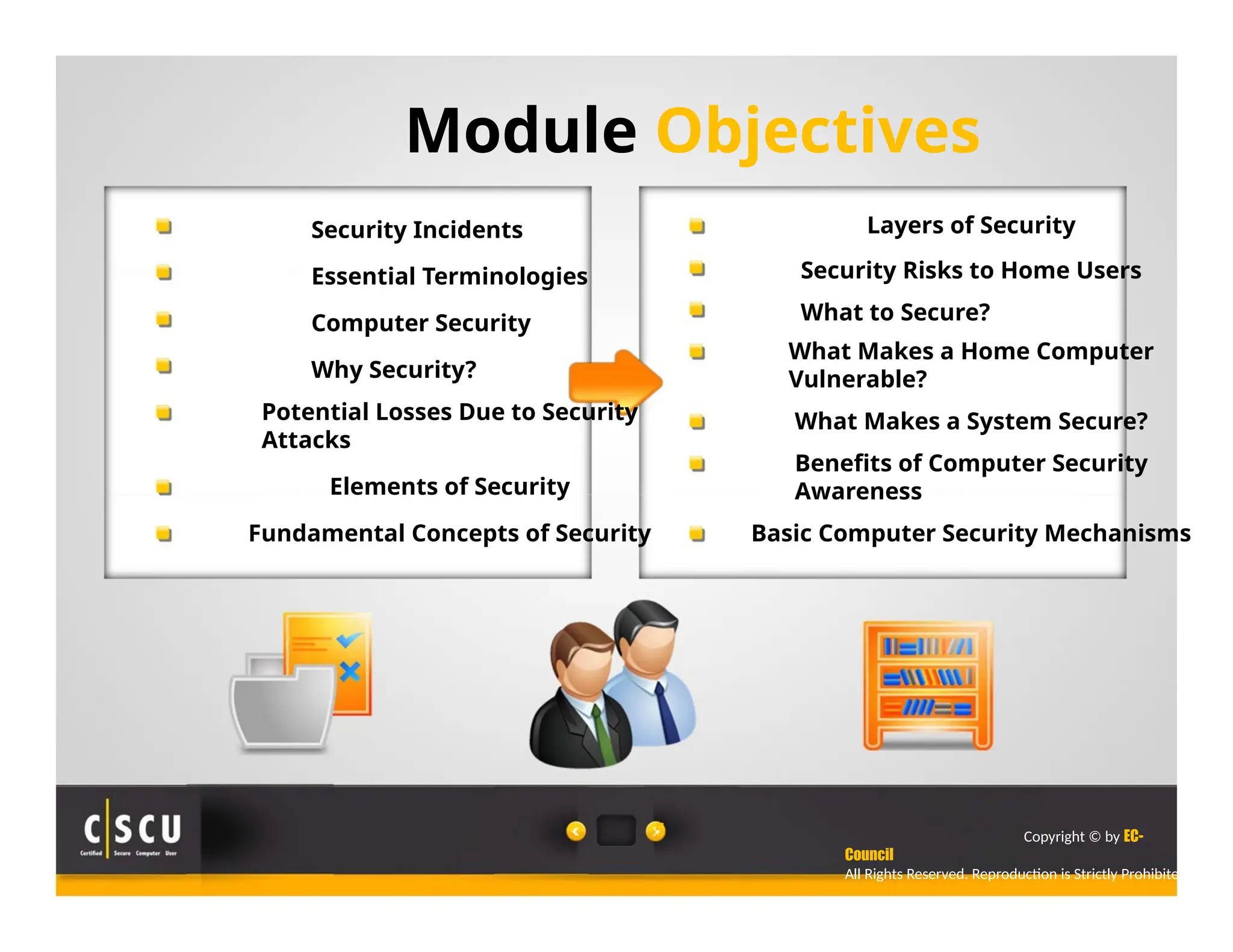
Module Objectives
Security Incidents
Essential Terminologies
Computer Security
Why Security?
Potential Losses Due to Security
Attacks
Elements of Security
Fundamental Concepts of Security
5
Layers of Security
Security Risks to Home Users
What to Secure?
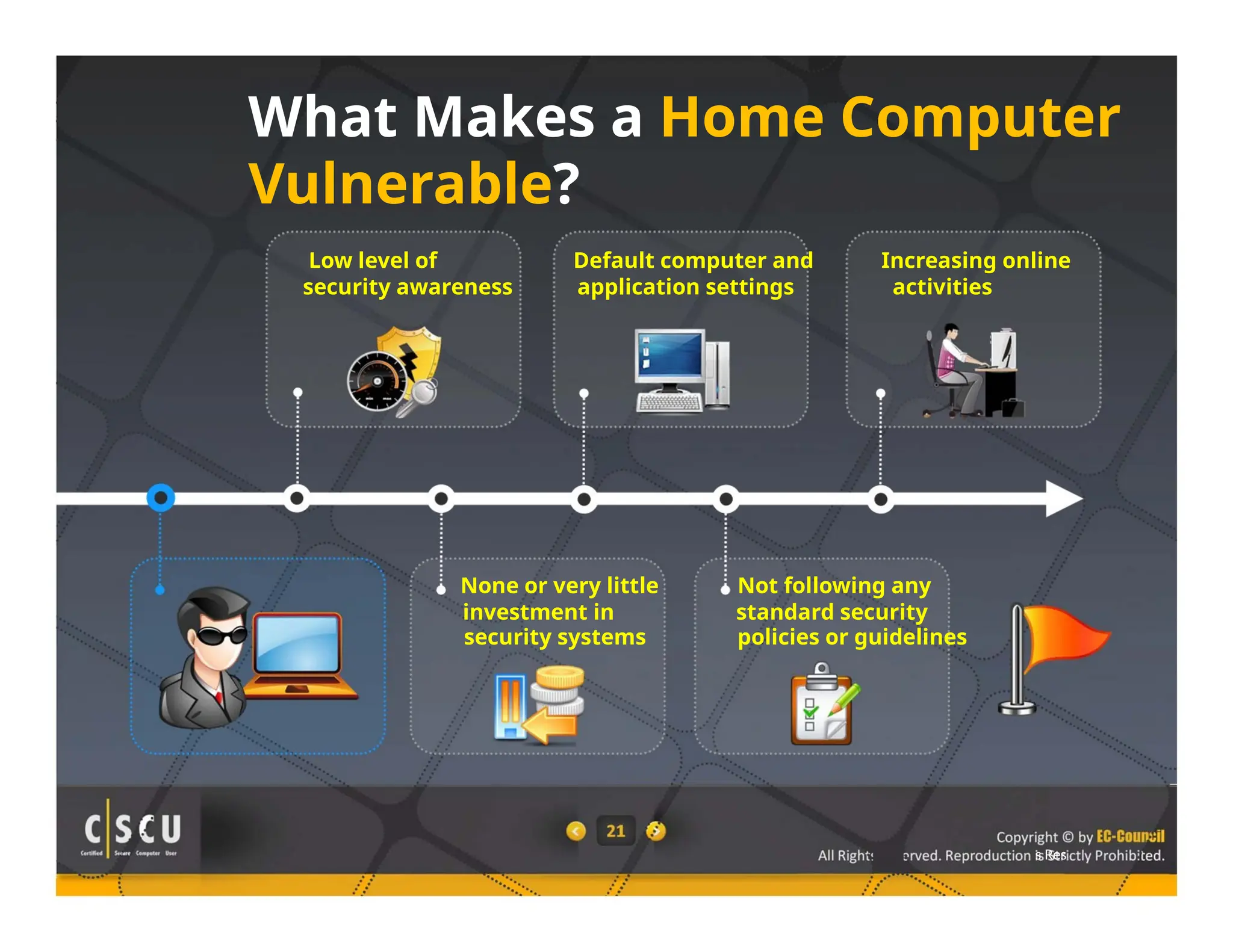
What Makes a Home Computer
Vulnerable?
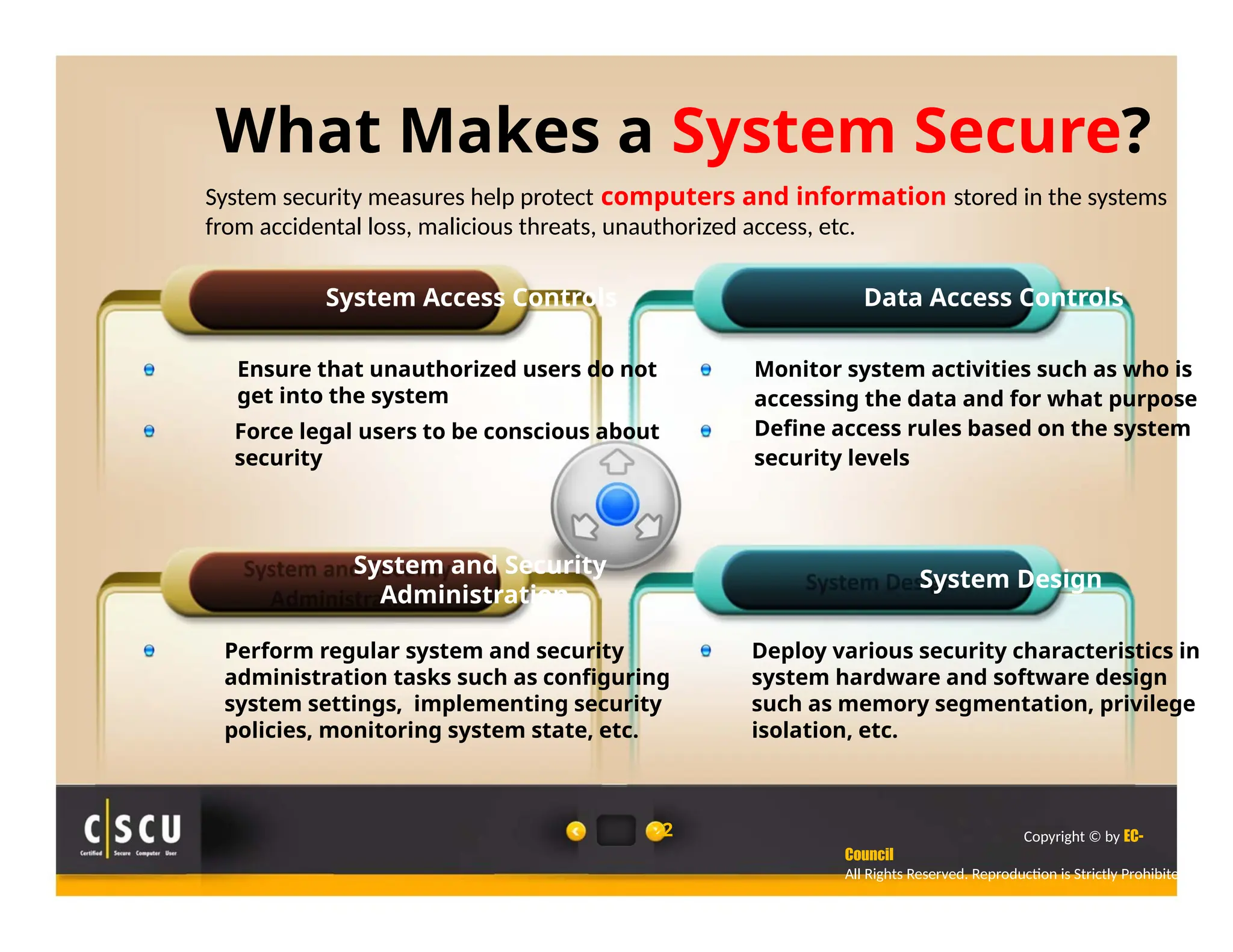
What Makes a System Secure?
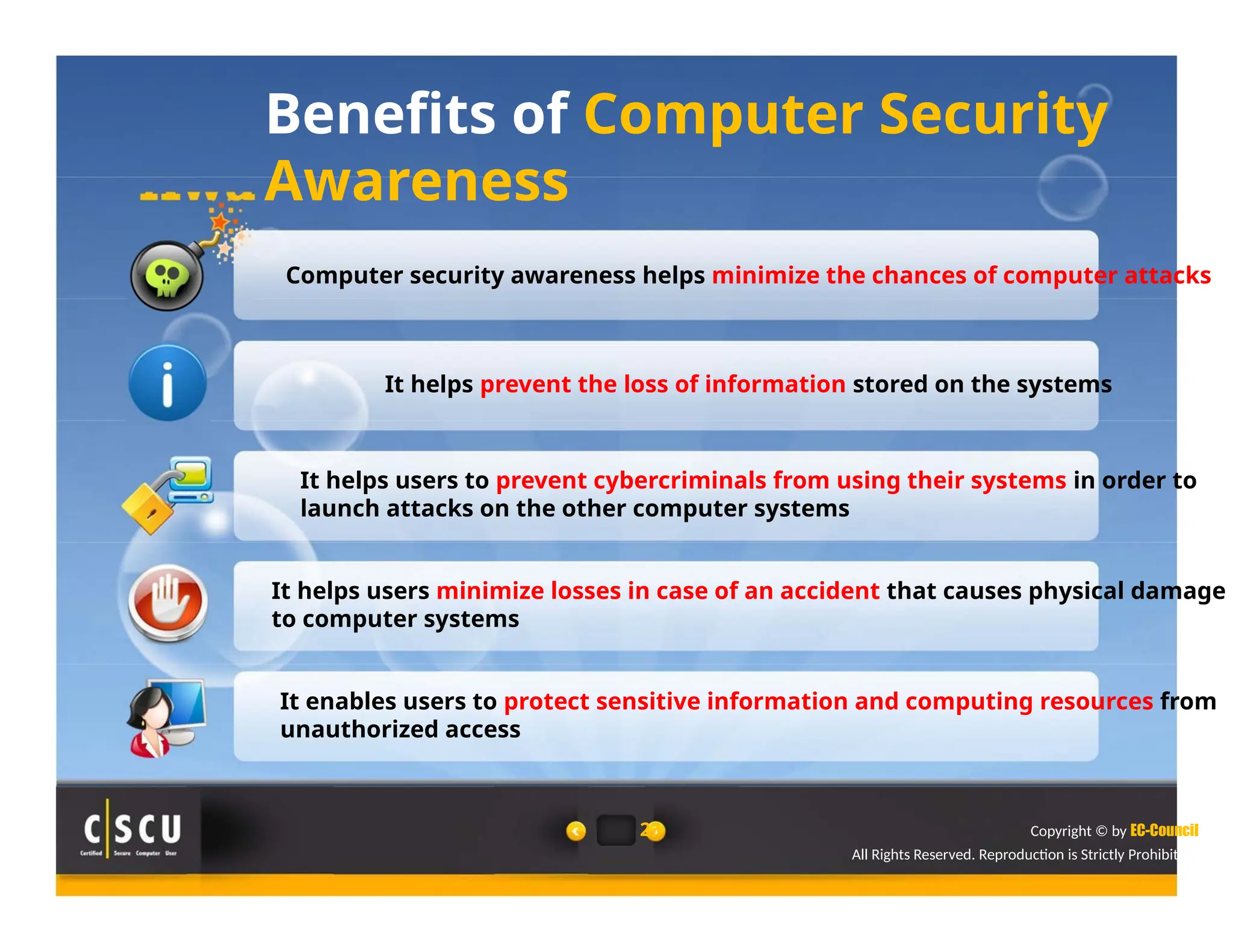
Benefits of Computer Security
Awareness
Basic Computer Security Mechanisms
Copyright © by EC-
Council
All Rights Reserved. Reproduction is Strictly Prohibited.
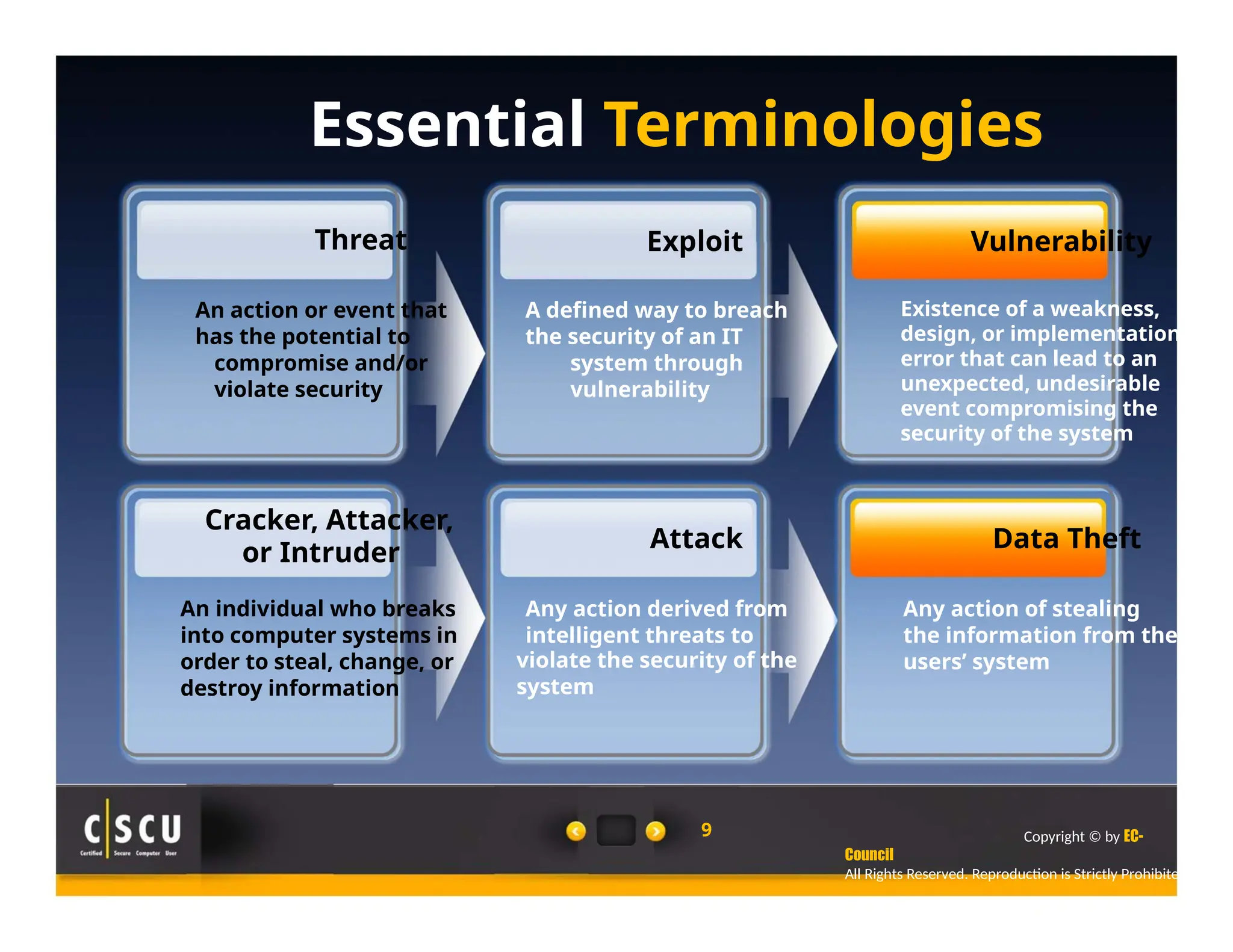
Essential Terminologies
Threat
An action or event that
has the potential to
compromise and/or
violate security
Cracker, Attacker,
or Intruder
An individual who breaks
into computer systems in
order to steal, change, or
destroy information
Exploit
A defined way to breach
the security of an IT
system through
vulnerability
Attack
Any action derived from
intelligent threats to
violate the security of the
system
9
Vulnerability
Existence of a weakness,
design, or implementation
error that can lead to an
unexpected, undesirable
event compromising the
security of the system
Data Theft
Any action of stealing
the information from the
users’ system
Copyright © by EC-
Council
All Rights Reserved. Reproduction is Strictly Prohibited.
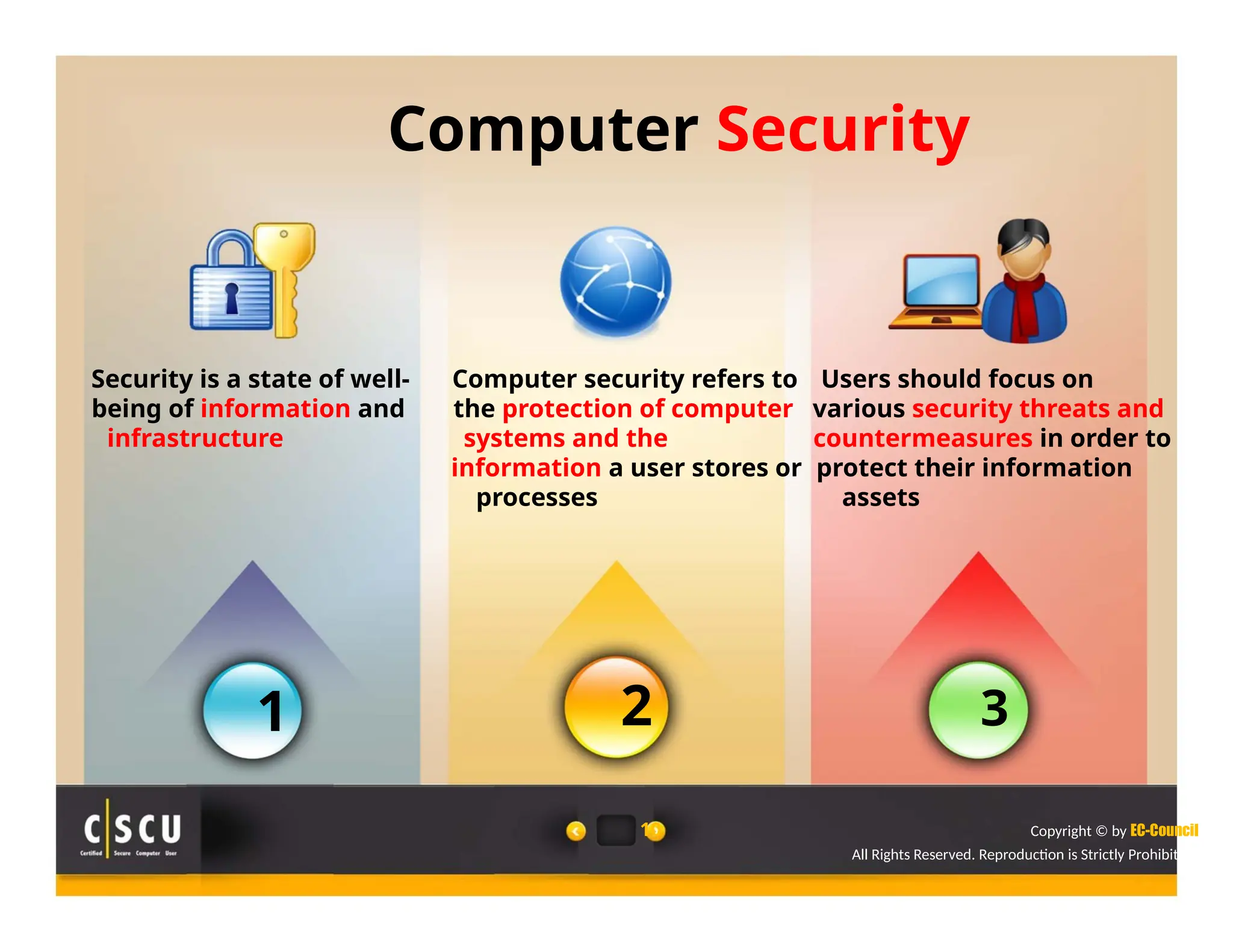
Computer Security
Security is a state of well- Computer security refers to Users should focus on
being of information and the protection of computer various security threats and
infrastructure systems and the countermeasures in order to
information a user stores or protect their information
processes assets
1 2 3
10 Copyright © by EC-Council
All Rights Reserved. Reproduction is Strictly Prohibited.
Why Security?
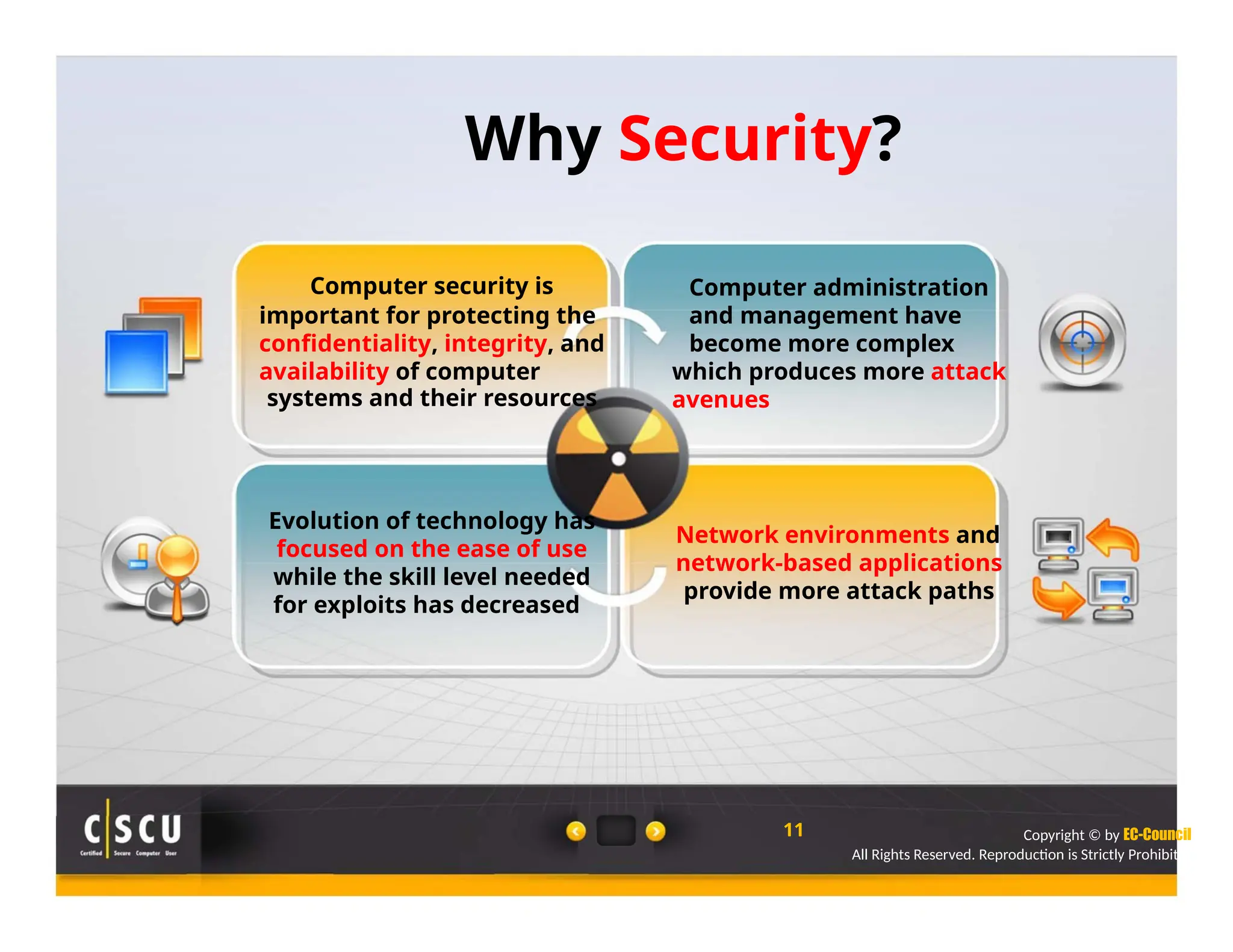
Computer security is
important for protecting the
confidentiality, integrity, and
availability of computer
systems and their resources
Evolution of technology has
focused on the ease of use
while the skill level needed
for exploits has decreased
Computer administration
and management have
become more complex
which produces more attack
avenues
Network environments and
network-based applications
provide more attack paths
11 Copyright © by EC-Council
All Rights Reserved. Reproduction is Strictly Prohibited.
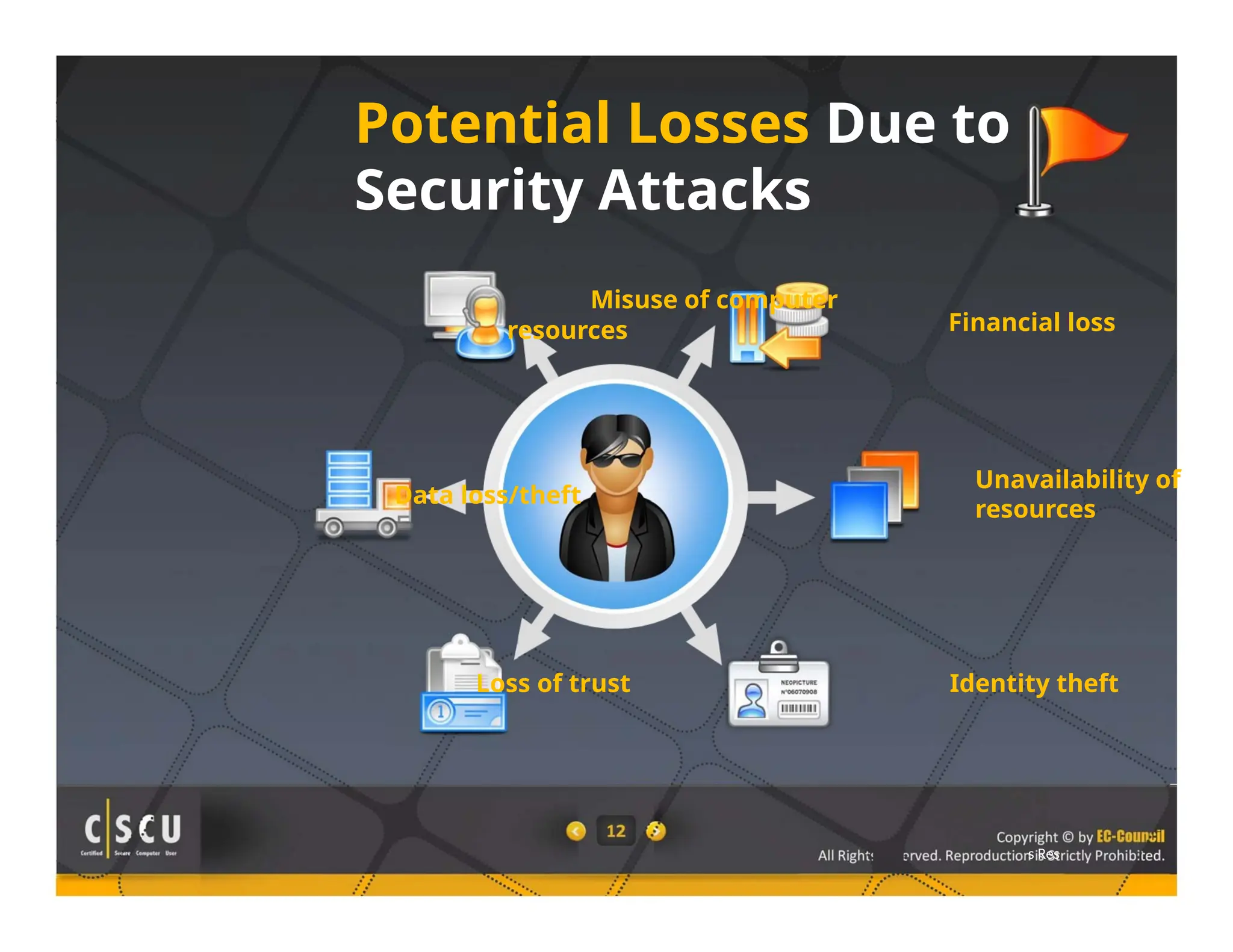
Potential Losses Due to
Security Attacks
Misuse of computer
resources
Data loss/theft
Loss of trust
Financial loss
Unavailability of
resources
Identity theft
s Res
Elements of Security
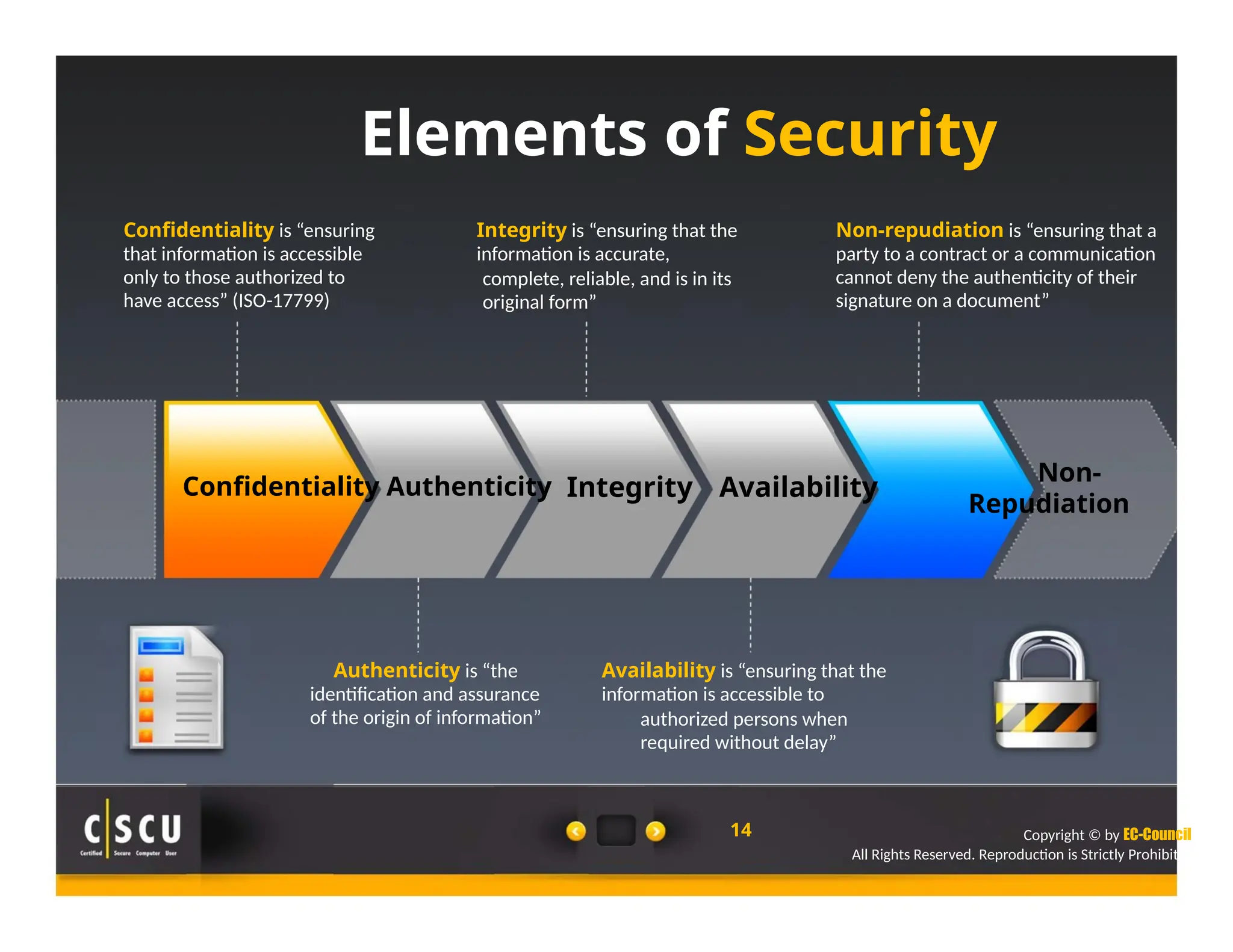
Confidentiality is “ensuring
that information is accessible
only to those authorized to
have access” (ISO-17799)
Integrity is “ensuring that the
information is accurate,
complete, reliable, and is in its
original form”
Non-repudiation is “ensuring that a
party to a contract or a communication
cannot deny the authenticity of their
signature on a document”
Non-
Confidentiality Authenticity
Authenticity is “the
identification and assurance
of the origin of information”
Integrity Availability
Availability is “ensuring that the
information is accessible to
authorized persons when
required without delay”
14
Repudiation
Copyright © by EC-Council
All Rights Reserved. Reproduction is Strictly Prohibited.
The Security, Functionality, and Ease
of Use Triangle
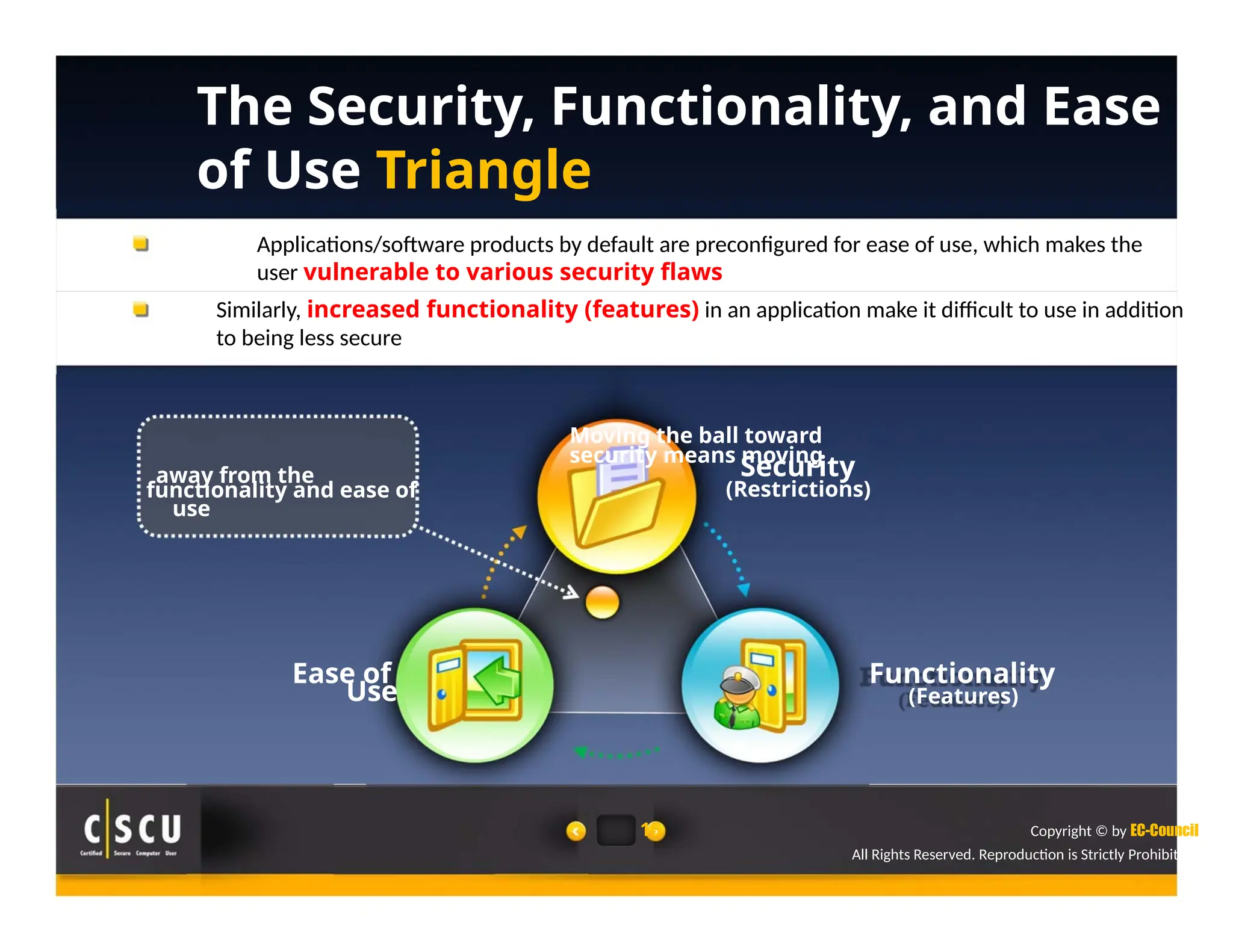
Applications/software products by default are preconfigured for ease of use, which makes the
user vulnerable to various security flaws
Similarly, increased functionality (features) in an application make it difficult to use in addition
to being less secure
Moving the ball toward
security means moving
away from the Security
functionality and ease of (Restrictions)
use
Ease of Functionality
Use (Features)
15 Copyright © by EC-Council
All Rights Reserved. Reproduction is Strictly Prohibited.
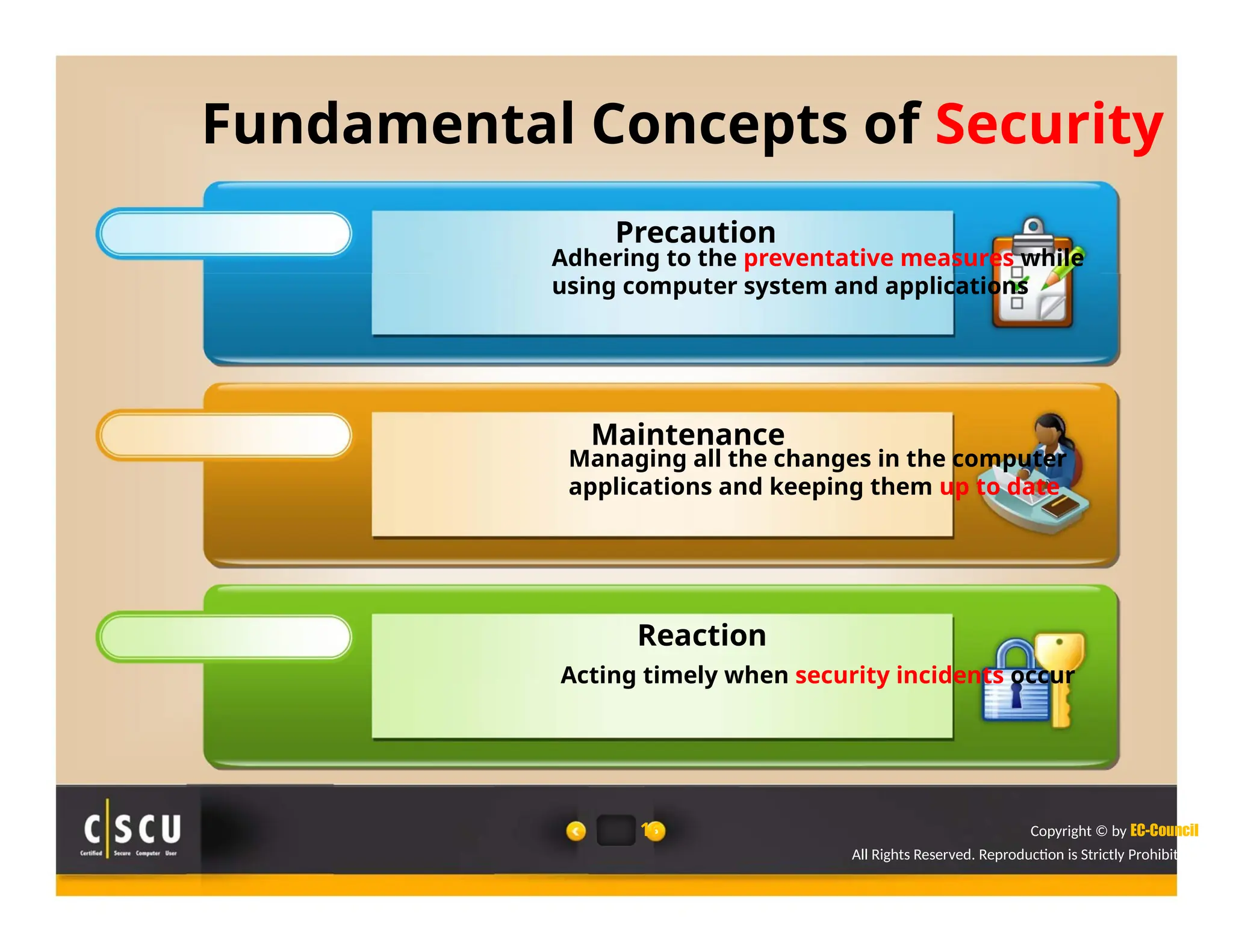
Fundamental Concepts of Security
Precaution
Adhering to the preventative measures while
using computer system and applications
Maintenance
Managing all the changes in the computer
applications and keeping them up to date
Reaction
Acting timely when security incidents occur
16 Copyright © by EC-Council
All Rights Reserved. Reproduction is Strictly Prohibited.
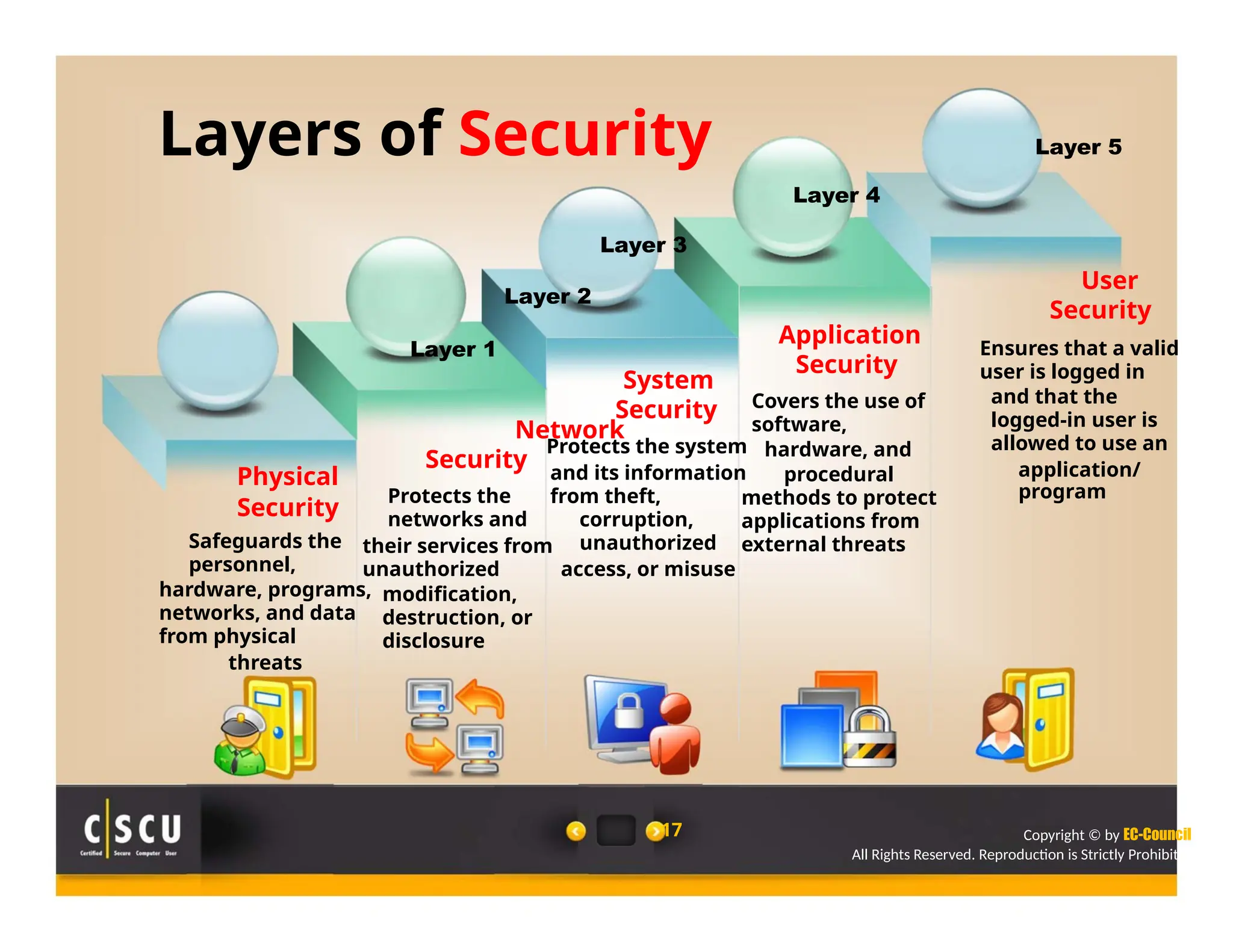
Layers of Security
Layer 3
Layer 2
Layer 1
System
Security
Network
Protects the system
Layer 4
Application
Security
Covers the use of
software,
hardware, and
Layer 5
User
Security
Ensures that a valid
user is logged in
and that the
logged-in user is
allowed to use an
Physical
Security
Safeguards the
personnel,
hardware, programs,
networks, and data
from physical
threats
Security
Protects the
networks and
their services from
unauthorized
modification,
destruction, or
disclosure
and its information
from theft,
corruption,
unauthorized
access, or misuse
17
procedural
methods to protect
applications from
external threats
application/
program
Copyright © by EC-Council
All Rights Reserved. Reproduction is Strictly Prohibited.
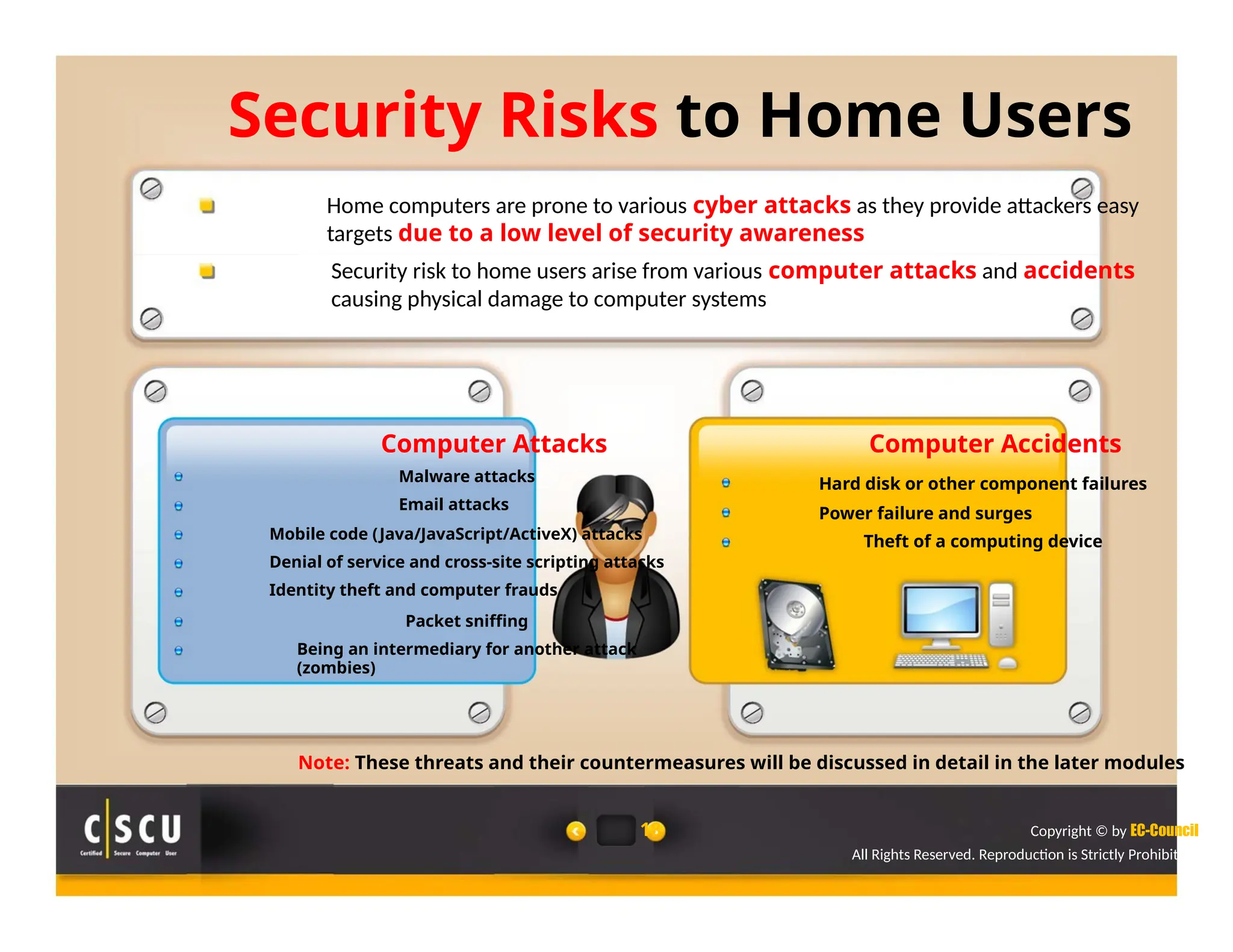
Security Risks to Home Users
Home computers are prone to various cyber attacks as they provide attackers easy
targets due to a low level of security awareness
Security risk to home users arise from various computer attacks and accidents
causing physical damage to computer systems
Computer Attacks
Malware attacks
Email attacks
Mobile code (Java/JavaScript/ActiveX) attacks
Denial of service and cross-site scripting attacks
Identity theft and computer frauds
Packet sniffing
Being an intermediary for another attack
(zombies)
Computer Accidents
Hard disk or other component failures
Power failure and surges
Theft of a computing device
Note: These threats and their countermeasures will be discussed in detail in the later modules
18 Copyright © by EC-Council
All Rights Reserved. Reproduction is Strictly Prohibited.
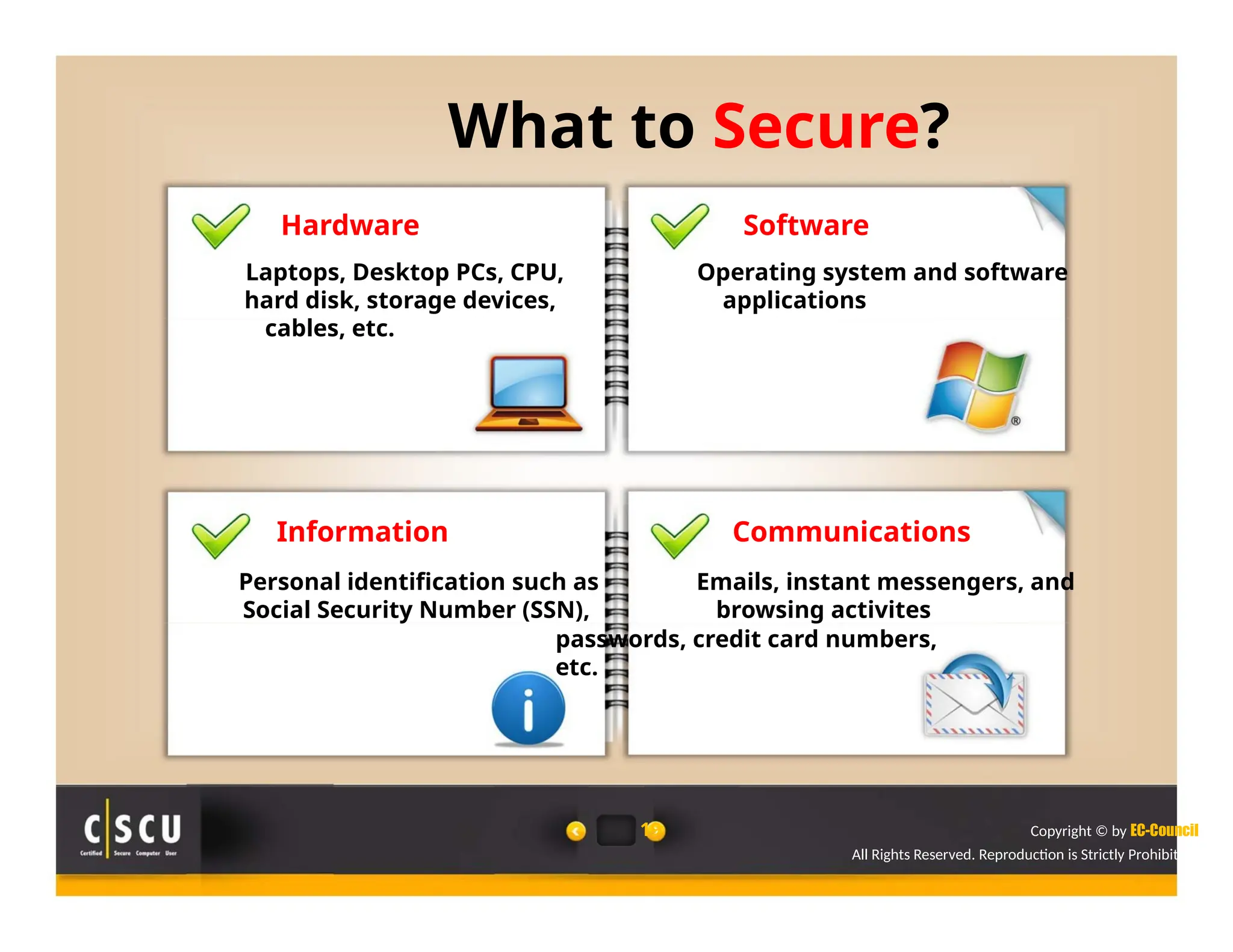
What to Secure?
Hardware Software
Laptops, Desktop PCs, CPU, Operating system and software
hard disk, storage devices, applications
cables, etc.
Information Communications
Personal identification such as Emails, instant messengers, and
Social Security Number (SSN), browsing activites
passwords, credit card numbers,
etc.
19 Copyright © by EC-Council
All Rights Reserved. Reproduction is Strictly Prohibited.
What Makes a Home Computer
Vulnerable?
Low level of Default computer and Increasing online
security awareness application settings activities
None or very little Not following any
investment in standard security
security systems policies or guidelines
s Res
What Makes a System Secure?
System security measures help protect computers and information stored in the systems
from accidental loss, malicious threats, unauthorized access, etc.
System Access Controls
Ensure that unauthorized users do not
get into the system
Force legal users to be conscious about
security
System and Security
Administration
Perform regular system and security
administration tasks such as configuring
system settings, implementing security
policies, monitoring system state, etc.
22
Data Access Controls
Monitor system activities such as who is
accessing the data and for what purpose
Define access rules based on the system
security levels
System Design
Deploy various security characteristics in
system hardware and software design
such as memory segmentation, privilege
isolation, etc.
Copyright © by EC-
Council
All Rights Reserved. Reproduction is Strictly Prohibited.
Benefits of Computer Security
Awareness
Computer security awareness helps minimize the chances of computer attacks
It helps prevent the loss of information stored on the systems
It helps users to prevent cybercriminals from using their systems in order to
launch attacks on the other computer systems
It helps users minimize losses in case of an accident that causes physical damage
to computer systems
It enables users to protect sensitive information and computing resources from
unauthorized access
23 Copyright © by EC-Council
All Rights Reserved. Reproduction is Strictly Prohibited.
Module Summary
 Security is a state of well-being of information and infrastructures
 Computer security is the protection of computing systems and the data that they
store or access
 Confidentiality, integrity, non-repudiation, authenticity, and availability are the
elements of security
 Security risk to home users arise from various computer attacks and accidents
causing physical damage to computer systems
 Computer security awareness helps minimize the chances of computer attacks and
prevent the loss of information stored on the systems
24 Copyright © by EC-Council
All Rights Reserved. Reproduction is Strictly Prohibited.
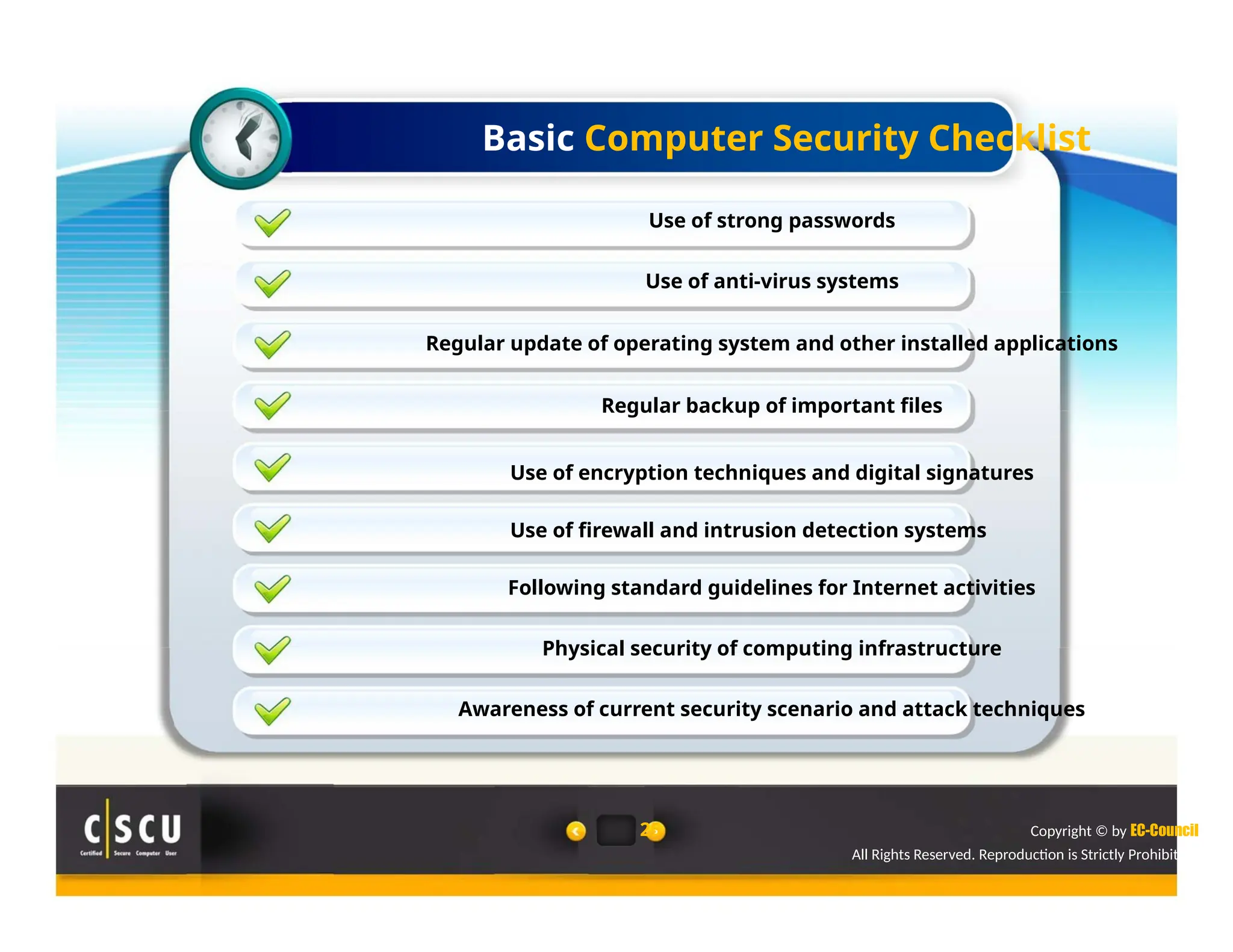
Basic Computer Security Checklist
Use of strong passwords
Use of anti-virus systems
Regular update of operating system and other installed applications
Regular backup of important files
Use of encryption techniques and digital signatures
Use of firewall and intrusion detection systems
Following standard guidelines for Internet activities
Physical security of computing infrastructure
Awareness of current security scenario and attack techniques
25 Copyright © by EC-Council
All Rights Reserved. Reproduction is Strictly Prohibited.

cscu module 01 Foundations of Security.pptx

  • 1.
    Foundations of Security Module1 Simplifying Security.
  • 2.
    Module Objectives Security Incidents EssentialTerminologies Computer Security Why Security? Potential Losses Due to Security Attacks Elements of Security Fundamental Concepts of Security 5 Layers of Security Security Risks to Home Users What to Secure? What Makes a Home Computer Vulnerable? What Makes a System Secure? Benefits of Computer Security Awareness Basic Computer Security Mechanisms Copyright © by EC- Council All Rights Reserved. Reproduction is Strictly Prohibited.
  • 3.
    Essential Terminologies Threat An actionor event that has the potential to compromise and/or violate security Cracker, Attacker, or Intruder An individual who breaks into computer systems in order to steal, change, or destroy information Exploit A defined way to breach the security of an IT system through vulnerability Attack Any action derived from intelligent threats to violate the security of the system 9 Vulnerability Existence of a weakness, design, or implementation error that can lead to an unexpected, undesirable event compromising the security of the system Data Theft Any action of stealing the information from the users’ system Copyright © by EC- Council All Rights Reserved. Reproduction is Strictly Prohibited.
  • 4.
    Computer Security Security isa state of well- Computer security refers to Users should focus on being of information and the protection of computer various security threats and infrastructure systems and the countermeasures in order to information a user stores or protect their information processes assets 1 2 3 10 Copyright © by EC-Council All Rights Reserved. Reproduction is Strictly Prohibited.
  • 5.
    Why Security? Computer securityis important for protecting the confidentiality, integrity, and availability of computer systems and their resources Evolution of technology has focused on the ease of use while the skill level needed for exploits has decreased Computer administration and management have become more complex which produces more attack avenues Network environments and network-based applications provide more attack paths 11 Copyright © by EC-Council All Rights Reserved. Reproduction is Strictly Prohibited.
  • 6.
    Potential Losses Dueto Security Attacks Misuse of computer resources Data loss/theft Loss of trust Financial loss Unavailability of resources Identity theft s Res
  • 7.
    Elements of Security Confidentialityis “ensuring that information is accessible only to those authorized to have access” (ISO-17799) Integrity is “ensuring that the information is accurate, complete, reliable, and is in its original form” Non-repudiation is “ensuring that a party to a contract or a communication cannot deny the authenticity of their signature on a document” Non- Confidentiality Authenticity Authenticity is “the identification and assurance of the origin of information” Integrity Availability Availability is “ensuring that the information is accessible to authorized persons when required without delay” 14 Repudiation Copyright © by EC-Council All Rights Reserved. Reproduction is Strictly Prohibited.
  • 8.
    The Security, Functionality,and Ease of Use Triangle Applications/software products by default are preconfigured for ease of use, which makes the user vulnerable to various security flaws Similarly, increased functionality (features) in an application make it difficult to use in addition to being less secure Moving the ball toward security means moving away from the Security functionality and ease of (Restrictions) use Ease of Functionality Use (Features) 15 Copyright © by EC-Council All Rights Reserved. Reproduction is Strictly Prohibited.
  • 9.
    Fundamental Concepts ofSecurity Precaution Adhering to the preventative measures while using computer system and applications Maintenance Managing all the changes in the computer applications and keeping them up to date Reaction Acting timely when security incidents occur 16 Copyright © by EC-Council All Rights Reserved. Reproduction is Strictly Prohibited.
  • 10.
    Layers of Security Layer3 Layer 2 Layer 1 System Security Network Protects the system Layer 4 Application Security Covers the use of software, hardware, and Layer 5 User Security Ensures that a valid user is logged in and that the logged-in user is allowed to use an Physical Security Safeguards the personnel, hardware, programs, networks, and data from physical threats Security Protects the networks and their services from unauthorized modification, destruction, or disclosure and its information from theft, corruption, unauthorized access, or misuse 17 procedural methods to protect applications from external threats application/ program Copyright © by EC-Council All Rights Reserved. Reproduction is Strictly Prohibited.
  • 11.
    Security Risks toHome Users Home computers are prone to various cyber attacks as they provide attackers easy targets due to a low level of security awareness Security risk to home users arise from various computer attacks and accidents causing physical damage to computer systems Computer Attacks Malware attacks Email attacks Mobile code (Java/JavaScript/ActiveX) attacks Denial of service and cross-site scripting attacks Identity theft and computer frauds Packet sniffing Being an intermediary for another attack (zombies) Computer Accidents Hard disk or other component failures Power failure and surges Theft of a computing device Note: These threats and their countermeasures will be discussed in detail in the later modules 18 Copyright © by EC-Council All Rights Reserved. Reproduction is Strictly Prohibited.
  • 12.
    What to Secure? HardwareSoftware Laptops, Desktop PCs, CPU, Operating system and software hard disk, storage devices, applications cables, etc. Information Communications Personal identification such as Emails, instant messengers, and Social Security Number (SSN), browsing activites passwords, credit card numbers, etc. 19 Copyright © by EC-Council All Rights Reserved. Reproduction is Strictly Prohibited.
  • 13.
    What Makes aHome Computer Vulnerable? Low level of Default computer and Increasing online security awareness application settings activities None or very little Not following any investment in standard security security systems policies or guidelines s Res
  • 14.
    What Makes aSystem Secure? System security measures help protect computers and information stored in the systems from accidental loss, malicious threats, unauthorized access, etc. System Access Controls Ensure that unauthorized users do not get into the system Force legal users to be conscious about security System and Security Administration Perform regular system and security administration tasks such as configuring system settings, implementing security policies, monitoring system state, etc. 22 Data Access Controls Monitor system activities such as who is accessing the data and for what purpose Define access rules based on the system security levels System Design Deploy various security characteristics in system hardware and software design such as memory segmentation, privilege isolation, etc. Copyright © by EC- Council All Rights Reserved. Reproduction is Strictly Prohibited.
  • 15.
    Benefits of ComputerSecurity Awareness Computer security awareness helps minimize the chances of computer attacks It helps prevent the loss of information stored on the systems It helps users to prevent cybercriminals from using their systems in order to launch attacks on the other computer systems It helps users minimize losses in case of an accident that causes physical damage to computer systems It enables users to protect sensitive information and computing resources from unauthorized access 23 Copyright © by EC-Council All Rights Reserved. Reproduction is Strictly Prohibited.
  • 16.
    Module Summary  Securityis a state of well-being of information and infrastructures  Computer security is the protection of computing systems and the data that they store or access  Confidentiality, integrity, non-repudiation, authenticity, and availability are the elements of security  Security risk to home users arise from various computer attacks and accidents causing physical damage to computer systems  Computer security awareness helps minimize the chances of computer attacks and prevent the loss of information stored on the systems 24 Copyright © by EC-Council All Rights Reserved. Reproduction is Strictly Prohibited.
  • 17.
    Basic Computer SecurityChecklist Use of strong passwords Use of anti-virus systems Regular update of operating system and other installed applications Regular backup of important files Use of encryption techniques and digital signatures Use of firewall and intrusion detection systems Following standard guidelines for Internet activities Physical security of computing infrastructure Awareness of current security scenario and attack techniques 25 Copyright © by EC-Council All Rights Reserved. Reproduction is Strictly Prohibited.