Download to read offline
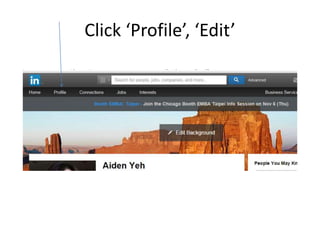
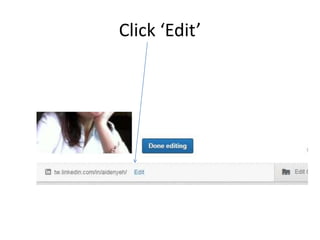
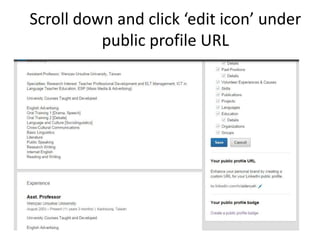
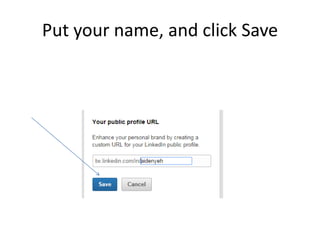
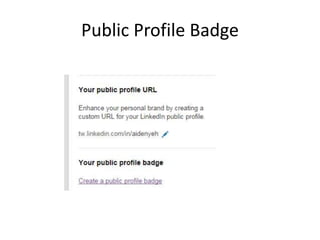
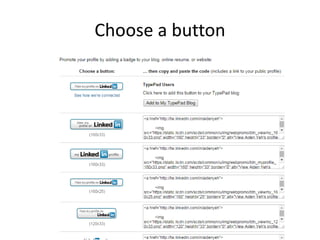
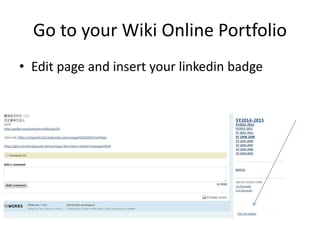
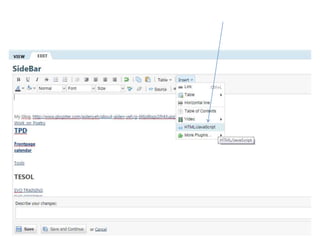
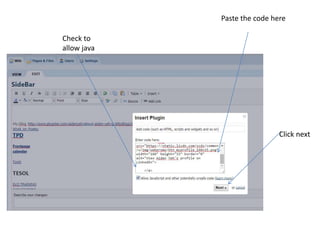
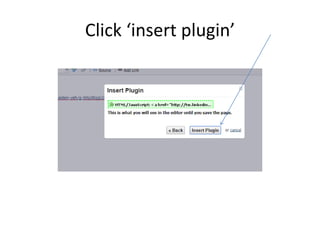
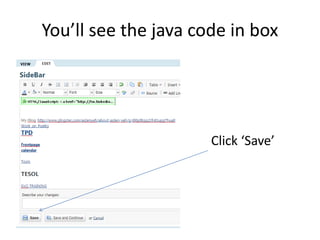
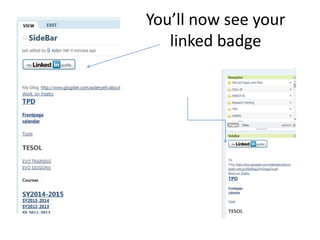
To create a custom LinkedIn URL, go to your profile page and click "Edit" then scroll down and click the "edit icon" under the public profile URL section. Enter your name and click "Save". You can then generate a public profile badge by choosing a button style and pasting the badge code into your online portfolio or website.


