Downloaded 91 times

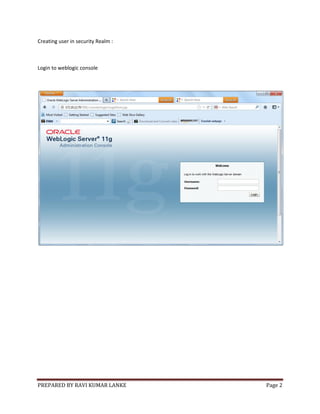


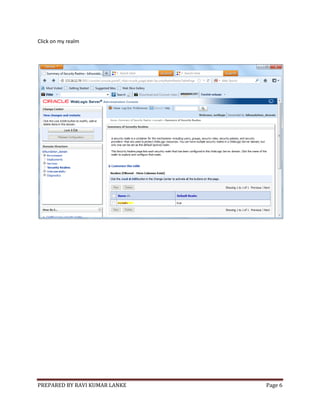


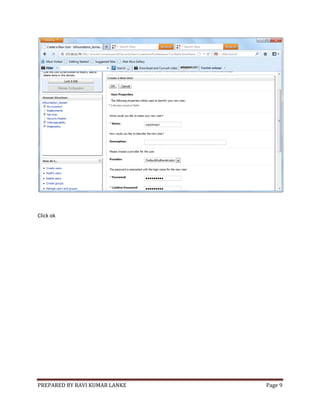
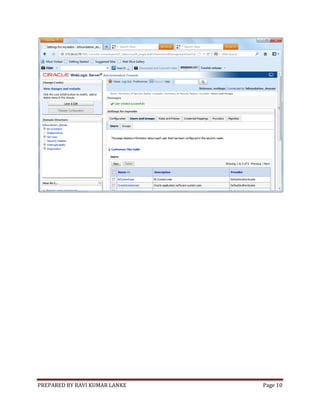


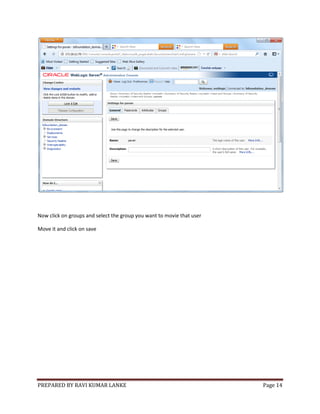
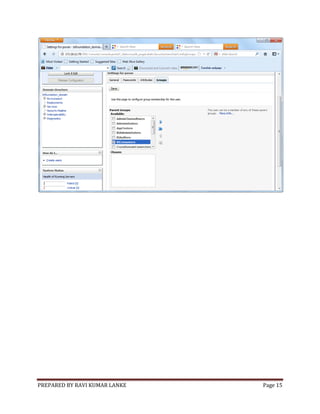
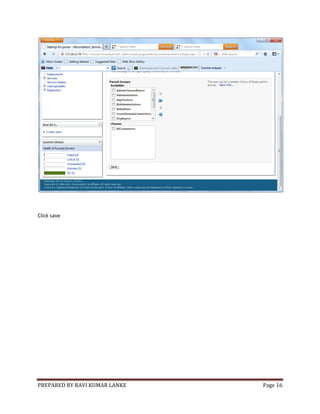
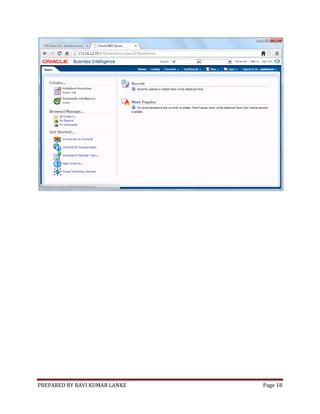

The document provides instructions for creating users and adding them to groups in Oracle Business Intelligence EE (OBIEE) 11g. It outlines the following steps: 1) log into the WebLogic Administration Console, 2) create a new user in the security realm, 3) create a new group in the security realm, 4) add the user to the group, 5) create a new application role in the Fusion Middleware console and assign it to the group, and 6) set privileges for the new application in the repository (RPD) file. Screenshots provide details on how to create a user and add it to a group within the security realm.


