Creating and Theming
Custom Content Types
        Heather Rodriguez
      UMD Drupal Users Group
        October 5th, 2011
What is a Content Type?


  Node: the most basic unit of content
      Made up of fields of information (ex. Title, Body, URL, etc.)

  Nodes belong to content types based on fields they share in
  common
      Default content types: article (news), blog entry, basic page, book page,
      forum and poll
Why Create Custom Content
          Types?

  Easily and quickly create new nodes that will collect and
  display the same fields of information
      Images
      File upload
      Text fields
      Teasers
      Links
      etc.
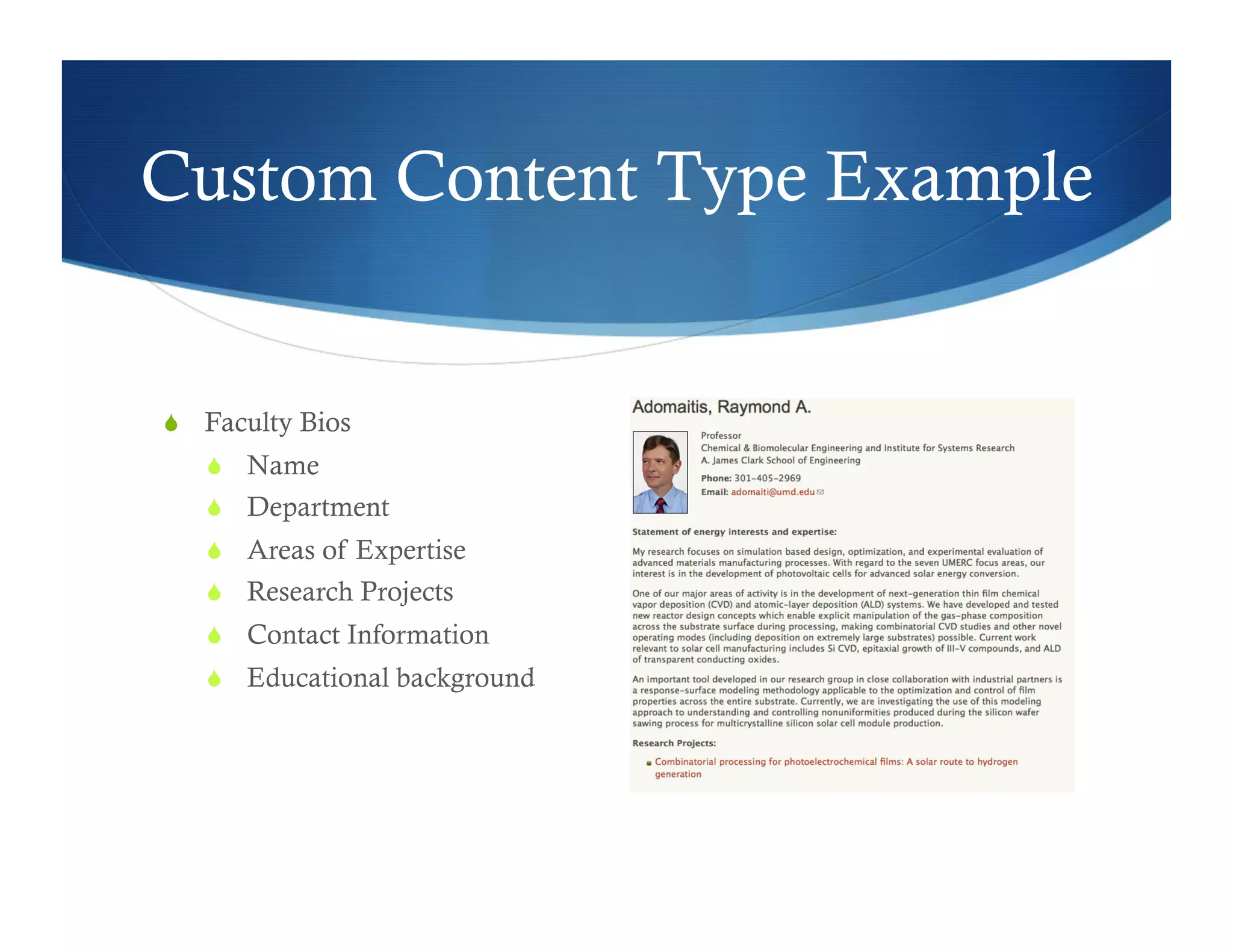
Custom Content Type Example


  Faculty Bios
     Name
     Department
     Areas of Expertise
     Research Projects
     Contact Information
     Educational background
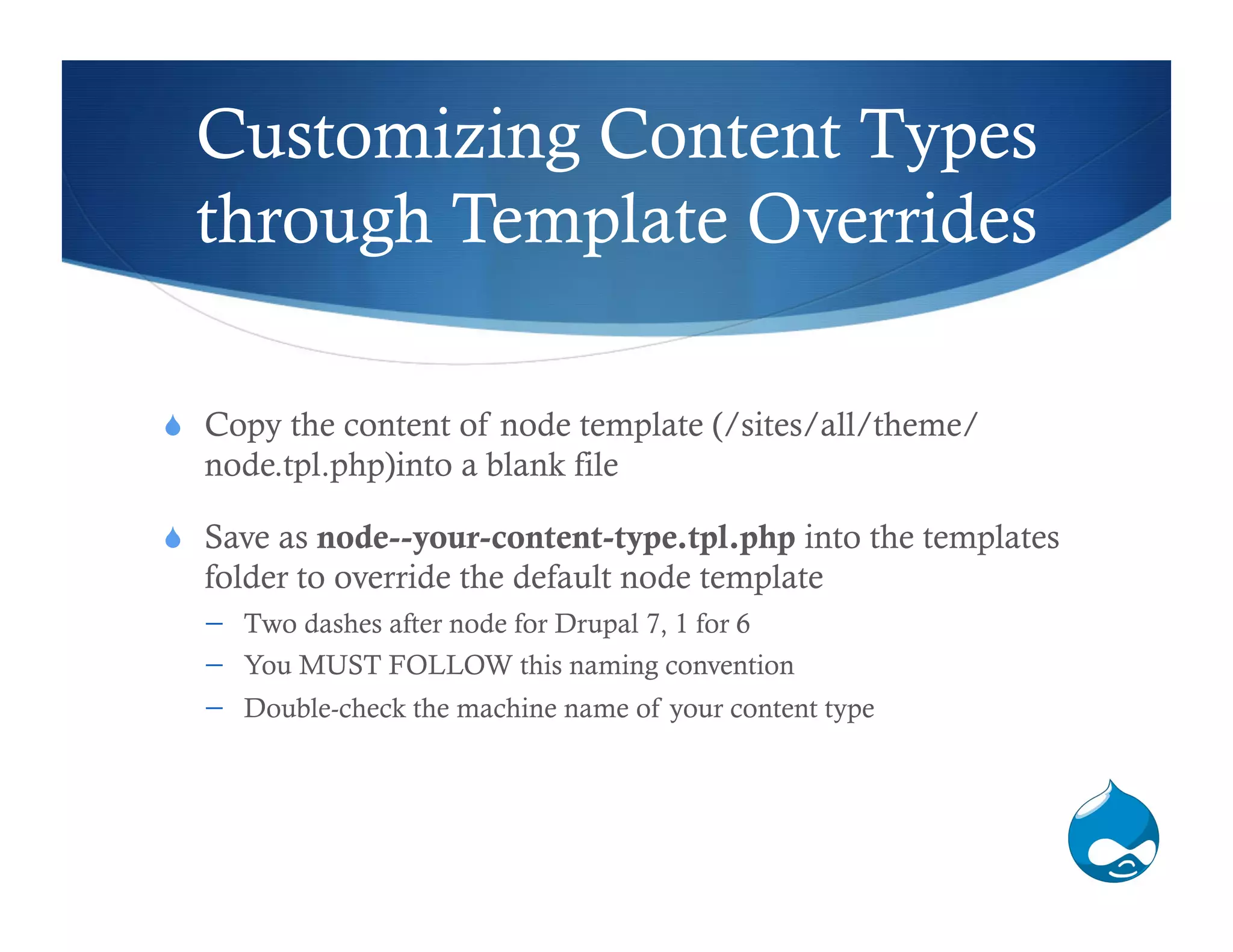
Customizing Content Types
  through Template Overrides

  Copy the content of node template (/sites/all/theme/
  node.tpl.php)into a blank file

  Save as node--your-content-type.tpl.php into the templates
  folder to override the default node template
      Two dashes after node for Drupal 7, 1 for 6
      You MUST FOLLOW this naming convention
      Double-check the machine name of your content type
Customizing Content Types
           (cont.)

  Expose array names for styling
      <?php print_r(array_keys($content)) ?>include

  Print the arrays that you need to display on the page
      <?php print render($content [’arraynamehere']) ?>

  Add your HTML and CSS around the arrays
      <h3><?php print render($content [’arraynamehere']) ?></h3> or
      <p class=“paragraphstyle”><?php print render($content
     [‘arraynamehere’]) ?></p>
Flush the Theme Cache!


  In order to see the effects of your styling, you must empty
  your theme cache!
      Configuration > Performance > Clear all caches
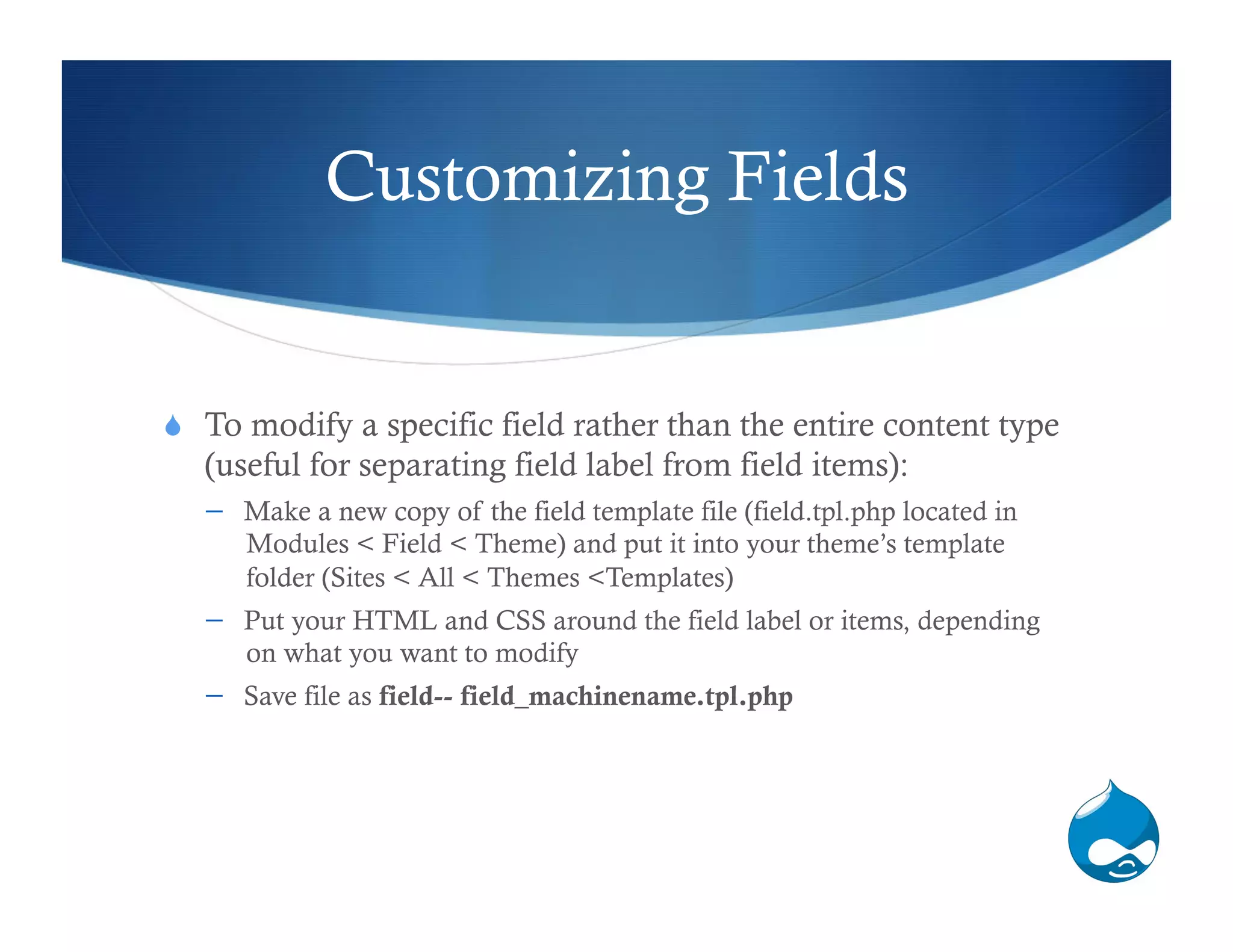
Customizing Fields


  To modify a specific field rather than the entire content type
   (useful for separating field label from field items):
      Make a new copy of the field template file (field.tpl.php located in
      Modules < Field < Theme) and put it into your theme’s template
      folder (Sites < All < Themes <Templates)
      Put your HTML and CSS around the field label or items, depending
      on what you want to modify
      Save file as field-- field_machinename.tpl.php
Tips


  You can use these same methods of template overrides for Views,
   Forms, Pages, etc. as well
      For a full list of possible tpl.php overrides, check out Drupal 7 Template
      Suggestions: http://drupal.org/node/1089656

  Don’t forget to save template overrides in your theme folder!

  If you don’t see any changes, flush the theme cache.

  Watch Lin Clark’s Intro to Drupal 7: Theming Fields and Nodes
   with Templates: http://youtu.be/sxZQqgvJk3s

Creating and Theming Custom Content Types

  • 1.
    Creating and Theming CustomContent Types Heather Rodriguez UMD Drupal Users Group October 5th, 2011
  • 2.
    What is aContent Type?   Node: the most basic unit of content   Made up of fields of information (ex. Title, Body, URL, etc.)   Nodes belong to content types based on fields they share in common   Default content types: article (news), blog entry, basic page, book page, forum and poll
  • 3.
    Why Create CustomContent Types?   Easily and quickly create new nodes that will collect and display the same fields of information   Images   File upload   Text fields   Teasers   Links   etc.
  • 4.
    Custom Content TypeExample   Faculty Bios   Name   Department   Areas of Expertise   Research Projects   Contact Information   Educational background
  • 5.
    Customizing Content Types through Template Overrides   Copy the content of node template (/sites/all/theme/ node.tpl.php)into a blank file   Save as node--your-content-type.tpl.php into the templates folder to override the default node template   Two dashes after node for Drupal 7, 1 for 6   You MUST FOLLOW this naming convention   Double-check the machine name of your content type
  • 6.
    Customizing Content Types (cont.)   Expose array names for styling   <?php print_r(array_keys($content)) ?>include   Print the arrays that you need to display on the page   <?php print render($content [’arraynamehere']) ?>   Add your HTML and CSS around the arrays   <h3><?php print render($content [’arraynamehere']) ?></h3> or   <p class=“paragraphstyle”><?php print render($content [‘arraynamehere’]) ?></p>
  • 7.
    Flush the ThemeCache!   In order to see the effects of your styling, you must empty your theme cache!   Configuration > Performance > Clear all caches
  • 8.
    Customizing Fields   Tomodify a specific field rather than the entire content type (useful for separating field label from field items):   Make a new copy of the field template file (field.tpl.php located in Modules < Field < Theme) and put it into your theme’s template folder (Sites < All < Themes <Templates)   Put your HTML and CSS around the field label or items, depending on what you want to modify   Save file as field-- field_machinename.tpl.php
  • 9.
    Tips   You canuse these same methods of template overrides for Views, Forms, Pages, etc. as well   For a full list of possible tpl.php overrides, check out Drupal 7 Template Suggestions: http://drupal.org/node/1089656   Don’t forget to save template overrides in your theme folder!   If you don’t see any changes, flush the theme cache.   Watch Lin Clark’s Intro to Drupal 7: Theming Fields and Nodes with Templates: http://youtu.be/sxZQqgvJk3s