Containers jumpstart from a
DevOps perspective
Matteo Emili
Microsoft MVP – Visual Studio and Development Technologies
matteo.emili@live.com || mattvsts.blogspot.com || @MattVSTS
First it was SOA, then Scrum, Big Data,
microservices, now Containerisation…
Containers is new trendy word – what does it
actually mean?
Containerisation is not black magic
Containerisation is not (just) virtualisation
Containerisation is not (just) Docker
Containerisation is not microservices
Containerisation is not DevOps
What is it then?!
Containerisation is like a cake
It can be layered or whole
It can be distributed as a whole or sliced
So, from the DevOps perspective…
…Containerisation is a packaging technology.
Are you sure? What can you do with
Containers? Aren’t they like VMs, but better?
A Container packages the application binaries and
all their dependencies in a deployable artefact
lication
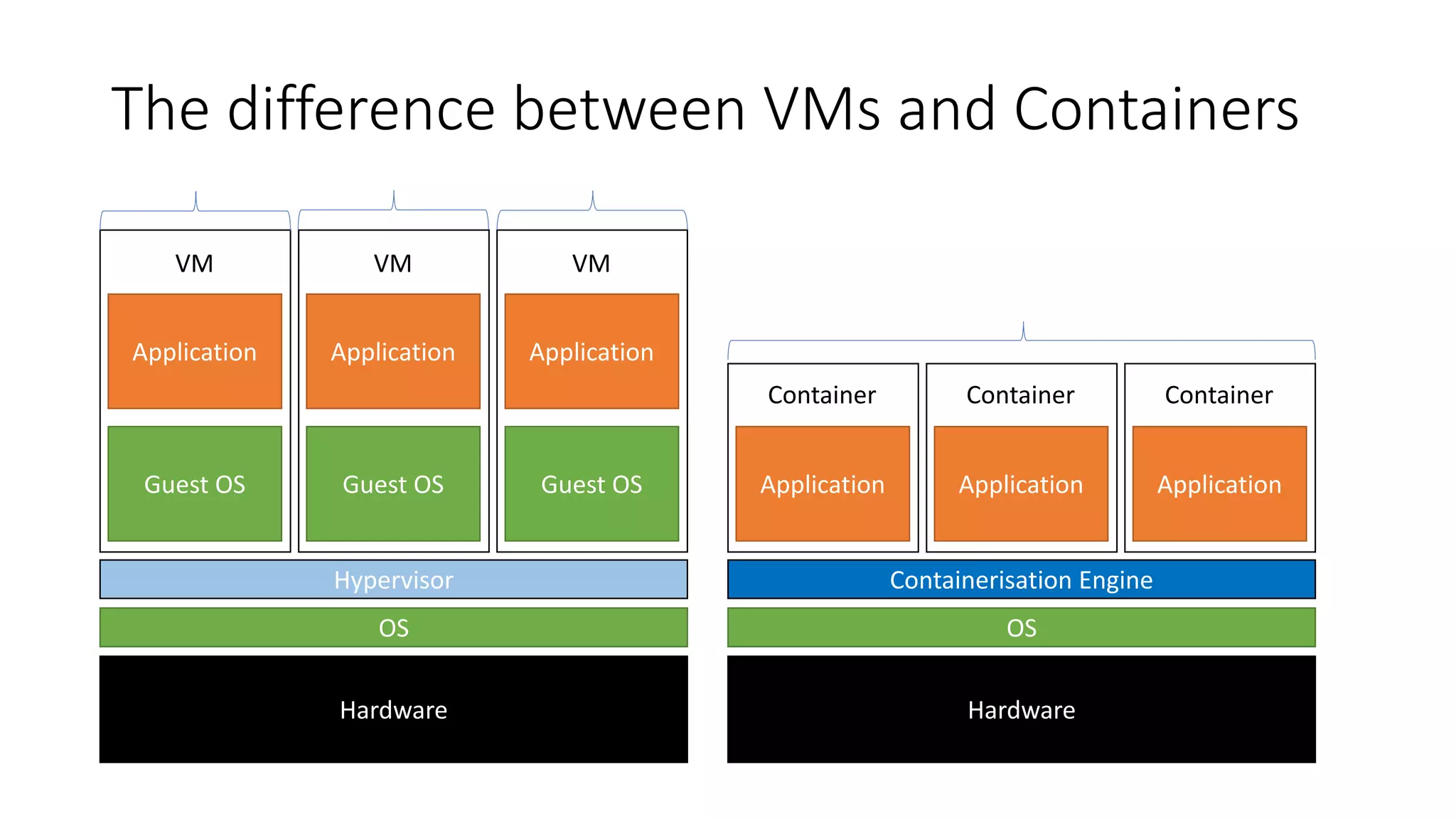
The difference between VMs and Containers
Hardware
OS
Hypervisor
Guest OS
Application
VM
lication
Guest OS
Application
VM
lication
Guest OS
Application
VM
lication
Hardware
OS
Containerisation Engine
Application
Container
lication
Application
lication
Application
Container Container
Although it’s not always black or white…more
on this later.
Deployment of consistent, software-defined
architectures, abstracted from the underlying
hardware, in a repeatable and idempotent
way.
In other words: package deployment.If all you have is a hammer, everything looks like a nail
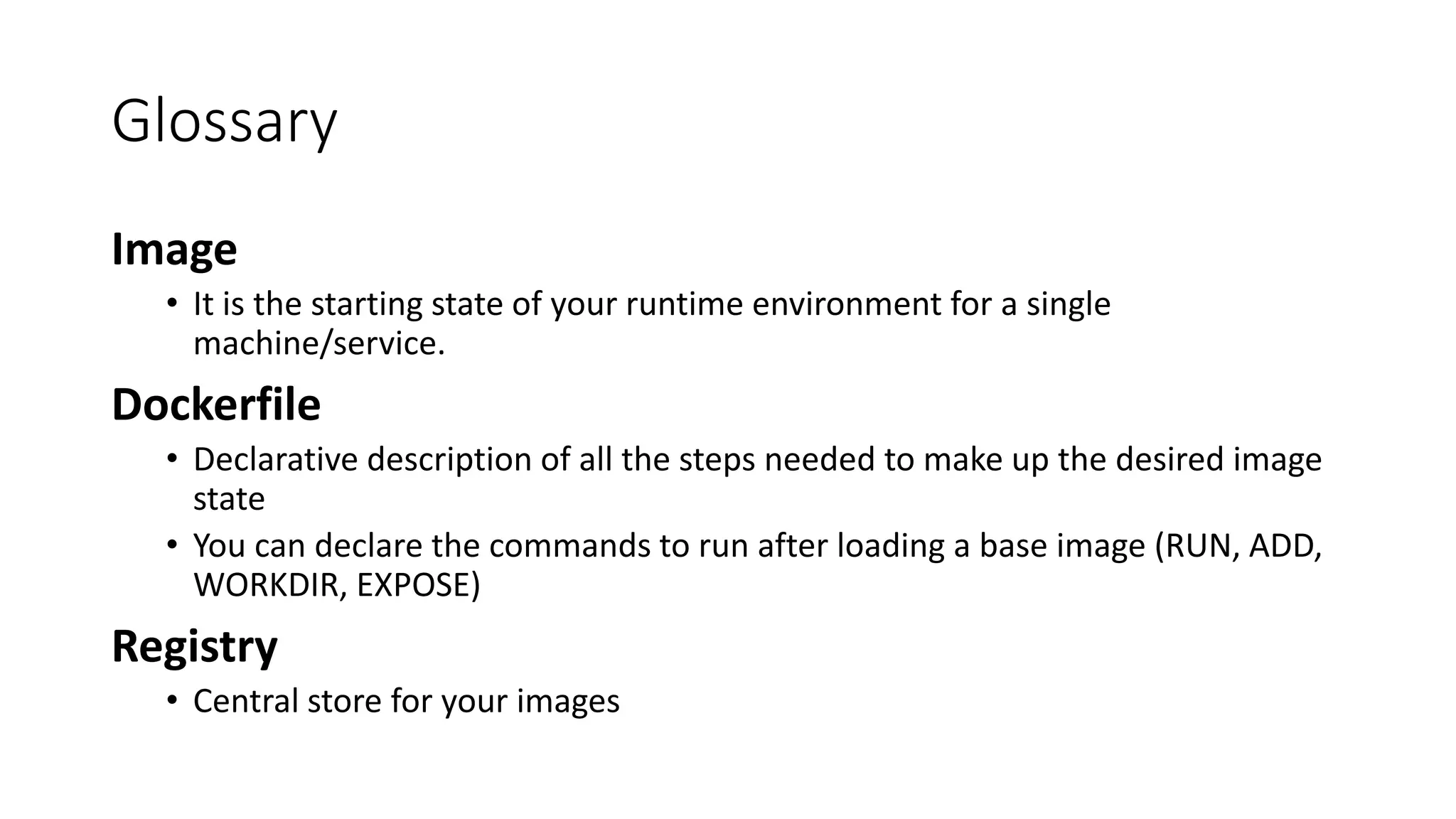
Glossary
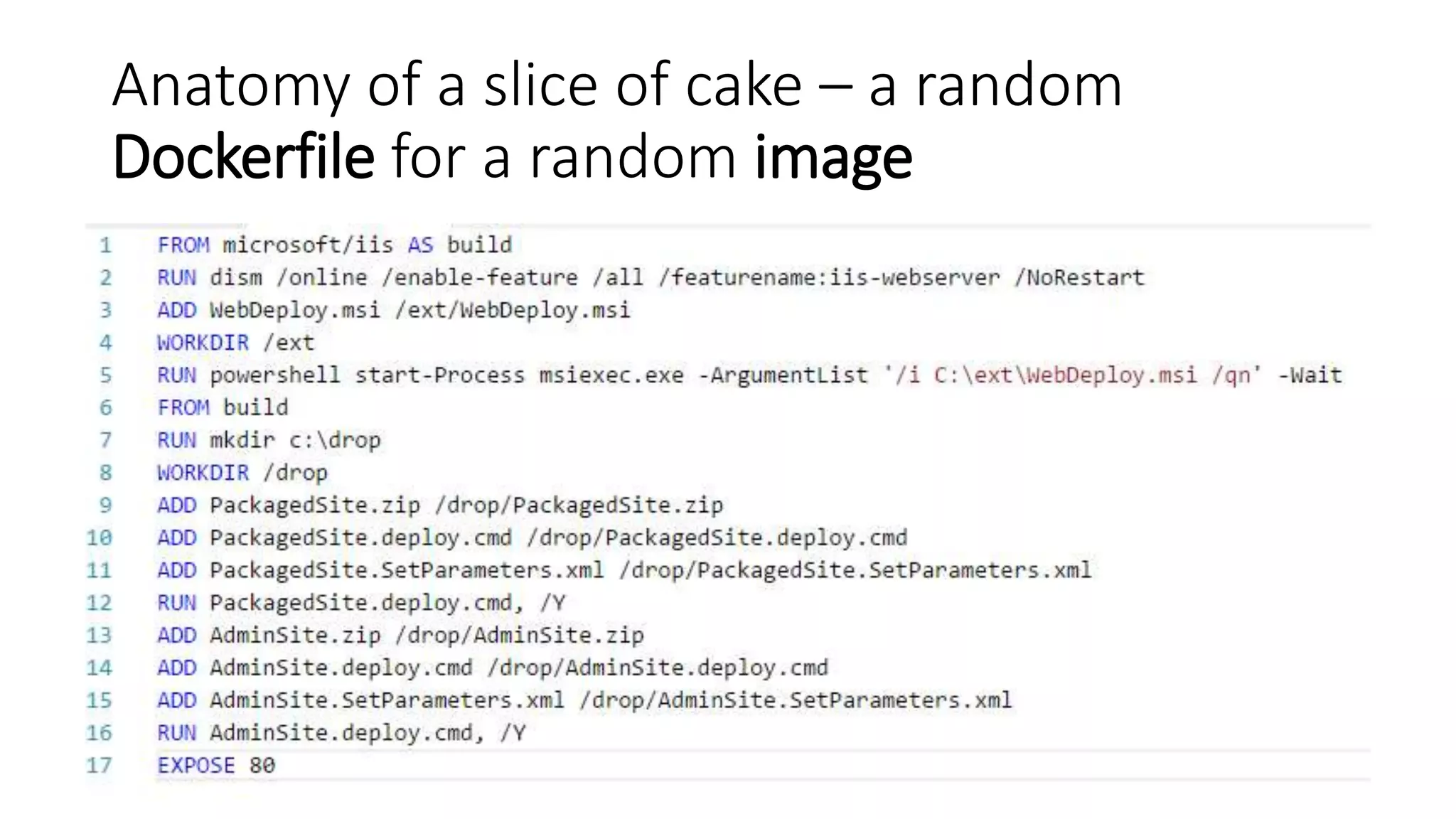
Image
• It is the starting state of your runtime environment for a single
machine/service.
Dockerfile
• Declarative description of all the steps needed to make up the desired image
state
• You can declare the commands to run after loading a base image (RUN, ADD,
WORKDIR, EXPOSE)
Registry
• Central store for your images
Anatomy of a slice of cake – a random
Dockerfile for a random image
But this works just for the cool,
Angular/Node.js/wHat3v&r.js-based greenfield
apps, right?
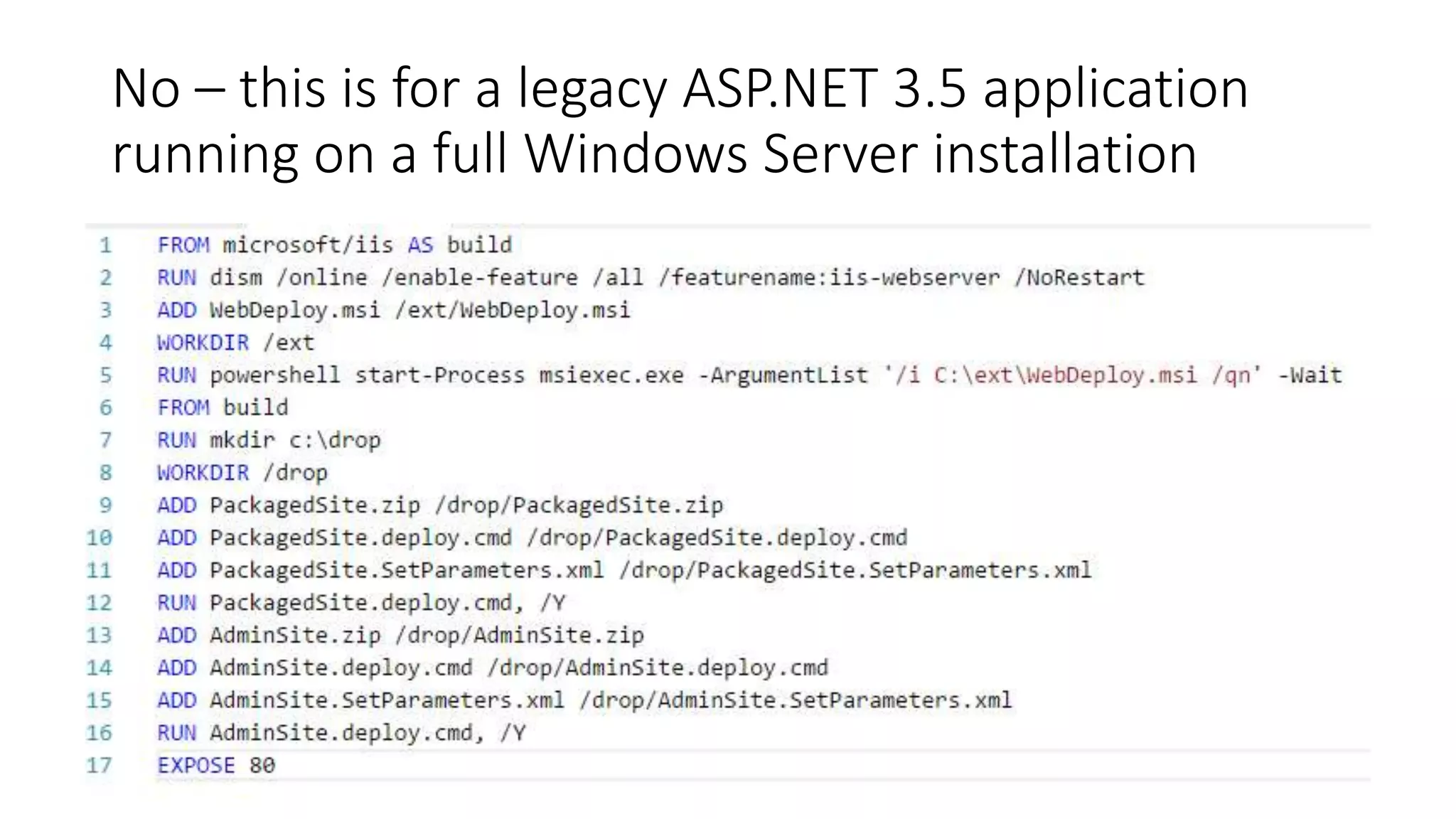
No – this is for a legacy ASP.NET 3.5 application
running on a full Windows Server installation
What is the DevOps connection?
Nimbler installations
Idempotent and predictable deployments
Transparent scalability
Less constraints
Better collaboration
How to get started?
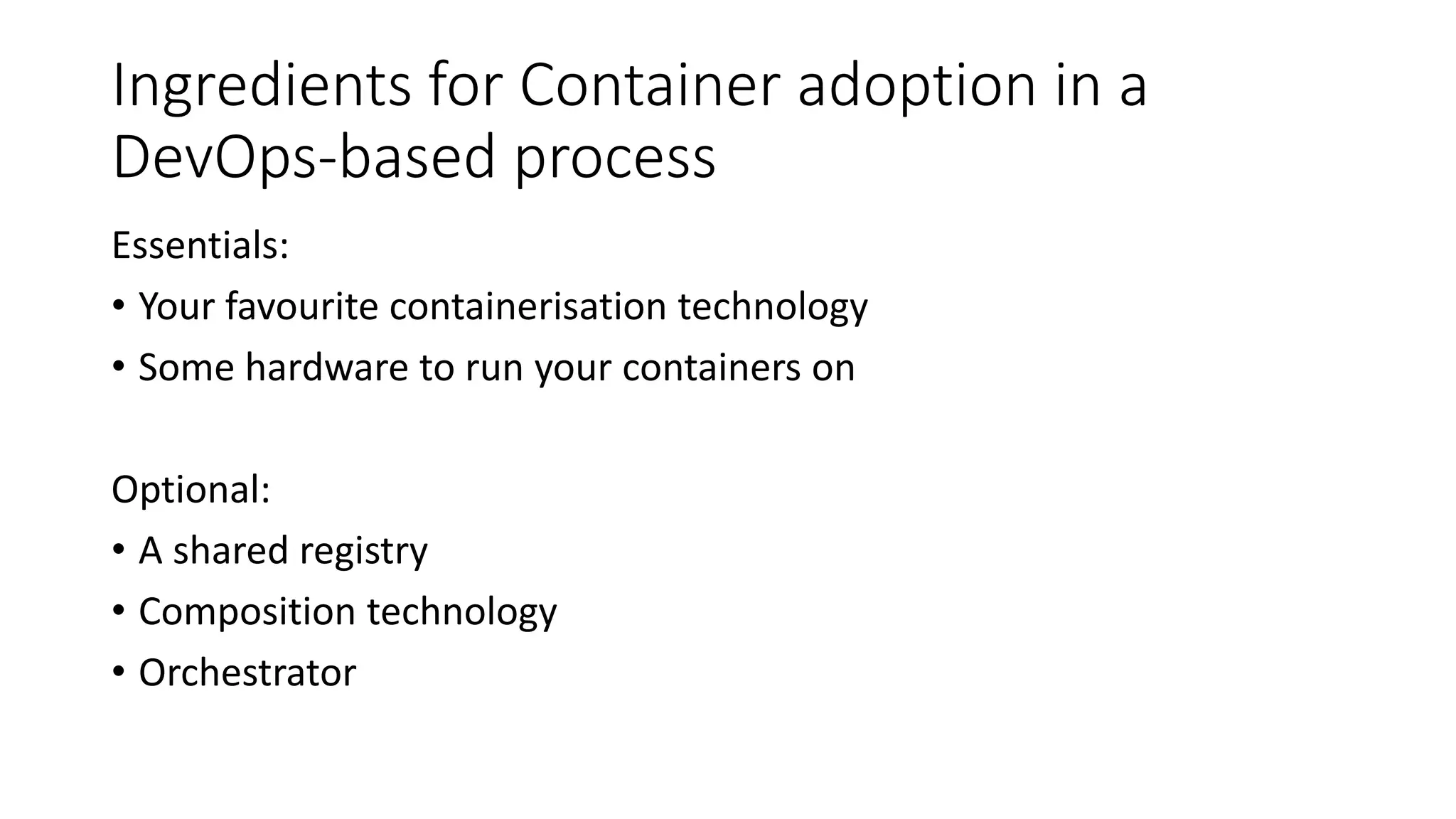
Ingredients for Container adoption in a
DevOps-based process
Essentials:
• Your favourite containerisation technology
• Some hardware to run your containers on
Optional:
• A shared registry
• Composition technology
• Orchestrator
DEMO – Plug containers in your existing
pipeline for a legacy product
Real world applications run with load balanced
configurations, with different machines, …
This is where you use a composition
technology – docker-compose
docker-compose only packs together multiple
Dockerfiles
Containers are then generated with a dependency
tree – effectively creating infrastructures
This means you can deploy different
infrastructures with your software packages
…which is basically Infrastructure as Code to
the extreme.
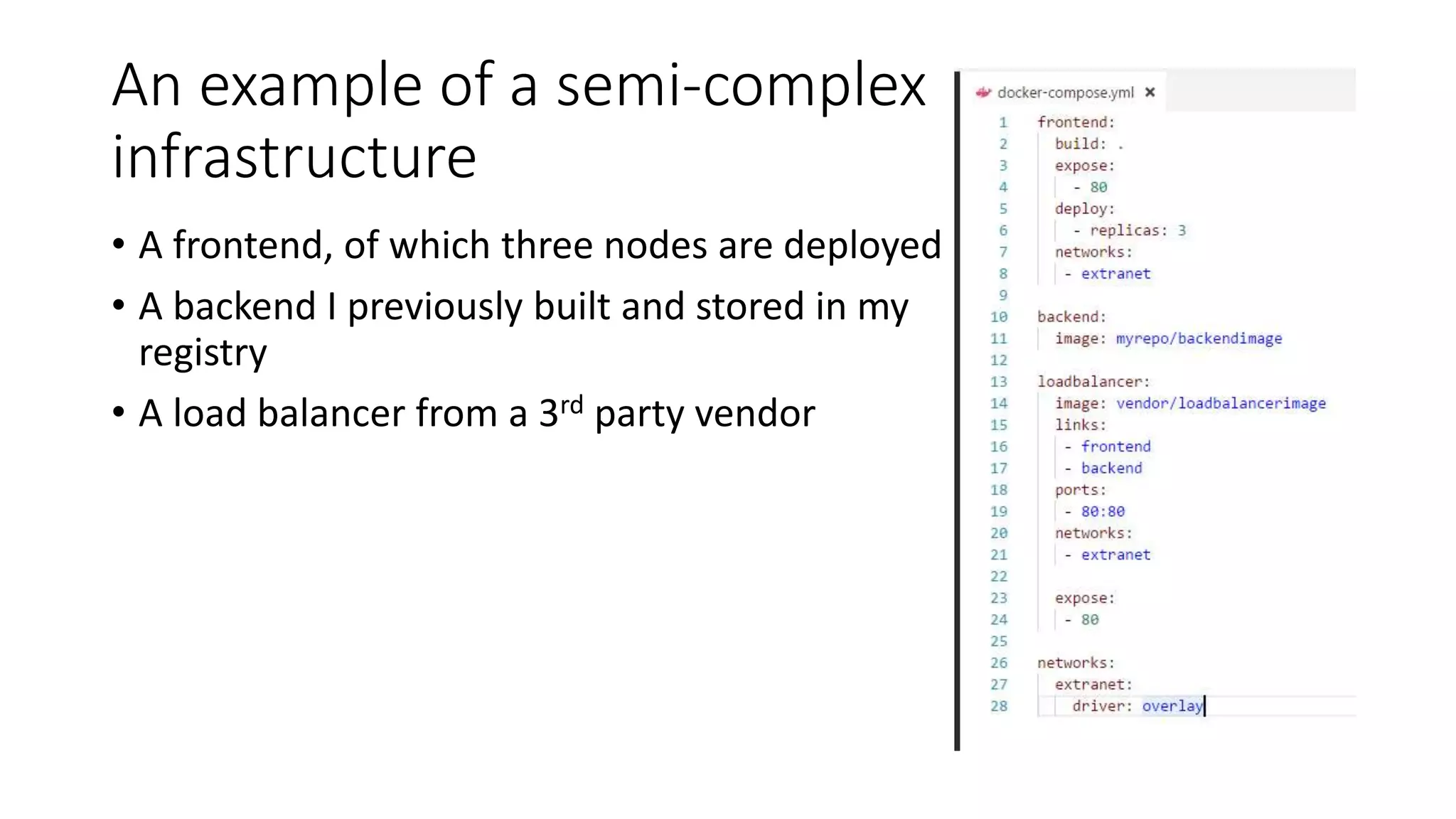
An example of a semi-complex
infrastructure
• A frontend, of which three nodes are deployed
• A backend I previously built and stored in my
registry
• A load balancer from a 3rd party vendor
DEMO – a look at docker-compose
How about the famous Kubernetes?
Kubernetes is built by Google
It is an orchestrator
It is not the *only* container orchestrator
Swarm, Mesos, DC/OS, Nomad, ECS, AKS…
Do you need an orchestrator?
An orchestrator makes deployments (in any
direction) easy
This comes at a cost: complexity
An example: Kubernetes
Kubernetes can be tricky to setup
Kubernetes has its own YAML format
Kubernetes has its own cli
You need minikube to test stuff on it
What are you talking about?!
DEMO – minikube, a smaller scale k8s
All in all, Containers are a perfect match for
DevOps

Containers jumpstart from a DevOps perspective