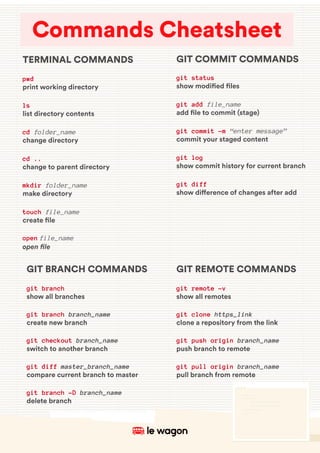
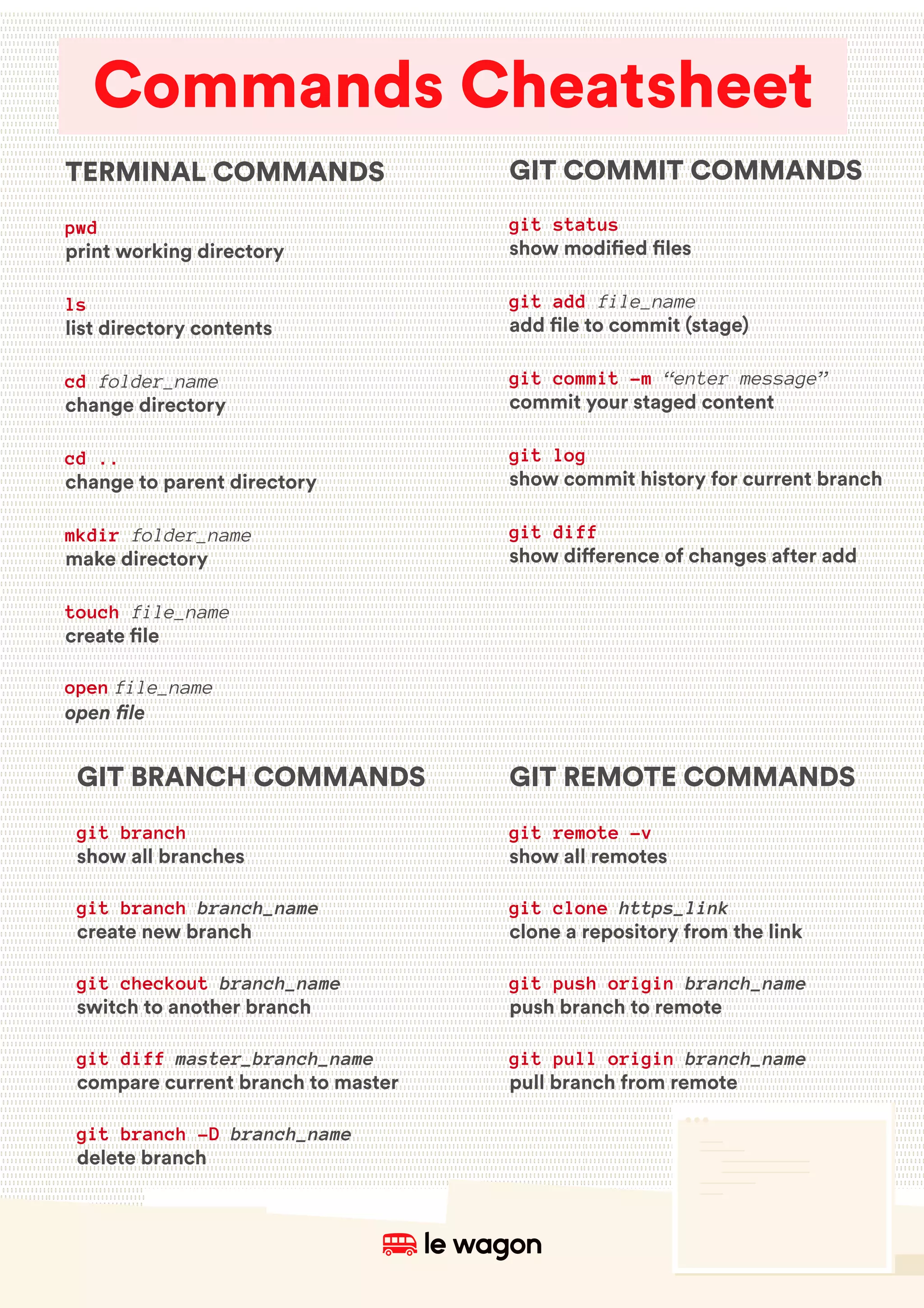
GIT COMMIT COMMANDS
git status
show modi!ed !les
git add file_name
add !le to commit (stage)
git commit -m “enter message”
commit your staged content
git log
show commit history for current branch
git diff
show di"erence of changes after add
GIT BRANCH COMMANDS
git branch
show all branches
git branch branch_name
create new branch
git checkout branch_name
switch to another branch
git diff master_branch_name
compare current branch to master
git branch -D branch_name
delete branch
GIT REMOTE COMMANDS
git remote -v
show all remotes
git clone https_link
clone a repository from the link
git push origin branch_name
push branch to remote
git pull origin branch_name
pull branch from remote
TERMINAL COMMANDS
pwd
print working directory
ls
list directory contents
cd folder_name
change directory
cd ..
change to parent directory
mkdir folder_name
make directory
touch file_name
create !le
open file_name
open file
Commands Cheatsheet

Command cheatsheets mac

  • 1.
    GIT COMMIT COMMANDS gitstatus show modi!ed !les git add file_name add !le to commit (stage) git commit -m “enter message” commit your staged content git log show commit history for current branch git diff show di"erence of changes after add GIT BRANCH COMMANDS git branch show all branches git branch branch_name create new branch git checkout branch_name switch to another branch git diff master_branch_name compare current branch to master git branch -D branch_name delete branch GIT REMOTE COMMANDS git remote -v show all remotes git clone https_link clone a repository from the link git push origin branch_name push branch to remote git pull origin branch_name pull branch from remote TERMINAL COMMANDS pwd print working directory ls list directory contents cd folder_name change directory cd .. change to parent directory mkdir folder_name make directory touch file_name create !le open file_name open file Commands Cheatsheet