CLOUD
COMPUTING
Presented by:
K. MAHESHWARI
ST.MARY’S CENTENARY DEGREE COLLEGE
OSMANIA UNIVERSITY
CLOUD COMPUTING
Introduction:
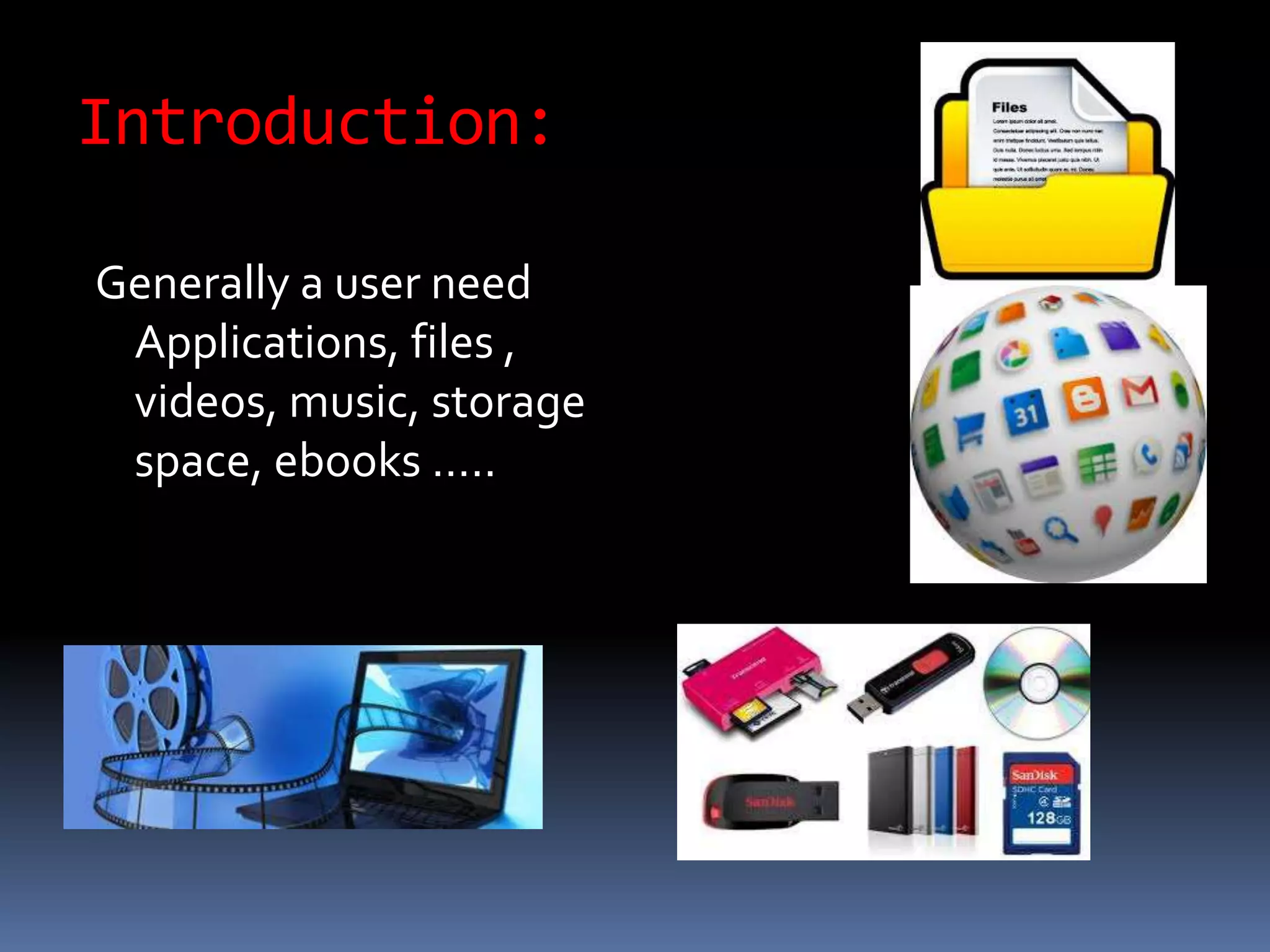
Generally a user need
Applications, files ,
videos, music, storage
space, ebooks …..
Contd….
 And user constantly
faces a problem where
to store , access these
things……
 To come out off this
problem we have a
solution ie
CLOUD COMPUTING
In this session we learn :
 What is cloud computing?
 How cloud computing works?
 What are the pros and cons?
History:
 Concept evolved in 1950(IBM) called RJE (Remote Job
Entry Process).
 The idea of an intergalactic computer network was
introduced in the sixties by J.C.R. Licklider, who was
responsible for enabling the development of ARPANET
(Advanced Research Projects Agency Network) in 1969.
 One of the first milestones in cloud computing history
was the arrival of Salesforce.com in 1999, which
pioneered the concept of delivering enterprise
applications via a simple website.The services firm
paved the way for both specialist and mainstream
software firms to deliver applications over the internet.
 In 2006 Amazon provided First public cloud AWS
(AmazonWeb Service)
Definition:
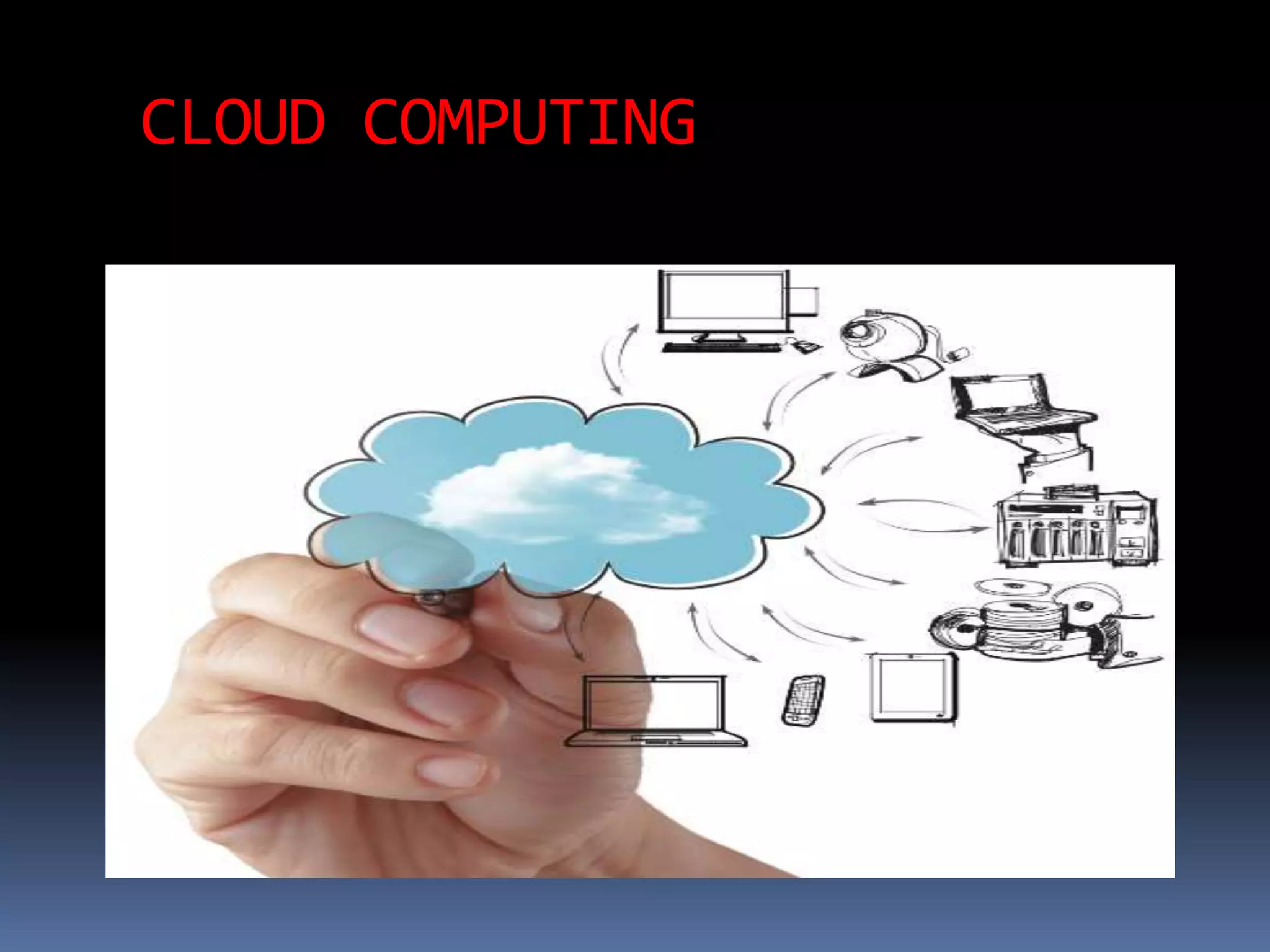
The storing of data
and applications
on remote servers,
and accessing
them via the
internet rather
then saving or
installing them on
your or office
computer.
CloudComponents
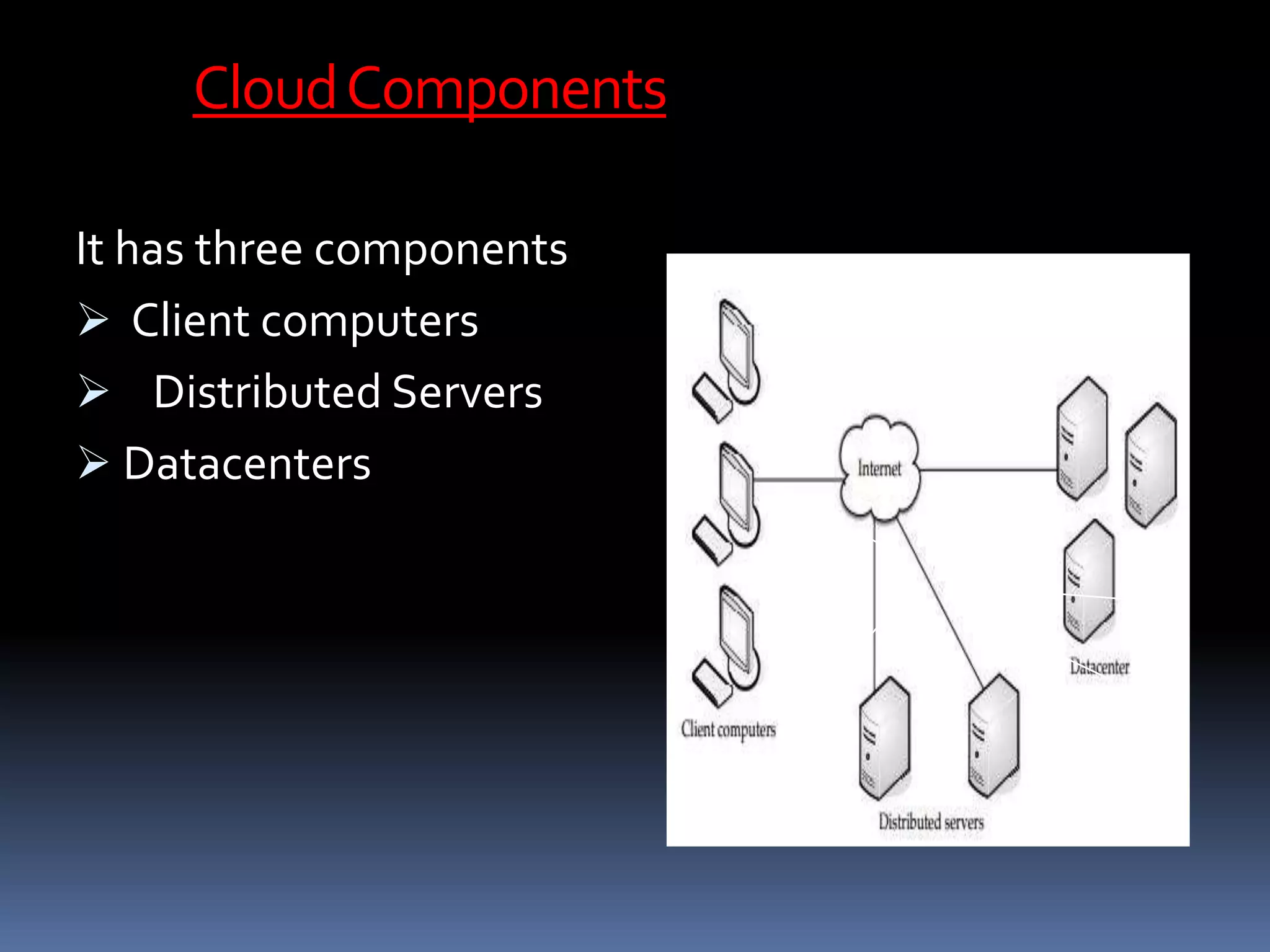
It has three components
 Client computers
 Distributed Servers
 Datacenters
CLIENTS
Clients are the device that the end user interact
with cloud.
three types of clients:
1.) Mobile
2.)Thick
3.)Thin (Most Popular)
Datacenter
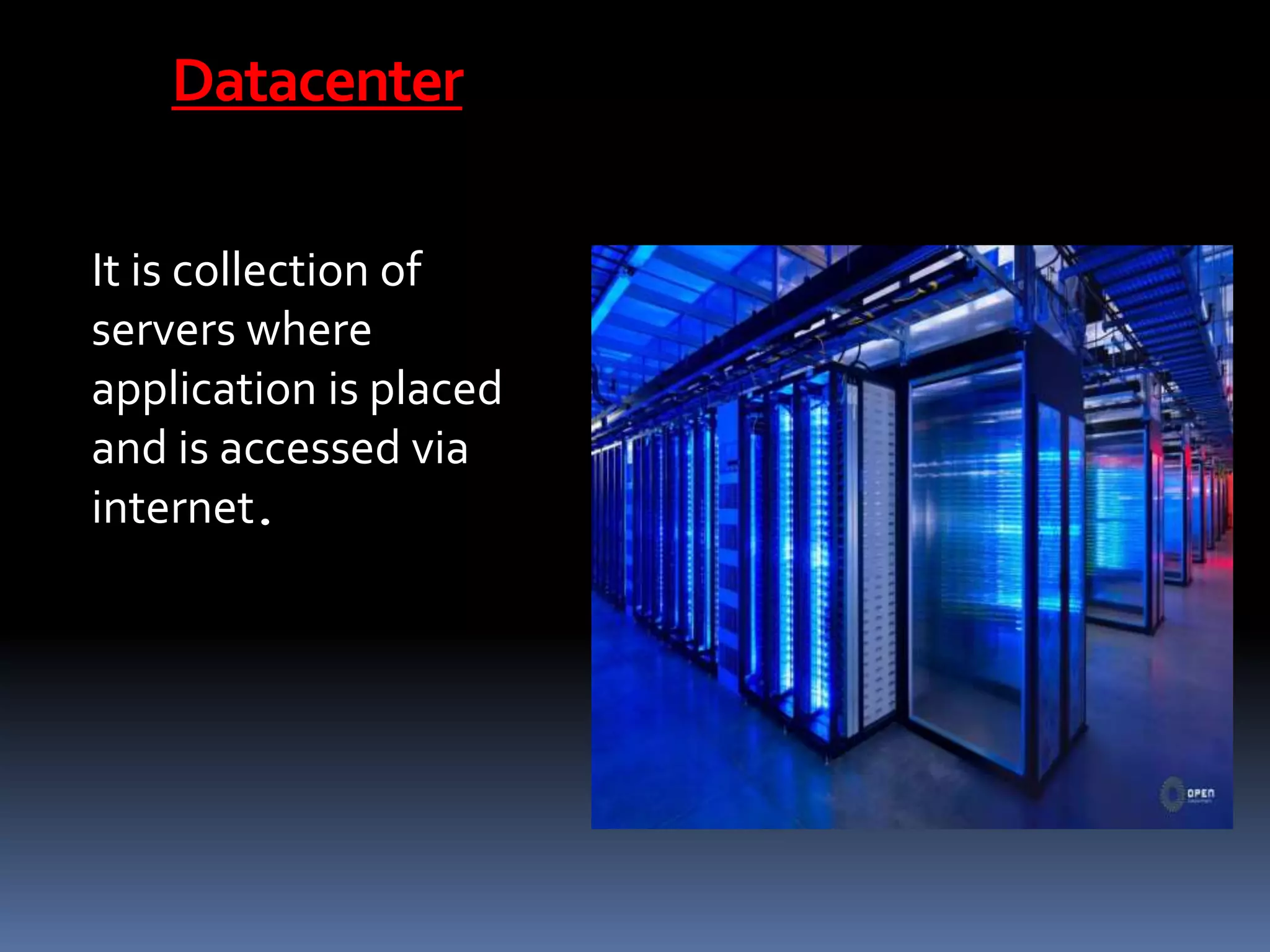
It is collection of
servers where
application is placed
and is accessed via
internet.
Distributedservers
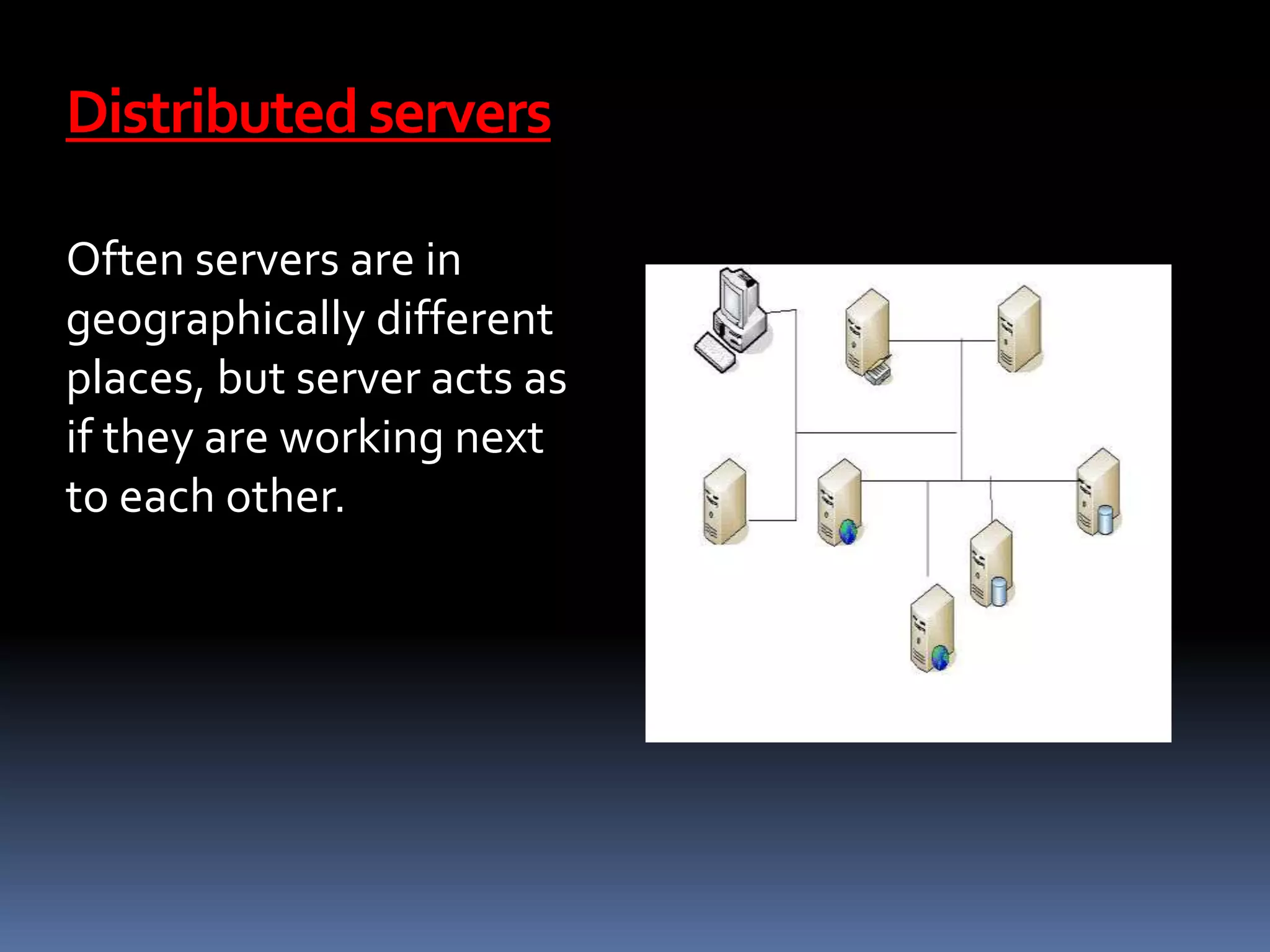
Often servers are in
geographically different
places, but server acts as
if they are working next
to each other.
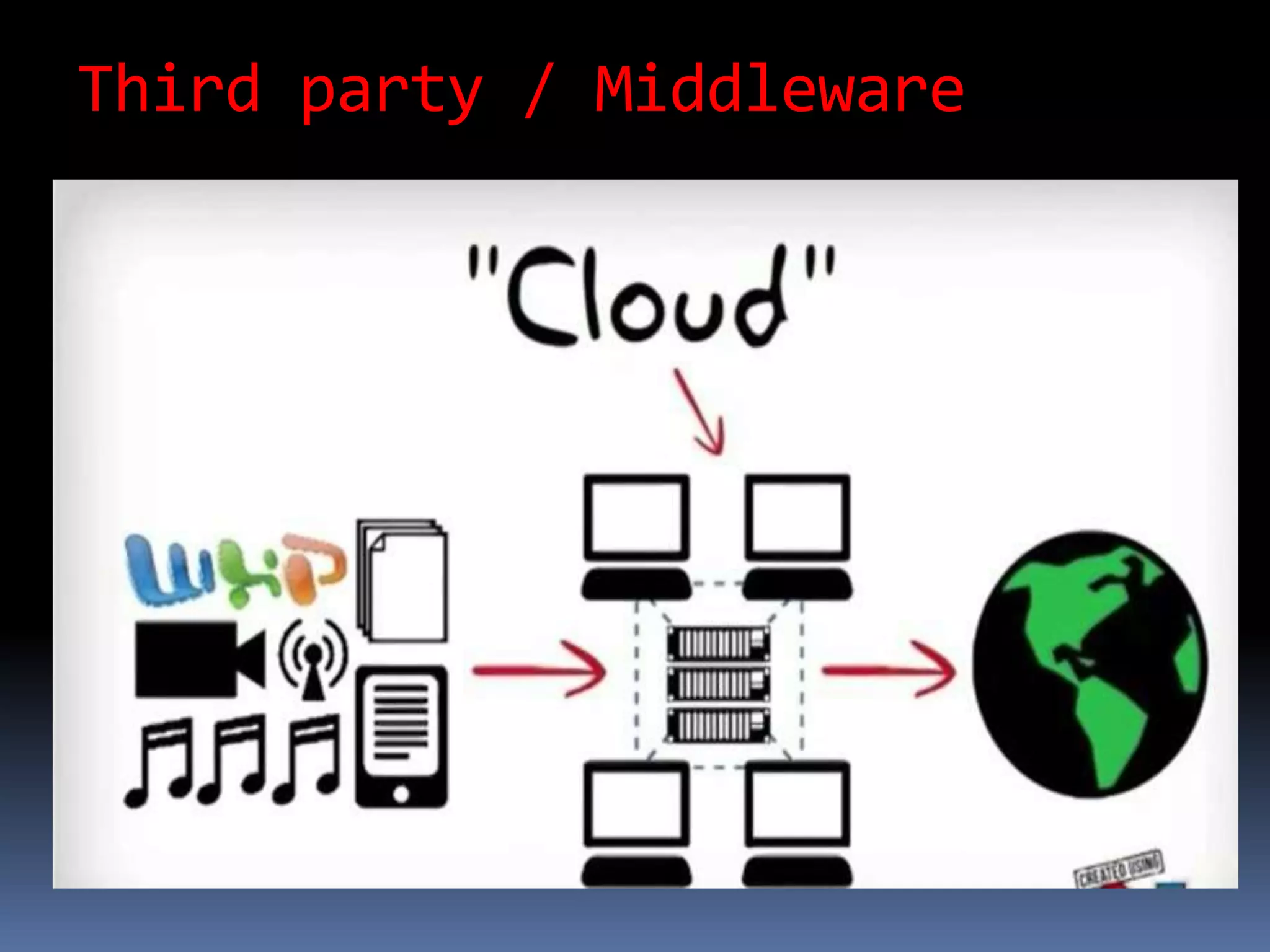
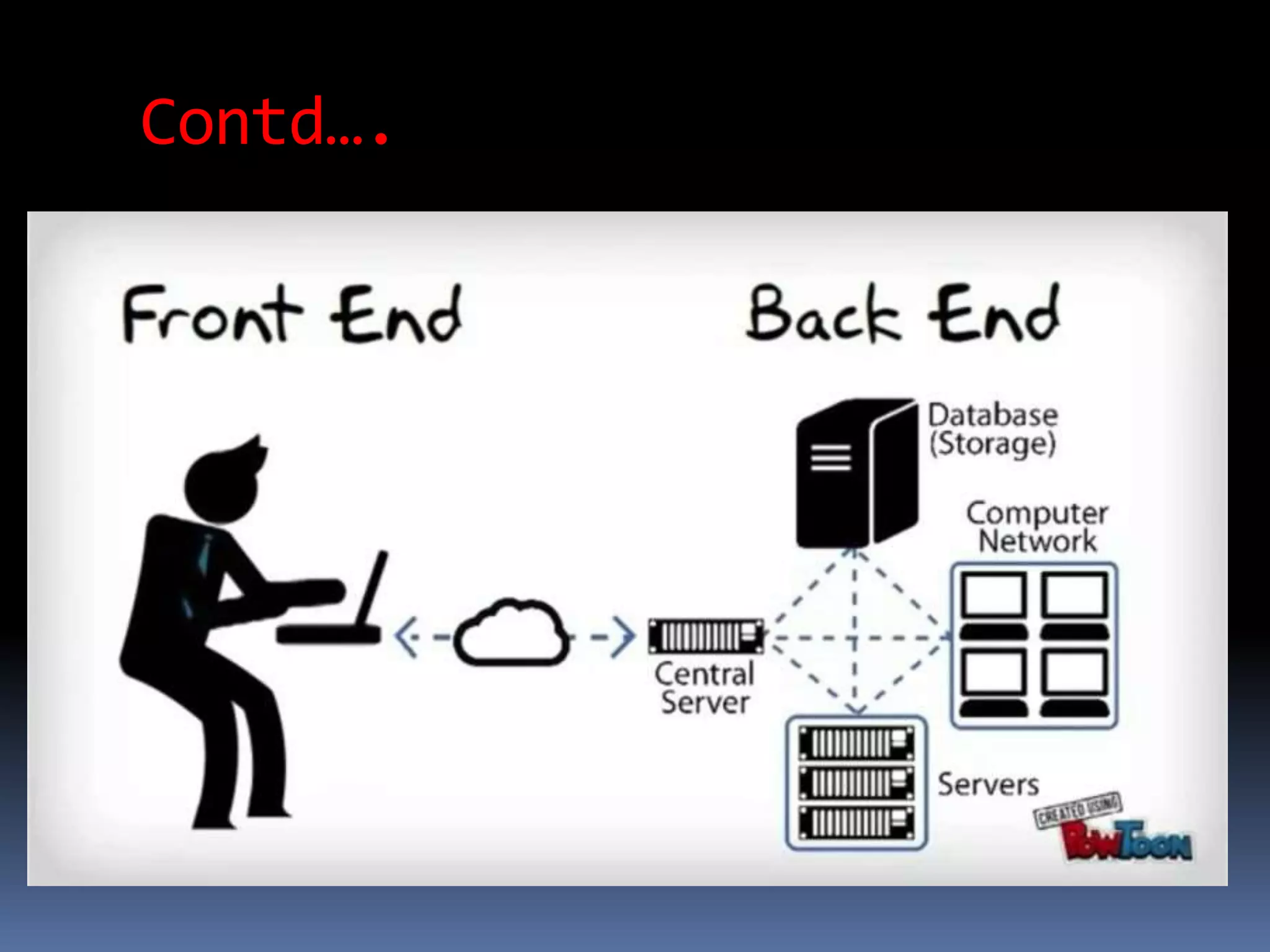
CentralServer
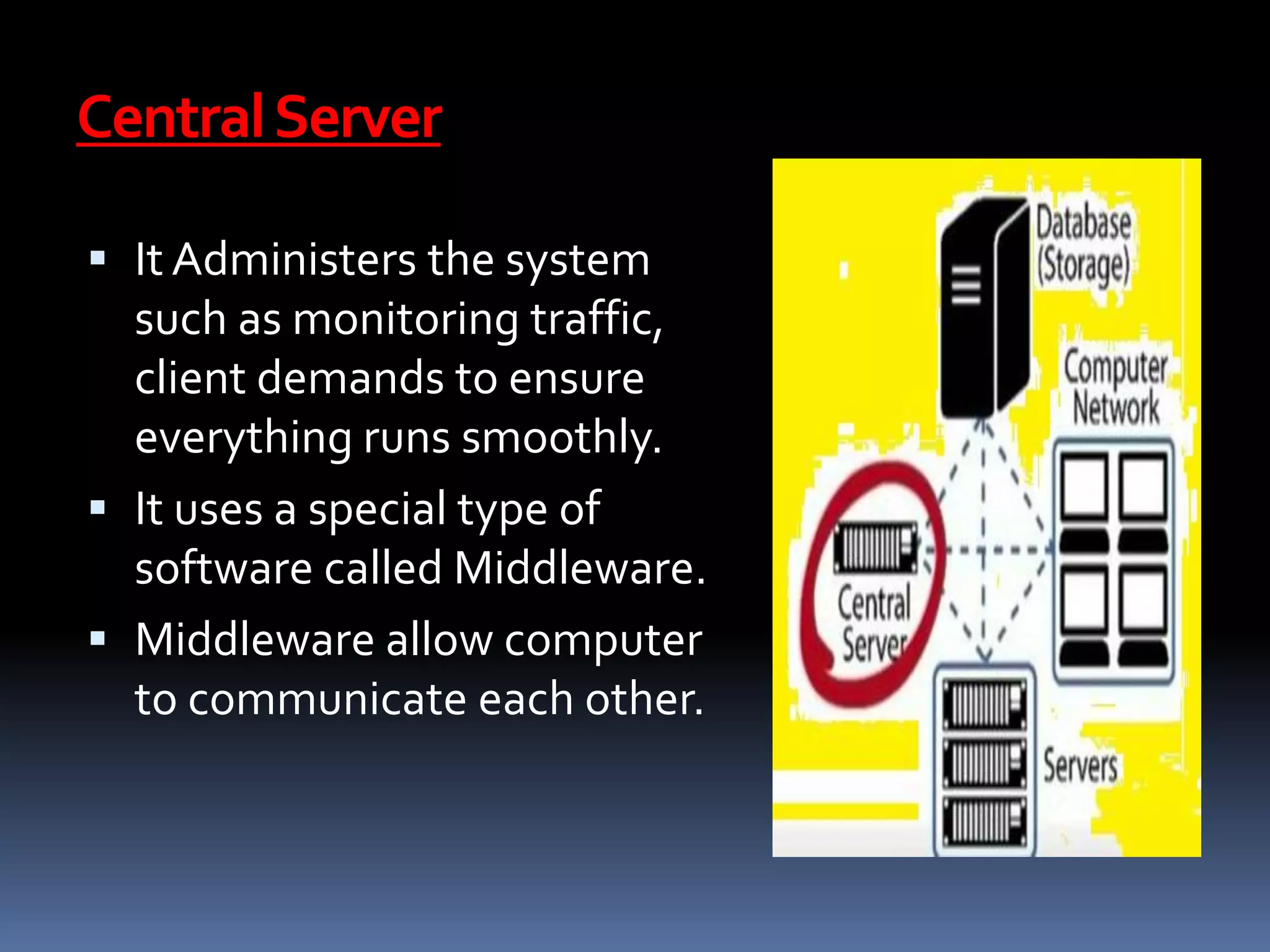
 It Administers the system
such as monitoring traffic,
client demands to ensure
everything runs smoothly.
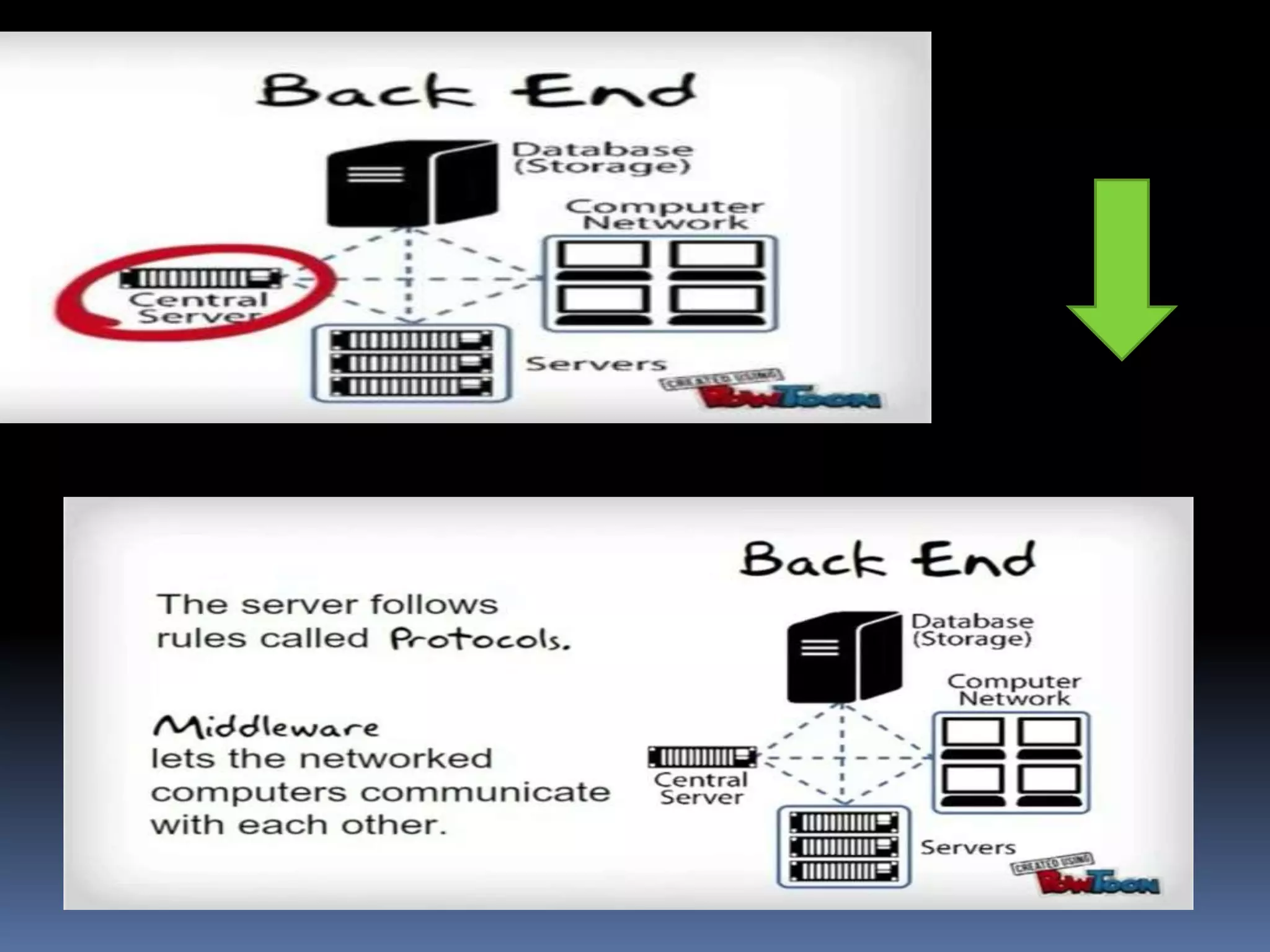
 It uses a special type of
software called Middleware.
 Middleware allow computer
to communicate each other.
Third party / Middleware
How cloud computing works?
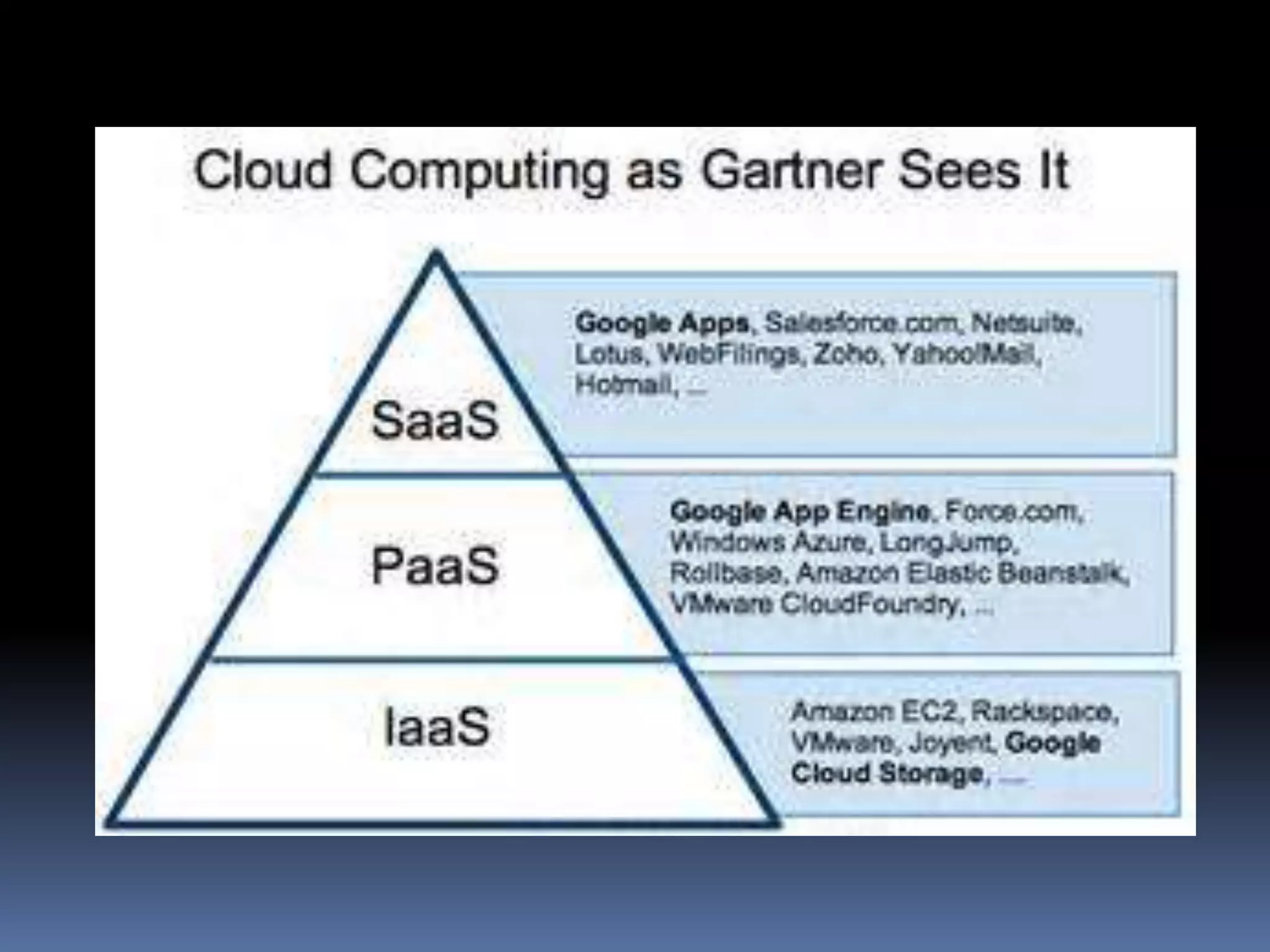
Service Models
 SaaS(Software as a service): Required
software, Operating system & network is
provided.
 PaaS(Platform as service): Operating
system and network is provided.
 IaaS(Infrastructure as a service): just
Network is provided.
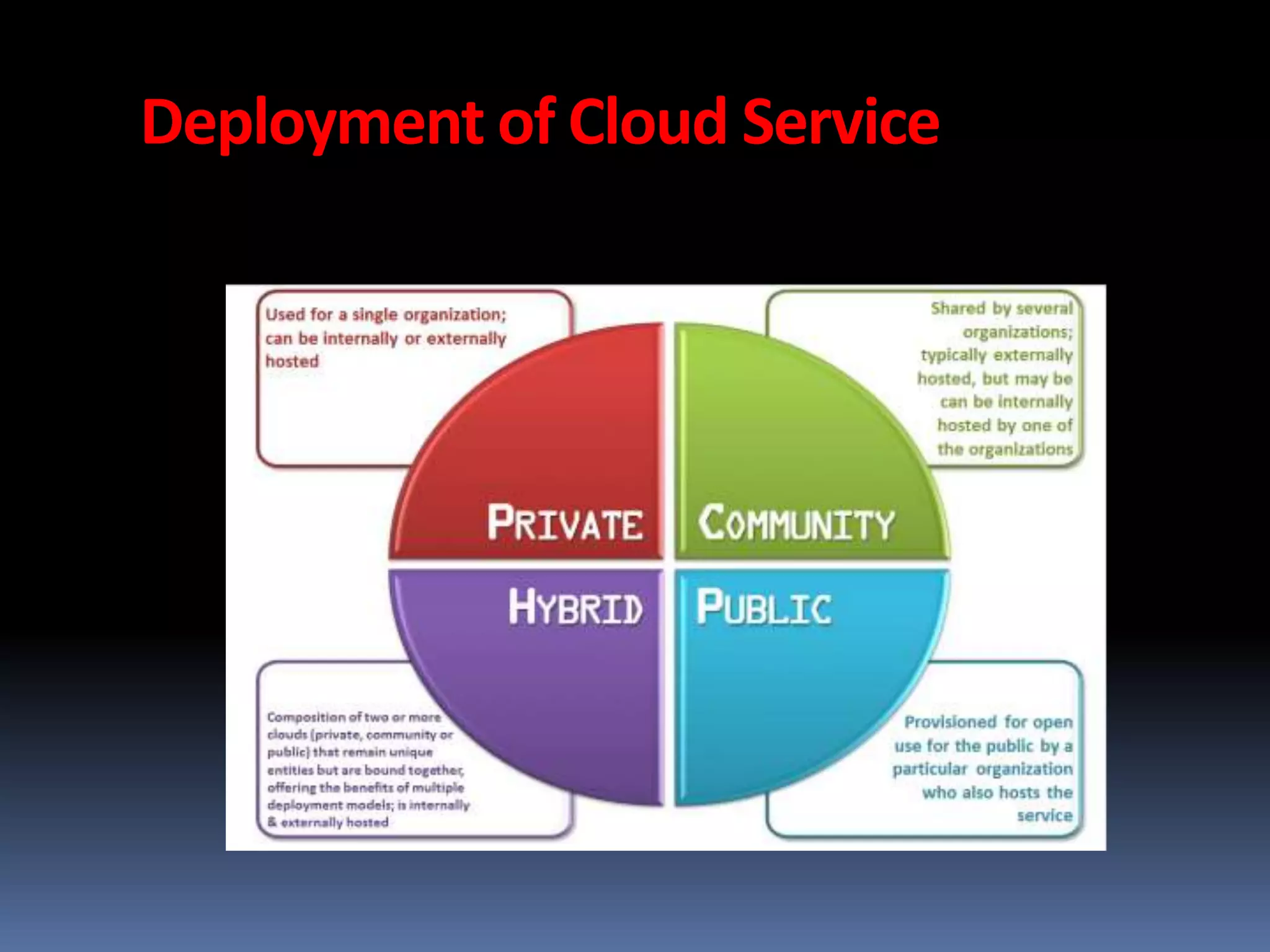
Deployment of Cloud Service
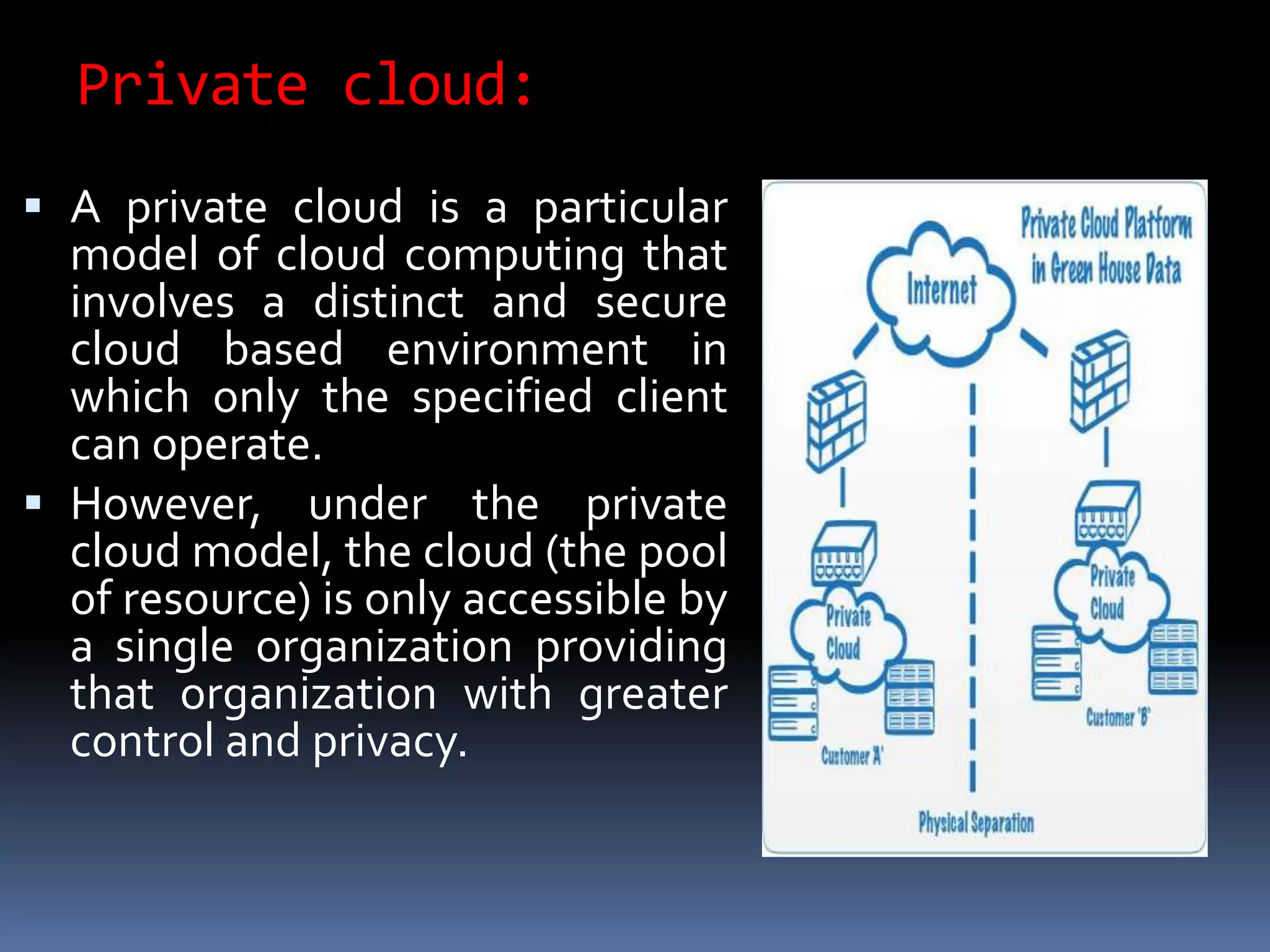
Private cloud:
 A private cloud is a particular
model of cloud computing that
involves a distinct and secure
cloud based environment in
which only the specified client
can operate.
 However, under the private
cloud model, the cloud (the pool
of resource) is only accessible by
a single organization providing
that organization with greater
control and privacy.
Contd….
 Private clouds can be expensive with typically
modest economies of scale.
 This is usually not an option for the average
Small-to-Medium sized business and is most
typically put to use by large enterprises.
 Private clouds are driven by concerns around
security and compliance, and keeping assets
within the firewall.
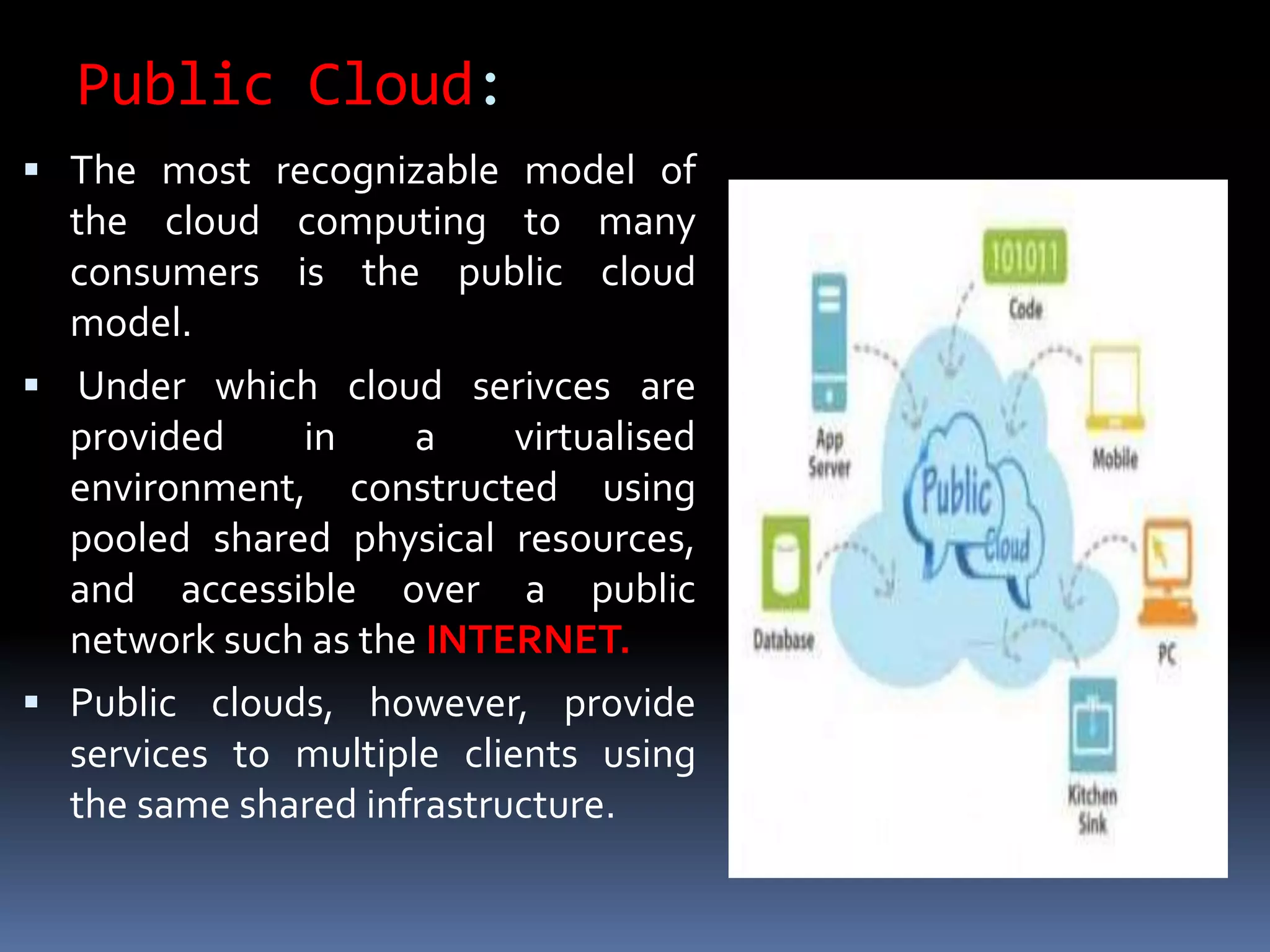
Public Cloud:
 The most recognizable model of
the cloud computing to many
consumers is the public cloud
model.
 Under which cloud serivces are
provided in a virtualised
environment, constructed using
pooled shared physical resources,
and accessible over a public
network such as the INTERNET.
 Public clouds, however, provide
services to multiple clients using
the same shared infrastructure.
Contd…..
 Examples of public clouds include Amazon
Elastic Compute Cloud (EC2), IBM’s Blue Cloud,
Sun Cloud, Google App Engine and Windows
Azure Services Platform.
 For users, these types of clouds will provide the
best economies of scale, are inexpensive to set-
up because hardware, application and
bandwidth costs are covered by the provider.
 It’s a pay-per-usage model and the only costs
incurred are based on the capacity that is used.
Hybrid cloud:
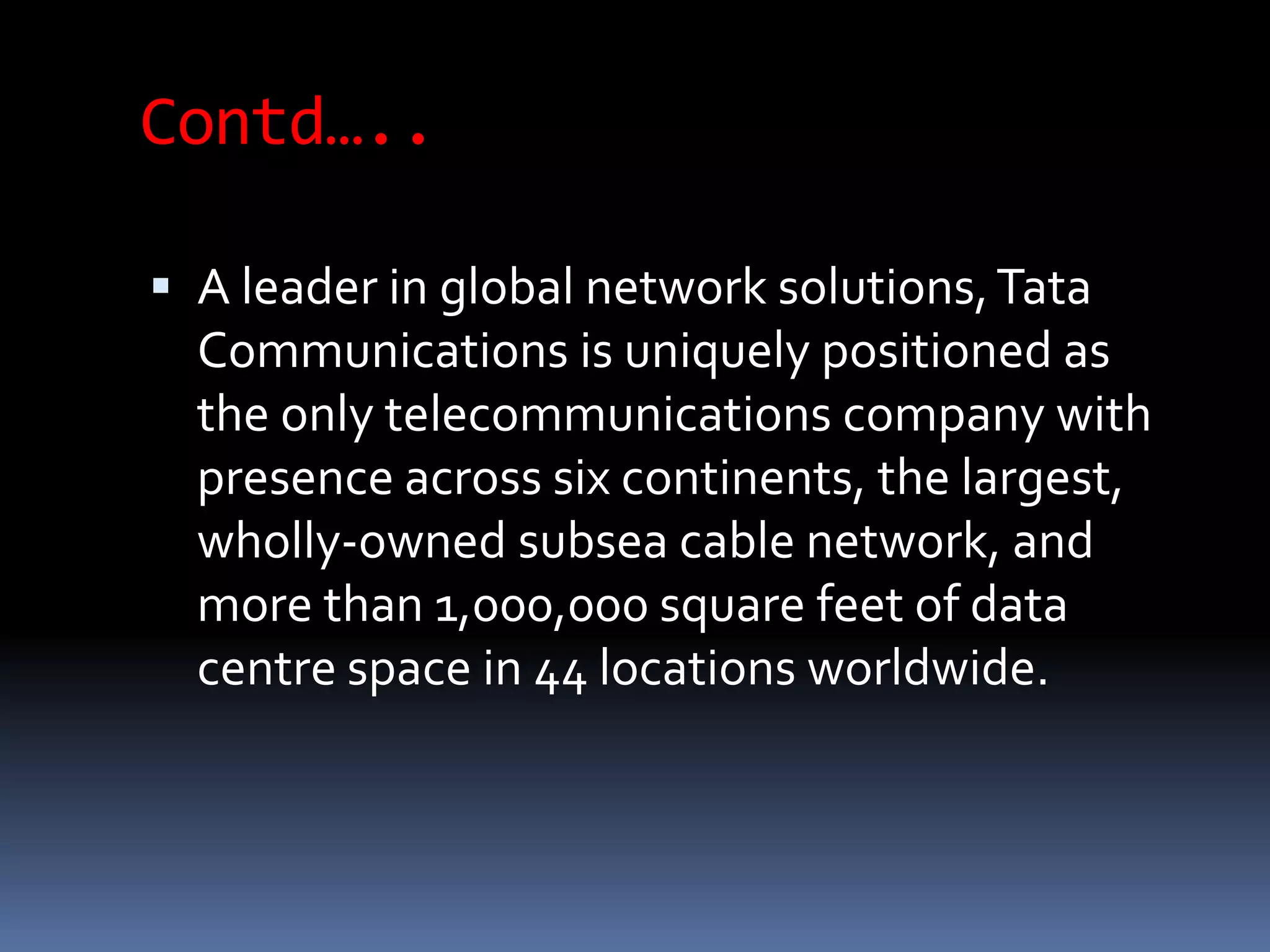
 A hybrid cloud is an
integrated cloud
service utilizing both
private and public
clouds to perform
distinct functions
within the same
organization.
 ExampleTCS provides
Contd…..
 A leader in global network solutions,Tata
Communications is uniquely positioned as
the only telecommunications company with
presence across six continents, the largest,
wholly-owned subsea cable network, and
more than 1,000,000 square feet of data
centre space in 44 locations worldwide.
Community cloud:
 It involves sharing of computing infrastructure
in between organizations of the same
community.
 For example all Government organizations
within the state may share computing
infrastructure on the cloud to manage data
related to citizens residing in that state.
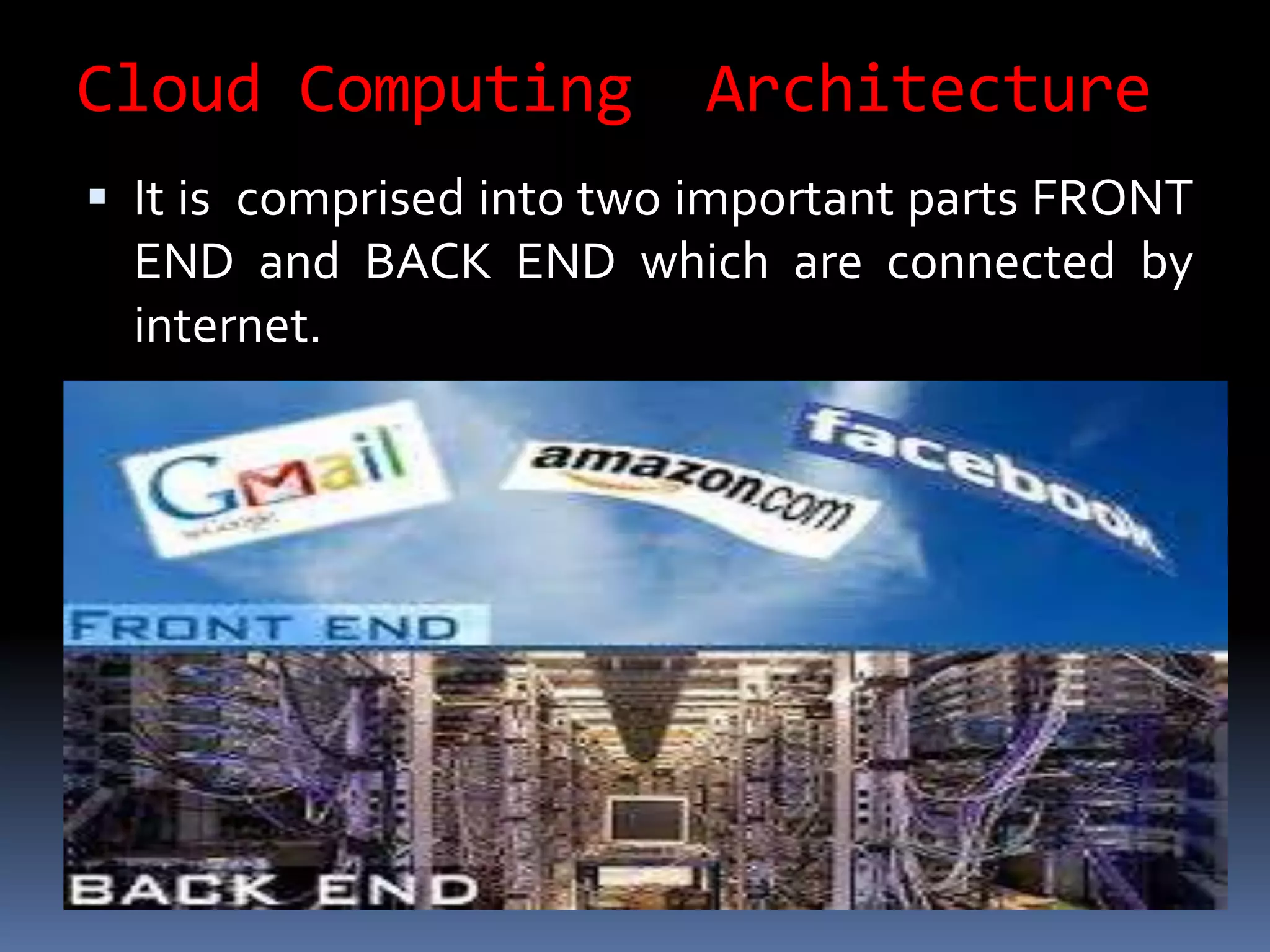
Cloud Computing Architecture
 It is comprised into two important parts FRONT
END and BACK END which are connected by
internet.
Contd….
Cloud computing is :
not only for storing data but is also
Inexpensive
Efficient
Flexible
Alternate to computers
ADVANTAGES OF CLOUD COMPUTING
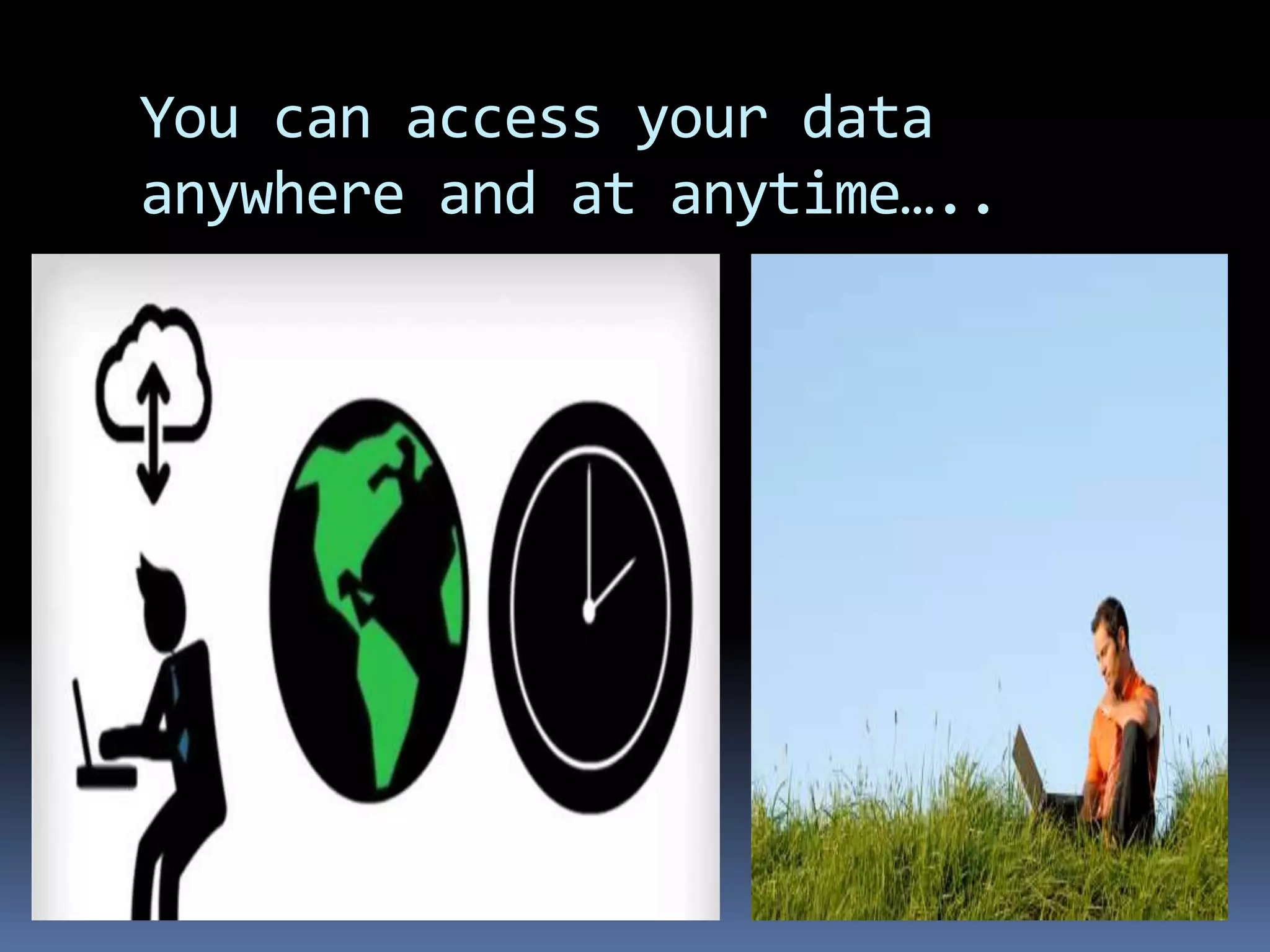
You can access your data
anywhere and at anytime…..
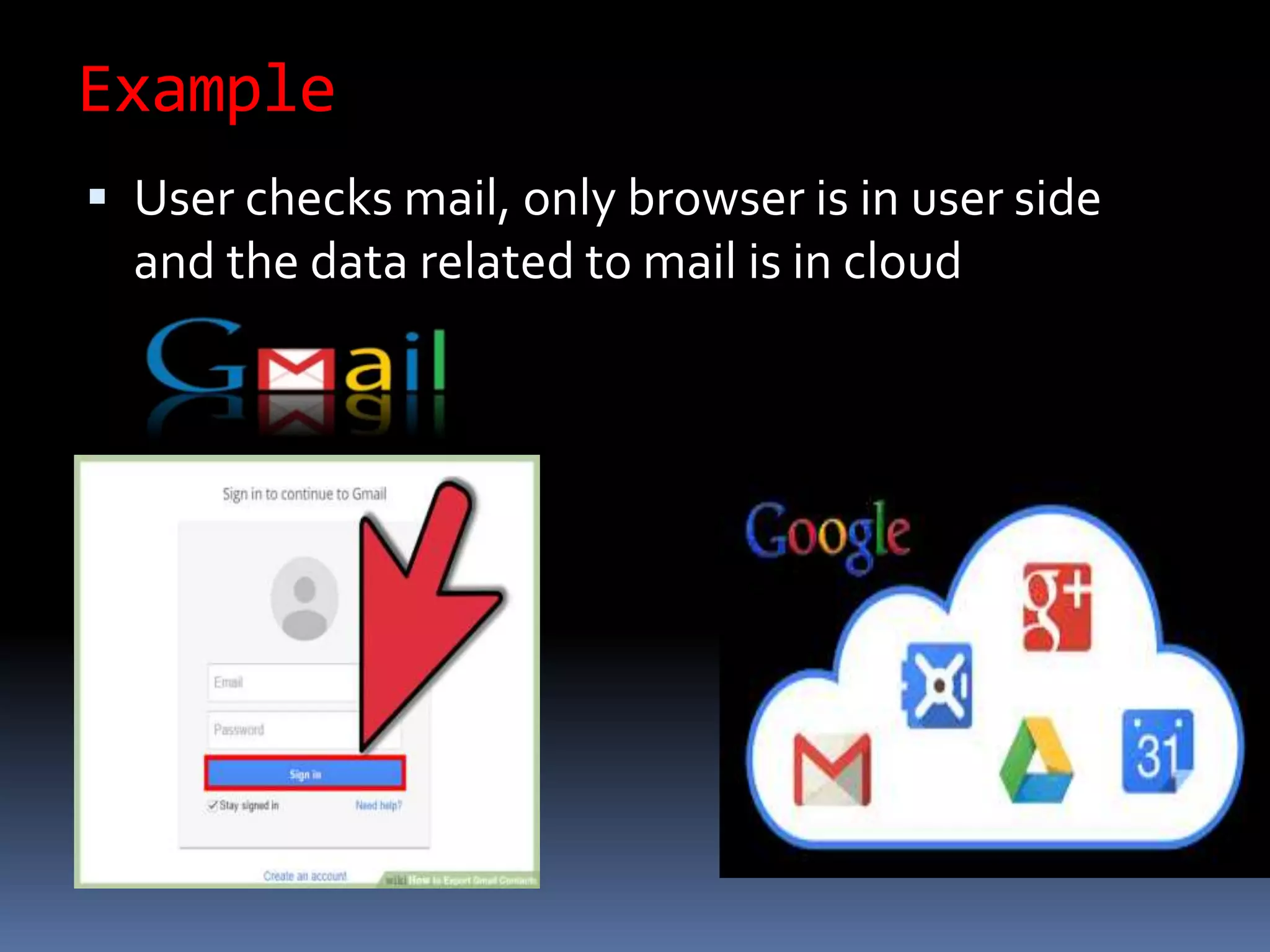
Example
 User checks mail, only browser is in user side
and the data related to mail is in cloud
Why to choose cloud computing for
storage?
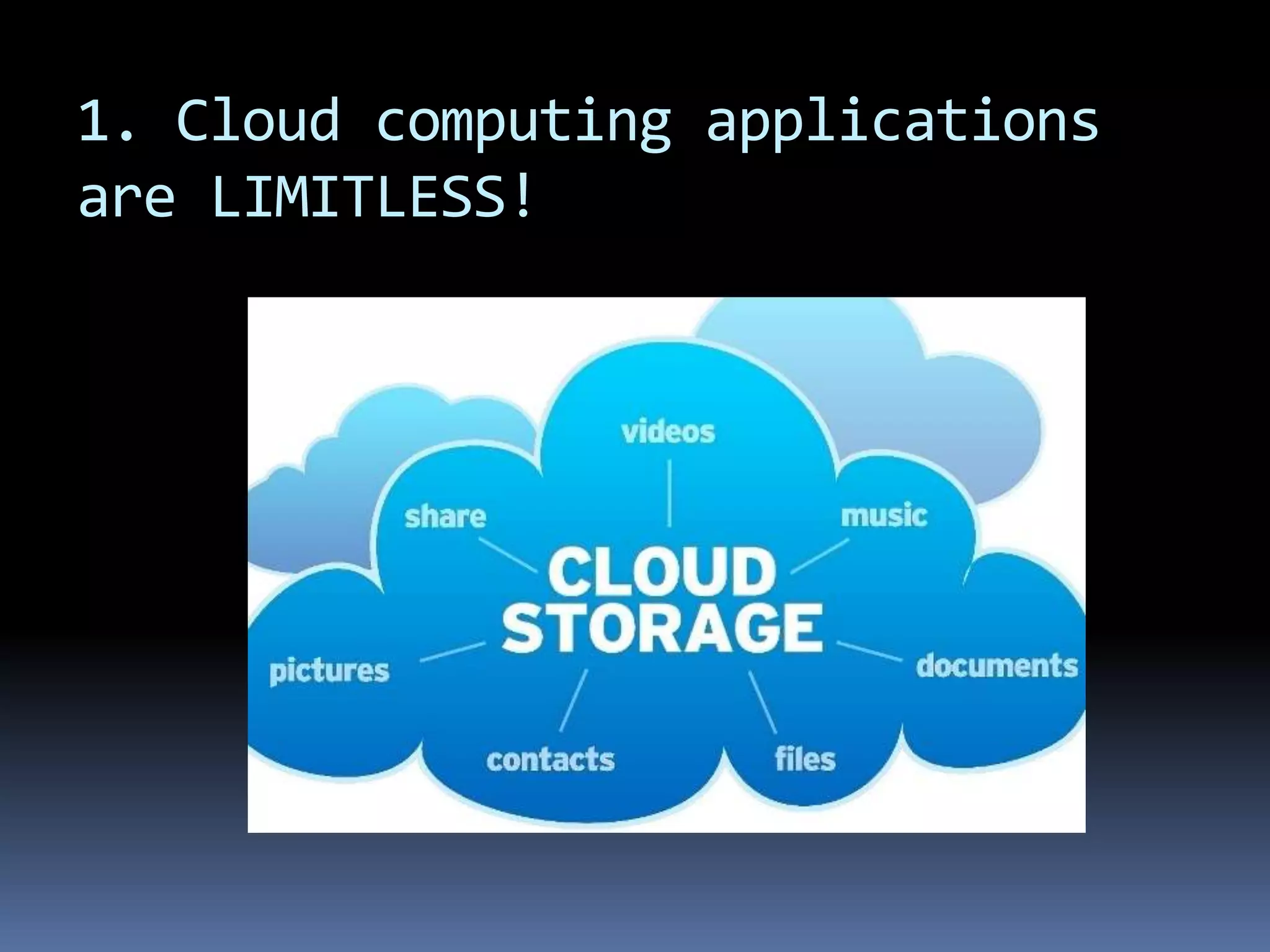
1. Cloud computing applications
are LIMITLESS!
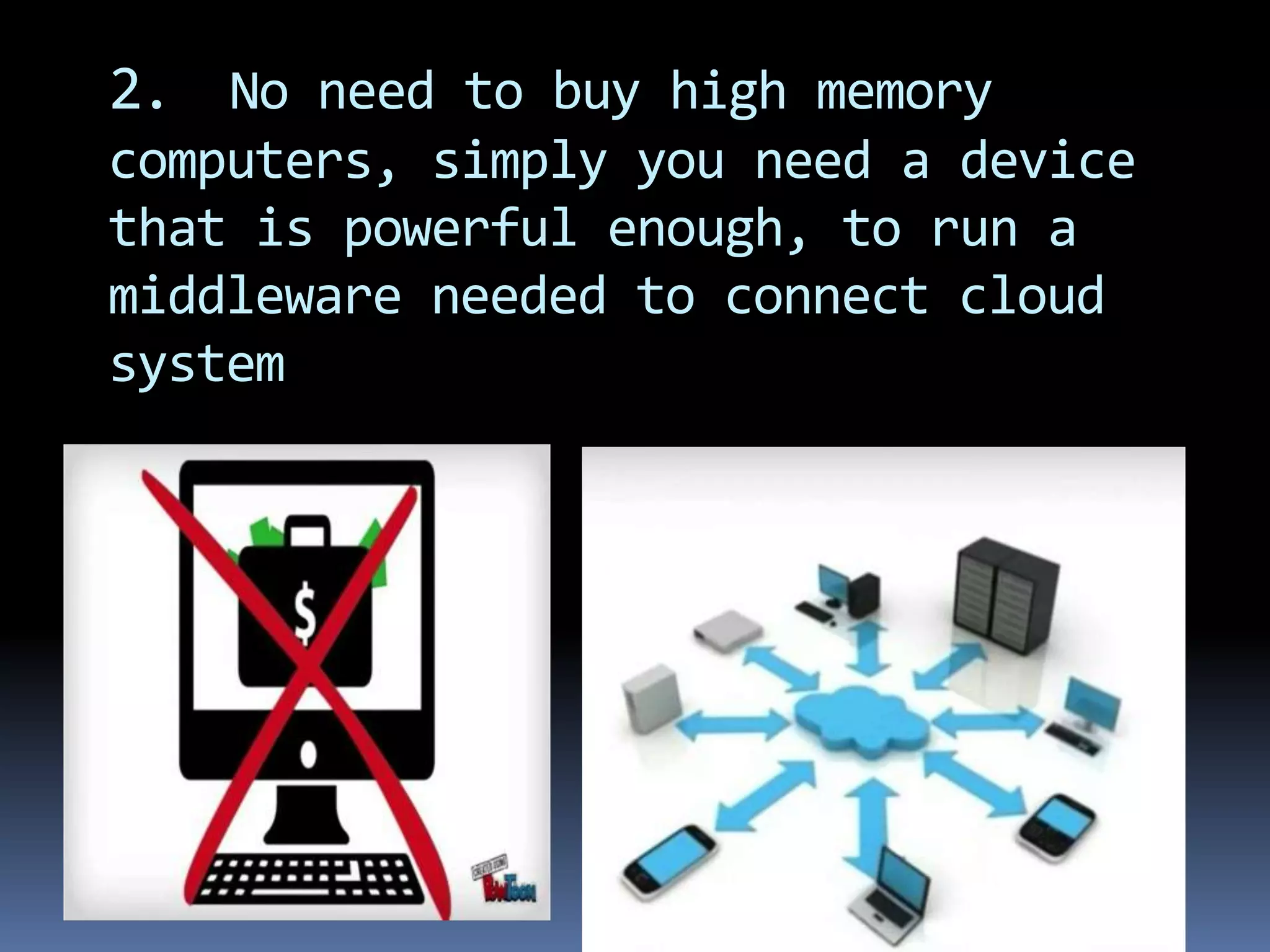
2. No need to buy high memory
computers, simply you need a device
that is powerful enough, to run a
middleware needed to connect cloud
system
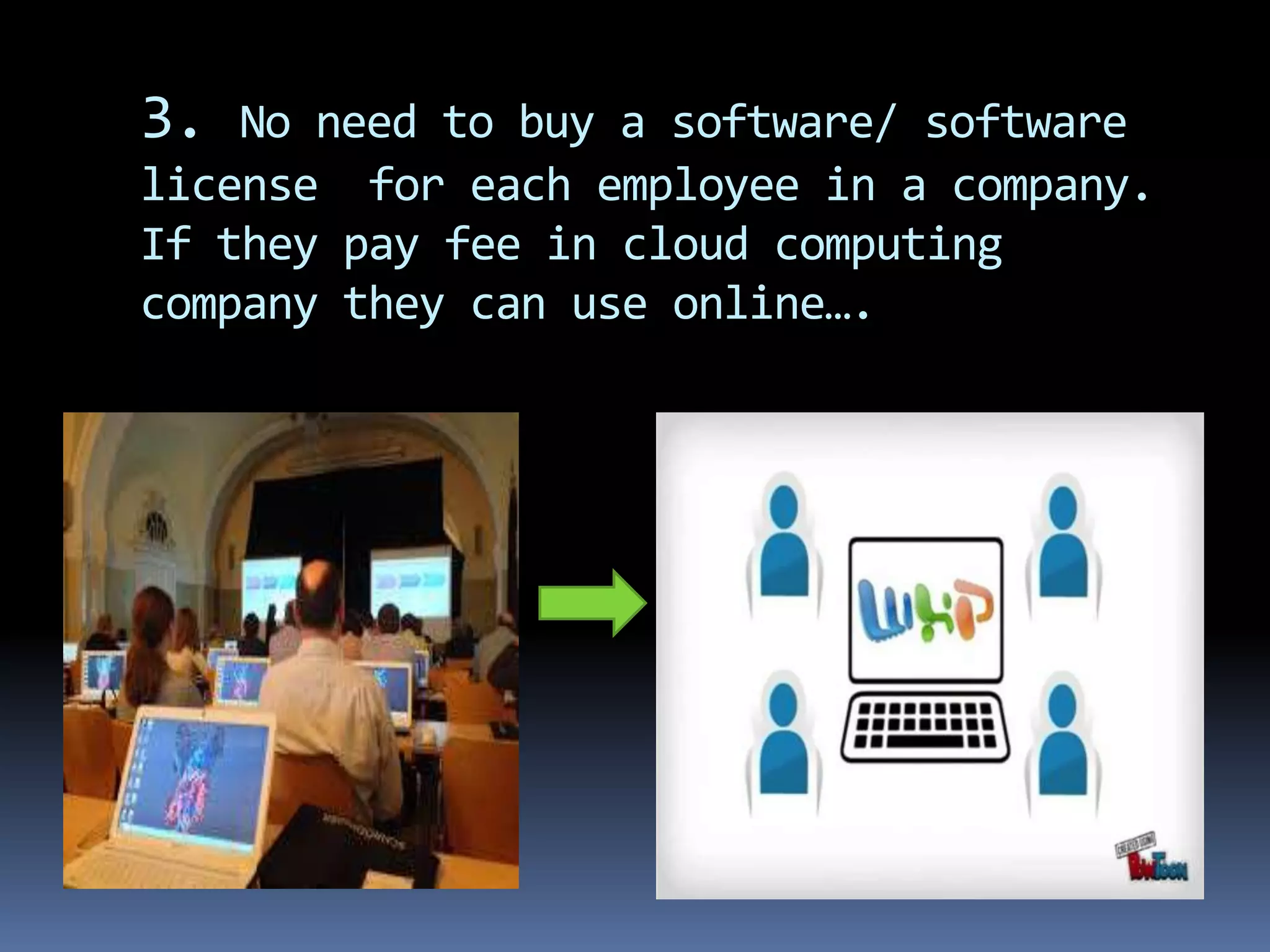
3. No need to buy a software/ software
license for each employee in a company.
If they pay fee in cloud computing
company they can use online….
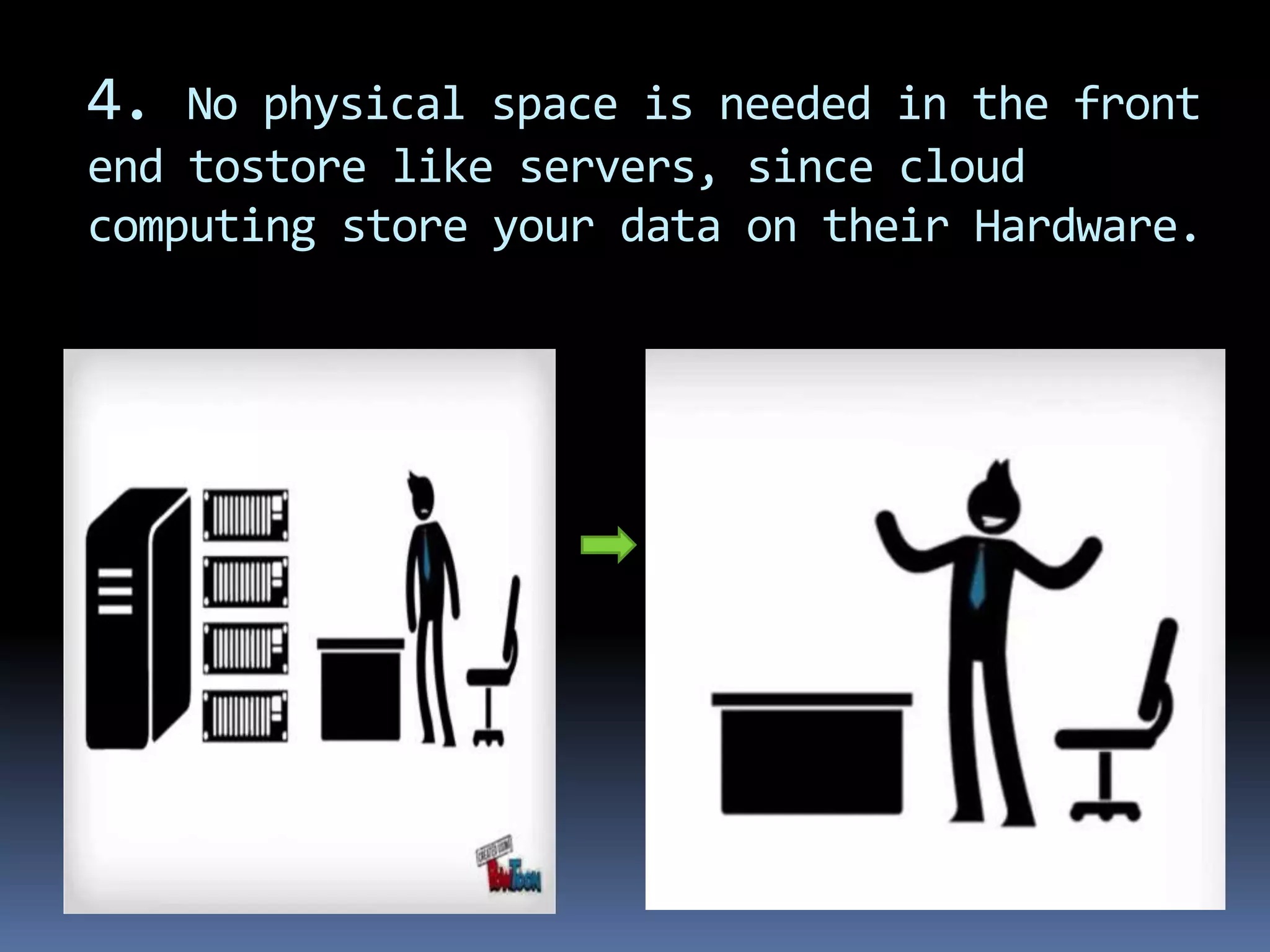
4. No physical space is needed in the front
end tostore like servers, since cloud
computing store your data on their Hardware.
Limitations of cloud computing
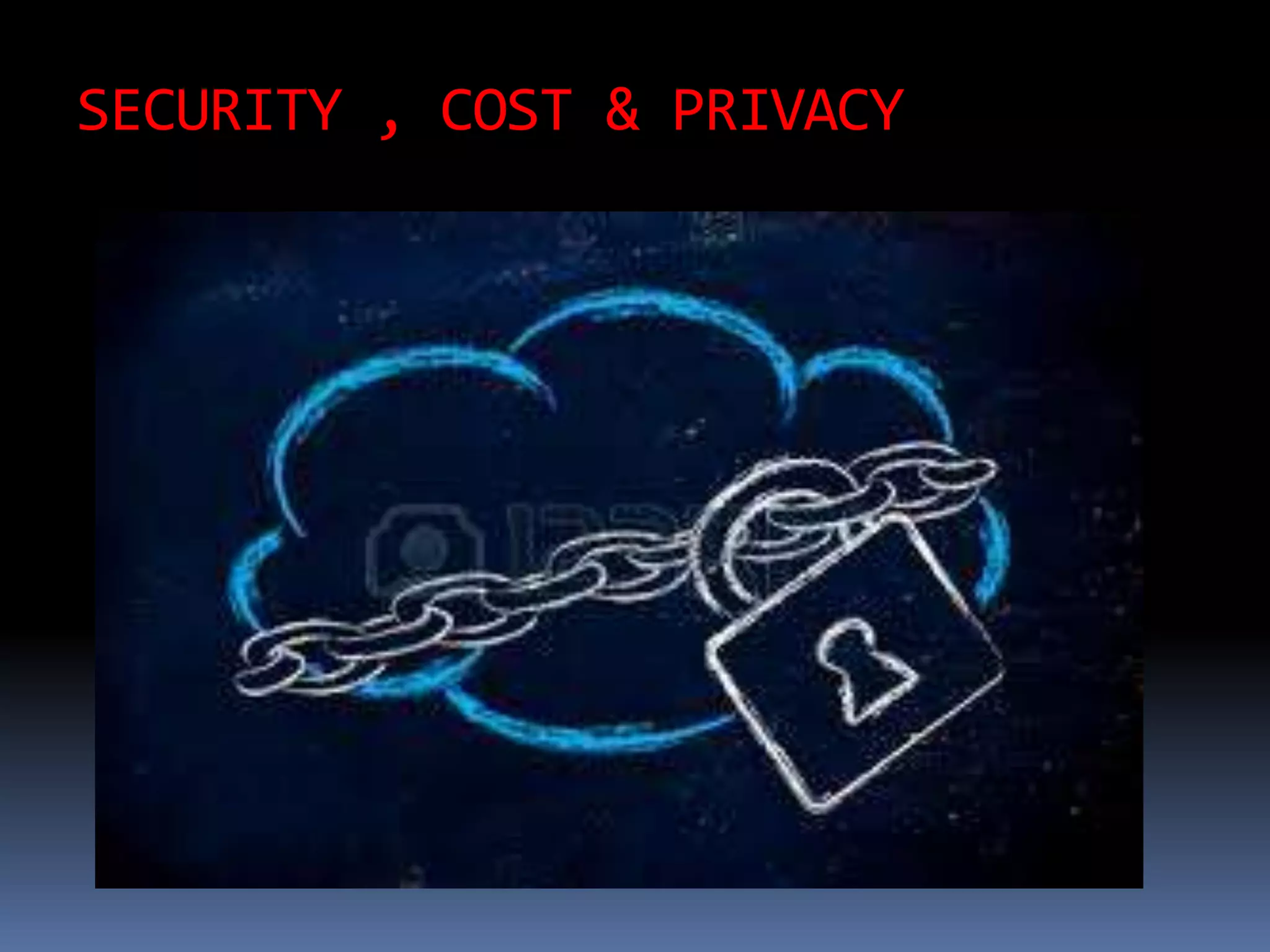
SECURITY , COST & PRIVACY
Contd…
 Requires a constant Internet connection. Cloud
computing is impossible if you can't connect to the Internet.
Since you use the Internet to connect to both your applications
and documents, if you don't have an Internet connection you
can't access anything, even your own documents
 Doesn't work well with low-speed connections.
Similarly, a low-speed Internet connection, such as that found
with dial-up services, makes cloud computing painful at best
and often impossible.Web-based apps require a lot of
bandwidth to download, as do large documents. If you're
laboring with a low-speed dial-up connection
 Can be slow. Even on a fast connection, web-based
applications can sometimes be slower than accessing a similar
software program on your desktop PC. Everything about the
program, from the interface to the current document, has to be
sent back and forth from your computer to the computers in
the cloud
Contd…
 Features might be limited.This situation is bound
to change, but today many web-based
applications simply aren't as full-featured as
their desktop-based brethren.
For example, you can do a lot more with Microsoft
PowerPoint than with Google Presentation's web-
based offering.The basics are similar, but the
cloud application lacks many of PowerPoint's
advanced features.
Contd….
 Stored data might not be secure. With cloud
computing, all your data is stored on the cloud.
How secure is the cloud? Can unauthorized users gain
access to your confidential data? Cloud computing
companies say that data is secure, but it's too early in
the game to be completely sure of that. Only time will
tell if your data is secure in the cloud.
 Stored data can be lost.Theoretically, data stored in
the cloud is unusually safe, replicated across multiple
machines. But on the off chance that your data goes
missing, you have no physical or local backup. (Unless
you methodically download all your cloud documents to
your own desktop—which few users do.) Put simply,
relying on the cloud puts you at risk if the cloud lets you
down.
Cloud computing

Cloud computing

  • 1.
    CLOUD COMPUTING Presented by: K. MAHESHWARI ST.MARY’SCENTENARY DEGREE COLLEGE OSMANIA UNIVERSITY
  • 2.
  • 3.
    Introduction: Generally a userneed Applications, files , videos, music, storage space, ebooks …..
  • 4.
    Contd….  And userconstantly faces a problem where to store , access these things……  To come out off this problem we have a solution ie CLOUD COMPUTING
  • 5.
    In this sessionwe learn :  What is cloud computing?  How cloud computing works?  What are the pros and cons?
  • 6.
    History:  Concept evolvedin 1950(IBM) called RJE (Remote Job Entry Process).  The idea of an intergalactic computer network was introduced in the sixties by J.C.R. Licklider, who was responsible for enabling the development of ARPANET (Advanced Research Projects Agency Network) in 1969.  One of the first milestones in cloud computing history was the arrival of Salesforce.com in 1999, which pioneered the concept of delivering enterprise applications via a simple website.The services firm paved the way for both specialist and mainstream software firms to deliver applications over the internet.  In 2006 Amazon provided First public cloud AWS (AmazonWeb Service)
  • 7.
    Definition: The storing ofdata and applications on remote servers, and accessing them via the internet rather then saving or installing them on your or office computer.
  • 8.
    CloudComponents It has threecomponents  Client computers  Distributed Servers  Datacenters
  • 9.
    CLIENTS Clients are thedevice that the end user interact with cloud. three types of clients: 1.) Mobile 2.)Thick 3.)Thin (Most Popular)
  • 10.
    Datacenter It is collectionof servers where application is placed and is accessed via internet.
  • 11.
    Distributedservers Often servers arein geographically different places, but server acts as if they are working next to each other.
  • 12.
    CentralServer  It Administersthe system such as monitoring traffic, client demands to ensure everything runs smoothly.  It uses a special type of software called Middleware.  Middleware allow computer to communicate each other.
  • 13.
    Third party /Middleware
  • 14.
  • 15.
    Service Models  SaaS(Softwareas a service): Required software, Operating system & network is provided.  PaaS(Platform as service): Operating system and network is provided.  IaaS(Infrastructure as a service): just Network is provided.
  • 17.
  • 18.
    Private cloud:  Aprivate cloud is a particular model of cloud computing that involves a distinct and secure cloud based environment in which only the specified client can operate.  However, under the private cloud model, the cloud (the pool of resource) is only accessible by a single organization providing that organization with greater control and privacy.
  • 19.
    Contd….  Private cloudscan be expensive with typically modest economies of scale.  This is usually not an option for the average Small-to-Medium sized business and is most typically put to use by large enterprises.  Private clouds are driven by concerns around security and compliance, and keeping assets within the firewall.
  • 20.
    Public Cloud:  Themost recognizable model of the cloud computing to many consumers is the public cloud model.  Under which cloud serivces are provided in a virtualised environment, constructed using pooled shared physical resources, and accessible over a public network such as the INTERNET.  Public clouds, however, provide services to multiple clients using the same shared infrastructure.
  • 21.
    Contd…..  Examples ofpublic clouds include Amazon Elastic Compute Cloud (EC2), IBM’s Blue Cloud, Sun Cloud, Google App Engine and Windows Azure Services Platform.  For users, these types of clouds will provide the best economies of scale, are inexpensive to set- up because hardware, application and bandwidth costs are covered by the provider.  It’s a pay-per-usage model and the only costs incurred are based on the capacity that is used.
  • 22.
    Hybrid cloud:  Ahybrid cloud is an integrated cloud service utilizing both private and public clouds to perform distinct functions within the same organization.  ExampleTCS provides
  • 23.
    Contd…..  A leaderin global network solutions,Tata Communications is uniquely positioned as the only telecommunications company with presence across six continents, the largest, wholly-owned subsea cable network, and more than 1,000,000 square feet of data centre space in 44 locations worldwide.
  • 24.
    Community cloud:  Itinvolves sharing of computing infrastructure in between organizations of the same community.  For example all Government organizations within the state may share computing infrastructure on the cloud to manage data related to citizens residing in that state.
  • 25.
    Cloud Computing Architecture It is comprised into two important parts FRONT END and BACK END which are connected by internet.
  • 26.
  • 28.
    Cloud computing is: not only for storing data but is also Inexpensive Efficient Flexible Alternate to computers
  • 29.
  • 30.
    You can accessyour data anywhere and at anytime…..
  • 31.
    Example  User checksmail, only browser is in user side and the data related to mail is in cloud
  • 32.
    Why to choosecloud computing for storage?
  • 33.
    1. Cloud computingapplications are LIMITLESS!
  • 34.
    2. No needto buy high memory computers, simply you need a device that is powerful enough, to run a middleware needed to connect cloud system
  • 35.
    3. No needto buy a software/ software license for each employee in a company. If they pay fee in cloud computing company they can use online….
  • 36.
    4. No physicalspace is needed in the front end tostore like servers, since cloud computing store your data on their Hardware.
  • 37.
  • 38.
    SECURITY , COST& PRIVACY
  • 39.
    Contd…  Requires aconstant Internet connection. Cloud computing is impossible if you can't connect to the Internet. Since you use the Internet to connect to both your applications and documents, if you don't have an Internet connection you can't access anything, even your own documents  Doesn't work well with low-speed connections. Similarly, a low-speed Internet connection, such as that found with dial-up services, makes cloud computing painful at best and often impossible.Web-based apps require a lot of bandwidth to download, as do large documents. If you're laboring with a low-speed dial-up connection  Can be slow. Even on a fast connection, web-based applications can sometimes be slower than accessing a similar software program on your desktop PC. Everything about the program, from the interface to the current document, has to be sent back and forth from your computer to the computers in the cloud
  • 40.
    Contd…  Features mightbe limited.This situation is bound to change, but today many web-based applications simply aren't as full-featured as their desktop-based brethren. For example, you can do a lot more with Microsoft PowerPoint than with Google Presentation's web- based offering.The basics are similar, but the cloud application lacks many of PowerPoint's advanced features.
  • 41.
    Contd….  Stored datamight not be secure. With cloud computing, all your data is stored on the cloud. How secure is the cloud? Can unauthorized users gain access to your confidential data? Cloud computing companies say that data is secure, but it's too early in the game to be completely sure of that. Only time will tell if your data is secure in the cloud.  Stored data can be lost.Theoretically, data stored in the cloud is unusually safe, replicated across multiple machines. But on the off chance that your data goes missing, you have no physical or local backup. (Unless you methodically download all your cloud documents to your own desktop—which few users do.) Put simply, relying on the cloud puts you at risk if the cloud lets you down.