https://bitbucket.org/product/features/pipelines
CI/CD With Bitbucket
Pipelines
Shared Server Deployment With FTP Clients
● CyberDuck
● FileZilla
● ….
Deploying For Different Environment
● Do same thing over and over for
○ Development
○ Staging
○ Production
Because the normal flow for Development is moving from
Development → Staging → Production
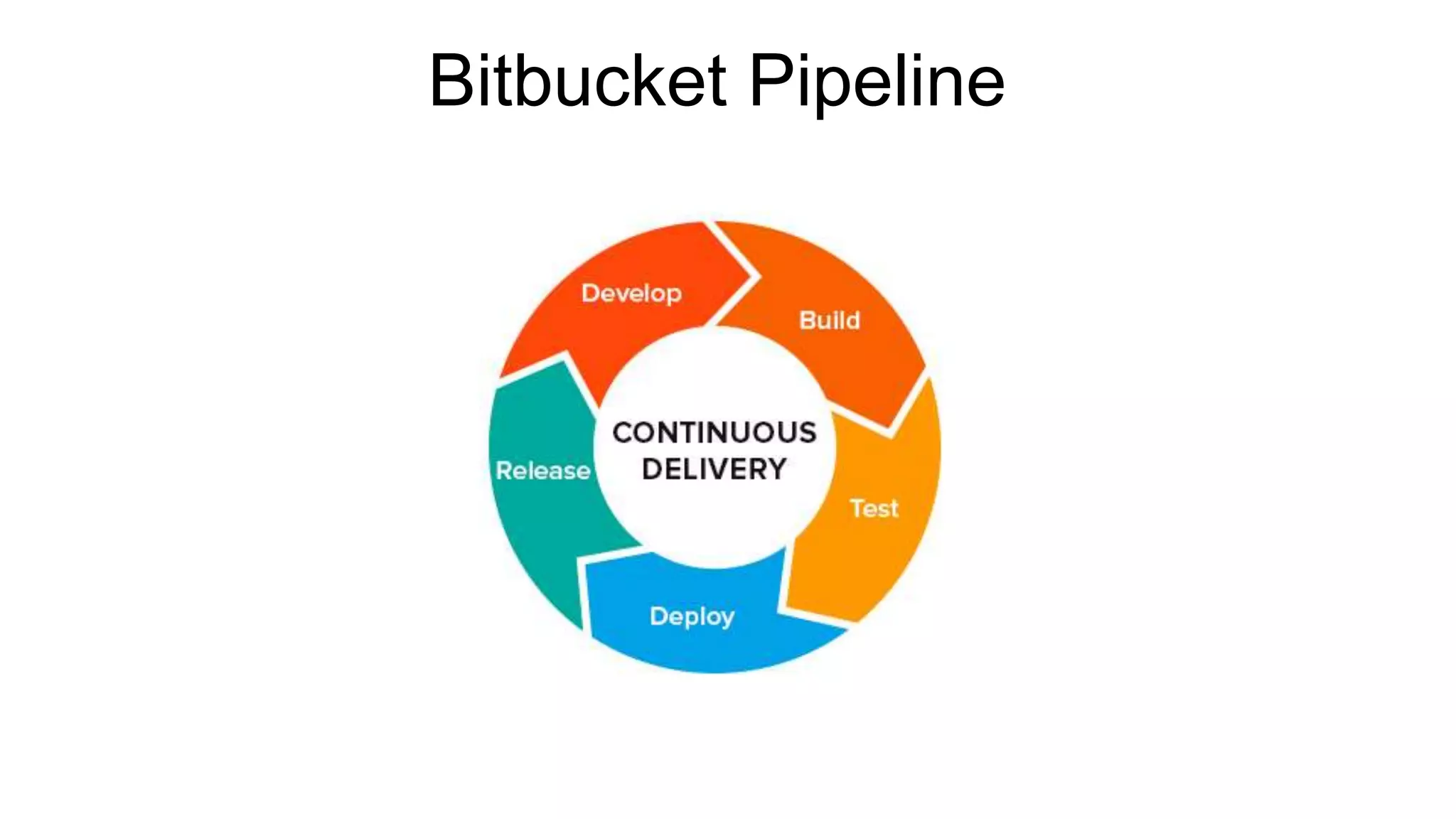
Bitbucket Pipeline
Why use Bitbucket pipeline
● Sufficient coverage gives you confidence to deploy.
Reduce human error and keep the team lean working on
critical tasks.
● Pipelines can be aligned with the branch structure,
making it easier to work with branching workflows like
feature branching or git-flow.
● Stop jumping between multiple applications. Manage your
entire development workflow within Bitbucket, from code
to deployment.
Demo with an Angular application and Shared Server
Source code: https://bitbucket.org/theo4u/aug-wecode
Pushing to
● Develop branch should push to our development server
● Master branch should push to our staging server
● Tagging master branch should push to our production server
Using: Git-FTP
Demo with an Angular application and Paas (Heroku)
https://confluence.atlassian.com/bitbucket/deploy-to-heroku-872013667.html
Demo with an Angular application and VPS
Using: SSHPASS
bitbucket-pipelines.yml
You can read more on bitbucket pipeline configuration here
https://confluence.atlassian.com/bitbucket/configure-bitbucket-pipelines-yml-
792298910.html
Online validator for your
https://bitbucket-pipelines.prod.public.atl-paas.net/validator.html

CI/CD with Bitbucket pipelines

  • 1.
  • 2.
  • 3.
    Shared Server DeploymentWith FTP Clients ● CyberDuck ● FileZilla ● ….
  • 4.
    Deploying For DifferentEnvironment ● Do same thing over and over for ○ Development ○ Staging ○ Production Because the normal flow for Development is moving from Development → Staging → Production
  • 5.
  • 6.
    Why use Bitbucketpipeline ● Sufficient coverage gives you confidence to deploy. Reduce human error and keep the team lean working on critical tasks. ● Pipelines can be aligned with the branch structure, making it easier to work with branching workflows like feature branching or git-flow. ● Stop jumping between multiple applications. Manage your entire development workflow within Bitbucket, from code to deployment.
  • 7.
    Demo with anAngular application and Shared Server Source code: https://bitbucket.org/theo4u/aug-wecode Pushing to ● Develop branch should push to our development server ● Master branch should push to our staging server ● Tagging master branch should push to our production server Using: Git-FTP
  • 8.
    Demo with anAngular application and Paas (Heroku) https://confluence.atlassian.com/bitbucket/deploy-to-heroku-872013667.html
  • 9.
    Demo with anAngular application and VPS Using: SSHPASS
  • 10.
    bitbucket-pipelines.yml You can readmore on bitbucket pipeline configuration here https://confluence.atlassian.com/bitbucket/configure-bitbucket-pipelines-yml- 792298910.html Online validator for your https://bitbucket-pipelines.prod.public.atl-paas.net/validator.html

Editor's Notes

  • #3 Nice resources: https://bitbucket.org/product/features/pipelines, https://blog.bitbucket.org/2017/01/03/2-additional-ways-trigger-builds-pipelines/ https://confluence.atlassian.com/bitbucket/configure-bitbucket-pipelines-yml-792298910.html?_ga=2.235214470.689900435.1521265149-130273672.1510640969 https://confluence.atlassian.com/bitbucket/configure-bitbucket-pipelines-yml-792298910.html
  • #4 Because of time we are moving straight to what we do normally and how we can automate the process Show example uploading to ftp client after building your application with angular
  • #8 ng new sampleApp --directory ./