







The Casual LinkedIn User Guide
for stuff you
may not know
You’re a busy person
Who has time to
keep up with the
finer points of
LinkedInÂŽ?
Don’t despair
Presenting some LinkedInÂŽ stuff
things won’t change
After all, this is
social media
TA-DA!
LinkedInÂŽ
Stuff
Profile
Stuff
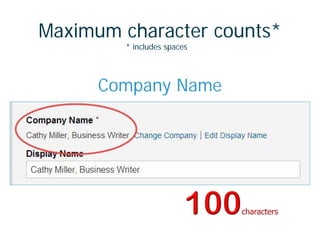
Maximum character counts*
* includes spaces
Company Name
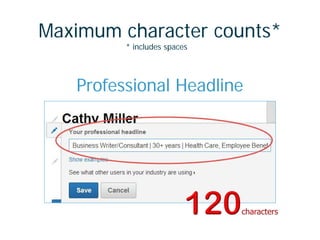
Maximum character counts*
* includes spaces
Professional Headline
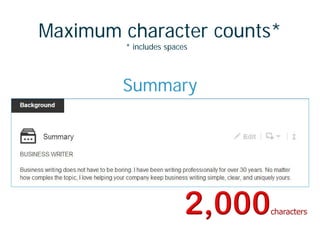
Maximum character counts*
* includes spaces
Summary
Maximum character counts*
* includes spaces
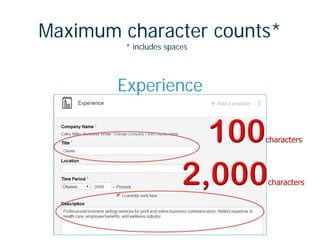
Experience
Skills limit
Message
Stuff
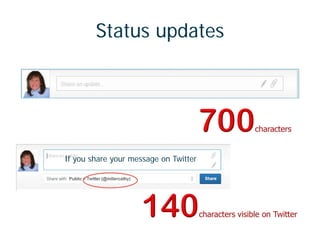
Status updates
If you share your message on Twitter
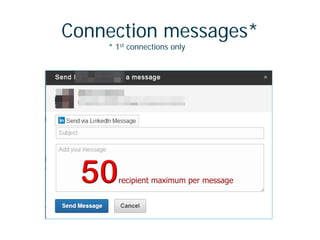
Connection messages*
* 1st connections only
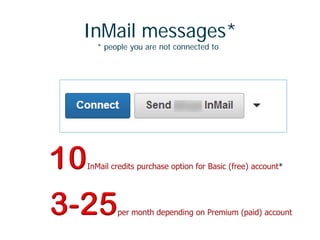
InMail messages*
* people you are not connected to
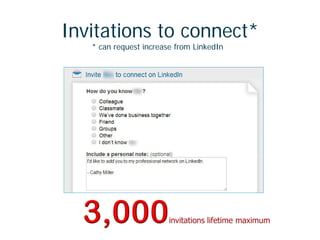
Invitations to connect*
* can request increase from LinkedIn
Settings
Stuff
You have control
You have control
sort of
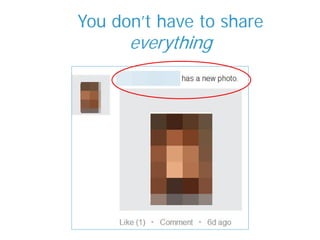
You don’t have to share
everything
Get familiar with Privacy & Settings
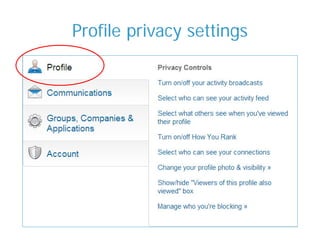
Profile privacy settings
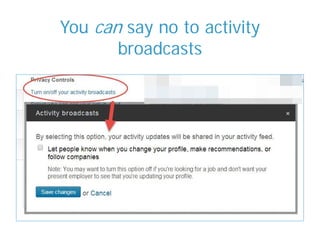
You can say no to activity
broadcasts
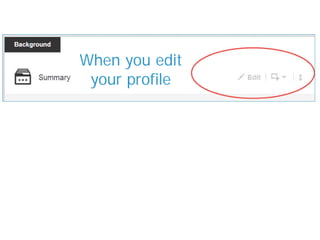
When you edit
your profile
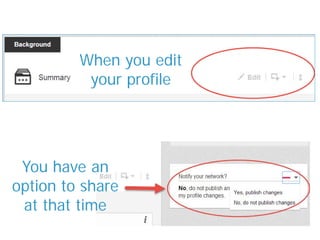
You have an
option to share
at that time
When you edit
your profile
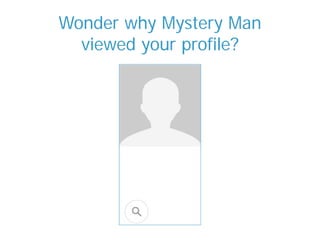
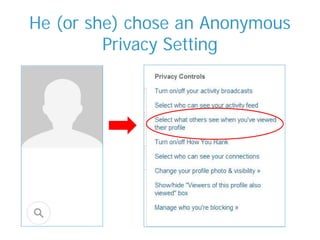
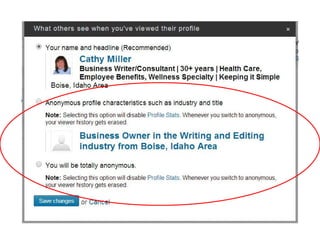
Wonder why Mystery Man
viewed your profile?
He (or she) chose an Anonymous
Privacy Setting
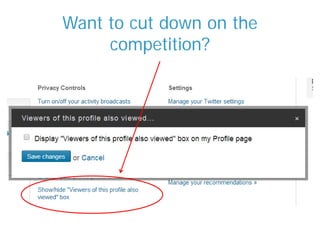
Want to cut down on the
competition?
Beware of the other
privacy settings
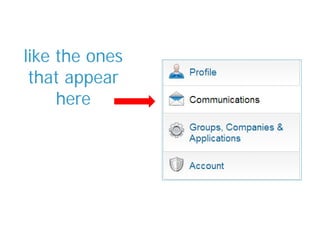
like the ones
that appear
here
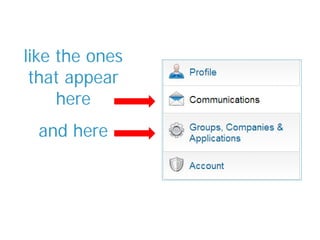
like the ones
that appear
here
and here
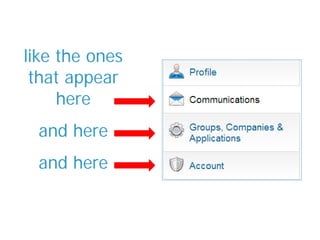
like the ones
that appear
here
and here
and here
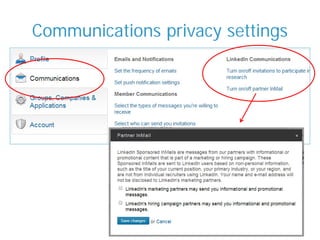
Communications privacy settings
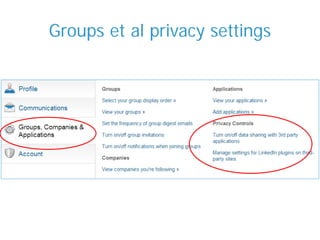
Groups et al privacy settings
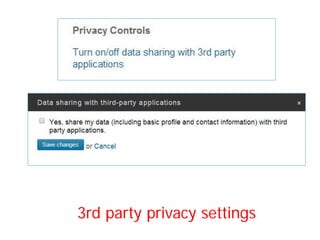
3rd party privacy settings
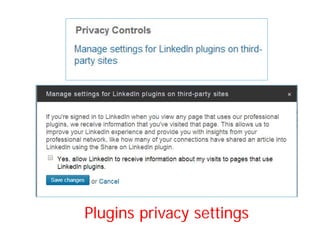
Plugins privacy settings
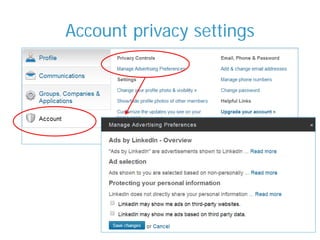
Account privacy settings
There’s a
lot more
stuff
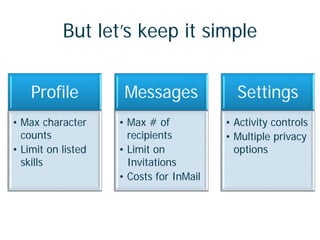
But let’s keep it simple
Profile
• Max character
counts
• Limit on listed
skills
Messages
• Max # of
recipients
• Limit on
Invitations
• Costs for InMail
Settings
• Activity controls
• Multiple privacy
options
I know, I know.
Why didn’t I say so
in the first place?
Photo Credits: BigStockPhoto.com
and LinkedInÂŽ
Want a text version?
Visit the post
LinkedIn Guide on Little Stuff
Cathy Miller, Business Writer
Business site:
www.SimplyStatedBusiness.com

Casual LinkedIn user guide to stuff you may not know