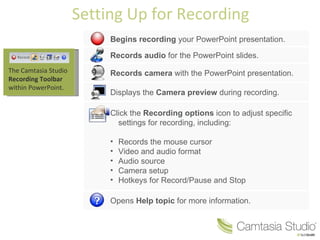
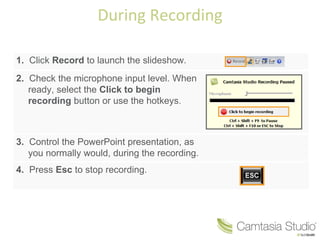
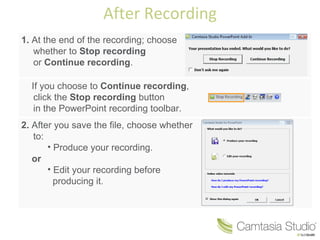
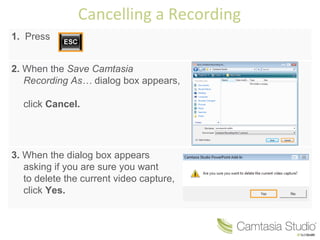
The document describes 3 ways to record a PowerPoint presentation within PowerPoint using Camtasia Studio by setting up the Camtasia recording toolbar, clicking record to launch the slideshow and control it during recording, and having the options to stop or continue recording and then produce or edit the recording. It also provides instructions for cancelling a recording in progress by pressing Esc, clicking cancel on the save prompt, and confirming the deletion of the video capture.