Building Store Ready
Applications for Windows
Phone
Mayur Tendulkar
http://www.mayurtendulkar.com
Celebrating 10 glorious years of sharing passion
Agenda
• Building End-to-End Application
• Follow Design Principles
• App Guidelines
• App Submission Process
• Learning From Failures
Building End-to-End Application
• Sample Application – Movie Quotes
• For simplicity, data stored in XML
Demo
Building Movie-Quotes Application
Follow Design Principles
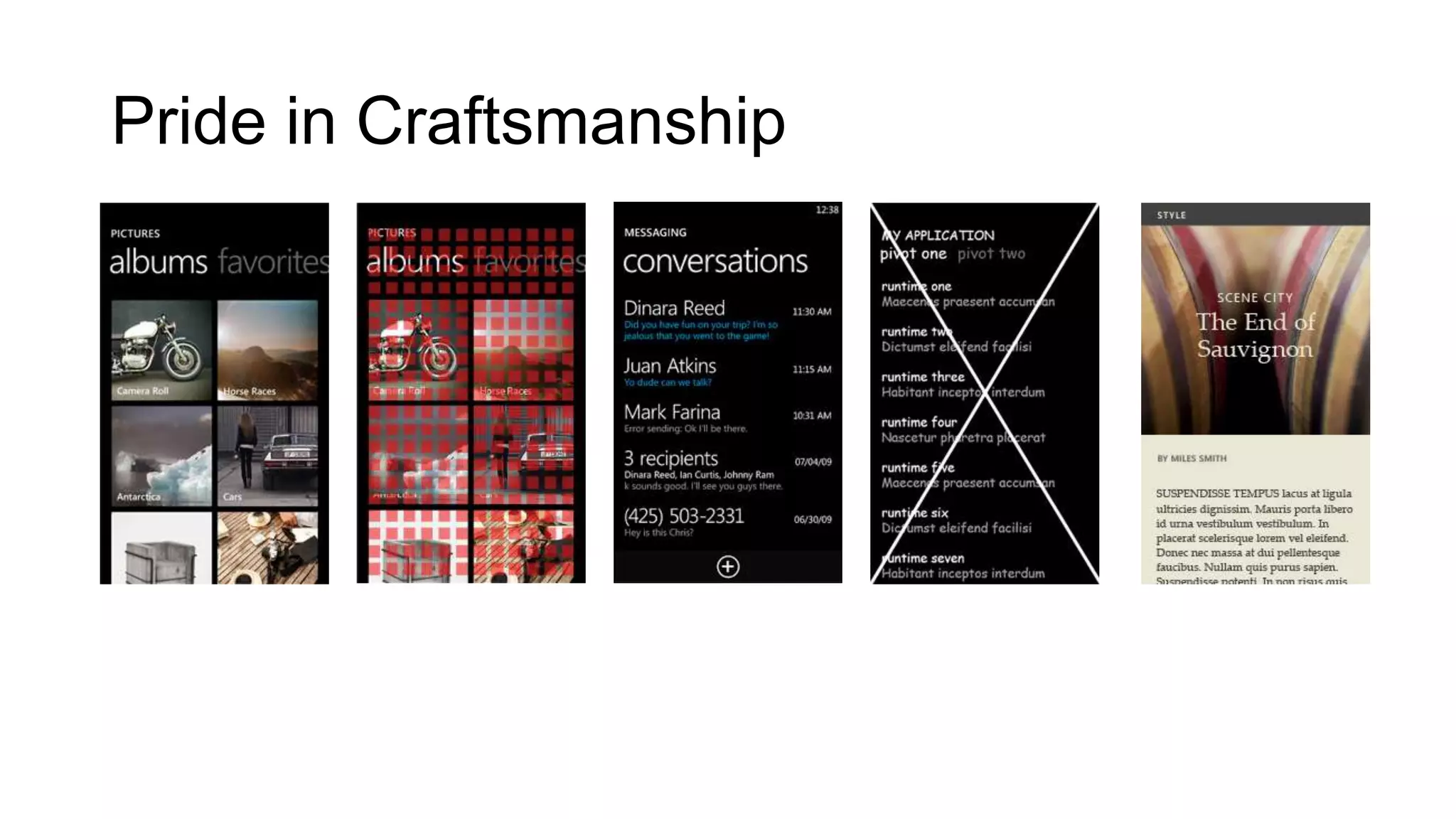
• Pride in Craftsmanship
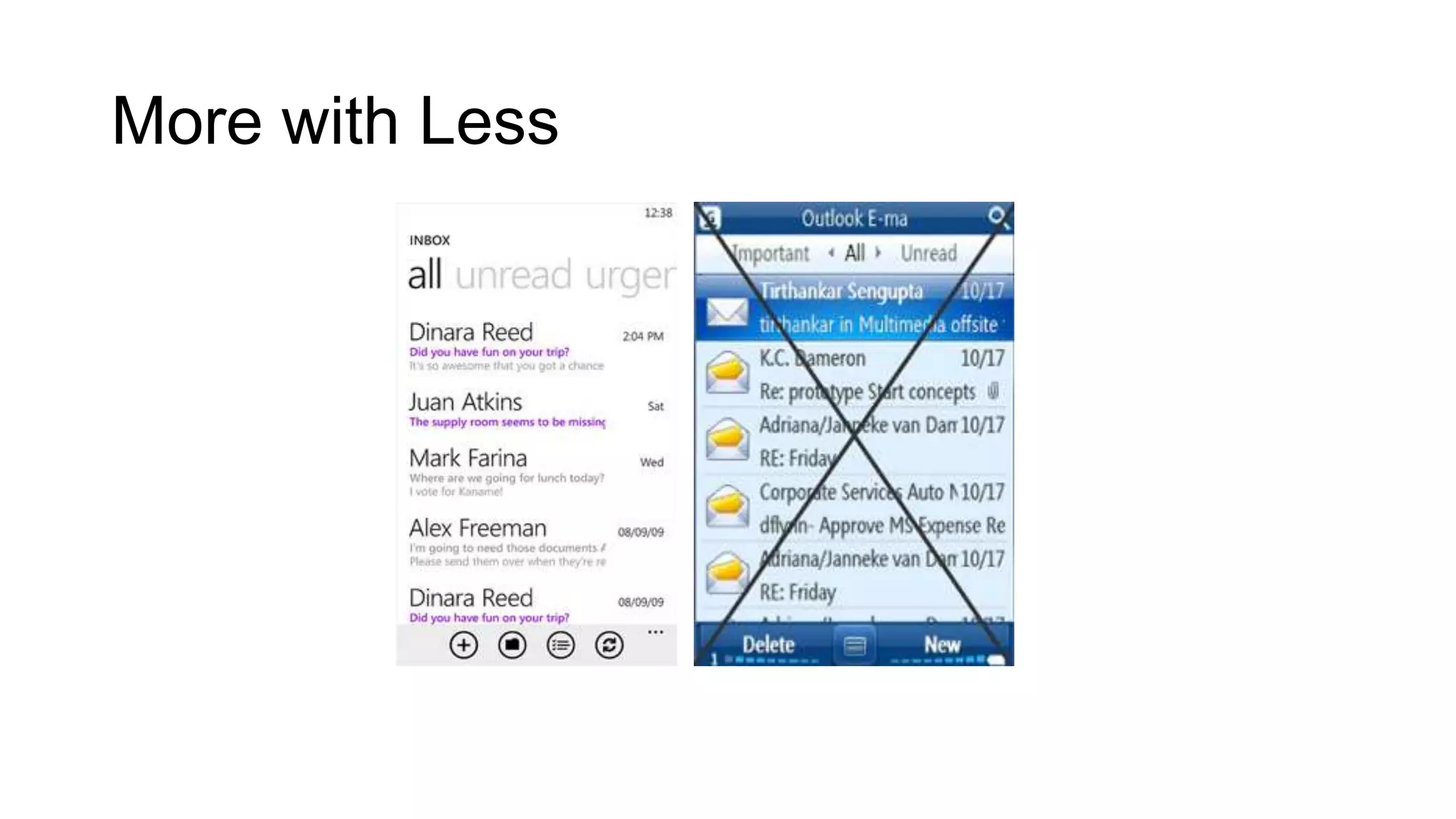
• More with Less
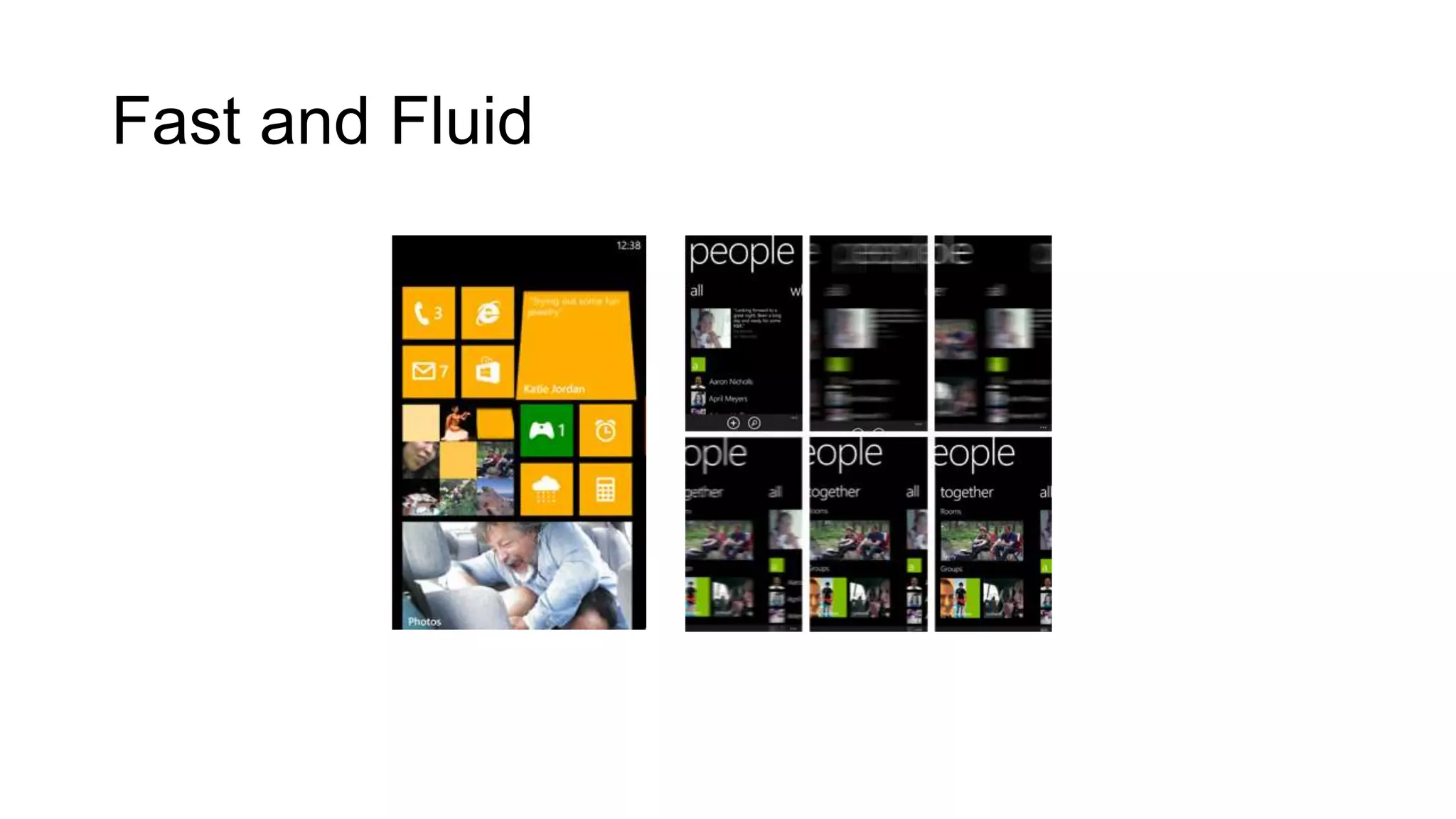
• Fast and Fluid
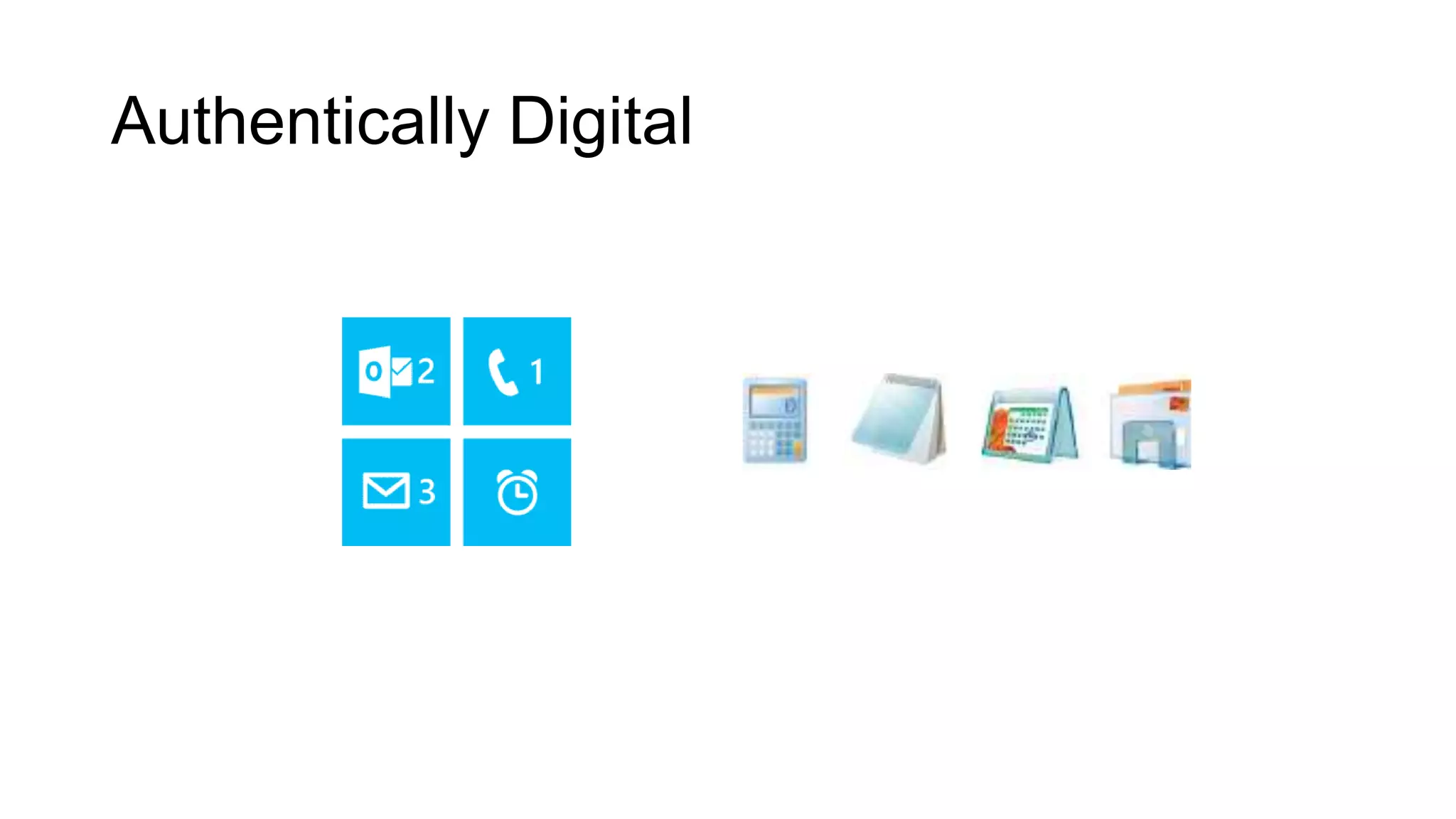
• Authentically Digital
• Win as One
Pride in Craftsmanship
More with Less
Fast and Fluid
Authentically Digital
Win as One
App Guidelines
• Make It Responsive (3-5-20 Rule)
• Understand app-lifecycle & manage states
• Respect hardware buttons & user actions
• Check memory usage (Rule of 90s)
• Handle Exceptions
App Submission Process
• Disable debug information
• Build in ‘Release Mode’
• Provide imagery for app
• Run performance analysis
• Use Store Test Kit
• Provide correct information
• Select markets & pricing - wisely
• Include certification notes
Learning From Failures
• Read The Report
• Understand the clauses
• Re-produce errors
• Fix them
• Re-submit
DevCon 2013 Partners
Get connected…
http://www.puneusergroup.org
http://www.facebook.com/puneusergroup
http://twitter.com/puneusergroup
http://www.linkedin.com/groups/Pune-User-Group-2023294
Celebrating 10 glorious years of sharing passion

Building Store Ready Application for Windows Phone

Editor's Notes

  • #7 Focus on small thingsFollow the gridUse HierarchyDon’t Stack Up (exactly reverse)Identity
  • #8 Who all know Windows Mobile 6.0?
  • #9 Live Tiles, Responsive Apps, Animations and Event Feedback
  • #12 Show progress if action takes more than 3 secondsRender first screen within 5 secondsMake app responsive within 20 secondsLaunched/Activated/Deactivated/ClosedBack key, Incoming calls, messages & default system appsMaximum 90mb memory usageRemember Try…Catch… Finally block?