flickr.com/photos/eyesplash/4268550236/


                    Performance on the

           Yahoo! Homepage


Nicholas C. Zakas

Principal Front End Engineer, Yahoo!
Velocity, June 24 2010
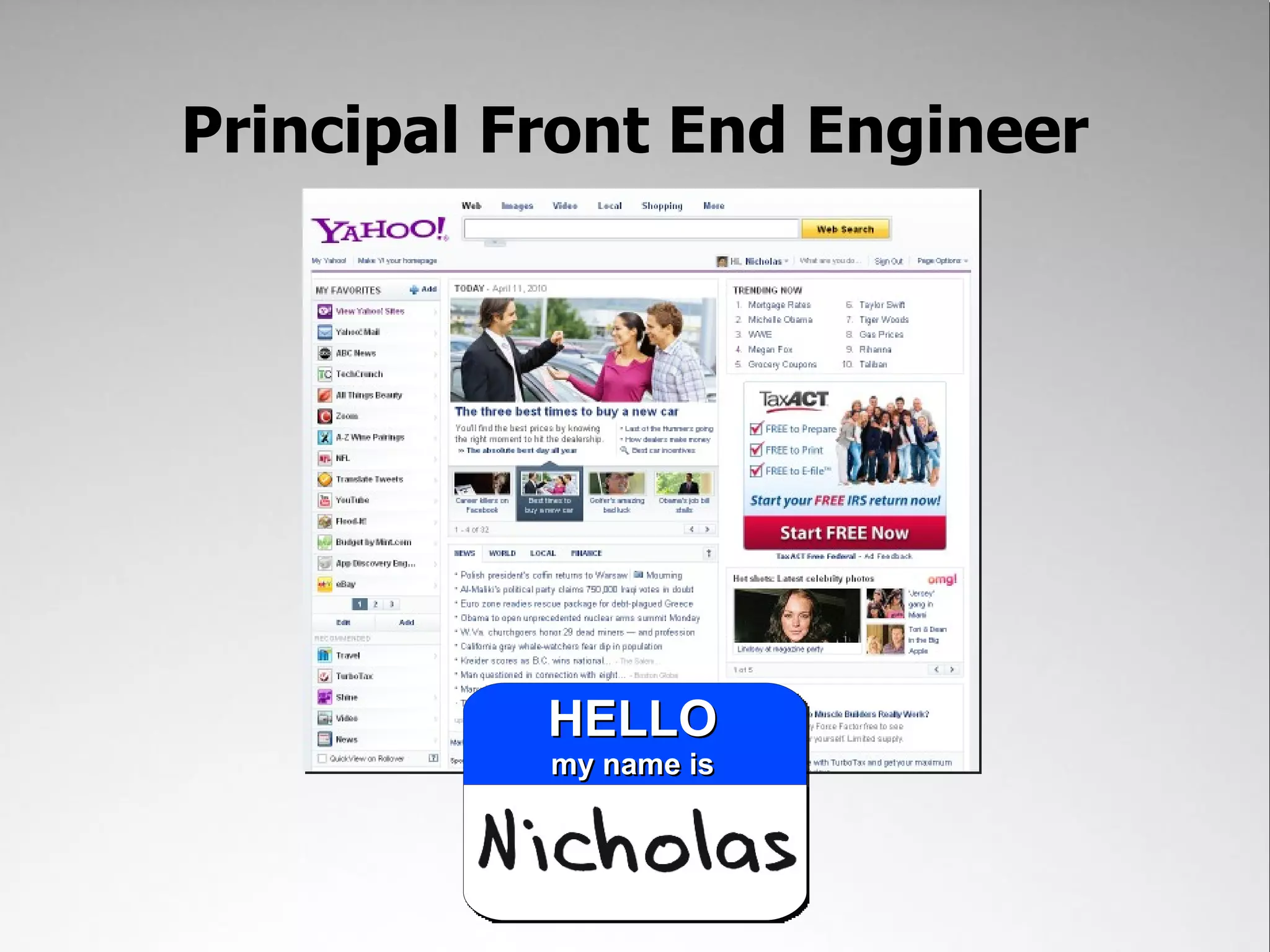
Principal Front End Engineer
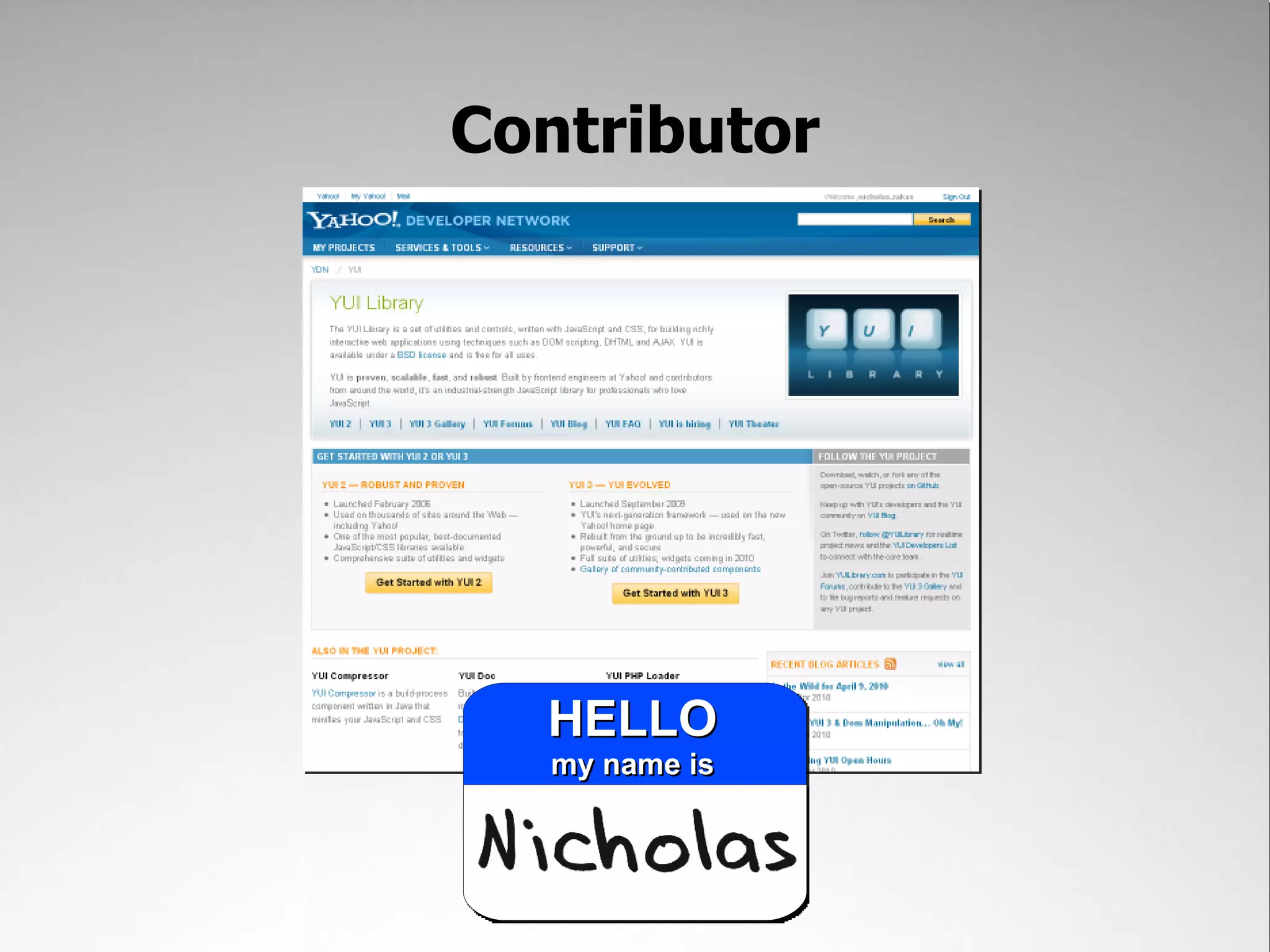
Contributor
Author
The Challenge:
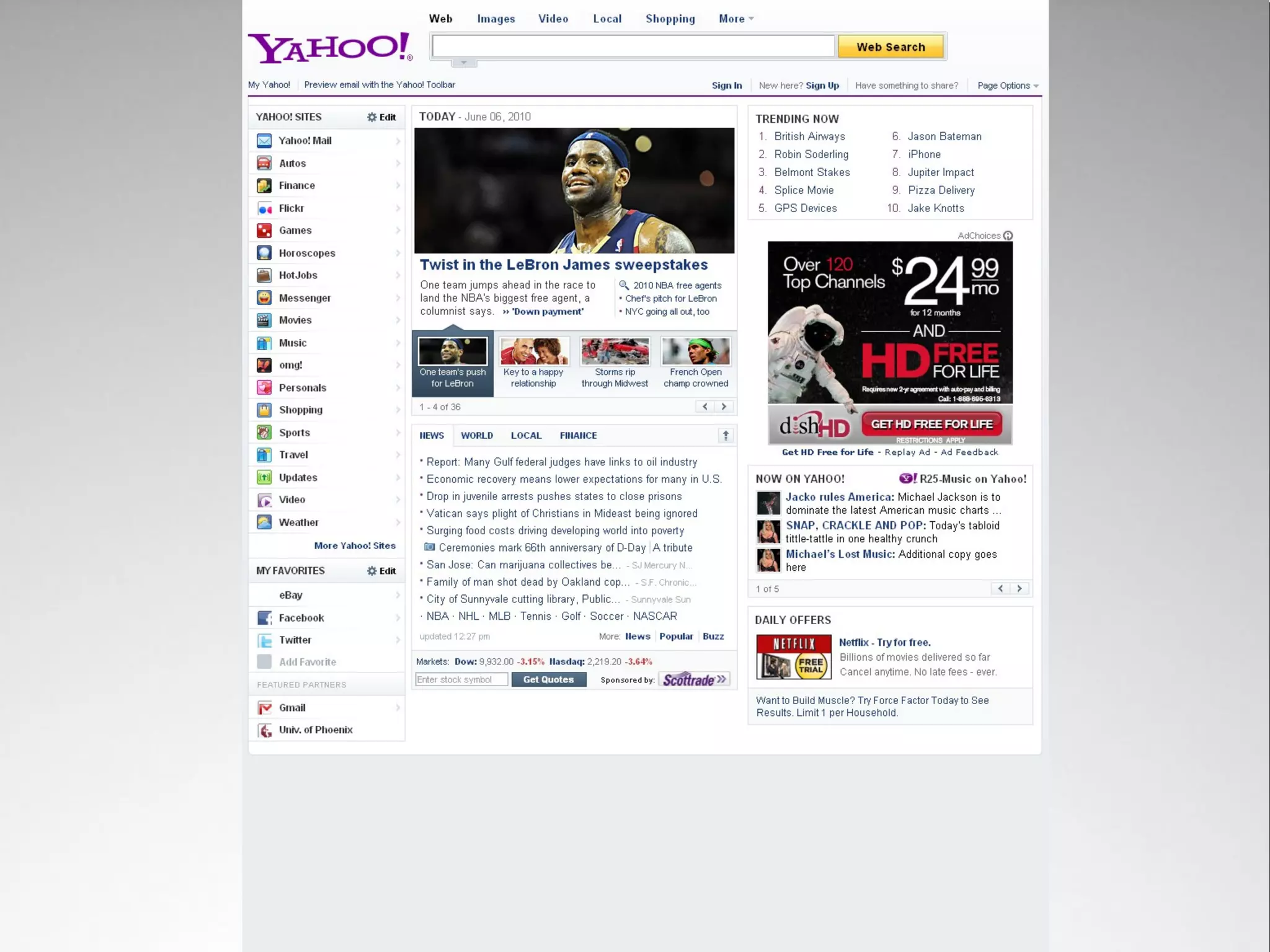
Create a new Yahoo! homepage*


     *add a ton of new functionality
    **without sacrificing performance
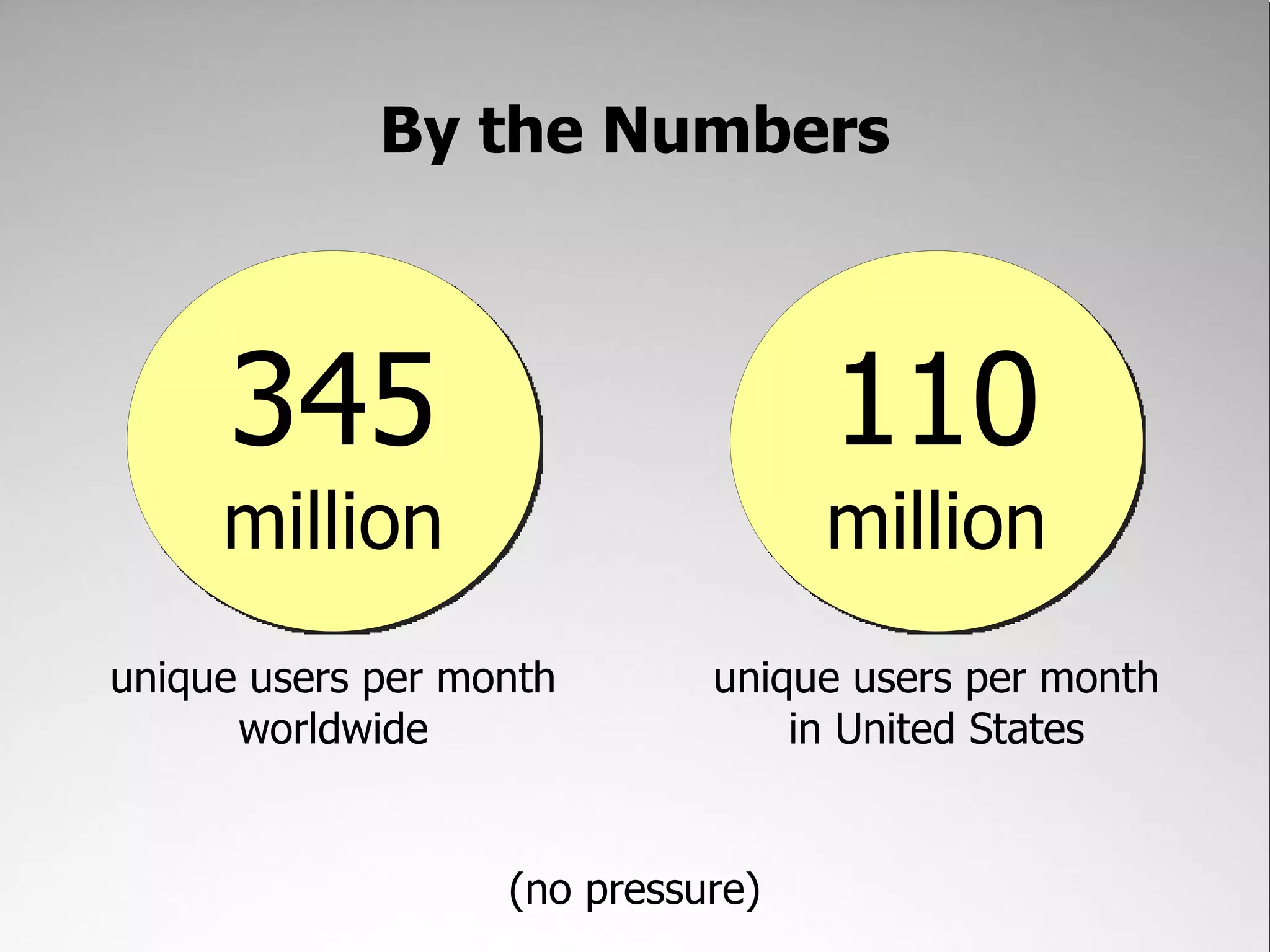
By the Numbers


     345                           110
     million                       million
unique users per month       unique users per month
      worldwide                  in United States


                   (no pressure)
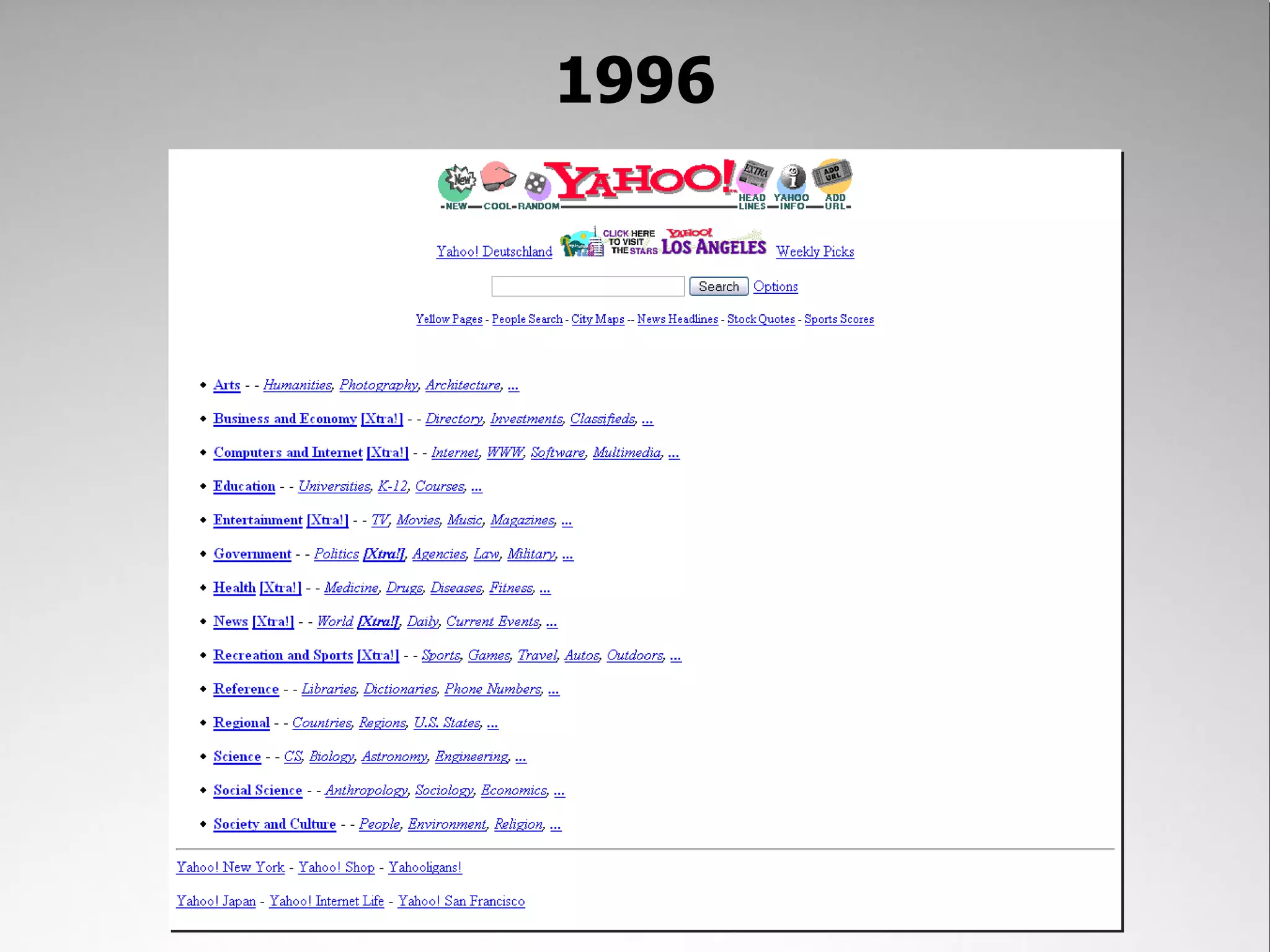
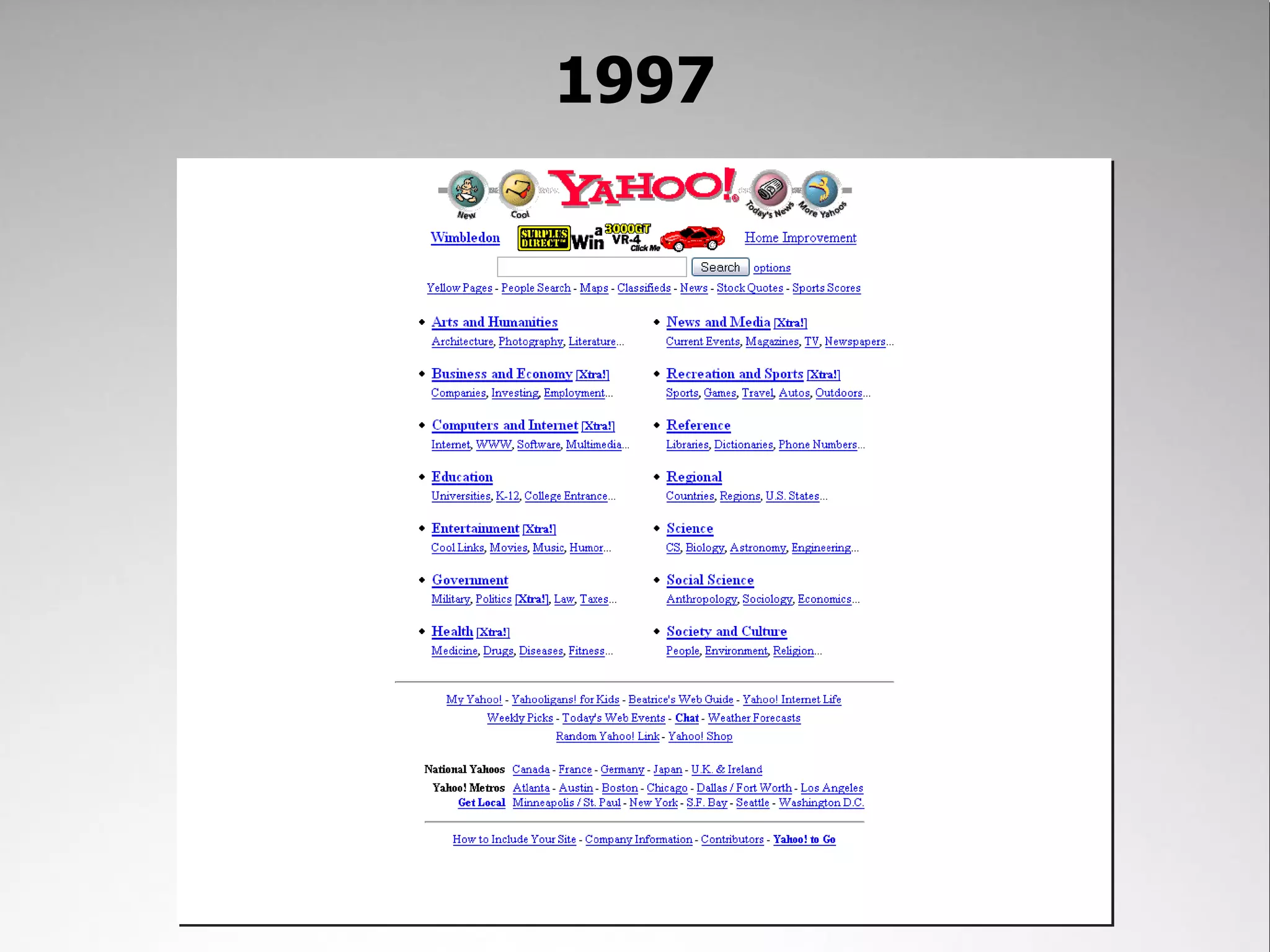
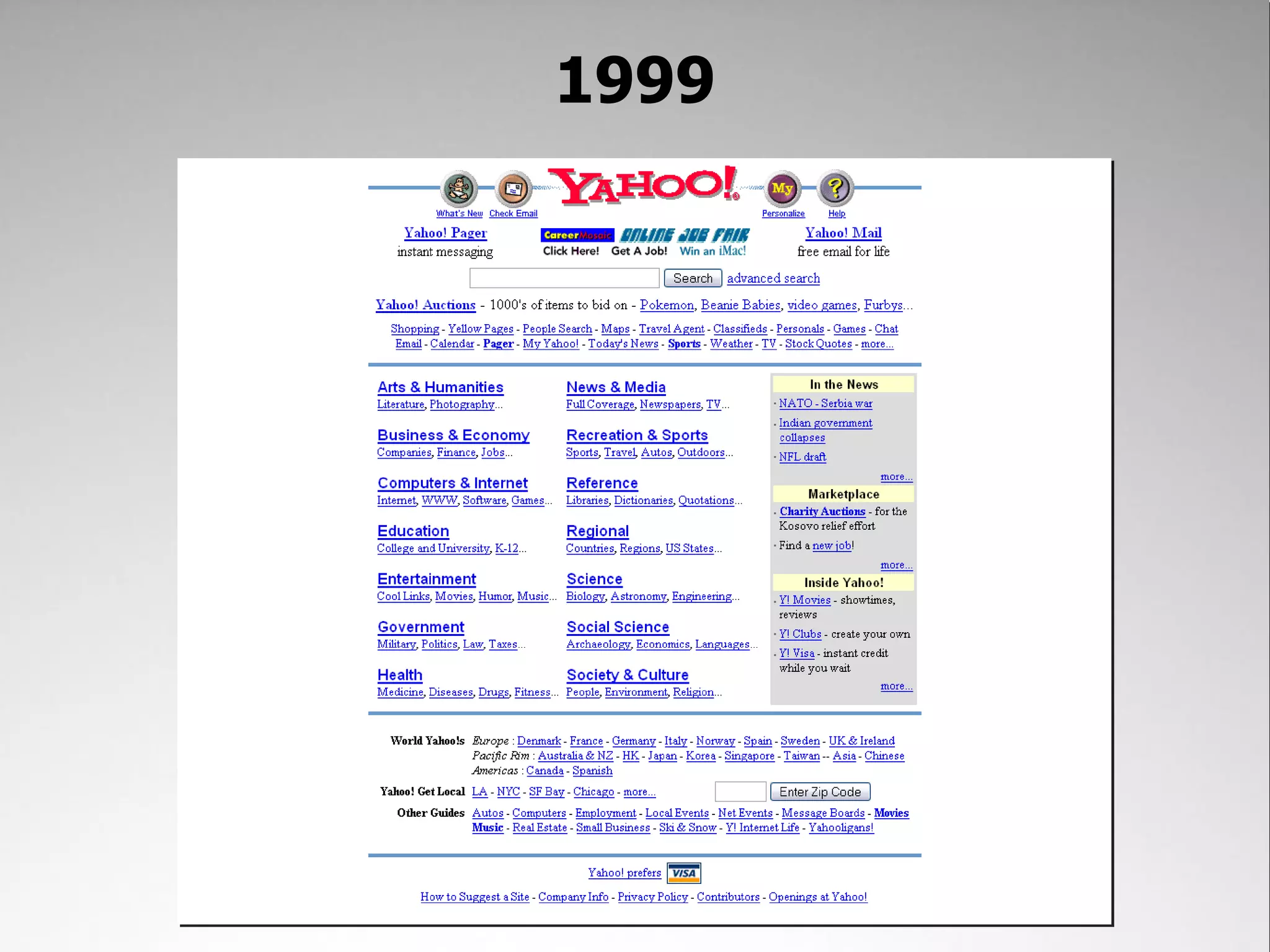
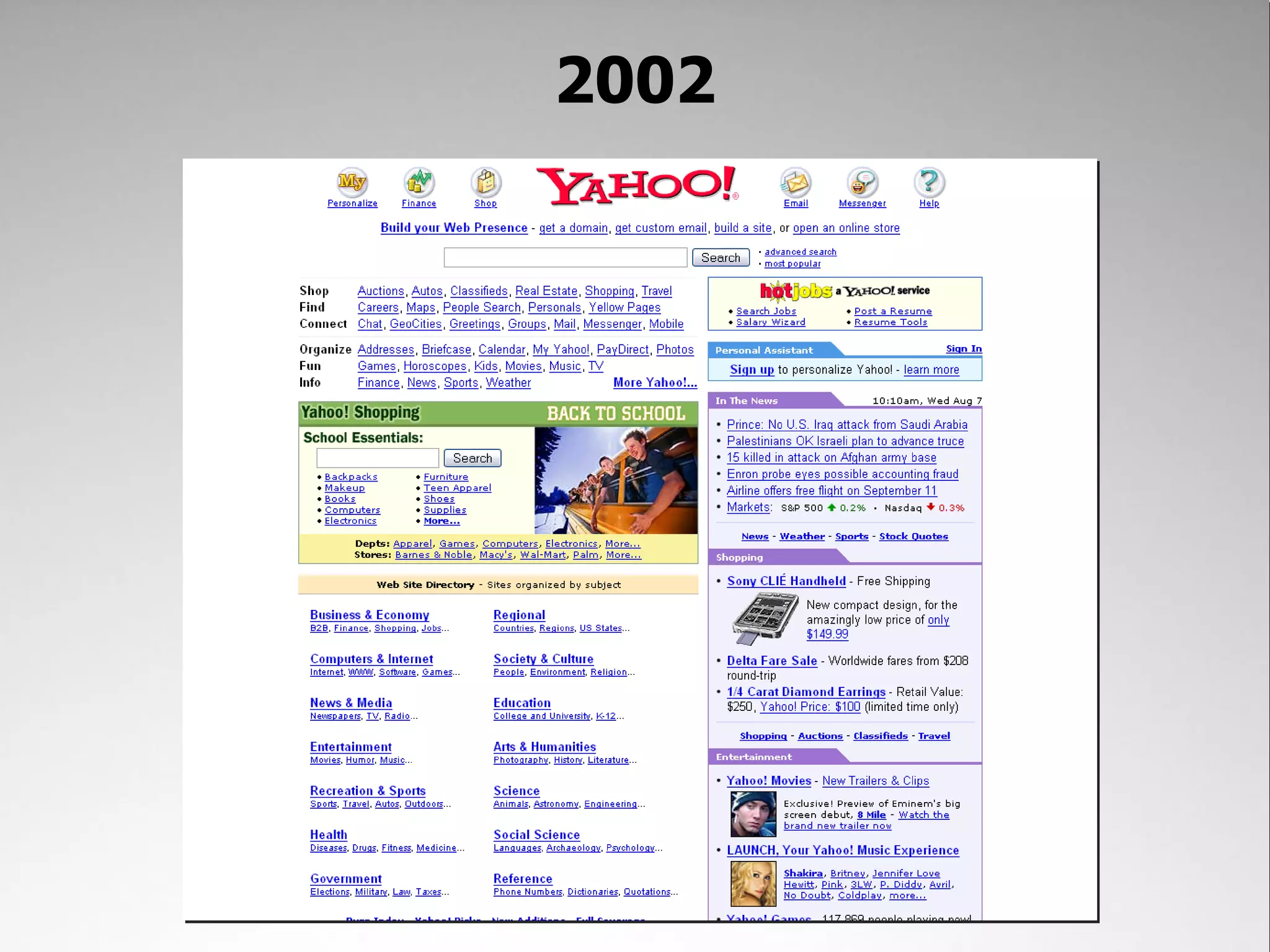
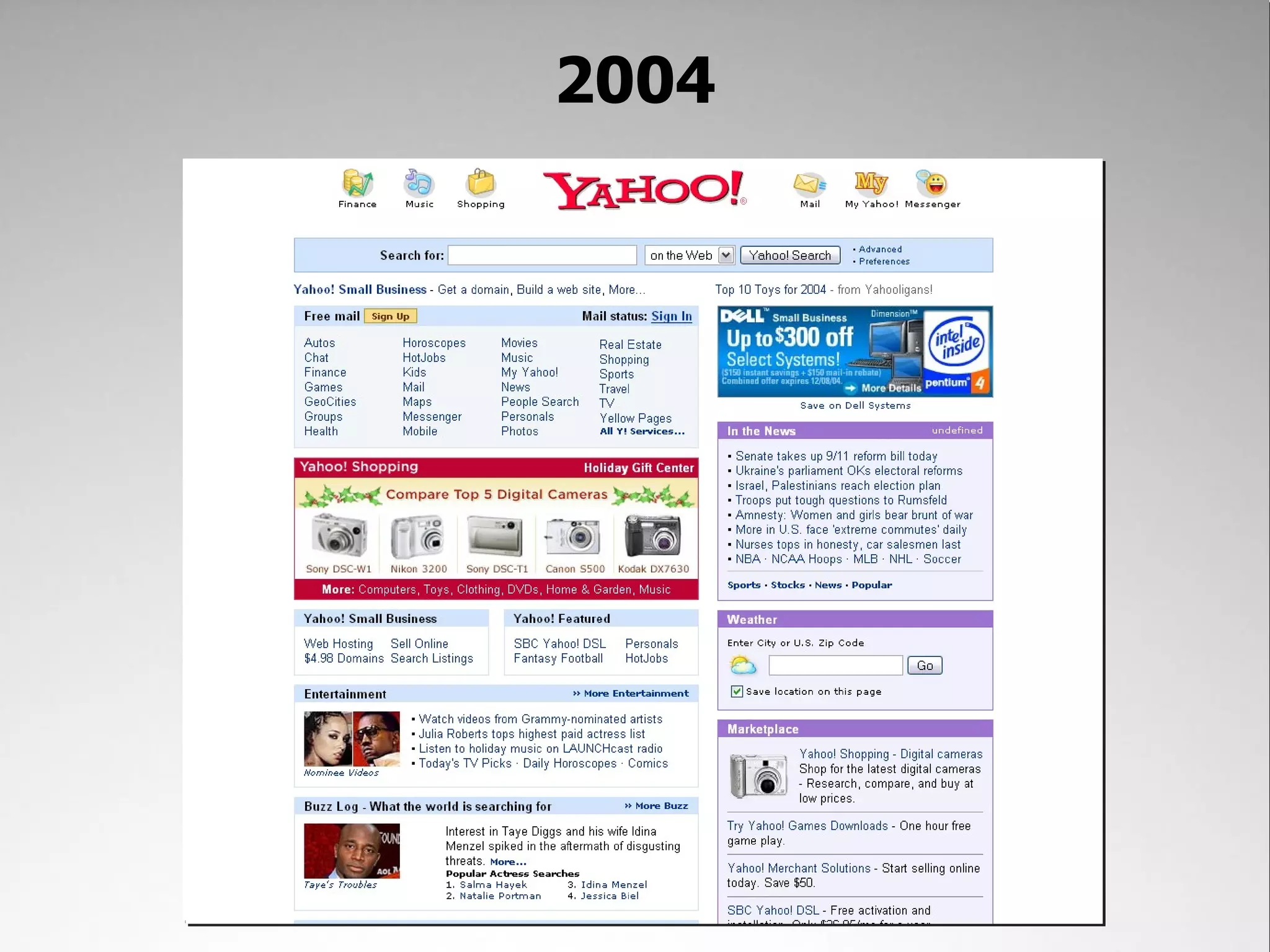
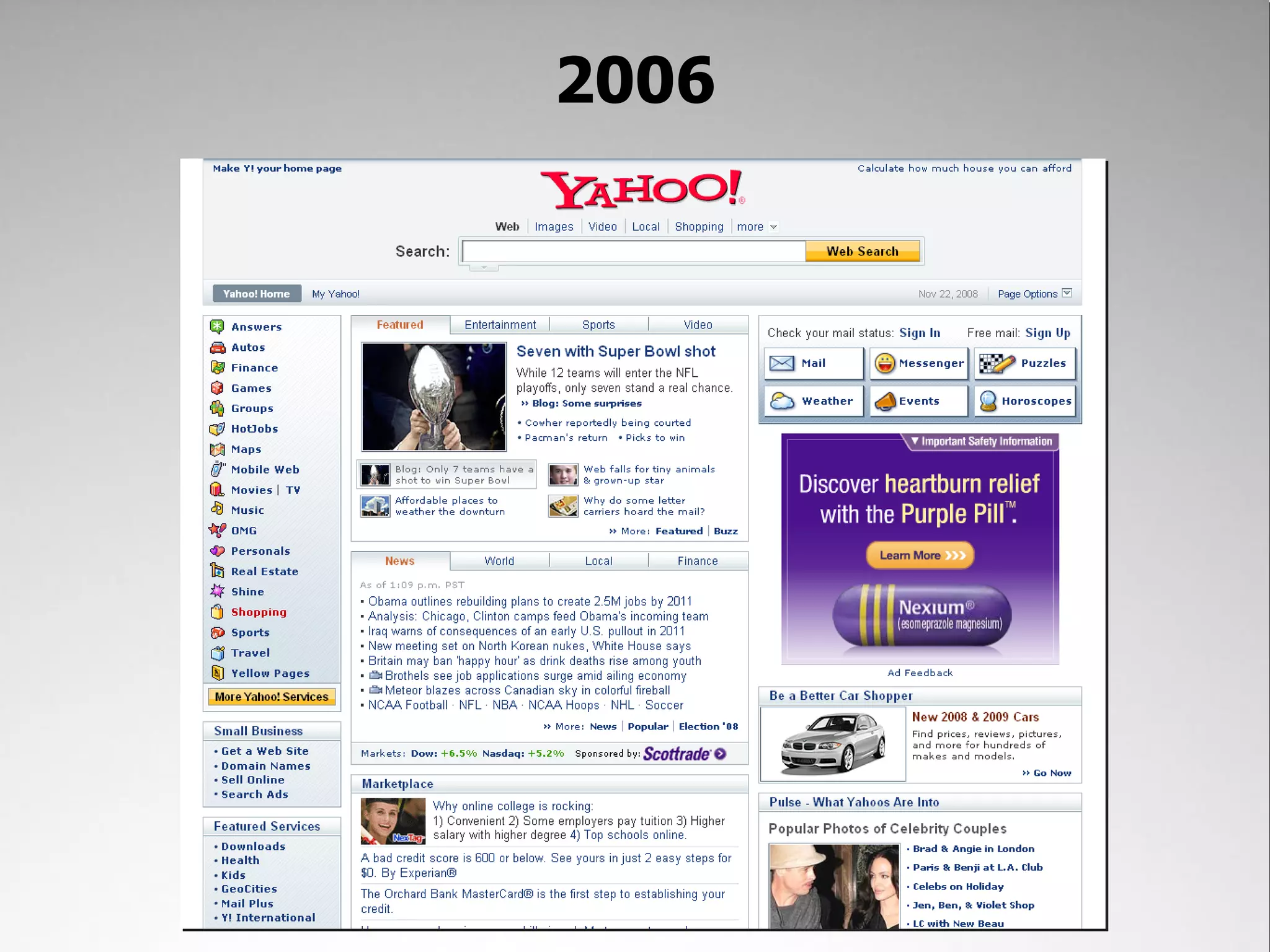
The Legacy
1996
1997
1999
2002
2004
2006
Today
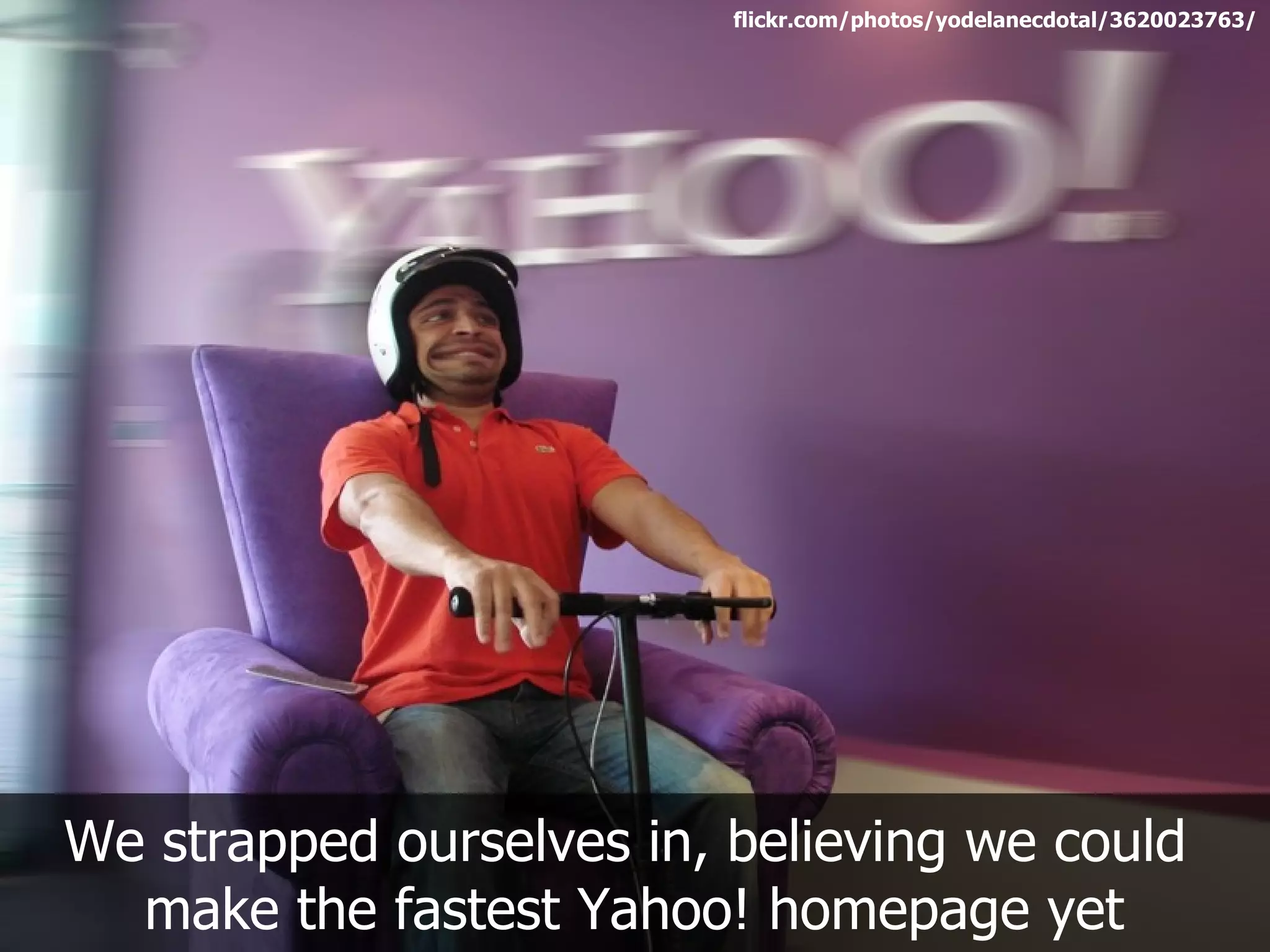
flickr.com/photos/yodelanecdotal/3620023763/


We strapped ourselves in, believing we could
  make the fastest Yahoo! homepage yet
Performance is hard
The best features for users aren't always the fastest


                                 flickr.com/photos/thetruthabout/2831498922/
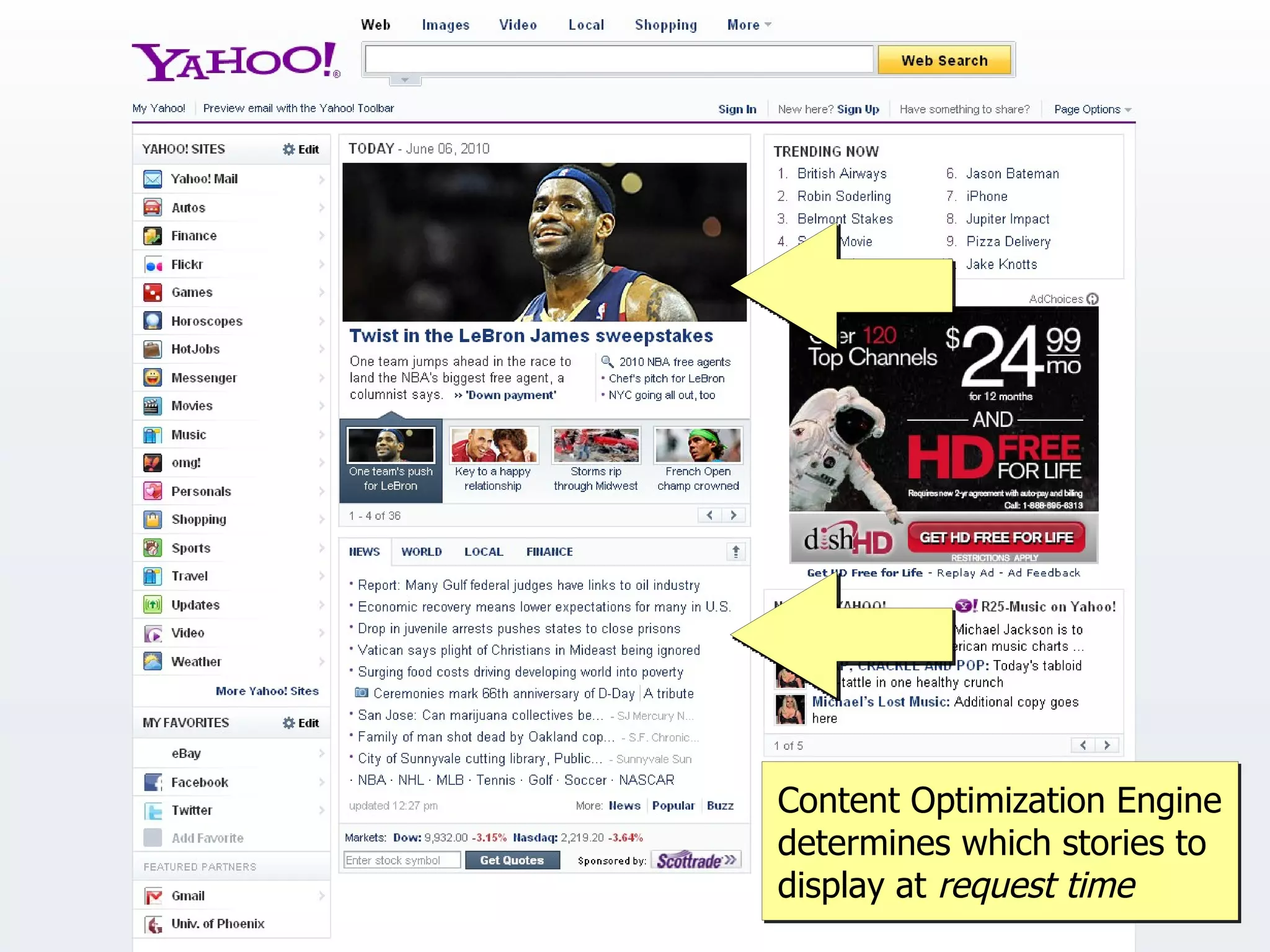
Content Optimization Engine
determines which stories to
display at request time
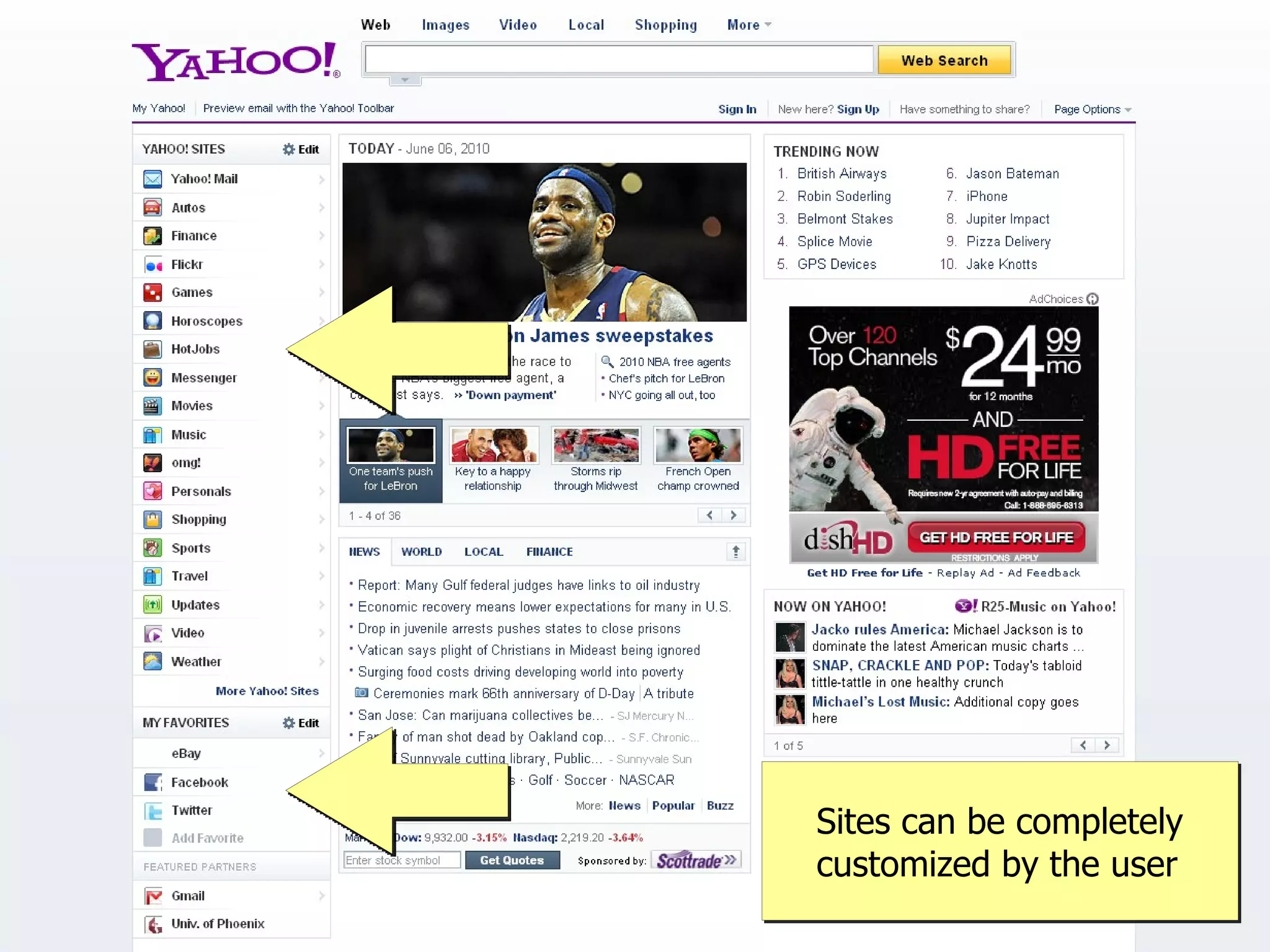
Sites can be completely
customized by the user
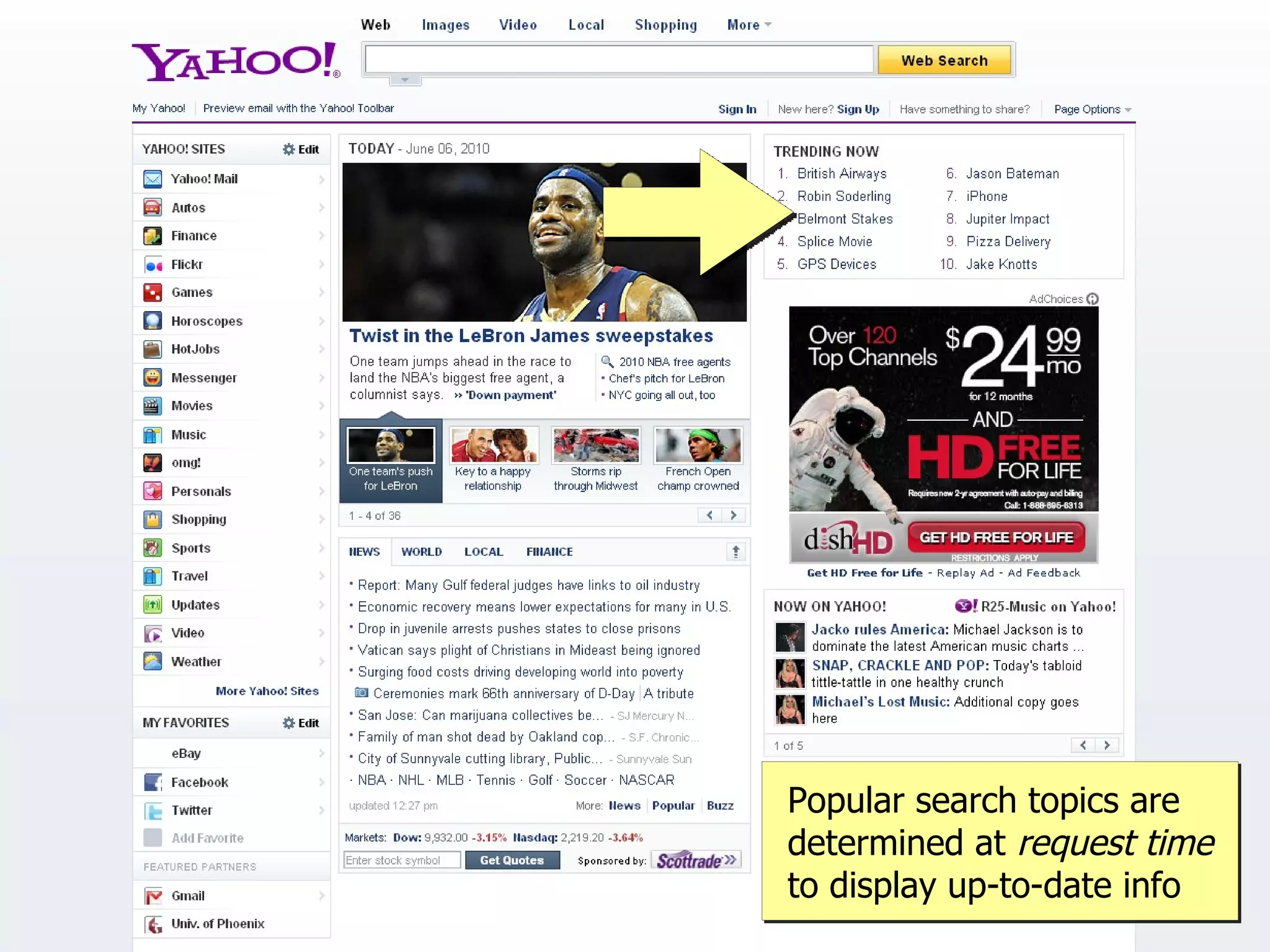
Popular search topics are
determined at request time
to display up-to-date info
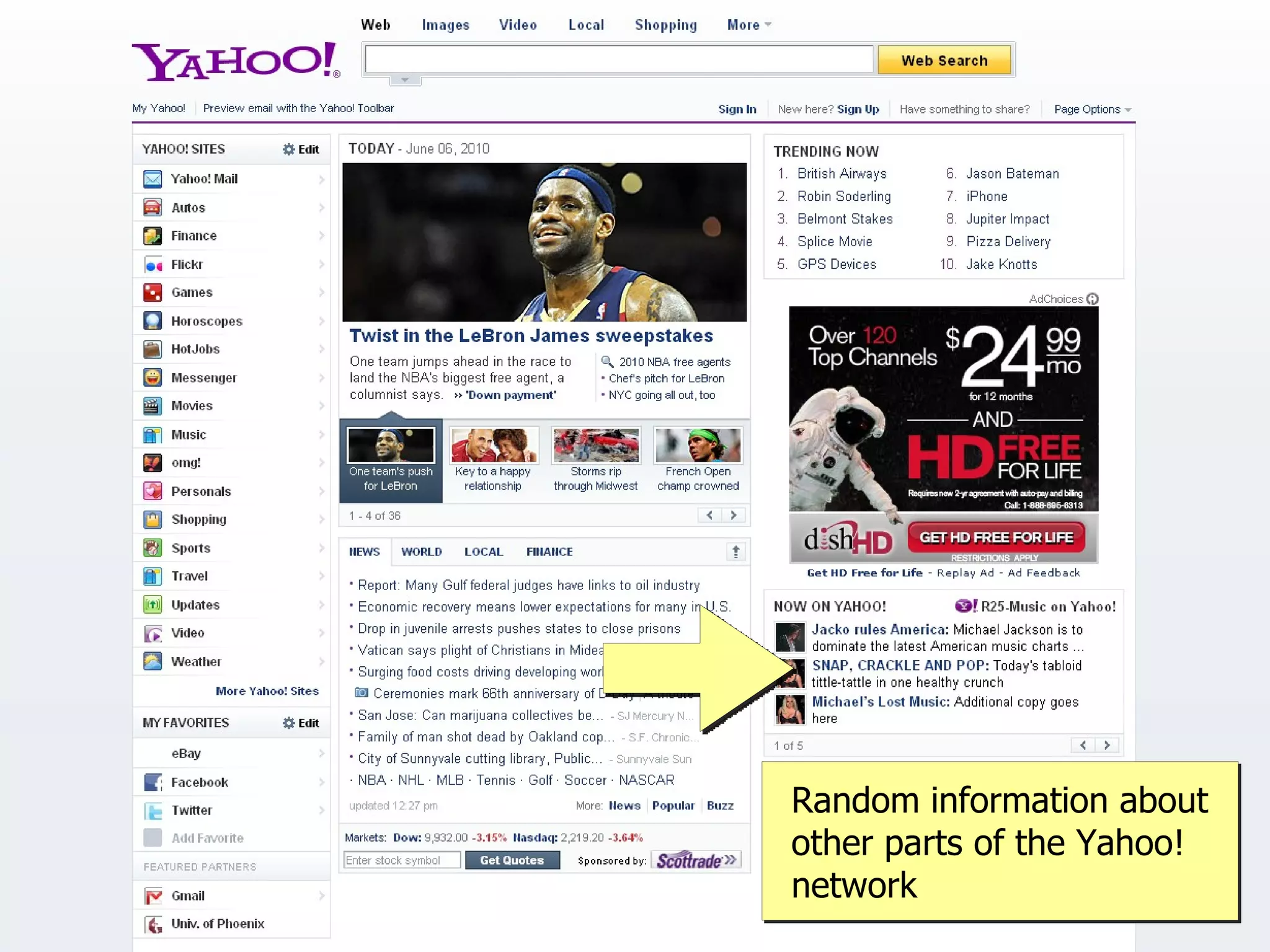
Random information about
other parts of the Yahoo!
network
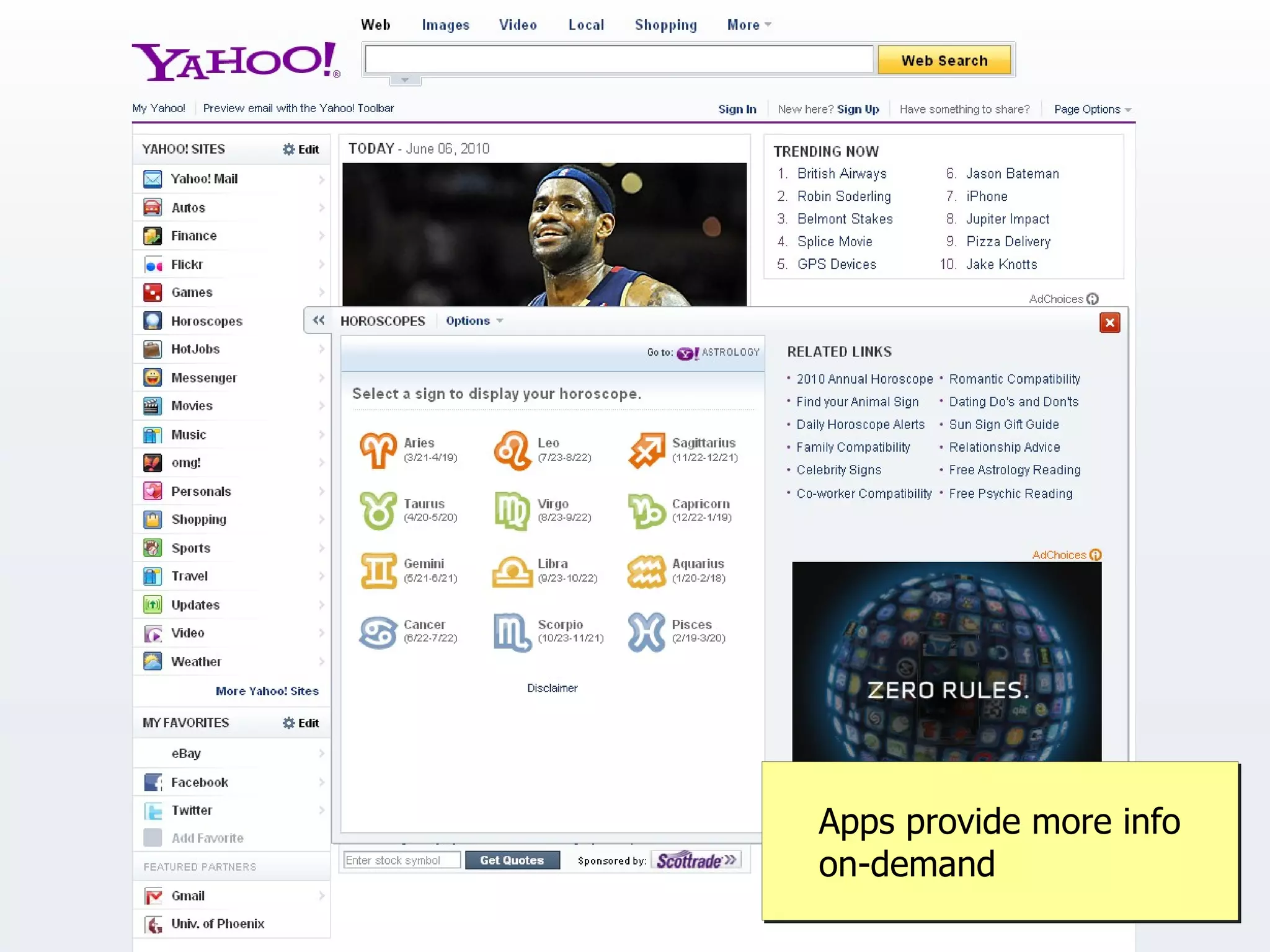
Apps provide more info
on-demand
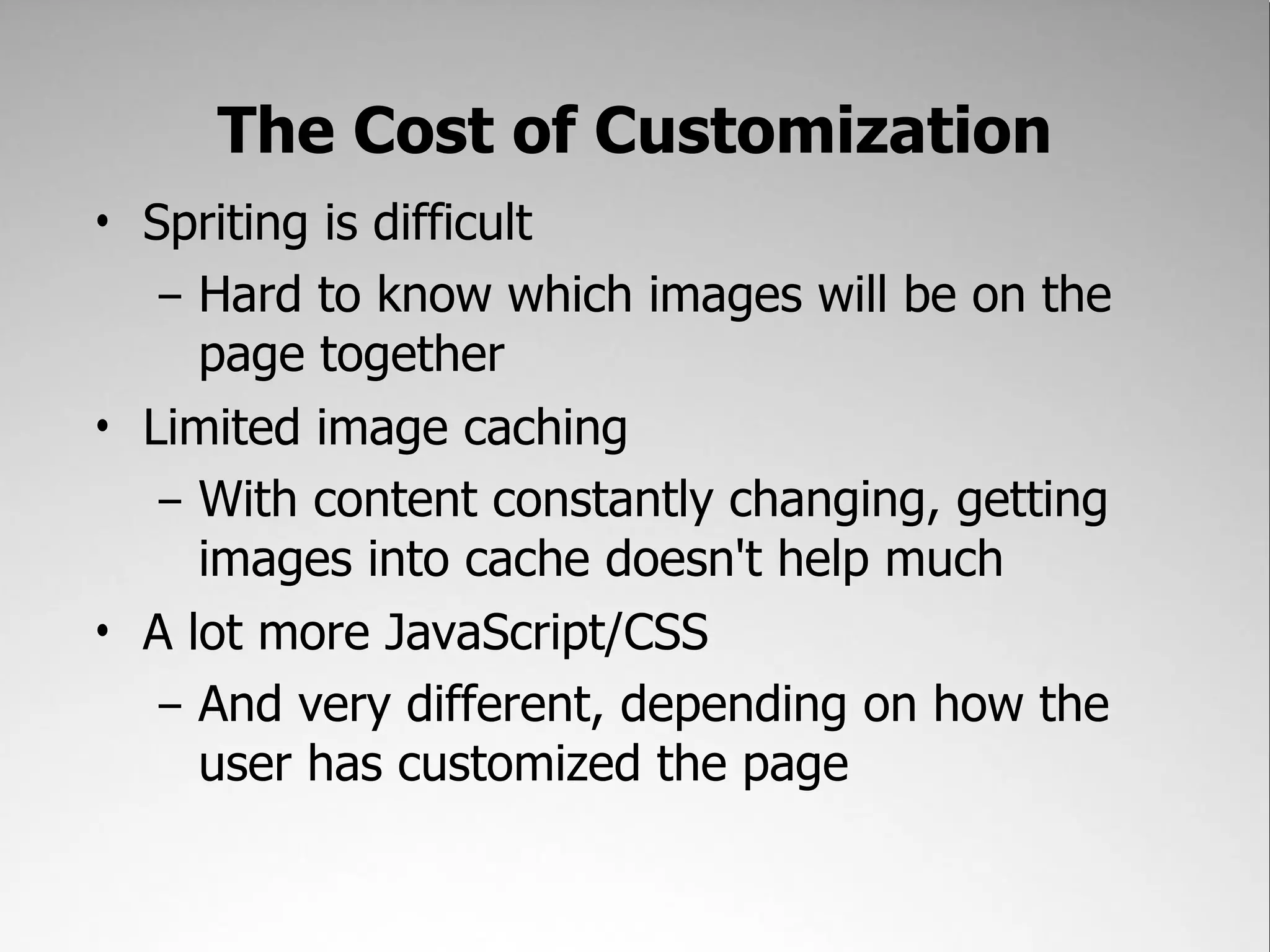
The Cost of Customization
• Spriting is difficult
   – Hard to know which images will be on the
     page together
• Limited image caching
   – With content constantly changing, getting
     images into cache doesn't help much
• A lot more JavaScript/CSS
   – And very different, depending on how the
     user has customized the page
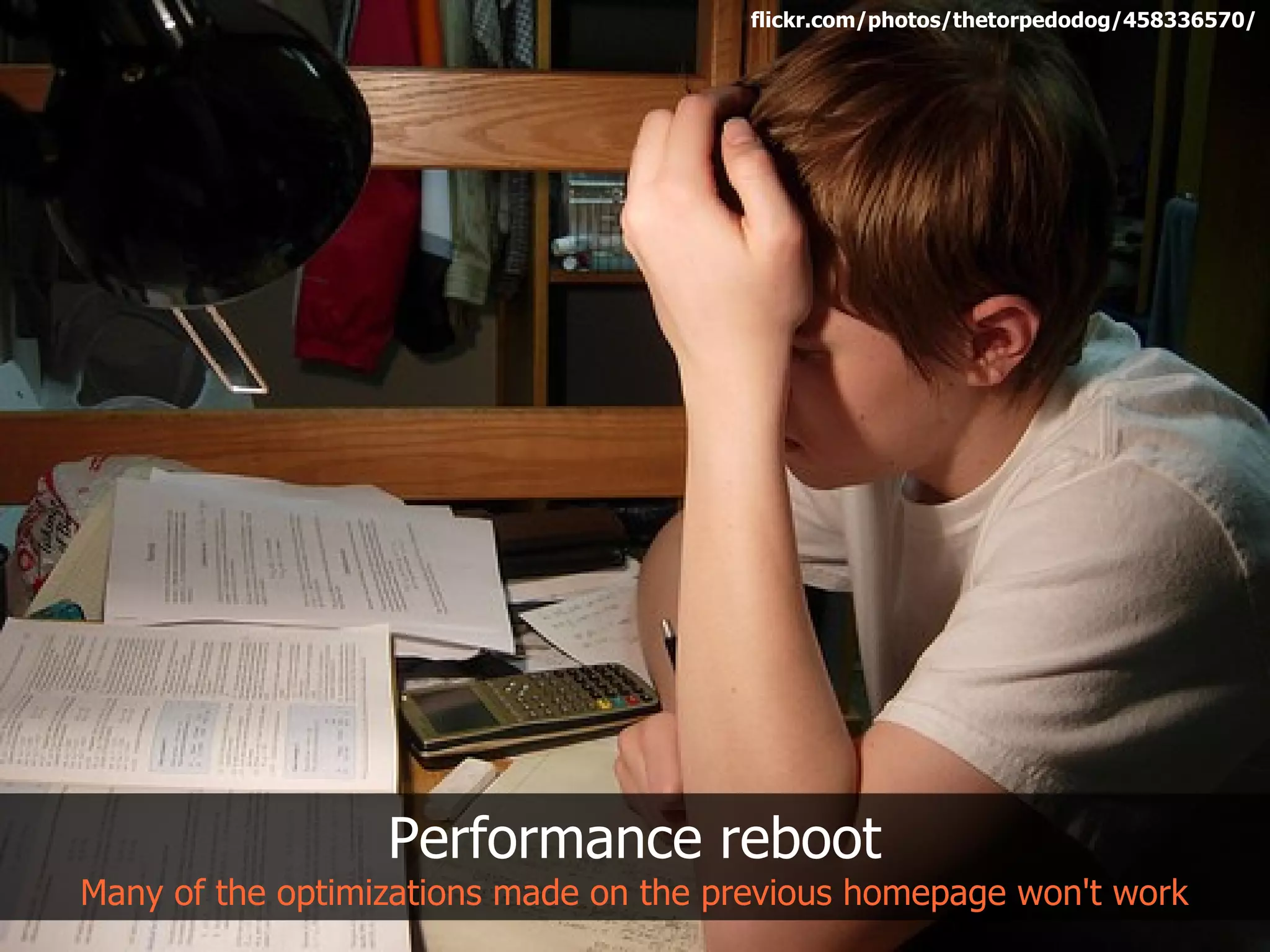
flickr.com/photos/thetorpedodog/458336570/


                  Performance reboot
Many of the optimizations made on the previous homepage won't work
Coming to peace with reality
We can't optimize everything – so let's just focus on the parts we can


                                            flickr.com/photos/hape_gera/2123257808/
Areas of Focus
• Time to interactivity
• Ajax Responsiveness
• Perceived performance


                          flickr.com/photos/hape_gera/2123257808/
The time to interactivity is the
 time between the initial page
request and when the user can
      complete an action
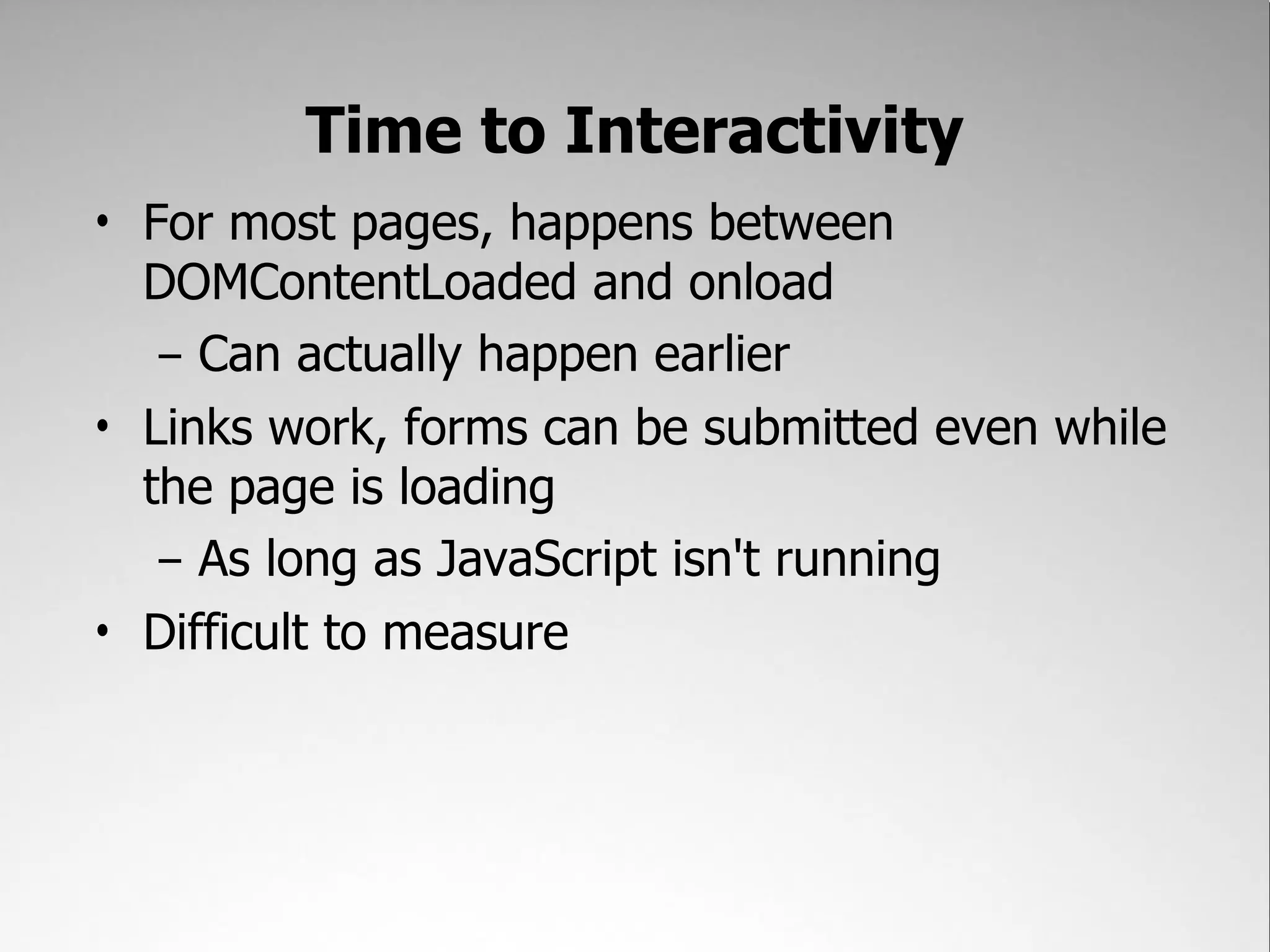
Time to Interactivity
• For most pages, happens between
  DOMContentLoaded and onload
   – Can actually happen earlier
• Links work, forms can be submitted even while
  the page is loading
   – As long as JavaScript isn't running
• Difficult to measure
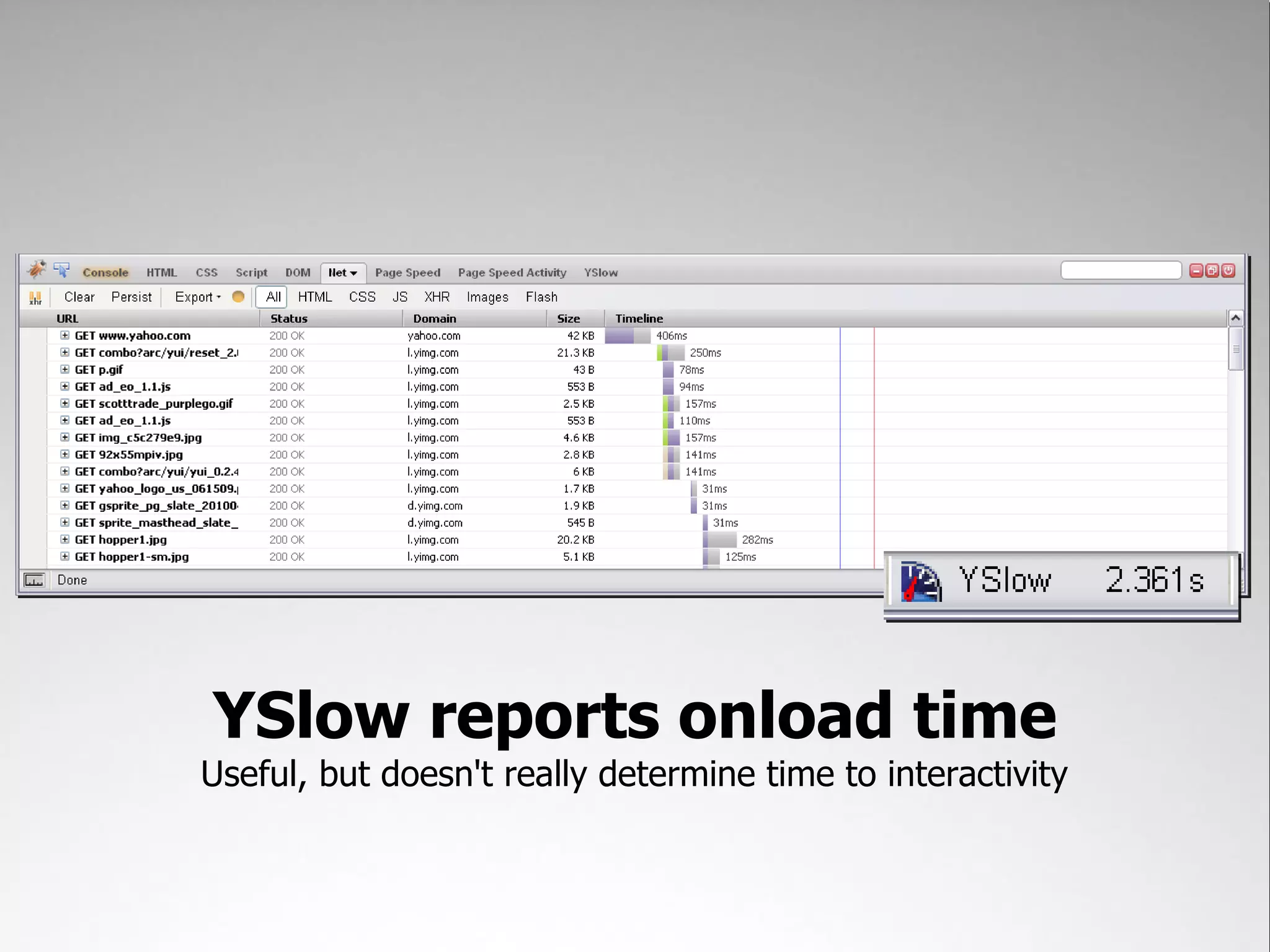
Net tab reveals some information
     Where DOMContentLoaded and onload occur
YSlow reports onload time
Useful, but doesn't really determine time to interactivity
Goal:
Ensure interactivity by
 DOMContentLoaded
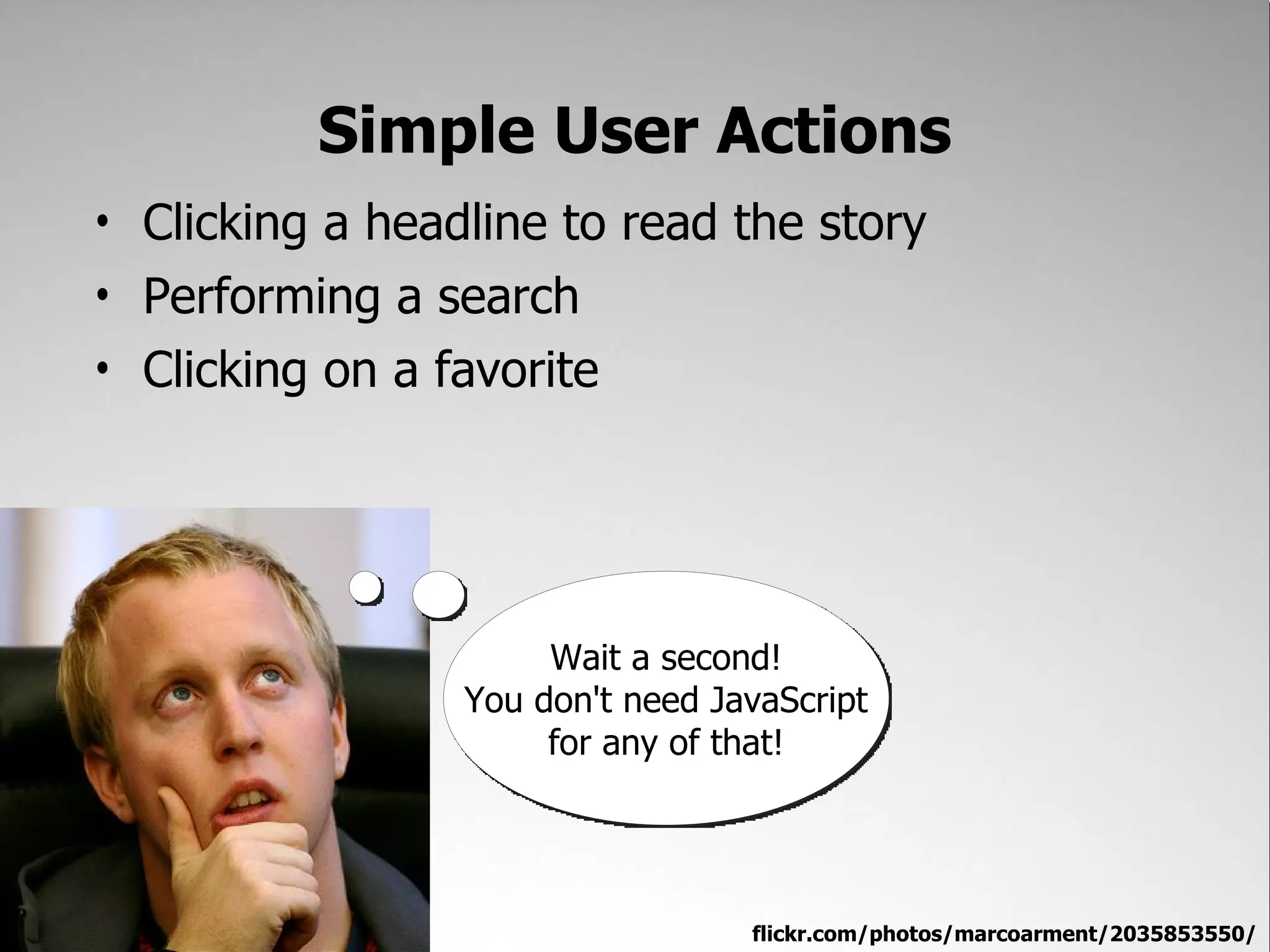
Simple User Actions
• Clicking a headline to read the story
• Performing a search
• Clicking on a favorite


                      Wait a second!
                 You don't need JavaScript
                      for any of that!


                                  flickr.com/photos/marcoarment/2035853550/
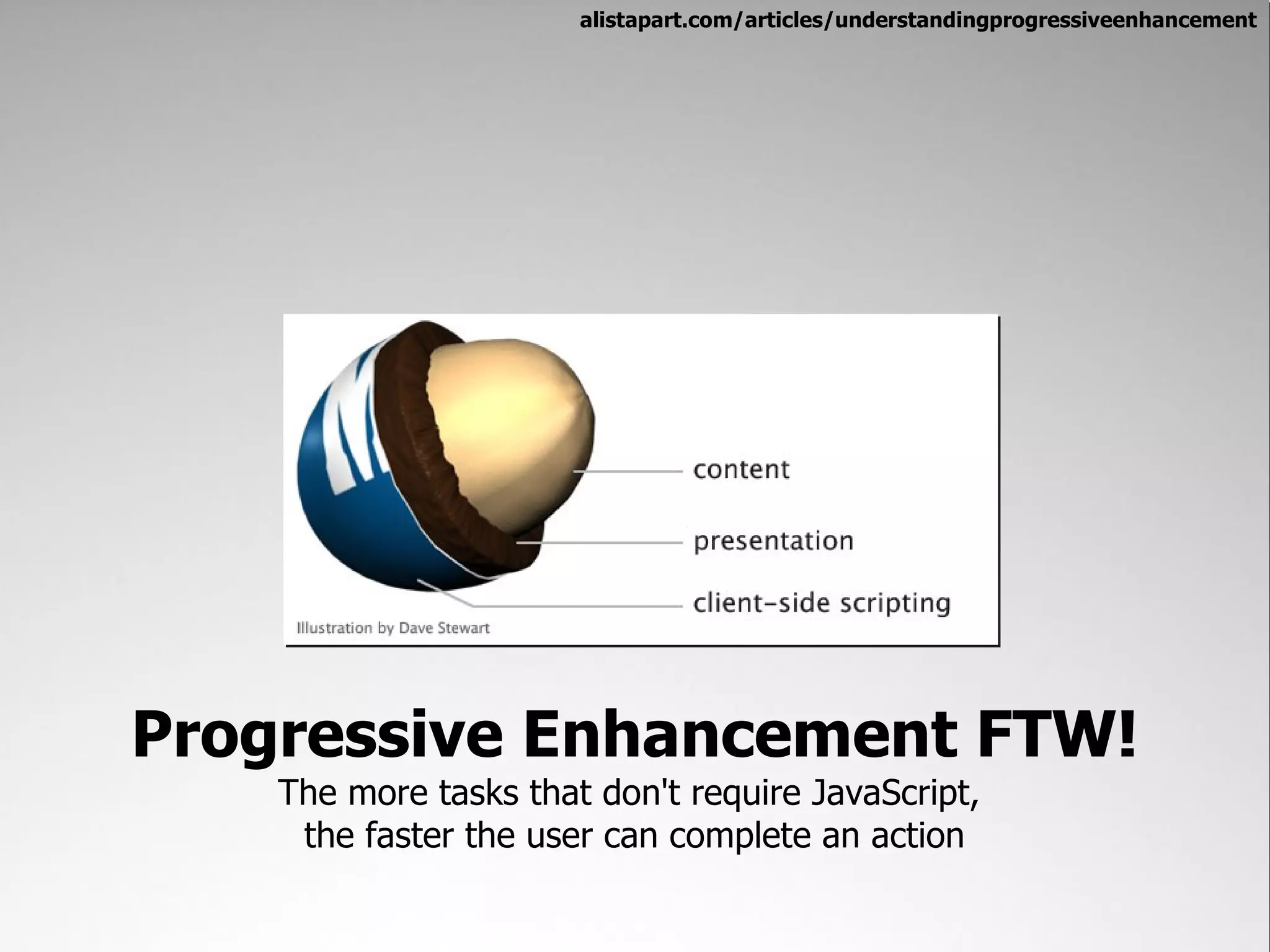
alistapart.com/articles/understandingprogressiveenhancement


Progressive Enhancement FTW!
    The more tasks that don't require JavaScript,
     the faster the user can complete an action
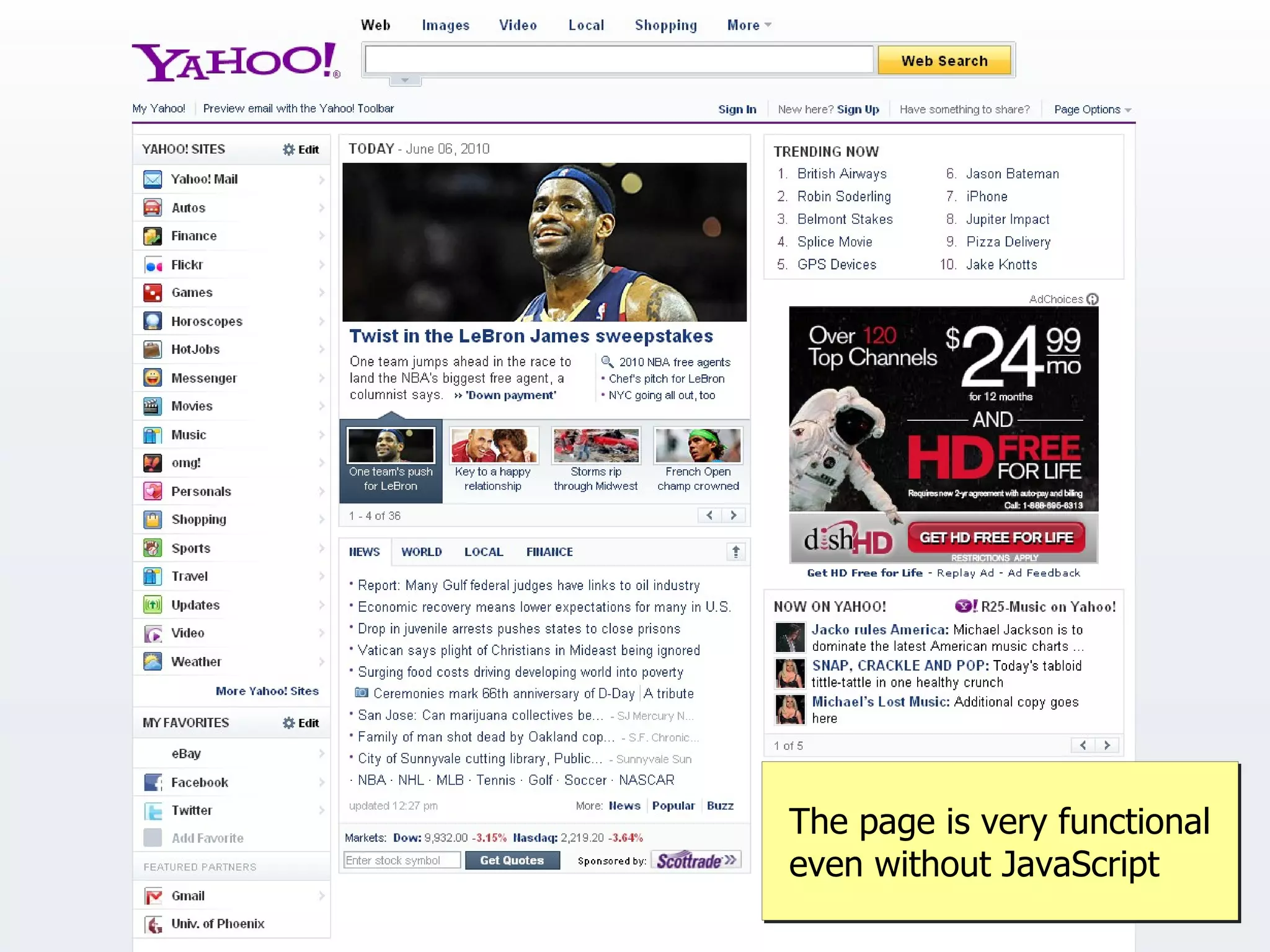
The page is very functional
even without JavaScript
Not relying on JavaScript for
    everything allows us an
  opportunity to deliver what
appears to be a faster experience
JavaScript
Loading onto the page without pain
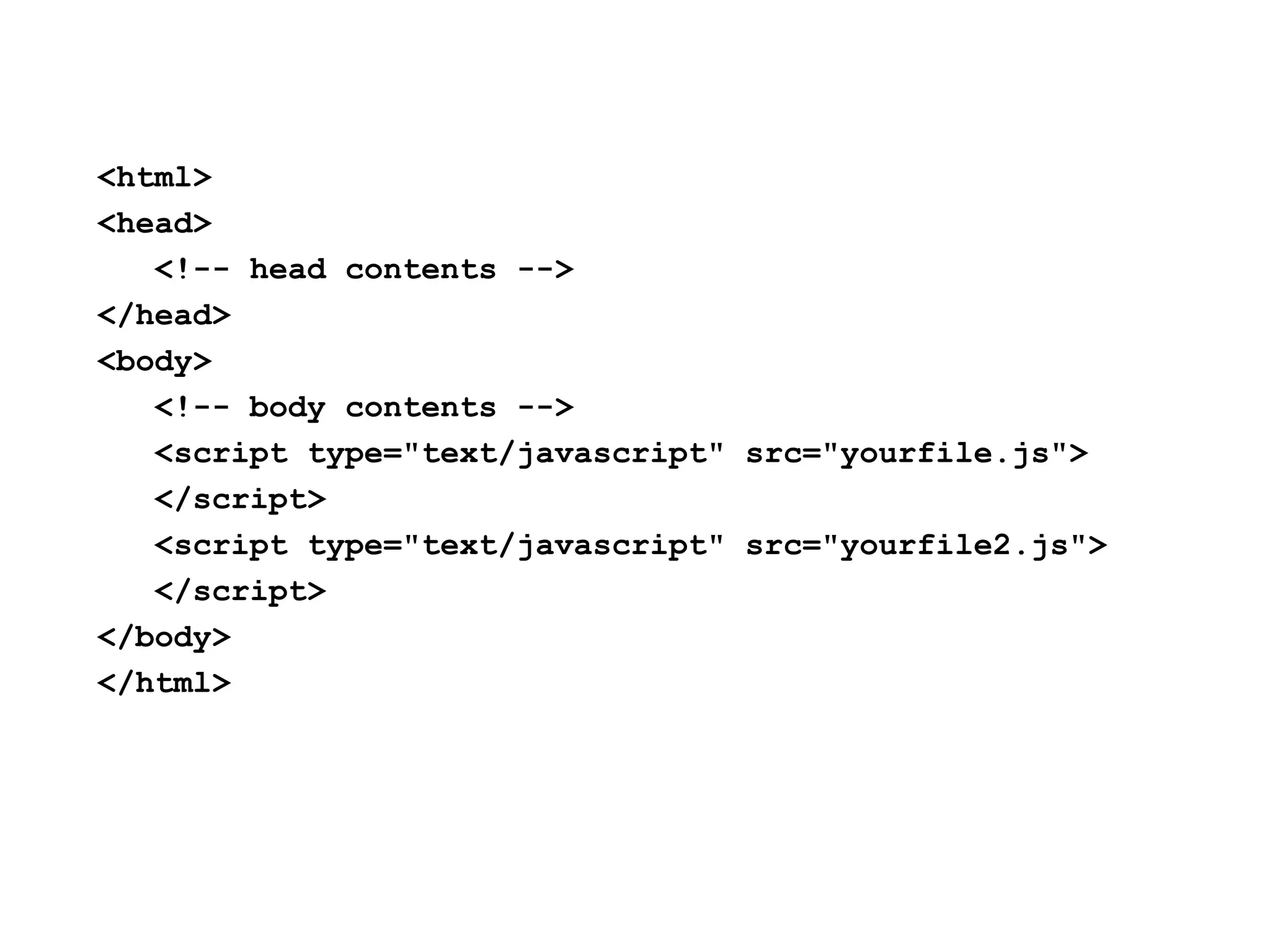
Traditional thinking was put scripts at the bottom
<html>
<head>
   <!-- head contents -->
</head>
<body>
   <!-- body contents -->
   <script type="text/javascript" src="yourfile.js">
   </script>
   <script type="text/javascript" src="yourfile2.js">
   </script>
</body>
</html>
flickr.com/photos/kartik_m/2724121901/


        Our results were upsetting
Putting scripts at the bottom actually caused other problems
flickr.com/photos/kartik_m/2724121901/


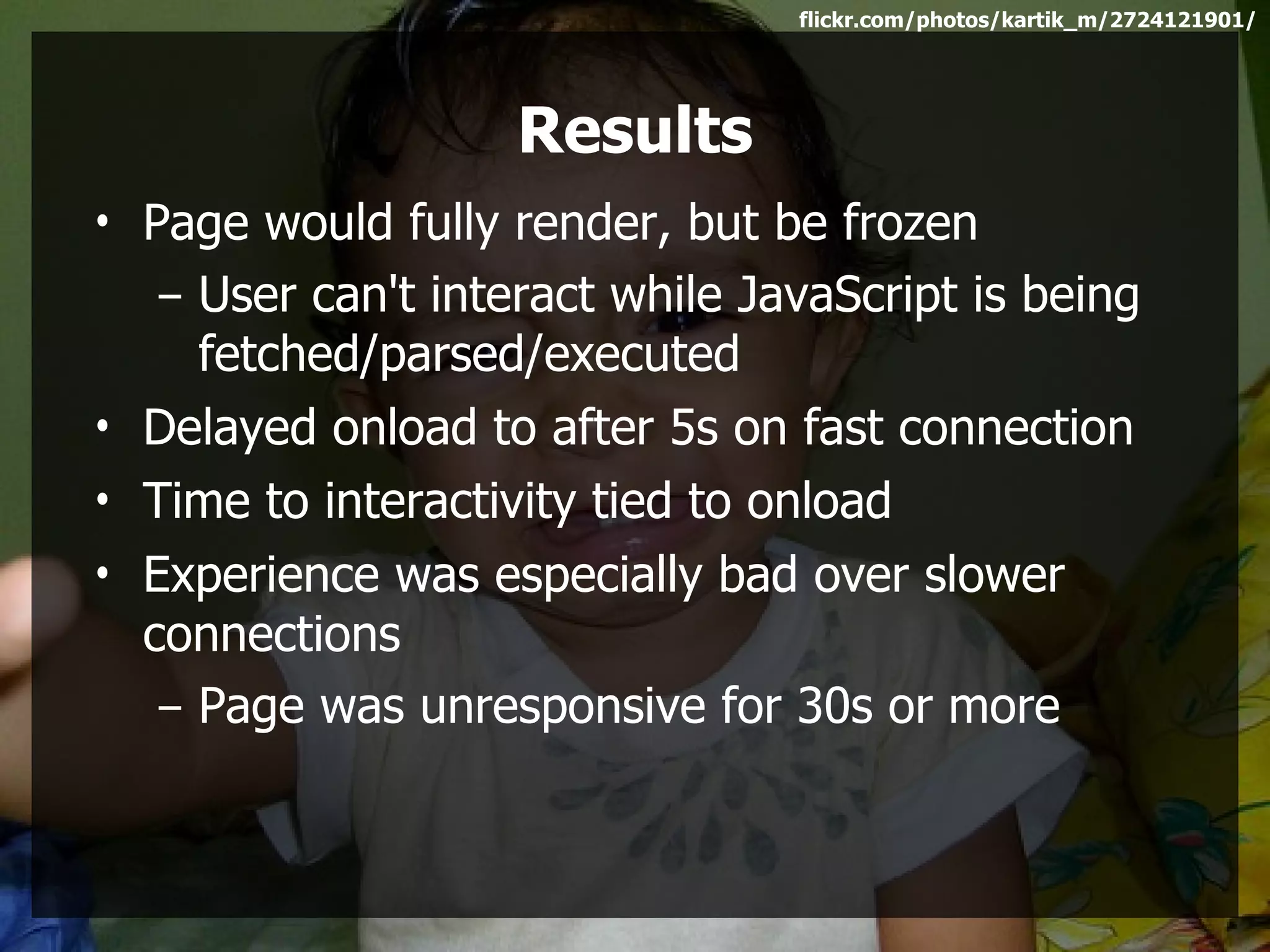
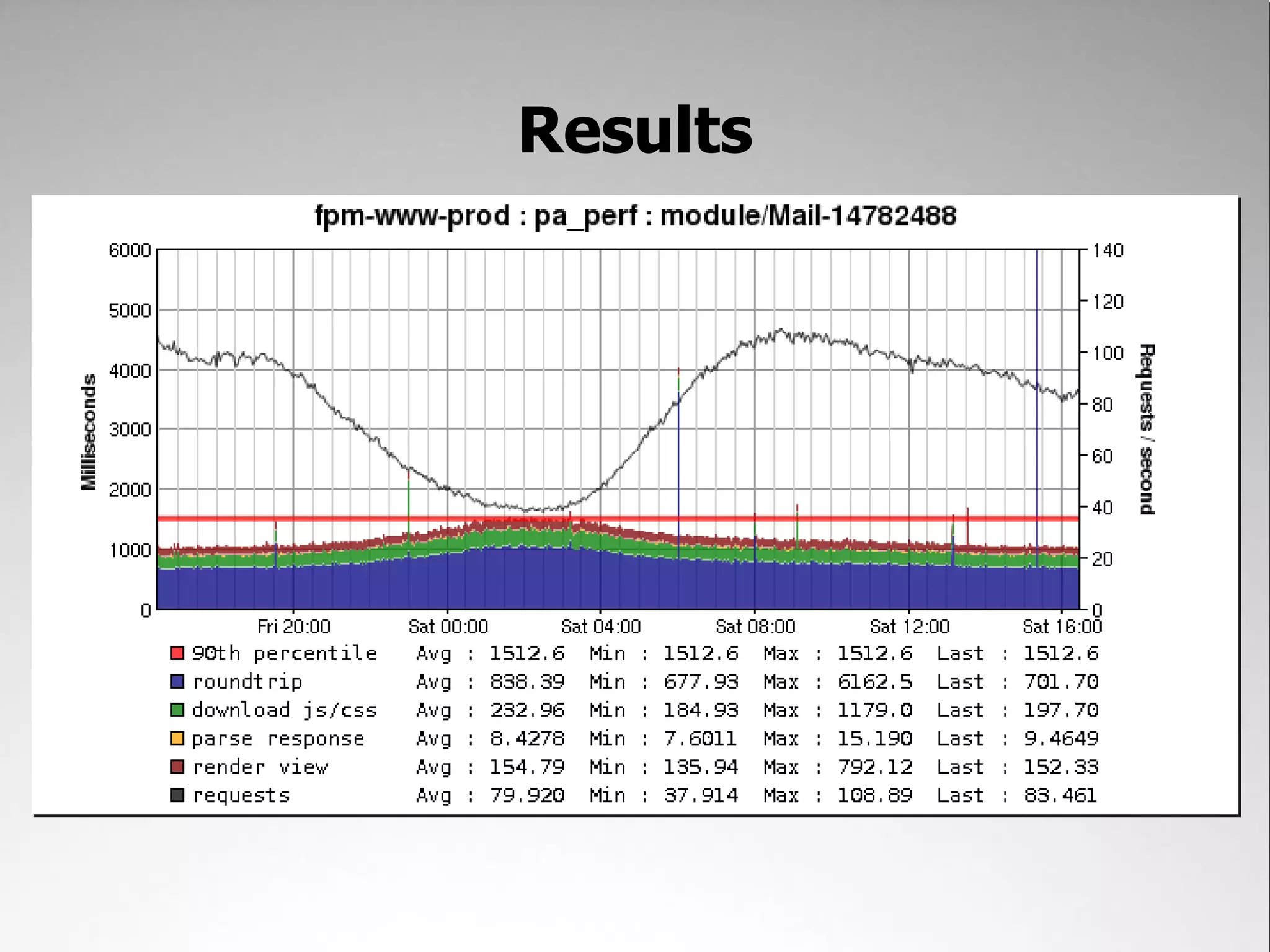
                    Results
• Page would fully render, but be frozen
   – User can't interact while JavaScript is being
     fetched/parsed/executed
• Delayed onload to after 5s on fast connection
• Time to interactivity tied to onload
• Experience was especially bad over slower
  connections
   – Page was unresponsive for 30s or more
flickr.com/photos/19613690@N05/3687563687/


In order to fix things, we had to get lazy
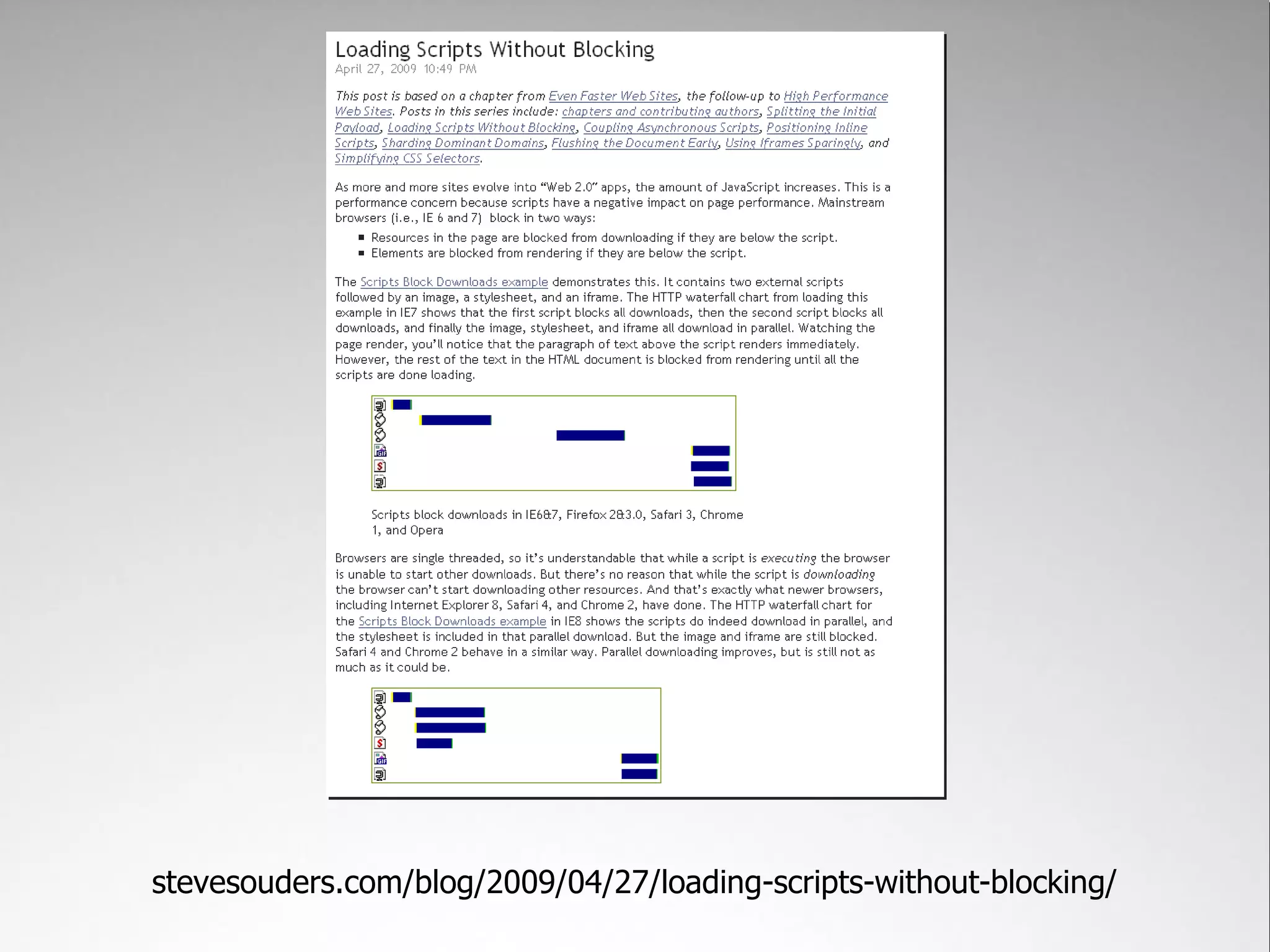
stevesouders.com/blog/2009/04/27/loading-scripts-without-blocking/
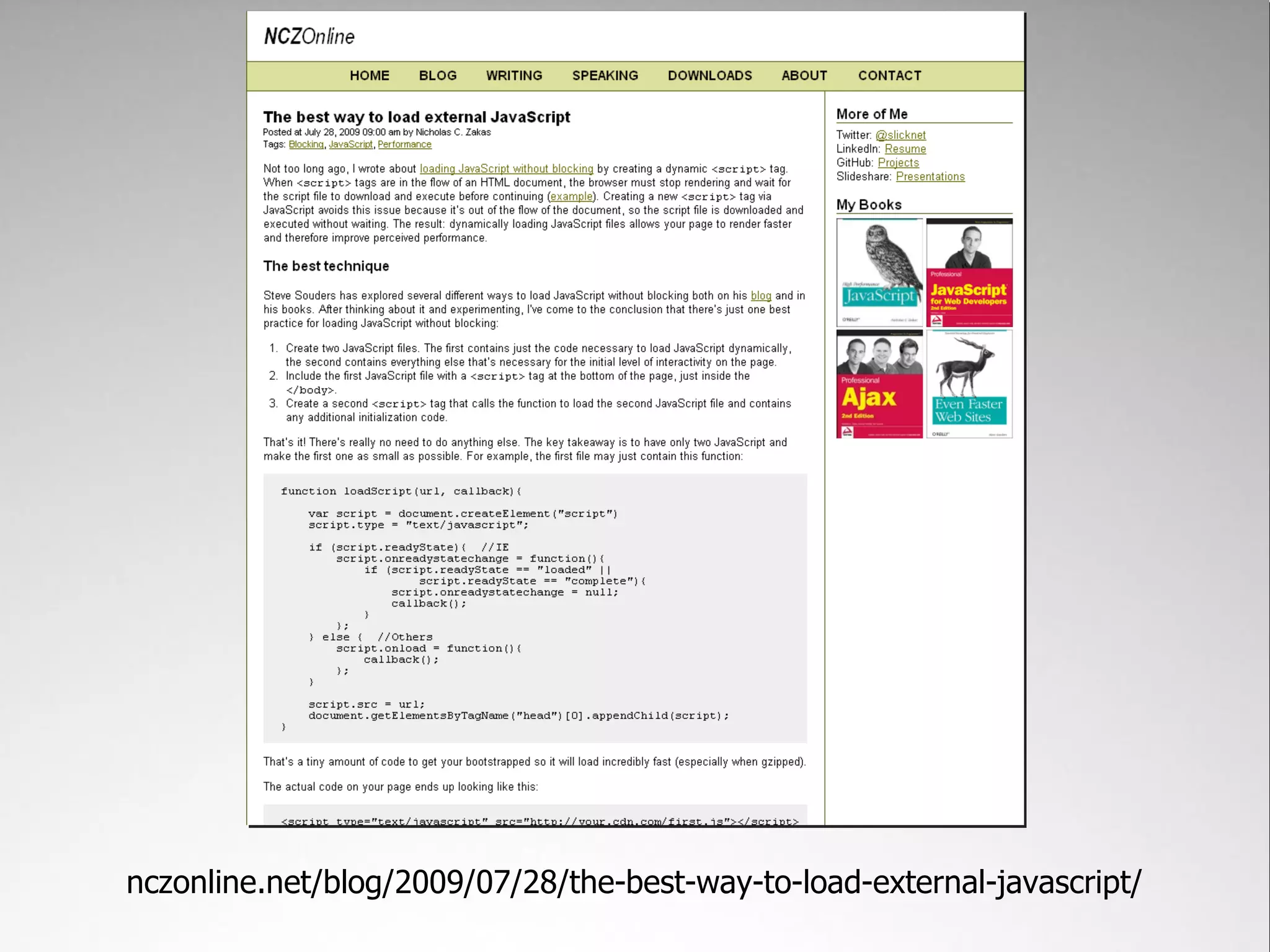
nczonline.net/blog/2009/07/28/the-best-way-to-load-external-javascript/
function loadScript(url, callback){

    var script = document.createElement("script")
    script.type = "text/javascript";

    if (script.readyState){ //IE
        script.onreadystatechange = function(){
            if (script.readyState == "loaded" ||
                    script.readyState == "complete"){
                script.onreadystatechange = null;
                callback();
            }
        };
    } else { //Others
        script.onload = function(){
            callback();
        };                                 Dynamically loaded scripts
    }                                      don't block page load

    script.src = url;
    document.getElementsByTagName("head")[0].appendChild(script);
}
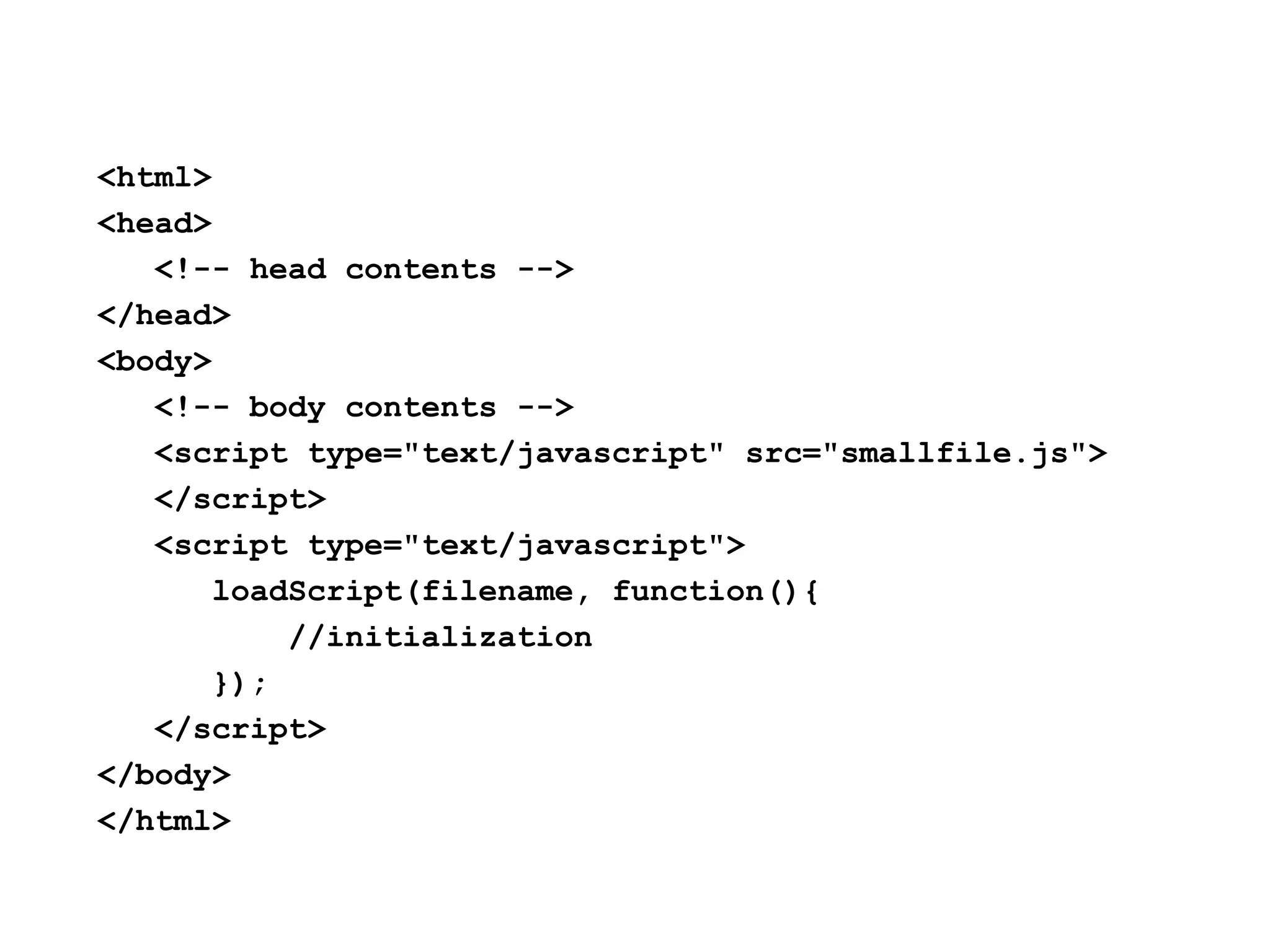
<html>
<head>
   <!-- head contents -->
</head>
<body>
   <!-- body contents -->
   <script type="text/javascript" src="smallfile.js">
   </script>
   <script type="text/javascript">
       loadScript(filename, function(){
           //initialization
       });
   </script>
</body>
</html>
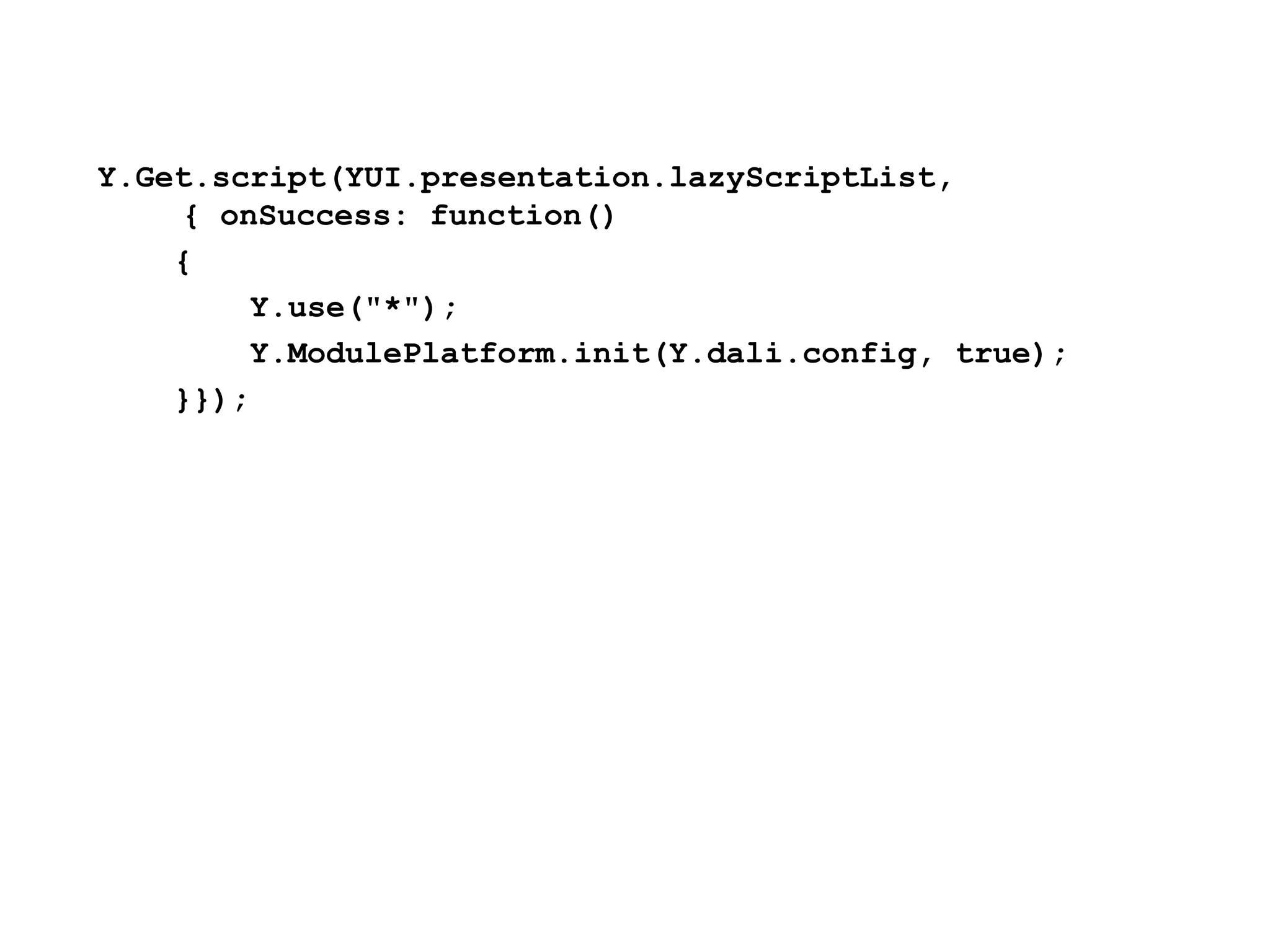
Y.Get.script(YUI.presentation.lazyScriptList,
    { onSuccess: function()
    {
        Y.use("*");
        Y.ModulePlatform.init(Y.dali.config, true);
    }});
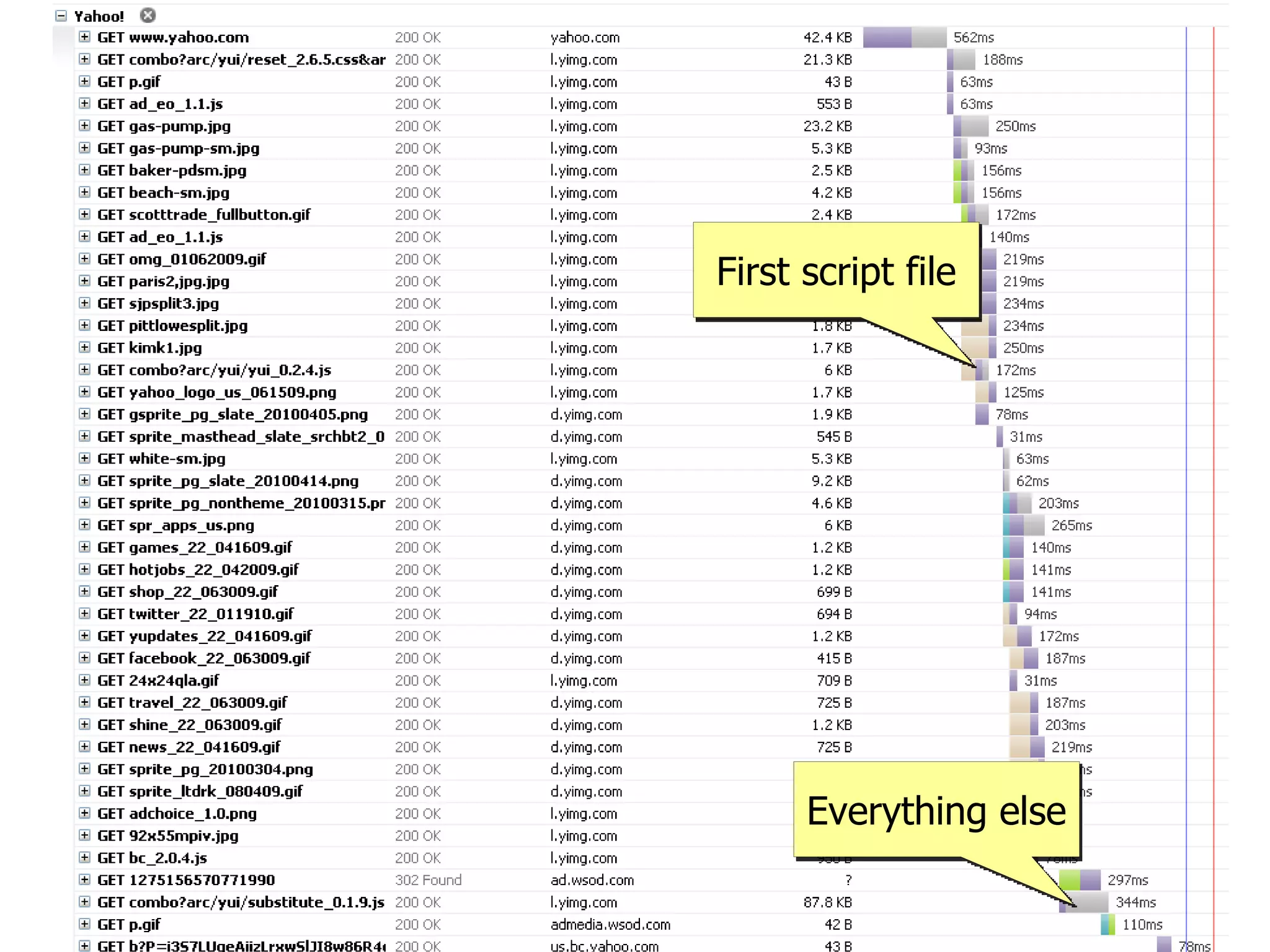
First script file


      Everything else
flickr.com/photos/nateandmiranda/2625399653/
       Results
• Page is interactive as
  soon as each section
  is rendered
• Reduced onload time
  to ~2.5s on fast
  connections
• Slow connection
  experience vastly
  improved
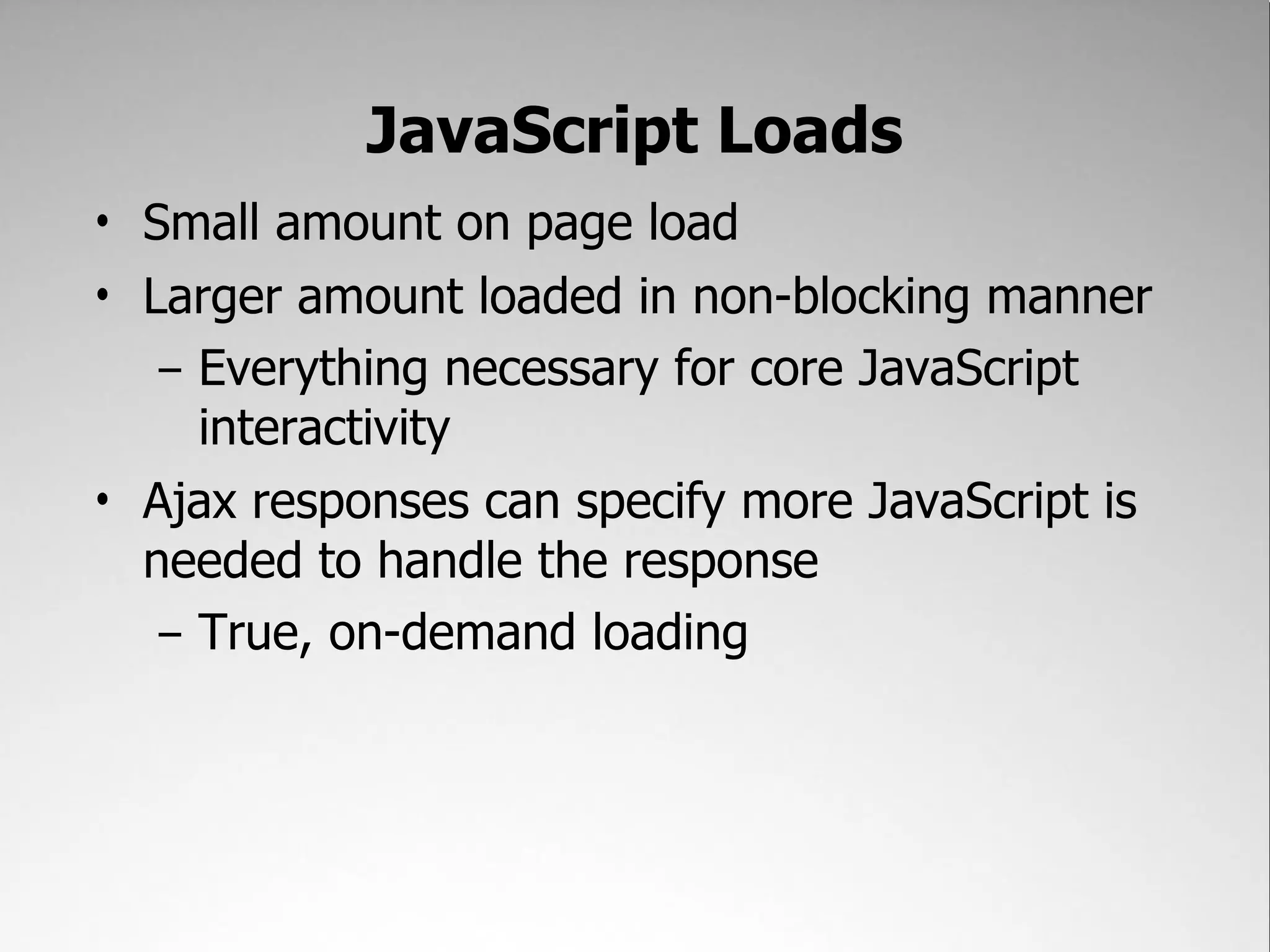
JavaScript Loads
• Small amount on page load
• Larger amount loaded in non-blocking manner
   – Everything necessary for core JavaScript
     interactivity
• Ajax responses can specify more JavaScript is
  needed to handle the response
   – True, on-demand loading
Page Flushing
Getting data out to the browser fast
Traditional thinking is to flush after <head>
Flushing after <head> ensures CSS
starts to download as quickly as
possible


But the user still sees a blank screen
until the rest of the HTML is rendered
to the browser


Solution: flush after major sections
of the page have been output


             flickr.com/photos/conskeptical/354951028/
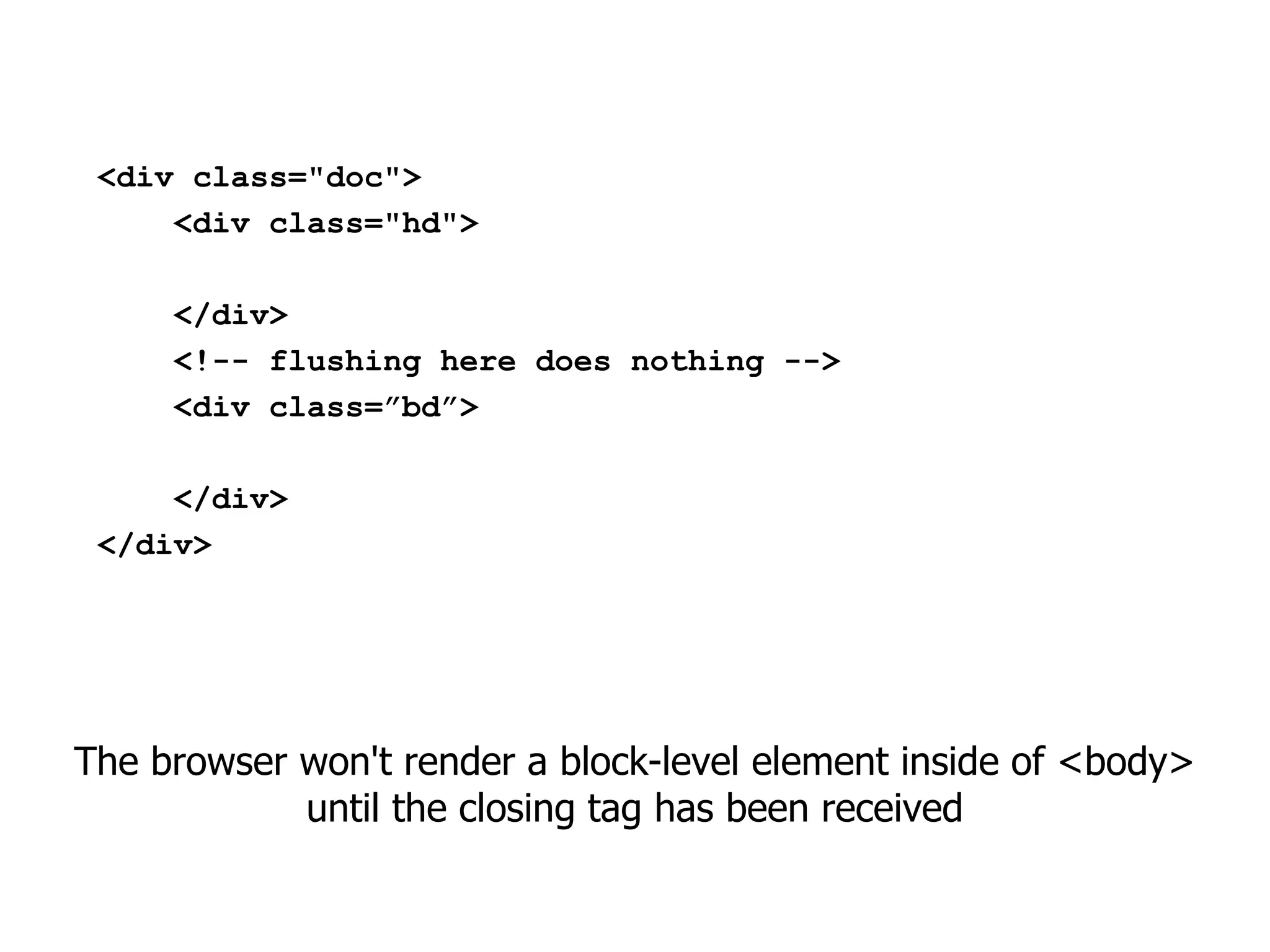
<div class="doc">
     <div class="hd">

     </div>
     <!-- flushing here does nothing -->
     <div class=”bd”>

     </div>
 </div>


The browser won't render a block-level element inside of <body>
            until the closing tag has been received
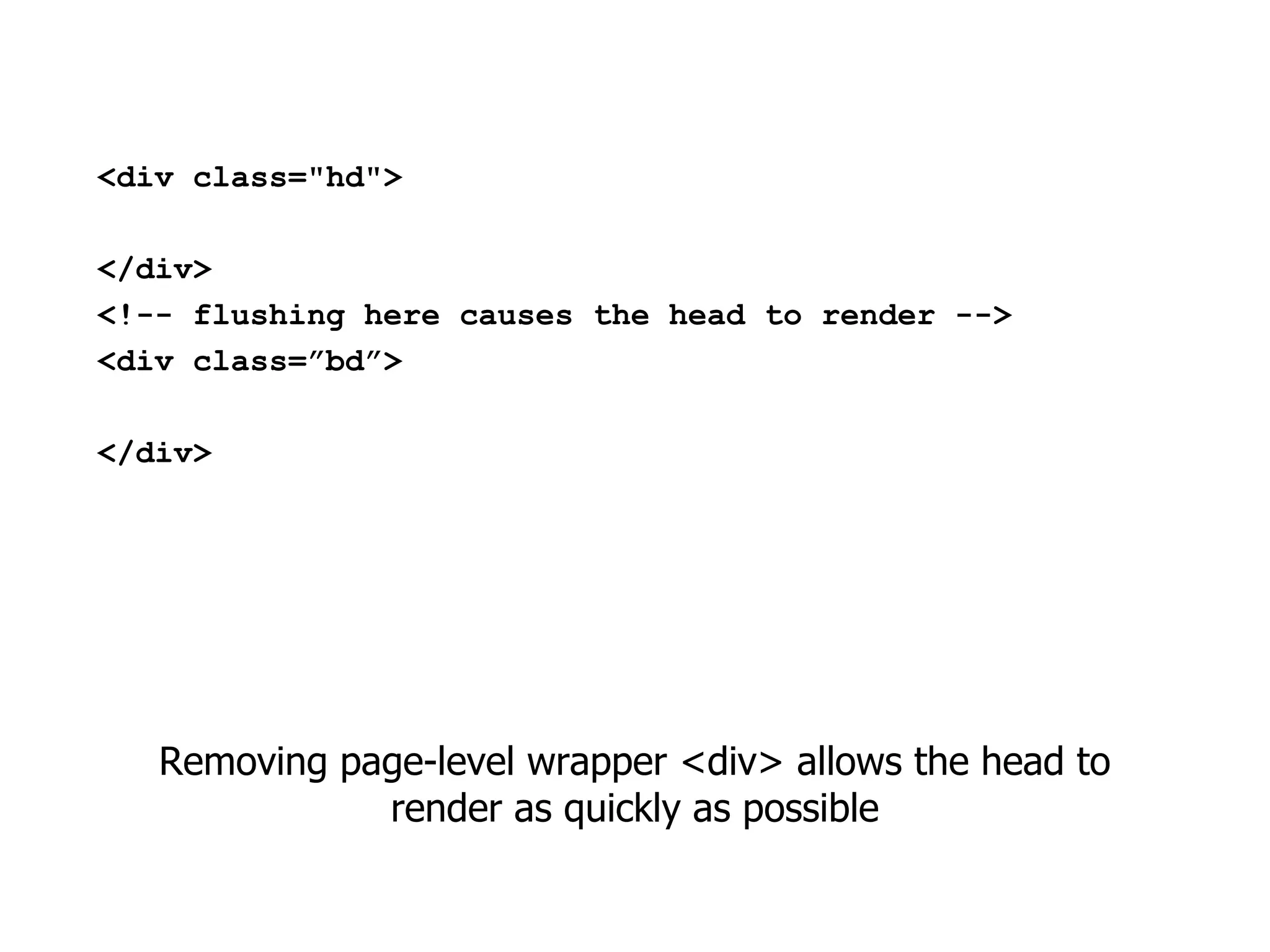
<div class="hd">

</div>
<!-- flushing here causes the head to render -->
<div class=”bd”>

</div>


   Removing page-level wrapper <div> allows the head to
              render as quickly as possible
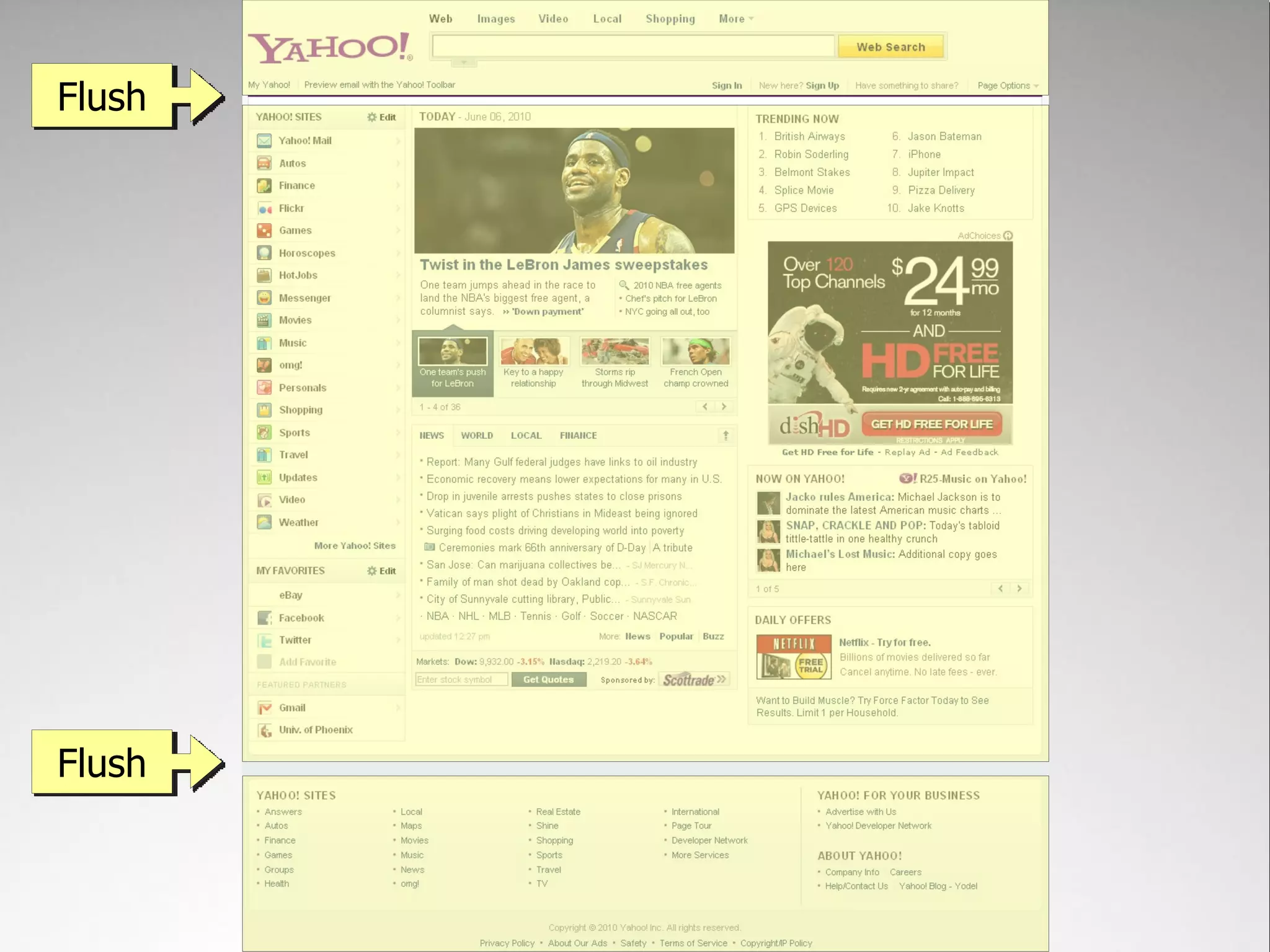
Flush


Flush
(Actually, we flush a bunch of
 times as the page is output)
Even when the browser can't render yet, it can still start to
       download other resources such as images
Areas of Focus
• Time to interactivity
• Ajax Responsiveness
• Perceived performance


                          flickr.com/photos/hape_gera/2123257808/
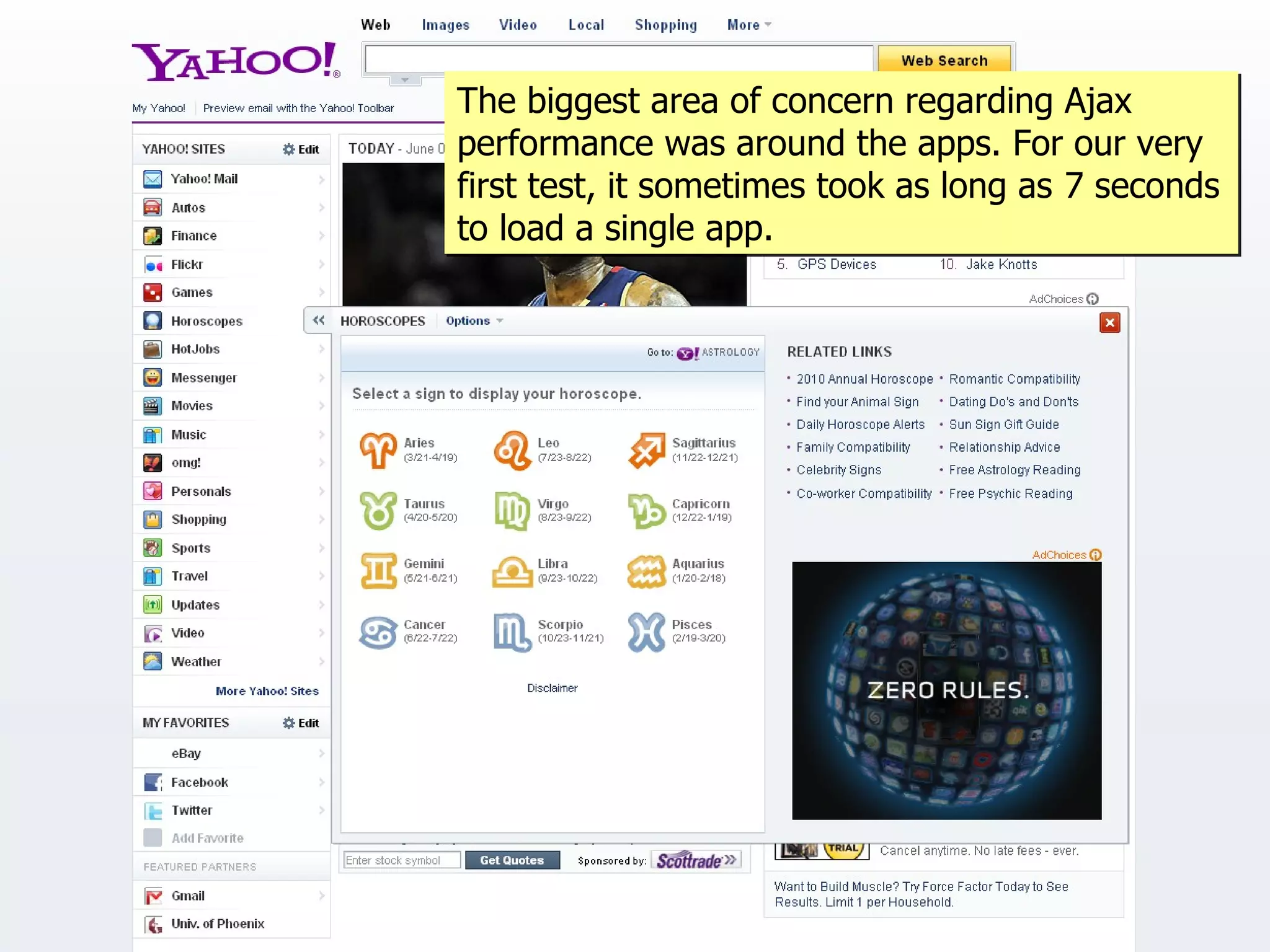
The biggest area of concern regarding Ajax
performance was around the apps. For our very
first test, it sometimes took as long as 7 seconds
to load a single app.
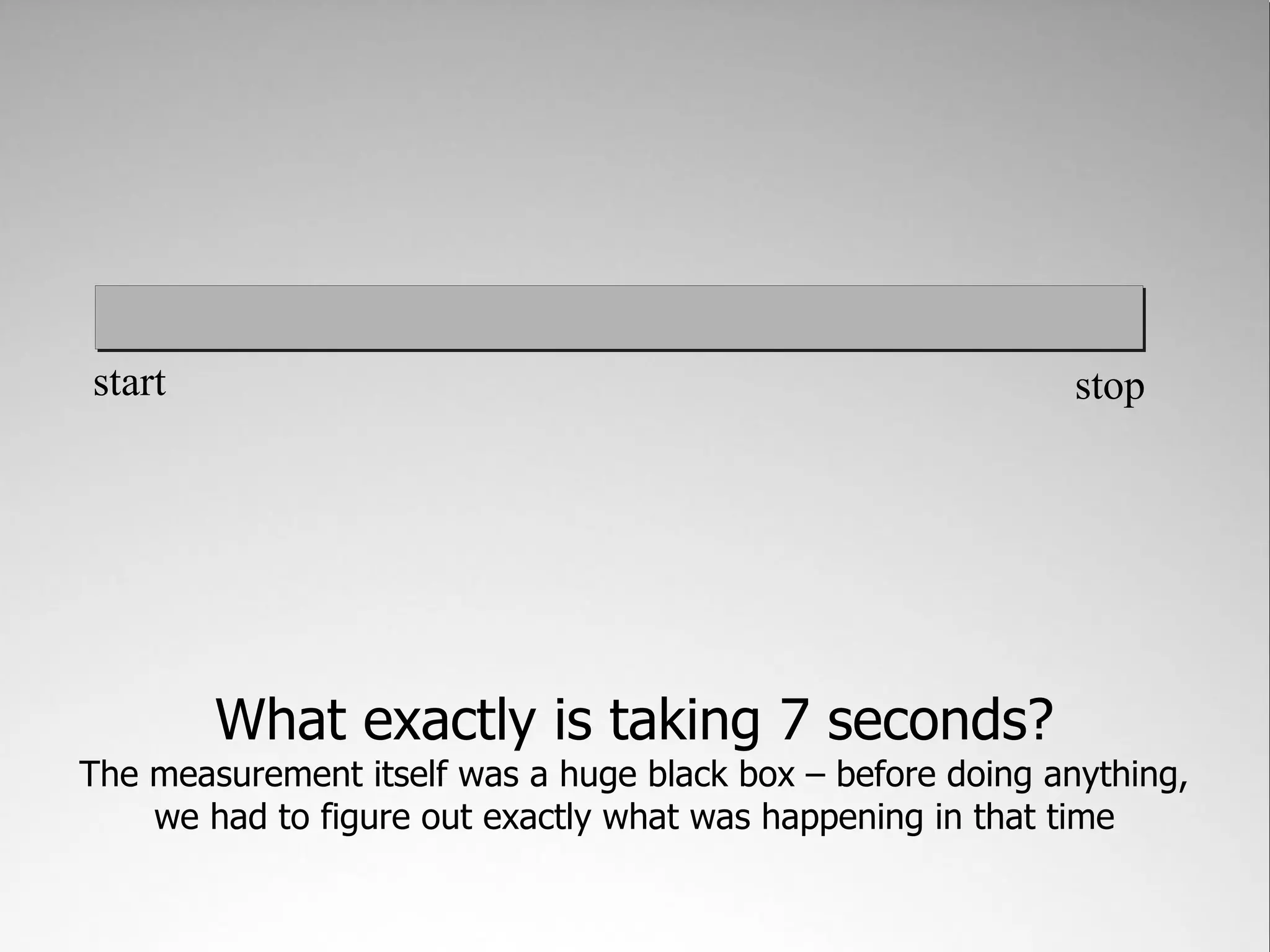
start                                                        stop


        What exactly is taking 7 seconds?
The measurement itself was a huge black box – before doing anything,
    we had to figure out exactly what was happening in that time
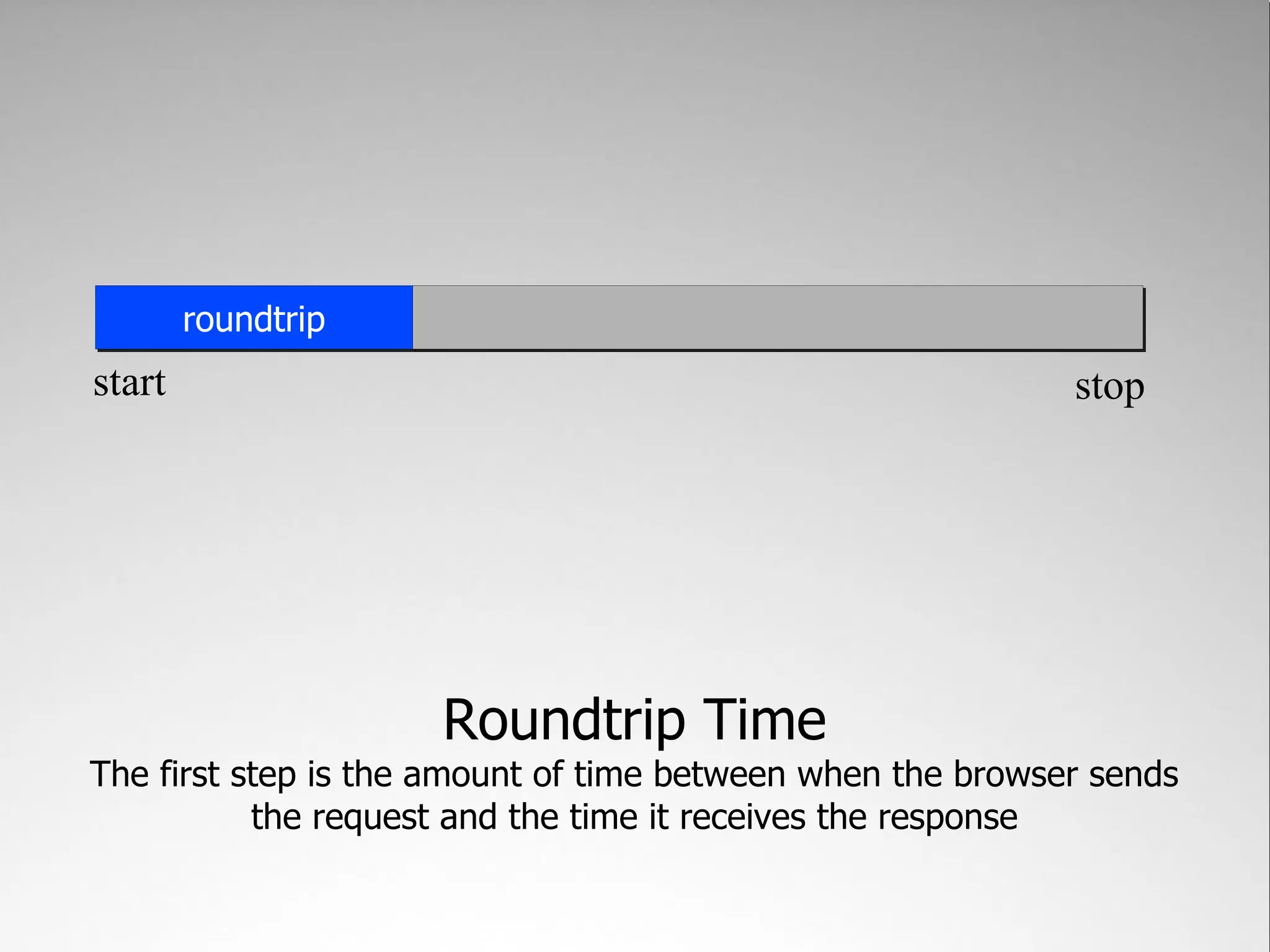
roundtrip
start                                                       stop


                     Roundtrip Time
The first step is the amount of time between when the browser sends
           the request and the time it receives the response
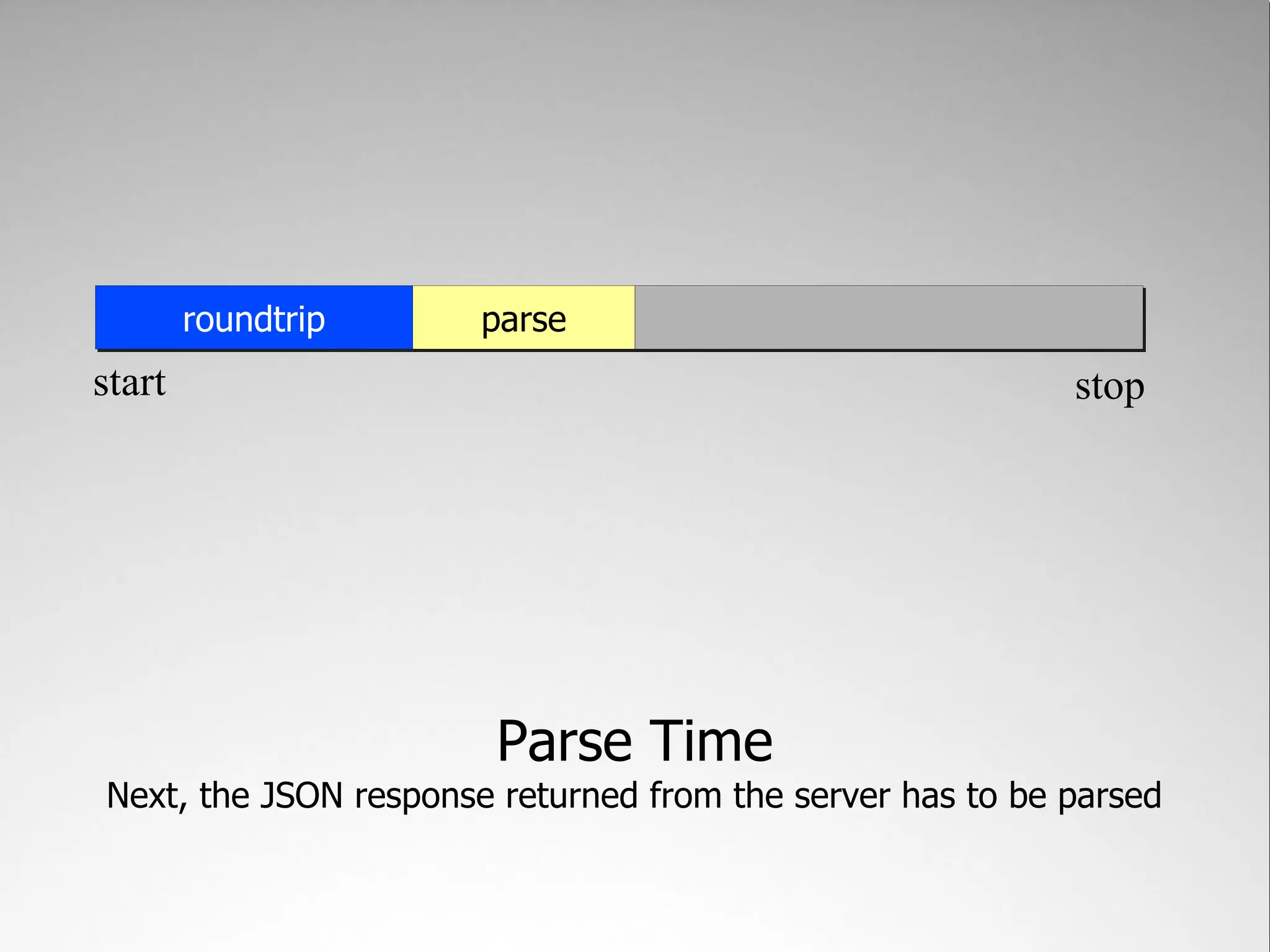
roundtrip      parse
start                                                      stop


                        Parse Time
Next, the JSON response returned from the server has to be parsed
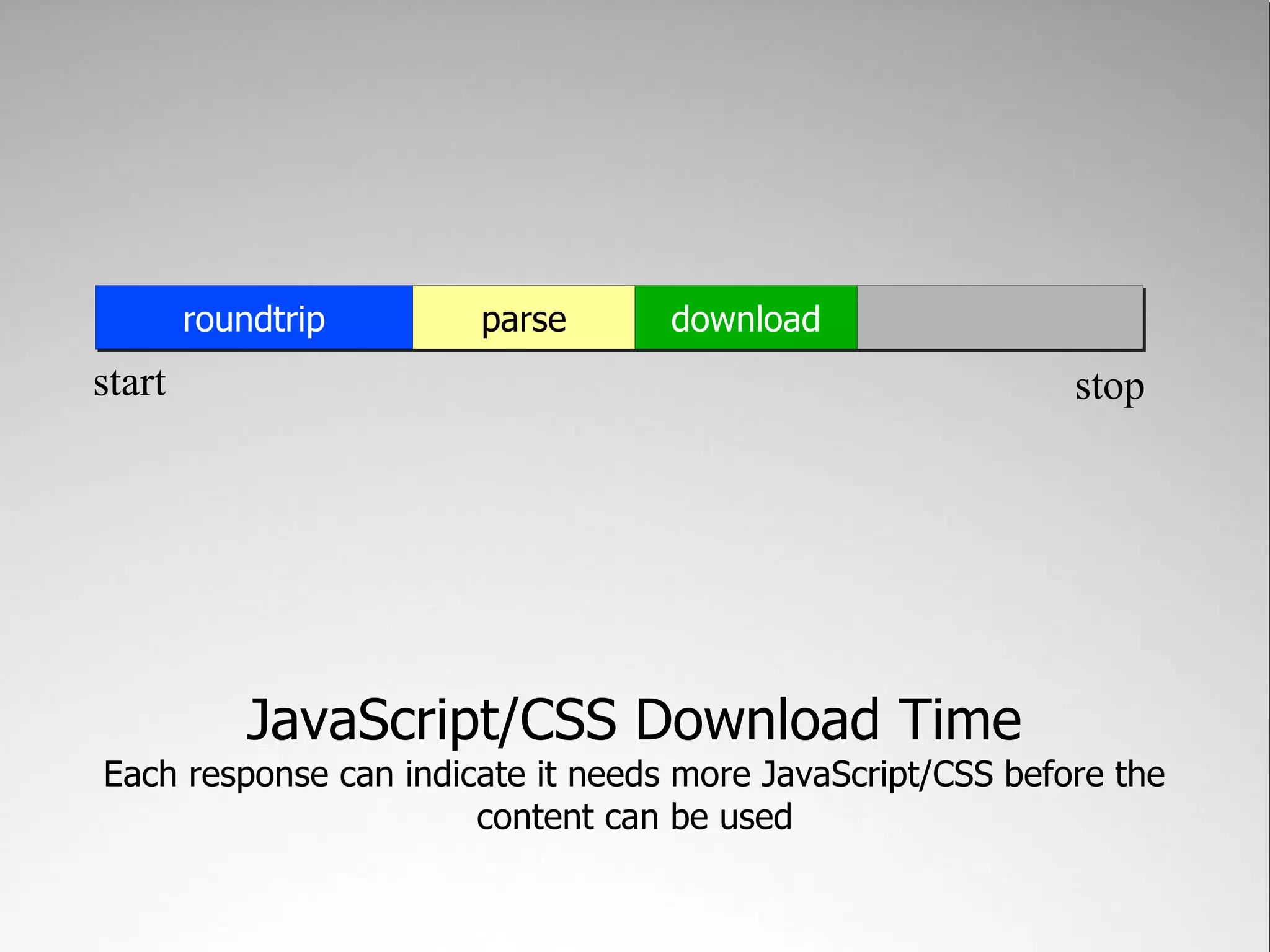
roundtrip      parse       download
start                                                       stop


            JavaScript/CSS Download Time
Each response can indicate it needs more JavaScript/CSS before the
                       content can be used
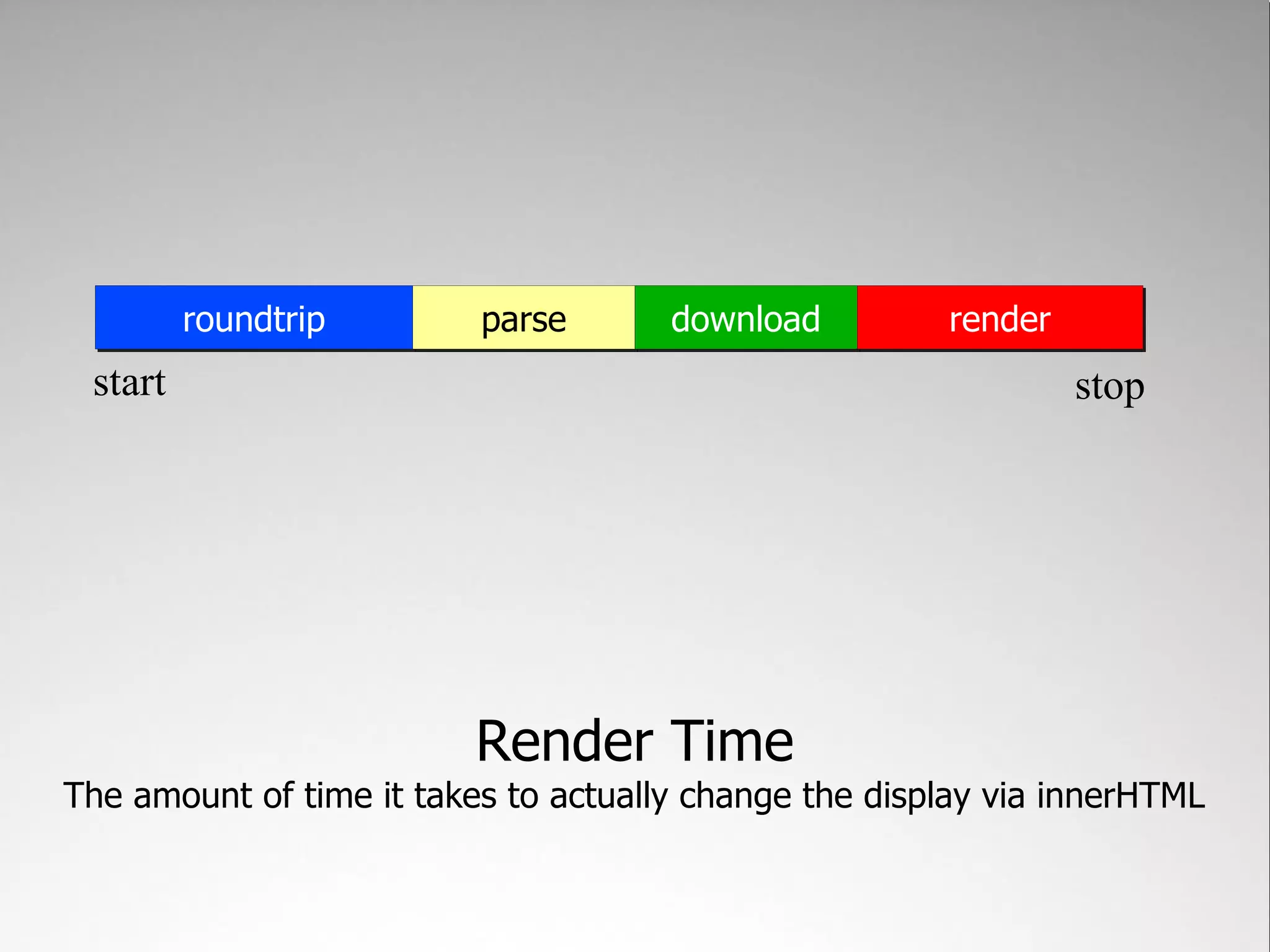
roundtrip        parse       download         render
 start                                                          stop


                          Render Time
The amount of time it takes to actually change the display via innerHTML
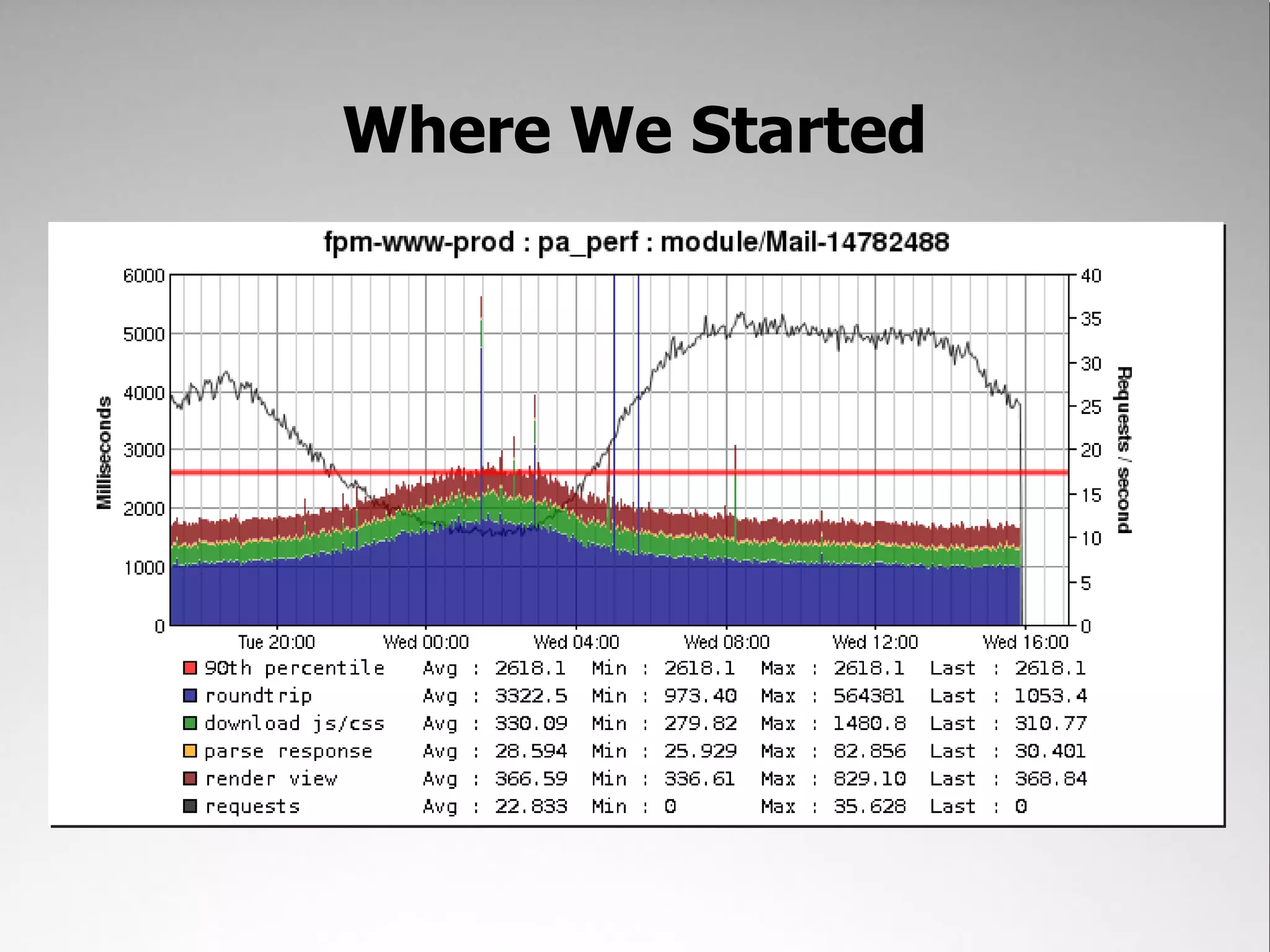
Where We Started
Fixing Roundtrip Time
   What's taking so damn long?
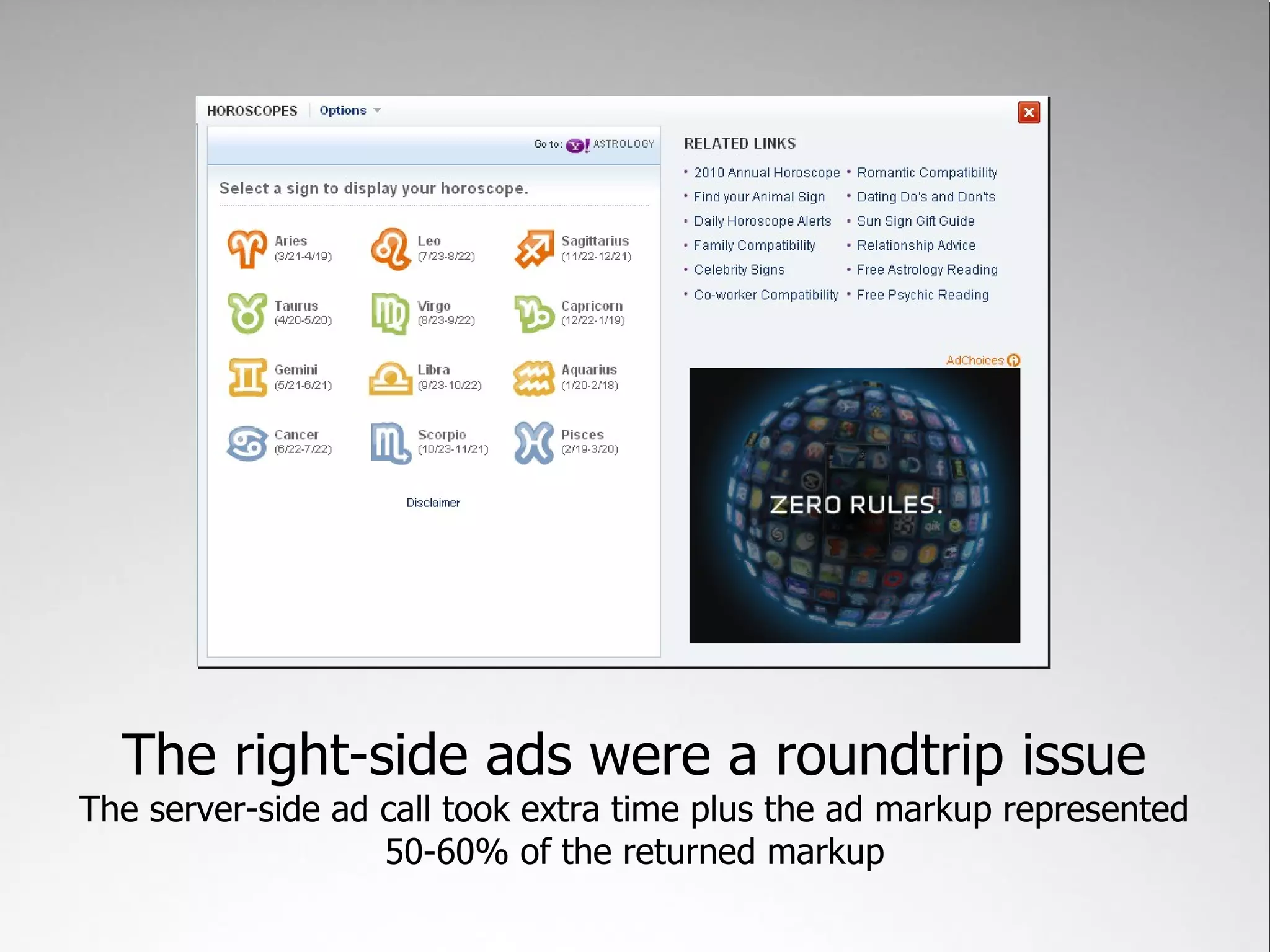
The right-side ads were a roundtrip issue
The server-side ad call took extra time plus the ad markup represented
                   50-60% of the returned markup
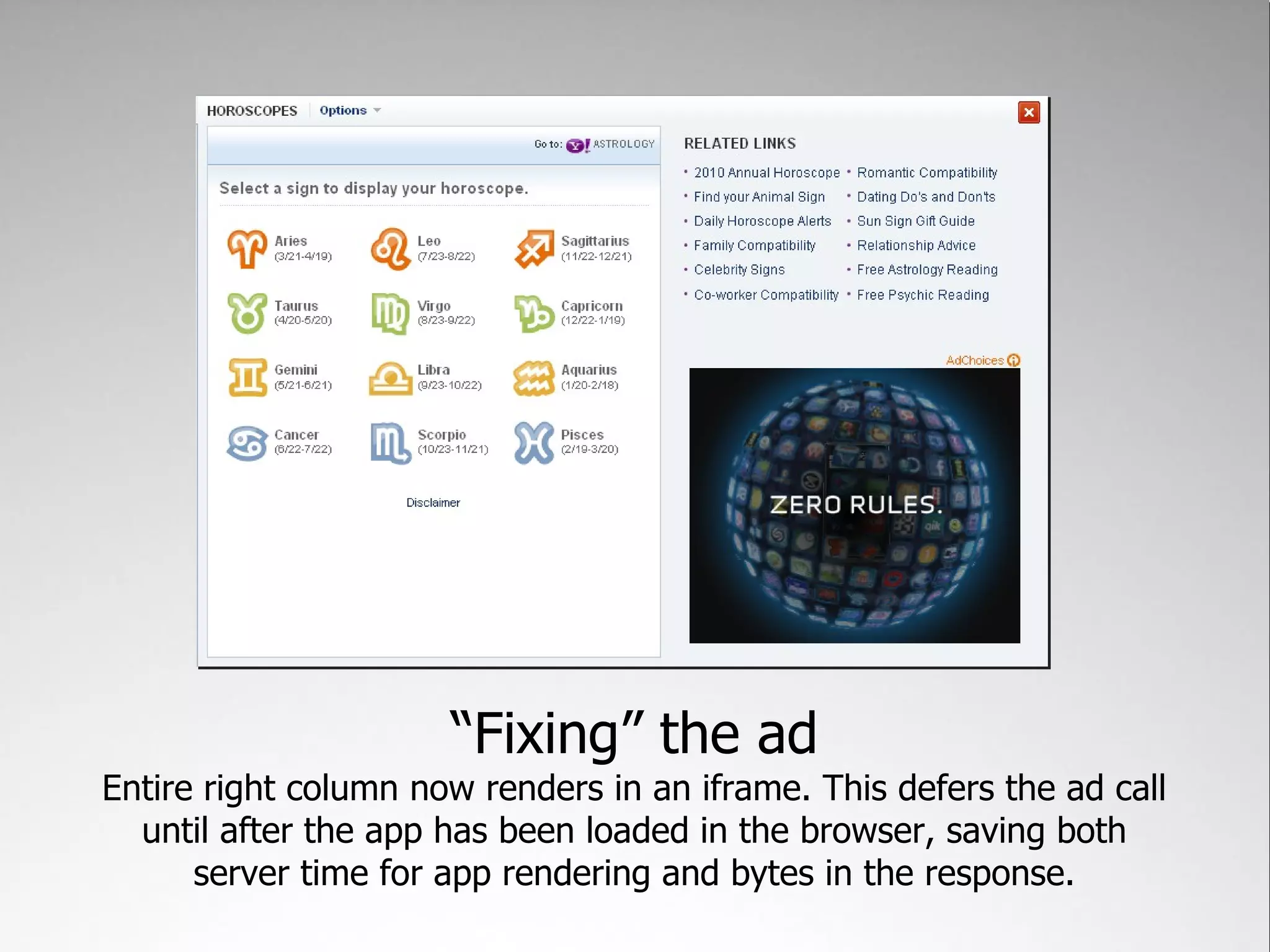
“Fixing” the ad
Entire right column now renders in an iframe. This defers the ad call
  until after the app has been loaded in the browser, saving both
      server time for app rendering and bytes in the response.
Fixing Parse Time
 What's taking so freakin' long??
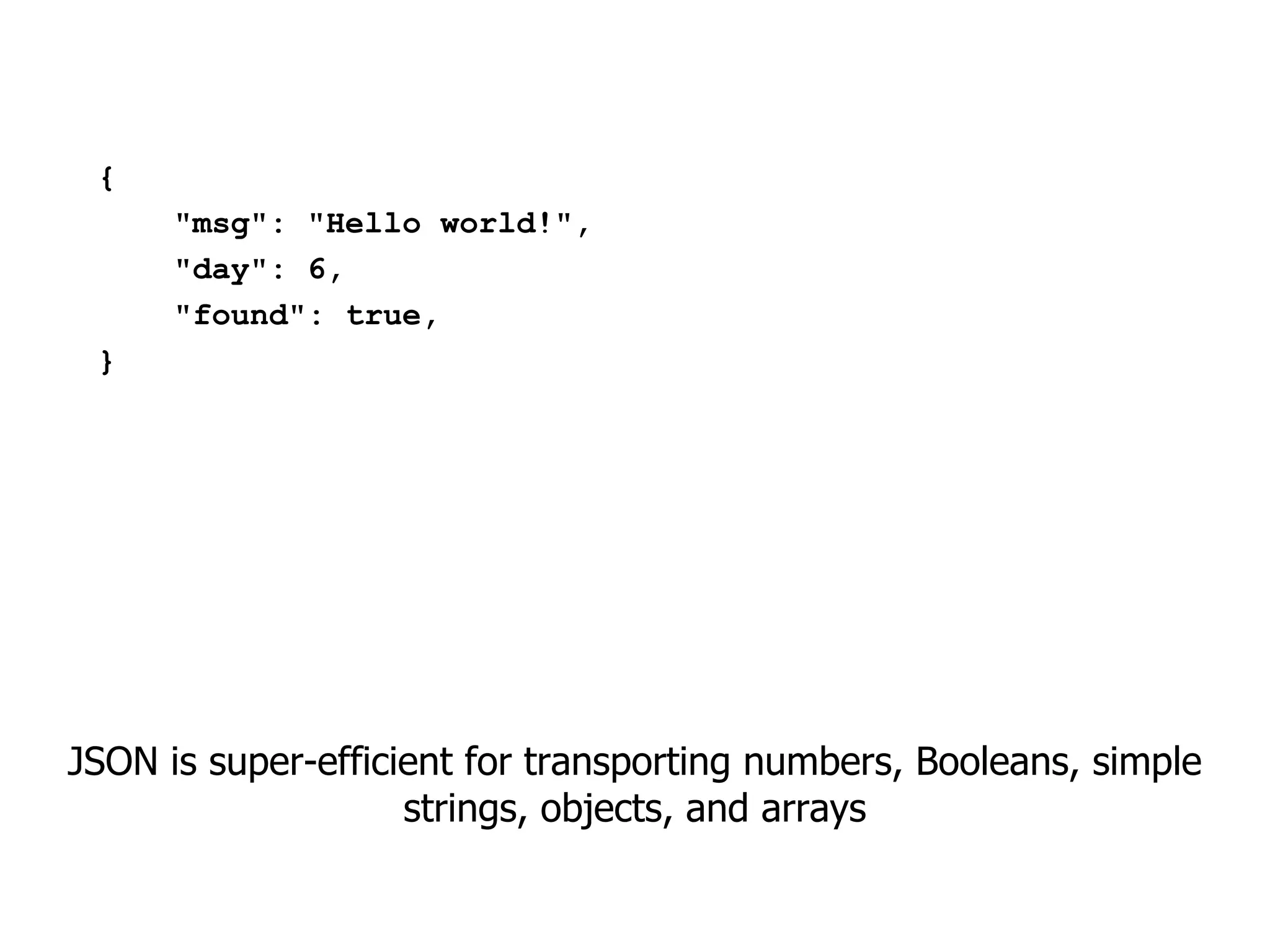
{
      "msg": "Hello world!",
      "day": 6,
      "found": true,
 }


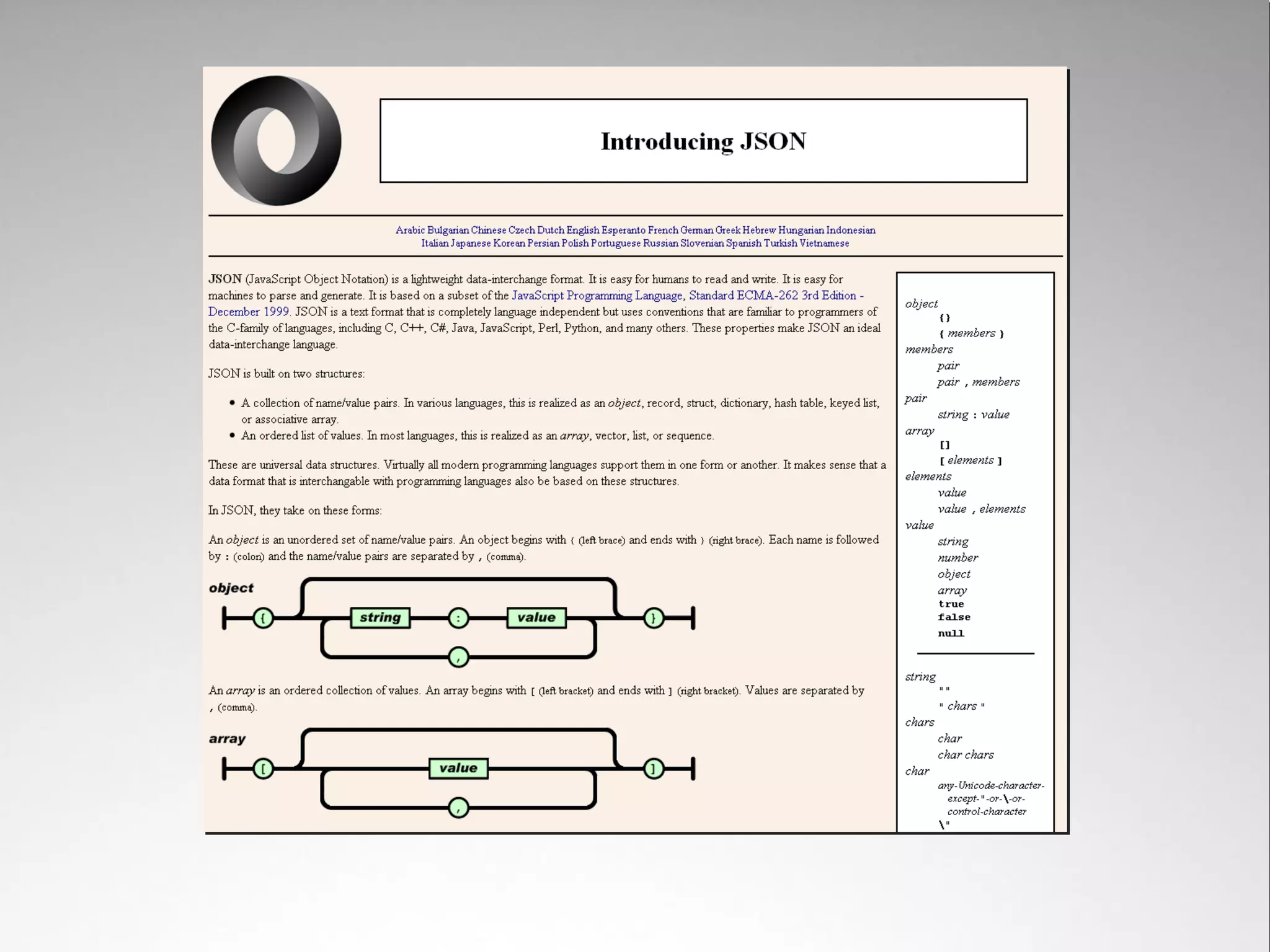
JSON is super-efficient for transporting numbers, Booleans, simple
                    strings, objects, and arrays
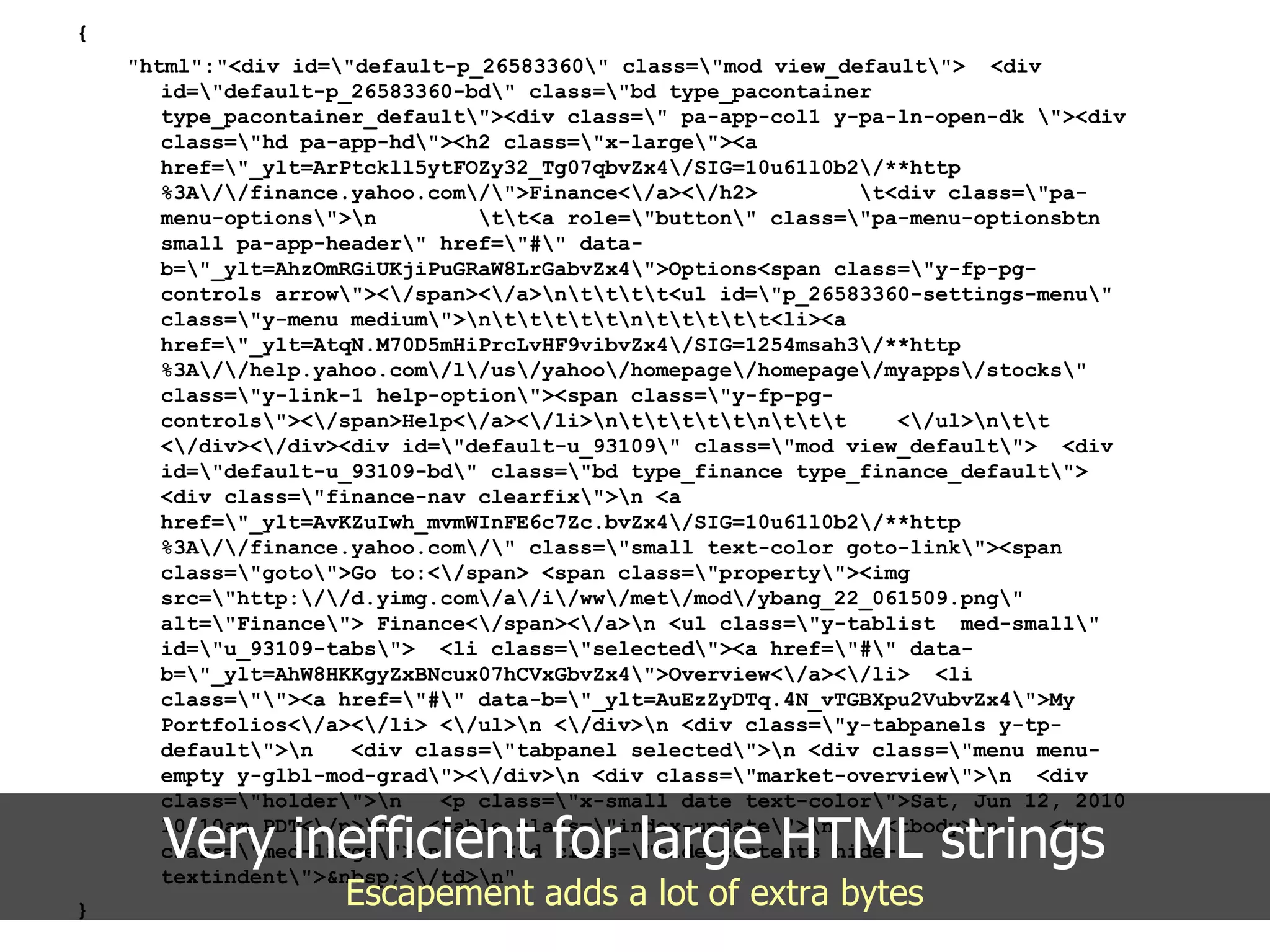
{
    "html":"<div id="default-p_26583360" class="mod view_default"> <div
       id="default-p_26583360-bd" class="bd type_pacontainer
       type_pacontainer_default"><div class=" pa-app-col1 y-pa-ln-open-dk "><div
       class="hd pa-app-hd"><h2 class="x-large"><a
       href="_ylt=ArPtckll5ytFOZy32_Tg07qbvZx4/SIG=10u61l0b2/**http
       %3A//finance.yahoo.com/">Finance</a></h2>         t<div class="pa-
       menu-options">n         tt<a role="button" class="pa-menu-optionsbtn
       small pa-app-header" href="#" data-
       b="_ylt=AhzOmRGiUKjiPuGRaW8LrGabvZx4">Options<span class="y-fp-pg-
       controls arrow"></span></a>ntttt<ul id="p_26583360-settings-menu"
       class="y-menu medium">ntttttnttttt<li><a
       href="_ylt=AtqN.M70D5mHiPrcLvHF9vibvZx4/SIG=1254msah3/**http
       %3A//help.yahoo.com/l/us/yahoo/homepage/homepage/myapps/stocks"
       class="y-link-1 help-option"><span class="y-fp-pg-
       controls"></span>Help</a></li>ntttttnttt      </ul>ntt
       </div></div><div id="default-u_93109" class="mod view_default"> <div
       id="default-u_93109-bd" class="bd type_finance type_finance_default">
       <div class="finance-nav clearfix">n <a
       href="_ylt=AvKZuIwh_mvmWInFE6c7Zc.bvZx4/SIG=10u61l0b2/**http
       %3A//finance.yahoo.com/" class="small text-color goto-link"><span
       class="goto">Go to:</span> <span class="property"><img
       src="http://d.yimg.com/a/i/ww/met/mod/ybang_22_061509.png"
       alt="Finance"> Finance</span></a>n <ul class="y-tablist med-small"
       id="u_93109-tabs"> <li class="selected"><a href="#" data-
       b="_ylt=AhW8HKKgyZxBNcux07hCVxGbvZx4">Overview</a></li> <li
       class=""><a href="#" data-b="_ylt=AuEzZyDTq.4N_vTGBXpu2VubvZx4">My
       Portfolios</a></li> </ul>n </div>n <div class="y-tabpanels y-tp-
       default">n   <div class="tabpanel selected">n <div class="menu menu-
       empty y-glbl-mod-grad"></div>n <div class="market-overview">n <div
       class="holder">n    <p class="x-small date text-color">Sat, Jun 12, 2010

      Very inefficient for large HTML strings
       10:10am PDT</p>n   <table class="index-update">n
       class="med-large">n
       textindent">&nbsp;</td>n"
                                                                 <tbody>n
                                   <td class="hide-contents hide-
                                                                                <tr


}
                     Escapement adds a lot of extra bytes
The larger the JSON string, the
     longer it took to parse
Keep in mind there was no native browser JSON parsing when we
                  began testing the new page

The regular expression validation in the YUI JSON utility (based on
        json2.js) could take up to 40% of the parse time
Shrinking the size of the HTML by
     deferring the ad helped
  But we still wanted to see if we could eek out better gains
[{
      "msg": "Hello world!",
      "day": 6,
      "found": true,
 }]
 =====
 <div class="foo"><a href="http://www.yahoo.com">Yahoo!
     </a></div>


We experimented with an alternate response format where meta
data was in JSON form but HTML was included afterward in plain
                             text
flickr.com/photos/mattymatt/3017263513/


                 Results were good
But then native JSON parsing hit and a lot of problems went away
Fixing Download Time
  What's taking so (*&#$Q@! long???
On-demand JavaScript/CSS
   downloading hurt app loading
              time
Intended to decrease page load time, and did – but left us with this
                           side effect
Waiting until the user takes
an action ensures paying the
cost of download


What if you knew which
apps the user was going to
use?


Solution: predictive fetch of
JavaScript/CSS before you
need it


      flickr.com/photos/mcgraths/3248483447/
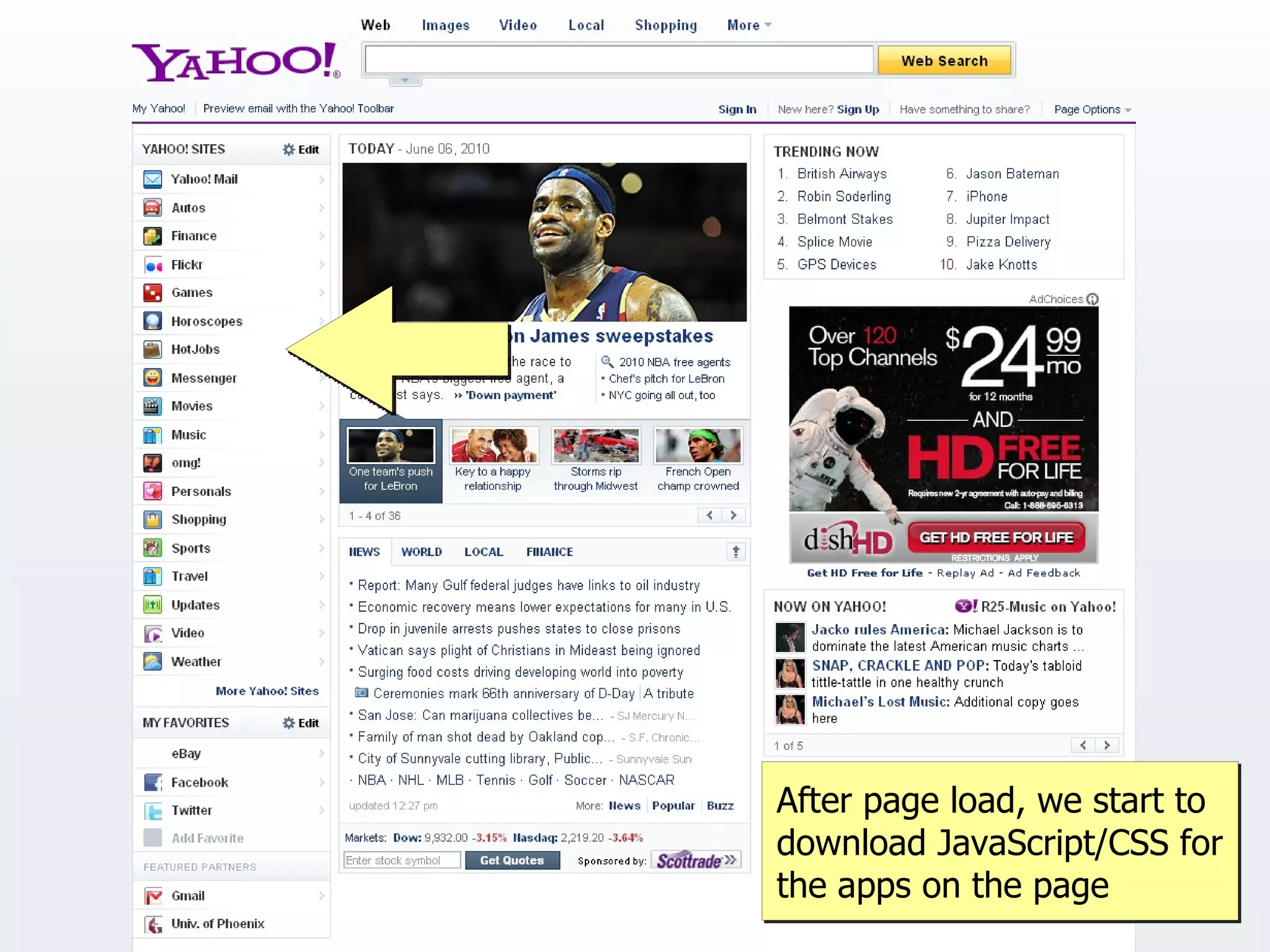
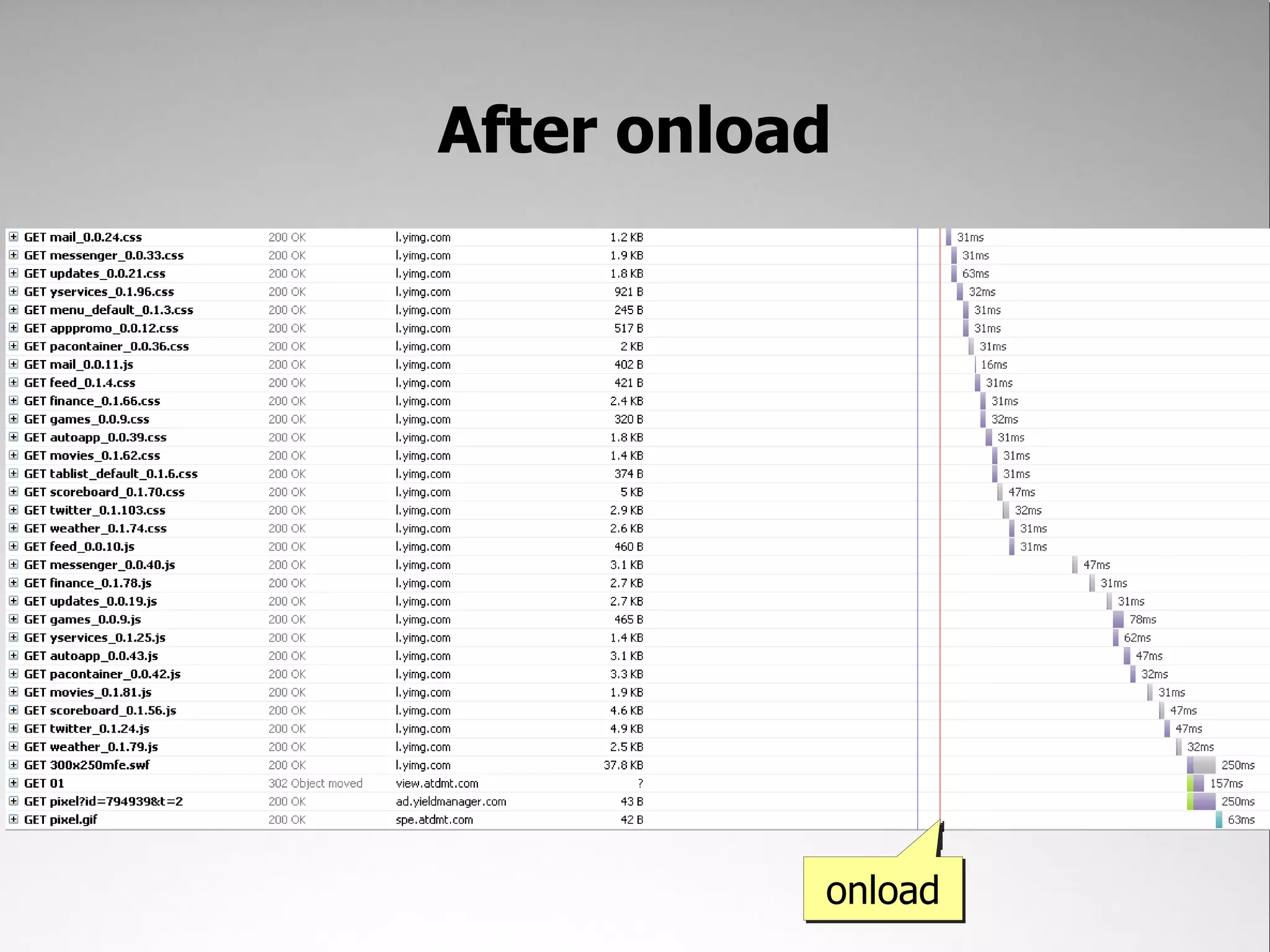
After page load, we start to
download JavaScript/CSS for
the apps on the page
After onload


           onload
Fixing Render Time
WTF is taking so (*&#$Q@! long?!?!?
Actually, render time was okay
Results
Areas of Focus
• Time to interactivity
• Ajax Responsiveness
• Perceived performance


                          flickr.com/photos/hape_gera/2123257808/
Don't underestimate the power
        of perception
Initially, the new page was
actually slower to load than the
             previous
    To be expected – a lot more JavaScript and CSS
Blank space is bad
Makes it seem like nothing is happening
Adjusting Perception
• Frequent page flushing
   – Progressive rendering avoids a lot of blank
     space
• JavaScript at the bottom
   – Ensure it doesn't block rendering
• Lazy load JavaScript
   – Decrease time to interactivity
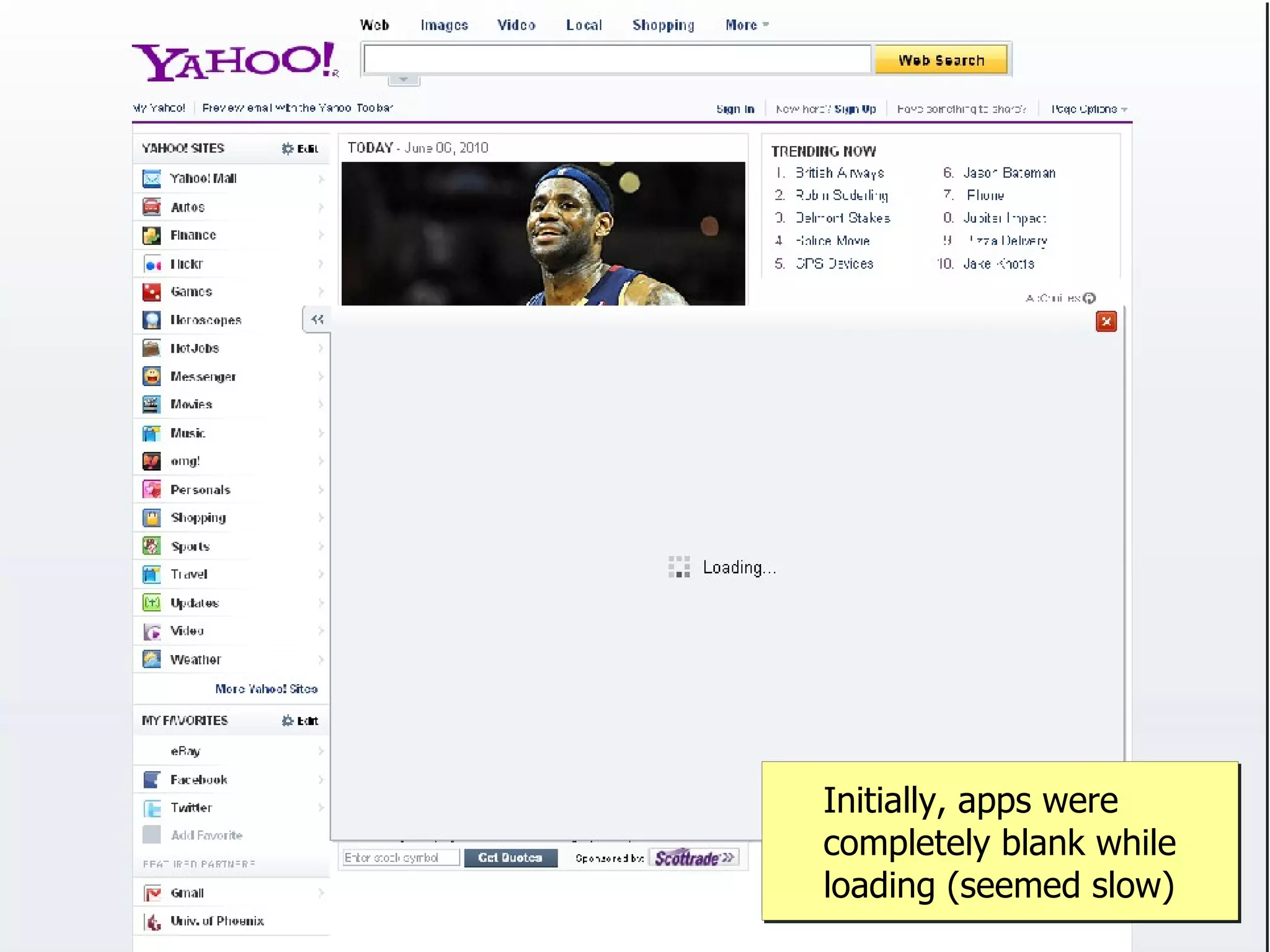
Initially, apps were
completely blank while
loading (seemed slow)
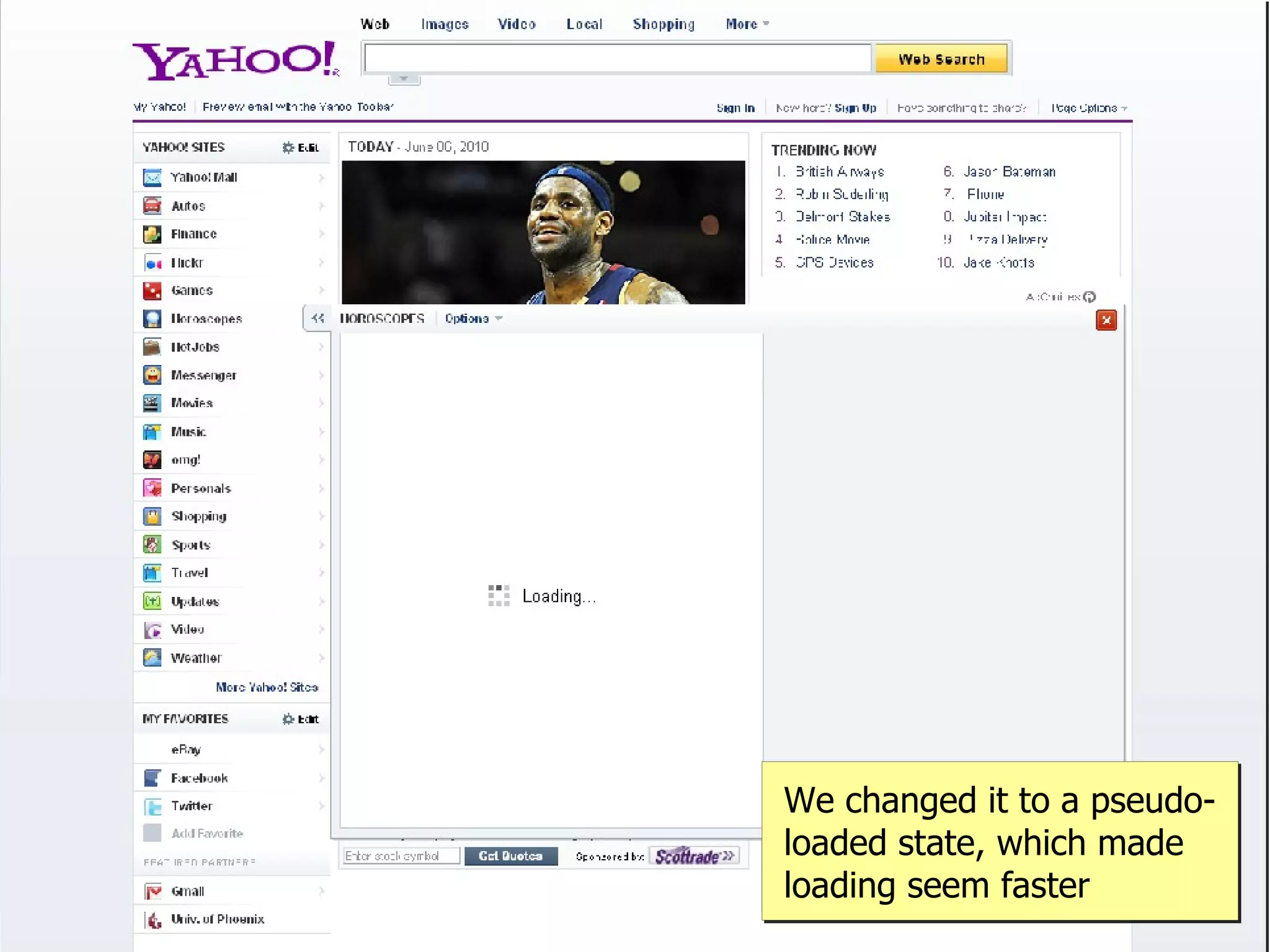
We changed it to a pseudo-
loaded state, which made
loading seem faster
In the end, user testing showed
  that perceived performance of
the new page was the same as on
           the old page
Wrap Up
Lessons Learned
• Time to interactivity is a big deal
• Progressive enhancement creates a better
  experience
   – Allows for delayed load of JavaScript
• Load as much JavaScript as possible in a non-
  blocking manner
• Ajax performance is a macro measurement
   – Get more insight by looking at the parts
• Perceived performance is important
Achievements
      • Reduced time to onload from ~5s to ~2.5s
         – Actually better than previous version
      • Very short time to interactivity
      • Reduced time to open apps from ~7s to ~2s
      • Maintained perception of speed from previous
        version


flickr.com/photos/ficken/1813744832/
Questions?
Etcetera
• My blog:    www.nczonline.net
• My email:   nzakas@yahoo-inc.com
• Twitter:    @slicknet

Building performance into the new yahoo homepage presentation

  • 1.
    flickr.com/photos/eyesplash/4268550236/ Performance on the Yahoo! Homepage Nicholas C. Zakas Principal Front End Engineer, Yahoo! Velocity, June 24 2010
  • 3.
  • 4.
  • 5.
  • 6.
    The Challenge: Create anew Yahoo! homepage* *add a ton of new functionality **without sacrificing performance
  • 7.
    By the Numbers 345 110 million million unique users per month unique users per month worldwide in United States (no pressure)
  • 8.
  • 9.
  • 10.
  • 11.
  • 12.
  • 13.
  • 14.
  • 15.
  • 16.
    flickr.com/photos/yodelanecdotal/3620023763/ We strapped ourselvesin, believing we could make the fastest Yahoo! homepage yet
  • 17.
    Performance is hard Thebest features for users aren't always the fastest flickr.com/photos/thetruthabout/2831498922/
  • 18.
    Content Optimization Engine determineswhich stories to display at request time
  • 19.
    Sites can becompletely customized by the user
  • 20.
    Popular search topicsare determined at request time to display up-to-date info
  • 21.
    Random information about otherparts of the Yahoo! network
  • 22.
    Apps provide moreinfo on-demand
  • 23.
    The Cost ofCustomization • Spriting is difficult – Hard to know which images will be on the page together • Limited image caching – With content constantly changing, getting images into cache doesn't help much • A lot more JavaScript/CSS – And very different, depending on how the user has customized the page
  • 24.
    flickr.com/photos/thetorpedodog/458336570/ Performance reboot Many of the optimizations made on the previous homepage won't work
  • 25.
    Coming to peacewith reality We can't optimize everything – so let's just focus on the parts we can flickr.com/photos/hape_gera/2123257808/
  • 26.
    Areas of Focus •Time to interactivity • Ajax Responsiveness • Perceived performance flickr.com/photos/hape_gera/2123257808/
  • 27.
    The time tointeractivity is the time between the initial page request and when the user can complete an action
  • 28.
    Time to Interactivity •For most pages, happens between DOMContentLoaded and onload – Can actually happen earlier • Links work, forms can be submitted even while the page is loading – As long as JavaScript isn't running • Difficult to measure
  • 29.
    Net tab revealssome information Where DOMContentLoaded and onload occur
  • 30.
    YSlow reports onloadtime Useful, but doesn't really determine time to interactivity
  • 31.
  • 32.
    Simple User Actions •Clicking a headline to read the story • Performing a search • Clicking on a favorite Wait a second! You don't need JavaScript for any of that! flickr.com/photos/marcoarment/2035853550/
  • 33.
    alistapart.com/articles/understandingprogressiveenhancement Progressive Enhancement FTW! The more tasks that don't require JavaScript, the faster the user can complete an action
  • 34.
    The page isvery functional even without JavaScript
  • 35.
    Not relying onJavaScript for everything allows us an opportunity to deliver what appears to be a faster experience
  • 36.
    JavaScript Loading onto thepage without pain
  • 37.
    Traditional thinking wasput scripts at the bottom
  • 38.
    <html> <head> <!-- head contents --> </head> <body> <!-- body contents --> <script type="text/javascript" src="yourfile.js"> </script> <script type="text/javascript" src="yourfile2.js"> </script> </body> </html>
  • 39.
    flickr.com/photos/kartik_m/2724121901/ Our results were upsetting Putting scripts at the bottom actually caused other problems
  • 40.
    flickr.com/photos/kartik_m/2724121901/ Results • Page would fully render, but be frozen – User can't interact while JavaScript is being fetched/parsed/executed • Delayed onload to after 5s on fast connection • Time to interactivity tied to onload • Experience was especially bad over slower connections – Page was unresponsive for 30s or more
  • 41.
  • 42.
  • 43.
  • 44.
    function loadScript(url, callback){ var script = document.createElement("script") script.type = "text/javascript"; if (script.readyState){ //IE script.onreadystatechange = function(){ if (script.readyState == "loaded" || script.readyState == "complete"){ script.onreadystatechange = null; callback(); } }; } else { //Others script.onload = function(){ callback(); }; Dynamically loaded scripts } don't block page load script.src = url; document.getElementsByTagName("head")[0].appendChild(script); }
  • 45.
    <html> <head> <!-- head contents --> </head> <body> <!-- body contents --> <script type="text/javascript" src="smallfile.js"> </script> <script type="text/javascript"> loadScript(filename, function(){ //initialization }); </script> </body> </html>
  • 46.
    Y.Get.script(YUI.presentation.lazyScriptList, { onSuccess: function() { Y.use("*"); Y.ModulePlatform.init(Y.dali.config, true); }});
  • 47.
    First script file Everything else
  • 48.
    flickr.com/photos/nateandmiranda/2625399653/ Results • Page is interactive as soon as each section is rendered • Reduced onload time to ~2.5s on fast connections • Slow connection experience vastly improved
  • 49.
    JavaScript Loads • Smallamount on page load • Larger amount loaded in non-blocking manner – Everything necessary for core JavaScript interactivity • Ajax responses can specify more JavaScript is needed to handle the response – True, on-demand loading
  • 50.
    Page Flushing Getting dataout to the browser fast
  • 51.
    Traditional thinking isto flush after <head>
  • 52.
    Flushing after <head>ensures CSS starts to download as quickly as possible But the user still sees a blank screen until the rest of the HTML is rendered to the browser Solution: flush after major sections of the page have been output flickr.com/photos/conskeptical/354951028/
  • 53.
    <div class="doc"> <div class="hd"> </div> <!-- flushing here does nothing --> <div class=”bd”> </div> </div> The browser won't render a block-level element inside of <body> until the closing tag has been received
  • 54.
    <div class="hd"> </div> <!-- flushinghere causes the head to render --> <div class=”bd”> </div> Removing page-level wrapper <div> allows the head to render as quickly as possible
  • 55.
  • 59.
    (Actually, we flusha bunch of times as the page is output) Even when the browser can't render yet, it can still start to download other resources such as images
  • 60.
    Areas of Focus •Time to interactivity • Ajax Responsiveness • Perceived performance flickr.com/photos/hape_gera/2123257808/
  • 61.
    The biggest areaof concern regarding Ajax performance was around the apps. For our very first test, it sometimes took as long as 7 seconds to load a single app.
  • 62.
    start stop What exactly is taking 7 seconds? The measurement itself was a huge black box – before doing anything, we had to figure out exactly what was happening in that time
  • 63.
    roundtrip start stop Roundtrip Time The first step is the amount of time between when the browser sends the request and the time it receives the response
  • 64.
    roundtrip parse start stop Parse Time Next, the JSON response returned from the server has to be parsed
  • 65.
    roundtrip parse download start stop JavaScript/CSS Download Time Each response can indicate it needs more JavaScript/CSS before the content can be used
  • 66.
    roundtrip parse download render start stop Render Time The amount of time it takes to actually change the display via innerHTML
  • 67.
  • 68.
    Fixing Roundtrip Time What's taking so damn long?
  • 69.
    The right-side adswere a roundtrip issue The server-side ad call took extra time plus the ad markup represented 50-60% of the returned markup
  • 70.
    “Fixing” the ad Entireright column now renders in an iframe. This defers the ad call until after the app has been loaded in the browser, saving both server time for app rendering and bytes in the response.
  • 71.
    Fixing Parse Time What's taking so freakin' long??
  • 73.
    { "msg": "Hello world!", "day": 6, "found": true, } JSON is super-efficient for transporting numbers, Booleans, simple strings, objects, and arrays
  • 74.
    { "html":"<div id="default-p_26583360" class="mod view_default"> <div id="default-p_26583360-bd" class="bd type_pacontainer type_pacontainer_default"><div class=" pa-app-col1 y-pa-ln-open-dk "><div class="hd pa-app-hd"><h2 class="x-large"><a href="_ylt=ArPtckll5ytFOZy32_Tg07qbvZx4/SIG=10u61l0b2/**http %3A//finance.yahoo.com/">Finance</a></h2> t<div class="pa- menu-options">n tt<a role="button" class="pa-menu-optionsbtn small pa-app-header" href="#" data- b="_ylt=AhzOmRGiUKjiPuGRaW8LrGabvZx4">Options<span class="y-fp-pg- controls arrow"></span></a>ntttt<ul id="p_26583360-settings-menu" class="y-menu medium">ntttttnttttt<li><a href="_ylt=AtqN.M70D5mHiPrcLvHF9vibvZx4/SIG=1254msah3/**http %3A//help.yahoo.com/l/us/yahoo/homepage/homepage/myapps/stocks" class="y-link-1 help-option"><span class="y-fp-pg- controls"></span>Help</a></li>ntttttnttt </ul>ntt </div></div><div id="default-u_93109" class="mod view_default"> <div id="default-u_93109-bd" class="bd type_finance type_finance_default"> <div class="finance-nav clearfix">n <a href="_ylt=AvKZuIwh_mvmWInFE6c7Zc.bvZx4/SIG=10u61l0b2/**http %3A//finance.yahoo.com/" class="small text-color goto-link"><span class="goto">Go to:</span> <span class="property"><img src="http://d.yimg.com/a/i/ww/met/mod/ybang_22_061509.png" alt="Finance"> Finance</span></a>n <ul class="y-tablist med-small" id="u_93109-tabs"> <li class="selected"><a href="#" data- b="_ylt=AhW8HKKgyZxBNcux07hCVxGbvZx4">Overview</a></li> <li class=""><a href="#" data-b="_ylt=AuEzZyDTq.4N_vTGBXpu2VubvZx4">My Portfolios</a></li> </ul>n </div>n <div class="y-tabpanels y-tp- default">n <div class="tabpanel selected">n <div class="menu menu- empty y-glbl-mod-grad"></div>n <div class="market-overview">n <div class="holder">n <p class="x-small date text-color">Sat, Jun 12, 2010 Very inefficient for large HTML strings 10:10am PDT</p>n <table class="index-update">n class="med-large">n textindent">&nbsp;</td>n" <tbody>n <td class="hide-contents hide- <tr } Escapement adds a lot of extra bytes
  • 75.
    The larger theJSON string, the longer it took to parse Keep in mind there was no native browser JSON parsing when we began testing the new page The regular expression validation in the YUI JSON utility (based on json2.js) could take up to 40% of the parse time
  • 76.
    Shrinking the sizeof the HTML by deferring the ad helped But we still wanted to see if we could eek out better gains
  • 77.
    [{ "msg": "Hello world!", "day": 6, "found": true, }] ===== <div class="foo"><a href="http://www.yahoo.com">Yahoo! </a></div> We experimented with an alternate response format where meta data was in JSON form but HTML was included afterward in plain text
  • 78.
    flickr.com/photos/mattymatt/3017263513/ Results were good But then native JSON parsing hit and a lot of problems went away
  • 79.
    Fixing Download Time What's taking so (*&#$Q@! long???
  • 80.
    On-demand JavaScript/CSS downloading hurt app loading time Intended to decrease page load time, and did – but left us with this side effect
  • 81.
    Waiting until theuser takes an action ensures paying the cost of download What if you knew which apps the user was going to use? Solution: predictive fetch of JavaScript/CSS before you need it flickr.com/photos/mcgraths/3248483447/
  • 82.
    After page load,we start to download JavaScript/CSS for the apps on the page
  • 83.
  • 84.
    Fixing Render Time WTFis taking so (*&#$Q@! long?!?!?
  • 85.
  • 86.
  • 87.
    Areas of Focus •Time to interactivity • Ajax Responsiveness • Perceived performance flickr.com/photos/hape_gera/2123257808/
  • 88.
    Don't underestimate thepower of perception
  • 89.
    Initially, the newpage was actually slower to load than the previous To be expected – a lot more JavaScript and CSS
  • 90.
    Blank space isbad Makes it seem like nothing is happening
  • 91.
    Adjusting Perception • Frequentpage flushing – Progressive rendering avoids a lot of blank space • JavaScript at the bottom – Ensure it doesn't block rendering • Lazy load JavaScript – Decrease time to interactivity
  • 92.
    Initially, apps were completelyblank while loading (seemed slow)
  • 93.
    We changed itto a pseudo- loaded state, which made loading seem faster
  • 94.
    In the end,user testing showed that perceived performance of the new page was the same as on the old page
  • 95.
  • 96.
    Lessons Learned • Timeto interactivity is a big deal • Progressive enhancement creates a better experience – Allows for delayed load of JavaScript • Load as much JavaScript as possible in a non- blocking manner • Ajax performance is a macro measurement – Get more insight by looking at the parts • Perceived performance is important
  • 97.
    Achievements • Reduced time to onload from ~5s to ~2.5s – Actually better than previous version • Very short time to interactivity • Reduced time to open apps from ~7s to ~2s • Maintained perception of speed from previous version flickr.com/photos/ficken/1813744832/
  • 98.
  • 99.
    Etcetera • My blog: www.nczonline.net • My email: nzakas@yahoo-inc.com • Twitter: @slicknet