Building ifeedback Jose Gomez Sandro Turriate
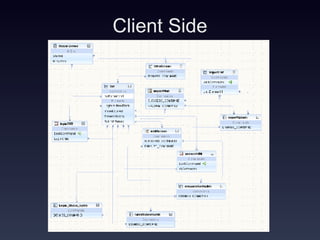
Client Side
Login Problems: The major problem was tokenizing the values returned by the server Ease: With flow designer we made the interaction between forms very easy
Login Steps If athenticated the server sends a token and the classes the user is registered for tokenized by a pipe( | ). When received they are de-tokenized and stored in memory. This updates the old token if one exists or insert a new one. This updates the old classes if they exist or inserts new ones.
Answer Survey Problems: How to dynamically generate a choiceGroup object. This was resolved by commenting out the code generated by the IDE and creating our own from scratch. We dynamically allocate the type of choiceGroup and the amount of answers in it. By reading from the record store one question at a time. How to determine if a question has been answered. We did not resolve this problem simply if you don’t finish answering a survey. Only the answered questions are stored in the RecordStore. Ease: Sending the answers to the server was easy just readfrom the recordStore and send as an argument.
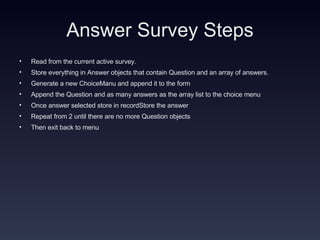
Answer Survey Steps Read from the current active survey. Store everything in Answer objects that contain Question and an array of answers. Generate a new ChoiceManu and append it to the form Append the Question and as many answers as the array list to the choice menu Once answer selected store in recordStore the answer  Repeat from 2 until there are no more Question objects Then exit back to menu
Server Side Problems: normalized database, 9 tables in all dynamically creating xml from db Ease: leveraging the django web development framework
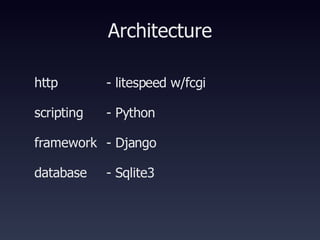
Architecture http scripting framework database - litespeed w/fcgi - Python - Django - Sqlite3
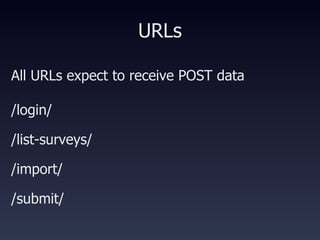
URLs All URLs expect to receive POST data  /login/  /list-surveys/ /import/ /submit/
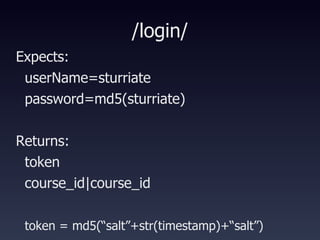
/login/ Expects:  userName=sturriate password=md5(sturriate)‏ Returns: token course_id|course_id token = md5(“salt”+str(timestamp)+“salt”)
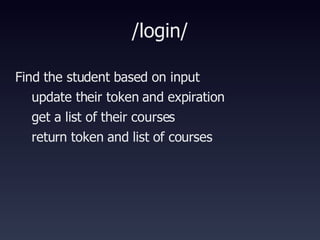
/login/ Find the student based on input update their token and expiration get a list of their courses return token and list of courses
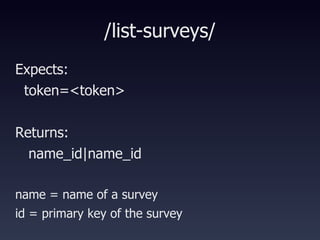
/list-surveys/ Expects:  token=<token> Returns: name_id|name_id name = name of a survey id = primary key of the survey
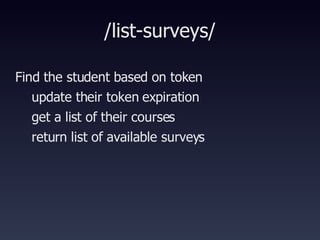
/list-surveys/ Find the student based on token update their token expiration get a list of their courses return list of available surveys
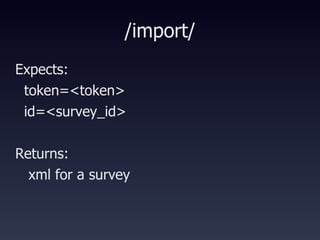
/import/ Expects:  token=<token> id=<survey_id> Returns: xml for a survey
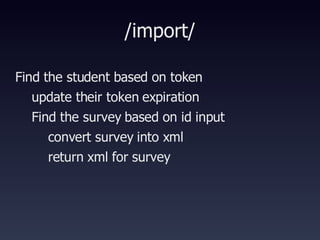
/import/ Find the student based on token update their token expiration Find the survey based on id input convert survey into xml return xml for survey
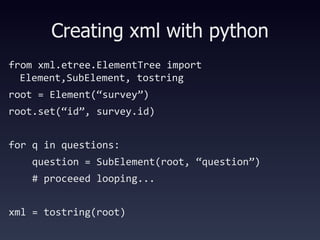
Creating xml with python from xml.etree.ElementTree import Element,SubElement, tostring root = Element(“survey”)‏ root.set(“id”, survey.id)‏ for q in questions: question = SubElement(root, “question”)‏ # proceeed looping... xml = tostring(root)‏
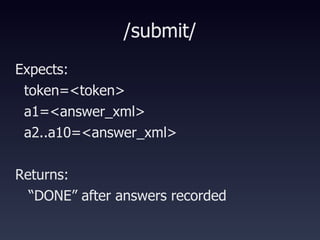
/submit/ Expects:  token=<token> a1=<answer_xml> a2..a10=<answer_xml> Returns: “ DONE” after answers recorded
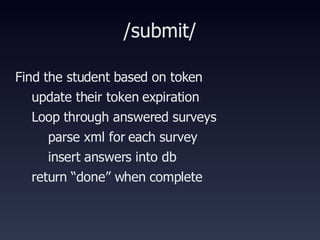
/submit/ Find the student based on token update their token expiration Loop through answered surveys parse xml for each survey insert answers into db return “done” when complete
Questions Thanks! Jose Gomez Sandro Turriate

Building Ifeedback

  • 1.
    Building ifeedback JoseGomez Sandro Turriate
  • 2.
  • 3.
    Login Problems: Themajor problem was tokenizing the values returned by the server Ease: With flow designer we made the interaction between forms very easy
  • 4.
    Login Steps Ifathenticated the server sends a token and the classes the user is registered for tokenized by a pipe( | ). When received they are de-tokenized and stored in memory. This updates the old token if one exists or insert a new one. This updates the old classes if they exist or inserts new ones.
  • 5.
    Answer Survey Problems:How to dynamically generate a choiceGroup object. This was resolved by commenting out the code generated by the IDE and creating our own from scratch. We dynamically allocate the type of choiceGroup and the amount of answers in it. By reading from the record store one question at a time. How to determine if a question has been answered. We did not resolve this problem simply if you don’t finish answering a survey. Only the answered questions are stored in the RecordStore. Ease: Sending the answers to the server was easy just readfrom the recordStore and send as an argument.
  • 6.
    Answer Survey StepsRead from the current active survey. Store everything in Answer objects that contain Question and an array of answers. Generate a new ChoiceManu and append it to the form Append the Question and as many answers as the array list to the choice menu Once answer selected store in recordStore the answer Repeat from 2 until there are no more Question objects Then exit back to menu
  • 7.
    Server Side Problems:normalized database, 9 tables in all dynamically creating xml from db Ease: leveraging the django web development framework
  • 8.
    Architecture http scriptingframework database - litespeed w/fcgi - Python - Django - Sqlite3
  • 9.
    URLs All URLsexpect to receive POST data /login/ /list-surveys/ /import/ /submit/
  • 10.
    /login/ Expects: userName=sturriate password=md5(sturriate)‏ Returns: token course_id|course_id token = md5(“salt”+str(timestamp)+“salt”)
  • 11.
    /login/ Find thestudent based on input update their token and expiration get a list of their courses return token and list of courses
  • 12.
    /list-surveys/ Expects: token=<token> Returns: name_id|name_id name = name of a survey id = primary key of the survey
  • 13.
    /list-surveys/ Find thestudent based on token update their token expiration get a list of their courses return list of available surveys
  • 14.
    /import/ Expects: token=<token> id=<survey_id> Returns: xml for a survey
  • 15.
    /import/ Find thestudent based on token update their token expiration Find the survey based on id input convert survey into xml return xml for survey
  • 16.
    Creating xml withpython from xml.etree.ElementTree import Element,SubElement, tostring root = Element(“survey”)‏ root.set(“id”, survey.id)‏ for q in questions: question = SubElement(root, “question”)‏ # proceeed looping... xml = tostring(root)‏
  • 17.
    /submit/ Expects: token=<token> a1=<answer_xml> a2..a10=<answer_xml> Returns: “ DONE” after answers recorded
  • 18.
    /submit/ Find thestudent based on token update their token expiration Loop through answered surveys parse xml for each survey insert answers into db return “done” when complete
  • 19.
    Questions Thanks! JoseGomez Sandro Turriate