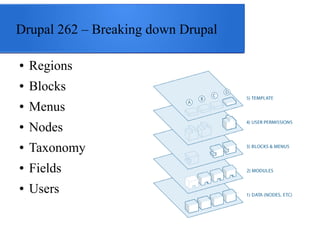
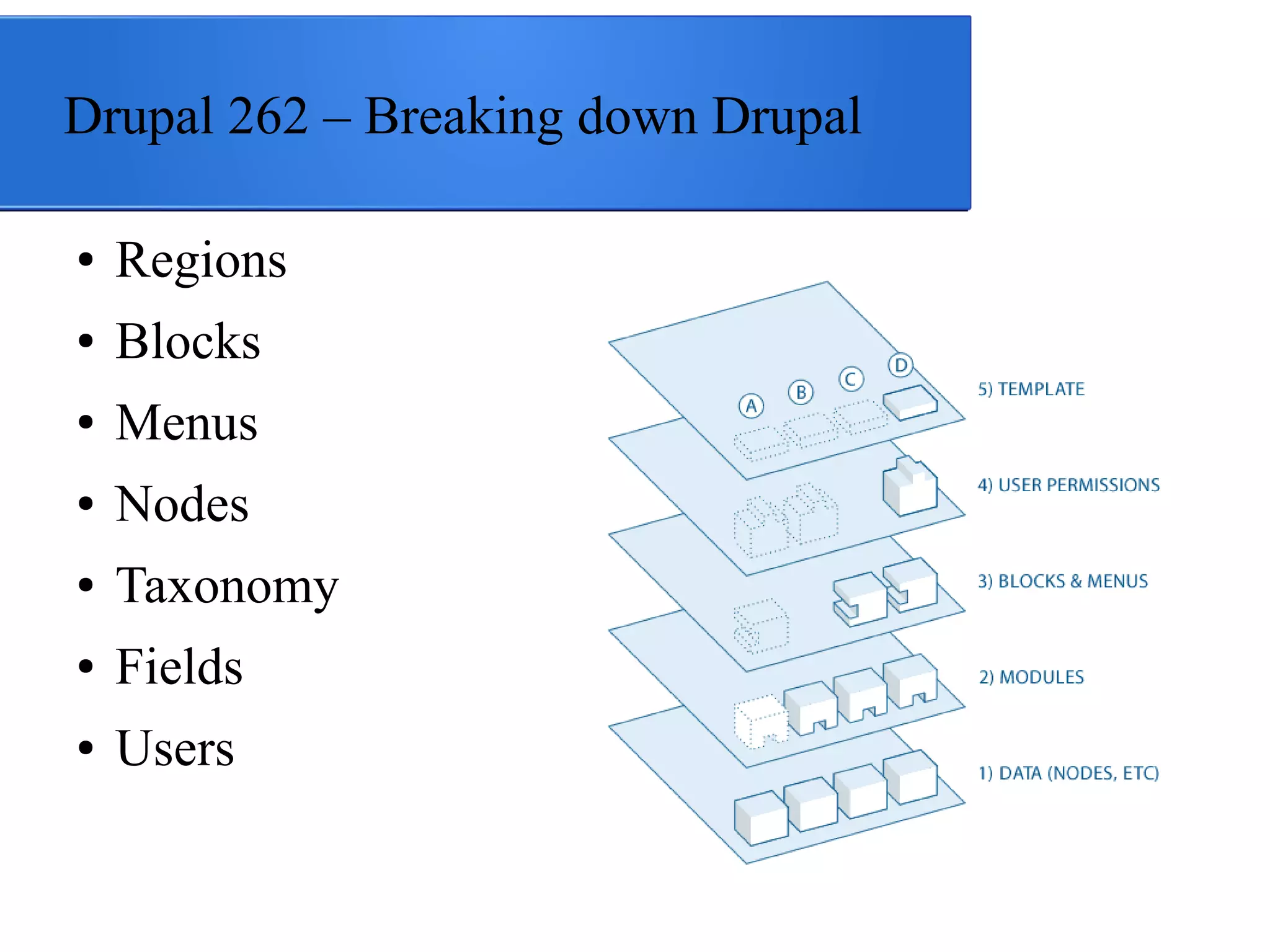
Drupal 262 – Breaking down Drupal
●

Regions

●

Blocks

●

Menus

●

Nodes

●

Taxonomy

●

Fields

●

Users
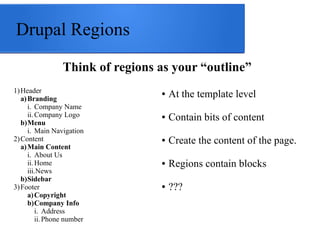
Drupal Regions
Think of regions as your “outline”
1) Header
a) Branding
i. Company Name
ii. Company Logo
b)Menu
i. Main Navigation
2) Content
a) Main Content
i. About Us
ii. Home
iii.News
b)Sidebar
3) Footer
a) Copyright
b)Company Info
i. Address
ii. Phone number

●

At the template level

●

Contain bits of content

●

Create the content of the page.

●

Regions contain blocks

●

???
Using Blocks
●

●

●

●

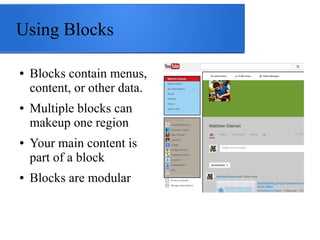
Blocks contain menus,
content, or other data.
Multiple blocks can
makeup one region
Your main content is
part of a block
Blocks are modular
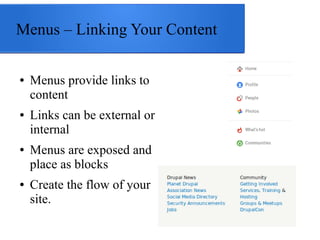
Menus – Linking Your Content
●

●

●

●

Menus provide links to
content
Links can be external or
internal
Menus are exposed and
place as blocks
Create the flow of your
site.
What are nodes?
●

Nodes are like pages

●

Content endpoints for visitors

●

Have paths for access

●

Menus provide access to nodes

●

●

●

Nodes displayed through Drupal's system
page content block
Drupal utilizes “node types” for
customized types of content.
Content types utilize fields to extend the
kind of content provided.

Nodes can be
customized for your
content needs.
Example Types
●

A Basic Page

●

Employee Profile

●

Product
Taxonomy
●

●

●

●

●

Vocabularies make up a
Drupal site's taxonomy.
Similar to the concept of
categories
Contain terms
Taxonomy provides
attributes to nodes
Fields extend vocabularies.

Drupal Commerce
uses terms as product
attributes (ex: clothing
sizes)
Create supplemental
content to go with
nodes.
Fields!
●

Fields provides different types
of data

Types of fields

●

●

Make it easy to create
customize content
Field has formatters for
displaying data
Modules provided fields for
handling different kinds of
data.

Lists

●

●

●

Term references

●

Files

●

Images

●

Text

●

Numbers

●

Email

●

Phone numbers

●

Links
Users
●

Drupal is user account driven

●

Users have roles

●

Permissions control access to parts of Drupal

●

Users can have fields to provide custom data

●

Users are content, too!

You are content to Facebook,
Google, Instagram, Twitter,
Pinterest, and any online service.
Breaking Down Drupal

Questions & Comments!
Breaking Down Drupal

Questions & Comments!

Breaking down Drupal

  • 1.
    Drupal 262 –Breaking down Drupal ● Regions ● Blocks ● Menus ● Nodes ● Taxonomy ● Fields ● Users
  • 2.
    Drupal Regions Think ofregions as your “outline” 1) Header a) Branding i. Company Name ii. Company Logo b)Menu i. Main Navigation 2) Content a) Main Content i. About Us ii. Home iii.News b)Sidebar 3) Footer a) Copyright b)Company Info i. Address ii. Phone number ● At the template level ● Contain bits of content ● Create the content of the page. ● Regions contain blocks ● ???
  • 3.
    Using Blocks ● ● ● ● Blocks containmenus, content, or other data. Multiple blocks can makeup one region Your main content is part of a block Blocks are modular
  • 4.
    Menus – LinkingYour Content ● ● ● ● Menus provide links to content Links can be external or internal Menus are exposed and place as blocks Create the flow of your site.
  • 5.
    What are nodes? ● Nodesare like pages ● Content endpoints for visitors ● Have paths for access ● Menus provide access to nodes ● ● ● Nodes displayed through Drupal's system page content block Drupal utilizes “node types” for customized types of content. Content types utilize fields to extend the kind of content provided. Nodes can be customized for your content needs. Example Types ● A Basic Page ● Employee Profile ● Product
  • 6.
    Taxonomy ● ● ● ● ● Vocabularies make upa Drupal site's taxonomy. Similar to the concept of categories Contain terms Taxonomy provides attributes to nodes Fields extend vocabularies. Drupal Commerce uses terms as product attributes (ex: clothing sizes) Create supplemental content to go with nodes.
  • 7.
    Fields! ● Fields provides differenttypes of data Types of fields ● ● Make it easy to create customize content Field has formatters for displaying data Modules provided fields for handling different kinds of data. Lists ● ● ● Term references ● Files ● Images ● Text ● Numbers ● Email ● Phone numbers ● Links
  • 8.
    Users ● Drupal is useraccount driven ● Users have roles ● Permissions control access to parts of Drupal ● Users can have fields to provide custom data ● Users are content, too! You are content to Facebook, Google, Instagram, Twitter, Pinterest, and any online service.
  • 9.
  • 10.

Editor's Notes