Downloaded 13 times






![How To Stay Sane As An [Angular Developer | Developer | Human]?](https://image.slidesharecdn.com/brandonboswellpresentation-150219075228-conversion-gate02/75/Keeping-Things-Simple-In-A-Growing-AngularJS-App-12-2048.jpg)





![Javascript
angular.module('dorsata')
.controller('pathwayCtrl', [
function(){
$scope.pathway = {};
}
]);
HTML
<input type="html"
ng-model="pathway.title">](https://image.slidesharecdn.com/brandonboswellpresentation-150219075228-conversion-gate02/75/Keeping-Things-Simple-In-A-Growing-AngularJS-App-19-2048.jpg)

![A REALLY SIMPLE DATA OBJECT
angular.module('dorsata')
.factory('currentPathway', [
function(){
return {
"pathway": {}
}
}
]);](https://image.slidesharecdn.com/brandonboswellpresentation-150219075228-conversion-gate02/75/Keeping-Things-Simple-In-A-Growing-AngularJS-App-21-2048.jpg)
![Javascript
angular.module('dorsata')
.controller('pathwayCtrl', [
'currentPathway',
function(currentPathway){ // <--- Inject Object
$scope.currentPathway = currentPathway; // <--- Bind It To Scope
}
]);
HTML
<input type="html"
ng-model="currentPathway.pathway.title">](https://image.slidesharecdn.com/brandonboswellpresentation-150219075228-conversion-gate02/75/Keeping-Things-Simple-In-A-Growing-AngularJS-App-22-2048.jpg)




![angular.module('dorsata')
.controller('pathwayCtrl', [
'currentPathway',
'pathwayRepo',
function(currentPathway, pathwayRepo){
$scope.currentPathway = currentPathway;
// Handling The Event
$scope.save = function(pathway){
//Setting Loading States
$scope.loading = true;
//Calling Service Code
pathwayRepo.save(pathway) // Trigger Analytics, $http.put, Notify Collections Of Change
.finally(function(){
$scope.loading = false;
});
};
}
]);](https://image.slidesharecdn.com/brandonboswellpresentation-150219075228-conversion-gate02/75/Keeping-Things-Simple-In-A-Growing-AngularJS-App-28-2048.jpg)








![Javascript
angular.module('dorsata')
.directive('focusOnLoad', function() {
return function(scope, elem, attr) {
elem[0].focus();
};
});
HTML
<form>
<input type="text"
focus-on-load></input>
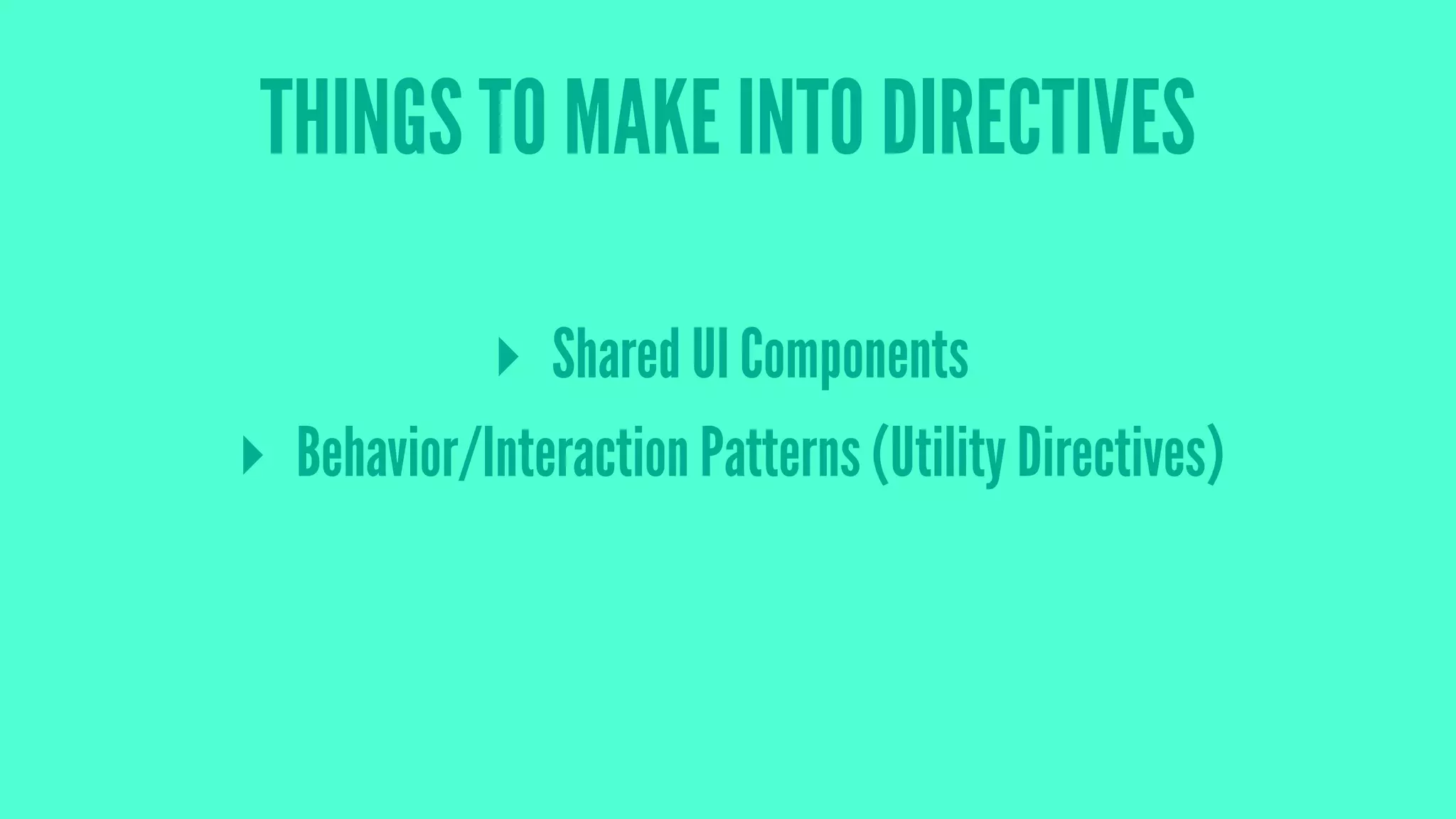
</form>](https://image.slidesharecdn.com/brandonboswellpresentation-150219075228-conversion-gate02/75/Keeping-Things-Simple-In-A-Growing-AngularJS-App-43-2048.jpg)

![AngularJS Production App Checklist:
[ ✓ ] - Error Tracking (Bugsnag)
[ ✓ ] - Continuous Integration (Codeship)
[ ✓ ] - User Analytics (Mixpanel)](https://image.slidesharecdn.com/brandonboswellpresentation-150219075228-conversion-gate02/75/Keeping-Things-Simple-In-A-Growing-AngularJS-App-46-2048.jpg)


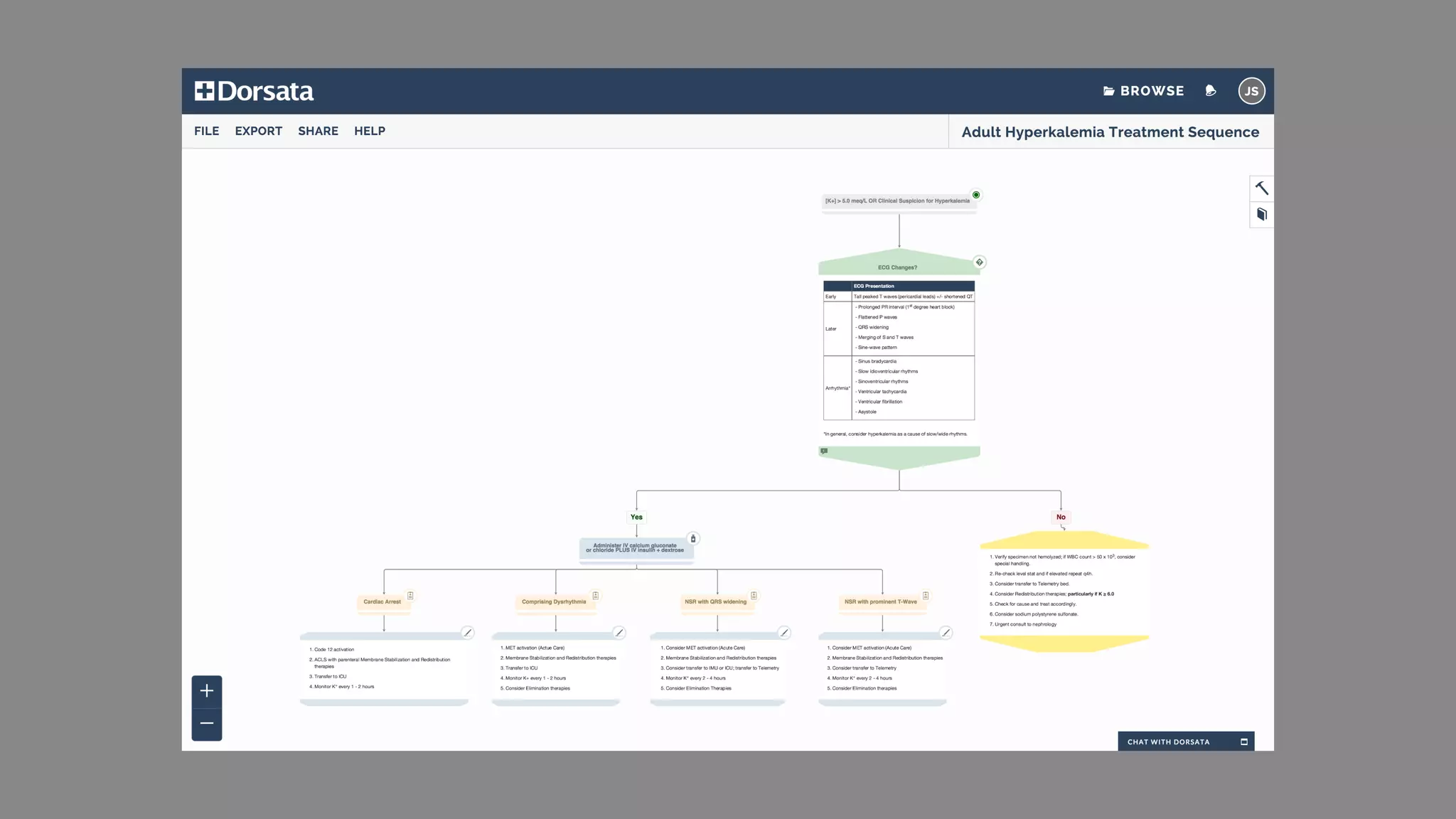
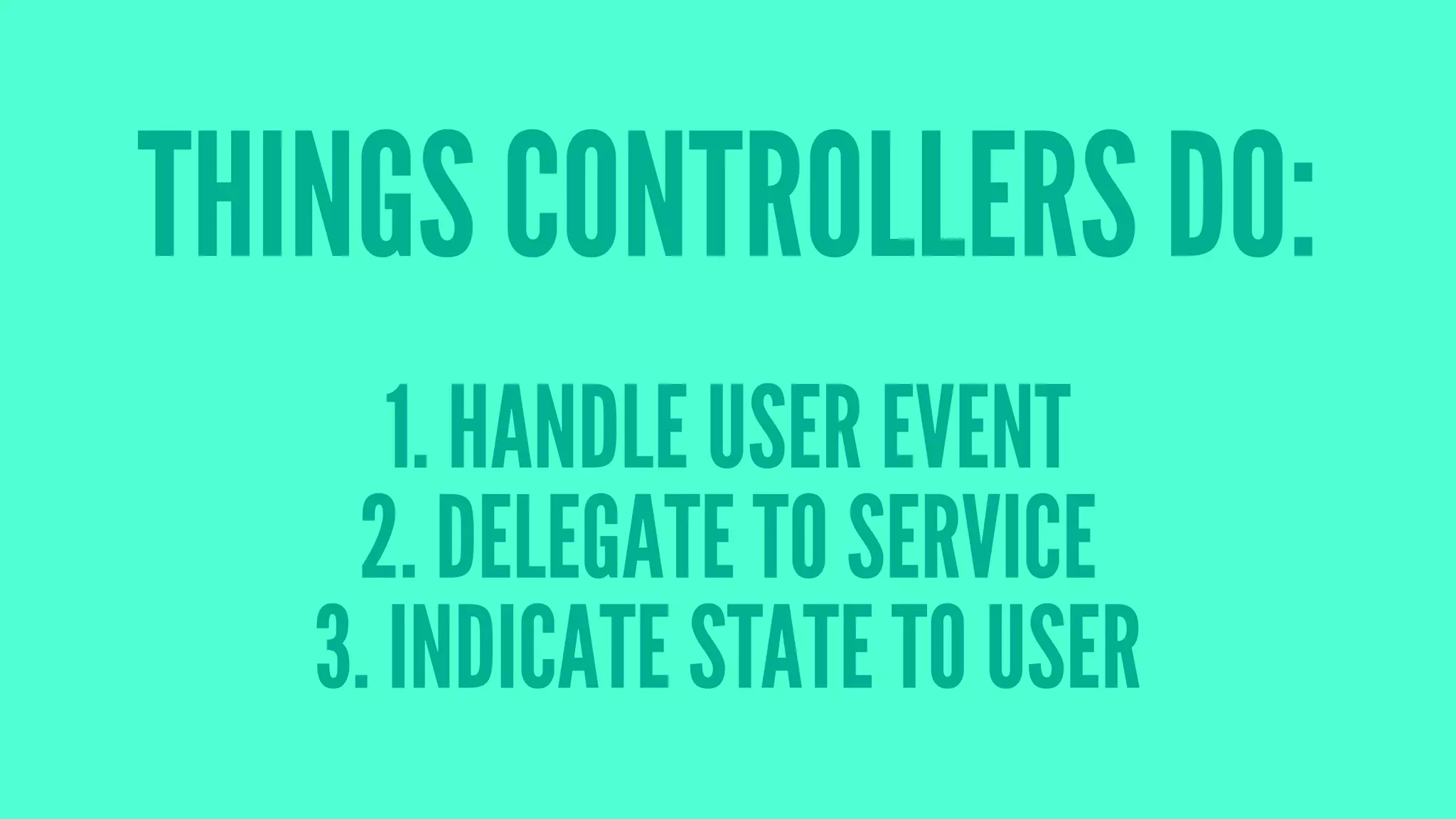
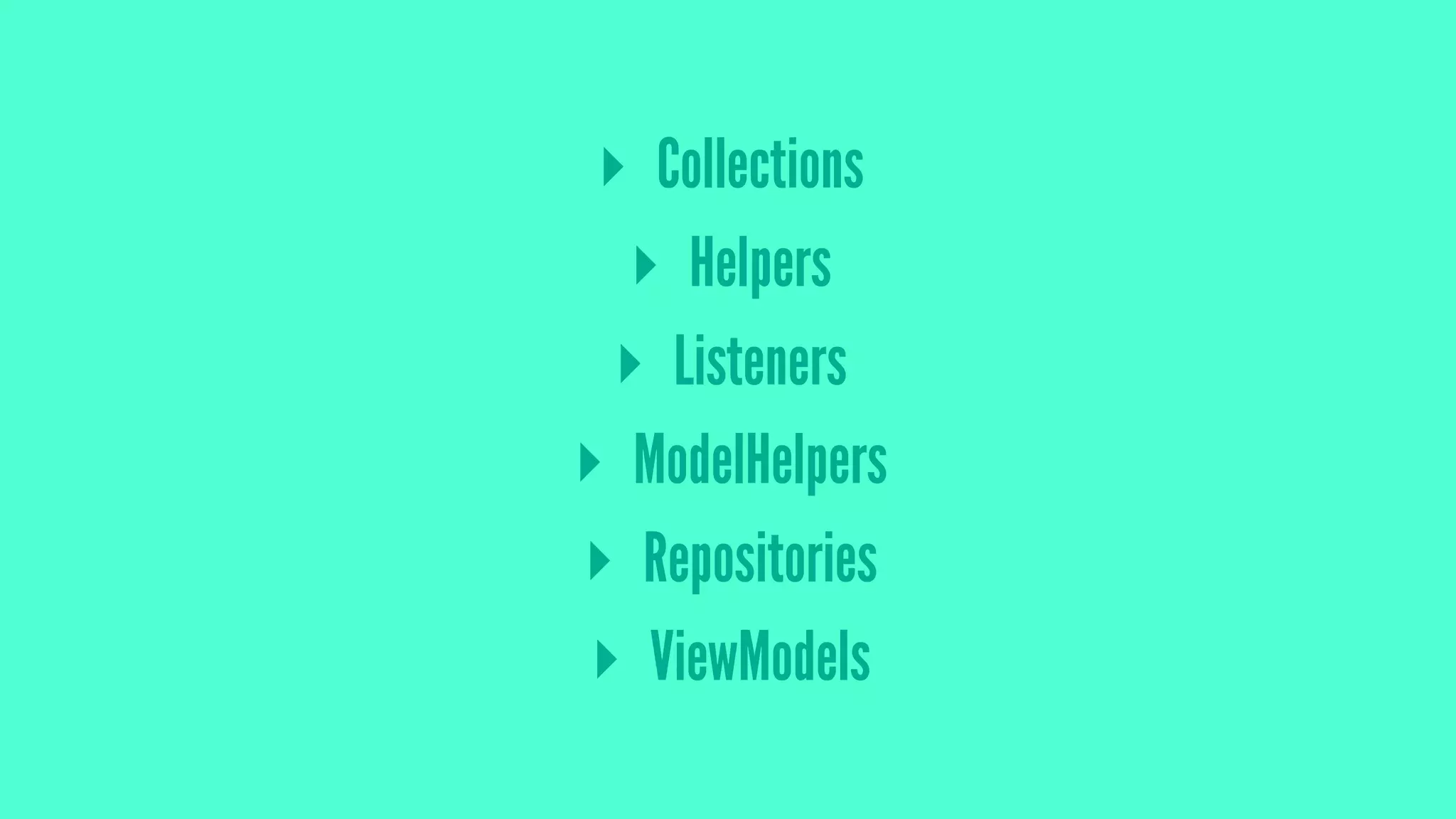
The document provides lessons learned from developing a large AngularJS application, emphasizing the importance of simplicity, effective data management, and iteration in development. It outlines best practices such as keeping controllers simple, leveraging services for business logic, and understanding user needs through iterative design. Additionally, it recommends treating AngularJS code with the same level of care as backend code, including utilizing tools for error tracking and continuous integration.


