







BPC: Do you
have the right
design?
Brian Tyson
The red
flags of
BPC
design
Reports are
hard to write
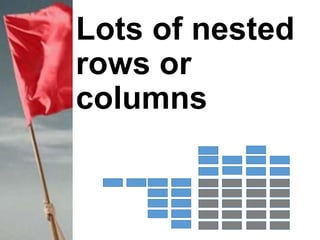
Lots of nested
rows or
columns
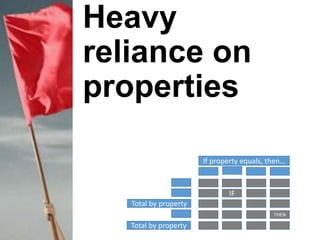
Heavy
reliance on
properties
If property equals, then…
Total by property
IF
THEN
Total by property
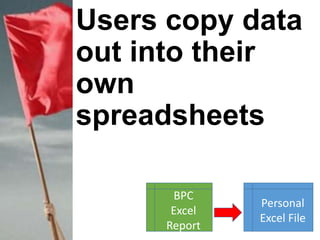
Users copy data
out into their
own
spreadsheets
BPC
Excel
Report
Personal
Excel File
Users
disappointed
with lack of
flexibility
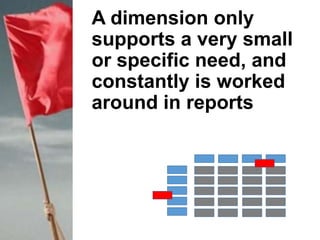
A dimension only
supports a very small
or specific need, and
constantly is worked
around in reports
BPC should not
be where
compromises
are being made
BPC is a solution
by the business
for the business
Goal is to make
the job easier,
not harder
Trying to prevent
Loss of interest
in BPC
Users creating
their own silo
spreadsheets
Project failure
It
doesn’t
work…
Personal
Excel Files
Existing master
data, hierarchies
and properties
might not
represent how
processes are
performed or
data is analyzed
Go outside the
box…
beyond
existing
structures,
hierarchies and
master data
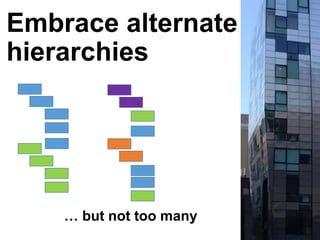
Embrace alternate
hierarchies
… but not too many
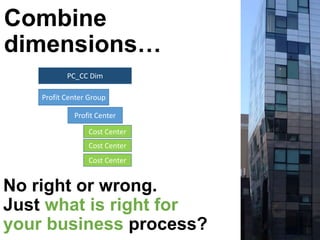
Combine
dimensions…
No right or wrong.
Just what is right for
your business process?
Profit Center Group
Cost Center
Profit Center
Cost Center
Cost Center
PC_CC Dim
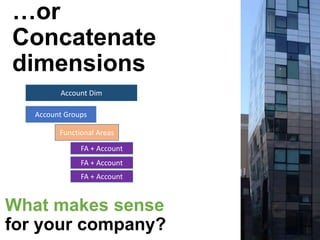
…or
Concatenate
dimensions
What makes sense
for your company?
Account Groups
FA + Account
Functional Areas
FA + Account
FA + Account
Account Dim
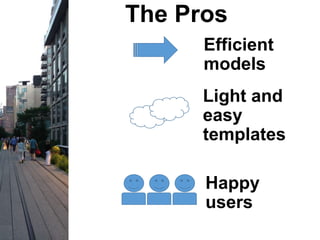
The Pros
Efficient
models
Light and
easy
templates
Happy
users
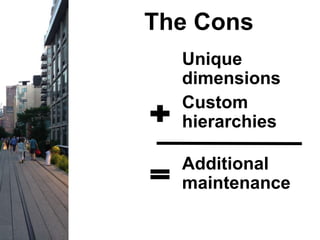
The Cons
Unique
dimensions
Custom
hierarchies
Additional
maintenance
Performance and user
acceptance will always win
over administrative
maintenance
Keep an open mind
when designing your
BPC dimensions and
models
Thanks for
viewing
Brian Tyson
tyson@sandpointc.com

BPC: Do you have the right design?