
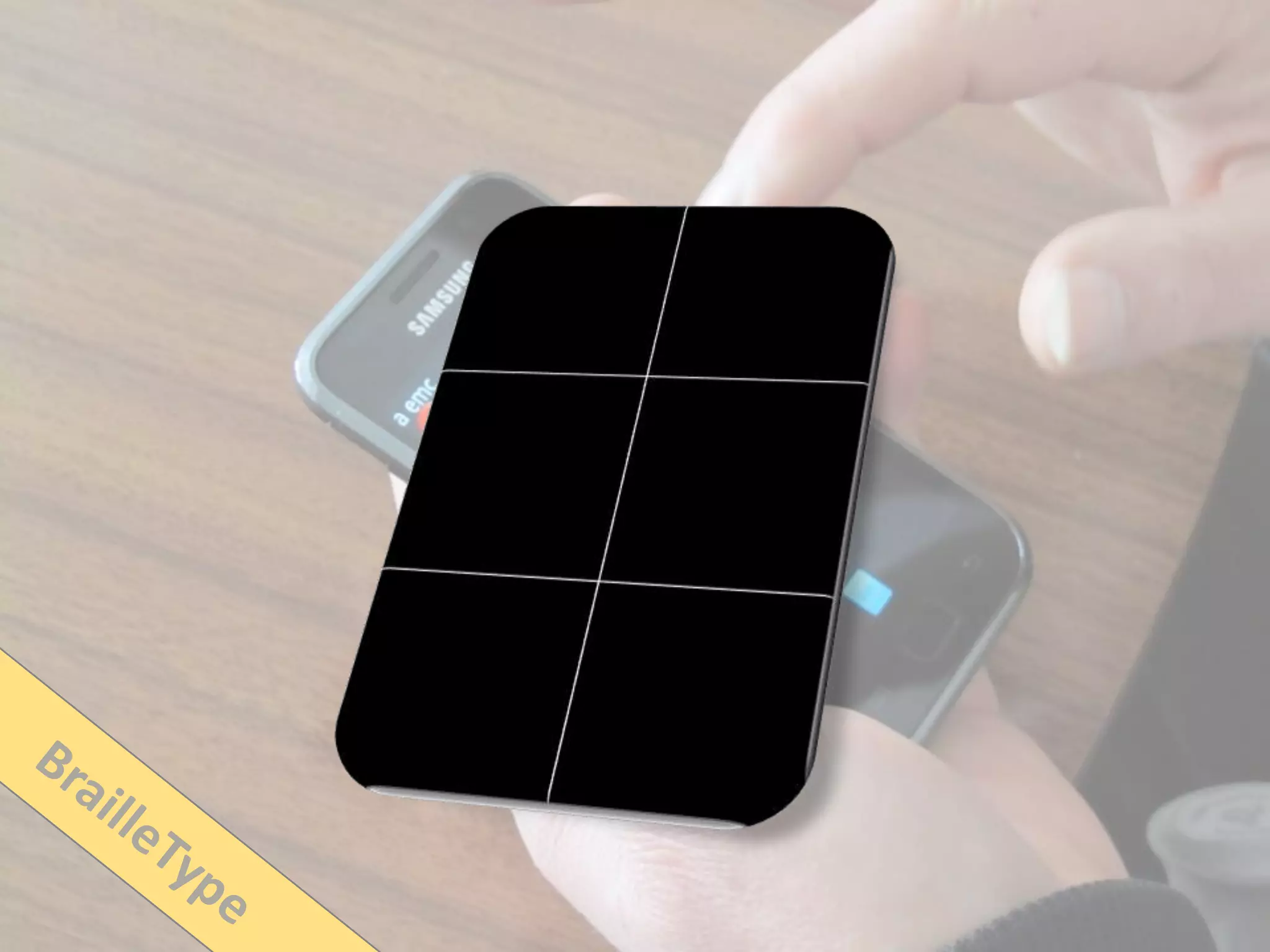
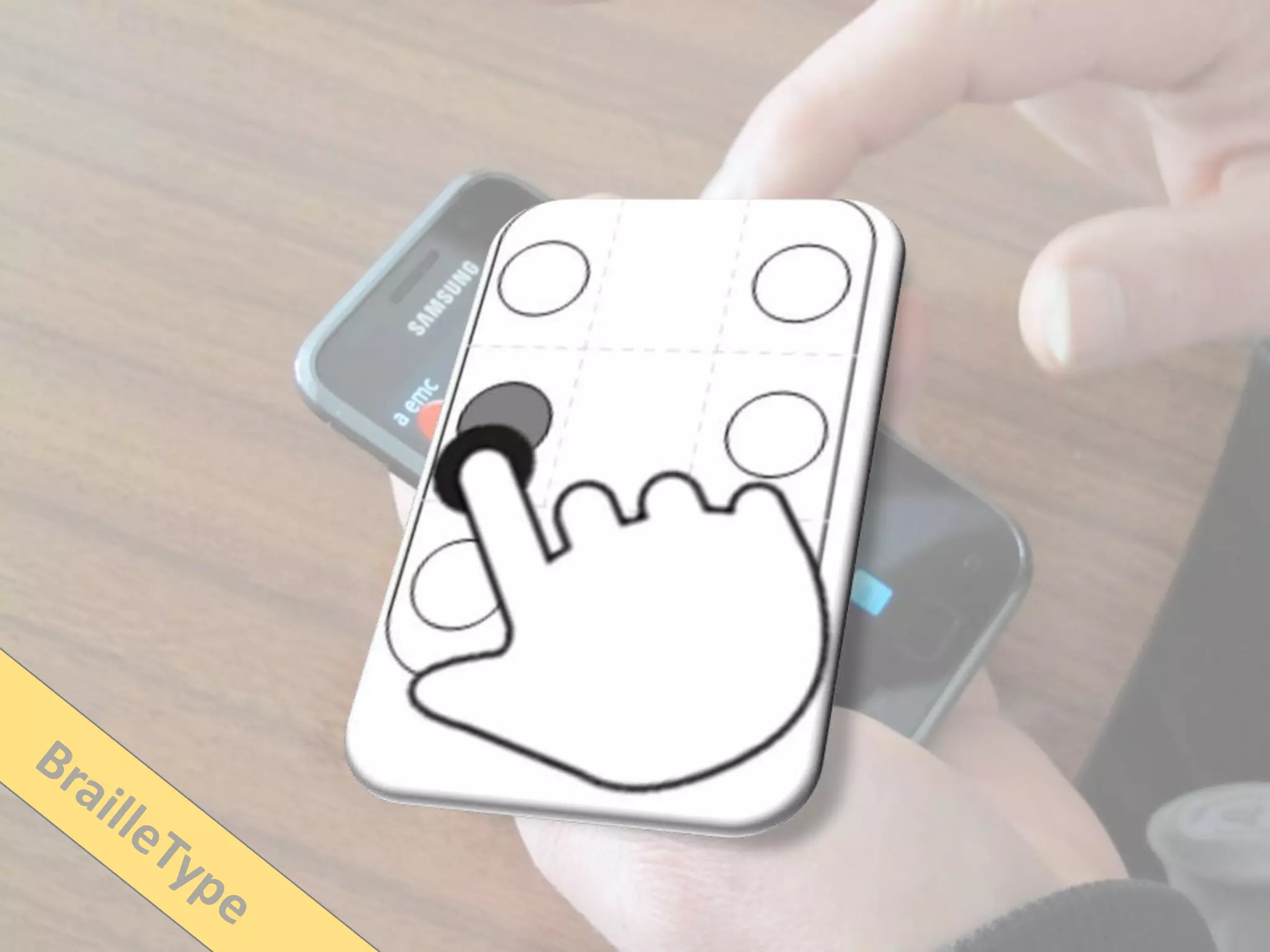



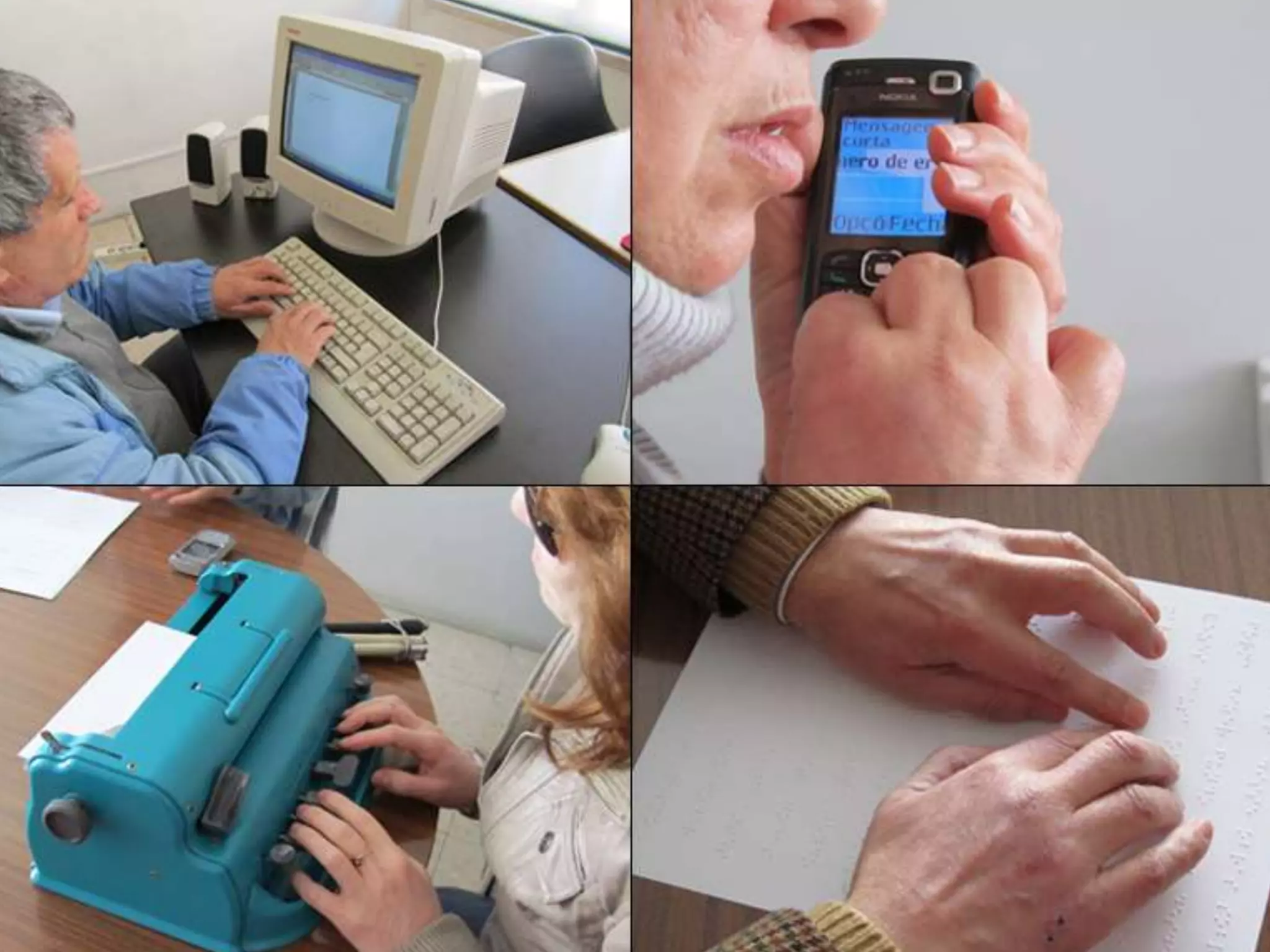
Blind People and Mobile
Touch-based Text-Entry
Acknowledging the Need for Different Flavors


Tiago Guerreiro
tjvg@vimmi.inesc-id.pt
‘‘
 If we cannot now end our
 differences, at least we can help make


                 ’’
 the world safe for diversity

                       — John Fitzgerald Kennedy
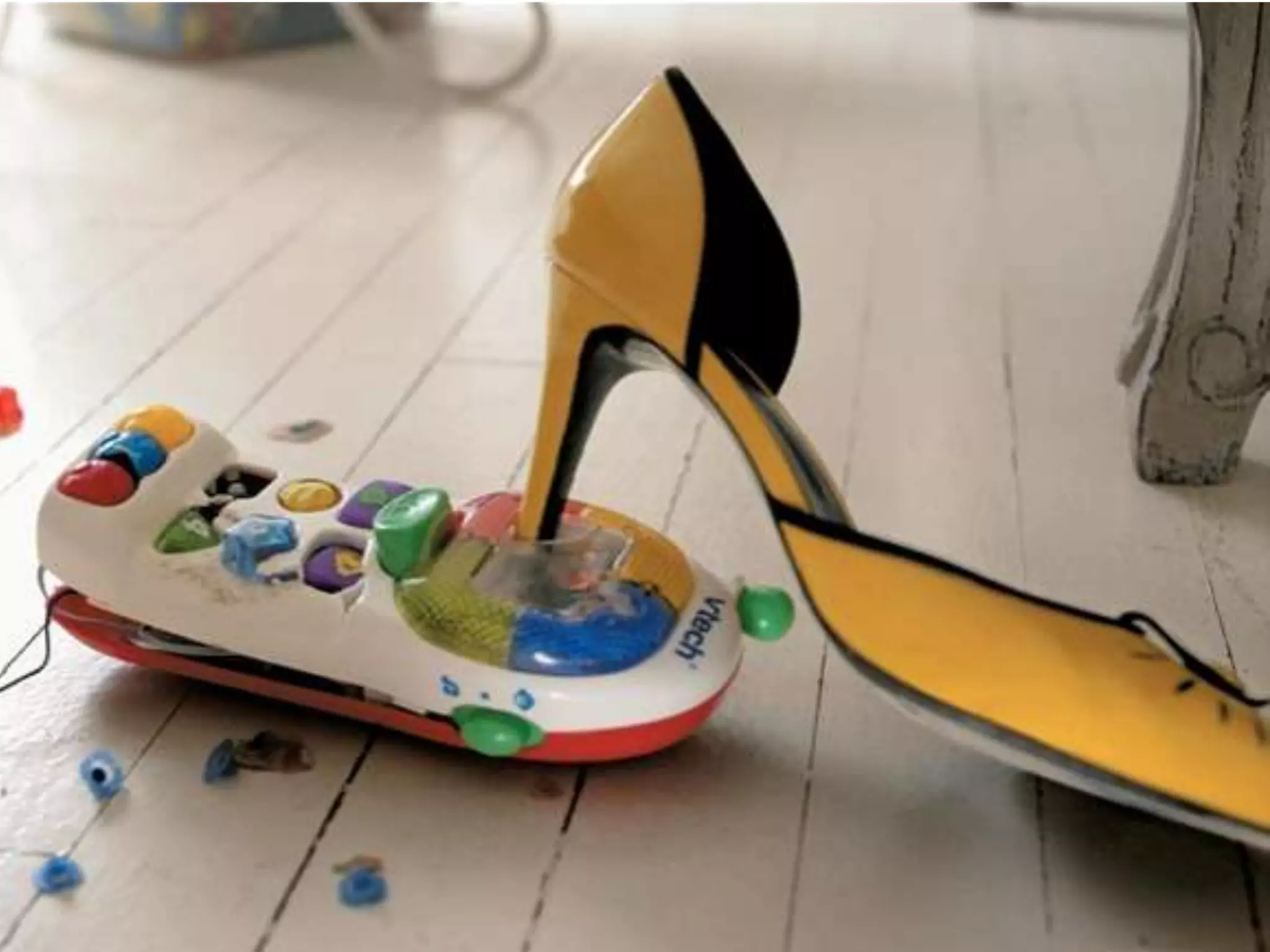
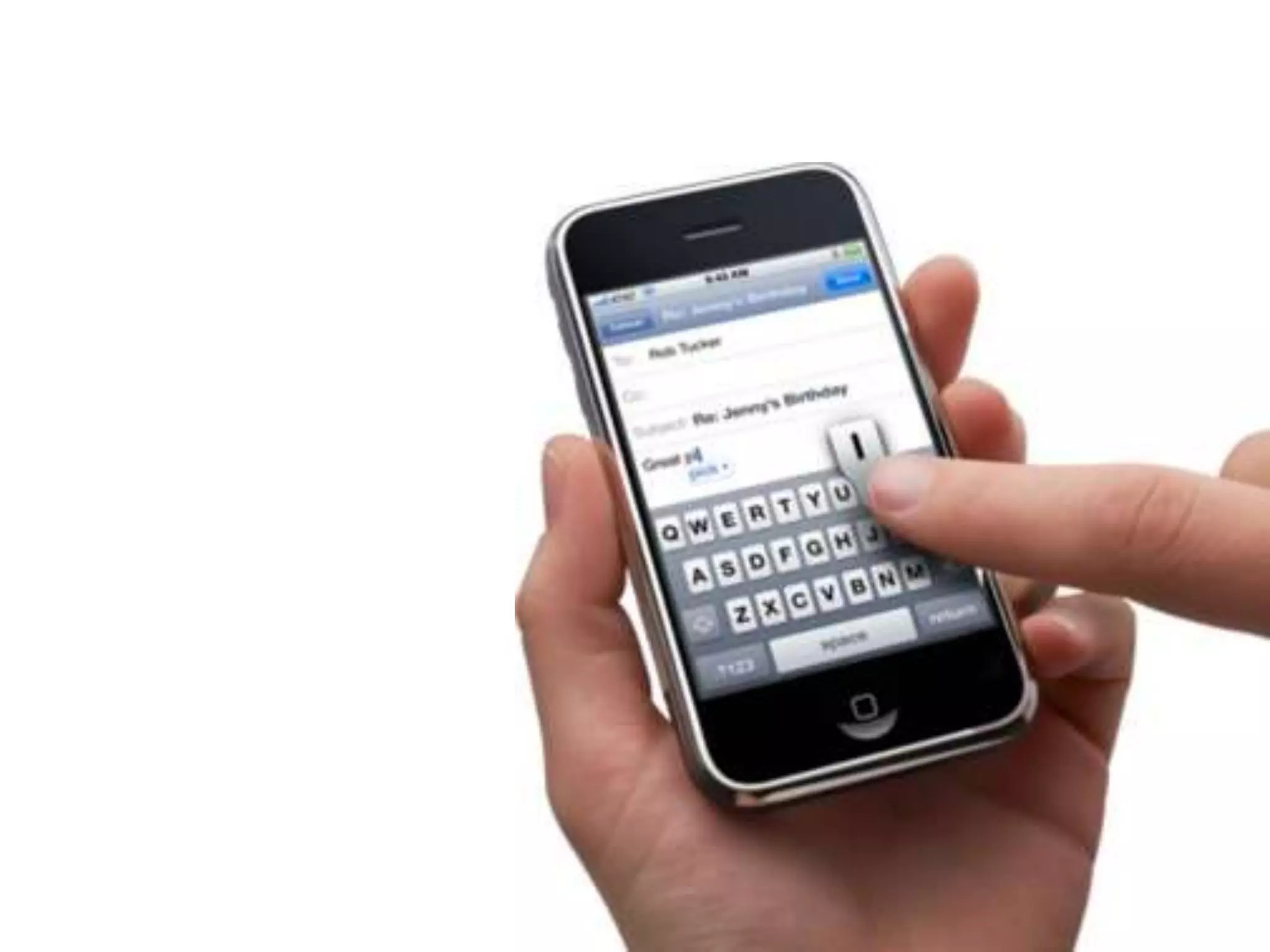
Mobile Devices
Are Great
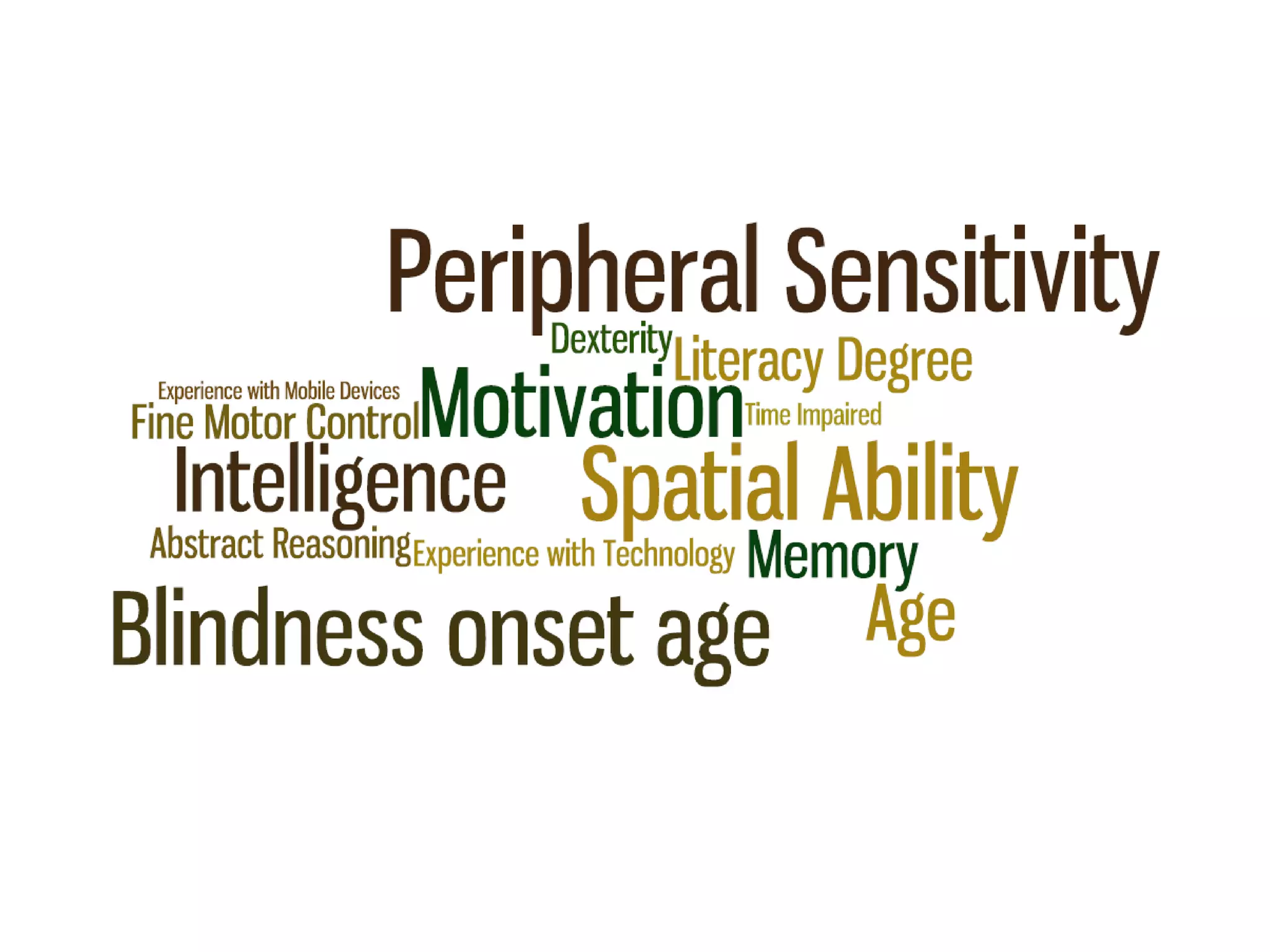
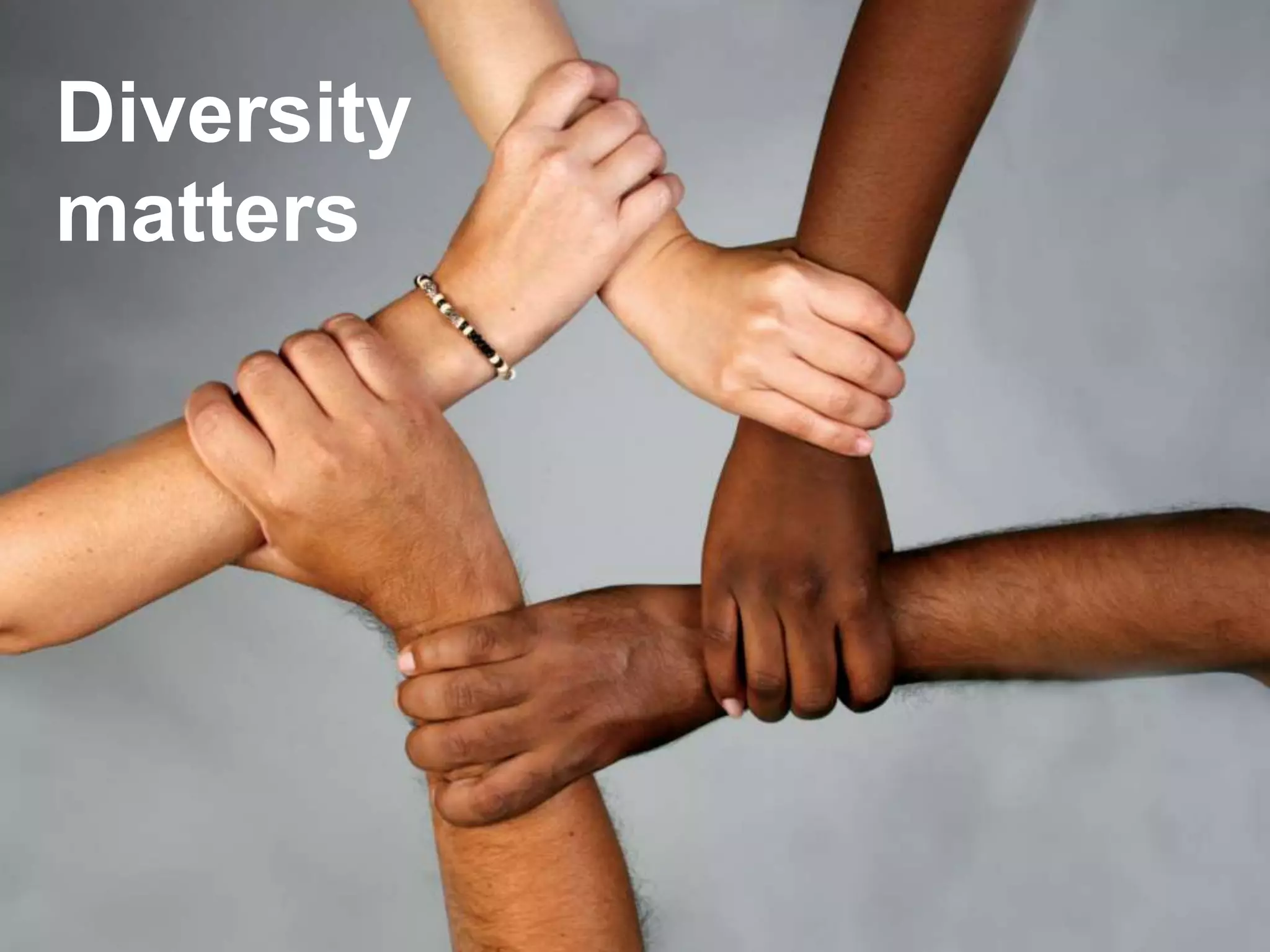
Diversity
matters
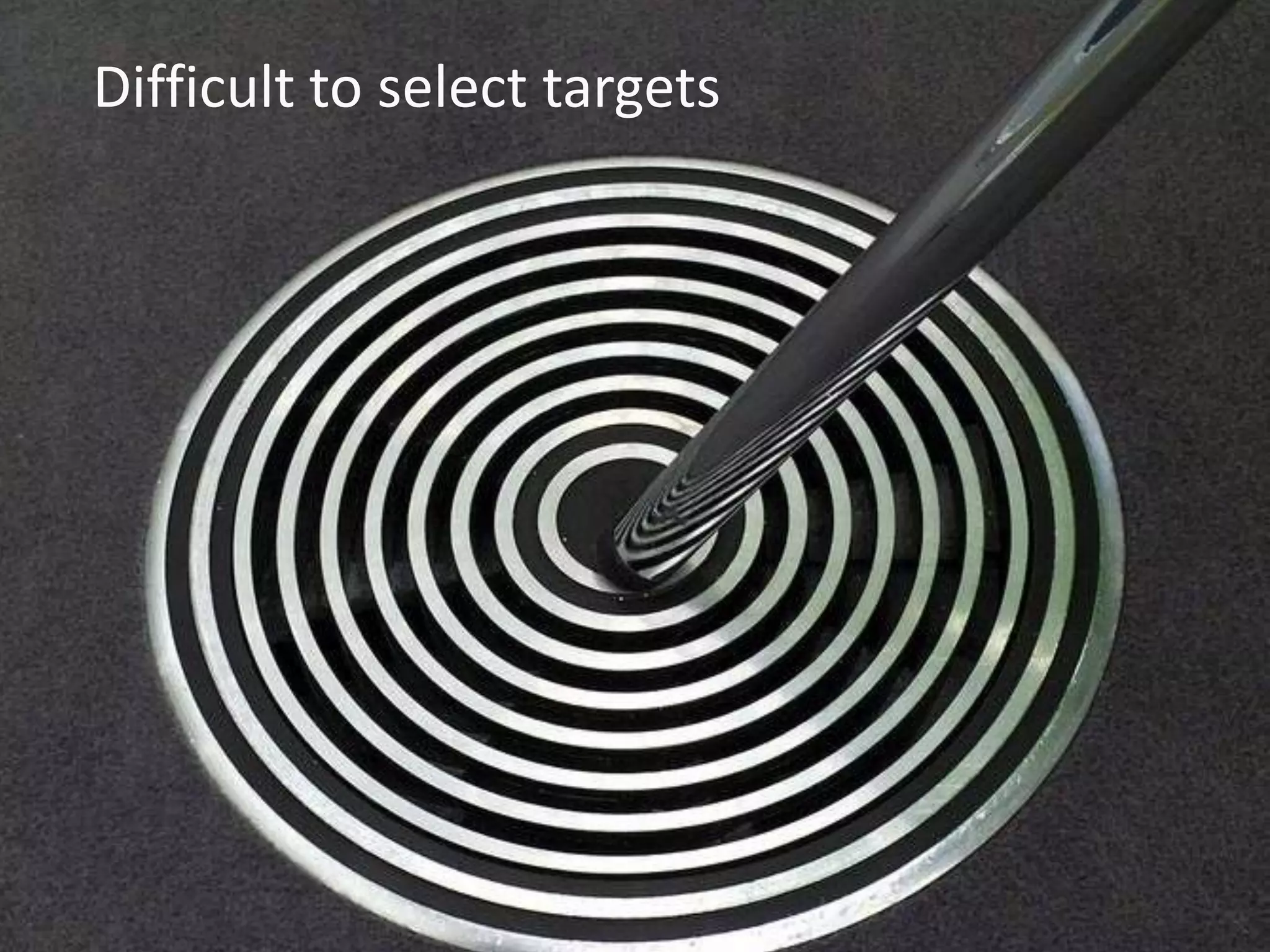
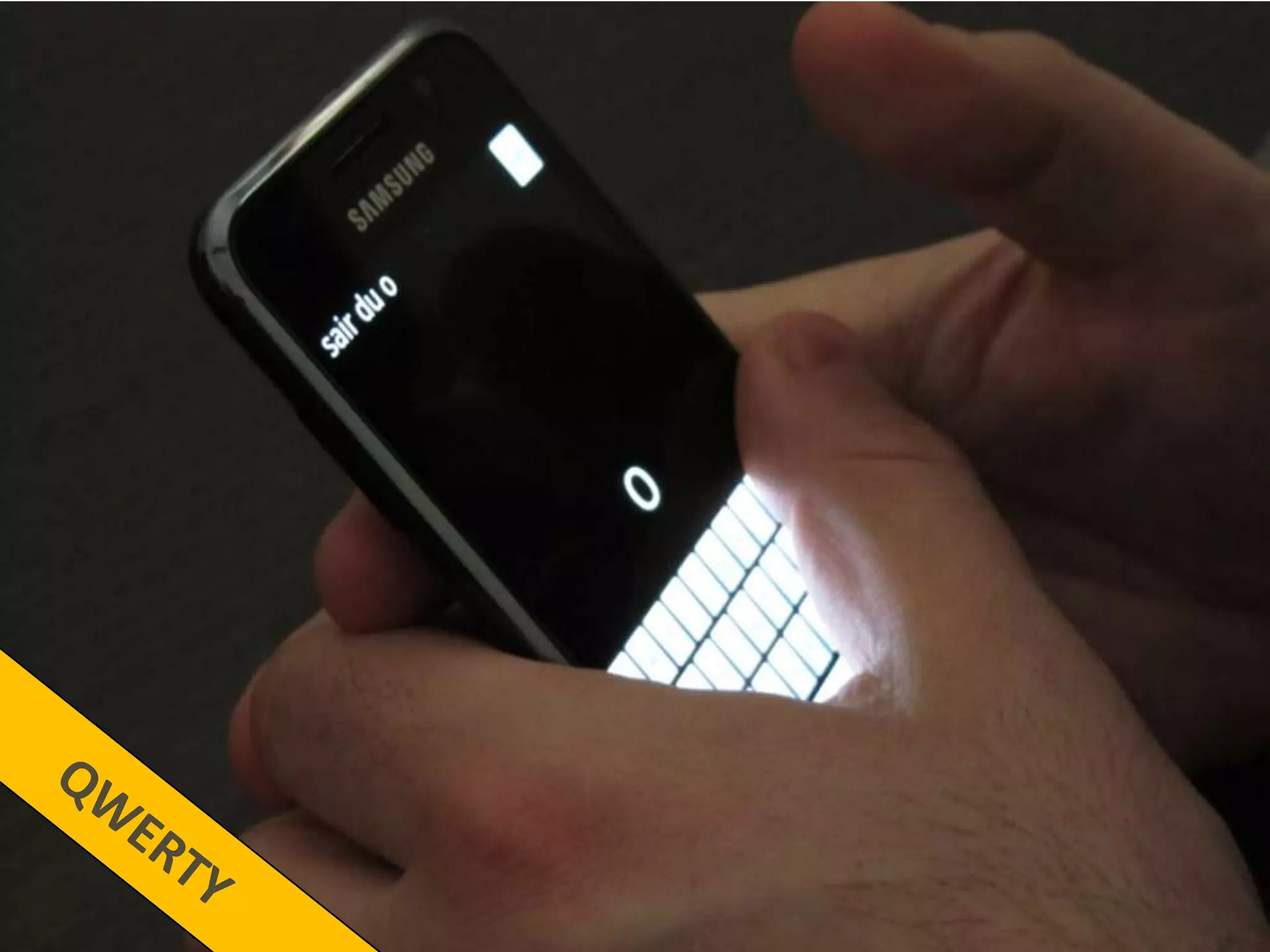
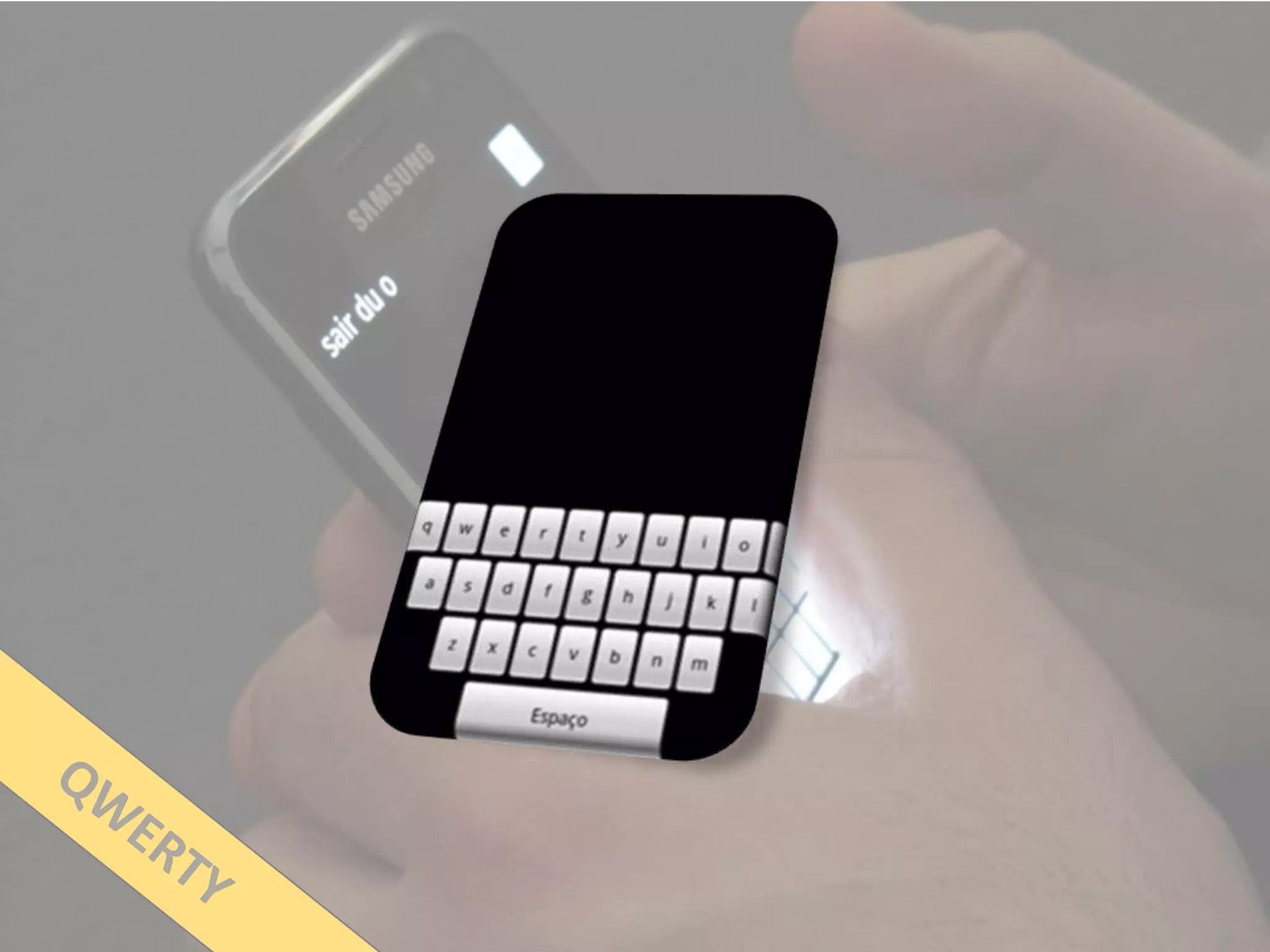
Difficult to select targets
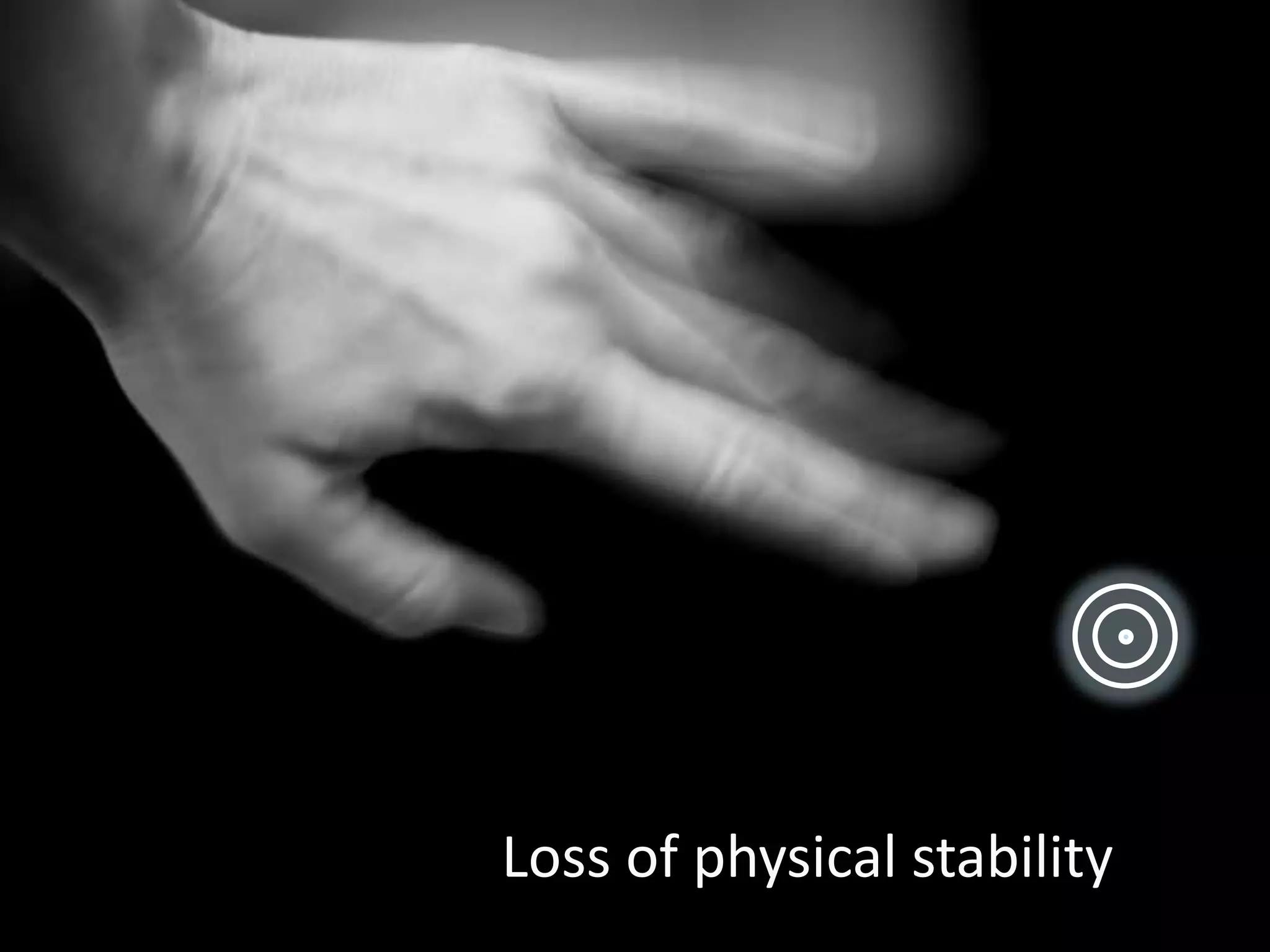
Loss of physical stability
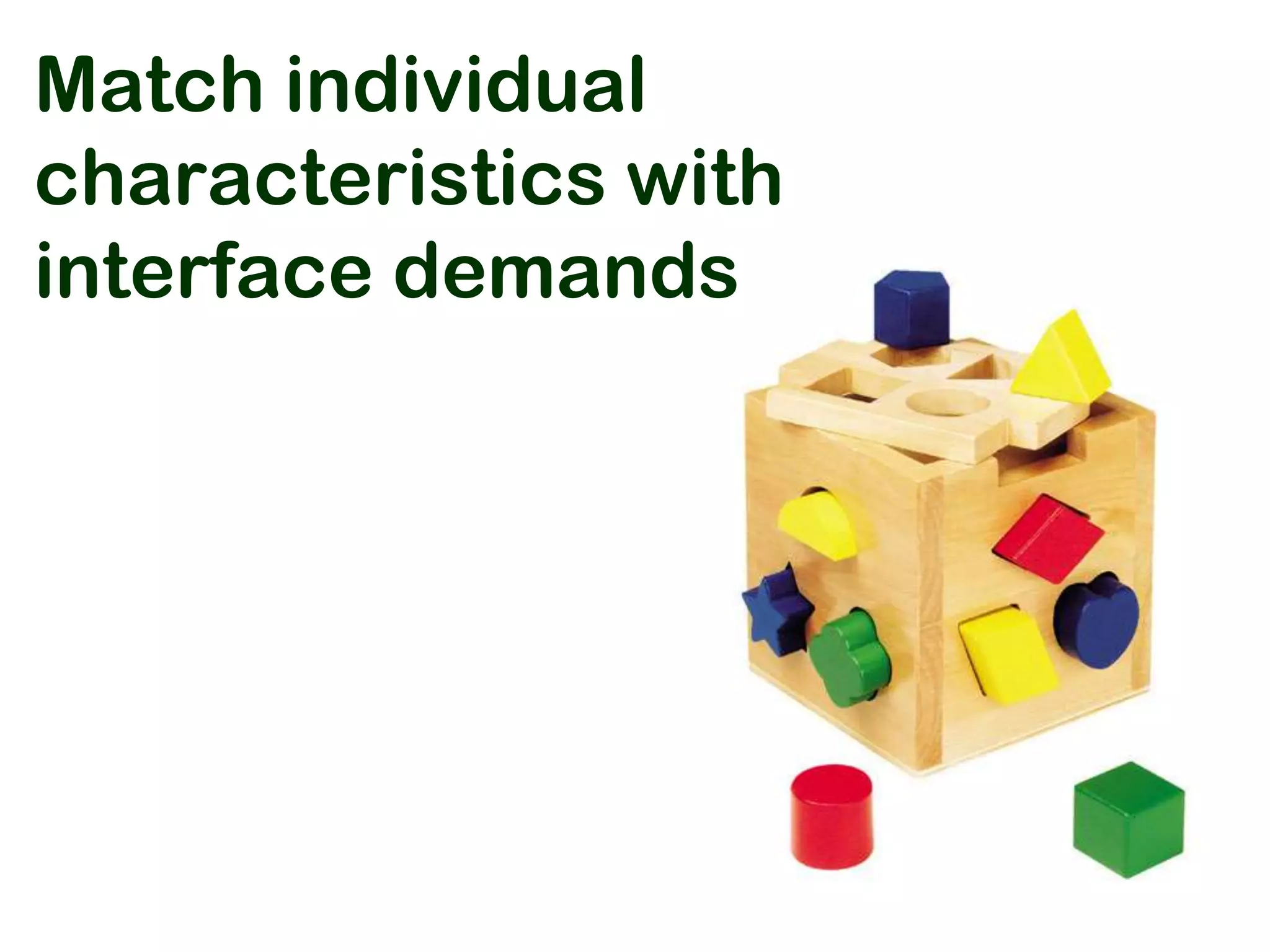
Match individual
characteristics with
interface demands
Different
demands!
15 blind users
24 to 68
years old
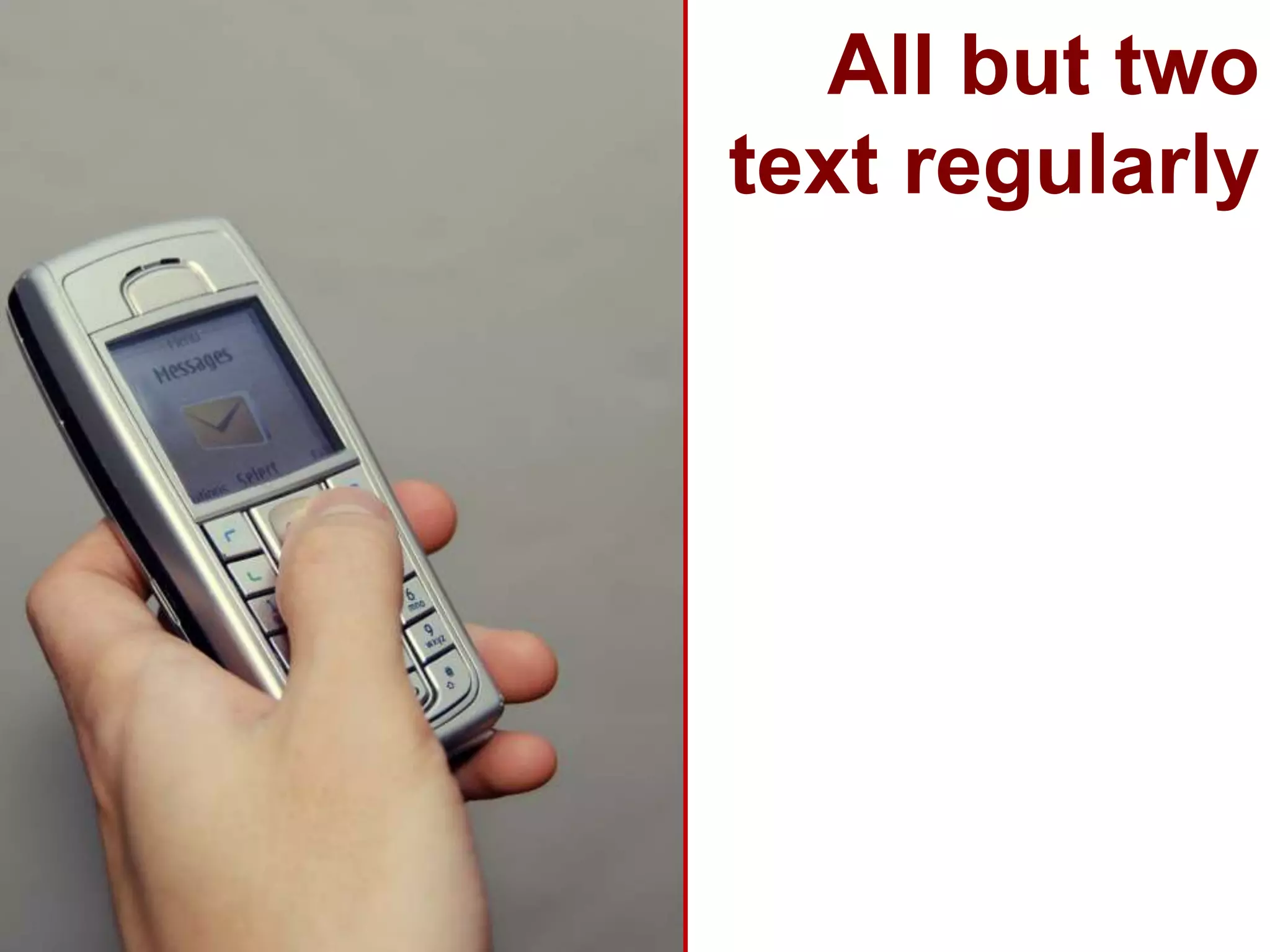
All but two
text regularly
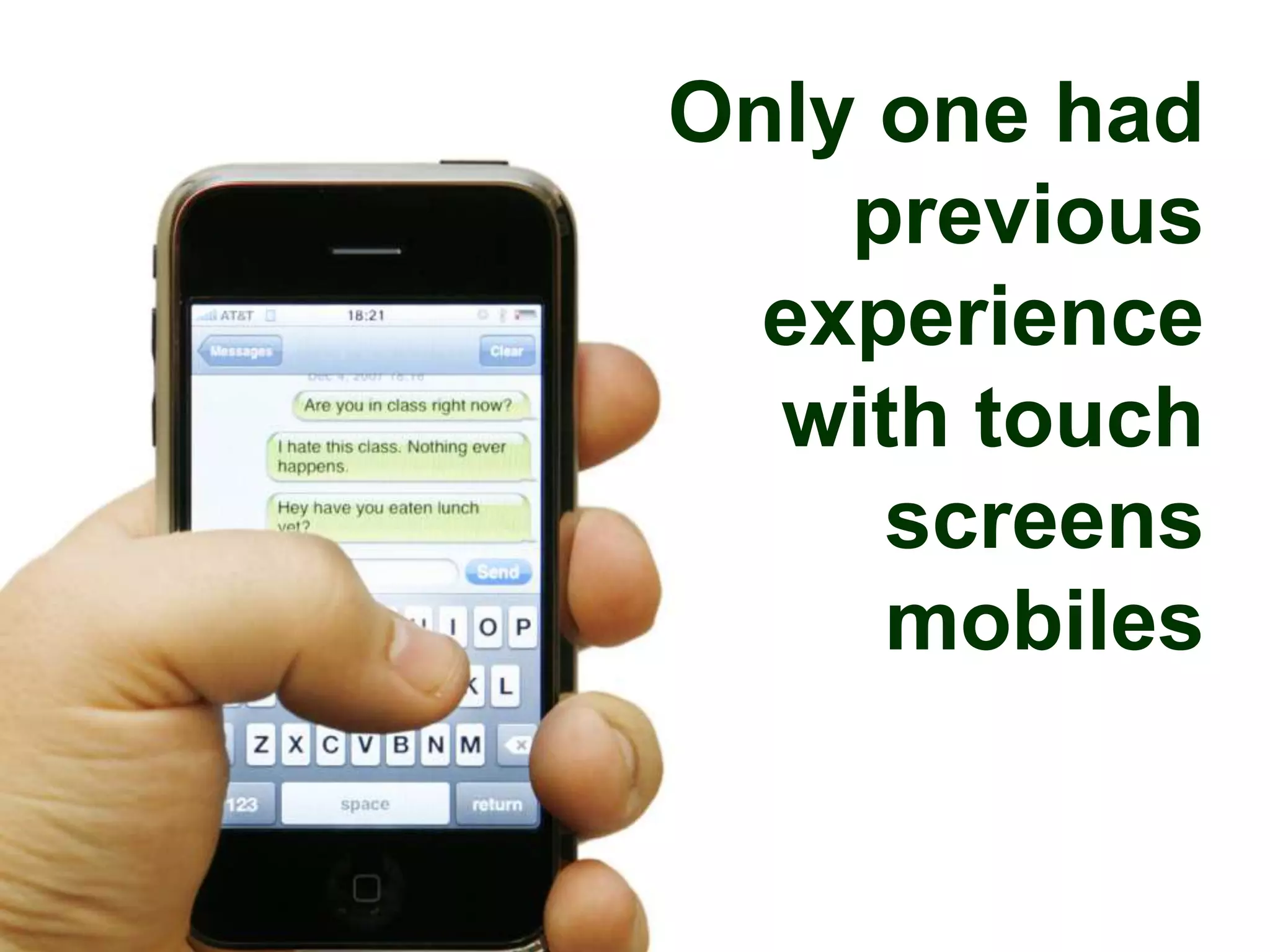
Only one had
    previous
  experience
  with touch
     screens
     mobiles
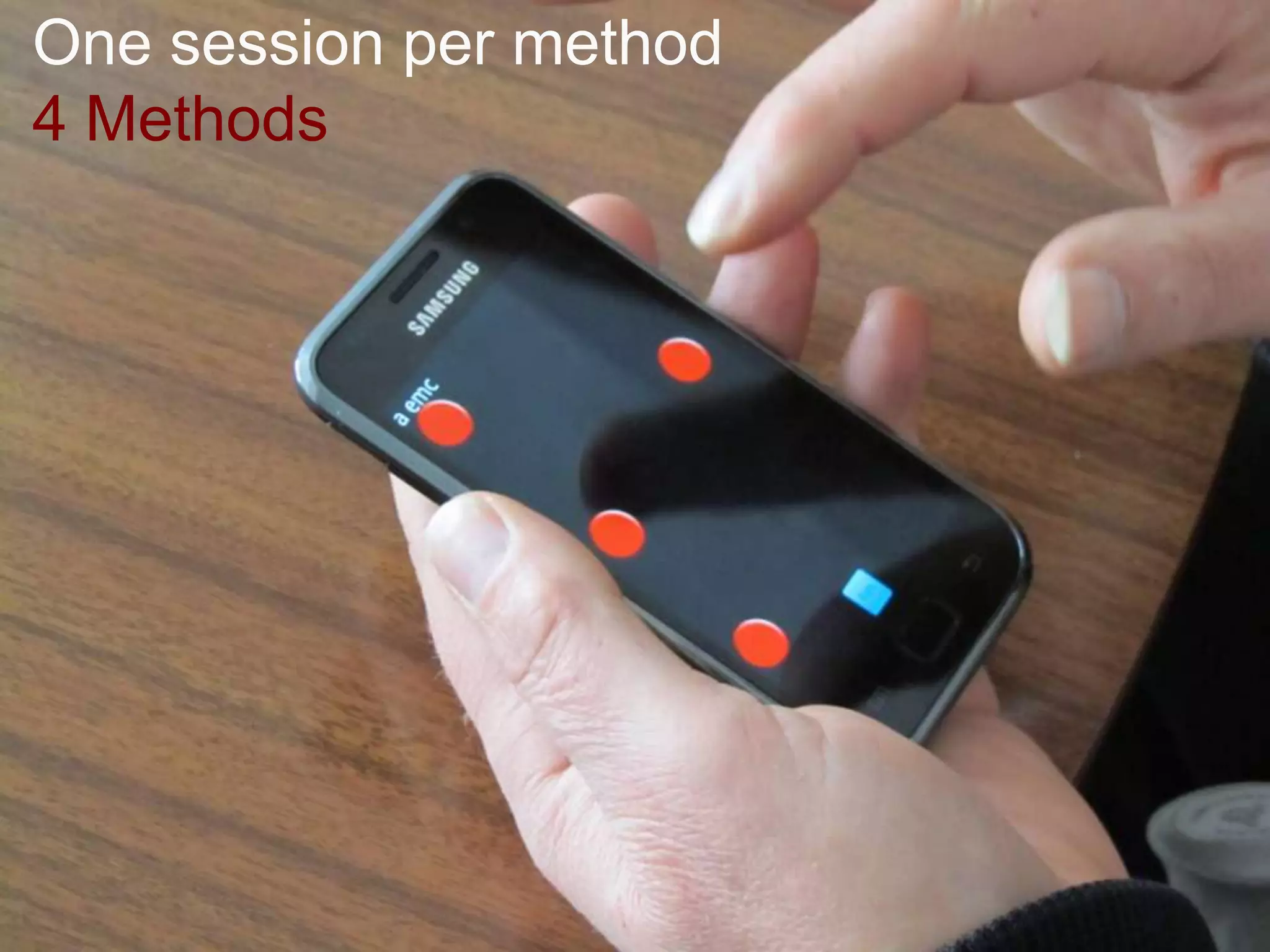
One session per method
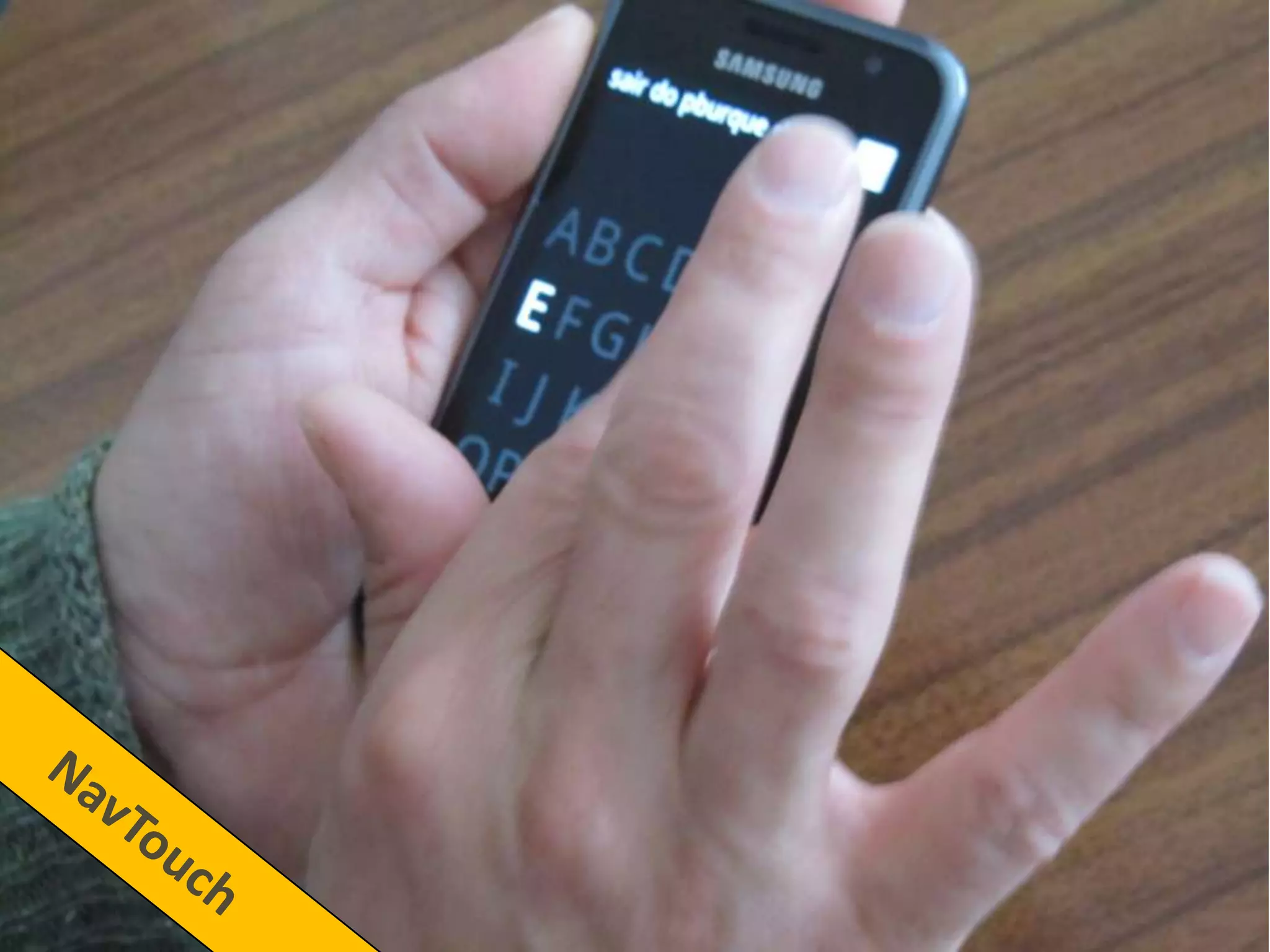
4 Methods
Five 5 word
sentences
97% correlation
Erase was
unavailable
Practice phase
10 to 15 minutes


2 users were not
able to write with
QWERTY and
MultiTap
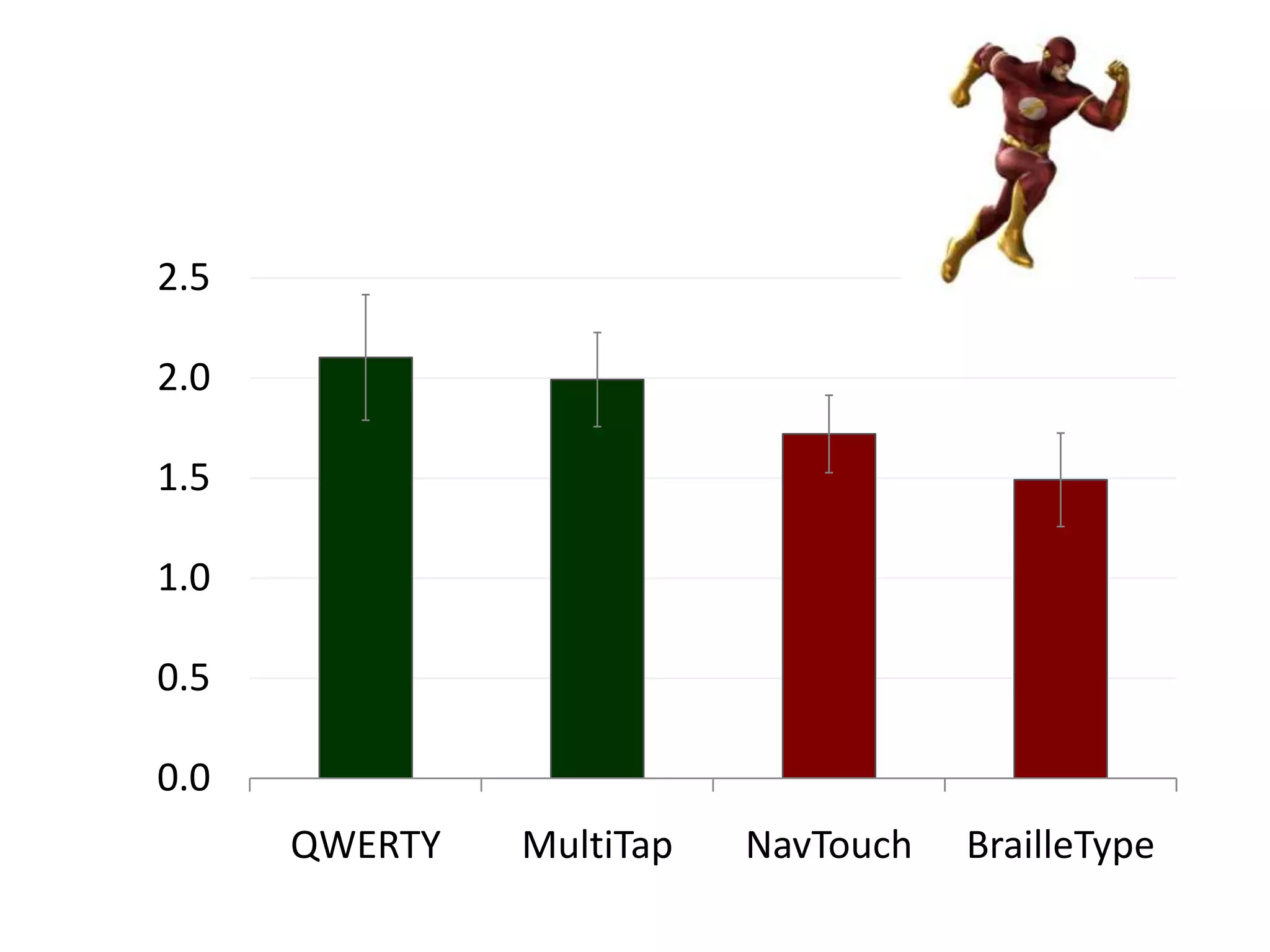
Words per
  Minute
2.5

2.0

1.5

1.0

0.5

0.0
      QWERTY   MultiTap   NavTouch   BrailleType
MSD
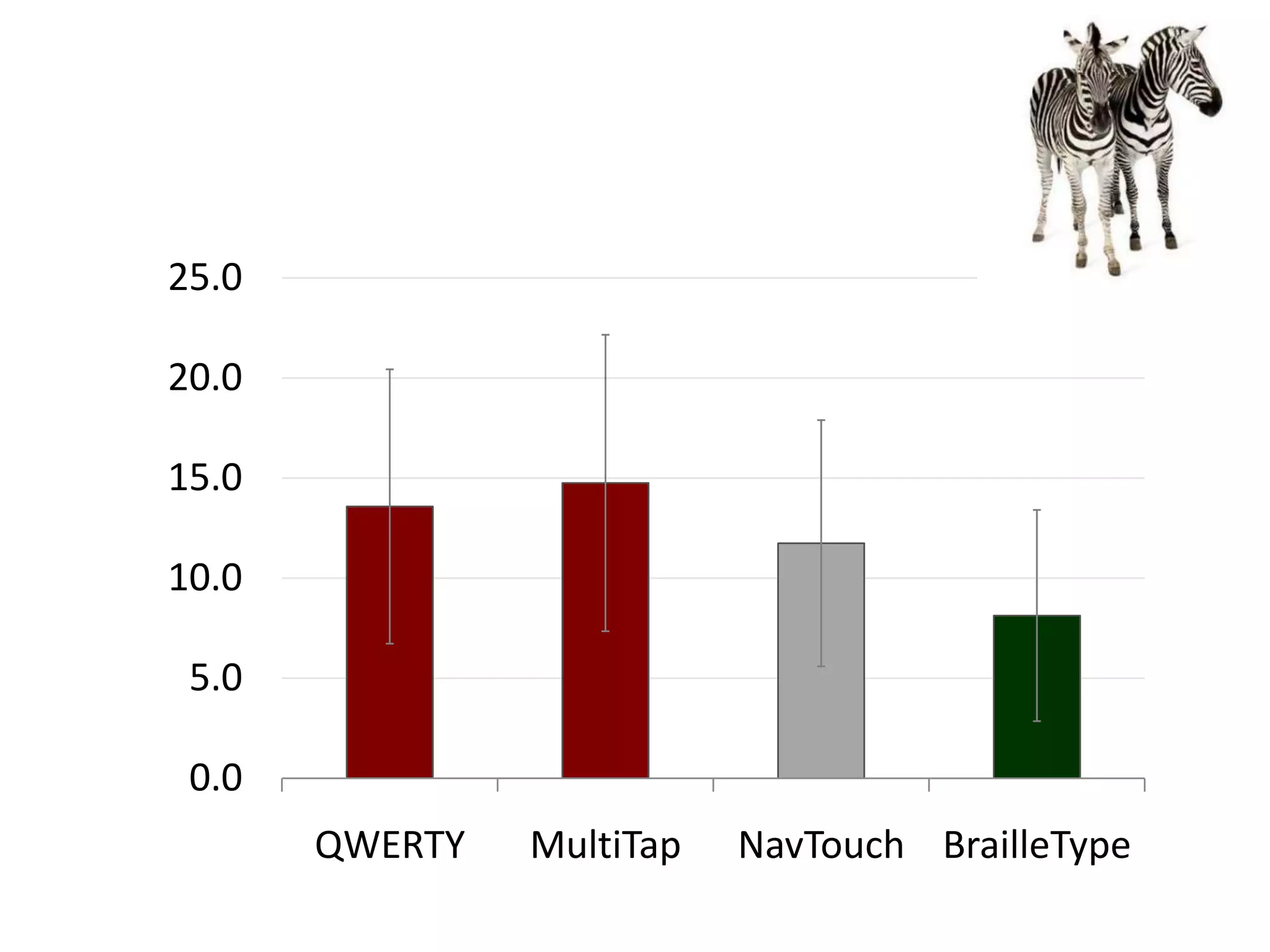
Error Rate
25.0

20.0

15.0

10.0

 5.0

 0.0
       QWERTY   MultiTap   NavTouch BrailleType
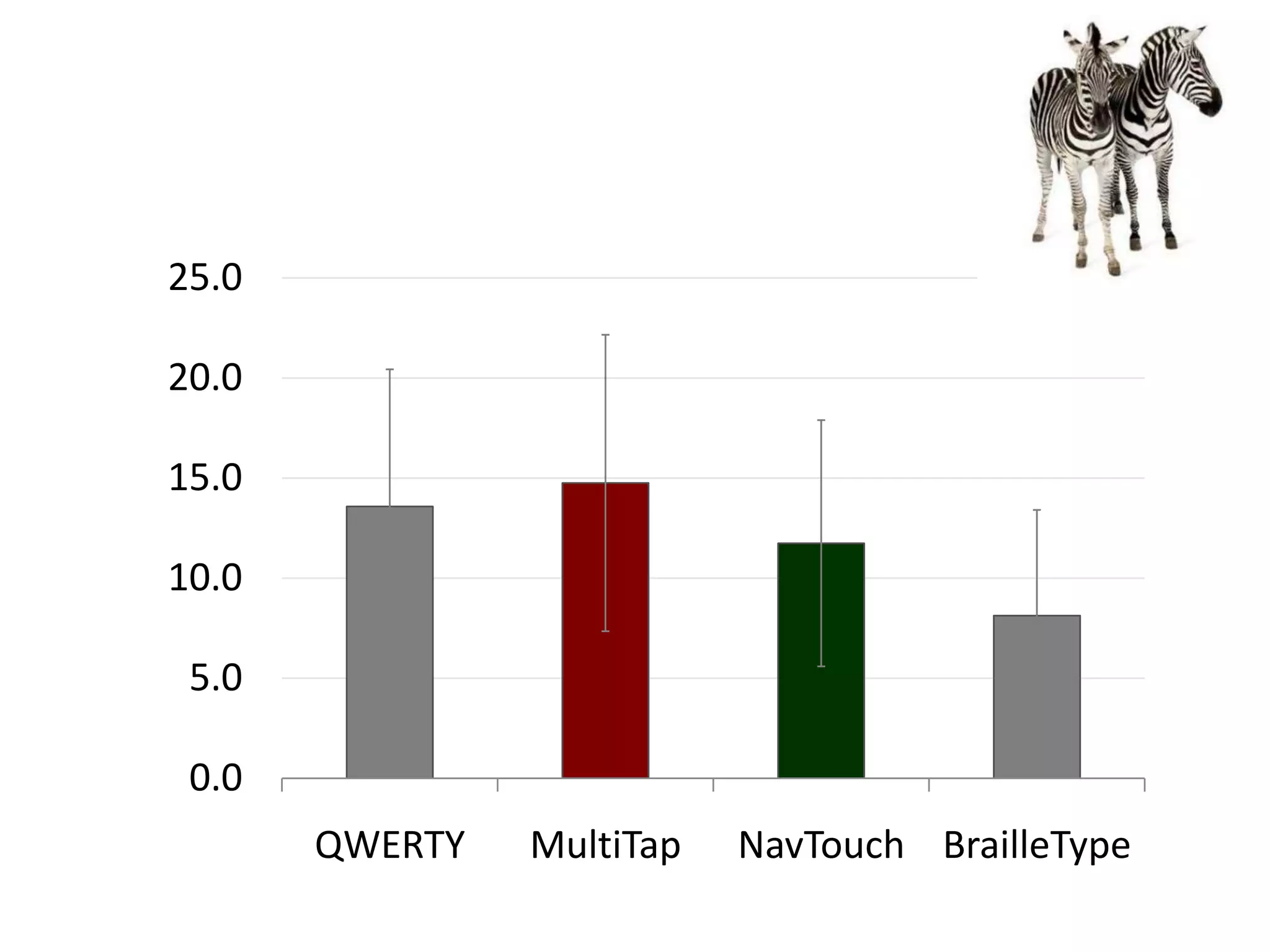
25.0

20.0

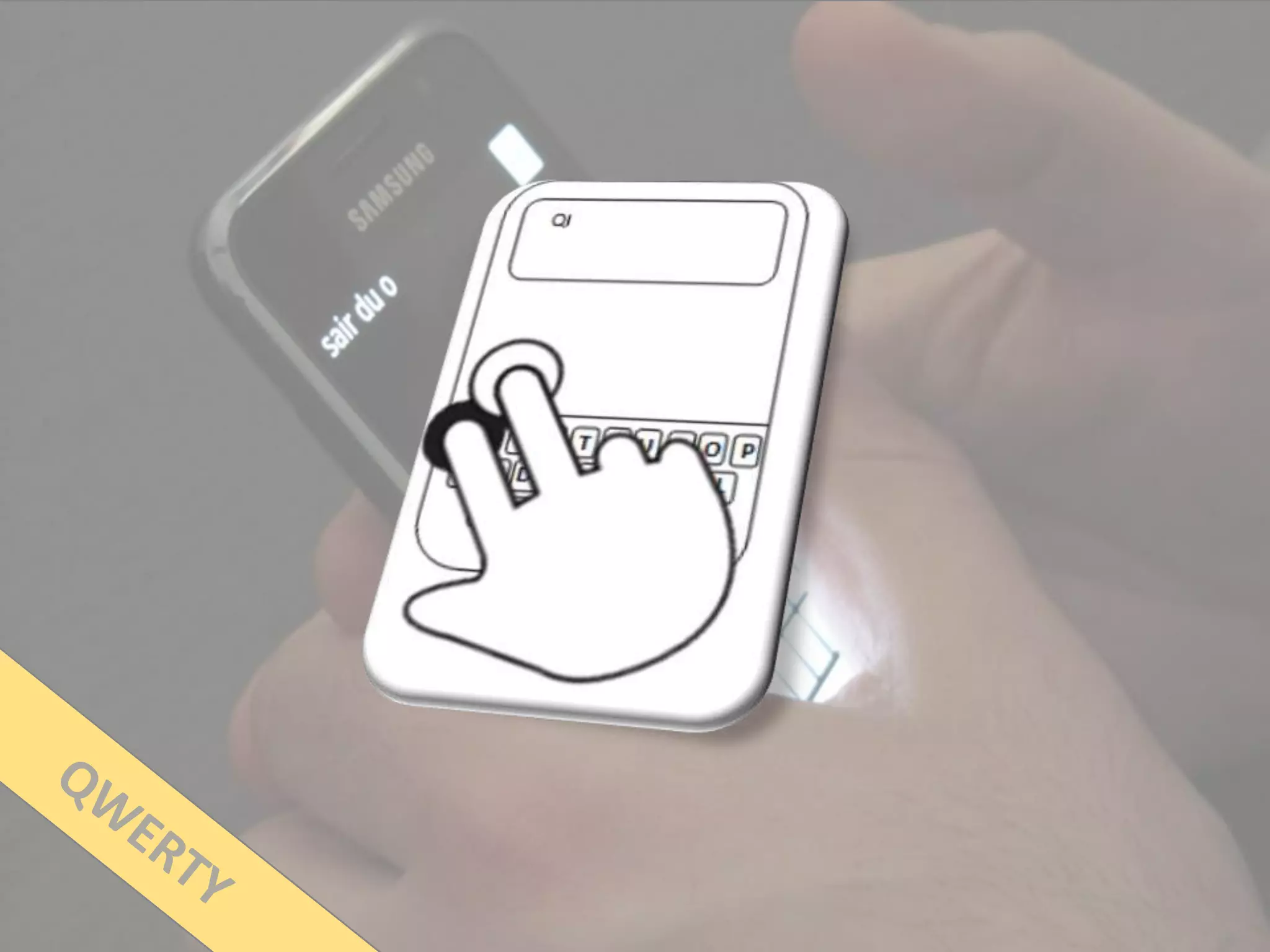
15.0

10.0

 5.0

 0.0
       QWERTY   MultiTap   NavTouch BrailleType
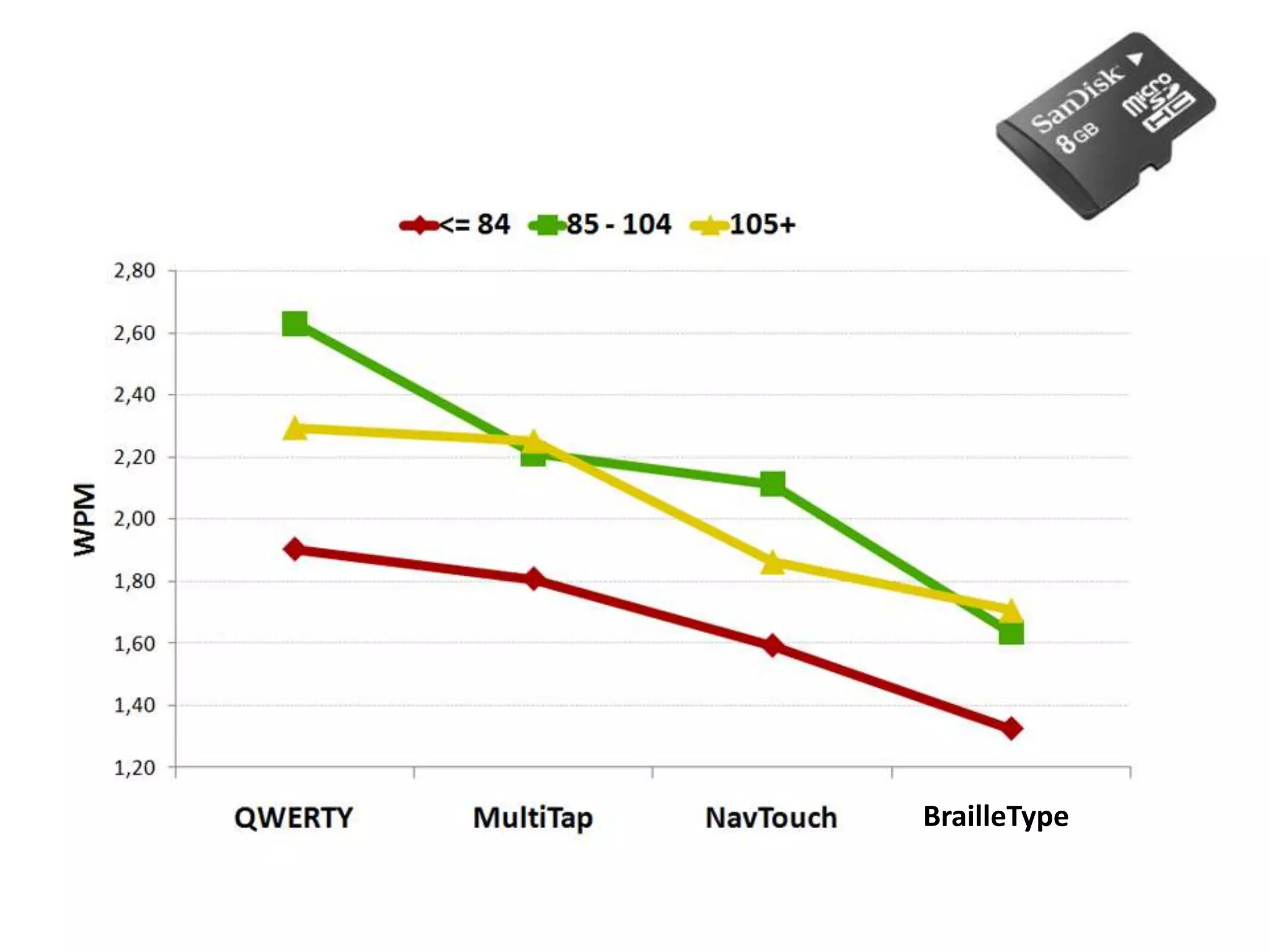
User
Satisfaction
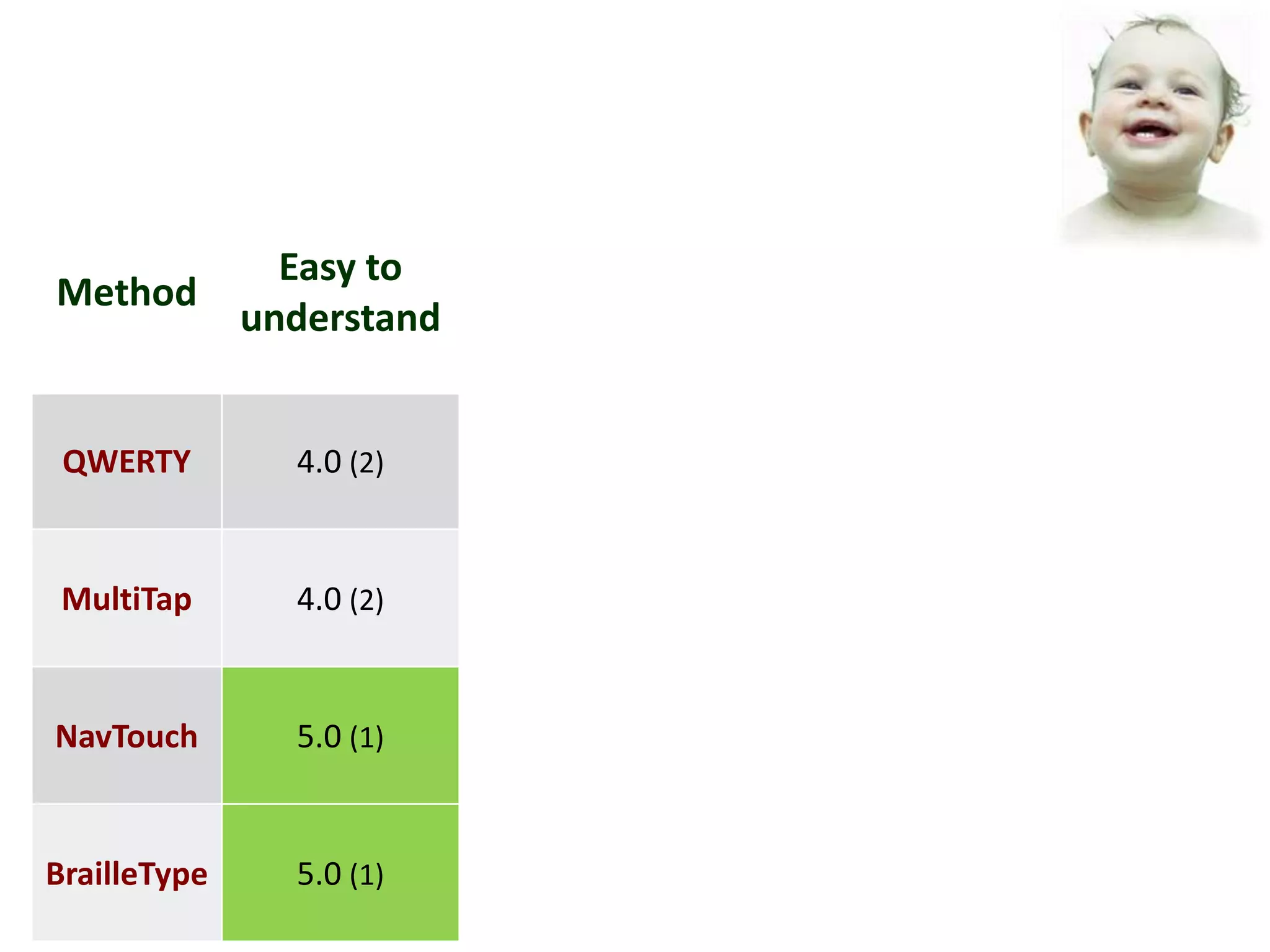
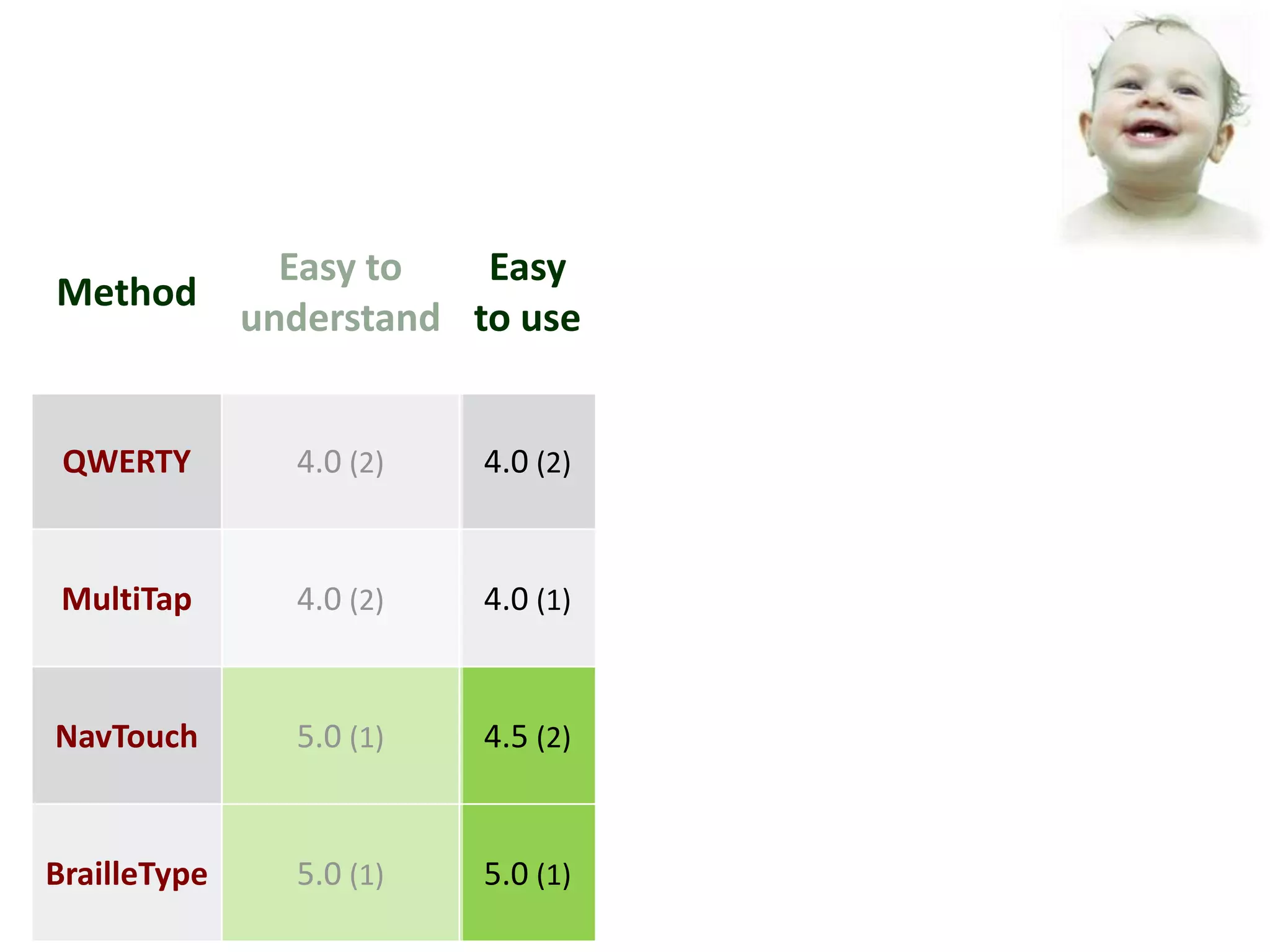
Easy to
Method
              understand


 QWERTY         4.0 (2)


 MultiTap       4.0 (2)


NavTouch        5.0 (1)


BrailleType     5.0 (1)
Easy to   Easy
Method
              understand to use


 QWERTY         4.0 (2)   4.0 (2)


 MultiTap       4.0 (2)   4.0 (1)


NavTouch        5.0 (1)   4.5 (2)


BrailleType     5.0 (1)   5.0 (1)
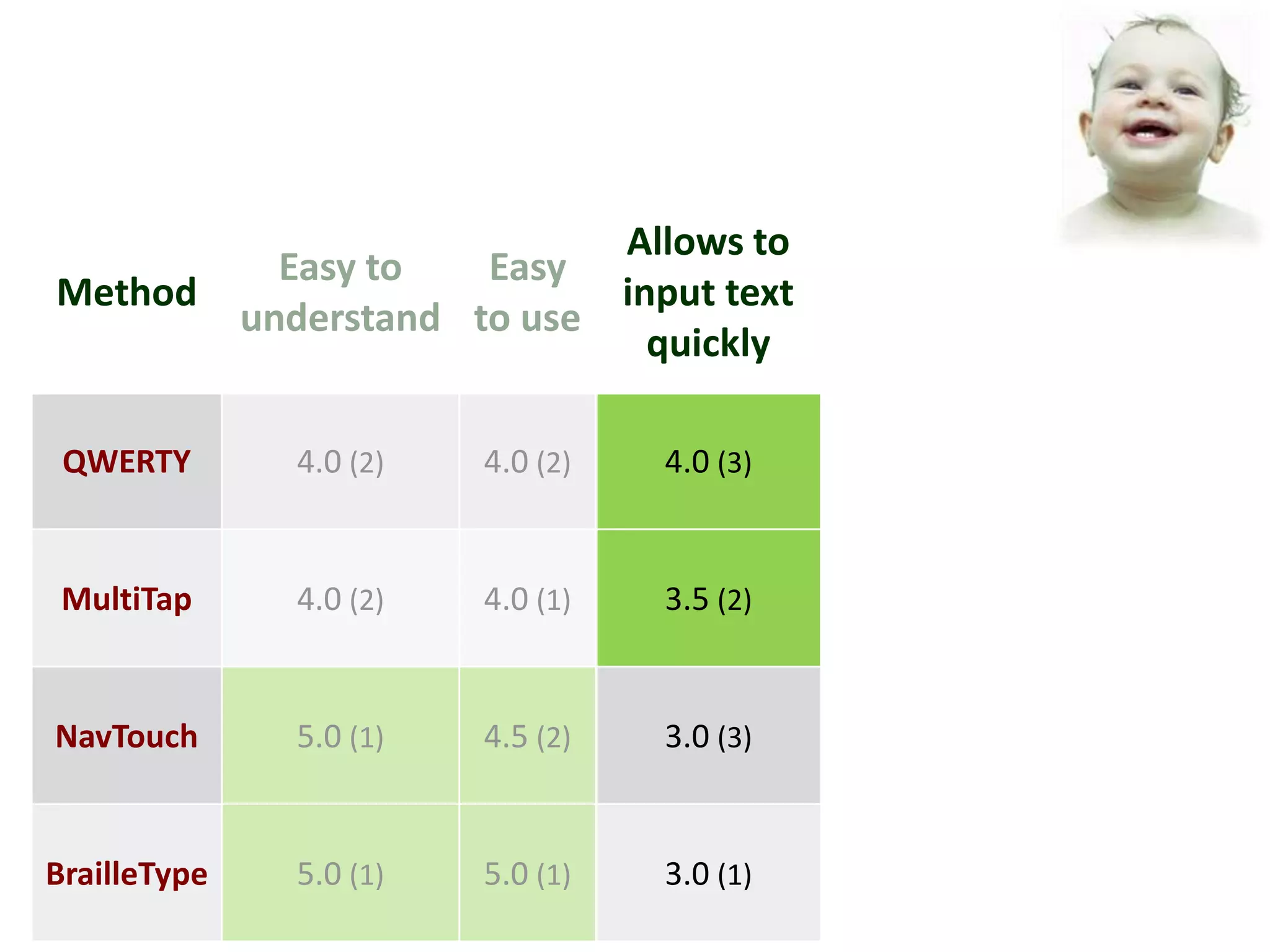
Allows to
                Easy to   Easy
Method                          input text
              understand to use
                                  quickly

 QWERTY         4.0 (2)   4.0 (2)   4.0 (3)


 MultiTap       4.0 (2)   4.0 (1)   3.5 (2)


NavTouch        5.0 (1)   4.5 (2)   3.0 (3)


BrailleType     5.0 (1)   5.0 (1)   3.0 (1)
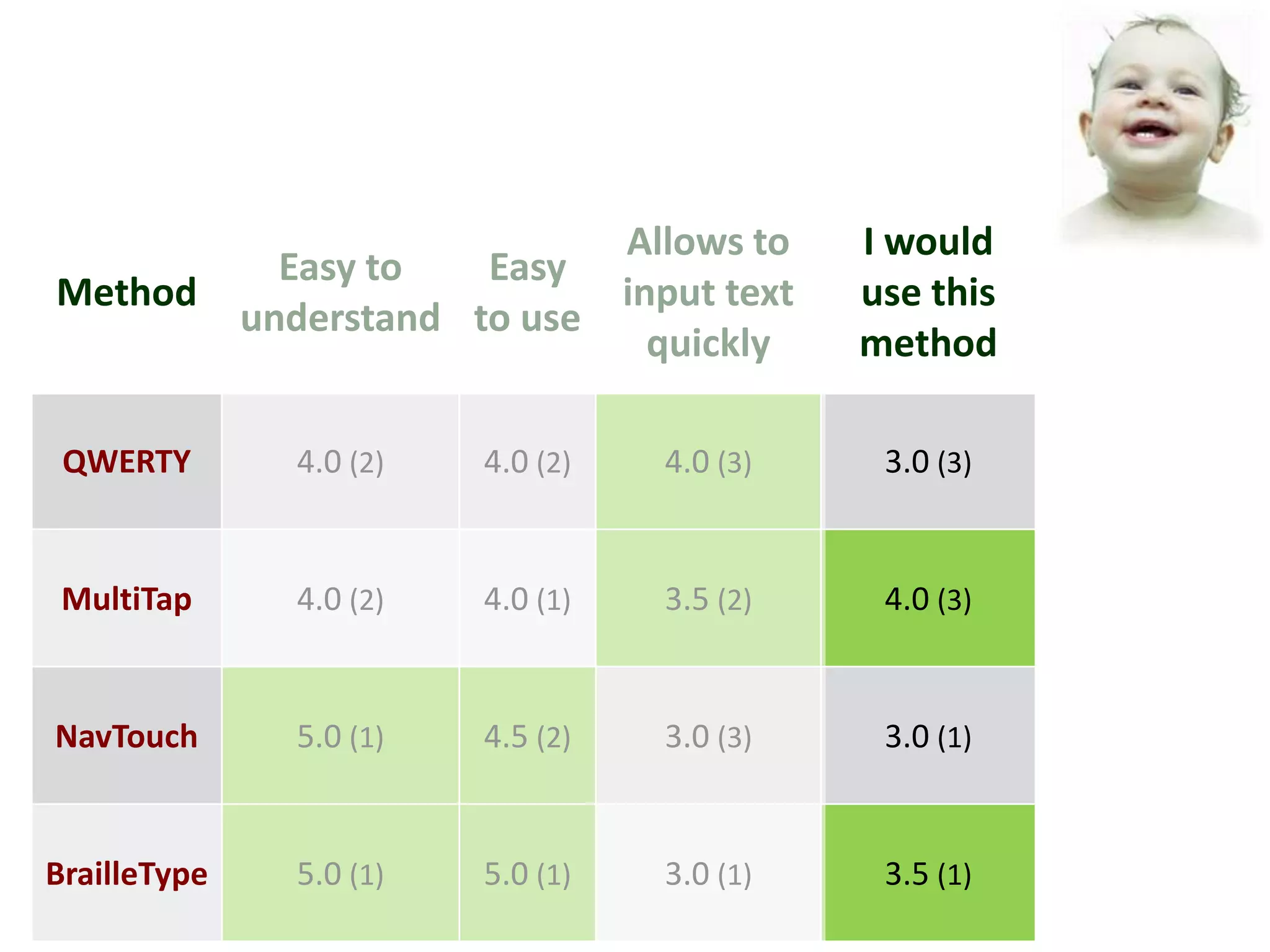
Allows to     I would
                Easy to   Easy
Method                          input text    use this
              understand to use
                                  quickly     method

 QWERTY         4.0 (2)   4.0 (2)   4.0 (3)    3.0 (3)


 MultiTap       4.0 (2)   4.0 (1)   3.5 (2)    4.0 (3)


NavTouch        5.0 (1)   4.5 (2)   3.0 (3)    3.0 (1)


BrailleType     5.0 (1)   5.0 (1)   3.0 (1)    3.5 (1)
Barriers &
Difficulties
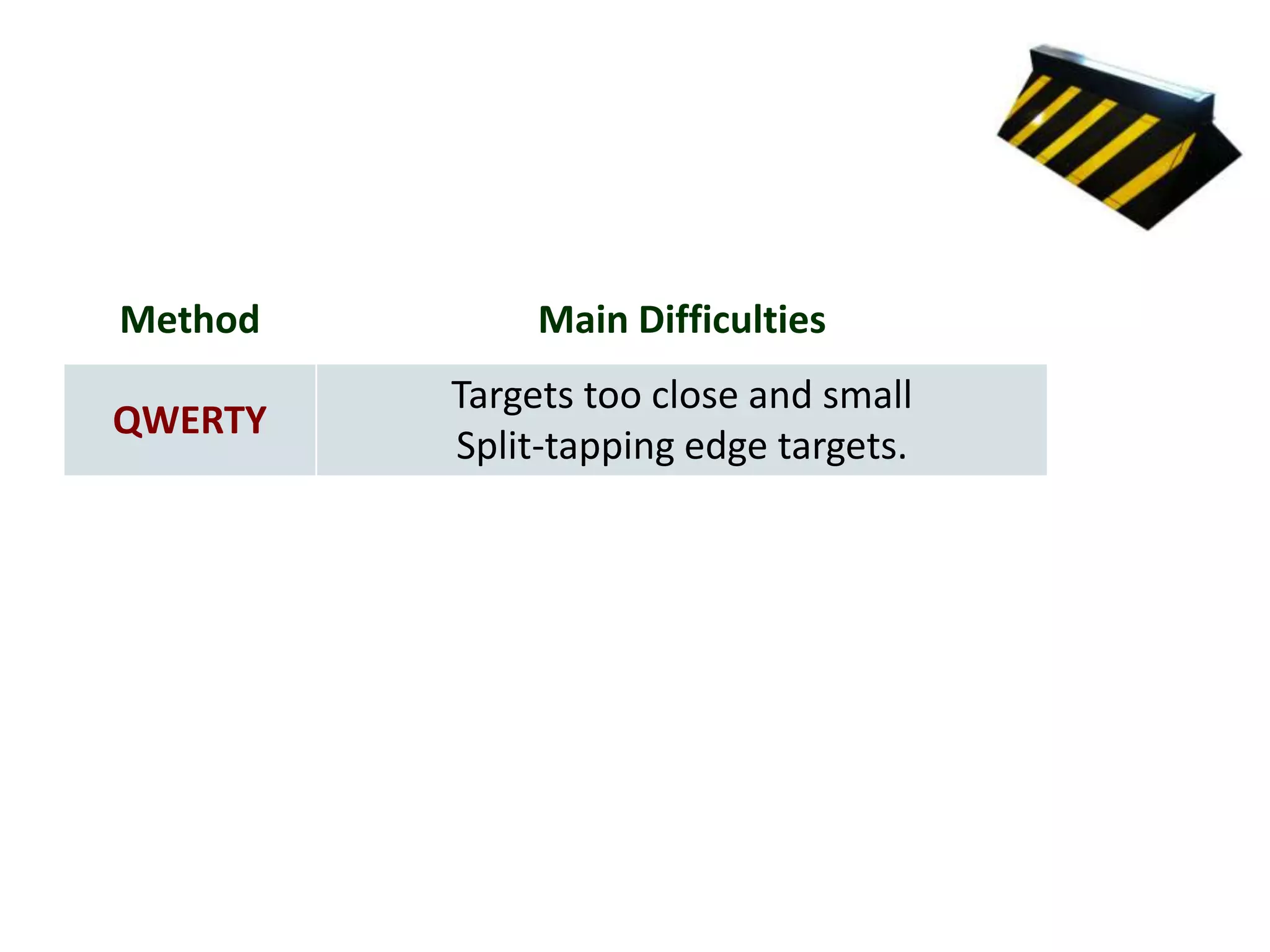
Method        Main Difficulties
         Targets too close and small
QWERTY
         Split-tapping edge targets.
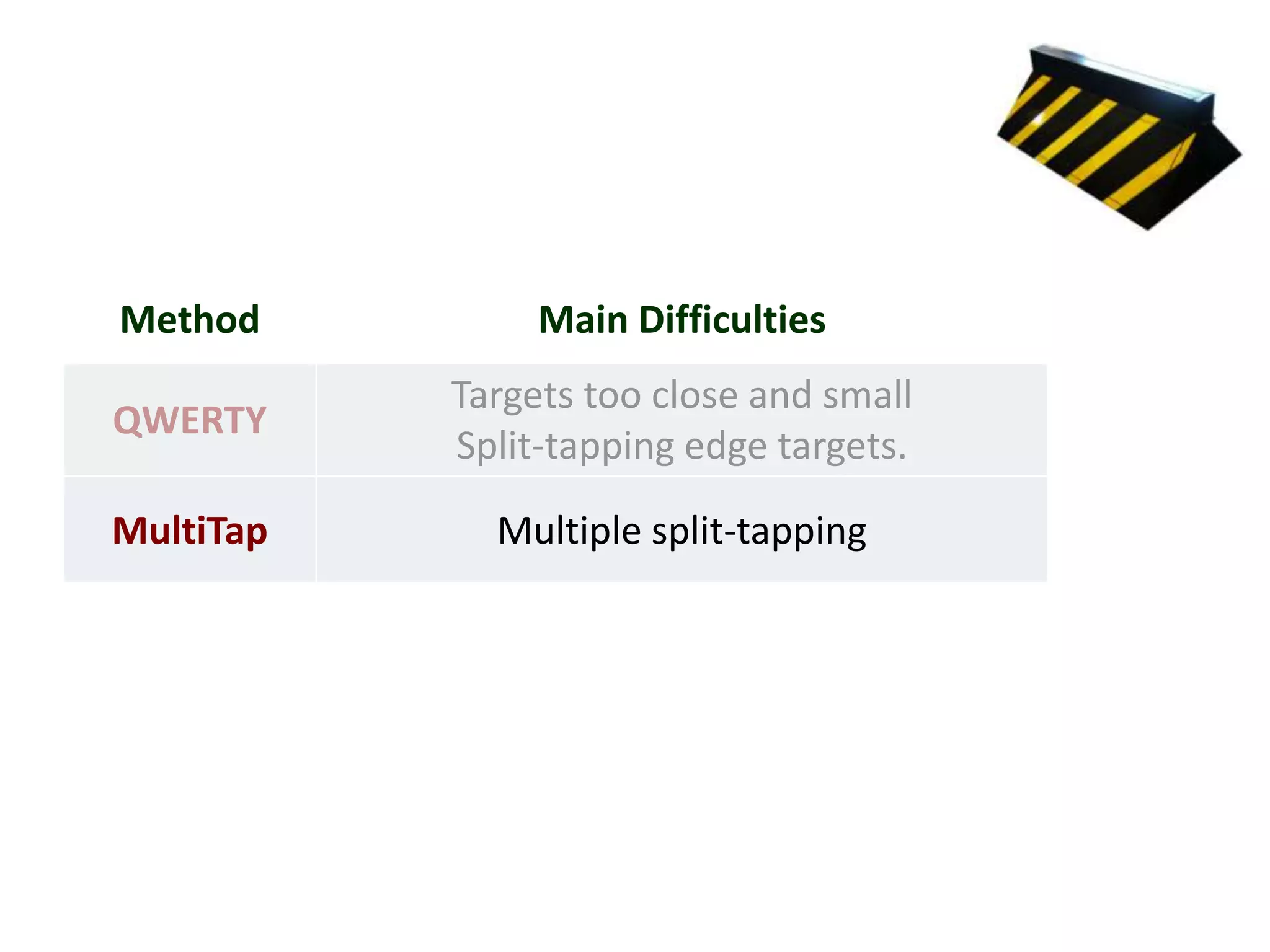
Method          Main Difficulties
           Targets too close and small
QWERTY
           Split-tapping edge targets.

MultiTap     Multiple split-tapping
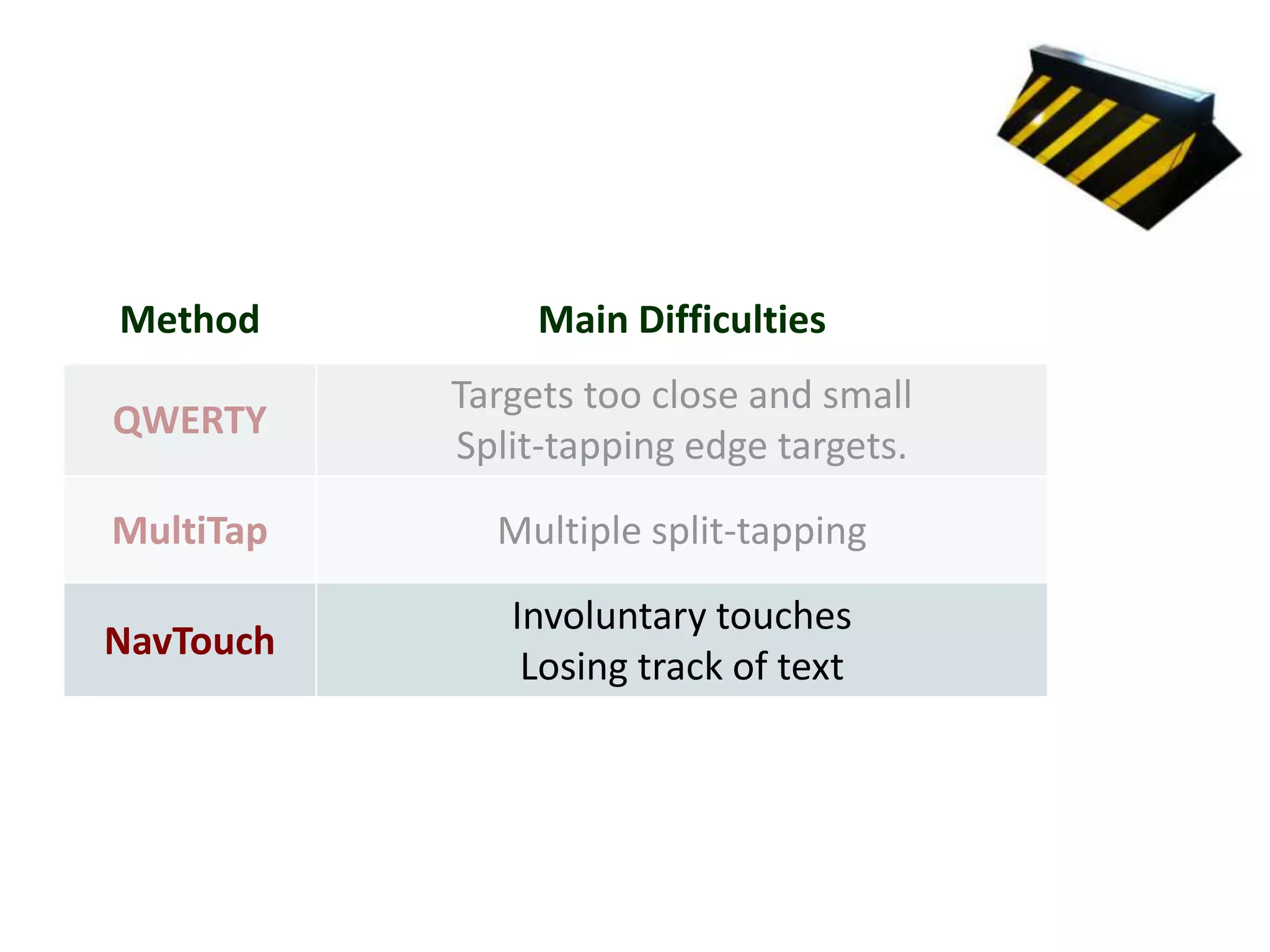
Method          Main Difficulties
           Targets too close and small
QWERTY
           Split-tapping edge targets.

MultiTap     Multiple split-tapping

              Involuntary touches
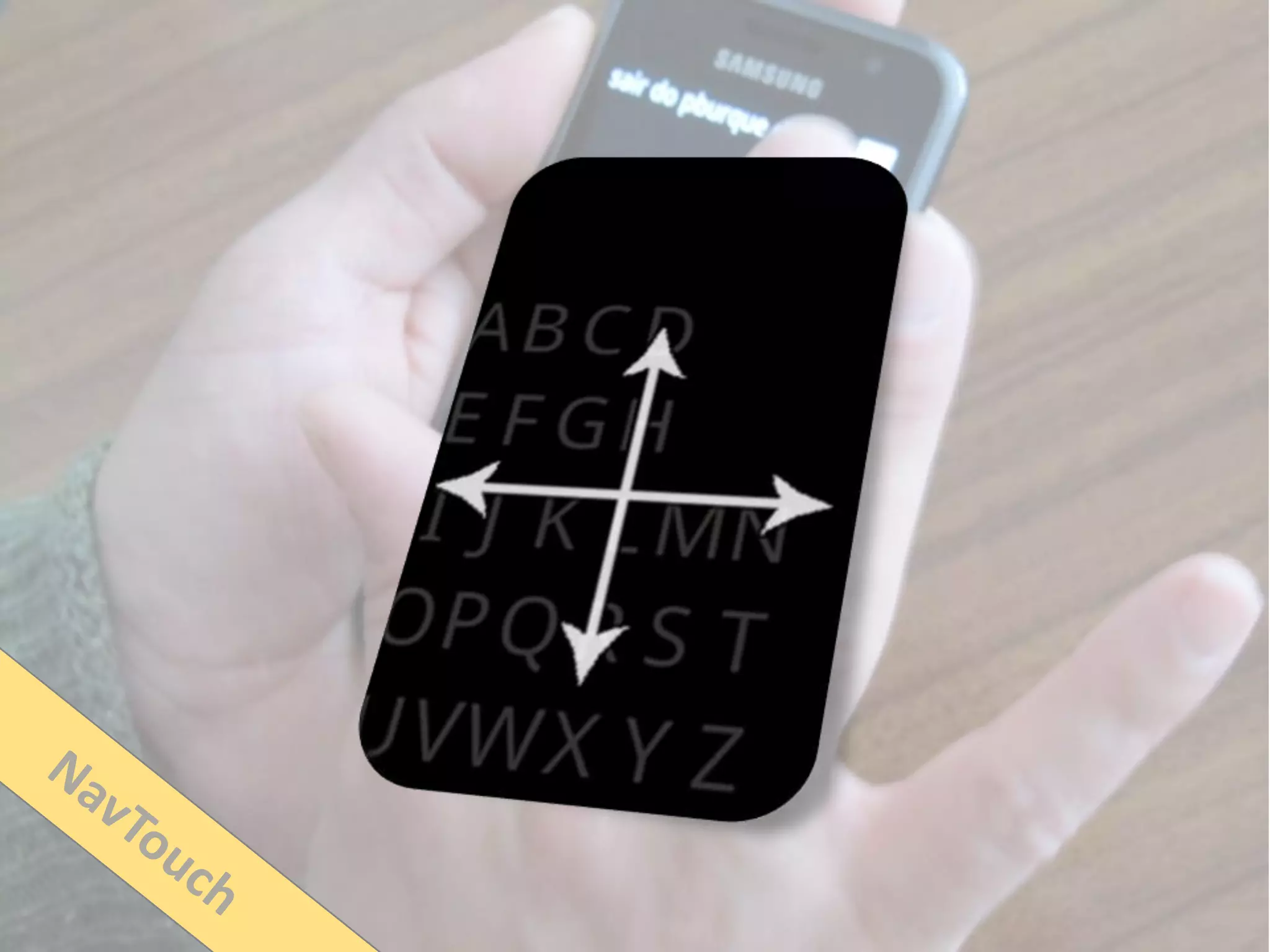
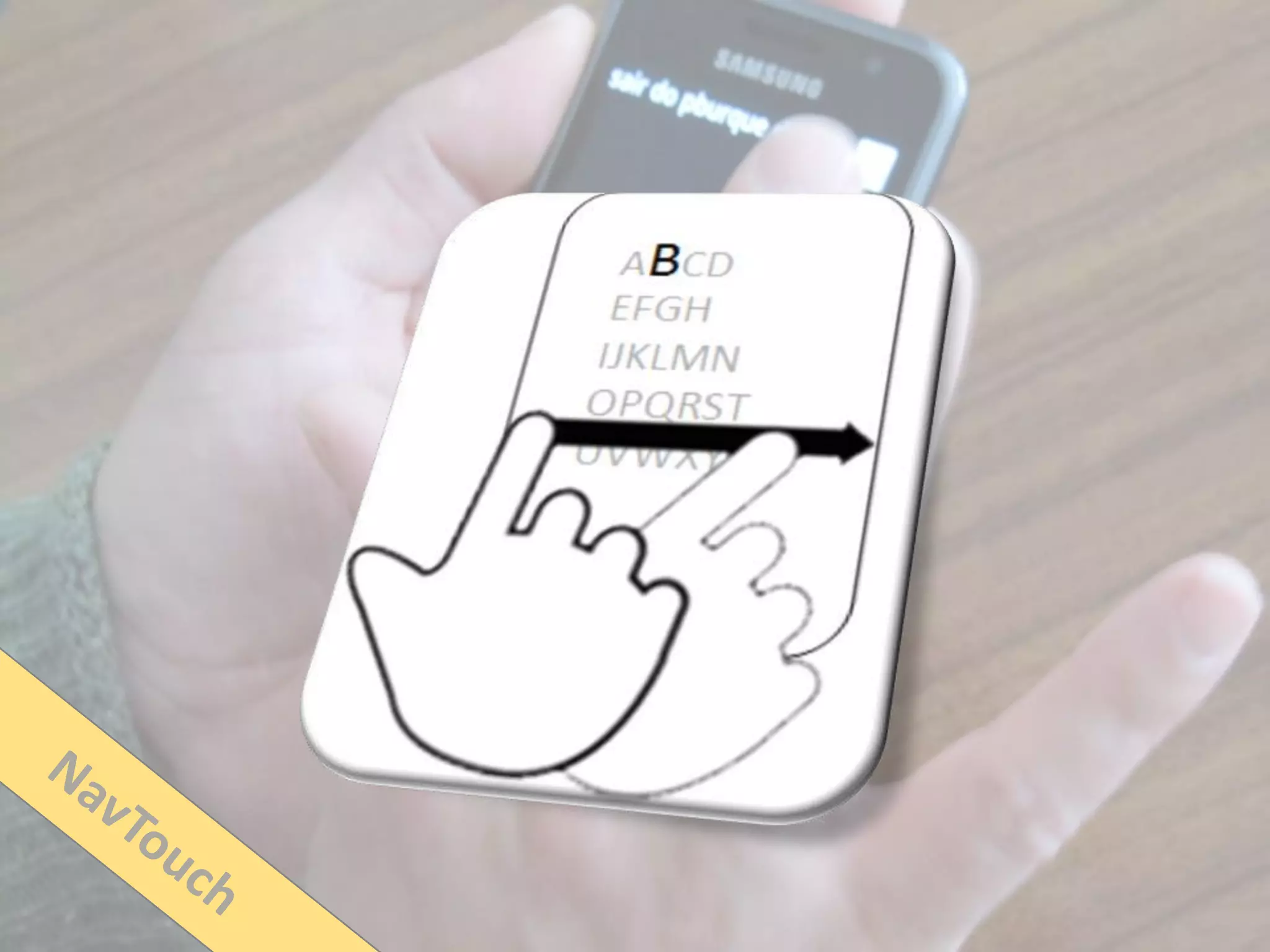
NavTouch
               Losing track of text
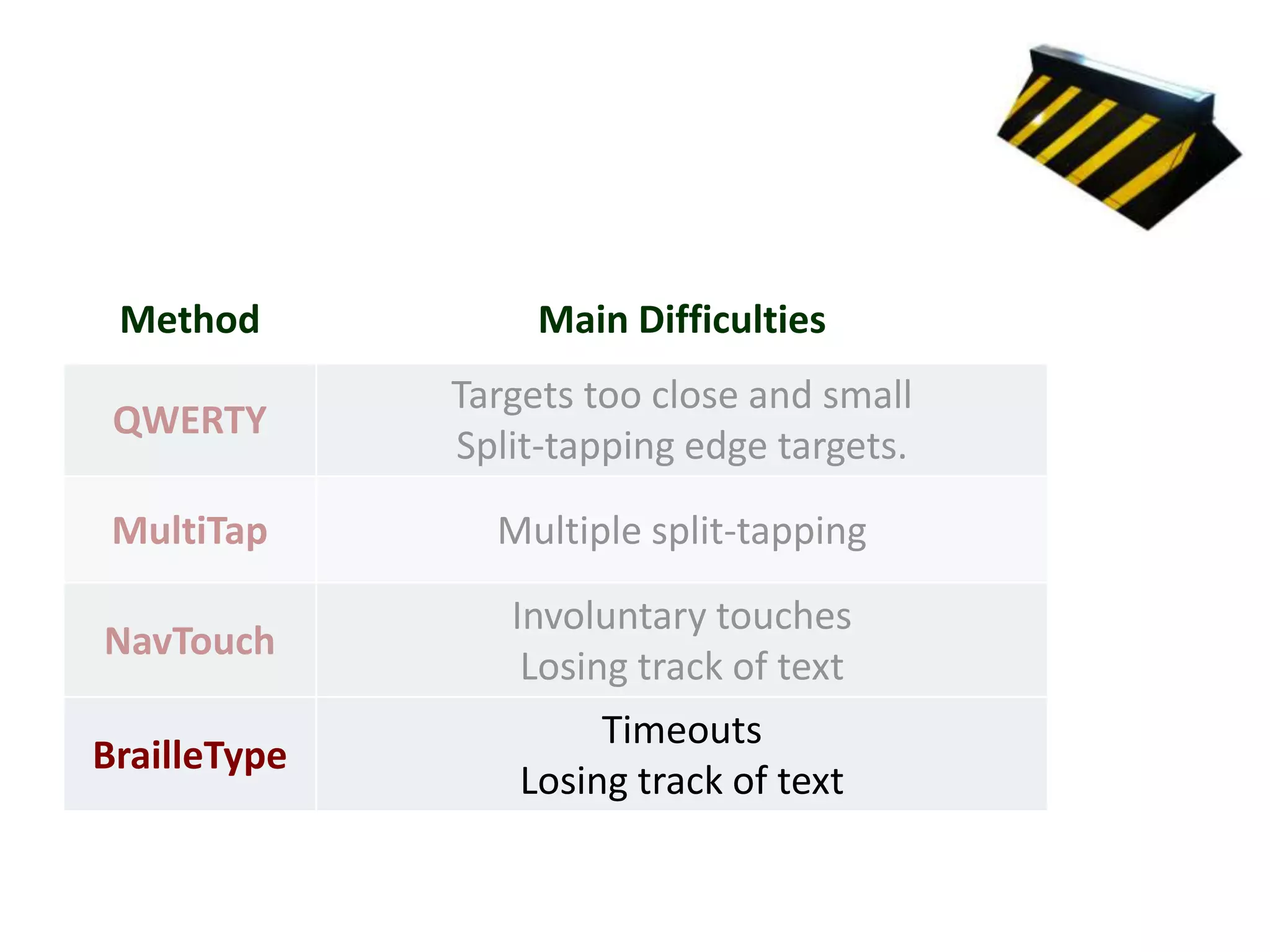
Method            Main Difficulties
              Targets too close and small
 QWERTY
              Split-tapping edge targets.

 MultiTap       Multiple split-tapping

                 Involuntary touches
NavTouch
                  Losing track of text
                       Timeouts
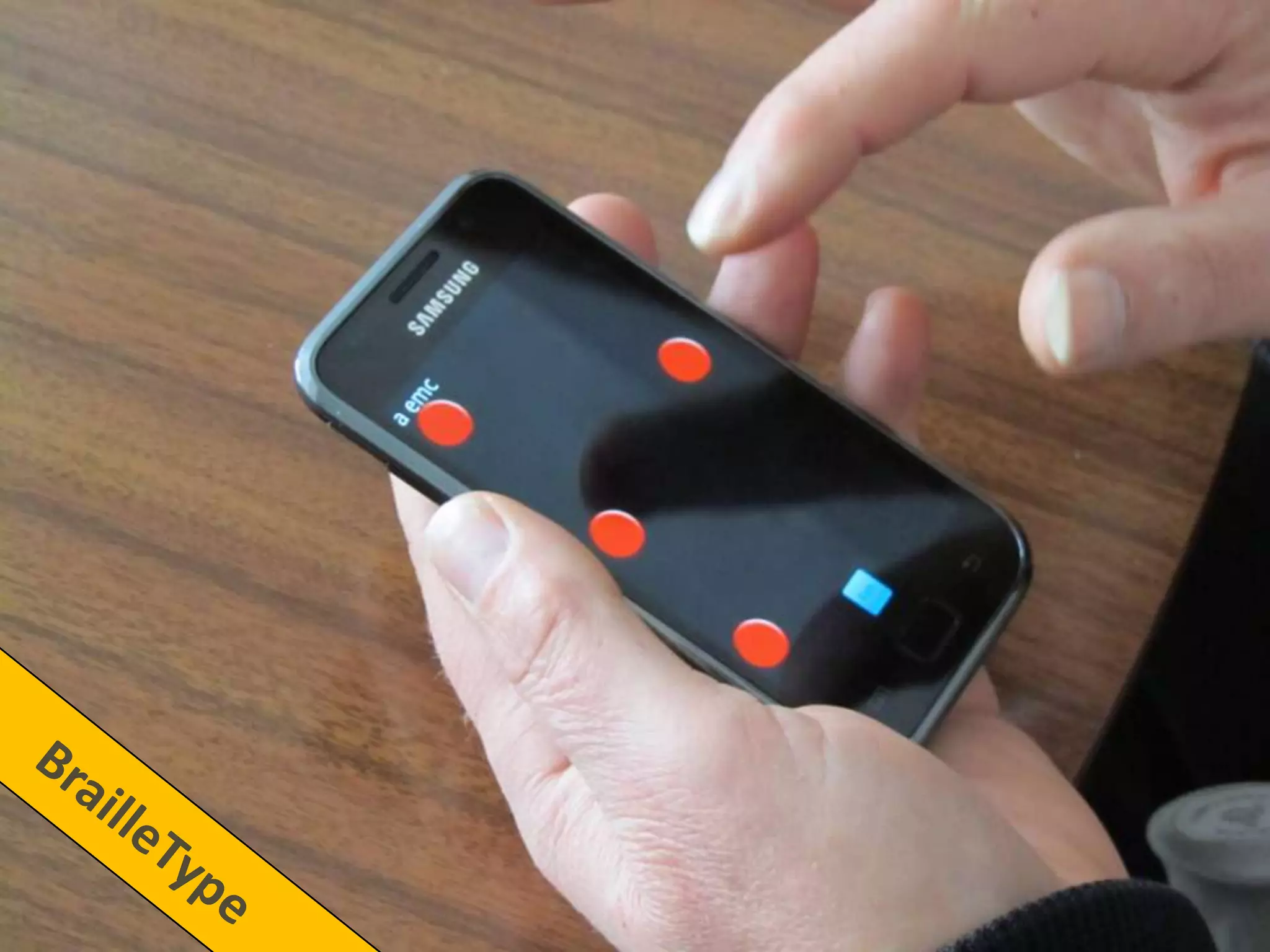
BrailleType
                  Losing track of text
Individual abilities
BrailleType
BrailleType
BrailleType
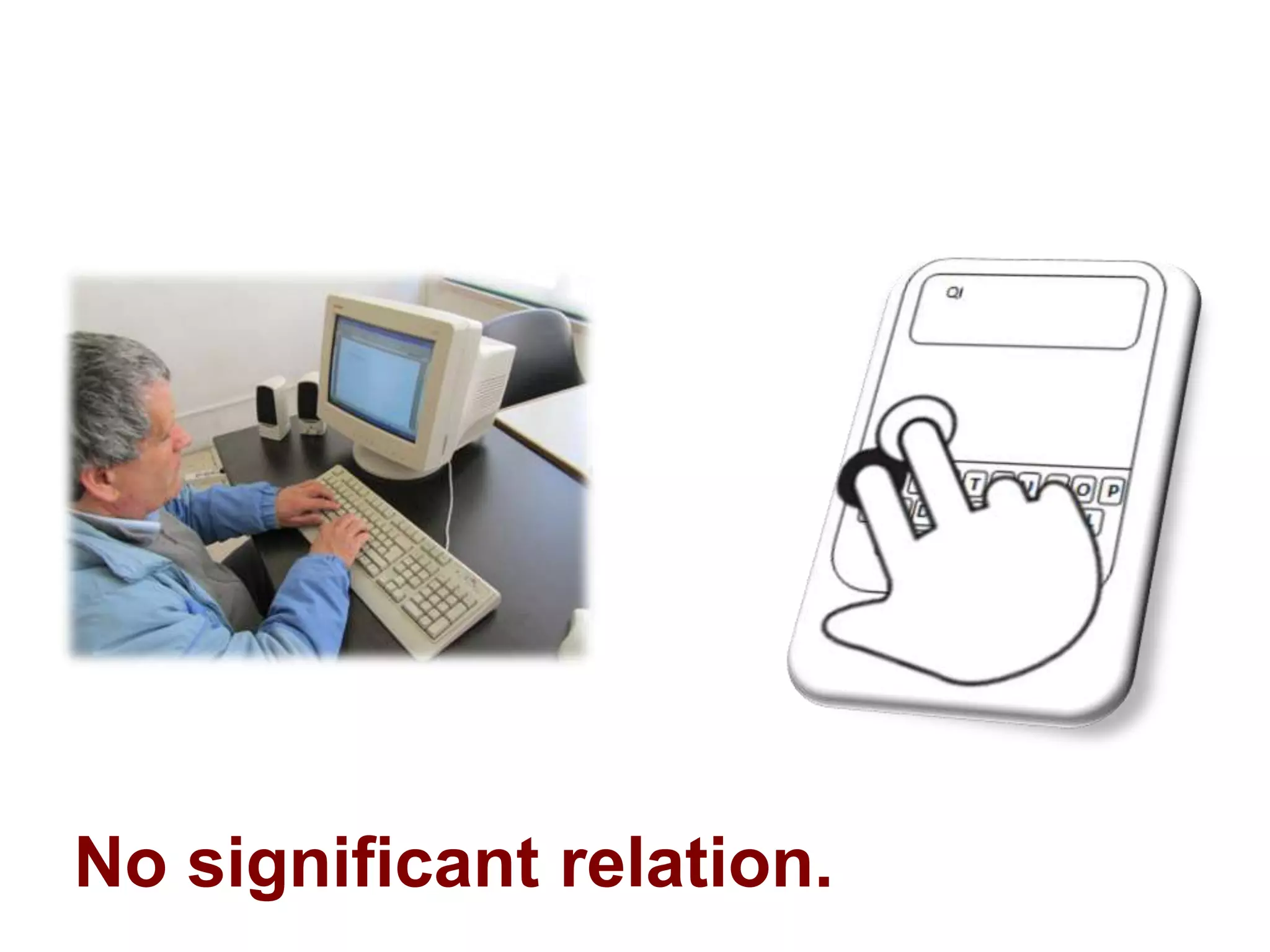
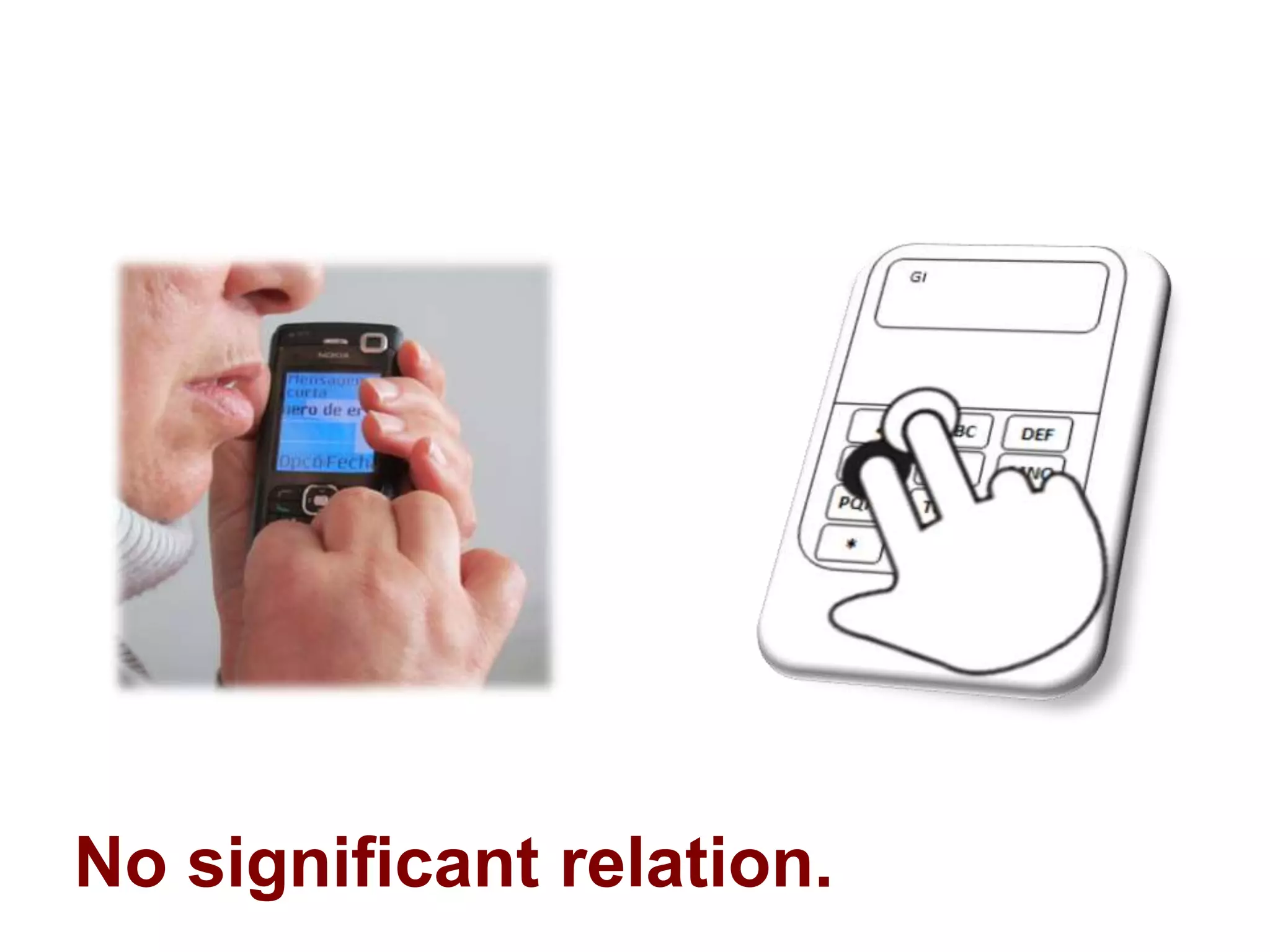
No significant relation.
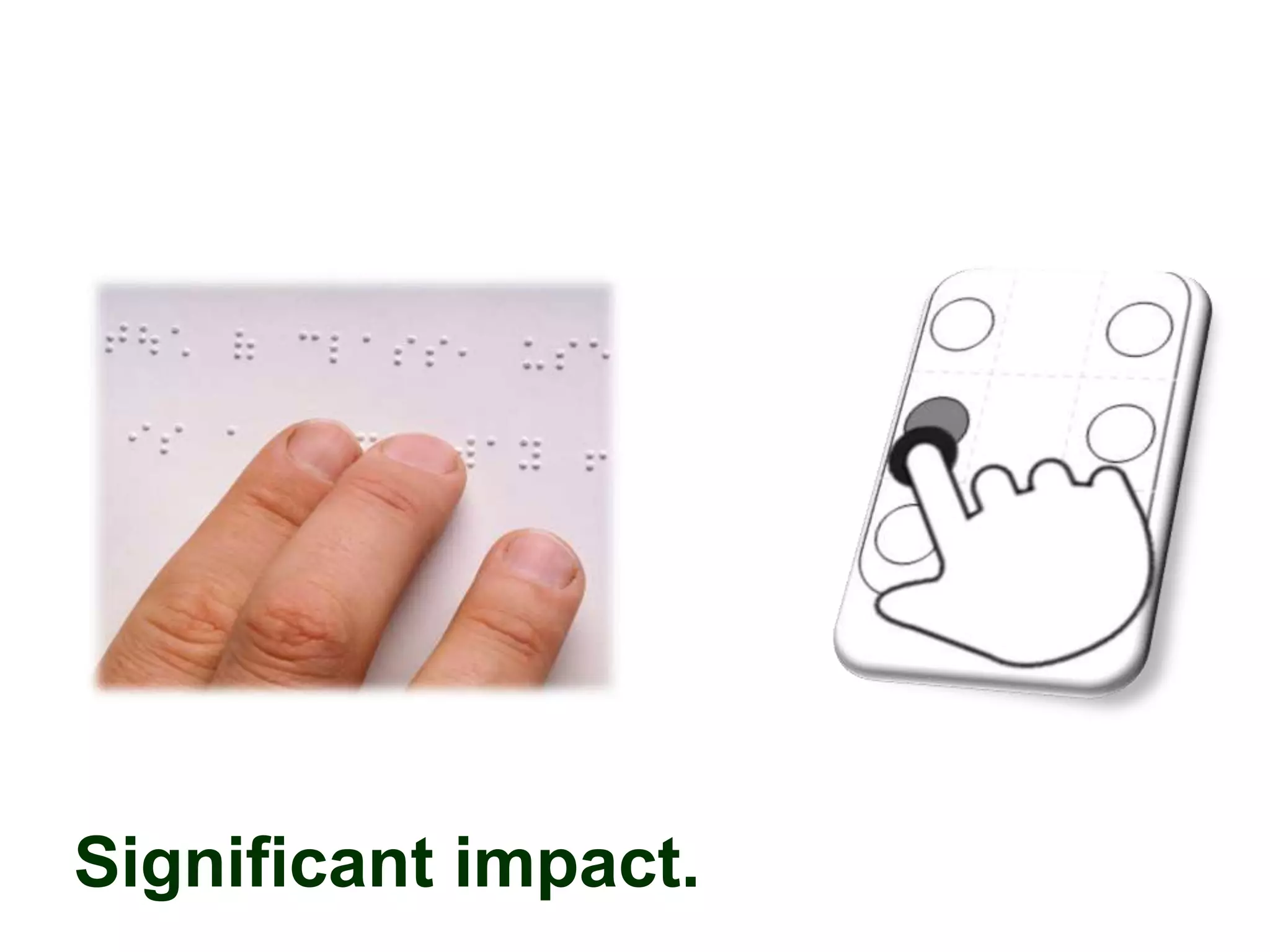
Significant impact.
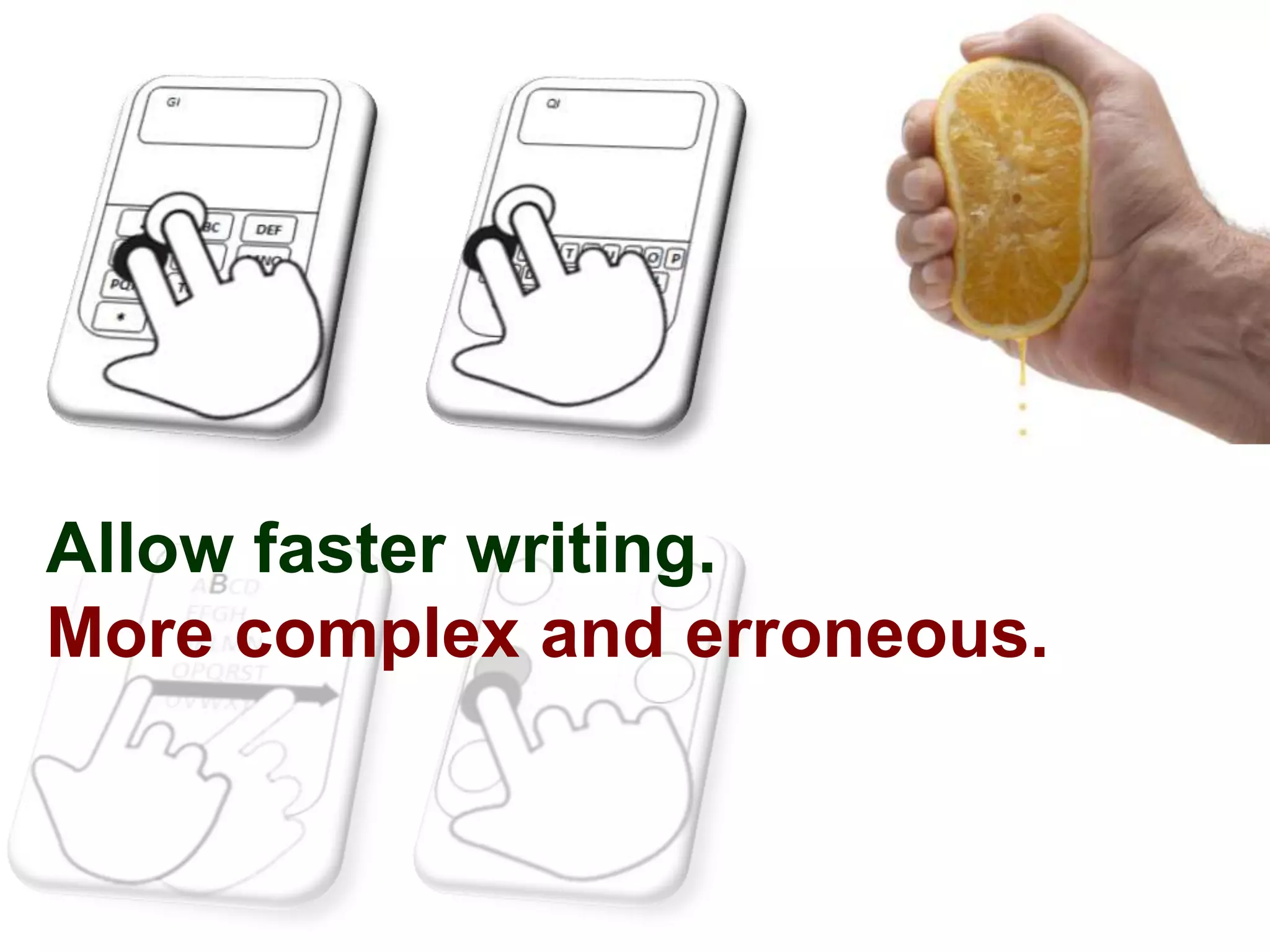
Allow faster writing.
More complex and erroneous.
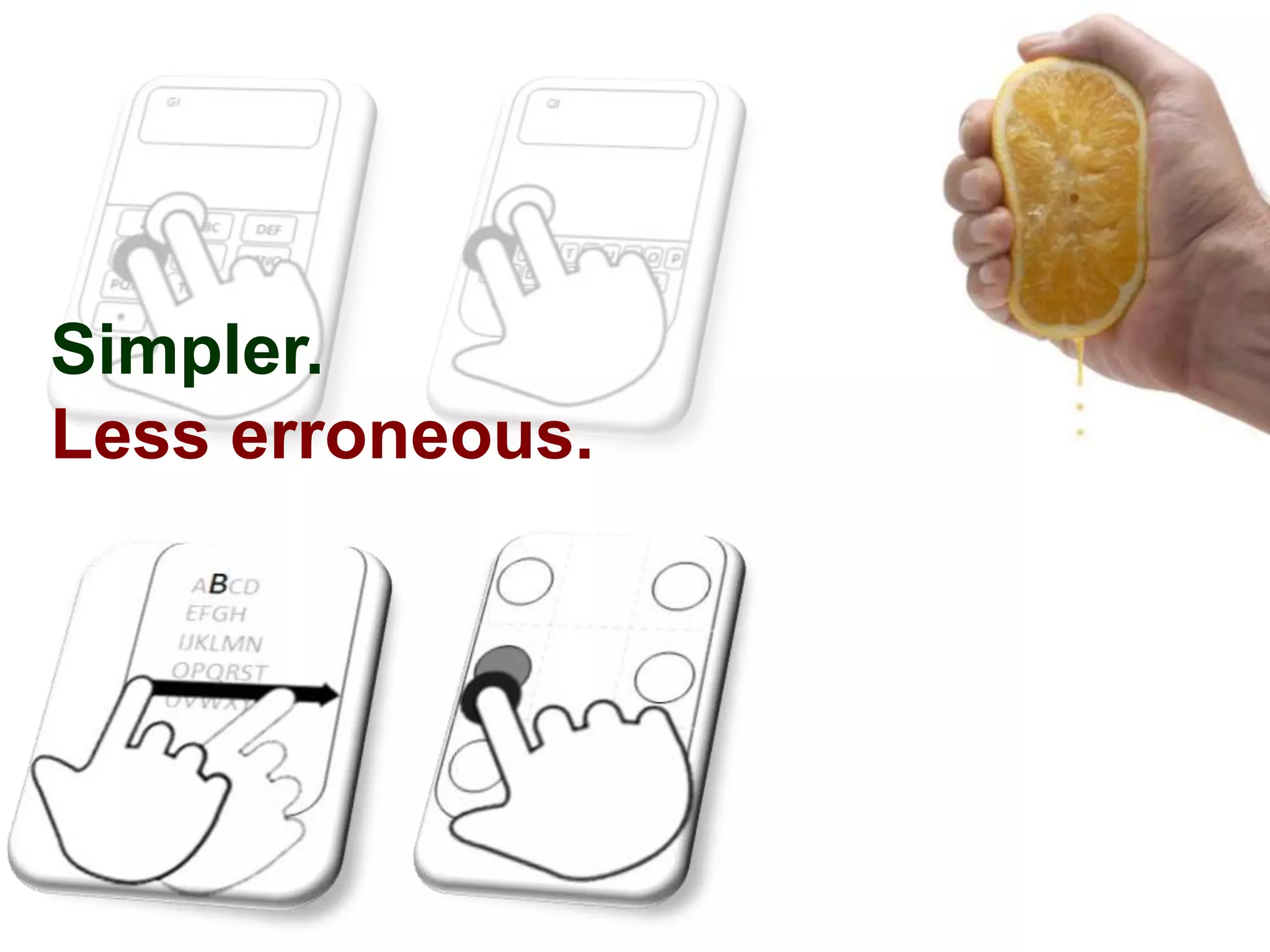
Simpler.
Less erroneous.
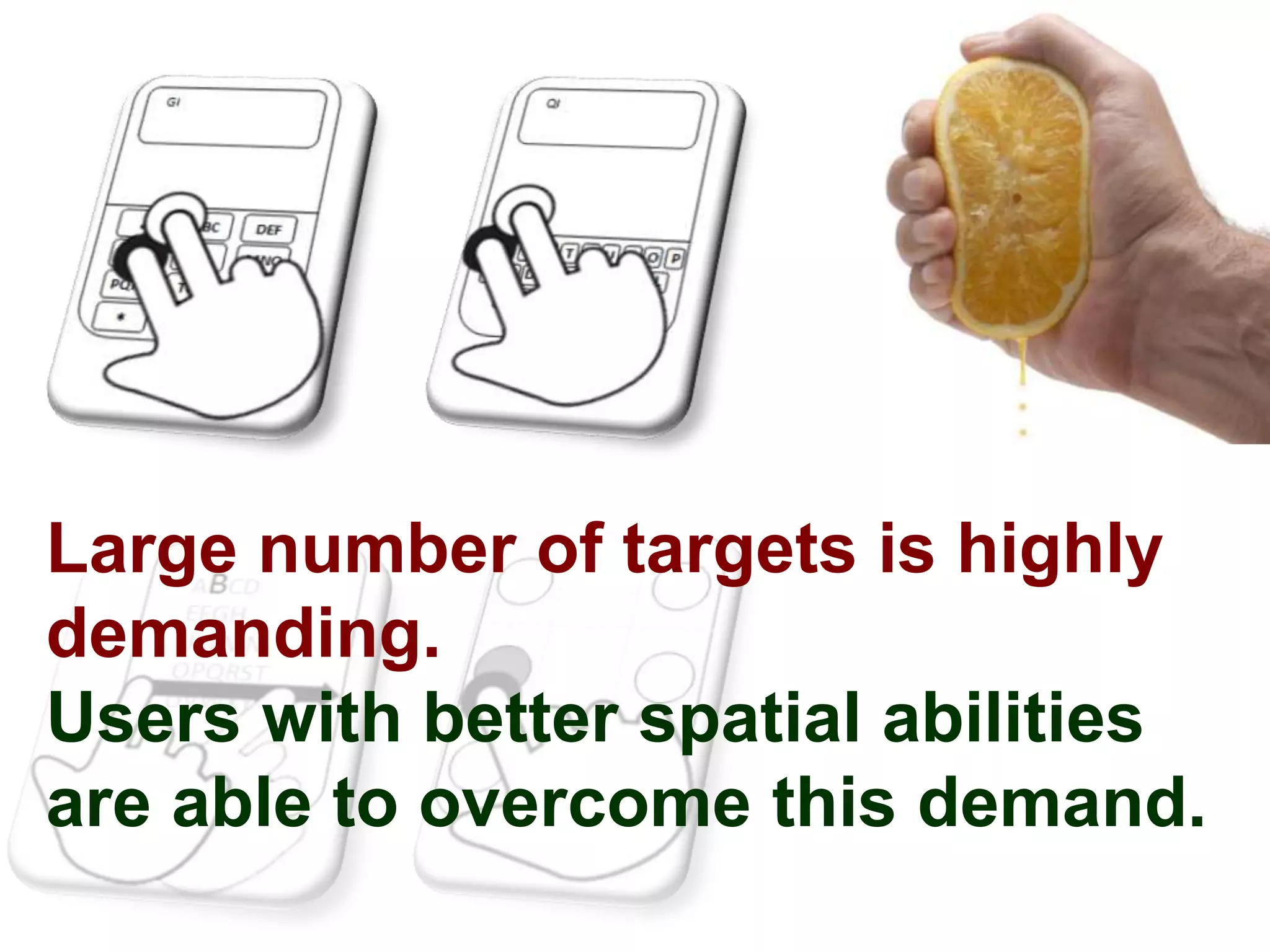
Large number of targets is highly
demanding.
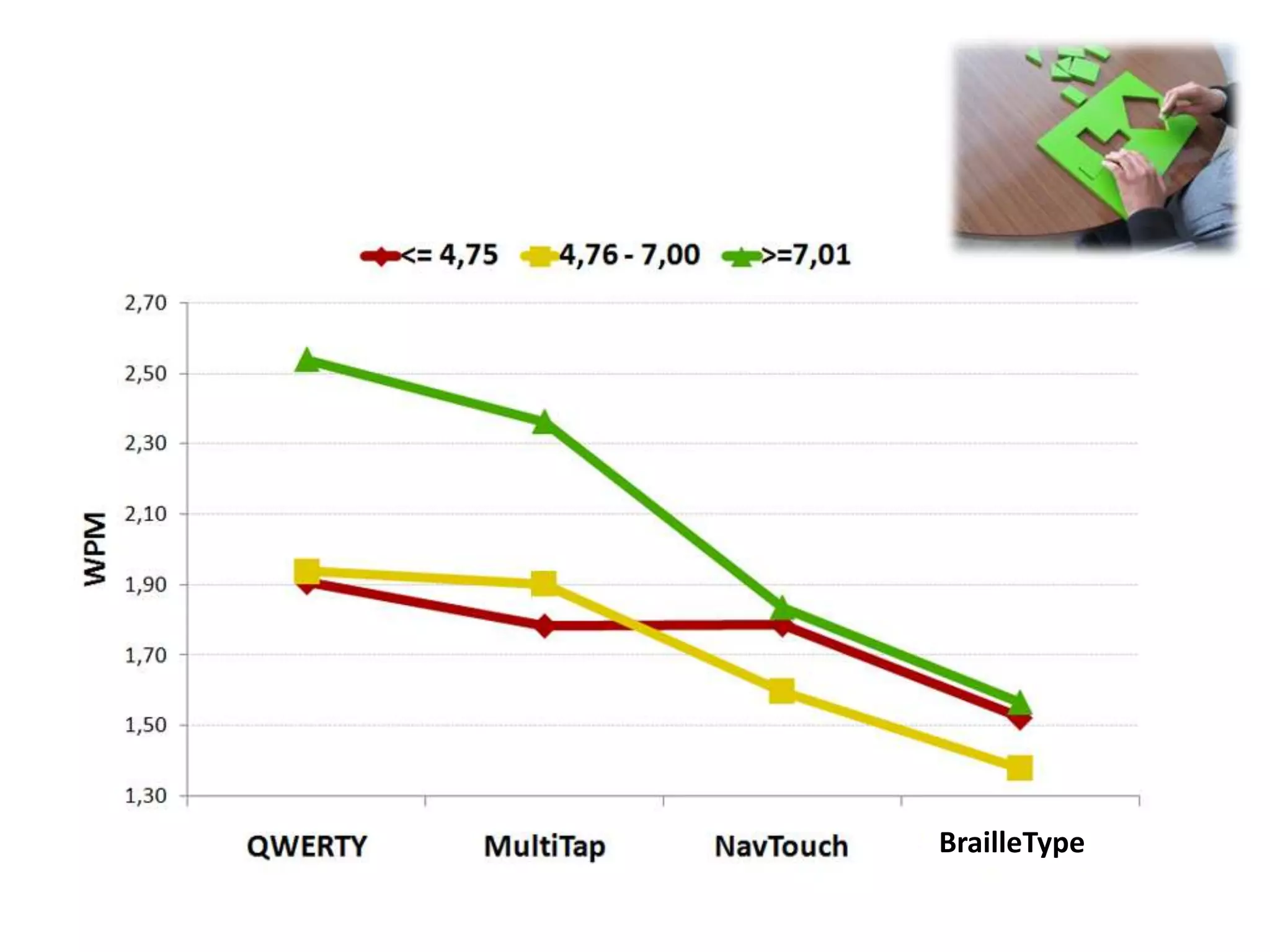
Users with better spatial abilities
are able to overcome this demand.
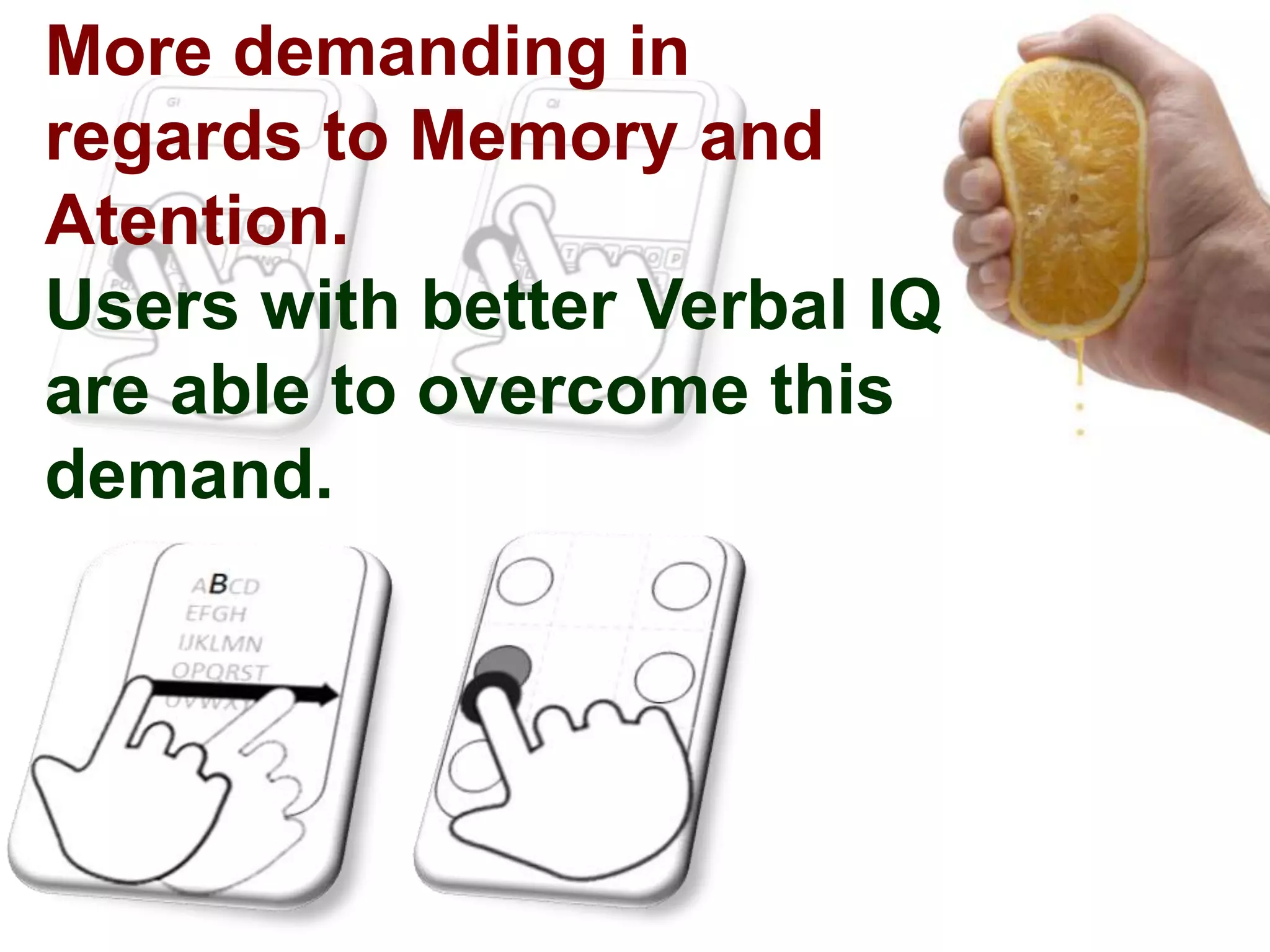
More demanding in
regards to Memory and
Atention.
Users with better Verbal IQ
are able to overcome this
demand.
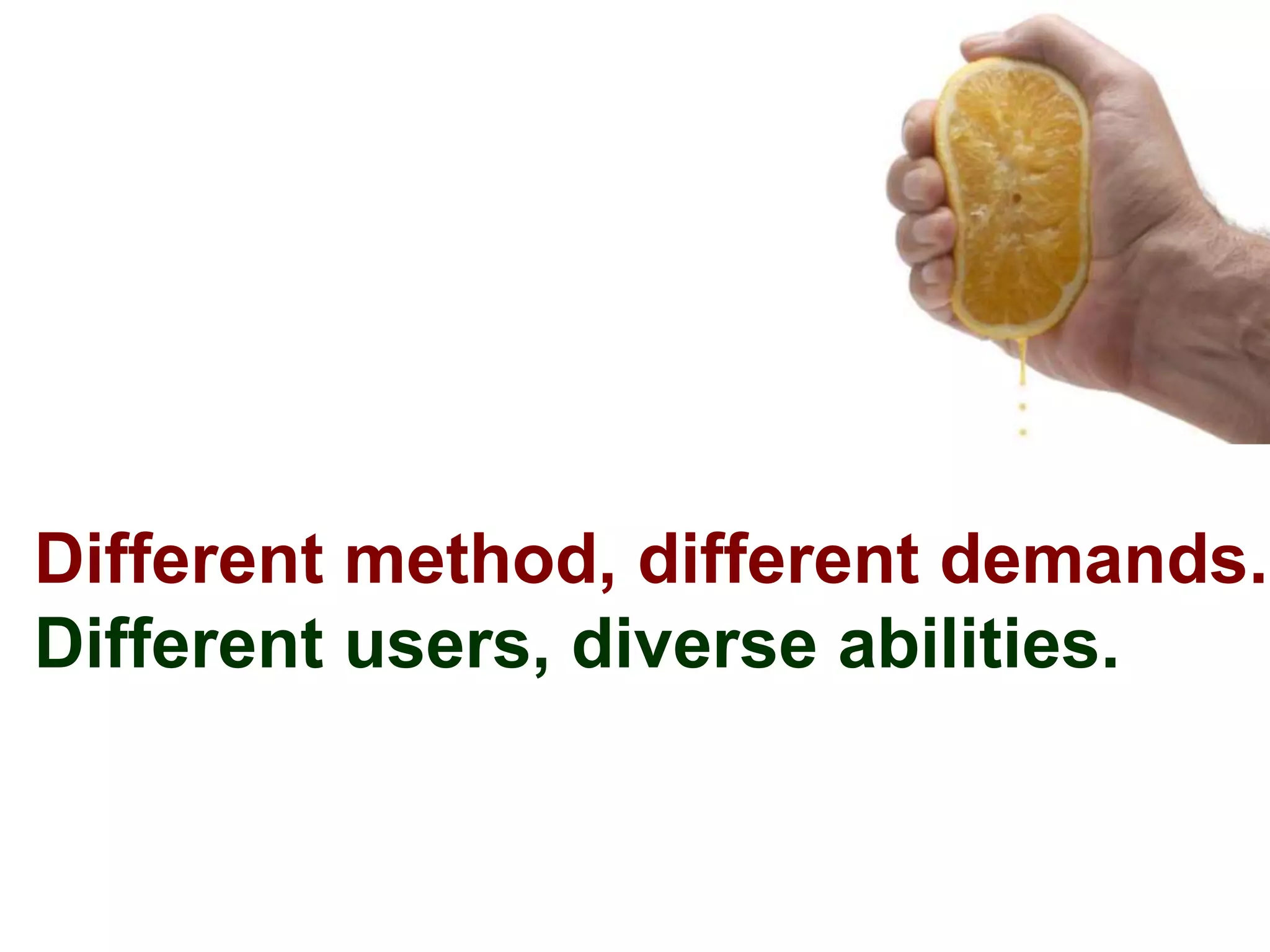
Different method, different demands.
Different users, diverse abilities.
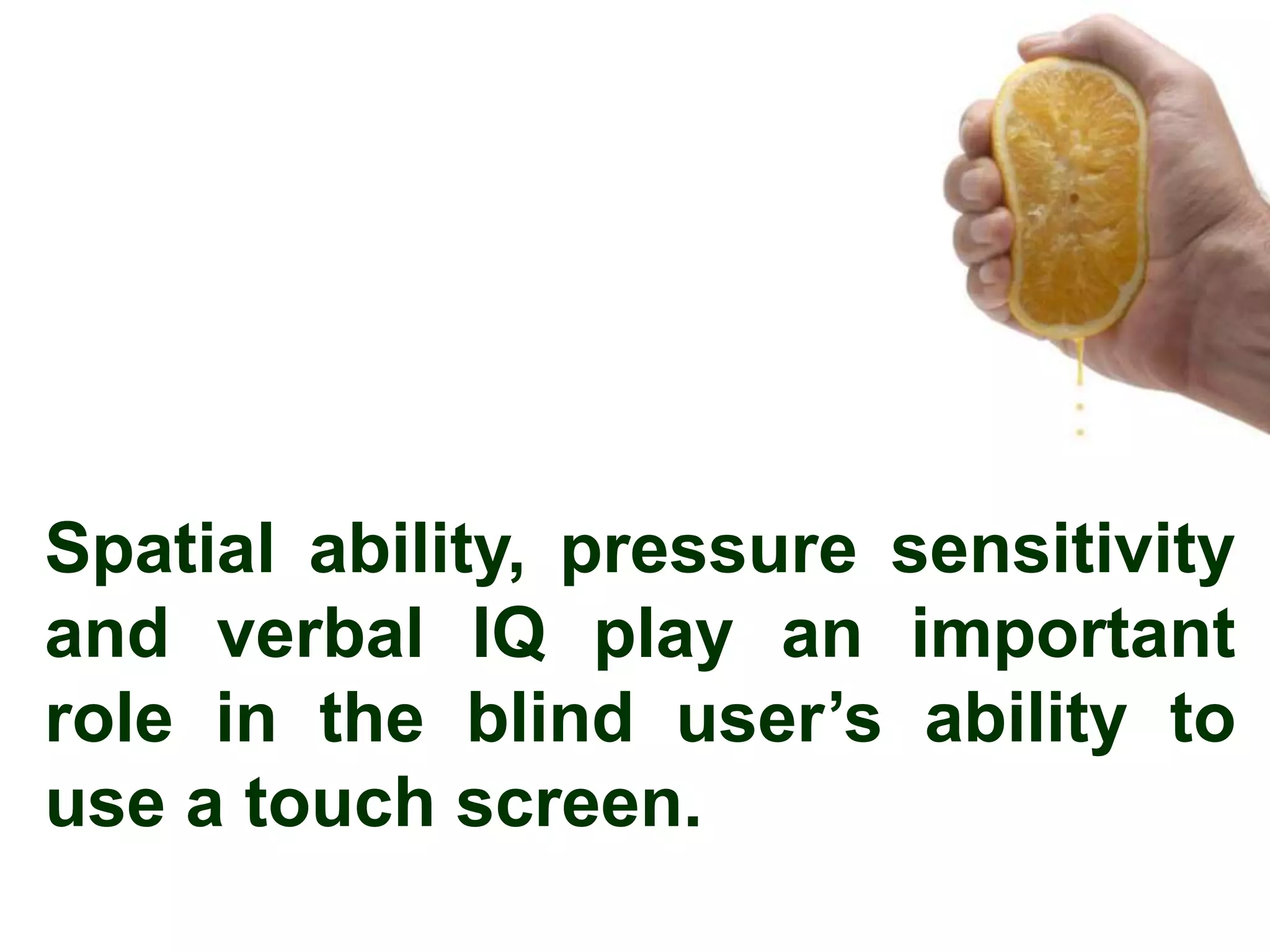
Spatial ability, pressure sensitivity
and verbal IQ play an important
role in the blind user’s ability to
use a touch screen.
The Future

Different devices
Low-level demands
Long term studies
tjvguerreiro@gmail.com

tiago.guerreiro

@tjvguerreiro
Tiago Guerreiro
             João Oliveira
         Hugo Nicolau
    Joaquim Jorge
Daniel Gonçalves

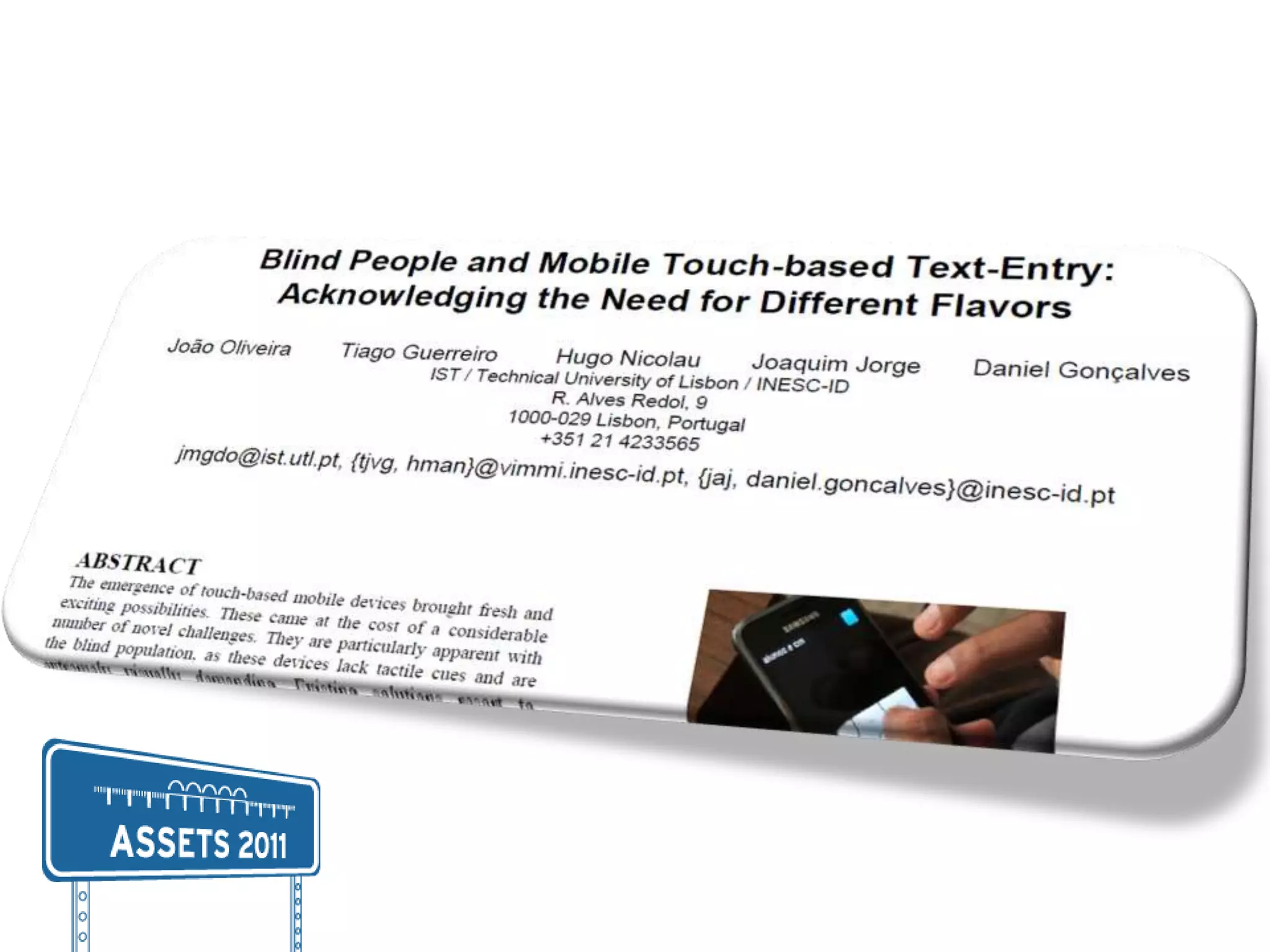
"Blind People and Mobile Touch-based Text-Entry: Acknowledging the Need for Different Flavors" @ ASSETS 2011

Editor's Notes

  • #2 Good morning everyone! My name is Tiago and I come from Portugal.
  • #3 My co-authors are João Oliveira, Daniel Gonçalves, Joaquim Jorge and….Hugo Nicolau who is also here. He is the one with the girly hair band!
  • #4 As JFK once said:If we cannot now end our differences, at least we can help make the world safe for diversityOur paper is about Individual Differences among blind people and how they are revealed when faced with different interface demands.
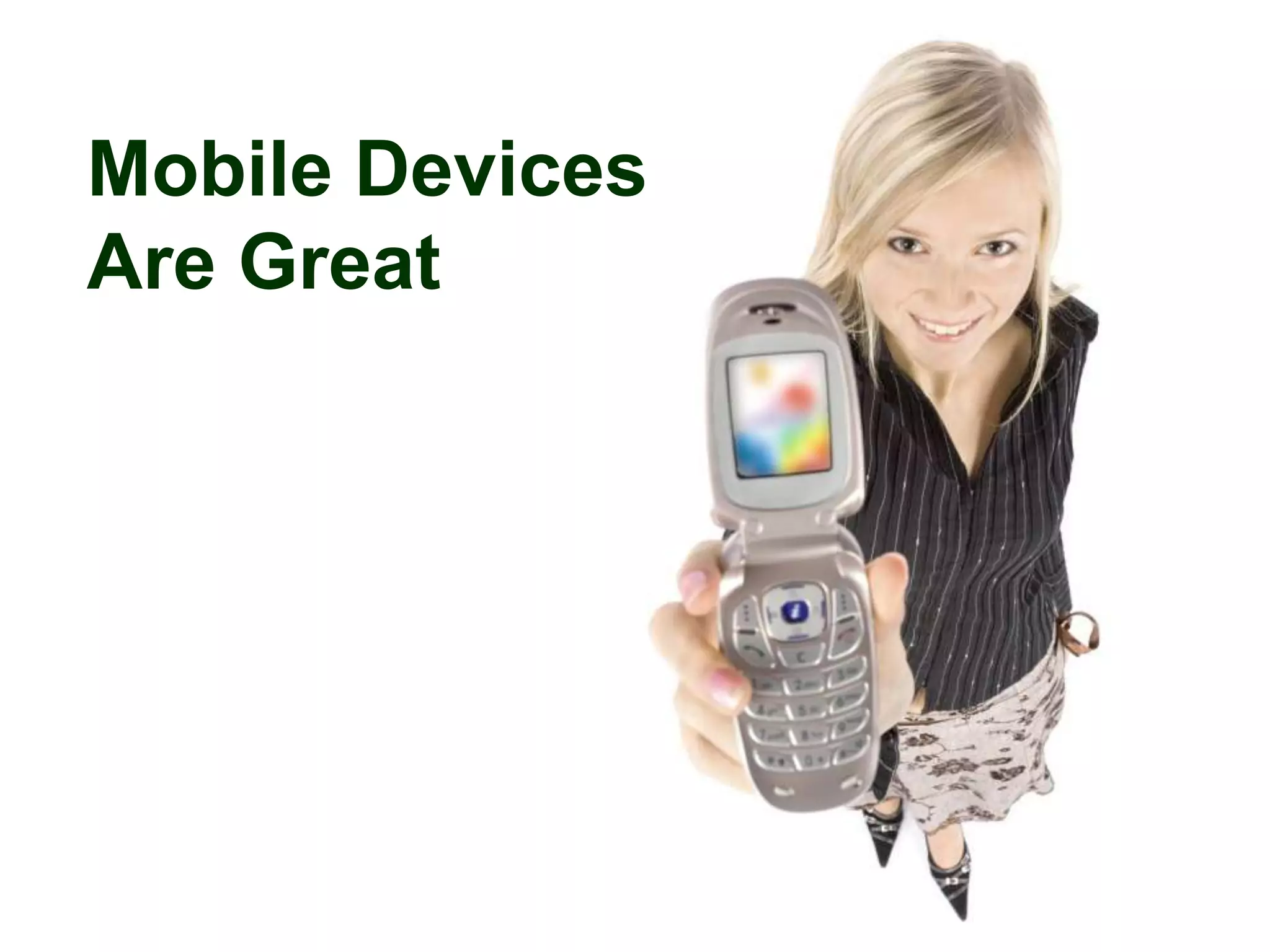
  • #5 So, we all acknowledge the power and benefits of mobile devices: they are great.
  • #6 And going straight to our focus group, blind people are now able to use mobile devices efficiently.
  • #7 Well not everyone….some better than others and some dramatically are not able to do so
  • #8 The population is diverse and in the absence of vision other senses and abilities are required…
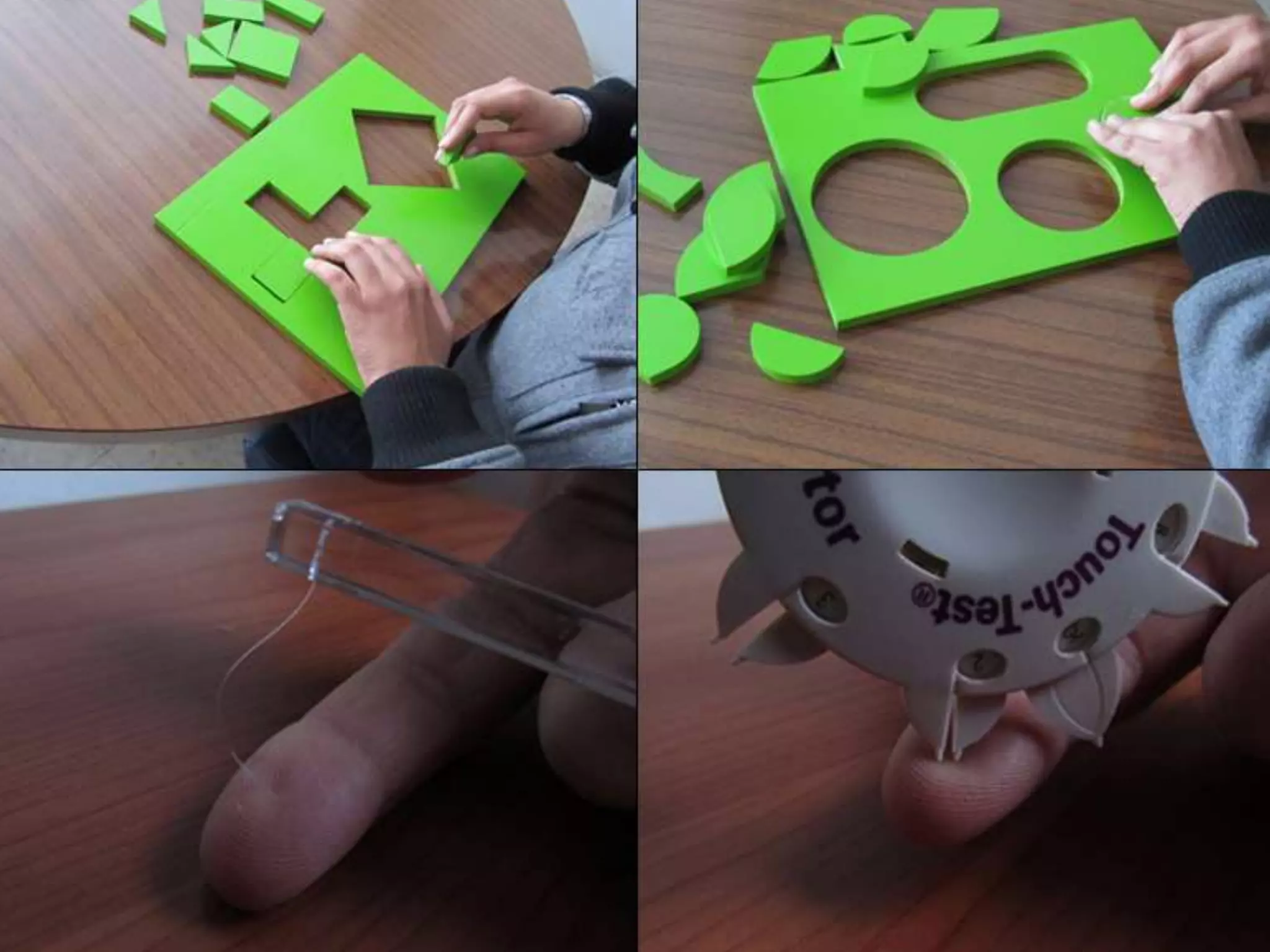
  • #9 This happens with tact. And for example, a reasonable part of population acquires blindness in a late stage in life when tactile sensitivity is not the best. Further, blind people with diabetes may also experience a loss of sensitivity in their fingers.
  • #10 Or even, the moment in life where a person loses sight is likely to produce different spatial abilities so different ways to create a mental idea of space and relations between objects.
  • #11 Or even age and memory.
  • #12 So there are several individual differences among the population.
  • #13 And this diversity matters as in the absence of vision these abilities are stressed and the users depend on them way more deeply than a sighted person.
  • #14 These differences in individual abilities have na impact in the way the users deal with technology
  • #15 And in particular with more demanding devices. In this paper we focus on touch screens.
  • #17 But also a lot of challenges
  • #21 Our goal here
  • #22 Was to assert the relation between some abilities and demands and try to match them to foster more inclusive design
  • #37 All solutions using voice feedback …
  • #42 Fifteen blind users
  • #43 With ages between twenty four and sixty eight. We covered a large spectrum of the blind population, between early and late blind users.
  • #44 All but two texted frequently
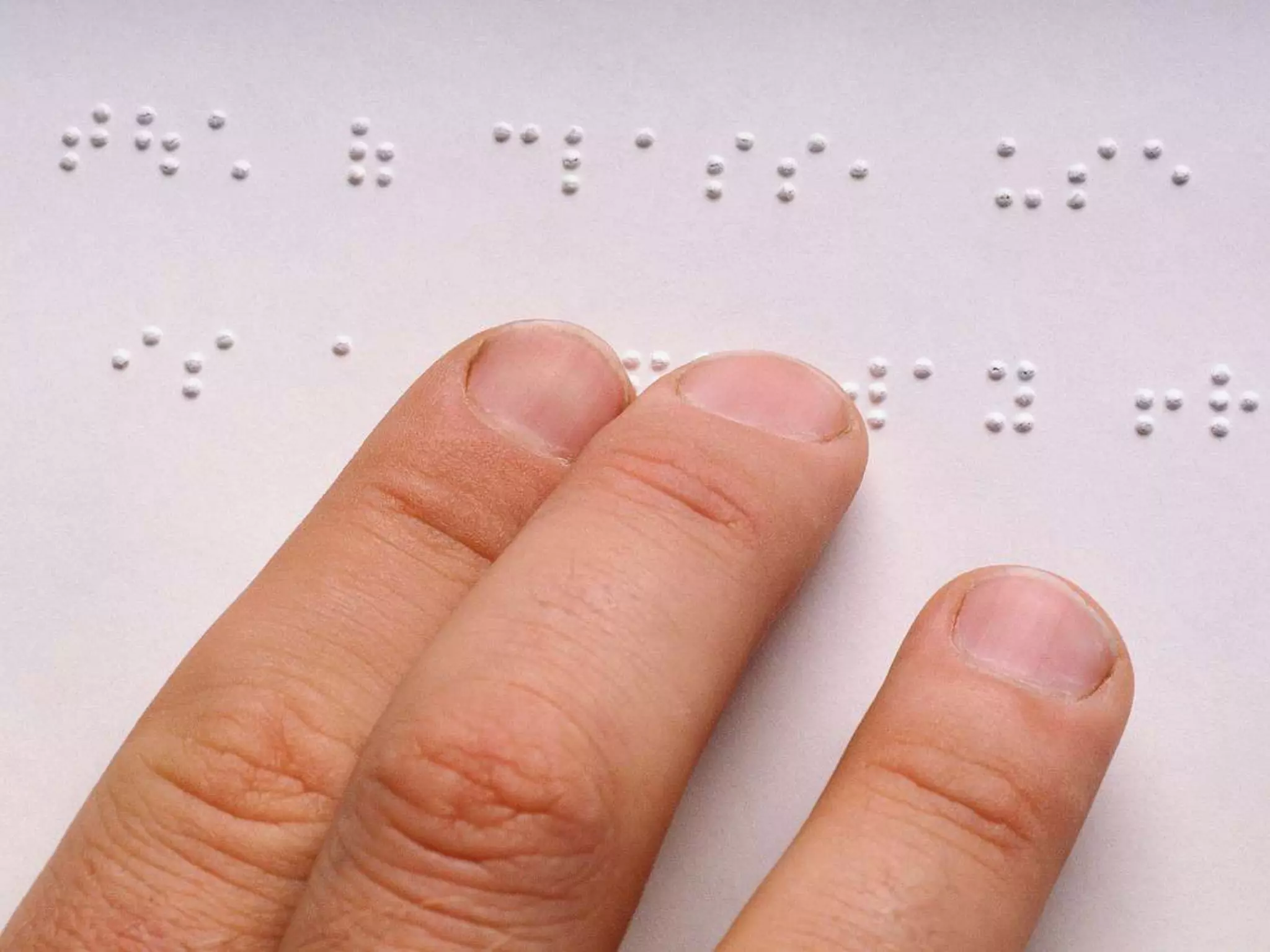
  • #46 All knew the braille alphabet (some experienced and some with low reading and writing abilities)
  • #47 Two never learned to use a computer
  • #48 Look, I got a dot. Lem me breath. Learning from the best!
  • #49 The text-entry part of our study was composed of 4 sessions with each user, one per method.
  • #52 Duringthetesterasewasunavailable as wewanted to seethequalityofthetranscribedtextwithoutcorrections
  • #55 Regarding the methods and particularly input speed we looked at Words per Minute
  • #56 And we found significant differences between both QWERTY and MULTITAP and NAvTouch and BrailleType.
  • #57 Regarding accuracy, so the similarity between the desired and transcribed sentences we used Minimum String Distance Error Rate.
  • #58 And Braille Type showed to be less erroneous than the faster methods
  • #59 While NavTouch showed to be less erroneous than MultiTap
  • #61 As to a method being Easy to Understand NavTouch and BrailleType showed to be easier than the remaining 2
  • #62 And they were also considered easier to use
  • #63 And as expected the faster methods were considered as such by the participants
  • #64 Surprinsigly, users said they would use MultiTap or BrailleType, some because they wanted a fast method, some because they wanted a simpler one.
  • #65 In our observation we also looked at the most prominent barriers and difficulties
  • #66 Regarding QWERTY most of the problems arise from the number and size of the targets: they are too close and small and that turns the task demanding for a novice user. Further the users were not used to composed gestures like spliut-tapping and had problems particularly near the edges.
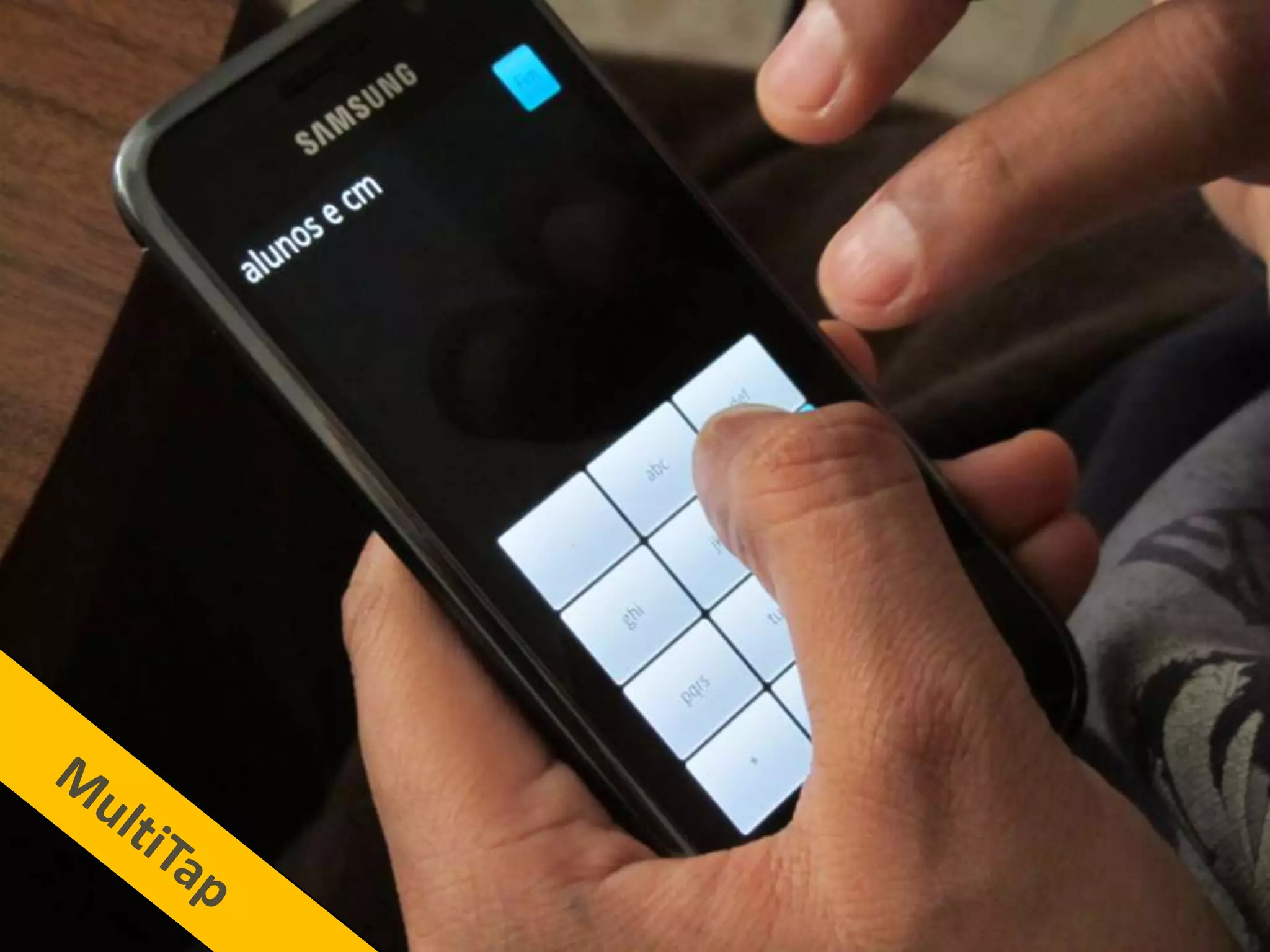
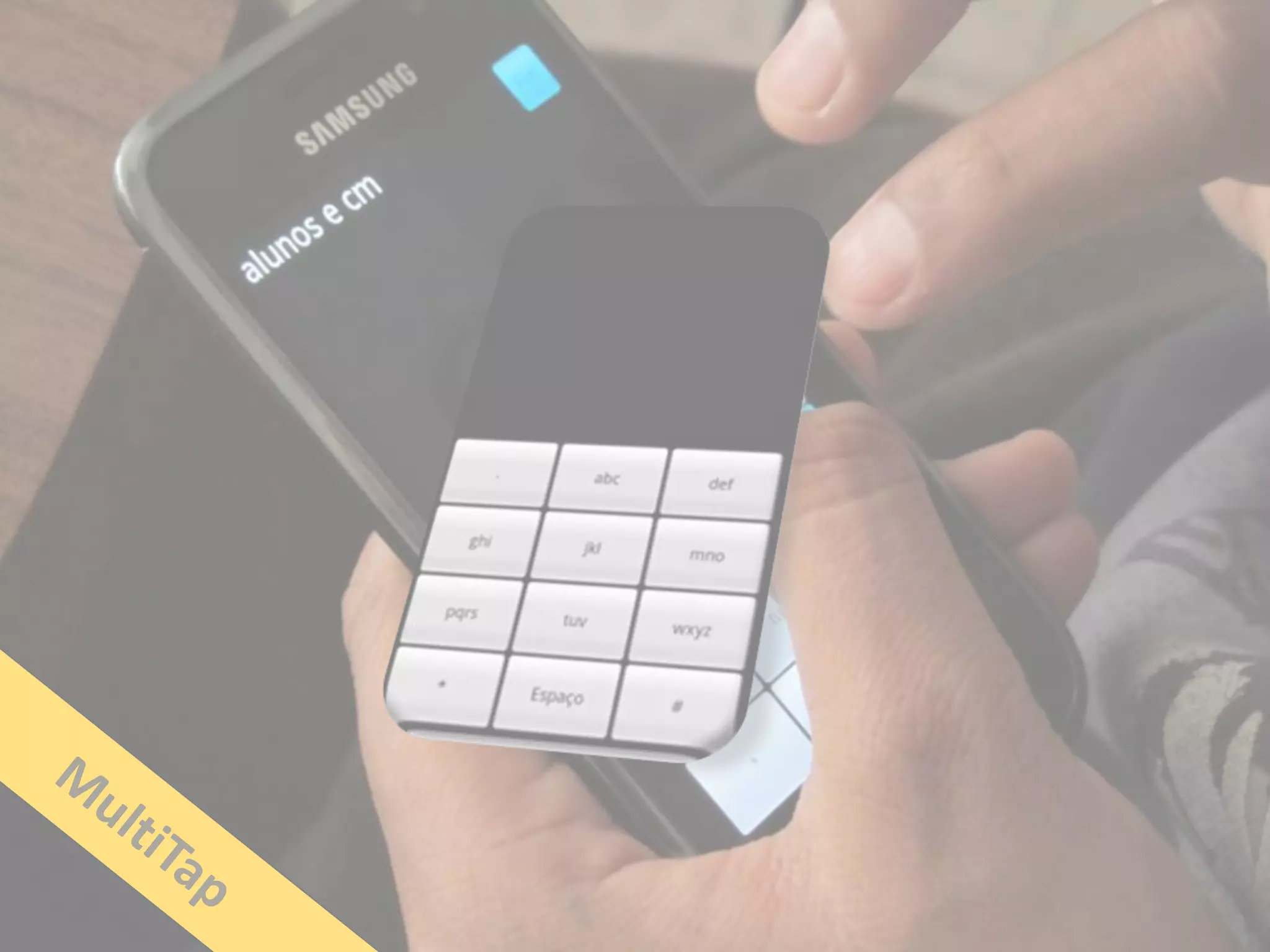
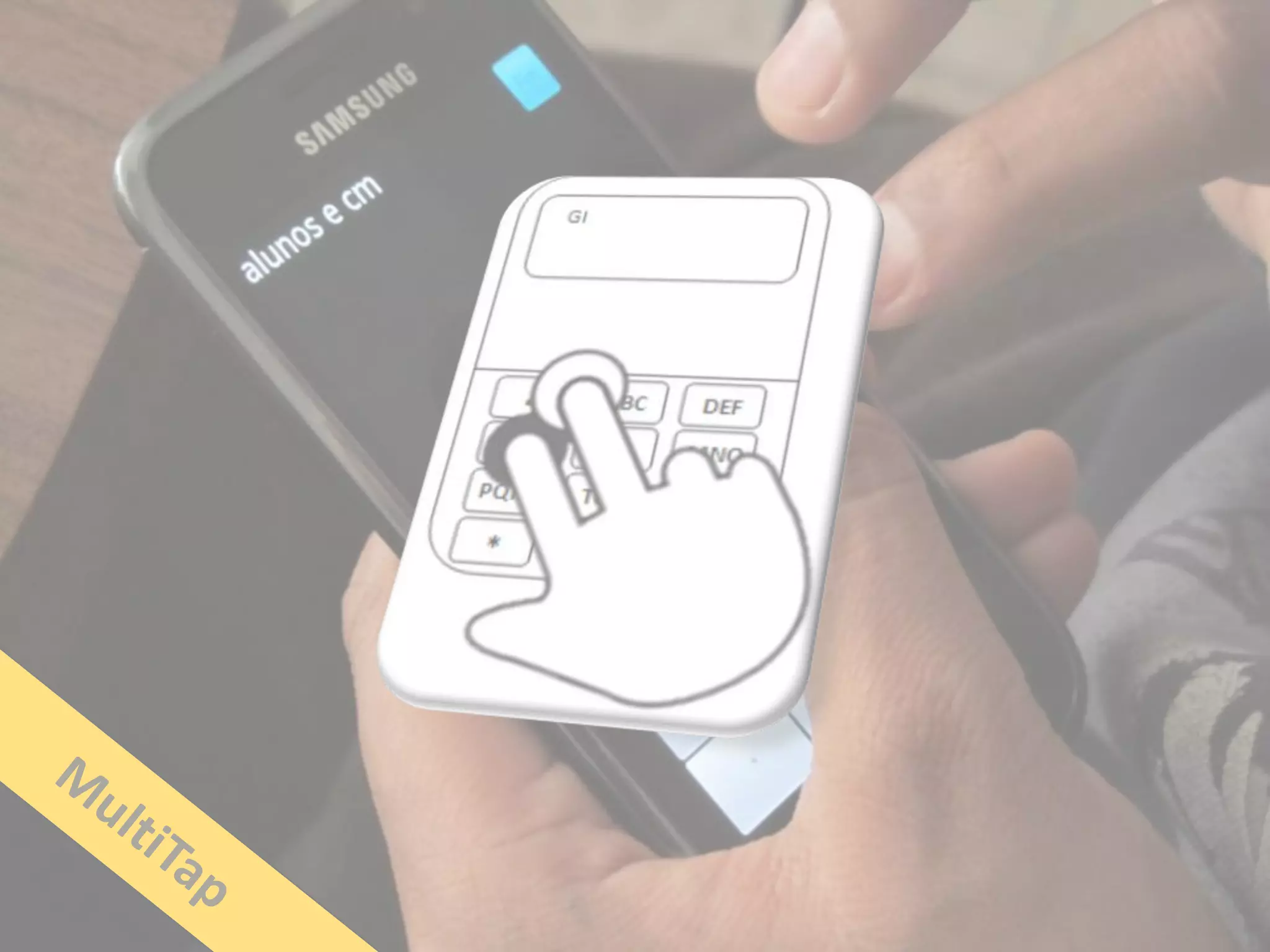
  • #67 Following this idea, most on the errors with MultiTap arose from multi split-tapping
  • #68 As to NavTouch the users did several involuntary touches and as each selection is lengthy sometimes they would lose track of text
  • #69 BrailleType had issues with the timeout we applied (timeouts are hazardous) and users also did lose track of text sometimes
  • #70 Looking at individual abilities and how they relate with different device demands…
  • #71 We saw that people with lower verbal IQ (memory and attention), performed worse in all methods but this only happens until a particular level showing that the methods’ demands are surpassed after a certain ability threshold.
  • #72 As to Spatial Ability, differences were found between users with different abilities at QWERTY and MultiTap so users with the best spatial abilities performed better at these methods than the others. This does not happen with NavTouch and BrailleType
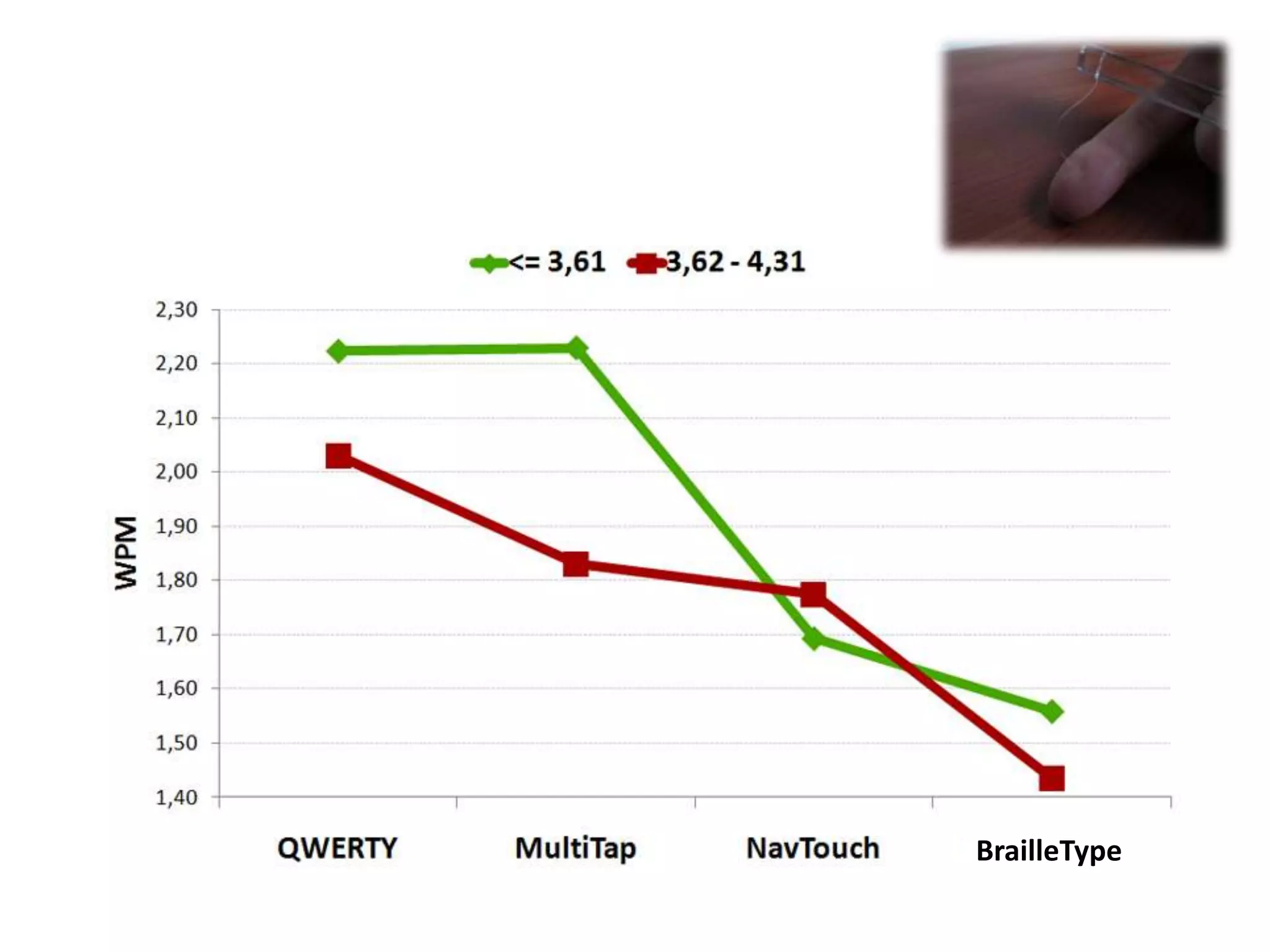
  • #73 Another individual feature that showed relevance was pressure sensitivity, a measure of tactile sensitivity, in methods where split-tapping was used. It is visible at MultiTap.
  • #74 As to more functional abilities:
  • #75 No relation was found between the proficiency using a physical keyboard and QWERTY
  • #76 Nor between using a keypad MultiTap and the touch screen version of it
  • #77 We found an impact on the level of Braille reading proficiency and using BrailleType.
  • #78 Squeezing it all up, methods with several targets, fixed layout and scanning techniques allow for faster writing but they are more complex and erroneous
  • #79 While NavTouch and BrailleType are simples and less erroneous