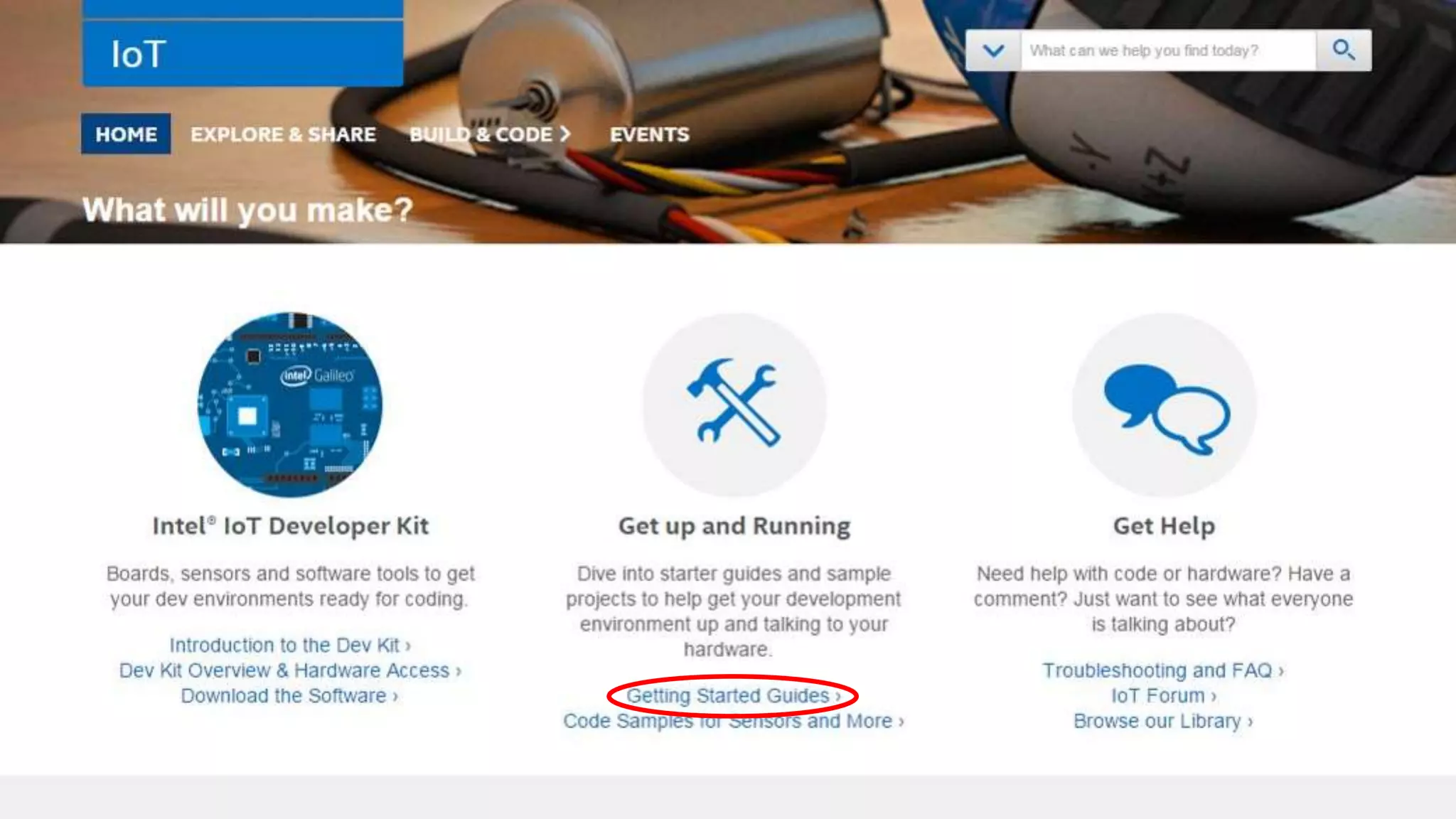
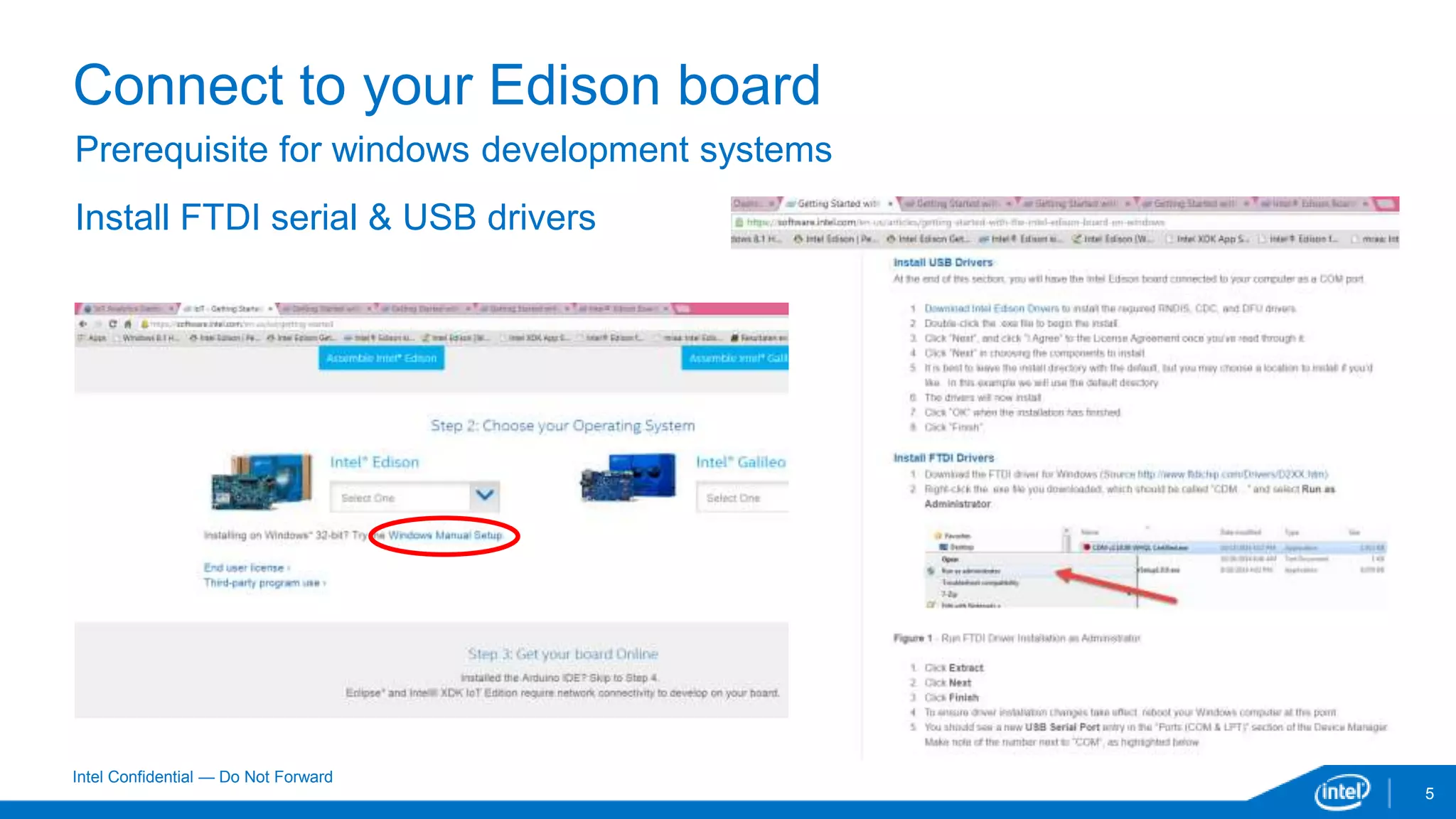
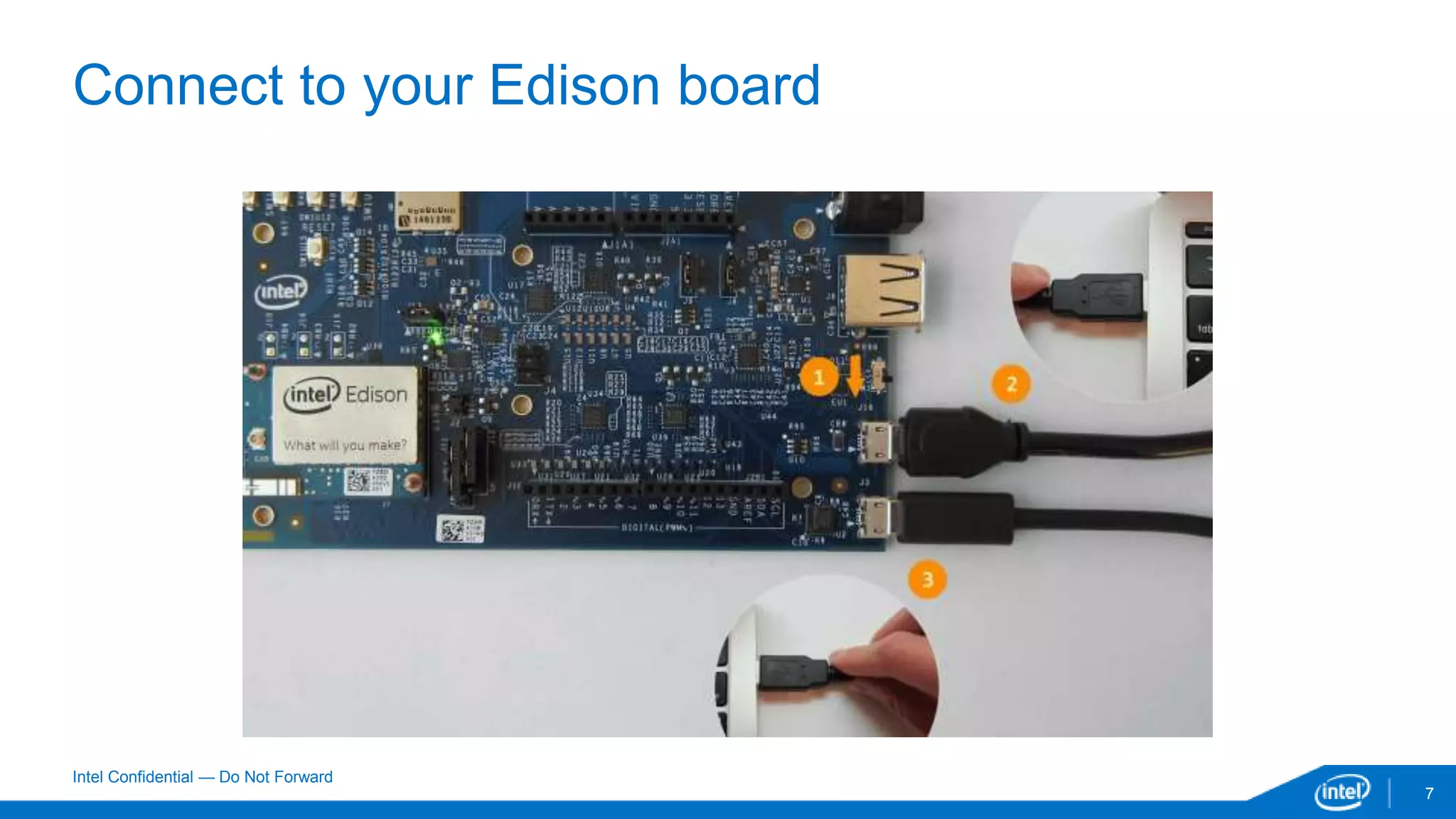
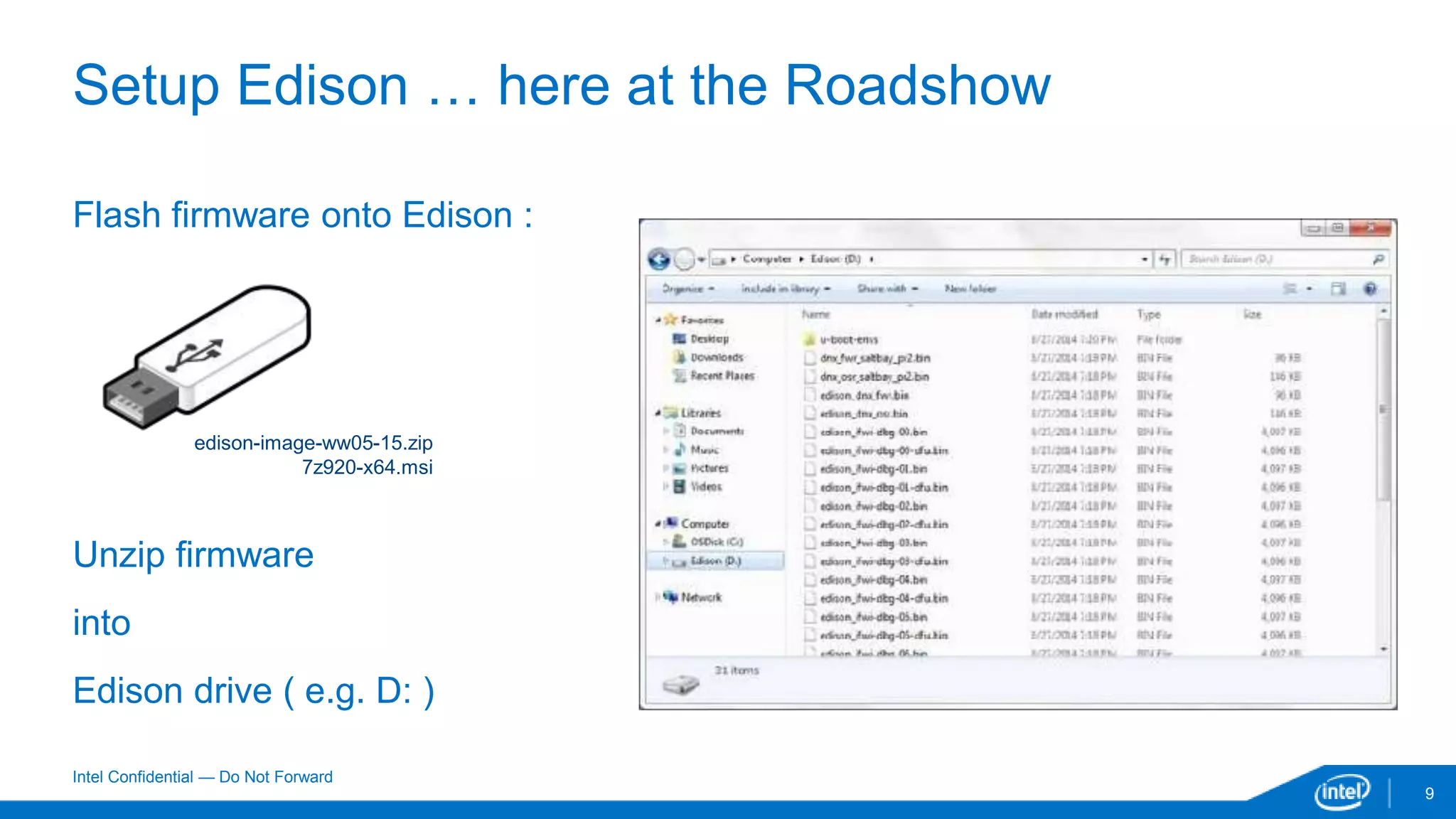
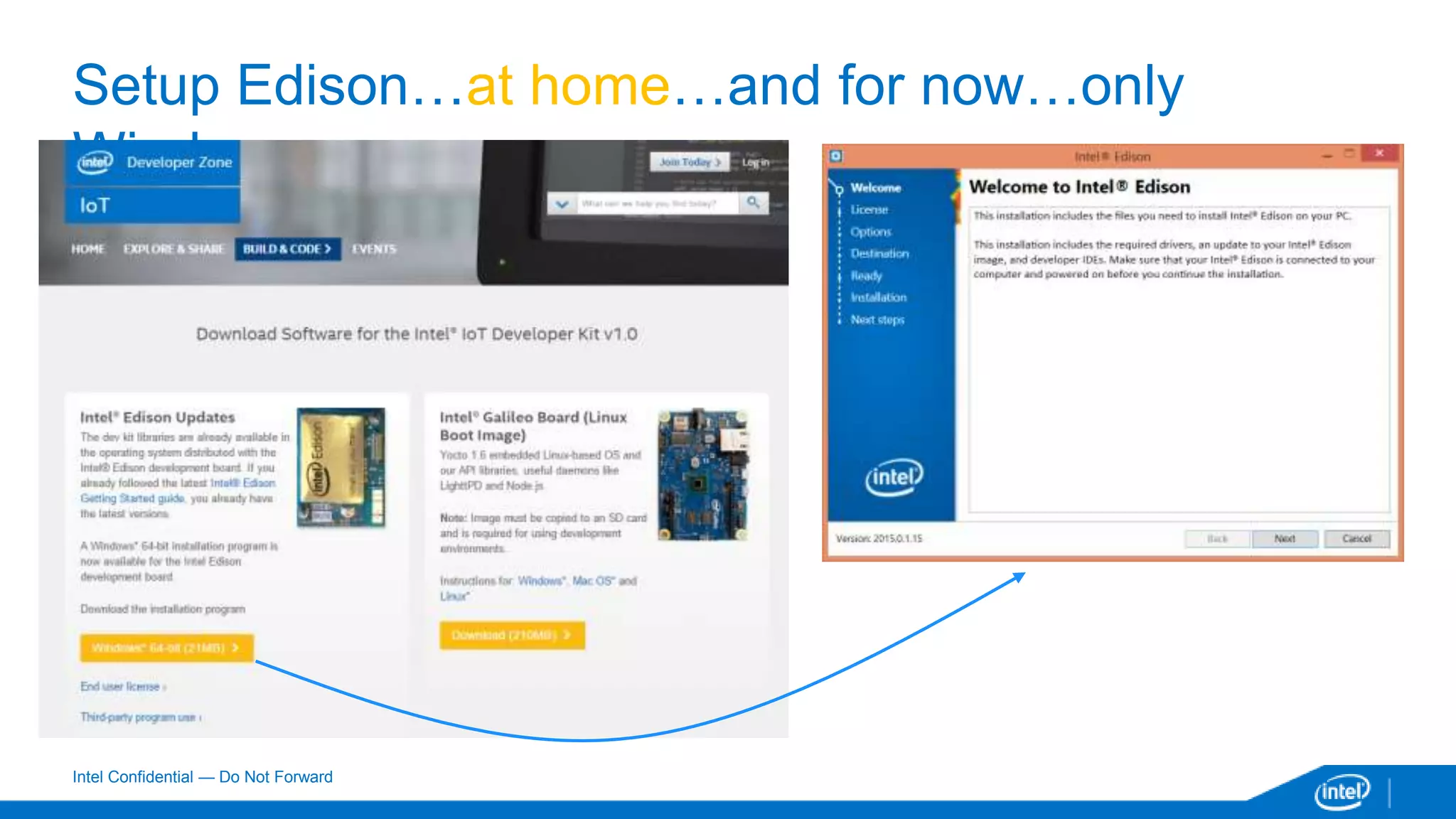
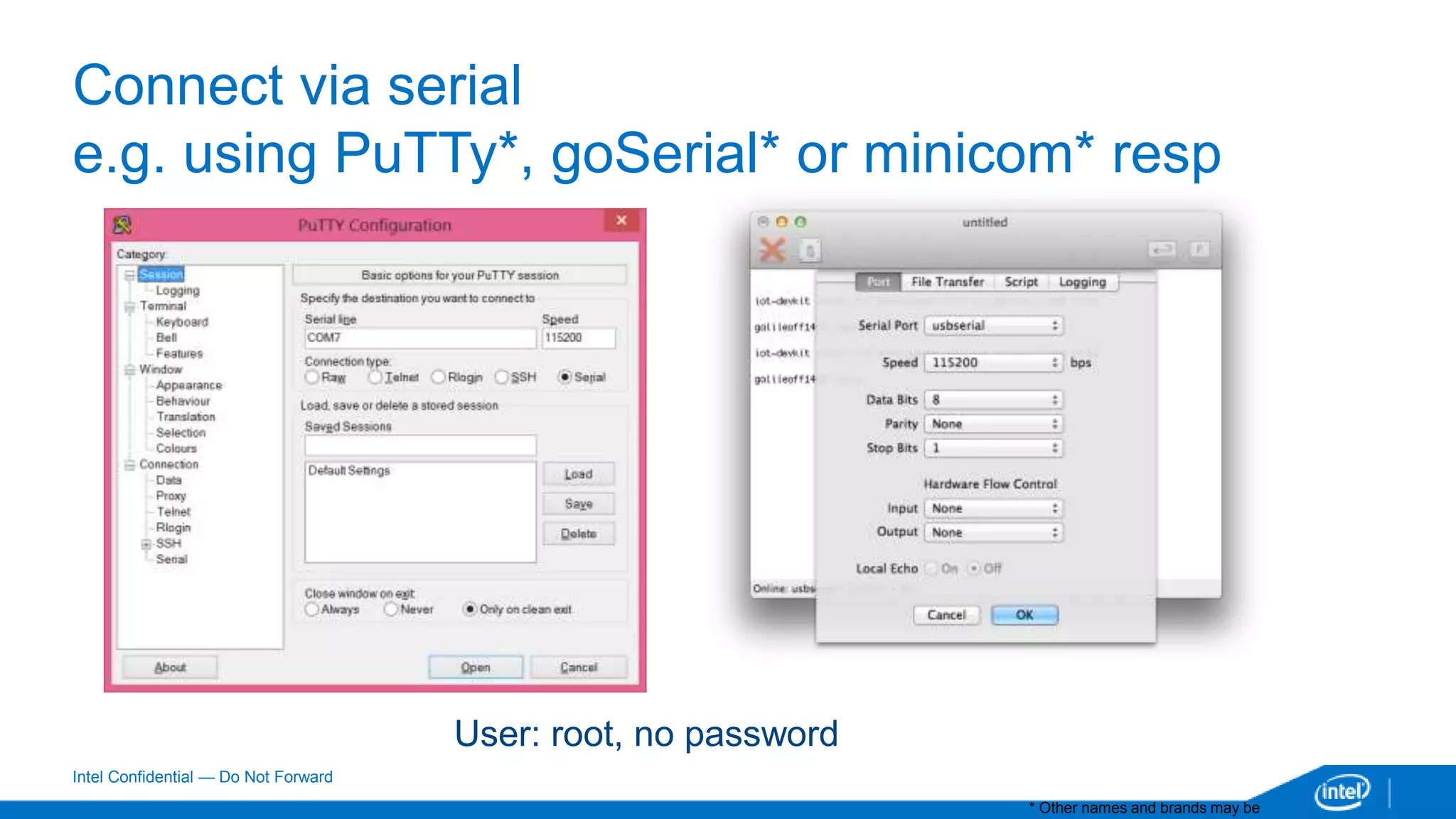
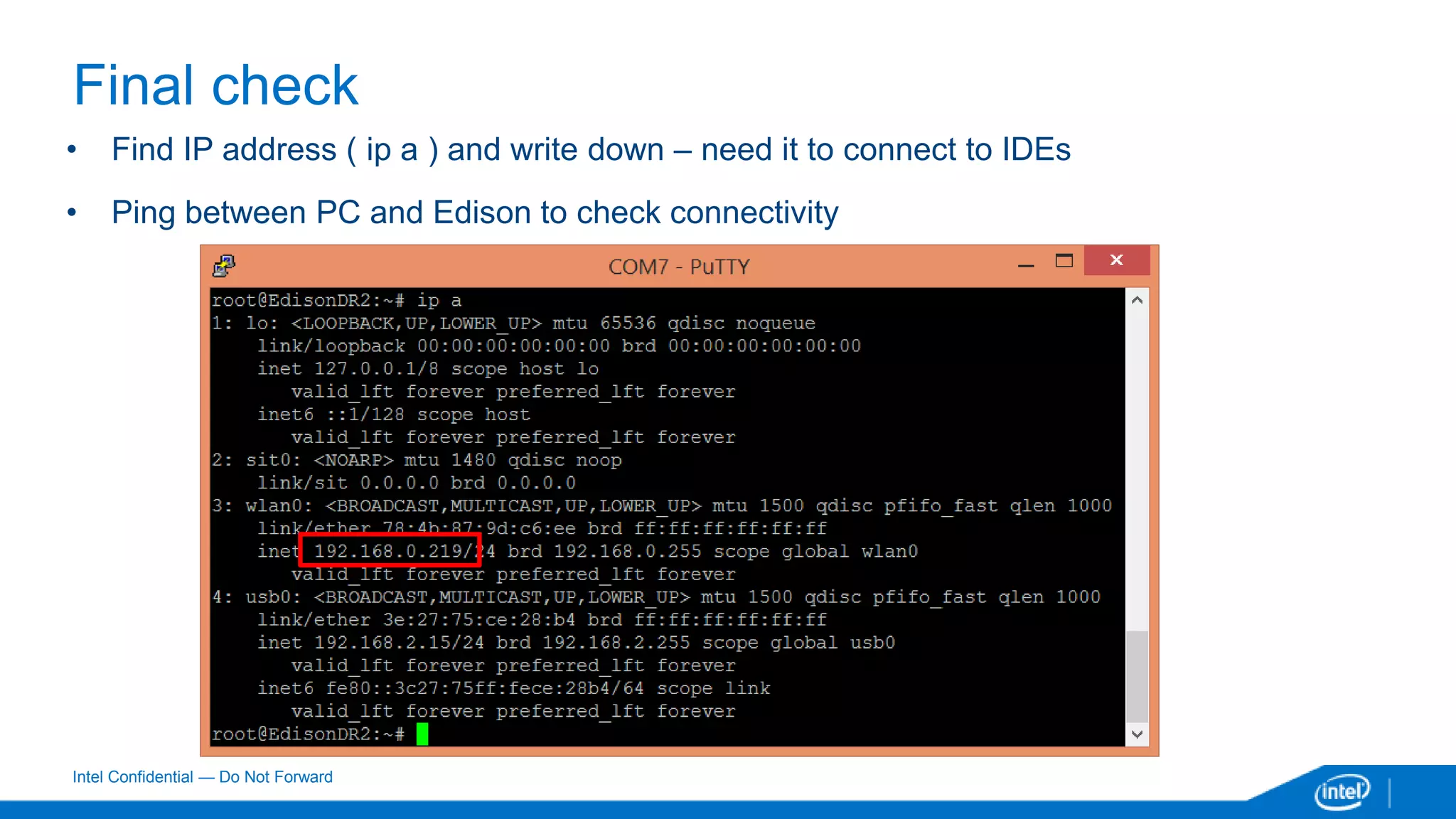
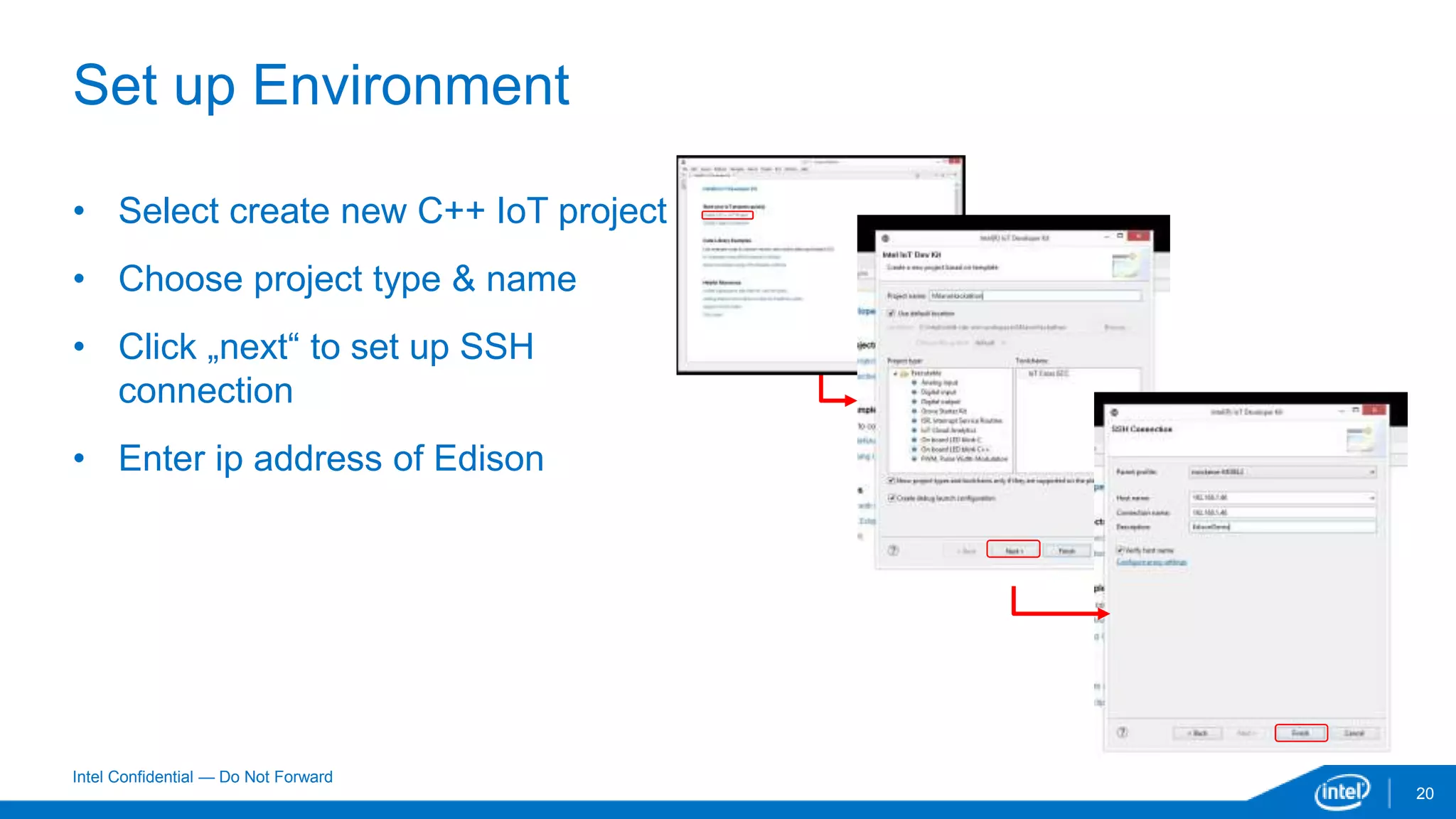
This document provides instructions for setting up an Intel Edison board using Eclipse IDE. The main steps are to assemble the Edison board, connect it to a PC, install necessary drivers and firmware, and configure the board. It then describes how to set up Eclipse IDE on the host PC, create a C++ IoT project, configure the SSH connection to the Edison IP address, compile and run a sample blinking LED program, and send it to the Edison board. The document includes screenshots and notes for Windows, Mac OS X, and potential issues to check connectivity and filesystem formatting.