An Introduction to
AWS Direct Connect
Presented By:
Piyush Agrawal
Date: 20th March’18
Agenda
• What is AWS Direct Connect?
• Key Terms and Components
• Network Requirements
• AWS Direct Connect Limits?
• Use cases and Troubleshooting
• Resources
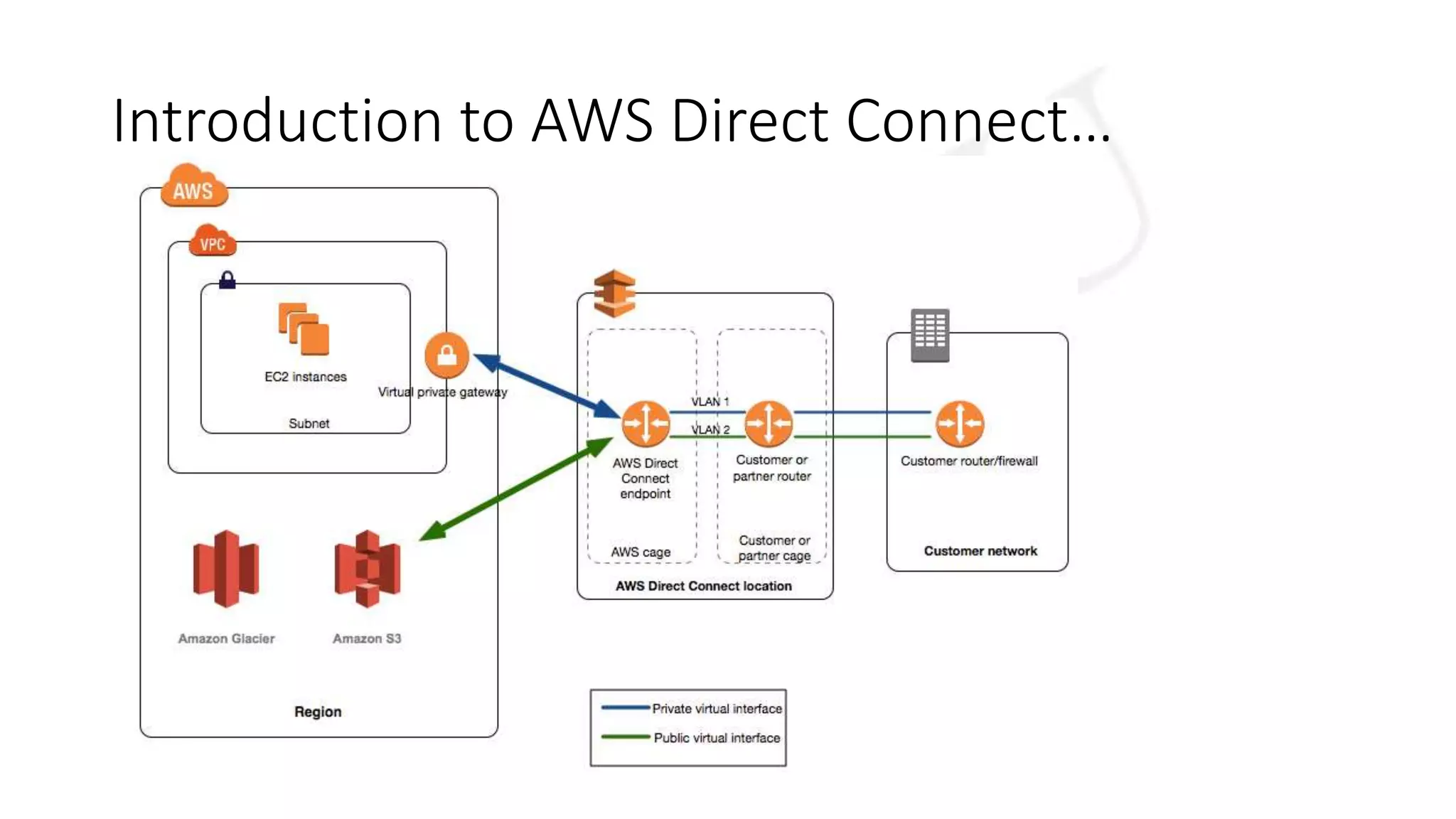
Introduction to AWS Direct Connect…
• A network service that provides an alternative to using the Internet to
connect customer's on premise sites to AWS.
• AWS Direct Connect links your internal network to an AWS Direct
Connect location over a standard 1-gigabit or 10-gigabit
• With this connection in place, you can create virtual interfaces directly
to public AWS bypassing Internet service
Introduction to AWS Direct Connect…
Key Terms and Components
• Virtual Interface:
• to enable access to AWS services. A public virtual interface enables access to
public-facing services, such as Amazon S3. A private virtual interface enables
access to your VPC.
• Connection:
• a connection in an AWS Direct Connect location to establish a network
connection from your premises to an AWS region.
Network Requirements
• Your network is colocated with an existing AWS Direct Connect
location.
• You are working with an AWS Direct Connect partner who is a
member of the AWS Partner Network (APN).
• You are working with an independent service provider to connect to
AWS Direct Connect.
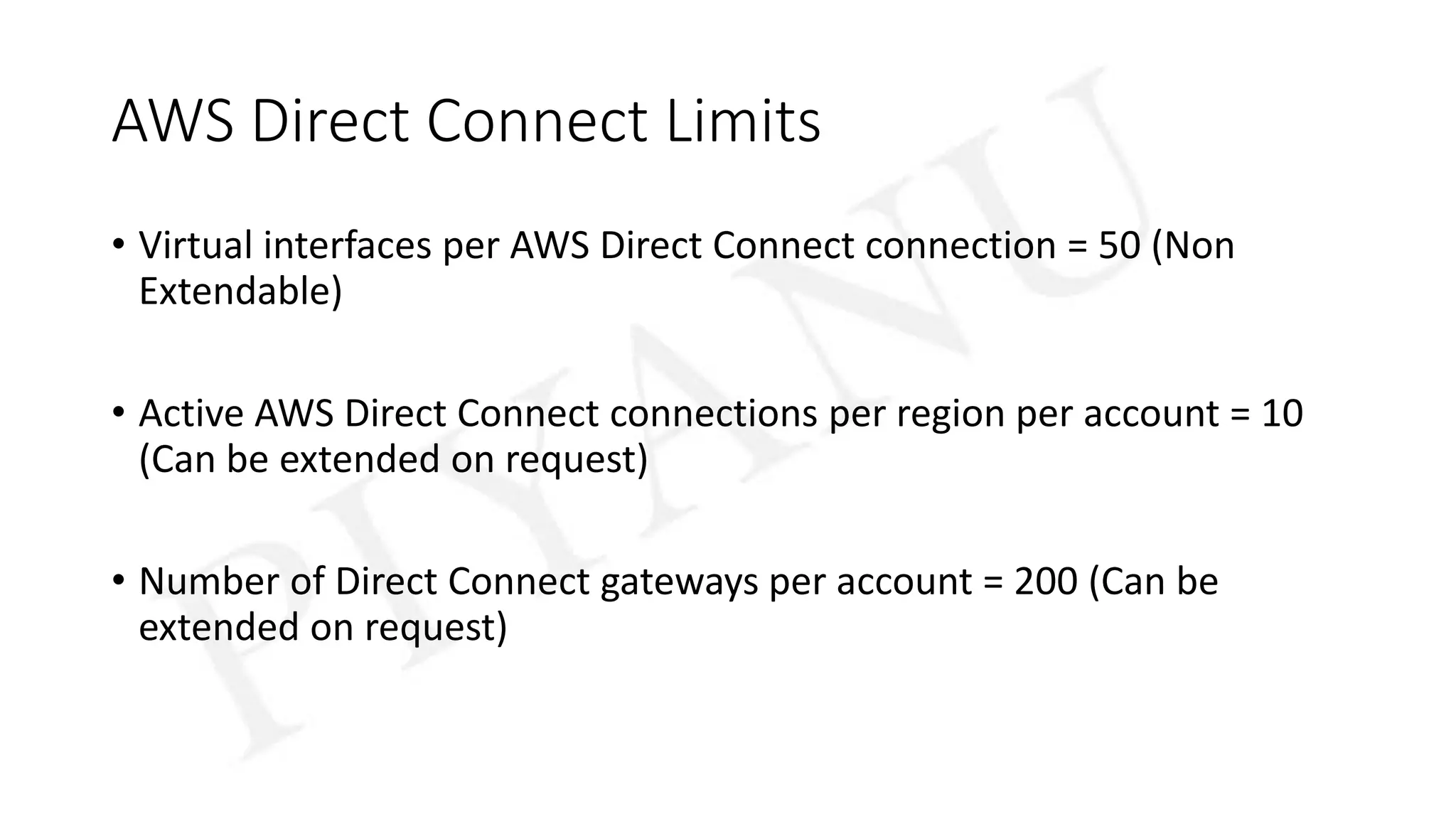
AWS Direct Connect Limits
• Virtual interfaces per AWS Direct Connect connection = 50 (Non
Extendable)
• Active AWS Direct Connect connections per region per account = 10
(Can be extended on request)
• Number of Direct Connect gateways per account = 200 (Can be
extended on request)
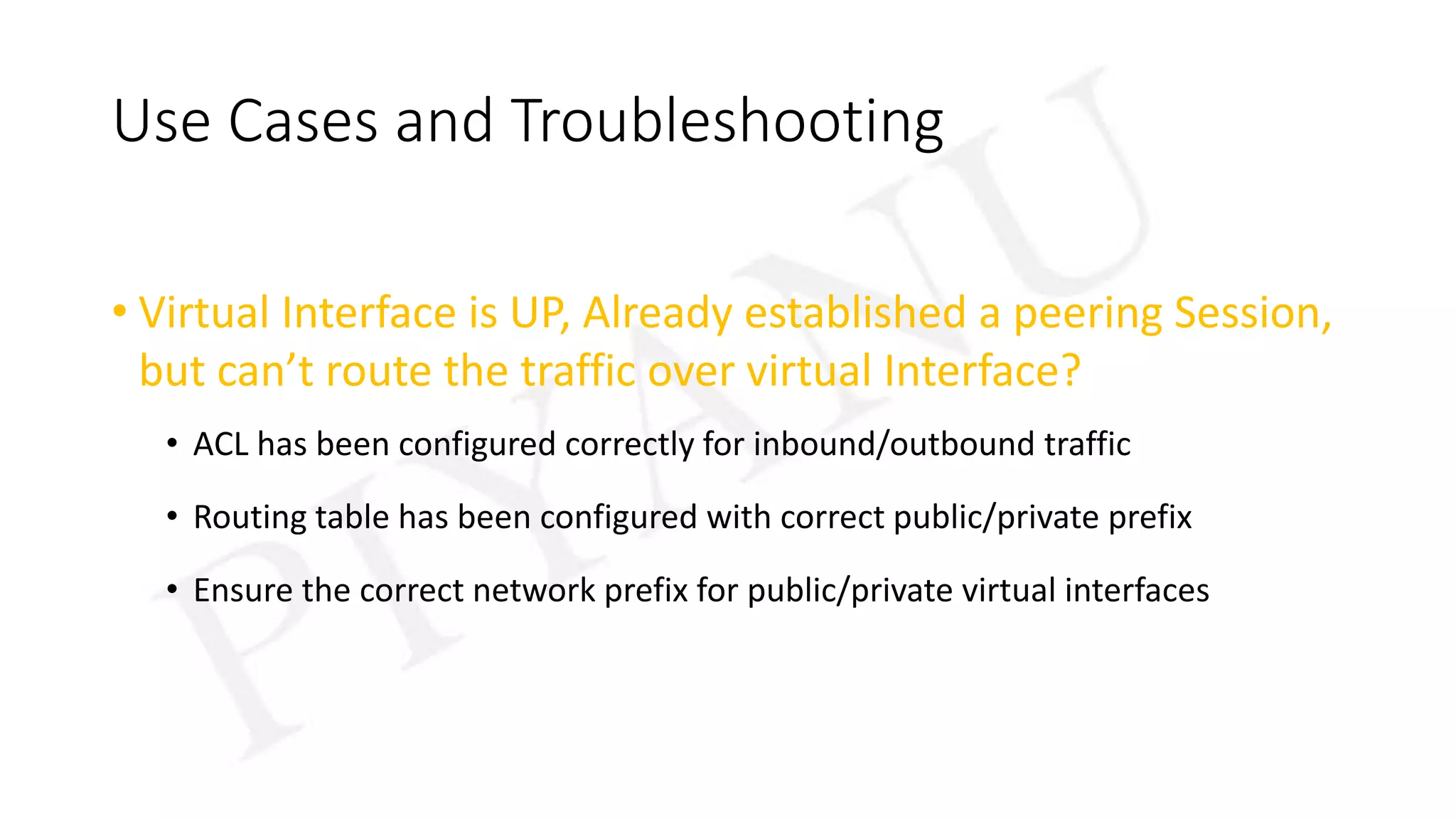
Use Cases and Troubleshooting
• Virtual Interface is UP, Already established a peering Session,
but can’t route the traffic over virtual Interface?
• ACL has been configured correctly for inbound/outbound traffic
• Routing table has been configured with correct public/private prefix
• Ensure the correct network prefix for public/private virtual interfaces
Resources
• Web Book
• https://docs.aws.amazon.com/directconnect/latest/UserGuide/dc-ug.pdf
• FAQs
• https://aws.amazon.com/directconnect/faqs/
• Videos:
• https://www.youtube.com/watch?v=eNxPhHTN8gY
• https://www.youtube.com/watch?v=uP68iqyuqTg

AWS DirectConnect fundamentals

  • 1.
    An Introduction to AWSDirect Connect Presented By: Piyush Agrawal Date: 20th March’18
  • 2.
    Agenda • What isAWS Direct Connect? • Key Terms and Components • Network Requirements • AWS Direct Connect Limits? • Use cases and Troubleshooting • Resources
  • 3.
    Introduction to AWSDirect Connect… • A network service that provides an alternative to using the Internet to connect customer's on premise sites to AWS. • AWS Direct Connect links your internal network to an AWS Direct Connect location over a standard 1-gigabit or 10-gigabit • With this connection in place, you can create virtual interfaces directly to public AWS bypassing Internet service
  • 4.
    Introduction to AWSDirect Connect…
  • 5.
    Key Terms andComponents • Virtual Interface: • to enable access to AWS services. A public virtual interface enables access to public-facing services, such as Amazon S3. A private virtual interface enables access to your VPC. • Connection: • a connection in an AWS Direct Connect location to establish a network connection from your premises to an AWS region.
  • 6.
    Network Requirements • Yournetwork is colocated with an existing AWS Direct Connect location. • You are working with an AWS Direct Connect partner who is a member of the AWS Partner Network (APN). • You are working with an independent service provider to connect to AWS Direct Connect.
  • 7.
    AWS Direct ConnectLimits • Virtual interfaces per AWS Direct Connect connection = 50 (Non Extendable) • Active AWS Direct Connect connections per region per account = 10 (Can be extended on request) • Number of Direct Connect gateways per account = 200 (Can be extended on request)
  • 8.
    Use Cases andTroubleshooting • Virtual Interface is UP, Already established a peering Session, but can’t route the traffic over virtual Interface? • ACL has been configured correctly for inbound/outbound traffic • Routing table has been configured with correct public/private prefix • Ensure the correct network prefix for public/private virtual interfaces
  • 9.
    Resources • Web Book •https://docs.aws.amazon.com/directconnect/latest/UserGuide/dc-ug.pdf • FAQs • https://aws.amazon.com/directconnect/faqs/ • Videos: • https://www.youtube.com/watch?v=eNxPhHTN8gY • https://www.youtube.com/watch?v=uP68iqyuqTg