AutoCAD 2013 Installation
Step 1
• Extract the AutoCAD 2013 Folder
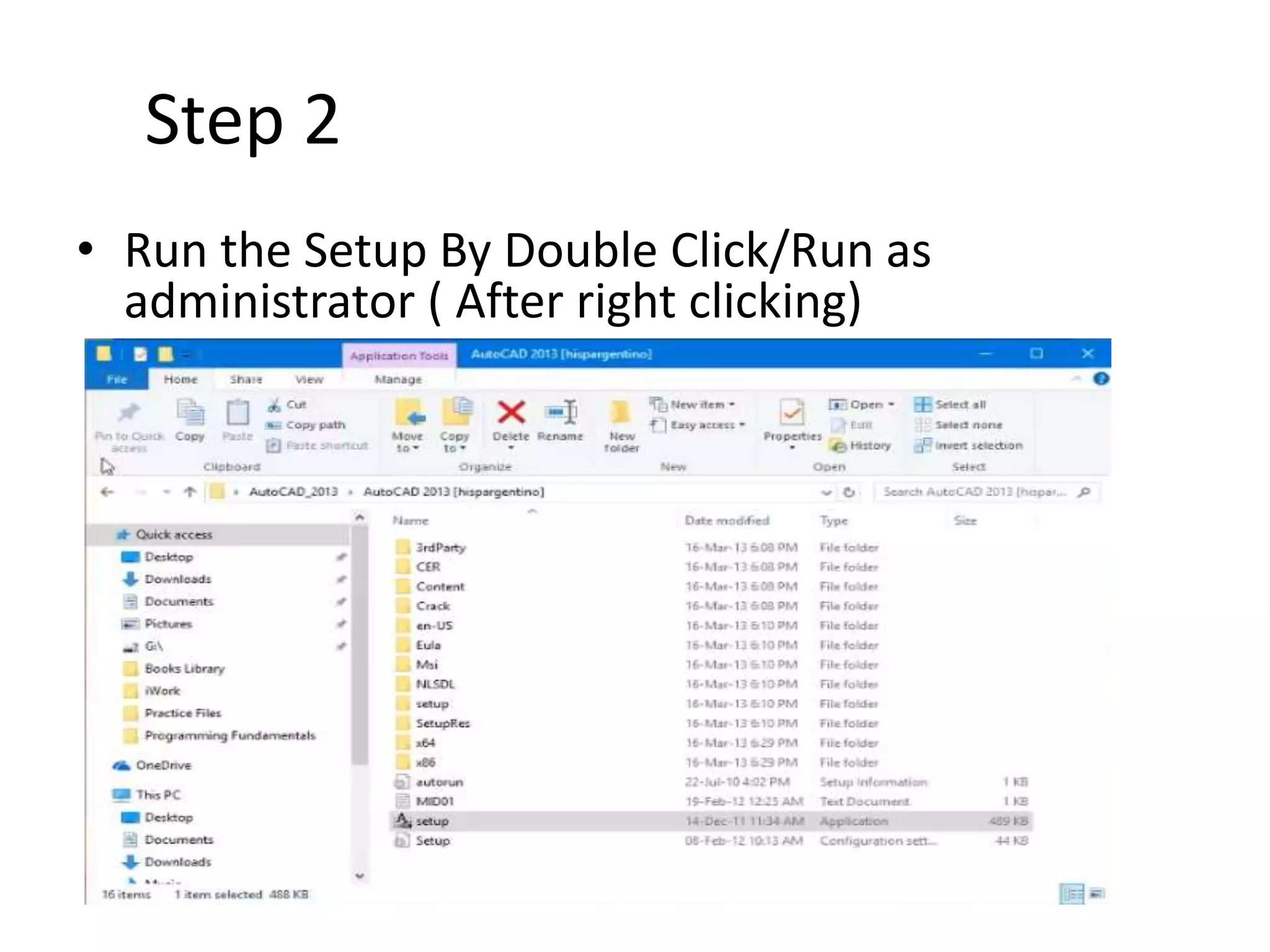
Step 2
• Run the Setup By Double Click/Run as
administrator ( After right clicking)
Step 3
Click on Install I Accept NEXT
Step 4
Enter the Serial No. 666 69696969
Product Key- 001E1
Step 5
Click on tick mark of “Autodesk Inventor fusion
2013” ---- then select Uncheck----Install
Step 6
Let the installation complete then Click on Finish
Step 7
Run the AutoCAD 2013 from Desktop
By Double clicking
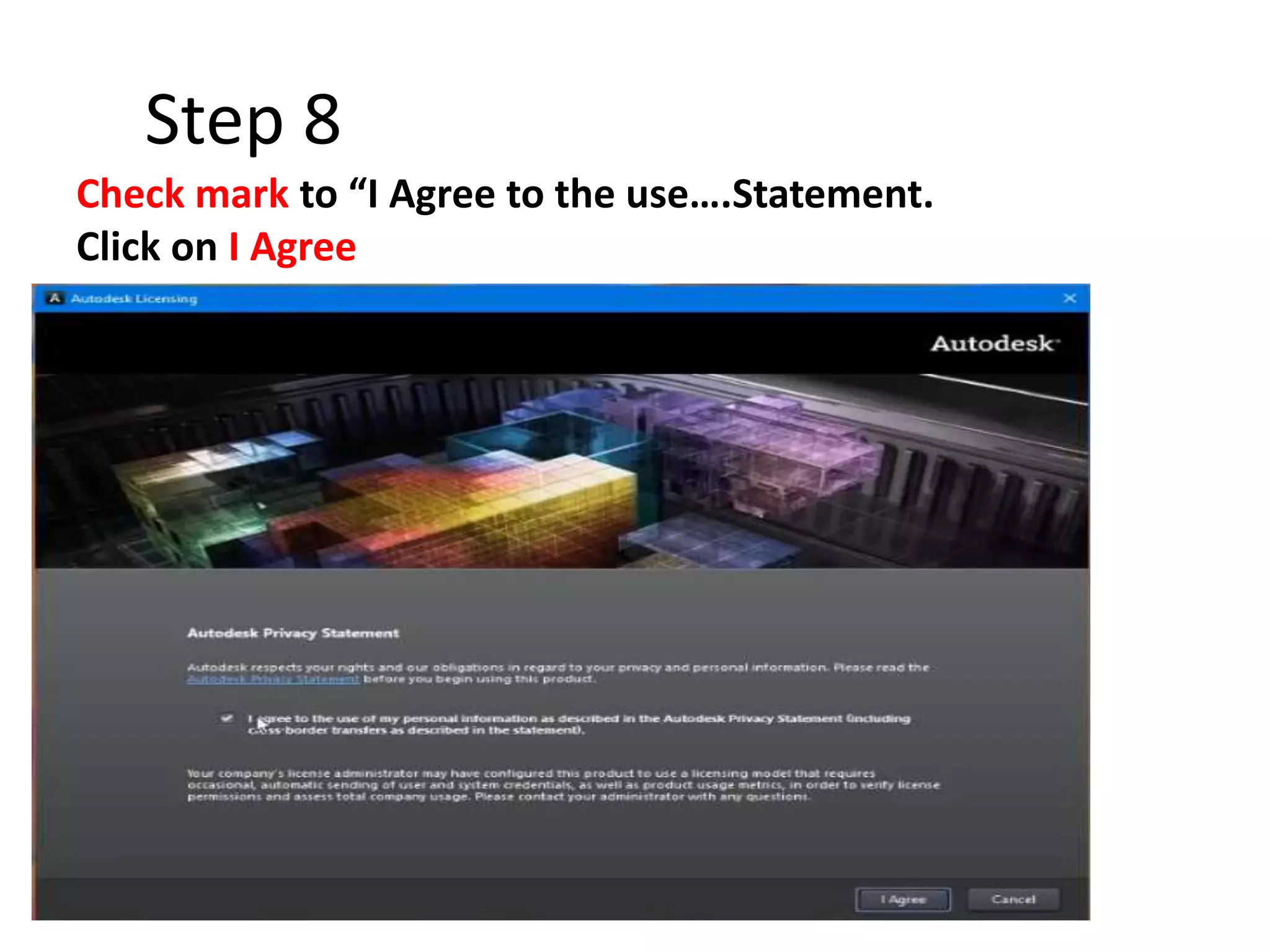
Step 8
Check mark to “I Agree to the use….Statement.
Click on I Agree
Step 9
Check on Activate in next window Click Close then
Again Click on Activate
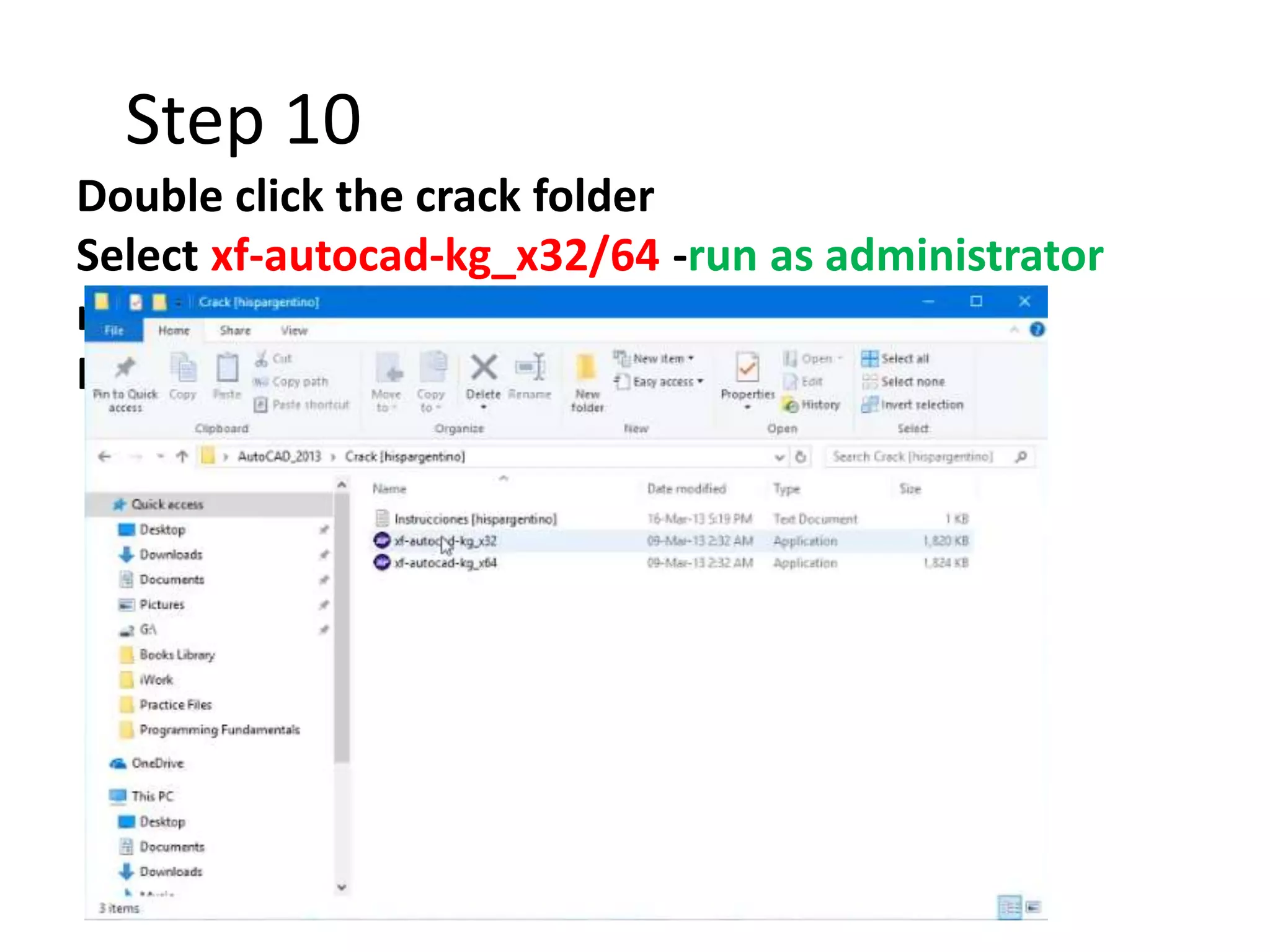
Step 10
Double click the crack folder
Select xf-autocad-kg_x32/64 -run as administrator
right click
Run as administrator right clicking
Step 10
Select-I have an activation…
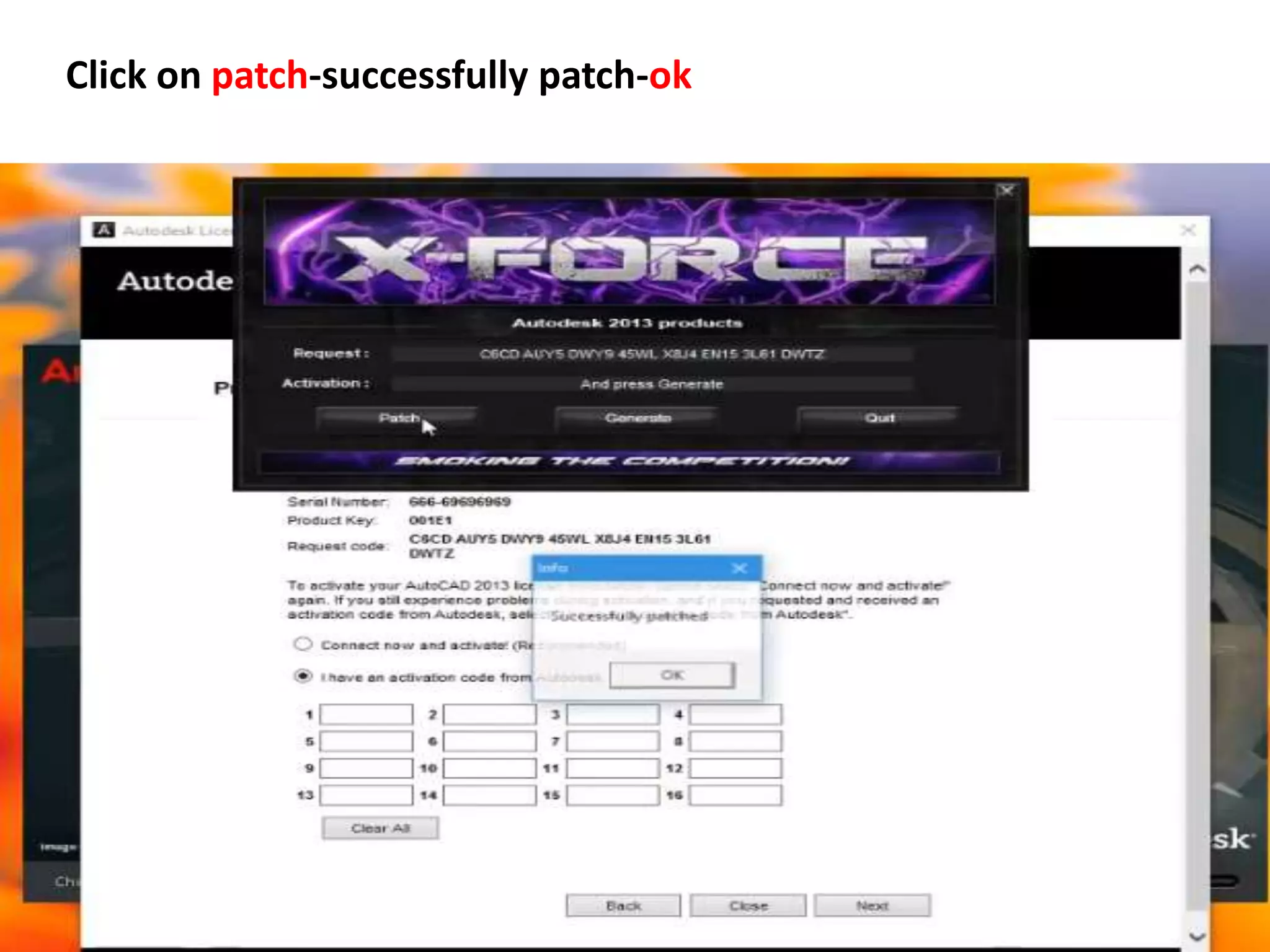
Copy the request code & paste it into request box of X-FORCE
Click on patch-successfully patch-ok
Click on Generate-Copy the Activation key & paste into first box of
Running software -Next
Click Finish & Enjoy

Autocad 2013 installation