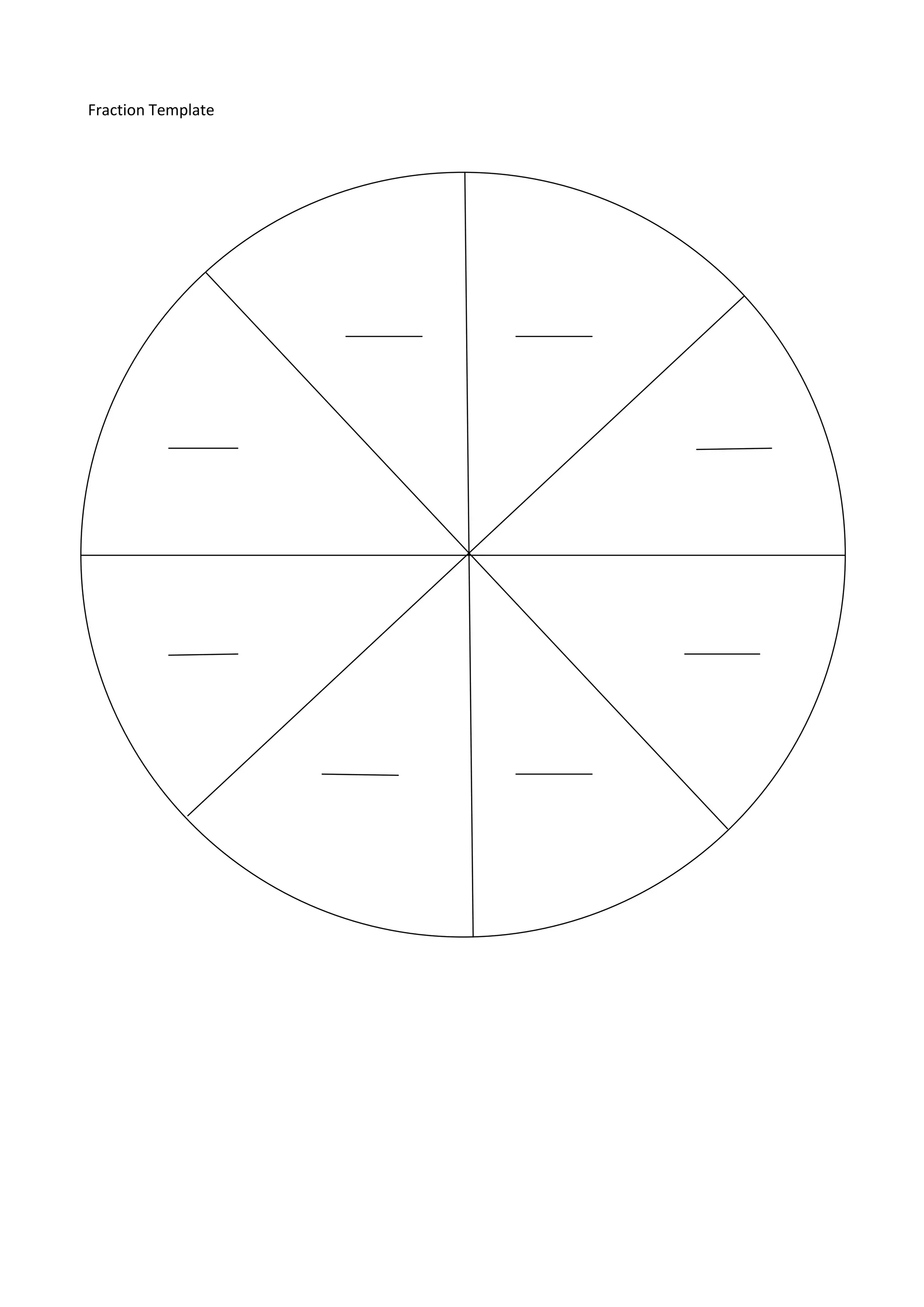
Lesson plan<br />Date:9th March 2011Time:   10.45-11.15 am<br />Year:Year 5Subject:     Mathematics<br />Topic:Fractions and decimals.<br />Objectives:Compare and order common unit fractions and locate and represent them on a number line. Recognise the connection between the value of a unit fraction and its denominator.<br />Domains:Numeracy. Critical and creative thinking. Digital technology.<br /> <br />Materials:Computer lab. Fraction template (attached). Counters (20 per student). Pencil case<br />_______________________________________________________________________________________<br />Introduction:10 minutes<br />Students will move to computer lab at the start of Maths session. Working at centre table in groups of 4, decided by teacher, each student to receive a fraction template and 20 counters each. Revision of fraction knowledge: ask students to place appropriate number of counters on to template to make up whole, ½, ¼, ⅓, ⅔ etc and write answers on page.  Explain transition to computers and task to be completed using desktop, maths folder and digital resource. Ask for responses regarding location of these items. <br />Lesson:  20 minutes<br />Students move to a computer each, leaving counters and template at table.  Students are asked to locate today’s task within the learning area folder located on the desktop of each computer marked Fractions. Once all students have located and opened document, teacher to read Step 1 to class. Students to complete Stage 1 then put hand up to let teacher know. Once class has completed Stage 1 using the digital resource they may continue to work their way through to Stage 4 saving practice summary and reading Steps on HOME page as they go. <br />Continue to work your way around class assisting students as needed. Encourage students to use pen & paper to do any workings out if necessary. <br />Closure:5 minutes<br />Ask students to close documents/folders and log off computers. Collection of pencil cases and moving back to class quietly. Ask a students to return counters to maths cupboard. <br />Assessment:<br />Collection of fraction templates. Observing ability to navigate and locate work in folder. Observation of students working through resources on computer. Students to print off Practice Summary at end of session.<br />Evaluation/Reflection:<br />Did the group revision session work well?
Were all students capable of doing the digital tasks chosen?
Was the session long enough/too long to cover content?

Assignment 1 lesson plan

  • 1.
    Lesson plan<br />Date:9thMarch 2011Time: 10.45-11.15 am<br />Year:Year 5Subject: Mathematics<br />Topic:Fractions and decimals.<br />Objectives:Compare and order common unit fractions and locate and represent them on a number line. Recognise the connection between the value of a unit fraction and its denominator.<br />Domains:Numeracy. Critical and creative thinking. Digital technology.<br /> <br />Materials:Computer lab. Fraction template (attached). Counters (20 per student). Pencil case<br />_______________________________________________________________________________________<br />Introduction:10 minutes<br />Students will move to computer lab at the start of Maths session. Working at centre table in groups of 4, decided by teacher, each student to receive a fraction template and 20 counters each. Revision of fraction knowledge: ask students to place appropriate number of counters on to template to make up whole, ½, ¼, ⅓, ⅔ etc and write answers on page. Explain transition to computers and task to be completed using desktop, maths folder and digital resource. Ask for responses regarding location of these items. <br />Lesson: 20 minutes<br />Students move to a computer each, leaving counters and template at table. Students are asked to locate today’s task within the learning area folder located on the desktop of each computer marked Fractions. Once all students have located and opened document, teacher to read Step 1 to class. Students to complete Stage 1 then put hand up to let teacher know. Once class has completed Stage 1 using the digital resource they may continue to work their way through to Stage 4 saving practice summary and reading Steps on HOME page as they go. <br />Continue to work your way around class assisting students as needed. Encourage students to use pen & paper to do any workings out if necessary. <br />Closure:5 minutes<br />Ask students to close documents/folders and log off computers. Collection of pencil cases and moving back to class quietly. Ask a students to return counters to maths cupboard. <br />Assessment:<br />Collection of fraction templates. Observing ability to navigate and locate work in folder. Observation of students working through resources on computer. Students to print off Practice Summary at end of session.<br />Evaluation/Reflection:<br />Did the group revision session work well?
  • 2.
    Were all studentscapable of doing the digital tasks chosen?
  • 3.
    Was the sessionlong enough/too long to cover content?
  • 4.
    Did the studentsenjoy using the resource?
  • 5.
    What would Ichange for next time?Fraction Template<br />