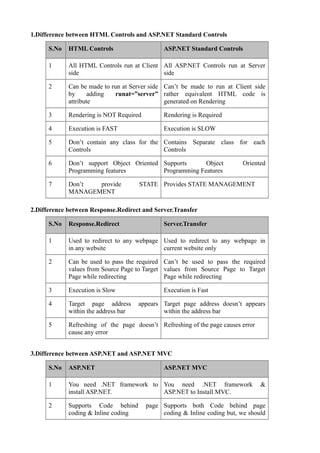
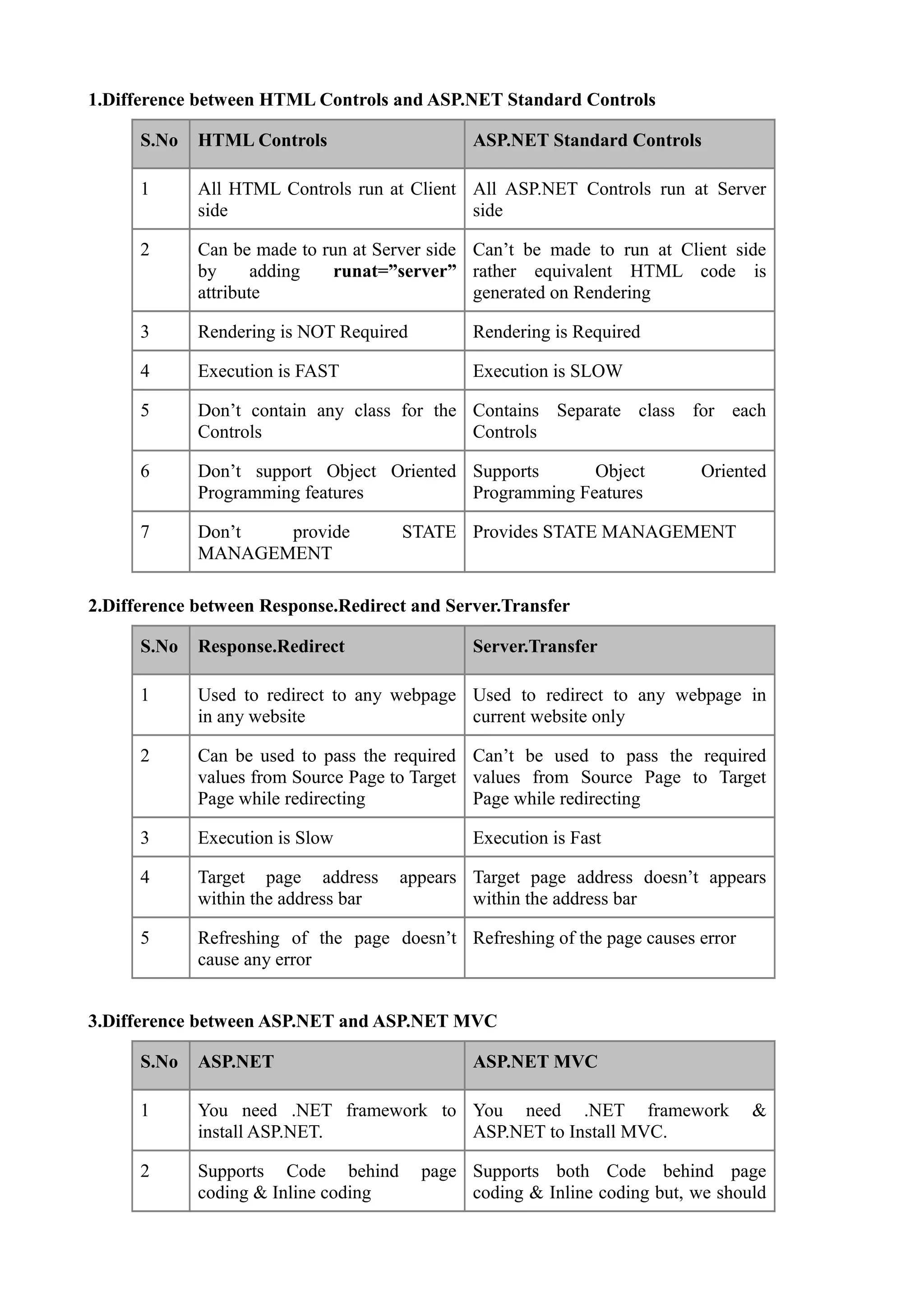
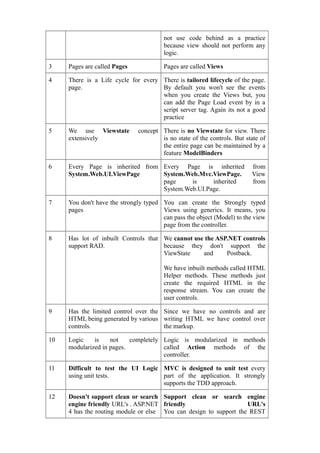
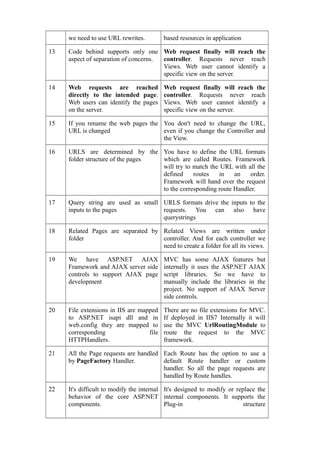
1.Difference between HTML Controls and ASP.NET Standard Controls

      S.No   HTML Controls                     ASP.NET Standard Controls

      1      All HTML Controls run at Client All ASP.NET Controls run at Server
             side                            side

      2      Can be made to run at Server side Can’t be made to run at Client side
             by      adding   runat=”server” rather equivalent HTML code is
             attribute                         generated on Rendering

      3      Rendering is NOT Required         Rendering is Required

      4      Execution is FAST                 Execution is SLOW

      5      Don’t contain any class for the Contains Separate class for each
             Controls                        Controls

      6      Don’t support Object Oriented Supports      Object            Oriented
             Programming features          Programming Features

      7      Don’t  provide           STATE Provides STATE MANAGEMENT
             MANAGEMENT

2.Difference between Response.Redirect and Server.Transfer

      S.No   Response.Redirect                 Server.Transfer

      1      Used to redirect to any webpage Used to redirect to any webpage in
             in any website                  current website only

      2      Can be used to pass the required Can’t be used to pass the required
             values from Source Page to Target values from Source Page to Target
             Page while redirecting            Page while redirecting

      3      Execution is Slow                 Execution is Fast

      4      Target page address      appears Target page address doesn’t appears
             within the address bar           within the address bar

      5      Refreshing of the page doesn’t Refreshing of the page causes error
             cause any error


3.Difference between ASP.NET and ASP.NET MVC

      S.No   ASP.NET                           ASP.NET MVC

      1      You need .NET framework to You need .NET framework                   &
             install ASP.NET.           ASP.NET to Install MVC.

      2      Supports Code behind        page Supports both Code behind page
             coding & Inline coding           coding & Inline coding but, we should
not use code behind as a practice
                                        because view should not perform any
                                        logic.

3    Pages are called Pages             Pages are called Views

4    There is a Life cycle for every There is tailored lifecycle of the page.
     page.                           By default you won't see the events
                                     when you create the Views but, you
                                     can add the Page Load event by in a
                                     script server tag. Again its not a good
                                     practice

5    We use Viewstate         concept There is no Viewstate for view. There
     extensively                      is no state of the controls. But state of
                                      the entire page can be maintained by a
                                      feature ModelBinders

6    Every Page is inherited from Every Page is inherited                from
     System.Web.UI.ViewPage       System.Web.Mvc.ViewPage.               View
                                  page     is     inherited              from
                                  System.Web.UI.Page.

7    You don't have the strongly typed You can create the Strongly typed
     pages                             Views using generics. It means, you
                                       can pass the object (Model) to the view
                                       page from the controller.

8    Has lot of inbuilt Controls that We cannot use the ASP.NET controls
     support RAD.                     because they don't support the
                                      ViewState    and     Postback.

                                        We have inbuilt methods called HTML
                                        Helper methods. These methods just
                                        create the required HTML in the
                                        response stream. You can create the
                                        user controls.

9    Has the limited control over the Since we have no controls and are
     HTML being generated by various writing HTML we have control over
     controls.                        the markup.

10   Logic    is    not    completely Logic is modularized in methods
     modularized in pages.            called Action methods of the
                                      controller.

11   Difficult to test the UI Logic MVC is designed to unit test every
     using unit tests.              part of the application. It strongly
                                    supports the TDD approach.

12   Doesn't support clean or search Support clean or search engine
     engine friendly URL's . ASP.NET friendly                      URL's
     4 has the routing module or else You can design to support the REST
we need to use URL rewrites.         based resources in application

13   Code behind supports only one Web request finally will reach the
     aspect of separation of concerns. controller. Requests never reach
                                       Views. Web user cannot identify a
                                       specific view on the server.

14   Web requests are reached             Web request finally will reach the
     directly to the intended page.       controller. Requests never reach
     Web users can identify the pages     Views. Web user cannot identify a
     on the server.                       specific view on the server.

15   If you rename the web pages the You don't need to change the URL,
     URL is changed                  even if you change the Controller and
                                     the View.

16   URLS are determined by the You have to define the URL formats
     folder structure of the pages which are called Routes. Framework
                                   will try to match the URL with all the
                                   defined     routes   in    an    order.
                                   Framework will hand over the request
                                   to the corresponding route Handler.

17   Query string are used as small URLS formats drive the inputs to the
     inputs to the pages            requests. You can also have
                                    querystrings

18   Related Pages are separated by Related Views are written under
     folder                         controller. And for each controller we
                                    need to create a folder for all its views.

19   We have ASP.NET AJAX                 MVC has some AJAX features but
     Framework and AJAX server side       internally it uses the ASP.NET AJAX
     controls to support AJAX page        script libraries. So we have to
     development                          manually include the libraries in the
                                          project. No support of AJAX Server
                                          side controls.

20   File extensions in IIS are mapped    There are no file extensions for MVC.
     to ASP.NET isapi dll and in          If deployed in IIS7 Internally it will
     web.config they are mapped to        use the MVC UrlRoutingModule to
     corresponding                 file   route the request to the MVC
     HTTPHandlers.                        framework.

21   All the Page requests are handled Each Route has the option to use a
     by PageFactory Handler.           default Route handler or custom
                                       handler. So all the page requests are
                                       handled by Route handles.

22   It's difficult to modify the internal It's designed to modify or replace the
     behavior of the core ASP.NET internal components. It supports the
     components.                           Plug-in                       structure
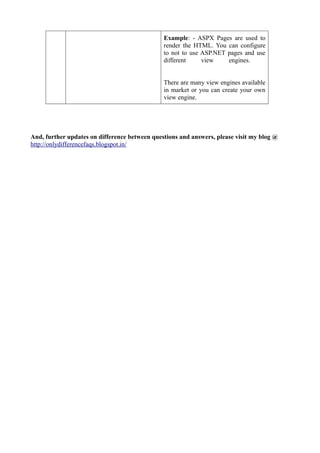
Example: - ASPX Pages are used to
                                               render the HTML. You can configure
                                               to not to use ASP.NET pages and use
                                               different     view    engines.


                                               There are many view engines available
                                               in market or you can create your own
                                               view engine.


And, further updates on difference between questions and answers, please visit my blog @
http://onlydifferencefaqs.blogspot.in/

Asp.net difference faqs- 8

  • 1.
    1.Difference between HTMLControls and ASP.NET Standard Controls S.No HTML Controls ASP.NET Standard Controls 1 All HTML Controls run at Client All ASP.NET Controls run at Server side side 2 Can be made to run at Server side Can’t be made to run at Client side by adding runat=”server” rather equivalent HTML code is attribute generated on Rendering 3 Rendering is NOT Required Rendering is Required 4 Execution is FAST Execution is SLOW 5 Don’t contain any class for the Contains Separate class for each Controls Controls 6 Don’t support Object Oriented Supports Object Oriented Programming features Programming Features 7 Don’t provide STATE Provides STATE MANAGEMENT MANAGEMENT 2.Difference between Response.Redirect and Server.Transfer S.No Response.Redirect Server.Transfer 1 Used to redirect to any webpage Used to redirect to any webpage in in any website current website only 2 Can be used to pass the required Can’t be used to pass the required values from Source Page to Target values from Source Page to Target Page while redirecting Page while redirecting 3 Execution is Slow Execution is Fast 4 Target page address appears Target page address doesn’t appears within the address bar within the address bar 5 Refreshing of the page doesn’t Refreshing of the page causes error cause any error 3.Difference between ASP.NET and ASP.NET MVC S.No ASP.NET ASP.NET MVC 1 You need .NET framework to You need .NET framework & install ASP.NET. ASP.NET to Install MVC. 2 Supports Code behind page Supports both Code behind page coding & Inline coding coding & Inline coding but, we should
  • 2.
    not use codebehind as a practice because view should not perform any logic. 3 Pages are called Pages Pages are called Views 4 There is a Life cycle for every There is tailored lifecycle of the page. page. By default you won't see the events when you create the Views but, you can add the Page Load event by in a script server tag. Again its not a good practice 5 We use Viewstate concept There is no Viewstate for view. There extensively is no state of the controls. But state of the entire page can be maintained by a feature ModelBinders 6 Every Page is inherited from Every Page is inherited from System.Web.UI.ViewPage System.Web.Mvc.ViewPage. View page is inherited from System.Web.UI.Page. 7 You don't have the strongly typed You can create the Strongly typed pages Views using generics. It means, you can pass the object (Model) to the view page from the controller. 8 Has lot of inbuilt Controls that We cannot use the ASP.NET controls support RAD. because they don't support the ViewState and Postback. We have inbuilt methods called HTML Helper methods. These methods just create the required HTML in the response stream. You can create the user controls. 9 Has the limited control over the Since we have no controls and are HTML being generated by various writing HTML we have control over controls. the markup. 10 Logic is not completely Logic is modularized in methods modularized in pages. called Action methods of the controller. 11 Difficult to test the UI Logic MVC is designed to unit test every using unit tests. part of the application. It strongly supports the TDD approach. 12 Doesn't support clean or search Support clean or search engine engine friendly URL's . ASP.NET friendly URL's 4 has the routing module or else You can design to support the REST
  • 3.
    we need touse URL rewrites. based resources in application 13 Code behind supports only one Web request finally will reach the aspect of separation of concerns. controller. Requests never reach Views. Web user cannot identify a specific view on the server. 14 Web requests are reached Web request finally will reach the directly to the intended page. controller. Requests never reach Web users can identify the pages Views. Web user cannot identify a on the server. specific view on the server. 15 If you rename the web pages the You don't need to change the URL, URL is changed even if you change the Controller and the View. 16 URLS are determined by the You have to define the URL formats folder structure of the pages which are called Routes. Framework will try to match the URL with all the defined routes in an order. Framework will hand over the request to the corresponding route Handler. 17 Query string are used as small URLS formats drive the inputs to the inputs to the pages requests. You can also have querystrings 18 Related Pages are separated by Related Views are written under folder controller. And for each controller we need to create a folder for all its views. 19 We have ASP.NET AJAX MVC has some AJAX features but Framework and AJAX server side internally it uses the ASP.NET AJAX controls to support AJAX page script libraries. So we have to development manually include the libraries in the project. No support of AJAX Server side controls. 20 File extensions in IIS are mapped There are no file extensions for MVC. to ASP.NET isapi dll and in If deployed in IIS7 Internally it will web.config they are mapped to use the MVC UrlRoutingModule to corresponding file route the request to the MVC HTTPHandlers. framework. 21 All the Page requests are handled Each Route has the option to use a by PageFactory Handler. default Route handler or custom handler. So all the page requests are handled by Route handles. 22 It's difficult to modify the internal It's designed to modify or replace the behavior of the core ASP.NET internal components. It supports the components. Plug-in structure
  • 4.
    Example: - ASPXPages are used to render the HTML. You can configure to not to use ASP.NET pages and use different view engines. There are many view engines available in market or you can create your own view engine. And, further updates on difference between questions and answers, please visit my blog @ http://onlydifferencefaqs.blogspot.in/