Android User Experience
Raihan Ahmed
Software engineer , Mpower Social (present)
Android Team Leader ,DroidBd (Jan 2013-oct 2013)
Senior Programmer, Amadeyr Cloud Limited (Jan 2011-Dec 2012)
Section 1 : The Basics
Designing Effective Navigation
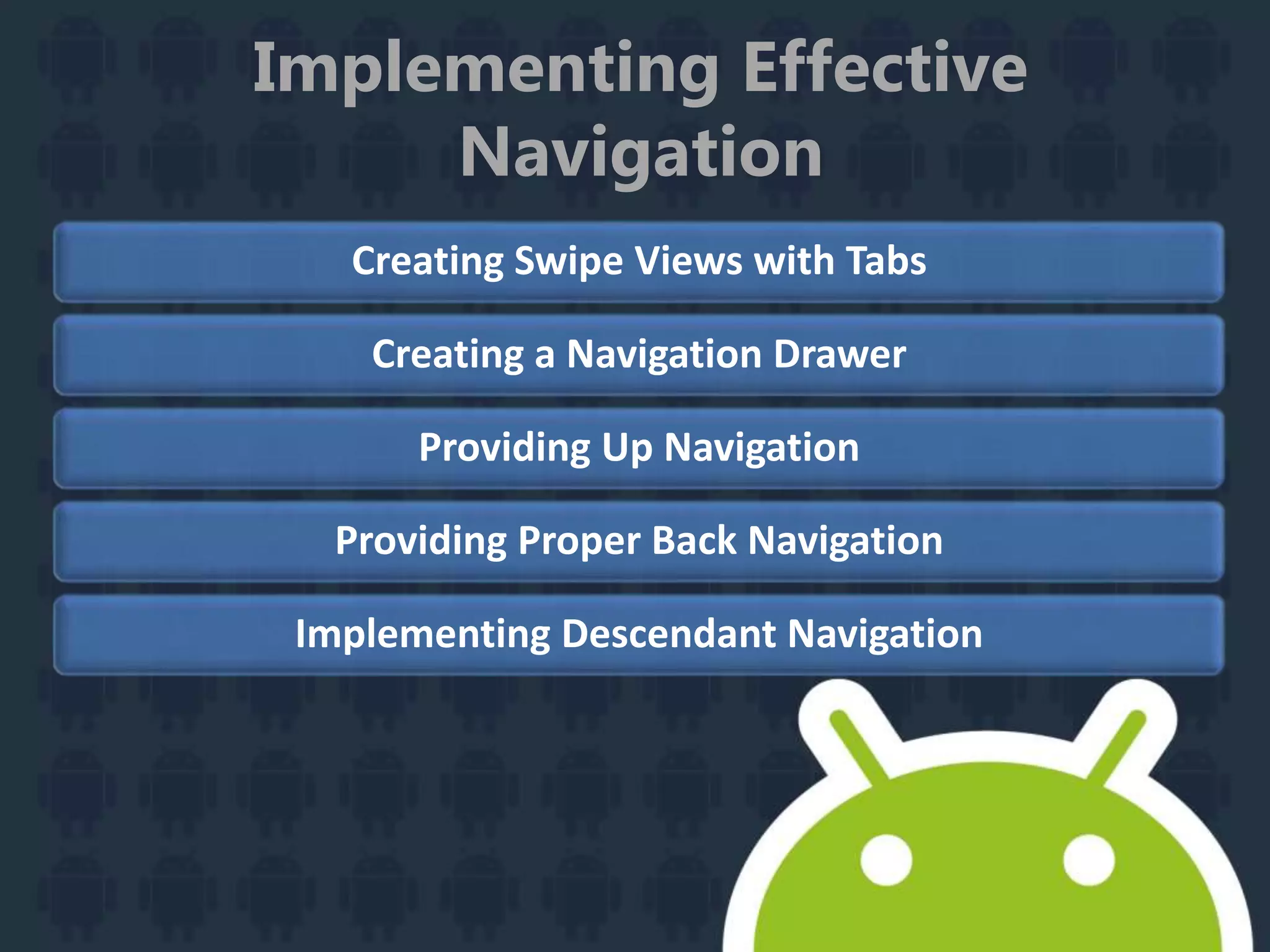
Implementing Effective Navigation
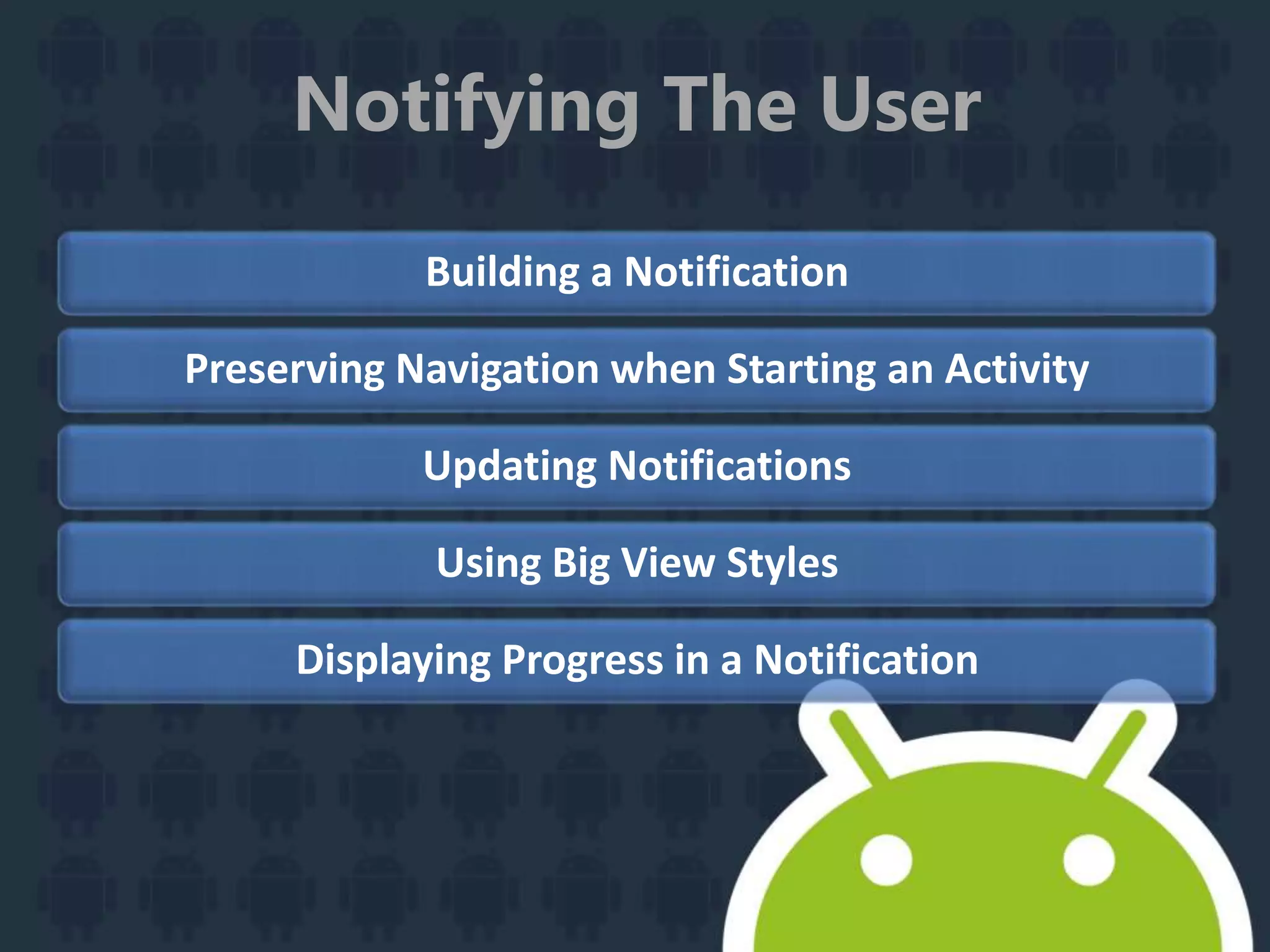
Notifying The User
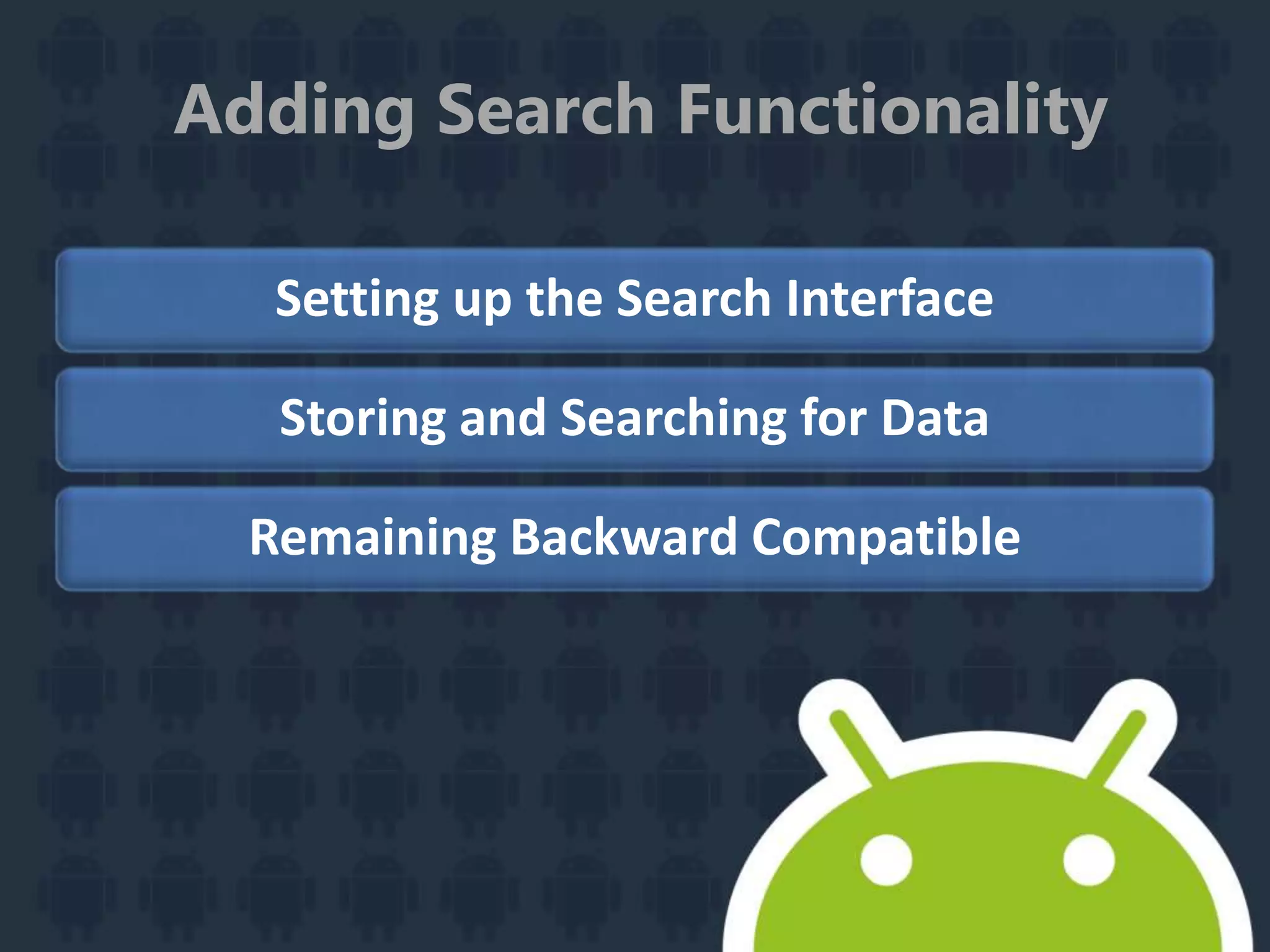
Adding Search Functionality
Designing for Multiple Screens
Creating Custom Views
Creating Backward Compatible Us
Implementing Accessibility
Managing the System UI
Designing Effective
Navigation
Planning Screens and Their Relationships
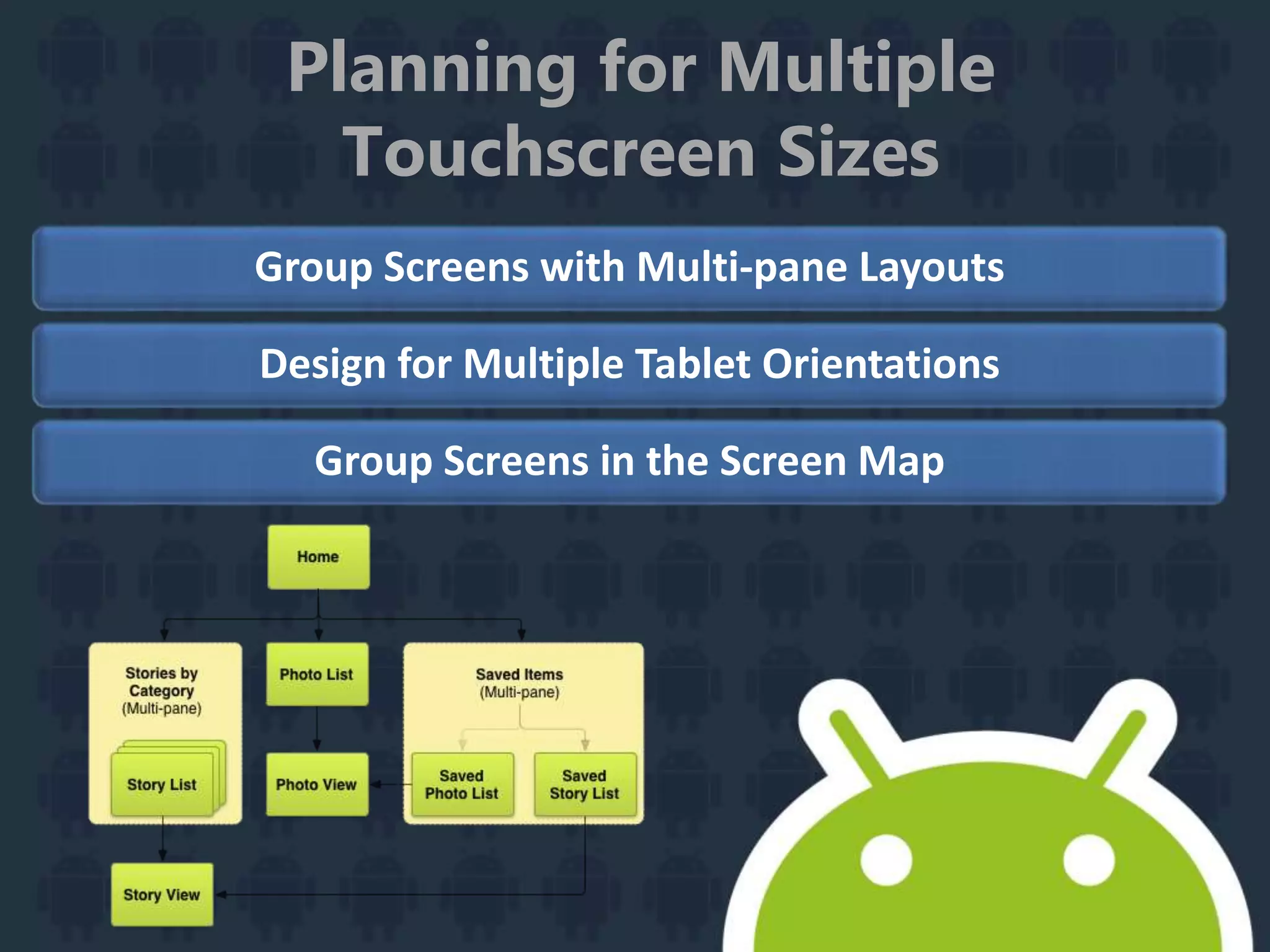
Planning for Multiple Touchscreen Sizes
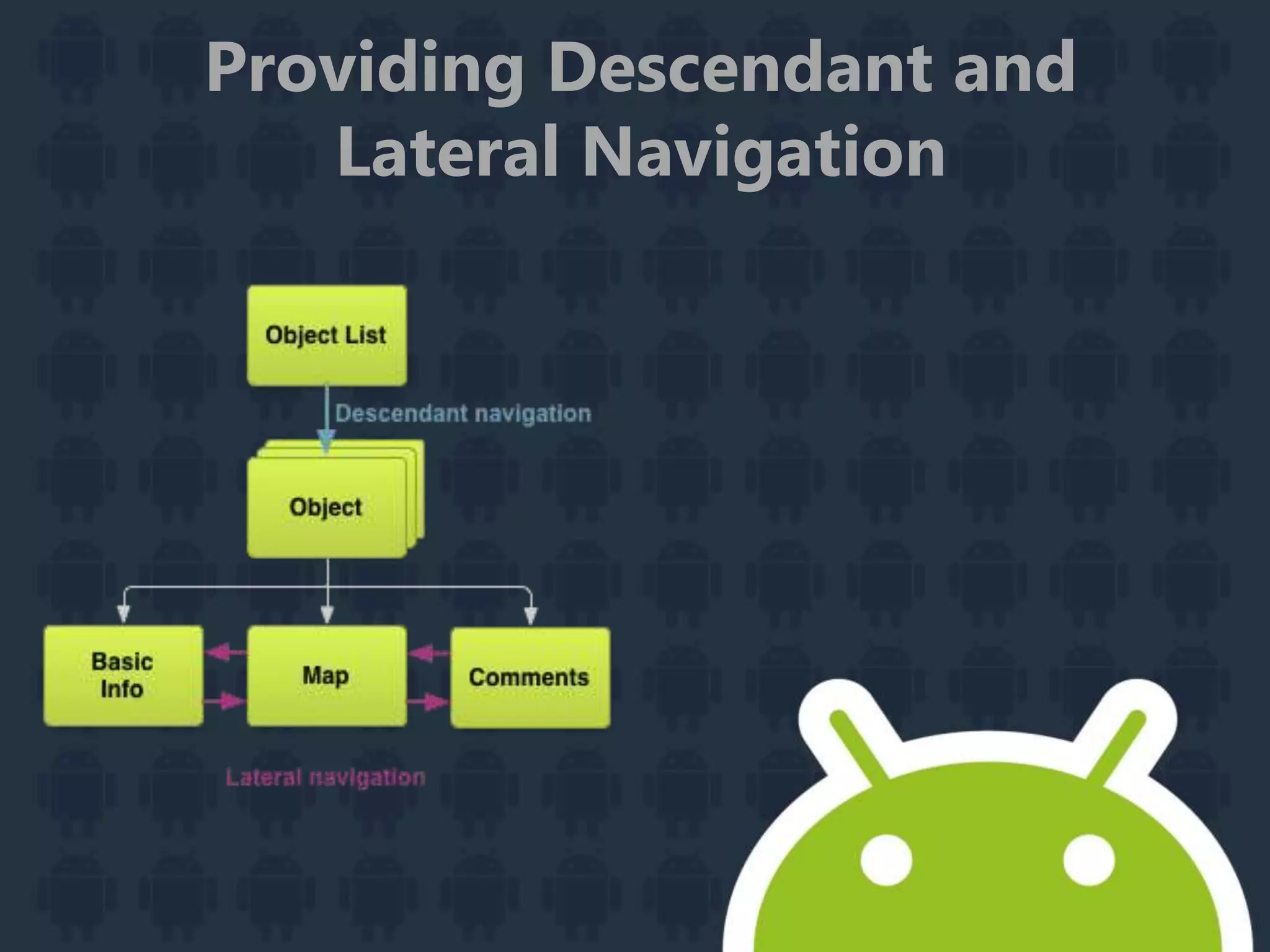
Providing Descendant and Lateral Navigation
Providing Ancestral and Temporal Navigation
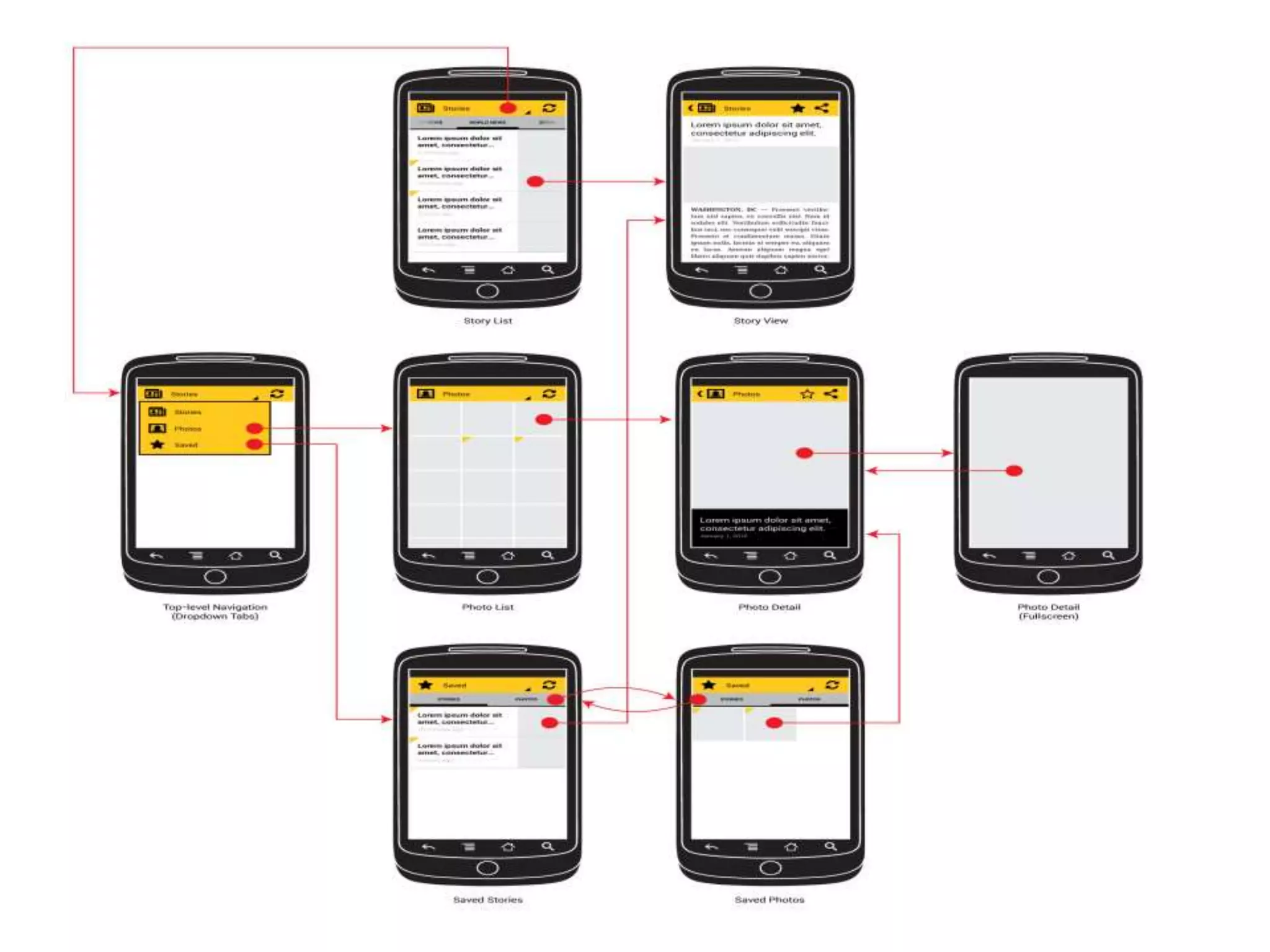
Putting it All Together: Wireframing the Example App
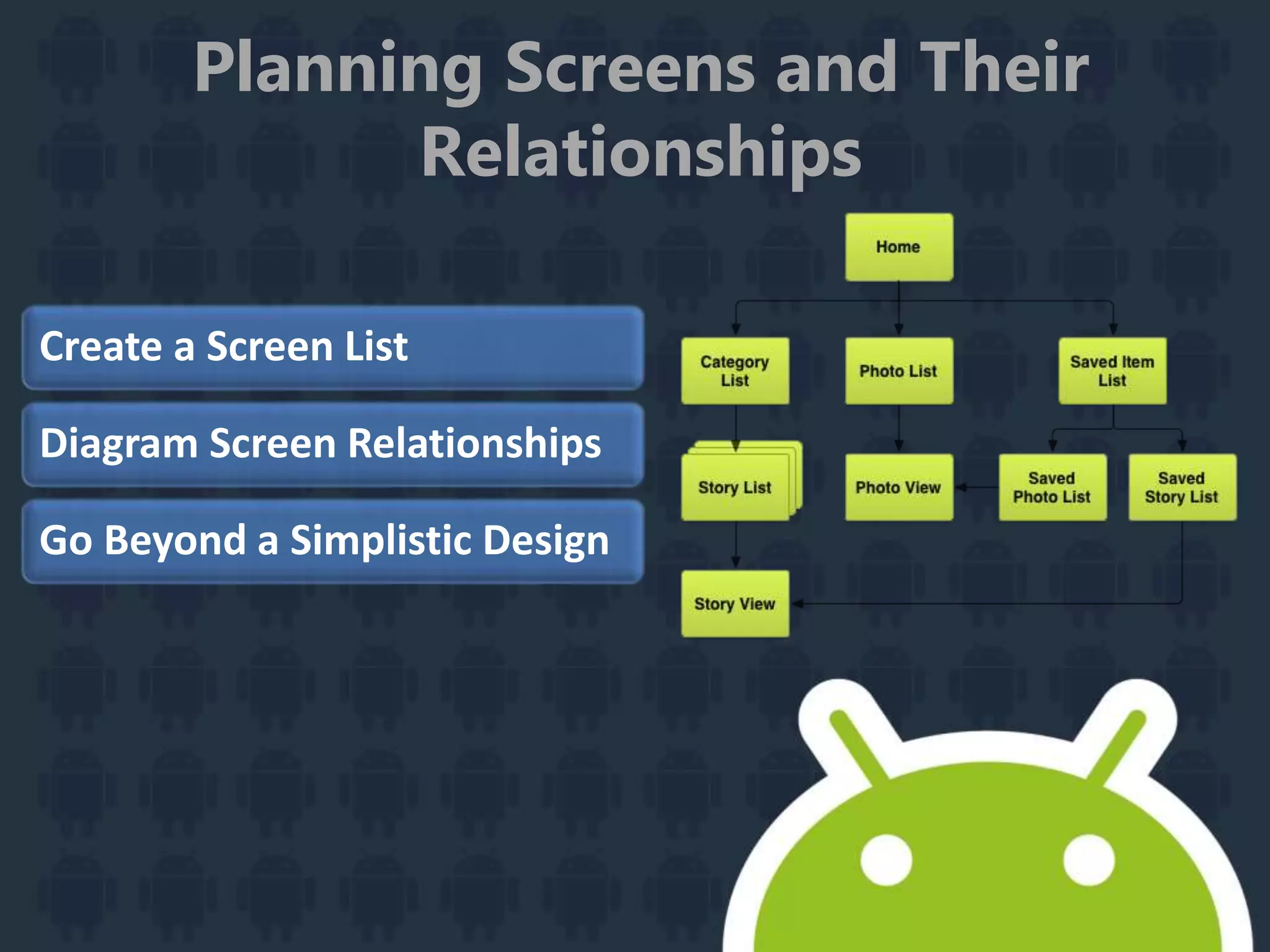
Planning Screens and Their
Relationships
Create a Screen List
Diagram Screen Relationships
Go Beyond a Simplistic Design
Planning for Multiple
Touchscreen Sizes
Group Screens with Multi-pane Layouts
Design for Multiple Tablet Orientations
Group Screens in the Screen Map
Providing Descendant and
Lateral Navigation
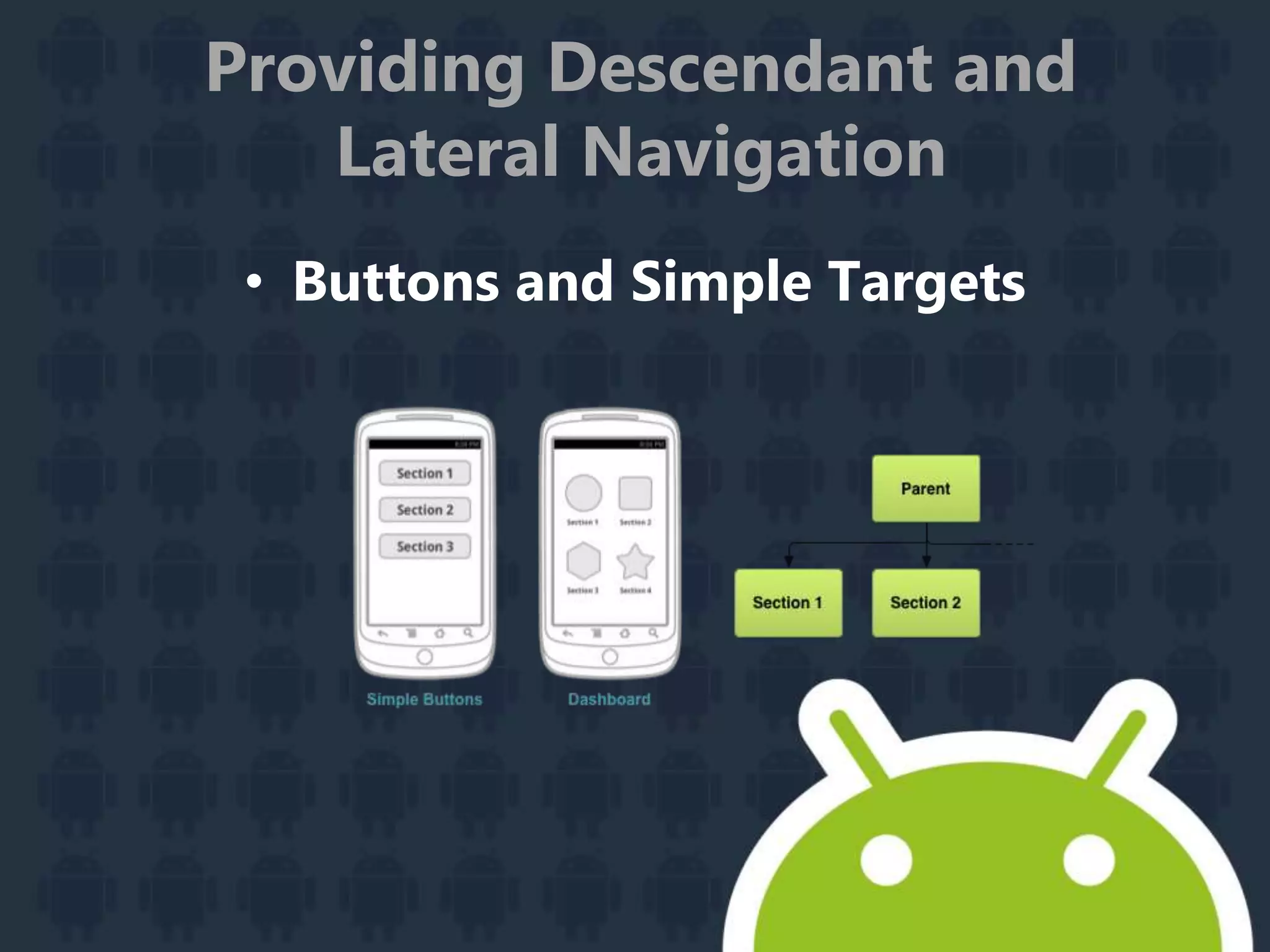
• Buttons and Simple Targets
Providing Descendant and
Lateral Navigation
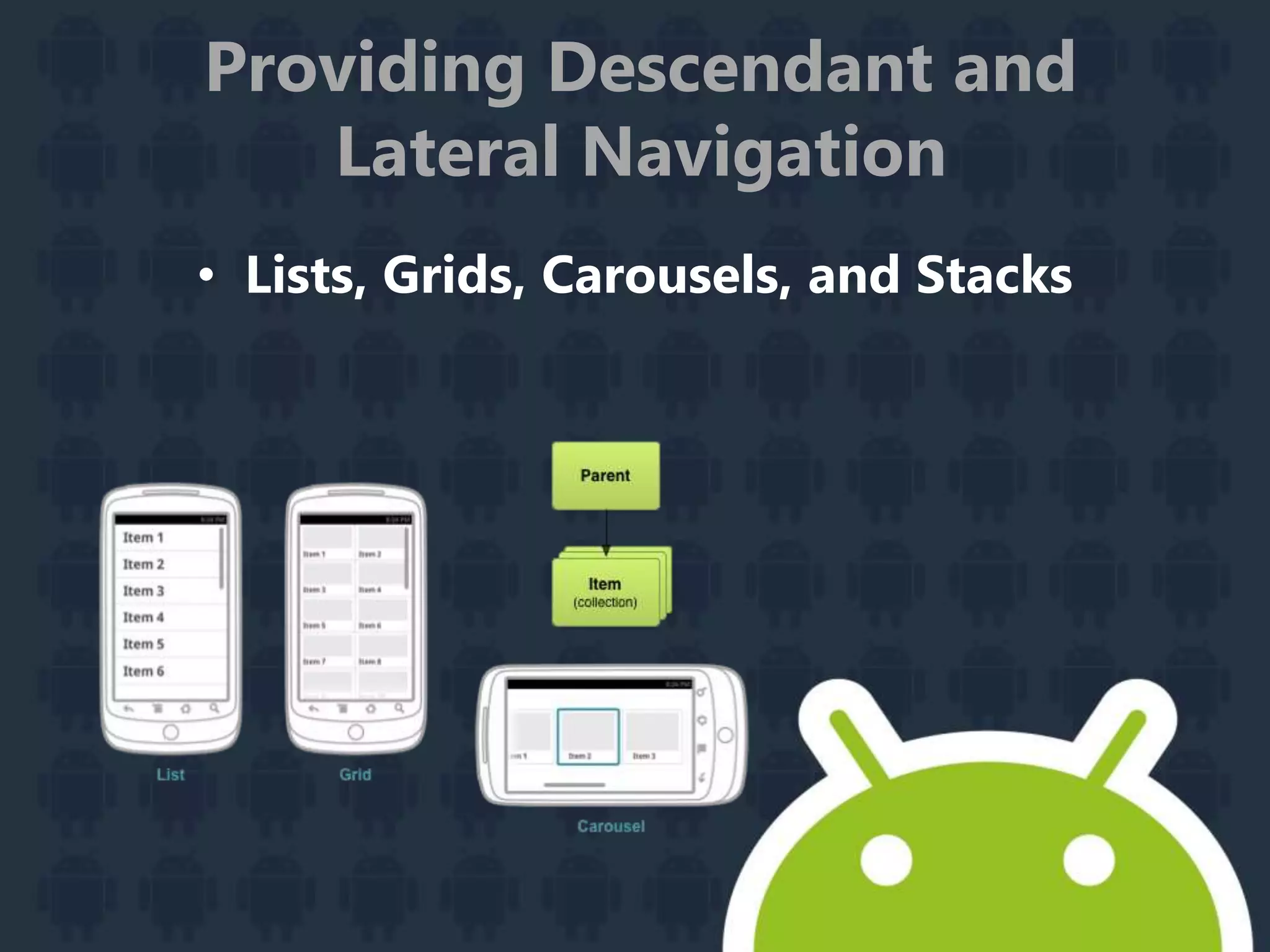
Providing Descendant and
Lateral Navigation
• Lists, Grids, Carousels, and Stacks
Providing Descendant and
Lateral Navigation
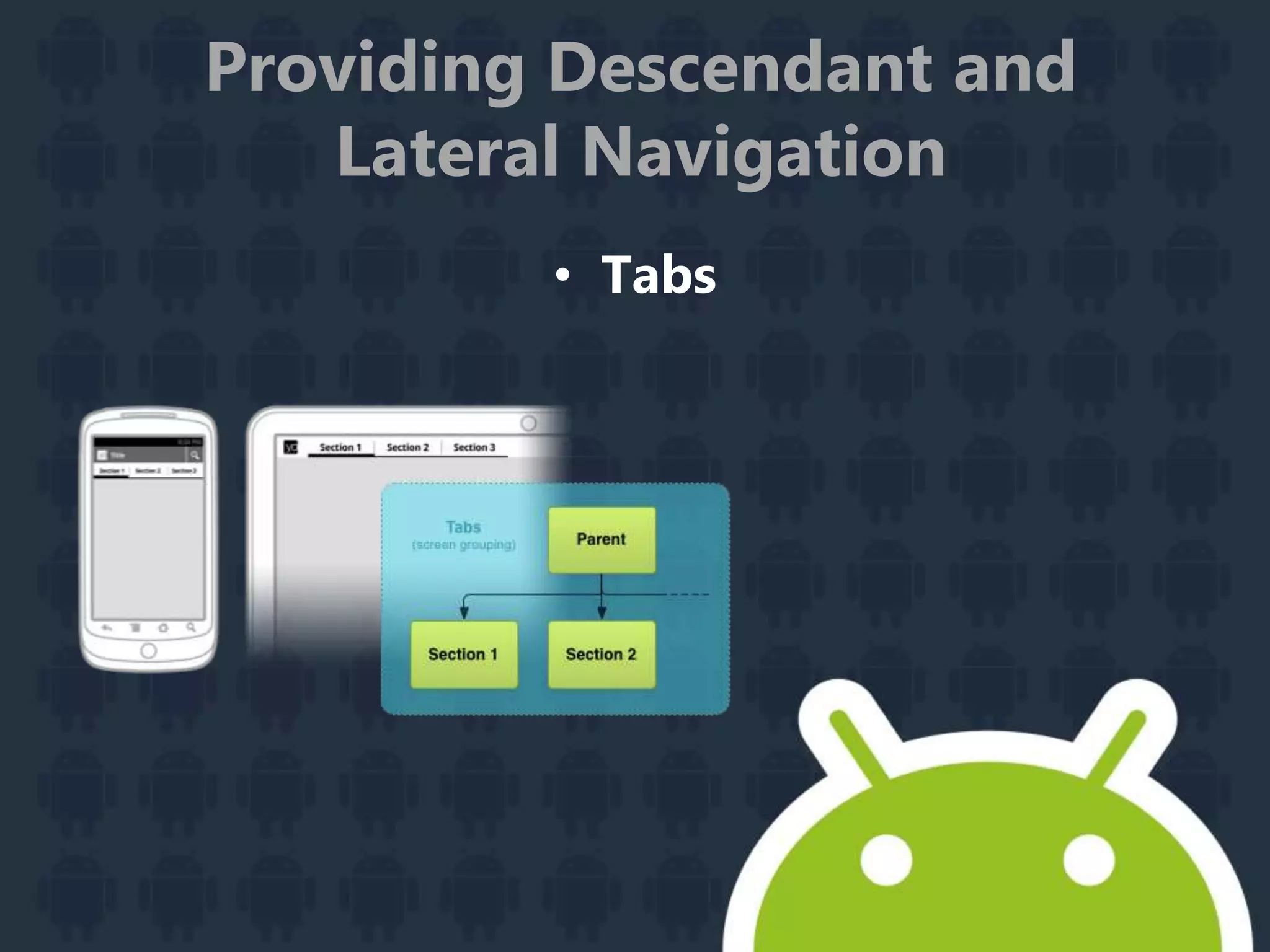
• Tabs
Providing Descendant and
Lateral Navigation
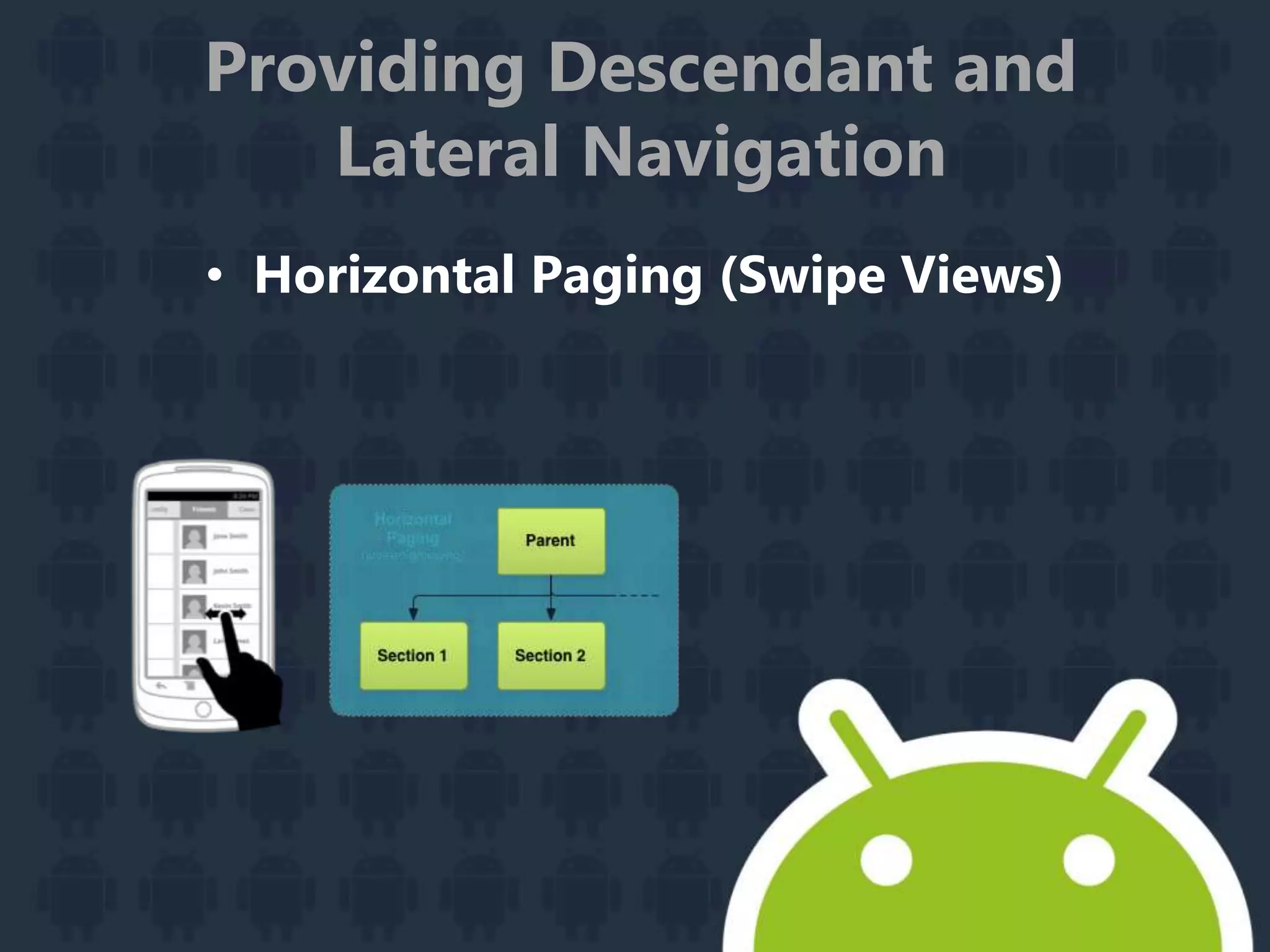
• Horizontal Paging (Swipe Views)
Providing Ancestral and
Temporal Navigation
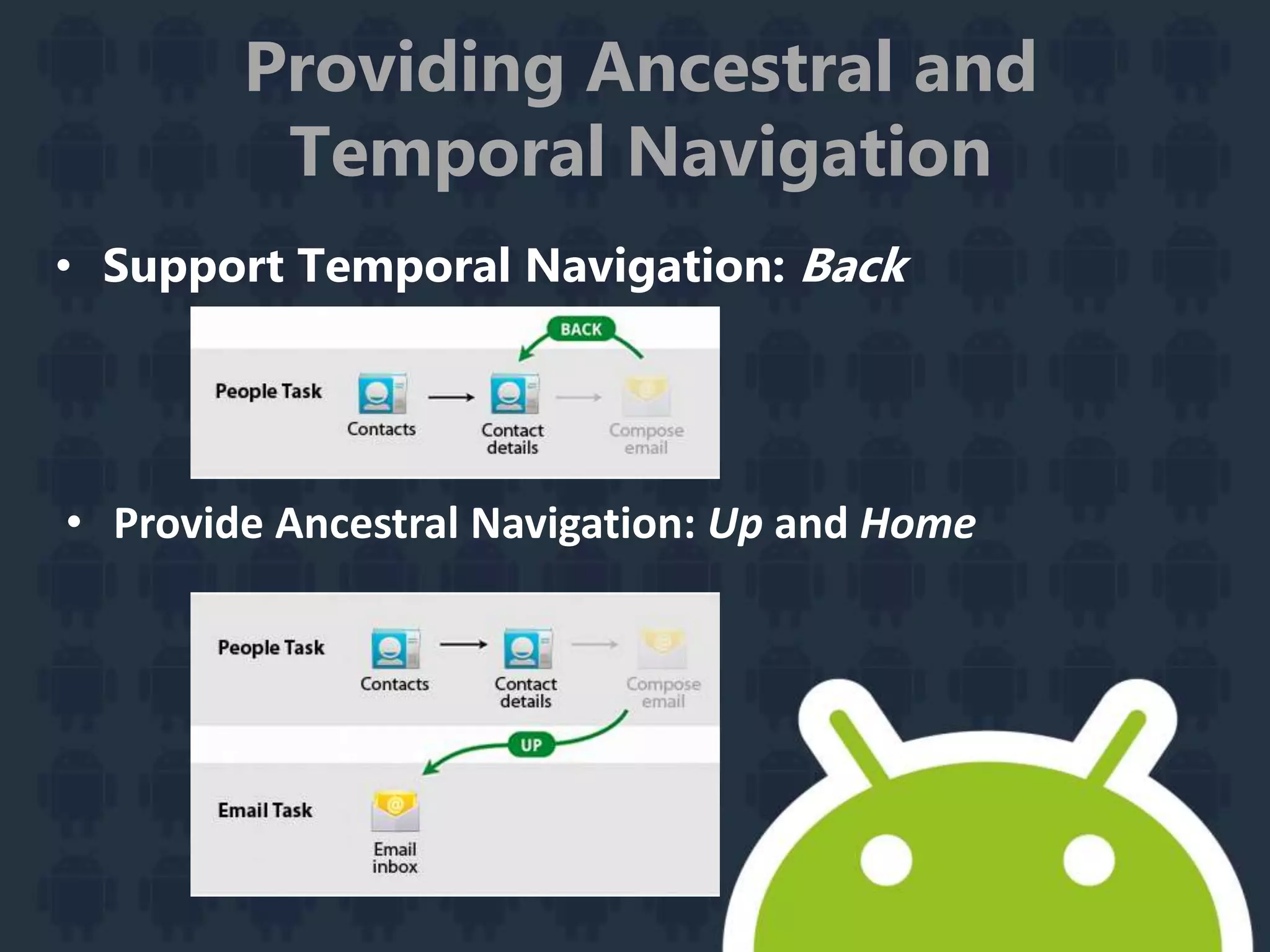
• Support Temporal Navigation: Back
• Provide Ancestral Navigation: Up and Home
Putting it All Together:
Wireframing the Example App
Choose Patterns
Sketch and Wireframe
Create Digital Wireframes
Implementing Effective
Navigation
Creating Swipe Views with Tabs
Creating a Navigation Drawer
Providing Up Navigation
Providing Proper Back Navigation
Implementing Descendant Navigation
Notifying The User
Building a Notification
Preserving Navigation when Starting an Activity
Updating Notifications
Using Big View Styles
Displaying Progress in a Notification
Adding Search Functionality
Setting up the Search Interface
Storing and Searching for Data
Remaining Backward Compatible
Designing for Multiple
Screens
Supporting Different Screen Sizes
Supporting Different Screen Densities
Implementing Adaptive UI Flows
Creating Custom Views
Creating Backward
Compatible UIs
Creating an Implementation with Older APIs
Using the Version-Aware Component
Implementing Accessibility
Developing Accessible Applications
Developing Accessibility Services
Managing the System UI
Dimming the System Bars
Hiding the Status Bar
Hiding the Navigation Bar
Responding to UI Visibility Changes
Section 2 : Design Principles
Enchant Me
Simplify My Life
Make Me Amazing
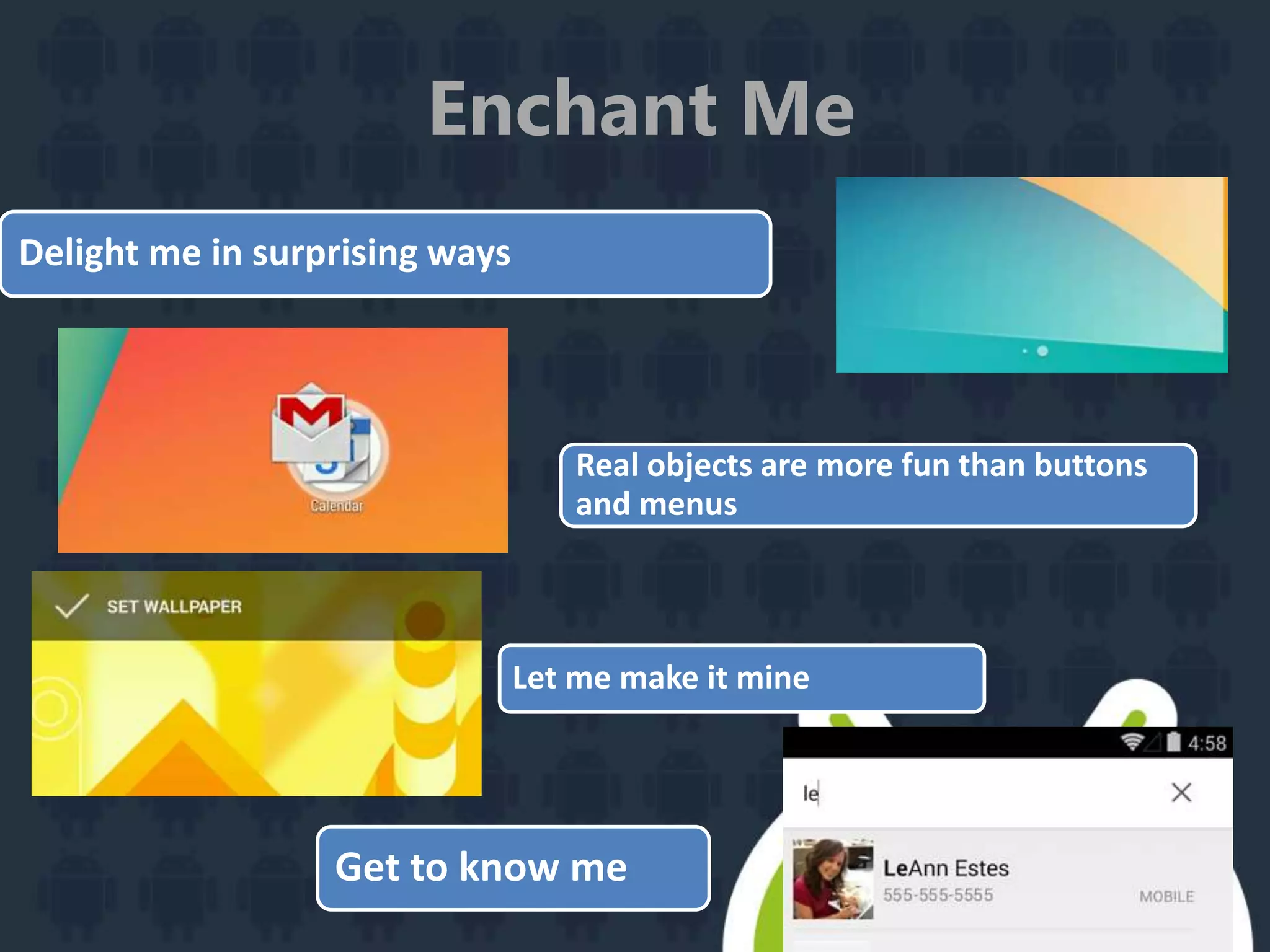
Enchant Me
Get to know me
Let me make it mine
Delight me in surprising ways
Real objects are more fun than buttons
and menus
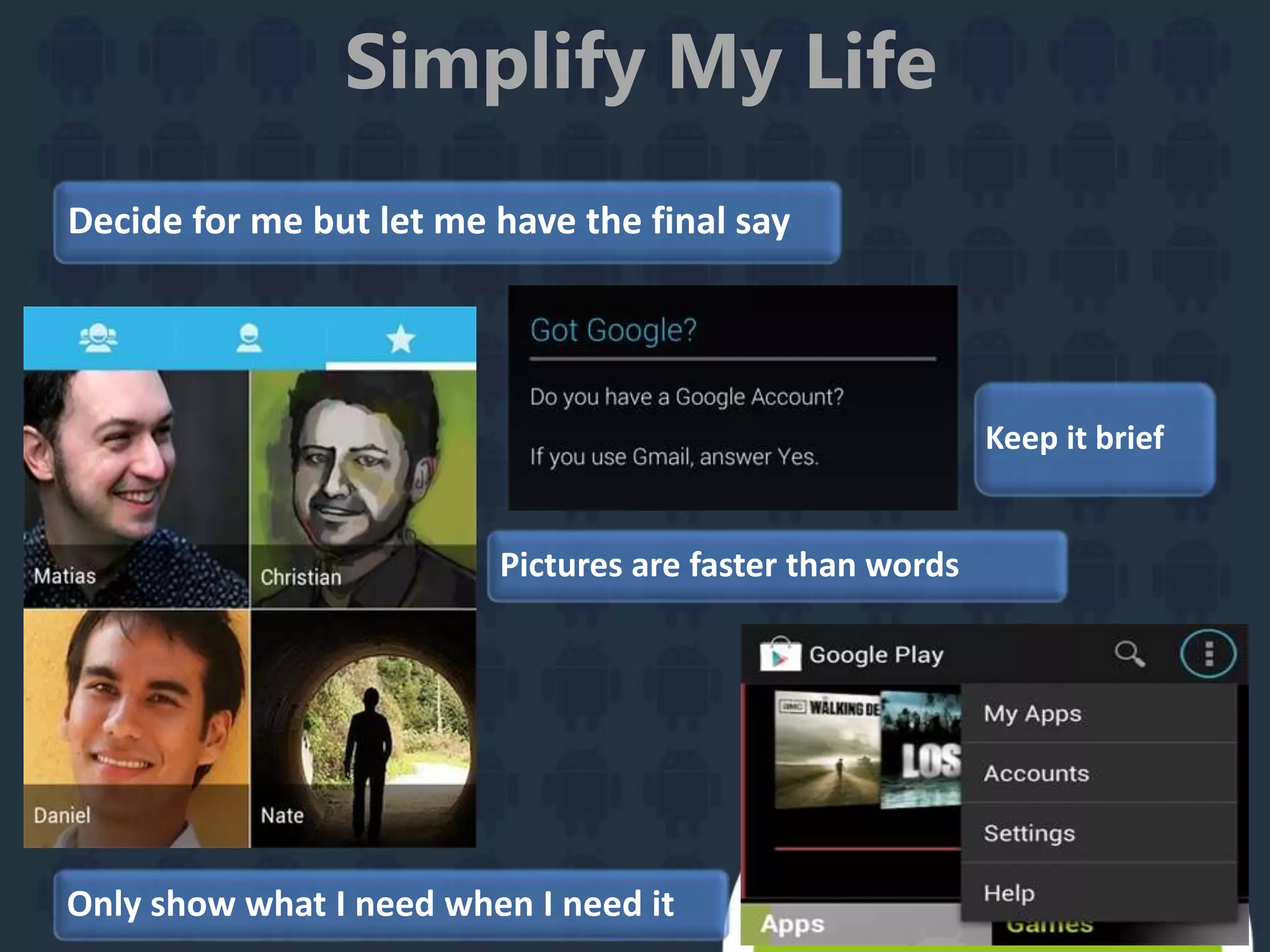
Simplify My Life
Keep it brief
Decide for me but let me have the final say
Pictures are faster than words
Only show what I need when I need it
Simplify My Life
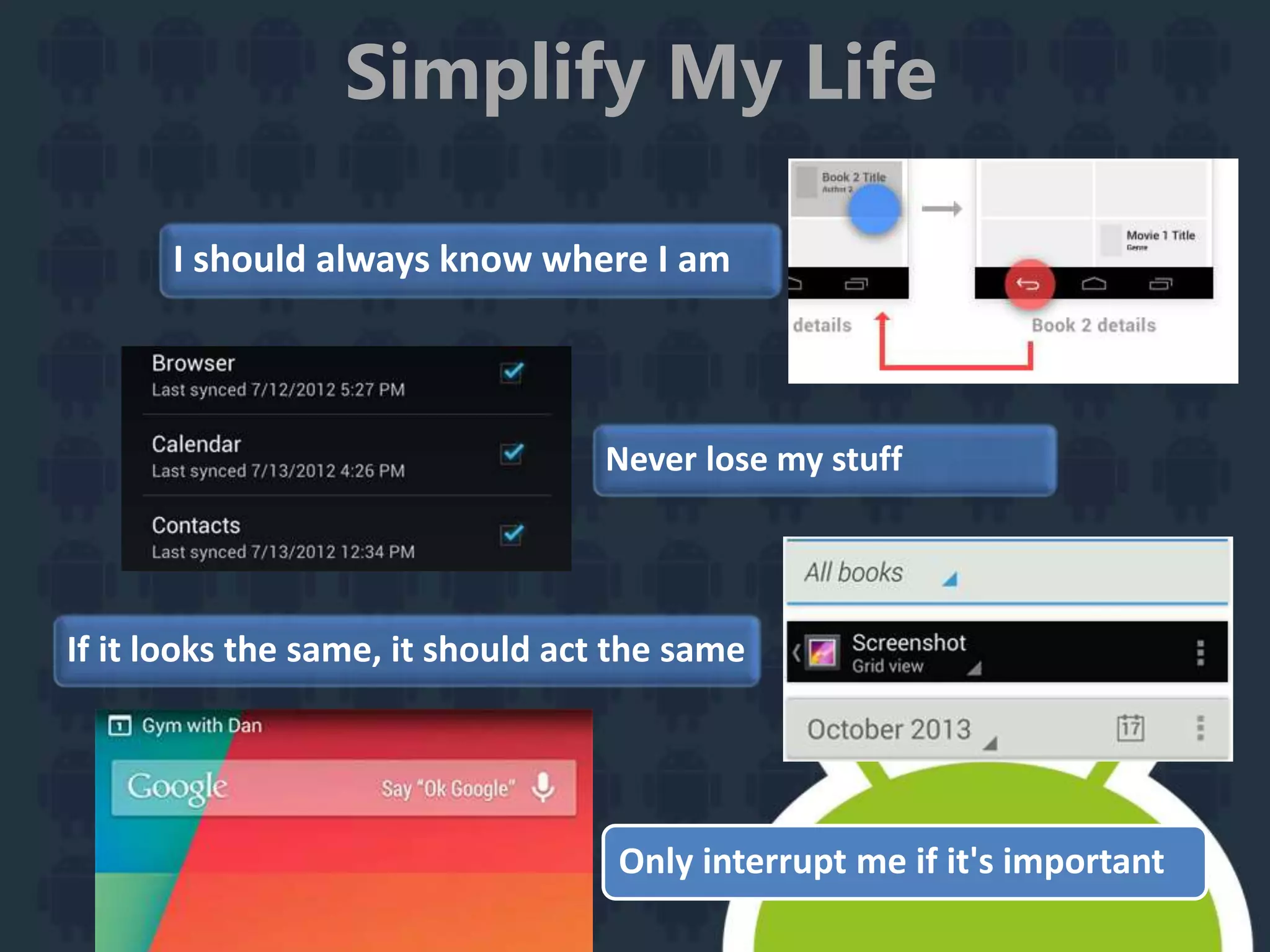
I should always know where I am
Never lose my stuff
If it looks the same, it should act the same
Only interrupt me if it's important
Make Me Amazing
Give me tricks that work everywhere
It's not my fault
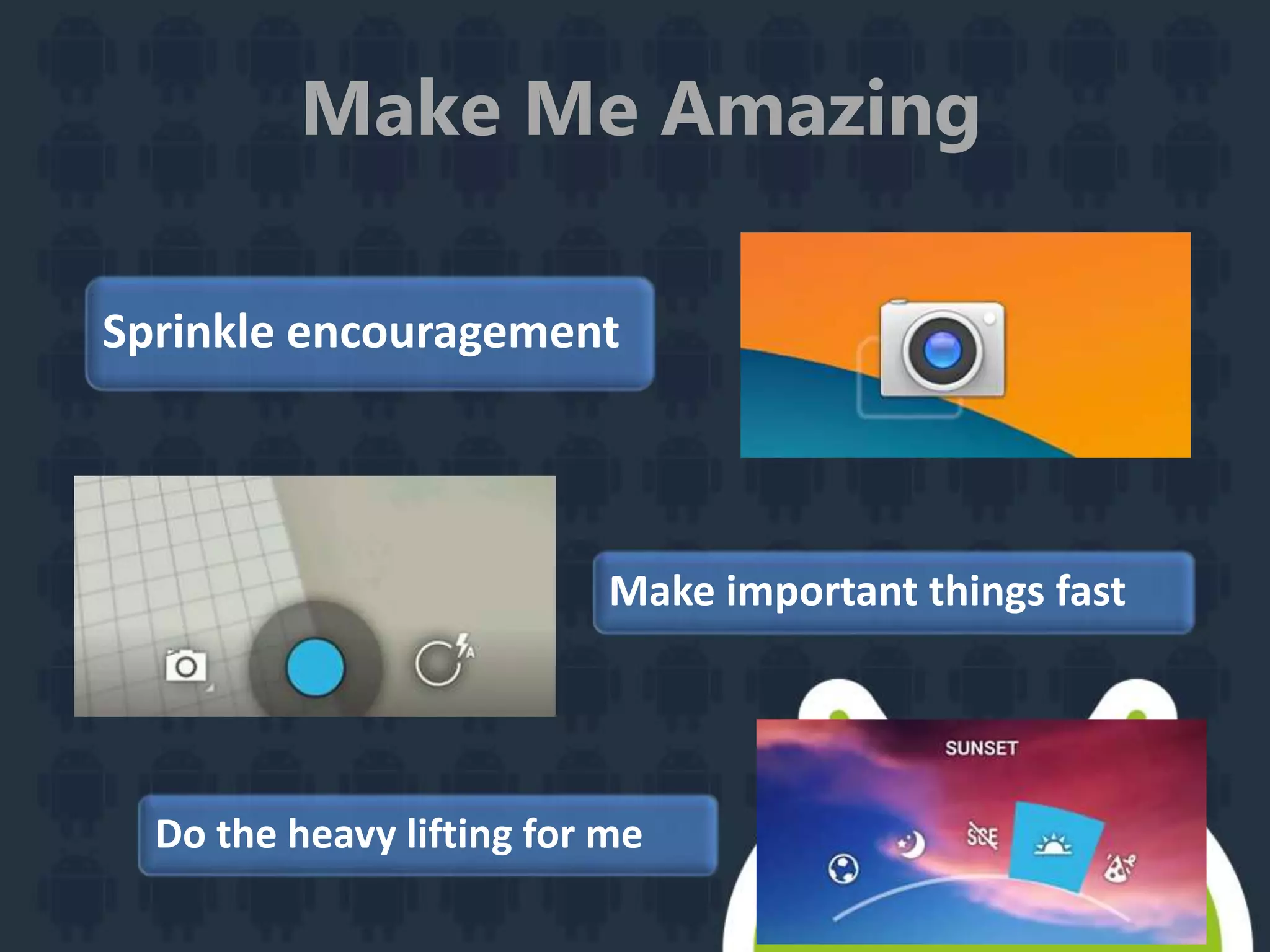
Make Me Amazing
Do the heavy lifting for me
Sprinkle encouragement
Make important things fast
Section 3
Advertising without Compromising
User Experience
Section 4
How people have done It
right!!!!

Android user experience