1© 2015 IBM Corporation© 2015 IBM Corporation
Enhanced Mobile Security in Your Back Pocket
Android for Work and MaaS360
2© 2015 IBM Corporation
Housekeeping items
✓Duration – 60 minutes
✓Submit your questions to all
panelists in the Q&A box located
in the bottom right corner of your
screen
✓Recording and slides will be
emailed to you
3© 2015 IBM Corporation
Agenda
Android for Work by Google
Program review
Technical solution
AfW use cases
New features in M
MaaS360 by IBM
Product review
AfW integration
Q&A
4© 2015 IBM Corporation
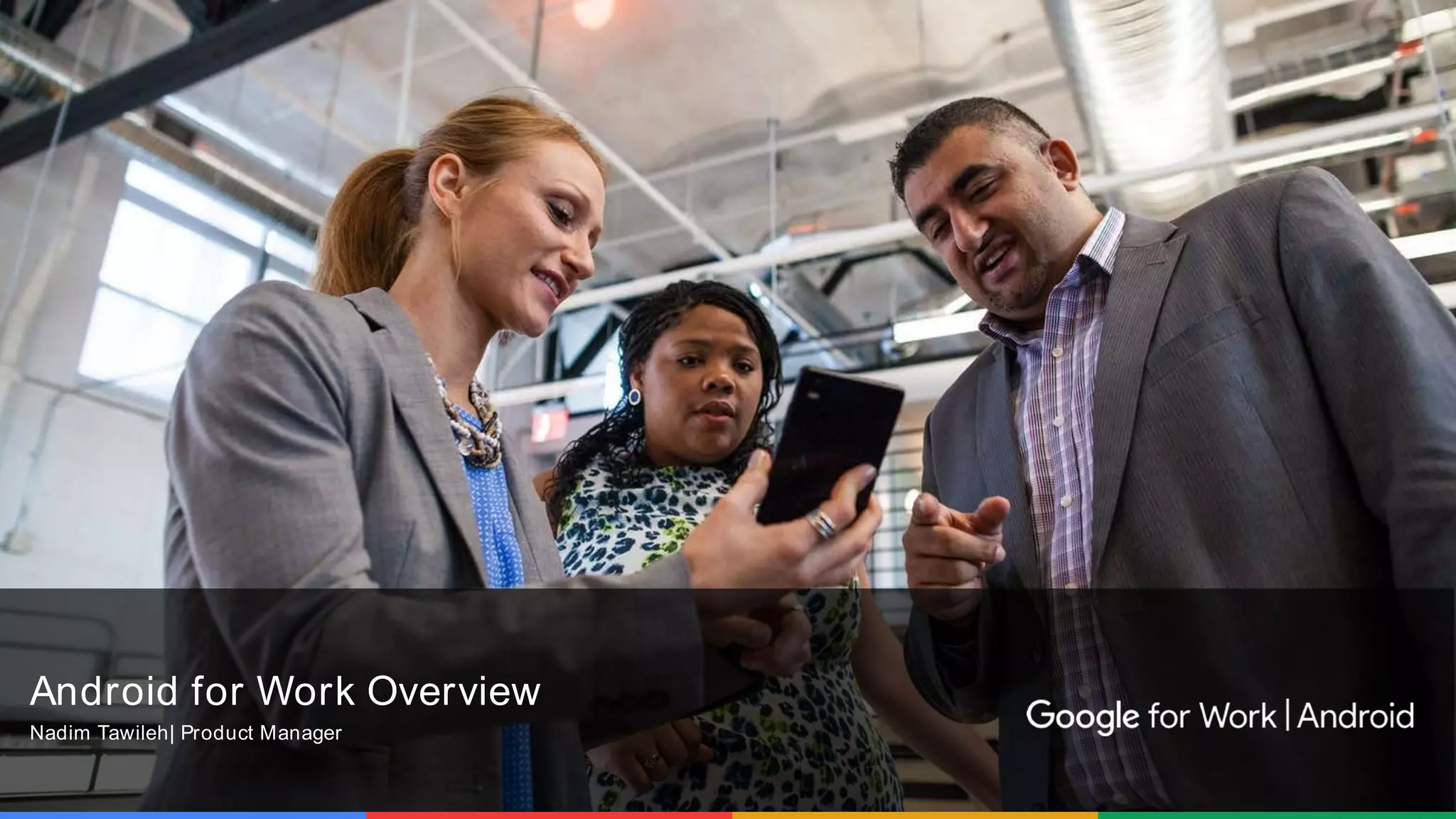
Android for Work Overview
Nadim Tawileh| Product Manager
Foundation
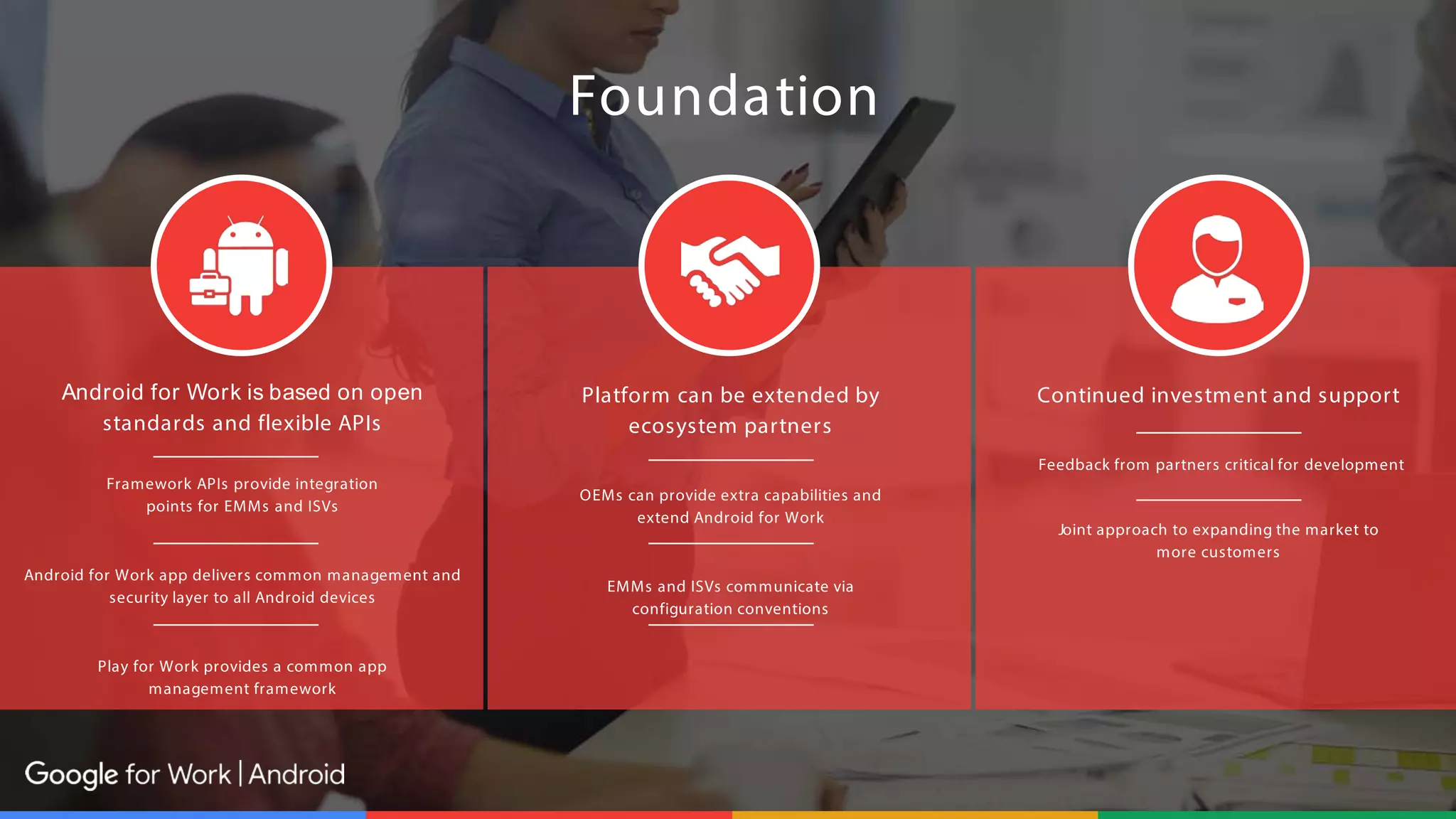
Android for Work is based on open
standards and flexible APIs
Framework APIs provide integration
points for EMMs and ISVs
Android for Work app delivers common management and
security layer to all Android devices
Play for Work provides a common app
management framework
Platform can be extended by
ecosystem partners
OEMs can provide extra capabilities and
extend Android for Work
EMMs and ISVs communicate via
configuration conventions
Continued investment and support
Feedback from partners critical for development
Joint approach to expanding the market to
more customers
Foundation
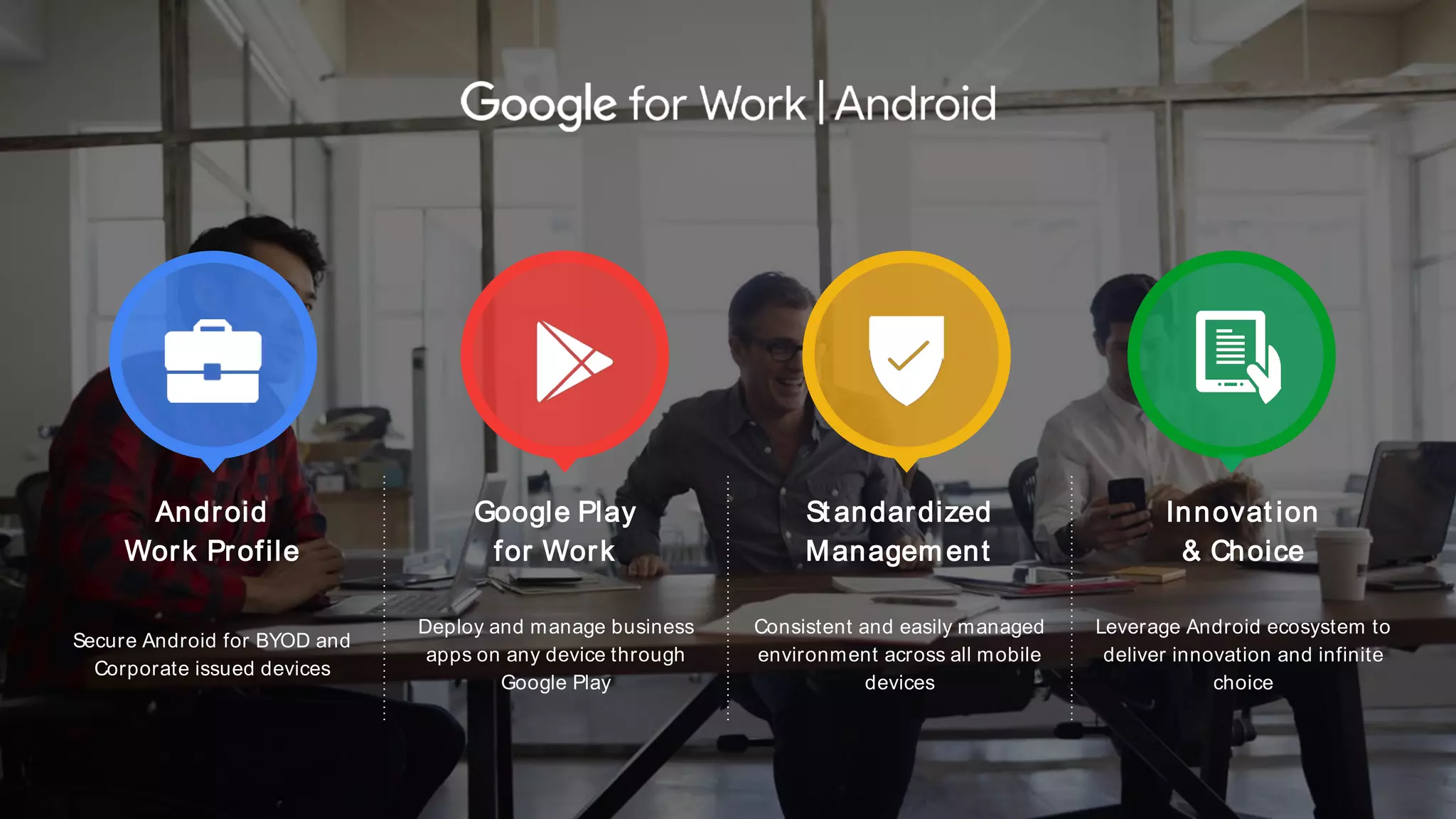
Android
Work Profile
Google Play
for Work
St andardized
Management
Innovat ion
& Choice
Secure Android for BYOD and
Corporate issued devices
Deploy and manage business
apps on any device through
Google Play
Consistent and easily managed
environment across all mobile
devices
Leverage Android ecosystem to
deliver innovation and infinite
choice
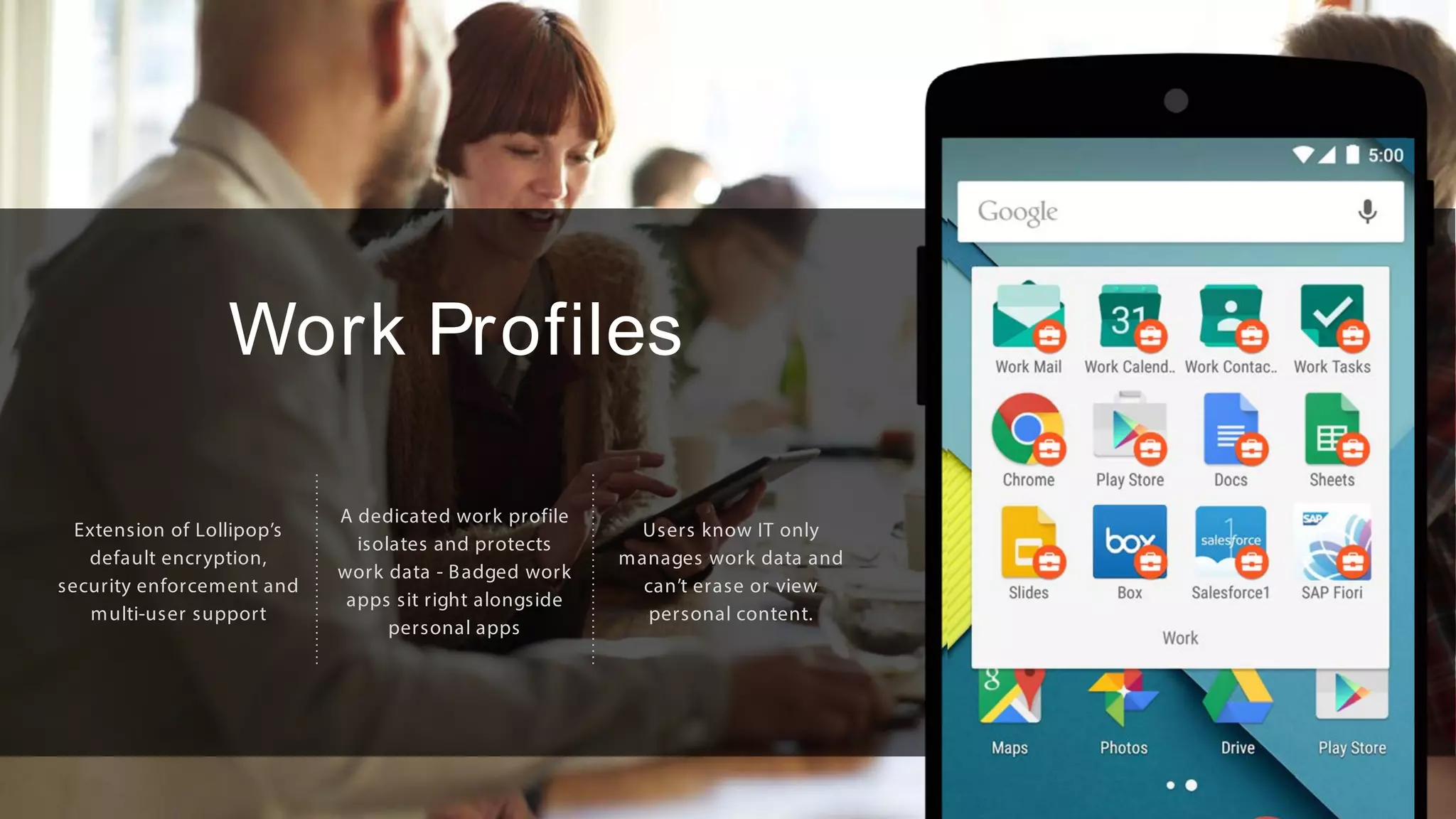
Work Profiles
Extension of Lollipop’s
default encryption,
security enforcement and
multi-user support
A dedicated work profile
isolates and protects
work data - Badged work
apps sit right alongside
personal apps
Users know IT only
manages work data and
can’t erase or view
personal content.
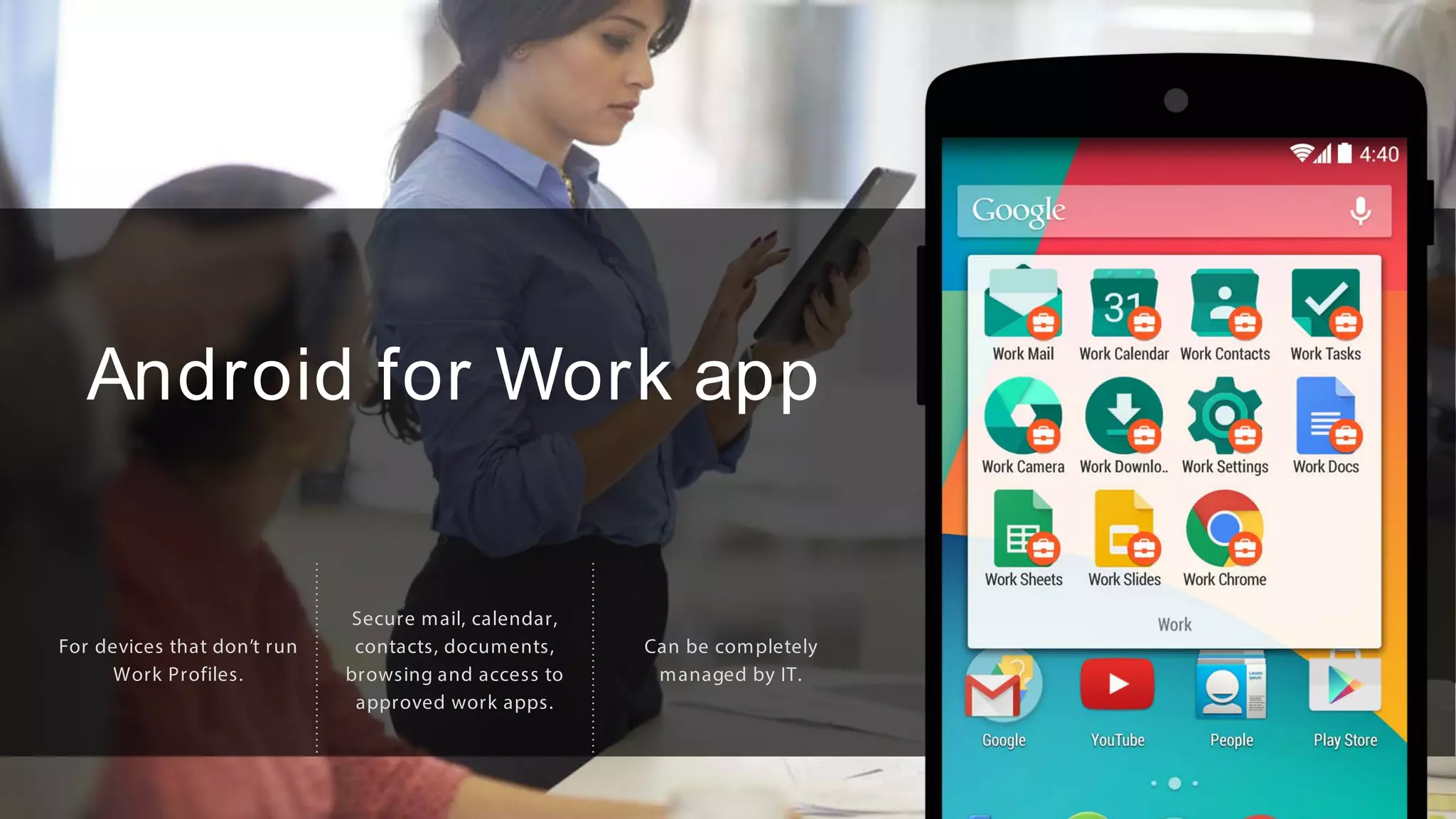
Android for Work app
For devices that don’t run
Work Profiles.
Secure mail, calendar,
contacts, documents,
browsing and access to
approved work apps.
Can be completely
managed by IT.
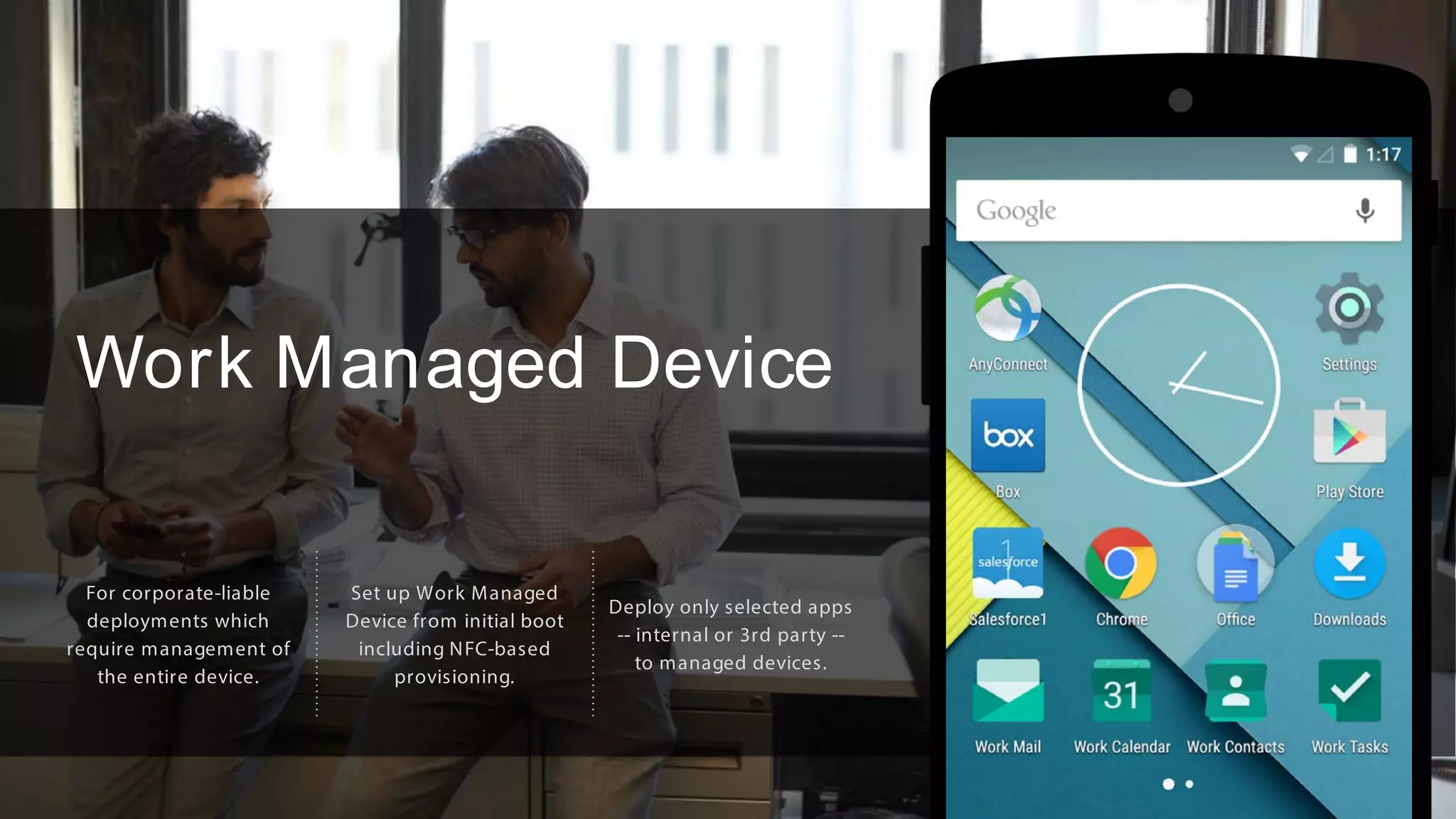
Work Managed Device
For corporate-liable
deployments which
require management of
the entire device.
Set up Work Managed
Device from initial boot
including NFC-based
provisioning.
Deploy only selected apps
-- internal or 3rd party --
to managed devices.
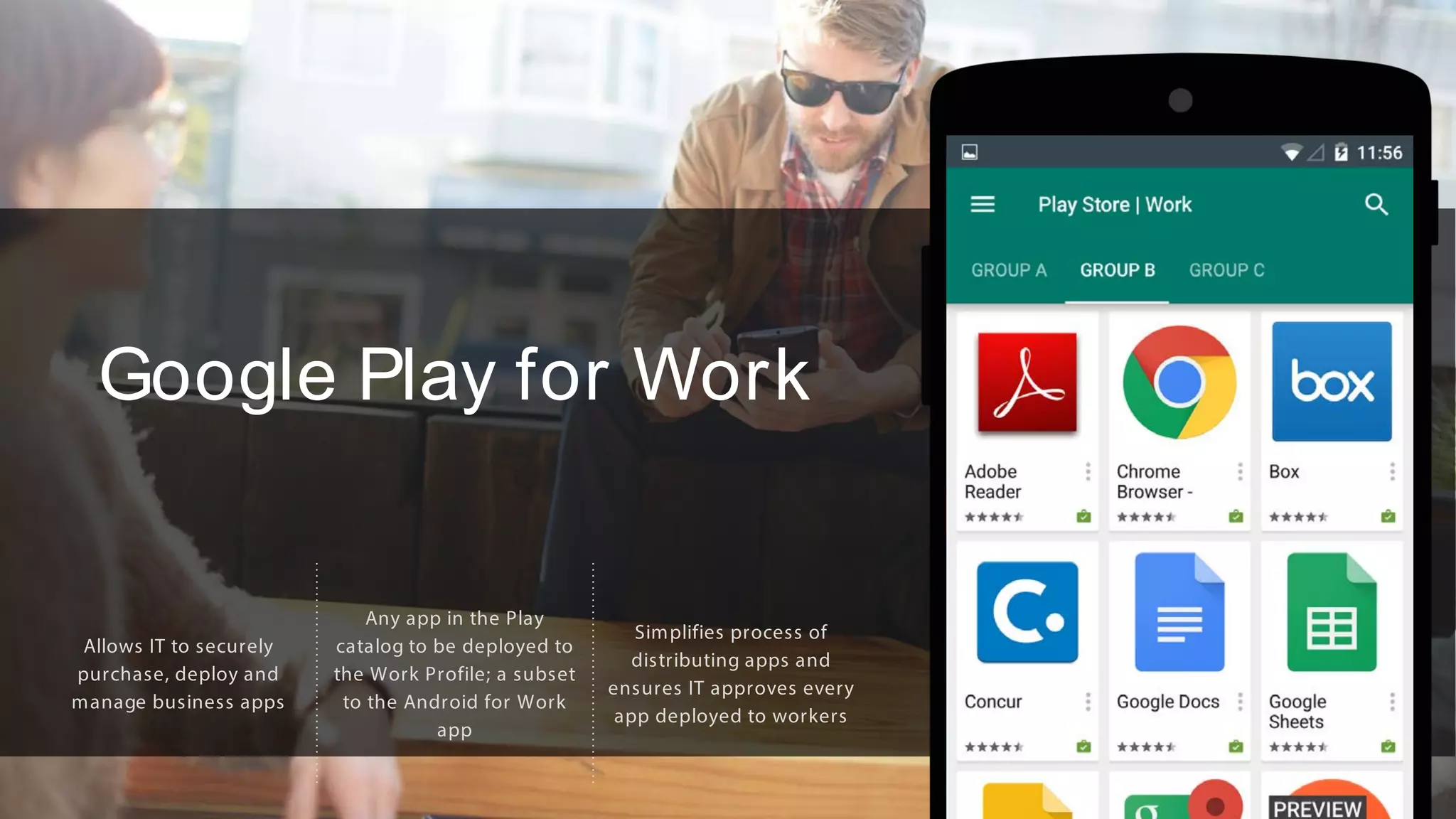
Google Play for Work
Allows IT to securely
purchase, deploy and
manage business apps
Any app in the Play
catalog to be deployed to
the Work Profile; a subset
to the Android for Work
app
Simplifies process of
distributing apps and
ensures IT approves every
app deployed to workers
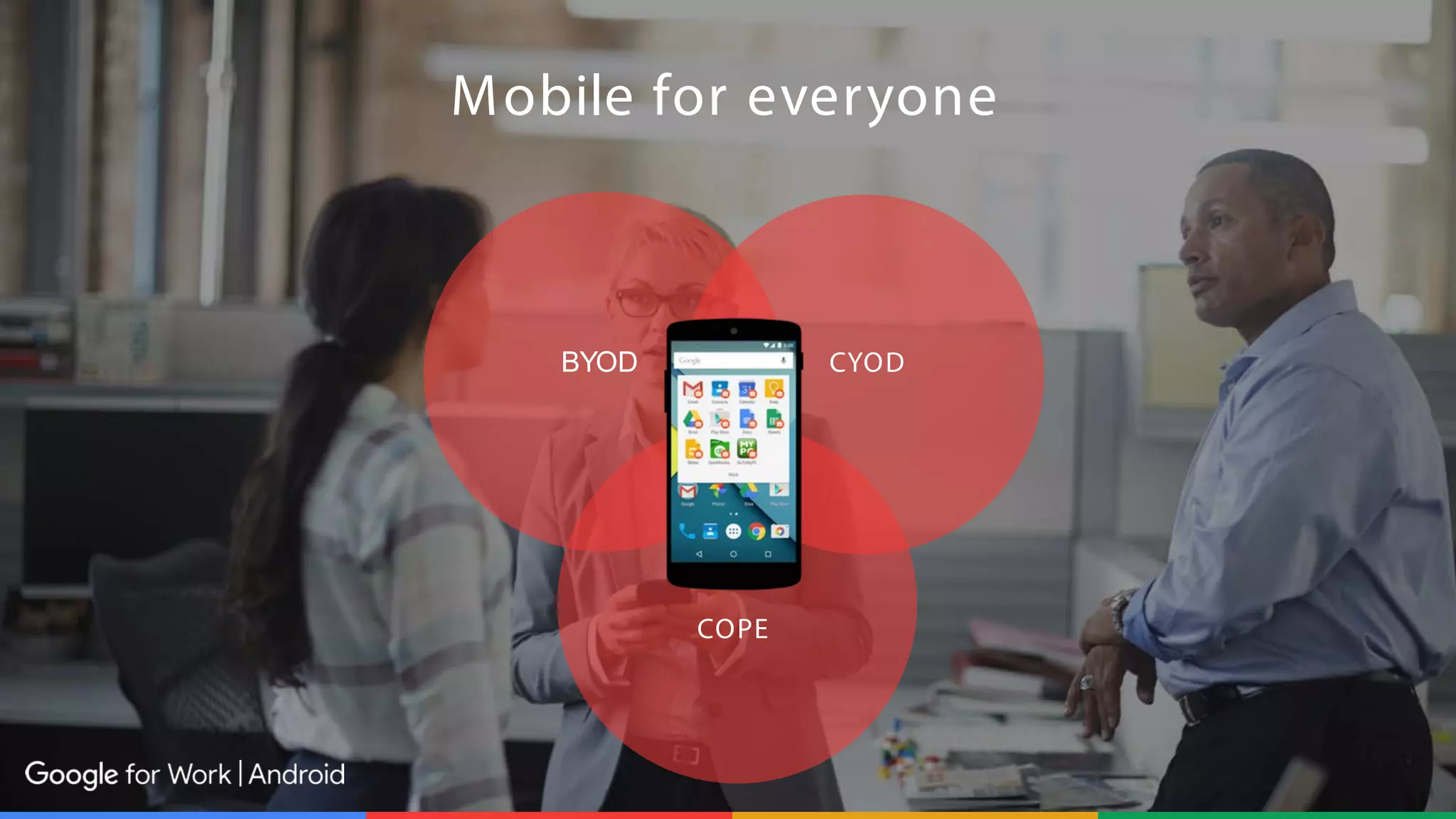
BYOD CYOD
COPE
Mobile for everyone
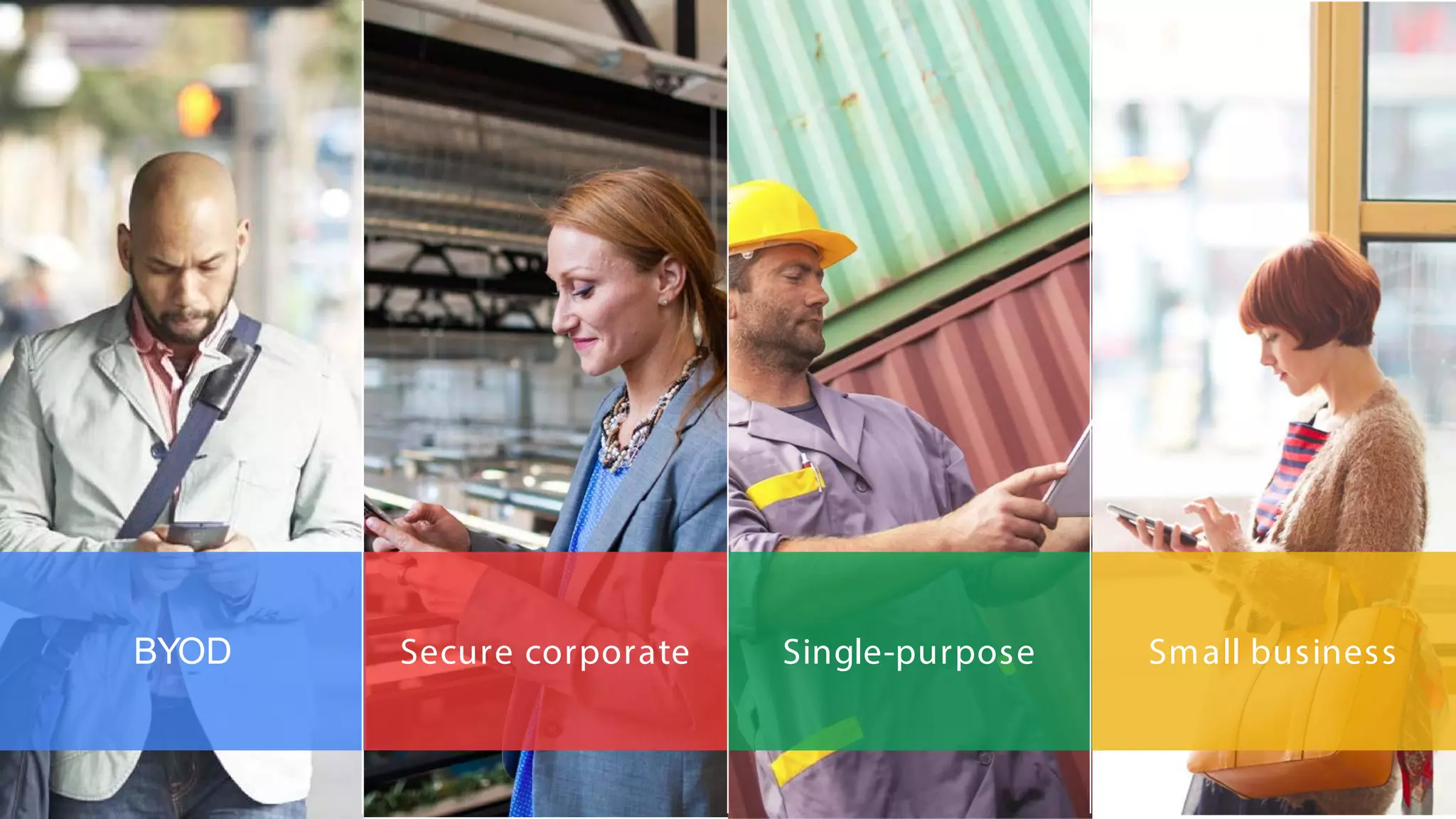
BYOD Secure corporate Single-purpose Small business
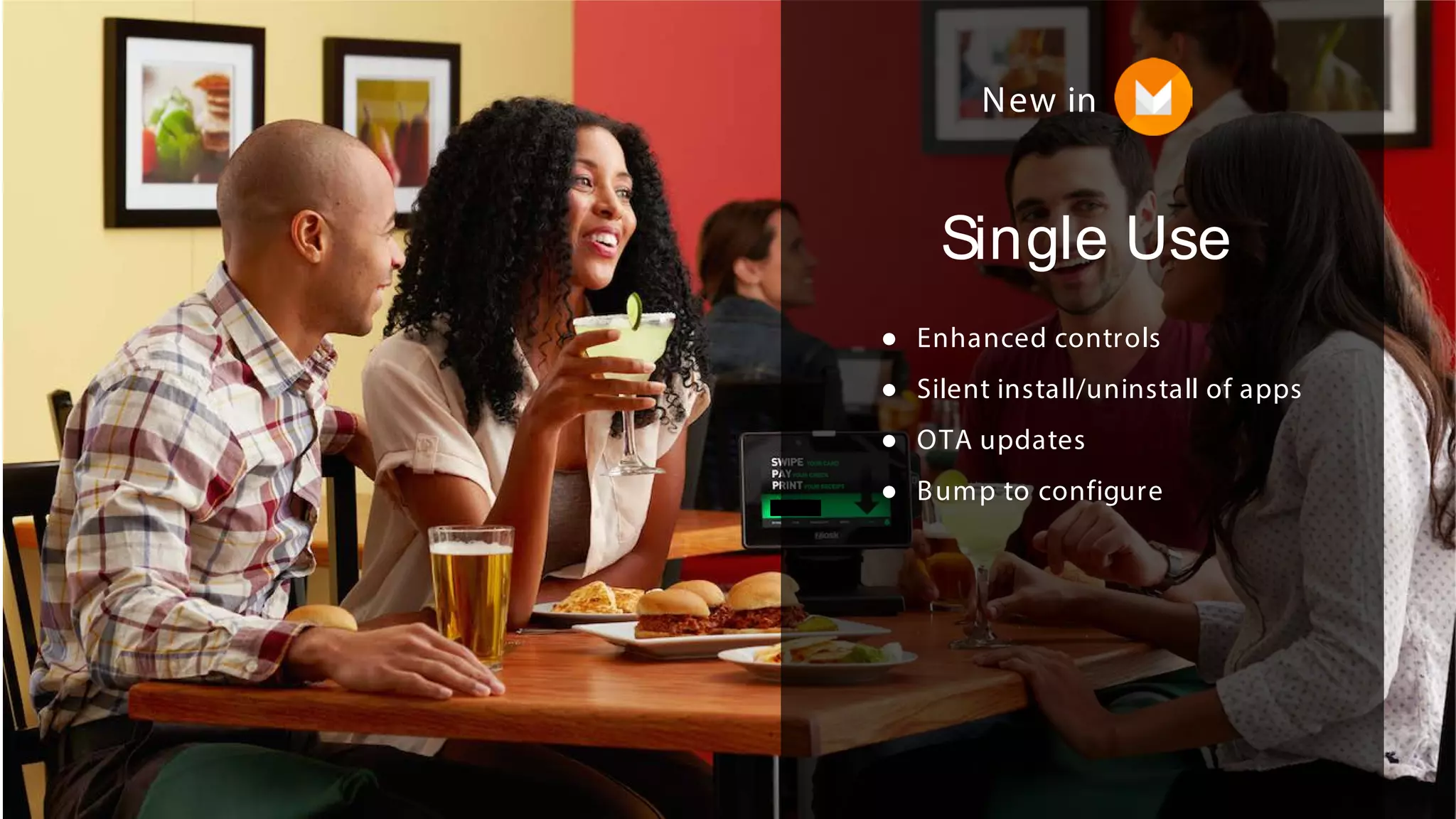
Single Use
● Enhanced controls
● Silent install/uninstall of apps
● OTA updates
● Bump to configure
New in
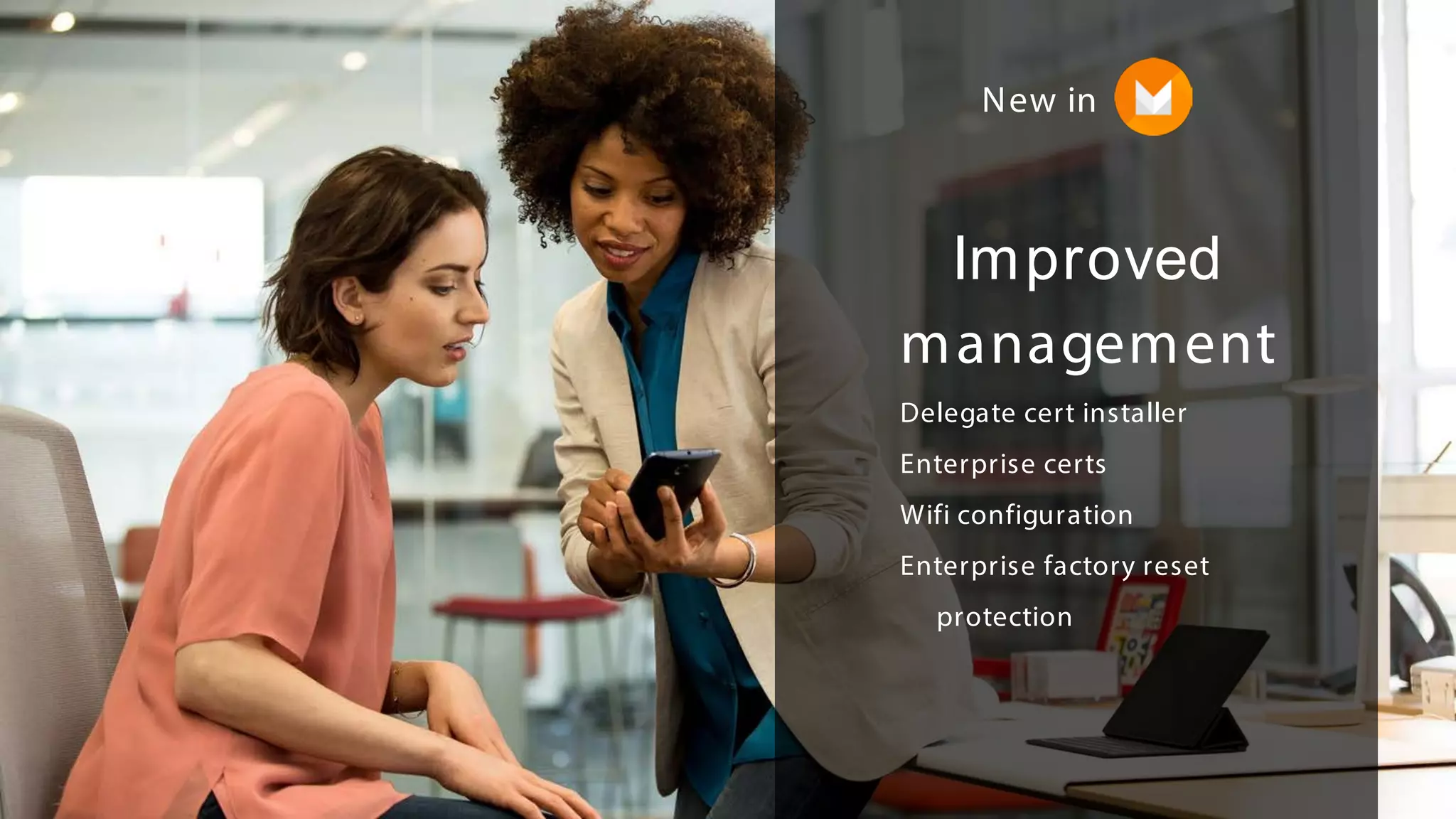
Improved
management
Delegate cert installer
Enterprise certs
Wifi configuration
Enterprise factory reset
protection
New in
Better BYOD
● Improved enterprise contacts
● Work status notifications
● Data usage tracking
New in
18© 2015 IBM Corporation© 2015 IBM Corporation
MaaS360 and Android for Work
Frank Schloendorn, Director of Quality Assurance, IBM
19© 2015 IBM Corporation
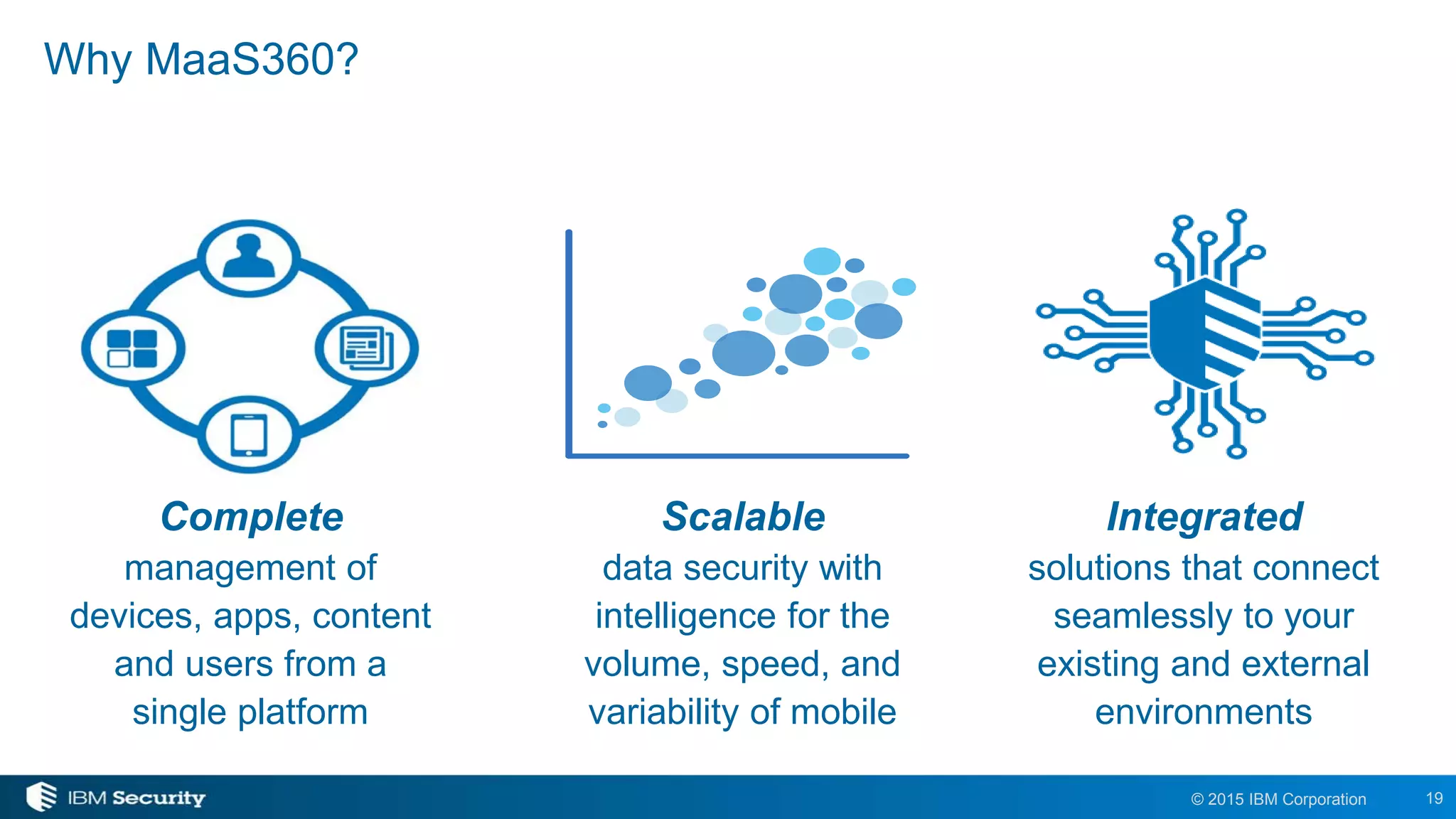
Why MaaS360?
Integrated
solutions that connect
seamlessly to your
existing and external
environments
Scalable
data security with
intelligence for the
volume, speed, and
variability of mobile
Complete
management of
devices, apps, content
and users from a
single platform
20© 2015 IBM Corporation
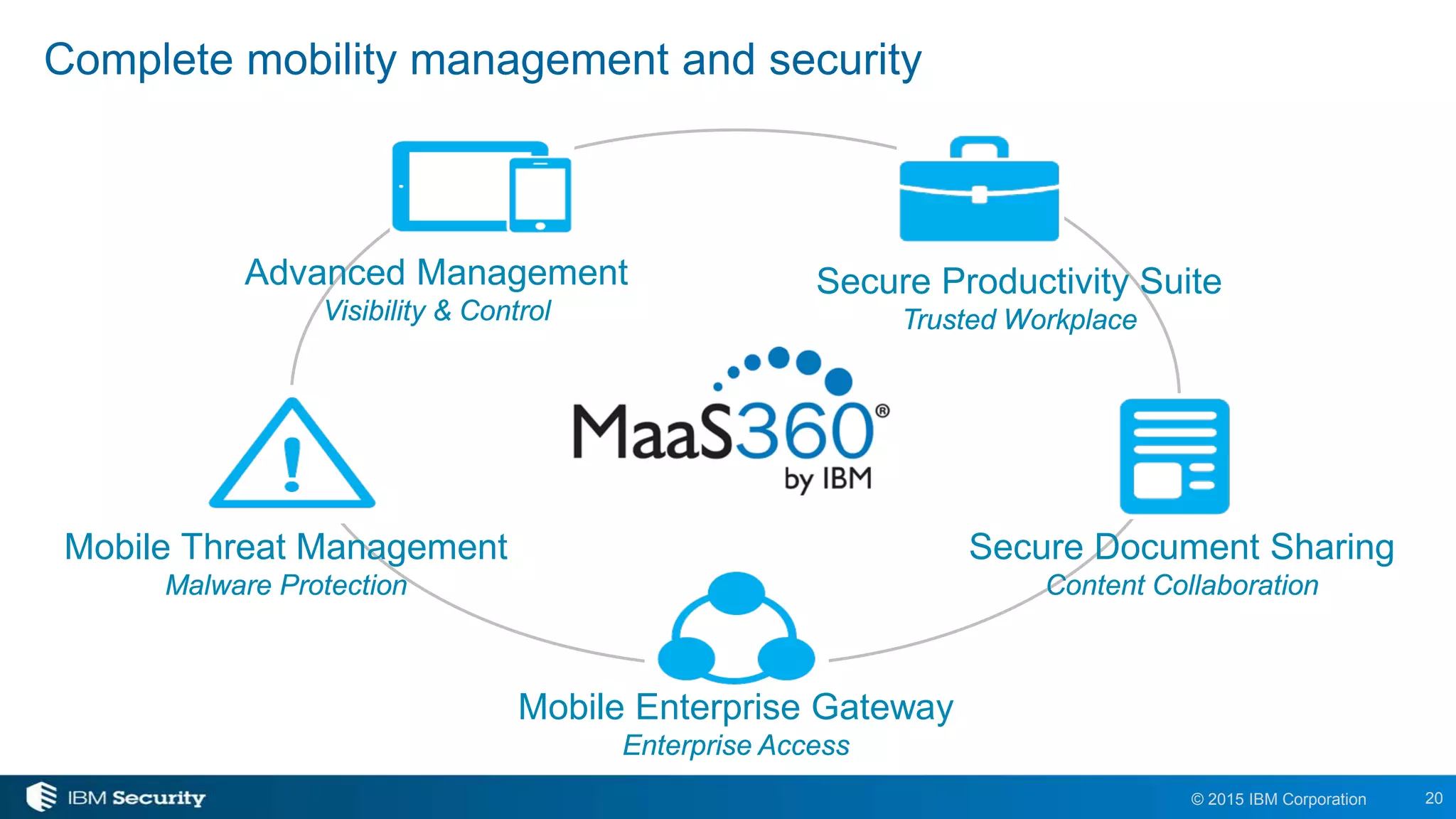
Complete mobility management and security
Advanced Management
Visibility & Control
Secure Productivity Suite
Trusted Workplace
Secure Document Sharing
Content Collaboration
Mobile Threat Management
Malware Protection
Mobile Enterprise Gateway
Enterprise Access
21© 2015 IBM Corporation
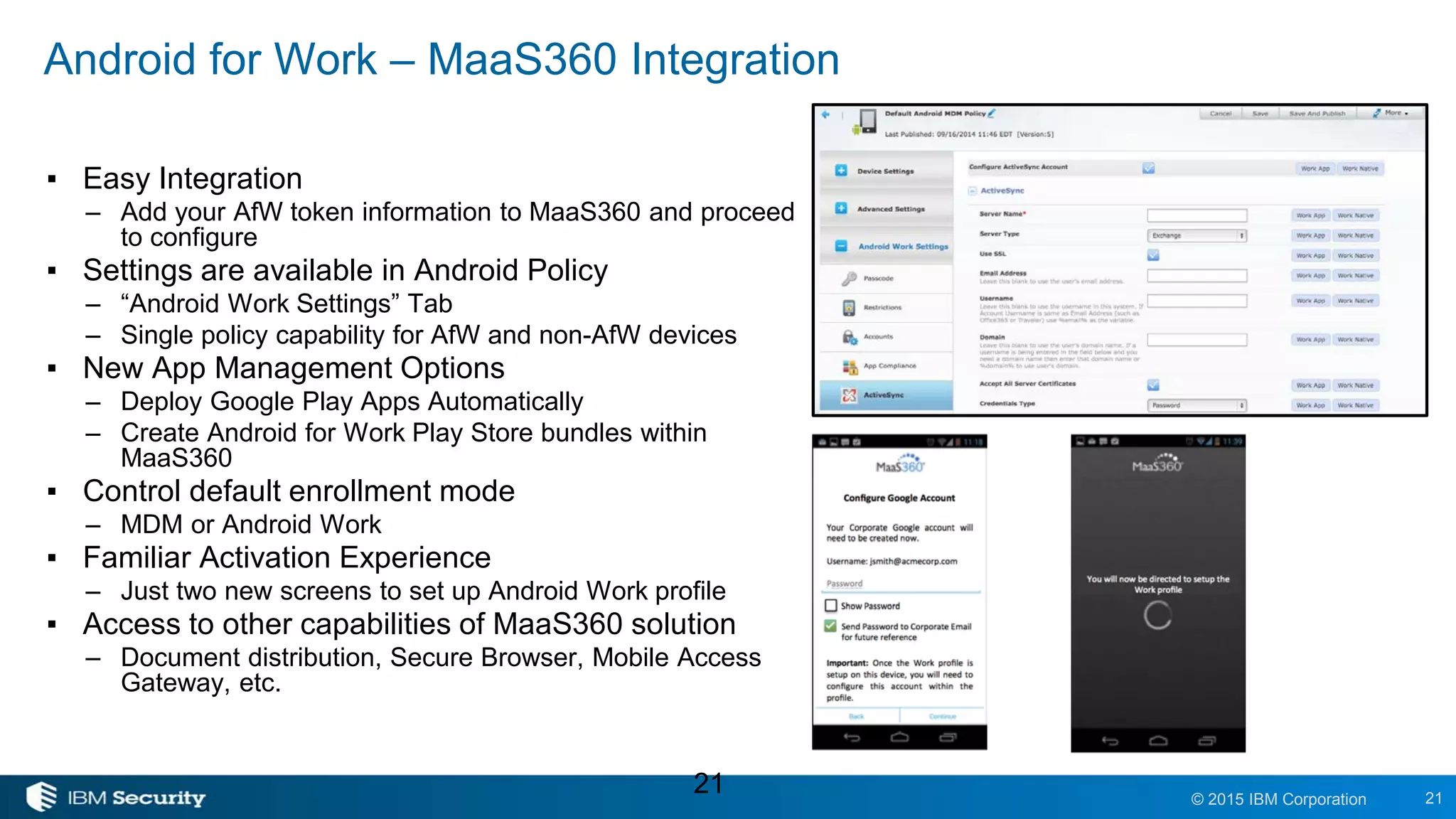
Android for Work – MaaS360 Integration
▪ Easy Integration
– Add your AfW token information to MaaS360 and proceed
to configure
▪ Settings are available in Android Policy
– “Android Work Settings” Tab
– Single policy capability for AfW and non-AfW devices
▪ New App Management Options
– Deploy Google Play Apps Automatically
– Create Android for Work Play Store bundles within
MaaS360
▪ Control default enrollment mode
– MDM or Android Work
▪ Familiar Activation Experience
– Just two new screens to set up Android Work profile
▪ Access to other capabilities of MaaS360 solution
– Document distribution, Secure Browser, Mobile Access
Gateway, etc.
21
22© 2015 IBM Corporation
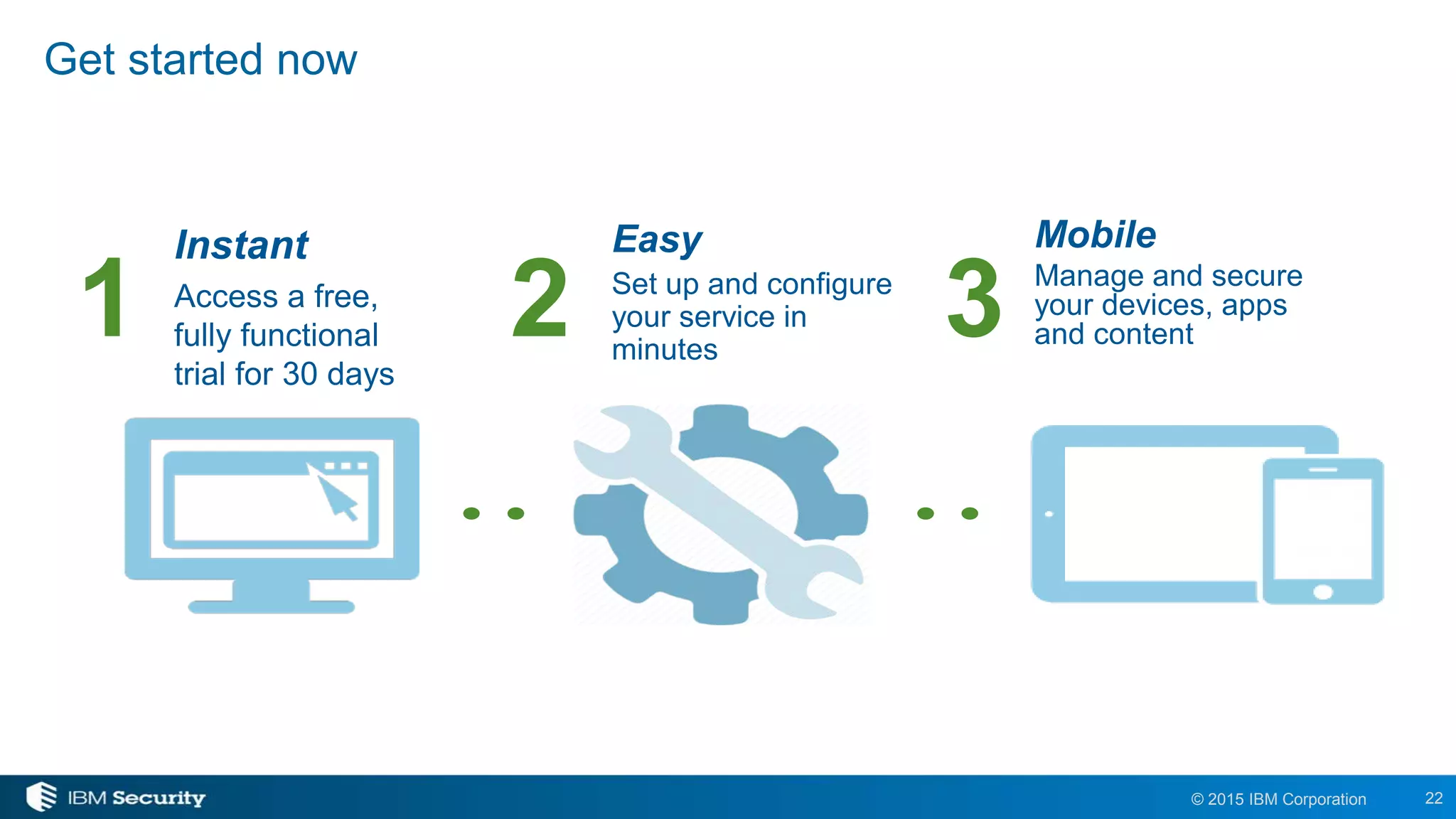
Get started now
Instant
Access a free,
fully functional
trial for 30 days
Mobile
Manage and secure
your devices, apps
and content
Easy
Set up and configure
your service in
minutes
1 2 3
© 2015 IBM Corporation
IBM Security
23
www.ibm.com/security
© Copyright IBM Corporation 2015. All rights reserved. The information contained in these materials is provided for informational purposes
only, and is provided AS IS without warranty of any kind, express or implied. IBM shall not be responsible for any damages arising out of the use
of, or otherwise related to, these materials. Nothing contained in these materials is intended to, nor shall have the effect of, creating any
warranties or representations from IBM or its suppliers or licensors, or altering the terms and conditions of the applicable license agreement
governing the use of IBM software. References in these materials to IBM products, programs, or services do not imply that they will be available in
all countries in which IBM operates. Product release dates and/or capabilities referenced in these materials may change at any time at IBM’s sole
discretion based on market opportunities or other factors, and are not intended to be a commitment to future product or feature availability in any
way. IBM, the IBM logo, and other IBM products and services are trademarks of the International Business Machines Corporation, in the United
Statement of Good Security Practices: IT system security involves protecting systems and information through prevention, detection and
response to improper access from within and outside your enterprise. Improper access can result in information being altered, destroyed,
misappropriated or misused or can result in damage to or misuse of your systems, including for use in attacks on others. No IT system or product
should be considered completely secure and no single product, service or security measure can be completely effective in preventing improper use
or access. IBM systems, products and services are designed to be part of a lawful, comprehensive security approach, which will necessarily
involve additional operational procedures, and may require other systems, products or services to be most effective. IBM DOES NOT WARRANT
THAT ANY SYSTEMS, PRODUCTS OR SERVICES ARE IMMUNE FROM, OR WILL MAKE YOUR ENTERPRISE IMMUNE FROM, THE
MALICIOUS OR ILLEGAL CONDUCT OF ANY PARTY.

Android for Work Sécurité Mobile avancée dans la poche

  • 1.
    1© 2015 IBMCorporation© 2015 IBM Corporation Enhanced Mobile Security in Your Back Pocket Android for Work and MaaS360
  • 2.
    2© 2015 IBMCorporation Housekeeping items ✓Duration – 60 minutes ✓Submit your questions to all panelists in the Q&A box located in the bottom right corner of your screen ✓Recording and slides will be emailed to you
  • 3.
    3© 2015 IBMCorporation Agenda Android for Work by Google Program review Technical solution AfW use cases New features in M MaaS360 by IBM Product review AfW integration Q&A
  • 4.
    4© 2015 IBMCorporation Android for Work Overview Nadim Tawileh| Product Manager
  • 5.
  • 6.
    Android for Workis based on open standards and flexible APIs Framework APIs provide integration points for EMMs and ISVs Android for Work app delivers common management and security layer to all Android devices Play for Work provides a common app management framework Platform can be extended by ecosystem partners OEMs can provide extra capabilities and extend Android for Work EMMs and ISVs communicate via configuration conventions Continued investment and support Feedback from partners critical for development Joint approach to expanding the market to more customers Foundation
  • 7.
    Android Work Profile Google Play forWork St andardized Management Innovat ion & Choice Secure Android for BYOD and Corporate issued devices Deploy and manage business apps on any device through Google Play Consistent and easily managed environment across all mobile devices Leverage Android ecosystem to deliver innovation and infinite choice
  • 8.
    Work Profiles Extension ofLollipop’s default encryption, security enforcement and multi-user support A dedicated work profile isolates and protects work data - Badged work apps sit right alongside personal apps Users know IT only manages work data and can’t erase or view personal content.
  • 9.
    Android for Workapp For devices that don’t run Work Profiles. Secure mail, calendar, contacts, documents, browsing and access to approved work apps. Can be completely managed by IT.
  • 10.
    Work Managed Device Forcorporate-liable deployments which require management of the entire device. Set up Work Managed Device from initial boot including NFC-based provisioning. Deploy only selected apps -- internal or 3rd party -- to managed devices.
  • 11.
    Google Play forWork Allows IT to securely purchase, deploy and manage business apps Any app in the Play catalog to be deployed to the Work Profile; a subset to the Android for Work app Simplifies process of distributing apps and ensures IT approves every app deployed to workers
  • 13.
  • 14.
    BYOD Secure corporateSingle-purpose Small business
  • 15.
    Single Use ● Enhancedcontrols ● Silent install/uninstall of apps ● OTA updates ● Bump to configure New in
  • 16.
    Improved management Delegate cert installer Enterprisecerts Wifi configuration Enterprise factory reset protection New in
  • 17.
    Better BYOD ● Improvedenterprise contacts ● Work status notifications ● Data usage tracking New in
  • 18.
    18© 2015 IBMCorporation© 2015 IBM Corporation MaaS360 and Android for Work Frank Schloendorn, Director of Quality Assurance, IBM
  • 19.
    19© 2015 IBMCorporation Why MaaS360? Integrated solutions that connect seamlessly to your existing and external environments Scalable data security with intelligence for the volume, speed, and variability of mobile Complete management of devices, apps, content and users from a single platform
  • 20.
    20© 2015 IBMCorporation Complete mobility management and security Advanced Management Visibility & Control Secure Productivity Suite Trusted Workplace Secure Document Sharing Content Collaboration Mobile Threat Management Malware Protection Mobile Enterprise Gateway Enterprise Access
  • 21.
    21© 2015 IBMCorporation Android for Work – MaaS360 Integration ▪ Easy Integration – Add your AfW token information to MaaS360 and proceed to configure ▪ Settings are available in Android Policy – “Android Work Settings” Tab – Single policy capability for AfW and non-AfW devices ▪ New App Management Options – Deploy Google Play Apps Automatically – Create Android for Work Play Store bundles within MaaS360 ▪ Control default enrollment mode – MDM or Android Work ▪ Familiar Activation Experience – Just two new screens to set up Android Work profile ▪ Access to other capabilities of MaaS360 solution – Document distribution, Secure Browser, Mobile Access Gateway, etc. 21
  • 22.
    22© 2015 IBMCorporation Get started now Instant Access a free, fully functional trial for 30 days Mobile Manage and secure your devices, apps and content Easy Set up and configure your service in minutes 1 2 3
  • 23.
    © 2015 IBMCorporation IBM Security 23 www.ibm.com/security © Copyright IBM Corporation 2015. All rights reserved. The information contained in these materials is provided for informational purposes only, and is provided AS IS without warranty of any kind, express or implied. IBM shall not be responsible for any damages arising out of the use of, or otherwise related to, these materials. Nothing contained in these materials is intended to, nor shall have the effect of, creating any warranties or representations from IBM or its suppliers or licensors, or altering the terms and conditions of the applicable license agreement governing the use of IBM software. References in these materials to IBM products, programs, or services do not imply that they will be available in all countries in which IBM operates. Product release dates and/or capabilities referenced in these materials may change at any time at IBM’s sole discretion based on market opportunities or other factors, and are not intended to be a commitment to future product or feature availability in any way. IBM, the IBM logo, and other IBM products and services are trademarks of the International Business Machines Corporation, in the United Statement of Good Security Practices: IT system security involves protecting systems and information through prevention, detection and response to improper access from within and outside your enterprise. Improper access can result in information being altered, destroyed, misappropriated or misused or can result in damage to or misuse of your systems, including for use in attacks on others. No IT system or product should be considered completely secure and no single product, service or security measure can be completely effective in preventing improper use or access. IBM systems, products and services are designed to be part of a lawful, comprehensive security approach, which will necessarily involve additional operational procedures, and may require other systems, products or services to be most effective. IBM DOES NOT WARRANT THAT ANY SYSTEMS, PRODUCTS OR SERVICES ARE IMMUNE FROM, OR WILL MAKE YOUR ENTERPRISE IMMUNE FROM, THE MALICIOUS OR ILLEGAL CONDUCT OF ANY PARTY.