Introduction
This presentation coversthe main approaches to Android
development, the Android software stack and architecture, the
Dalvik Virtual Machine (DVM), and how to install and configure
the Android SDK and Android Studio with visual aids.
Web Development Overview
Webdevelopment for Android involves creating apps using web
technologies like HTML, CSS, and JavaScript that run within a
browser or WebView component, offering rapid development
but limited device integration.
5.
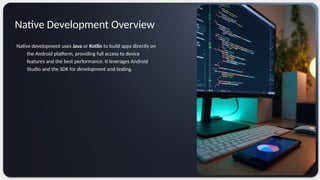
Native development usesJava or Kotlin to build apps directly on
the Android platform, providing full access to device
features and the best performance. It leverages Android
Studio and the SDK for development and testing.
Native Development Overview
6.
Cross-Platform Development Overview
Cross-platformdevelopment uses frameworks like Flutter and
React Native to build apps that run on Android and other
platforms, enabling faster delivery and code reuse while
balancing performance and native feature access.
Android Software Stackand Architecture
The Android software stack consists of Linux Kernel, native
libraries, the Android runtime, application framework, and apps,
providing a layered architecture designed for flexibility and
efficiency.
9.
Dalvik Virtual Machine(DVM)
The Dalvik Virtual Machine runs Android apps by executing
bytecode optimized for low memory and battery use, enabling
portability and efficient multitasking across devices.
10.
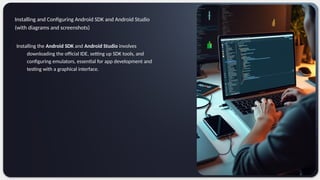
Installing the AndroidSDK and Android Studio involves
downloading the official IDE, setting up SDK tools, and
configuring emulators, essential for app development and
testing with a graphical interface.
Installing and Configuring Android SDK and Android Studio
(with diagrams and screenshots)
11.
Conclusions
Understanding Androids developmentapproaches, software
architecture, and tools like DVM, SDK, and Studio is crucial for
creating efficient, high-performance apps tailored to diverse user
needs.
12.
CREDITS: This presentationtemplate was
created by Slidesgo, and includes icons,
infographics & images by Freepik
Do you have any questions?
Thank you!
+00 000 000 000