Download free for 30 days
Sign in
Upload
Language (EN)
Support
Business
Mobile
Social Media
Marketing
Technology
Art & Photos
Career
Design
Education
Presentations & Public Speaking
Government & Nonprofit
Healthcare
Internet
Law
Leadership & Management
Automotive
Engineering
Software
Recruiting & HR
Retail
Sales
Services
Science
Small Business & Entrepreneurship
Food
Environment
Economy & Finance
Data & Analytics
Investor Relations
Sports
Spiritual
News & Politics
Travel
Self Improvement
Real Estate
Entertainment & Humor
Health & Medicine
Devices & Hardware
Lifestyle
Change Language
Language
English
Español
Português
Français
Deutsche
Cancel
Save
Submit search
EN
Uploaded by
ukayare
3,631 views
android drawable
Technology
◦
News & Politics
◦
Read more
3
Save
Share
Embed
Embed presentation
Download
Download to read offline
1
/ 27
2
/ 27
3
/ 27
4
/ 27
5
/ 27
6
/ 27
7
/ 27
8
/ 27
9
/ 27
10
/ 27
11
/ 27
12
/ 27
13
/ 27
14
/ 27
15
/ 27
16
/ 27
17
/ 27
18
/ 27
19
/ 27
20
/ 27
21
/ 27
22
/ 27
23
/ 27
24
/ 27
25
/ 27
26
/ 27
27
/ 27
More Related Content
PPT
アプリ開発・端末毎の解像度の違いを吸収する方法 Android Bazaar and Conference 2011 Summer
by
Kunimasa Noda
PDF
【第2回】デザイナーがコードから読み解く、Androidアプリのデザインの幅を広げるコツとTips
by
Chihiro Tomita
PDF
Android api-levels
by
Kazuaki Ueda
PPTX
Android Web app
by
Sumit Kumar
PDF
Androidレイアウトのスタンダードアプローチ
by
Takao Sumitomo
PDF
Android multiscreen
by
Kazuaki Ueda
PPTX
Using the Fragments(Android)
by
Teruaki Kinoshita
PDF
Customizing Theme and Style for Material Design : Droid Kaigi 2016
by
Yuki Anzai
アプリ開発・端末毎の解像度の違いを吸収する方法 Android Bazaar and Conference 2011 Summer
by
Kunimasa Noda
【第2回】デザイナーがコードから読み解く、Androidアプリのデザインの幅を広げるコツとTips
by
Chihiro Tomita
Android api-levels
by
Kazuaki Ueda
Android Web app
by
Sumit Kumar
Androidレイアウトのスタンダードアプローチ
by
Takao Sumitomo
Android multiscreen
by
Kazuaki Ueda
Using the Fragments(Android)
by
Teruaki Kinoshita
Customizing Theme and Style for Material Design : Droid Kaigi 2016
by
Yuki Anzai
Featured
PDF
Artificial Intelligence, Data and Competition – SCHREPEL – June 2024 OECD dis...
by
OECD Directorate for Financial and Enterprise Affairs
PDF
Storytelling For The Web: Integrate Storytelling in your Design Process
by
Chiara Aliotta
PDF
2024 Trend Updates: What Really Works In SEO & Content Marketing
by
Search Engine Journal
PDF
Everything You Need To Know About ChatGPT
by
Expeed Software
PDF
ChatGPT and the Future of Work - Clark Boyd
by
Clark Boyd
PDF
Social Media Marketing Trends 2024 // The Global Indie Insights
by
Kurio // The Social Media Age(ncy)
PDF
Skeleton Culture Code
by
Skeleton Technologies
PDF
How to Leverage AI to Boost Employee Wellness - Lydia Di Francesco - SocialHR...
by
SocialHRCamp
PDF
Product Design Trends in 2024 | Teenage Engineerings
by
Pixeldarts
PDF
Google's Just Not That Into You: Understanding Core Updates & Search Intent
by
Lily Ray
PDF
AI Trends in Creative Operations 2024 by Artwork Flow.pdf
by
marketingartwork
PDF
5 Public speaking tips from TED - Visualized summary
by
SpeakerHub
PDF
Getting into the tech field. what next
by
Tessa Mero
PPTX
How to Prepare For a Successful Job Search for 2024
by
Albert Qian
PDF
How to have difficult conversations
by
Rajiv Jayarajah, MAppComm, ACC
PDF
How Race, Age and Gender Shape Attitudes Towards Mental Health
by
ThinkNow
PDF
PEPSICO Presentation to CAGNY Conference Feb 2024
by
Neil Kimberley
PDF
2024 State of Marketing Report – by Hubspot
by
Marius Sescu
PDF
Trends In Paid Search: Navigating The Digital Landscape In 2024
by
Search Engine Journal
PDF
Content Methodology: A Best Practices Report (Webinar)
by
contently
Artificial Intelligence, Data and Competition – SCHREPEL – June 2024 OECD dis...
by
OECD Directorate for Financial and Enterprise Affairs
Storytelling For The Web: Integrate Storytelling in your Design Process
by
Chiara Aliotta
2024 Trend Updates: What Really Works In SEO & Content Marketing
by
Search Engine Journal
Everything You Need To Know About ChatGPT
by
Expeed Software
ChatGPT and the Future of Work - Clark Boyd
by
Clark Boyd
Social Media Marketing Trends 2024 // The Global Indie Insights
by
Kurio // The Social Media Age(ncy)
Skeleton Culture Code
by
Skeleton Technologies
How to Leverage AI to Boost Employee Wellness - Lydia Di Francesco - SocialHR...
by
SocialHRCamp
Product Design Trends in 2024 | Teenage Engineerings
by
Pixeldarts
Google's Just Not That Into You: Understanding Core Updates & Search Intent
by
Lily Ray
AI Trends in Creative Operations 2024 by Artwork Flow.pdf
by
marketingartwork
5 Public speaking tips from TED - Visualized summary
by
SpeakerHub
Getting into the tech field. what next
by
Tessa Mero
How to Prepare For a Successful Job Search for 2024
by
Albert Qian
How to have difficult conversations
by
Rajiv Jayarajah, MAppComm, ACC
How Race, Age and Gender Shape Attitudes Towards Mental Health
by
ThinkNow
PEPSICO Presentation to CAGNY Conference Feb 2024
by
Neil Kimberley
2024 State of Marketing Report – by Hubspot
by
Marius Sescu
Trends In Paid Search: Navigating The Digital Landscape In 2024
by
Search Engine Journal
Content Methodology: A Best Practices Report (Webinar)
by
contently
android drawable
1.
Drawable Resouceの話
2.
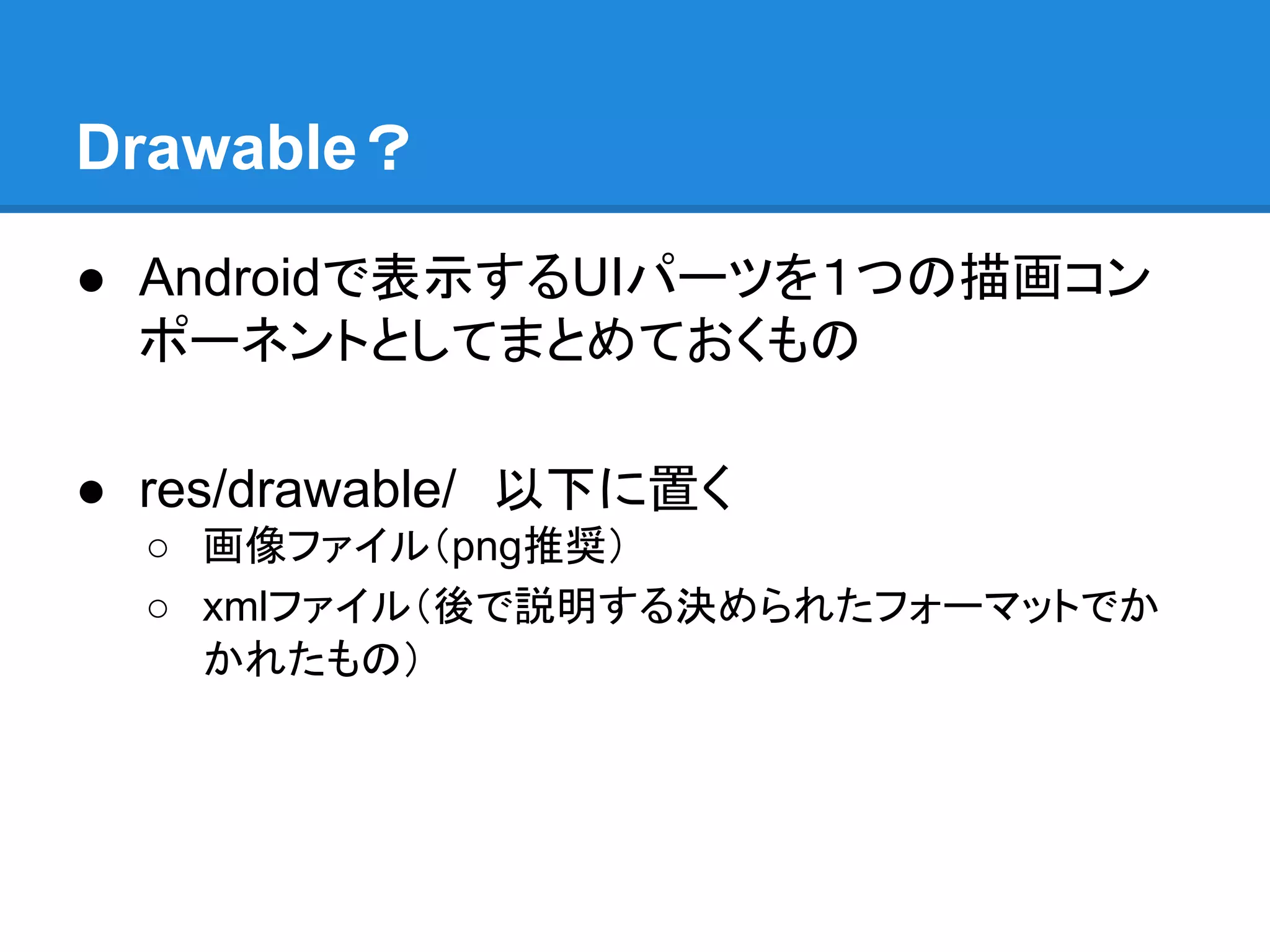
Drawable? ● Androidで表示するUIパーツを1つの描画コン ポーネントとしてまとめておくもの ● res/drawable/ 以下に置く ○
画像ファイル(png推奨) ○ xmlファイル(後で説明する決められたフォーマットでか かれたもの)
3.
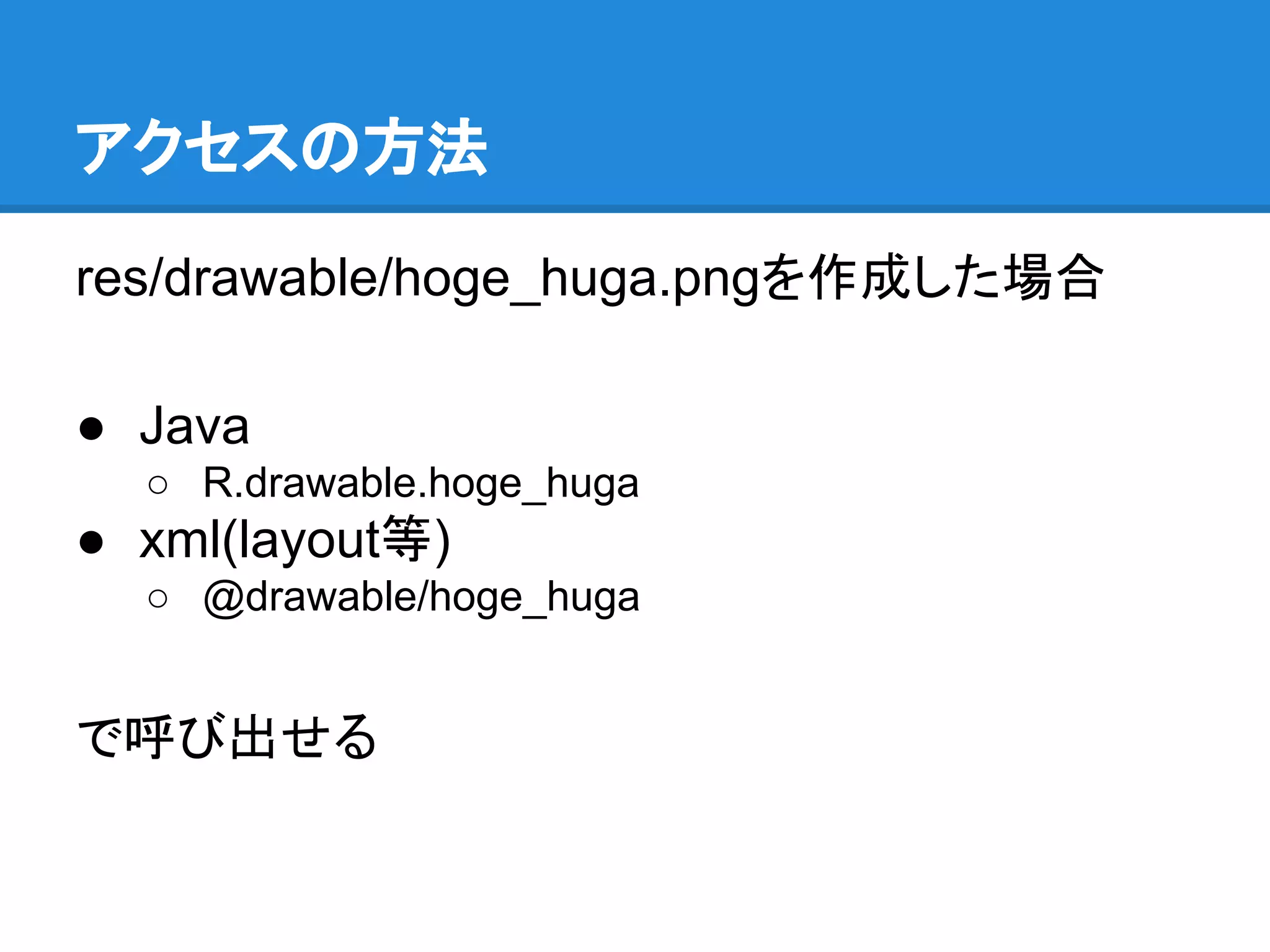
アクセスの方法 res/drawable/hoge_huga.pngを作成した場合 ● Java ○ R.drawable.hoge_huga ●
xml(layout等) ○ @drawable/hoge_huga で呼び出せる
4.
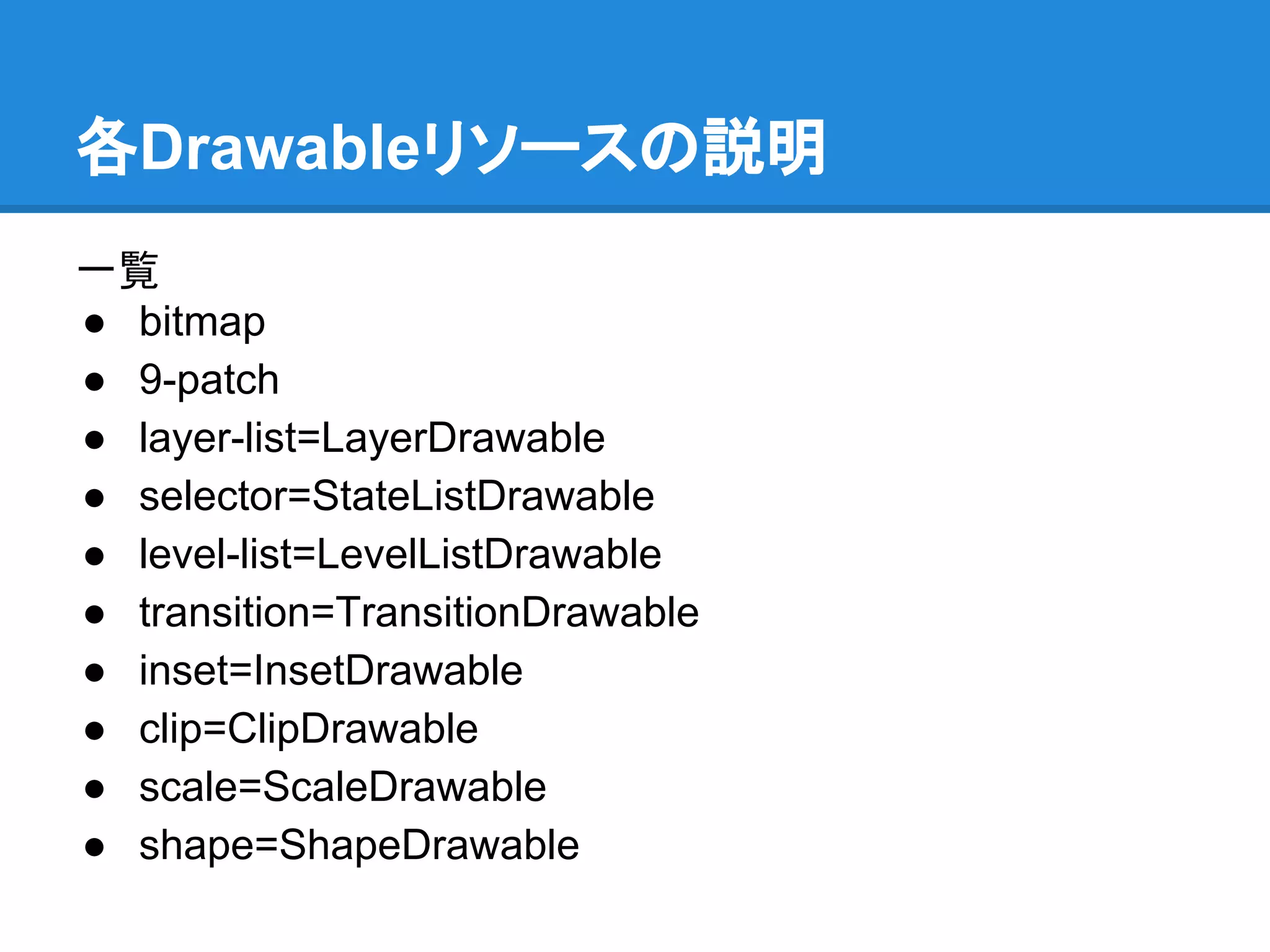
各Drawableリソースの説明 一覧 ● bitmap ● 9-patch ●
layer-list=LayerDrawable ● selector=StateListDrawable ● level-list=LevelListDrawable ● transition=TransitionDrawable ● inset=InsetDrawable ● clip=ClipDrawable ● scale=ScaleDrawable ● shape=ShapeDrawable
5.
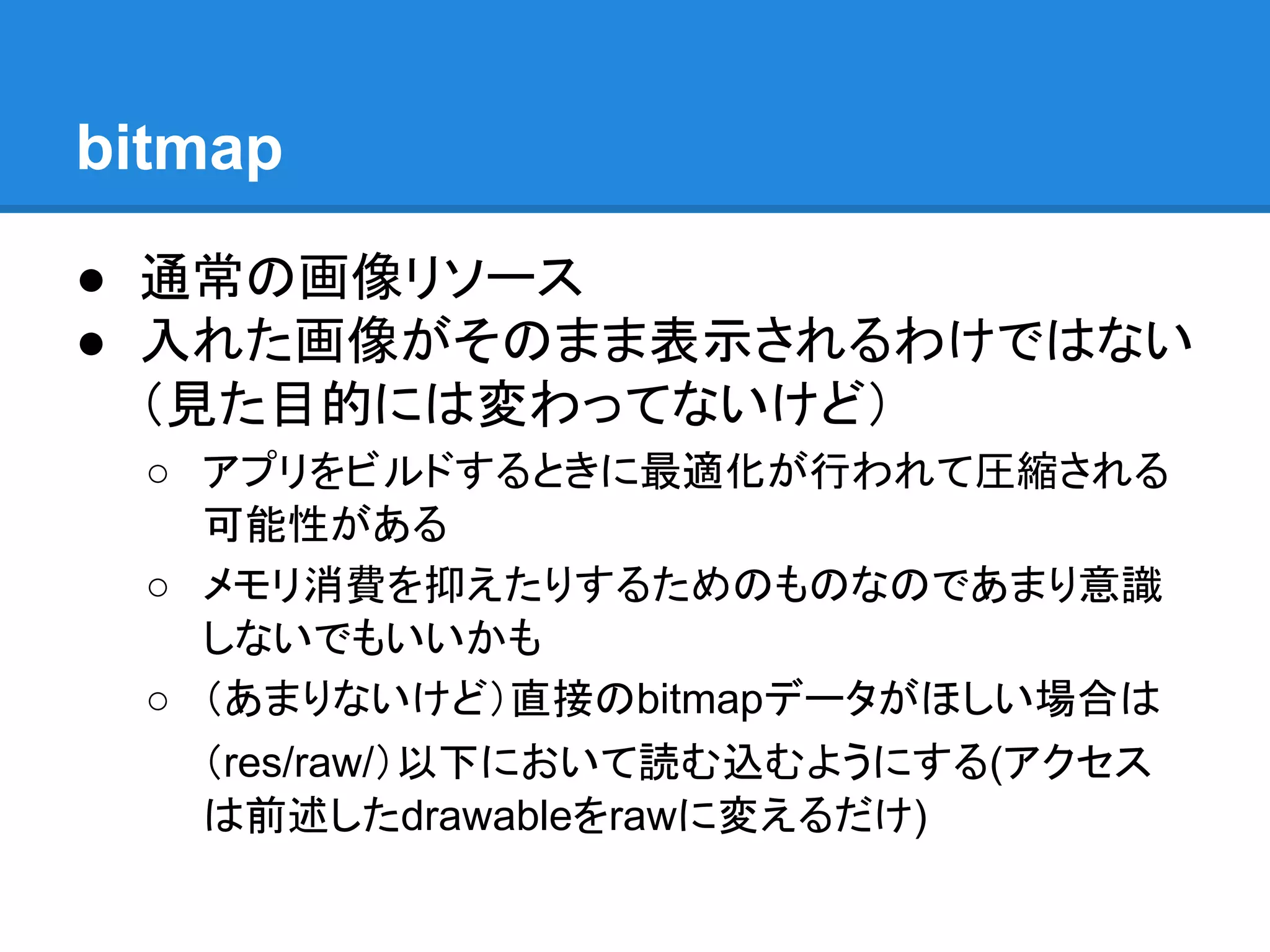
bitmap ● 通常の画像リソース ● 入れた画像がそのまま表示されるわけではない (見た目的には変わってないけど) ○
アプリをビルドするときに最適化が行われて圧縮される 可能性がある ○ メモリ消費を抑えたりするためのものなのであまり意識 しないでもいいかも ○ (あまりないけど)直接のbitmapデータがほしい場合は (res/raw/)以下において読む込むようにする(アクセス は前述したdrawableをrawに変えるだけ)
6.
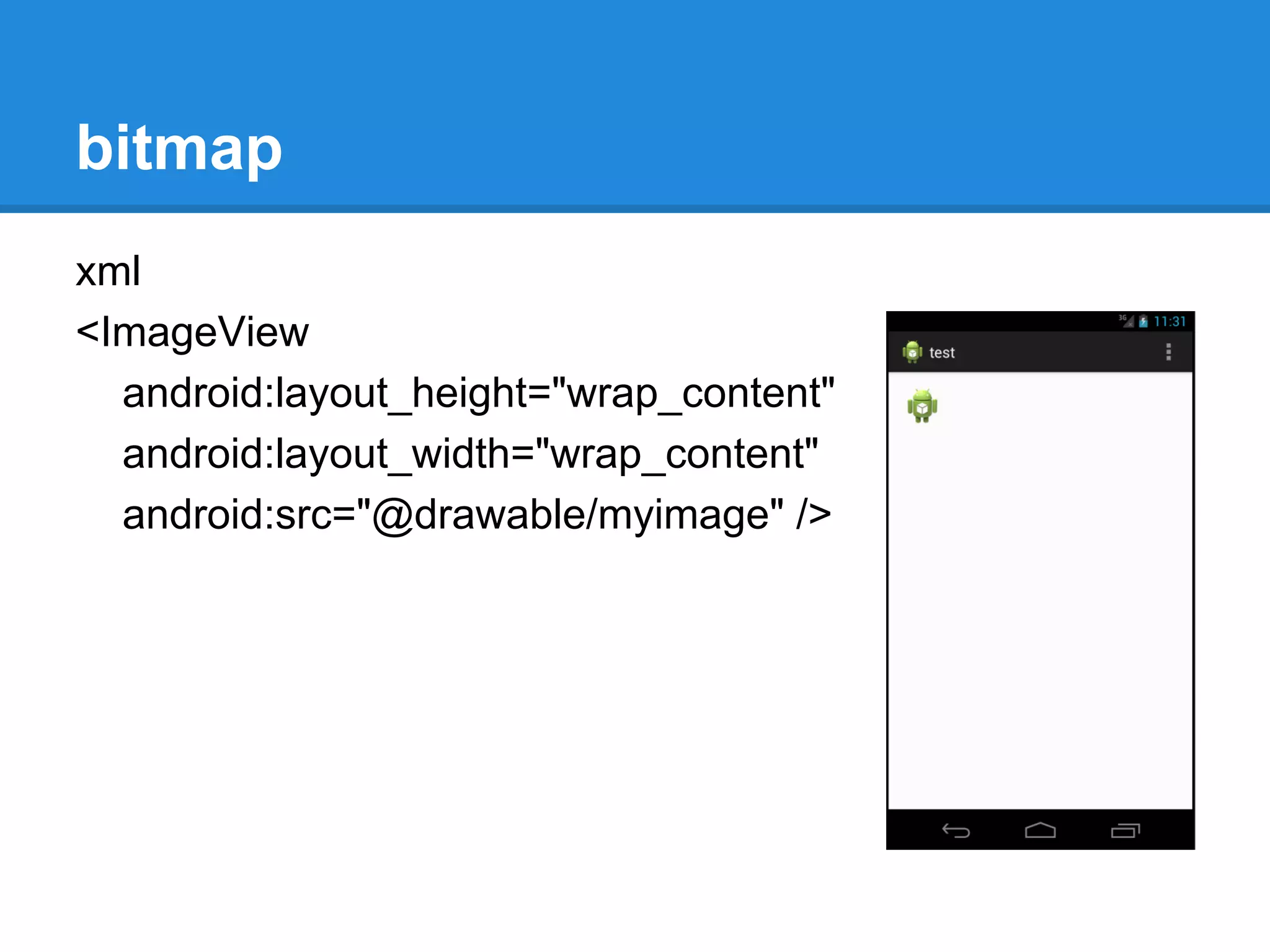
bitmap xml <ImageView android:layout_height="wrap_content" android:layout_width="wrap_content" android:src="@drawable/myimage" />
7.
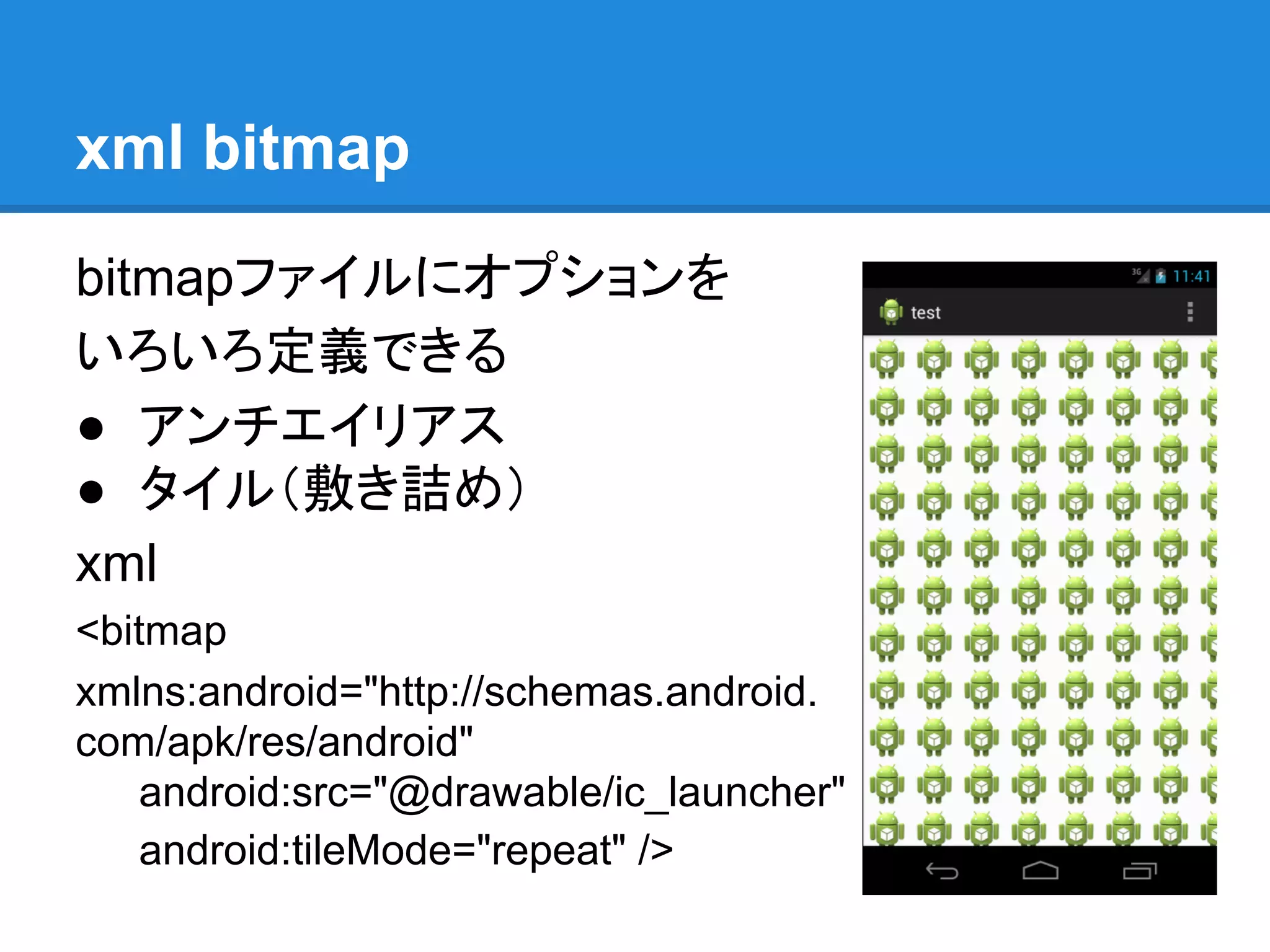
xml bitmap bitmapファイルにオプションを いろいろ定義できる ● アンチエイリアス ●
タイル(敷き詰め) xml <bitmap xmlns:android="http://schemas.android. com/apk/res/android" android:src="@drawable/ic_launcher" android:tileMode="repeat" />
8.
9-patch ● 伸縮可能なbitmapリソース ● 説明済みなのでスキップ
9.
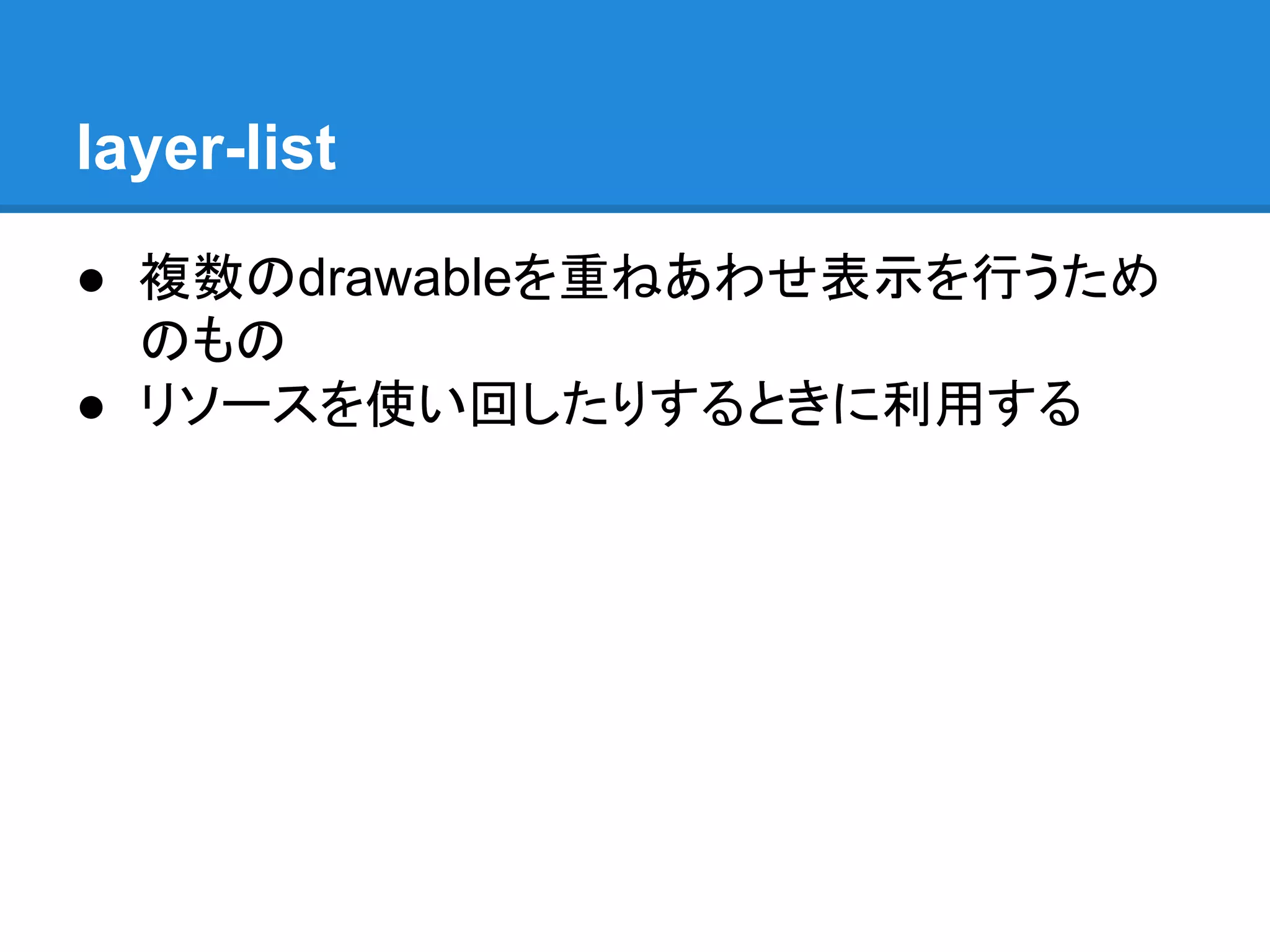
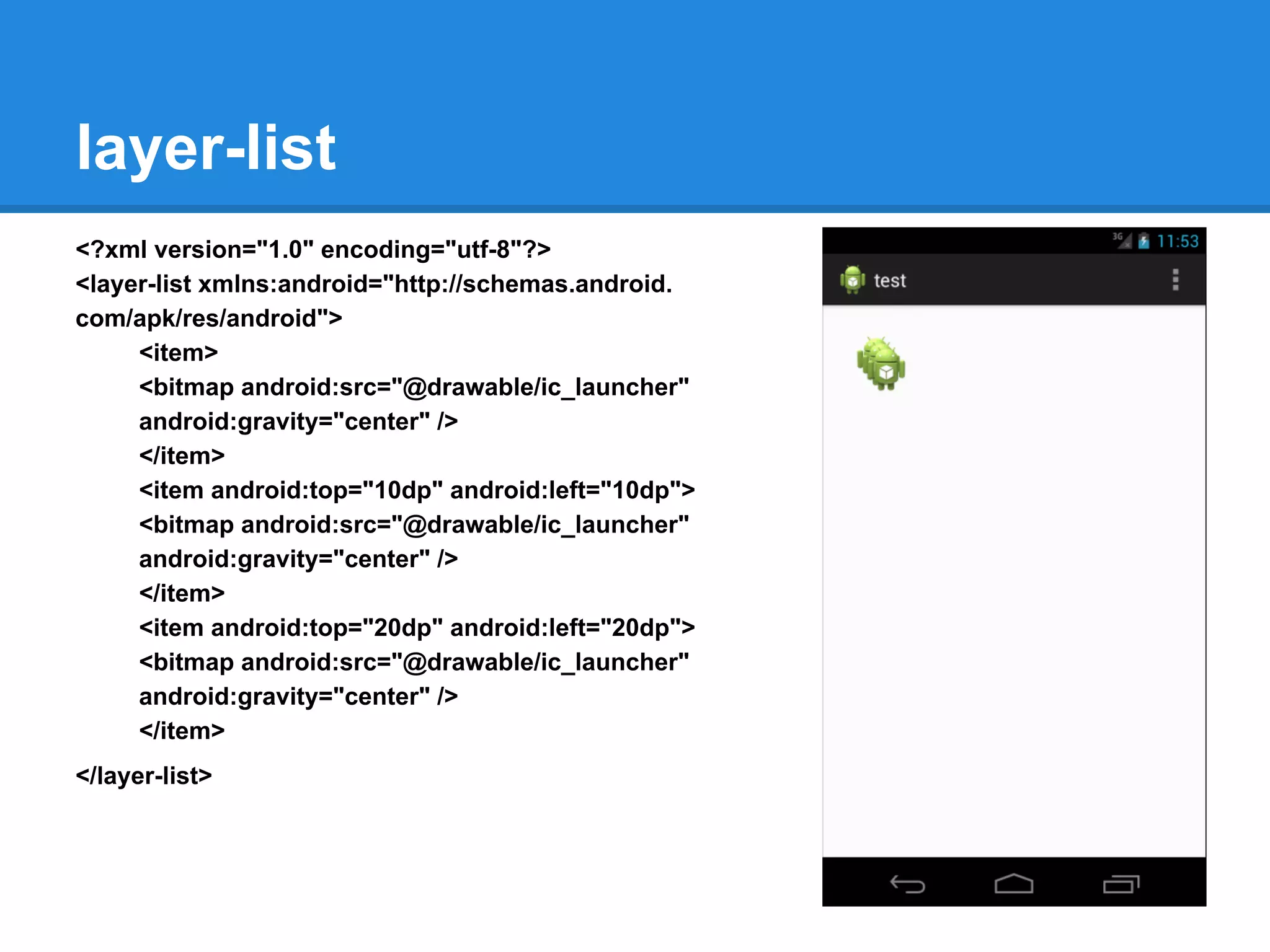
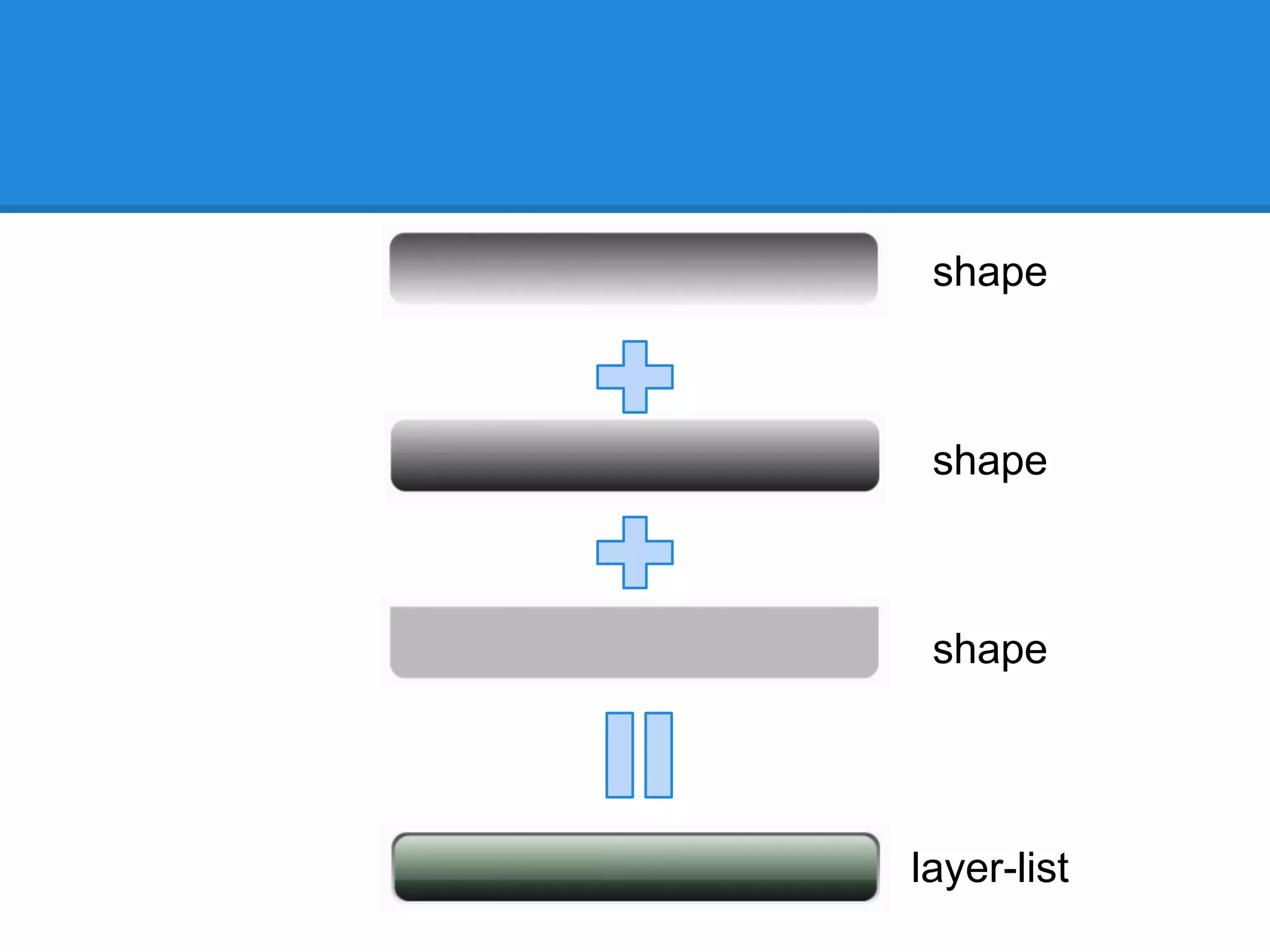
layer-list ● 複数のdrawableを重ねあわせ表示を行うため のもの ● リソースを使い回したりするときに利用する
10.
layer-list <?xml version="1.0" encoding="utf-8"?> <layer-list
xmlns:android="http://schemas.android. com/apk/res/android"> <item> <bitmap android:src="@drawable/ic_launcher" android:gravity="center" /> </item> <item android:top="10dp" android:left="10dp"> <bitmap android:src="@drawable/ic_launcher" android:gravity="center" /> </item> <item android:top="20dp" android:left="20dp"> <bitmap android:src="@drawable/ic_launcher" android:gravity="center" /> </item> </layer-list>
11.
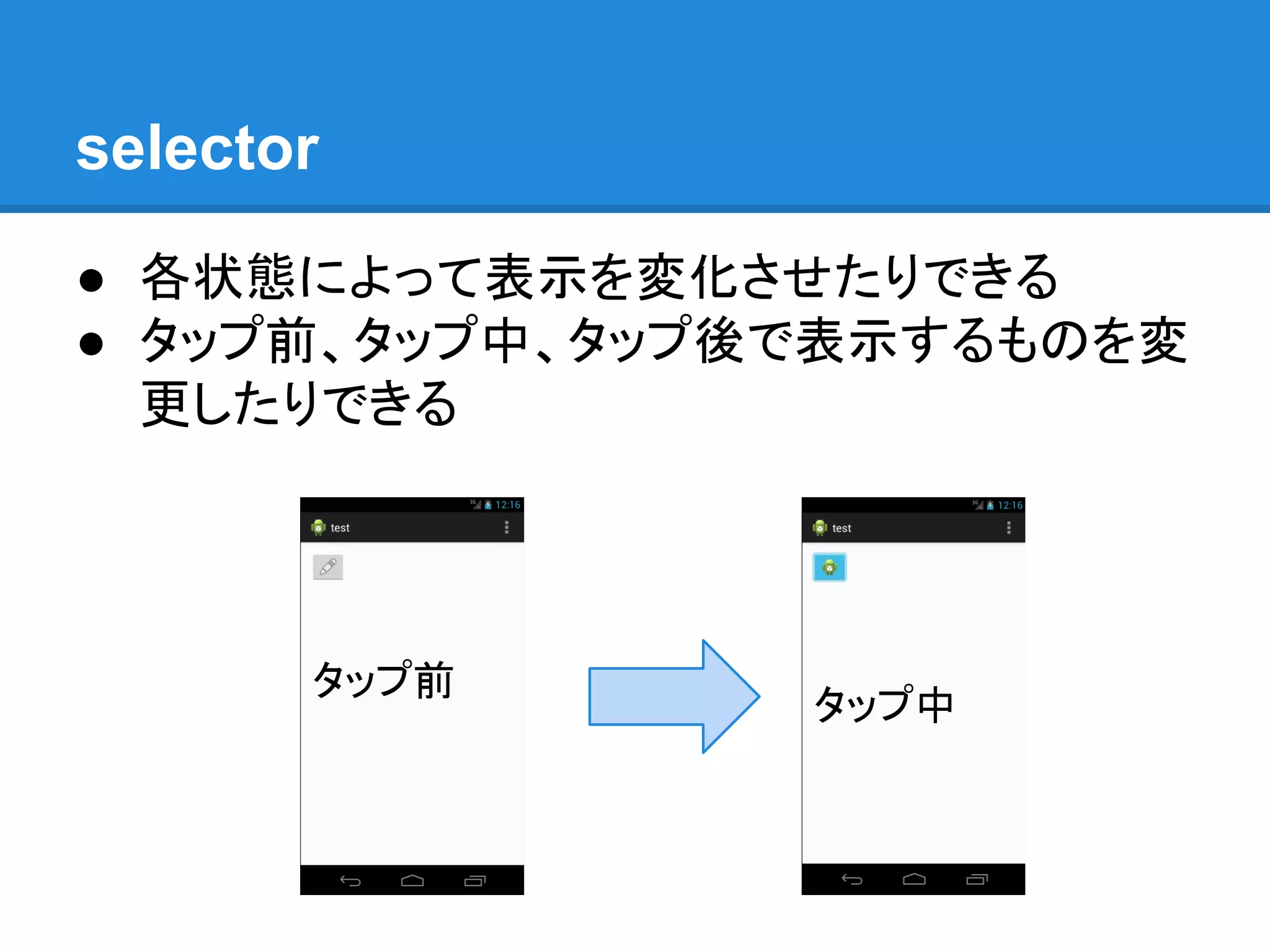
selector ● 各状態によって表示を変化させたりできる ● タップ前、タップ中、タップ後で表示するものを変 更したりできる タップ前 タップ中
12.
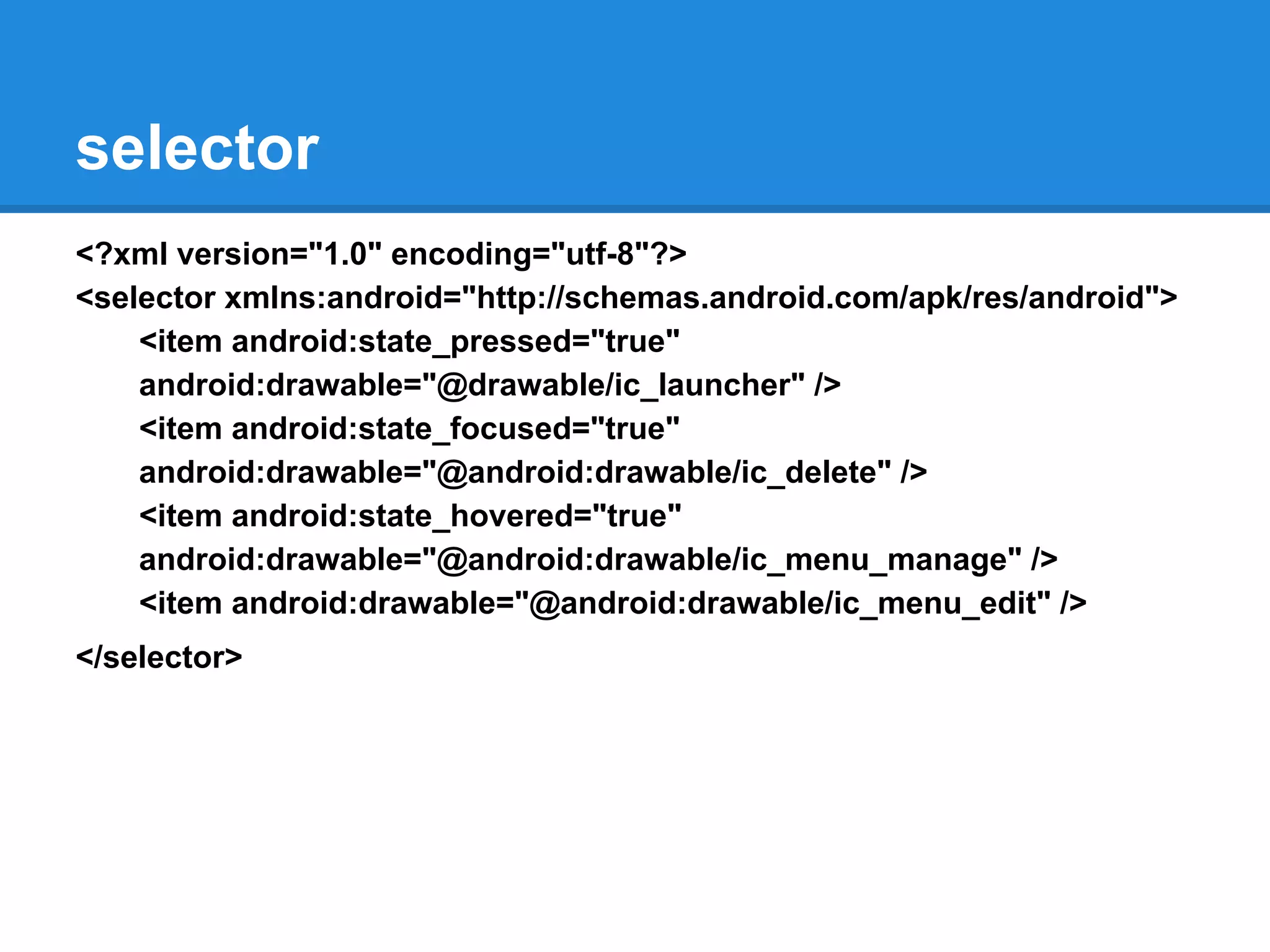
selector <?xml version="1.0" encoding="utf-8"?> <selector
xmlns:android="http://schemas.android.com/apk/res/android"> <item android:state_pressed="true" android:drawable="@drawable/ic_launcher" /> <item android:state_focused="true" android:drawable="@android:drawable/ic_delete" /> <item android:state_hovered="true" android:drawable="@android:drawable/ic_menu_manage" /> <item android:drawable="@android:drawable/ic_menu_edit" /> </selector>
13.
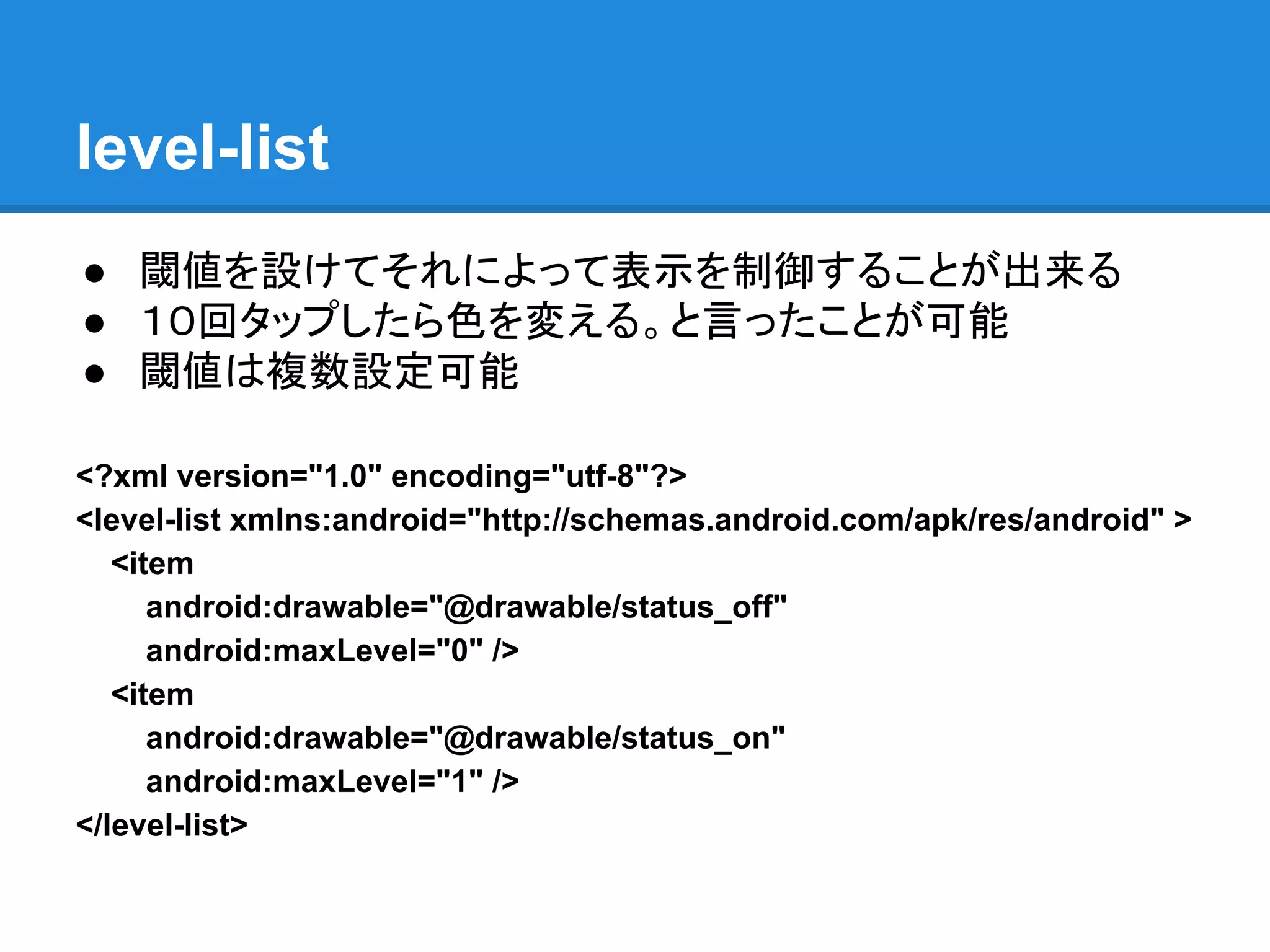
level-list ● 閾値を設けてそれによって表示を制御することが出来る ● 10回タップしたら色を変える。と言ったことが可能 ●
閾値は複数設定可能 <?xml version="1.0" encoding="utf-8"?> <level-list xmlns:android="http://schemas.android.com/apk/res/android" > <item android:drawable="@drawable/status_off" android:maxLevel="0" /> <item android:drawable="@drawable/status_on" android:maxLevel="1" /> </level-list>
14.
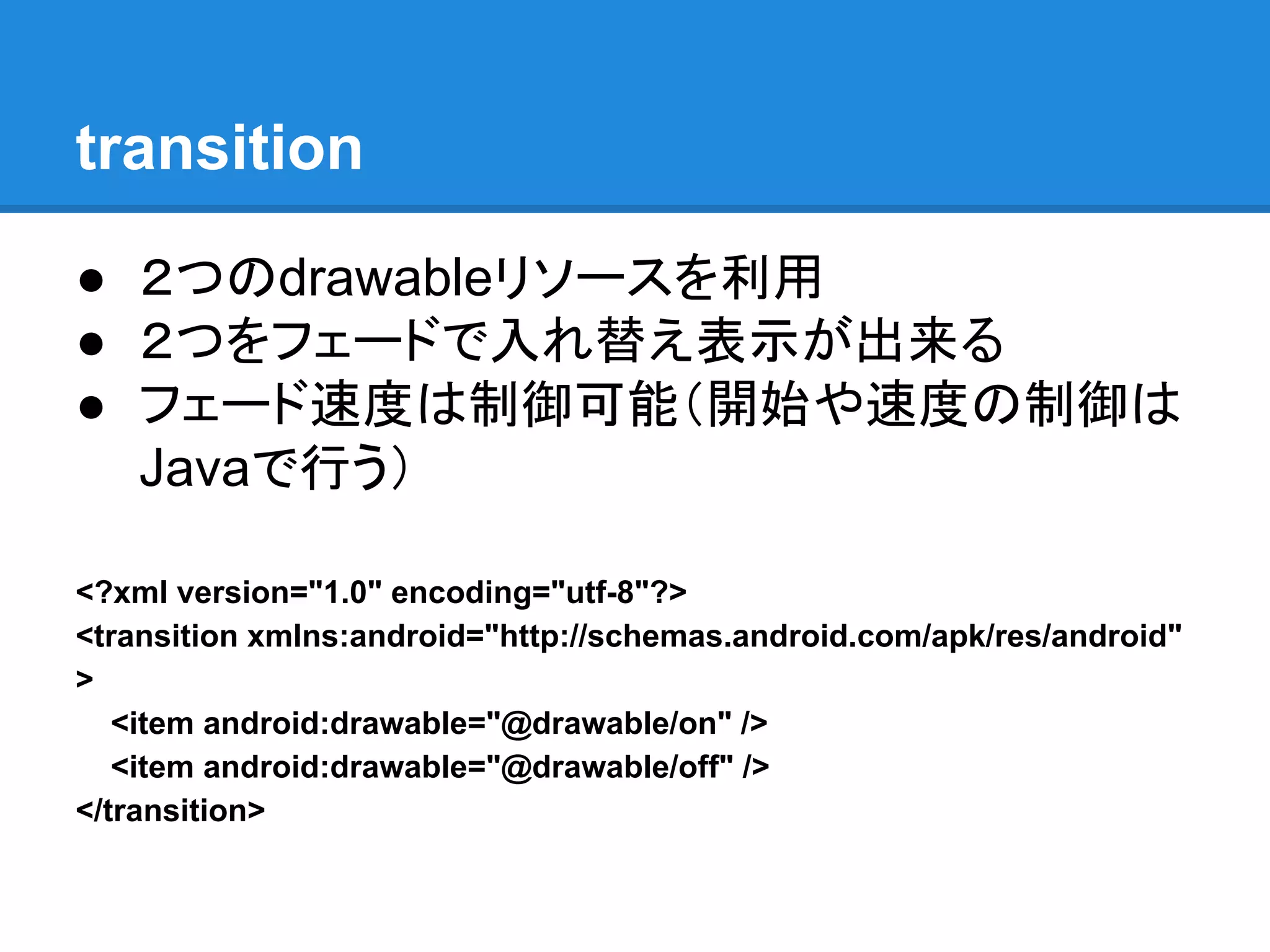
transition ● 2つのdrawableリソースを利用 ● 2つをフェードで入れ替え表示が出来る ●
フェード速度は制御可能(開始や速度の制御は Javaで行う) <?xml version="1.0" encoding="utf-8"?> <transition xmlns:android="http://schemas.android.com/apk/res/android" > <item android:drawable="@drawable/on" /> <item android:drawable="@drawable/off" /> </transition>
15.
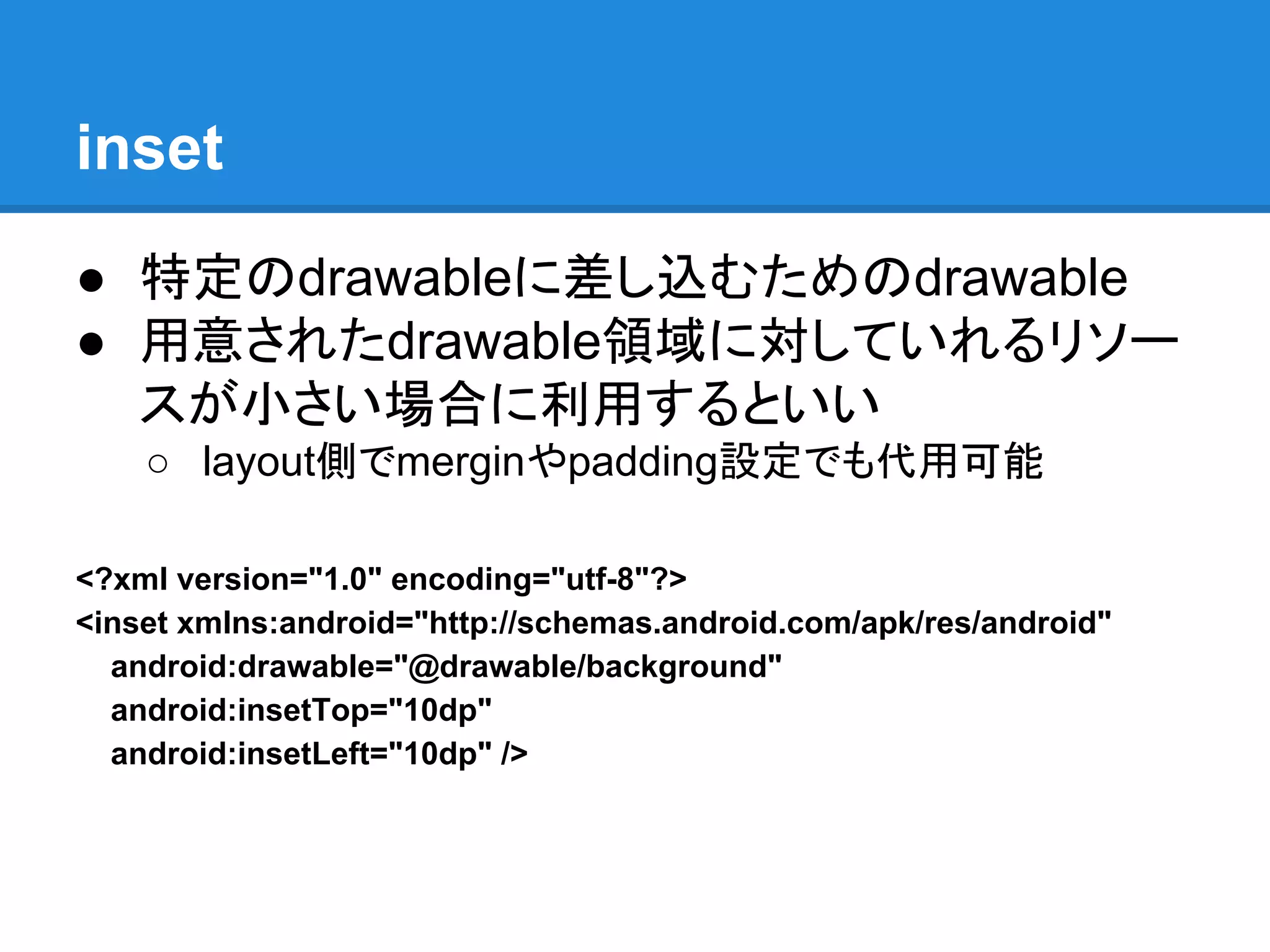
inset ● 特定のdrawableに差し込むためのdrawable ● 用意されたdrawable領域に対していれるリソー スが小さい場合に利用するといい ○
layout側でmerginやpadding設定でも代用可能 <?xml version="1.0" encoding="utf-8"?> <inset xmlns:android="http://schemas.android.com/apk/res/android" android:drawable="@drawable/background" android:insetTop="10dp" android:insetLeft="10dp" />
16.
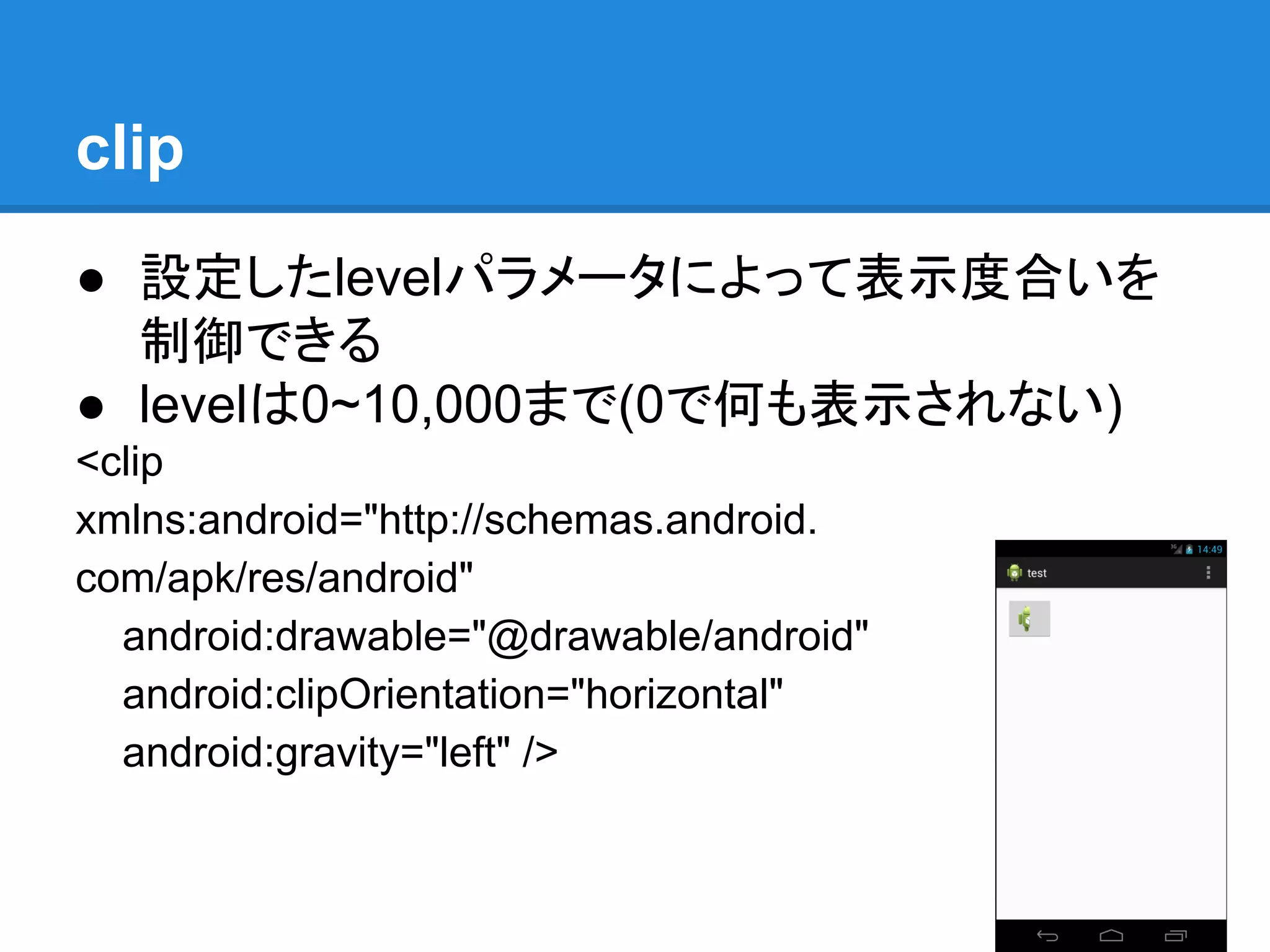
clip ● 設定したlevelパラメータによって表示度合いを 制御できる ● levelは0~10,000まで(0で何も表示されない) <clip xmlns:android="http://schemas.android. com/apk/res/android" android:drawable="@drawable/android" android:clipOrientation="horizontal" android:gravity="left"
/>
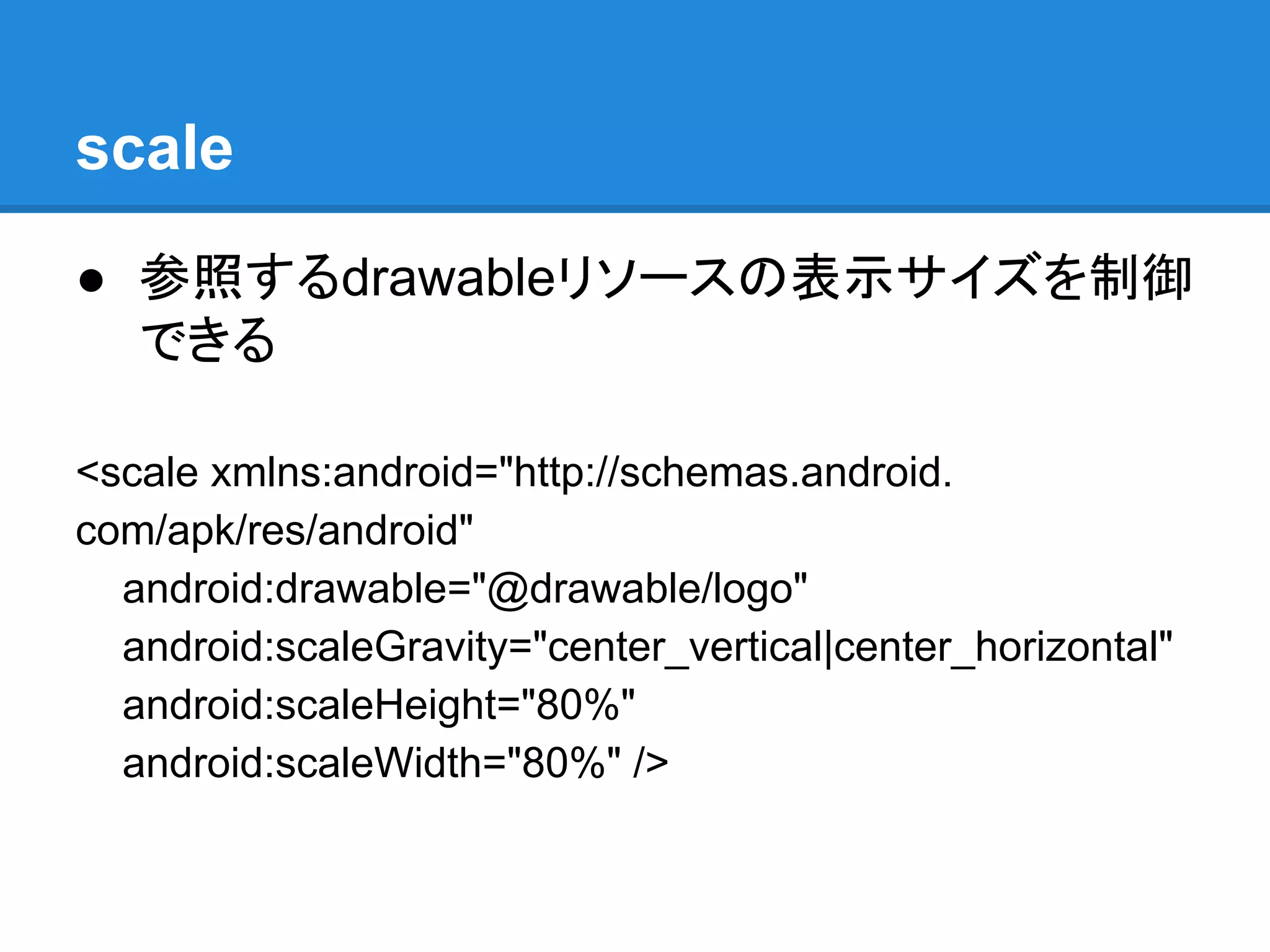
17.
scale ● 参照するdrawableリソースの表示サイズを制御 できる <scale xmlns:android="http://schemas.android. com/apk/res/android" android:drawable="@drawable/logo" android:scaleGravity="center_vertical|center_horizontal" android:scaleHeight="80%" android:scaleWidth="80%"
/>
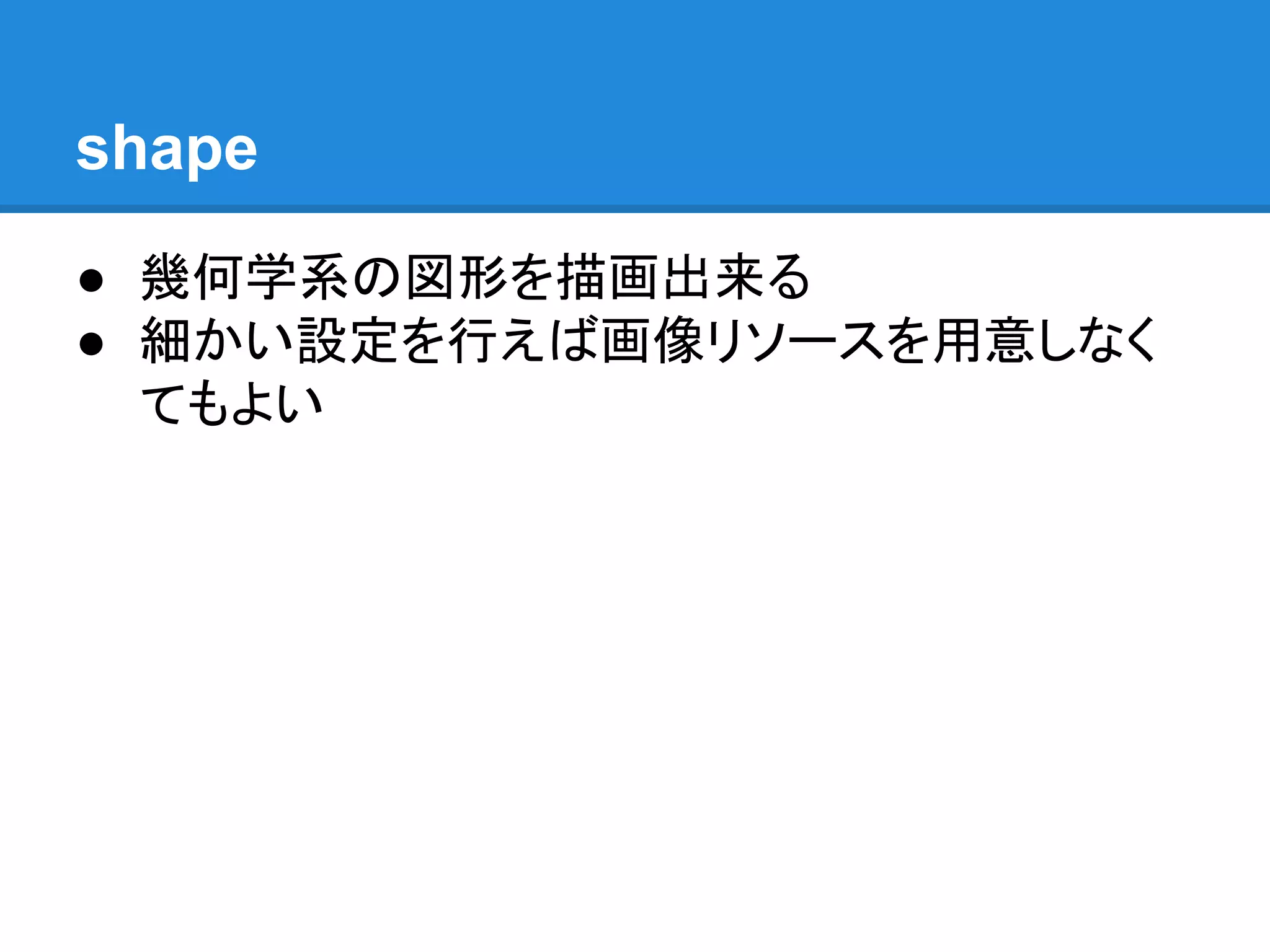
18.
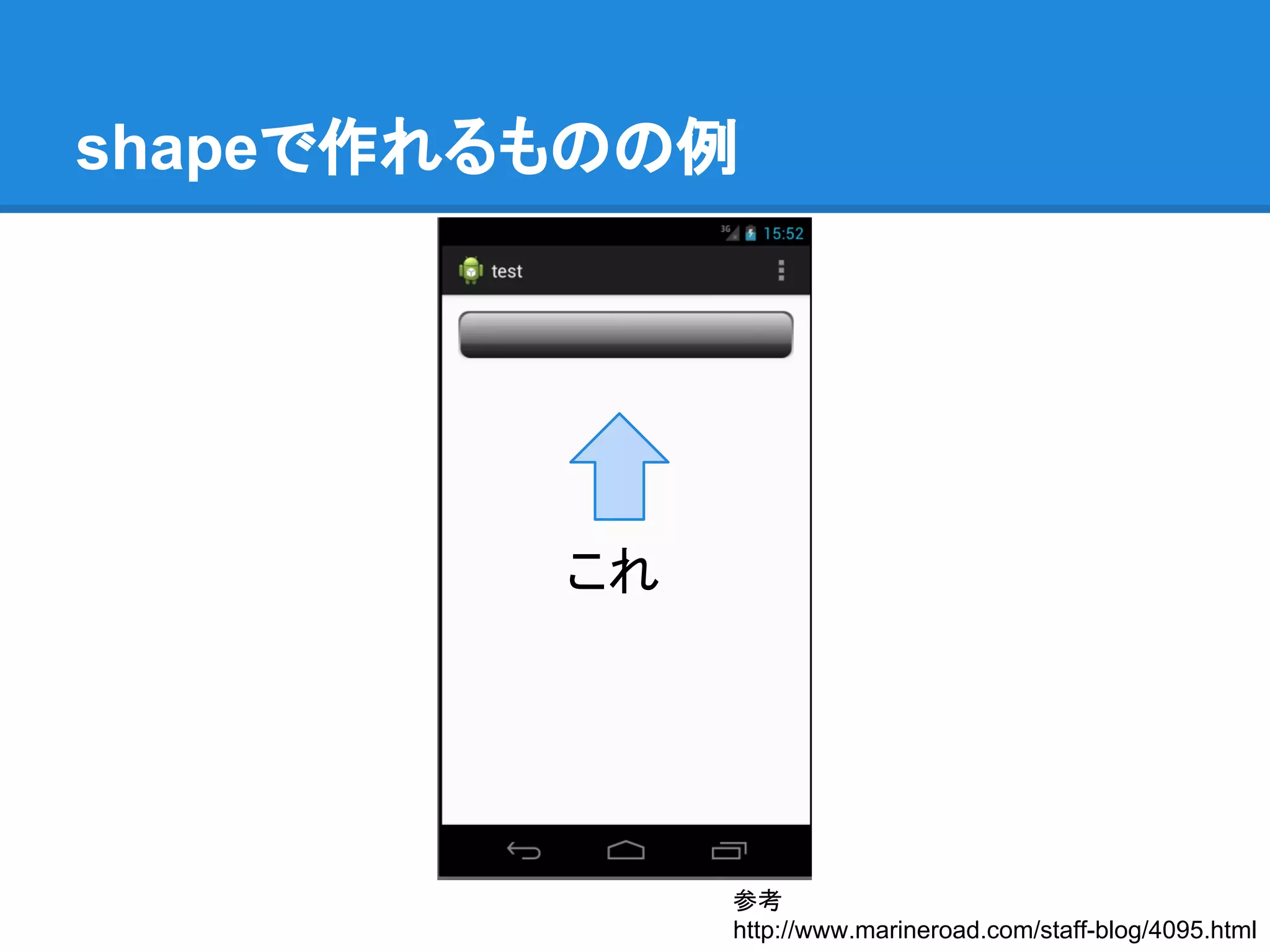
shape ● 幾何学系の図形を描画出来る ● 細かい設定を行えば画像リソースを用意しなく てもよい
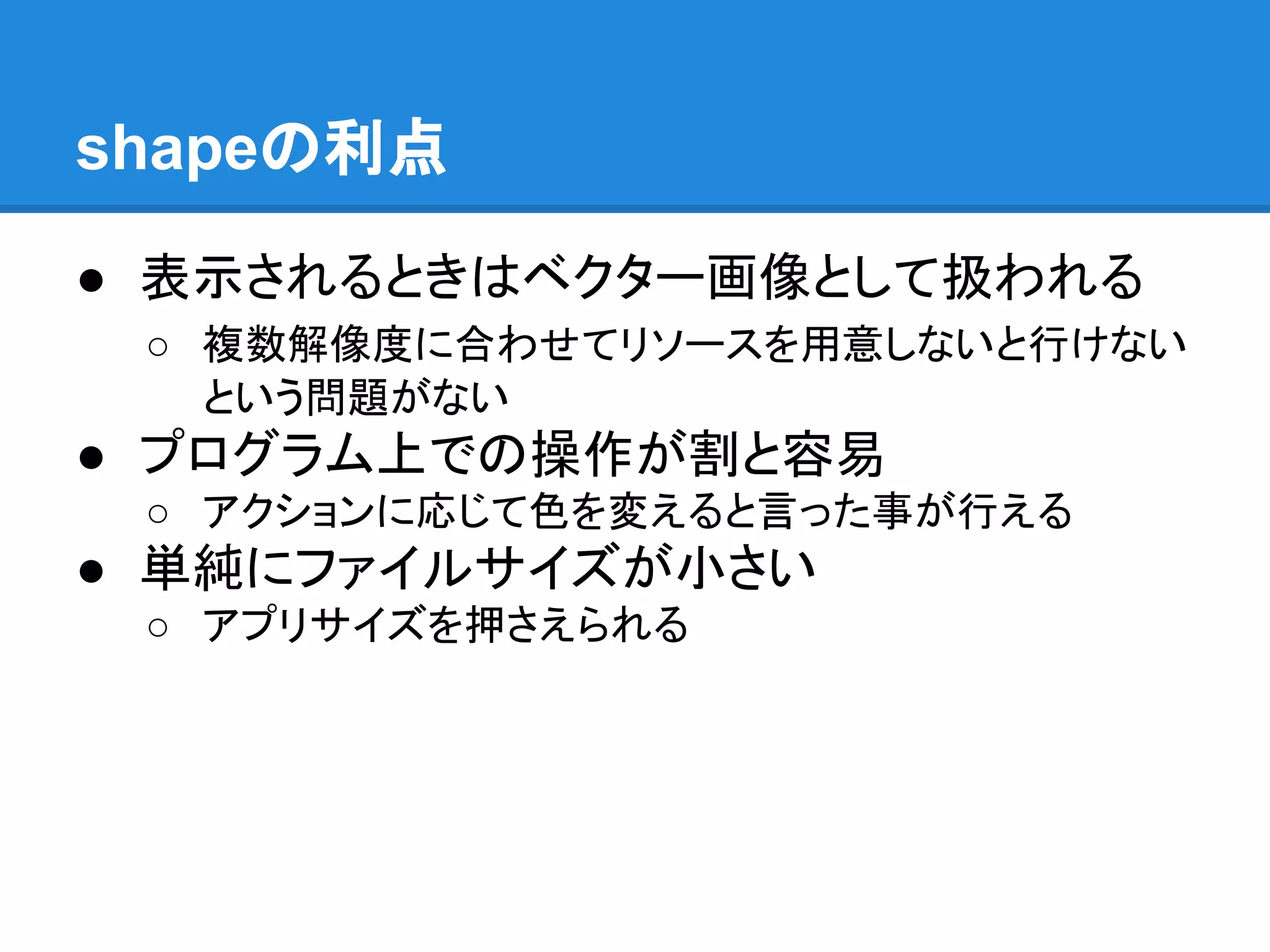
19.
shapeの利点 ● 表示されるときはベクター画像として扱われる ○ 複数解像度に合わせてリソースを用意しないと行けない という問題がない ●
プログラム上での操作が割と容易 ○ アクションに応じて色を変えると言った事が行える ● 単純にファイルサイズが小さい ○ アプリサイズを押さえられる
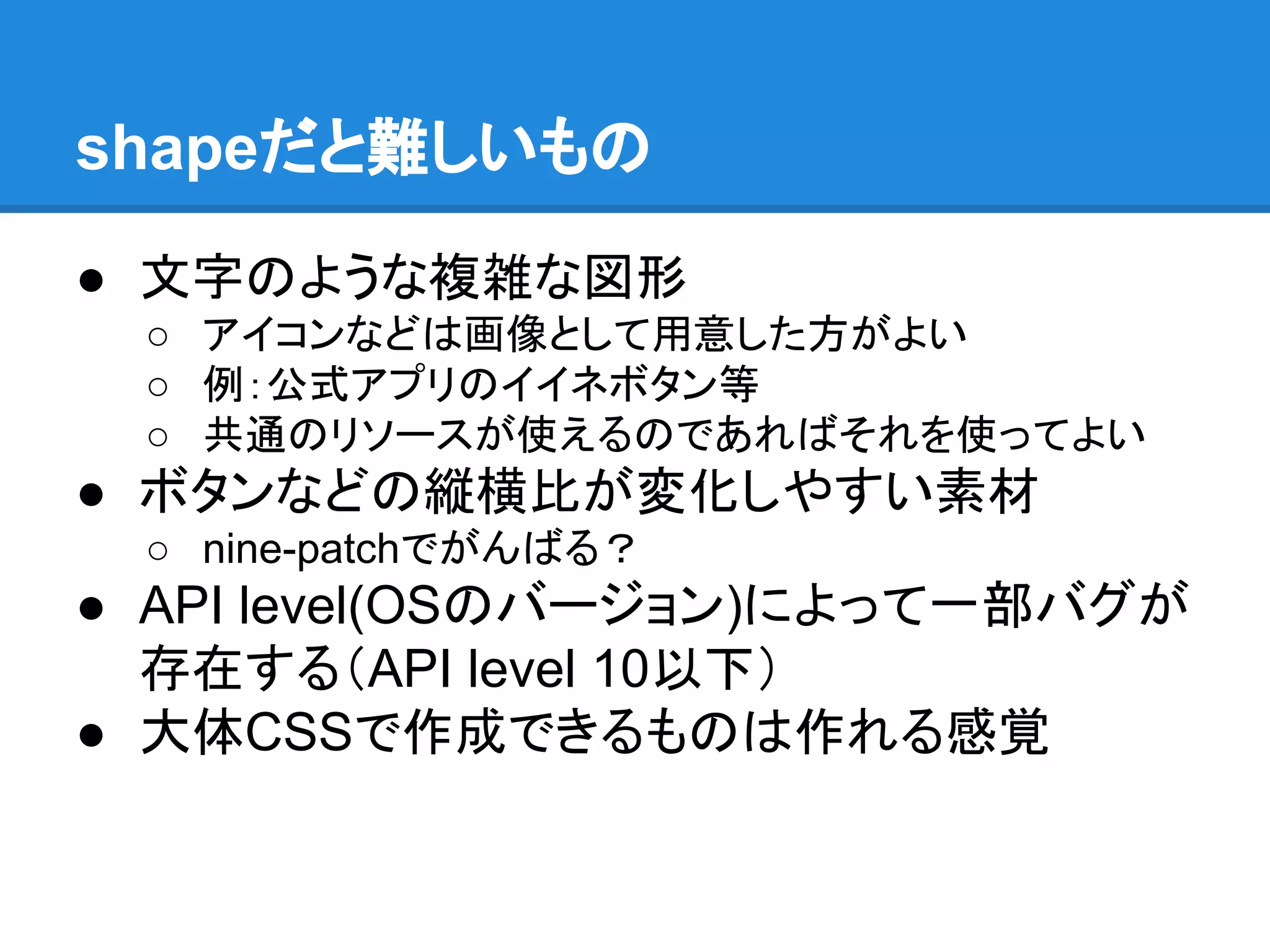
20.
shapeだと難しいもの ● 文字のような複雑な図形 ○ アイコンなどは画像として用意した方がよい ○
例:公式アプリのイイネボタン等 ○ 共通のリソースが使えるのであればそれを使ってよい ● ボタンなどの縦横比が変化しやすい素材 ○ nine-patchでがんばる? ● API level(OSのバージョン)によって一部バグが 存在する(API level 10以下) ● 大体CSSで作成できるものは作れる感覚
21.
shapeで作れるものの例 これ 参考 http://www.marineroad.com/staff-blog/4095.html
22.
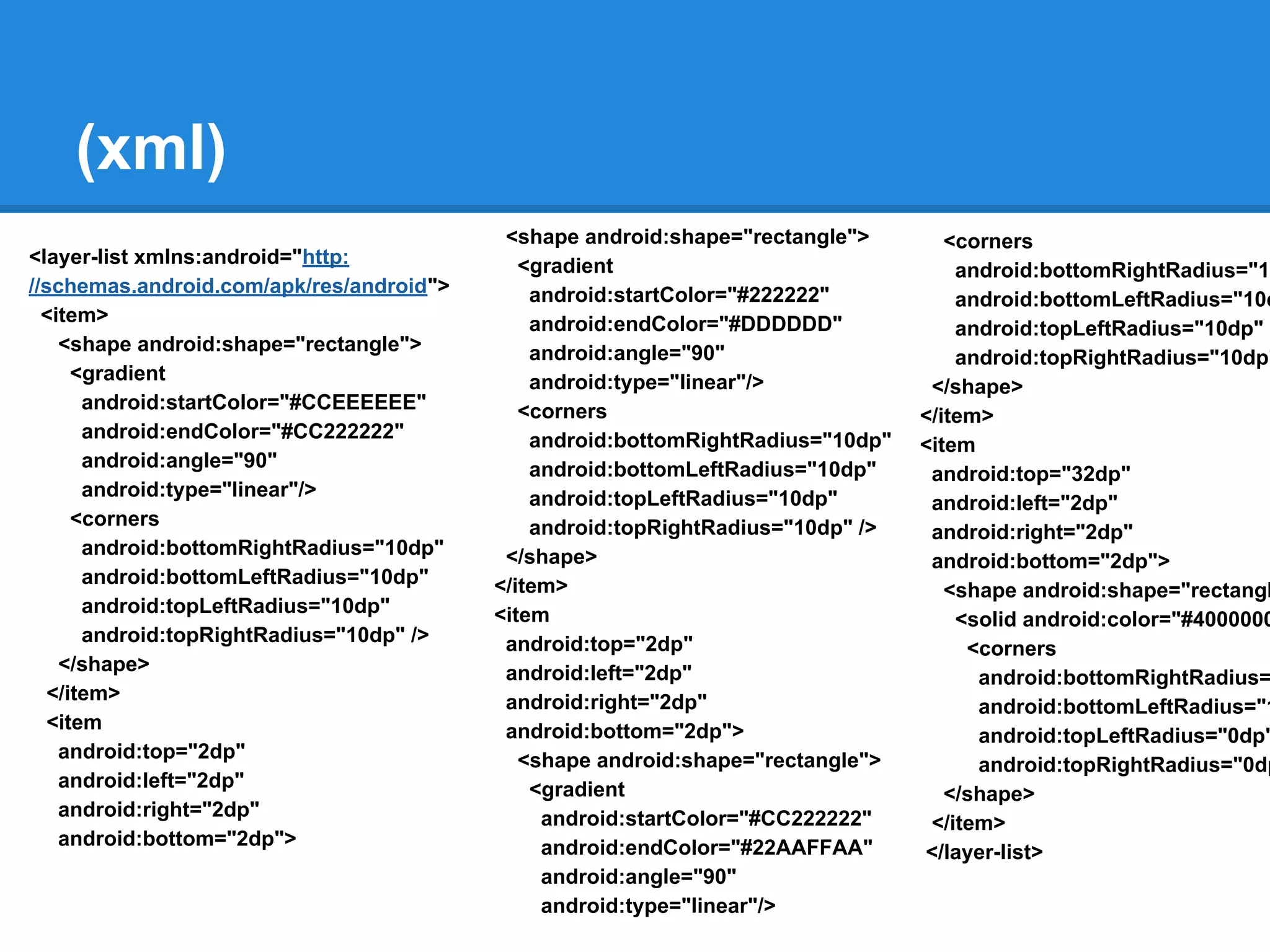
(xml) <layer-list xmlns:android="http: //schemas.android.com/apk/res/android"> <item> <shape android:shape="rectangle"> <gradient android:startColor="#CCEEEEEE" android:endColor="#CC222222" android:angle="90" android:type="linear"/> <corners android:bottomRightRadius="10dp" android:bottomLeftRadius="10dp" android:topLeftRadius="10dp" android:topRightRadius="10dp"
/> </shape> </item> <item android:top="2dp" android:left="2dp" android:right="2dp" android:bottom="2dp"> <shape android:shape="rectangle"> <gradient android:startColor="#222222" android:endColor="#DDDDDD" android:angle="90" android:type="linear"/> <corners android:bottomRightRadius="10dp" android:bottomLeftRadius="10dp" android:topLeftRadius="10dp" android:topRightRadius="10dp" /> </shape> </item> <item android:top="2dp" android:left="2dp" android:right="2dp" android:bottom="2dp"> <shape android:shape="rectangle"> <gradient android:startColor="#CC222222" android:endColor="#22AAFFAA" android:angle="90" android:type="linear"/> <corners android:bottomRightRadius="10 android:bottomLeftRadius="10d android:topLeftRadius="10dp" android:topRightRadius="10dp" </shape> </item> <item android:top="32dp" android:left="2dp" android:right="2dp" android:bottom="2dp"> <shape android:shape="rectangl <solid android:color="#4000000 <corners android:bottomRightRadius= android:bottomLeftRadius="1 android:topLeftRadius="0dp" android:topRightRadius="0dp </shape> </item> </layer-list>
23.
layer-list shape shape shape
24.
animation系リソース ● res/anim以下に設置 ● xmlで記述する ●
設定を書いてあるだけで開始等の制御はJava 側で行う
25.
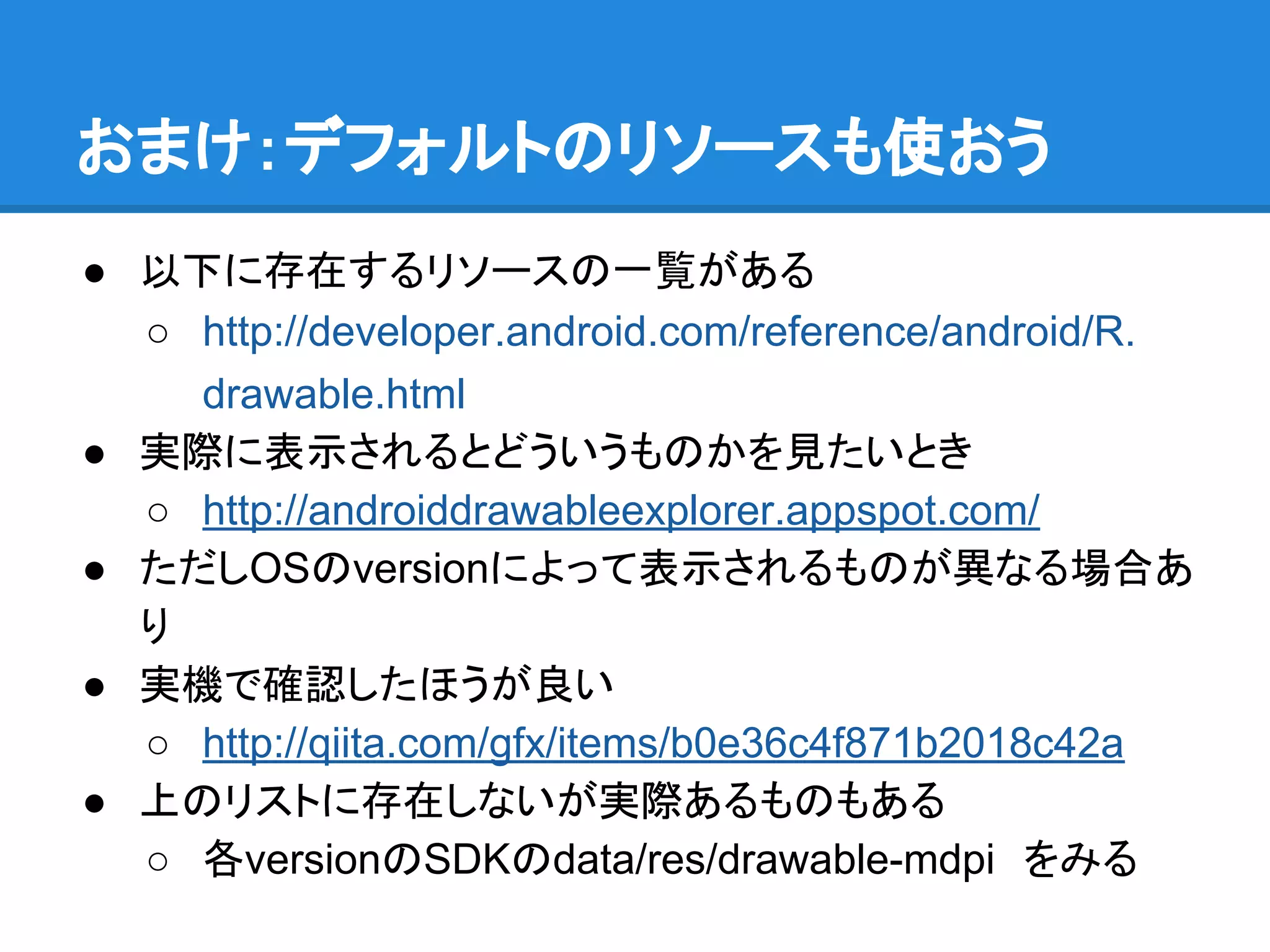
おまけ:デフォルトのリソースも使おう ● 以下に存在するリソースの一覧がある ○ http://developer.android.com/reference/android/R. drawable.html ●
実際に表示されるとどういうものかを見たいとき ○ http://androiddrawableexplorer.appspot.com/ ● ただしOSのversionによって表示されるものが異なる場合あ り ● 実機で確認したほうが良い ○ http://qiita.com/gfx/items/b0e36c4f871b2018c42a ● 上のリストに存在しないが実際あるものもある ○ 各versionのSDKのdata/res/drawable-mdpi をみる
26.
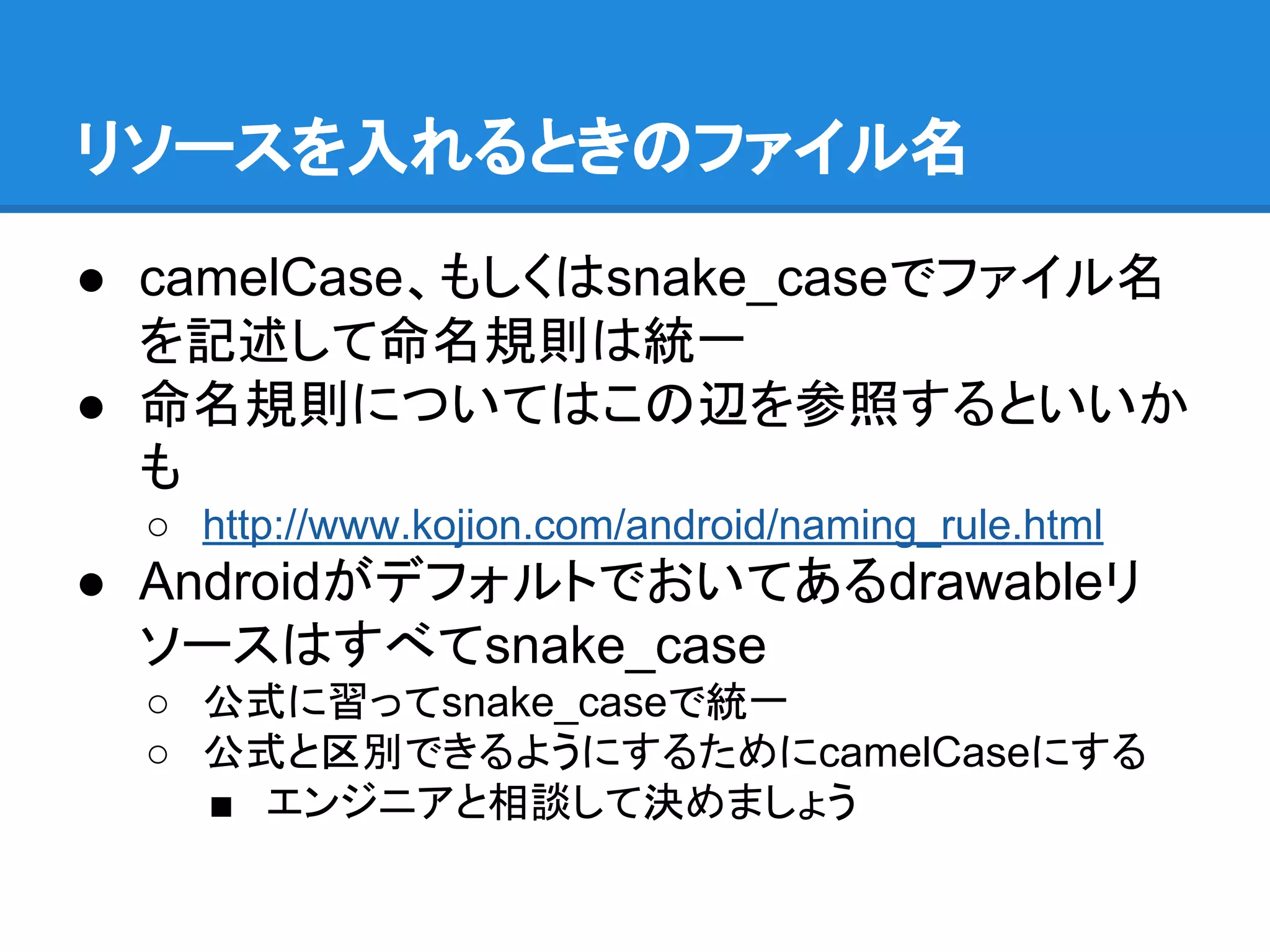
リソースを入れるときのファイル名 ● camelCase、もしくはsnake_caseでファイル名 を記述して命名規則は統一 ● 命名規則についてはこの辺を参照するといいか も ○
http://www.kojion.com/android/naming_rule.html ● Androidがデフォルトでおいてあるdrawableリ ソースはすべてsnake_case ○ 公式に習ってsnake_caseで統一 ○ 公式と区別できるようにするためにcamelCaseにする ■ エンジニアと相談して決めましょう
27.
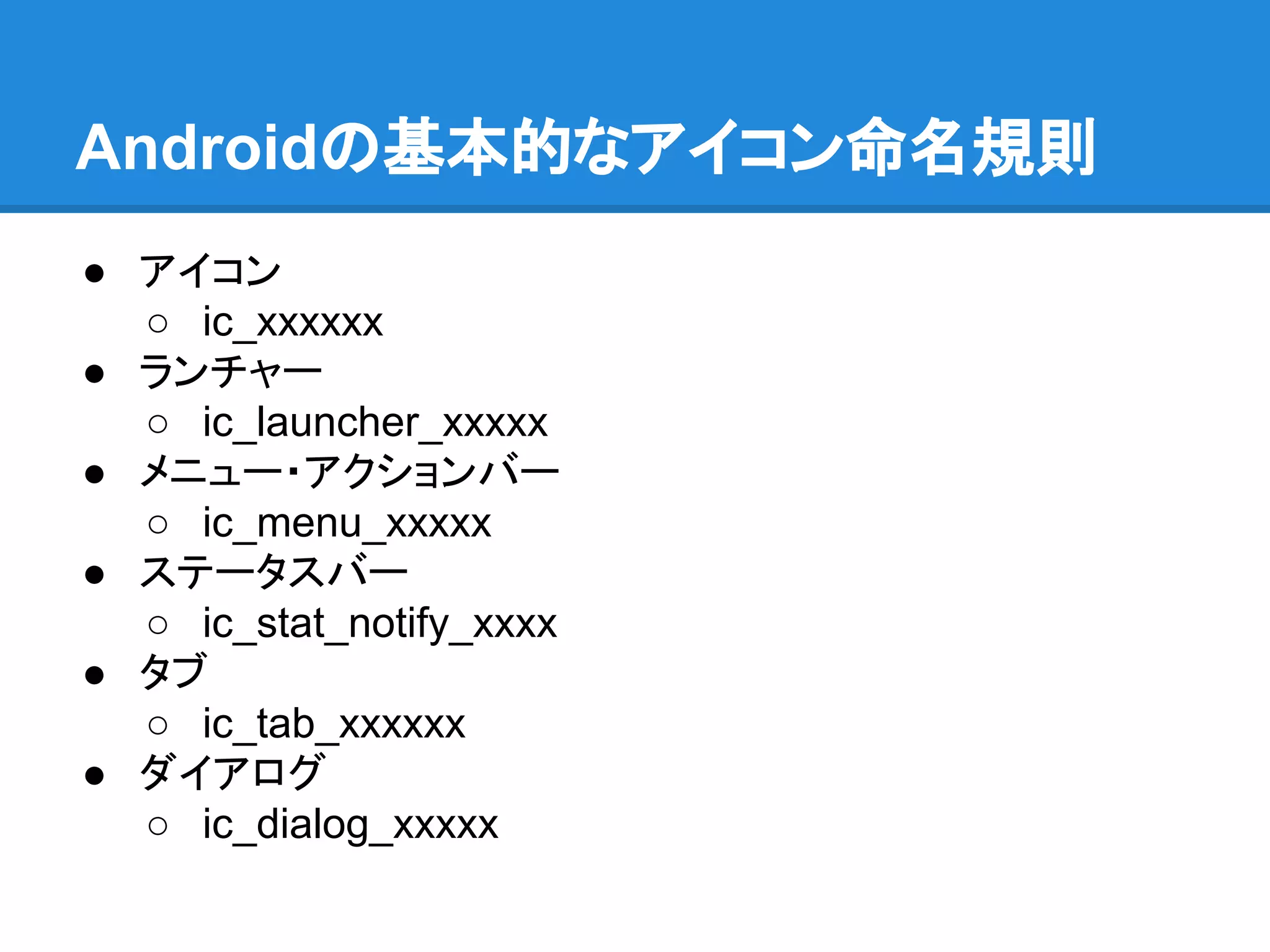
Androidの基本的なアイコン命名規則 ● アイコン ○ ic_xxxxxx ●
ランチャー ○ ic_launcher_xxxxx ● メニュー・アクションバー ○ ic_menu_xxxxx ● ステータスバー ○ ic_stat_notify_xxxx ● タブ ○ ic_tab_xxxxxx ● ダイアログ ○ ic_dialog_xxxxx
Download