Linux distros A to Z
#1 Alma Linux operating system
Agenda
◦ AlmaLinux introduction.
◦ AlmaLinux screenshots:
▫ Interface overview
▫ Applications packages
▫ Google Workspace services
▫ Microsoft365 services
◦ Useful links
2
Today, I want to
describe the Alma
Linux system.
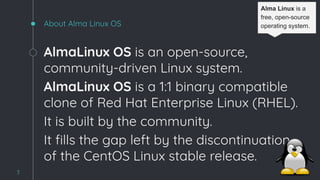
About Alma Linux OS
AlmaLinux OS is an open-source,
community-driven Linux system.
AlmaLinux OS is a 1:1 binary compatible
clone of Red Hat Enterprise Linux (RHEL).
It is built by the community.
It fills the gap left by the discontinuation
of the CentOS Linux stable release.
3
Alma Linux is a
free, open-source
operating system.
4
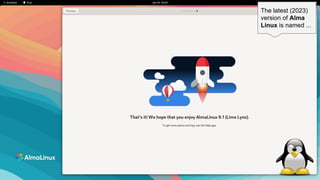
The latest (2023)
version of Alma
Linux is named ...
5
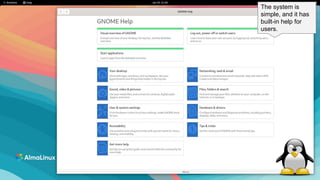
The system is
simple, and it has
built-in help for
users.
6
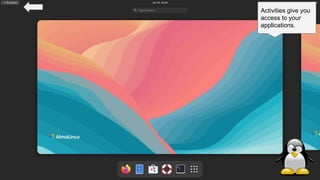
Activities give you
access to your
applications.
7
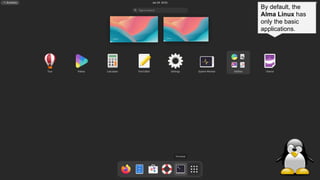
By default, the
Alma Linux has
only the basic
applications.
8
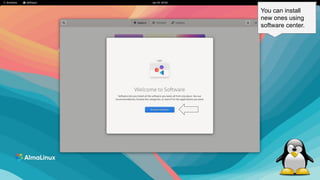
You can install
new ones using
software center.
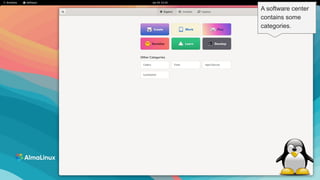
9
A software center
contains some
categories.
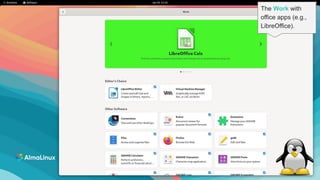
10
The Work with
office apps (e.g.,
LibreOffice).
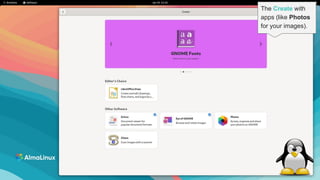
11
The Create with
apps (like Photos
for your images).
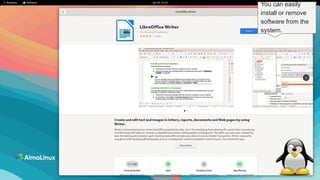
12
You can easily
install or remove
software from the
system.
13
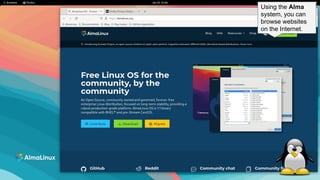
Using the Alma
system, you can
browse websites
on the Internet.
14
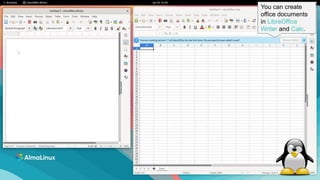
You can create
office documents
in LibreOffice
Writer and Calc.
15
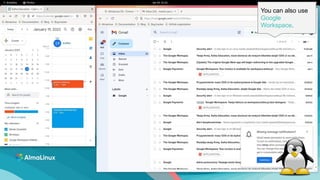
You can also use
Google
Workspace.
16
Google Meet
works well in the
Alma Linux.
Additional and useful links
17
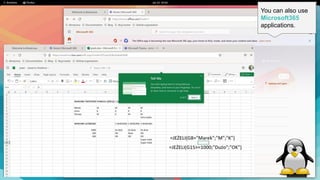
You can also use
Microsoft365
applications.
18
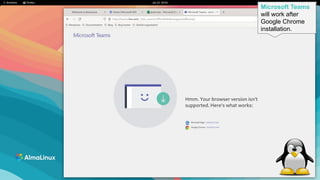
Microsoft Teams
will work after
Google Chrome
installation.
19
You can customize
the system to your
preferences.
20
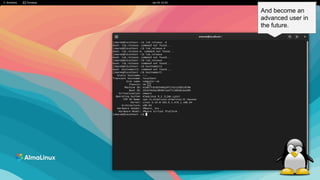
And become an
advanced user in
the future.
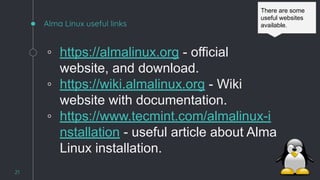
Alma Linux useful links
◦ https://almalinux.org - official
website, and download.
◦ https://wiki.almalinux.org - Wiki
website with documentation.
◦ https://www.tecmint.com/almalinux-i
nstallation - useful article about Alma
Linux installation.
21
There are some
useful websites
available.
22
THANK YOU!
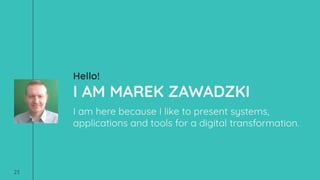
Hello!
I AM MAREK ZAWADZKI
I am here because I like to present systems,
applications and tools for a digital transformation.
23
24
IT education
I have decided to support:
◦ Open operating systems (Linux), but not only.
◦ Groupware Solutions (Google Workspace,
Microsoft365).
◦ Automation of systems and applications
(no-code, low-code).
All of these things creates an IT ecosystem at
home and in the company. It is ecosystem :-)
Free templates for all your presentation needs
Ready to use,
professional and
customizable
100% free for personal
or commercial use
Blow your audience
away with attractive
visuals
For PowerPoint and
Google Slides

Alma Linux Introduction. Lets see how it looks?