Introduction to Cloud Computing
(A.)What is a Cloud?
(B.)What is Cloud Computing?
Grid of Evolution
Architecture of Cloud Computing
Basic Concepts
Deployment Models
Types of Cloud Computing
(A.)Service Models
(a.)Iaas
(b.)Pass
(c.)Saas
Advantages
Disadvantages
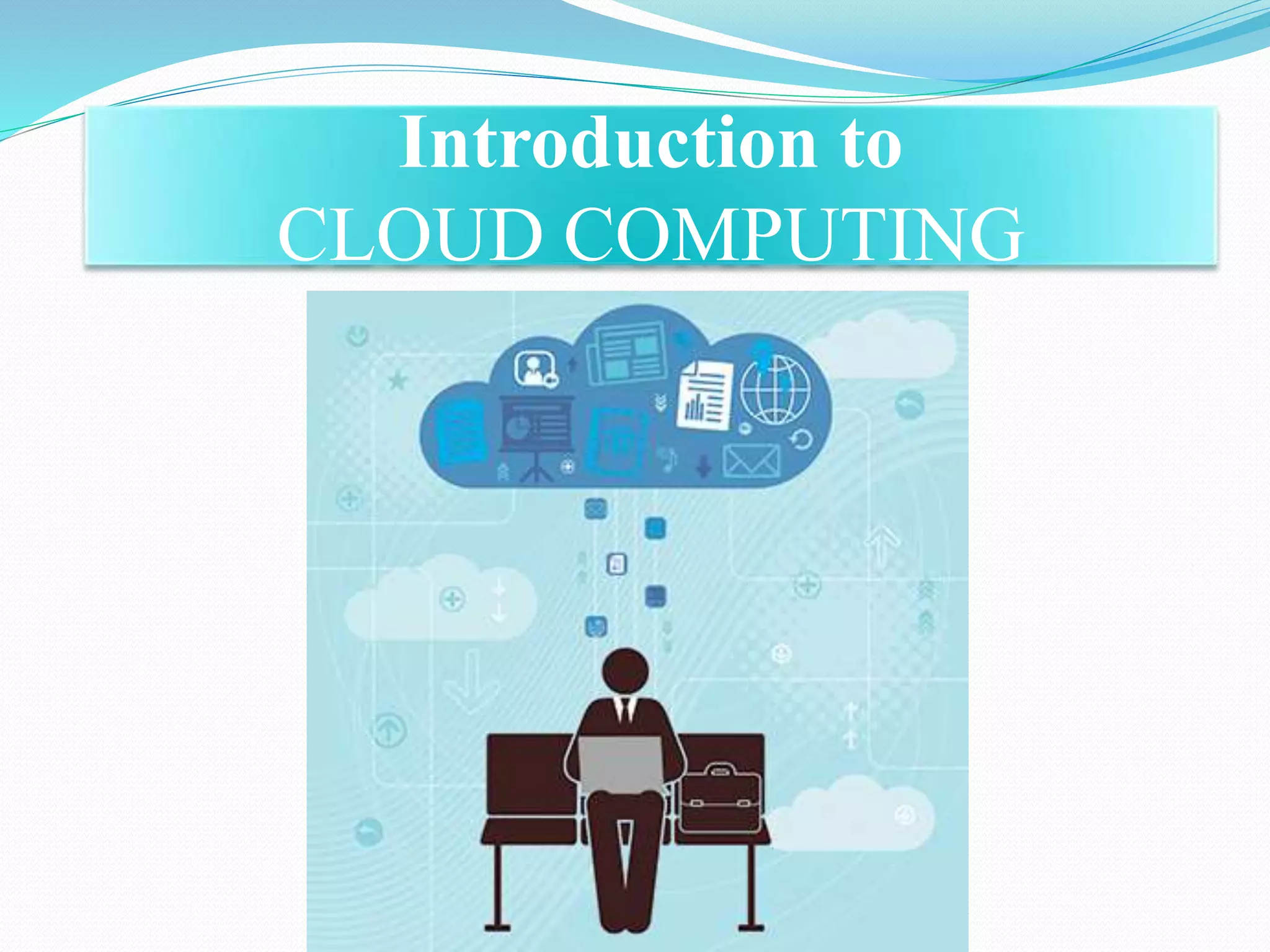
Introduction to
CLOUD COMPUTING
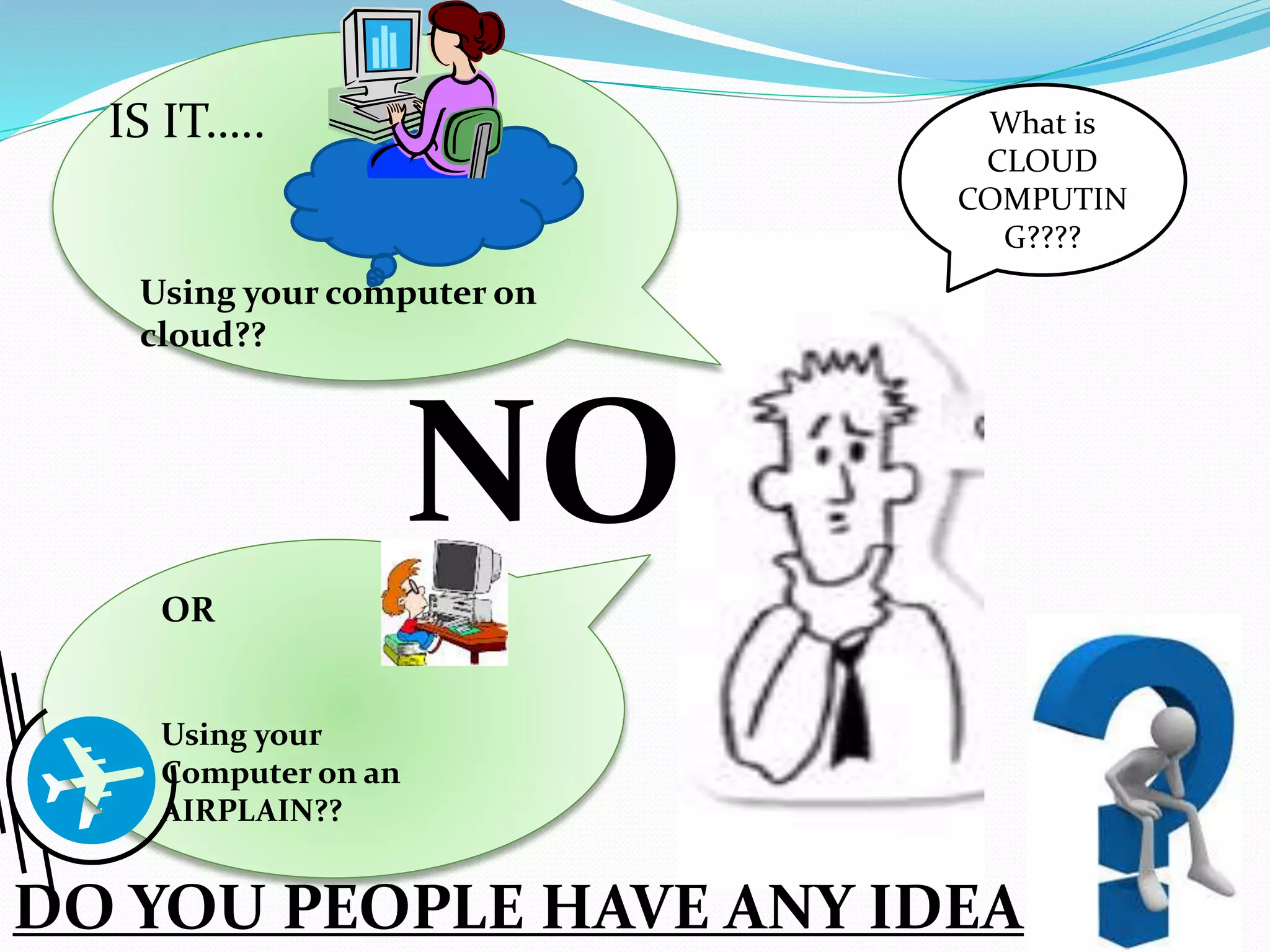
What is
CLOUD
COMPUTIN
G????
IS IT…..
Using your computer on
cloud??
OR
Using your
Computer on an
AIRPLAIN??
DO YOU PEOPLE HAVE ANY IDEA
NO
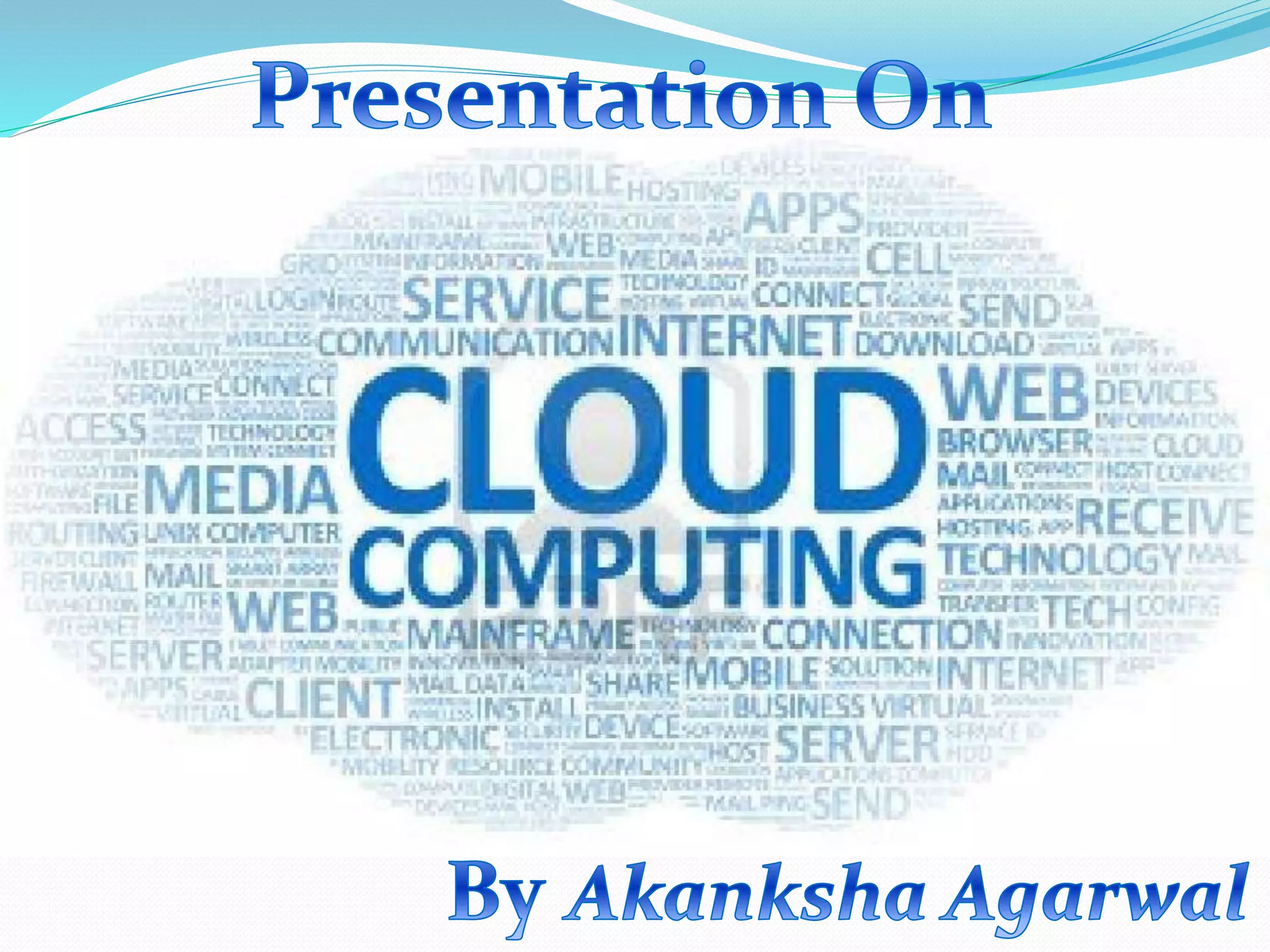
Cloud Computing
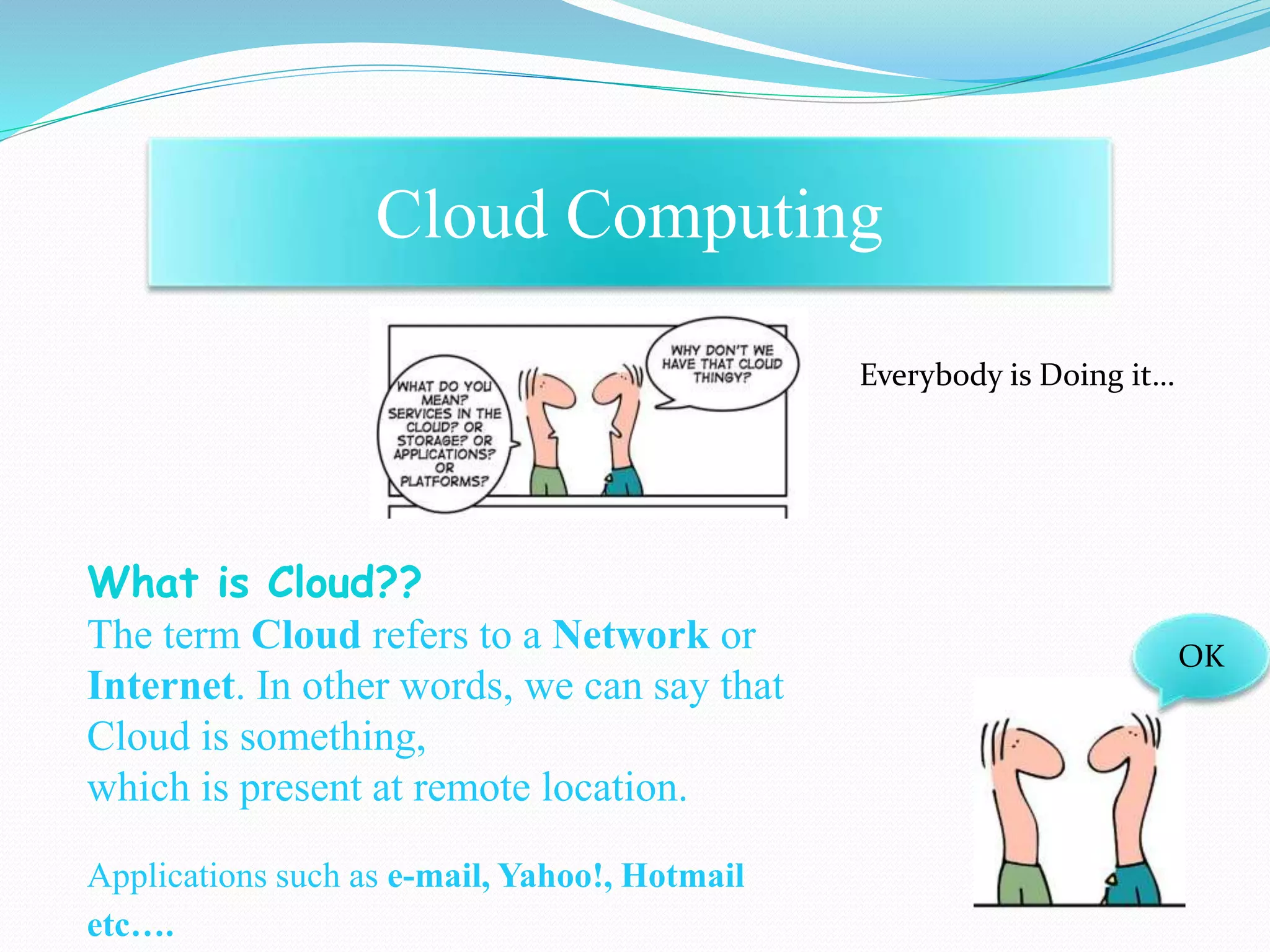
Everybody is Doing it…
What is Cloud??
The term Cloud refers to a Network or
Internet. In other words, we can say that
Cloud is something,
which is present at remote location.
Applications such as e-mail, Yahoo!, Hotmail
etc….
OK
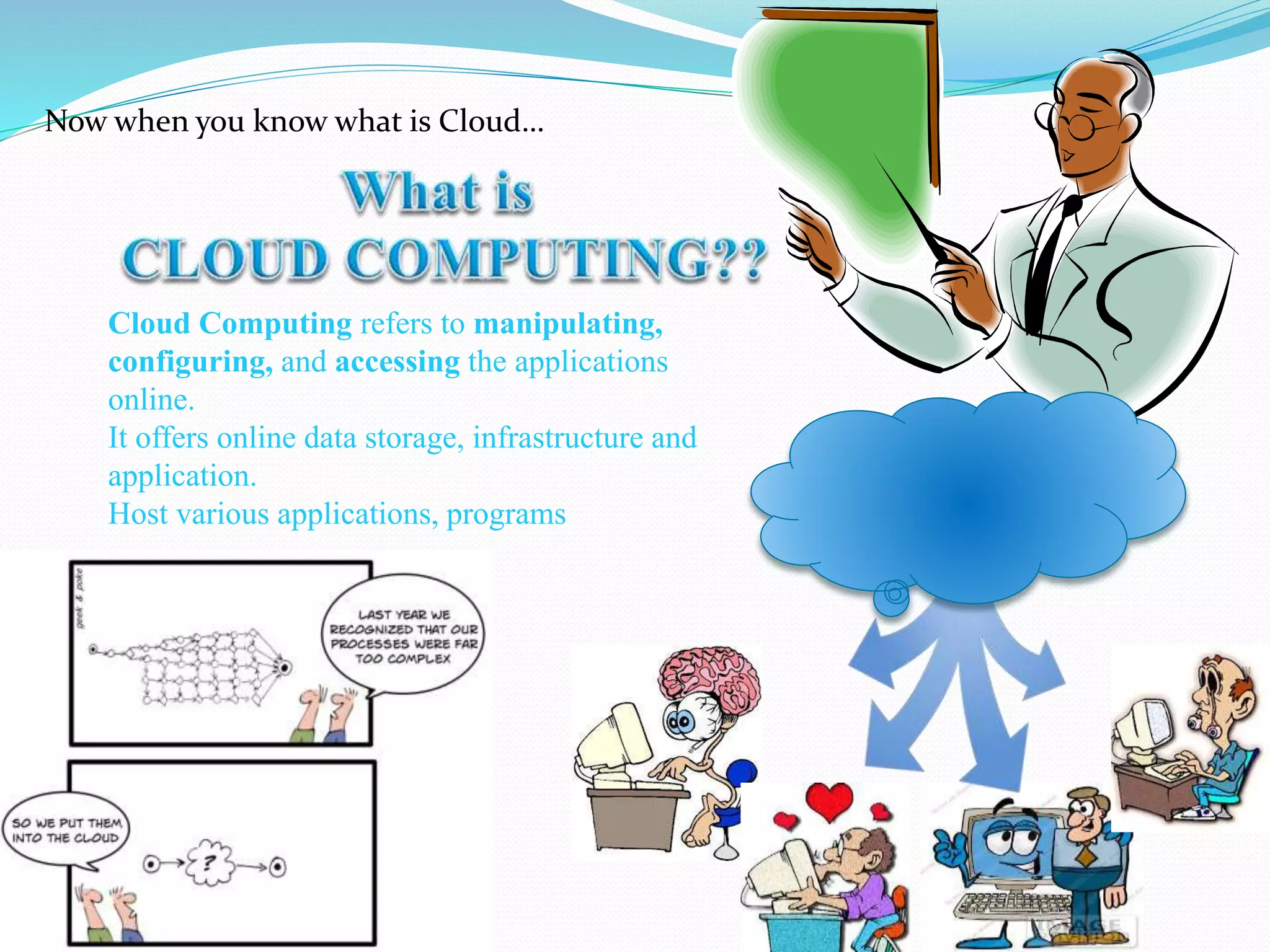
Now when you know what is Cloud…
Cloud Computing refers to manipulating,
configuring, and accessing the applications
online.
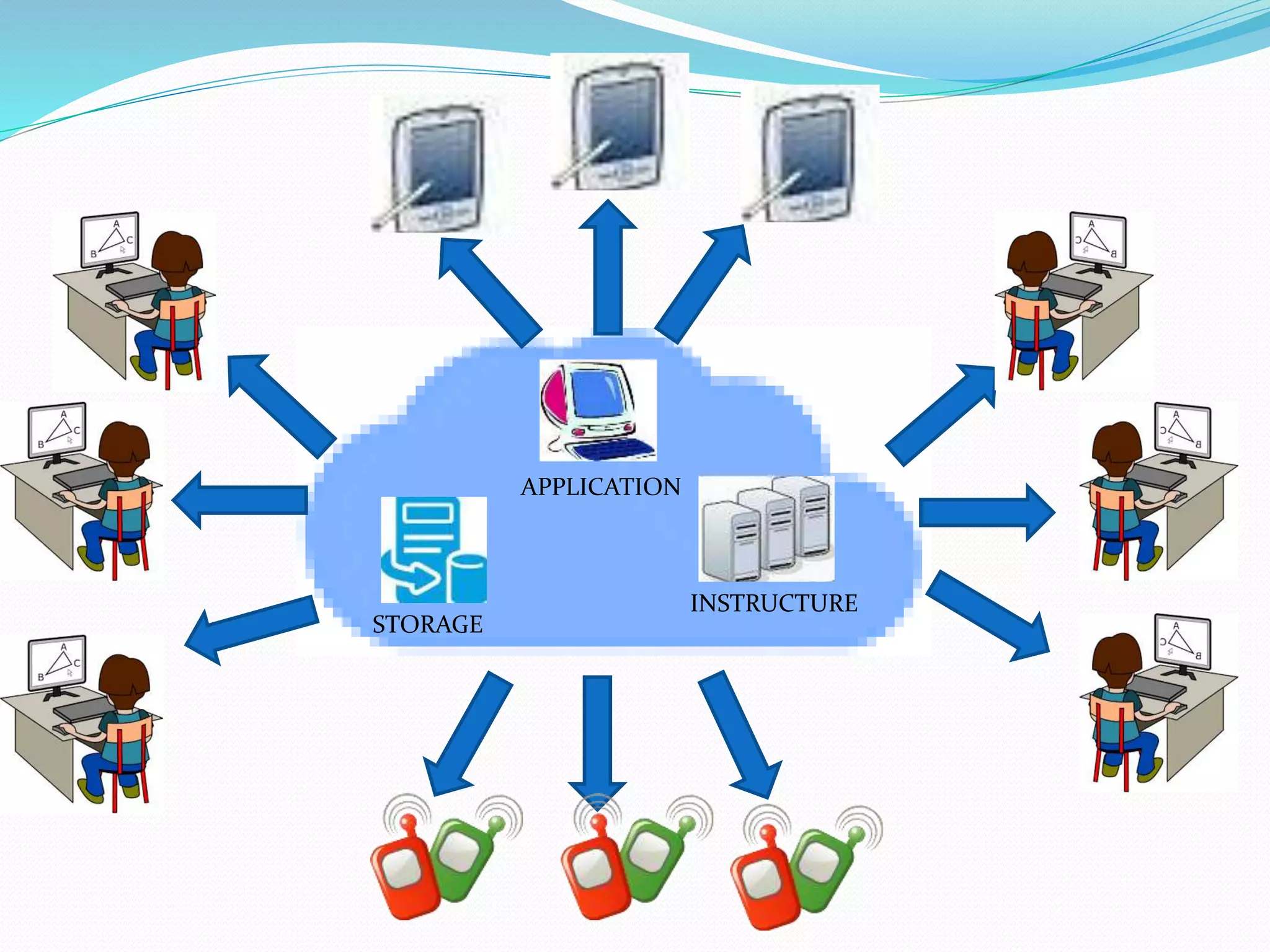
It offers online data storage, infrastructure and
application.
Host various applications, programs
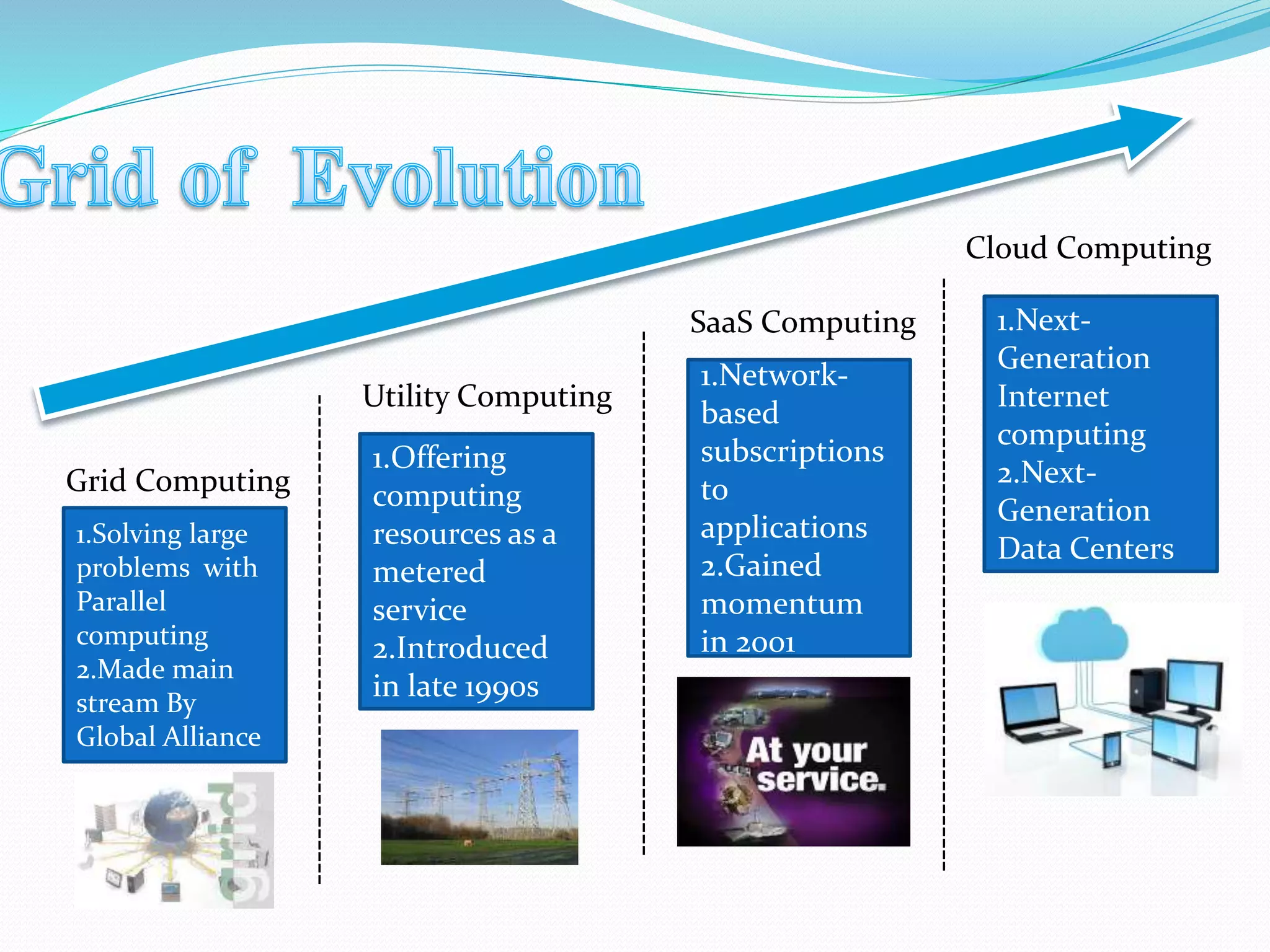
Grid Computing
Utility Computing
SaaS Computing
Cloud Computing
-------------------------------------------
----------------------------------------------
----------------------------------------------------
1.Solving large
problems with
Parallel
computing
2.Made main
stream By
Global Alliance
1.Offering
computing
resources as a
metered
service
2.Introduced
in late 1990s
1.Network-
based
subscriptions
to
applications
2.Gained
momentum
in 2001
1.Next-
Generation
Internet
computing
2.Next-
Generation
Data Centers
STORAGE
APPLICATION
INSTRUCTURE
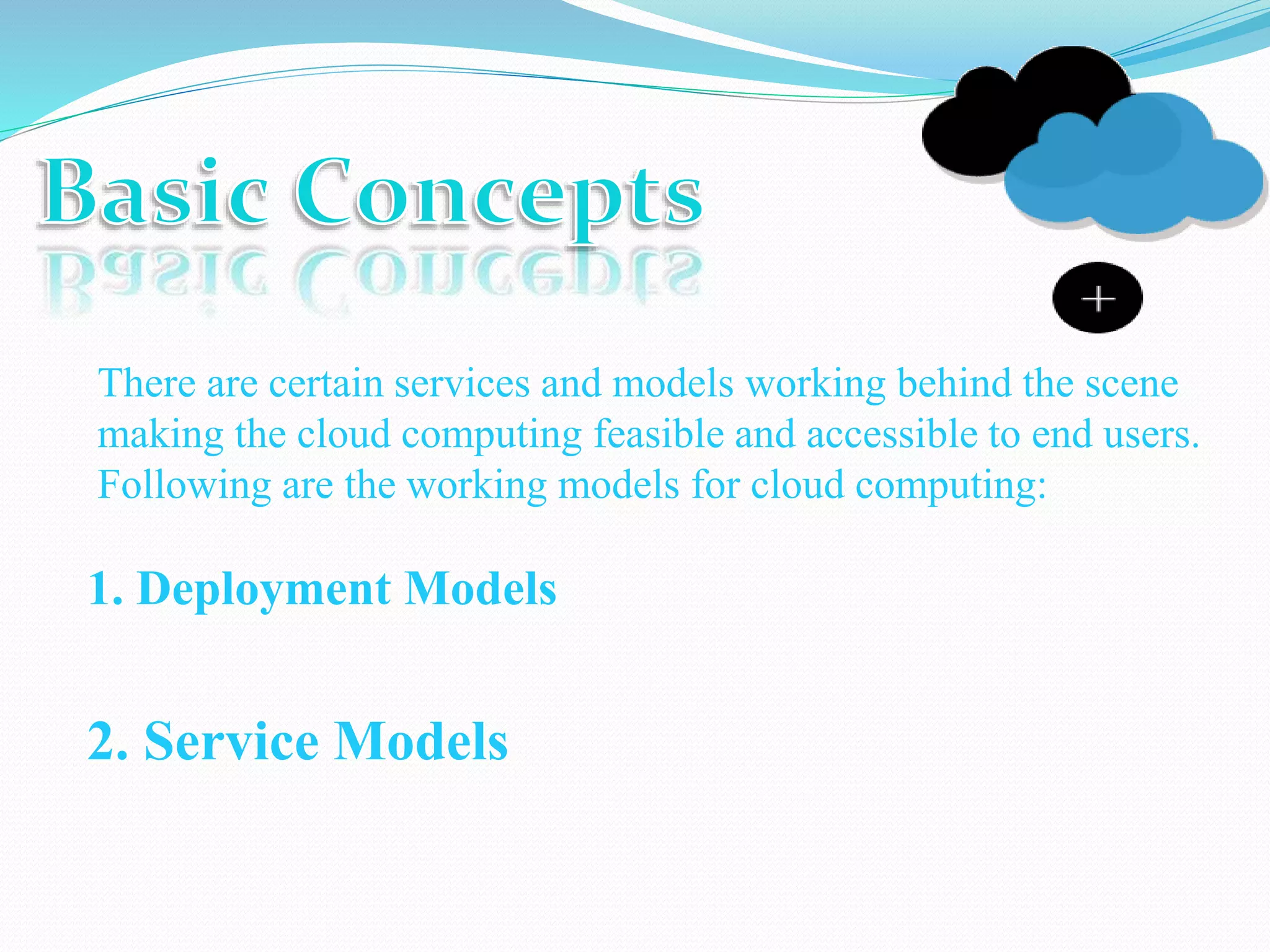
There are certain services and models working behind the scene
making the cloud computing feasible and accessible to end users.
Following are the working models for cloud computing:
1. Deployment Models
2. Service Models
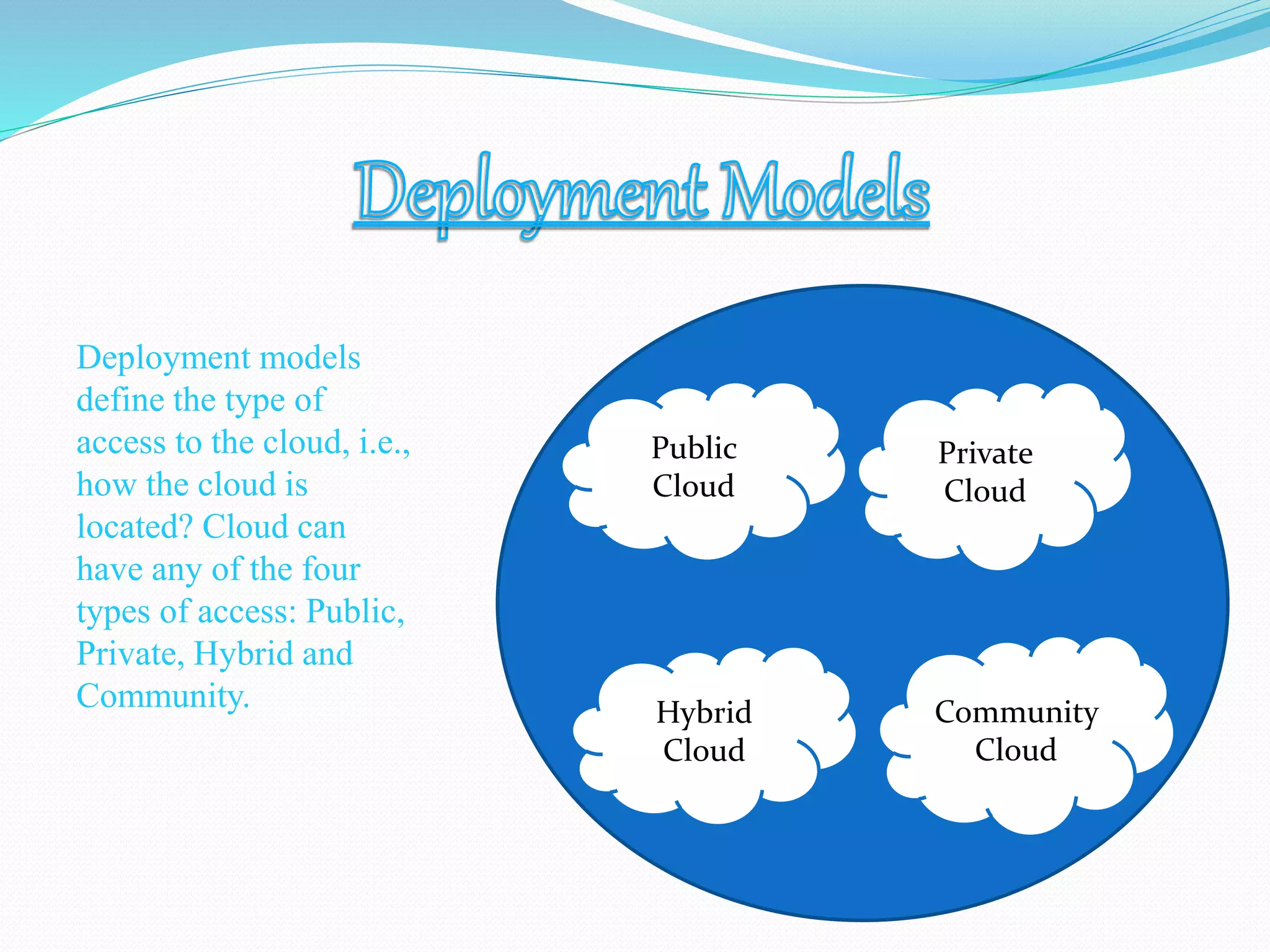
Deployment models
define the type of
access to the cloud, i.e.,
how the cloud is
located? Cloud can
have any of the four
types of access: Public,
Private, Hybrid and
Community.
Public
Cloud
Private
Cloud
Hybrid
Cloud
Community
Cloud
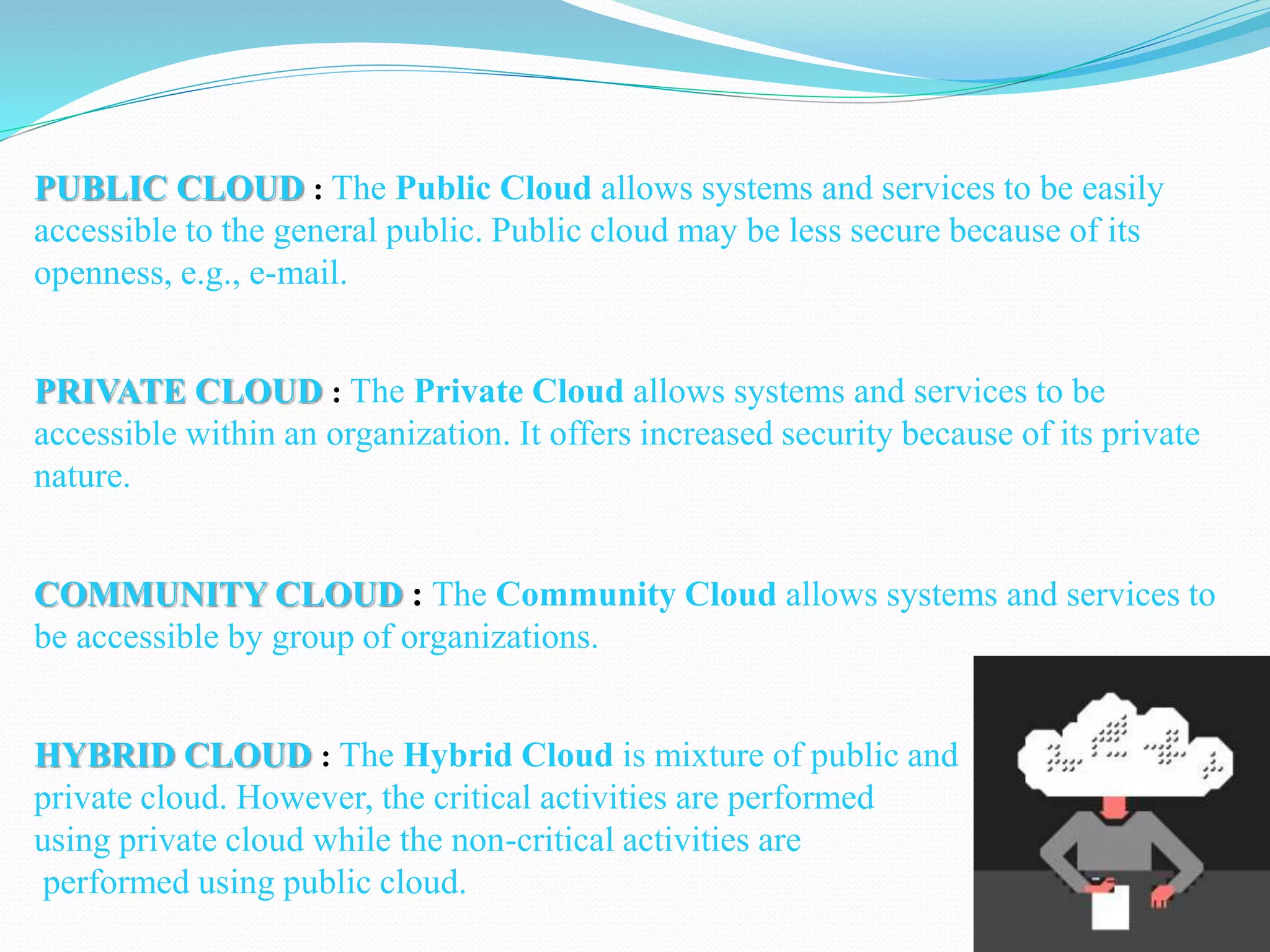
PUBLIC CLOUD : The Public Cloud allows systems and services to be easily
accessible to the general public. Public cloud may be less secure because of its
openness, e.g., e-mail.
PRIVATE CLOUD : The Private Cloud allows systems and services to be
accessible within an organization. It offers increased security because of its private
nature.
COMMUNITY CLOUD : The Community Cloud allows systems and services to
be accessible by group of organizations.
HYBRID CLOUD : The Hybrid Cloud is mixture of public and
private cloud. However, the critical activities are performed
using private cloud while the non-critical activities are
performed using public cloud.
Each type of cloud service, and deployment method, provides you with
different levels of control, flexibility, and management. Understanding the
differences between Infrastructure as a Service, Platform as a Service, and
Software as a Service, as well as what deployment strategies you can use,
can help you decide what set of services is right for your needs.
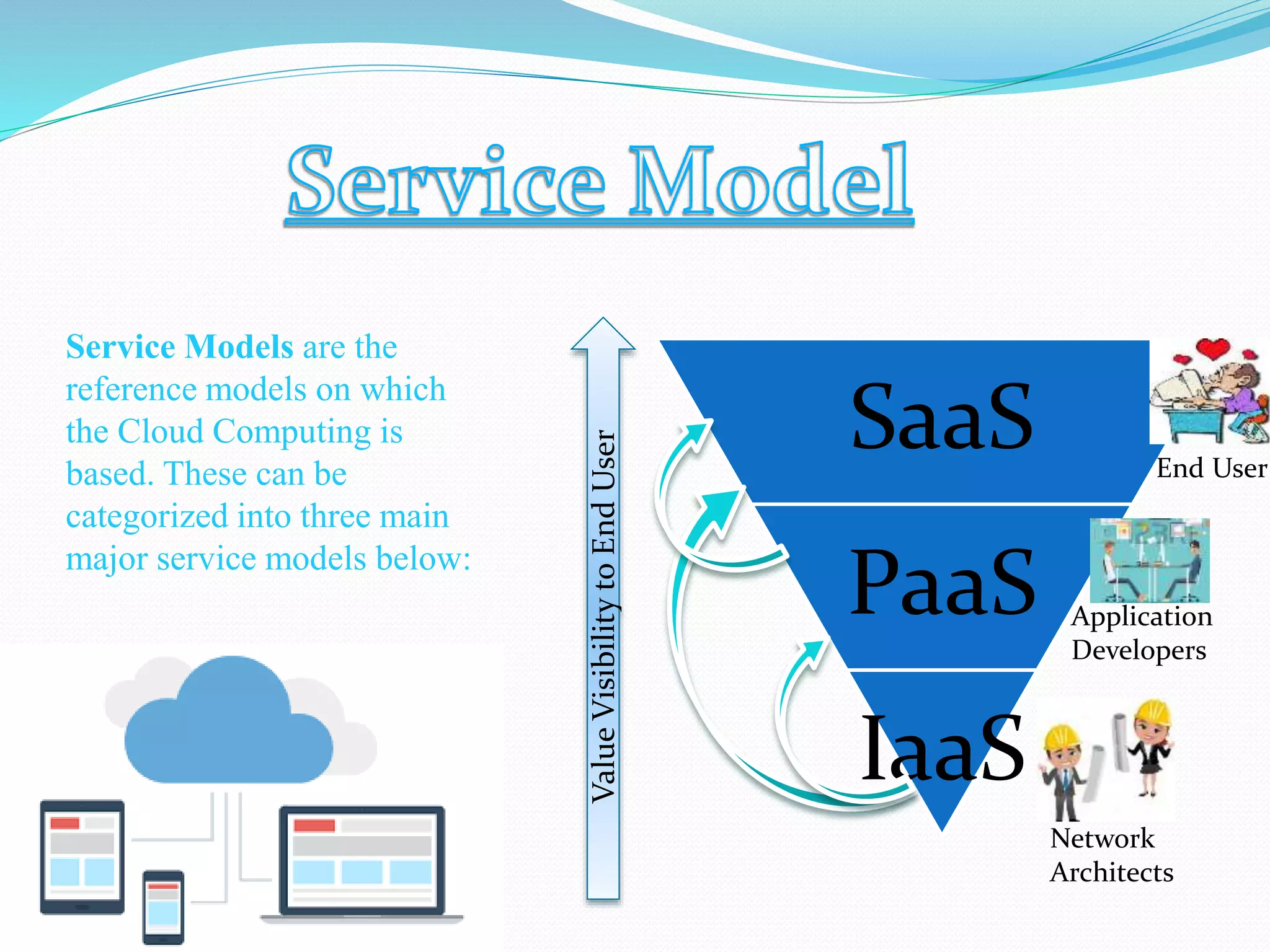
Service Models are the
reference models on which
the Cloud Computing is
based. These can be
categorized into three main
major service models below:
SaaS
PaaS
IaaS
ValueVisibilitytoEndUser
Network
Architects
Application
Developers
End User
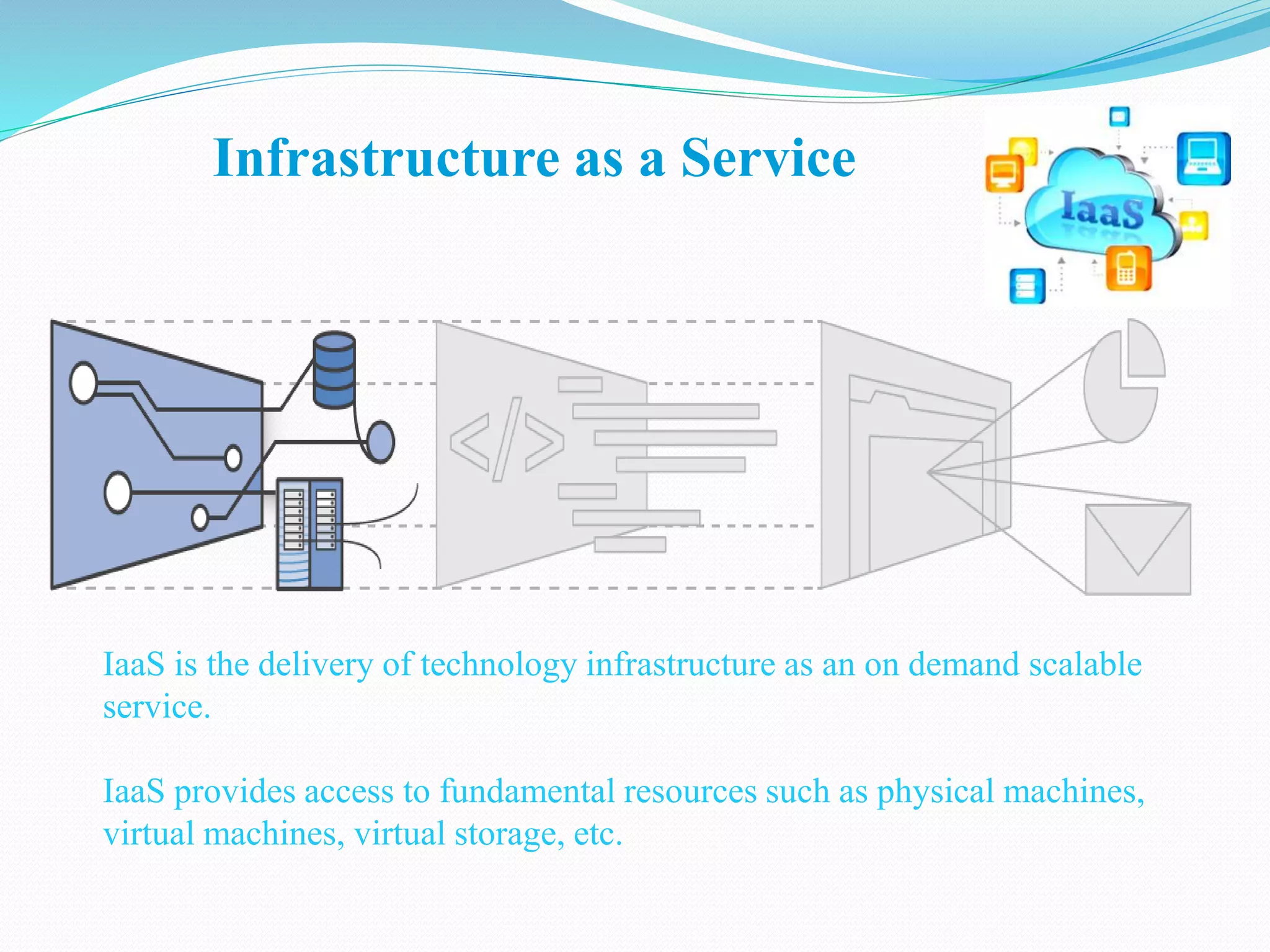
Infrastructure as a Service
IaaS is the delivery of technology infrastructure as an on demand scalable
service.
IaaS provides access to fundamental resources such as physical machines,
virtual machines, virtual storage, etc.
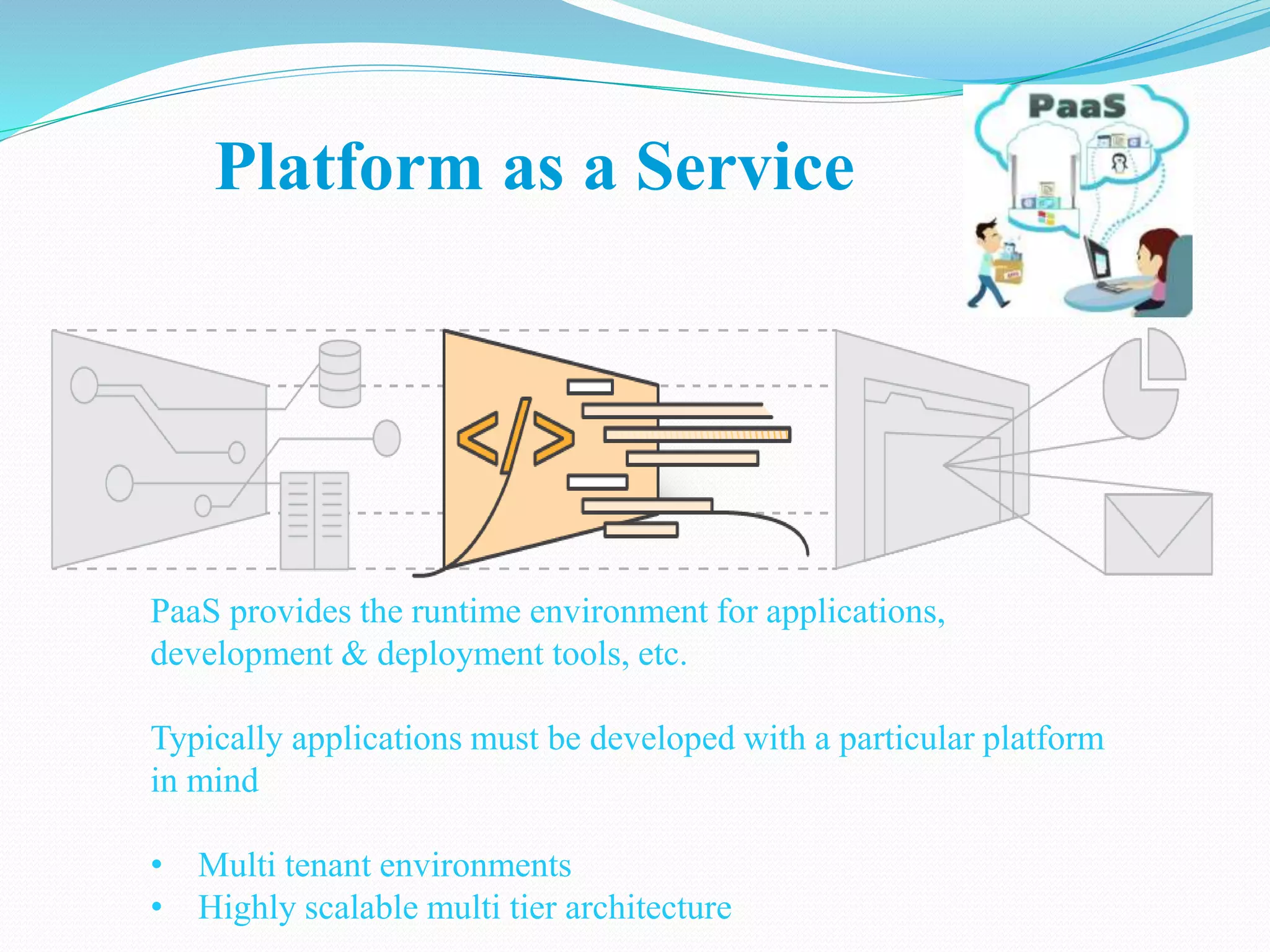
Platform as a Service
PaaS provides the runtime environment for applications,
development & deployment tools, etc.
Typically applications must be developed with a particular platform
in mind
• Multi tenant environments
• Highly scalable multi tier architecture
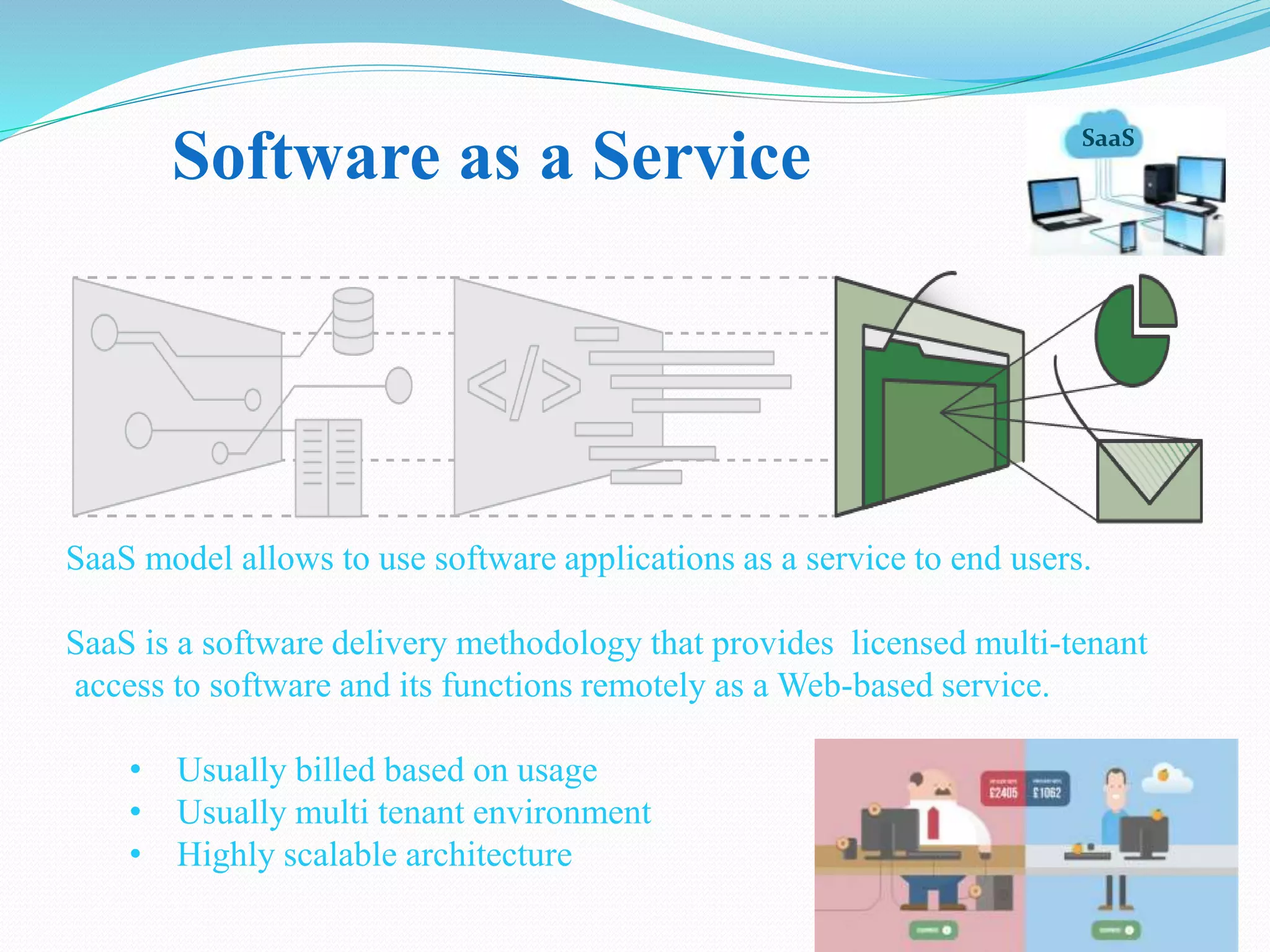
SaaS
Software as a Service
SaaS model allows to use software applications as a service to end users.
SaaS is a software delivery methodology that provides licensed multi-tenant
access to software and its functions remotely as a Web-based service.
• Usually billed based on usage
• Usually multi tenant environment
• Highly scalable architecture
1. Lower computer costs
2. Improved performance
3. Reduced software costs
4. Instant software updates
5. Improved document format
compatibility
6. Unlimited storage capacity
7. Increased data reliability
8. Universal document access
9. Latest version availability
10. Easier group collaboration
1. Requires a constant Internet
connection
2. Does not work well with low-
speed connections
3. Features might be limited
4. Can be slow
5. Stored data can be lost
6. Stored data might not be
secure
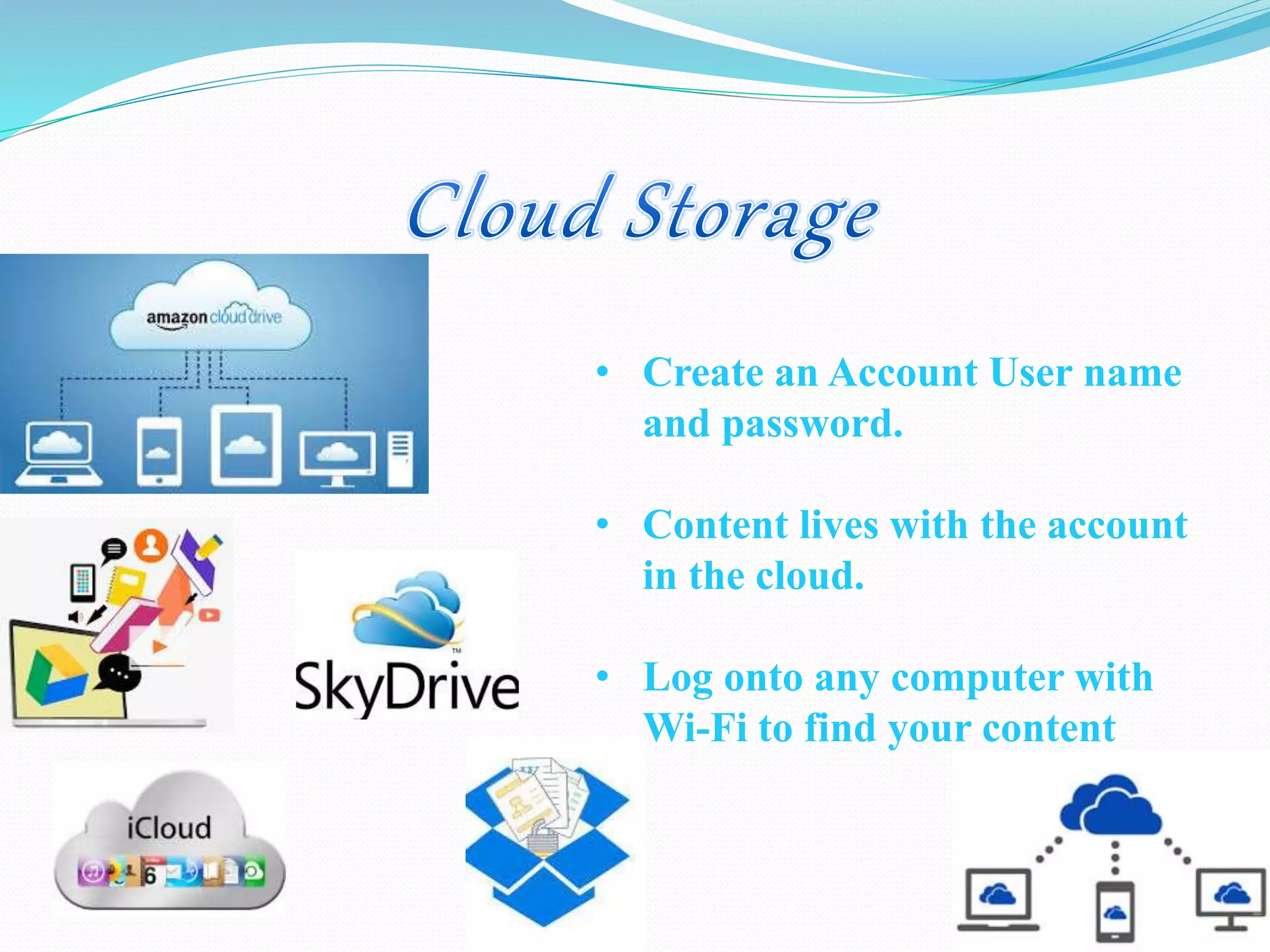
• Create an Account User name
and password.
• Content lives with the account
in the cloud.
• Log onto any computer with
Wi-Fi to find your content
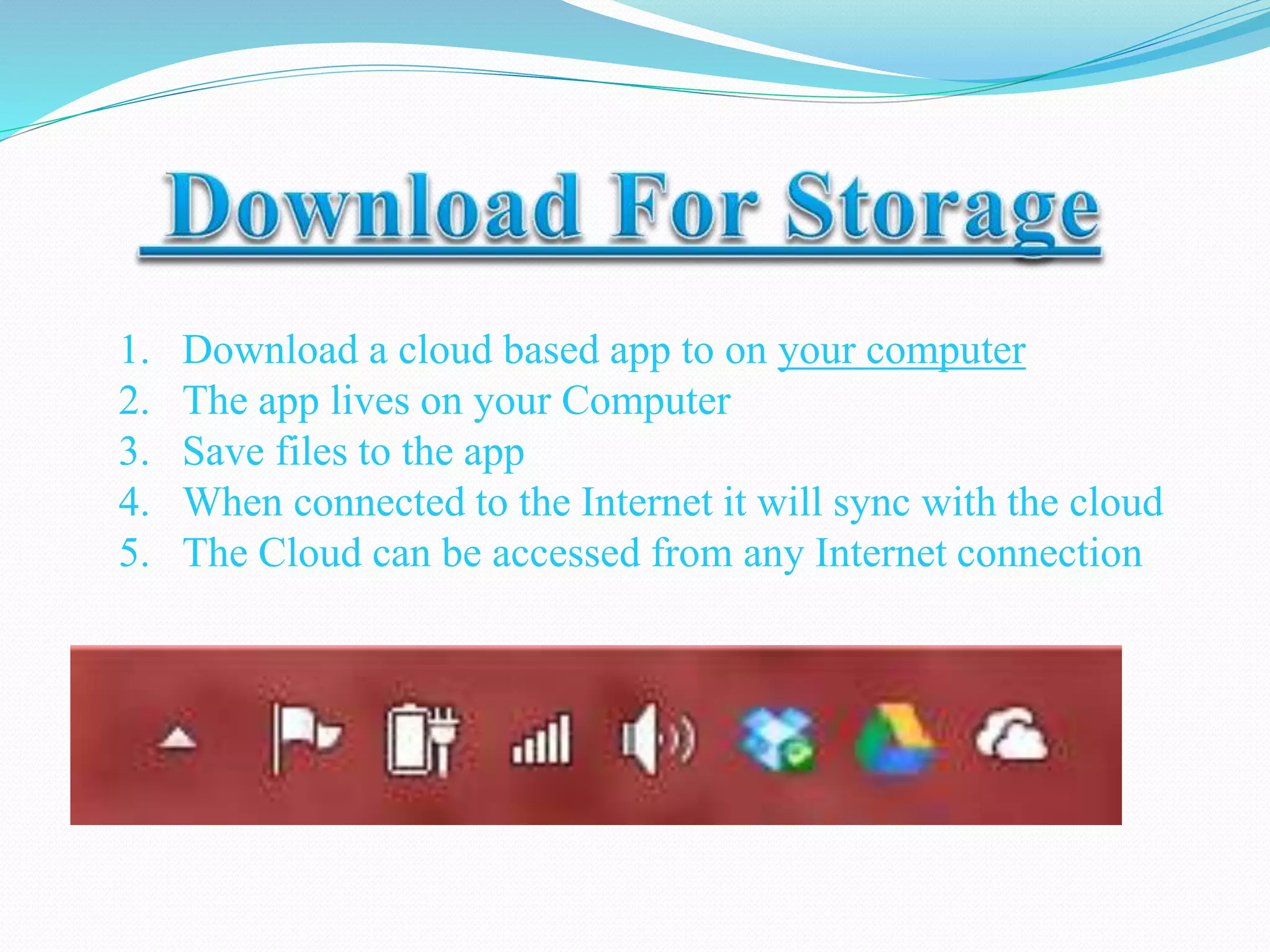
1. Download a cloud based app to on your computer
2. The app lives on your Computer
3. Save files to the app
4. When connected to the Internet it will sync with the cloud
5. The Cloud can be accessed from any Internet connection
All about Clod computing

All about Clod computing

  • 2.
    Introduction to CloudComputing (A.)What is a Cloud? (B.)What is Cloud Computing? Grid of Evolution Architecture of Cloud Computing Basic Concepts Deployment Models Types of Cloud Computing (A.)Service Models (a.)Iaas (b.)Pass (c.)Saas Advantages Disadvantages
  • 3.
  • 4.
    What is CLOUD COMPUTIN G???? IS IT….. Usingyour computer on cloud?? OR Using your Computer on an AIRPLAIN?? DO YOU PEOPLE HAVE ANY IDEA NO
  • 5.
    Cloud Computing Everybody isDoing it… What is Cloud?? The term Cloud refers to a Network or Internet. In other words, we can say that Cloud is something, which is present at remote location. Applications such as e-mail, Yahoo!, Hotmail etc…. OK
  • 6.
    Now when youknow what is Cloud… Cloud Computing refers to manipulating, configuring, and accessing the applications online. It offers online data storage, infrastructure and application. Host various applications, programs
  • 7.
    Grid Computing Utility Computing SaaSComputing Cloud Computing ------------------------------------------- ---------------------------------------------- ---------------------------------------------------- 1.Solving large problems with Parallel computing 2.Made main stream By Global Alliance 1.Offering computing resources as a metered service 2.Introduced in late 1990s 1.Network- based subscriptions to applications 2.Gained momentum in 2001 1.Next- Generation Internet computing 2.Next- Generation Data Centers
  • 9.
  • 11.
    There are certainservices and models working behind the scene making the cloud computing feasible and accessible to end users. Following are the working models for cloud computing: 1. Deployment Models 2. Service Models
  • 12.
    Deployment models define thetype of access to the cloud, i.e., how the cloud is located? Cloud can have any of the four types of access: Public, Private, Hybrid and Community. Public Cloud Private Cloud Hybrid Cloud Community Cloud
  • 13.
    PUBLIC CLOUD :The Public Cloud allows systems and services to be easily accessible to the general public. Public cloud may be less secure because of its openness, e.g., e-mail. PRIVATE CLOUD : The Private Cloud allows systems and services to be accessible within an organization. It offers increased security because of its private nature. COMMUNITY CLOUD : The Community Cloud allows systems and services to be accessible by group of organizations. HYBRID CLOUD : The Hybrid Cloud is mixture of public and private cloud. However, the critical activities are performed using private cloud while the non-critical activities are performed using public cloud.
  • 14.
    Each type ofcloud service, and deployment method, provides you with different levels of control, flexibility, and management. Understanding the differences between Infrastructure as a Service, Platform as a Service, and Software as a Service, as well as what deployment strategies you can use, can help you decide what set of services is right for your needs.
  • 15.
    Service Models arethe reference models on which the Cloud Computing is based. These can be categorized into three main major service models below: SaaS PaaS IaaS ValueVisibilitytoEndUser Network Architects Application Developers End User
  • 16.
    Infrastructure as aService IaaS is the delivery of technology infrastructure as an on demand scalable service. IaaS provides access to fundamental resources such as physical machines, virtual machines, virtual storage, etc.
  • 18.
    Platform as aService PaaS provides the runtime environment for applications, development & deployment tools, etc. Typically applications must be developed with a particular platform in mind • Multi tenant environments • Highly scalable multi tier architecture
  • 20.
    SaaS Software as aService SaaS model allows to use software applications as a service to end users. SaaS is a software delivery methodology that provides licensed multi-tenant access to software and its functions remotely as a Web-based service. • Usually billed based on usage • Usually multi tenant environment • Highly scalable architecture
  • 22.
    1. Lower computercosts 2. Improved performance 3. Reduced software costs 4. Instant software updates 5. Improved document format compatibility 6. Unlimited storage capacity 7. Increased data reliability 8. Universal document access 9. Latest version availability 10. Easier group collaboration
  • 23.
    1. Requires aconstant Internet connection 2. Does not work well with low- speed connections 3. Features might be limited 4. Can be slow 5. Stored data can be lost 6. Stored data might not be secure
  • 24.
    • Create anAccount User name and password. • Content lives with the account in the cloud. • Log onto any computer with Wi-Fi to find your content
  • 25.
    1. Download acloud based app to on your computer 2. The app lives on your Computer 3. Save files to the app 4. When connected to the Internet it will sync with the cloud 5. The Cloud can be accessed from any Internet connection