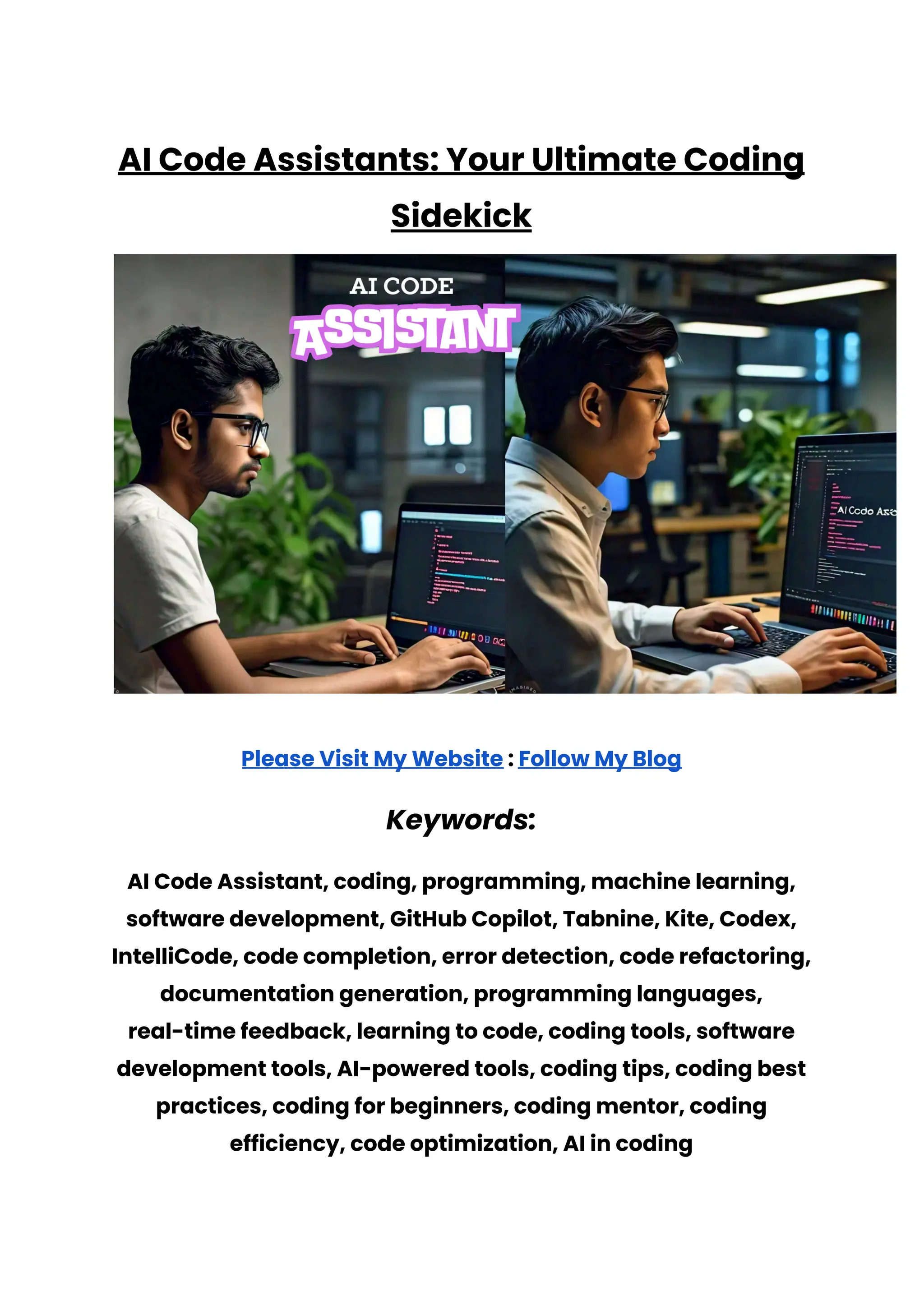
AI Code Assistants: Your Ultimate Coding
Sidekick
Please Visit My Website : Follow My Blog
Keywords:
AI Code Assistant, coding, programming, machine learning,
software development, GitHub Copilot, Tabnine, Kite, Codex,
IntelliCode, code completion, error detection, code refactoring,
documentation generation, programming languages,
real-time feedback, learning to code, coding tools, software
development tools, AI-powered tools, coding tips, coding best
practices, coding for beginners, coding mentor, coding
efficiency, code optimization, AI in coding
Table of Contents
1. Introduction: Why AI Code Assistants Matter
2. What Is an AI Code Assistant?
3. How AI Code Assistants Work
4. The Evolution of Coding: From Manual to AI-Powered
5. Why You Need an AI Code Assistant in Your Life
6. Key Features of AI Code Assistants
7. Practical Tips for Using AI Code Assistants
8. Common Misconceptions About AI Code Assistants
9. How AI Code Assistants Enhance Learning
10. The Funny Side of AI Code Assistants
11. AI Code Assistants vs. Human Coders
12.Choosing the Right AI Code Assistant
13.AI Code Assistants and the Future of Coding
14. Real-Life Examples of AI Code Assistants in Action
15. Conclusion: Embrace Your New Coding Companion
1. Introduction: Why AI Code Assistants Matter
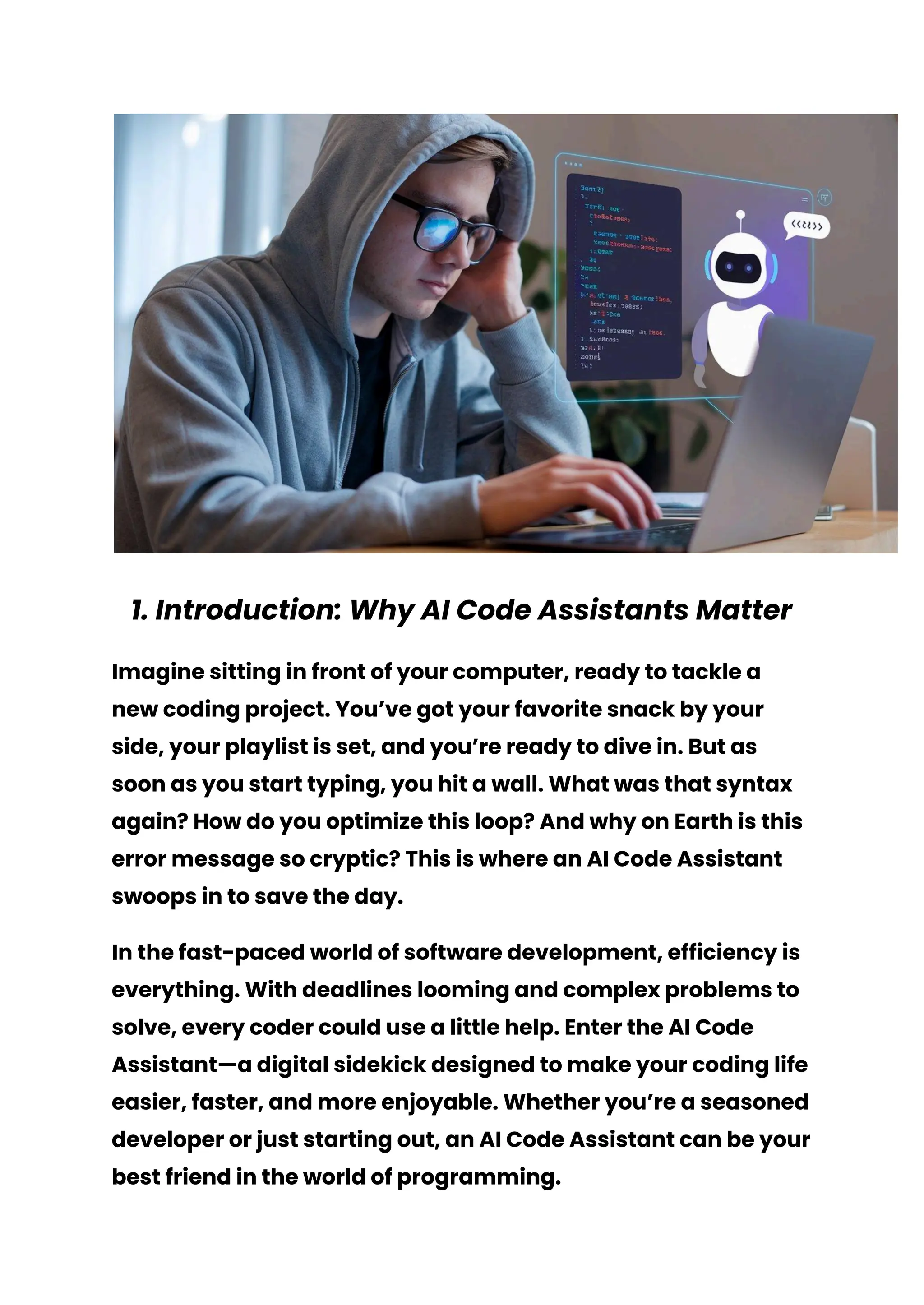
Imagine sitting in front of your computer, ready to tackle a
new coding project. You’ve got your favorite snack by your
side, your playlist is set, and you’re ready to dive in. But as
soon as you start typing, you hit a wall. What was that syntax
again? How do you optimize this loop? And why on Earth is this
error message so cryptic? This is where an AI Code Assistant
swoops in to save the day.
In the fast-paced world of software development, efficiency is
everything. With deadlines looming and complex problems to
solve, every coder could use a little help. Enter the AI Code
Assistant—a digital sidekick designed to make your coding life
easier, faster, and more enjoyable. Whether you’re a seasoned
developer or just starting out, an AI Code Assistant can be your
best friend in the world of programming.
But what exactly is an AI Code Assistant, and why should you
care? In this article, we’ll explore the ins and outs of AI Code
Assistants, how they work, and why they’re becoming an
essential tool for coders everywhere. We’ll break down the
benefits, tackle common misconceptions, and even share
some practical tips on how to make the most of your AI Code
Assistant. By the end of this article, you’ll see why AI Code
Assistants are not just a trend, but a game-changer in the
coding world.
So, grab that snack, turn up the volume on your playlist, and
let’s dive into the world of AI Code Assistants!
2. What Is an AI Code Assistant?
Before we get into the nitty-gritty, let’s start with the basics.
What exactly is an AI Code Assistant?
In simple terms, an AI Code Assistant is a software tool that
uses artificial intelligence (AI) to help you write, debug, and
optimize your code. Think of it as having a coding mentor
who’s available 24/7, always ready to offer suggestions, catch
errors, and even teach you new tricks.
These assistants are typically integrated into your
development environment, such as Visual Studio Code,
PyCharm, or even online code editors. As you type, the AI Code
Assistant analyzes your code in real time and offers helpful
suggestions. This could be anything from auto-completing a
line of code, suggesting the best way to structure a function, or
even pointing out potential errors before you hit that
frustrating compile button.
But AI Code Assistants are more than just fancy
auto-complete tools. They’re equipped with machine learning
algorithms that allow them to learn from vast amounts of code
data. This means they can offer insights based on industry
best practices, recognize patterns in your code, and even
adapt to your coding style over time.
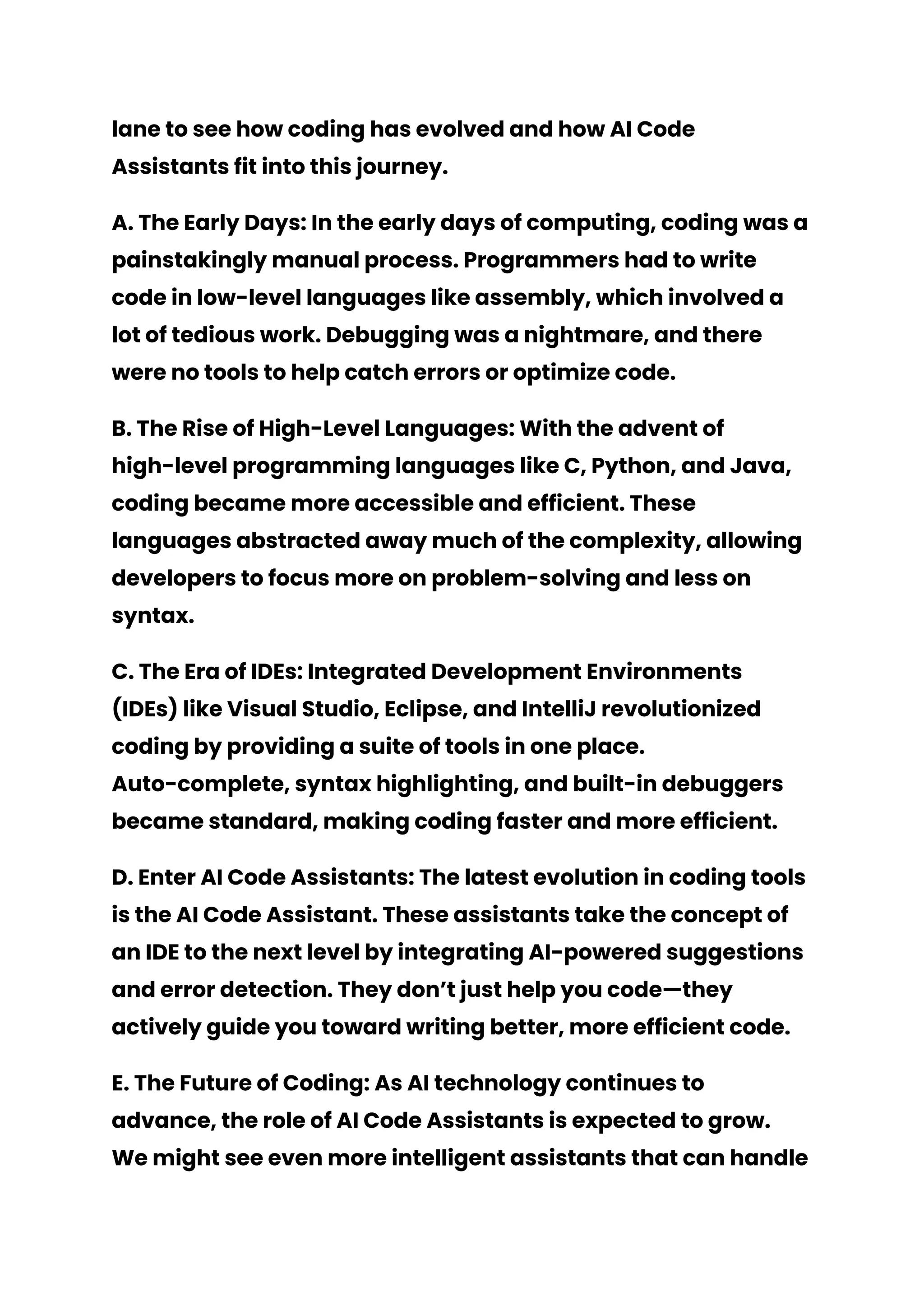
In essence, an AI Code Assistant is like having a super-smart
buddy who’s seen a million lines of code and knows exactly
how to help you write better, faster, and more efficient code.
And the best part? They never get tired, never need a coffee
break, and are always up for a coding session, no matter the
hour.
Please Visit My Website : Follow My Blog
3. How AI Code Assistants Work
So, how do these AI-powered wizards actually work? It all boils
down to some pretty cool technology under the hood.
AI Code Assistants rely on a combination of natural language
processing (NLP) and machine learning (ML). NLP allows them
to understand the syntax and semantics of programming
languages, while ML enables them to learn from a vast
repository of existing code. This combination allows AI Code
Assistants to offer context-aware suggestions that are both
relevant and accurate.
Here’s a step-by-step breakdown of how an AI
Code Assistant typically works:
1. Analyzing Your Code: As you type, the AI Code Assistant
continuously analyzes your code. It looks at the syntax,
the structure, and the context of what you’re writing. This
real-time analysis allows it to understand what you’re
trying to achieve.
2. Generating Suggestions: Based on its analysis, the
assistant generates suggestions. These could be code
completions, alternative methods, or even error
corrections. The suggestions are usually presented as a
dropdown menu or inline text, making it easy for you to
accept or reject them.
3. Learning from Feedback: AI Code Assistants are smart,
but they’re also eager learners. As you interact with the
suggestions—accepting some, ignoring others—the
assistant learns from your choices. Over time, it becomes
more attuned to your coding style and preferences.
4. Adapting to Your Workflow: The more you use your AI
Code Assistant, the better it gets at understanding your
workflow. It starts to anticipate your needs, offering more
relevant suggestions and catching potential errors
earlier in the process.
5. Providing Explanations: Many AI Code Assistants come
with a feature that explains the suggestions they make.
This is particularly useful for beginners who are still
learning the ropes. The explanations can help you
understand why a particular piece of code works better or
how to avoid common pitfalls.
In short, an AI Code Assistant is like having a coding partner
who’s always on the lookout for ways to make your code
cleaner, more efficient, and error-free. And while they’re not
perfect, they’re getting better every day, thanks to the
continuous learning process powered by machine learning.
4. The Evolution of Coding: From Manual to
AI-Powered
Coding has come a long way since the days of punch cards
and assembly language. Let’s take a quick trip down memory
lane to see how coding has evolved and how AI Code
Assistants fit into this journey.
A. The Early Days: In the early days of computing, coding was a
painstakingly manual process. Programmers had to write
code in low-level languages like assembly, which involved a
lot of tedious work. Debugging was a nightmare, and there
were no tools to help catch errors or optimize code.
B. The Rise of High-Level Languages: With the advent of
high-level programming languages like C, Python, and Java,
coding became more accessible and efficient. These
languages abstracted away much of the complexity, allowing
developers to focus more on problem-solving and less on
syntax.
C. The Era of IDEs: Integrated Development Environments
(IDEs) like Visual Studio, Eclipse, and IntelliJ revolutionized
coding by providing a suite of tools in one place.
Auto-complete, syntax highlighting, and built-in debuggers
became standard, making coding faster and more efficient.
D. Enter AI Code Assistants: The latest evolution in coding tools
is the AI Code Assistant. These assistants take the concept of
an IDE to the next level by integrating AI-powered suggestions
and error detection. They don’t just help you code—they
actively guide you toward writing better, more efficient code.
E. The Future of Coding: As AI technology continues to
advance, the role of AI Code Assistants is expected to grow.
We might see even more intelligent assistants that can handle
complex tasks like code refactoring, testing, and even project
management. The future of coding looks bright, with AI Code
Assistants leading the way.
5. Why You Need an AI Code Assistant in Your
Life
You might be wondering, “Do I really need an AI Code
Assistant?” The short answer is yes, and here’s why.
A. Time-Saving: One of the biggest advantages of using an AI
Code Assistant is the time you save. By providing real-time
suggestions and error detection, these assistants help you
write code faster and avoid common mistakes. This means
you can focus on more important aspects of your project, like
design and functionality.
B. Learning Opportunities: Whether you’re a beginner or an
experienced coder, there’s always something new to learn. AI
Code Assistants offer valuable learning opportunities by
explaining their suggestions and providing insights into best
practices. This can help you become a better coder over time.
C. Error Prevention: Nothing is more frustrating than spending
hours debugging a piece of code, only to find out that the issue
was something simple. AI Code Assistants can help prevent
these headaches by catching errors early, before they become
bigger problems.
D. Enhanced Creativity: With routine tasks handled by your AI
Code Assistant, you’ll have more mental bandwidth to focus
on creative aspects of your project. This could lead to new
ideas, better designs, and more innovative solutions.
E. Stress Reduction: Coding can be stressful, especially when
you’re up against tight deadlines. An AI Code Assistant can
alleviate some of that stress by providing a safety net.
Knowing that you have a tool to help catch mistakes and
optimize your code can give you peace of mind and make
coding a more enjoyable experience.
In short, an AI Code Assistant is like having a coding coach
who’s always there to help you out, whether you’re stuck on a
tricky problem or just need a second opinion.
6. Key Features of AI Code Assistants
Not all AI Code Assistants are created equal. Here are some
key features to look for when choosing an assistant that’s
right for you.
A. Code Completion: This is one of the most basic features of
an AI Code Assistant. As you type, the assistant suggests
possible completions for your code, saving you time and
reducing the chances of errors.
B. Error Detection: A good AI Code Assistant can detect syntax
and logical errors in your code as you write. This feature can
save you hours of debugging time by catching issues early.
C. Code Refactoring: Refactoring is the process of
restructuring existing code to make it more efficient and
maintainable. Some AI Code Assistants offer automated
refactoring suggestions, helping you improve your code
without changing its functionality.
D. Documentation Generation: Writing documentation can be
tedious, but it’s essential for maintaining code. Some AI Code
Assistants can automatically generate documentation based
on your code, saving you time and ensuring that your code is
well-documented.
E. Code Snippets: Many AI Code Assistants come with a library
of code snippets that you can easily insert into your project.
These snippets can help you implement common features or
functions without having to write the code from scratch.
F. Multi-Language Support: If you work with multiple
programming languages, look for an AI Code Assistant that
supports all of them. This will make your workflow more
seamless and efficient.
G. Integration with Other Tools: Finally, consider whether the AI
Code Assistant integrates with other tools you use, such as
version control systems, project management tools, and
testing frameworks. Integration can streamline your workflow
and make it easier to manage your projects.
Please Visit My Website : Follow My Blog
7. Practical Tips for Using AI Code Assistants
Now that you know what to look for in an AI Code Assistant,
let’s talk about how to make the most of it. Here are some
practical tips for using AI Code Assistants effectively.
A. Start Small: If you’re new to AI Code Assistants, start by
using them for simple tasks like code completion and error
detection. As you become more comfortable, you can start
exploring more advanced features like refactoring and
documentation generation.
B. Customize Your Assistant: Many AI Code Assistants allow
you to customize their behavior. Take some time to explore the
settings and adjust them to match your coding style and
preferences. This will make the assistant more effective and
reduce the chances of unwanted suggestions.
C. Use the Explanations: Don’t just blindly accept the
suggestions your AI Code Assistant makes. Take the time to
read the explanations and understand why the suggestion is
being made. This will help you learn and improve your coding
skills over time.
D. Combine with Other Tools: AI Code Assistants are powerful,
but they’re not a replacement for other tools in your coding
toolbox. Continue using version control, testing frameworks,
and other development tools to ensure your code is of the
highest quality.
E. Stay Updated: AI Code Assistants are constantly being
improved and updated. Make sure you’re using the latest
version to take advantage of new features and improvements.
F. Don’t Rely Too Much: While AI Code Assistants are incredibly
helpful, it’s important not to become too reliant on them. Make
sure you’re still thinking critically about your code and using
the assistant as a guide rather than a crutch.
G. Experiment: Don’t be afraid to experiment with different AI
Code Assistants and features. Each assistant has its strengths
and weaknesses, and you might find that one works better for
your specific needs.
8. Common Misconceptions About AI Code
Assistants
AI Code Assistants are amazing tools, but there are some
common misconceptions that need to be addressed.
A. They’re Just for Beginners: One of the biggest
misconceptions is that AI Code Assistants are only useful for
beginners. While they’re certainly helpful for those new to
coding, experienced developers can also benefit from the
time-saving features and advanced capabilities of AI Code
Assistants.
B. They’ll Replace Human Coders: Another common fear is that
AI Code Assistants will eventually replace human coders. In
reality, AI Code Assistants are designed to augment human
capabilities, not replace them. They handle repetitive tasks,
provide suggestions, and catch errors, but the creativity,
problem-solving, and critical thinking involved in coding are
still very much human endeavors.
C. They’re Always Right: Just because an AI Code Assistant
suggests something doesn’t mean it’s the best or only
solution. AI Code Assistants are powerful, but they’re not
infallible. It’s important to use your judgment and experience
to evaluate the suggestions they make.
D. They Make Coding Too Easy: Some people worry that using
an AI Code Assistant will make coding too easy, leading to a
loss of skill. However, AI Code Assistants are tools that
enhance your abilities, not replace them. They help you write
better code faster, but you’re still the one making the
decisions and doing the thinking.
E. They’re Only for Big Projects: While AI Code Assistants are
incredibly useful for large projects, they’re also beneficial for
small tasks. Whether you’re working on a tiny script or a
massive application, an AI Code Assistant can help you write
cleaner, more efficient code.
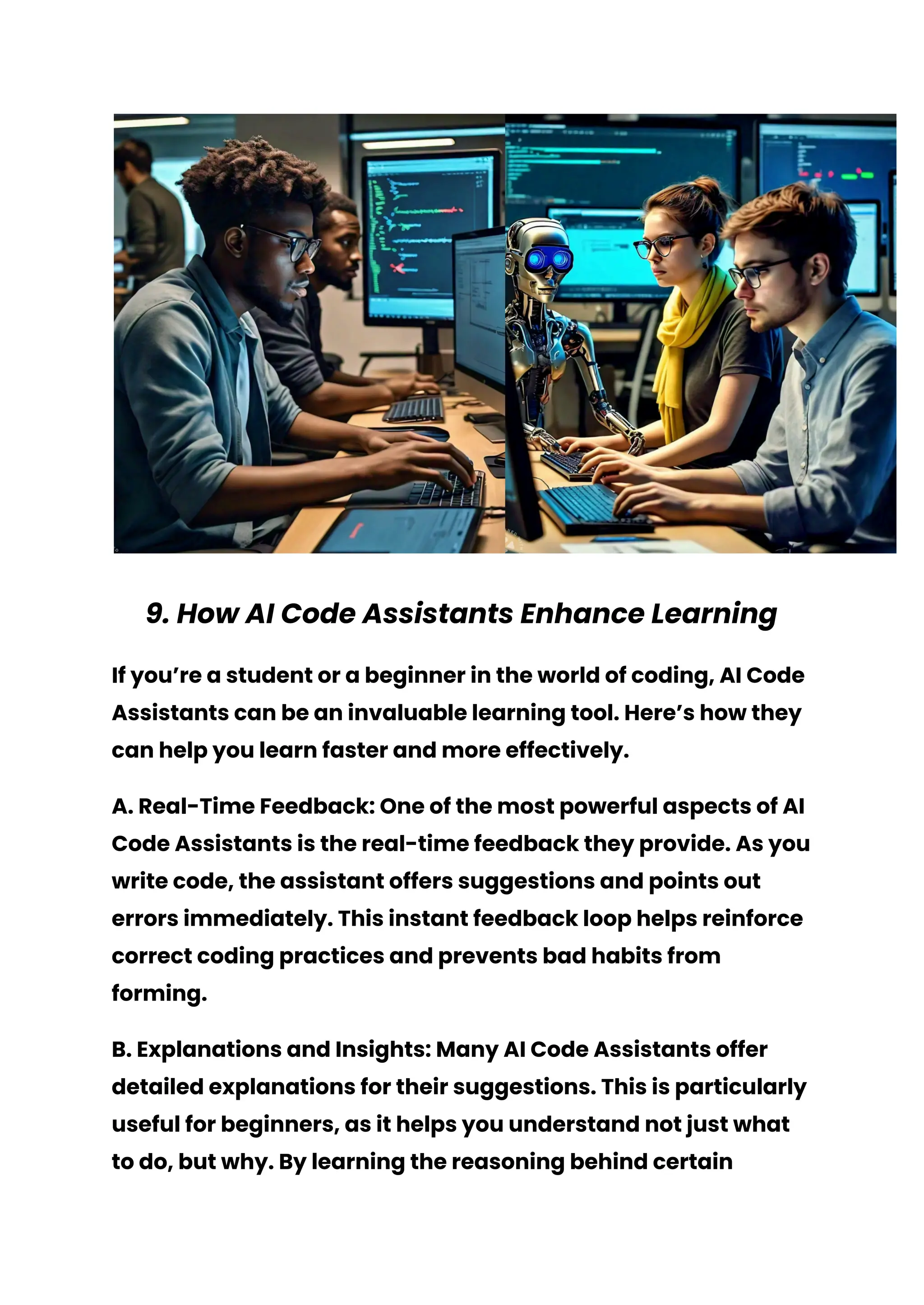
9. How AI Code Assistants Enhance Learning
If you’re a student or a beginner in the world of coding, AI Code
Assistants can be an invaluable learning tool. Here’s how they
can help you learn faster and more effectively.
A. Real-Time Feedback: One of the most powerful aspects of AI
Code Assistants is the real-time feedback they provide. As you
write code, the assistant offers suggestions and points out
errors immediately. This instant feedback loop helps reinforce
correct coding practices and prevents bad habits from
forming.
B. Explanations and Insights: Many AI Code Assistants offer
detailed explanations for their suggestions. This is particularly
useful for beginners, as it helps you understand not just what
to do, but why. By learning the reasoning behind certain
coding practices, you’ll develop a deeper understanding of
programming concepts.
C. Practice with Guidance: AI Code Assistants allow you to
practice coding with the comfort of knowing you have a guide.
This is especially helpful when you’re trying to learn a new
language or framework. The assistant can help you navigate
unfamiliar territory and build confidence in your abilities.
D. Exposure to Best Practices: AI Code Assistants are trained on
vast amounts of code, including best practices from industry
experts. By using an assistant, you’ll naturally be exposed to
these best practices, which can improve the quality of your
code and make you a better developer.
E. Encouragement and Motivation: Learning to code can be
challenging, and it’s easy to get discouraged. An AI Code
Assistant can help keep you motivated by providing positive
reinforcement and making the learning process more
enjoyable. Knowing that you have a tool to help you along the
way can boost your confidence and keep you on track.
10. The Funny Side of AI Code Assistants
Let’s be real—coding can be stressful, and we all need a good
laugh now and then. AI Code Assistants, while incredibly
useful, can also have their quirks. Here are some funny and
unexpected moments you might encounter while using one.
A. The Overzealous Helper: Ever had your AI Code Assistant
suggest a completion for every single word you type? It’s like
having an overenthusiastic friend who just can’t wait to finish
your sentences. While it can be a bit annoying, it’s also a
reminder that your assistant is always eager to help—even if
it’s a little too eager.
B. The Confused Genius: AI Code Assistants are smart, but
sometimes they get things hilariously wrong. You might be
coding a simple function, and suddenly your assistant
suggests an obscure algorithm that has nothing to do with
what you’re working on. It’s like asking for directions to the
grocery store and getting a detailed map to the moon.
C. The Literal Interpreter: AI Code Assistants sometimes take
things a bit too literally. For example, if you name a variable
“banana,” don’t be surprised if your assistant starts
suggesting fruit-related code snippets. It’s a funny reminder
that AI, while advanced, doesn’t always grasp context the way
humans do.
D. The Eternal Optimist: Ever been knee-deep in a coding
problem, pulling your hair out, and your AI Code Assistant
cheerfully suggests, “Hey, why don’t you try this?” It’s like
having a perpetually optimistic friend who believes there’s
always a simple solution—whether it’s realistic or not.
E. The Unexpected Teacher: Sometimes, your AI Code Assistant
will suggest something so out-of-the-box that it actually
teaches you something new. It might be a coding shortcut or a
creative solution you never would have thought of. These
moments remind you that even when AI is being quirky, it’s
still a valuable tool for learning and discovery.
Please Visit My Website : Follow My Blog
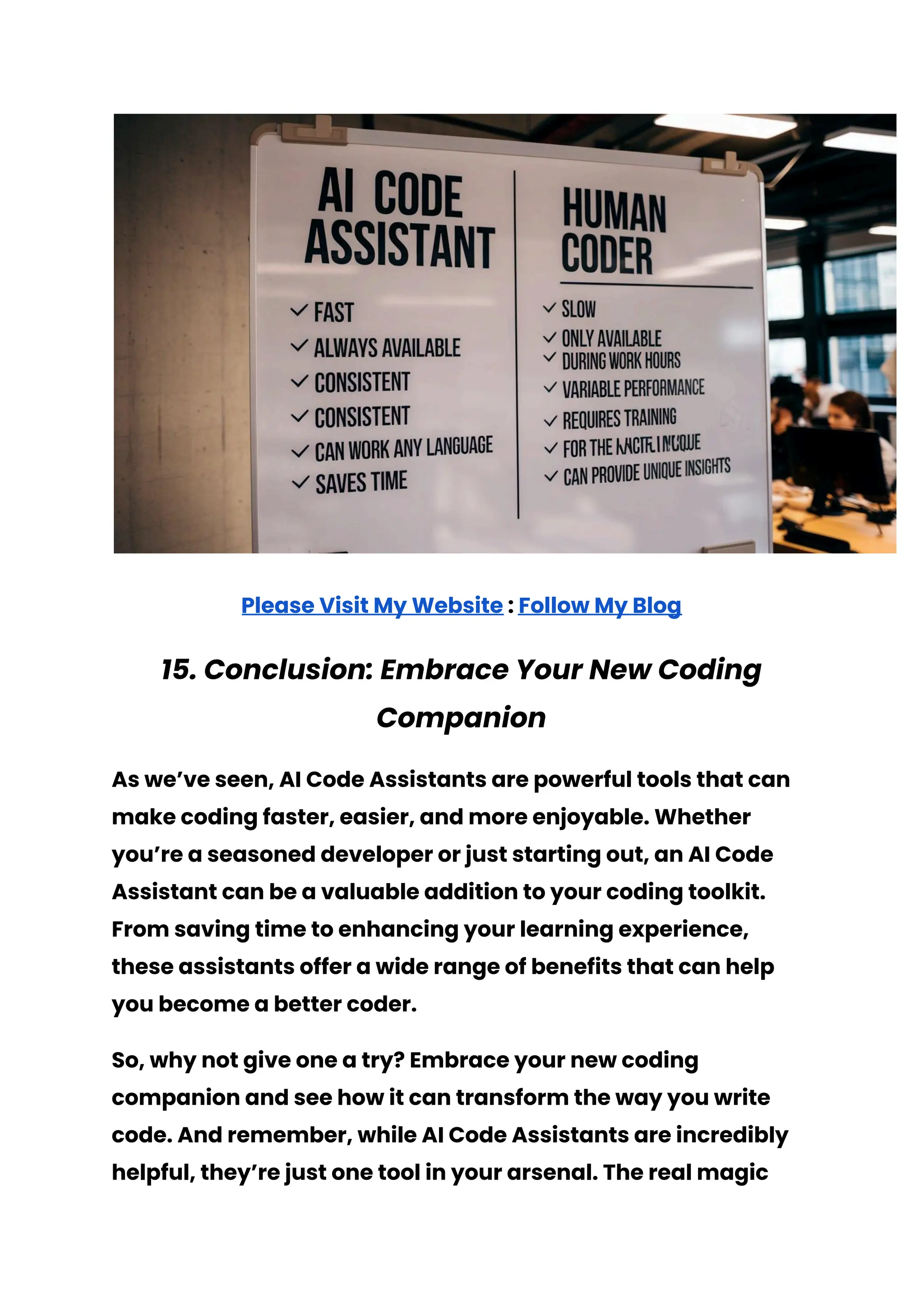
11. AI Code Assistants vs. Human Coders
It’s natural to wonder how AI Code Assistants stack up against
human coders. Let’s break down the pros and cons of each and
see how they compare.
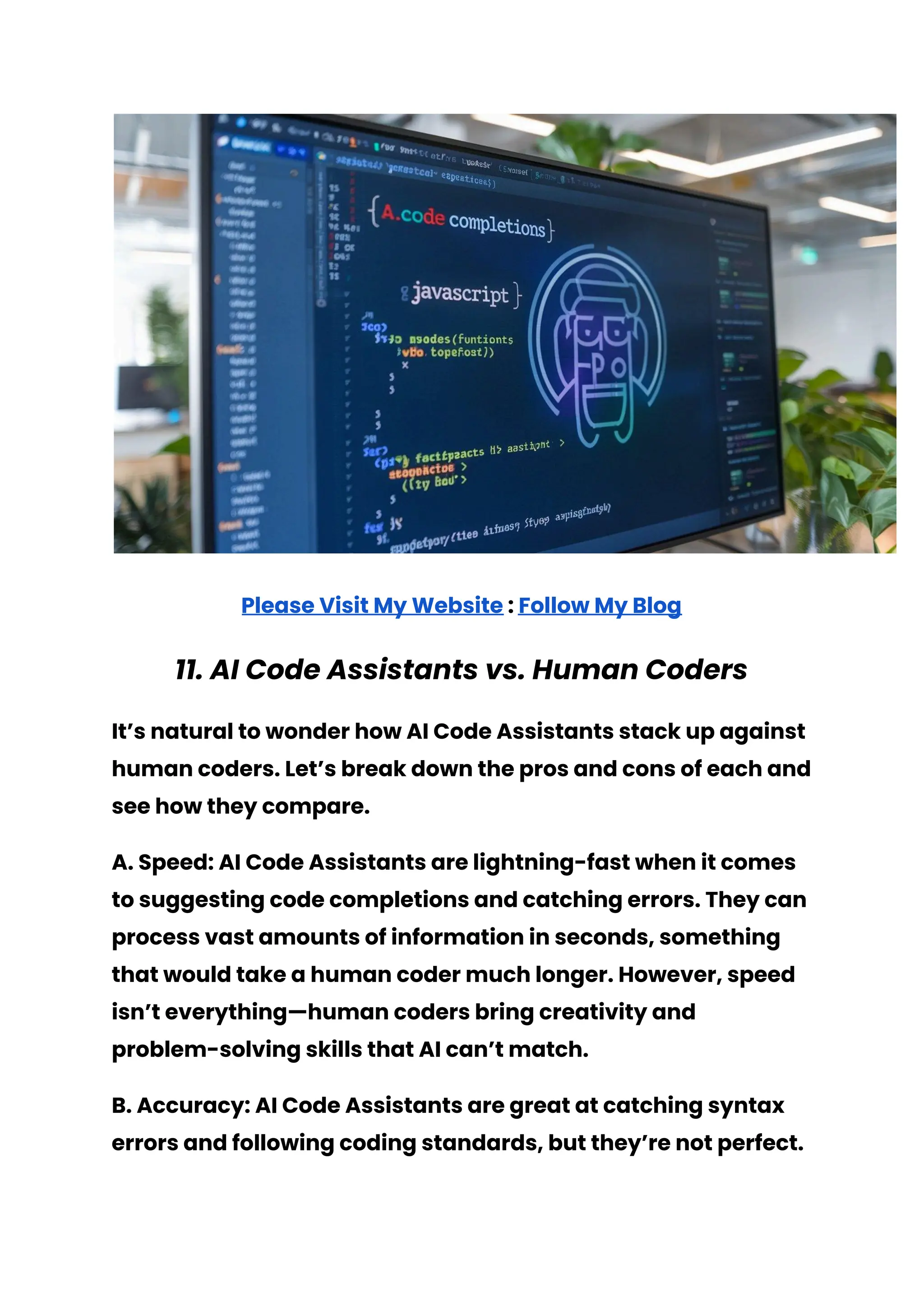
A. Speed: AI Code Assistants are lightning-fast when it comes
to suggesting code completions and catching errors. They can
process vast amounts of information in seconds, something
that would take a human coder much longer. However, speed
isn’t everything—human coders bring creativity and
problem-solving skills that AI can’t match.
B. Accuracy: AI Code Assistants are great at catching syntax
errors and following coding standards, but they’re not perfect.
They can sometimes suggest incorrect or suboptimal
solutions. Human coders, on the other hand, have the ability to
understand the bigger picture and make judgment calls that
AI can’t.
C. Creativity: This is where human coders really shine. AI Code
Assistants are excellent at following patterns and rules, but
they lack the creativity and intuition that humans bring to the
table. Whether it’s coming up with a novel algorithm or
designing a user-friendly interface, human coders have the
edge when it comes to creative problem-solving.
D. Learning and Adaptation: AI Code Assistants are constantly
learning and improving, but their learning is based on data
and patterns. Human coders, however, can learn from
experience, intuition, and even mistakes. This ability to adapt
and grow in ways that AI can’t is a significant advantage for
human coders.
E. Collaboration: Coding is often a team effort, and while AI
Code Assistants can help, they’re not a substitute for human
collaboration. Human coders can brainstorm, discuss ideas,
and provide feedback in ways that AI simply can’t replicate.
In summary, AI Code Assistants are powerful tools that can
enhance a coder’s abilities, but they’re not a replacement for
the creativity, judgment, and collaboration that human coders
bring to the table.
12. Choosing the Right AI Code Assistant
With so many AI Code Assistants on the market, how do you
choose the right one for you? Here are some factors to
consider.
A. Language Support: Make sure the AI Code Assistant you
choose supports the programming languages you work with.
Some assistants specialize in specific languages, while others
offer broad support across multiple languages.
B. Integration: Consider whether the AI Code Assistant
integrates with your existing tools and development
environment. If you’re using a specific IDE or code editor, look
for an assistant that’s compatible with it.
C. Customization: Look for an AI Code Assistant that allows for
customization. This could include adjusting the types of
suggestions you receive, setting your preferred coding style,
or even customizing keyboard shortcuts.
D. Features: Different AI Code Assistants offer different
features. Consider which features are most important to
you—whether it’s code completion, error detection,
refactoring, or documentation generation—and choose an
assistant that excels in those areas.
E. User Experience: Finally, consider the overall user
experience. Is the AI Code Assistant easy to use? Does it
integrate smoothly into your workflow? Is the interface
intuitive? These factors can make a big difference in how
effective the assistant is for you.
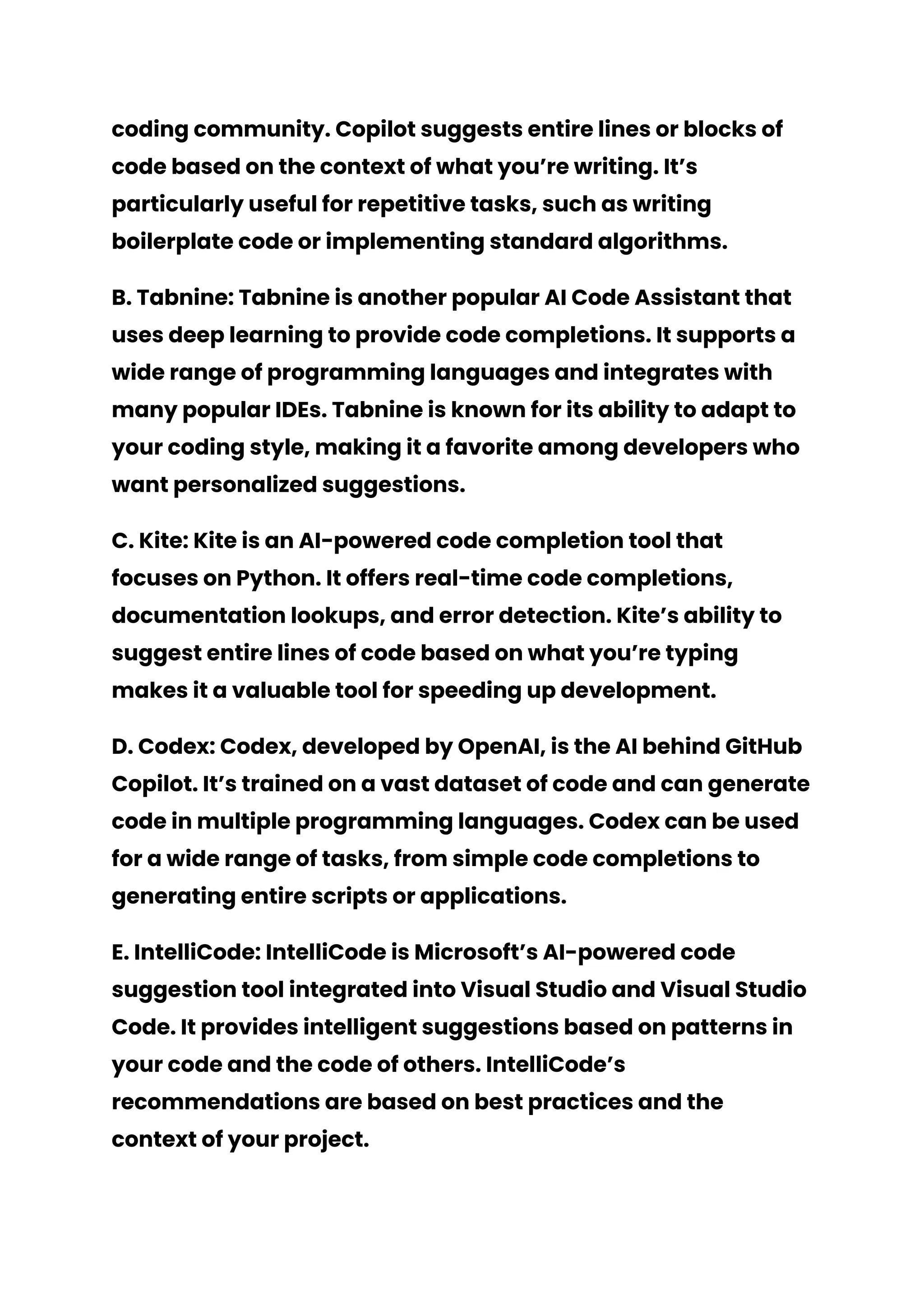
13. AI Code Assistants and the Future of Coding
As AI technology continues to evolve, the role of AI Code
Assistants in the coding world is likely to grow. Here are some
predictions for the future of AI Code Assistants and coding in
general.
A. More Intelligent Assistants: Future AI Code Assistants will
likely be even more intelligent, capable of understanding
complex coding patterns and offering more sophisticated
suggestions. They may also be able to handle more advanced
tasks like automated testing and code optimization.
B. Deeper Integration: We can expect AI Code Assistants to
become more deeply integrated into the entire software
development lifecycle. This could include integration with
project management tools, version control systems, and
continuous integration/continuous deployment (CI/CD)
pipelines.
C. Enhanced Collaboration: As AI Code Assistants become
more advanced, they may be able to facilitate better
collaboration among coding teams. This could include
features like real-time code reviews, automated
documentation updates, and intelligent task assignment
based on team members’ strengths and coding history.
D. Democratization of Coding: AI Code Assistants have the
potential to make coding more accessible to a wider audience.
By lowering the barrier to entry and providing real-time
guidance, these assistants could help more people learn to
code and contribute to software development.
E. Ethical Considerations: As AI becomes more prevalent in
coding, there will be important ethical considerations to
address. This includes ensuring that AI Code Assistants are
used responsibly and that their suggestions are free from bias.
The coding community will need to establish best practices for
using AI in a way that benefits everyone.
14. Real-Life Examples of AI Code Assistants in
Action
To bring everything we’ve discussed to life, let’s take a look at
some real-life examples of AI Code Assistants in action.
A. GitHub Copilot: One of the most well-known AI Code
Assistants, GitHub Copilot, has been making waves in the
coding community. Copilot suggests entire lines or blocks of
code based on the context of what you’re writing. It’s
particularly useful for repetitive tasks, such as writing
boilerplate code or implementing standard algorithms.
B. Tabnine: Tabnine is another popular AI Code Assistant that
uses deep learning to provide code completions. It supports a
wide range of programming languages and integrates with
many popular IDEs. Tabnine is known for its ability to adapt to
your coding style, making it a favorite among developers who
want personalized suggestions.
C. Kite: Kite is an AI-powered code completion tool that
focuses on Python. It offers real-time code completions,
documentation lookups, and error detection. Kite’s ability to
suggest entire lines of code based on what you’re typing
makes it a valuable tool for speeding up development.
D. Codex: Codex, developed by OpenAI, is the AI behind GitHub
Copilot. It’s trained on a vast dataset of code and can generate
code in multiple programming languages. Codex can be used
for a wide range of tasks, from simple code completions to
generating entire scripts or applications.
E. IntelliCode: IntelliCode is Microsoft’s AI-powered code
suggestion tool integrated into Visual Studio and Visual Studio
Code. It provides intelligent suggestions based on patterns in
your code and the code of others. IntelliCode’s
recommendations are based on best practices and the
context of your project.
Please Visit My Website : Follow My Blog
15. Conclusion: Embrace Your New Coding
Companion
As we’ve seen, AI Code Assistants are powerful tools that can
make coding faster, easier, and more enjoyable. Whether
you’re a seasoned developer or just starting out, an AI Code
Assistant can be a valuable addition to your coding toolkit.
From saving time to enhancing your learning experience,
these assistants offer a wide range of benefits that can help
you become a better coder.
So, why not give one a try? Embrace your new coding
companion and see how it can transform the way you write
code. And remember, while AI Code Assistants are incredibly
helpful, they’re just one tool in your arsenal. The real magic
happens when you combine the power of AI with your
creativity, problem-solving skills, and coding expertise.
Happy coding!
10 FAQ:
1. What is an AI Code Assistant?
○ An AI-powered tool that helps you write, debug, and
optimize code.
2. How does an AI Code Assistant work?
○ It uses machine learning and natural language
processing to analyze your code and offer
suggestions.
3. Do AI Code Assistants support multiple languages?
○ Yes, many AI Code Assistants support multiple
programming languages.
4. Are AI Code Assistants only for beginners?
○ No, they’re useful for both beginners and
experienced coders.
5. Can AI Code Assistants replace human coders?
○ No, they’re tools that assist, but don’t replace
human creativity and problem-solving.
6. How do AI Code Assistants enhance learning?
○ They provide real-time feedback, explanations, and
exposure to best practices.
7. What are some popular AI Code Assistants?
○ GitHub Copilot, Tabnine, Kite, Codex, and IntelliCode.
8. Do AI Code Assistants always get things right?
○ Not always. It’s important to use your judgment
when accepting suggestions.
9. Can AI Code Assistants make coding more accessible?
○ Yes, by lowering the barrier to entry and providing
real-time guidance.
10. What is the future of AI Code Assistants?
○ Expect more intelligent assistants with deeper
integration and enhanced collaboration features.

AI Code Assistants- Your Ultimate Coding Sidekick.pdf

  • 1.
    AI Code Assistants:Your Ultimate Coding Sidekick Please Visit My Website : Follow My Blog Keywords: AI Code Assistant, coding, programming, machine learning, software development, GitHub Copilot, Tabnine, Kite, Codex, IntelliCode, code completion, error detection, code refactoring, documentation generation, programming languages, real-time feedback, learning to code, coding tools, software development tools, AI-powered tools, coding tips, coding best practices, coding for beginners, coding mentor, coding efficiency, code optimization, AI in coding
  • 2.
    Table of Contents 1.Introduction: Why AI Code Assistants Matter 2. What Is an AI Code Assistant? 3. How AI Code Assistants Work 4. The Evolution of Coding: From Manual to AI-Powered 5. Why You Need an AI Code Assistant in Your Life 6. Key Features of AI Code Assistants 7. Practical Tips for Using AI Code Assistants 8. Common Misconceptions About AI Code Assistants 9. How AI Code Assistants Enhance Learning 10. The Funny Side of AI Code Assistants 11. AI Code Assistants vs. Human Coders 12.Choosing the Right AI Code Assistant 13.AI Code Assistants and the Future of Coding 14. Real-Life Examples of AI Code Assistants in Action 15. Conclusion: Embrace Your New Coding Companion
  • 3.
    1. Introduction: WhyAI Code Assistants Matter Imagine sitting in front of your computer, ready to tackle a new coding project. You’ve got your favorite snack by your side, your playlist is set, and you’re ready to dive in. But as soon as you start typing, you hit a wall. What was that syntax again? How do you optimize this loop? And why on Earth is this error message so cryptic? This is where an AI Code Assistant swoops in to save the day. In the fast-paced world of software development, efficiency is everything. With deadlines looming and complex problems to solve, every coder could use a little help. Enter the AI Code Assistant—a digital sidekick designed to make your coding life easier, faster, and more enjoyable. Whether you’re a seasoned developer or just starting out, an AI Code Assistant can be your best friend in the world of programming.
  • 4.
    But what exactlyis an AI Code Assistant, and why should you care? In this article, we’ll explore the ins and outs of AI Code Assistants, how they work, and why they’re becoming an essential tool for coders everywhere. We’ll break down the benefits, tackle common misconceptions, and even share some practical tips on how to make the most of your AI Code Assistant. By the end of this article, you’ll see why AI Code Assistants are not just a trend, but a game-changer in the coding world. So, grab that snack, turn up the volume on your playlist, and let’s dive into the world of AI Code Assistants! 2. What Is an AI Code Assistant? Before we get into the nitty-gritty, let’s start with the basics. What exactly is an AI Code Assistant? In simple terms, an AI Code Assistant is a software tool that uses artificial intelligence (AI) to help you write, debug, and optimize your code. Think of it as having a coding mentor who’s available 24/7, always ready to offer suggestions, catch errors, and even teach you new tricks. These assistants are typically integrated into your development environment, such as Visual Studio Code, PyCharm, or even online code editors. As you type, the AI Code Assistant analyzes your code in real time and offers helpful suggestions. This could be anything from auto-completing a line of code, suggesting the best way to structure a function, or
  • 5.
    even pointing outpotential errors before you hit that frustrating compile button. But AI Code Assistants are more than just fancy auto-complete tools. They’re equipped with machine learning algorithms that allow them to learn from vast amounts of code data. This means they can offer insights based on industry best practices, recognize patterns in your code, and even adapt to your coding style over time. In essence, an AI Code Assistant is like having a super-smart buddy who’s seen a million lines of code and knows exactly how to help you write better, faster, and more efficient code. And the best part? They never get tired, never need a coffee break, and are always up for a coding session, no matter the hour.
  • 6.
    Please Visit MyWebsite : Follow My Blog 3. How AI Code Assistants Work So, how do these AI-powered wizards actually work? It all boils down to some pretty cool technology under the hood. AI Code Assistants rely on a combination of natural language processing (NLP) and machine learning (ML). NLP allows them to understand the syntax and semantics of programming languages, while ML enables them to learn from a vast repository of existing code. This combination allows AI Code Assistants to offer context-aware suggestions that are both relevant and accurate. Here’s a step-by-step breakdown of how an AI Code Assistant typically works: 1. Analyzing Your Code: As you type, the AI Code Assistant continuously analyzes your code. It looks at the syntax, the structure, and the context of what you’re writing. This real-time analysis allows it to understand what you’re trying to achieve. 2. Generating Suggestions: Based on its analysis, the assistant generates suggestions. These could be code completions, alternative methods, or even error corrections. The suggestions are usually presented as a dropdown menu or inline text, making it easy for you to accept or reject them.
  • 7.
    3. Learning fromFeedback: AI Code Assistants are smart, but they’re also eager learners. As you interact with the suggestions—accepting some, ignoring others—the assistant learns from your choices. Over time, it becomes more attuned to your coding style and preferences. 4. Adapting to Your Workflow: The more you use your AI Code Assistant, the better it gets at understanding your workflow. It starts to anticipate your needs, offering more relevant suggestions and catching potential errors earlier in the process. 5. Providing Explanations: Many AI Code Assistants come with a feature that explains the suggestions they make. This is particularly useful for beginners who are still learning the ropes. The explanations can help you understand why a particular piece of code works better or how to avoid common pitfalls. In short, an AI Code Assistant is like having a coding partner who’s always on the lookout for ways to make your code cleaner, more efficient, and error-free. And while they’re not perfect, they’re getting better every day, thanks to the continuous learning process powered by machine learning. 4. The Evolution of Coding: From Manual to AI-Powered Coding has come a long way since the days of punch cards and assembly language. Let’s take a quick trip down memory
  • 8.
    lane to seehow coding has evolved and how AI Code Assistants fit into this journey. A. The Early Days: In the early days of computing, coding was a painstakingly manual process. Programmers had to write code in low-level languages like assembly, which involved a lot of tedious work. Debugging was a nightmare, and there were no tools to help catch errors or optimize code. B. The Rise of High-Level Languages: With the advent of high-level programming languages like C, Python, and Java, coding became more accessible and efficient. These languages abstracted away much of the complexity, allowing developers to focus more on problem-solving and less on syntax. C. The Era of IDEs: Integrated Development Environments (IDEs) like Visual Studio, Eclipse, and IntelliJ revolutionized coding by providing a suite of tools in one place. Auto-complete, syntax highlighting, and built-in debuggers became standard, making coding faster and more efficient. D. Enter AI Code Assistants: The latest evolution in coding tools is the AI Code Assistant. These assistants take the concept of an IDE to the next level by integrating AI-powered suggestions and error detection. They don’t just help you code—they actively guide you toward writing better, more efficient code. E. The Future of Coding: As AI technology continues to advance, the role of AI Code Assistants is expected to grow. We might see even more intelligent assistants that can handle
  • 9.
    complex tasks likecode refactoring, testing, and even project management. The future of coding looks bright, with AI Code Assistants leading the way. 5. Why You Need an AI Code Assistant in Your Life You might be wondering, “Do I really need an AI Code Assistant?” The short answer is yes, and here’s why. A. Time-Saving: One of the biggest advantages of using an AI Code Assistant is the time you save. By providing real-time suggestions and error detection, these assistants help you write code faster and avoid common mistakes. This means
  • 10.
    you can focuson more important aspects of your project, like design and functionality. B. Learning Opportunities: Whether you’re a beginner or an experienced coder, there’s always something new to learn. AI Code Assistants offer valuable learning opportunities by explaining their suggestions and providing insights into best practices. This can help you become a better coder over time. C. Error Prevention: Nothing is more frustrating than spending hours debugging a piece of code, only to find out that the issue was something simple. AI Code Assistants can help prevent these headaches by catching errors early, before they become bigger problems. D. Enhanced Creativity: With routine tasks handled by your AI Code Assistant, you’ll have more mental bandwidth to focus on creative aspects of your project. This could lead to new ideas, better designs, and more innovative solutions. E. Stress Reduction: Coding can be stressful, especially when you’re up against tight deadlines. An AI Code Assistant can alleviate some of that stress by providing a safety net. Knowing that you have a tool to help catch mistakes and optimize your code can give you peace of mind and make coding a more enjoyable experience. In short, an AI Code Assistant is like having a coding coach who’s always there to help you out, whether you’re stuck on a tricky problem or just need a second opinion.
  • 11.
    6. Key Featuresof AI Code Assistants Not all AI Code Assistants are created equal. Here are some key features to look for when choosing an assistant that’s right for you. A. Code Completion: This is one of the most basic features of an AI Code Assistant. As you type, the assistant suggests possible completions for your code, saving you time and reducing the chances of errors. B. Error Detection: A good AI Code Assistant can detect syntax and logical errors in your code as you write. This feature can save you hours of debugging time by catching issues early. C. Code Refactoring: Refactoring is the process of restructuring existing code to make it more efficient and maintainable. Some AI Code Assistants offer automated refactoring suggestions, helping you improve your code without changing its functionality. D. Documentation Generation: Writing documentation can be tedious, but it’s essential for maintaining code. Some AI Code Assistants can automatically generate documentation based on your code, saving you time and ensuring that your code is well-documented. E. Code Snippets: Many AI Code Assistants come with a library of code snippets that you can easily insert into your project. These snippets can help you implement common features or functions without having to write the code from scratch.
  • 12.
    F. Multi-Language Support:If you work with multiple programming languages, look for an AI Code Assistant that supports all of them. This will make your workflow more seamless and efficient. G. Integration with Other Tools: Finally, consider whether the AI Code Assistant integrates with other tools you use, such as version control systems, project management tools, and testing frameworks. Integration can streamline your workflow and make it easier to manage your projects. Please Visit My Website : Follow My Blog 7. Practical Tips for Using AI Code Assistants
  • 13.
    Now that youknow what to look for in an AI Code Assistant, let’s talk about how to make the most of it. Here are some practical tips for using AI Code Assistants effectively. A. Start Small: If you’re new to AI Code Assistants, start by using them for simple tasks like code completion and error detection. As you become more comfortable, you can start exploring more advanced features like refactoring and documentation generation. B. Customize Your Assistant: Many AI Code Assistants allow you to customize their behavior. Take some time to explore the settings and adjust them to match your coding style and preferences. This will make the assistant more effective and reduce the chances of unwanted suggestions. C. Use the Explanations: Don’t just blindly accept the suggestions your AI Code Assistant makes. Take the time to read the explanations and understand why the suggestion is being made. This will help you learn and improve your coding skills over time. D. Combine with Other Tools: AI Code Assistants are powerful, but they’re not a replacement for other tools in your coding toolbox. Continue using version control, testing frameworks, and other development tools to ensure your code is of the highest quality. E. Stay Updated: AI Code Assistants are constantly being improved and updated. Make sure you’re using the latest version to take advantage of new features and improvements.
  • 14.
    F. Don’t RelyToo Much: While AI Code Assistants are incredibly helpful, it’s important not to become too reliant on them. Make sure you’re still thinking critically about your code and using the assistant as a guide rather than a crutch. G. Experiment: Don’t be afraid to experiment with different AI Code Assistants and features. Each assistant has its strengths and weaknesses, and you might find that one works better for your specific needs. 8. Common Misconceptions About AI Code Assistants AI Code Assistants are amazing tools, but there are some common misconceptions that need to be addressed. A. They’re Just for Beginners: One of the biggest misconceptions is that AI Code Assistants are only useful for beginners. While they’re certainly helpful for those new to coding, experienced developers can also benefit from the time-saving features and advanced capabilities of AI Code Assistants. B. They’ll Replace Human Coders: Another common fear is that AI Code Assistants will eventually replace human coders. In reality, AI Code Assistants are designed to augment human capabilities, not replace them. They handle repetitive tasks, provide suggestions, and catch errors, but the creativity, problem-solving, and critical thinking involved in coding are still very much human endeavors.
  • 15.
    C. They’re AlwaysRight: Just because an AI Code Assistant suggests something doesn’t mean it’s the best or only solution. AI Code Assistants are powerful, but they’re not infallible. It’s important to use your judgment and experience to evaluate the suggestions they make. D. They Make Coding Too Easy: Some people worry that using an AI Code Assistant will make coding too easy, leading to a loss of skill. However, AI Code Assistants are tools that enhance your abilities, not replace them. They help you write better code faster, but you’re still the one making the decisions and doing the thinking. E. They’re Only for Big Projects: While AI Code Assistants are incredibly useful for large projects, they’re also beneficial for small tasks. Whether you’re working on a tiny script or a massive application, an AI Code Assistant can help you write cleaner, more efficient code.
  • 16.
    9. How AICode Assistants Enhance Learning If you’re a student or a beginner in the world of coding, AI Code Assistants can be an invaluable learning tool. Here’s how they can help you learn faster and more effectively. A. Real-Time Feedback: One of the most powerful aspects of AI Code Assistants is the real-time feedback they provide. As you write code, the assistant offers suggestions and points out errors immediately. This instant feedback loop helps reinforce correct coding practices and prevents bad habits from forming. B. Explanations and Insights: Many AI Code Assistants offer detailed explanations for their suggestions. This is particularly useful for beginners, as it helps you understand not just what to do, but why. By learning the reasoning behind certain
  • 17.
    coding practices, you’lldevelop a deeper understanding of programming concepts. C. Practice with Guidance: AI Code Assistants allow you to practice coding with the comfort of knowing you have a guide. This is especially helpful when you’re trying to learn a new language or framework. The assistant can help you navigate unfamiliar territory and build confidence in your abilities. D. Exposure to Best Practices: AI Code Assistants are trained on vast amounts of code, including best practices from industry experts. By using an assistant, you’ll naturally be exposed to these best practices, which can improve the quality of your code and make you a better developer. E. Encouragement and Motivation: Learning to code can be challenging, and it’s easy to get discouraged. An AI Code Assistant can help keep you motivated by providing positive reinforcement and making the learning process more enjoyable. Knowing that you have a tool to help you along the way can boost your confidence and keep you on track. 10. The Funny Side of AI Code Assistants Let’s be real—coding can be stressful, and we all need a good laugh now and then. AI Code Assistants, while incredibly useful, can also have their quirks. Here are some funny and unexpected moments you might encounter while using one. A. The Overzealous Helper: Ever had your AI Code Assistant suggest a completion for every single word you type? It’s like
  • 18.
    having an overenthusiasticfriend who just can’t wait to finish your sentences. While it can be a bit annoying, it’s also a reminder that your assistant is always eager to help—even if it’s a little too eager. B. The Confused Genius: AI Code Assistants are smart, but sometimes they get things hilariously wrong. You might be coding a simple function, and suddenly your assistant suggests an obscure algorithm that has nothing to do with what you’re working on. It’s like asking for directions to the grocery store and getting a detailed map to the moon. C. The Literal Interpreter: AI Code Assistants sometimes take things a bit too literally. For example, if you name a variable “banana,” don’t be surprised if your assistant starts suggesting fruit-related code snippets. It’s a funny reminder that AI, while advanced, doesn’t always grasp context the way humans do. D. The Eternal Optimist: Ever been knee-deep in a coding problem, pulling your hair out, and your AI Code Assistant cheerfully suggests, “Hey, why don’t you try this?” It’s like having a perpetually optimistic friend who believes there’s always a simple solution—whether it’s realistic or not. E. The Unexpected Teacher: Sometimes, your AI Code Assistant will suggest something so out-of-the-box that it actually teaches you something new. It might be a coding shortcut or a creative solution you never would have thought of. These moments remind you that even when AI is being quirky, it’s still a valuable tool for learning and discovery.
  • 19.
    Please Visit MyWebsite : Follow My Blog 11. AI Code Assistants vs. Human Coders It’s natural to wonder how AI Code Assistants stack up against human coders. Let’s break down the pros and cons of each and see how they compare. A. Speed: AI Code Assistants are lightning-fast when it comes to suggesting code completions and catching errors. They can process vast amounts of information in seconds, something that would take a human coder much longer. However, speed isn’t everything—human coders bring creativity and problem-solving skills that AI can’t match. B. Accuracy: AI Code Assistants are great at catching syntax errors and following coding standards, but they’re not perfect.
  • 20.
    They can sometimessuggest incorrect or suboptimal solutions. Human coders, on the other hand, have the ability to understand the bigger picture and make judgment calls that AI can’t. C. Creativity: This is where human coders really shine. AI Code Assistants are excellent at following patterns and rules, but they lack the creativity and intuition that humans bring to the table. Whether it’s coming up with a novel algorithm or designing a user-friendly interface, human coders have the edge when it comes to creative problem-solving. D. Learning and Adaptation: AI Code Assistants are constantly learning and improving, but their learning is based on data and patterns. Human coders, however, can learn from experience, intuition, and even mistakes. This ability to adapt and grow in ways that AI can’t is a significant advantage for human coders. E. Collaboration: Coding is often a team effort, and while AI Code Assistants can help, they’re not a substitute for human collaboration. Human coders can brainstorm, discuss ideas, and provide feedback in ways that AI simply can’t replicate. In summary, AI Code Assistants are powerful tools that can enhance a coder’s abilities, but they’re not a replacement for the creativity, judgment, and collaboration that human coders bring to the table. 12. Choosing the Right AI Code Assistant
  • 21.
    With so manyAI Code Assistants on the market, how do you choose the right one for you? Here are some factors to consider. A. Language Support: Make sure the AI Code Assistant you choose supports the programming languages you work with. Some assistants specialize in specific languages, while others offer broad support across multiple languages. B. Integration: Consider whether the AI Code Assistant integrates with your existing tools and development environment. If you’re using a specific IDE or code editor, look for an assistant that’s compatible with it. C. Customization: Look for an AI Code Assistant that allows for customization. This could include adjusting the types of suggestions you receive, setting your preferred coding style, or even customizing keyboard shortcuts. D. Features: Different AI Code Assistants offer different features. Consider which features are most important to you—whether it’s code completion, error detection, refactoring, or documentation generation—and choose an assistant that excels in those areas. E. User Experience: Finally, consider the overall user experience. Is the AI Code Assistant easy to use? Does it integrate smoothly into your workflow? Is the interface intuitive? These factors can make a big difference in how effective the assistant is for you.
  • 22.
    13. AI CodeAssistants and the Future of Coding As AI technology continues to evolve, the role of AI Code Assistants in the coding world is likely to grow. Here are some predictions for the future of AI Code Assistants and coding in general. A. More Intelligent Assistants: Future AI Code Assistants will likely be even more intelligent, capable of understanding complex coding patterns and offering more sophisticated suggestions. They may also be able to handle more advanced tasks like automated testing and code optimization. B. Deeper Integration: We can expect AI Code Assistants to become more deeply integrated into the entire software development lifecycle. This could include integration with project management tools, version control systems, and
  • 23.
    continuous integration/continuous deployment(CI/CD) pipelines. C. Enhanced Collaboration: As AI Code Assistants become more advanced, they may be able to facilitate better collaboration among coding teams. This could include features like real-time code reviews, automated documentation updates, and intelligent task assignment based on team members’ strengths and coding history. D. Democratization of Coding: AI Code Assistants have the potential to make coding more accessible to a wider audience. By lowering the barrier to entry and providing real-time guidance, these assistants could help more people learn to code and contribute to software development. E. Ethical Considerations: As AI becomes more prevalent in coding, there will be important ethical considerations to address. This includes ensuring that AI Code Assistants are used responsibly and that their suggestions are free from bias. The coding community will need to establish best practices for using AI in a way that benefits everyone. 14. Real-Life Examples of AI Code Assistants in Action To bring everything we’ve discussed to life, let’s take a look at some real-life examples of AI Code Assistants in action. A. GitHub Copilot: One of the most well-known AI Code Assistants, GitHub Copilot, has been making waves in the
  • 24.
    coding community. Copilotsuggests entire lines or blocks of code based on the context of what you’re writing. It’s particularly useful for repetitive tasks, such as writing boilerplate code or implementing standard algorithms. B. Tabnine: Tabnine is another popular AI Code Assistant that uses deep learning to provide code completions. It supports a wide range of programming languages and integrates with many popular IDEs. Tabnine is known for its ability to adapt to your coding style, making it a favorite among developers who want personalized suggestions. C. Kite: Kite is an AI-powered code completion tool that focuses on Python. It offers real-time code completions, documentation lookups, and error detection. Kite’s ability to suggest entire lines of code based on what you’re typing makes it a valuable tool for speeding up development. D. Codex: Codex, developed by OpenAI, is the AI behind GitHub Copilot. It’s trained on a vast dataset of code and can generate code in multiple programming languages. Codex can be used for a wide range of tasks, from simple code completions to generating entire scripts or applications. E. IntelliCode: IntelliCode is Microsoft’s AI-powered code suggestion tool integrated into Visual Studio and Visual Studio Code. It provides intelligent suggestions based on patterns in your code and the code of others. IntelliCode’s recommendations are based on best practices and the context of your project.
  • 25.
    Please Visit MyWebsite : Follow My Blog 15. Conclusion: Embrace Your New Coding Companion As we’ve seen, AI Code Assistants are powerful tools that can make coding faster, easier, and more enjoyable. Whether you’re a seasoned developer or just starting out, an AI Code Assistant can be a valuable addition to your coding toolkit. From saving time to enhancing your learning experience, these assistants offer a wide range of benefits that can help you become a better coder. So, why not give one a try? Embrace your new coding companion and see how it can transform the way you write code. And remember, while AI Code Assistants are incredibly helpful, they’re just one tool in your arsenal. The real magic
  • 26.
    happens when youcombine the power of AI with your creativity, problem-solving skills, and coding expertise. Happy coding! 10 FAQ: 1. What is an AI Code Assistant? ○ An AI-powered tool that helps you write, debug, and optimize code. 2. How does an AI Code Assistant work? ○ It uses machine learning and natural language processing to analyze your code and offer suggestions. 3. Do AI Code Assistants support multiple languages? ○ Yes, many AI Code Assistants support multiple programming languages. 4. Are AI Code Assistants only for beginners? ○ No, they’re useful for both beginners and experienced coders. 5. Can AI Code Assistants replace human coders? ○ No, they’re tools that assist, but don’t replace human creativity and problem-solving. 6. How do AI Code Assistants enhance learning? ○ They provide real-time feedback, explanations, and exposure to best practices. 7. What are some popular AI Code Assistants? ○ GitHub Copilot, Tabnine, Kite, Codex, and IntelliCode.
  • 27.
    8. Do AICode Assistants always get things right? ○ Not always. It’s important to use your judgment when accepting suggestions. 9. Can AI Code Assistants make coding more accessible? ○ Yes, by lowering the barrier to entry and providing real-time guidance. 10. What is the future of AI Code Assistants? ○ Expect more intelligent assistants with deeper integration and enhanced collaboration features.