Advanced (WordPress)
Development Techniques
  Tips & tricks to make your life easier
Beau Lebens
      @beaulebens

 beau@automattic.com

http://dentedreality.com.au
1. Development Stack
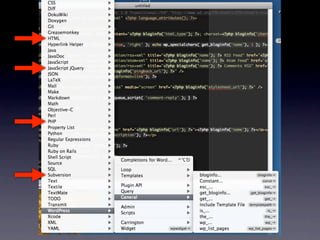
Go get a decent text editor
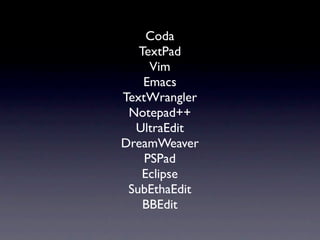
Coda
   TextPad
     Vim
    Emacs
TextWrangler
 Notepad++
  UltraEdit
DreamWeaver
    PSPad
    Eclipse
 SubEthaEdit
    BBEdit
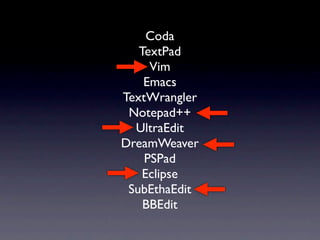
Coda
   TextPad
     Vim
    Emacs
TextWrangler
 Notepad++
  UltraEdit
DreamWeaver
    PSPad
    Eclipse
 SubEthaEdit
    BBEdit
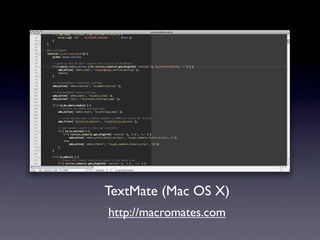
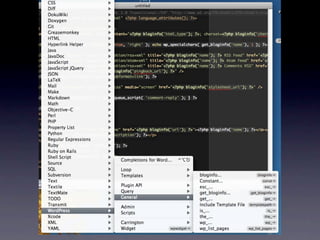
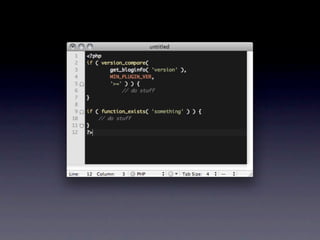
TextMate (Mac OS X)
http://macromates.com
(local)host(ing)
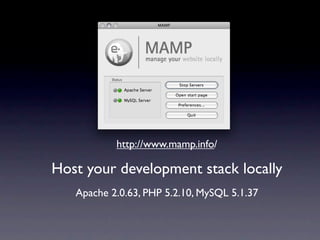
http://www.mamp.info/

Host your development stack locally
   Apache 2.0.63, PHP 5.2.10, MySQL 5.1.37
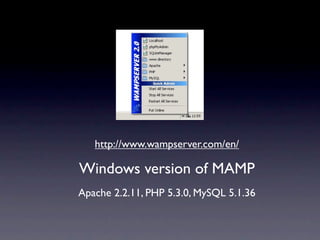
http://www.wampserver.com/en/

Windows version of MAMP
Apache 2.2.11, PHP 5.3.0, MySQL 5.1.36
DBA
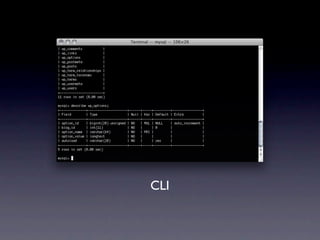
CLI
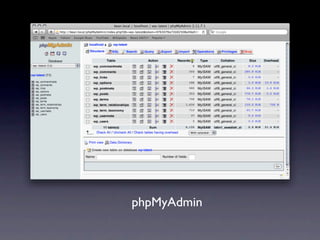
phpMyAdmin
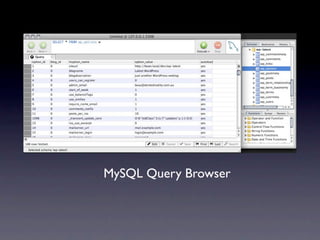
MySQL Query Browser
Control the intarwebs
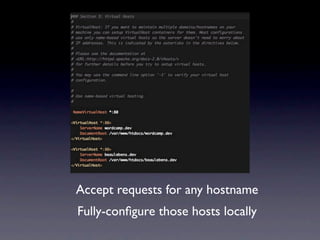
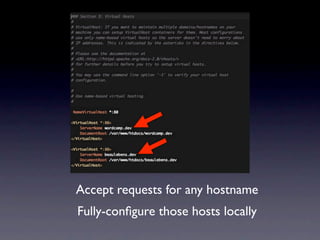
Accept requests for any hostname
Fully-configure those hosts locally
Accept requests for any hostname
Fully-configure those hosts locally
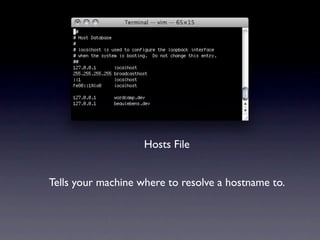
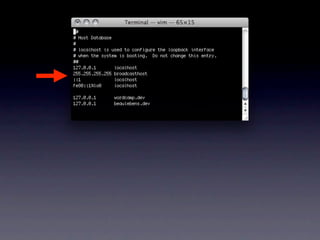
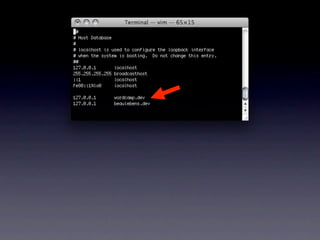
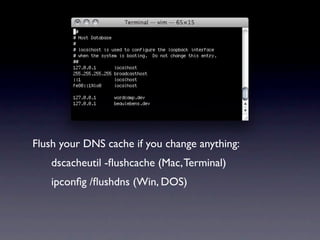
Hosts File


Tells your machine where to resolve a hostname to.
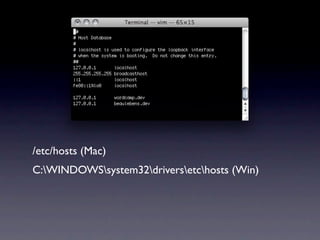
/etc/hosts (Mac)
C:WINDOWSsystem32driversetchosts (Win)
Flush your DNS cache if you change anything:
   dscacheutil -flushcache (Mac, Terminal)
   ipconfig /flushdns (Win, DOS)
SVN, FTW
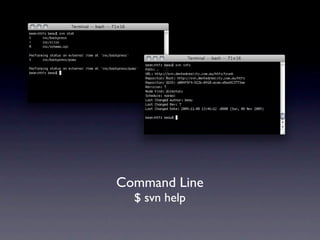
Command Line
  $ svn help
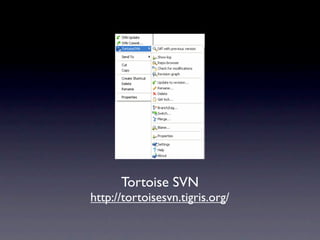
Tortoise SVN
http://tortoisesvn.tigris.org/
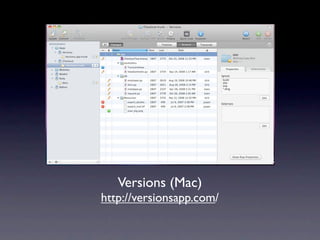
Versions (Mac)
http://versionsapp.com/
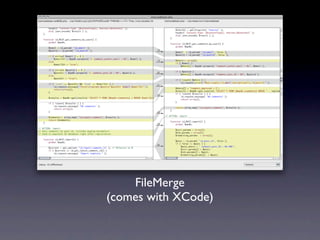
FileMerge
(comes with XCode)
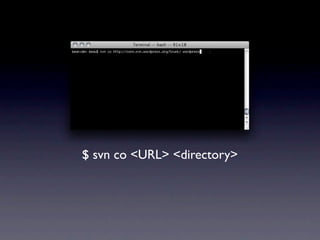
$ svn co <URL> <directory>
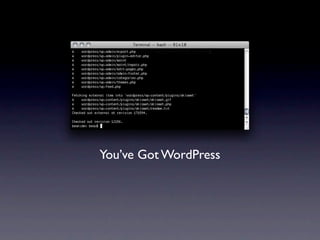
You’ve Got WordPress
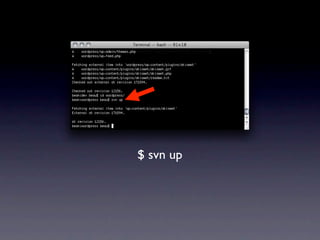
$ svn up
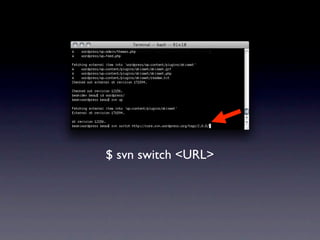
$ svn switch <URL>
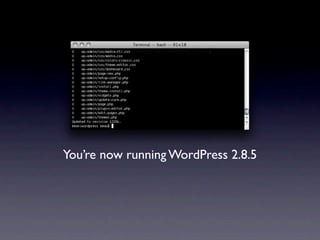
You’re now running WordPress 2.8.5
2. Tools && Tricks
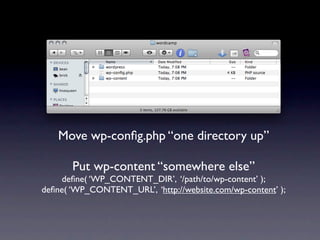
Move wp-config.php “one directory up”

       Put wp-content “somewhere else”
    define( ‘WP_CONTENT_DIR’, ‘/path/to/wp-content’ );
define( ‘WP_CONTENT_URL’, ‘http://website.com/wp-content’ );
Find Stuff
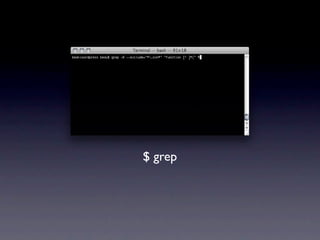
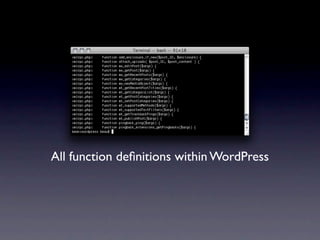
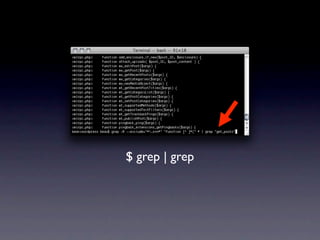
$ grep
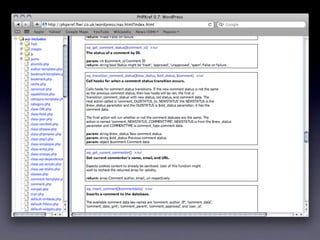
All function definitions within WordPress
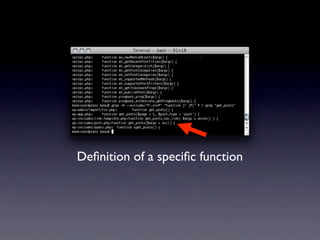
$ grep | grep
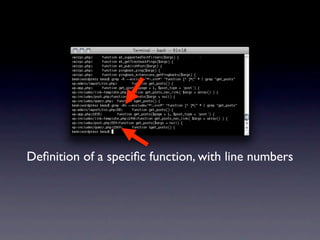
Definition of a specific function
Definition of a specific function, with line numbers
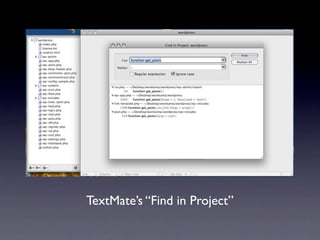
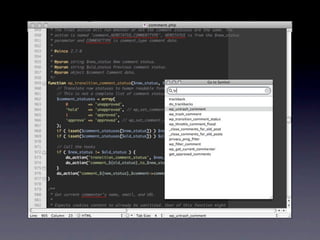
TextMate’s “Find in Project”
Secure Development
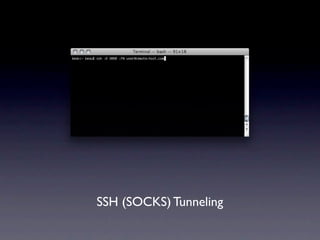
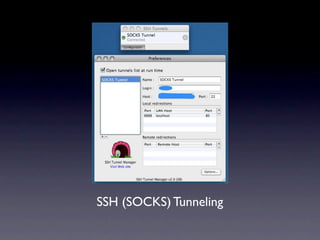
SSH (SOCKS) Tunneling
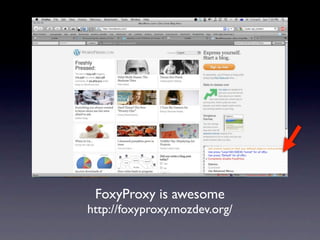
FoxyProxy is awesome
http://foxyproxy.mozdev.org/
FTP, FTL
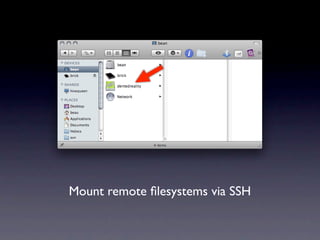
Mount remote filesystems via SSH
MacFUSE (for Mac, duh!)
http://code.google.com/p/macfuse/
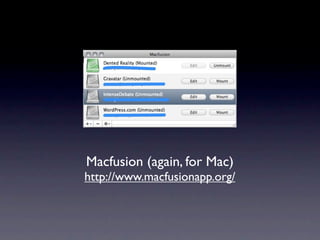
Macfusion (again, for Mac)
http://www.macfusionapp.org/
ExpanDrive (hey! for Win)
http://www.expandrive.com/windows/
WebDAV?
Kick it, old-skool
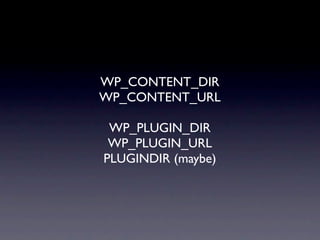
WP_CONTENT_DIR
WP_CONTENT_URL

 WP_PLUGIN_DIR
 WP_PLUGIN_URL
PLUGINDIR (maybe)
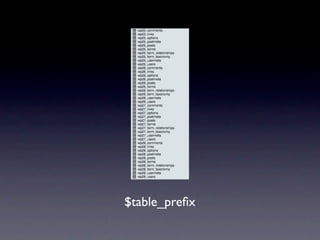
$table_prefix
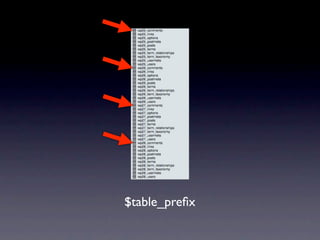
$table_prefix
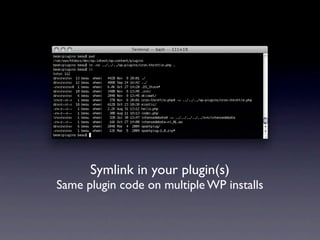
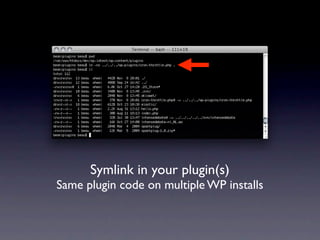
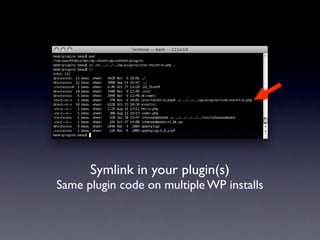
Symlink in your plugin(s)
Same plugin code on multiple WP installs
Symlink in your plugin(s)
Same plugin code on multiple WP installs
Symlink in your plugin(s)
Same plugin code on multiple WP installs
3. Testing?
wfm
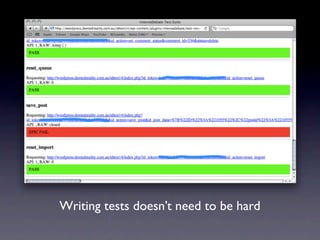
Writing tests doesn’t need to be hard
APIs
“Libraries”
  CRUD
PHPUnit
SimpleTest
   RYO
http://svn.automattic.com/wordpress-tests/
Frontend?
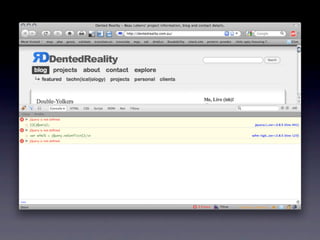
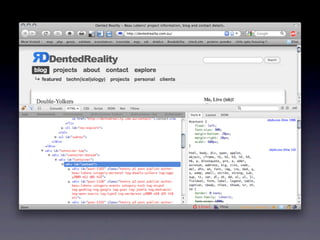
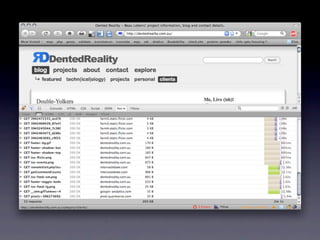
Firebug will change your life
Browser Testing
(a.k.a.The Tenth Circle of Hell)
Level the playing field
Abstract away (most)
browser differences


      jQuery
     CSS Reset
Develop in Firefox
(or something else standards-compliant)
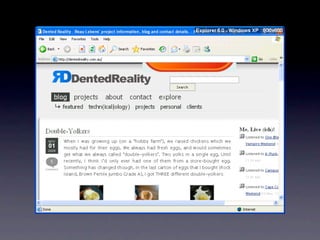
Tweak Internet Explorer
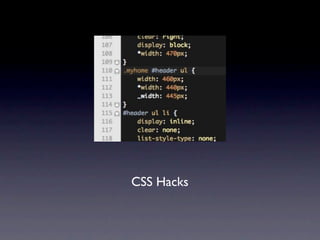
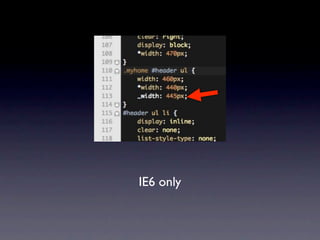
CSS Hacks
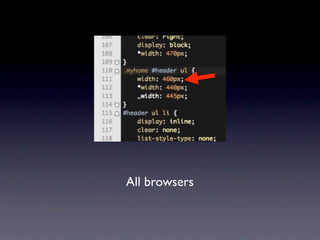
All browsers
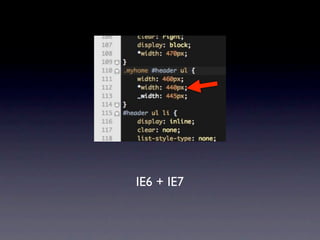
IE6 + IE7
IE6 only
height: 1%;
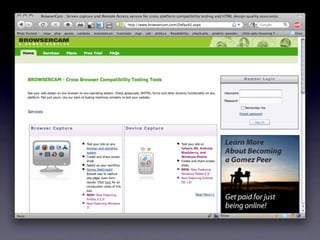
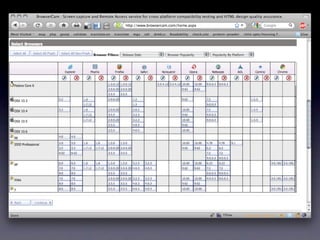
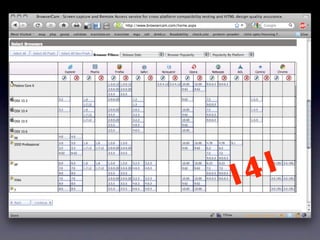
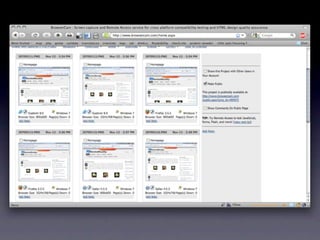
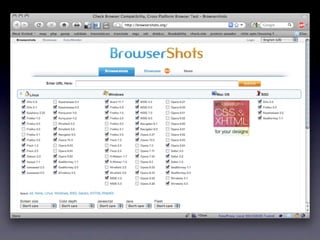
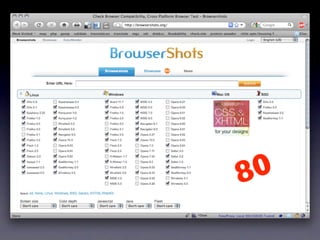
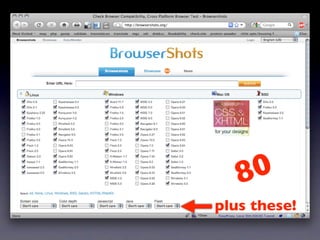
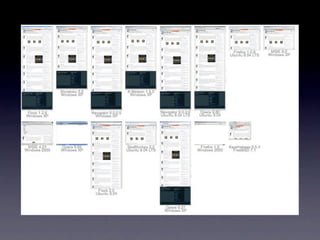
There are lots of different browsers...
1 4 1
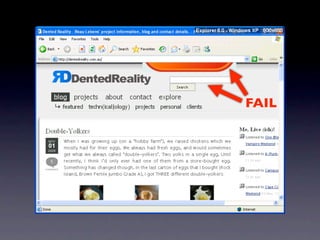
FAIL
8 0
8 0
plus these!
MOAR?
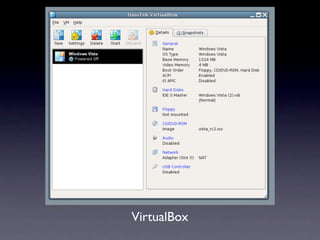
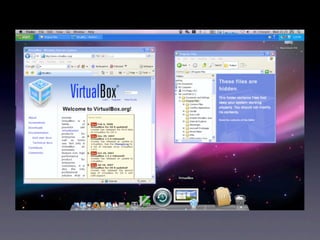
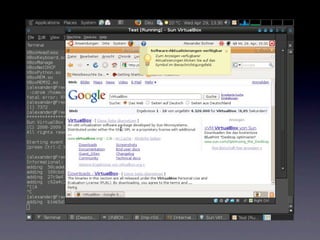
VirtualBox
You are a craftsperson

  You need a workshop

  You need good tools

It’s worth the investment,
you’re going to spend a lot
  of time doing this stuff.
Beau Lebens
      @beaulebens

 beau@automattic.com

http://dentedreality.com.au

Advanced WordPress Development Environments