Explore complex layout designs using
grids, columns, and advanced alignment
tools.
Advanced Layout
Techniques
Introduction
Advanced Layout Techniques
Advanced Layout Techniques in Adobe InDesign involve leveraging
grids, columns, and advanced alignment tools to create sophisticated
and visually appealing designs. Here’s a breakdown of each
component:
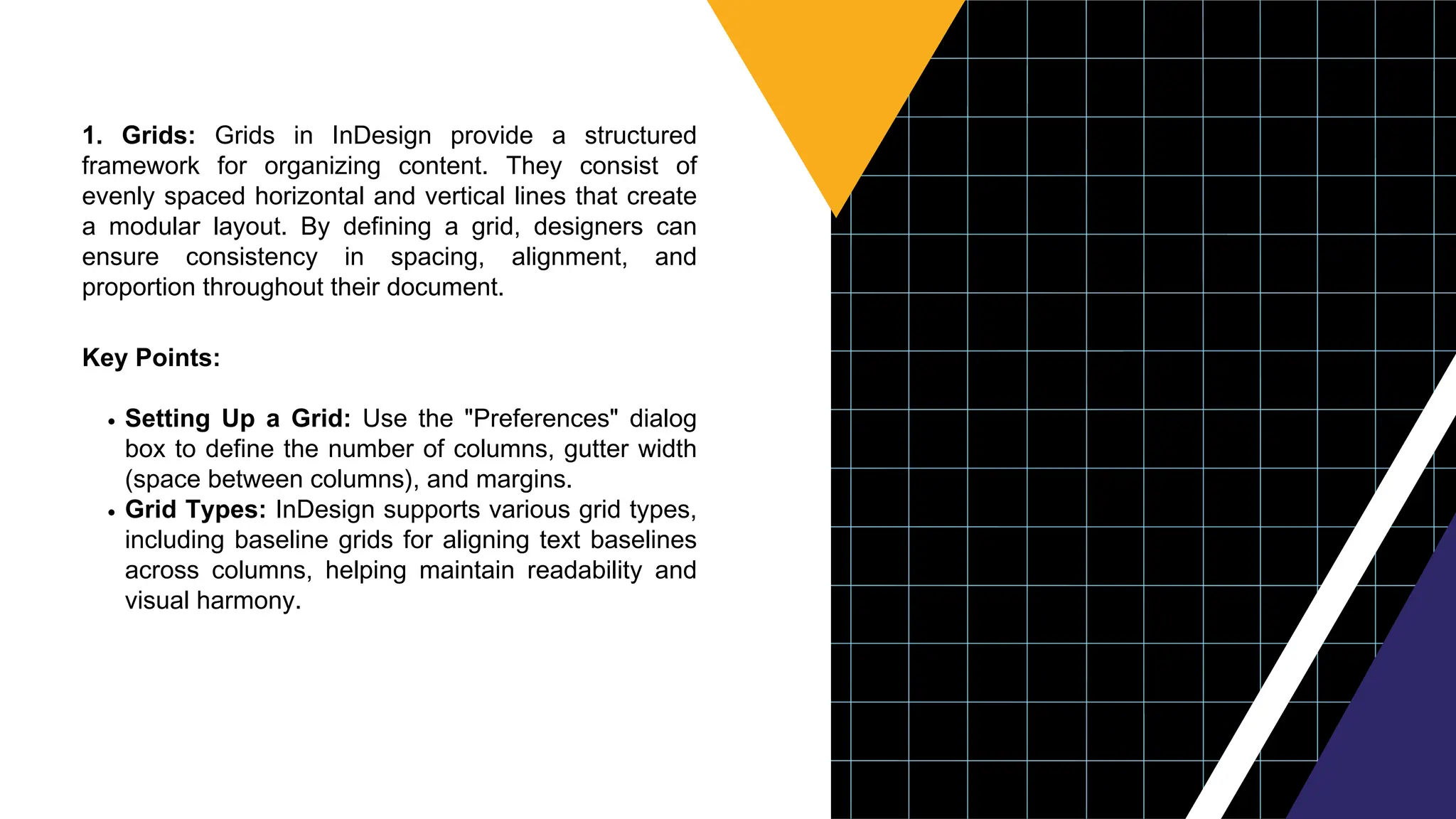
1. Grids: Grids in InDesign provide a structured
framework for organizing content. They consist of
evenly spaced horizontal and vertical lines that create
a modular layout. By defining a grid, designers can
ensure consistency in spacing, alignment, and
proportion throughout their document.
Key Points:
Setting Up a Grid: Use the "Preferences" dialog
box to define the number of columns, gutter width
(space between columns), and margins.
Grid Types: InDesign supports various grid types,
including baseline grids for aligning text baselines
across columns, helping maintain readability and
visual harmony.
2. Columns: InDesign allows designers to divide
pages into multiple columns, enhancing readability and
visual hierarchy. Columns can be adjusted for width,
gutter space, and alignment, offering flexibility in layout
design.
Key Points:
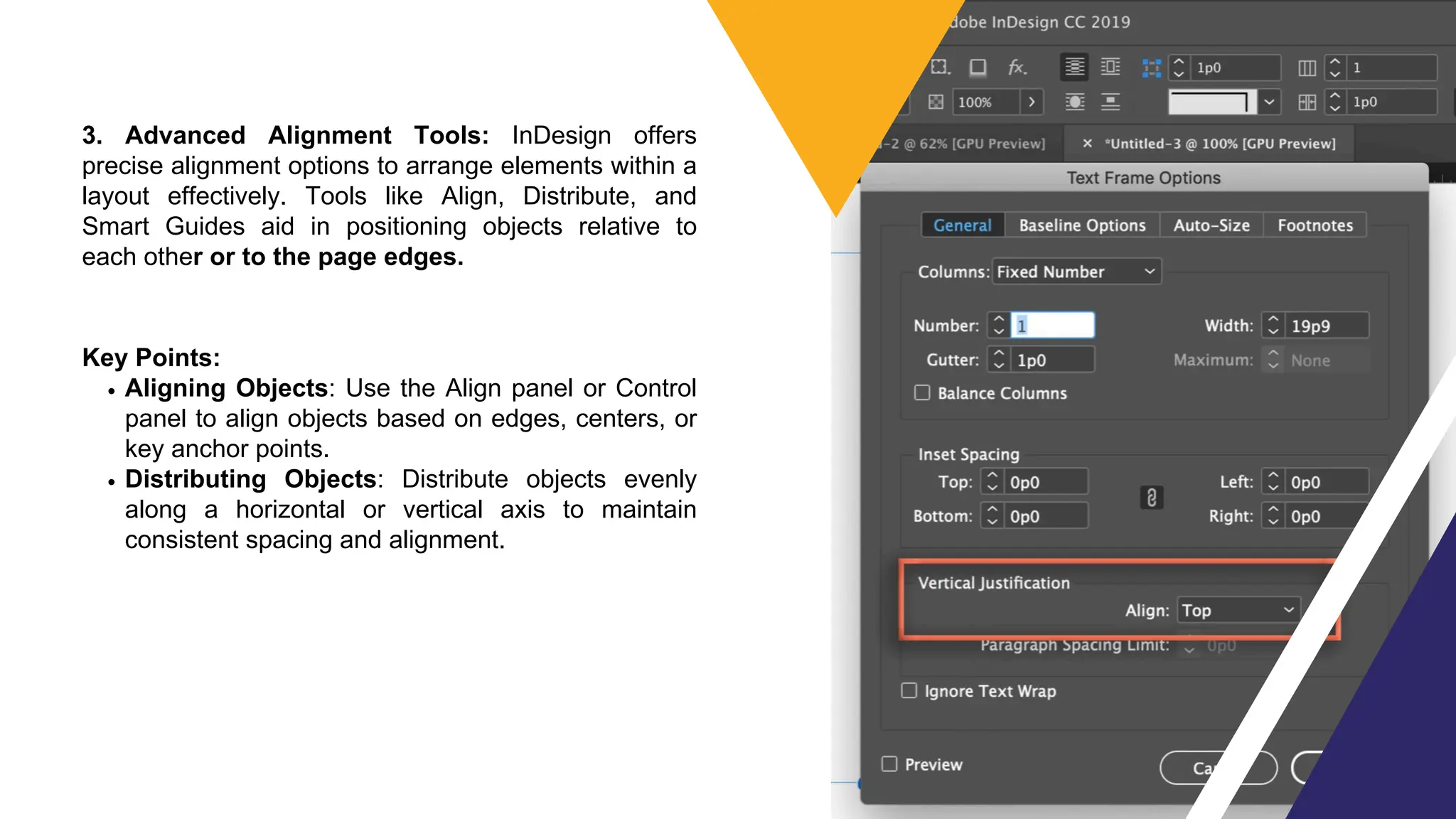
Creating Columns: Use the "Text Frame Options"
dialog box to define the number of columns within
a text frame.
Balancing Text: Adjust column width and gutter
space to balance text flow, ensuring optimal
readability and aesthetic appeal.
3. Advanced Alignment Tools: InDesign offers
precise alignment options to arrange elements within a
layout effectively. Tools like Align, Distribute, and
Smart Guides aid in positioning objects relative to
each other or to the page edges.
Key Points:
Aligning Objects: Use the Align panel or Control
panel to align objects based on edges, centers, or
key anchor points.
Distributing Objects: Distribute objects evenly
along a horizontal or vertical axis to maintain
consistent spacing and alignment.
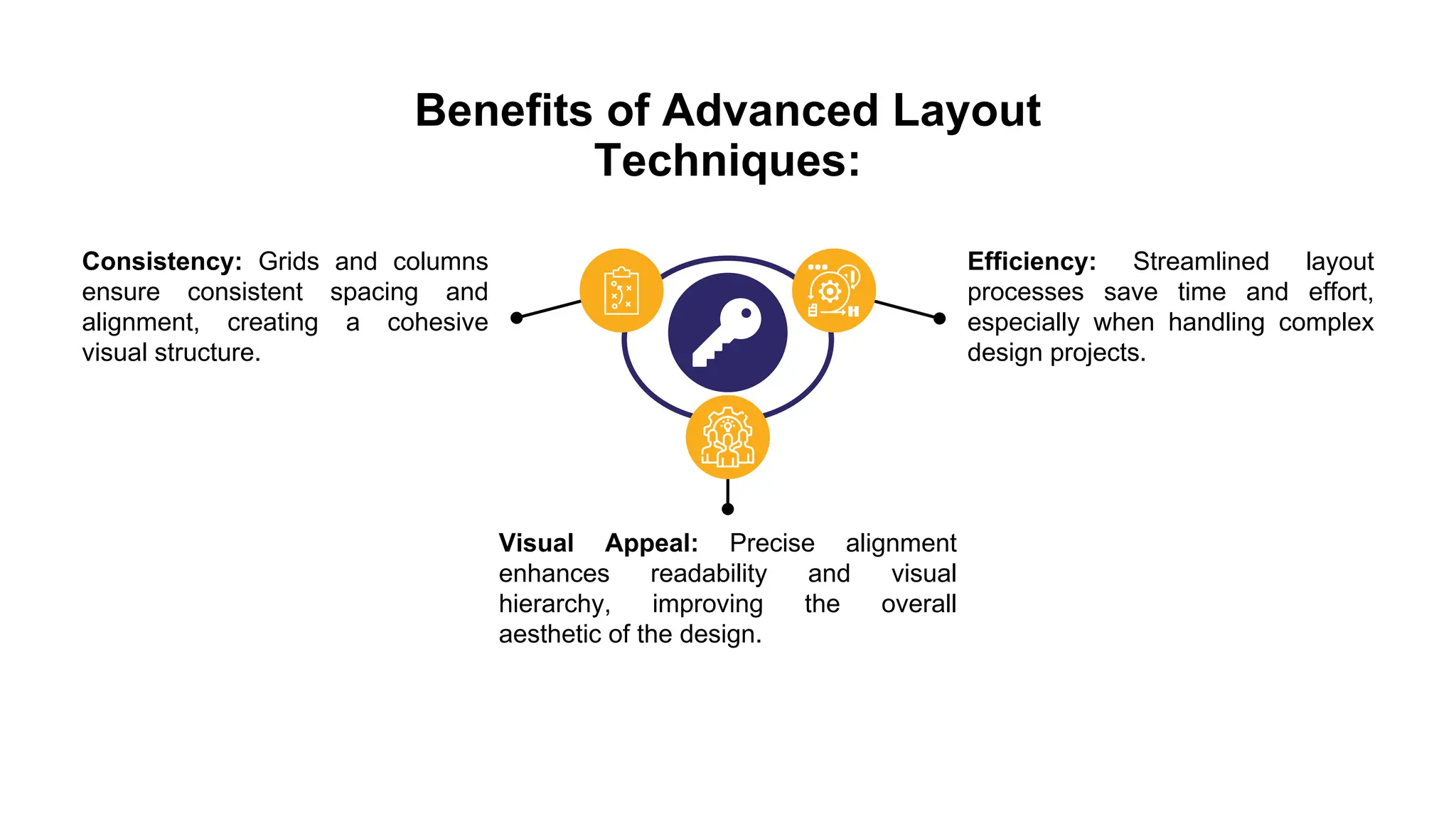
Benefits of Advanced Layout
Techniques:
Consistency: Grids and columns
ensure consistent spacing and
alignment, creating a cohesive
visual structure.
Efficiency: Streamlined layout
processes save time and effort,
especially when handling complex
design projects.
Visual Appeal: Precise alignment
enhances readability and visual
hierarchy, improving the overall
aesthetic of the design.
By mastering grids, columns, and
advanced alignment tools in Adobe
InDesign, designers can elevate their
layouts from basic to professional-
grade, effectively balancing form and
function in their designs.
www.assignment.world

Adobe InDesign expert : Advanced Layout Techniques.pdf

  • 1.
    Explore complex layoutdesigns using grids, columns, and advanced alignment tools. Advanced Layout Techniques
  • 2.
    Introduction Advanced Layout Techniques AdvancedLayout Techniques in Adobe InDesign involve leveraging grids, columns, and advanced alignment tools to create sophisticated and visually appealing designs. Here’s a breakdown of each component:
  • 3.
    1. Grids: Gridsin InDesign provide a structured framework for organizing content. They consist of evenly spaced horizontal and vertical lines that create a modular layout. By defining a grid, designers can ensure consistency in spacing, alignment, and proportion throughout their document. Key Points: Setting Up a Grid: Use the "Preferences" dialog box to define the number of columns, gutter width (space between columns), and margins. Grid Types: InDesign supports various grid types, including baseline grids for aligning text baselines across columns, helping maintain readability and visual harmony.
  • 4.
    2. Columns: InDesignallows designers to divide pages into multiple columns, enhancing readability and visual hierarchy. Columns can be adjusted for width, gutter space, and alignment, offering flexibility in layout design. Key Points: Creating Columns: Use the "Text Frame Options" dialog box to define the number of columns within a text frame. Balancing Text: Adjust column width and gutter space to balance text flow, ensuring optimal readability and aesthetic appeal.
  • 5.
    3. Advanced AlignmentTools: InDesign offers precise alignment options to arrange elements within a layout effectively. Tools like Align, Distribute, and Smart Guides aid in positioning objects relative to each other or to the page edges. Key Points: Aligning Objects: Use the Align panel or Control panel to align objects based on edges, centers, or key anchor points. Distributing Objects: Distribute objects evenly along a horizontal or vertical axis to maintain consistent spacing and alignment.
  • 6.
    Benefits of AdvancedLayout Techniques: Consistency: Grids and columns ensure consistent spacing and alignment, creating a cohesive visual structure. Efficiency: Streamlined layout processes save time and effort, especially when handling complex design projects. Visual Appeal: Precise alignment enhances readability and visual hierarchy, improving the overall aesthetic of the design.
  • 7.
    By mastering grids,columns, and advanced alignment tools in Adobe InDesign, designers can elevate their layouts from basic to professional- grade, effectively balancing form and function in their designs. www.assignment.world