A Professional Walkthrough for Safely
Updating Audi Q7 System Software
Dell's Service
840 Vanderperren Way
Green Bay, WI 54304
(920)-672-1354
Dell’s Service Center
https://dellsservicecenter.com/
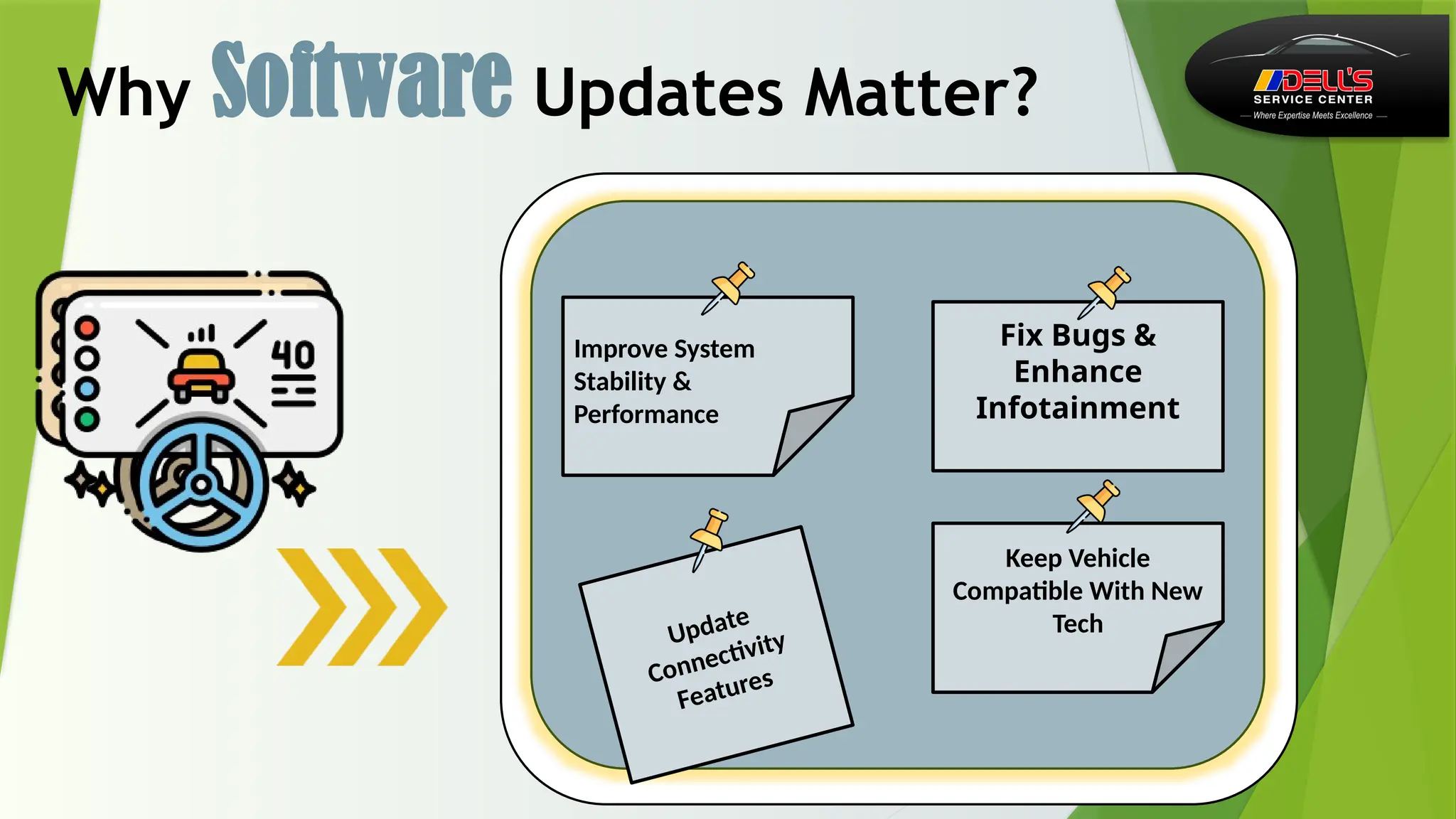
Why Software Updates Matter?
Improve System
Stability &
Performance
Keep Vehicle
Compatible With New
Tech
Fix Bugs &
Enhance
Infotainment
Update
Connectivity
Features
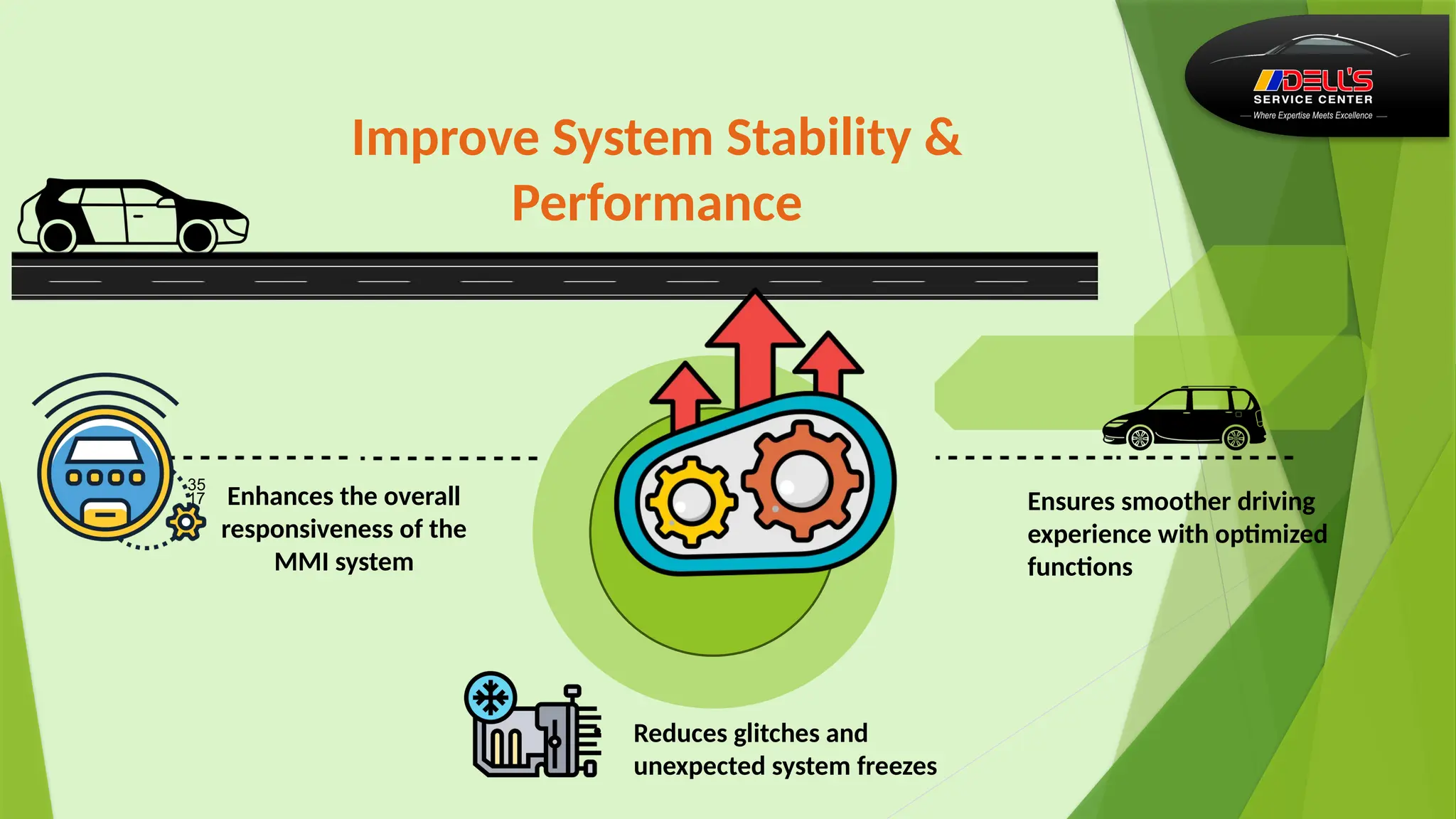
Improve System Stability &
Performance
 Enhances the overall
responsiveness of the
MMI system
Ensures smoother driving
experience with optimized
functions
• Reduces glitches and
unexpected system freezes
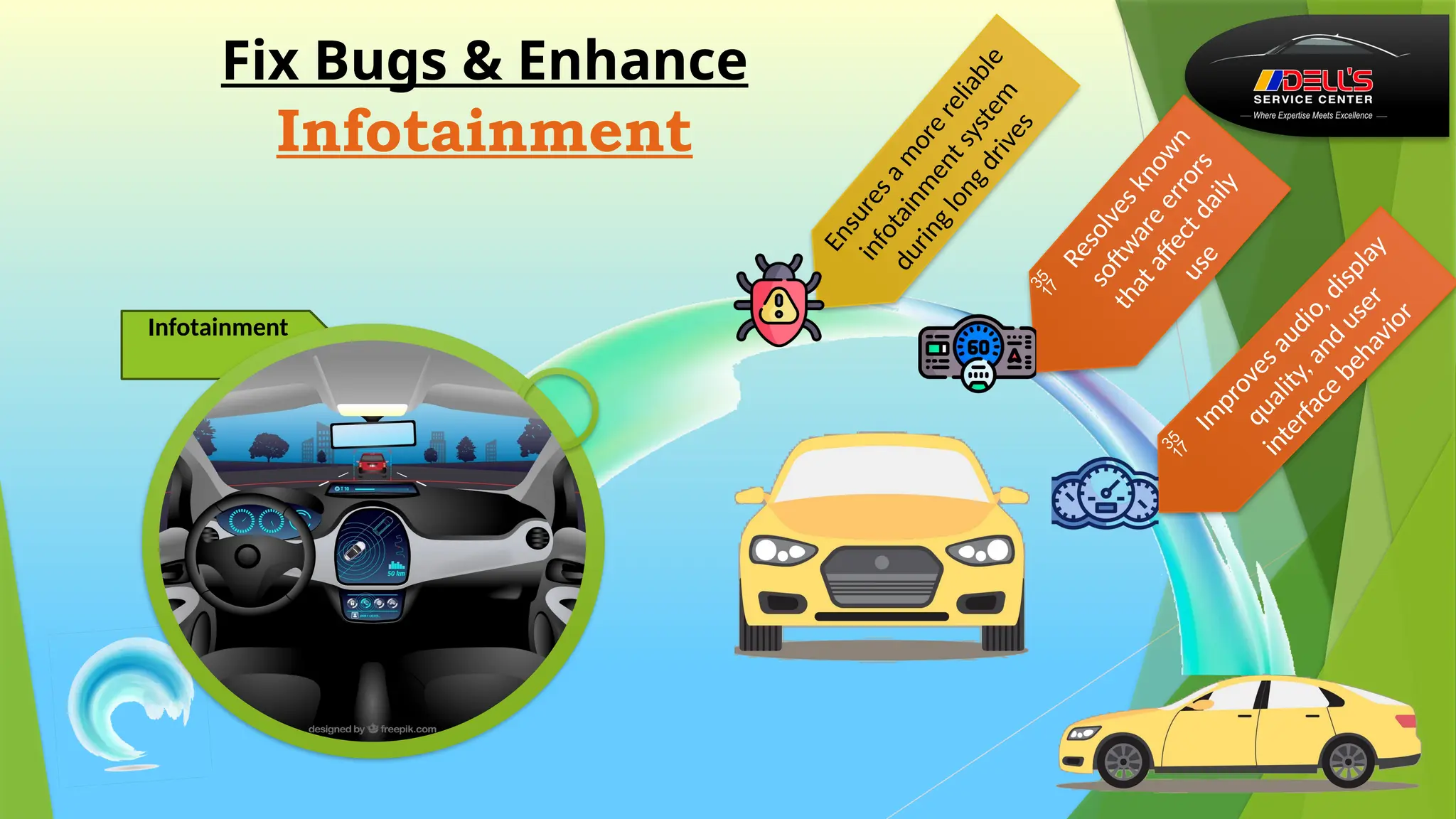
Fix Bugs & Enhance
Infotainment
E
n
s
u
r
e
s
a
m
o
r
e
r
e
l
i
a
b
l
e
i
n
f
o
t
a
i
n
m
e
n
t
s
y
s
t
e
m
d
u
r
i
n
g
l
o
n
g
d
r
i
v
e
s

R
e
s
o
l
v
e
s
k
n
o
w
n
s
o
ft
w
a
r
e
e
r
r
o
r
s
t
h
a
t
a
ff
e
c
t
d
a
i
l
y
u
s
e

I
m
p
r
o
v
e
s
a
u
d
i
o
,
d
i
s
p
l
a
y
q
u
a
l
i
t
y
,
a
n
d
u
s
e
r
i
n
t
e
r
f
a
c
e
b
e
h
a
v
i
o
r
Infotainment
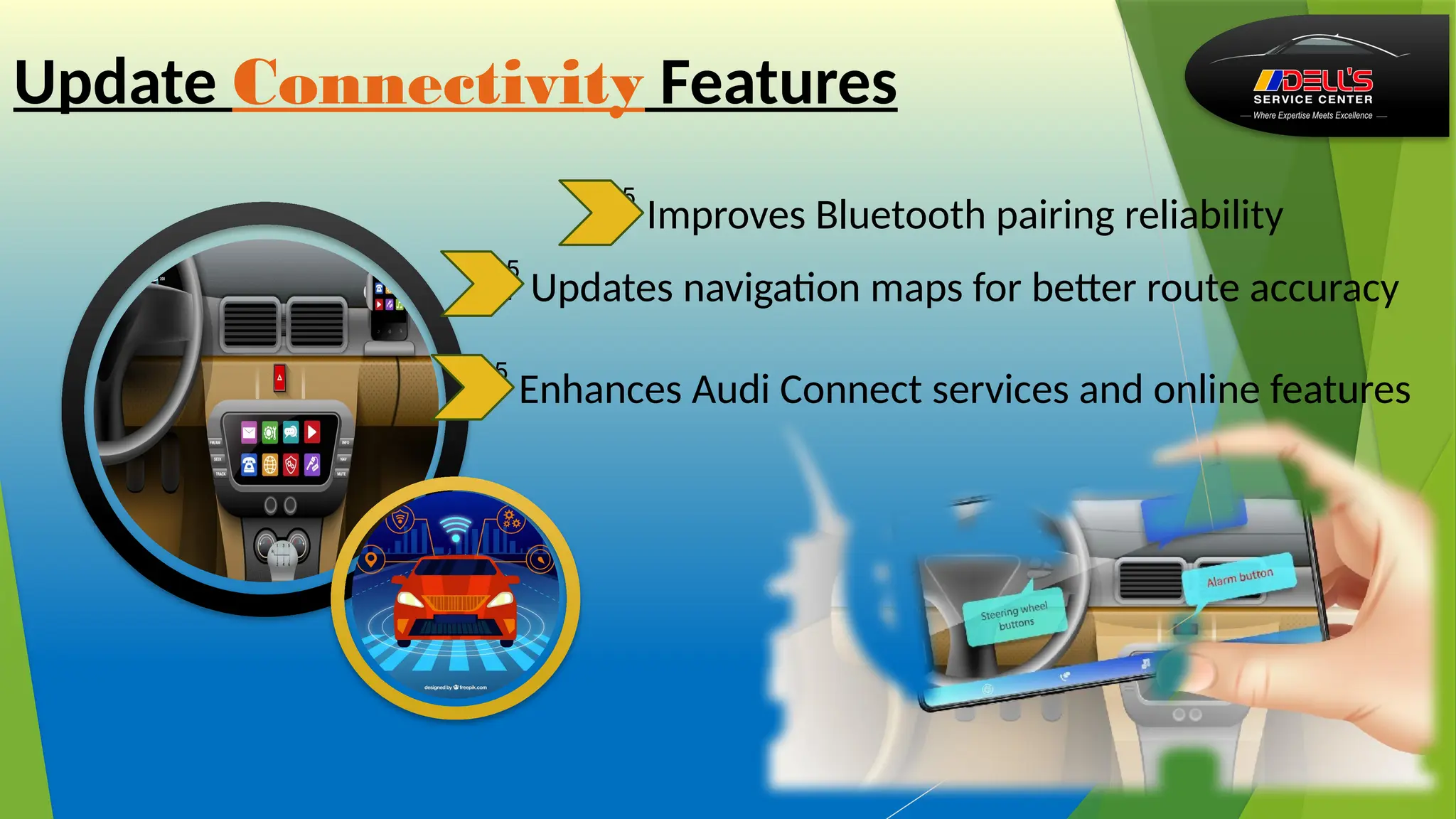
 Improves Bluetooth pairing reliability
 Updates navigation maps for better route accuracy
 Enhances Audi Connect services and online features
Update Connectivity Features
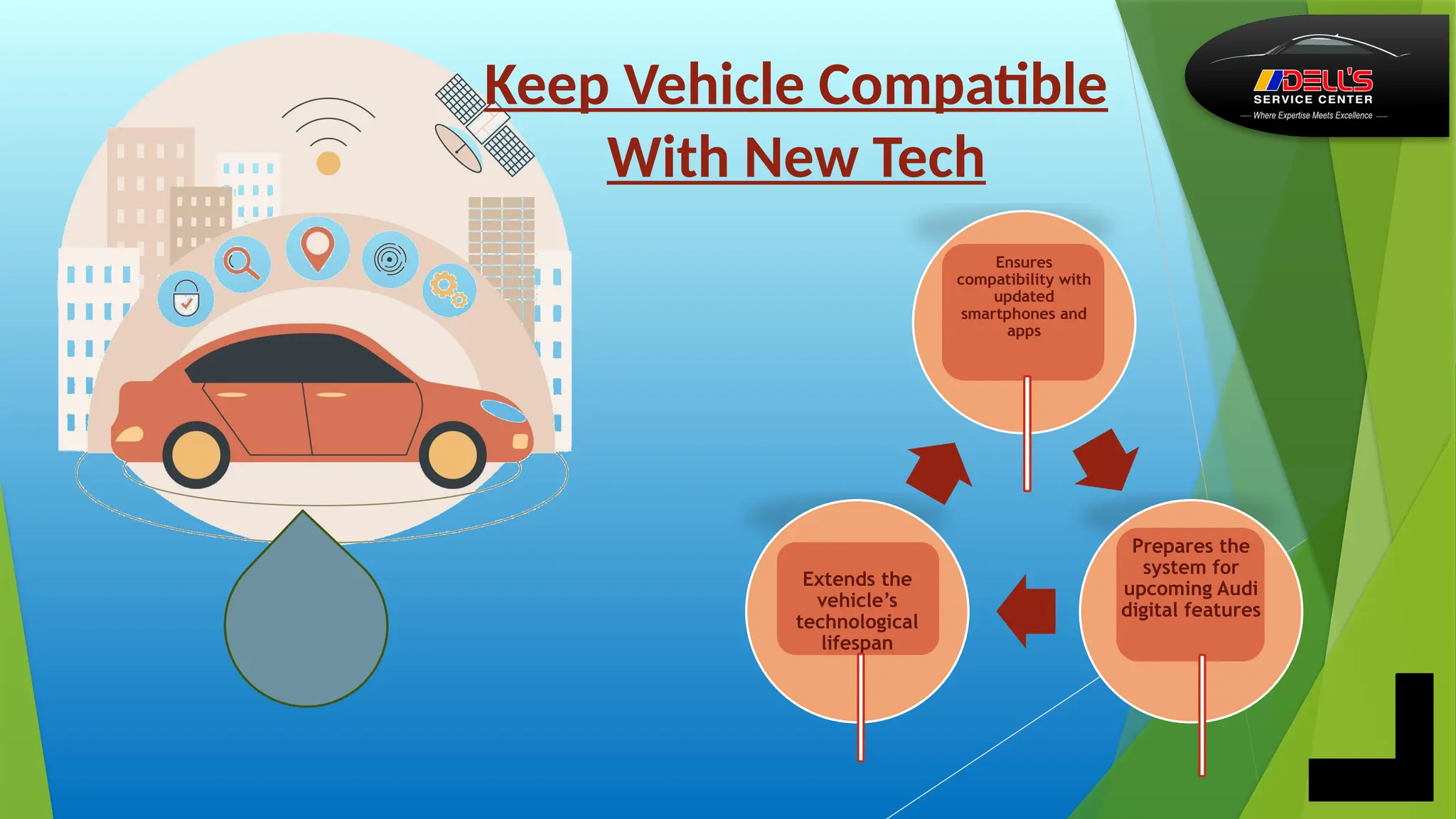
Ensures
compatibility with
updated
smartphones and
apps
Prepares the
system for
upcoming Audi
digital features
Extends the
vehicle’s
technological
lifespan
Keep Vehicle Compatible
With New Tech
Preparing for the Update….
.......
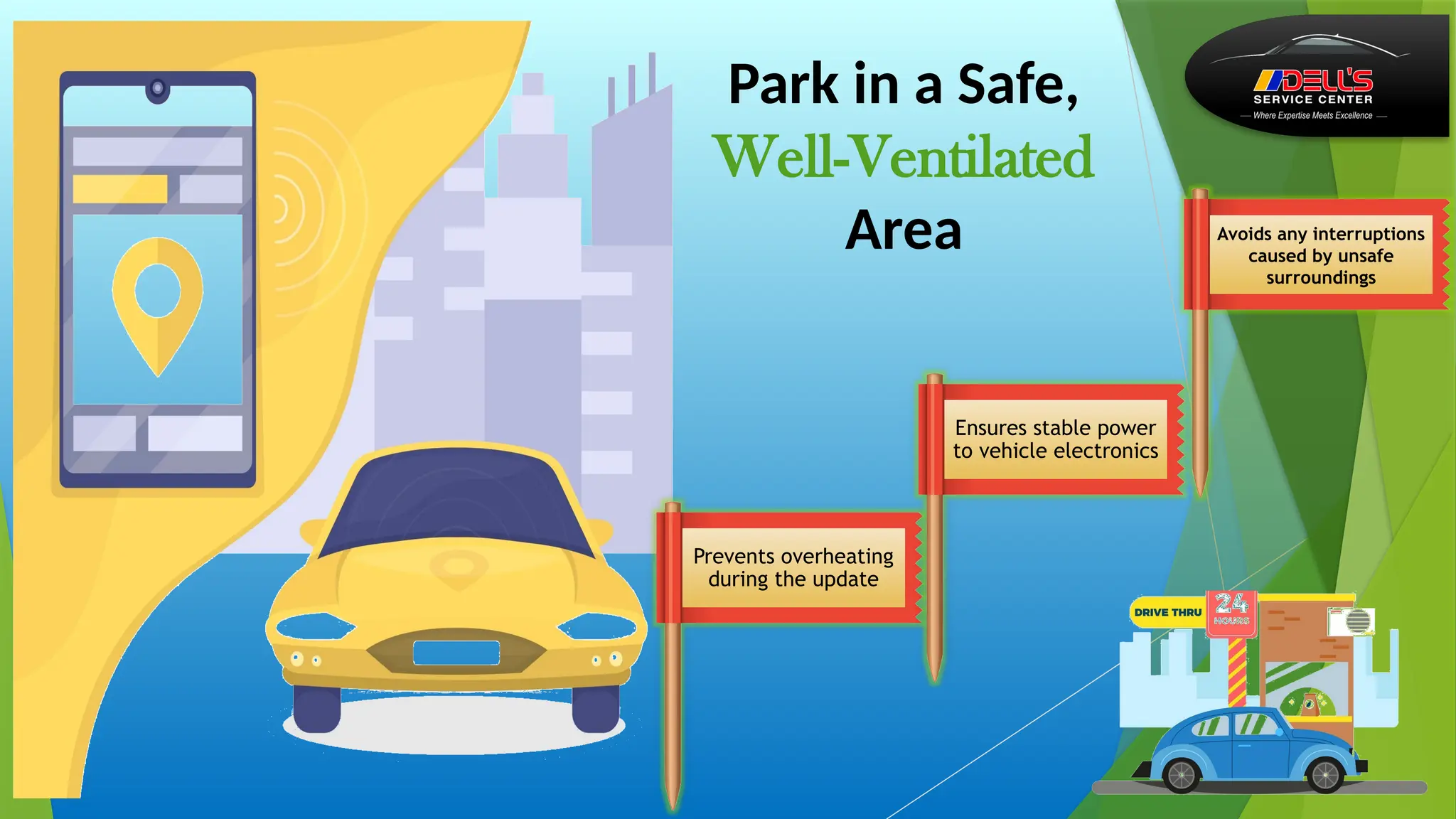
Prevents overheating
during the update
Ensures stable power
to vehicle electronics
Avoids any interruptions
caused by unsafe
surroundings
Park in a Safe,
Well-Ventilated
Area
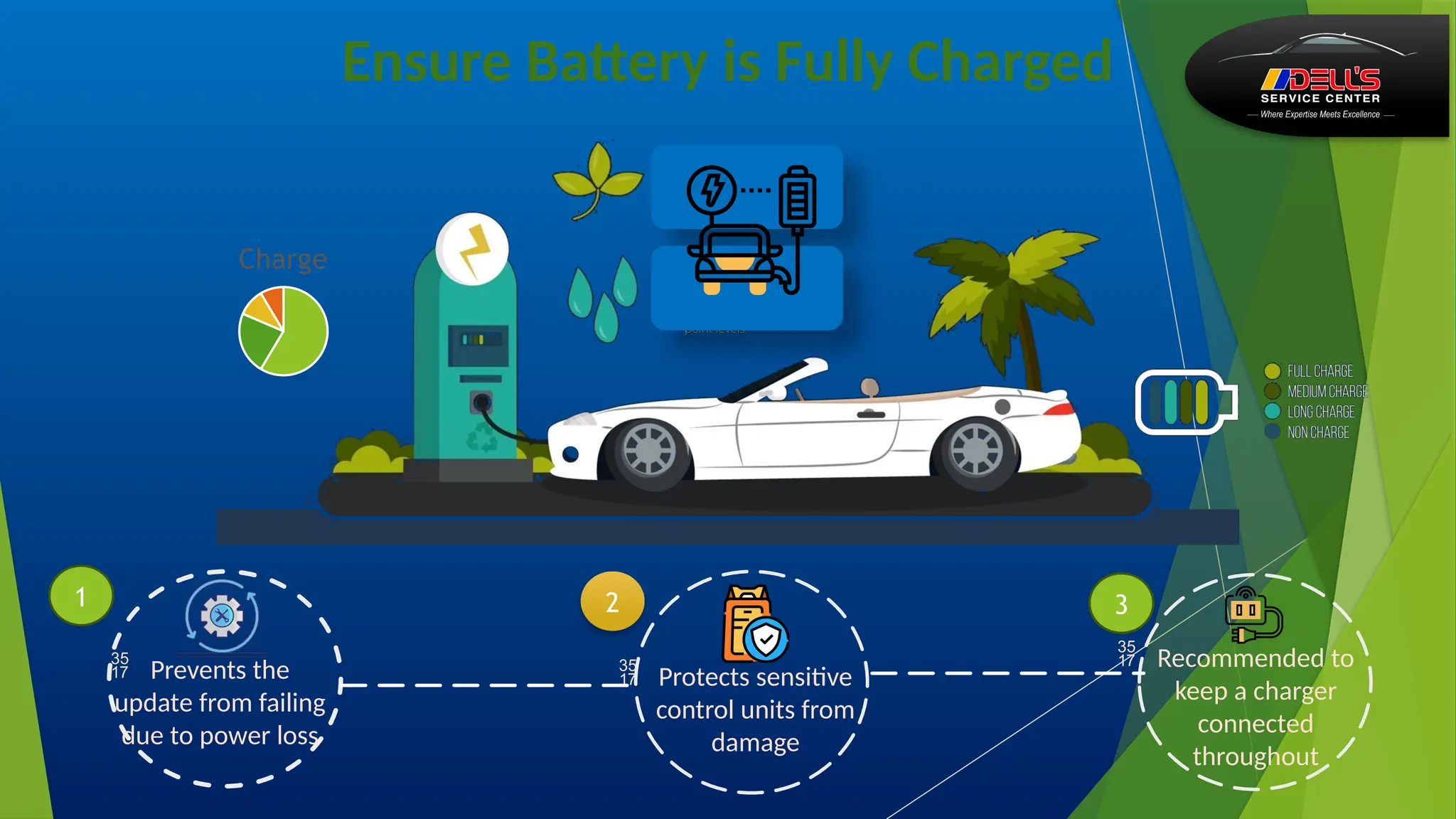
Ensure Battery is Fully Charged
 Prevents the
update from failing
due to power loss
 Protects sensitive
control units from
damage
 Recommended to
keep a charger
connected
throughout
Charge
1 2 3
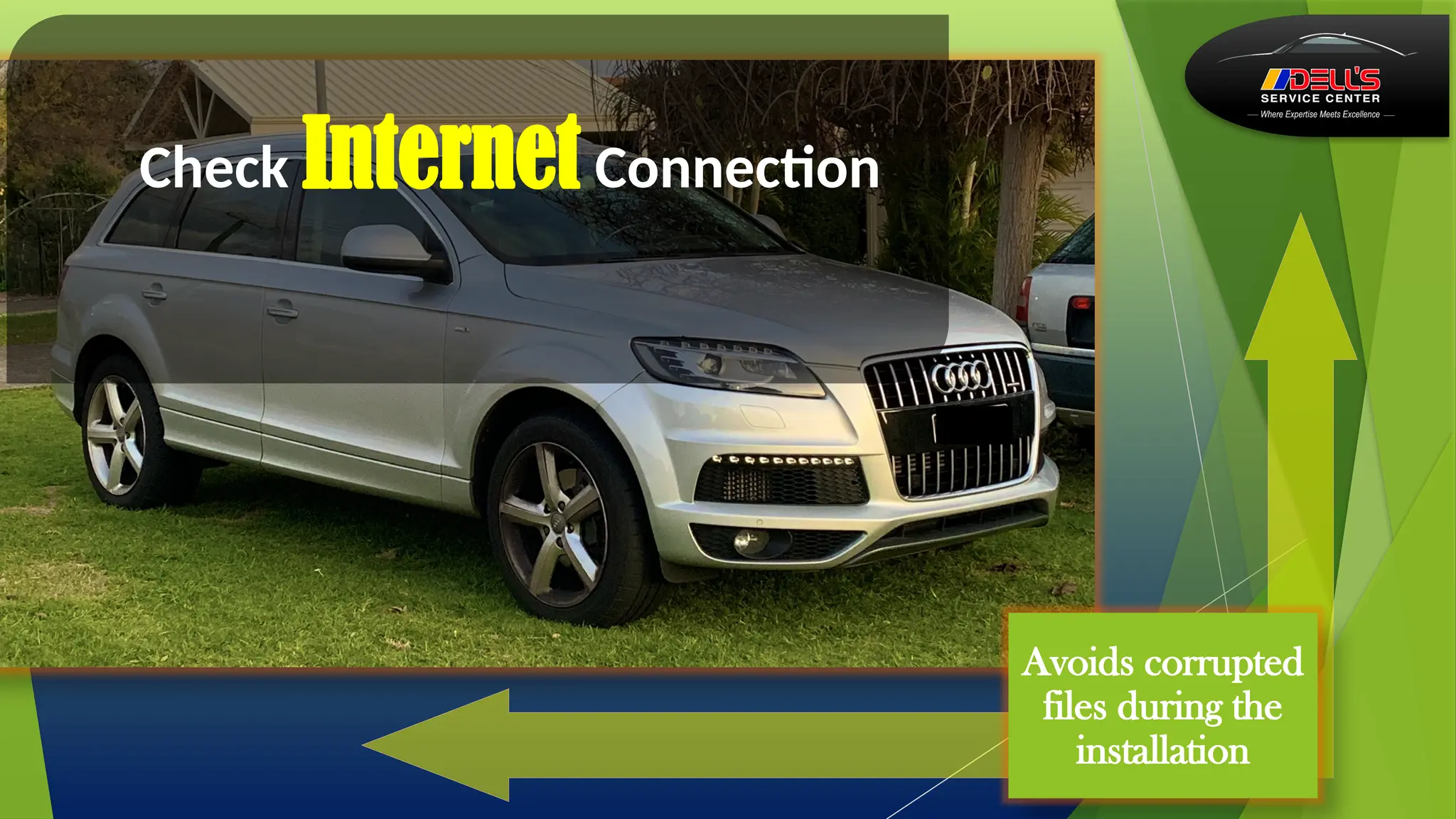
Check Internet Connection
Avoids corrupted
files during the
installation
Checking Current
Software Version
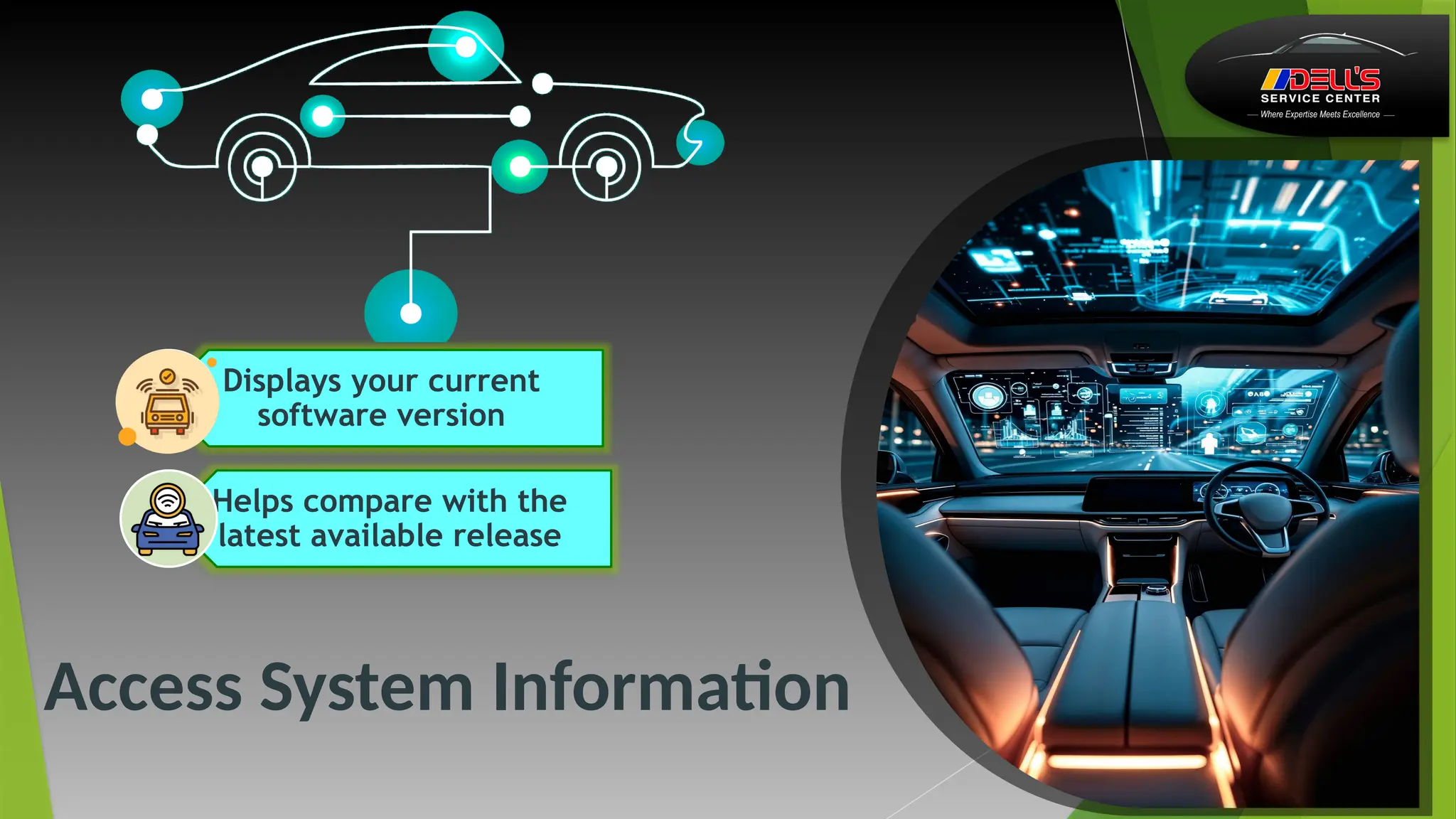
Access System Information
Displays your current
software version
Helps compare with the
latest available release
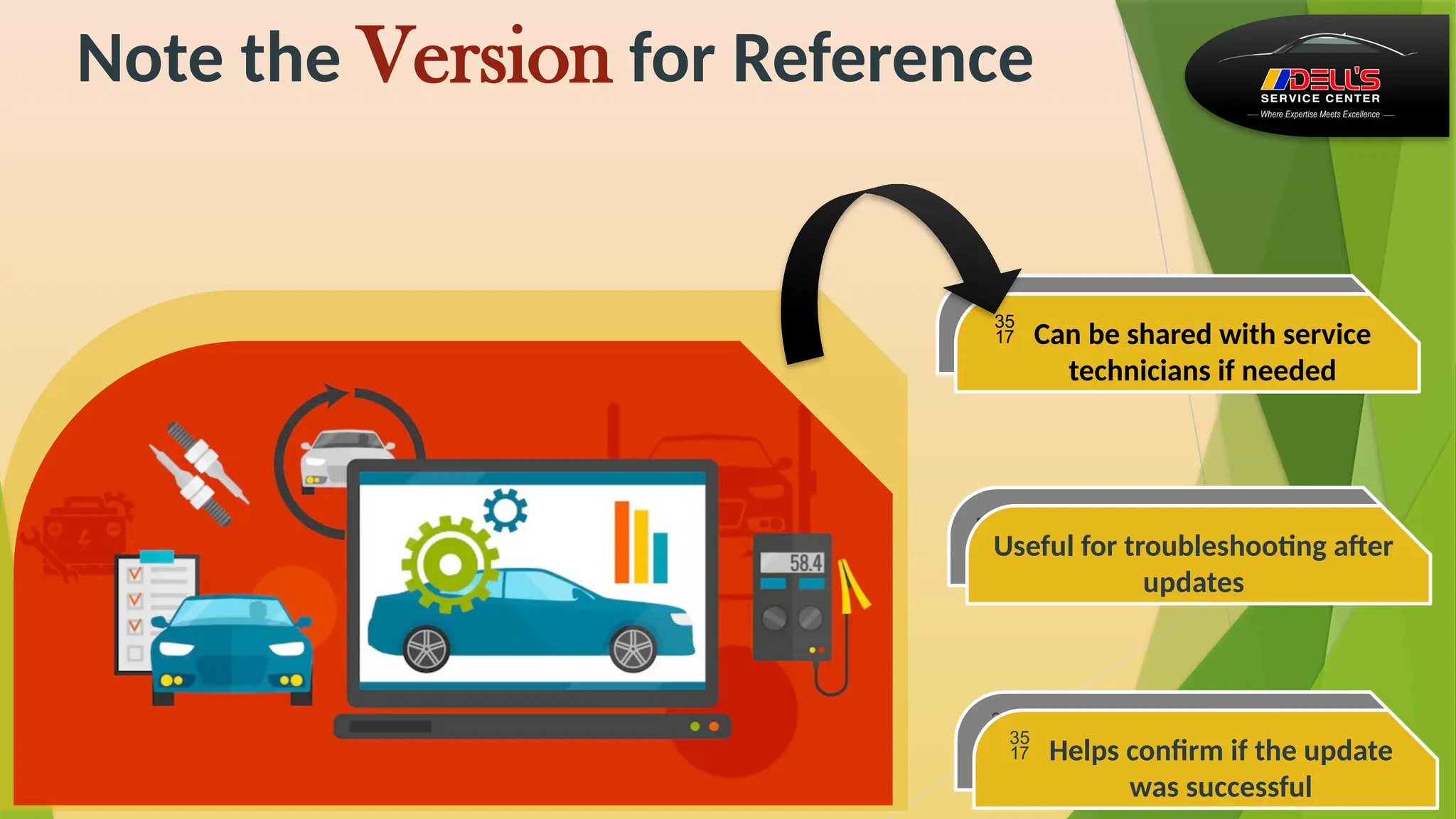
Note the Version for Reference
Useful for troubleshooting after
updates
 Helps confirm if the update
was successful
 Can be shared with service
technicians if needed
Useful for troubleshooting after
updates
 Can be shared with service
technicians if needed
 Helps confirm if the update
was successful
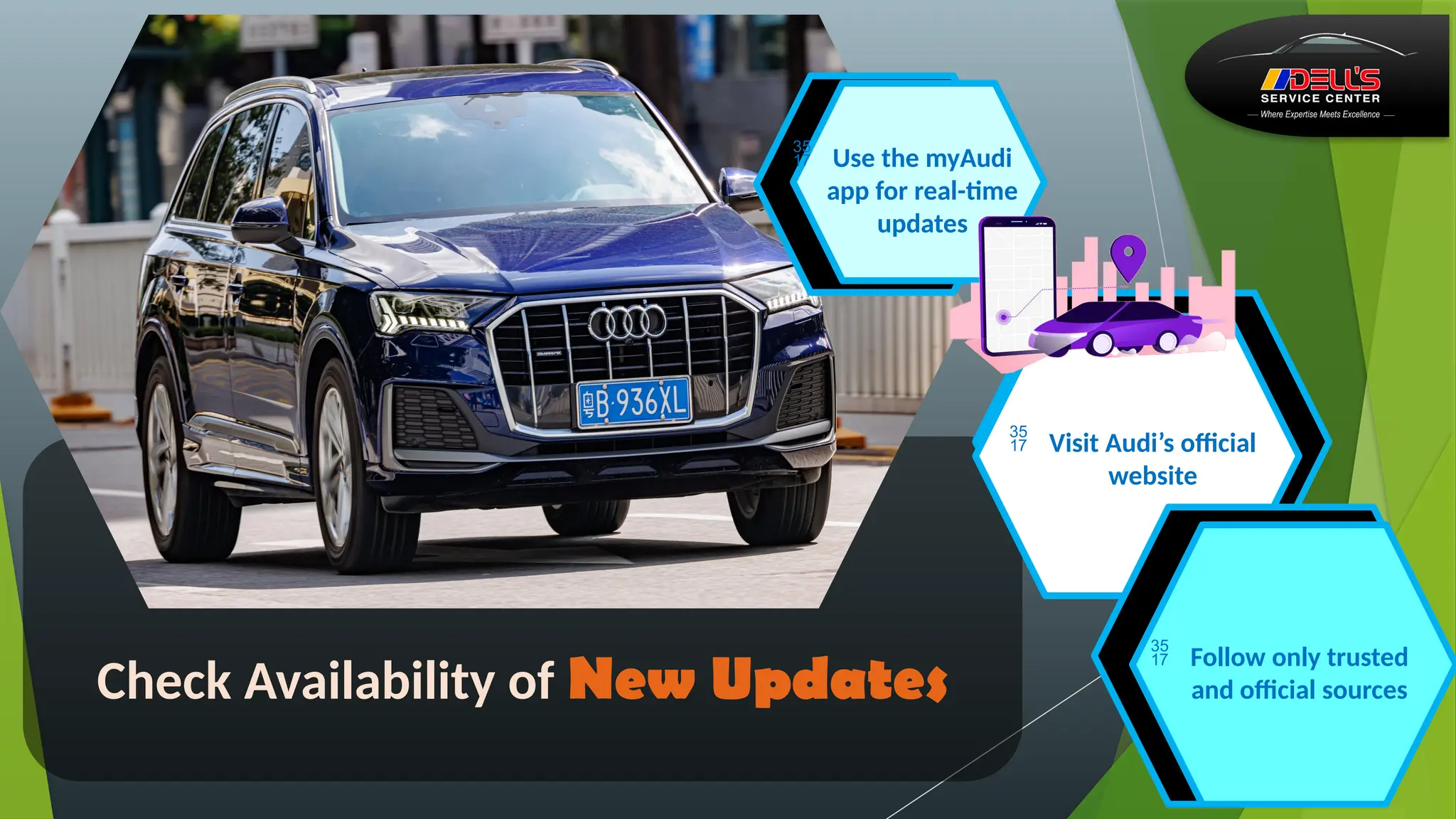
Check Availability of New Updates
 Use the myAudi
app for real-time
updates
 Visit Audi’s official
website
 Follow only trusted
and official sources
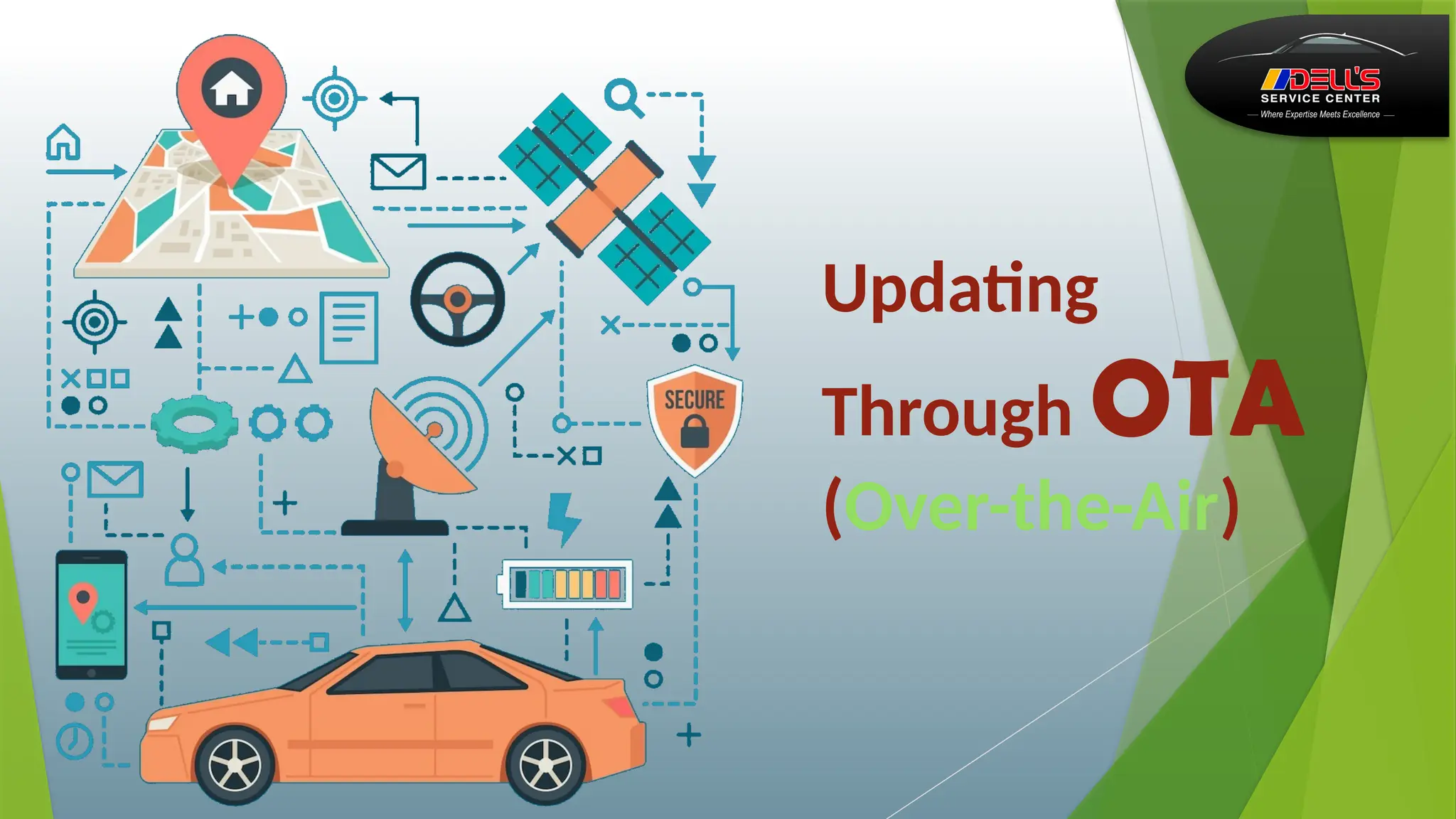
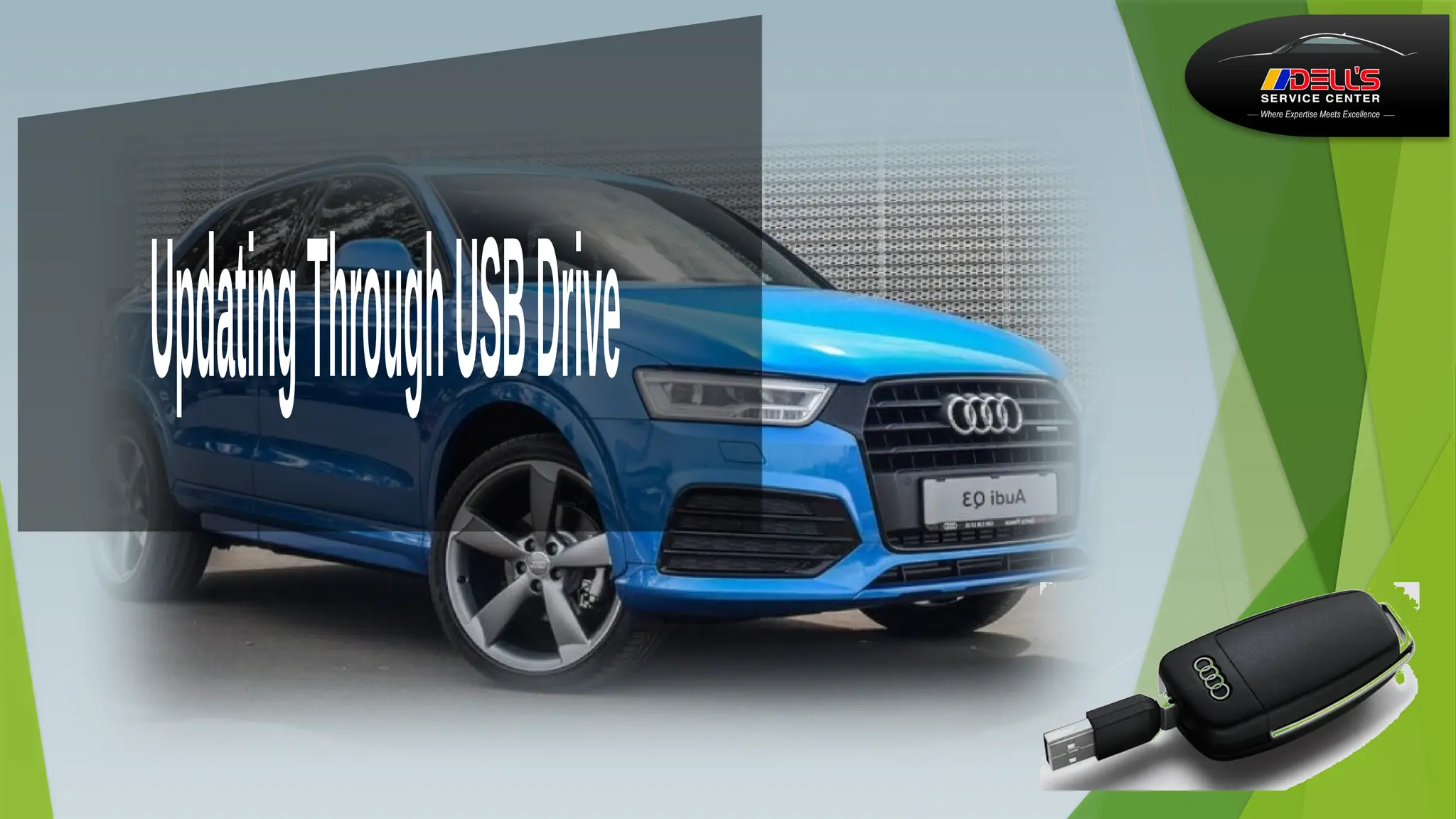
Updating
Through OTA
(Over-the-Air)
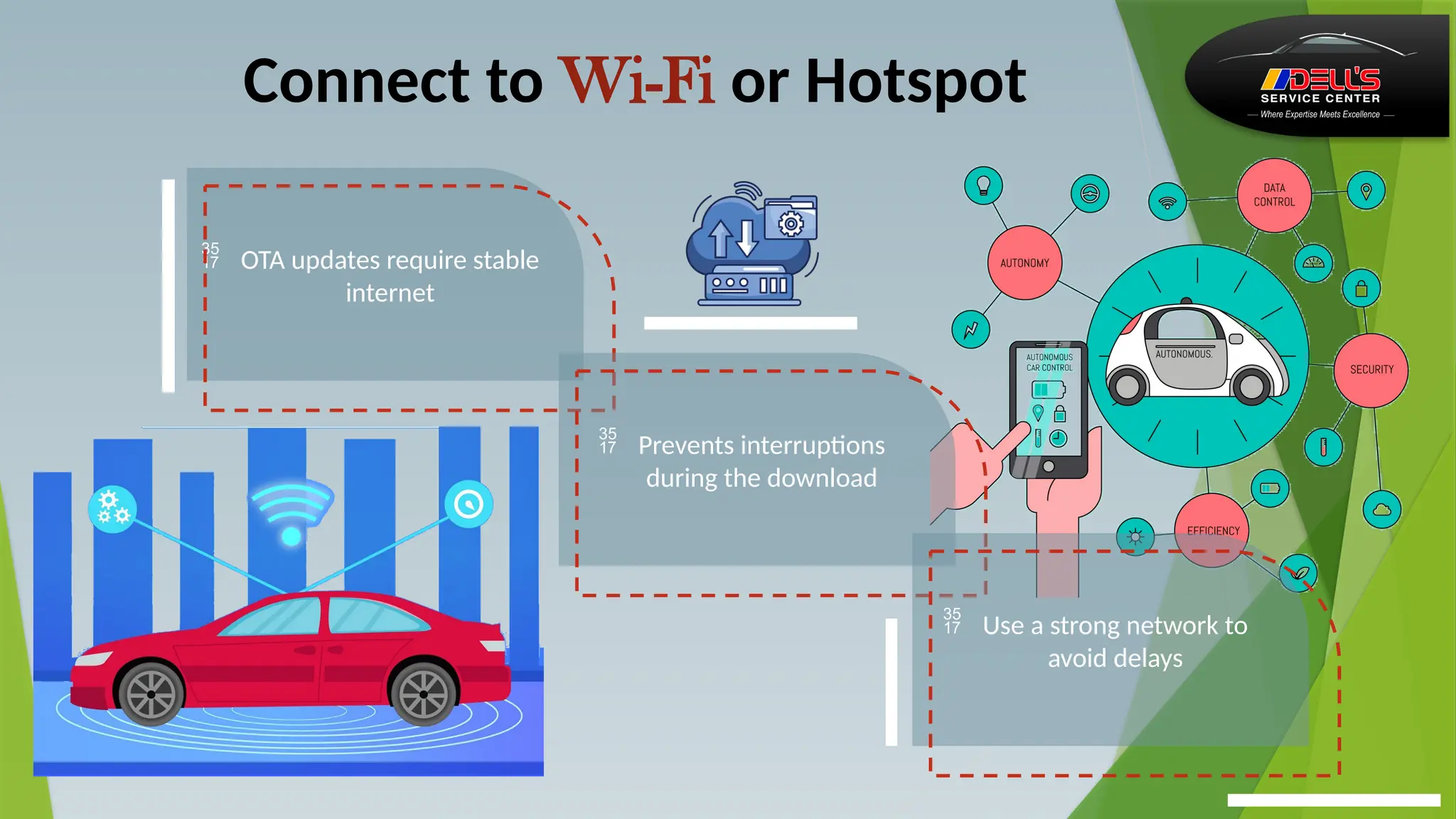
Connect to Wi-Fi or Hotspot
 OTA updates require stable
internet
 Prevents interruptions
during the download
 Use a strong network to
avoid delays
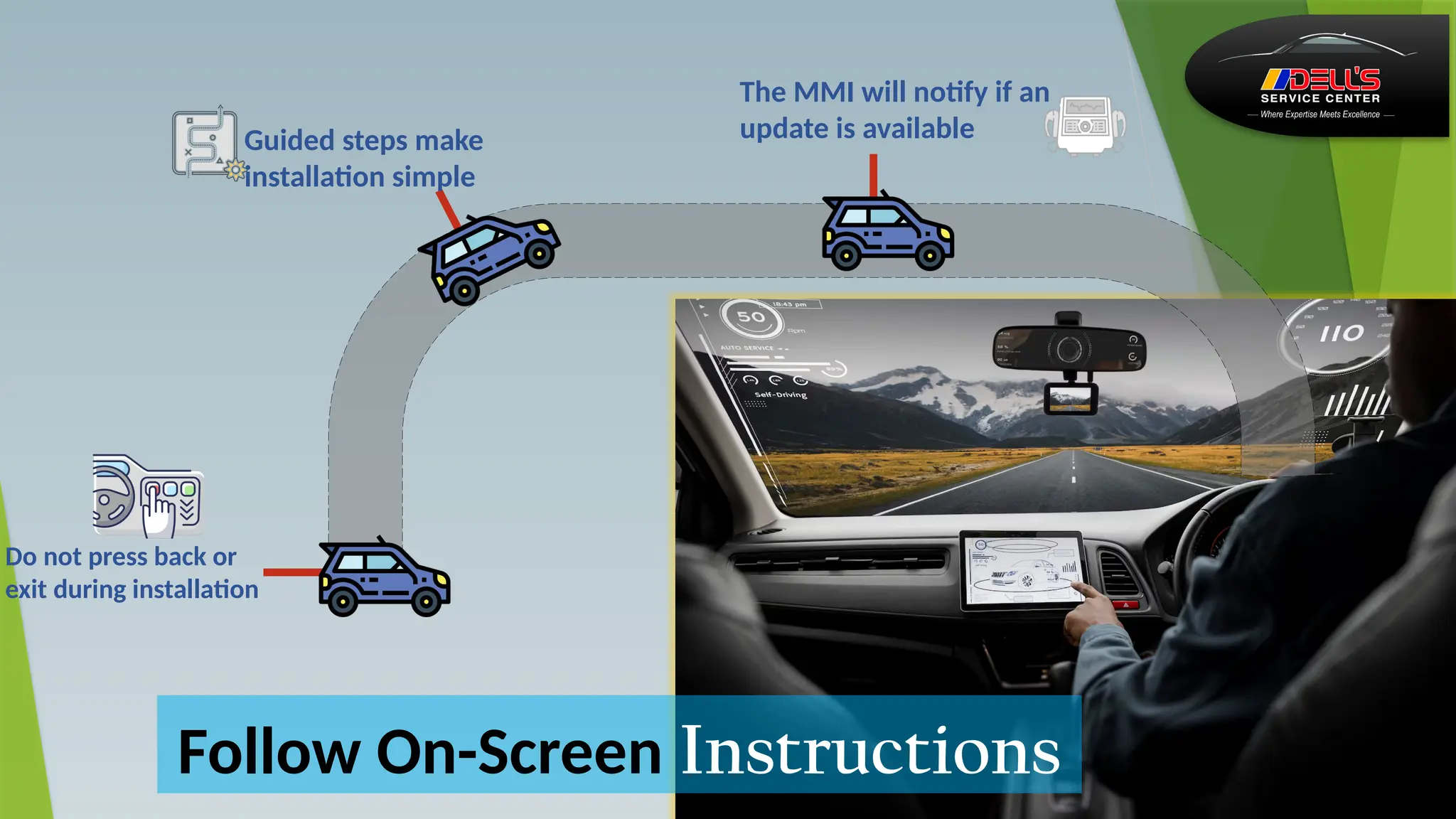
Follow On-Screen Instructions
The MMI will notify if an
update is available
Guided steps make
installation simple
Do not press back or
exit during installation
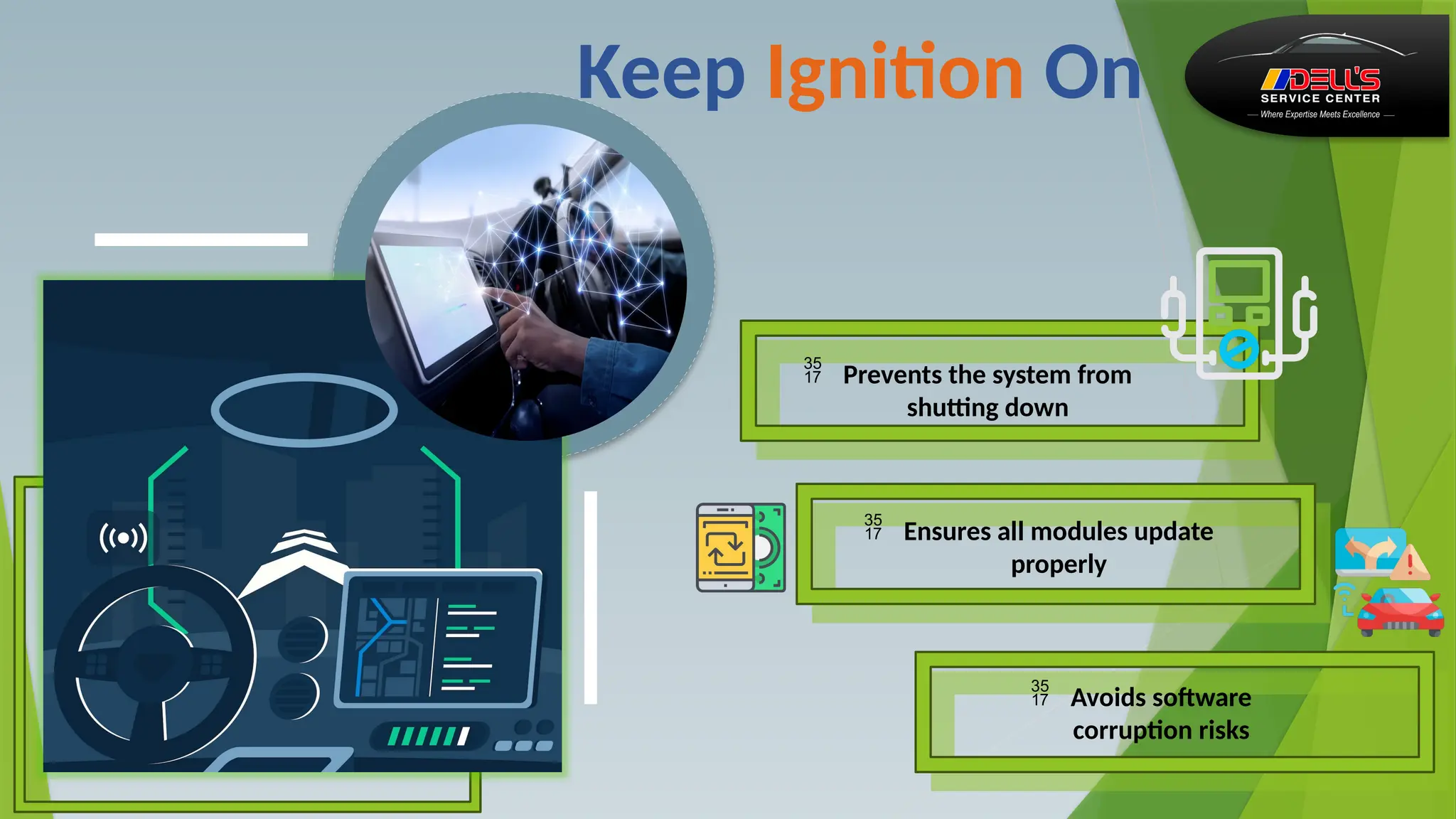
Keep Ignition On
 Prevents the system from
shutting down
 Ensures all modules update
properly
 Avoids software
corruption risks
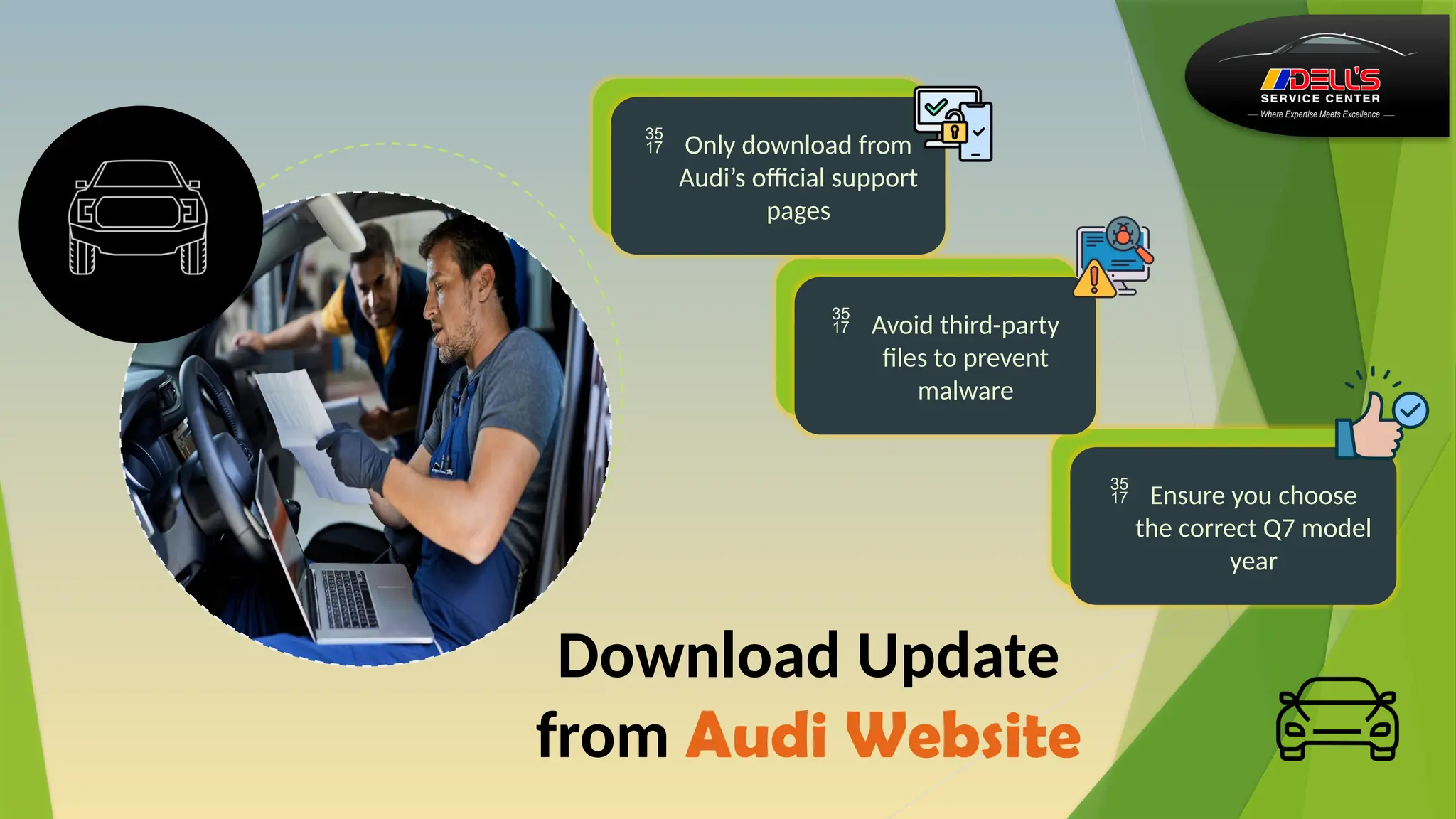
Download Update
from Audi Website
 Avoid third-party
files to prevent
malware
 Ensure you choose
the correct Q7 model
year
 Only download from
Audi’s official support
pages
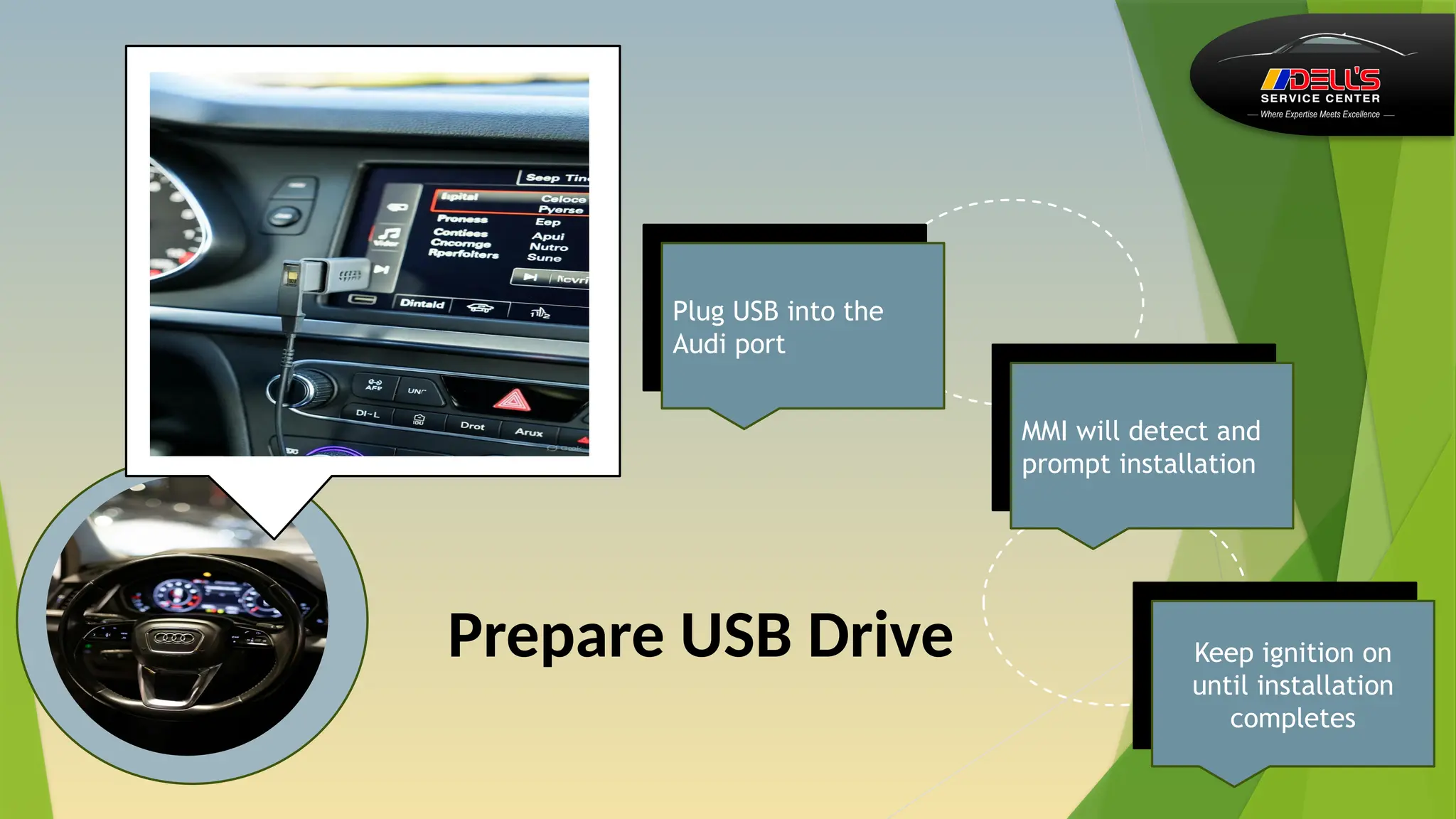
Prepare USB Drive
Plug USB into the
Audi port
Keep ignition on
until installation
completes
MMI will detect and
prompt installation
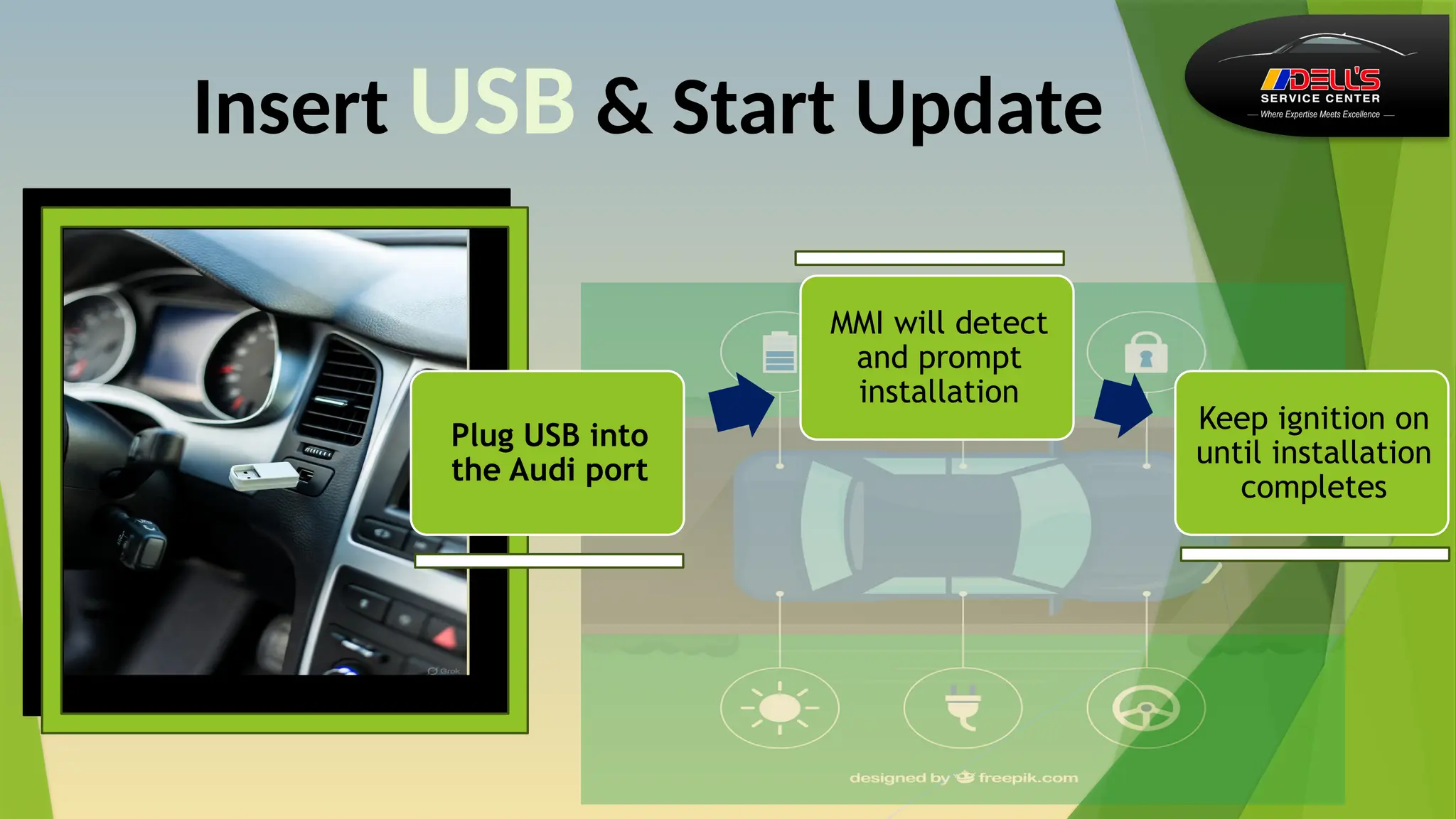
Insert USB & Start Update
Plug USB into
the Audi port
MMI will detect
and prompt
installation
Keep ignition on
until installation
completes
Dealer-Assisted
Update
 Recommended if
OTA/USB update
fails
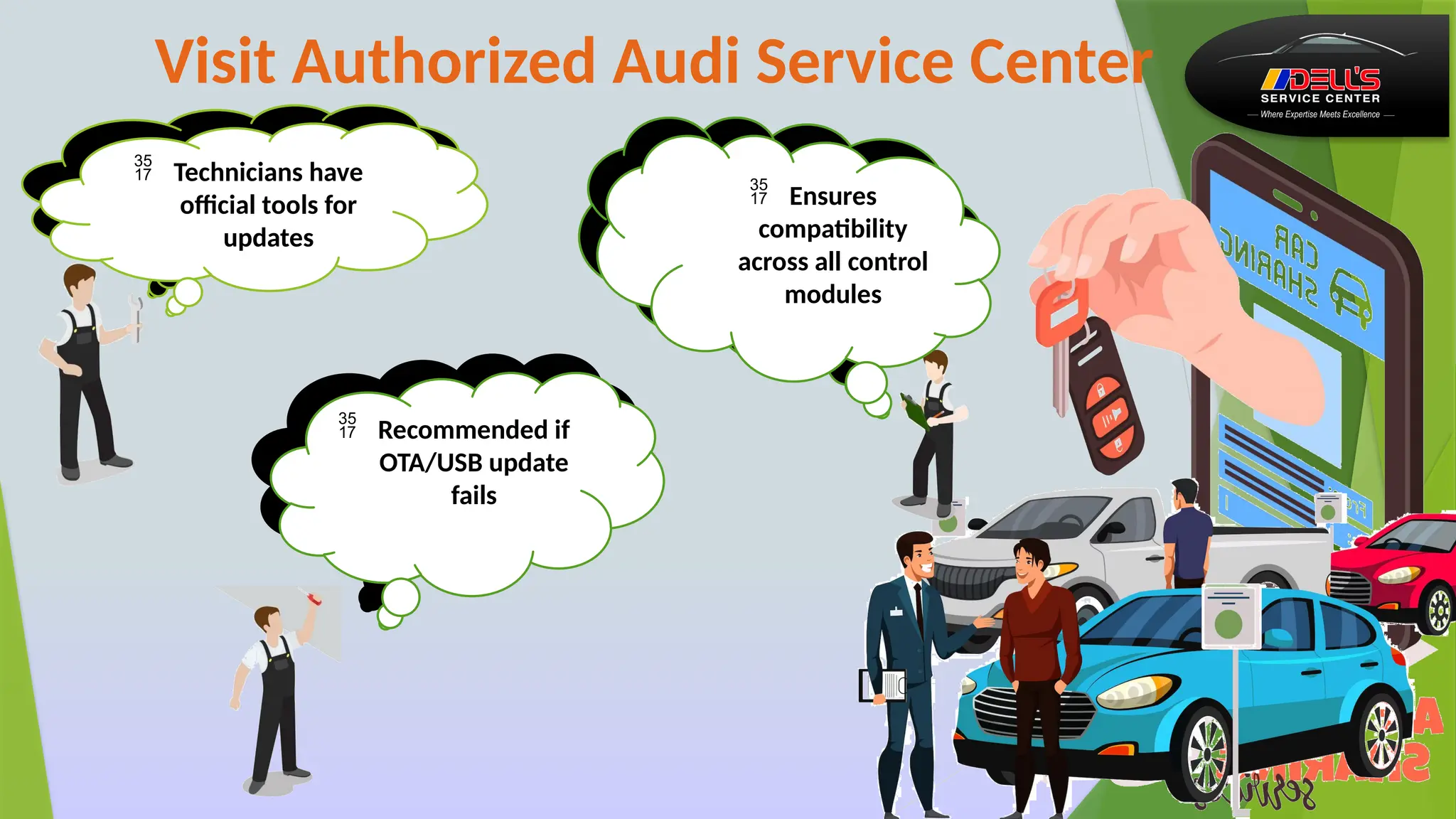
Visit Authorized Audi Service Center
 Technicians have
official tools for
updates
 Ensures
compatibility
across all control
modules
 Ensures
compatibility
across all control
modules
 Recommended if
OTA/USB update
fails
 Technicians have
official tools for
updates
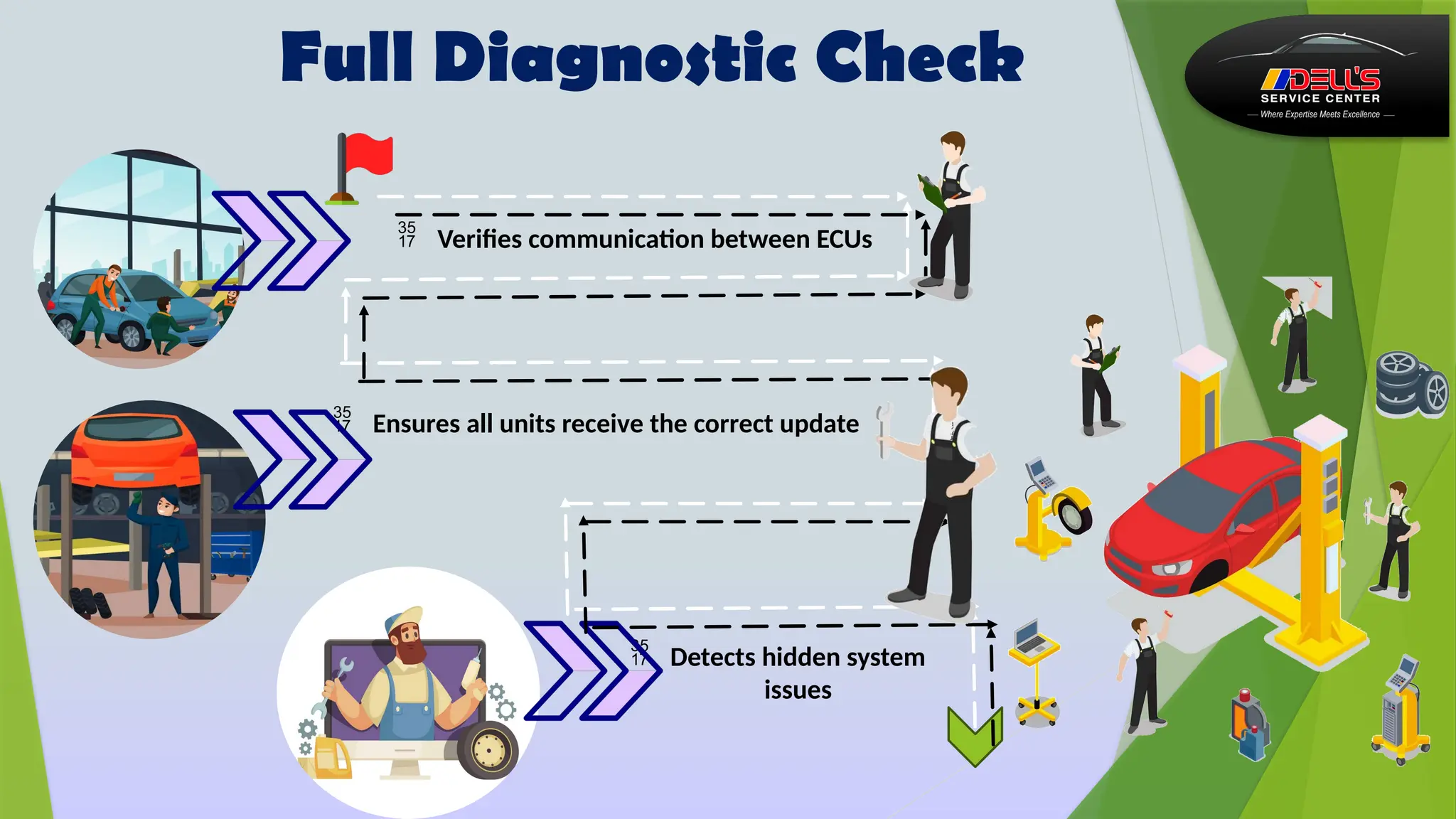
 Verifies communication between ECUs
Full Diagnostic Check
 Detects hidden system
issues
 Ensures all units receive the correct update
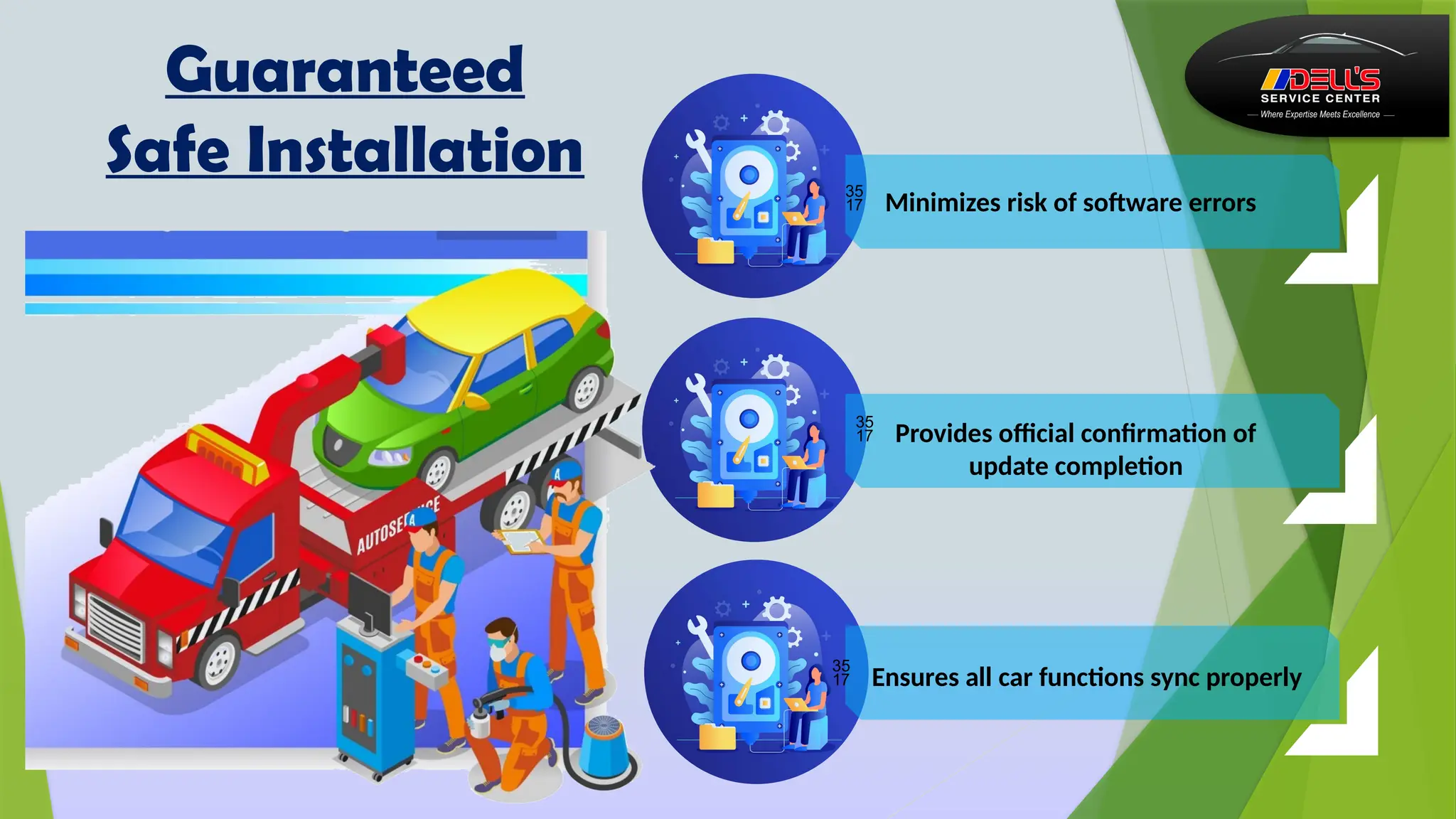
 Provides official confirmation of
update completion
Guaranteed
Safe Installation
 Ensures all car functions sync properly
 Minimizes risk of software errors
Post-Update Checks…
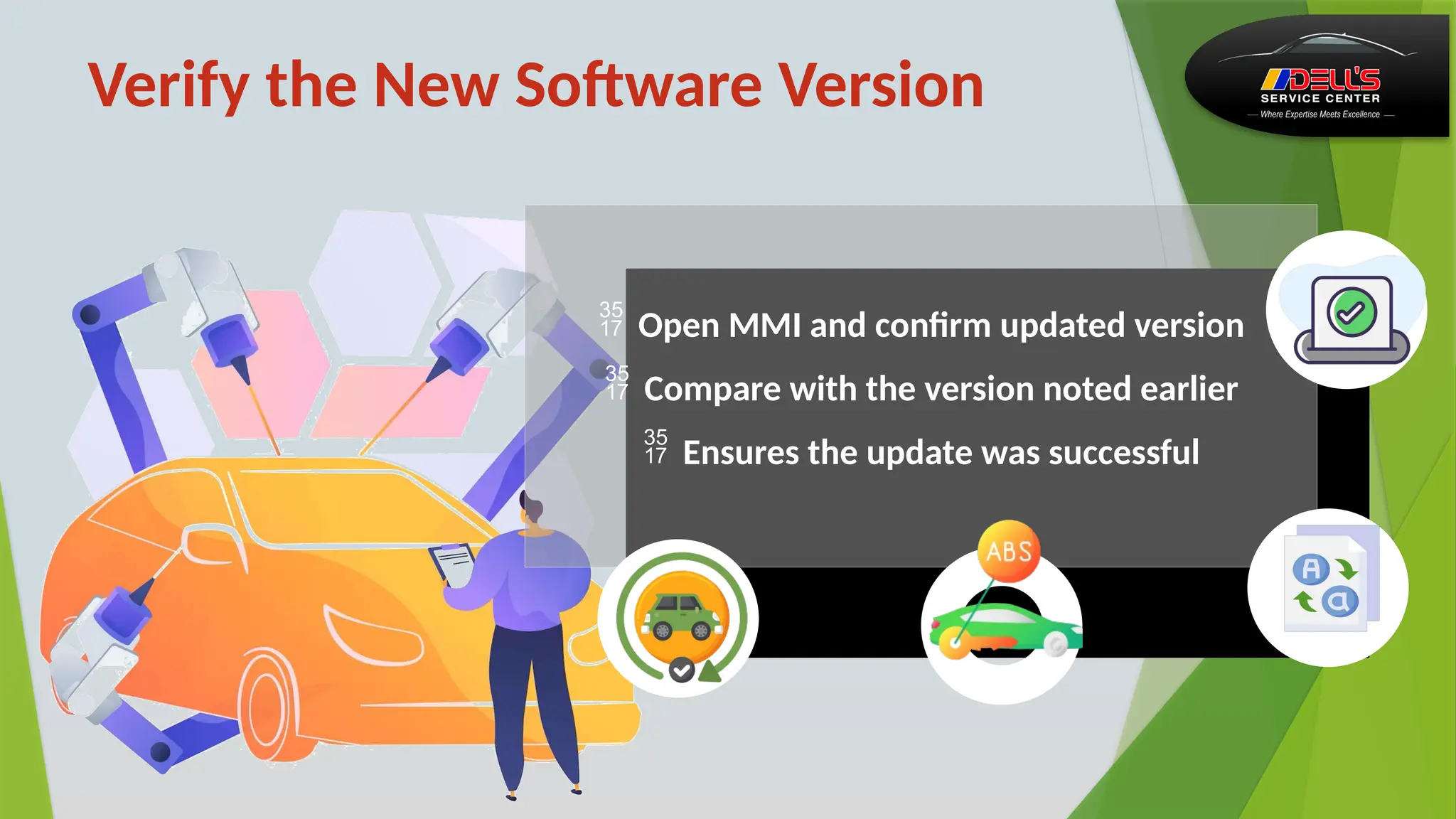
 Open MMI and confirm updated version
 Compare with the version noted earlier
 Ensures the update was successful
Verify the New Software Version
 Open MMI and confirm updated version
 Compare with the version noted earlier
 Ensures the update was successful
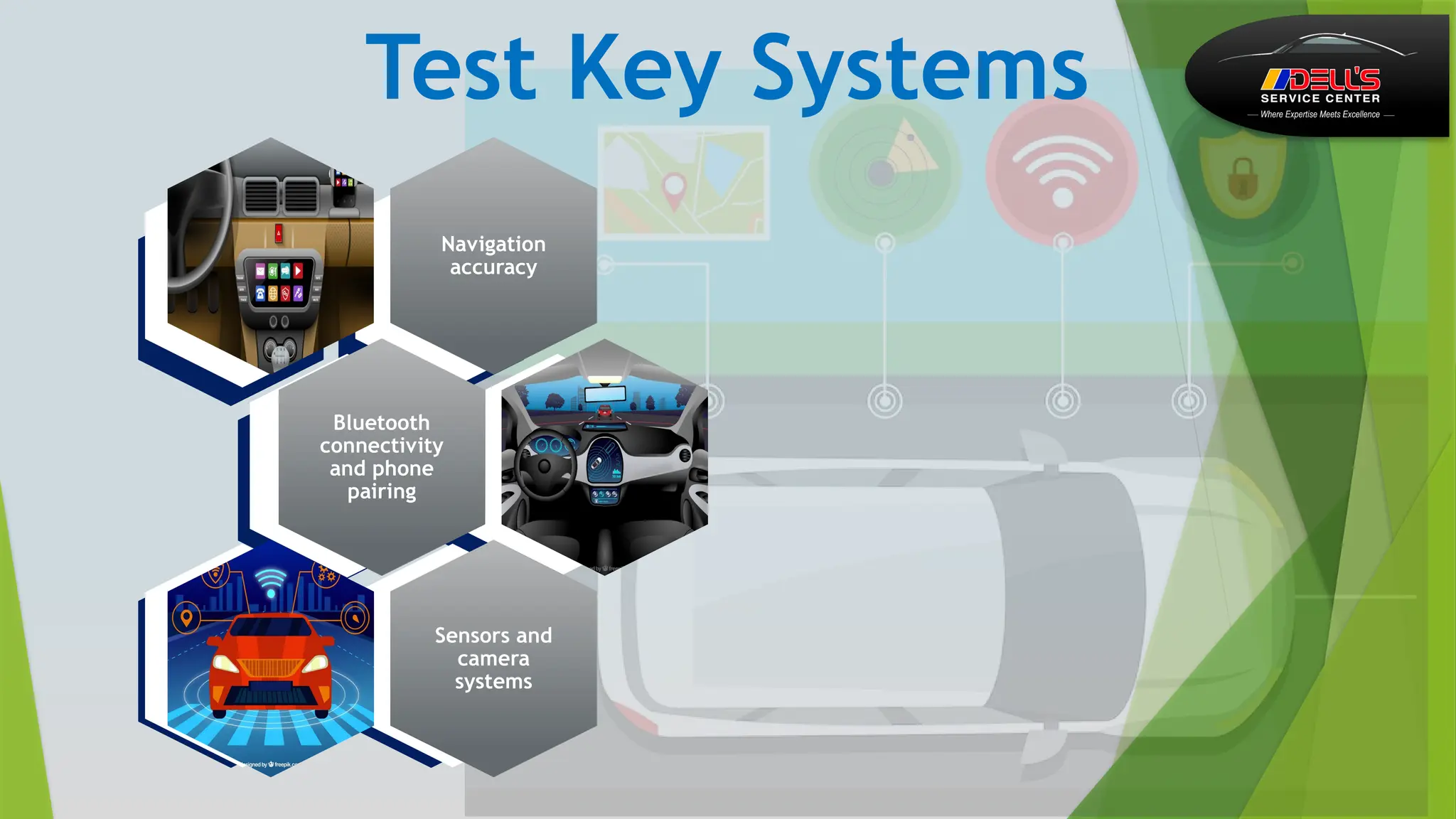
Test Key Systems
Navigation
accuracy
Bluetooth
connectivity
and phone
pairing
Sensors and
camera
systems
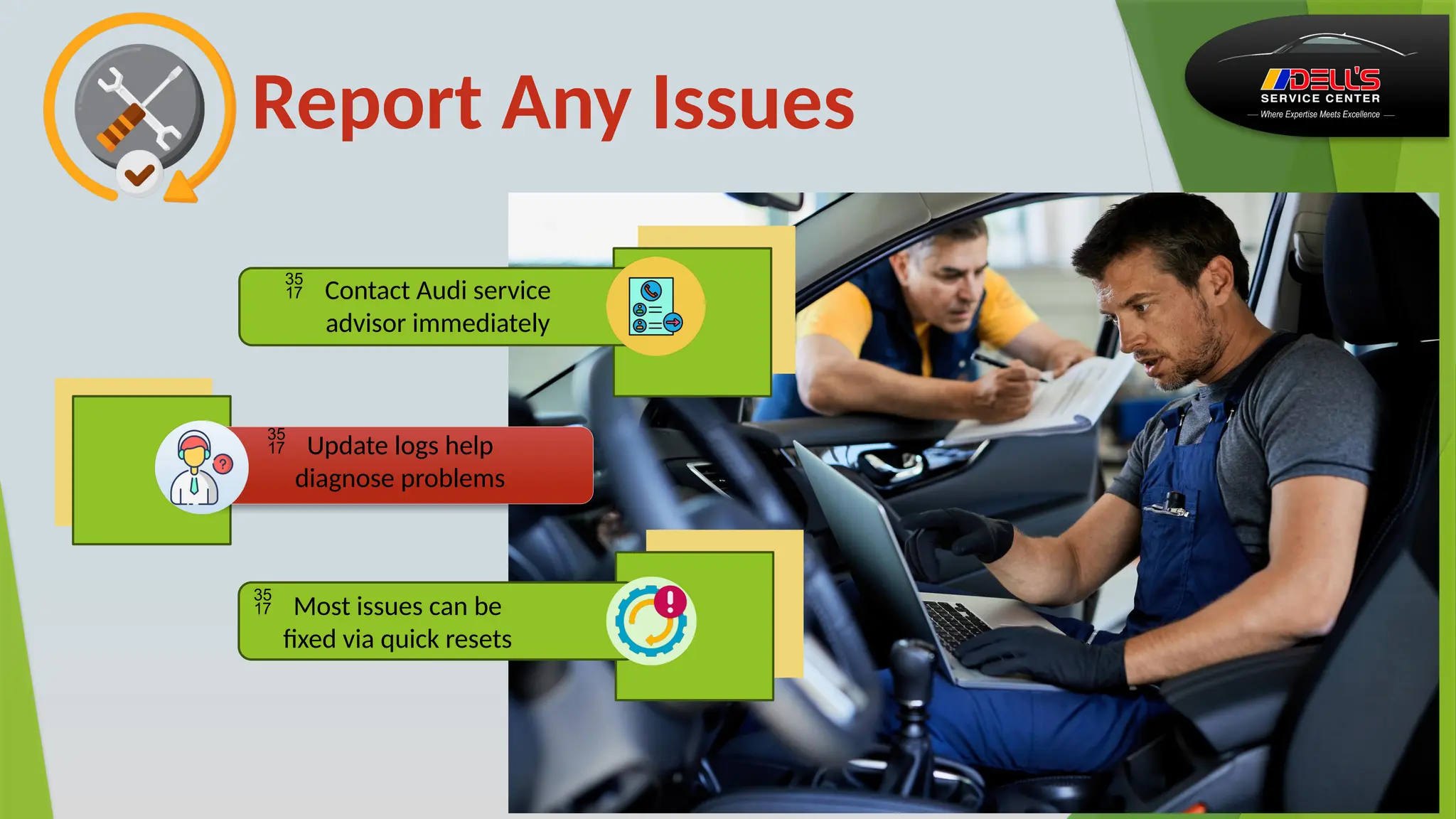
Report Any Issues
 Contact Audi service
advisor immediately
 Update logs help
diagnose problems
 Most issues can be
fixed via quick resets
Conclusion
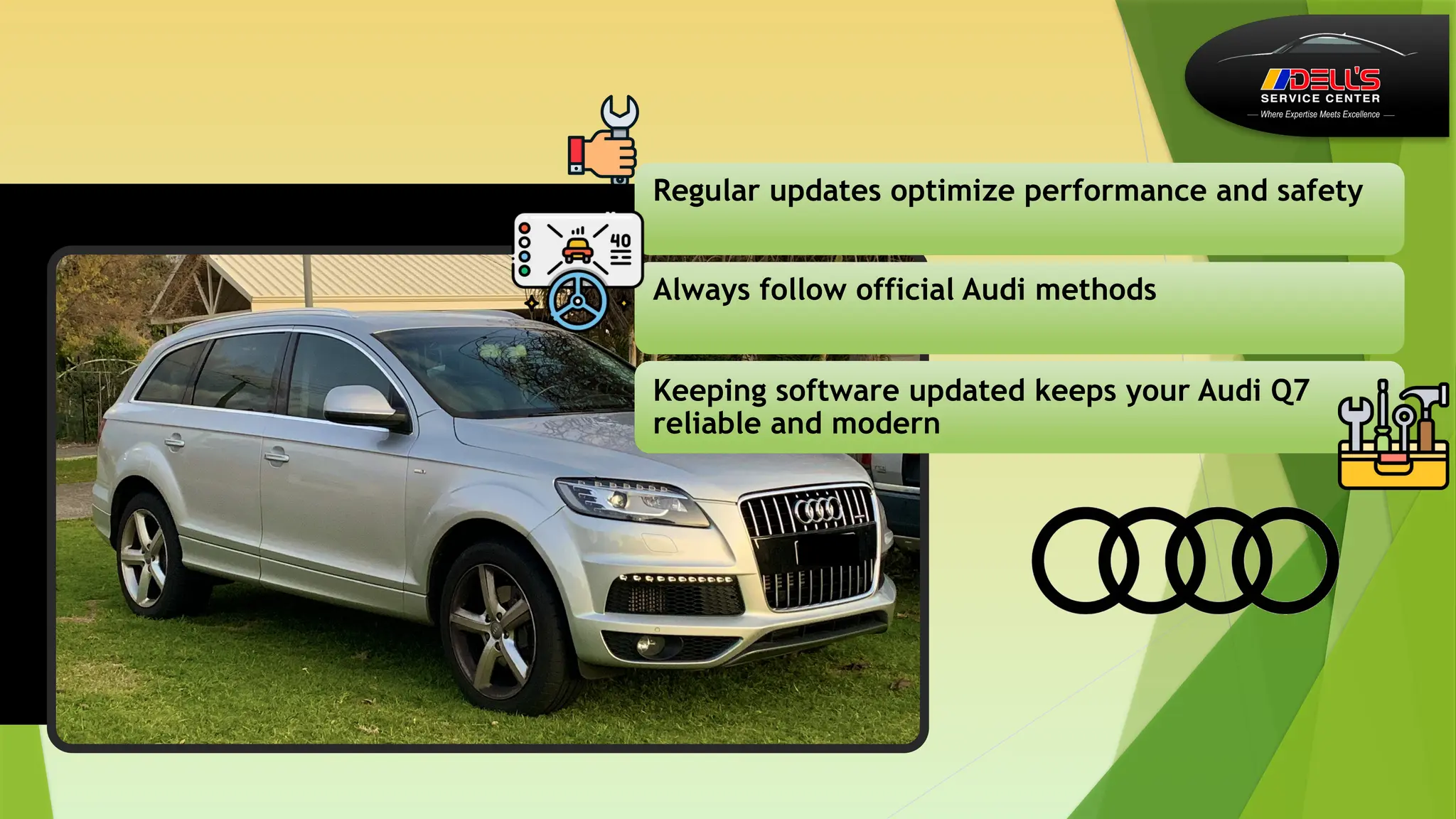
Regular updates optimize performance and safety
Always follow official Audi methods
Keeping software updated keeps your Audi Q7
reliable and modern
Dell's Service
840 Vanderperren Way
Green Bay, WI 54304
(920)-672-1354
Dell’s Service Center
https://www.facebook.com/DellsSer
viceCenter
Contact Us
https://www.instagram.com/dellss
ervicecenter/
https://www.linkedin.com/uas/lo
gin?session_redirect=https%3A%2F
%2Fwww.linkedin.com%2Fcompan
y%2Fdells-service-center%2F%2520
https://dellsservicecenter.com

A Professional Walkthrough for Safely Updating Audi Q7 System Software

  • 1.
    A Professional Walkthroughfor Safely Updating Audi Q7 System Software Dell's Service 840 Vanderperren Way Green Bay, WI 54304 (920)-672-1354 Dell’s Service Center https://dellsservicecenter.com/
  • 2.
    Why Software UpdatesMatter? Improve System Stability & Performance Keep Vehicle Compatible With New Tech Fix Bugs & Enhance Infotainment Update Connectivity Features
  • 3.
    Improve System Stability& Performance  Enhances the overall responsiveness of the MMI system Ensures smoother driving experience with optimized functions • Reduces glitches and unexpected system freezes
  • 4.
    Fix Bugs &Enhance Infotainment E n s u r e s a m o r e r e l i a b l e i n f o t a i n m e n t s y s t e m d u r i n g l o n g d r i v e s  R e s o l v e s k n o w n s o ft w a r e e r r o r s t h a t a ff e c t d a i l y u s e  I m p r o v e s a u d i o , d i s p l a y q u a l i t y , a n d u s e r i n t e r f a c e b e h a v i o r Infotainment
  • 5.
     Improves Bluetoothpairing reliability  Updates navigation maps for better route accuracy  Enhances Audi Connect services and online features Update Connectivity Features
  • 6.
    Ensures compatibility with updated smartphones and apps Preparesthe system for upcoming Audi digital features Extends the vehicle’s technological lifespan Keep Vehicle Compatible With New Tech
  • 7.
    Preparing for theUpdate…. .......
  • 8.
    Prevents overheating during theupdate Ensures stable power to vehicle electronics Avoids any interruptions caused by unsafe surroundings Park in a Safe, Well-Ventilated Area
  • 9.
    Ensure Battery isFully Charged  Prevents the update from failing due to power loss  Protects sensitive control units from damage  Recommended to keep a charger connected throughout Charge 1 2 3
  • 10.
    Check Internet Connection Avoidscorrupted files during the installation
  • 11.
  • 12.
    Access System Information Displaysyour current software version Helps compare with the latest available release
  • 13.
    Note the Versionfor Reference Useful for troubleshooting after updates  Helps confirm if the update was successful  Can be shared with service technicians if needed Useful for troubleshooting after updates  Can be shared with service technicians if needed  Helps confirm if the update was successful
  • 14.
    Check Availability ofNew Updates  Use the myAudi app for real-time updates  Visit Audi’s official website  Follow only trusted and official sources
  • 15.
  • 16.
    Connect to Wi-Fior Hotspot  OTA updates require stable internet  Prevents interruptions during the download  Use a strong network to avoid delays
  • 17.
    Follow On-Screen Instructions TheMMI will notify if an update is available Guided steps make installation simple Do not press back or exit during installation
  • 18.
    Keep Ignition On Prevents the system from shutting down  Ensures all modules update properly  Avoids software corruption risks
  • 20.
    Download Update from AudiWebsite  Avoid third-party files to prevent malware  Ensure you choose the correct Q7 model year  Only download from Audi’s official support pages
  • 21.
    Prepare USB Drive PlugUSB into the Audi port Keep ignition on until installation completes MMI will detect and prompt installation
  • 22.
    Insert USB &Start Update Plug USB into the Audi port MMI will detect and prompt installation Keep ignition on until installation completes
  • 23.
  • 24.
     Recommended if OTA/USBupdate fails Visit Authorized Audi Service Center  Technicians have official tools for updates  Ensures compatibility across all control modules  Ensures compatibility across all control modules  Recommended if OTA/USB update fails  Technicians have official tools for updates
  • 25.
     Verifies communicationbetween ECUs Full Diagnostic Check  Detects hidden system issues  Ensures all units receive the correct update
  • 26.
     Provides officialconfirmation of update completion Guaranteed Safe Installation  Ensures all car functions sync properly  Minimizes risk of software errors
  • 27.
  • 28.
     Open MMIand confirm updated version  Compare with the version noted earlier  Ensures the update was successful Verify the New Software Version  Open MMI and confirm updated version  Compare with the version noted earlier  Ensures the update was successful
  • 29.
  • 30.
    Report Any Issues Contact Audi service advisor immediately  Update logs help diagnose problems  Most issues can be fixed via quick resets
  • 31.
  • 32.
    Regular updates optimizeperformance and safety Always follow official Audi methods Keeping software updated keeps your Audi Q7 reliable and modern
  • 33.
    Dell's Service 840 VanderperrenWay Green Bay, WI 54304 (920)-672-1354 Dell’s Service Center https://www.facebook.com/DellsSer viceCenter Contact Us https://www.instagram.com/dellss ervicecenter/ https://www.linkedin.com/uas/lo gin?session_redirect=https%3A%2F %2Fwww.linkedin.com%2Fcompan y%2Fdells-service-center%2F%2520 https://dellsservicecenter.com