A backup today saves you
tomorrow
Because bad things do happen
Ben Mildren, MySQL Team Technical Lead
Andrew Moore, MySQL DBA
About Pythian
•  Recognized Leader:
–  Global industry-leader in remote database administration services and consulting for MySQL,
Oracle, Oracle Applications and Microsoft SQL Server
–  Work with over 250 multinational companies such as Forbes.com, Fox Sports, Nordion and
Western Union to help manage their complex IT deployments
•  Expertise:
–  Pythian’s data experts are the elite in their field. We have the highest concentration of Oracle
ACEs on staff—10 including 2 ACE Directors and 2 Microsoft MVPs.
–  Pythian holds 7 Specializations under Oracle Platinum Partner program, including Oracle
Exadata, Oracle GoldenGate & Oracle RAC
•  Global Reach & Scalability:
–  Around the clock global remote support for DBA and consulting, systems administration,
special projects or emergency response
So then…
Backups
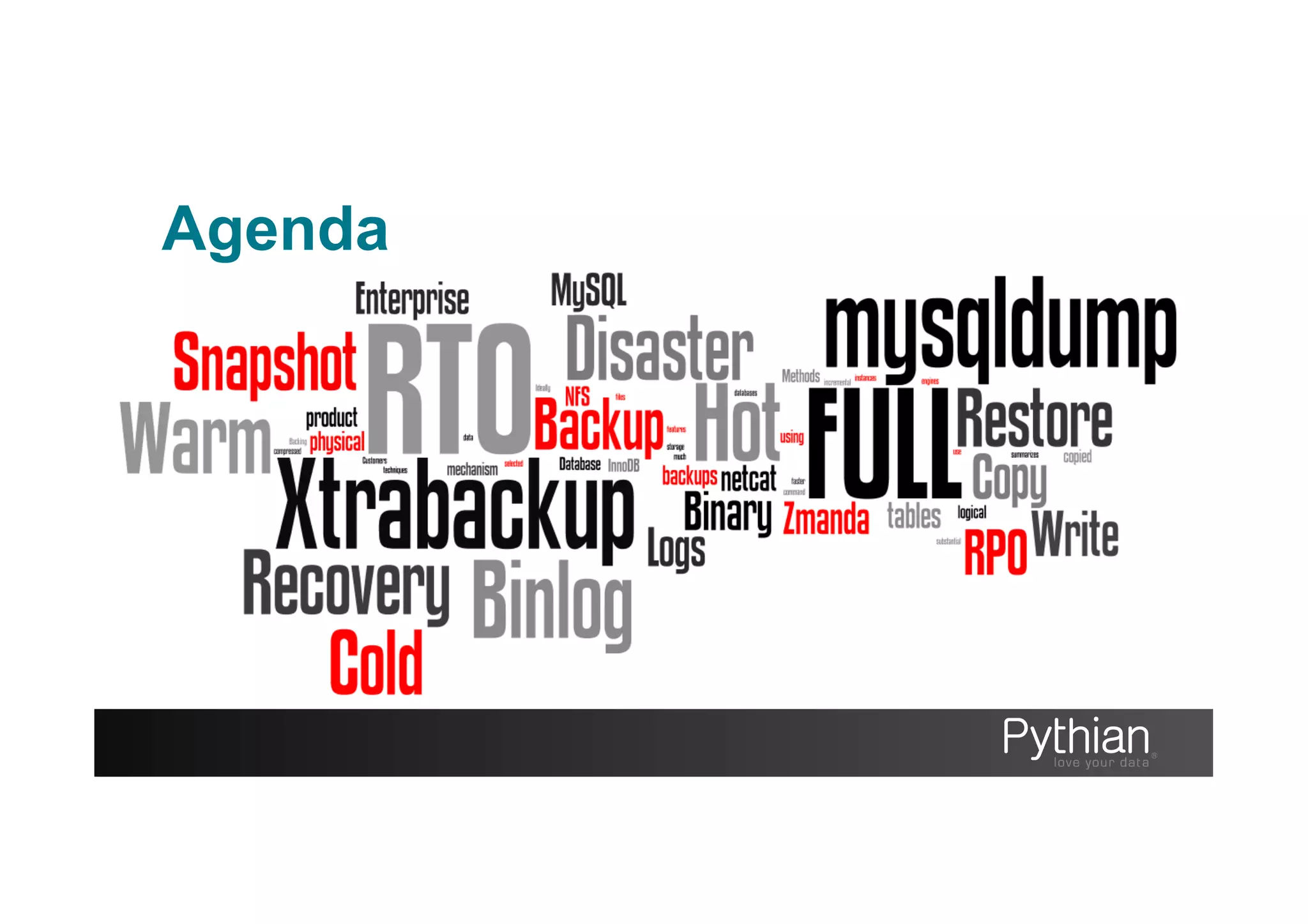
Agenda
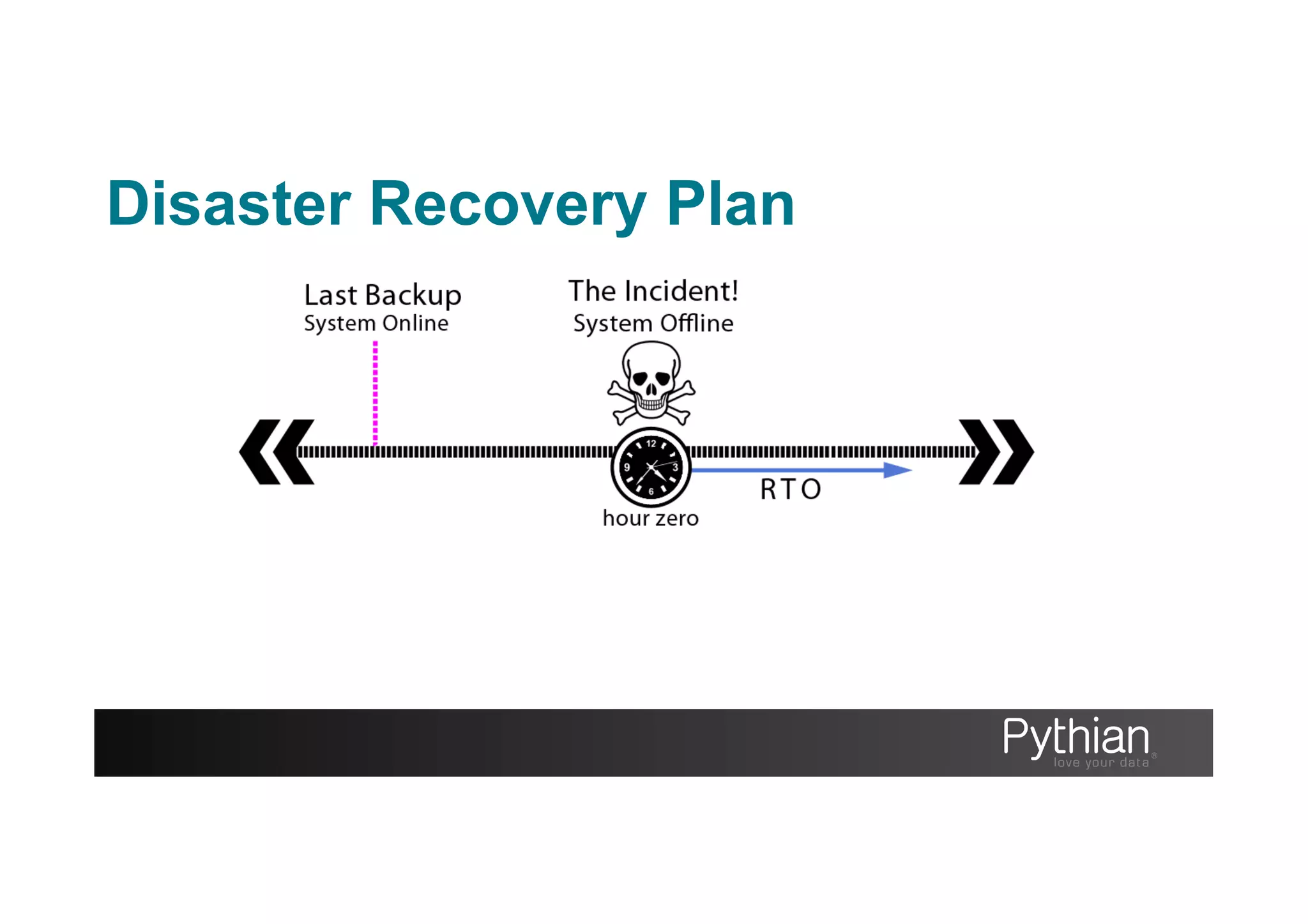
Disaster Recovery Plan
“a documented process or set of procedures
to recover and protect a business IT
infrastructure in the event of a disaster.”
http://en.wikipedia.org/wiki/Disaster_recovery_plan
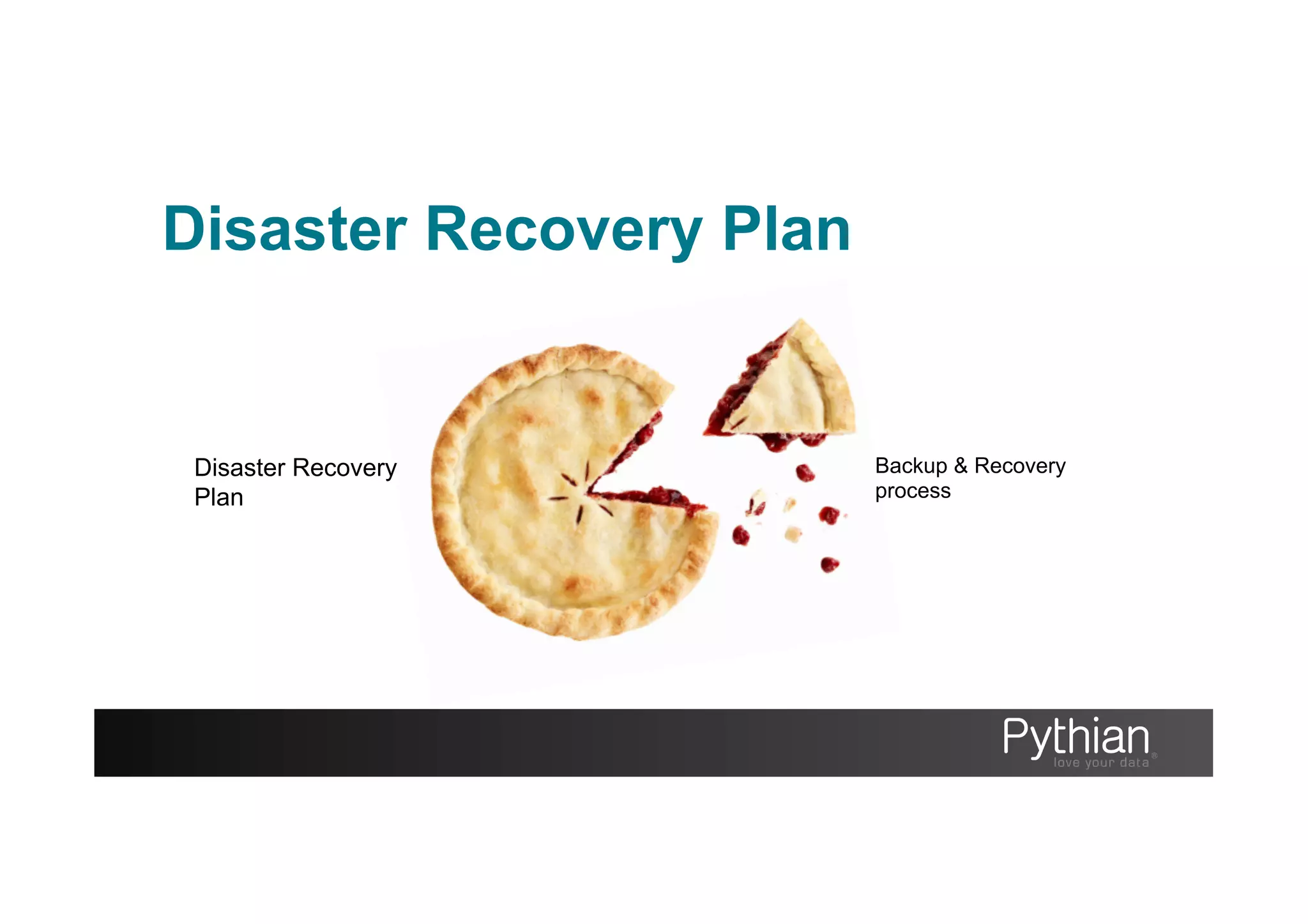
Disaster Recovery Plan
Backup & Recovery
process
Disaster Recovery
Plan
Disaster Recovery Plan
Designing a Disaster Recover Plan
•  Define your boundaries. What can you afford
to lose? Time or data?
•  Backup, what, when, where
•  Organize (find what you need at 4am)
•  Protect against disaster, removing SPOF
•  Document and train
•  Test restore, automation, review
Disaster Recovery Plan
Time or data?
As defined in ‘business continuity planning’ global standards
RTO & RPO
Disaster Recovery Plan
Recovery Time Objective
“the duration of time and service level within
which a business process must be restored
after a disaster or disruption”
http://en.wikipedia.org/wiki/Recovery_Time_Objective
Disaster Recovery Plan
Recovery Time Objective
Includes
•  Time allowed to troubleshoot (without recovery/fix)
•  The recovery time itself
•  Time for communication to stakeholders
Disaster Recovery Plan
Recovery Point Objective
“the maximum tolerable period in which data
might be lost from an IT service due to a major
incident”
http://en.wikipedia.org/wiki/Recovery_Point_Objective
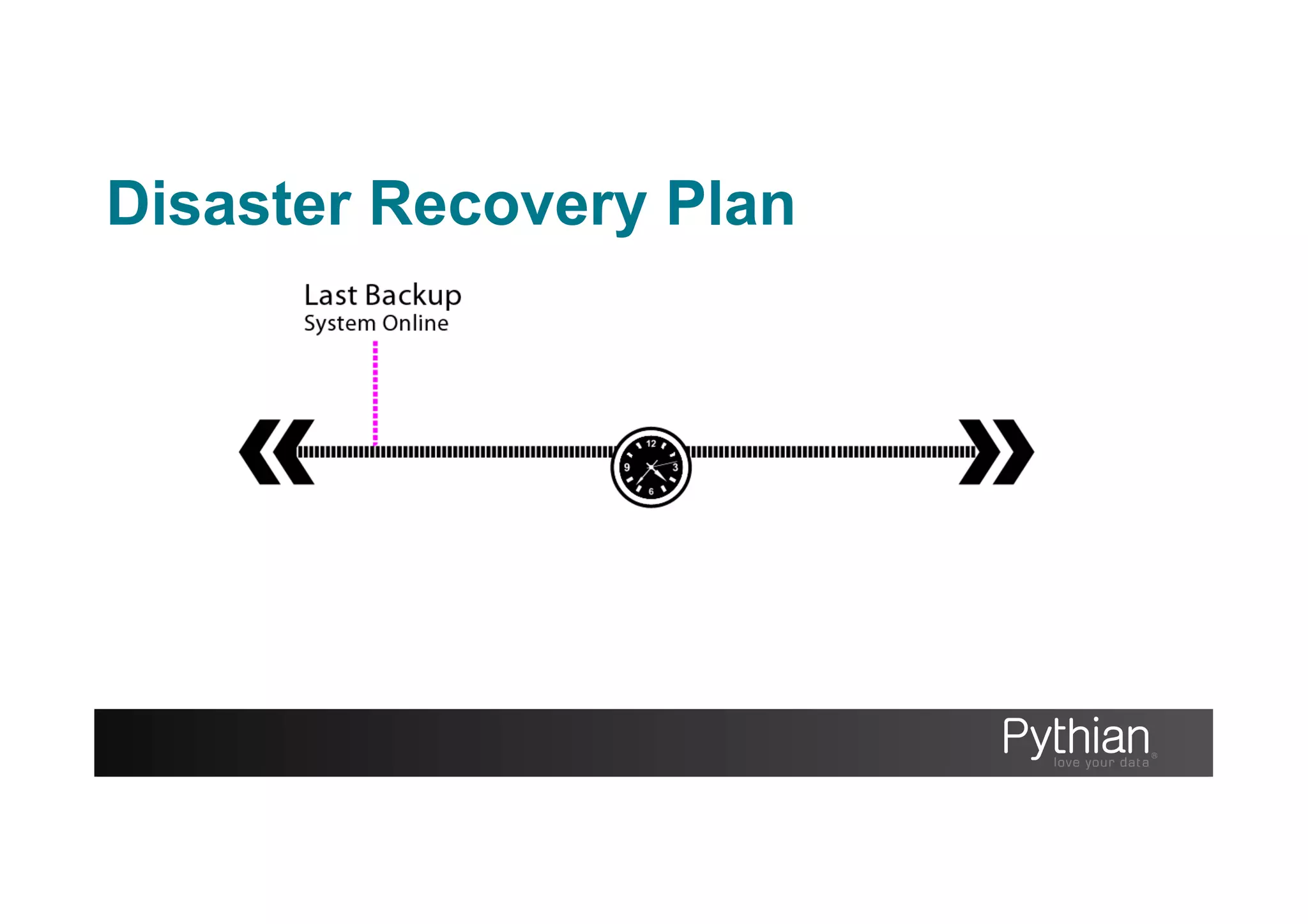
Disaster Recovery Plan
Can you afford…
•  Downtime?
•  Data loss?
Generally it costs too much $ to
say no to both
Disaster Recovery Plan
Why Recover?
Data Loss
•  Hardware failures e.g. HDD failure
•  Corruption
•  Natural disasters / Man-made disasters
Why Recover?
Time Travel
•  Data accidentally changed
•  Runaway bug in the software
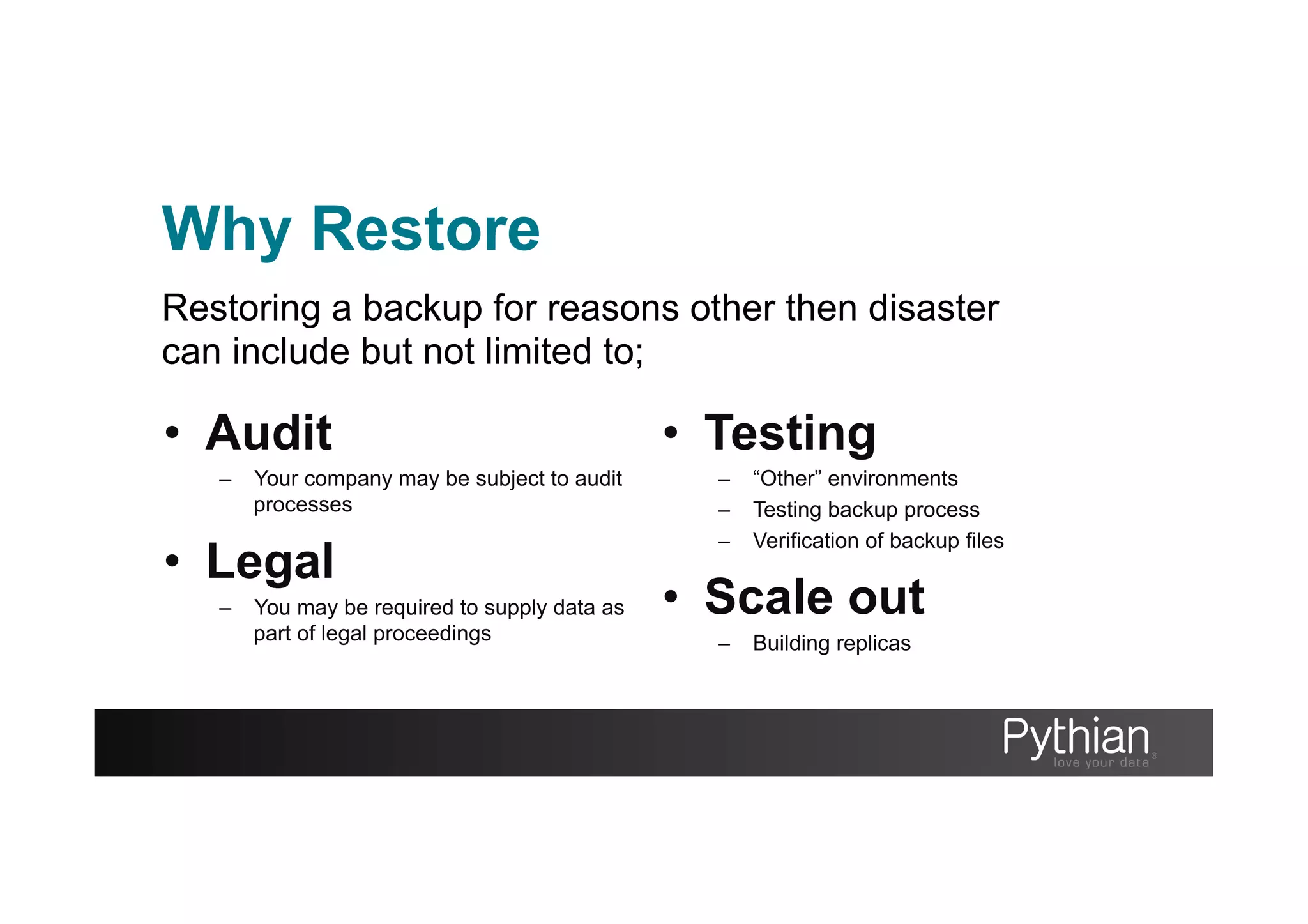
Why Restore
•  Audit
–  Your company may be subject to audit
processes
•  Legal
–  You may be required to supply data as
part of legal proceedings
•  Testing
–  “Other” environments
–  Testing backup process
–  Verification of backup files
•  Scale out
–  Building replicas
Restoring a backup for reasons other then disaster
can include but not limited to;
How to Restore
A valid Backup
Before you can restore you need an important
ingredient;
!MySQL Backups
Some alternatives are NOT backups
•  Standby Replicas/ Time delay Replicas
•  Passive Cluster Nodes
•  RAID
•  Storage Snapshots
•  Untested backups
MySQL Backups
Challenges that face MySQL Backups
•  No one tool to rule them all
•  Mixed engine environments
•  MySQL Surface area
•  Production impact of backup
MySQL Backup Types
Hot vs. Warm vs. Cold
Logical vs. Physical
Local vs. Remote
Full vs. Point in Time
Backup Repository Model
FULL: Complete system images
DIFFERENTIAL: Changes since last full backup
INCREMENTAL: Changes between two points in time.
Backups need to be stored and organized
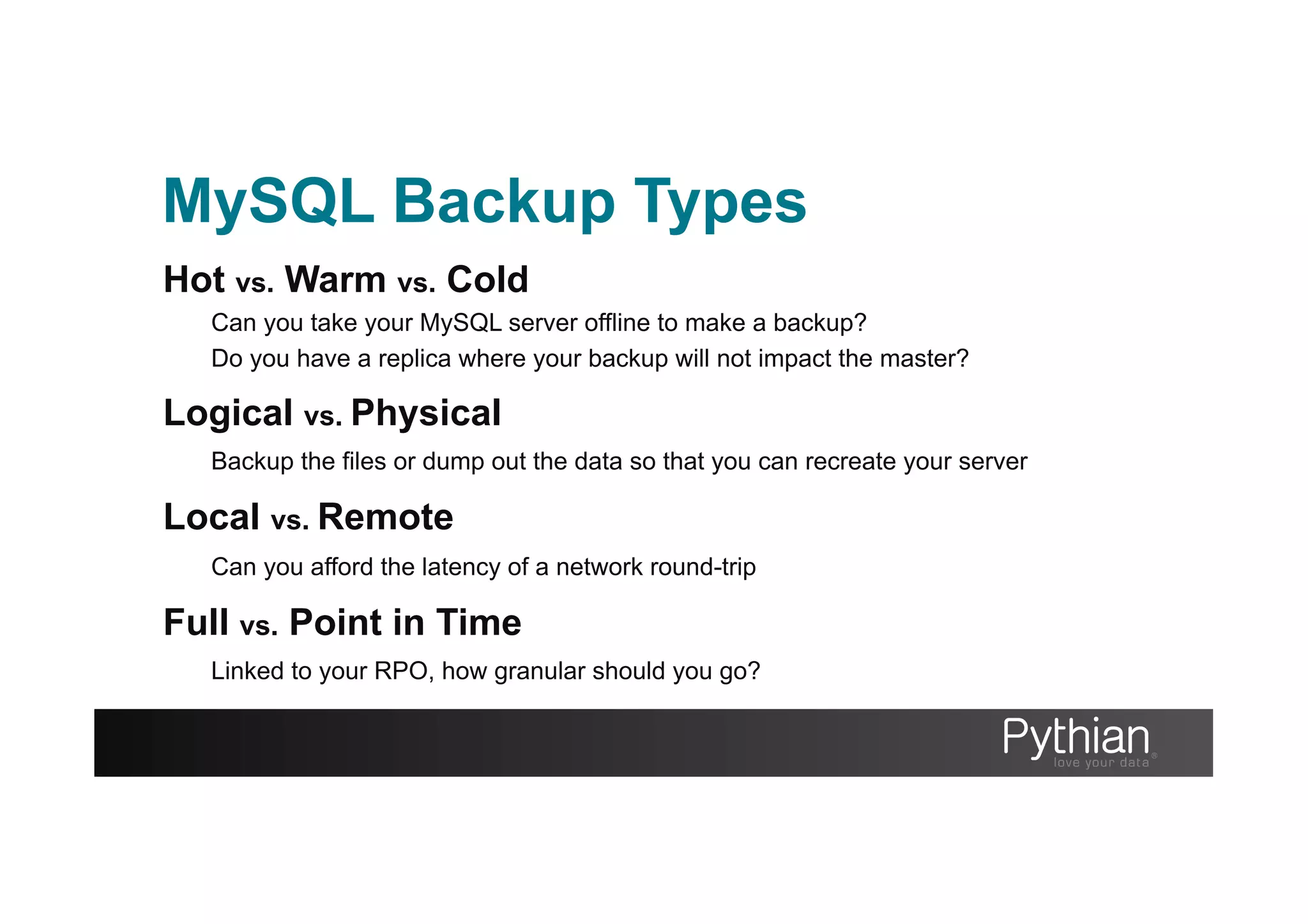
MySQL Backup Types
Hot vs. Warm vs. Cold
Can you take your MySQL server offline to make a backup?
Do you have a replica where your backup will not impact the master?
Logical vs. Physical
Backup the files or dump out the data so that you can recreate your server
Local vs. Remote
Can you afford the latency of a network round-trip
Full vs. Point in Time
Linked to your RPO, how granular should you go?
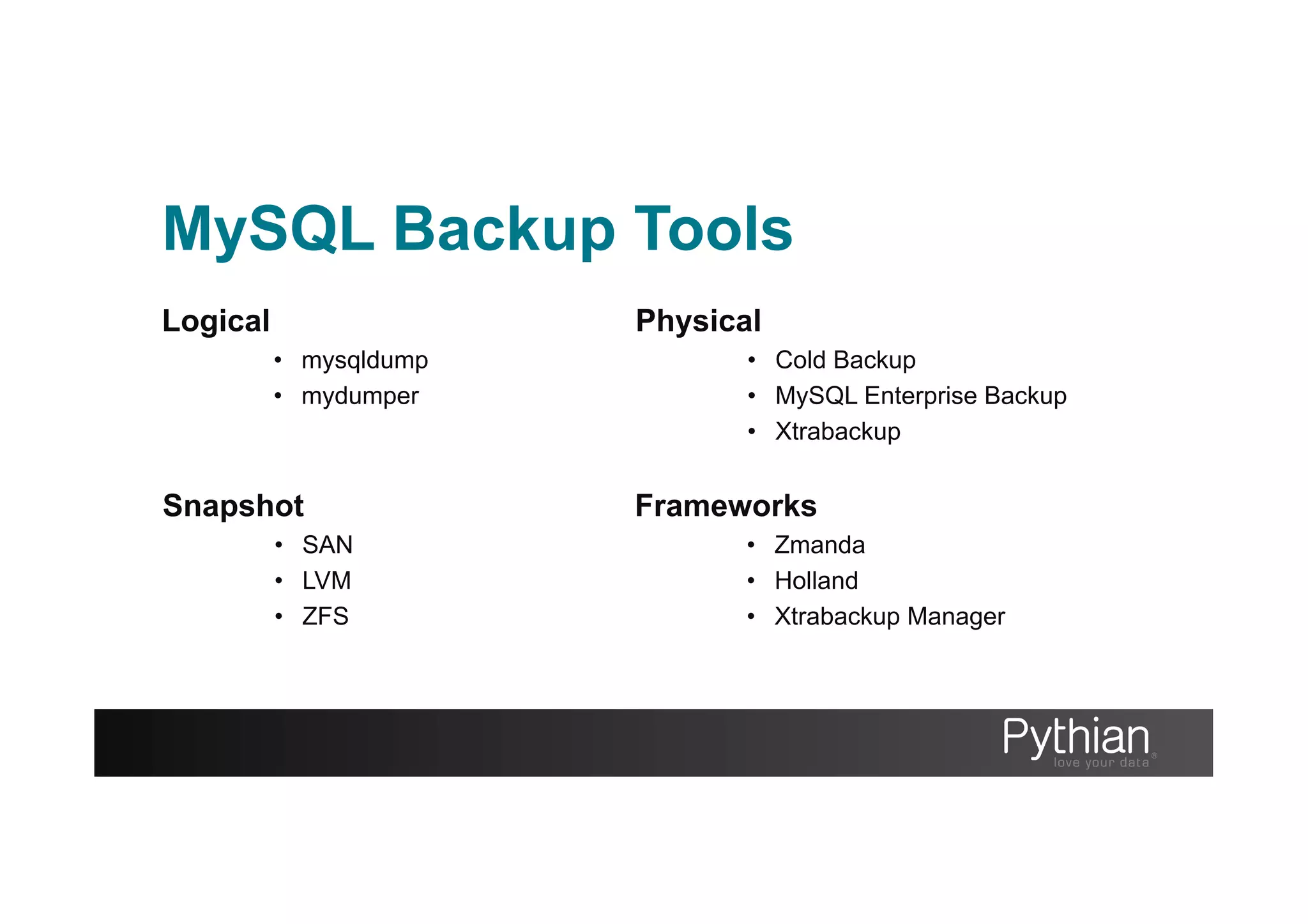
MySQL Backup Tools
Logical
•  mysqldump
•  mydumper
Physical
•  Cold Backup
•  MySQL Enterprise Backup
•  Xtrabackup
Snapshot
•  SAN
•  LVM
•  ZFS
Frameworks
•  Zmanda
•  Holland
•  Xtrabackup Manager
mysqldump
The command line utility to create logical dumps of your schema, database
objects and data Good solution for small to medium datasets (0G>20G)
Pros
•  Packaged with MySQL
•  Broad compatibility (engines)
•  Flexible use with pipelines
(gzip, sed, awk, pv, ssh, nc)
•  No locking in --single-
transaction with innodb only
tables
Cons
•  Single threaded
•  Locking by default
•  Can be hard to troubleshoot
errors (syntax error on line
14917212938)
•  Slow to reload data
•  Be wary of foreign keys and
triggers when restoring.
Type: Logical Heat: Hot[innodb only]:Warm[myisam] Impact: Medium Speed: Slow
mysqldump
Backup Examples
Backup all tables
mysqldump –u user –p pass --all-databases > backup.sql
Backup all tables compressed
mysqldump –u user –p pass --all-databases | gzip -5 > backup.sql.gz
Backup with database objects
mysqldump –u user –p pass --routines --triggers --events > backup.sql
Backup with no data
mysqldump –u user –p pass --no-data --triggers –events > backup.sql
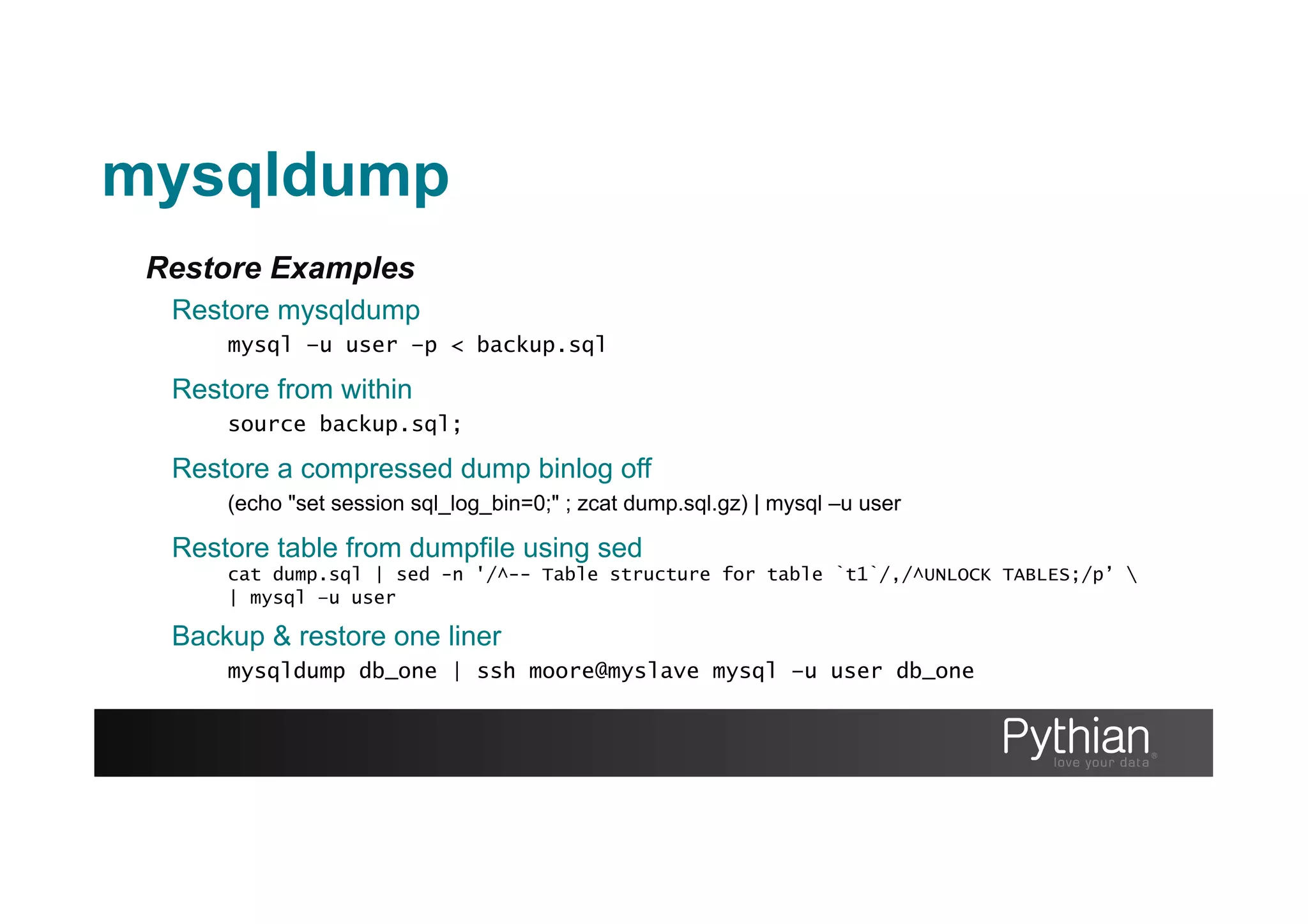
Restore Examples
Restore mysqldump
mysql –u user –p < backup.sql
Restore from within
source backup.sql;
Backup & restore one liner
mysqldump db_one | ssh moore@myslave mysql –u user db_one
mysqldump
Restore a compressed dump binlog off
(echo "set session sql_log_bin=0;" ; zcat dump.sql.gz) | mysql –u user
Restore table from dumpfile using sed
cat dump.sql | sed -n '/^-- Table structure for table `t1`/,/^UNLOCK TABLES;/p’ 
| mysql –u user
Tips
RTFM
There’s much more to see and test then what I’ve shown
--where = “id between 10000 and 20000”
--single-transaction
Check the time
Time your backup and recovery durations this will allow you to set expectations if you need to use the
backups. The time and pv unix programs will help you
time mysqldump > backup.sql
real 0m0.108s
user 0m0.003s
sys 0m0.006s
pv backup.sql | mysql -u user -p
101MB 0:00:39 [5.6MB/s]
[===> ] 13% ETA 0:03:12
mysqldump
mydumper
A parallel logical dumper for MySQL developed and maintained by ex-MySQL
employees.
Type: Logical Heat: Warm Impact: Medium Speed: Fast
Pros
•  It’s fast! Multithreded
•  Human readable output
•  Good solution for larger datasets
(multi-threaded)
•  Native compression
•  Dump remote host
•  Compatible with drizzle
•  Nearly hot if using only innodb tables
Cons
•  No official binaries shipped
•  Slower restore then physical backups
but faster then mysqldump
•  Caveats with restoration
•  Relies on mysqldump for database
objects (routines, events, etc)
https://launchpad.net/mydumper
Build from source;
[moore@bkphost ~]# wget https://launchpad.net/mydumper/0.5/0.5.2/+download/mydumper-0.5.2.tar.gz
[moore@bkphost ~]# cmake .
-- The CXX compiler identification is GNU
…
-- Build files have been written to: ~/mydumper-0.5.2
[moore@bkphost ~]# make
Scanning dependencies of target mydumper
[ 20%] Building C object CMakeFiles/mydumper.dir/
…
[ 80%] Built target mydumper
Scanning dependencies of target myloader
[100%] Built target myloader
[moore@bkphost ~]# mydumper --help
…
Dependencies
(MySQL, GLib, ZLib, PCRE)
mydumper
mydumper
Example of mydumper & myloader
Dump data
[moore@bkphost ~]# mydumper -h localhost –u bkpuser –p secret --database world --outputdir /backup_dir --verbose 3
** Message: Connected to a MySQL server
** Message: Started dump at: 2013-04-15 12:22:48
** Message: Thread 1 connected using MySQL connection ID 4
** Message: Thread 1 dumping data for `world`.`City`
** Message: Thread 1 shutting down
** Message: Non-InnoDB dump complete, unlocking tables
** Message: Finished dump at: 2013-04-15 12:22:54
Restore data
[moore@bkphost ~]# myloader -h localhost –u bkpuser –p secret --database world –d /backup_dir --verbose 3
** Message: n threads created
** Message: Creating table `world`.`City`
** Message: Thread 1 restoring `world`.`City` part 0
** Message: Thread 1 shutting down
Percona Xtrabackup 2.x
One of the strongest and widely used solutions for consistently backing up MySQL files focused on
Xtradb/Innodb but also support for non-transactional tables too. Xtrabackup makes use of the XtraDB/
InnoDB crash recovery cycle to apply the redo logs to the data when preparing for a restore. This
prepare phase can happen at the end of the backup or as part of the recovery phase.
Type: Physical Heat: Hot Impact: Low Speed: Fast
Pros
•  Free, GPL Licensed
•  Hot & Physical
•  Throttles to keep load low
•  Native compression (qpress)
•  Export tables
•  Parallel backup
•  Wide OS compatibility
•  Consistent backup of MyISAM
•  Great documentation and recipes
•  Compatible with XtraDB Cluster
Cons
•  Windows version in Alpha
•  Multiple stage restore
•  Cannot prepare compressed (on the fly)
backups
•  Qpress compression < gzip/pigz
percona.com/software/percona-xtrabackup
Xtrabackup
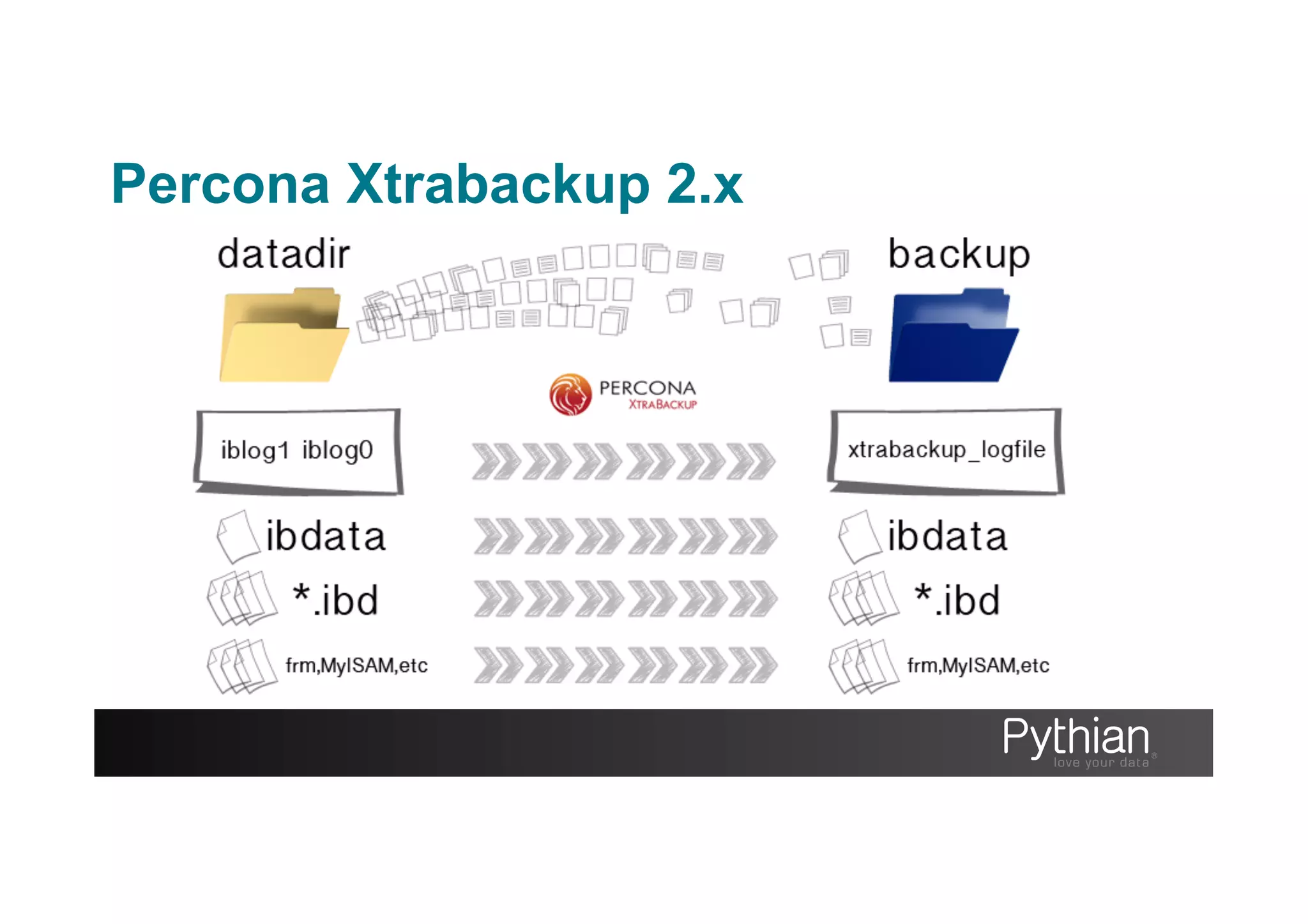
C program that takes care of copying XtraDB/InnoDB data files and logs. Tails the iblog files whilst activity on the server
continues whilst the XtraDB/InnoDB files are copied into the backup location
Innobackupex
The perl script that oversees the backup process. This allows the backup to handle the non-transactional tables. It
connects to the server once the Xtrabackup binary suspends after copying the XtraDB/InnoDB files. Innobackupex issues a
“FLUSH TABLES WITH READ LOCK” so that the supported non-transactional tables are not written on. If –safe-slave-
backup was issued then Innobackupex stops and starts the slave before and after the file copy.
Tar4ibd
A special version of tar that understands how to handle innodb / xtradb data files. Archives built using the stream to tar
options need to be extracted using the –i option or the extraction will not succeed.
Xbstream
Custom streaming format which allows the dynamic compression and parallel copy of files to improve the performance of
the overall backup.
Percona Xtrabackup 2.x
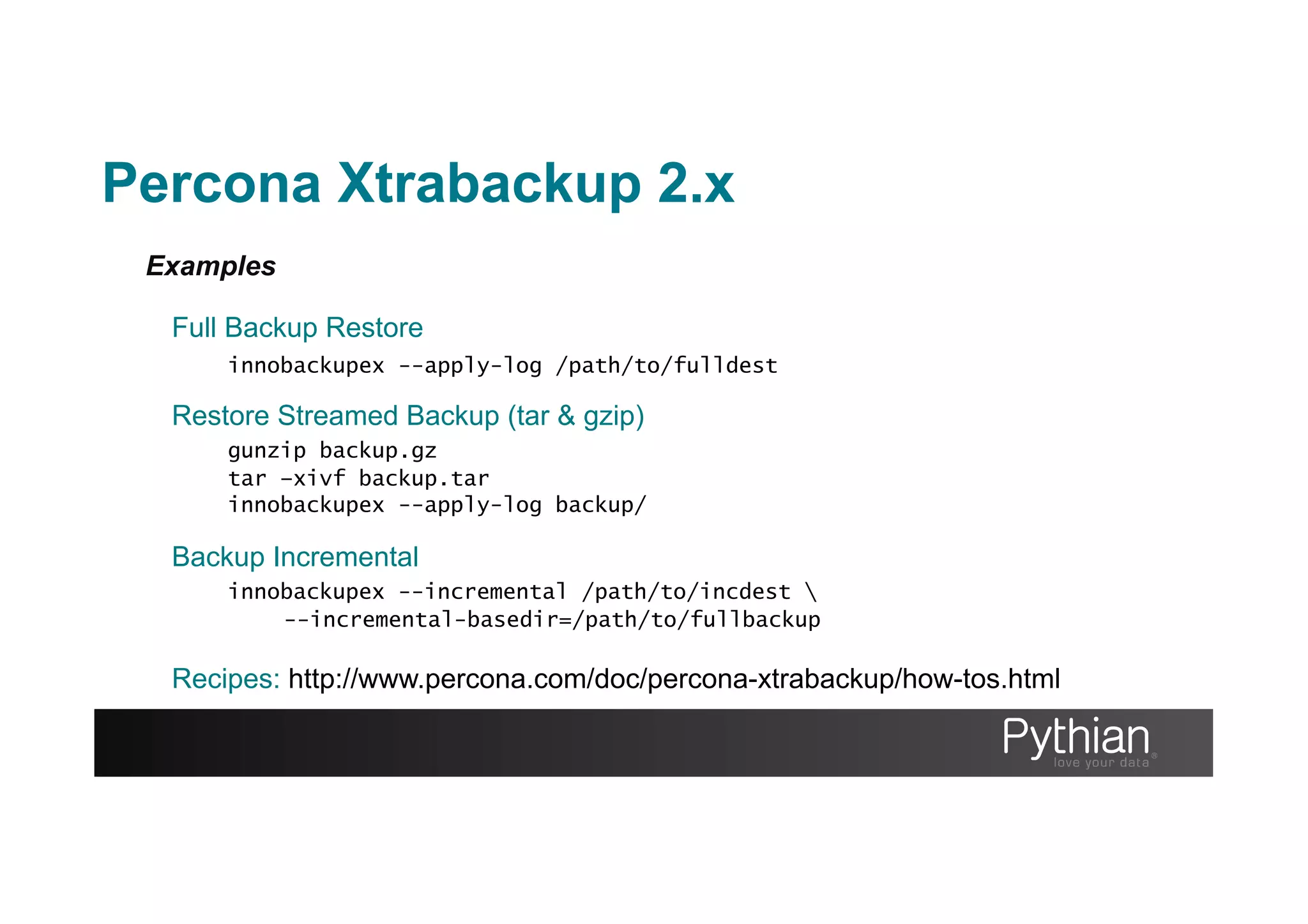
Examples
Full Backup Restore
innobackupex --apply-log /path/to/fulldest
Restore Streamed Backup (tar & gzip)
gunzip backup.gz
tar –xivf backup.tar
innobackupex --apply-log backup/
Backup Incremental
innobackupex --incremental /path/to/incdest 
--incremental-basedir=/path/to/fullbackup
Recipes: http://www.percona.com/doc/percona-xtrabackup/how-tos.html
Percona Xtrabackup 2.x
More Examples
Optimizing the restore phase
innobackupex --use-memory=2G --apply-log /path/to/backup
Backups with pigz
innobackupex --stream=[xbstream|tar] . | [pigz|gzip] > backup.gz
Backup Incremental
innobackupex --incremental /path/to/incdest 
--incremental-basedir=/path/to/fullbackup
Recipes: http://www.percona.com/doc/percona-xtrabackup/how-tos.html
Many, many more options…
Percona Xtrabackup 2.x
Other hints
Stream to another host
ssh or netcat
Native parallel & compress
--compress & --parallel
Non-transactional tables?
Use --rsync for much shorter lock time for large non-
trx surface area
Single table?
--apply-log --export
Percona Xtrabackup 2.x
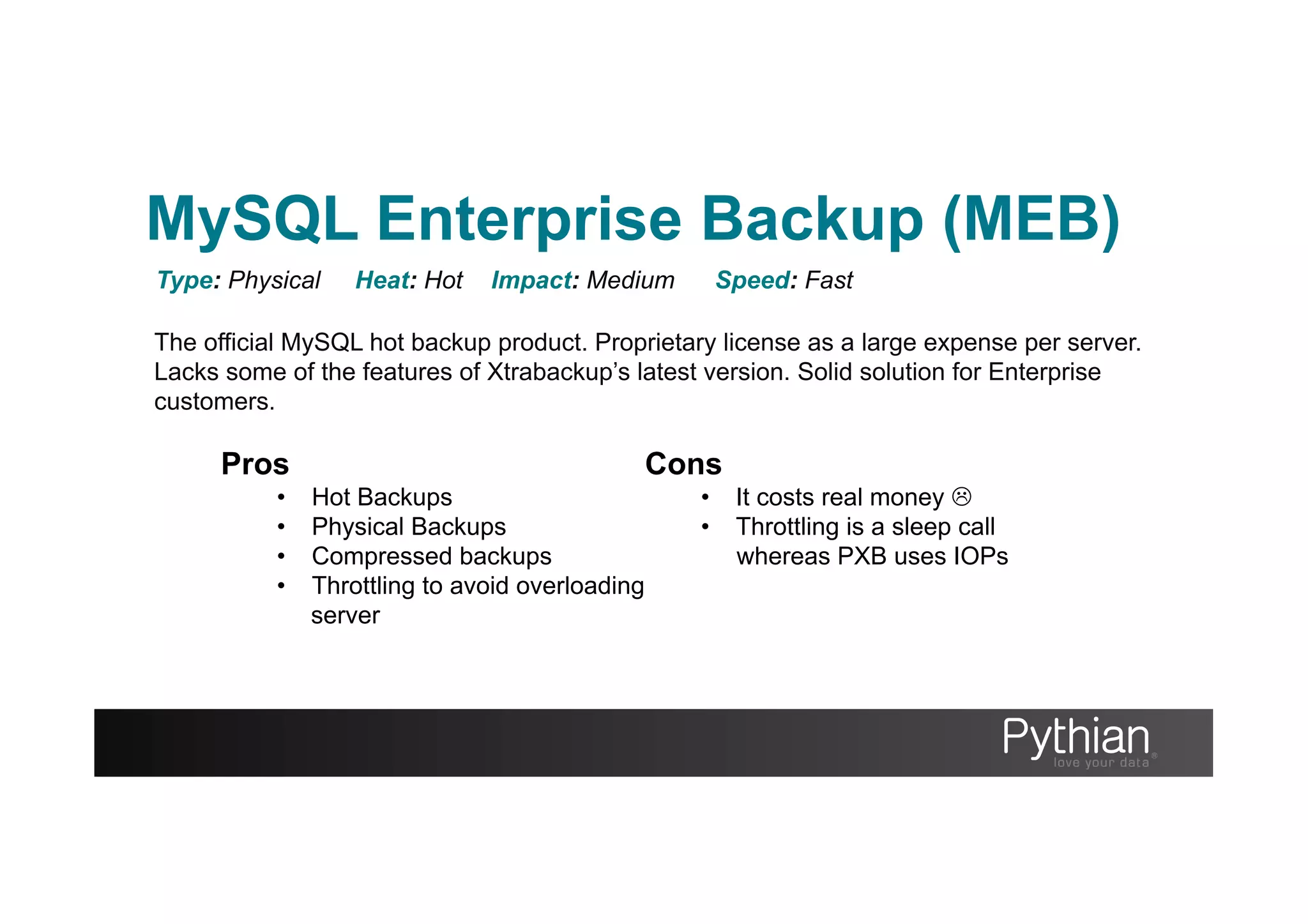
The official MySQL hot backup product. Proprietary license as a large expense per server.
Lacks some of the features of Xtrabackup’s latest version. Solid solution for Enterprise
customers.
Type: Physical Heat: Hot Impact: Medium Speed: Fast
Pros
•  Hot Backups
•  Physical Backups
•  Compressed backups
•  Throttling to avoid overloading
server
Cons
•  It costs real money L
•  Throttling is a sleep call
whereas PXB uses IOPs
MySQL Enterprise Backup (MEB)
Taking a cold backup of your system is one sure way to a consistent backup. By stopping mysqld you can
copy the files you need to the location you want, to gain a fully consistent backup of your data and config.
You have to be able to afford the time to gracefully stop the server and then complete the copy. Buffers
are lost from shutdown so this will impact the performance of the instance when started again.
Type: Physical Heat: Cold Impact: Downtime Speed: Fast
Pros
•  Fast
•  Consistent Backup across all
engines
•  Easily scripted
•  No new software to learn
Cons
•  It’s cold
•  Buffers require warming on
restart
•  Unsuitable for 24/7 operations
Cold Backup
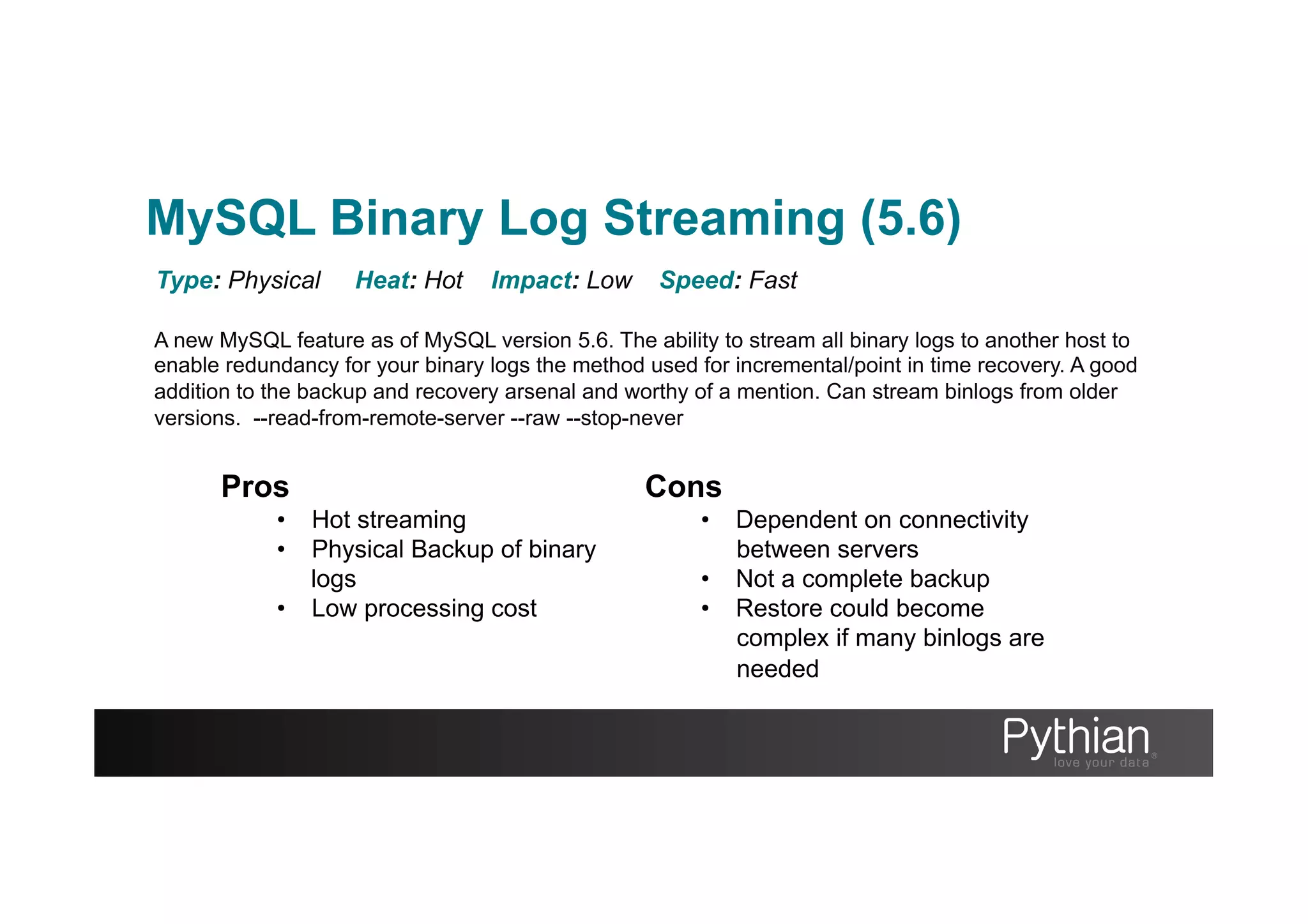
A new MySQL feature as of MySQL version 5.6. The ability to stream all binary logs to another host to
enable redundancy for your binary logs the method used for incremental/point in time recovery. A good
addition to the backup and recovery arsenal and worthy of a mention. Can stream binlogs from older
versions. --read-from-remote-server --raw --stop-never
Type: Physical Heat: Hot Impact: Low Speed: Fast
Pros
•  Hot streaming
•  Physical Backup of binary
logs
•  Low processing cost
Cons
•  Dependent on connectivity
between servers
•  Not a complete backup
•  Restore could become
complex if many binlogs are
needed
MySQL Binary Log Streaming (5.6)
Techniques as seen in mylvmbackup show that snapshots can be used to make the backup online using
copy on write technologies. Using a snapshot capable filesystem such as LVM, ZFS, VSS or SAN storage
with the same ability can afford you a storage checkpoint where changes can be simply rolled back if
issues arise
Type: Physical Heat: Warm Impact: Varies Speed: Fast
Pros
•  Fast
•  Warm backups
•  Familiar commands as with
storage tools
Cons
•  Crash recovery needed for
InnoDB to apply redo log
•  The ‘copy on write’ overhead
could impact performance
from the point the snapshot is
created until it’s destroyed.
Snapshot Backups
Contrary to popular belief the vast majority of MySQL backups are
warm not hot.
The FLUSH TABLES WITH READ LOCK statement is still required
to guarantee consistency for several aspects of a MySQL backup.
These include;
•  MyISAM and other non transactional tables
•  .frm files
•  Binary log co-ordinates.
The dreaded global READ LOCK!
In the Frame
Frameworks for MySQL backups
Traits inherent of the framework concept
–  Simplify complex technologies
–  Implement specific design ‘rules’
–  UI consistency
MySQL Backup Frameworks aim to solve;
–  Wrap best practices into common interface
–  Large environment administration pains
–  Centralize groups configuration
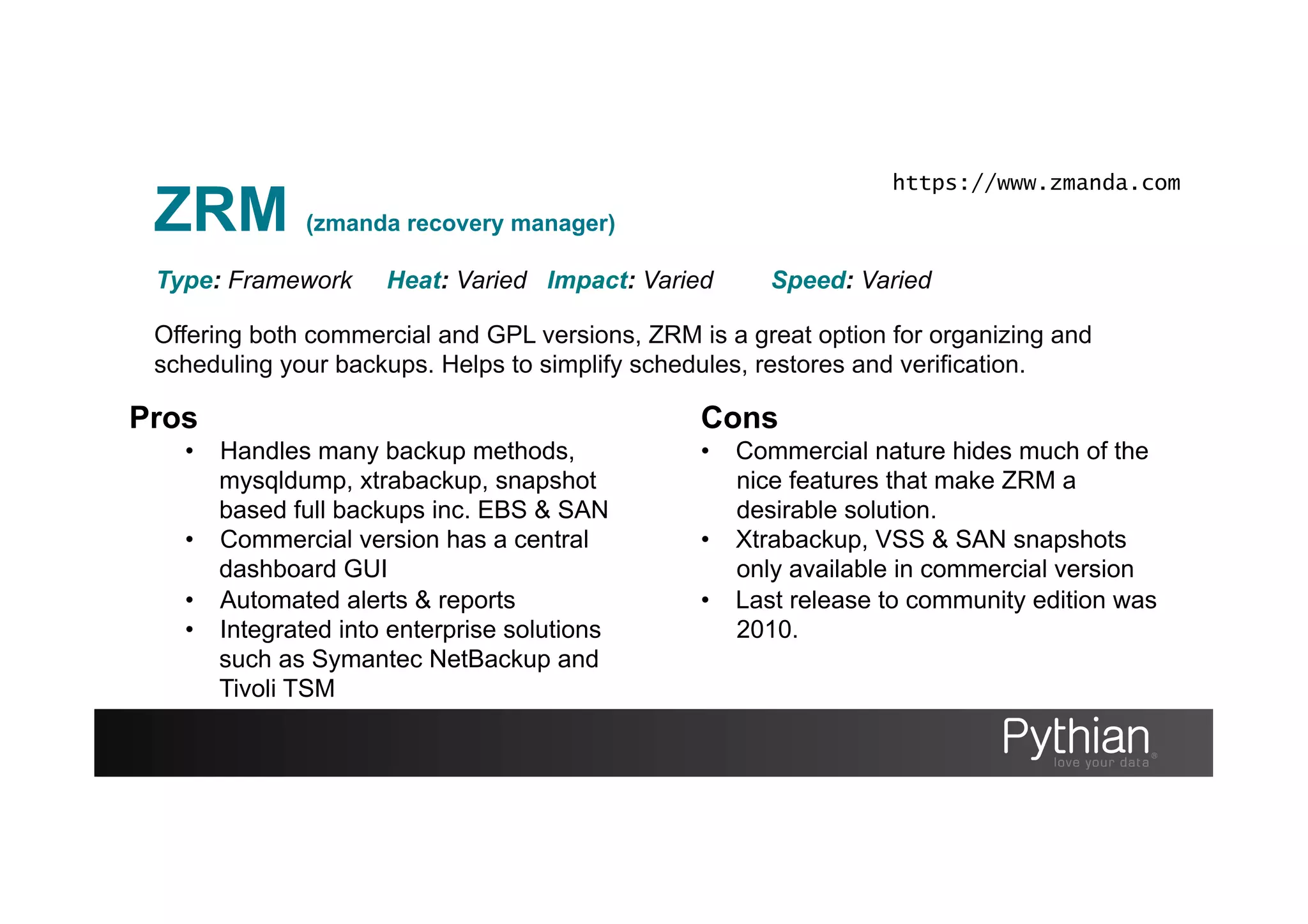
ZRM (zmanda recovery manager)
Offering both commercial and GPL versions, ZRM is a great option for organizing and
scheduling your backups. Helps to simplify schedules, restores and verification.
Type: Framework Heat: Varied Impact: Varied Speed: Varied
Pros
•  Handles many backup methods,
mysqldump, xtrabackup, snapshot
based full backups inc. EBS & SAN
•  Commercial version has a central
dashboard GUI
•  Automated alerts & reports
•  Integrated into enterprise solutions
such as Symantec NetBackup and
Tivoli TSM
Cons
•  Commercial nature hides much of the
nice features that make ZRM a
desirable solution.
•  Xtrabackup, VSS & SAN snapshots
only available in commercial version
•  Last release to community edition was
2010.
https://www.zmanda.com
Holland
The relatively unsung framework is originally from Rackspace and written in python under a New-BSD
license. It is a pluggable framework with MySQL, Xtrabackup, SQLite and Postgres support. Due to
pluggable nature there is scope to backup more than just databases.
Type: Framework Heat: Varied Impact: Varied Speed: Varied
Pros
•  Open Source
•  Pluggable structure
•  In production at RackSpace
•  Backup more then MySQL
•  Manages retention
Cons
•  Small user base (get involved
for the good of mankind!)
•  No central control tower
http://hollandbackup.org/
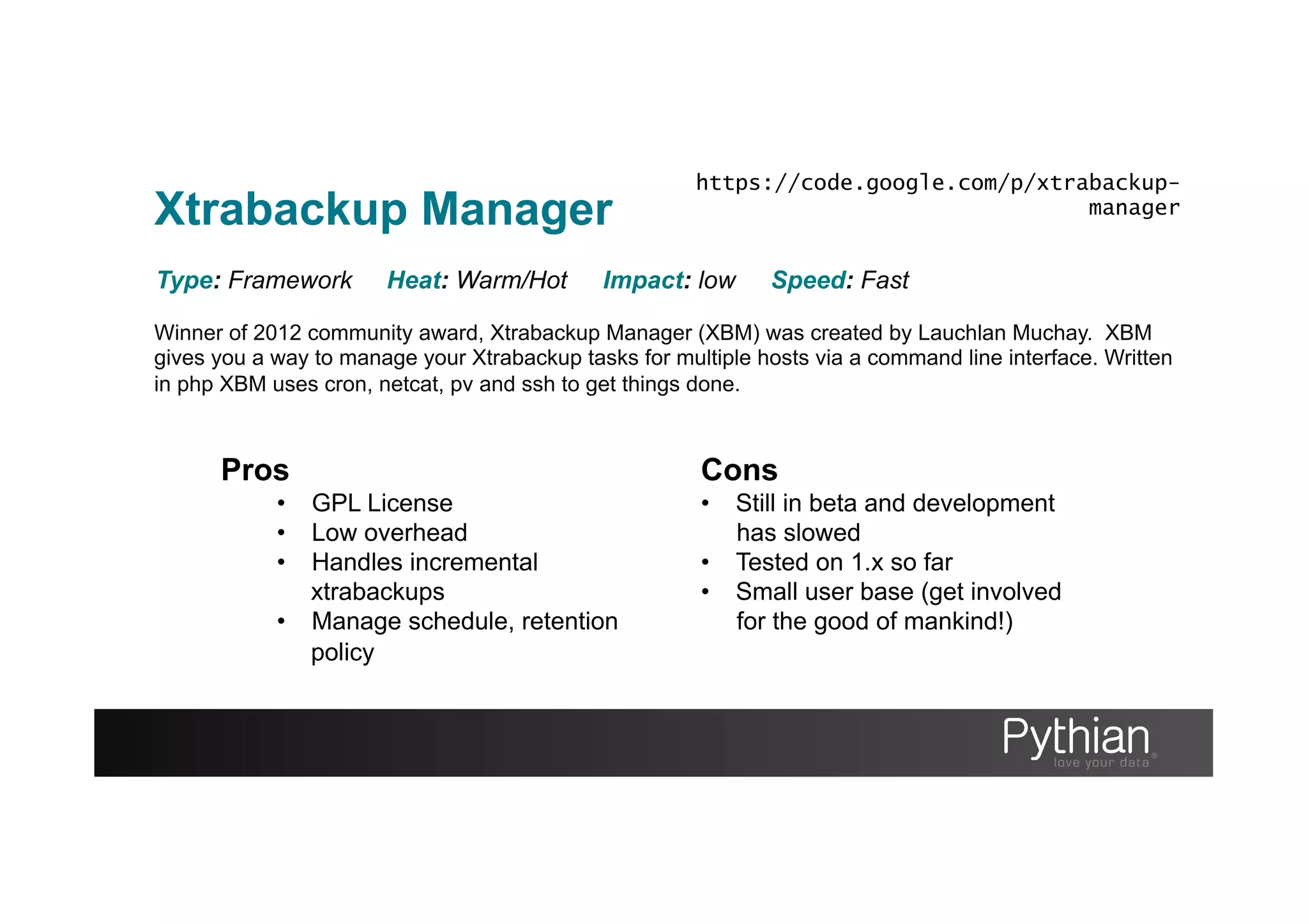
Xtrabackup Manager
Winner of 2012 community award, Xtrabackup Manager (XBM) was created by Lauchlan Muchay. XBM
gives you a way to manage your Xtrabackup tasks for multiple hosts via a command line interface. Written
in php XBM uses cron, netcat, pv and ssh to get things done.
Type: Framework Heat: Warm/Hot Impact: low Speed: Fast
Pros
•  GPL License
•  Low overhead
•  Handles incremental
xtrabackups
•  Manage schedule, retention
policy
Cons
•  Still in beta and development
has slowed
•  Tested on 1.x so far
•  Small user base (get involved
for the good of mankind!)
https://code.google.com/p/xtrabackup-
manager
Backup Testing
Regular development / Staging restores
•  Can be sufficient when infrastructure is limited
Restore server
•  Dedicated
•  Shared – Sandbox / mysqld_multi
Verification
•  Tests using information schema
•  Best to include data taken at time of backup
Backup Philosophy
Add redundancy
•  Use Logical and Physical types
•  Don’t forget your binary logs (5.6 can stream to non-mysql server)
•  Local copies (HDD, DAS) avoid network copying
•  Remote copies (NFS, SAN)
•  Offsite copies (S3, secure tape storage i.e. Iron Mountain)
Monitor those backups
•  Check pass/fail and document a process for how to react if a backup fails
•  A framework or custom wrapper will help
When backups go wrong
mysqldump
syntax error at line 1000101020020
charsets and collation issues (check config)
Xtrabackup
Ghost backups.
Shared tempdir for xtrabackup_checkpoint
Q&A
Thank you
To contact us
sales@pythian.com
1-877-PYTHIAN
To follow us
http://www.pythian.com/blog
http://www.facebook.com/pages/The-Pythian-Group/163902527671
@pythian
http://www.linkedin.com/company/pythian
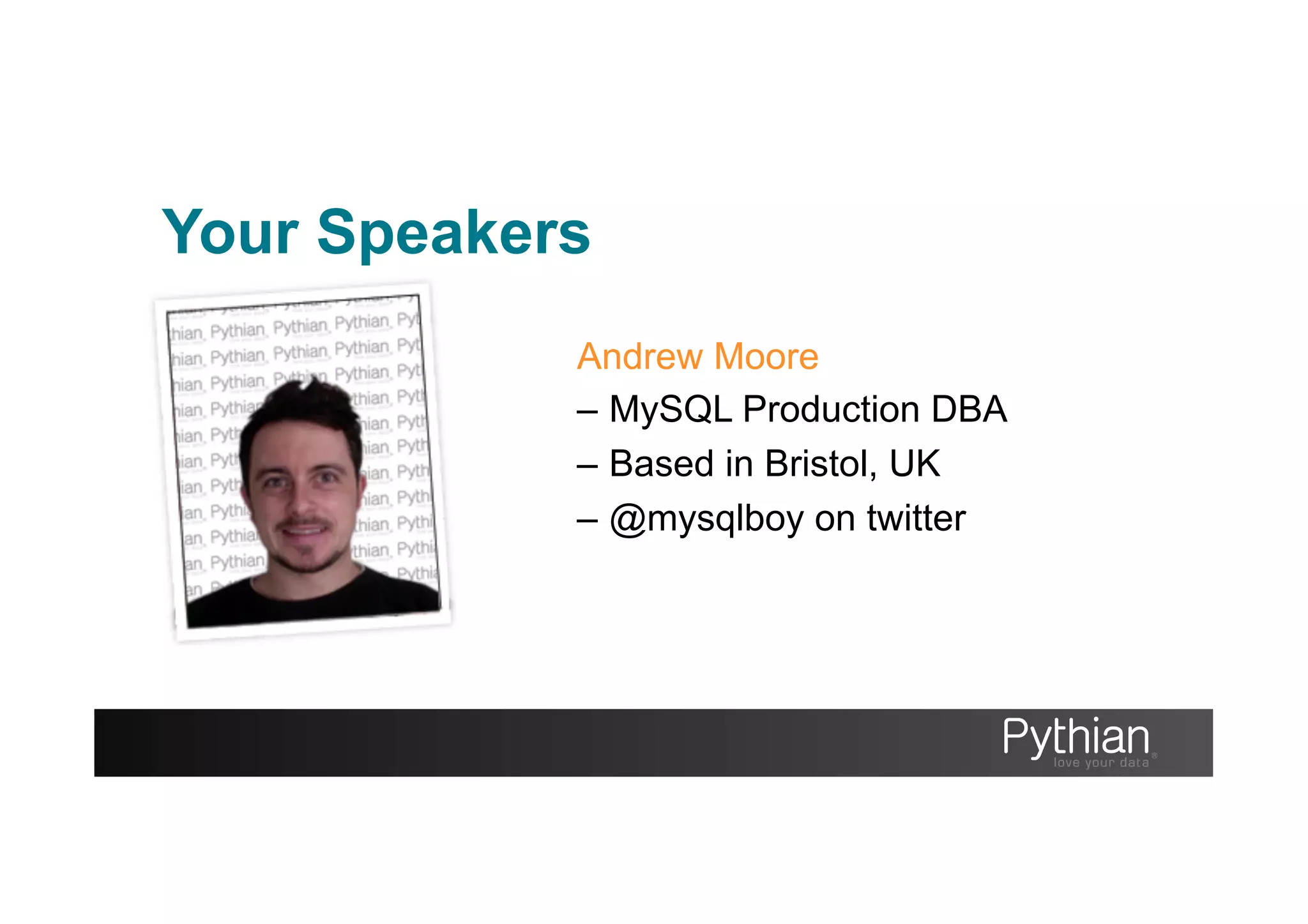
Your Speakers
Andrew Moore
–  MySQL Production DBA
–  Based in Bristol, UK
–  @mysqlboy on twitter
Fin.

A Backup Today Saves Tomorrow

  • 1.
    A backup todaysaves you tomorrow Because bad things do happen Ben Mildren, MySQL Team Technical Lead Andrew Moore, MySQL DBA
  • 2.
    About Pythian •  RecognizedLeader: –  Global industry-leader in remote database administration services and consulting for MySQL, Oracle, Oracle Applications and Microsoft SQL Server –  Work with over 250 multinational companies such as Forbes.com, Fox Sports, Nordion and Western Union to help manage their complex IT deployments •  Expertise: –  Pythian’s data experts are the elite in their field. We have the highest concentration of Oracle ACEs on staff—10 including 2 ACE Directors and 2 Microsoft MVPs. –  Pythian holds 7 Specializations under Oracle Platinum Partner program, including Oracle Exadata, Oracle GoldenGate & Oracle RAC •  Global Reach & Scalability: –  Around the clock global remote support for DBA and consulting, systems administration, special projects or emergency response
  • 3.
  • 4.
  • 5.
    Disaster Recovery Plan “adocumented process or set of procedures to recover and protect a business IT infrastructure in the event of a disaster.” http://en.wikipedia.org/wiki/Disaster_recovery_plan
  • 6.
    Disaster Recovery Plan Backup& Recovery process Disaster Recovery Plan
  • 7.
    Disaster Recovery Plan Designinga Disaster Recover Plan •  Define your boundaries. What can you afford to lose? Time or data? •  Backup, what, when, where •  Organize (find what you need at 4am) •  Protect against disaster, removing SPOF •  Document and train •  Test restore, automation, review
  • 8.
    Disaster Recovery Plan Timeor data? As defined in ‘business continuity planning’ global standards RTO & RPO
  • 9.
    Disaster Recovery Plan RecoveryTime Objective “the duration of time and service level within which a business process must be restored after a disaster or disruption” http://en.wikipedia.org/wiki/Recovery_Time_Objective
  • 10.
    Disaster Recovery Plan RecoveryTime Objective Includes •  Time allowed to troubleshoot (without recovery/fix) •  The recovery time itself •  Time for communication to stakeholders
  • 11.
    Disaster Recovery Plan RecoveryPoint Objective “the maximum tolerable period in which data might be lost from an IT service due to a major incident” http://en.wikipedia.org/wiki/Recovery_Point_Objective
  • 12.
    Disaster Recovery Plan Canyou afford… •  Downtime? •  Data loss? Generally it costs too much $ to say no to both
  • 13.
  • 14.
  • 15.
  • 16.
  • 17.
  • 18.
  • 19.
  • 20.
    Why Recover? Data Loss • Hardware failures e.g. HDD failure •  Corruption •  Natural disasters / Man-made disasters
  • 21.
    Why Recover? Time Travel • Data accidentally changed •  Runaway bug in the software
  • 22.
    Why Restore •  Audit – Your company may be subject to audit processes •  Legal –  You may be required to supply data as part of legal proceedings •  Testing –  “Other” environments –  Testing backup process –  Verification of backup files •  Scale out –  Building replicas Restoring a backup for reasons other then disaster can include but not limited to;
  • 23.
    How to Restore Avalid Backup Before you can restore you need an important ingredient;
  • 24.
    !MySQL Backups Some alternativesare NOT backups •  Standby Replicas/ Time delay Replicas •  Passive Cluster Nodes •  RAID •  Storage Snapshots •  Untested backups
  • 25.
    MySQL Backups Challenges thatface MySQL Backups •  No one tool to rule them all •  Mixed engine environments •  MySQL Surface area •  Production impact of backup
  • 26.
    MySQL Backup Types Hotvs. Warm vs. Cold Logical vs. Physical Local vs. Remote Full vs. Point in Time
  • 27.
    Backup Repository Model FULL:Complete system images DIFFERENTIAL: Changes since last full backup INCREMENTAL: Changes between two points in time. Backups need to be stored and organized
  • 28.
    MySQL Backup Types Hotvs. Warm vs. Cold Can you take your MySQL server offline to make a backup? Do you have a replica where your backup will not impact the master? Logical vs. Physical Backup the files or dump out the data so that you can recreate your server Local vs. Remote Can you afford the latency of a network round-trip Full vs. Point in Time Linked to your RPO, how granular should you go?
  • 29.
    MySQL Backup Tools Logical • mysqldump •  mydumper Physical •  Cold Backup •  MySQL Enterprise Backup •  Xtrabackup Snapshot •  SAN •  LVM •  ZFS Frameworks •  Zmanda •  Holland •  Xtrabackup Manager
  • 30.
    mysqldump The command lineutility to create logical dumps of your schema, database objects and data Good solution for small to medium datasets (0G>20G) Pros •  Packaged with MySQL •  Broad compatibility (engines) •  Flexible use with pipelines (gzip, sed, awk, pv, ssh, nc) •  No locking in --single- transaction with innodb only tables Cons •  Single threaded •  Locking by default •  Can be hard to troubleshoot errors (syntax error on line 14917212938) •  Slow to reload data •  Be wary of foreign keys and triggers when restoring. Type: Logical Heat: Hot[innodb only]:Warm[myisam] Impact: Medium Speed: Slow
  • 31.
    mysqldump Backup Examples Backup alltables mysqldump –u user –p pass --all-databases > backup.sql Backup all tables compressed mysqldump –u user –p pass --all-databases | gzip -5 > backup.sql.gz Backup with database objects mysqldump –u user –p pass --routines --triggers --events > backup.sql Backup with no data mysqldump –u user –p pass --no-data --triggers –events > backup.sql
  • 32.
    Restore Examples Restore mysqldump mysql–u user –p < backup.sql Restore from within source backup.sql; Backup & restore one liner mysqldump db_one | ssh moore@myslave mysql –u user db_one mysqldump Restore a compressed dump binlog off (echo "set session sql_log_bin=0;" ; zcat dump.sql.gz) | mysql –u user Restore table from dumpfile using sed cat dump.sql | sed -n '/^-- Table structure for table `t1`/,/^UNLOCK TABLES;/p’ | mysql –u user
  • 33.
    Tips RTFM There’s much moreto see and test then what I’ve shown --where = “id between 10000 and 20000” --single-transaction Check the time Time your backup and recovery durations this will allow you to set expectations if you need to use the backups. The time and pv unix programs will help you time mysqldump > backup.sql real 0m0.108s user 0m0.003s sys 0m0.006s pv backup.sql | mysql -u user -p 101MB 0:00:39 [5.6MB/s] [===> ] 13% ETA 0:03:12 mysqldump
  • 34.
    mydumper A parallel logicaldumper for MySQL developed and maintained by ex-MySQL employees. Type: Logical Heat: Warm Impact: Medium Speed: Fast Pros •  It’s fast! Multithreded •  Human readable output •  Good solution for larger datasets (multi-threaded) •  Native compression •  Dump remote host •  Compatible with drizzle •  Nearly hot if using only innodb tables Cons •  No official binaries shipped •  Slower restore then physical backups but faster then mysqldump •  Caveats with restoration •  Relies on mysqldump for database objects (routines, events, etc) https://launchpad.net/mydumper
  • 35.
    Build from source; [moore@bkphost~]# wget https://launchpad.net/mydumper/0.5/0.5.2/+download/mydumper-0.5.2.tar.gz [moore@bkphost ~]# cmake . -- The CXX compiler identification is GNU … -- Build files have been written to: ~/mydumper-0.5.2 [moore@bkphost ~]# make Scanning dependencies of target mydumper [ 20%] Building C object CMakeFiles/mydumper.dir/ … [ 80%] Built target mydumper Scanning dependencies of target myloader [100%] Built target myloader [moore@bkphost ~]# mydumper --help … Dependencies (MySQL, GLib, ZLib, PCRE) mydumper
  • 36.
    mydumper Example of mydumper& myloader Dump data [moore@bkphost ~]# mydumper -h localhost –u bkpuser –p secret --database world --outputdir /backup_dir --verbose 3 ** Message: Connected to a MySQL server ** Message: Started dump at: 2013-04-15 12:22:48 ** Message: Thread 1 connected using MySQL connection ID 4 ** Message: Thread 1 dumping data for `world`.`City` ** Message: Thread 1 shutting down ** Message: Non-InnoDB dump complete, unlocking tables ** Message: Finished dump at: 2013-04-15 12:22:54 Restore data [moore@bkphost ~]# myloader -h localhost –u bkpuser –p secret --database world –d /backup_dir --verbose 3 ** Message: n threads created ** Message: Creating table `world`.`City` ** Message: Thread 1 restoring `world`.`City` part 0 ** Message: Thread 1 shutting down
  • 37.
    Percona Xtrabackup 2.x Oneof the strongest and widely used solutions for consistently backing up MySQL files focused on Xtradb/Innodb but also support for non-transactional tables too. Xtrabackup makes use of the XtraDB/ InnoDB crash recovery cycle to apply the redo logs to the data when preparing for a restore. This prepare phase can happen at the end of the backup or as part of the recovery phase. Type: Physical Heat: Hot Impact: Low Speed: Fast Pros •  Free, GPL Licensed •  Hot & Physical •  Throttles to keep load low •  Native compression (qpress) •  Export tables •  Parallel backup •  Wide OS compatibility •  Consistent backup of MyISAM •  Great documentation and recipes •  Compatible with XtraDB Cluster Cons •  Windows version in Alpha •  Multiple stage restore •  Cannot prepare compressed (on the fly) backups •  Qpress compression < gzip/pigz percona.com/software/percona-xtrabackup
  • 38.
    Xtrabackup C program thattakes care of copying XtraDB/InnoDB data files and logs. Tails the iblog files whilst activity on the server continues whilst the XtraDB/InnoDB files are copied into the backup location Innobackupex The perl script that oversees the backup process. This allows the backup to handle the non-transactional tables. It connects to the server once the Xtrabackup binary suspends after copying the XtraDB/InnoDB files. Innobackupex issues a “FLUSH TABLES WITH READ LOCK” so that the supported non-transactional tables are not written on. If –safe-slave- backup was issued then Innobackupex stops and starts the slave before and after the file copy. Tar4ibd A special version of tar that understands how to handle innodb / xtradb data files. Archives built using the stream to tar options need to be extracted using the –i option or the extraction will not succeed. Xbstream Custom streaming format which allows the dynamic compression and parallel copy of files to improve the performance of the overall backup. Percona Xtrabackup 2.x
  • 39.
  • 40.
    Examples Full Backup Restore innobackupex--apply-log /path/to/fulldest Restore Streamed Backup (tar & gzip) gunzip backup.gz tar –xivf backup.tar innobackupex --apply-log backup/ Backup Incremental innobackupex --incremental /path/to/incdest --incremental-basedir=/path/to/fullbackup Recipes: http://www.percona.com/doc/percona-xtrabackup/how-tos.html Percona Xtrabackup 2.x
  • 41.
    More Examples Optimizing therestore phase innobackupex --use-memory=2G --apply-log /path/to/backup Backups with pigz innobackupex --stream=[xbstream|tar] . | [pigz|gzip] > backup.gz Backup Incremental innobackupex --incremental /path/to/incdest --incremental-basedir=/path/to/fullbackup Recipes: http://www.percona.com/doc/percona-xtrabackup/how-tos.html Many, many more options… Percona Xtrabackup 2.x
  • 42.
    Other hints Stream toanother host ssh or netcat Native parallel & compress --compress & --parallel Non-transactional tables? Use --rsync for much shorter lock time for large non- trx surface area Single table? --apply-log --export Percona Xtrabackup 2.x
  • 43.
    The official MySQLhot backup product. Proprietary license as a large expense per server. Lacks some of the features of Xtrabackup’s latest version. Solid solution for Enterprise customers. Type: Physical Heat: Hot Impact: Medium Speed: Fast Pros •  Hot Backups •  Physical Backups •  Compressed backups •  Throttling to avoid overloading server Cons •  It costs real money L •  Throttling is a sleep call whereas PXB uses IOPs MySQL Enterprise Backup (MEB)
  • 44.
    Taking a coldbackup of your system is one sure way to a consistent backup. By stopping mysqld you can copy the files you need to the location you want, to gain a fully consistent backup of your data and config. You have to be able to afford the time to gracefully stop the server and then complete the copy. Buffers are lost from shutdown so this will impact the performance of the instance when started again. Type: Physical Heat: Cold Impact: Downtime Speed: Fast Pros •  Fast •  Consistent Backup across all engines •  Easily scripted •  No new software to learn Cons •  It’s cold •  Buffers require warming on restart •  Unsuitable for 24/7 operations Cold Backup
  • 45.
    A new MySQLfeature as of MySQL version 5.6. The ability to stream all binary logs to another host to enable redundancy for your binary logs the method used for incremental/point in time recovery. A good addition to the backup and recovery arsenal and worthy of a mention. Can stream binlogs from older versions. --read-from-remote-server --raw --stop-never Type: Physical Heat: Hot Impact: Low Speed: Fast Pros •  Hot streaming •  Physical Backup of binary logs •  Low processing cost Cons •  Dependent on connectivity between servers •  Not a complete backup •  Restore could become complex if many binlogs are needed MySQL Binary Log Streaming (5.6)
  • 46.
    Techniques as seenin mylvmbackup show that snapshots can be used to make the backup online using copy on write technologies. Using a snapshot capable filesystem such as LVM, ZFS, VSS or SAN storage with the same ability can afford you a storage checkpoint where changes can be simply rolled back if issues arise Type: Physical Heat: Warm Impact: Varies Speed: Fast Pros •  Fast •  Warm backups •  Familiar commands as with storage tools Cons •  Crash recovery needed for InnoDB to apply redo log •  The ‘copy on write’ overhead could impact performance from the point the snapshot is created until it’s destroyed. Snapshot Backups
  • 47.
    Contrary to popularbelief the vast majority of MySQL backups are warm not hot. The FLUSH TABLES WITH READ LOCK statement is still required to guarantee consistency for several aspects of a MySQL backup. These include; •  MyISAM and other non transactional tables •  .frm files •  Binary log co-ordinates. The dreaded global READ LOCK!
  • 48.
    In the Frame Frameworksfor MySQL backups Traits inherent of the framework concept –  Simplify complex technologies –  Implement specific design ‘rules’ –  UI consistency MySQL Backup Frameworks aim to solve; –  Wrap best practices into common interface –  Large environment administration pains –  Centralize groups configuration
  • 49.
    ZRM (zmanda recoverymanager) Offering both commercial and GPL versions, ZRM is a great option for organizing and scheduling your backups. Helps to simplify schedules, restores and verification. Type: Framework Heat: Varied Impact: Varied Speed: Varied Pros •  Handles many backup methods, mysqldump, xtrabackup, snapshot based full backups inc. EBS & SAN •  Commercial version has a central dashboard GUI •  Automated alerts & reports •  Integrated into enterprise solutions such as Symantec NetBackup and Tivoli TSM Cons •  Commercial nature hides much of the nice features that make ZRM a desirable solution. •  Xtrabackup, VSS & SAN snapshots only available in commercial version •  Last release to community edition was 2010. https://www.zmanda.com
  • 50.
    Holland The relatively unsungframework is originally from Rackspace and written in python under a New-BSD license. It is a pluggable framework with MySQL, Xtrabackup, SQLite and Postgres support. Due to pluggable nature there is scope to backup more than just databases. Type: Framework Heat: Varied Impact: Varied Speed: Varied Pros •  Open Source •  Pluggable structure •  In production at RackSpace •  Backup more then MySQL •  Manages retention Cons •  Small user base (get involved for the good of mankind!) •  No central control tower http://hollandbackup.org/
  • 51.
    Xtrabackup Manager Winner of2012 community award, Xtrabackup Manager (XBM) was created by Lauchlan Muchay. XBM gives you a way to manage your Xtrabackup tasks for multiple hosts via a command line interface. Written in php XBM uses cron, netcat, pv and ssh to get things done. Type: Framework Heat: Warm/Hot Impact: low Speed: Fast Pros •  GPL License •  Low overhead •  Handles incremental xtrabackups •  Manage schedule, retention policy Cons •  Still in beta and development has slowed •  Tested on 1.x so far •  Small user base (get involved for the good of mankind!) https://code.google.com/p/xtrabackup- manager
  • 52.
    Backup Testing Regular development/ Staging restores •  Can be sufficient when infrastructure is limited Restore server •  Dedicated •  Shared – Sandbox / mysqld_multi Verification •  Tests using information schema •  Best to include data taken at time of backup
  • 53.
    Backup Philosophy Add redundancy • Use Logical and Physical types •  Don’t forget your binary logs (5.6 can stream to non-mysql server) •  Local copies (HDD, DAS) avoid network copying •  Remote copies (NFS, SAN) •  Offsite copies (S3, secure tape storage i.e. Iron Mountain) Monitor those backups •  Check pass/fail and document a process for how to react if a backup fails •  A framework or custom wrapper will help
  • 54.
    When backups gowrong mysqldump syntax error at line 1000101020020 charsets and collation issues (check config) Xtrabackup Ghost backups. Shared tempdir for xtrabackup_checkpoint
  • 55.
  • 56.
    Thank you To contactus sales@pythian.com 1-877-PYTHIAN To follow us http://www.pythian.com/blog http://www.facebook.com/pages/The-Pythian-Group/163902527671 @pythian http://www.linkedin.com/company/pythian
  • 57.
    Your Speakers Andrew Moore – MySQL Production DBA –  Based in Bristol, UK –  @mysqlboy on twitter
  • 58.