AVA CRIPT
“JavaScript-Input & Output Functions”
Input & Output Functions
• JavaScript is special from other languages
because it can accept input and produce
output on the basis of that input in the same
page.
• That mean, you don't have to go to other page
or refresh the page to see the output.
Functions to show output
1) window.alert()
2) window.status()
3) document.write()
4) document.writeln()
Details of the Output Functions
1) window.alert()
• This function show the message in a small
messagebox .
• The messagebox contains the string and an
“OK” button on it.
• If the user presses the "OK" button the
messagebox disappears.
• The message to be displayed has to be
passed as parameter window.alert() .
Code example
• <html>
<body>
<script language="Javascript">
window.alert ("Hello");
</script>
</body>
</html>
• The above code displays a message box with
the string "Hello" on it.
Output Functions
2) window.status()
• This function show the message in status-
bar .
• The message to be displayed has to be
passed as parameter window.status() .
Code example
• <html>
<body>
<script language="Javascript">
window.status ="Welcome to JavaScript";
</script >
</body>
</html>
• The above code displays a message "Welcome to
JavaScript" in the status bar .
Output Functions
3) document.write()
• This function print a string in the current
page.
• The message to be displayed has to be
passed as parameter document.write() .
4) document.writeln()
• This function works as the same way as
document.write() .
Code example
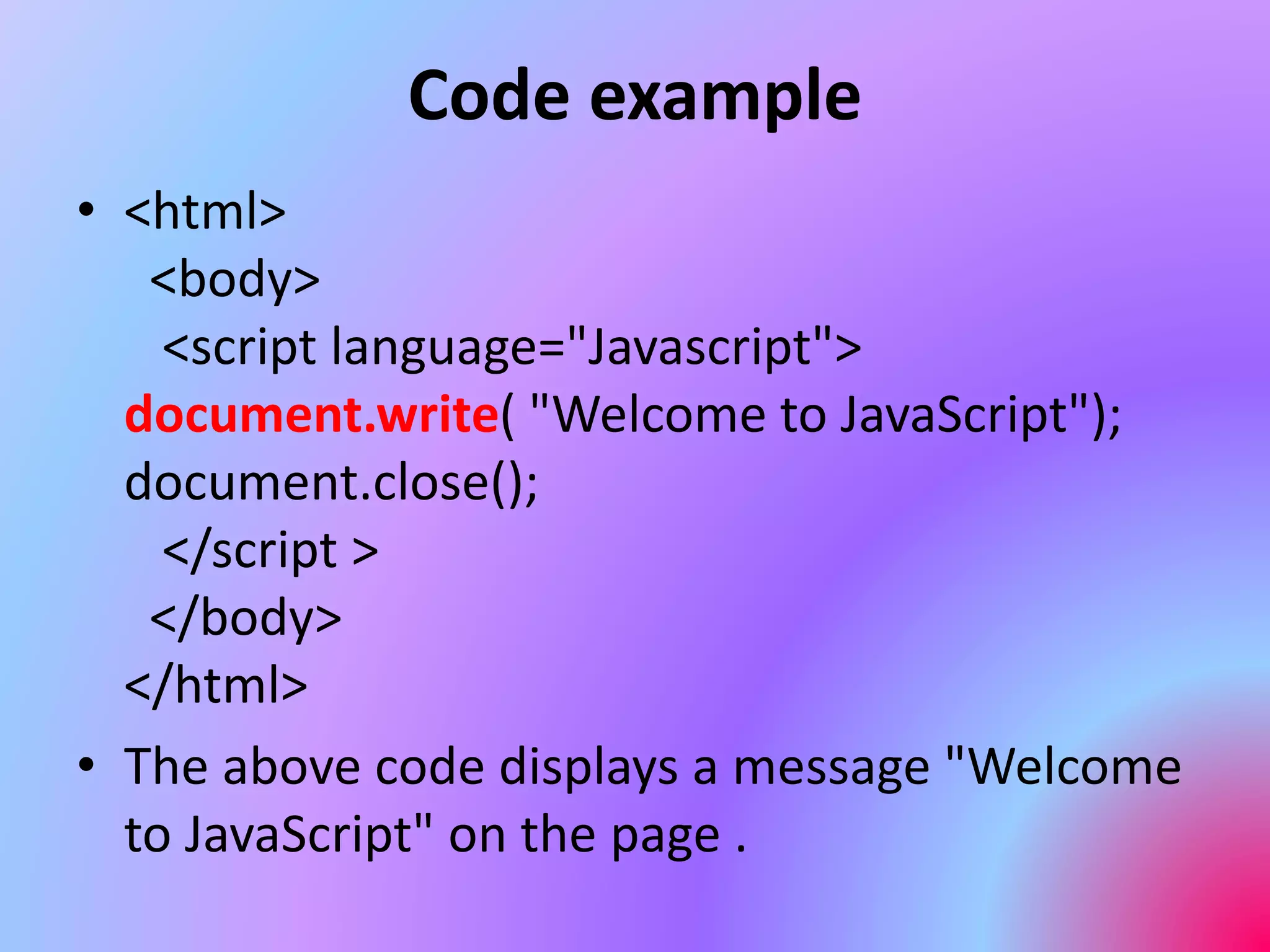
• <html>
<body>
<script language="Javascript">
document.write( "Welcome to JavaScript");
document.close();
</script >
</body>
</html>
• The above code displays a message "Welcome
to JavaScript" on the page .
Code example
You can also add HTML tags with document.write()
<html>
<body>
<script language="Javascript">
document.writeln( "<h3>");
document.writeln( "Welcome to JavaScript");
document.write( "</h3>");
</script >
</body>
</html>
Here you can see HTML tag <h3> is added so
the string "Welcome to JavaScript" is printed in bold format .
Functions: taking Input from User
1) window.prompt()
2) window.confirm()
Details of the Input Functions
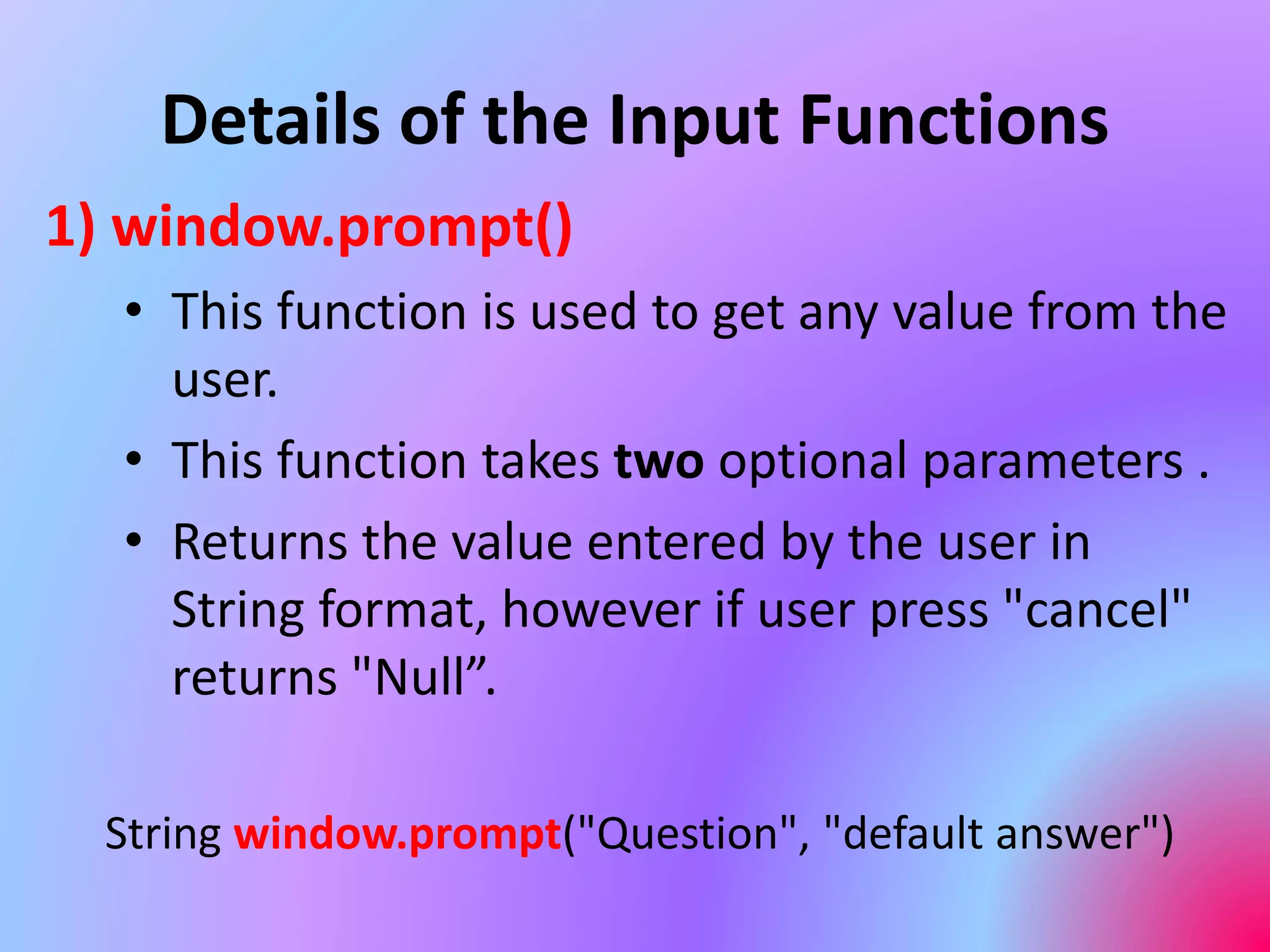
1) window.prompt()
• This function is used to get any value from the
user.
• This function takes two optional parameters .
• Returns the value entered by the user in
String format, however if user press "cancel"
returns "Null”.
String window.prompt("Question", "default answer")
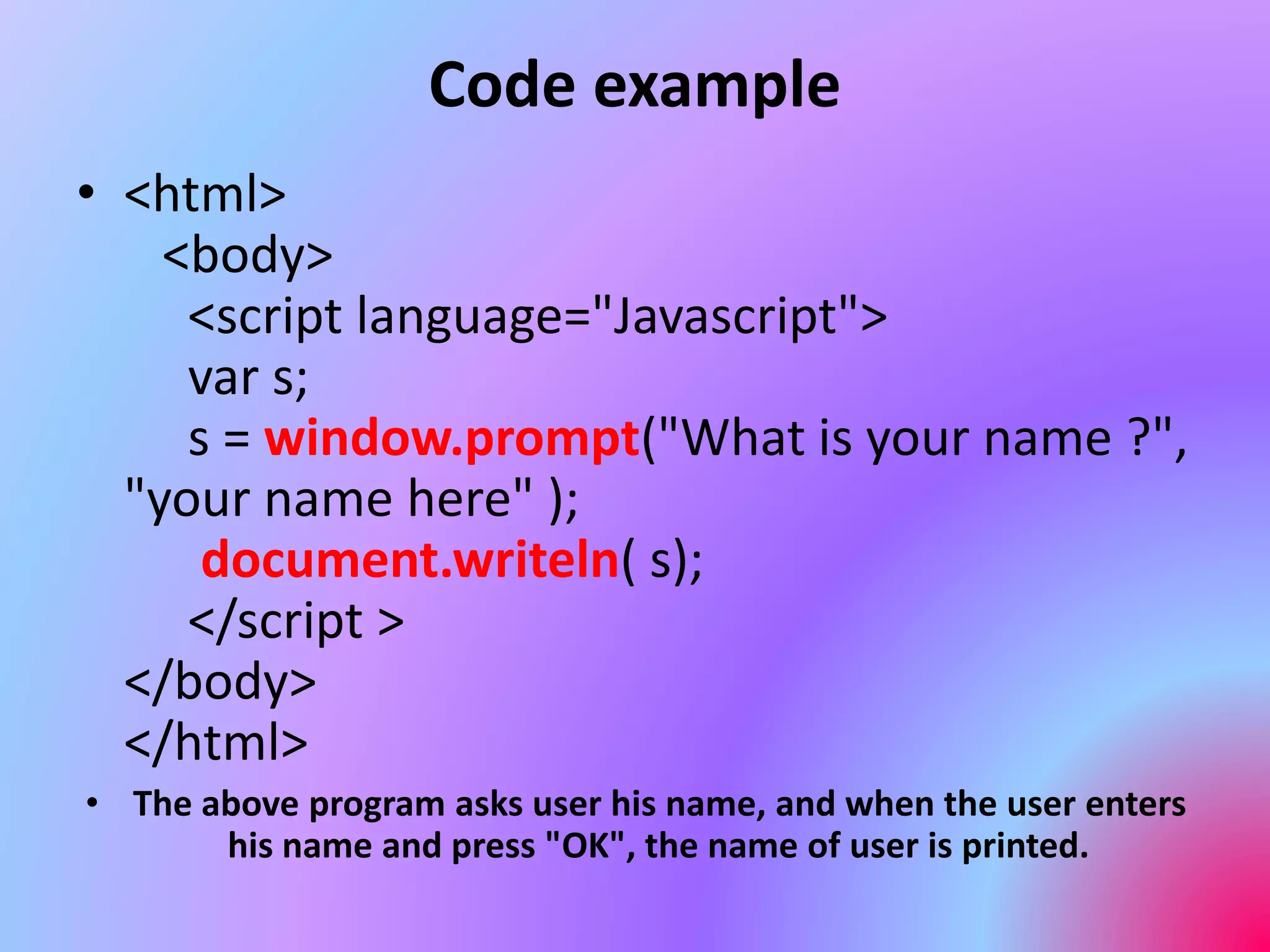
Code example
• <html>
<body>
<script language="Javascript">
var s;
s = window.prompt("What is your name ?",
"your name here" );
document.writeln( s);
</script >
</body>
</html>
• The above program asks user his name, and when the user enters
his name and press "OK", the name of user is printed.
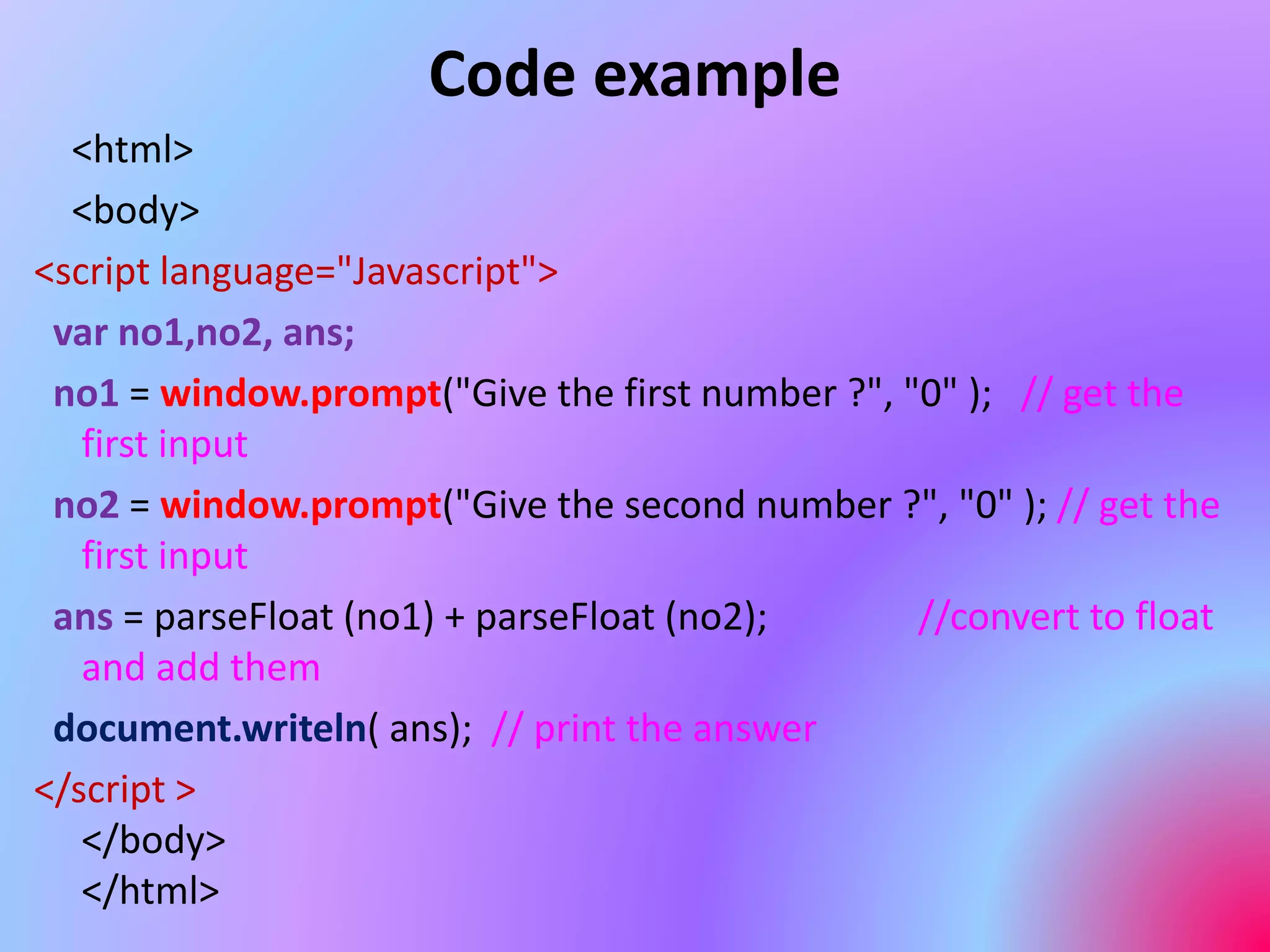
Code example
<html>
<body>
<script language="Javascript">
var no1,no2, ans;
no1 = window.prompt("Give the first number ?", "0" ); // get the
first input
no2 = window.prompt("Give the second number ?", "0" ); // get the
first input
ans = parseFloat (no1) + parseFloat (no2); //convert to float
and add them
document.writeln( ans); // print the answer
</script >
</body>
</html>
Input Functions
2) window.confirm()
• This function prompts the user to confirm
the decision.
• It shows a messageBox with two buttons
"OK" and "CANCEL" on it.
• If user press "OK" it returns "true" , if user
press "CANCEL" it returns false.
Code example
<html>
<body>
<script language="Javascript">
var no1,no2, ans;
ans = window.confirm("Are you ready?")
if (ans==true) // check users response
document.writeln( "Start learning JavaScript");
else
document.writeln( "Try later");
</script >
</body>
</html>

8486477.ppt

  • 1.
  • 2.
    Input & OutputFunctions • JavaScript is special from other languages because it can accept input and produce output on the basis of that input in the same page. • That mean, you don't have to go to other page or refresh the page to see the output.
  • 3.
    Functions to showoutput 1) window.alert() 2) window.status() 3) document.write() 4) document.writeln()
  • 4.
    Details of theOutput Functions 1) window.alert() • This function show the message in a small messagebox . • The messagebox contains the string and an “OK” button on it. • If the user presses the "OK" button the messagebox disappears. • The message to be displayed has to be passed as parameter window.alert() .
  • 5.
    Code example • <html> <body> <scriptlanguage="Javascript"> window.alert ("Hello"); </script> </body> </html> • The above code displays a message box with the string "Hello" on it.
  • 6.
    Output Functions 2) window.status() •This function show the message in status- bar . • The message to be displayed has to be passed as parameter window.status() .
  • 7.
    Code example • <html> <body> <scriptlanguage="Javascript"> window.status ="Welcome to JavaScript"; </script > </body> </html> • The above code displays a message "Welcome to JavaScript" in the status bar .
  • 8.
    Output Functions 3) document.write() •This function print a string in the current page. • The message to be displayed has to be passed as parameter document.write() . 4) document.writeln() • This function works as the same way as document.write() .
  • 9.
    Code example • <html> <body> <scriptlanguage="Javascript"> document.write( "Welcome to JavaScript"); document.close(); </script > </body> </html> • The above code displays a message "Welcome to JavaScript" on the page .
  • 10.
    Code example You canalso add HTML tags with document.write() <html> <body> <script language="Javascript"> document.writeln( "<h3>"); document.writeln( "Welcome to JavaScript"); document.write( "</h3>"); </script > </body> </html> Here you can see HTML tag <h3> is added so the string "Welcome to JavaScript" is printed in bold format .
  • 11.
    Functions: taking Inputfrom User 1) window.prompt() 2) window.confirm()
  • 12.
    Details of theInput Functions 1) window.prompt() • This function is used to get any value from the user. • This function takes two optional parameters . • Returns the value entered by the user in String format, however if user press "cancel" returns "Null”. String window.prompt("Question", "default answer")
  • 13.
    Code example • <html> <body> <scriptlanguage="Javascript"> var s; s = window.prompt("What is your name ?", "your name here" ); document.writeln( s); </script > </body> </html> • The above program asks user his name, and when the user enters his name and press "OK", the name of user is printed.
  • 14.
    Code example <html> <body> <script language="Javascript"> varno1,no2, ans; no1 = window.prompt("Give the first number ?", "0" ); // get the first input no2 = window.prompt("Give the second number ?", "0" ); // get the first input ans = parseFloat (no1) + parseFloat (no2); //convert to float and add them document.writeln( ans); // print the answer </script > </body> </html>
  • 15.
    Input Functions 2) window.confirm() •This function prompts the user to confirm the decision. • It shows a messageBox with two buttons "OK" and "CANCEL" on it. • If user press "OK" it returns "true" , if user press "CANCEL" it returns false.
  • 16.
    Code example <html> <body> <script language="Javascript"> varno1,no2, ans; ans = window.confirm("Are you ready?") if (ans==true) // check users response document.writeln( "Start learning JavaScript"); else document.writeln( "Try later"); </script > </body> </html>