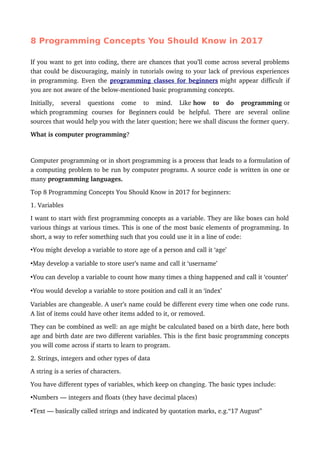
This document discusses 8 important programming concepts for beginners to know in 2017:
1. Variables - boxes that can hold different values and be used in code.
2. Data types - including numbers, text, lists, and dictionaries which store different types of data.
3. Classes/IDs and selectors - tools used to identify and style elements in code like HTML and CSS.
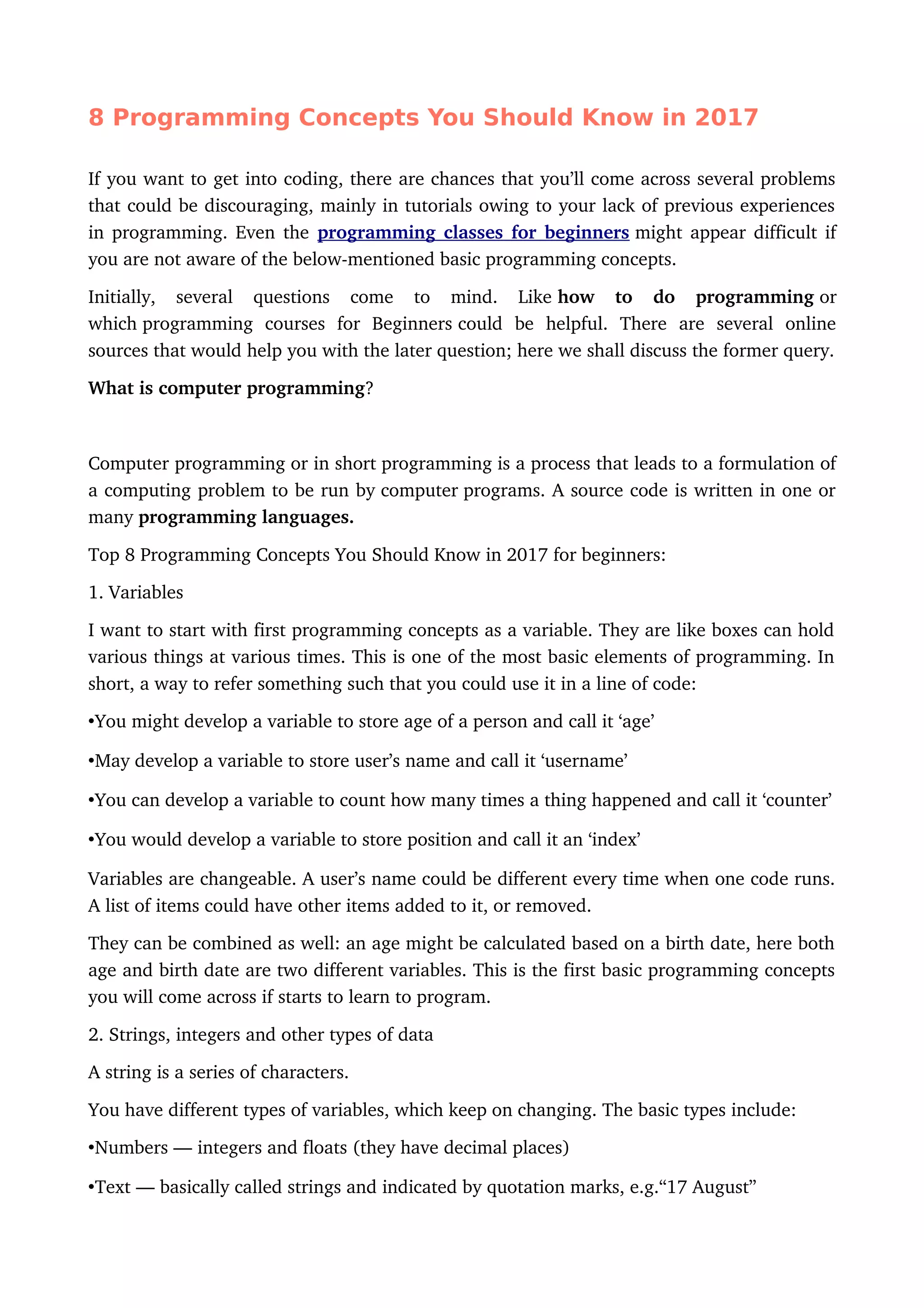
4. Functions/methods - pre-written blocks of code that perform tasks when given arguments.
5. Arguments - ingredients passed to functions that are necessary for the function to run.
6. Libraries - collections of pre-written functions and methods that help solve common problems.
7. Lists/arrays and dictionaries -
![•Lists or arrays indicated by square brackets and commas, e.g. [“Manchester”, “Glasgow”,
“Paris”]
•Dictionaries or dicts normally mentioned by curly brackets, colons and commas, e.g.
{“Age” : 23, “Name”: “Jane”}
This is important as problems could occur when code gets information in a wrong format.
For instance, you can’t do a calculation with strings, or in several cases, mix text with
numbers.
In such cases programming involves instructing the code to treat ‘7’ as a number and not as
a string, or to convert the string ‘seven’ to its numerical version. Computers need exact
instruction to perform.
3.classes and #ids and selectors
Selectors like .nav permits you to find or control items in a web page.
HTML code applies the class= and id= to identify particular types of content and make it
possible to edit with other code. For instance, you might have such a code in a web page:
•<div class=”article”>
•<ul class=”nav”>
•<h2 class=”subhead”>
•<div id=”footer”>
There are about 3 ways in which, these classes and ids become useful:
1.They can be styled by making use of CSS
2.It could be identified and written using languages like Ruby, Python, and PHP
In many cases, this is done using selectors. These selectors mention a class with a period,
and an id with a hash, as shown below:
•.article (for class=”article”)
•#footer (for id=”footer”)
4. Functions, methods
Functions and methods are like titles. You only need to provide the ingredients.
Functions and methods are basically oneword formulae to perform things that would
otherwise take several lines of code. For instance:
•len in certain languages means ‘give me a length of the thing I specify’
•split in certain languages means ‘split this thing into one or many based on a criteria I
specify’](https://image.slidesharecdn.com/programmingconcepts-180717091321/85/8-Programming-Concepts-You-Should-Know-2-320.jpg)
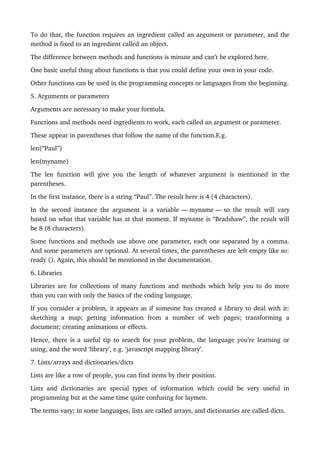
![A list or array is but a list of items, which appear like this:
[“Asia”, “Africa”, “Europe”]
The contents list could be one or more of any of the data types mentioned above.
Lists are quite useful to:
•Store information and to
•Repeat actions.
A dictionary has both labels and values. Dictionaries are also a form of list, but with a main
difference that they are a list of pairs. Each pair has a label (known as a key) and a value,
connected by a colon, for instance:
“Age”: 24
Consider dictionary as a collection of words with a definition. But you could also consider it
as column headings (age, name, location) and values (18, Sarah, Chicago).
Each pair is next separated by commas and the whole is placed in a list in curly brackets, as
shown below:
{“Age” : 23, “Name”: “Jane”}
This is very useful for storing data that has more than one label. For instance, you might
save a list of ages as a very simple list. But if you want to connect each age to a name or
location, then you will need a dictionary.
This could be behind the logic of data format JSON, a number of APIs use this format.
Very much like lists, dictionaries also contain various types of data under each key, which
includes lists and dictionaries as well.
8. Objects
With our final concept from top programming concepts Objects, I think after it you are
reddy to learn new language.
Lego objects could only be used with another lego objects, and not with Duplo objects.
The trem ‘object’ in programming is something which could be edited or used in some way
by the program, like a variable that has an age, name, list, etc.
When the term ‘object’ is preceded by another it could be annoying. For instance, you must
have read about a ‘jQuery object’ or an ‘lxml object’.
When objects are described such a way it means that the object in question can be modified
or used by code from a library:
jQuery methods, could be used on a ‘jQuery object’; lxml methods could be used on a ‘lxml
object’.](https://image.slidesharecdn.com/programmingconcepts-180717091321/85/8-Programming-Concepts-You-Should-Know-4-320.jpg)


![FoneLab HyperTrans Crack [Free Download]](https://cdn.slidesharecdn.com/ss_thumbnails/introductiontoprogramming-250323161919-2f2ced27-thumbnail.jpg?width=640&height=640&fit=bounds)


