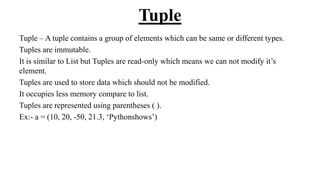
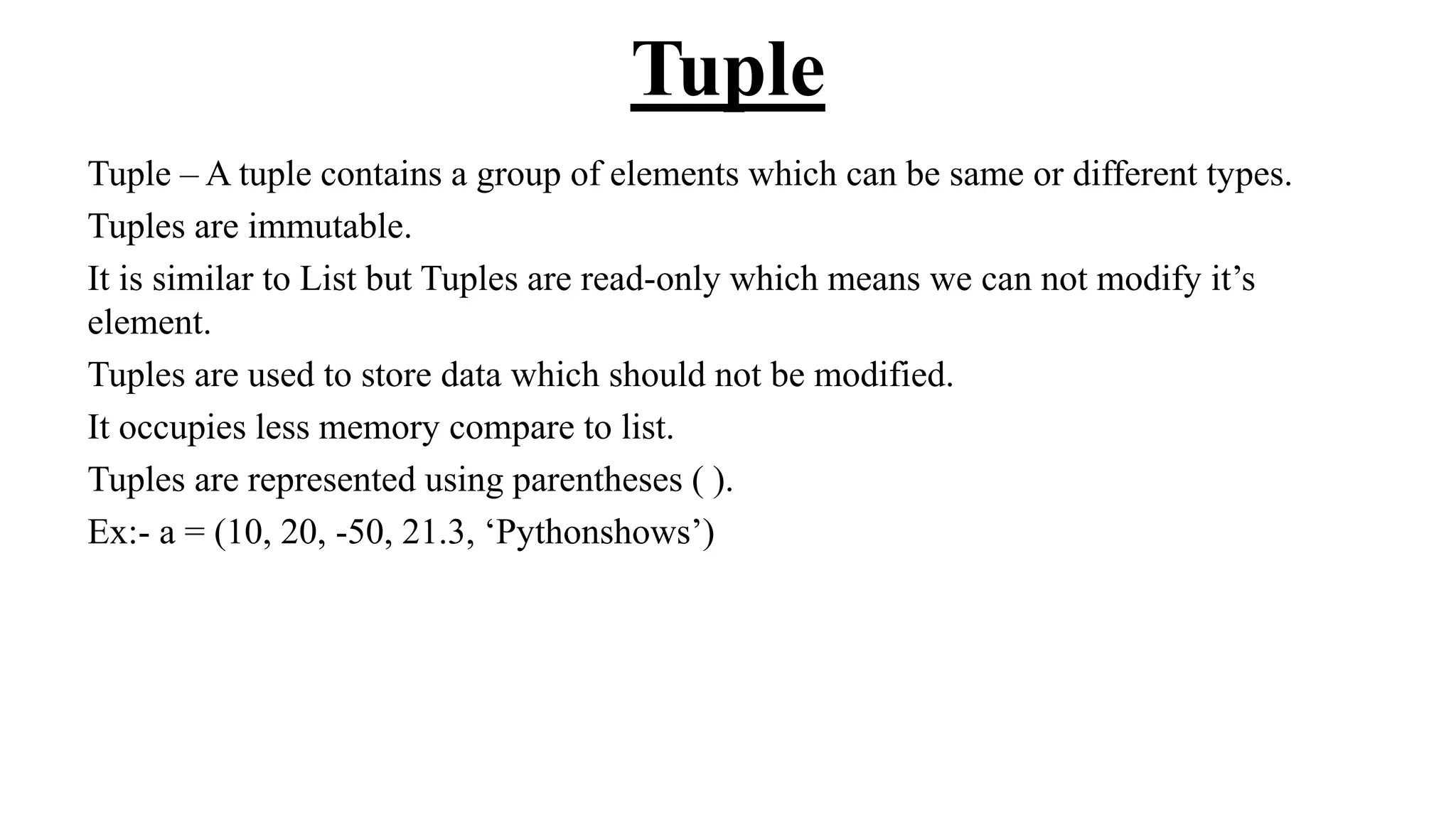
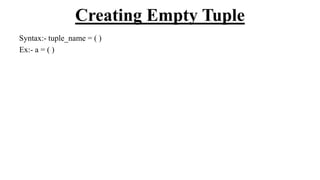
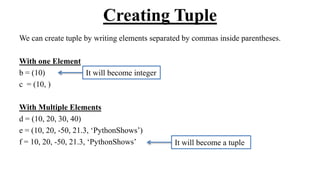
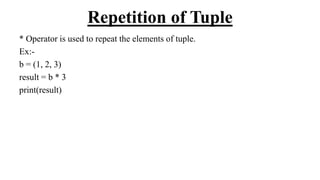
A tuple is an immutable data structure that stores elements of the same or different types and is represented using parentheses. Tuple elements can be accessed via indexing, and they support slicing, concatenation, and repetition, but cannot be modified or deleted individually. Tuples are memory-efficient compared to lists and can be aliased or copied using slicing.
![Index
An index represents the position number of an tuple’s element. The index start from 0
on wards and written inside square braces.
Ex:- a = (10, 20, -50, 21.3, ‘Pythonshows’)
[0] 10
[1] 20
[2] -50
[3] 21.3
[4] Pythonshows
a
[-5] 10
[-4] 20
[-3] -50
[-2] 21.3
[-1] Pythonshows
a](https://image.slidesharecdn.com/58-240702070433-a9bb952a/85/58-Tuples-python-ppt-that-will-help-you-understand-concept-of-tuples-4-320.jpg)
![Accessing Tuple’s Element
a = (10, 20, -50, 21.3, ‘Pythonshows’)
print(a[0])
print(a[1])
print(a[2])
print(a[3])
print(a[4])
10 20 -50 21.3 Pythonshows
a[0] a[1] a[2] a[3] a[4]](https://image.slidesharecdn.com/58-240702070433-a9bb952a/85/58-Tuples-python-ppt-that-will-help-you-understand-concept-of-tuples-5-320.jpg)
![Accessing using for loop
a = (10, 20, -50, 21.3, ‘Pythonshows’)
Without index
for element in a:
print(element)
With index
n = len(a)
for i in range(n):
print(a[i])](https://image.slidesharecdn.com/58-240702070433-a9bb952a/85/58-Tuples-python-ppt-that-will-help-you-understand-concept-of-tuples-6-320.jpg)
![Accessing using while loop
a = (10, 20, -50, 21.3, ‘Pythonshows’)
n = len(a)
i = 0
while i < n :
print(a[i])
i+=1](https://image.slidesharecdn.com/58-240702070433-a9bb952a/85/58-Tuples-python-ppt-that-will-help-you-understand-concept-of-tuples-7-320.jpg)
![Slicing on Tuple
Slicing on tuple can be used to retrieve a piece of the tuple that contains a
group of elements. Slicing is useful to retrieve a range of elements.
Syntax:-
new_tuple_name = tuple_name[start:stop:stepsize]](https://image.slidesharecdn.com/58-240702070433-a9bb952a/85/58-Tuples-python-ppt-that-will-help-you-understand-concept-of-tuples-8-320.jpg)
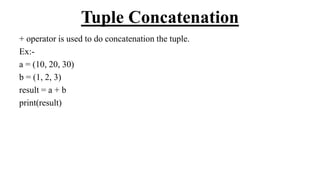
![Modifying Element
Tuples are immutable so it is not possible to modify, update or delete it’s
element.
a = (10, 20, -50, 21.3, ‘Pythonshows’)
a[1] = 40
b = (101, 102, 103)
t = a + b
10 -50 21.3 Pythonshows
a[0] a[1] a[2] a[3] a[4]
20
10 20 -50 21.3 PythonShows 101 102 103
t[0] t[1] t[2] t[3] t[4] t[5] t[6] t[7]](https://image.slidesharecdn.com/58-240702070433-a9bb952a/85/58-Tuples-python-ppt-that-will-help-you-understand-concept-of-tuples-10-320.jpg)
![Deleting Tuple
You can delete entire tuple but not an element of tuple.
a = (10, 20, -50, 21.3, ‘Pythonshows’)
del a
10 20 -50 21.3 Pythonshows
a[0] a[1] a[2] a[3] a[4]](https://image.slidesharecdn.com/58-240702070433-a9bb952a/85/58-Tuples-python-ppt-that-will-help-you-understand-concept-of-tuples-11-320.jpg)
![Aliasing Tuple
Aliasing means giving another name to the existing object. It doesn’t mean
copying.
a = (10, 20, 30, 40, 50)
b = a
a
b
10 20 30 40 50
[0] [1] [2] [3] [4]
10 20 30 40 50](https://image.slidesharecdn.com/58-240702070433-a9bb952a/85/58-Tuples-python-ppt-that-will-help-you-understand-concept-of-tuples-13-320.jpg)
![Copying Tuple
We can copy elements of tuple into another tuple using slice.
a = (10, 20, 30, 40, 50)
b = a
b = a[0:5]
b = a[1:4]
a
10 20 30 40 50
[0] [1] [2] [3] [4]](https://image.slidesharecdn.com/58-240702070433-a9bb952a/85/58-Tuples-python-ppt-that-will-help-you-understand-concept-of-tuples-14-320.jpg)


