Robb Wanner, Direct Mail Processors, Inc.
DM101: Data Capture
and Caging
Presentation Goal
To provide the attendee with a thorough
understanding of the caging, lockbox,
imaging, data capture and donor
appreciation process.
#Bridge15
Caging and Data Capture
The short overview of this service includes
receiving donor mail, processing the donations,
facilitating the depositing of all contributions to the
organization’s bank account, capturing all of the
data information, providing mailing results and
helping to strengthen donor relationships.
#Bridge15
Account Set-Up
• Procedure Manual - Business Rules
An instruction guide on how to handle your responses.
1. Post Office Box
2. Banking Instructions
3. Batching Instructions
4. Processing Instructions
5. Database Instructions/Rules
6. Data Capture and Formats
#Bridge15
Caging and Data Capture
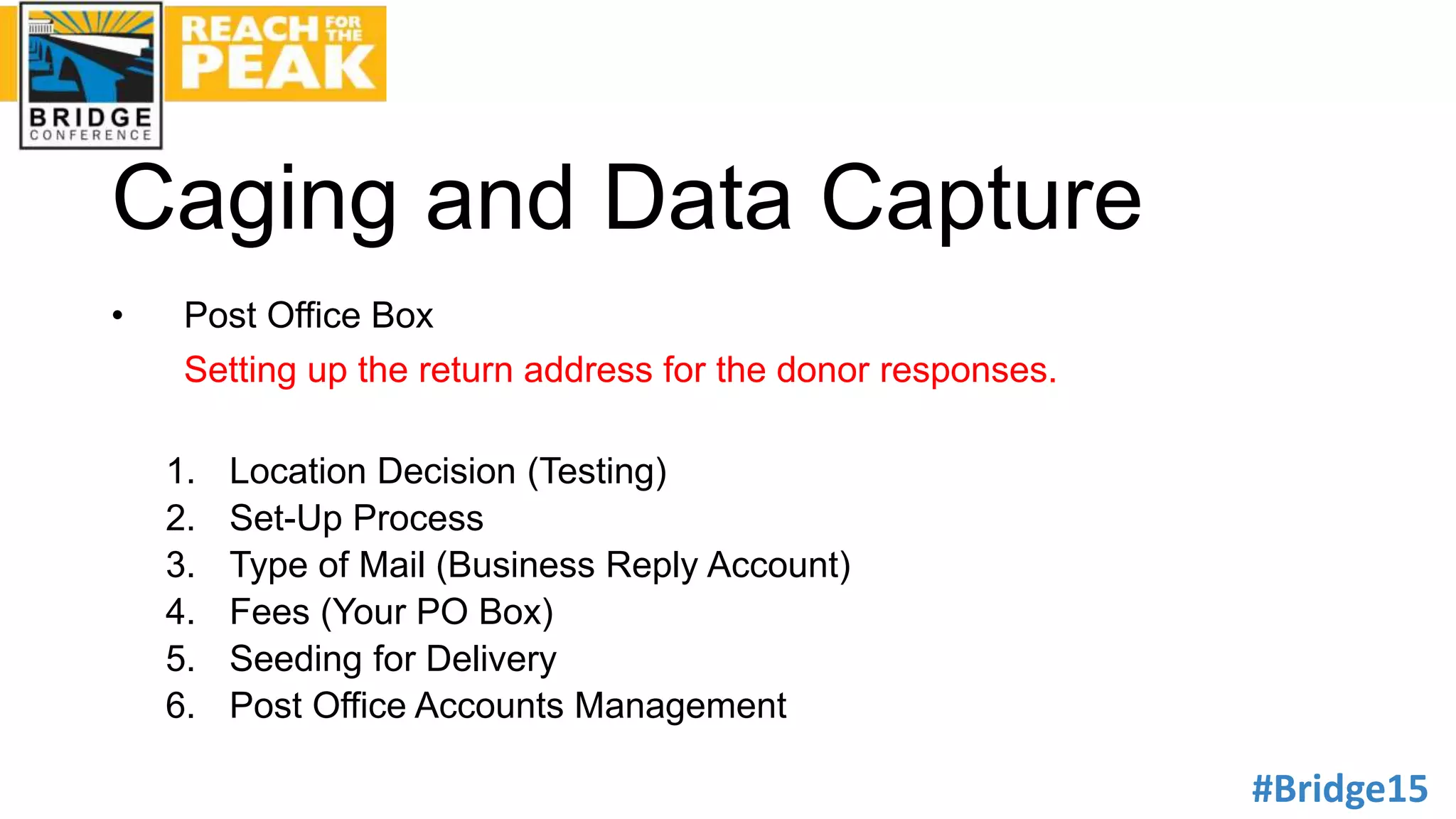
• Post Office Box
Setting up the return address for the donor responses.
1. Location Decision (Testing)
2. Set-Up Process
3. Type of Mail (Business Reply Account)
4. Fees (Your PO Box)
5. Seeding for Delivery
6. Post Office Accounts Management
#Bridge15
Caging and Data Capture
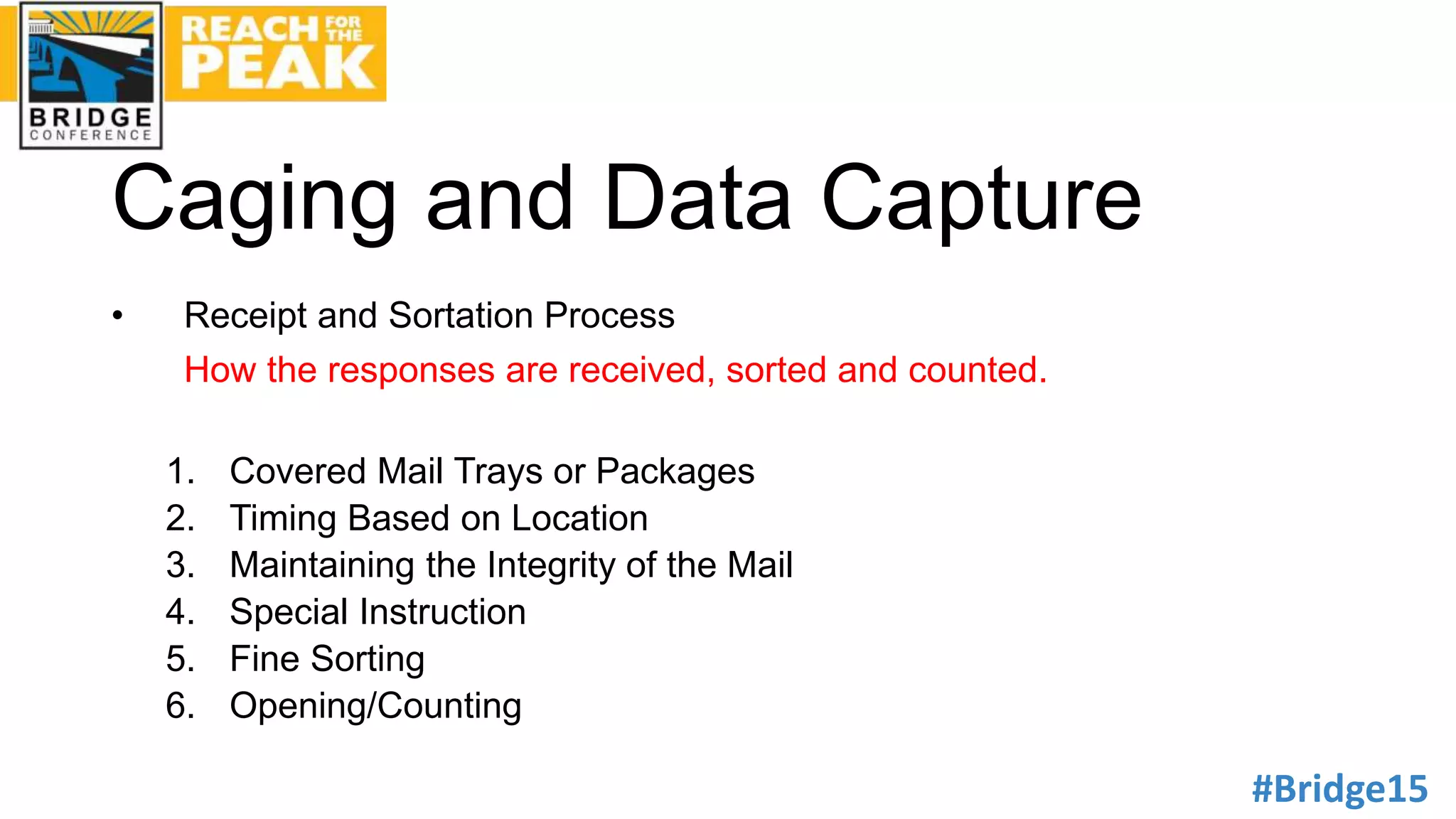
• Receipt and Sortation Process
How the responses are received, sorted and counted.
1. Covered Mail Trays or Packages
2. Timing Based on Location
3. Maintaining the Integrity of the Mail
4. Special Instruction
5. Fine Sorting
6. Opening/Counting
#Bridge15
Caging and Data Capture
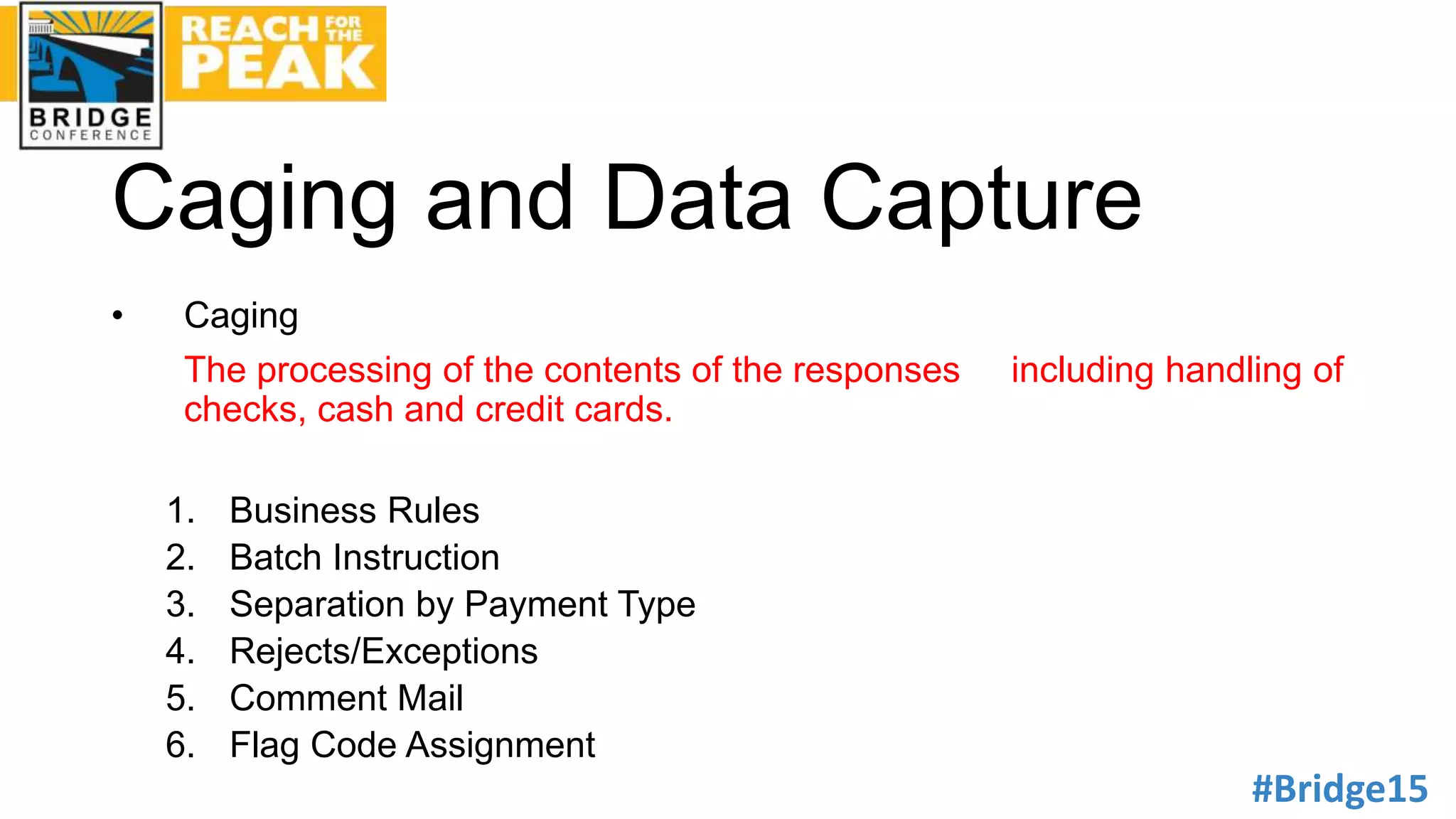
• Caging
The processing of the contents of the responses including handling of
checks, cash and credit cards.
1. Business Rules
2. Batch Instruction
3. Separation by Payment Type
4. Rejects/Exceptions
5. Comment Mail
6. Flag Code Assignment
#Bridge15
Caging and Data Capture
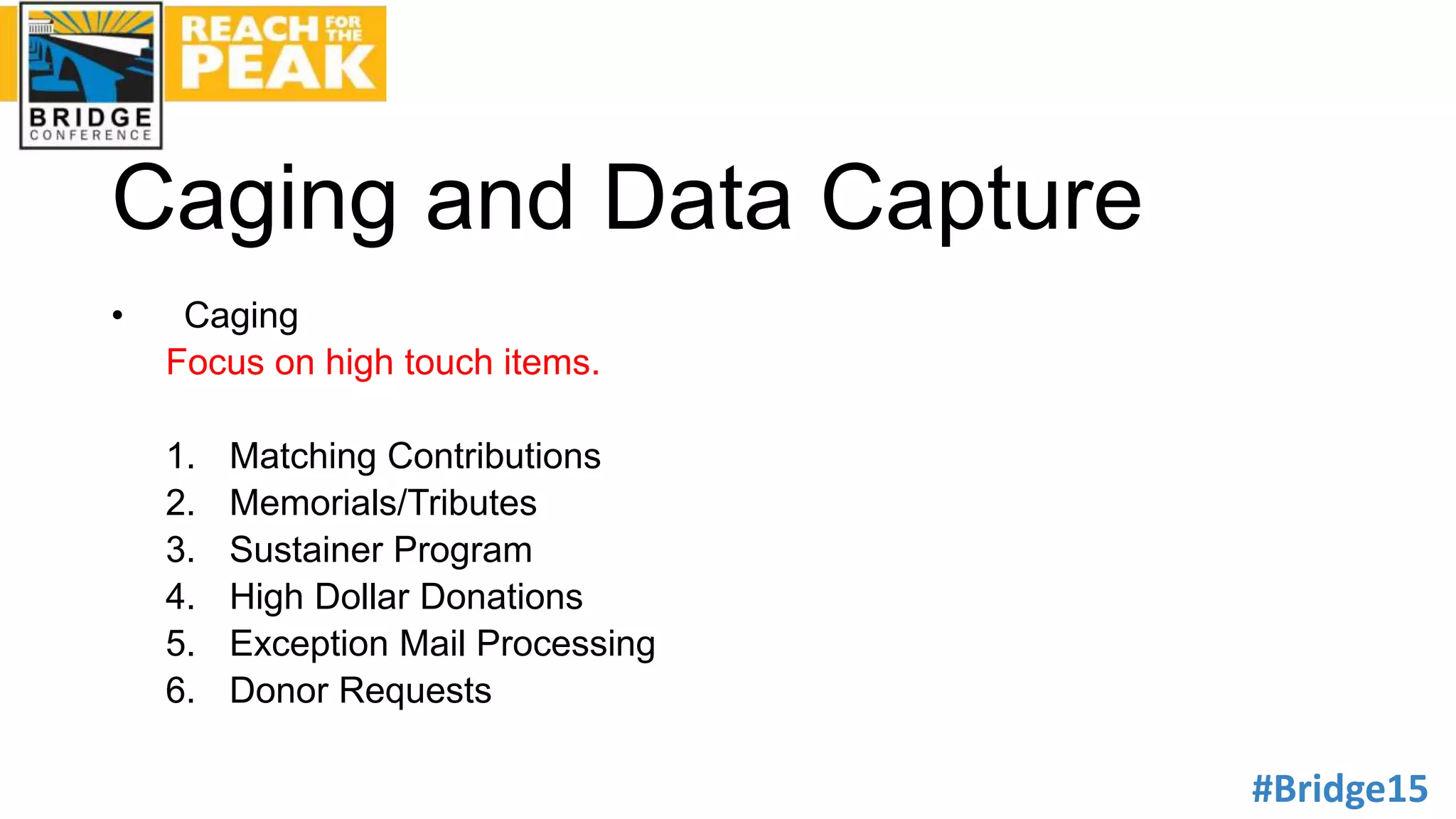
• Caging
Focus on high touch items.
1. Matching Contributions
2. Memorials/Tributes
3. Sustainer Program
4. High Dollar Donations
5. Exception Mail Processing
6. Donor Requests
#Bridge15
Caging and Data Capture
• Credit Card Processing
Why these transactions must be processed separately.
1. Merchant Account
2. PCI DSS Compliance
3. Credit Card Processor
4. Separate Process
5. Sustainer Processing
6. Security
#Bridge15
Caging and Data Capture
• Depositing and Banking
The procedures followed for preparing deposits and making sure all
money is deposited to your account.
1. Preparation of Deposits
2. Audit
3. Deposit Logs and Reports
4. Cash and Checks
5. Check 21/Image Cash Letter
6. Separate Bank Accounts
#Bridge15
Caging and Data Capture
• Data Capture
This process provides crucial information for the continued success of
all future mailings as well as building strong donor relationships.
1. Scanning
2. Digital Imaging of Documents (100%)
3. Image Retrieval
4. Manual Data Entry/On-line
5. Data Transmission
6. Reporting and Analysis
#Bridge15
Caging and Data Capture
• Security
The secure processing of donations is of
paramount concern to all organizations.
1. Background Checks
2. Security Cards
3. Surveillance Cameras
4. Vaults
5. Cash Seeding
6. Security Audits
#Bridge15
Donor Appreciation
• Acknowledgement/Thank You
Strengthening the relationship between the non-profit and the donor
through a continuing “thank you” program.
1. Strategic Message
2. Package (letter only vs. return device)
3. Window, Closed Face, Stamp
4. High donors (call followed by handwritten)
5. Timing
6. Premium
Thank you!
Robb Wanner
Direct Mail Processors, Inc.
1150 Conrad Court
Hagerstown, MD 21740
Direct: 301-812-0135
Cell: 301-641-7474

DM101: Data Capture & Caging (DMP)

  • 1.
    Robb Wanner, DirectMail Processors, Inc. DM101: Data Capture and Caging
  • 2.
    Presentation Goal To providethe attendee with a thorough understanding of the caging, lockbox, imaging, data capture and donor appreciation process.
  • 3.
    #Bridge15 Caging and DataCapture The short overview of this service includes receiving donor mail, processing the donations, facilitating the depositing of all contributions to the organization’s bank account, capturing all of the data information, providing mailing results and helping to strengthen donor relationships.
  • 4.
    #Bridge15 Account Set-Up • ProcedureManual - Business Rules An instruction guide on how to handle your responses. 1. Post Office Box 2. Banking Instructions 3. Batching Instructions 4. Processing Instructions 5. Database Instructions/Rules 6. Data Capture and Formats
  • 5.
    #Bridge15 Caging and DataCapture • Post Office Box Setting up the return address for the donor responses. 1. Location Decision (Testing) 2. Set-Up Process 3. Type of Mail (Business Reply Account) 4. Fees (Your PO Box) 5. Seeding for Delivery 6. Post Office Accounts Management
  • 6.
    #Bridge15 Caging and DataCapture • Receipt and Sortation Process How the responses are received, sorted and counted. 1. Covered Mail Trays or Packages 2. Timing Based on Location 3. Maintaining the Integrity of the Mail 4. Special Instruction 5. Fine Sorting 6. Opening/Counting
  • 7.
    #Bridge15 Caging and DataCapture • Caging The processing of the contents of the responses including handling of checks, cash and credit cards. 1. Business Rules 2. Batch Instruction 3. Separation by Payment Type 4. Rejects/Exceptions 5. Comment Mail 6. Flag Code Assignment
  • 8.
    #Bridge15 Caging and DataCapture • Caging Focus on high touch items. 1. Matching Contributions 2. Memorials/Tributes 3. Sustainer Program 4. High Dollar Donations 5. Exception Mail Processing 6. Donor Requests
  • 9.
    #Bridge15 Caging and DataCapture • Credit Card Processing Why these transactions must be processed separately. 1. Merchant Account 2. PCI DSS Compliance 3. Credit Card Processor 4. Separate Process 5. Sustainer Processing 6. Security
  • 10.
    #Bridge15 Caging and DataCapture • Depositing and Banking The procedures followed for preparing deposits and making sure all money is deposited to your account. 1. Preparation of Deposits 2. Audit 3. Deposit Logs and Reports 4. Cash and Checks 5. Check 21/Image Cash Letter 6. Separate Bank Accounts
  • 11.
    #Bridge15 Caging and DataCapture • Data Capture This process provides crucial information for the continued success of all future mailings as well as building strong donor relationships. 1. Scanning 2. Digital Imaging of Documents (100%) 3. Image Retrieval 4. Manual Data Entry/On-line 5. Data Transmission 6. Reporting and Analysis
  • 12.
    #Bridge15 Caging and DataCapture • Security The secure processing of donations is of paramount concern to all organizations. 1. Background Checks 2. Security Cards 3. Surveillance Cameras 4. Vaults 5. Cash Seeding 6. Security Audits
  • 13.
    #Bridge15 Donor Appreciation • Acknowledgement/ThankYou Strengthening the relationship between the non-profit and the donor through a continuing “thank you” program. 1. Strategic Message 2. Package (letter only vs. return device) 3. Window, Closed Face, Stamp 4. High donors (call followed by handwritten) 5. Timing 6. Premium
  • 14.
    Thank you! Robb Wanner DirectMail Processors, Inc. 1150 Conrad Court Hagerstown, MD 21740 Direct: 301-812-0135 Cell: 301-641-7474